
5 Gas Station Dance AI Video Generators Compared in 2026
Choose a gas station dance video maker by photo count, output format, preview, credits, and whether it creates the whole three-shot trend or swaps one face.
On this page
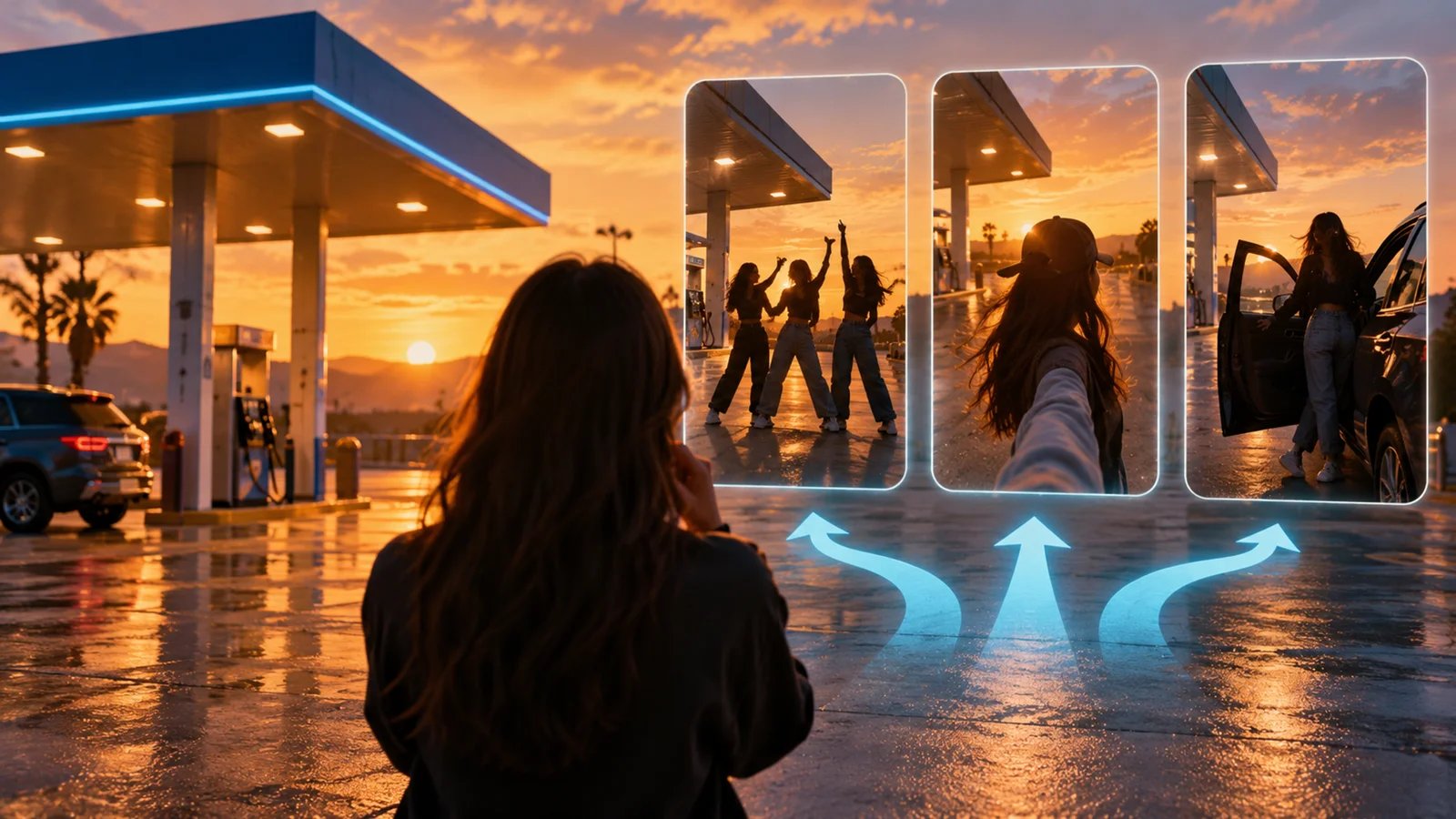
The gas station dance trend has a specific sequence: a forecourt dance, a walking selfie, and a car exit at sunset. Tools that use the same name can make quite different videos. Some place three people into all three shots. Others swap one face into a preset dance clip. The right choice depends on the people you want on screen, the export you need, and what you can inspect before paying.
This comparison uses product pages and published terms checked on October 3, 2026. It is source-based research; ToolWorthy has not bought matching renders or tested identity accuracy, motion quality, or queue times across these products. Prices and credit requirements can change at checkout.
Placement disclosure: Gas Station Dance appears first at the site owner's request and receives a complimentary ToolWorthy Verified Listing. That placement and badge are not a head-to-head quality verdict. The remaining choices are organized by the workflow they serve.
Choose by the video you need
| Tool | Best starting point when… | Photo inputs | Published output or controls | Cost boundary |
|---|---|---|---|---|
| Gas Station Dance | You want the complete three-shot trend from one to three people, with a still preview before purchase | 1–3; empty roles can use AI extras | Fixed 15-second, vertical 9:16 MP4; delivered at 1080×1920 | One-time packs start at $9.99 for one video |
| Seadanse | You want a longer version with optional role photos, pets, or a text idea for AI-cast people | Up to three optional role photos; one person or pet per photo | 20-second vertical 9:16 MP4; 480p, 720p, 1080p | 370–1,480 credits by resolution; the smallest listed one-time pack is $9.90 for 495 credits, enough for one 480p render. The 40 free starter credits do not cover this effect. |
| Trendai.video | You expect to use other trend templates after this clip | Three role slots; support characters marked optional | 17-second vertical clip; 480p, 720p, 1080p | 1,990–11,645 credits by resolution; dollar cost depends on plan |
| imageat | You also need image, video, or workflow tools in the same workspace | Three photos or reuse one across slots | 17-second vertical clip; 480p, 720p, 1080p | 79–399 credits by resolution; check current pack conversion |
| Magic Hour | You only need one face in a gas-station dance template | One face photo | Preset face-swap clip; dance sequence stays fixed | Free to start; template-specific export cost is not clear from its public page |
The first four make or advertise the full three-part edit. Magic Hour serves a simpler task. If a friend trio is the point, start with one of the three-role tools. If you only want a quick themed face swap, Magic Hour may require less setup.
Full three-shot generators
Gas Station Dance
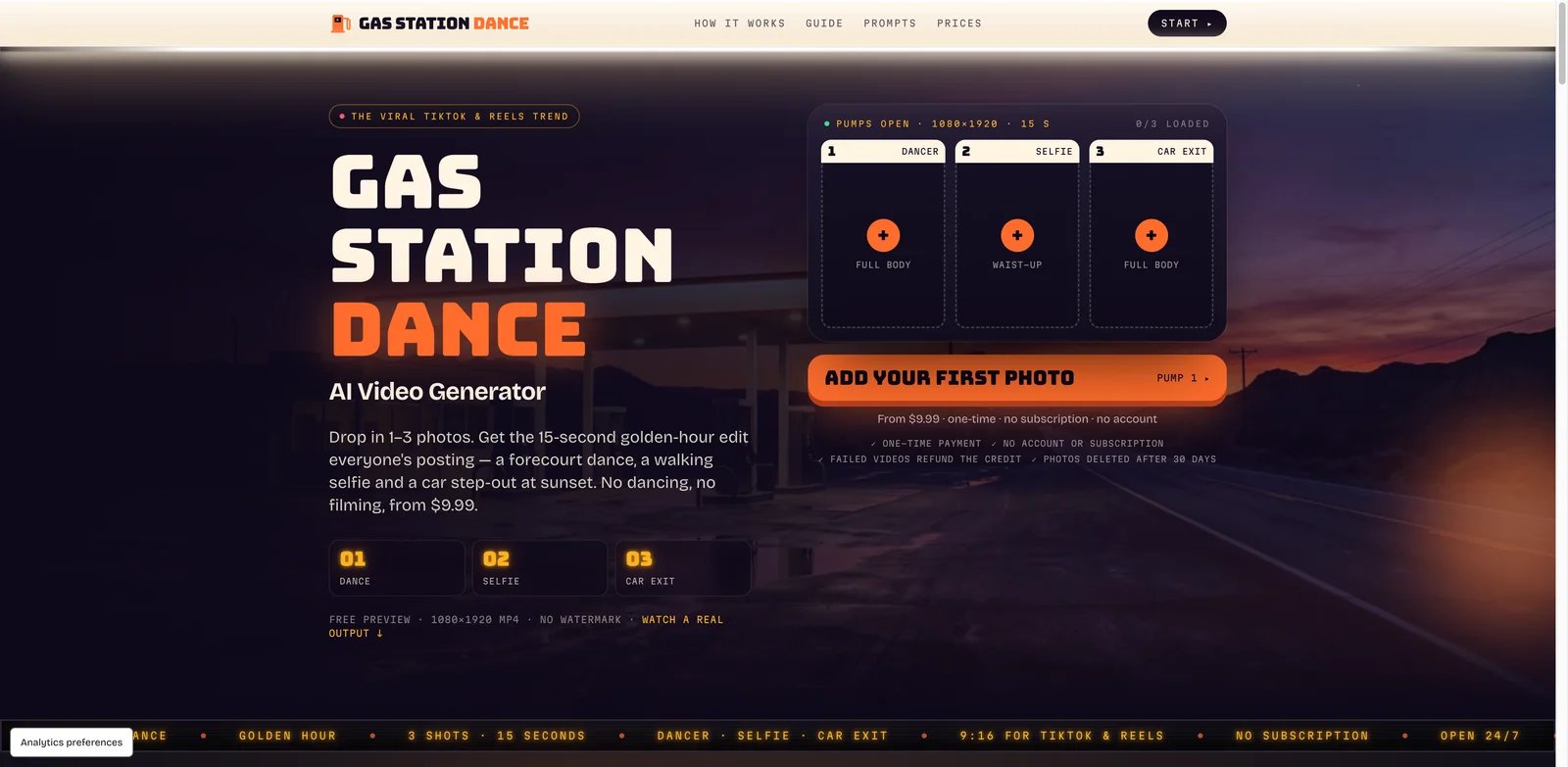
Gas Station Dance gives each of the three shots its own photo slot: dancer, selfie, and car exit. A single person can appear in several shots, while an unfilled role can be cast with an AI extra. That makes it useful for a solo creator or a group that cannot supply three usable portraits. Its free preview shows the people at the pump as a still image; the moving video requires a purchase.
The public offer is straightforward: $9.99 for one video, $19.99 for three, or $49.99 for ten. These are one-time purchases with no account or subscription, and the terms say unused video credits do not expire and failed generations return a credit. The output is a fixed 15-second 9:16 MP4 with no watermark. The site describes the delivered file as 1080×1920; its published project code requests 480p generation and resizes the file for delivery, so that figure should not be mistaken for native 1080p generation detail.
Choose it if you want the exact three-shot story and prefer a known per-video price over a large platform credit balance. Skip it if you need widescreen delivery, a different setting, editable choreography, or explicit commercial-use permission: its terms mention personal and social media use but do not clearly grant broader advertising rights.
Seadanse
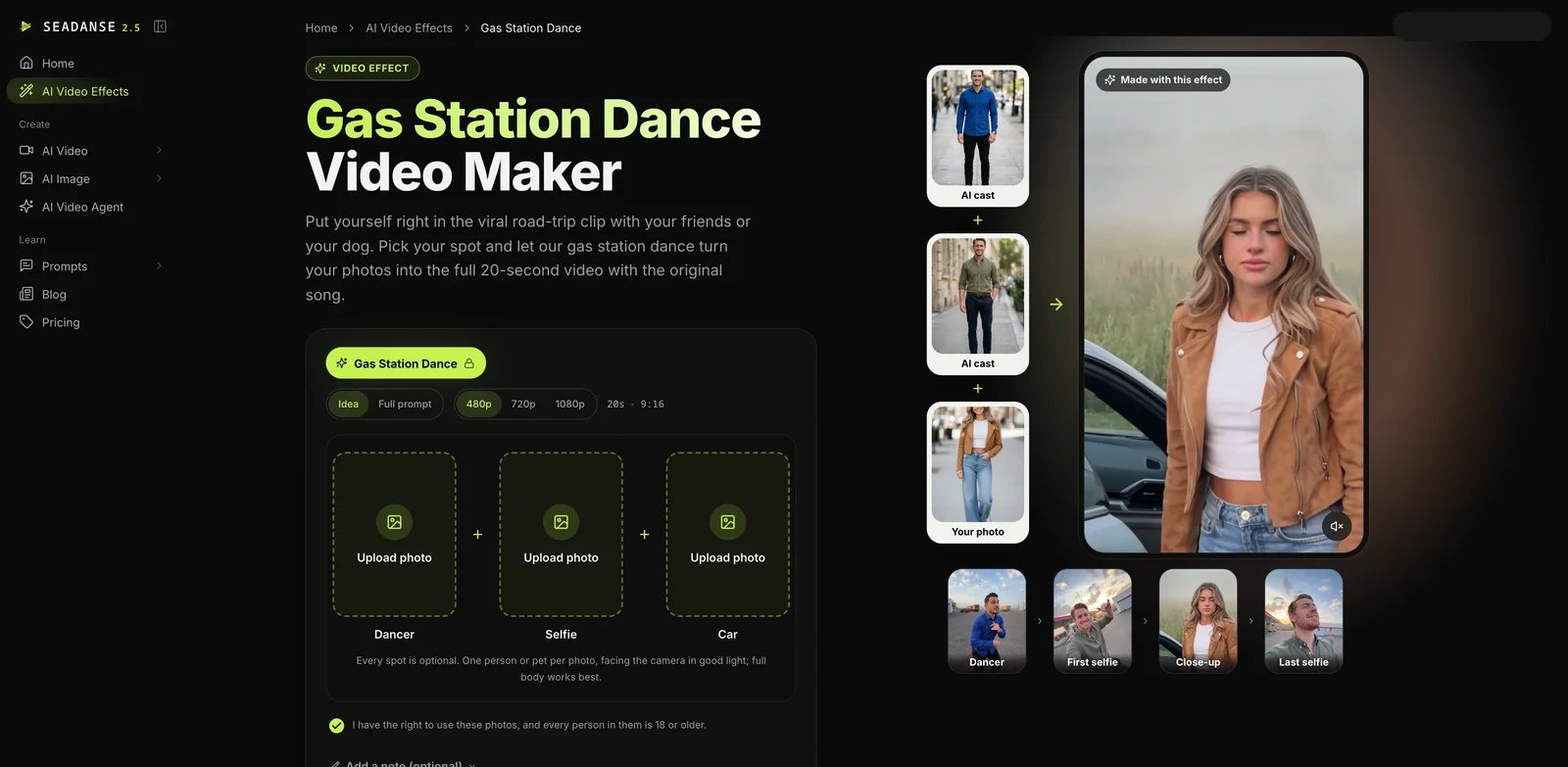
Seadanse's Gas Station Dance effect makes a 20-second vertical clip. Its dancer, selfie, and car photo slots are all optional. You can supply a portrait for each role, put a pet in a role, or leave roles empty for the AI to cast. An optional Idea field styles the cast; Full prompt sends your text to the model with the uploaded photos assigned to their roles. This gives a solo creator more casting control than a strictly three-photo form.
The effect costs 370 credits at 480p, 740 at 720p, or 1,480 at 1080p, regardless of how many role photos you supply. Signing up grants 40 starter credits, which are not enough for this effect. The pricing page lists a $9.90 one-time pack of 495 credits, enough for one 480p render; its $19.90 pack of 1,100 credits covers one 720p render or two at 480p. A 1080p render needs a larger balance. One-time pack credits are valid for 12 months, and subscriptions have different credit rules. The upload form also requires you to confirm that you have rights to the photos and that every person shown is at least 18.
Choose it if you want the 20-second version, optional casting, a pet in the video, or prompt control. Skip it if you need a free render of this specific effect or a clearly posted dollar price for one clip before considering a credit pack.
Platforms with broader template libraries
Trendai.video
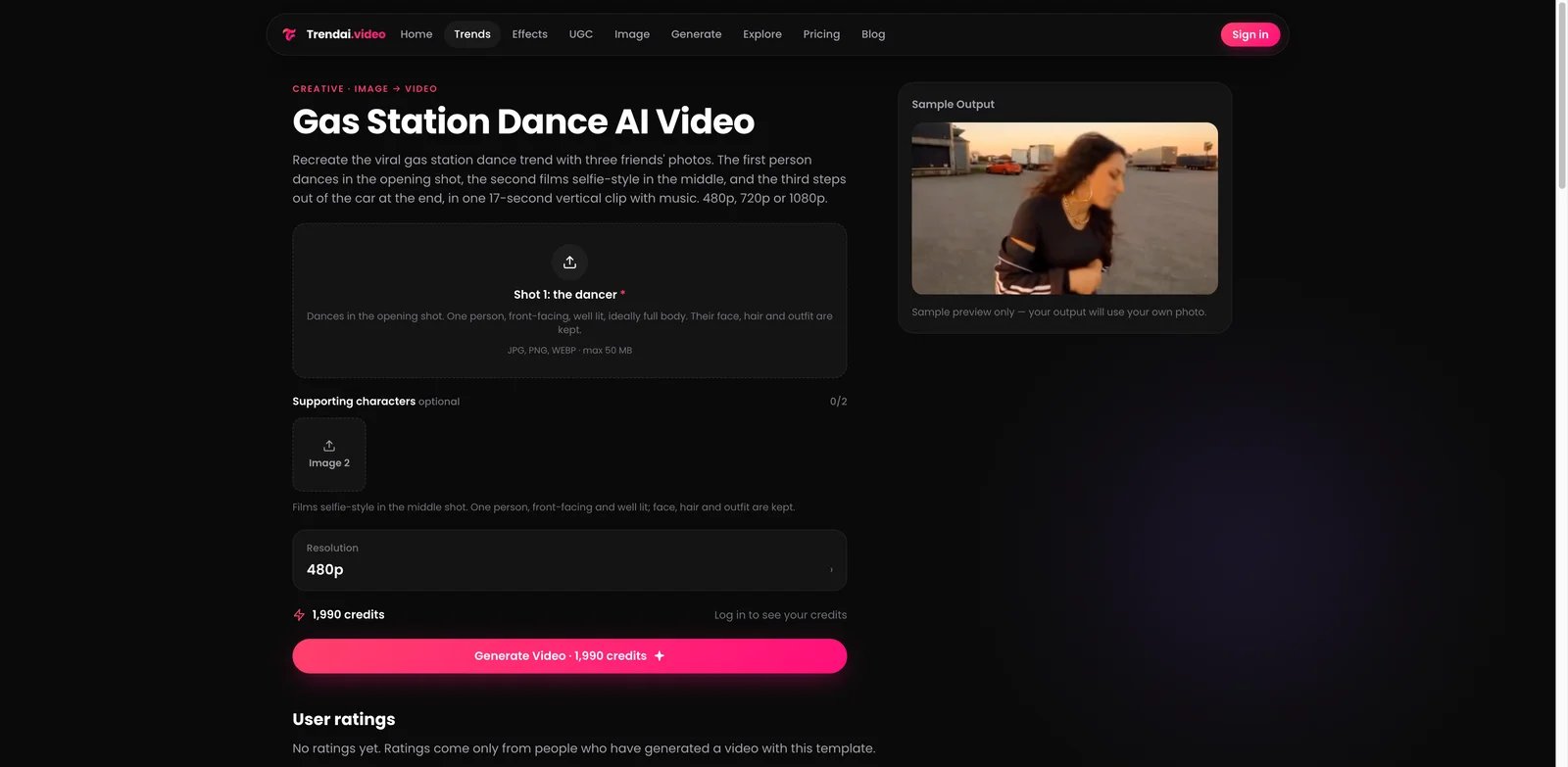
Trendai.video's Gas Station Dance template assigns photos to dancer, selfie, and car-exit roles in a 17-second vertical clip. It provides three resolution choices, with the product page listing 1,990 credits at 480p, 4,845 at 720p, and 11,645 at 1080p. The page marks supporting characters optional, though the exact behavior with missing photos should be checked in the form before purchase.
This is a better fit for someone who wants to keep making other trend videos in the same account. The decision risk is the credit conversion: credits are not dollars, and a low bundle price can look different after you select 720p or 1080p. Check the current pack and the chosen resolution together.
Choose it if a wider trend library is part of your workflow. Skip it if you want a simple one-video cash price before signing in.
imageat
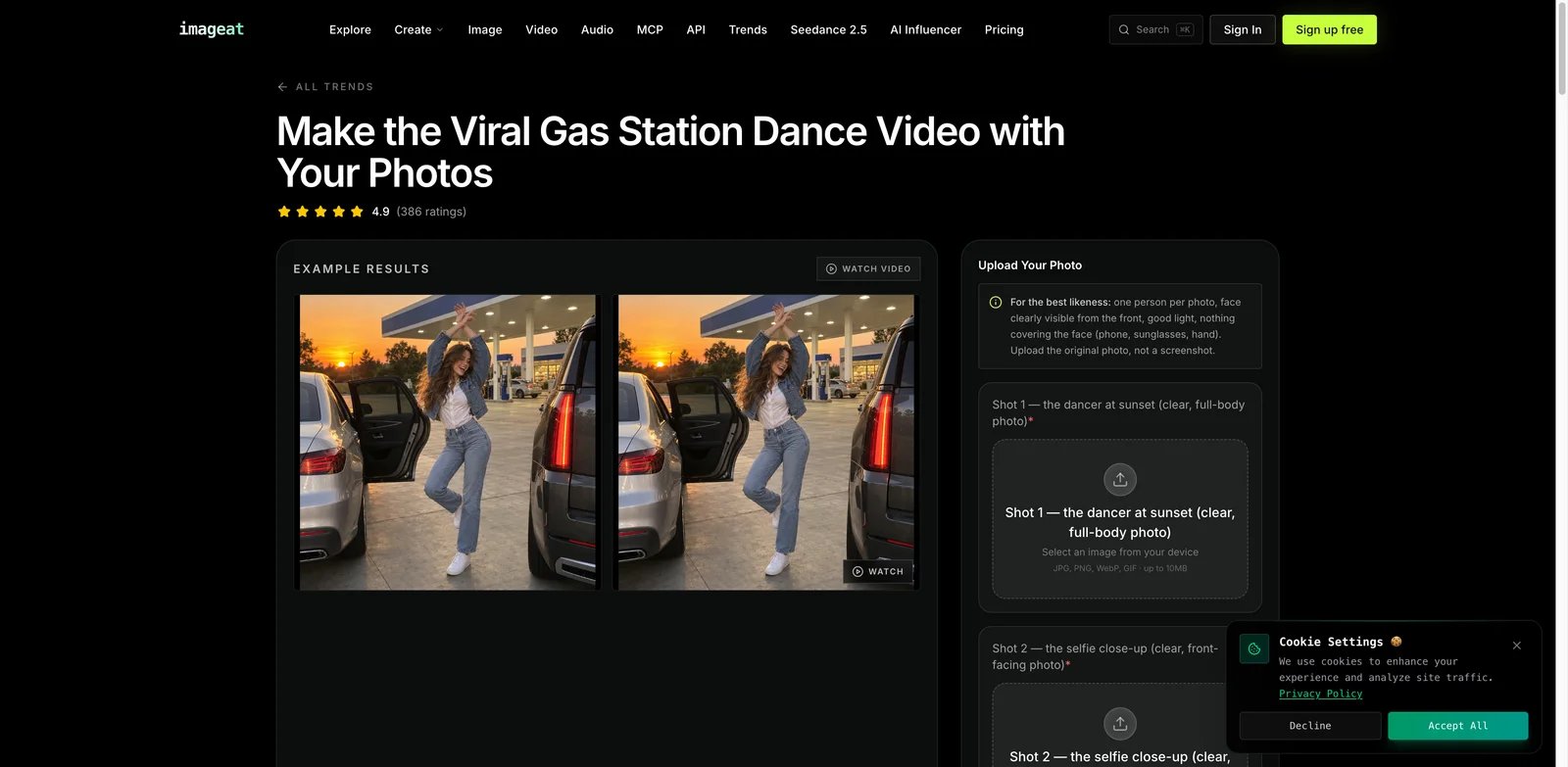
imageat's Gas Station Dance Trend also turns three role photos into a 17-second vertical clip. The live template page lists 79 credits for 480p, 169 for 720p, and 399 for 1080p. It says the same photo can be uploaded to multiple slots if you want one person in every shot.
The reason to choose imageat is the surrounding workspace: its site also has image creation, video generation, editing, and workflow tools. The trade-off is that its per-video credit figure only becomes a real price after you account for the credits available in your current plan or pack. Its template text promises a faithful scene, but this article has not independently checked likeness or motion output.
Choose it if you already use imageat or want a broader creative workspace. Skip it if you need a confirmed dollar cost for one clip without considering a larger credit plan.
A simpler one-face template
Magic Hour
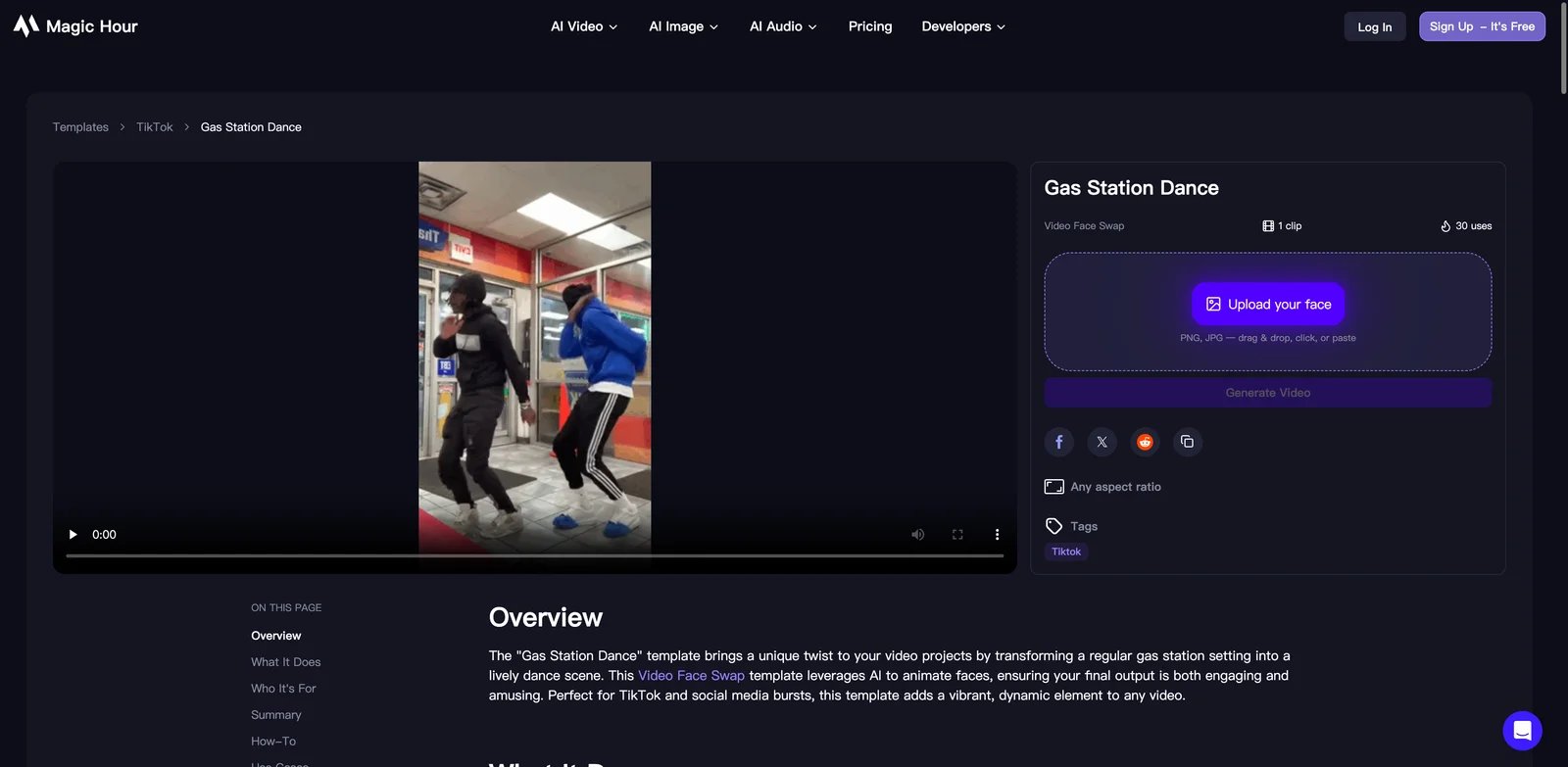
Magic Hour's Gas Station Dance template is a video face swap. It asks for one face image and keeps the dance sequence designed into the template. Its page says the template is free to start, but it does not provide a clear template-specific export price or the same three-person role mapping as the full-trend generators.
That scope can be an advantage when you only need one person in a short joke, invitation, or social post. It is the wrong starting point if your creative brief depends on three distinct people across the dance, selfie, and car-exit shots.
What to check before you generate
- Decide whether the third shot needs a named person. If you only have one or two portraits, check how each form handles empty slots before paying.
- Compare the right cost unit. A dollar-per-video pack and a platform credit total cannot be compared until you select the same resolution and a real purchase quantity.
- Separate delivery size from native model resolution. An exported 1080×1920 file may have been resized from a lower-resolution generation. If fine detail matters, inspect a real output at full size.
- Check rights and consent. Use photos of people who agreed to appear. For ads or client work, confirm the product's commercial-use terms rather than assuming a social-media export grants that use.
For a broader choice of prompt-driven products outside this specific trend, see ToolWorthy's AI video generator directory.
Get ToolWorthy Weekly
New AI tools, practical guides, and selected AI signals in one weekly brief.
Related Posts
- 8 Best Hotel Lobby AI Generators for the Orange-Booth Trend
Put your duo in the orange booth: compare eight Hotel Lobby AI tools by photo inputs, preview limits, video costs, audio, and how much control you need.
- 10 Best Runway Alternatives 2026 - After Unlimited Ends
Runway's Unlimited-to-Max switch changed the economics for heavy AI video users. Compare Kling, Google Flow, Pika, Luma, Vidu, and more alternatives.
- 10 Best Leonardo AI Alternatives 2026 - Image, Video & Control
Compare 10 Leonardo AI alternatives for 2026 by moderation risk, Canva entitlement fit, unlimited-plan limits, image quality, video models, pricing, and workflow control.
For AI tool founders
Built a tool that belongs in this decision set?
Request an editorial evaluation for possible inclusion in ToolWorthy.
Submit your tool for reviewPaid submission does not guarantee a ranking, recommendation, inclusion, or editorial outcome.