
7 Best Private AI Chat Tools 2026 — Choose Cloud or Local
Private AI chat can mean encrypted history, anonymous access, confidential cloud processing, or no cloud at all. Choose the boundary your work actually needs.

On this page
The best private AI chat is not necessarily the one with the longest privacy page. It is the one whose actual processing route matches what you need to keep private: your identity, saved conversations, documents, or the prompts themselves.
Start with Duck.ai for no-account everyday chat, Proton Lumo for encrypted saved history, or Brave Leo for help with browser pages. If ordinary cloud processing is outside your boundary, evaluate Tinfoil's confidential-computing route or Venice's specific encrypted mode—or use downloaded local models through LM Studio or Ollama. These are different choices, not a first-to-seventh security ranking.
This is desk research from current official product, support, pricing, and policy pages, checked October 2, 2026. We have not benchmarked answer quality, inspected network traffic, or audited encryption. The trial suggestions below are tests for you to perform with invented or redacted data, not tests we claim to have completed.
Private AI chat at a glance
Choose the boundary before comparing models. “No training” does not mean “no cloud processing,” and encrypted history does not mean the inference server never handles your prompt. The table summarizes documented routes; source links and exceptions follow in each profile.
| Tool | Start here for | Processing boundary | Free / paid boundary | Main tradeoff |
|---|---|---|---|---|
| Proton Lumo | Everyday chat with encrypted history | Proton-controlled cloud; encrypted stored chats | Limited Free; Plus $12.99/month | Not offline; optional feedback changes data use |
| Duck.ai | No-account, multi-model chat | Anonymous proxy; some models add confidential inference | Free daily limit; subscriptions raise limits | Privacy varies by route; uploads have a separate moderation path |
| Brave Leo | Questions about browser pages | Hosted by default; BYOM can be local or remote | Free limits; Premium higher limits | Page context can leave the device |
| Tinfoil Chat | Confidential cloud projects and documents | Secure enclaves; encrypted chat backups | $20/month; fair-use limits | Metadata and external search remain separate boundaries |
| Venice | Choosing a privacy mode per model | Anonymous / Private / TEE / E2EE differ | Free 10 text prompts/day; Pro $18/month | E2EE has no web search or memory |
| LM Studio | Desktop chat with local documents | Downloaded models and document processing on-device | Free local use; hardware/model terms apply | Setup and model fit; optional cloud/tools change the route |
| Ollama | Owning a local chat/API setup | Local models; cloud features must be distinguished | Free local use; cloud has separate billing | You must control the client and integrations too |
Dollar amounts are the displayed monthly USD offers checked on October 2, 2026, not annual-plan equivalents or a promise of the same regional/tax checkout total. Free and paid limits can change; use the official links below before buying.
Decide what “private” needs to mean
Four questions eliminate more wrong choices than a list of model names:
- Must prompts stay off remote servers? Choose the local-only route. An anonymous proxy, encrypted cloud history, or a cloud no-training policy cannot satisfy an offline requirement.
- Can a hosted processor handle the prompt under a no-retention policy? Lumo, Duck.ai, and hosted Leo offer documented protections, but check the exact route and exceptions. If operator access during inference is the concern, investigate confidential computing rather than history encryption alone.
- Do you need account-free use or cross-device history? These solve different problems. Account and billing metadata are not conversation content; paying does not automatically make usage anonymous.
- Do you need files, web search, or connected tools? A separate service can receive a file, query, or URL even when the main chat has strong protections. Never paste credentials or use confidential work data to “test privacy.”
If model capability and office integrations matter more than this boundary, use our general AI chatbot comparison. For the wider capability map, browse the AI Chatbots category. This guide answers the narrower question of where to send—or not send—your data.
Cloud chat without a local-model setup
Proton Lumo
Best for: Everyday writing and document questions when you want encrypted saved history without managing a local model.
Proton runs Lumo's models on servers it controls. Its documentation distinguishes temporary server-side inference from zero-access encryption of saved history: the history is encrypted so Proton cannot decrypt it, but the model server still processes the prompt to answer. Ghost Mode removes the session when closed; it does not make processing offline. Lumo security model.
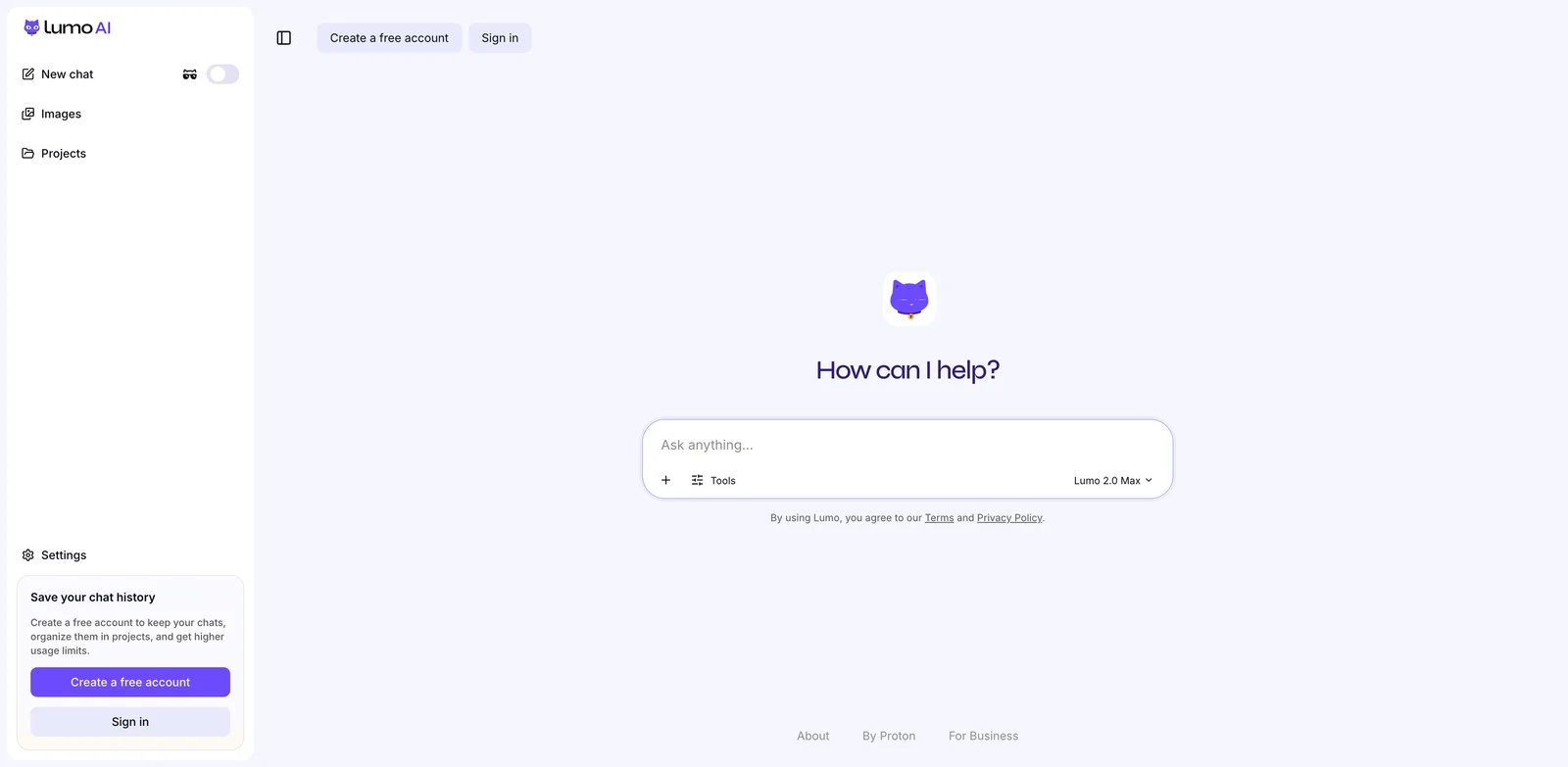
Public Lumo interface captured for this guide; not evidence of a completed model-quality or security test.
The current privacy documentation also includes an exception for explicit, anonymized feedback on Apertus responses. “Never train on my chats” should be read with that optional action in mind, not repeated as an exception-free guarantee. Lumo privacy.
Free / paid boundary: Free has limited messages, history and other usage; Plus was $12.99 USD per month in the monthly selector and expands limits and Projects. Upgrade for the workflow allowance, not on the assumption Free lacks privacy protections. Official plans.
Skip if: No remote processor may handle your prompts.
First elimination test: Use a made-up document to check the file workflow and Free limits. Decide whether encrypted persistent history or an ephemeral session is what you actually need before buying Plus.
Duck.ai
Best for: Trying multiple models without creating an account.
DuckDuckGo proxies requests and strips identifying metadata such as your IP before forwarding them. That does not remove a name or secret you type into a prompt. Current provider rules prohibit training and generally require zero retention, with listed caching/legal/abuse exceptions. Some Tinfoil-backed models are labeled “zero provider visibility” and add confidential inference; that label is not universal. Current privacy and provider table.
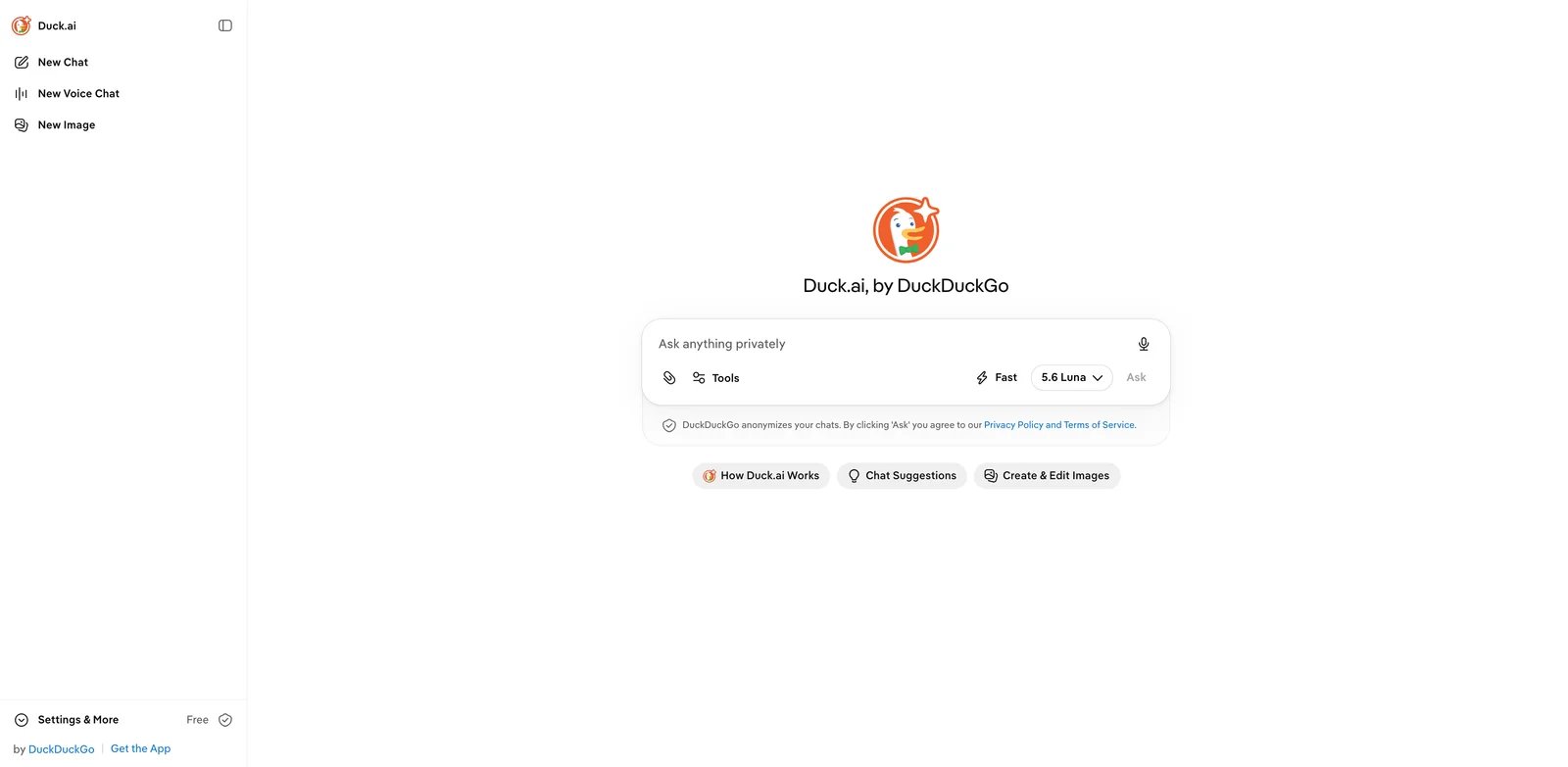
Public chat UI. Check the selected model's privacy route, not just the Duck.ai name.
The same source states that uploaded files and images use a separate moderation provider, including on the Tinfoil route. Flagged CSAM is retained and reported. Voluntary feedback is stored/reviewed; optional encrypted sync is different from never storing any history.
Free / paid boundary: Free has a daily limit. DuckDuckGo subscriptions raise limits; a paid plan is not unlimited inference. Usage limits.
Skip if: You need offline use, or require every upload to remain inside the confidential inference boundary.
First elimination test: Find the route label for the model you need. If that protection is absent—or your required upload crosses a boundary you cannot accept—eliminate that route before comparing its answers.
Brave Leo
Best for: Summarizing and questioning webpages or PDFs inside Brave.
Leo's useful distinction is browser context, not a claim that every conversation is on-device. Hosted Leo sends the prompt, conversation context, and necessary page content to its backend. Brave's policy says chats are not used for training; it also allows large-prompt caching for minutes. Saved history is local, with optional Sync. Brave browser policy, Leo section.
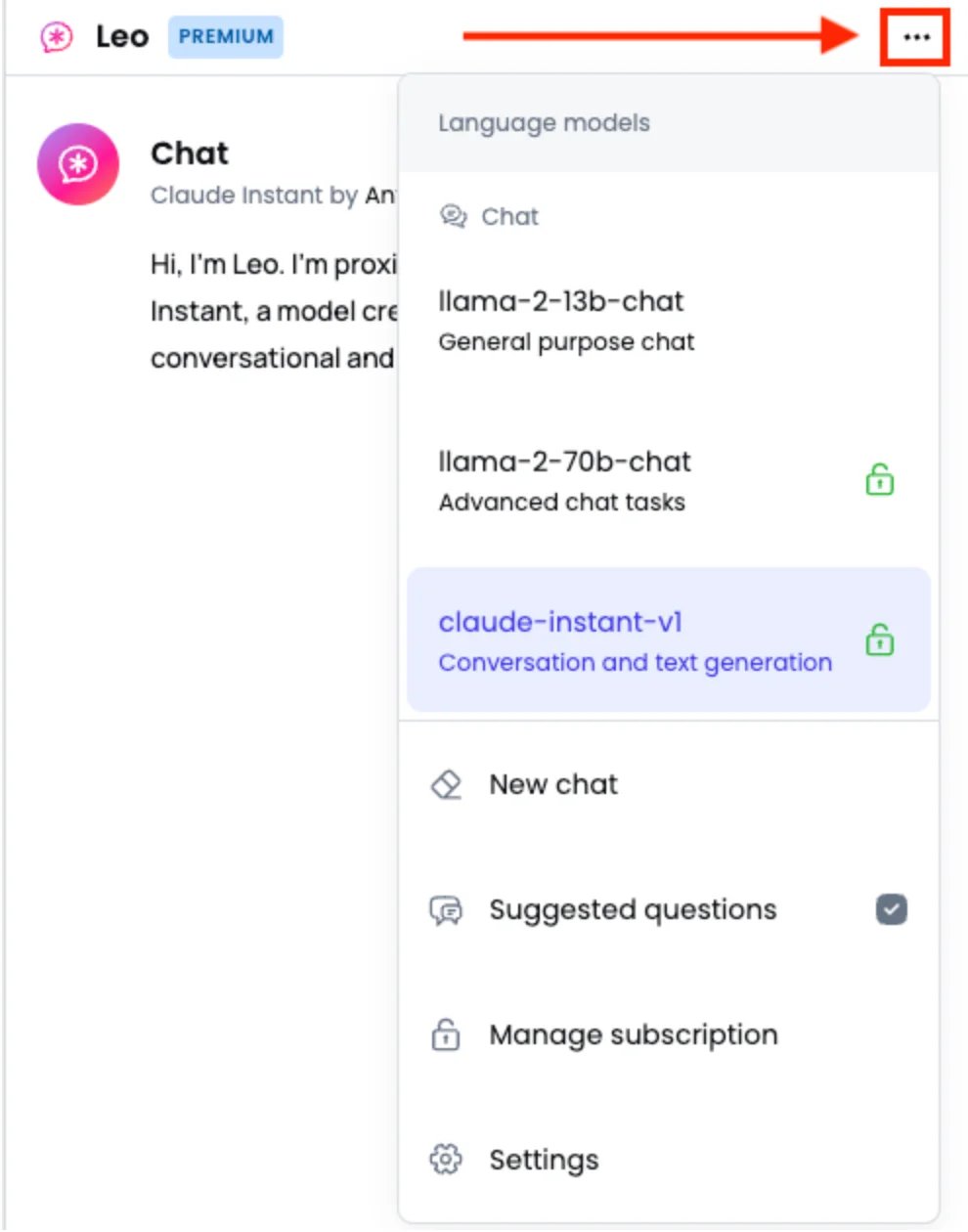
Older vendor-published sidebar example from Brave's help page. The pictured model names are not today's availability list; this is not our own installed-browser test.
Bring Your Own Model can point to a local or remote model. Treat it as configuration flexibility, not automatic offline protection. Leo capabilities and BYOM.
Free / paid boundary: Free has usage limits; Premium raises limits and model access. Check today's model selection before subscribing rather than buying from an old version list.
Skip if: You do not want to use Brave, or cannot send page context to the configured backend.
First elimination test: Open a non-sensitive page, ask a page-specific question, and check which model/backend receives the context. If your intended route is not available, a browser sidebar alone is not a reason to switch.
When the cloud operator is part of your threat model
Confidential computing is a different design from a promise to delete plaintext after processing. It still requires trust in hardware, software, verification and your device; it is not “zero risk.”
Tinfoil Chat
Best for: A cloud workspace with projects, document uploads, and encrypted cross-device history when confidential inference is a requirement.
Tinfoil describes inference inside hardware-isolated secure enclaves with attestation against published code/model measurements. Its security FAQ qualifies operator content-access protections as applying during normal operation, not as protection against every hardware flaw or compromised client. Security and privacy FAQ.
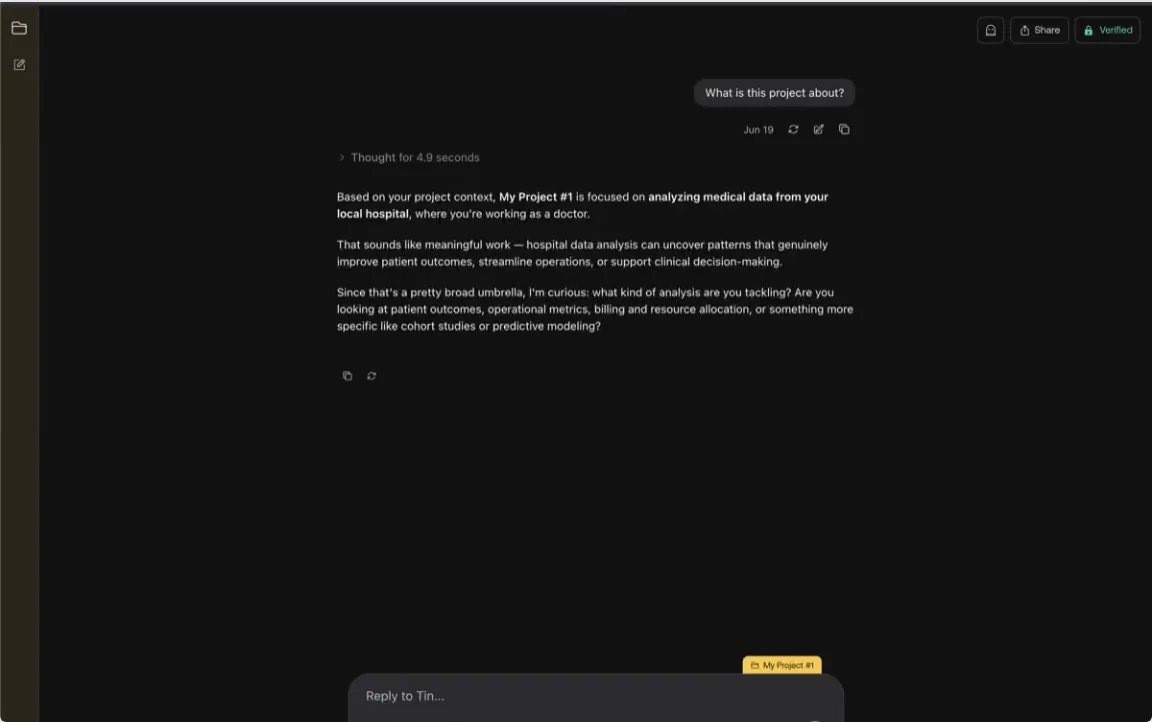
Vendor-published Projects example, not our test or approval to upload medical data. A screenshot does not verify enclave integrity.
Encrypted history backups are separate from inference. Tinfoil still processes account, billing, network and usage metadata; a safeguard violation flag and conversation ID can be associated with your account without exposing conversation content. Web search queries and fetched URLs can go to external providers. Privacy policy.
Free / paid boundary: The Chat subscription was $20/month. Published allowances are subject to fair use and possible peak-demand throttling; this is not the separate usage-priced Inference API. Chat pricing.
Skip if: You require offline processing, cannot accept operational metadata, or require search queries to stay within the enclave.
First elimination test: Map one representative, invented-data workflow: document, answer, search, sync. Also check recovery: device-held backup keys mean the provider cannot decrypt/recover your backups if you lose access to those keys. Chat capabilities, backup policy.
Venice
Best for: Users prepared to choose an explicit privacy mode alongside the model, rather than assume one promise covers every route.
Venice currently distinguishes Anonymous, Private, TEE, and E2EE. Anonymous obscures identity but warns that the model provider may store content. Private relies on contractual no-retention commitments. TEE adds hardware isolation; E2EE encrypts on-device through to a verified enclave. These labels are materially different. Venice privacy modes.
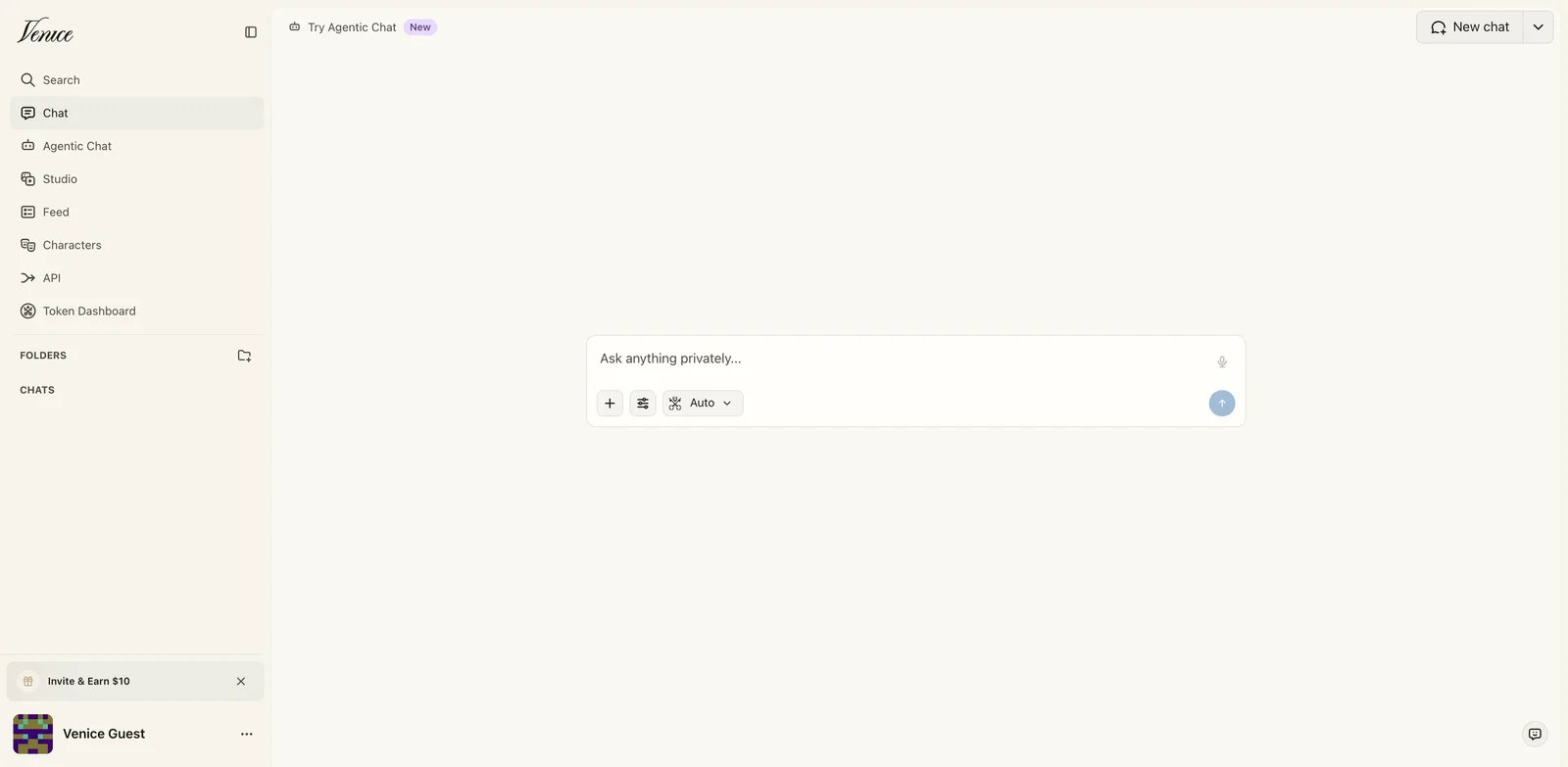
Public product UI; confirm the privacy label of your selected model before entering data.
Free / paid boundary: Free lists 10 text prompts/day. Pro was $18/month in the monthly offer and is required for TEE/E2EE models. Some premium/frontier use consumes credits, so “unlimited text” is not a blanket unlimited allowance for every route. Official pricing.
Skip if: You need a set-and-forget privacy boundary across all models, or require web search and memory in the E2EE route: Venice explicitly says those features are unavailable there.
First elimination test: Identify an eligible model in the mode you need, then check whether losing search/memory breaks your task. Do not switch to an Anonymous model merely to regain a feature without reassessing the boundary.
If your only need is occasional confidential text chat, check Duck.ai's currently labeled zero-provider-visibility models before paying for another workspace. A separate subscription should buy needed workspace features, model access or capacity—not a protection you already have on an acceptable free route.
When prompts must stay on your computer
Local-only inference removes the remote model processor from this route. It does not secure an unlocked laptop, local exports, backups, or third-party integrations. Download the model/runtime first; a cloud model selected inside a desktop app is still cloud processing.
LM Studio
Best for: A desktop chat interface with local document questions, without building your own frontend.
LM Studio documents offline chat with downloaded models and local document processing, including PDF, DOCX and text context. Discovery, downloads, runtimes and updates may require the internet. Choose the model for your hardware and actual document task, not its parameter count alone. Offline operation, document chat.
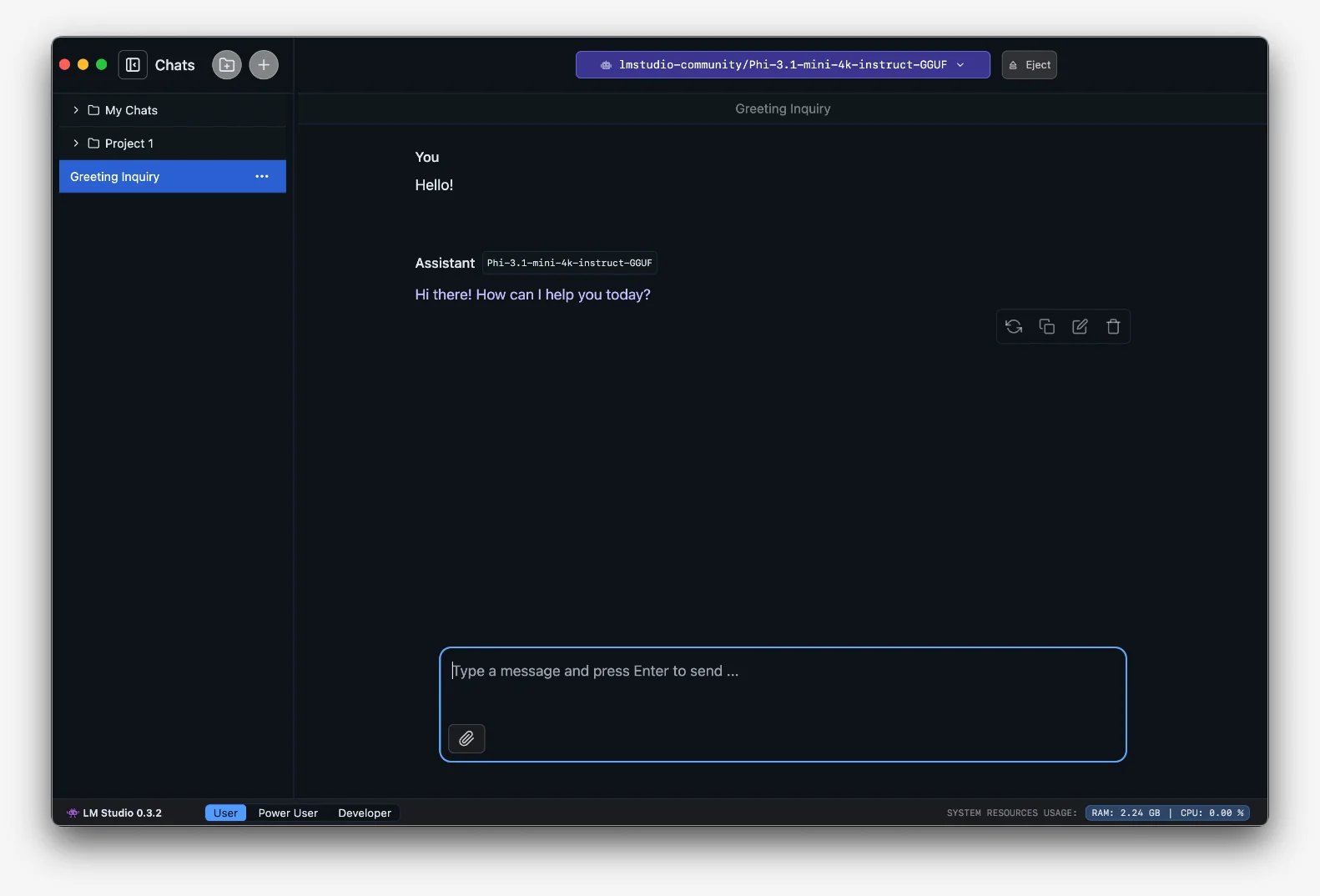
Older desktop example currently published in the official getting-started documentation; exact UI and models may differ. No local model was installed or benchmarked for this article.
Free / paid boundary: Local use is free; hardware costs and the downloaded model's license are separate. The current download page distinguishes the standalone LM Studio chat app from Bionic, whose optional cloud services have paid plans. Do not mistake those cloud routes for the offline setup described here. Downloads, free local use, current Bionic plans.
The desktop requirements recommend 16GB RAM; supported Mac hardware is Apple Silicon with macOS 14 or newer. Smaller models/context may work on 8GB Macs, but that is not a promise your full workload will fit. System requirements.
Skip if: Your machine cannot support a useful model, or you need hosted processing without local setup.
First elimination test: After downloading the required model/runtime, disconnect from the network and try a representative invented document. Check source-grounded answers and acceptable responsiveness on your machine. Disable external tools/remote endpoints; an offline dry run is a workflow check, not a complete security audit.
Ollama
Best for: Technical users who want local chat through a CLI or an API-connected client and are willing to own its configuration.
OLLAMA_NO_CLOUD=1, or disable_ollama_cloud: true in its server configuration, then restart. This disables Ollama cloud models and web search; it does not control every separate chat client's integrations. The default local server binds to 127.0.0.1:11434. Ollama FAQ, quickstart.Free / paid boundary: Running models on your hardware is free of Ollama cloud usage charges. Paid cloud plans and usage credits belong to a different route; model licenses and hardware costs still matter. Official pricing.
Skip if: You need a managed document workspace or do not want to configure the model, client and endpoints.
First elimination test: Choose a downloaded local model, disable cloud features and restart, then test the intended client offline using harmless sample text. Keep the endpoint local rather than exposing it publicly. A client that silently uses a remote model or external tool fails the local-only requirement even if Ollama itself is configured correctly.
Avoid paying for the wrong privacy upgrade
Use this short pre-purchase check with the exact model + route + plan + feature you intend to use:
- No-account access: Check whether that is enough. A proxy cannot anonymize identifying information you put in the content.
- Saved history: Decide whether you want no persistence, local persistence, or encrypted sync. Check exports and key recovery before relying on a service as your only archive.
- Files and web: Check each destination separately. “Private chat” does not automatically cover moderation, search, page fetching, feedback or connected tools.
- Local operation: Check hardware and a network-disconnected sample workflow before investing in equipment. Free software is not a free GPU or a guarantee of useful answers.
- Work data: Get your organization's approval for the exact workflow. A consumer privacy statement is not permission to upload client or regulated information, nor a compliance guarantee.
Connected tools deserve their own boundary review; our MCP explainer explains how assistants connect to external systems. Leave those connections off unless they are necessary and authorized.
Jan and GPT4All are also credible local-desktop options, not inferior runners-up: Jan documents local and cloud routes, and GPT4All offers local chat and LocalDocs. If an existing local setup already passes your task and boundary checks, this shortlist is not a reason to migrate.
Bottom line: For everyday no-account use, start with Duck.ai. For encrypted cloud history, evaluate Lumo. For browser context, check Leo's actual backend. For confidential cloud workspaces, compare Tinfoil's features with the specific protected route available in Duck.ai or Venice. For a no-remote-processing requirement, start with LM Studio's local desktop workflow or an explicitly local Ollama setup. Upgrade only when the required workflow or allowance—not the word “private”—justifies it.
Get ToolWorthy Weekly
New AI tools, practical guides, and selected AI signals in one weekly brief.
Related Posts
- 11 Best AI Chatbots – 2026 Comparison & Reviews
Compare 11 leading AI chatbots for writing, research, coding, ecosystem fit, pricing, privacy, and team collaboration.
For AI tool founders
Built a tool that belongs in this decision set?
Request an editorial evaluation for possible inclusion in ToolWorthy.
Submit your tool for reviewPaid submission does not guarantee a ranking, recommendation, inclusion, or editorial outcome.