
Best AI Assistant 2026 - Pricing & Features Compared
We tested 15 AI assistants for teams and individuals. Compare ChatGPT, Claude, Gemini, and more—with pricing breakdowns, integration guides, and real productivity gains.

On this page
Finding the right AI assistant can transform how you work—but with dozens of options claiming to boost productivity, it's hard to know which actually delivers. Whether you need help managing emails, automating workflows, transcribing meetings, or handling complex research, the right AI assistant depends entirely on your specific use case and budget.
We evaluated 15 leading AI assistants across multiple dimensions: core capabilities, pricing transparency, integrations, and real-world productivity gains. This guide breaks down each tool's strengths and limitations, helping you choose the best fit for individual use, team collaboration, or enterprise deployment.
| Tool | Best For |
|---|---|
| OpenClaw | Privacy-focused local automation |
| ChatGPT | General-purpose AI conversations |
| Google Gemini | Google Workspace integration |
| Slack AI | Team communication summarization |
| ClickUp Brain | Project management automation |
| Claude | Long-context research and analysis |
| Notion AI | Document and knowledge management |
| Zapier | Cross-app workflow automation |
| Zoom AI Companion | Meeting transcription and summaries |
| Asana AI | Task and project workflow automation |
| Glean | Enterprise knowledge search |
| monday.com AI | Work management automation |
| Otter.ai | Meeting transcription and notes |
| NotebookLM | Research synthesis and audio summaries |
| Fireflies.ai | Multi-platform meeting intelligence |
How We Selected and Tested
We selected these AI assistants based on measurable criteria: active user base, pricing transparency, integration ecosystem breadth, and documented productivity claims. Tools without publicly available pricing were included only if they demonstrated significant market traction or offered unique capabilities.
Our research methodology combined multiple data sources to ensure accuracy. We analyzed official documentation, cross-referenced pricing pages with third-party reviews, and examined user feedback from G2, Capterra, and Reddit communities. This multi-source approach helped identify discrepancies between marketing claims and actual user experiences.
Evaluation Dimensions: We evaluated each tool across 5 key dimensions:
- Core AI Capabilities — Conversational quality, task automation, and reasoning depth
- Integration Ecosystem — Number and quality of third-party app connections
- Pricing Transparency — Clear tier structures, per-user costs, and hidden fees
- Enterprise Readiness — SSO, compliance certifications, data retention controls
- Ease of Use — Setup time, learning curve, and accessibility across devices
Note on Testing Scope: We conducted hands-on testing of free and trial tiers where available. For enterprise-only tools like Glean, we relied on official documentation and verified third-party assessments to ensure balanced coverage.
Transparency & Limitations: All information comes from official sources and credible third-party platforms—we don't fabricate ratings, rankings, or performance claims. Pricing and features may change; always verify on official websites. Research conducted in January-February 2026.
Top 15 AI Assistant Compared
The following comparison table provides a quick overview of each tool's core strengths, pricing approach, and ideal use case. For detailed breakdowns, see the individual reviews below.
| Tool | Best For | Starting Price | Key Strength | Platform |
|---|---|---|---|---|
| OpenClaw | Local automation | Free (open source) | Privacy-first design | Desktop/Chat apps |
| ChatGPT | General AI conversations | Free / $20 Plus | Versatile capabilities | Web/Mobile/Desktop |
| Google Gemini | Google users | Free / $19.99/mo | Workspace integration | Web/Mobile |
| Slack AI | Team communication | Included in Pro | Channel summarization | Slack |
| ClickUp Brain | Project management | $9/mo/user yearly | Task automation | ClickUp |
| Claude | Long research tasks | Free / $20/mo Pro | 200K context window | Web/Mobile/Desktop |
| Notion AI | Documentation | $10/mo/member | Knowledge management | Notion |
| Zapier | Workflow automation | Free / $19.99/mo | 7,000+ app connections | Web |
| Zoom AI Companion | Video meetings | Free / $10/mo | Meeting summaries | Zoom |
| Asana AI | Task management | $13.49/mo/user | AI Teammates | Asana |
| Glean | Enterprise search | $50+/user/mo | Cross-app knowledge | Enterprise |
| monday.com AI | Work management | 500 credits free | AI Blocks automation | monday.com |
| Otter.ai | Transcription | Free / $8.33/mo | Real-time notes | Web/Mobile |
| NotebookLM | Research | Free / $19.99/mo | Audio Overviews | Web |
| Fireflies.ai | Meeting intelligence | Free / $10/mo | 100+ languages | Web/Integrations |
Detailed Reviews

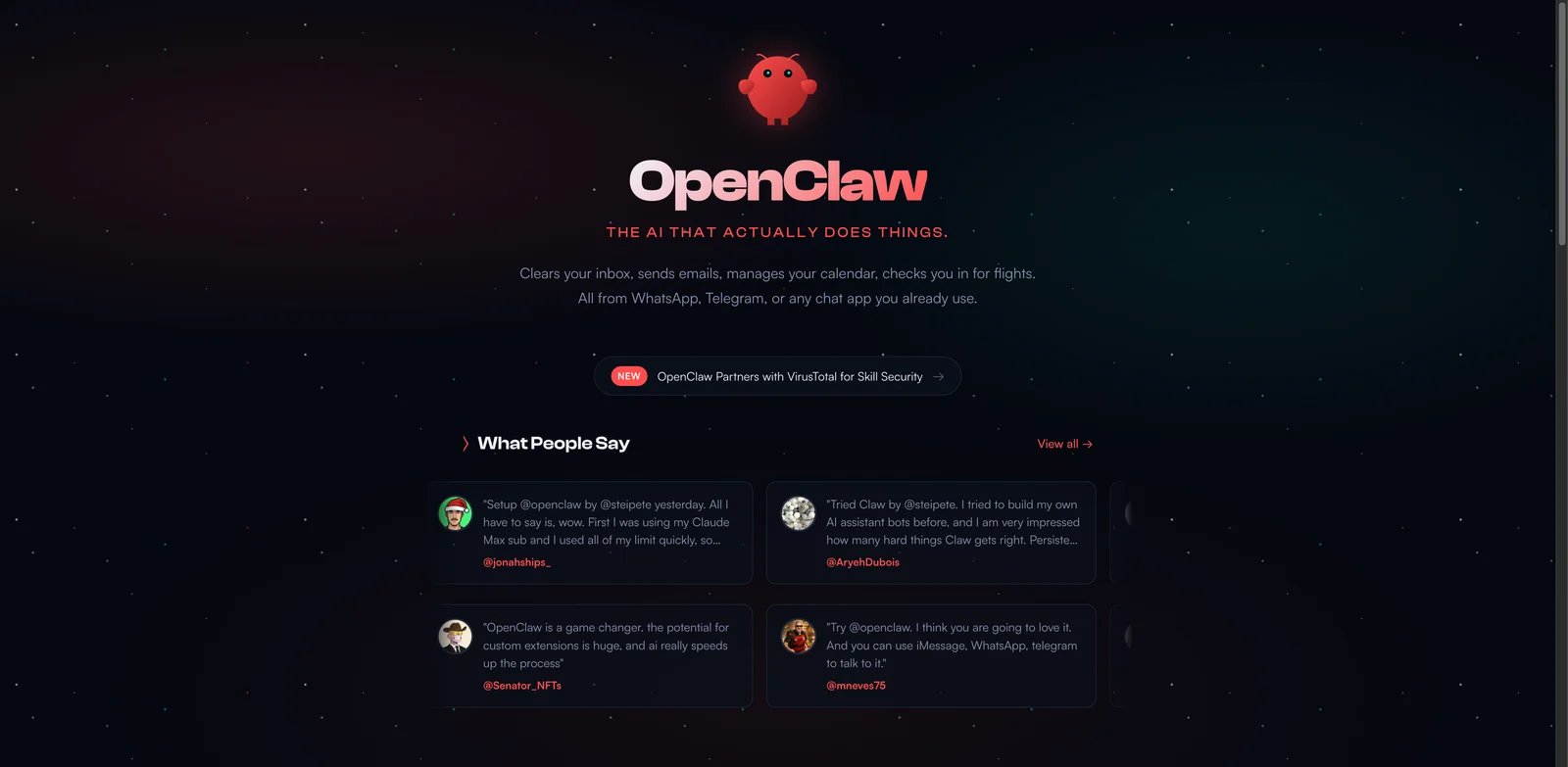
OpenClaw is a free, open-source AI assistant that performs actionable tasks directly from chat platforms you already use—WhatsApp, Telegram, Discord, Slack, Signal, or iMessage. Unlike cloud-based alternatives, OpenClaw runs locally on your machine, keeping your data private by default while connecting to 50+ services.
Key Features
- Multi-Platform Chat Control — Send commands from any major messaging app; no dedicated interface required
- Email & Calendar Management — Clears inbox, sends emails, books meetings, and handles rescheduling automatically
- Browser Automation — Auto-fills forms, extracts data, and navigates websites on your behalf
- Persistent Memory — Remembers preferences and context across conversations for personalized responses
- Local-First Privacy — Data stays on your computer; cloud models optional for enhanced capabilities
- Extensible Skills & Plugins — Community-built customizations expand functionality beyond defaults
Pricing & Plans
OpenClaw is completely free and open source. The only costs are optional API fees if you choose to use cloud-based models like Claude or GPT-4. Running local models incurs zero ongoing costs.
Pros & Cons
Pros:
- True privacy with local execution—no data leaves your machine unless you choose cloud models
- Works across all major chat platforms without switching apps
- Zero subscription fees; pay only for optional cloud API usage
- Active community building new skills and integrations
Cons:
- Requires technical setup (terminal familiarity helps)
- Local models need decent hardware for optimal performance
- Less polished UI compared to commercial alternatives
Best For
- Privacy-conscious users who want full data control
- Developers and technical users comfortable with local setup
- Power users seeking deep automation across multiple platforms
- Budget-conscious teams needing enterprise-level automation
Get started with OpenClaw

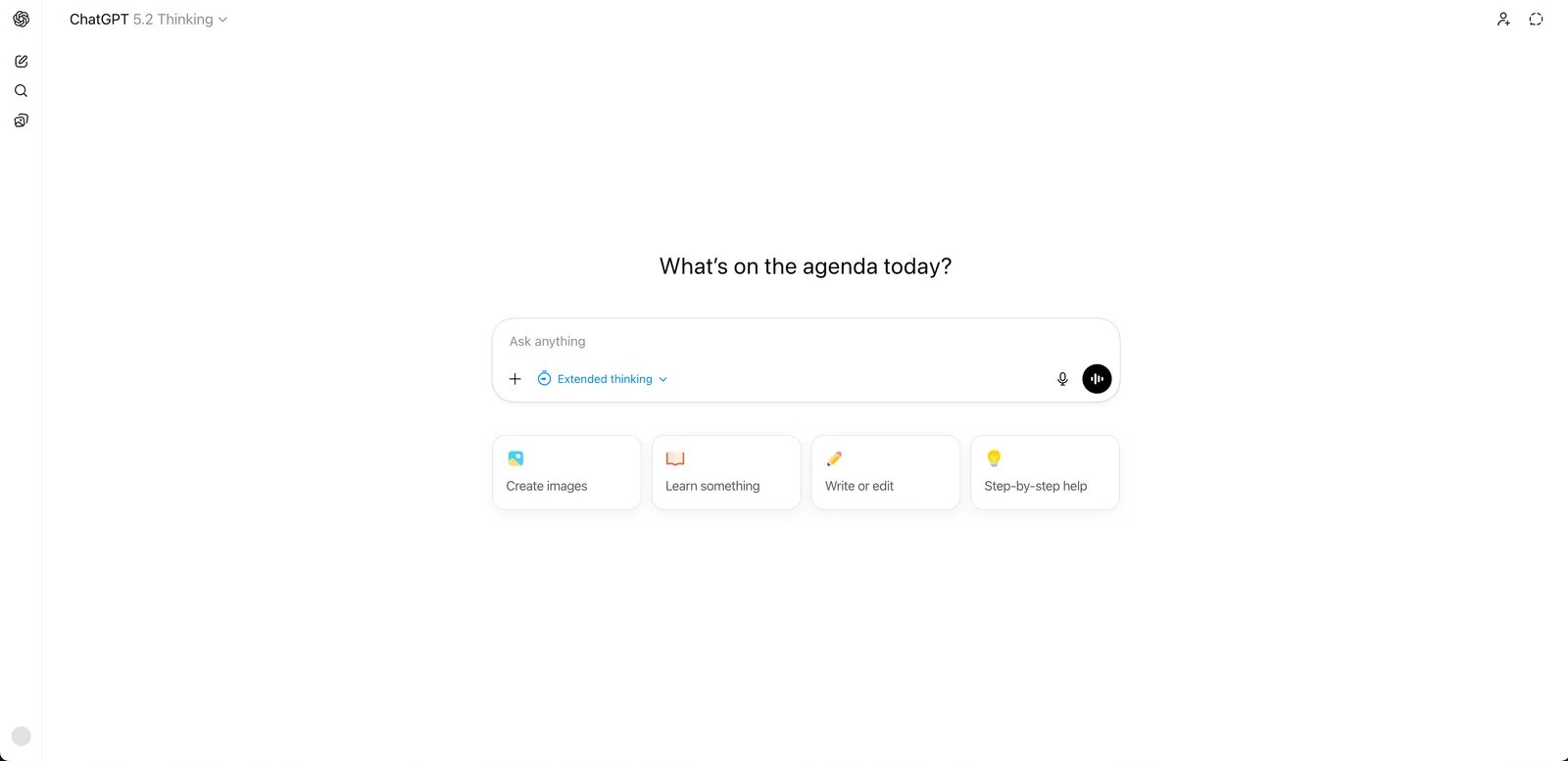
ChatGPT is OpenAI's flagship conversational AI, offering general-purpose assistance for writing, coding, research, and creative tasks. With access to GPT-5.2 models, web search, image generation via DALL-E, and video creation through Sora, it's become the default AI assistant for millions of users worldwide.
Key Features
- Multi-Modal Capabilities — Text, image generation, code execution, and video creation in one interface
- Deep Research Mode — Conducts extensive research and synthesizes findings into comprehensive reports
- Agent Mode — Executes multi-step tasks autonomously with web browsing and tool use
- Custom GPTs — Build personalized assistants for specific use cases and share them publicly
- Memory & Projects — Remembers context across conversations and organizes related chats
- Codex Agent — Dedicated coding assistant for development tasks and debugging
Pricing & Plans
Individual Plans: Free ($0/month): Limited GPT-5.2 access, basic features. Go ($8/month): Expanded access with potential ads. Plus ($20/month): Advanced reasoning, agent mode, Sora video, custom GPTs. Pro ($200/month): Unlimited GPT-5.2 Pro, maximum deep research, priority Codex.
Business Plans: Business Free ($0/month): Try ChatGPT at work with limited features. Business ($25/user/month, annual billing): Unlimited GPT-5.2 messages, 60+ app integrations, SAML SSO, admin controls. Enterprise: Custom pricing with expanded context window, enterprise security, 24/7 priority support, and custom legal terms.
Pros & Cons
Pros:
- Most versatile AI assistant with text, image, video, and code capabilities
- Extensive plugin and GPT ecosystem for specialized tasks
- Regular model updates and new feature rollouts
- Strong mobile and desktop app experiences
Cons:
- Plus ($20/month) and Pro ($200/month) pricing can add up for regular use
- Usage limits on advanced features even in paid tiers
- Data privacy concerns for sensitive business use without Enterprise plan
Best For
- General users needing a versatile daily AI assistant
- Content creators requiring multi-modal generation
- Developers seeking integrated coding assistance
- Teams wanting shared GPT workspaces with governance
Get started with ChatGPT
Google Gemini
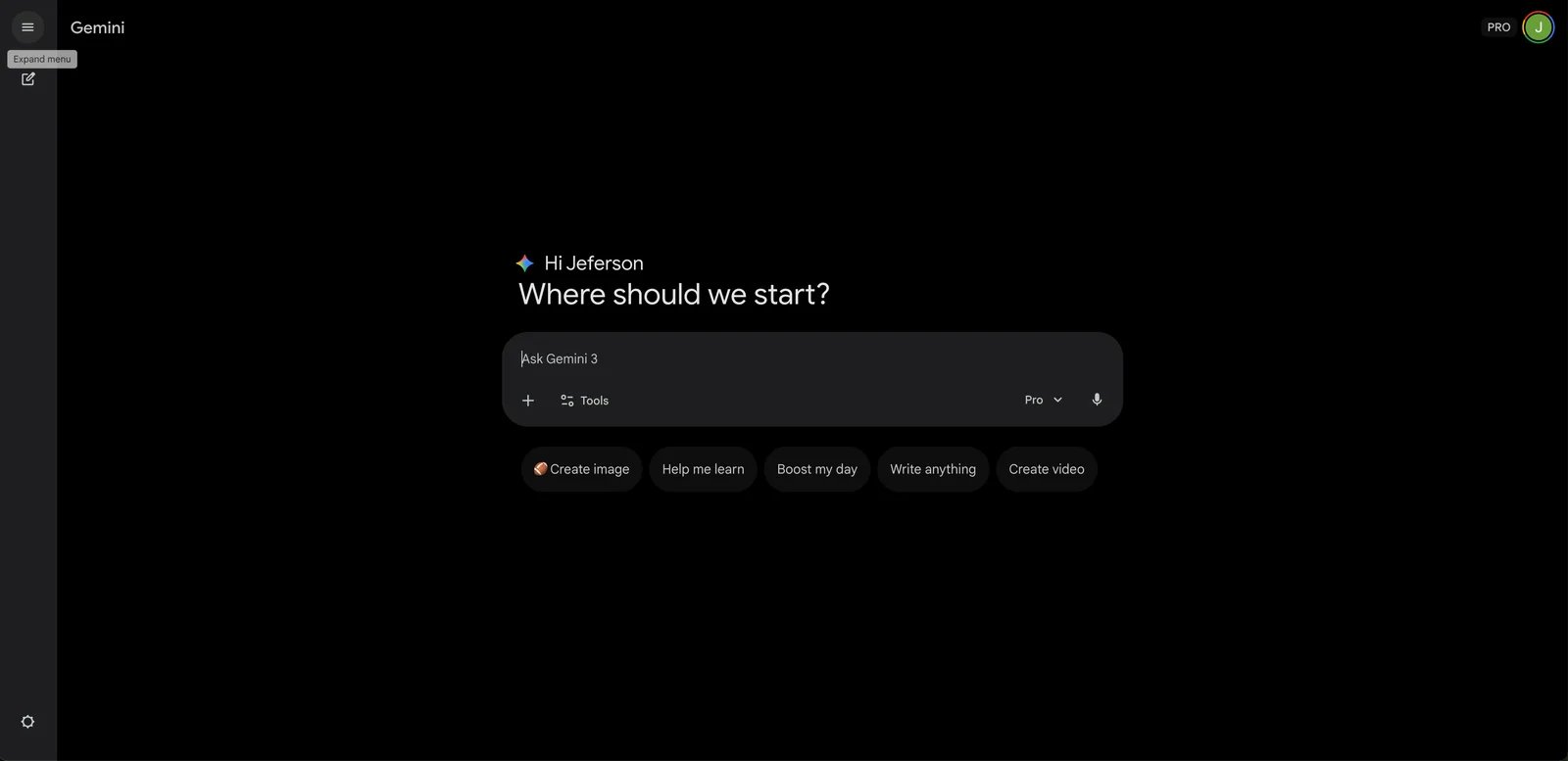
Google Gemini is Google's AI assistant, tightly integrated with Gmail, Docs, Sheets, and the broader Google Workspace ecosystem. With access to the latest Gemini 2.5 Pro models and a one-million-token context window, it excels at processing large documents and maintaining context across extended conversations.
Key Features
- Massive Context Window — Process up to one million tokens, enabling analysis of entire codebases or document collections
- Gemini Live — Natural voice conversations that adapt to topic changes mid-discussion
- Deep Research — Investigates complex topics and synthesizes findings into structured reports
- Veo 2 Video Generation — Create videos with fluid character movement and cinematic realism
- Project Astra — Camera and screen sharing capabilities for real-time visual assistance
- Workspace Integration — Smart replies in Gmail, document analysis in Docs, spreadsheet insights in Sheets
Pricing & Plans
Free: Basic Gemini access with limited features. Gemini Advanced ($19.99/month via Google One AI Premium): Full model access, 2TB storage, Deep Research, Veo 2 video generation, and all Workspace integrations. Pixel 9 Pro users receive one year free.
Pros & Cons
Pros:
- Seamless integration with Google Workspace apps you already use
- Industry-leading context window for processing large documents
- Competitive pricing includes 2TB cloud storage
- Strong multilingual and voice conversation support
Cons:
- Best value only if you're already in the Google ecosystem
- Some advanced features still in experimental rollout
- Less robust third-party integration compared to standalone assistants
Best For
- Google Workspace users seeking native AI integration
- Researchers needing massive context for document analysis
- Users wanting voice-first AI interaction via Gemini Live
- Teams already paying for Google One storage
Get started with Google Gemini

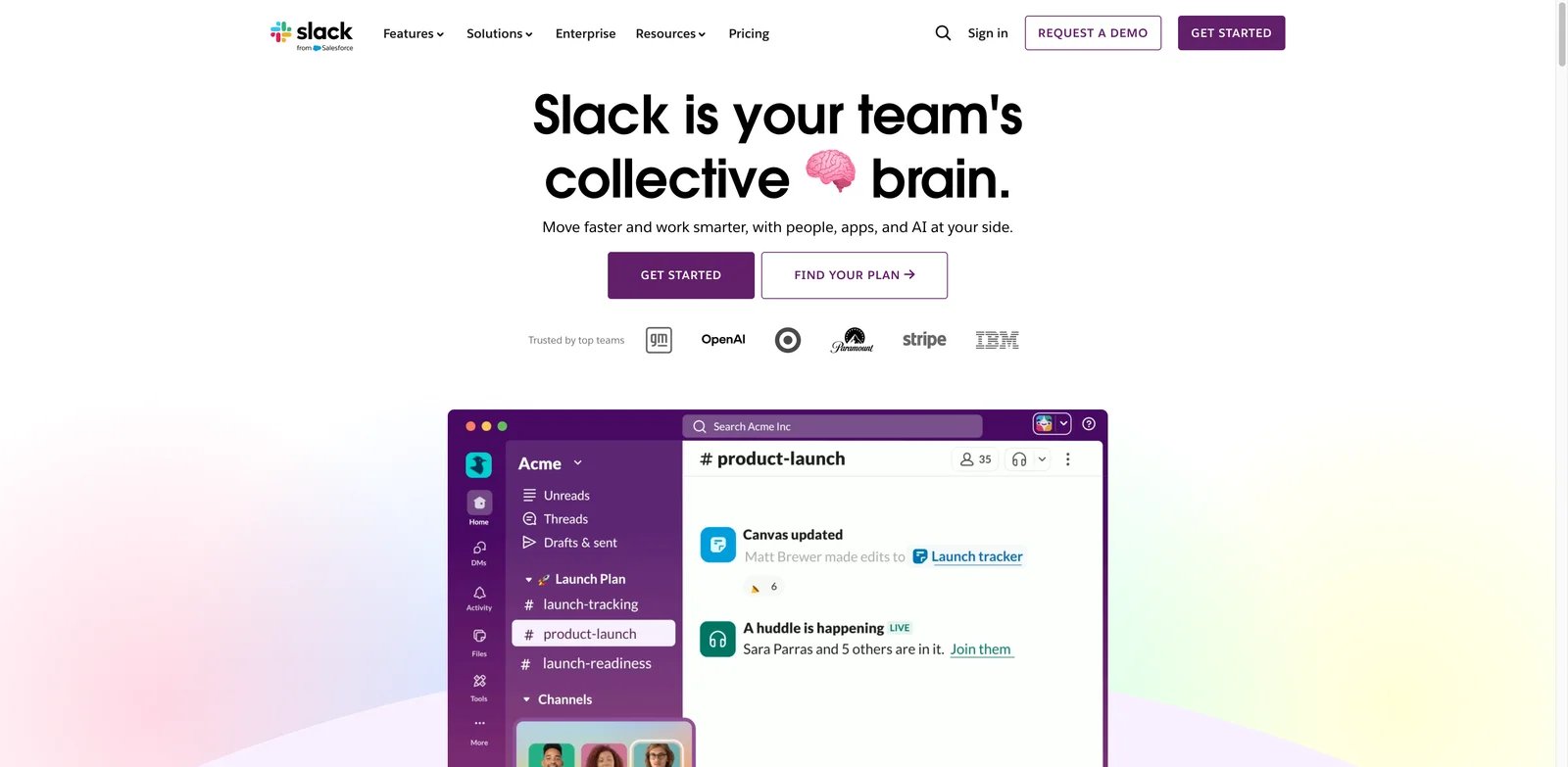
Slack AI brings AI-powered productivity directly into team communication, offering channel summarization, huddle notes, and workflow automation without leaving the Slack interface. As part of the Salesforce ecosystem, it also connects deeply with CRM data and Agentforce AI agents.
Key Features
- Channel Summarization — Get caught up on any channel with AI-generated summaries of key discussions
- Huddle Notes — Automatic transcription and summaries of Slack huddles
- Workflow Generation — Create automated workflows using natural language instructions
- Recaps & Translation — Daily recaps and real-time translation in 7 languages
- Advanced Enterprise Search — AI-powered search across all connected apps and channels
- Agentforce Integration — Access AI agents from Salesforce and partner apps directly in Slack
Pricing & Plans
Free: Basic Slack with Salesforce channel access. Pro: Same pricing, now includes core AI features (summarization, huddle notes). Business+ ($15/user/month): Workflow generation, recaps, translation, advanced search. Enterprise+: AI-powered enterprise search, advanced task management. All paid plans include Agentforce access.
Pros & Cons
Pros:
- AI features integrated where teams already communicate
- No context switching—summaries and search happen in Slack
- Strong Salesforce ecosystem integration for sales teams
- Core AI now included in Pro tier without add-on cost
Cons:
- Advanced AI features require Business+ or higher
- Value limited if not using Slack as primary communication tool
- Salesforce-centric features less useful for non-Salesforce orgs
Best For
- Teams using Slack as their primary communication hub
- Salesforce customers wanting CRM-connected AI assistance
- Managers needing quick channel catch-ups across multiple teams
- Organizations seeking workflow automation without additional tools
Get started with Slack AI

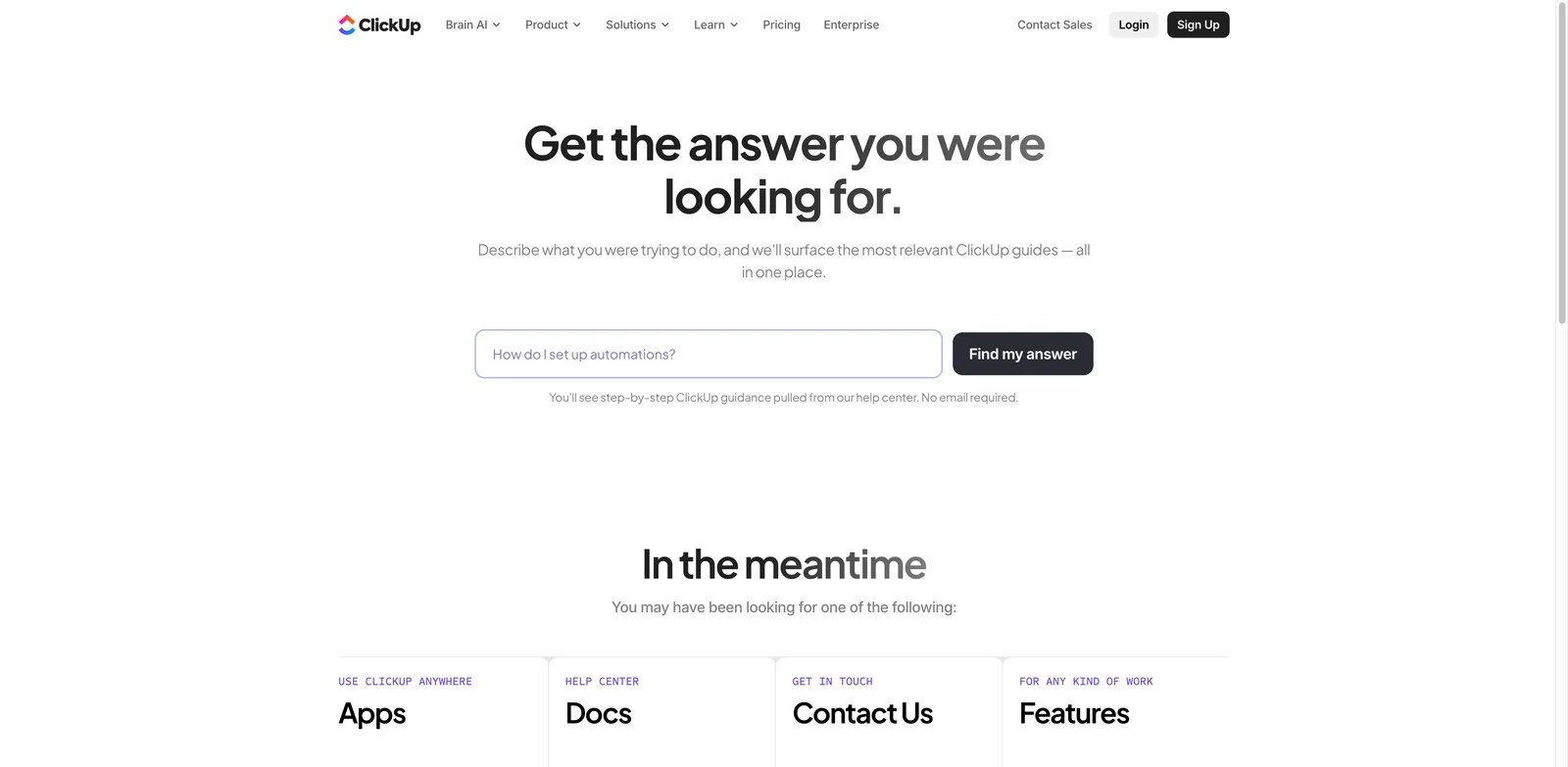
ClickUp Brain is an AI layer built directly into ClickUp's project management platform, offering conversational AI, automated task management, meeting transcription, and enterprise search across connected apps. It positions itself as "one AI to replace them all" for work management.
Key Features
- Brain Assistant — Conversational AI that answers questions about your projects, tasks, and documents
- AI Writing with Roles — Generate content with role-based prompts tailored to different job functions
- Web Search & Research — Find information with citations directly within ClickUp
- AI Notetaker — Transcribe meetings and generate summaries with action items
- Super Agents & Autopilot — Automate workflows with AI agents that handle repetitive tasks
- Enterprise Search — Search across all connected apps from a single interface
Pricing & Plans
Free Forever: Trial AI access. Brain AI ($9/month per user, billed yearly): Core AI assistant, writing tools, web search. Everything AI ($28/month per user, billed yearly): Premium reasoning models, enterprise search, Super Agents, AI Notetaker (60 hours/month). Add-ons available: AI Super Credits ($10/10K credits), Talk to Text ($9/user/month).
Pros & Cons
Pros:
- AI deeply integrated into project management workflows
- Competitive pricing for comprehensive AI capabilities
- Super Fair Billing policy passes savings to users
- Enterprise-grade privacy with no third-party model training
Cons:
- Best value requires ClickUp as your primary project management tool
- Everything AI tier pricing can add up for larger teams
- Some features like AI Notetaker have hour limits
Best For
- Teams already using ClickUp for project management
- Organizations wanting unified AI across tasks, docs, and meetings
- Project managers seeking automated status updates and summaries
- Companies needing enterprise search across multiple tools
Get started with ClickUp Brain
Claude
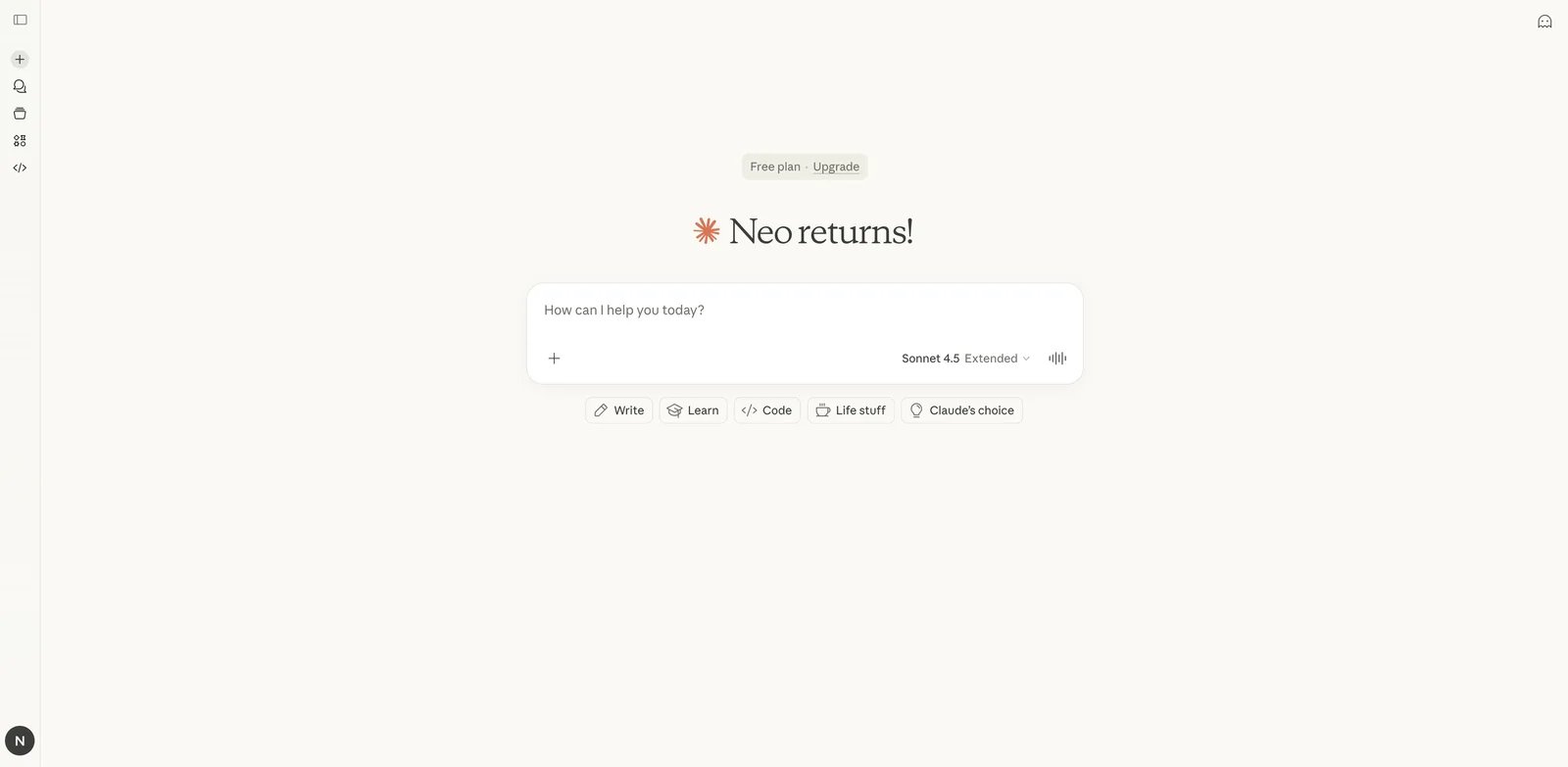
Claude is Anthropic's AI assistant, known for its thoughtful responses, strong reasoning capabilities, and industry-leading 200K token context window. With extended thinking mode and Claude Code for developers, it's particularly suited for research, analysis, and coding tasks requiring deep understanding.
Key Features
- Extended Context Window — Process up to 200K tokens, ideal for analyzing lengthy documents or codebases
- Extended Thinking Mode — Shows reasoning process for complex problems, improving accuracy
- Claude Code — Dedicated coding assistant available on web and terminal
- Memory Across Conversations — Maintains context and preferences over multiple sessions
- Research Access — Deep research capabilities for comprehensive topic investigation
- Google Workspace & Microsoft 365 Integration — Connect to your existing productivity apps
Pricing & Plans
Free: Basic chat access with web search and file uploads. Pro ($20/month or $200/year): ~5x usage, Claude Code, unlimited projects, memory, extended thinking. Max ($100/month): 5x or 20x more usage than Pro, early access to advanced features. Team ($20-25/seat/month): SSO, admin controls, Slack integration. Enterprise: Custom pricing with HIPAA compliance, audit logs, custom retention.
Pros & Cons
Pros:
- Excellent at nuanced reasoning and following complex instructions
- Massive context window for document-heavy workflows
- Strong coding capabilities with dedicated Claude Code tool
- More conservative safety approach reduces harmful outputs
Cons:
- Usage limits can feel restrictive even in paid tiers
- Fewer integrations compared to ChatGPT's plugin ecosystem
- Extended thinking mode consumes tokens quickly
Best For
- Researchers analyzing long documents or multiple sources
- Developers needing thoughtful code review and generation
- Writers requiring nuanced feedback and editing assistance
- Teams valuing AI safety and responsible deployment
Get started with Claude

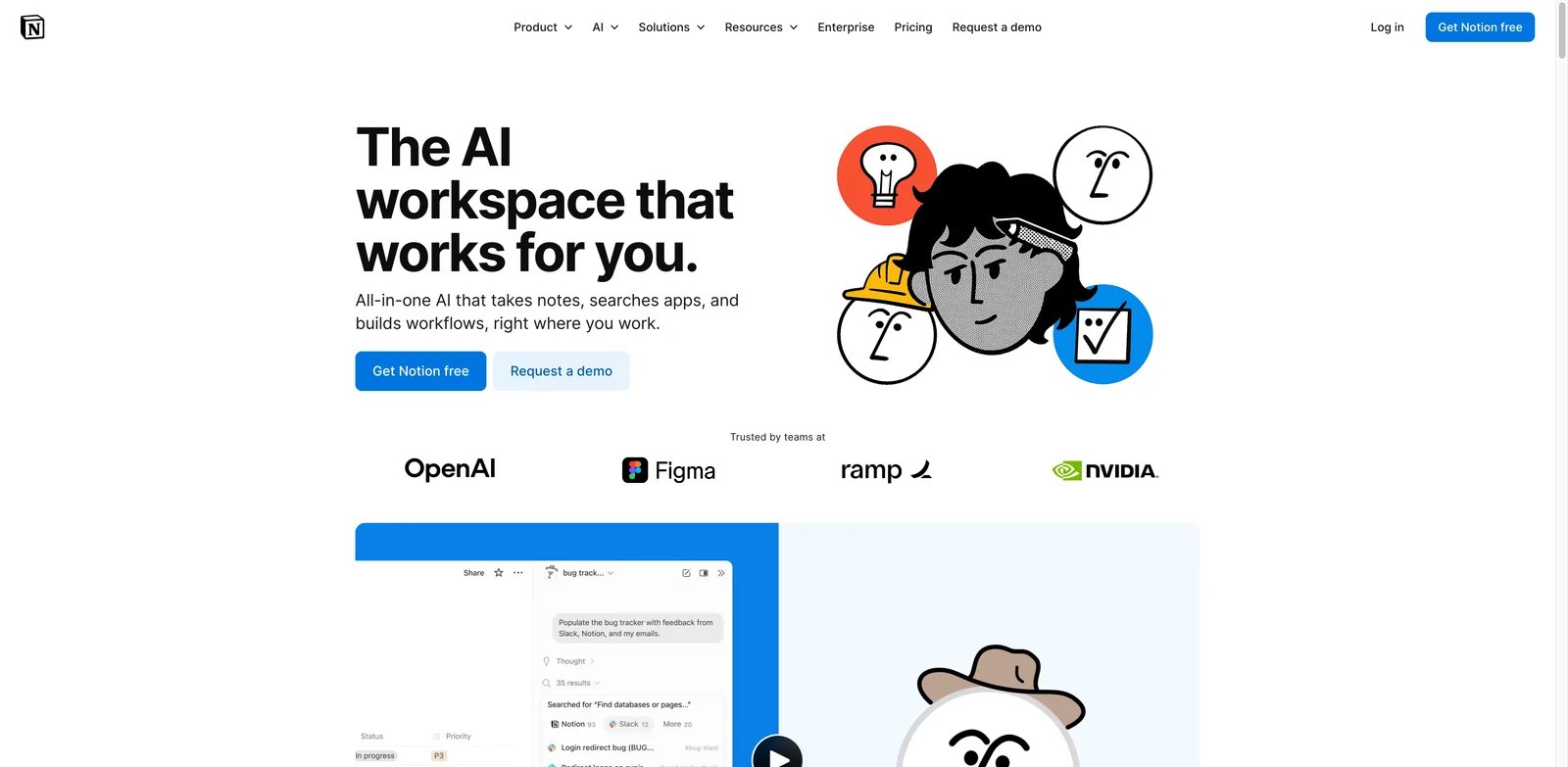
Notion AI brings AI capabilities directly into Notion's all-in-one workspace, offering writing assistance, meeting notes transcription, enterprise search across connected apps, and automated document generation. It's designed to enhance rather than replace Notion's existing knowledge management strengths. If you're looking for AI-powered productivity tools, check out our AI productivity tools category.
Key Features
- AI Meeting Notes — Automatic transcription, summarization, and action item extraction from meetings
- Enterprise Search — Find answers across Notion and connected apps like Google Drive and Slack
- Research Mode — Auto-drafts documents by synthesizing information from multiple sources
- Multi-Model Access — Access GPT-5, Claude Opus 4.1, and o3 models without separate subscriptions
- Writing Assistance — Drafting, editing, summarizing, and translating content inline
- Database Autofill — AI-powered property suggestions and data enrichment
Pricing & Plans
For new users (as of May 2025), Notion AI is included with Business and Enterprise plans only—it's no longer available as a standalone add-on for Free or Plus plans. Existing subscribers can continue at $10/member/month (20% discount for annual billing). Education Plus users may qualify for 50% off.
Pros & Cons
Pros:
- Seamless integration with Notion's existing workspace features
- Access to multiple AI models (GPT-5, Claude, o3) in one subscription
- Enterprise search connects knowledge across tools
- Natural inline AI assistance doesn't disrupt workflow
Cons:
- New users must upgrade to Business plan for AI access
- Value limited if not using Notion as primary workspace
- Some features require Business/Enterprise tiers
Best For
- Teams using Notion as their primary knowledge management tool
- Organizations wanting AI-enhanced documentation workflows
- Users who prefer inline AI assistance over separate chat interfaces
- Companies needing cross-app search from a central hub
Get started with Notion AI

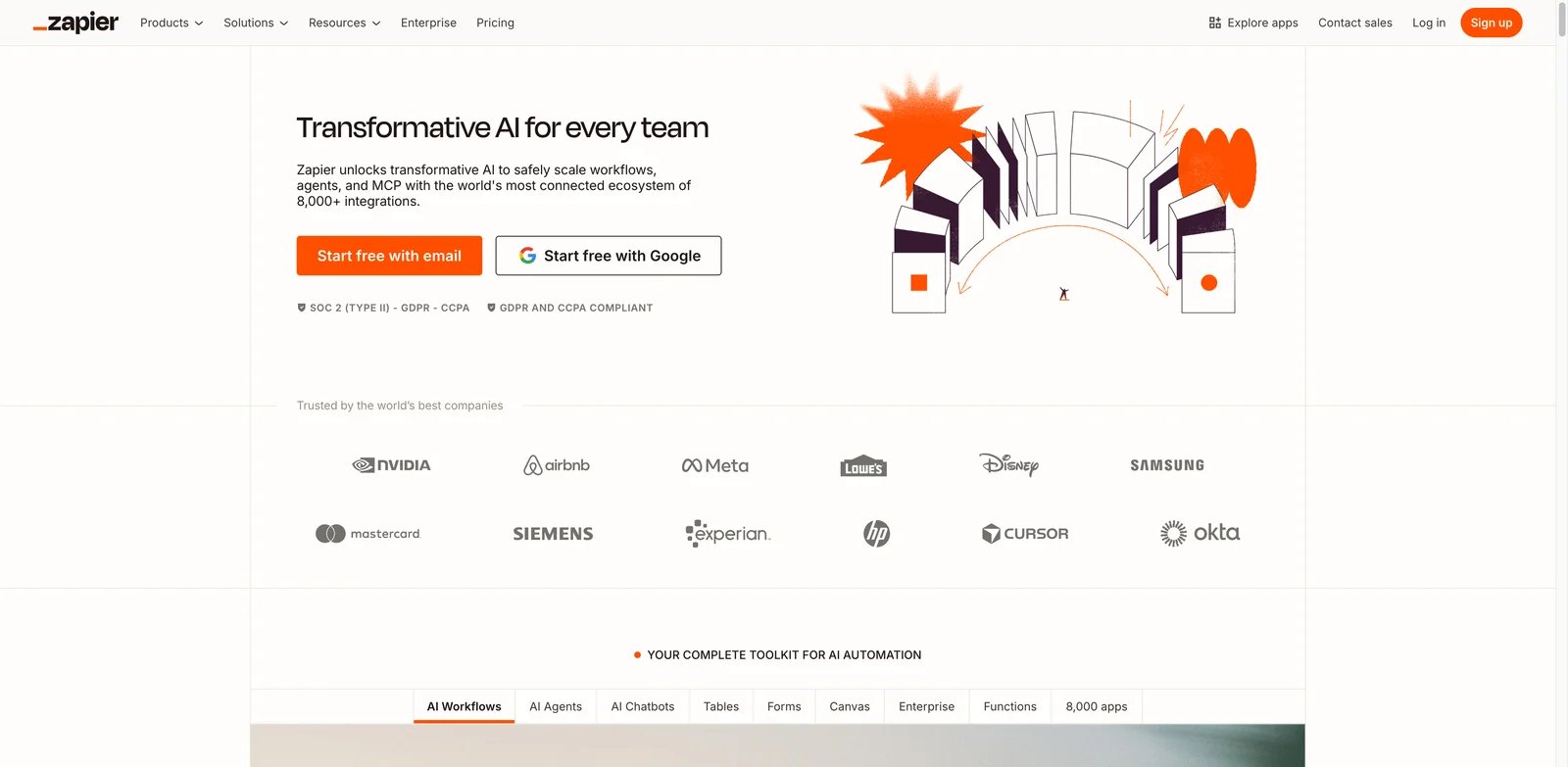
Zapier connects over 7,000 apps to automate workflows without coding. With Zapier Agents (formerly Central), you can deploy AI-powered teammates that work independently to handle routine tasks, access live business data, and make smart decisions across your entire app ecosystem.
Key Features
- 7,000+ App Integrations — Connect virtually any tool in your stack without custom development
- Zapier Agents — AI teammates that work autonomously based on natural language instructions
- Zapier Copilot — Unlimited AI-assisted Zap building and troubleshooting
- Tables & Forms — Built-in database and form tools included with all plans
- Multi-Step Zaps — Create complex workflows with conditional logic and branching
- Zapier MCP — Connect enterprise data to AI tools via Model Context Protocol
Pricing & Plans
Free: 100 tasks/month, unlimited Zaps, Copilot, Tables, Forms. Professional ($19.99/month yearly): 750+ tasks/month, scales to 10K+ tasks. Team ($69/month yearly): 25 users, shared Zaps and folders. All paid plans include unlimited Zaps, Copilot messages, and Zapier MCP at no extra cost.
Pros & Cons
Pros:
- Unmatched app integration breadth with 7,000+ connections
- No-code setup makes automation accessible to non-developers
- Agents work independently once configured, reducing manual effort
- Free tier generous enough for small-scale automation
Cons:
- Task-based pricing can get expensive at high volumes
- Complex multi-step Zaps require trial-and-error to optimize
- Some app integrations have limited trigger/action options
Best For
- Small businesses automating repetitive tasks across multiple tools
- Marketing teams connecting CRM, email, and analytics platforms
- Operations managers reducing manual data entry and handoffs
- Non-technical users wanting powerful automation without coding
Get started with Zapier

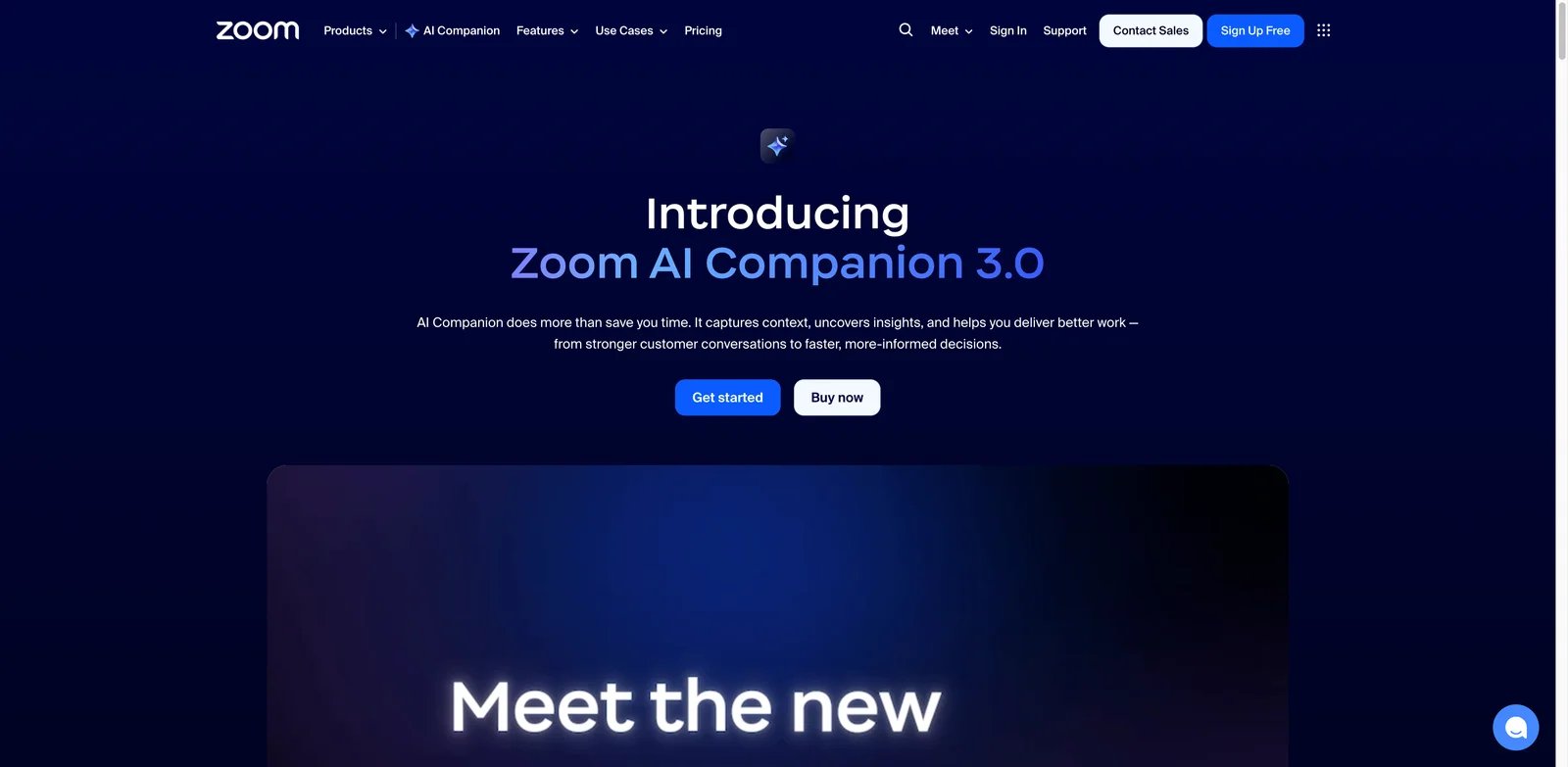
Zoom AI Companion brings AI assistance directly into video meetings, offering real-time transcription, automated summaries, and workflow automation for follow-ups. Combining models from OpenAI, Anthropic, and NVIDIA, it's designed to make meetings more productive without requiring a separate tool. For more meeting intelligence options, explore our AI meeting notes category.
Key Features
- Meeting Summaries — Automatic AI-generated summaries with key points and action items
- Real-Time Transcription — Live transcription during meetings with speaker identification
- Workflow Automation — Automate follow-ups, document creation, and task management
- Calendar Optimization — AI-assisted scheduling across timezones with agenda preparation
- Multi-Source Knowledge — Pulls context from connected Gmail, Outlook, and Zoom content
- Hybrid AI Models — Combines OpenAI, Anthropic, and NVIDIA for accuracy and speed
Pricing & Plans
Included with Paid Plans: AI Companion is included at no extra cost with all paid Zoom licenses. Standalone ($10/month): Available for Zoom Basic users who want AI features without upgrading. Custom AI Companion Add-on ($12/user/month): Enhanced capabilities for enterprise needs. Zoom does not use customer content to train AI models.
Pros & Cons
Pros:
- Included free with existing paid Zoom subscriptions
- No data used for AI training—strong privacy stance
- Multi-model approach improves transcription accuracy
- Native integration means no additional setup or app
Cons:
- Best value only if you're already using Zoom for meetings
- Standalone option still requires Zoom account
- Some features limited compared to dedicated meeting AI tools
Best For
- Teams already using Zoom as their primary meeting platform
- Organizations wanting meeting AI without additional subscriptions
- Privacy-conscious companies needing guaranteed data protection
- Hybrid teams needing scheduling across multiple timezones
Get started with Zoom AI Companion
Asana AI
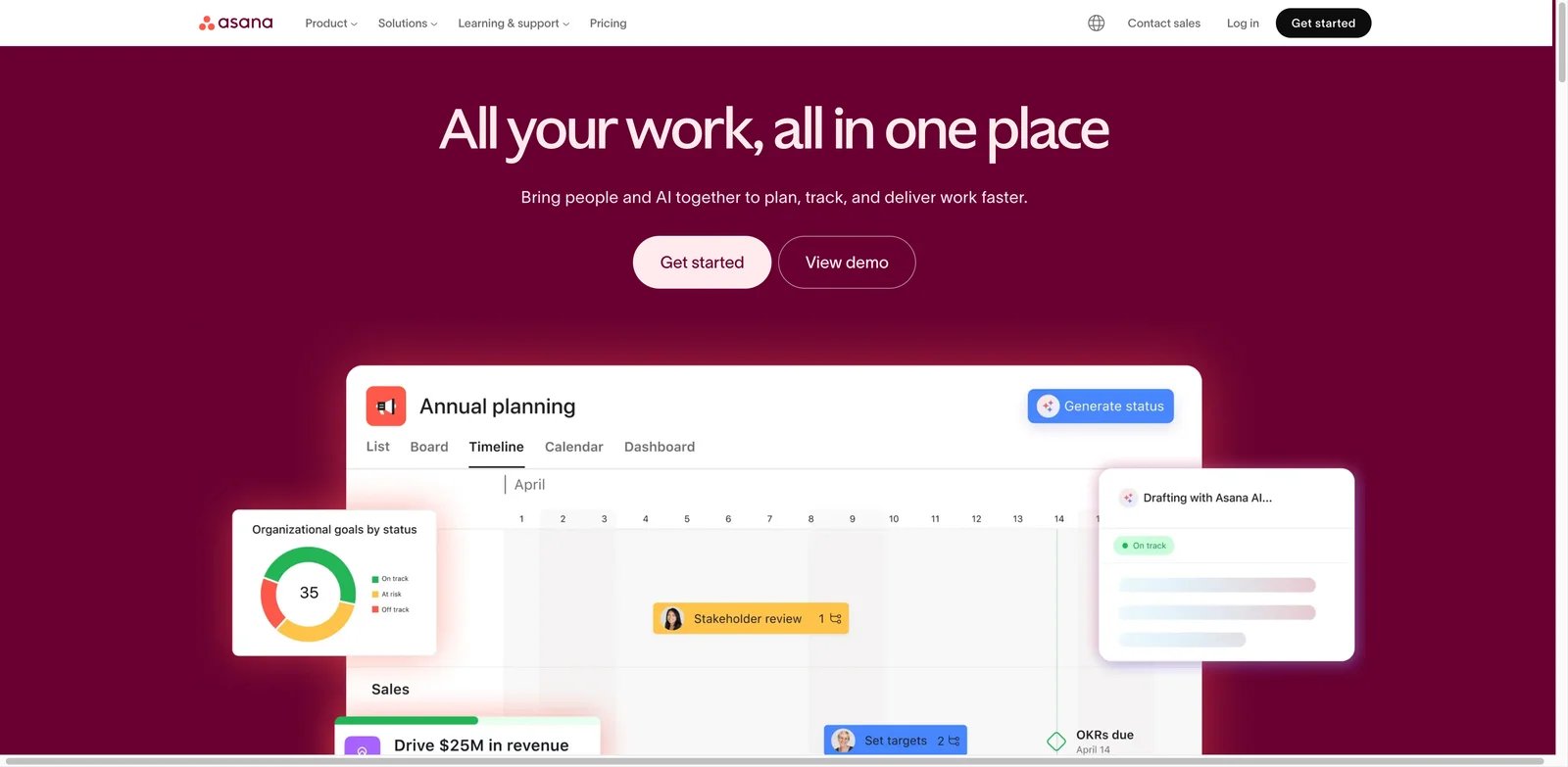
Asana AI integrates artificial intelligence into Asana's project management platform, offering AI Studio for workflow building, AI Teammates for collaborative task handling, and Smart Assists for productivity optimization. It's designed to reduce busywork and keep projects moving forward.
Key Features
- AI Studio — No-code builder for creating AI workflows that automate repetitive tasks
- AI Teammates — AI agents that work alongside teams with full business context
- Smart Assists — AI-powered insights for project tracking, progress updates, and resource optimization
- Claude Integration — Turn conversations into actionable projects and tasks
- Goal Tracking — AI-assisted progress monitoring toward team and organizational goals
- Automated Status Updates — Generate project summaries without manual reporting
Pricing & Plans
Personal (Free): For 1-2 people with basic features. Starter ($13.49/user/month): Timeline, workflow builder, Asana AI, unlimited dashboards, advanced search. Advanced ($24.99-30.49/user/month): Portfolios, goals, workload management, advanced integrations (Salesforce, Adobe, Tableau). Enterprise: Custom pricing with SAML, SOC2, GDPR, HIPAA compliance, 24/7 support.
Pros & Cons
Pros:
- AI features included in Starter tier without separate add-on cost
- AI Teammates concept provides collaborative rather than replacement approach
- Strong integration with existing Asana workflows and views
- Enterprise compliance for regulated industries
Cons:
- Per-user pricing adds up quickly for larger teams
- AI features most valuable when Asana is primary project tool
- Some advanced features require expensive Enterprise tier
Best For
- Teams already using Asana for project management
- Organizations wanting AI to augment rather than replace human work
- Project managers seeking automated status reporting
- Enterprises needing compliant AI within existing workflows
Get started with Asana AI

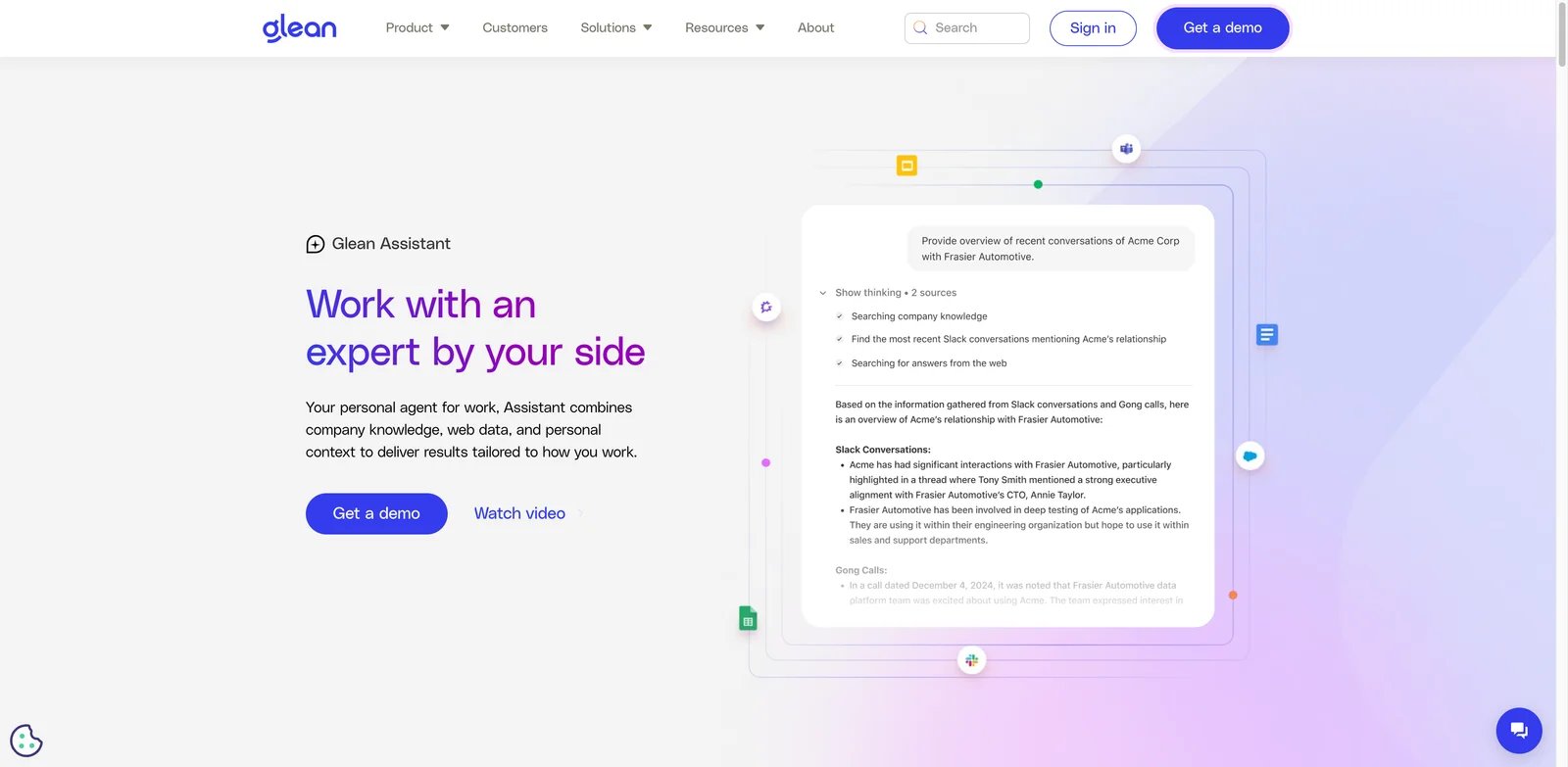
Glean is an enterprise AI platform that unifies search across all company applications—emails, documents, tickets, and structured systems. Unlike consumer AI assistants, Glean is built specifically for enterprise knowledge management with deep security controls and compliance capabilities.
Key Features
- Enterprise-Wide Search — Unified search across hundreds of SaaS integrations (Slack, Teams, Zendesk, GitHub, ServiceNow)
- AI Assistants — Conversational AI with full enterprise context for answering questions
- AI Agents — Multi-step reasoning agents that complete complex tasks across systems
- Enterprise & Personal Graph — Contextual understanding of organizational relationships and individual preferences
- Developer APIs — Build custom implementations and integrations
- MCP Server — Connect enterprise data to external AI tools via Model Context Protocol
Pricing & Plans
Glean does not publish standard pricing; contact sales for quotes. Typical costs: $50+/user/month minimum, with mid-sized deployments ranging $30K-$50K/month ($360K-$600K annually). Median annual contracts ~$66K. Support costs approximately 10% of ARR. No free trial—paid proof-of-concept often required.
Pros & Cons
Pros:
- Comprehensive enterprise search across all company systems
- Strong security and compliance for regulated industries
- AI agents with deep organizational context
- Developer platform for custom implementations
Cons:
- High cost makes it suitable only for larger organizations
- No self-serve option or free trial
- Long sales cycle typical for enterprise deployments
Best For
- Large enterprises needing unified knowledge search
- Organizations with information scattered across dozens of tools
- IT teams wanting to reduce internal support ticket volume
- Companies willing to invest significantly in knowledge management
Get started with Glean
monday.com AI
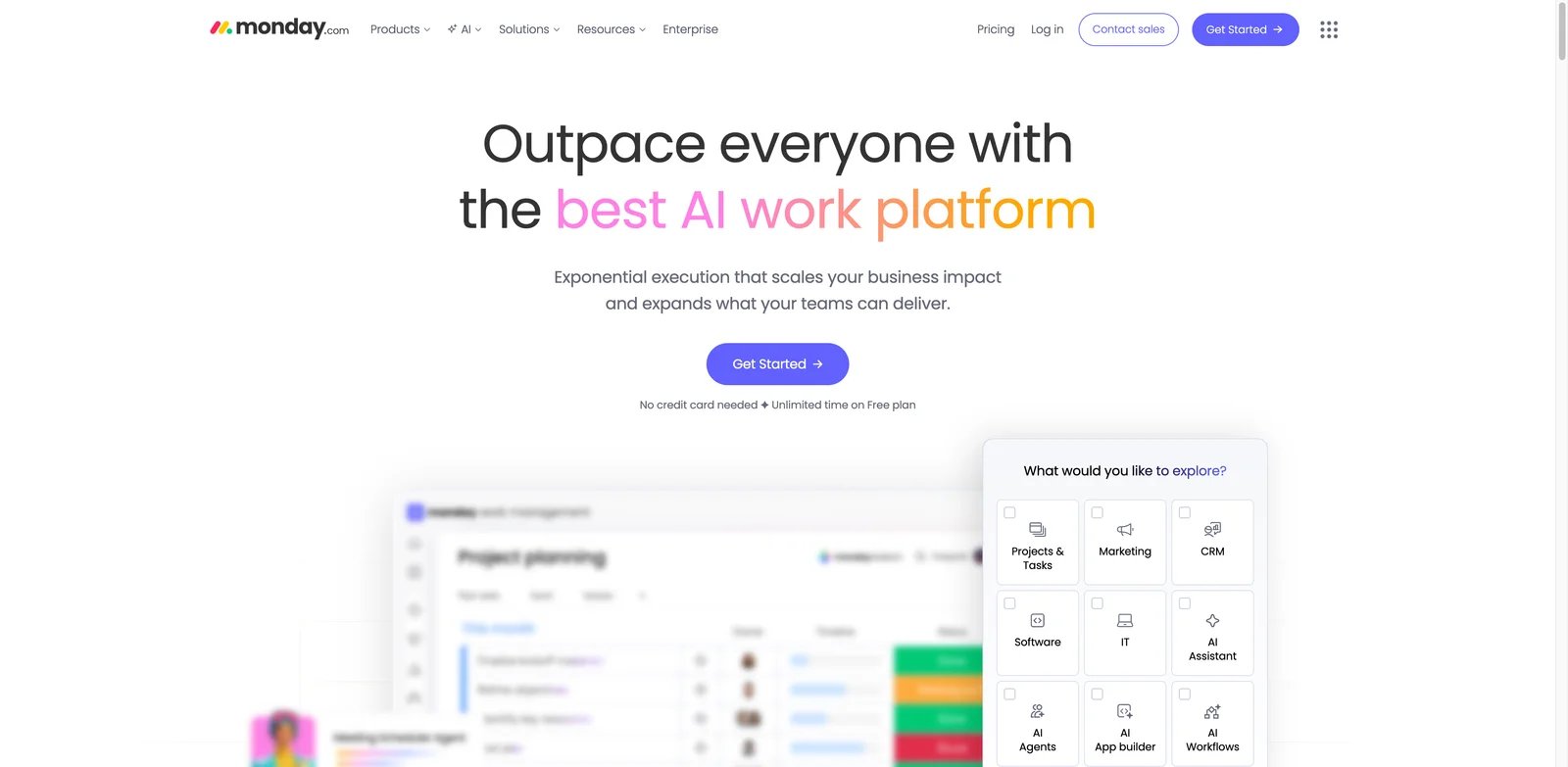
monday.com AI adds artificial intelligence capabilities to monday.com's work management platform, offering AI-powered automations, content generation, and data operations. With 500 free monthly credits for paid plan users, it provides accessible entry to AI-enhanced project management.
Key Features
- AI Automations — Automate task assignment, status updates, and workflow triggers
- AI Blocks — Use natural English instructions within automations instead of complex rule configurations
- Text Generation — Draft emails, documents, and summaries directly in monday.com
- Data Operations — AI-powered categorization, sorting, and task summarization
- Cross-Product AI — Works across Work Management, CRM, Service, and other monday.com products
- Pre-Designed Templates — Ready-to-use AI-powered blueprints for common workflows
Pricing & Plans
All users on Standard, Pro, or Enterprise plans receive 500 free AI credits per month. Once exhausted, existing AI automations continue running but accumulate negative credits; other AI features pause until credits are purchased. Paid add-on packages available with annual billing.
Pros & Cons
Pros:
- 500 free credits monthly provides accessible AI trial
- AI Blocks simplify automation with natural language
- Works across all monday.com product lines
- No separate AI subscription required for basic use
Cons:
- Credit system can be confusing with negative balance mechanics
- Advanced use requires paid credit packages
- AI features tied exclusively to monday.com platform
Best For
- Teams already using monday.com for work management
- Users wanting to try AI automation without upfront cost
- Organizations seeking AI across CRM, service, and project management
- Non-technical users who prefer natural language over rule-based automation
Get started with monday.com AI

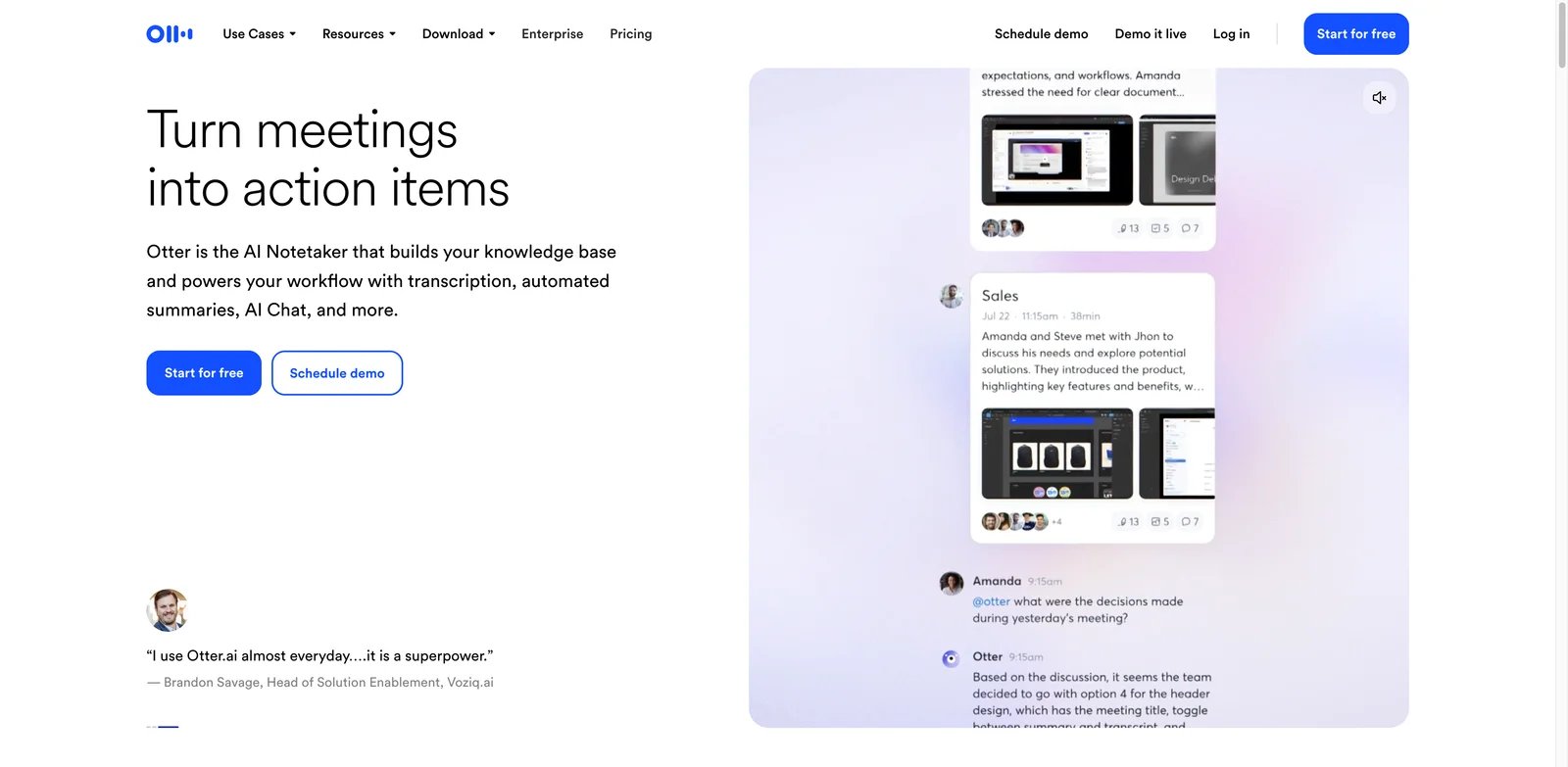
Otter.ai is a dedicated meeting transcription and note-taking tool, offering real-time transcription, AI-generated summaries, and speaker identification across Zoom, Teams, and Google Meet. It's one of the most established players in the AI meeting assistant space. For more AI chatbot options, see our best AI chatbots guide.
Key Features
- Real-Time Transcription — Live transcription during meetings with speaker diarization
- AI Chat Within Meetings — Ask questions about meeting content as it happens
- Automated Summaries — AI-generated meeting summaries with key points and action items
- Multi-Platform Support — Works with Zoom, Microsoft Teams, and Google Meet
- Custom AI Workflows — Build automated workflows for meeting follow-ups
- Audio/Video Import — Transcribe recordings from Dropbox, YouTube, and cloud storage
Pricing & Plans
Basic (Free): 300 minutes/month, live transcription, speaker ID, 3 lifetime file imports. Pro ($8.33/month yearly): 1,200 minutes, 90-minute meetings, 10 monthly imports, Zapier integration. Business ($19.99/month yearly): Unlimited meetings up to 4 hours, unlimited imports, 3 concurrent meetings, admin features. Enterprise: Custom pricing with HIPAA, SSO, custom integrations, dedicated CSM.
Pros & Cons
Pros:
- Industry-leading transcription accuracy with speaker identification
- Generous free tier for light users
- Simple, focused tool that does one thing well
- Strong integration with major meeting platforms
Cons:
- Limited to transcription—no broader AI assistant capabilities
- Pro tier limited to 90-minute meetings
- Business features require stepping up from affordable Pro tier
Best For
- Professionals who need reliable meeting transcription
- Sales teams documenting customer calls
- Researchers conducting and analyzing interviews
- Teams wanting dedicated meeting notes without full-suite complexity
Get started with Otter.ai
NotebookLM
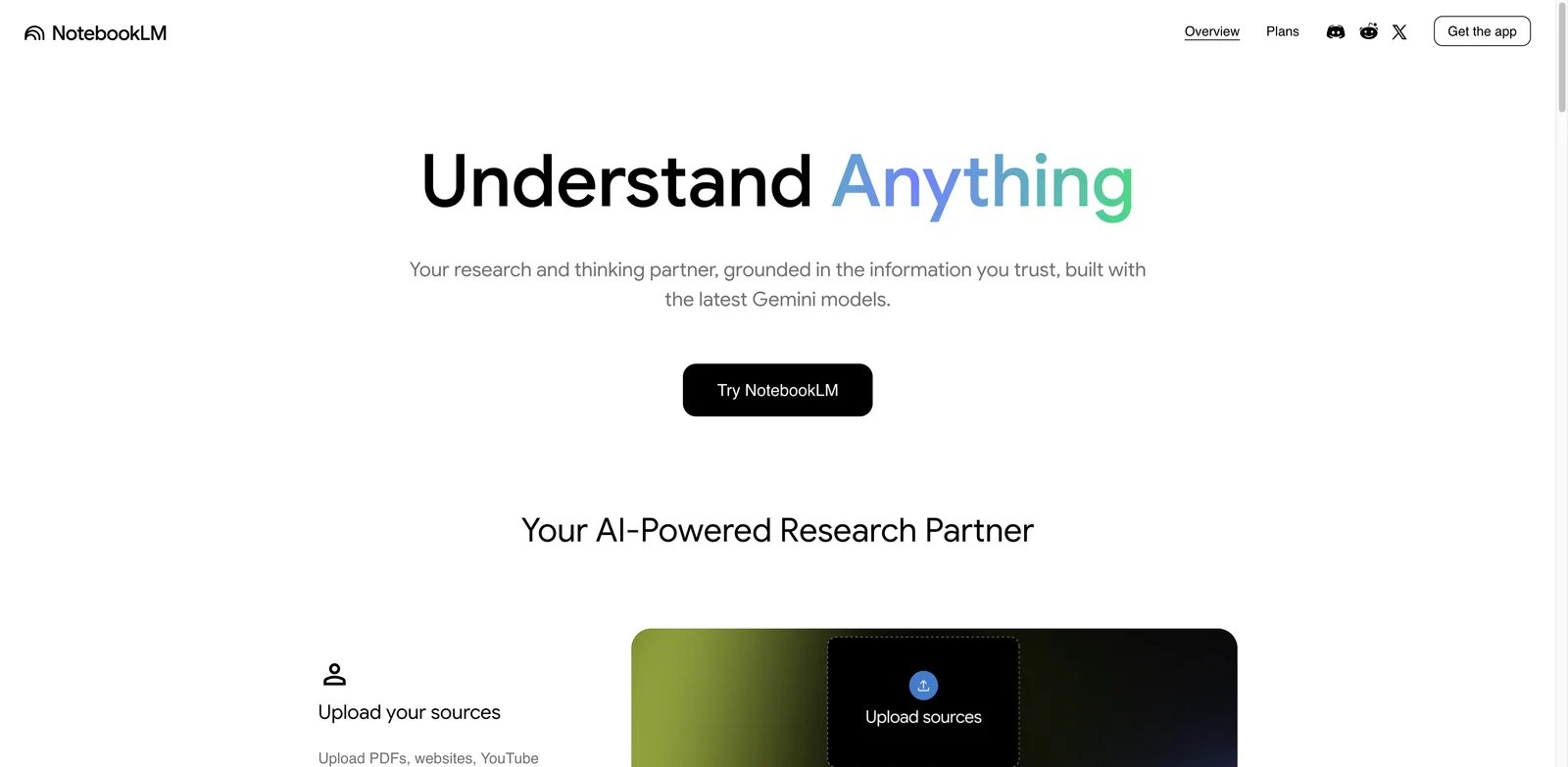
NotebookLM is Google's AI-powered research assistant that synthesizes information from your uploaded sources into conversational summaries, including unique Audio Overviews that generate podcast-style discussions. Built on Gemini 2.0, it's designed for researchers, students, and anyone working with multiple source documents.
Key Features
- Audio Overviews — Generate podcast-style summaries of your sources with AI hosts
- Interactive Audio — Ask questions and receive personalized responses during Audio Overviews
- Source-Grounded Responses — All answers cite specific uploaded documents
- Multi-Source Synthesis — Combine up to 100 sources per notebook (Plus tier)
- Gemini 2.0 Flash Integration — Access to Google's latest experimental AI model
- Chat Interface — Conversational Q&A about your uploaded materials
Pricing & Plans
Free: Basic NotebookLM access with limited generations. NotebookLM Plus (via Google One AI Premium at $19.99/month): 2X more generations, up to 100 sources per notebook, early access to new features. Students 18+ can access at $9.99/month. Plus is not available as standalone subscription—bundled with Google One AI Premium.
Pros & Cons
Pros:
- Audio Overviews create engaging summaries for audio-first learners
- Source-grounded responses reduce hallucination risk
- Free tier generous enough for casual research
- Interactive audio is unique differentiator
Cons:
- Plus requires full Google One AI Premium subscription
- Limited to uploaded sources—no live web search
- Fewer organizational features compared to dedicated research tools
Best For
- Researchers synthesizing multiple academic papers or reports
- Students preparing for exams or writing papers
- Audio-first learners who prefer listening to reading
- Anyone with a Google One subscription wanting research AI
Get started with NotebookLM

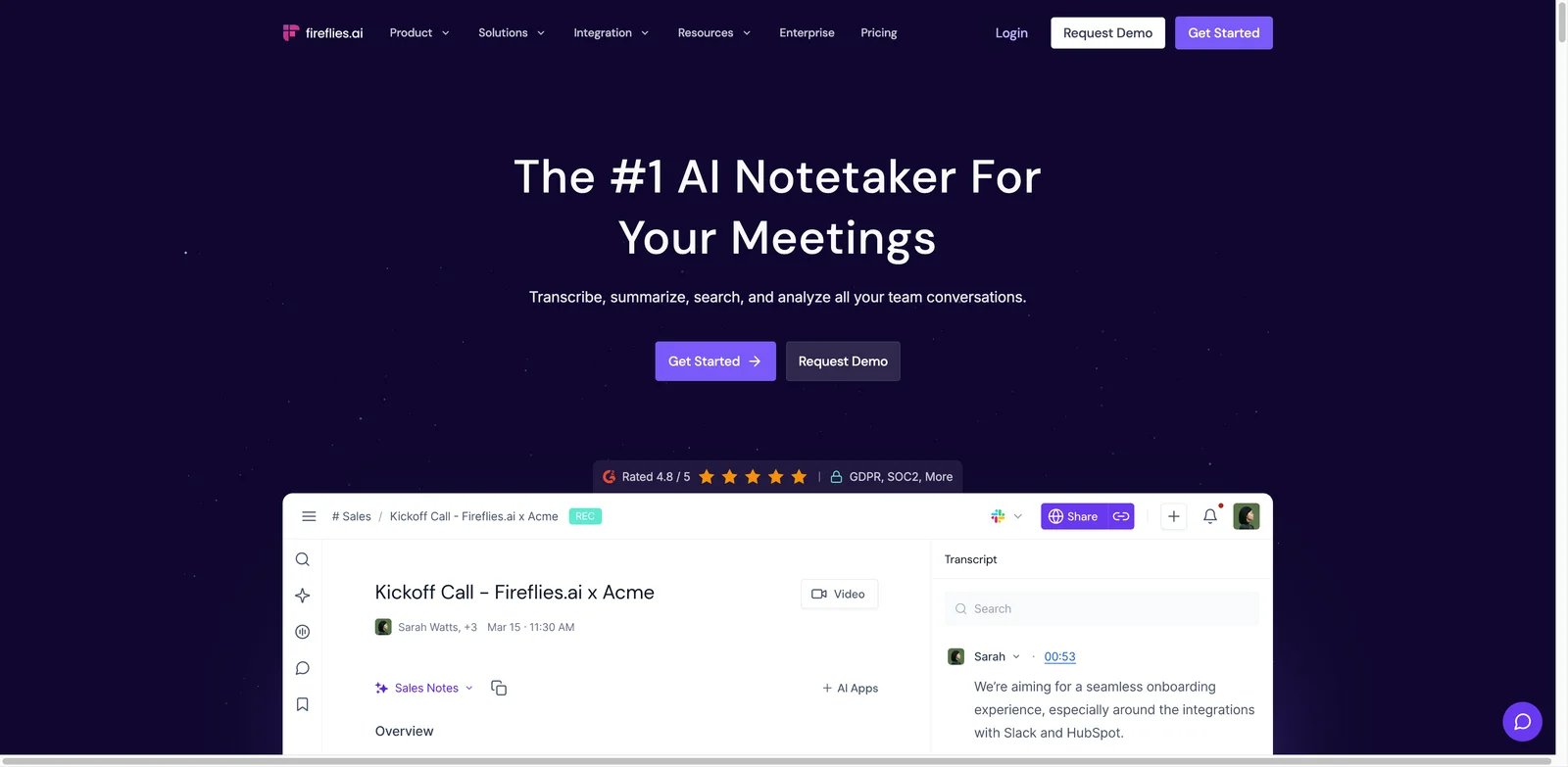
Fireflies.ai is an AI meeting assistant that transcribes, summarizes, and analyzes conversations across 100+ languages. With AskFred AI assistant, analytics dashboards, and integrations with 50+ apps, it's built for teams that need comprehensive meeting intelligence at scale.
Key Features
- 100+ Language Transcription — Support for global teams with multilingual transcription
- AskFred AI Assistant — Ask questions about any meeting and get instant answers
- Real-Time Notes — Live transcription and note-taking during meetings
- Conversation Intelligence — Sentiment analysis, talk-time metrics, and topic tracking
- Multi-Platform Integration — Works with Zoom, Meet, Teams, and 50+ other apps
- Team Analytics — Track meeting patterns and participation across your organization
Pricing & Plans
Free: Unlimited transcription with limited AI summaries, 800 minutes storage, 3-10 transcription credits. Pro ($10/month yearly): Unlimited transcription and summaries, 8,000 minutes storage, API access. Business ($19/month yearly): Unlimited storage, video recording, team analytics, user groups. Enterprise ($39/month yearly): SSO, SCIM, HIPAA, private storage, custom retention.
Pros & Cons
Pros:
- Broadest language support with 100+ languages
- Affordable pricing with generous Pro tier features
- Strong analytics for team meeting patterns
- AskFred provides conversational access to meeting history
Cons:
- Free tier has limited transcription credits
- Video recording requires Business tier
- Less integrated than platform-native options (Zoom AI, Teams Copilot)
Best For
- Global teams needing multilingual transcription
- Sales organizations tracking conversation metrics
- Companies wanting centralized meeting intelligence
- Cost-conscious teams seeking full-featured meeting AI
Get started with Fireflies.ai
Best AI Assistant by Use Case
For Individual Productivity
If you're looking for a personal AI assistant for daily tasks, ChatGPT or Claude offer the most versatile capabilities. ChatGPT excels at multi-modal tasks (text, images, code, video), while Claude is better for long-document analysis and nuanced reasoning. Both offer free tiers to start.
For Team Communication
Teams using Slack should leverage Slack AI's native summarization and workflow features—it's now included in Pro tier. For broader communication needs, Zoom AI Companion provides meeting intelligence without additional subscriptions if you're already on paid Zoom plans.
For Project Management
ClickUp Brain and Asana AI lead for teams wanting AI embedded in project workflows. ClickUp offers more aggressive pricing with its Everything AI tier, while Asana's AI Teammates concept provides a more collaborative approach. monday.com AI offers accessible entry with 500 free monthly credits.
For Enterprise Search
Large organizations with information scattered across many tools should consider Glean for comprehensive enterprise search. For smaller teams or tighter budgets, Notion AI provides cross-app search at a fraction of the cost if you're already in the Notion ecosystem.
For Meeting Intelligence
Dedicated meeting tools like Fireflies.ai and Otter.ai offer more features than platform-native options. Fireflies leads for multilingual support (100+ languages), while Otter provides the most polished transcription experience. NotebookLM is unique for turning meeting recordings into podcast-style summaries.
For Privacy-Conscious Users
OpenClaw is the clear choice for users who want full data control—it runs locally and is completely open source. For cloud-based options with strong privacy commitments, Zoom AI Companion explicitly states it doesn't train on customer data.
How to Choose the Right AI Assistant
1. Define Your Primary Use Case
Start by identifying your main need: general AI conversations, meeting transcription, project automation, or enterprise search. Tools optimized for specific use cases typically outperform general-purpose assistants in their domain.
2. Evaluate Your Existing Tool Stack
If you're already invested in a platform ecosystem (Google Workspace, Slack, Notion, ClickUp), native AI features often provide better value than adding standalone tools. Integration depth matters more than feature count.
3. Consider Team Size and Budget
Per-user pricing models (Asana, ClickUp, Slack) scale differently than flat-rate or usage-based models (Zapier, Fireflies). Calculate total cost for your team size before committing—a $10/user difference becomes significant at 50+ users.
4. Test Before Committing
Most tools offer free tiers or trials. Spend at least a week using your top 2-3 options for real work before making a decision. Pay attention to limitations that might not be obvious from feature lists.
5. Check Privacy and Compliance Requirements
If you work with sensitive data, verify each tool's data handling policies. Enterprise tiers often include necessary compliance features (SOC2, HIPAA, GDPR) that aren't available in standard plans.
Frequently Asked Questions
What is the best free AI assistant in 2026?
Which AI assistant is best for business use?
Can AI assistants replace human workers?
How much do AI assistants typically cost?
Are AI assistants safe for sensitive business data?
Which AI assistant has the best integrations?
What's the difference between ChatGPT and Claude?
Can I use multiple AI assistants together?
Get ToolWorthy Weekly
New AI tools, practical guides, and selected AI signals in one weekly brief.
Related Posts
- 16 Best AI Scheduling Assistant Tools 2026 - Calendar & Meetings
Compare 16 AI scheduling assistant tools for calendars, meeting coordination, email scheduling, recruiting loops, pricing and workflow fit.
- 16 Best AI Email Assistant Tools 2026 - Gmail, Outlook & Teams
Compare 16 AI email assistant tools for Gmail, Outlook, shared inboxes, writing, triage, follow-ups, pricing and team workflows.
- 16 Best AI Chrome Extensions in 2026 — Tested for Real Browser Workflows
We installed 30+ AI Chrome extensions and kept the 16 that survived real daily use. Real pricing, permissions notes, and where each one actually wins.
For AI tool founders
Built a tool that belongs in this decision set?
Request an editorial evaluation for possible inclusion in ToolWorthy.
Submit your tool for reviewPaid submission does not guarantee a ranking, recommendation, inclusion, or editorial outcome.