
13 Best AI Podcast Generators 2026 — Tested for Voice Quality, Credits & Real Automation
Robotic audio, vanishing credits, and hidden manual steps — we compared 13 AI podcast generators in 2026 to find which ones actually deliver publish-ready audio.
On this page
You've got the blog posts. The newsletters. The research reports. What you don't have is a recording setup, a co-host, or time to learn audio editing. So you turned to an AI podcast generator — and found out that "generate" and "publishable" aren't always synonyms. The voice sounded like a GPS. Three episodes in, the credits ran out. The output needed more edits than starting from scratch would have.
This guide covers 13 AI podcast tools tested against the questions real creators actually ask: Does the audio sound human enough to publish? What does it actually cost per episode once you factor in credit resets and tier jumps? And how many manual steps stand between your source document and something worth a listener's time? We cross-referenced official pricing pages with third-party reviews on G2, Reddit, and Trustpilot — because marketing claims and user experience rarely match.
| Tool | Best For |
|---|---|
| Google NotebookLM | Free hands-off document-to-conversation conversion |
| Wondercraft | Scripted podcast production with timeline editor |
| Jellypod | AI generation + hosting + audiogram in one platform |
| ElevenLabs (GenFM) | Realistic voice quality and multilingual output |
| Descript | Transcript-based editing with AI cleanup tools |
| Riverside | Remote recording + automated AI post-production |
| Podcastle | Full-stack production at the lowest monthly price |
| Podbean AI | AI features inside an established hosting platform |
| Podsqueeze | Lowest cost per episode for script-to-audio |
| VEED | Text-to-podcast inside a video creation workflow |
| Castmagic | Turning recorded audio into a content asset library |
| Auphonic | Automated audio quality processing for finished recordings |
| Headliner (Eddy) | Transcript editing and social media clip generation |
How We Selected and Tested These AI Podcast Generators
We started with 30+ candidates and filtered to tools that meaningfully contribute to podcast production — either generating audio from text input, editing recordings with AI assistance, or automating post-production tasks. Pure hosting platforms with no AI content features, general-purpose TTS engines without podcast-specific workflow design, and tools with no verifiable EU/US availability were excluded.
Our evaluation drew from multiple sources: official feature and pricing pages (accessed April 2026), verified user reviews on G2, Capterra, and Trustpilot, community threads on Reddit's r/podcasting and r/AItools, and structured scoring across five dimensions: functionality coverage (can it handle your full workflow?), voice naturalness (does it sound like a person?), pricing transparency (no hidden credit resets or bait-and-switch tiers?), input flexibility (what formats can you feed it?), and automation depth (how many manual steps between input and publish-ready output?).
Note on Testing Scope: We verified features and pricing from official sources and cross-referenced user reports. We did not produce and publish episodes with every tool — long-term reliability claims come from aggregated user feedback, not proprietary testing. All pricing reflects April 2026 public information; subscription terms change frequently, so confirm directly before committing.
Top 13 AI Podcast Generators Compared
These 13 tools cover the full range of podcast production workflows — from one-click document conversion to professional-grade recording and editing suites. The table below flags the one dimension that most often determines whether a tool works for a given creator.
| Tool | Best For | Voice Naturalness | Input Sources | Automation Depth | Starting Price |
|---|---|---|---|---|---|
| Google NotebookLM | Free content repurposing | Excellent (conversational) | Docs, PDFs, URLs, YouTube | High (no editing controls) | Free |
| Wondercraft | Scripted production | Very good | Text, URLs, docs | Medium (timeline editing required) | Free; paid from $21/mo annual ($25 monthly) |
| Jellypod | Generation + hosting | Good | Text, docs | High | $25/mo |
| ElevenLabs (GenFM) | Voice quality | Best in class | PDFs, articles, ebooks | Medium | $6/mo |
| Descript | Recording + AI editing | Good (with AI voices) | Audio, video, transcripts | Medium | Free; Hobbyist from $16/mo annual ($24 monthly) |
| Riverside | Remote recording | Good | Audio/video recordings | Medium | Free; Pro from $24/mo annual ($29 monthly) |
| Podcastle | Budget all-in-one | Good | Audio, video, TTS | Medium | $11.99/mo |
| Podbean AI | Established hosting platform | Decent | Text, files, blogs, ideas, audio files | Low–Medium | Hosting from $12/mo annual ($17 monthly); AI credits included |
| Podsqueeze | Lowest cost per episode | Good | Text, PDF, scripts | Medium | $8.99/mo |
| VEED | Video-podcast hybrid | Good | Text, audio, video | Medium | Free; verify current paid tier pricing |
| Castmagic | Content repurposing | N/A (no generation) | Audio, video files | Medium | $21/mo |
| Auphonic | Audio quality polish | N/A (post-production) | Audio files | High | Free (2h/mo) |
| Headliner (Eddy) | Editing + social clips | N/A (editing tool) | Audio files, transcripts | Low–Medium | Free |
Detailed Reviews
Google NotebookLM
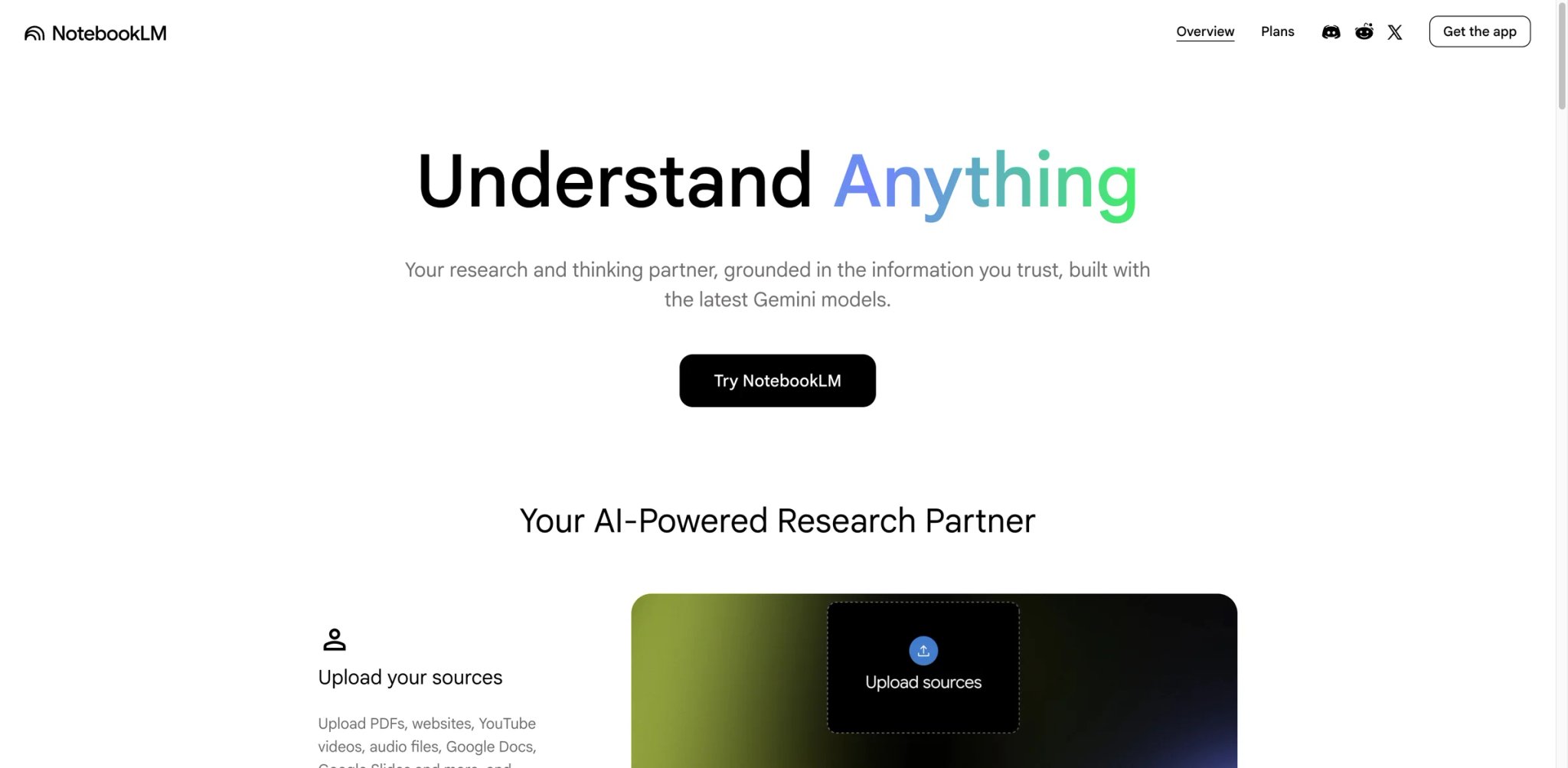
If you want to turn a 40-page research report into a listenable conversation without touching a microphone, NotebookLM's Audio Overview is the only tool that does it completely free — and the output is surprisingly hard to distinguish from a real two-host podcast. You upload your sources (PDFs, Google Docs, URLs, YouTube links), click Generate, and 10–15 minutes later you have a 15–20 minute discussion between two AI hosts who cite your specific content.
Key Features
The two-host conversational format is NotebookLM's core differentiator. Rather than generating a monologue, it produces a natural-sounding dialogue with questions, interruptions, and genuine back-and-forth. The system is grounded in your uploaded sources, which reduces generic AI filler and helps the hosts reference specific numbers and arguments from your documents. Source-grounded tools can still misread, omit, or overgeneralize source material, so verify key claims before publishing.
For content repurposing — turning a year's worth of blog posts into a podcast back-catalog, or converting client reports into an executive audio briefing — this is the fastest path from document to listenable audio at zero cost.
Pricing & Plans
NotebookLM has a free tier, but it is not unlimited: Google lists daily limits of approximately 3 Audio Overview generations per day plus caps on notebooks, sources, and source size. Google One AI Premium ($19.99/mo) or NotebookLM Pro unlocks higher Audio Overview and notebook limits. Describe the free plan as generous but capped rather than credit-free — heavy users will hit limits before the billing cycle ends.
Pros & Cons
Pros
- Generates 15–20 minute two-host conversations from uploaded documents at zero cost
- Hosts reference specific numbers and arguments from your sources, reducing generic filler
- Accepts PDFs, Google Docs, URLs, and YouTube links with no reformatting required
- Fastest document-to-audio path of any tool reviewed
Cons
- No post-generation editing: mispronounced names or factual errors require a full regeneration
- Output format locked to two-host conversation — no solo, interview, or monologue modes
- Free tier daily Audio Overview limits make batch production impractical
Best For
Best for: Writers and researchers who want a no-cost way to turn long-form documents into shareable audio without any production overhead. Ideal for internal briefings, learning summaries, or testing whether podcast format works for your content before investing in paid tools.
Not the right fit if you need voice customization, scripted control, or publishable-quality audio for a professional show — or if you need to produce more than a few episodes per week reliably.
Get started with Google NotebookLM
Wondercraft
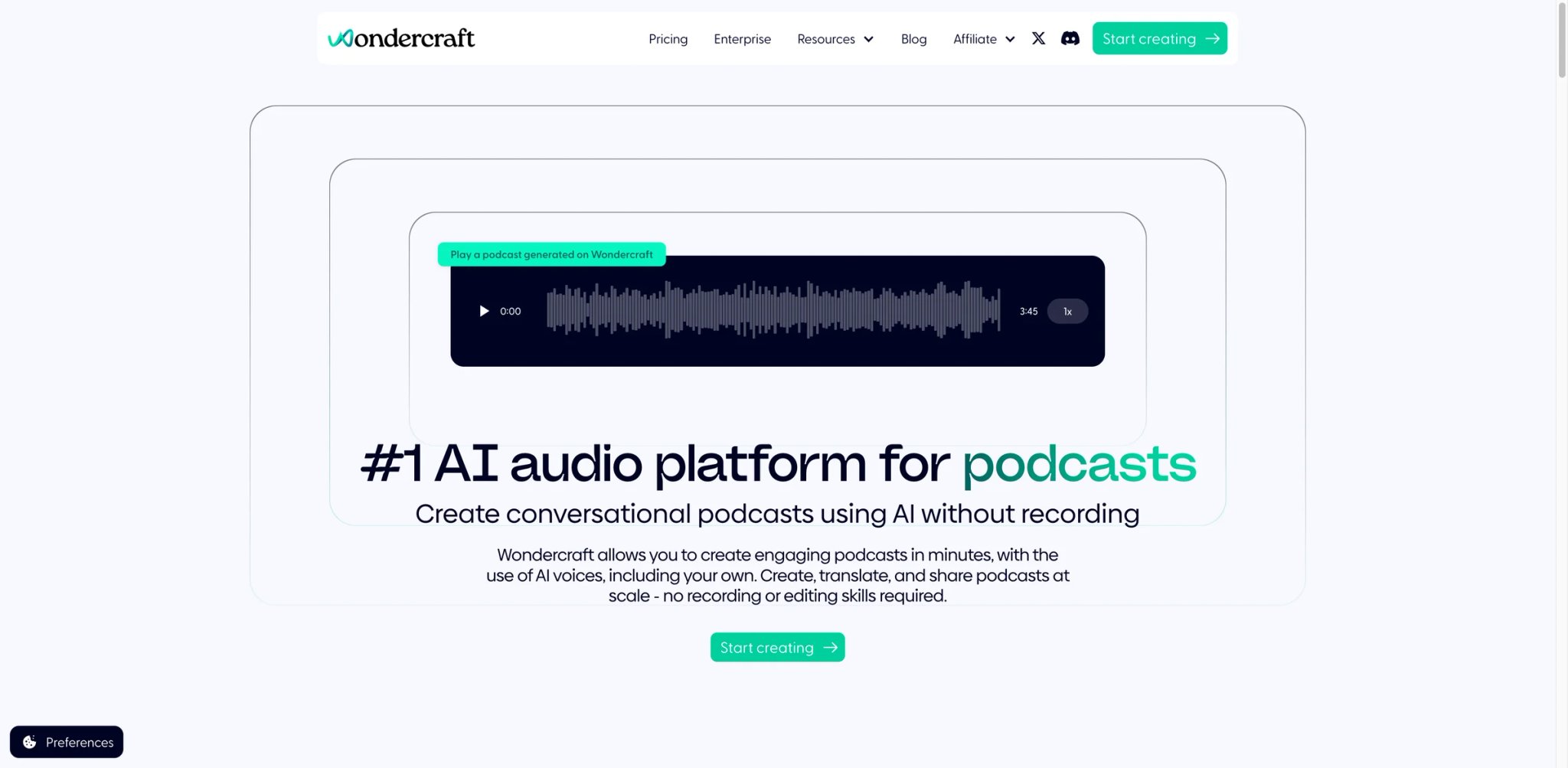
Content marketers who need consistent, branded podcast episodes — same voice, same format, same structure every week — hit a wall with tools like NotebookLM. Wondercraft was designed for this workflow: you bring the script or source document, pick your AI voices, and use a timeline editor to sequence the finished episode before publishing directly to podcast directories.
Key Features
Wondercraft's conversational AI generation accepts documents, URLs, and plain text, then turns them into scripted dialogue you can edit sentence by sentence before final rendering. This puts a critical quality gate between generation and output that fully automated tools skip.
The voice library supports custom voice cloning from a 1–5 minute voice clip, enabling branded consistency across episodes when the source audio is clean. The timeline editor lets you layer music, sound effects, and multiple speakers with manual timing control — a capability gap from pure text-to-audio tools.
Distribution is built in: finished episodes publish directly to Spotify, Apple Podcasts, and other directories without a separate hosting account.
Pricing & Plans
Free plan: $0 with 150 credits, limited AI model access, and 720p export. Creator: $25/mo monthly or $21/mo billed annually — includes 1,000 credits, premium AI models, no watermark, full commercial rights, 1 custom AI character, media/voice library access, and API access. Pro starts at $45/mo with higher credit allocations. Commercial rights are available from Creator tier upward; the free plan does not include commercial licensing.
Pros & Cons
Pros
- Sentence-by-sentence script editing before rendering adds a quality gate that fully automated tools skip
- Custom voice cloning from a 1–5 minute clip enables branded consistency across episodes
- Timeline editor supports layered music, sound effects, and multi-speaker timing control
- Built-in distribution publishes directly to Spotify, Apple Podcasts, and other directories
Cons
- Per-sentence credit model creates billing micromanagement friction on longer episodes
- No native analytics — no way to track downloads or listener behavior within the platform
- Voice cloning quality degrades with noisy input or clips under 3 minutes
Best For
Best for: Content marketers running branded podcast series who need script-level control and consistent multi-speaker output. Strong fit for agencies or teams producing multiple shows.
Not the right fit if you need low-effort generation without script editing, or if your budget is under $25/mo.
Get started with Wondercraft
Jellypod
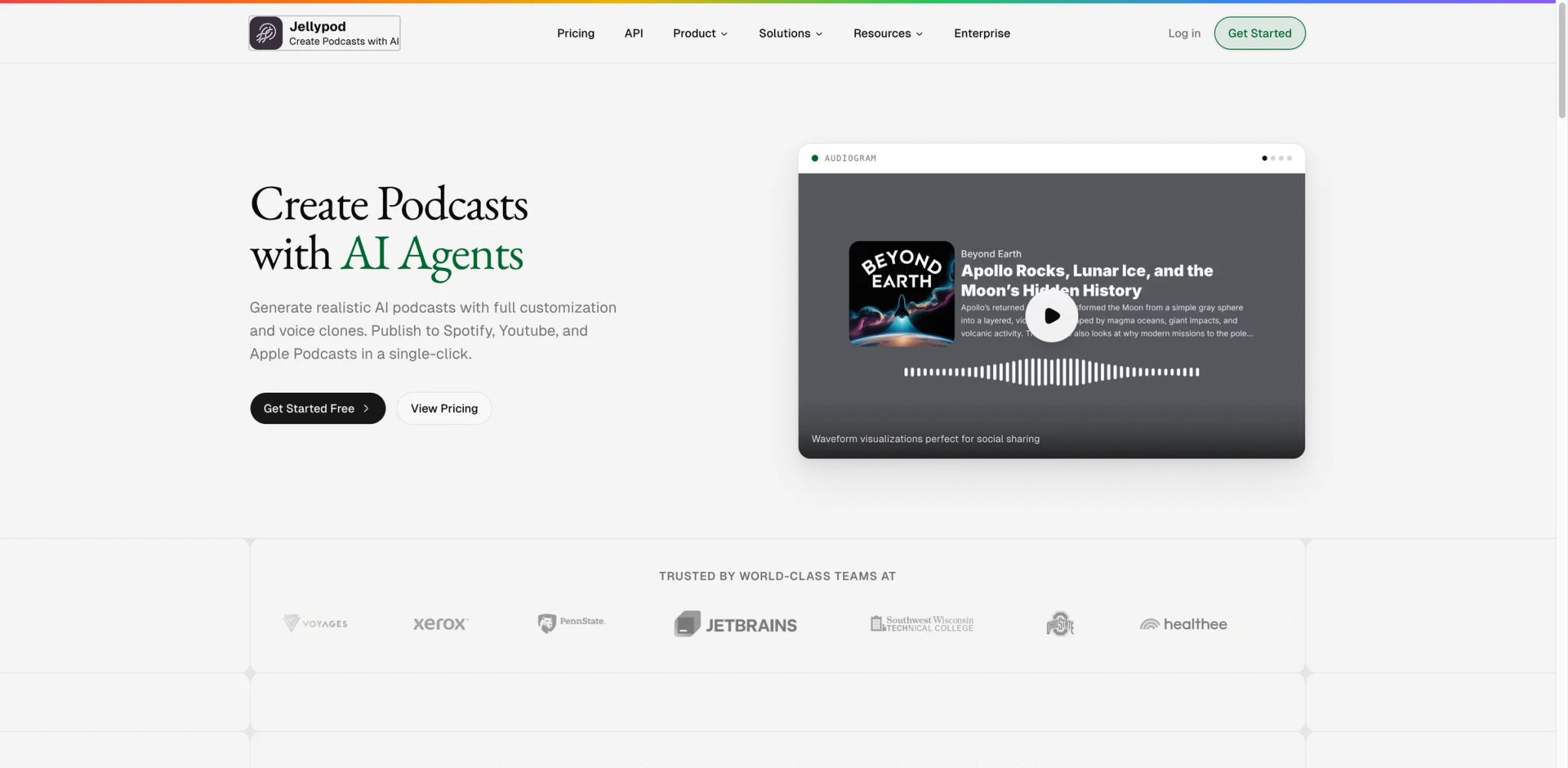
Running a podcast channel means managing at least three separate tools: one for generation, one for hosting, one for audiogram/clip creation. Jellypod collapses those into a single subscription — feed it a document or topic, get a generated episode that publishes to an included hosting page and can be exported as a video audiogram.
Key Features
Jellypod's value proposition is consolidation: AI generation, hosting with a public podcast page, RSS feed distribution, video audiogram export, and API access — all under one plan. For independent creators who want to launch and run a show without stitching together a tool stack, it removes significant operational overhead.
Voice cloning is available, and Jellypod supports 29+ languages and 100+ voices, which gives it an edge for international or multilingual content creators compared to more English-centric competitors.
Pricing & Plans
Starter plan: $25/mo billed annually (pricing confirmed via official pricing page, April 2026). Includes credits, voice clones, hosting, and API access. Jellypod offers a 7-day free trial. Starter: $25/mo billed yearly, including 5,000 credits/mo, episodes up to 15 minutes, 2 voice clones, 100+ voices, 29+ languages, hosted podcast website, video/audiogram export, and API access.
Pros & Cons
Pros
- Consolidates AI generation, hosting, RSS feed, audiogram export, and API access in one subscription
- Voice cloning available with 100+ voices and 29+ languages — strong for multilingual content
- Includes a hosted podcast website, eliminating the need for a separate hosting account
Cons
- AI-generated voices lack the spontaneity of human delivery — listener perception may differ on professional channels
- Fewer verified third-party reviews than established competitors; harder to evaluate at scale
- "Beta" service status in platform terms limits support obligations
Best For
Best for: Creators who want to launch a full podcast channel — with hosting and distribution — from a single tool, and are comfortable with a paid-only entry point.
Not the right fit if you need an established platform with a proven track record, or if you require a meaningful free trial before committing $25/mo.
Get started with Jellypod
ElevenLabs (GenFM)
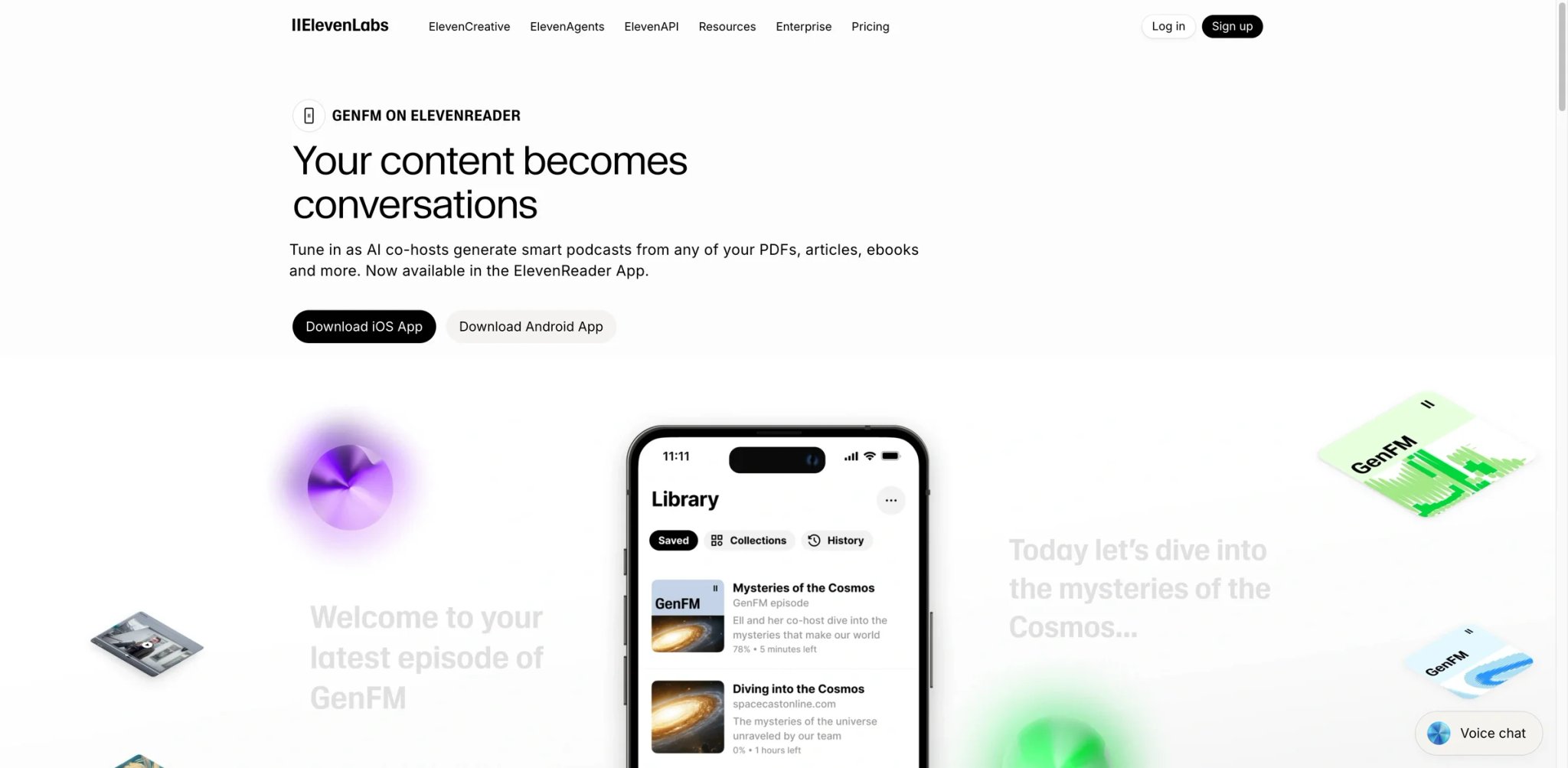
When voice quality is the deciding factor, ElevenLabs is the benchmark other tools are measured against. GenFM — its podcast generation product — takes PDFs, articles, or ebooks and converts them into an editable AI co-host conversation, while the broader ElevenLabs platform gives you access to 3,000+ voices, voice cloning from 1-minute samples, and text-to-speech quality that currently has no equal in the AI audio category. For detailed comparisons of AI voice tools, see our best AI voice generator guide.
Key Features
The combination of GenFM (document-to-podcast) and ElevenLabs Studio (full audio production) means the same subscription covers both automated content conversion and professional voiceover production. This is valuable if your podcast needs include both repurposed written content and scripted episodes with custom-branded voices.
Voice cloning requires only 1 minute of clean audio — the shortest viable sample among the tools reviewed. Multilingual output covers 32+ languages with native-quality intonation, not just translated TTS.
Pricing & Plans
Free plan: limited credits monthly. Starter $6/mo; Creator $22/mo; Pro $99/mo; Scale and Enterprise above that. Credits cover both audio generation and GenFM podcast creation. Higher-quality voices and longer episodes cost more credits per minute.
Pros & Cons
Pros
- Industry-leading voice realism; GenFM + ElevenLabs Studio in one subscription covers both repurposed and scripted episodes
- Voice cloning from as little as 1 minute of clean audio — shortest viable sample reviewed
- 3,000+ voices and 32+ languages with native-quality intonation
Cons
- Credits burn faster than expected; failed generations still consume credits
- Billing disputes and slow customer support are recurring Trustpilot themes
- Credit rollover requires maintaining an active paid plan — free tier and downgrades forfeit unused credits
For a broader look at voice cloning tools, see our best AI voice cloning guide.
Best For
Best for: Creators for whom voice quality is non-negotiable — professional narrators, branded shows, multilingual content, or anyone whose audience will notice the difference between ElevenLabs-quality audio and a standard TTS engine.
Not the right fit if you need predictable monthly costs with no per-credit surprises, or if your primary workflow is heavy editing rather than generation.
Get started with ElevenLabs

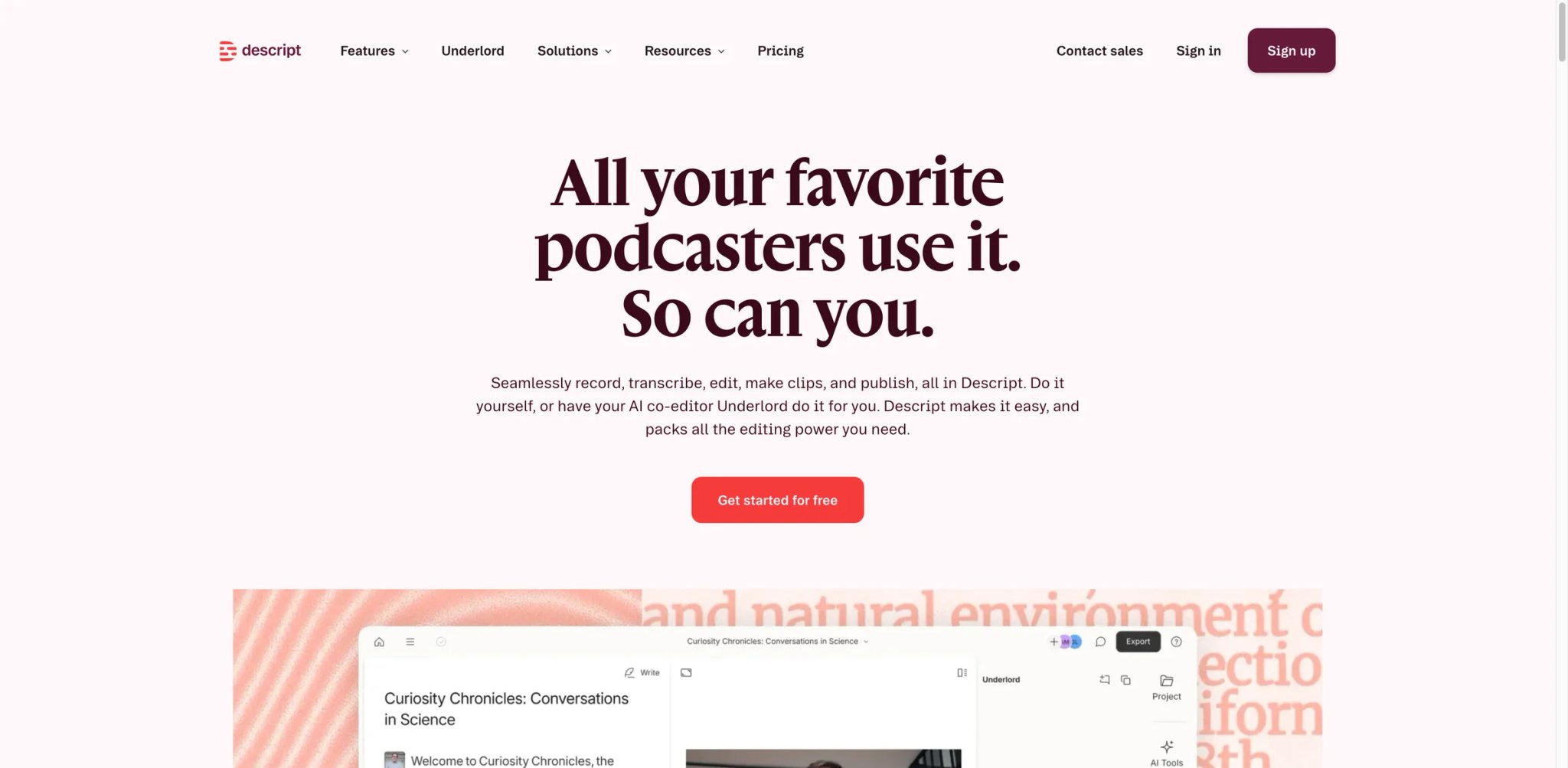
Most podcast editing tools ask you to scrub a waveform to find the pauses and stumbles. Descript inverts that workflow: the transcript is your edit — delete a word in the text, the audio cut happens automatically. For podcasters who already record their own voice but dread the editing process, this is the tool that actually reduces production time instead of just promising it.
Key Features
Studio Sound — Descript's AI audio enhancement layer — can make a laptop microphone recording sound like a treated room. Filler Word Removal identifies and removes "um," "uh," and custom phrases in bulk. Both work on the transcript without manual waveform editing.
Overdub (Descript's AI voice feature) lets you correct mispronounced words or fill small gaps by typing replacement text — the AI matches your voice from a pre-recorded sample. This eliminates the need to re-record entire takes for a single stumble.
Green Screen removes video backgrounds in recorded video podcasts, and AI-generated Show Notes, chapters, and social clips run from the same session.
Pricing & Plans
Free tier: limited media/transcription allowance and watermarked exports. Hobbyist: $16/mo billed annually or $24 monthly. Creator: $24/mo billed annually or $35 monthly. Business: $50/mo billed annually or $65 monthly, with higher media-hour and AI-credit allocations plus team features.
Pros & Cons
Pros
- Transcript-based editing removes audio by deleting text — no waveform scrubbing required
- Studio Sound enhances laptop mic recordings to near-studio quality in one click
- Overdub corrects mispronounced words by typing replacements without re-recording
- Filler Word Removal, AI Show Notes, and chapter generation run from the same session
Cons
- Slow rendering and occasional crashes on files over 60 minutes — multiple users report data loss
- AI action credits deplete quickly for enhancement-heavy workflows and do not roll over between billing cycles
Best For
Best for: Podcasters who record their own audio and want AI to reduce post-production time — particularly filler removal, audio enhancement, and repurposing clips for social media.
Not the right fit if you need text-to-podcast generation without recording, or if your files run consistently over 60 minutes (performance issues scale with file length).
Get started with Descript
Riverside
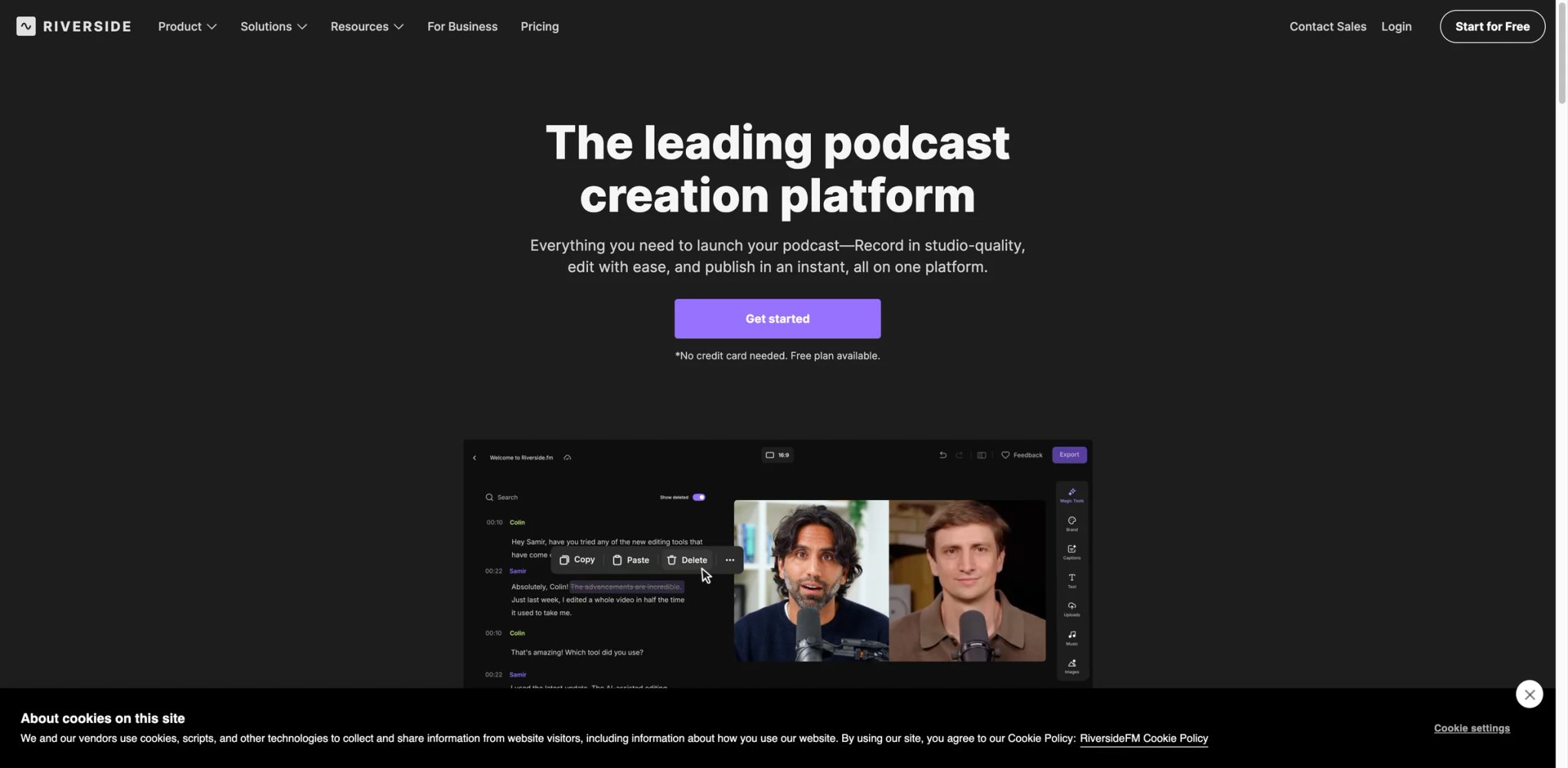
Zoom recordings of podcast conversations look and sound exactly like Zoom calls — compressed audio, video artifacts, no separable tracks. Riverside solves the recording side of the problem: each participant records locally in high quality, and the platform syncs the tracks server-side, giving you broadcast-quality stems from a remote session. The AI layer then handles show notes, transcripts, and clips without a separate tool.
Key Features
Local recording plus lossless upload eliminates the audio degradation that plagues Zoom-recorded podcasts. Each guest's audio is isolated on a separate track, which matters for post-production noise removal and AI-driven editing.
Magic Clips — Riverside's AI clip generator — identifies the most shareable moments from long recordings and generates short-form clips with auto-captions. Show notes and transcripts are generated from the same session with no additional upload step.
The platform runs entirely in browser with no software installation required, reducing guest friction for recorded interview shows.
Pricing & Plans
Free: $0 with 2 hours of multi-track recording, 720p video, 44.1 kHz audio, watermark, unlimited single-track recording/editing, and Magic Clips. Pro: $29/mo monthly or $24/mo billed annually, with 15 hours of multi-track recording, 4K video, 48 kHz audio, no watermark, unlimited text-based editing, AI tools, Magic Clips, show notes, hosting/publishing, and podcast analytics. Live, Webinar, and Business tiers sit above Pro.
Pros & Cons
Pros
- Local recording + server-side sync eliminates Zoom-style audio compression and track bleeding
- Separate audio tracks per guest enable precise post-production noise removal
- Magic Clips auto-generates short-form shareable moments with captions from the full recording
- Fully browser-based — guests need no software installation
Cons
- Mobile app lacks Magic Clips, downloading, and most editing features
- Billing complaints: auto-renewal without a working cancel path has been reported on Trustpilot
Best For
Best for: Interview-format or multi-guest podcast producers who need broadcast-quality remote recordings without asking guests to install software. Best value when you're getting 4+ episodes per month from the plan.
Not the right fit if you need text-to-podcast generation, primarily edit on mobile, or have had past billing issues with subscription-based tools.
Get started with Riverside

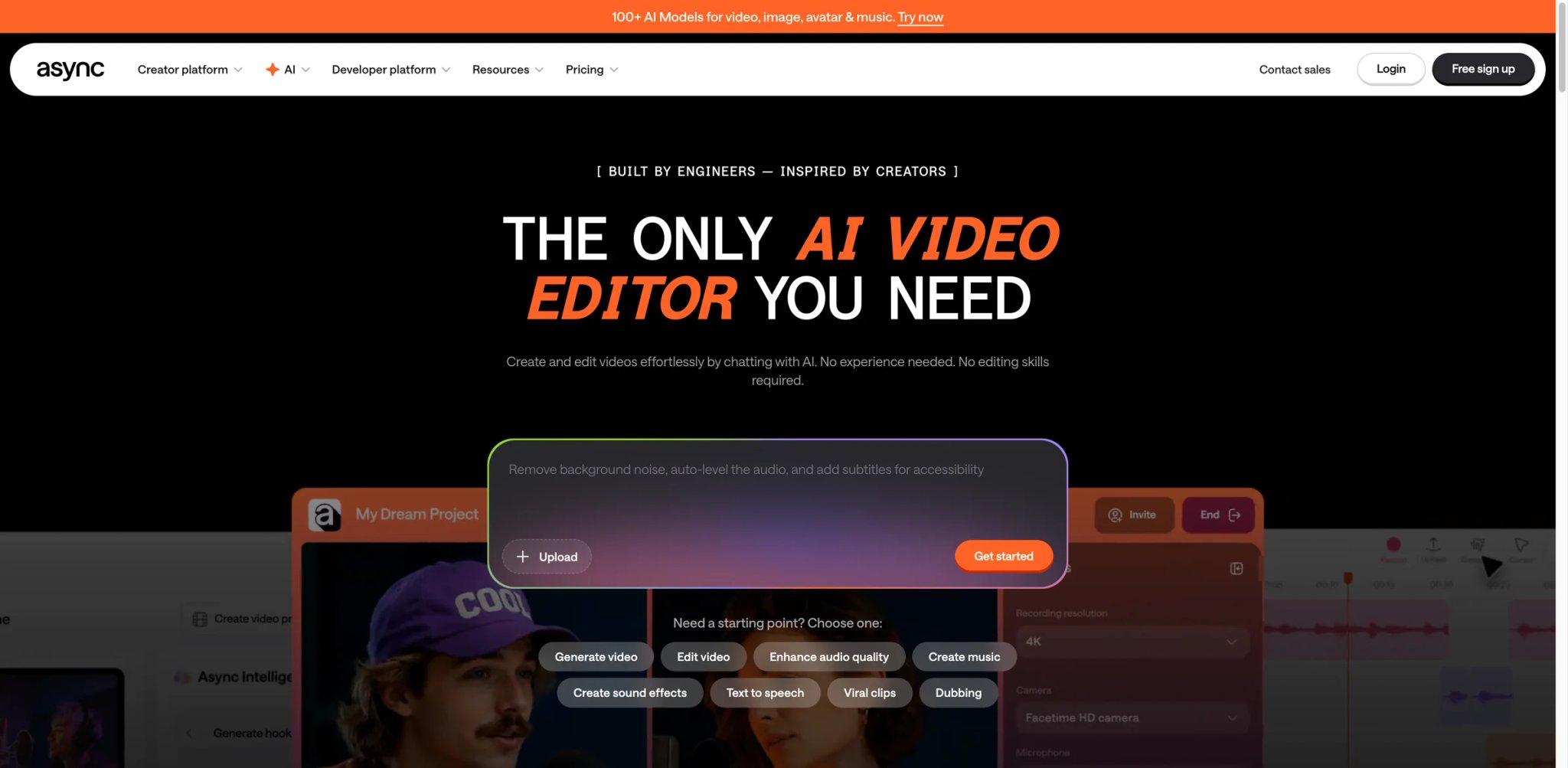
At $11.99/mo, Podcastle offers more production capability per dollar than any other tool reviewed here — remote recording, AI voice generation, transcript-based editing, subtitles, and AI dubbing under a single subscription at a price point where most competitors offer only one or two of those features.
Key Features
The Magic Dust audio enhancement feature runs in one click and handles background noise, volume leveling, and audio clarity in a single pass — a direct competitor to Descript's Studio Sound at roughly half the price.
Revoice lets you create a digital copy of your voice for punch-in repairs, and the AI dubbing feature translates and re-voices episodes into other languages while matching the original speaker's cadence — a feature usually reserved for enterprise plans at other providers.
Pricing & Plans
Free plan: 3 hours AI voices, 3 hours recording, basic editing. Essentials $11.99/mo: 5 hours AI voices, 10 hours recording, custom voices, Magic Dust. Pro $23.99/mo: 25 hours AI, 30 hours recording, 5 custom voices. Teams $49/mo: collaboration seats.
Pros & Cons
Pros
- Best value per dollar in this category: recording, AI voice, editing, subtitles, and dubbing under one $11.99/mo plan
- Magic Dust handles noise reduction, volume leveling, and audio clarity in a single click
- AI dubbing translates and re-voices episodes into other languages while matching the original speaker's cadence
Cons
- Silent upload failures documented: recordings can show success messages while never actually saving
- Storage limits were reduced post-purchase (40GB → 5GB) without notifying affected users
Best For
Best for: Solo podcasters and small teams who need full-stack recording, AI voice, and editing capability on a tight budget, and who record in shorter sessions that reduce exposure to the upload-loss risk.
Not the right fit if your episodes run long and can't be re-recorded, or if you need guaranteed file preservation without a local backup workflow.
Get started with Podcastle
Podbean AI
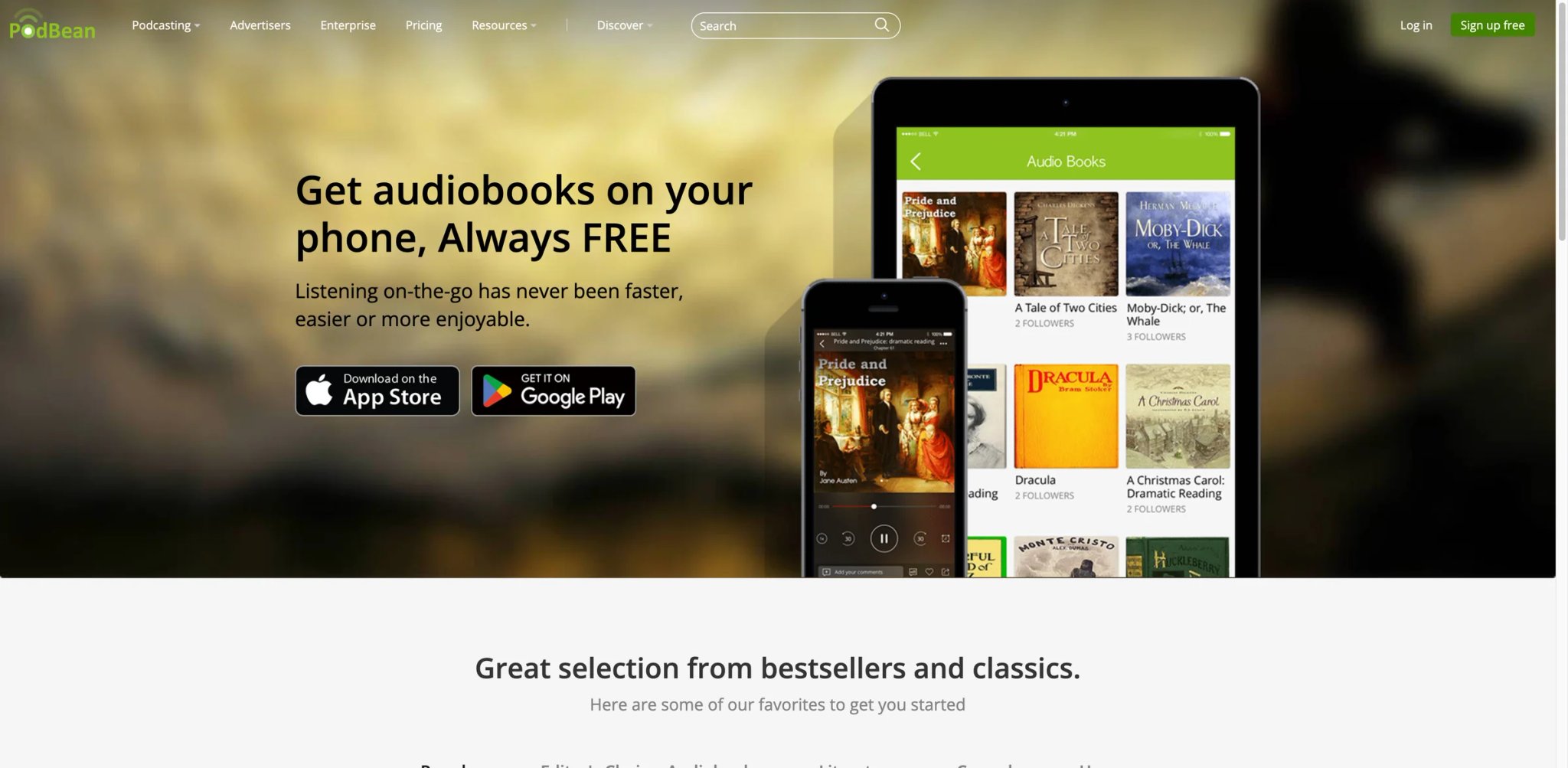
Most podcasters already using an established hosting platform don't want to migrate tools for an AI upgrade. Podbean — which hosts over 620,000 podcasts — added its AI Podcast Creator and AI Content Assistant as an optional add-on to existing hosting plans, letting users access AI features without switching ecosystems.
Key Features
The AI Podcast Creator generates multi-segment episodes from written content or topics, with AI voiceovers, segment stitching, and background music — all from within the existing Podbean dashboard. For creators already hosting with Podbean, this adds AI generation to a workflow they already know.
The AI Content Assistant generates show notes, episode descriptions, titles, and social media copy from uploaded transcripts or episode content — automating the post-production writing that most podcast producers outsource or skip.
Pricing & Plans
Podbean AI now uses a unified AI Credits system included with hosting plans. Unlimited Audio starts at $12/mo billed annually or $17 monthly and includes 600 AI credits/mo; higher plans include more credits. AI Audio Optimization costs 600 credits/hour, AI Content Assistant costs 300 credits/hour, and AI Podcast Creator audio generation costs 10 credits/minute plus script-generation credits.
Pros & Cons
Pros
- AI generation and content tools accessible directly within the existing Podbean dashboard — no new workflow to learn
- AI Content Assistant automates show notes, episode descriptions, and social media copy from transcripts
- Serves a 620,000+ podcast community with established hosting, distribution, and monetization infrastructure
Cons
- AI capabilities are lightweight versus dedicated tools: no multitrack enhancement, speaker separation, or transcript-based editing
- Billing complaints are consistent in user reviews — charges after cancellation and delayed refunds reported
Best For
Best for: Existing Podbean subscribers who want AI show notes and basic episode generation without migrating to a new platform.
Not the right fit if you're starting fresh (the combined hosting + AI cost isn't justified over standalone tools with better AI capabilities), or if unannounced monetization practices would damage your show's trust with listeners.
Get started with Podbean AI
Podsqueeze
At $8.99/mo, Podsqueeze has the lowest entry price of any dedicated AI podcast generator reviewed here. It converts scripts, articles, PDF documents, and plain text into narrated podcast-ready audio, then generates show notes, titles, timestamps, and social media clips from the same session — delivering the core content-repurposing workflow at a price point that makes monthly ROI straightforward to calculate.
Key Features
The workflow is deliberately narrow and efficient: input a document, get audio plus a full set of written episode assets. There's no timeline editor, no hosting, no multitrack recording — Podsqueeze does one job and prices accordingly.
The Starter plan at $8.99/mo is the cheapest entry point for a real text-to-audio workflow with complete asset generation (show notes, clips, titles). For creators who batch-produce content and want to minimize tool spend, this pricing structure makes sense.
Pricing & Plans
Starter: $8.99/mo (episode narration, show notes, clips, social posts). Pro: $49/mo (increased volume, additional AI minutes). No free tier with meaningful output — basic trial available.
Pros & Cons
Pros
- Lowest entry price ($8.99/mo) for a complete text-to-audio workflow with episode assets included
- One-session workflow: input document → audio + show notes + clips + social posts
- Straightforward pricing with no credit micromanagement
Cons
- AI output sounds generic regardless of input writing style — show notes lack the creator's voice per Product Hunt reviewers
- No direct integrations: all output requires manual download and distribution
- Clip creation feature has documented bugs causing incorrect cuts or failed exports
Best For
Best for: Budget-conscious creators who want to convert a backlog of written content into podcast episodes plus a full set of marketing assets, and who don't need branded voice or custom production values.
Not the right fit if voice authenticity matters to your audience, or if you need direct integrations with your existing content or scheduling stack.
Get started with Podsqueeze
VEED
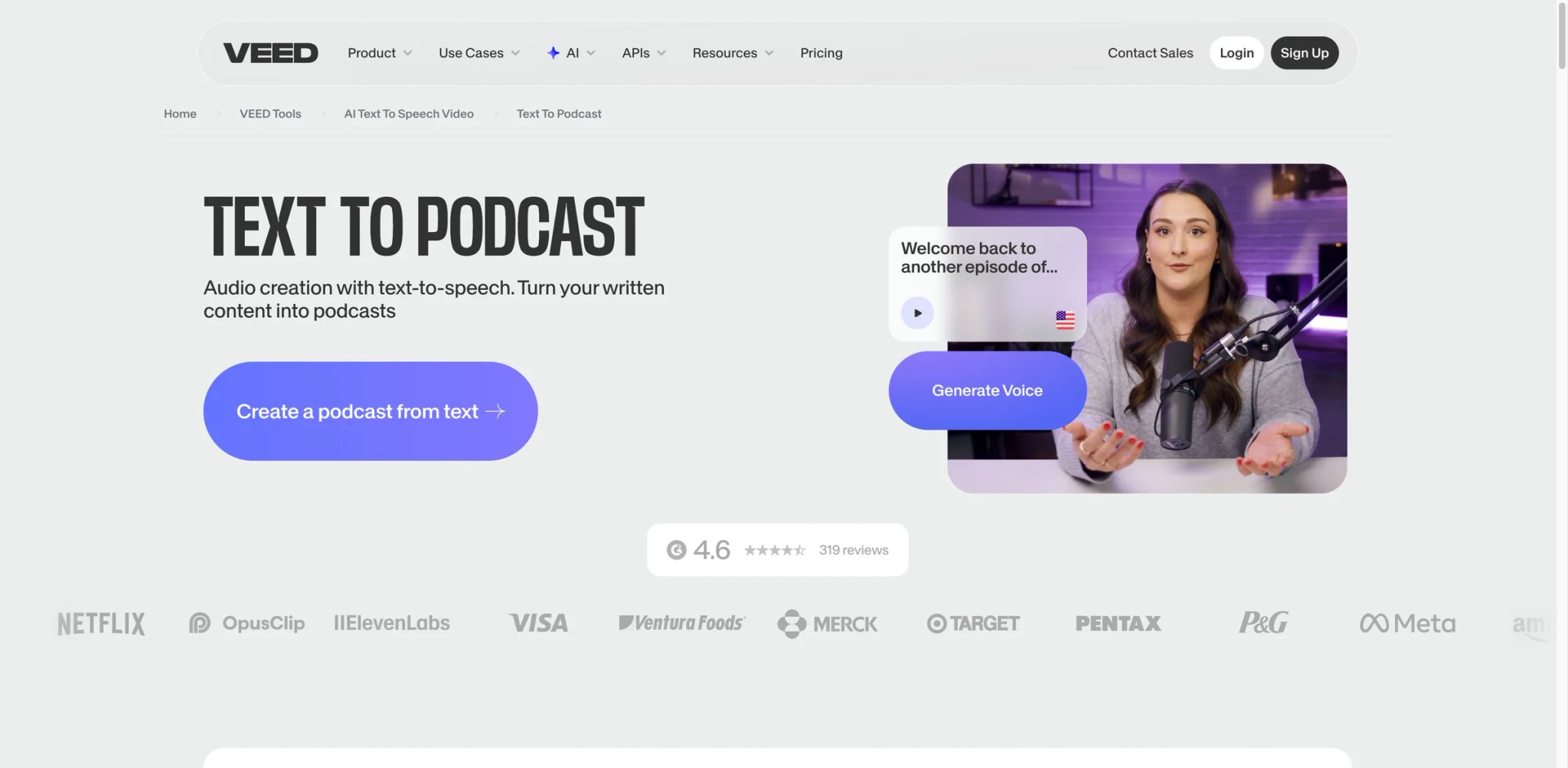
Video content creators who already use VEED for subtitles, resizing, and social clips face a real question when adding audio podcasts: switch tools or extend the workflow you already know? VEED's Text to Podcast feature is designed as an answer to that question — turning articles and scripts into multi-speaker audio within the same platform used for video production.
Key Features
VEED's podcast feature sits inside its full video production suite, which means the audio output can immediately become a video podcast with synchronized captions, B-roll, and visual branding — without moving files between tools. For creators who publish to YouTube and podcast platforms simultaneously, this reduces a multi-step workflow to a single session.
AI voice selection covers 50+ voices across accents and genders, and the text-to-podcast flow supports multi-speaker formats with dialogue assignment.
Pricing & Plans
Free plan available. VEED pricing and plan names have changed across public listings — recheck VEED's live pricing page before publishing exact prices. Paid tiers add more export options, remove watermarks, and expand AI credit allocations.
Pros & Cons
Pros
- Audio output integrates directly with VEED's video tools — one session covers synchronized captions, B-roll, and branded visuals for simultaneous YouTube + podcast publishing
- 50+ AI voices across accents and genders with multi-speaker dialogue assignment
- No separate tool needed for creators already using VEED for video production
Cons
- Text to Podcast described as "experimental" by users; G2 notes avatar lip-sync and audio quality lag behind dedicated tools
- Transcription accuracy unreliable on clean audio; manual correction often costs more time than the tool saves
Best For
Best for: Video content creators who publish to YouTube and podcast platforms simultaneously, and want a single tool to handle both formats without managing multiple subscriptions.
Not the right fit if audio quality is your primary concern (VEED's audio features are add-ons to a video-first product), or if you need a polished text-to-podcast workflow that matches dedicated tools.
Get started with VEED
Castmagic
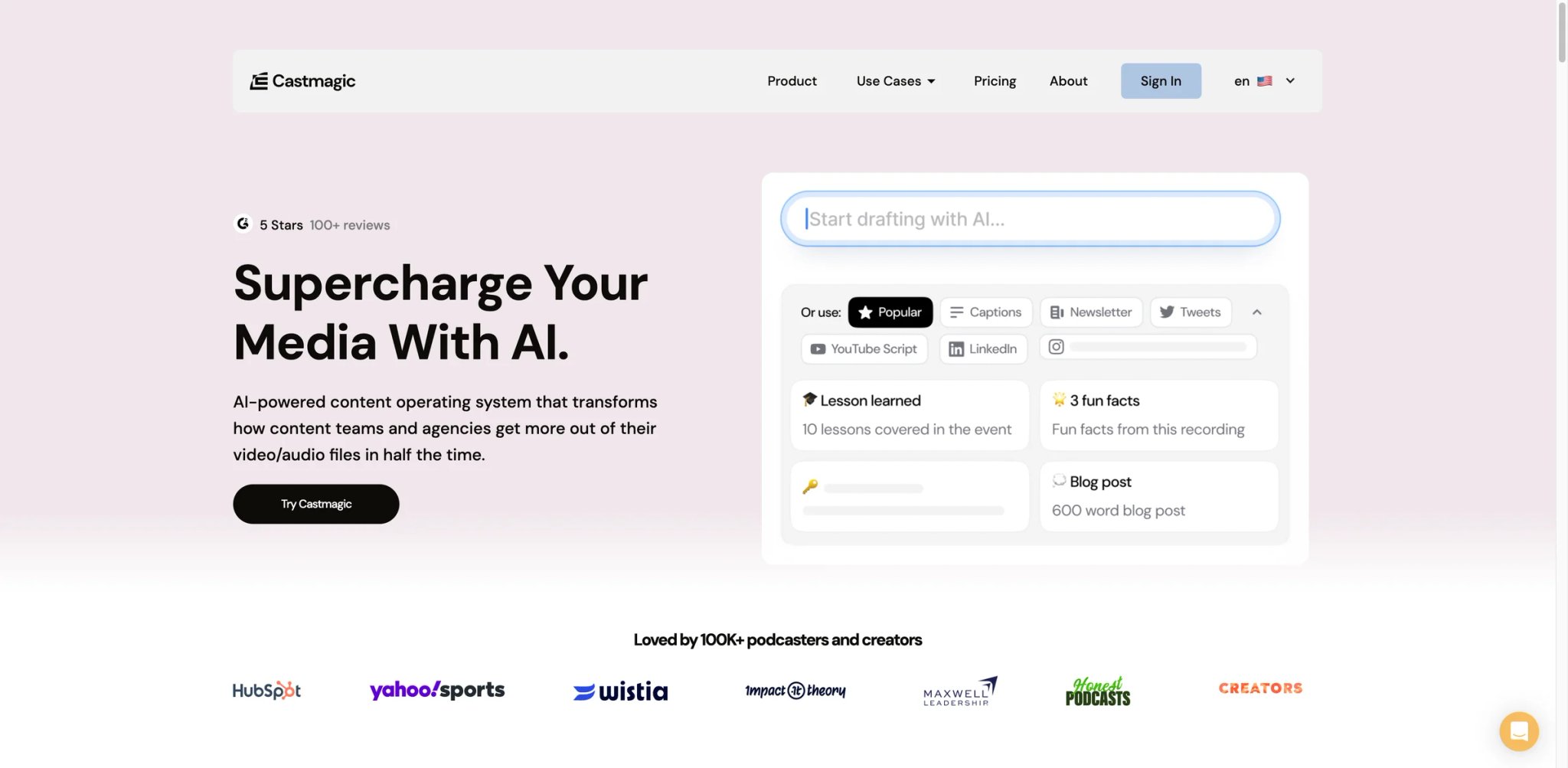
Castmagic sits in a different part of the podcast production stack than the generators above — it doesn't create audio, it multiplies what you can do with audio you've already recorded. Upload an episode, and Castmagic returns a transcript, show notes, chapter markers, title options, social media posts, newsletter excerpts, LinkedIn articles, and custom content templates — all in one pass.
Pricing & Plans
Hobby starts at $21/mo billed annually. Starter is $79/mo billed annually. Business is $790/mo billed annually. Plans primarily differ by transcription allowance, seats/storage, and team/business features.
Pros & Cons
Pros
- Single upload generates transcript, show notes, chapter markers, social posts, newsletter excerpts, and LinkedIn articles simultaneously
- Custom content templates let teams build branded output formats once and reuse across all episodes
- Reduces per-episode content creation overhead by 2–3 hours for high-output shows
Cons
- Per-plan minute cap becomes restrictive quickly for high-volume producers
- No direct integrations with podcast hosts or email platforms — all output requires manual copy-paste
- Processing long episodes can be slow
Best For
Best for: Podcasters who already record and edit episodes but want to eliminate the content asset creation overhead that typically adds 2–3 hours per episode.
Not the right fit if you need audio generation, or if your production volume regularly exceeds the plan's monthly minute allocation.
Get started with Castmagic

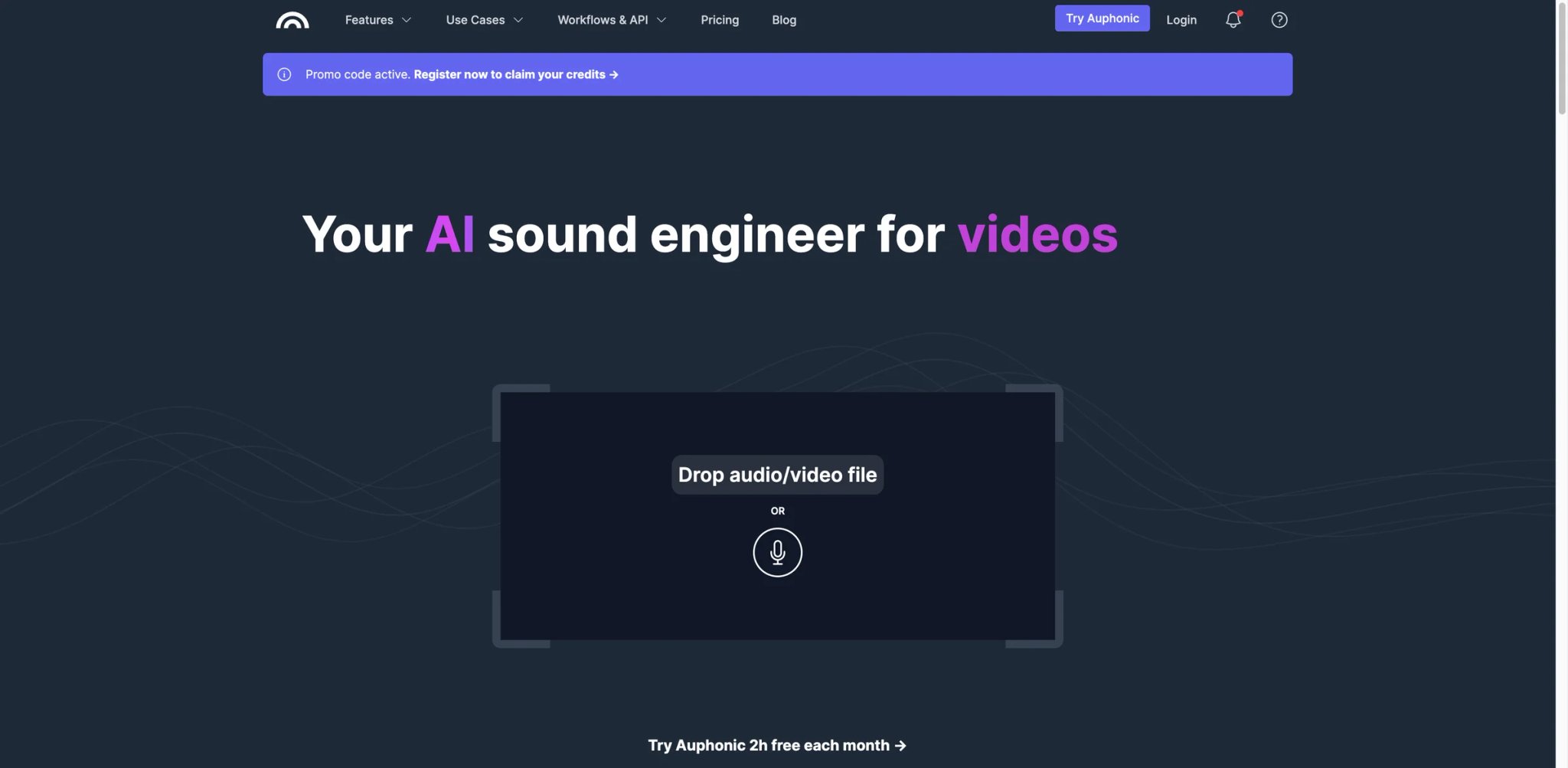
Auphonic doesn't generate podcasts — it makes already-recorded audio sound like it was produced in a professional studio. The algorithm handles loudness normalization, noise reduction, leveling across multiple speakers, chapter marker generation, and show notes — without any manual waveform editing. The free tier (2 hours/month) is the most generous free allowance in the post-production category.
Pricing & Plans
Free includes 2 hours/month of processed audio, but free productions include an Auphonic jingle and free credits do not stack. Paid usage is available through recurring credits or one-time credits; one-time credits are valid indefinitely and recurring credits reset monthly.
Pros & Cons
Pros
- 2 hours/month of free post-production processing — most generous free allowance in the audio quality category
- Automated loudness normalization, noise reduction, multi-speaker leveling, and chapter generation in one pass
- One-time credit purchases don't expire, making occasional use economical
Cons
- Algorithmic processing is opaque — no manual fine-tuning controls for specific noise types
- Customer support widely reported as slow; UI has not been meaningfully updated in several years
Best For
Best for: Podcasters who record clean audio and need fast, automated quality normalization before publishing — particularly those on tight budgets who can't justify paid editing software.
Not the right fit if you need manual audio control, or if your recordings have complex noise problems that require precise corrective EQ.
Get started with Auphonic
Headliner (Eddy)
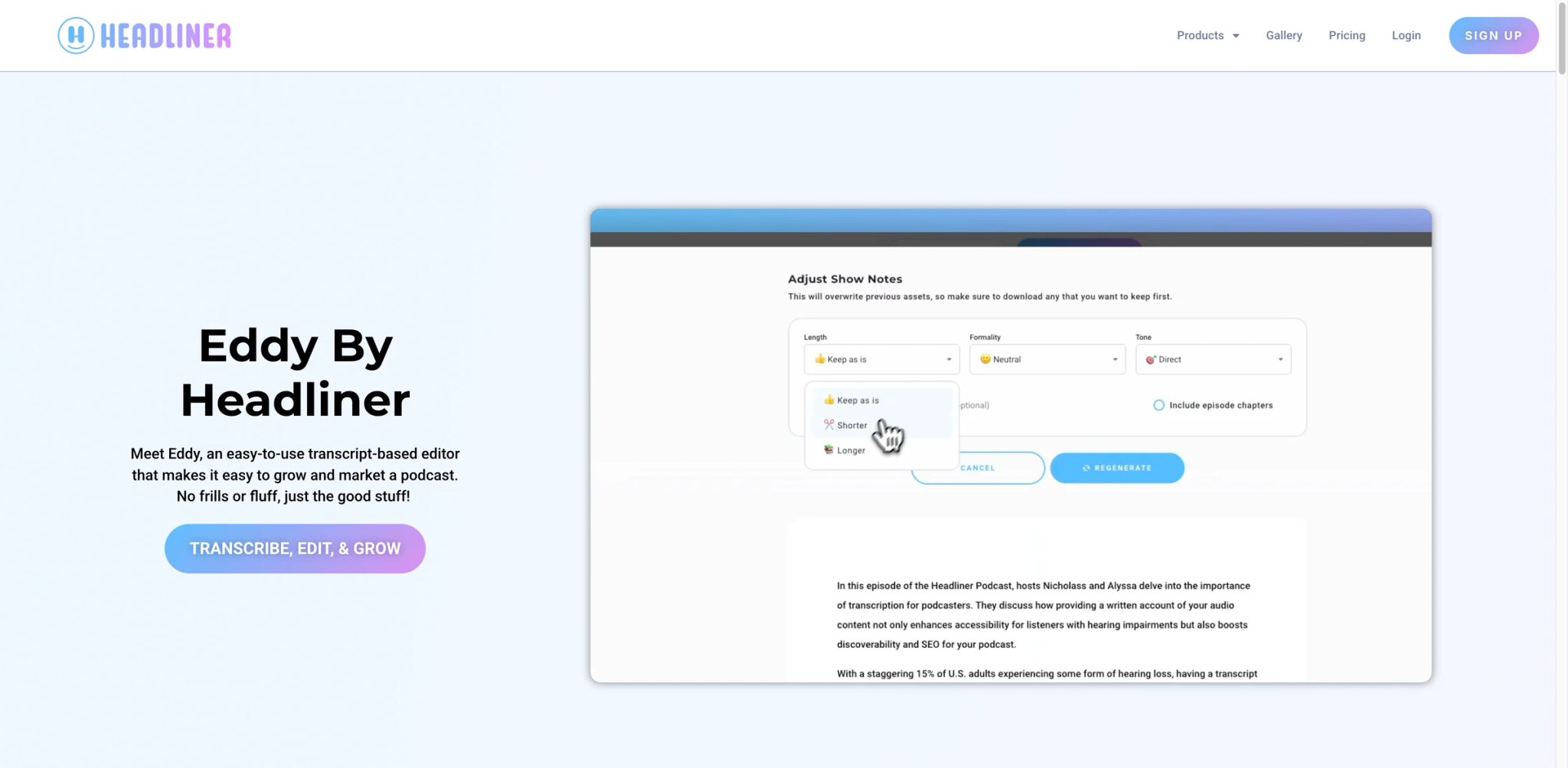
Eddy by Headliner is a transcript-based podcast editor designed for creators who want to publish episodes and generate social media promotion assets from the same workflow. Upload audio, get a transcript, edit by deleting text, generate short video clips with auto-captions for social distribution.
Pricing & Plans
Forever Free includes 2 hours/month of full episode transcription and editing, unlimited watermarked audiograms/videos, and 1 unwatermarked audiogram/video per month. Basic is $7.99/mo billed annually or $9.99 monthly. Pro is $19.99/mo billed annually or $25.99 monthly, with unlimited transcription and unwatermarked videos.
Pros & Cons
Pros
- Generous free tier: 2 hours/month of transcription, editing, and unlimited watermarked audiograms at no cost
- Transcript-based editing removes audio by deleting text — no waveform interface required
- Auto-captioned short-form video clips generate from the same upload as the full episode
Cons
- No post-creation editing on audiograms — any error requires remaking the asset from scratch
- Third-party reviews are sparse, making long-term reliability at scale difficult to evaluate
Best For
Best for: Independent podcasters who need transcript-based editing and social clip generation at no cost, and who publish less than 2 hours of content per month.
Not the right fit if you need reliable pricing information before committing, or if your episode library exceeds the free tier's monthly allotment.
Get started with Headliner
Best AI Podcast Generator by Use Case
For Writers Who Want to Repurpose Existing Content
If you have a backlog of blog posts, newsletters, or research reports and want audio versions without recording anything, Google NotebookLM handles this at zero cost — upload your documents, hit generate, and get a 15–20 minute conversational episode. For more control over voice and format, Wondercraft produces scripted episodes from the same content inputs at $25/mo, with timeline editing and custom voice options. Podsqueeze ($8.99/mo) is the better choice if you primarily need narrated audio rather than a conversational discussion format.
For Interview and Conversation-Format Shows
Riverside is the production choice for remote interview podcasts — local recording from each guest's device eliminates the audio compression that ruins Zoom-recorded conversations, and Magic Clips + AI show notes automate post-production. Descript is the stronger option if your workflow is transcript-editing-first: delete sentences from the transcript and the audio follows, making episode cleanup significantly faster than waveform editing.
For Budget-Constrained Creators Who Need Maximum Output Per Dollar
Podcastle ($11.99/mo) gives the most production capability at the lowest price — recording, AI voice, editing, enhancement, and dubbing under one plan. Podsqueeze ($8.99/mo) costs less but only covers text-to-audio and asset generation with no recording features. Auphonic (free up to 2h/mo) covers audio quality processing at zero cost. Stack these for a capable production workflow under $25/mo total.
For Creators Who Prioritize Voice Quality Above All Else
ElevenLabs is the only tool reviewed where voice naturalness consistently exceeds listener expectations rather than requiring apology. GenFM handles document-to-podcast conversion, while the broader platform gives access to voice cloning and 32+ language output. The $6/mo entry price is the lowest here — the risk is credits running out and billing friction, not the output quality ceiling.
For Video Creators Adding Audio Podcasting to Their Stack
VEED makes sense if you already use it for video subtitles and resizing — the podcast feature adds text-to-audio output within the same tool, and the audio can become a video podcast with synchronized captions in a single session. If you're starting fresh with no existing tool preference, dedicated podcast tools like Wondercraft or Podcastle offer better audio-specific features at comparable prices.
How to Choose the Right AI Podcast Generator
1. Define your primary workflow first. Are you converting existing written content to audio (NotebookLM, Wondercraft, Podsqueeze), recording and editing your own voice (Descript, Riverside, Podcastle), or enhancing already-produced audio (Castmagic, Auphonic, Headliner)? These are different problems with different tool categories.
2. Test voice output before you pay. Every tool reviewed has a free tier or trial. Generate one episode worth of audio before committing to a subscription — voice naturalness is the variable that most often kills satisfaction after purchase, and it's entirely evaluable for free.
3. Calculate your actual cost per episode, not just the monthly plan price. Credit-based tools (ElevenLabs, Wondercraft, Descript) have wildly different effective costs depending on episode length and how often you regenerate segments. Run a sample production through the tool and track credit usage before assuming the base plan covers your volume. For more context on AI content creation economics, see our guide on best AI content generators.
4. Check the cancellation and billing terms explicitly. Multiple tools reviewed here (Podcastle, Riverside, Podbean) have documented billing complaints. Before subscribing, confirm that cancellation is possible without calling support, and that your credit card won't be charged after a downgrade request.
5. Match the tool's automation depth to your actual tolerance for manual work. "One-click" is marketing language. Every tool reviewed requires at least some manual step between input and publish-ready output. The honest difference is whether that step takes 5 minutes or 45. Test your actual workflow time on a sample episode, not the tool's claimed time.
Frequently Asked Questions
What is the best free AI podcast generator?
Google NotebookLM is the strongest free option for document-to-audio repurposing, but it is capped: free users have daily Audio Overview generation limits, and paid NotebookLM Pro / Google AI plans increase those limits. For post-production processing, Auphonic's free tier covers 2 hours of audio per month. If you need social clip creation and transcript editing without paying, Headliner's Eddy offers 2 hours of transcription and editing monthly for free.
Can AI podcast generators replace a human host?
For fully scripted or document-based content (reports, newsletters, educational material), AI generators can produce audio that passes a casual listener's quality threshold — particularly NotebookLM's conversational format and ElevenLabs' voice quality. For interview-format or opinion-driven shows where host personality is the draw, current AI voices lack the unpredictability and emotional range that build listener loyalty. The practical answer: AI generation works for repurposed content, not original creative voice.
Does Google NotebookLM work for professional podcasting?
NotebookLM produces impressive audio for the price (free), but it fails professional requirements on several counts: no voice customization, no segment editing, fixed two-host format, generation queues that make batch production unreliable, and no direct publishing integration. It's useful for internal audio briefings, educational content, and testing whether podcast format works for your audience — not for producing a consistent, branded show.
Wondercraft vs. ElevenLabs GenFM for scripted podcasts?
Wondercraft gives more production control — a timeline editor, multi-speaker scripting, and direct publishing to directories. ElevenLabs GenFM produces better-sounding voice output, particularly if you use voice cloning or high-tier voices. The trade-off is control vs. quality: Wondercraft lets you edit the dialogue precisely before render; ElevenLabs produces more natural audio but with less editing flexibility in the GenFM workflow. For professional show production, Wondercraft's editorial control matters more. For content where voice naturalness is the primary concern, ElevenLabs wins.
How much does it actually cost to produce 4 episodes a month with AI?
It depends heavily on episode length and how many regenerations you need. For 4 x 20-minute episodes: NotebookLM (free, limited control), Podsqueeze ($8.99/mo), Podcastle ($11.99/mo for recording + editing), Riverside ($15/mo for remote recording), Wondercraft ($25/mo with timeline editing). Credit-based tools like ElevenLabs vary — Starter is $6/mo with 30k credits, Creator is $22/mo with 121k credits, and actual episode capacity depends on voice model, length, regeneration, and whether paid credits roll over. Always test one episode and track credit usage before projecting monthly costs.
Which AI podcast tool is best for multilingual content?
ElevenLabs leads on multilingual quality — 32+ languages with native-quality intonation rather than translated TTS. Jellypod supports 29+ languages and is the stronger choice if you also need hosting and distribution in one platform. Podcastle's AI dubbing translates and re-voices episodes while preserving speaker cadence, which is useful for adapting an existing English show to other markets. Google NotebookLM generates in English by default; non-English output quality is inconsistent.
Is Descript worth it if I'm already using another recording tool?
Yes, with a caveat on file length. Descript's value isn't in recording — it's in editing: delete text to cut audio, bulk-remove filler words, apply Studio Sound enhancement, and generate clips from a transcript interface rather than a waveform. If you record elsewhere and bring finished files to Descript for editing, the Hobbyist plan ($24/mo) covers most individual podcaster needs. The caveat: performance degrades significantly on files over 60 minutes, and AI credits for Studio Sound and clip generation run out faster than the plan description implies for heavy users.
Get ToolWorthy Weekly
New AI tools, practical guides, and selected AI signals in one weekly brief.
Related Posts
- 15 Best AI Voice Cloning Tools 2026 - Consent, Quality & Pricing
Compare 15 AI voice cloning tools for creators, podcasters, video teams, localization workflows, APIs, consent controls, pricing and commercial rights.
- Top 10 AI Voice Generator Tools 2026 - Compared by Workflow
Compare 10 top AI voice generators with web studios for creators. Expert analysis of text-to-speech, voice cloning, dubbing tools, and voice agents with pricing, features, and commercial licensing.
For AI tool founders
Built a tool that belongs in this decision set?
Request an editorial evaluation for possible inclusion in ToolWorthy.
Submit your tool for reviewPaid submission does not guarantee a ranking, recommendation, inclusion, or editorial outcome.