
12 Best AI Voice Changers 2026 — Real-Time vs Cloning Tested
We tested 12 AI voice changers across real-time gaming, voice cloning, and dubbing — flagging opaque pricing and voice-data licenses so you skip the refund loop.
On this page
You hit go-live, start a raid, and notice the Discord audio you hear back is a full two syllables behind the game — your "push left!" lands after your squad is already dead. Or you finish a 14-minute YouTube take, catch a flat intro on playback, and do not want to re-record 20 times. Or you shipped a client's voiceover only to realize the platform's license lets them train on it forever. "AI voice changer" means different things for all three people, and most comparison lists collapse them into one grab bag.
This guide sorts 12 tools across both lanes — real-time voice changers for streamers and gamers, and voice-cloning / voice-to-voice studios for creators, dubbers, and podcasters — then marks exactly where each one falls short. Pricing and capability details come from each product's live pricing page, documentation, and user reports (Reddit, Trustpilot, forum threads) cross-referenced in April 2026. We flag opaque pricing and inconsistent commercial terms instead of papering over them.
| Tool | Best For |
|---|---|
| ElevenLabs | Highest-fidelity voice cloning with multilingual output |
| Descript | Overdub cleanup inside a full editing timeline |
| Altered | Desktop real-time voice transformation for pro audio |
| HeyGen | Voice cloning tied to avatar/video production |
| Kits AI | Licensed artist voices for music and covers |
| VEED | Browser video editor with quick clone + changer presets |
| Maestra | Localization-first dubbing with voice cloning |
| Captions | Mobile-first creator app with AI voice cloning |
| Voicemod | Real-time voice effects for Discord, games, and streams |
| Dubbing AI | Sub-30 ms real-time changer across Windows, Mac, iOS |
| HitPaw VoicePea | Budget desktop real-time changer with large meme library |
| FineVoice | Entry-priced bundle covering both real-time and recorded voice |
How We Selected and Tested
We pulled candidates from two pools: real-time voice changers (desktop apps that sit between your microphone and Discord/OBS/games) and AI voice-cloning / voice-to-voice studios (web apps for post-production, dubbing, and content creation). Tools without a public pricing page, a working free tier or trial, or English-market availability were excluded. Aggregator sites, developer-only APIs without an end-user UI, and abandoned projects (no update in the last 12 months) also did not make the shortlist.
Our research combined three data sources per tool: the official website (pricing page, feature documentation, terms of service, voice-data policy), hands-on testing where a free account was available, and real user feedback from Reddit threads, Trustpilot, Capterra, and product-specific subreddits. We cross-referenced claims made in marketing copy against what actual users reported about latency, commercial rights, and renewal friction.
Evaluation Dimensions: We evaluated each tool across six dimensions chosen to match the real decisions this audience faces:
- Real-Time Latency — Whether the tool targets sub-100 ms processing (usable live) or is recording-only.
- Platform Surface — Desktop, web, mobile, and integrations with Discord, OBS, Zoom, and streaming software.
- Voice Cloning Depth — Minimum sample length, quality of the clone, and multilingual support.
- Commercial Rights & Voice-Data License — Whether the vendor grants creators clear ownership, or reserves a perpetual R&D license on uploaded voice data.
- Pricing Transparency — Public pricing tiers, quota disclosures, and whether the real cost only shows up after you sign up.
- Ethical Safeguards — Consent verification for Professional Voice Clones and abuse-prevention policies.
Note on Testing Scope: We ran end-to-end tests on free tiers for ElevenLabs, Descript, VEED, Captions, Dubbing AI, HitPaw VoicePea, and FineVoice. For Voicemod, Altered, HeyGen, Kits AI, and Maestra we relied on documentation, publicly posted demos, and verified user reviews because full feature access was gated behind paid plans.
Transparency & Limitations: All pricing and feature information comes from each vendor's official pages as of April 2026. Voicemod's in-app subscription pricing was not publicly listed at the time of writing; we note this rather than guess a number. Research conducted between April 10–22, 2026.
Top 12 AI Voice Changers Compared
The table below clusters the 12 tools by their real-time capability, starting price, and where their commercial license sits on the "clear ownership ↔ perpetual R&D use" spectrum. Use it as a first filter before scrolling into the detailed reviews.
| Tool | Best For | Real-Time | Starting Price | Free Tier | Commercial License Clarity |
|---|---|---|---|---|---|
| ElevenLabs | Cloning + multilingual output | No | $6/mo Starter | Yes | Paid plan covers commercial use |
| Descript | Editing + Overdub | No | $16/mo Hobbyist | Yes | Clear; tied to paid plan |
| Altered | Pro audio voice transformation | Yes | ~$12/mo Pro | Limited | Requires paid tier |
| HeyGen | Avatar + voice-cloned video | No | $29/mo Creator | Yes (watermark) | Commercial on Creator+ |
| Kits AI | Music voice conversion | No | $10/mo Starter | Yes | Artist licenses vary |
| VEED | Browser video editor + voice | No | $12/mo Basic | Yes (watermark) | Commercial on paid tiers |
| Maestra | Dubbing + localization | No | $39/mo Basic | Trial | Clear; tied to paid plan |
| Captions | Mobile-first creator app | No | $9.99/mo Pro (iOS) | Yes (watermark) | Commercial on Pro |
| Voicemod | Real-time gaming/streaming | Yes | Pricing in-app only | Yes | Creator license sold separately |
| Dubbing AI | Ultra-low-latency changer | Yes | ~$9.99/mo Pro | Yes | Commercial on Pro |
| HitPaw VoicePea | Budget desktop changer | Yes | $9.95/mo | Yes (limited) | Commercial on paid tier |
| FineVoice | Budget bundle, hybrid use | Yes | $8.99/mo | Yes | Commercial on paid tier |
For a broader landscape of content-creation AI stacks, see our AI video generator comparison and the best AI voice generators for TTS and voice agents.
Detailed Reviews

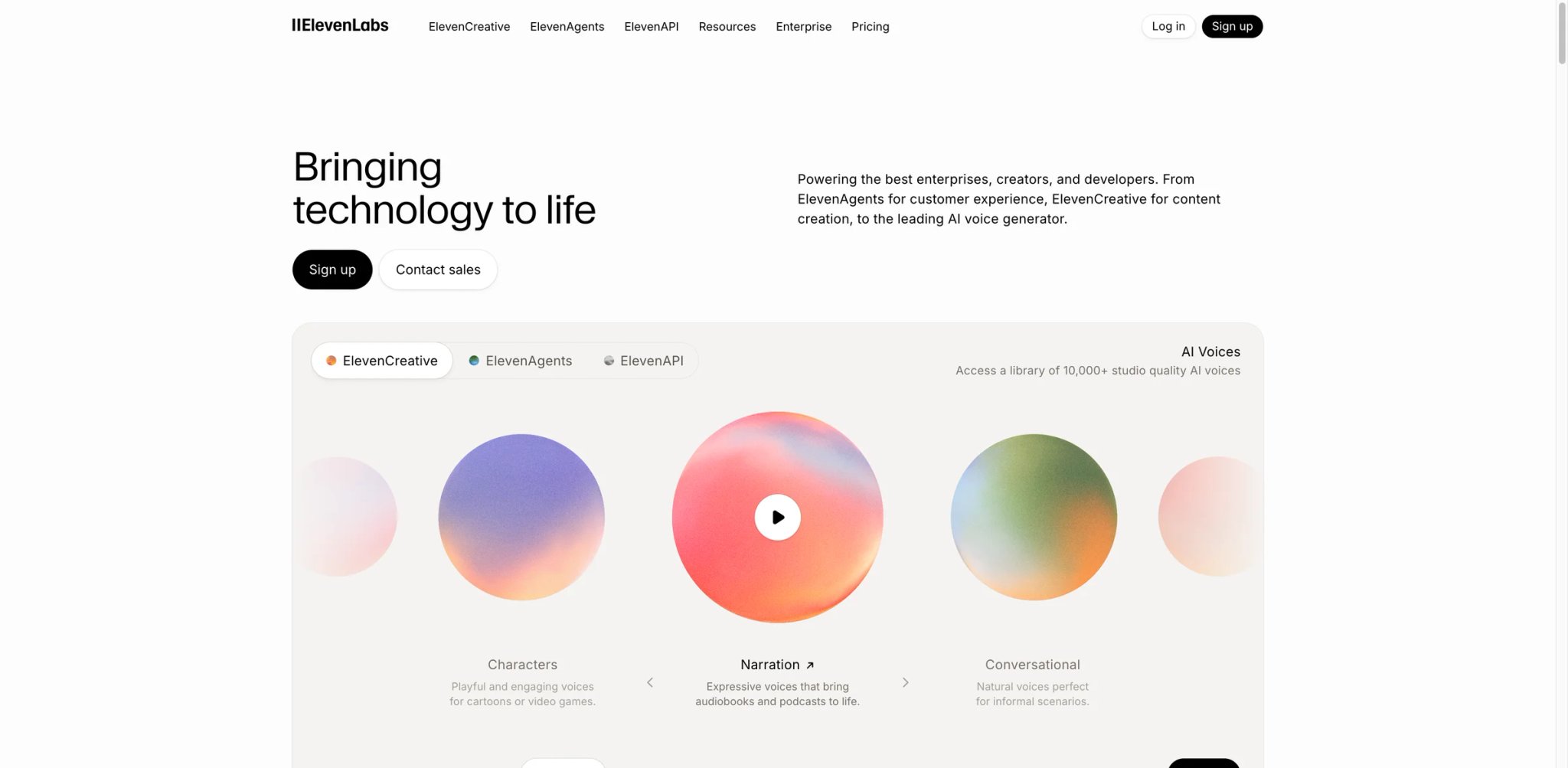
Most creators hit the same wall: their own voice sounds flat in one language and does not exist in the others their audience speaks. ElevenLabs solves that specific problem by letting you clone your voice once and then generate speech across 29+ languages with audible emotion — which is why it keeps showing up at the top of creator workflows even when cheaper options exist.
What stands out
- Professional Voice Clone with consent gating. Requires a voice captcha ("I, [name], allow ElevenLabs…") before generating, which makes unauthorized cloning harder than on most competitors. Needs ≥30 minutes of clean audio for the highest-fidelity clone.
- Instant Voice Clone from 1 minute of audio. Available from the Starter tier, good enough for most YouTube intros and podcast retakes.
- Voice Changer (speech-to-speech). Drop in a reference clip, map it to any voice in your library — useful for re-voicing lines in a different performance without re-recording.
- Multilingual Dubbing Studio. Generates dubs with your cloned voice retaining accent and cadence in the target language.
Pricing
- Free: 10k credits/month, 3 Studio projects, no commercial license.
- Starter $6/month: 30k credits, Instant Voice Clone, Dubbing Studio, commercial license.
- Creator $22/month ($11 first month): 121k credits, Professional Voice Clone.
- Pro $99/month: 600k credits, 44.1 kHz PCM API output, 192 kbps audio.
- Scale $299/month · Business $990/month · Enterprise custom.
Watch for
- Character quotas run out faster than expected for long-form podcasters — each dubbed language uses separate characters.
- The voice-data license on free/Starter tiers lets ElevenLabs use uploads for service improvement. Pro/Creator plans tighten this but read the latest DPA before uploading client voices.
Best for creators who need one cloned voice in multiple languages without losing emotion. Not the right fit if your main use case is sitting in Discord or OBS — ElevenLabs is recording-oriented, not real-time. For a deeper pricing-and-alternatives breakdown, see our full ElevenLabs review.
Get started with ElevenLabs

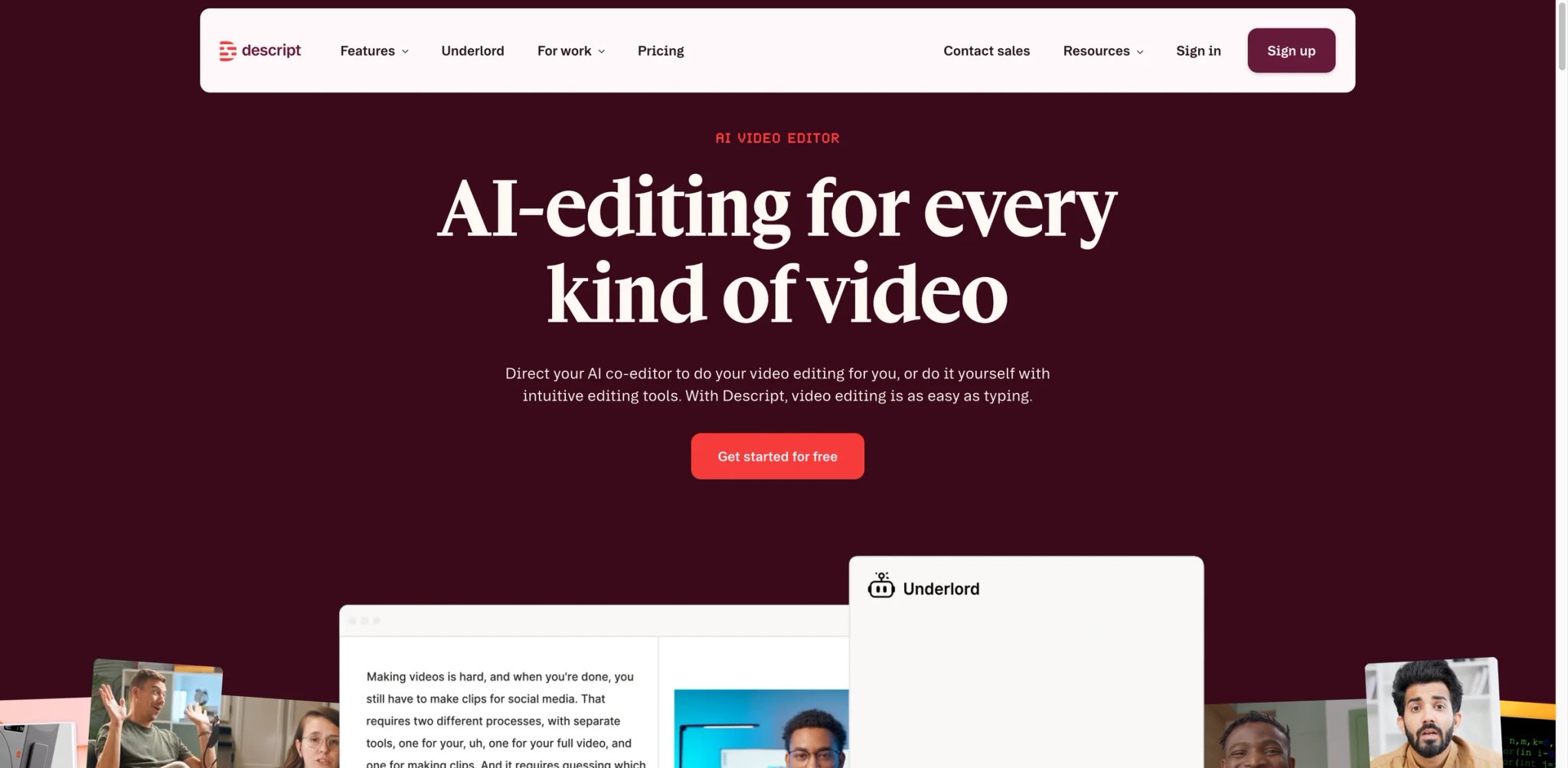
Re-recording one misspoken sentence in a 40-minute podcast used to mean stitching audio back in waveform view. Descript turned that into "edit the transcript, re-generate the word in your own voice" — and that shortcut is why podcast and YouTube teams keep it installed even after trying standalone cloners.
What stands out
- Overdub voice cloning inside the editor. Create a voice clone by reading a ~90-second script, then type replacement words directly into the transcript. The generated audio drops in without seam artifacts if your original reading pace is consistent.
- Filler-word and pause removal in one click. Automatically marks "um", "uh", and extended silences; edits the transcript, the audio, and any attached video in sync.
- Studio Sound and room-tone matching. Cleans lo-fi podcast recordings so Overdub-generated words match the original room.
- Screen recording + multi-track video editor. Handy if your voice-cloning workflow is really part of a longer video edit, not a standalone audio job.
Pricing
- Free: 60 media minutes (1 hour) per month.
- Hobbyist $16/month (annual) or $24/month (monthly): 10 media hours/month.
- Creator $24/month (annual) or $35/month (monthly): 30 media hours/month.
- Business $50/month (annual) or $65/month (monthly): 40 media hours/month.
- Enterprise: custom.
Watch for
- Overdub is trained per user and tied to Descript accounts — you cannot export the cloned voice to another platform.
- The clone quality degrades noticeably if your original recording pace differs from the new insert; a 5-word insert into a slow-paced take sounds off if you read the new line fast.
Best for podcasters and YouTubers who do heavy content cleanup and want cloning built into the editing timeline. Not the right fit for streamers or live callers — no real-time changer mode.
Get started with Descript

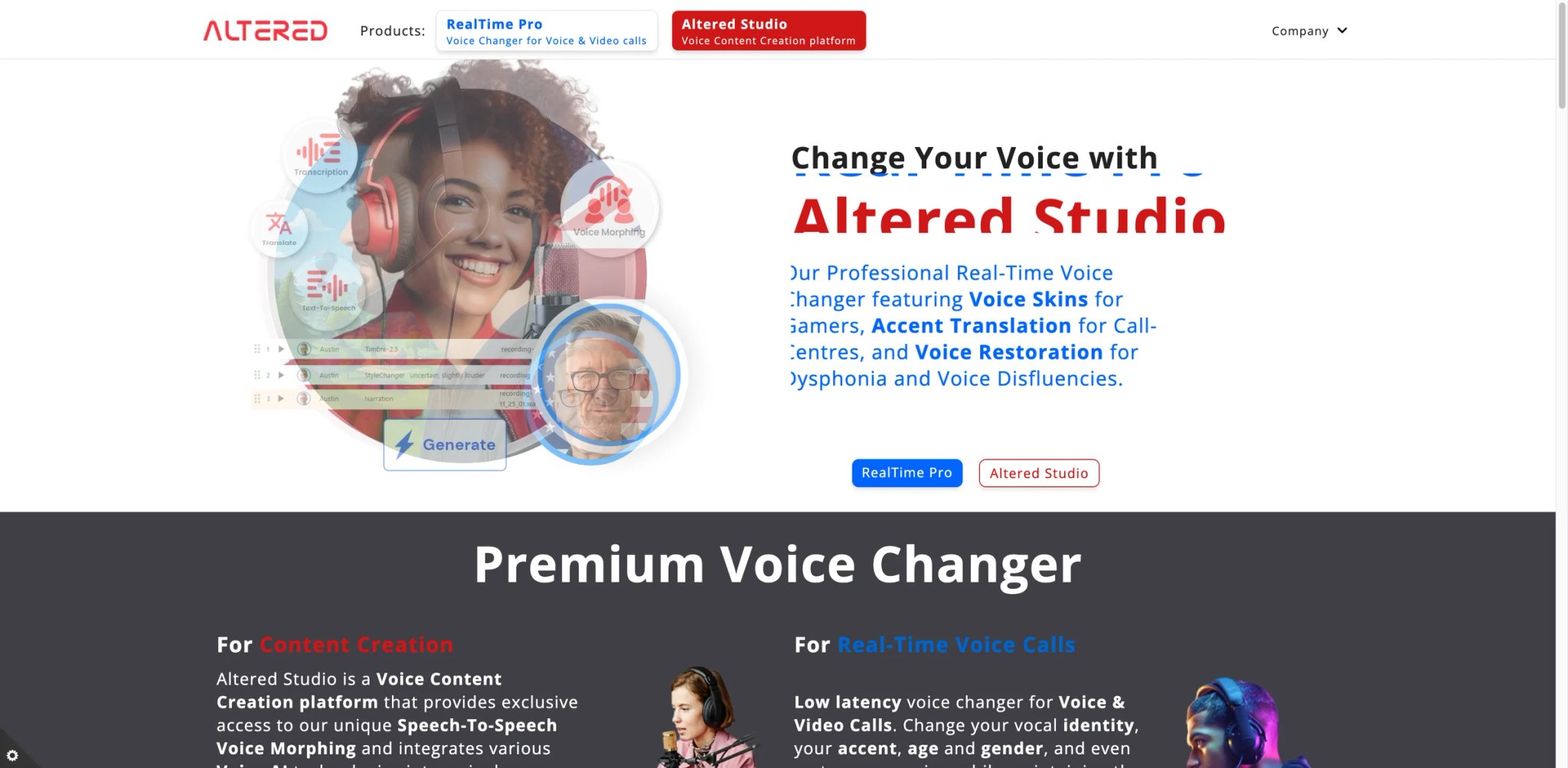
Cast a voice actor outside their natural range, and either the performance suffers or the budget does. Altered attacks that specific bottleneck — act out the line in your own voice, then map the performance onto one of its personas or a client-approved clone while keeping timing, breath, and emotion intact.
What stands out
- Voice-to-voice conversion with emotion preserved. You record your performance, the system retains prosody and breaths, only the timbre changes. Better fit for scripted reads than typed TTS.
- Desktop app for low-latency processing. Real-time mode exists but is positioned for monitoring, not live streaming — useful when auditioning a role or previewing how a line will sound before rendering the final take.
- Built-in persona library plus paid custom cloning. Ready-made voices for rapid prototyping; higher tiers unlock user-trained clones.
Pricing
- Free trial with limited minutes.
- Indie ~$12/month: personal use, access to standard voice library.
- Professional ~$35/month: higher monthly minutes, client-ready exports.
- Studio/Enterprise: custom, includes audited voice-clone workflows.
Watch for
- Web experience is lighter than the desktop app — serious work assumes you are on macOS or Windows.
- Compared to ElevenLabs, the multilingual output is more limited; Altered is optimized for English performance work first.
Best for voice actors, audio directors, and studios that need performance-driven voice transformation. Not the right fit for social creators or gamers looking for quick effects — the workflow is production-grade, not one-click.
Get started with Altered

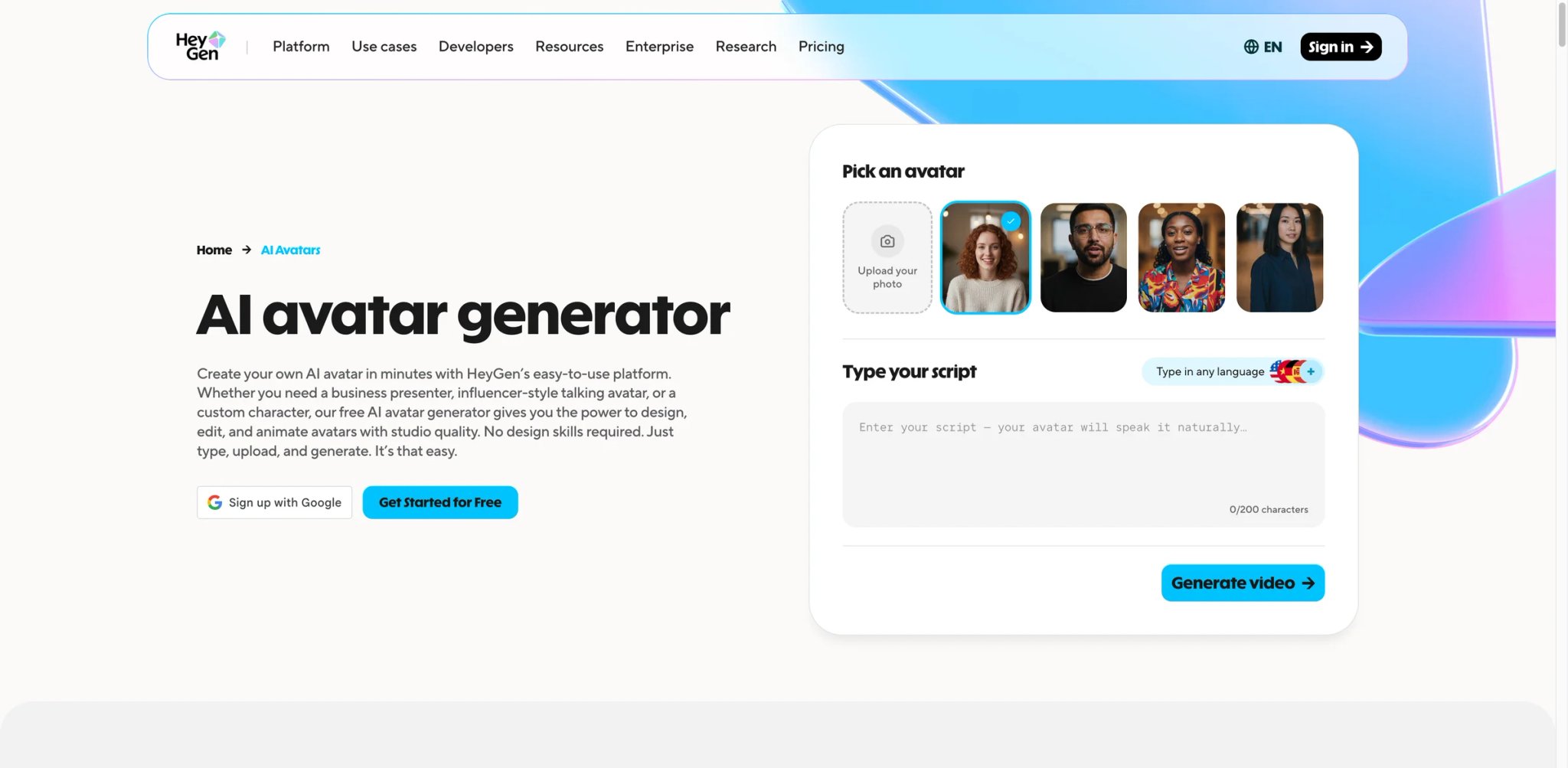
A one-person marketing team cannot shoot a new talking-head video every time a product page changes. HeyGen's bet is that cloning both your face and your voice once — then generating variations from a script — turns that job from "book a studio" into "edit the script."
What stands out
- Instant Avatar + Voice Cloning pairing. Records a short camera clip plus voice sample, then renders new videos where lip sync matches the cloned voice. Good enough for product tutorials and LinkedIn updates; scripted narratives still reveal the synthetic seam.
- Voice translation with lip re-sync. Paired with Interactive Avatar / Video Translate, your cloned voice can deliver the same script in 40+ languages while the mouth shape follows.
- Studio Avatar for higher fidelity. 15-minute recording produces a noticeably better result than Instant Avatar — use this for customer-facing work.
Pricing
- Free: 3 videos/month (up to 1 min each), 1 Custom Digital Twin, 720p export.
- Creator $29/month ($24 annual): voice cloning, 1080p export, videos up to 30 minutes.
- Pro $99/month: 4K export, 10× more premium usage.
- Business $149/month: additional seats at $20/seat/month.
- Enterprise: custom.
Watch for
- Rendering time scales with video length and can stretch past 10 minutes for a 5-minute piece at peak hours.
- If you only need voice cloning (no video), HeyGen is overbuilt — ElevenLabs or Descript will be cheaper per minute.
Best for marketing teams and solo creators who want cloned voice and avatar in the same pipeline. Not the right fit if you already have a video editor you like — HeyGen wants to be the whole stack. Compare its seats and credit limits in our HeyGen review.
Get started with HeyGen
Kits AI
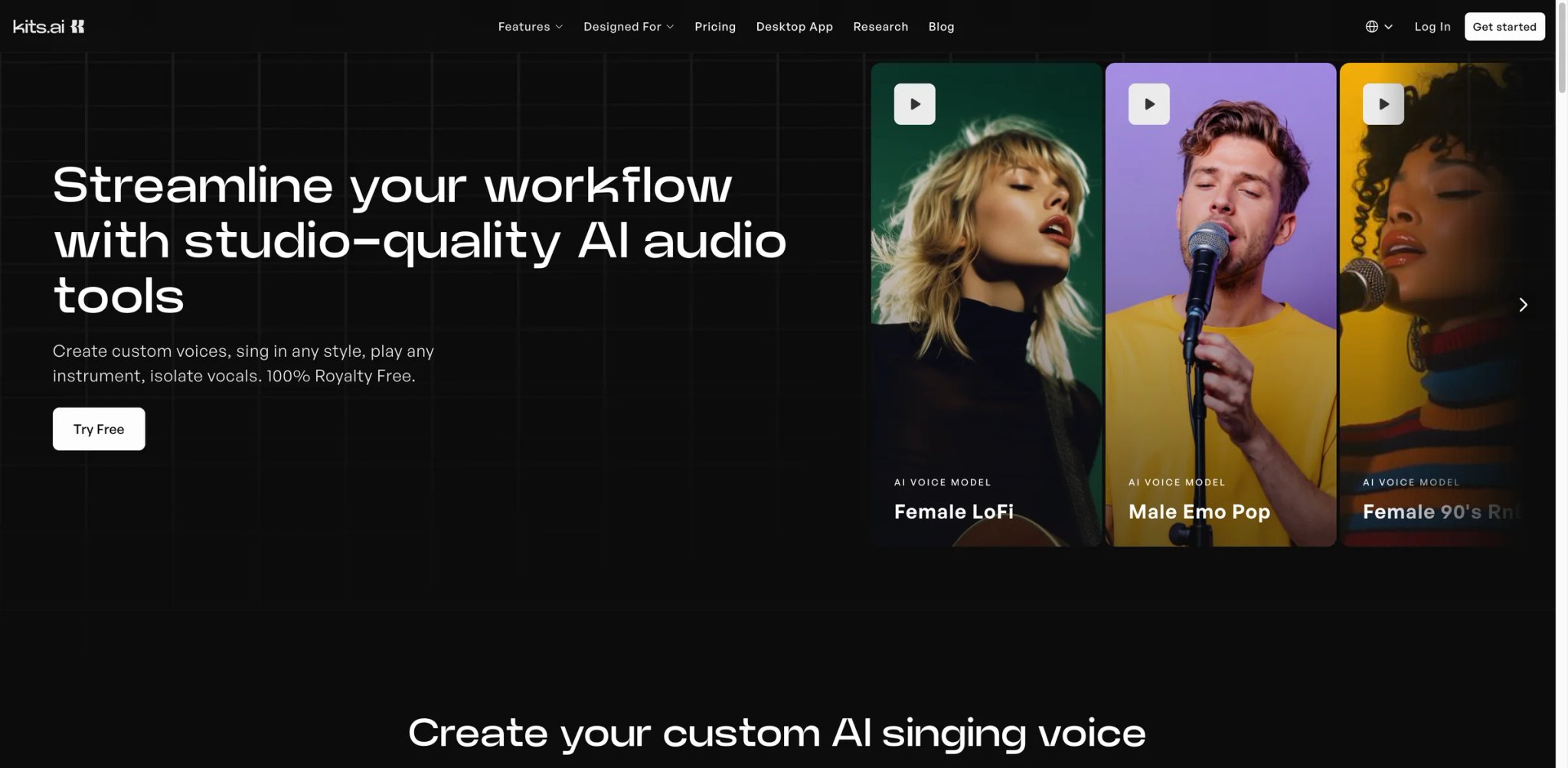
You can write the beat, but you cannot sing the hook like the artist in your reference track — and grey-market RVC model repositories are a DMCA waiting to happen. Kits AI sits in that gap with a licensed artist library (royalty splits included) so producers can record a demo vocal and convert it to the target artist's voice with a clean release path.
What stands out
- Licensed artist voice library. Unlike grey-market RVC model repositories, Kits AI pays the artists whose voices it distributes — important if you plan to release tracks commercially.
- Voice-to-voice conversion tuned for singing. Preserves pitch, vibrato, and breath more cleanly than general speech models; handles both lead and harmony passes.
- Custom voice clone on higher tiers. Upload your own training audio; use it to clone a session singer's voice (with consent) for retakes or harmonies.
- Instrumental stem separation. Strip a vocal from a reference track before mapping your new vocal onto it.
Pricing
- Free: 15 conversion minutes/month, 0 download minutes.
- Starter $10/month: 15 download minutes/month, Instant Cloning, 2 voice models.
- Producer $30/month: 60 download minutes/month, Instant + Professional Voice Cloning.
- Professional $60/month: unlimited download minutes.
Watch for
- Commercial rights depend on the specific artist license — some voices are "demo only", others allow releases with royalty splits. Read per-voice terms before you distribute.
- User feedback on Kits' quality is strong but not yet at the public scale of ElevenLabs; expect fewer long-term Reddit threads to reference.
Best for music producers, remixers, and songwriters who want a legal voice-conversion pipeline. Not the right fit for speech/podcast creators — Kits AI is optimized for singing.
Get started with Kits AI
VEED
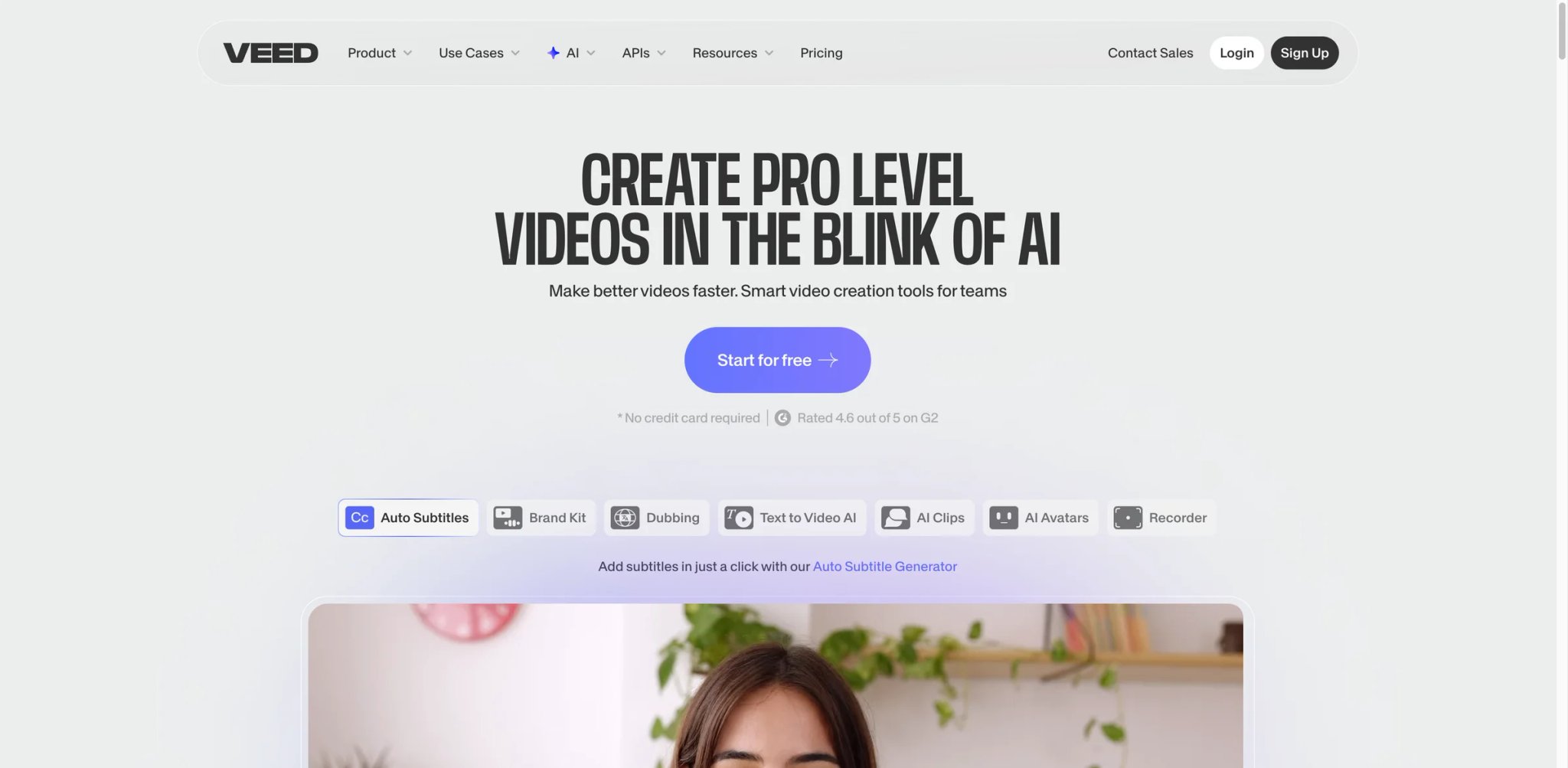
A social media manager cutting 12 clips a week does not want to switch between an editor, a voice cloner, and a captions tool. VEED's answer is to put voice changing, cloning, subtitling, and trimming in one browser tab so a rough draft can go from upload to export in one session.
What stands out
- AI Voice Changer preset library inside the timeline. Apply gender swap, age shift, or character voices to any audio track without leaving the editor.
- AI Voice Cloning from 10–30 seconds of audio. Good enough for voicing-over short-form content; not at ElevenLabs' level for long narration but faster to iterate with.
- Auto-subtitles and multilingual translation. Runs on the same timeline as the voice track, which is rare for this price point.
- Cloud storage and team sharing. Projects stay in the browser — decent collaboration story without desktop installs.
Pricing
- Free: Watermarked, 720p export, 25-minute video limit.
- Basic $12/month: 1 GB upload, 720p export.
- Pro $24/month: 4 GB, 1080p, voice cloning enabled on more assets.
- Business $59/month: higher asset limits + stock library + brand kit.
Watch for
- Voice-clone quality is clearly behind dedicated tools; use it for casual clips, not client-critical voiceovers.
- Some users report that auto-subtitle accuracy on heavy accents lags behind Descript's transcription engine.
Best for social media editors who want one tool for voice + video + subtitles. Not the right fit if you need broadcast-grade voice cloning — pair VEED with ElevenLabs instead.
Get started with VEED
Maestra
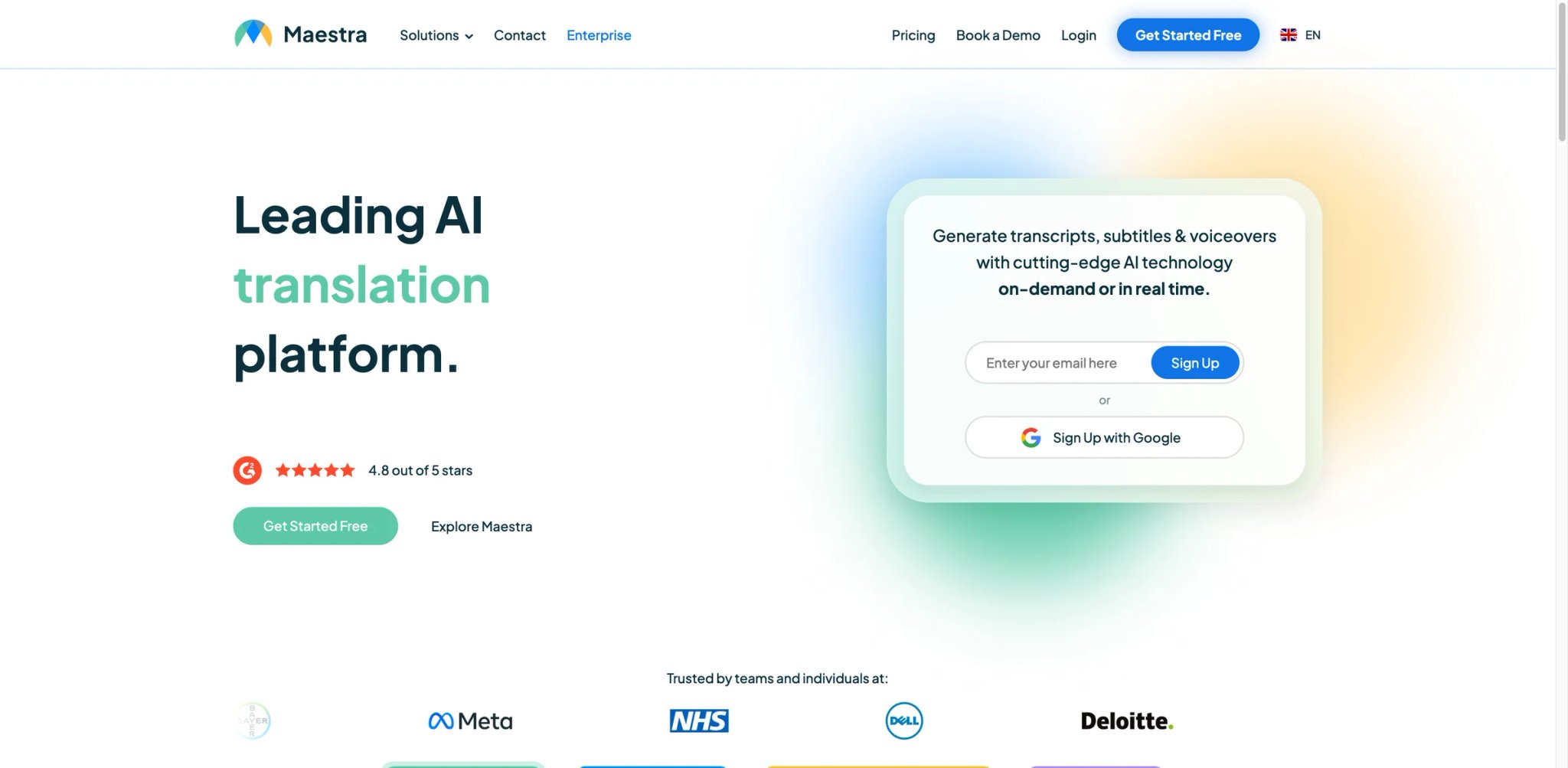
Localization teams keep getting the same brief: "ship this course in eight languages, keep the instructor's voice, deadline is Friday." Maestra is built around that brief — its dubbing pipeline and voice cloning are designed to run together rather than bolted on.
What stands out
- Dubbing Studio + multilingual voiceover. Maestra supports voiceover output in 125+ languages, with voice cloning available across ~29+ languages — so localized audio can sound like the original speaker rather than a generic TTS voice, in the languages that support cloning.
- Transcription + translation + voiceover in one project. Upload the video once; edit transcript, translated script, and voice track from the same timeline.
- Team roles and reviewer workflows. Assign proofreading or QA seats separately from voice-generation seats.
Pricing
- Free trial available.
- Basic $39/month: 120 minutes/month voiceover into another language.
- Premium $79/month: 300 min/month voiceover, or 100 min/month Pro voices & voice cloning.
- Business $159/month: 600 min/month voiceover, or 200 min/month voice cloning.
- Business Plus $359/month: 1500 min/month voiceover, or 500 min/month voice cloning.
- Enterprise: custom.
Watch for
- Voice cloning quality is solid for narration but less expressive for performance work compared to ElevenLabs or Altered.
- Dubbing for languages with non-Latin scripts sometimes mistimes syllables in long sentences — budget a QA pass.
Best for e-learning, marketing, and media teams publishing the same content across many languages. Not the right fit for single-language creators — the dubbing-first pricing leaves value on the table if you only work in English.
Get started with Maestra
Captions
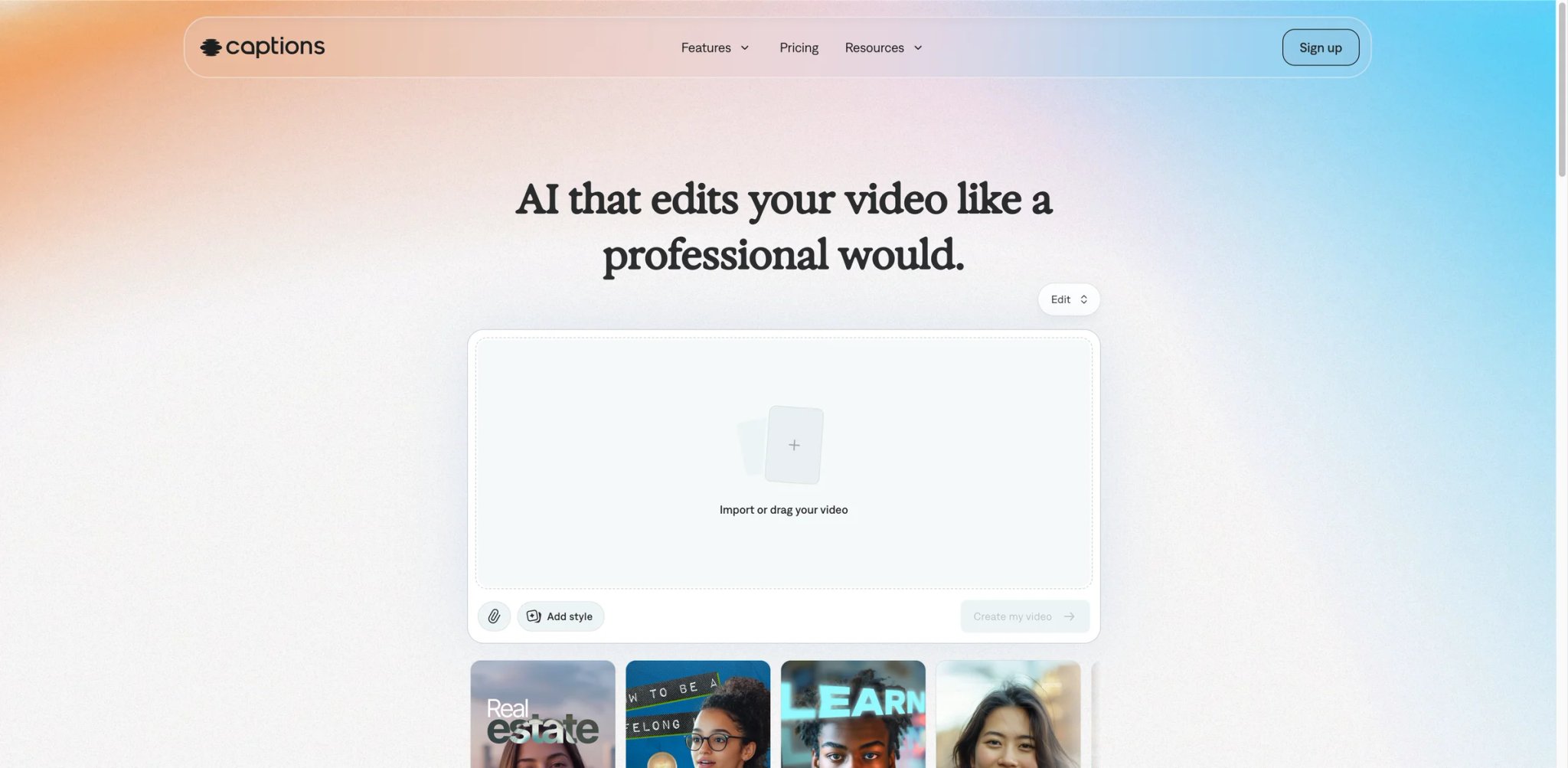
Short-form creators shoot most of their takes on a phone and hate switching to a desktop editor just to clean up a botched line. Captions collapses that workflow by running voice cloning, AI reshoots, and editing on the same mobile app you already record in.
What stands out
- AI Creator for rewriting delivered lines. Clone your voice, edit the transcript, and regenerate the new version in the same take — no second recording session.
- AI Eye Contact. Adjusts your gaze in-camera so even a reshoot-by-clone take still looks into the lens. Niche but genuinely unique.
- Captions and B-roll built in. The core tool already does short-form editing; voice cloning is layered on top rather than a standalone product.
Pricing
- Free: limited feature set; advanced generative features require a paid plan.
- Pro $9.99/month (iOS): basic editing features, watermark-free exports.
- Max $24.99/month: adds generative AI features, 500 credits/month.
- Scale: $69.99 / $139.99 / $279.99 per month depending on usage tier.
- Enterprise: custom. (Prices listed reflect iOS plans.)
Watch for
- The cloning quality is strong for casual short-form but will not match dedicated studios on longer reads.
- iOS-first — the web and Android experiences lag behind.
Best for TikTok, Reels, and Shorts creators who edit on mobile and want to clone their voice without leaving the phone. Not the right fit for audio-only podcasters — Captions is a video app first.
Get started with Captions

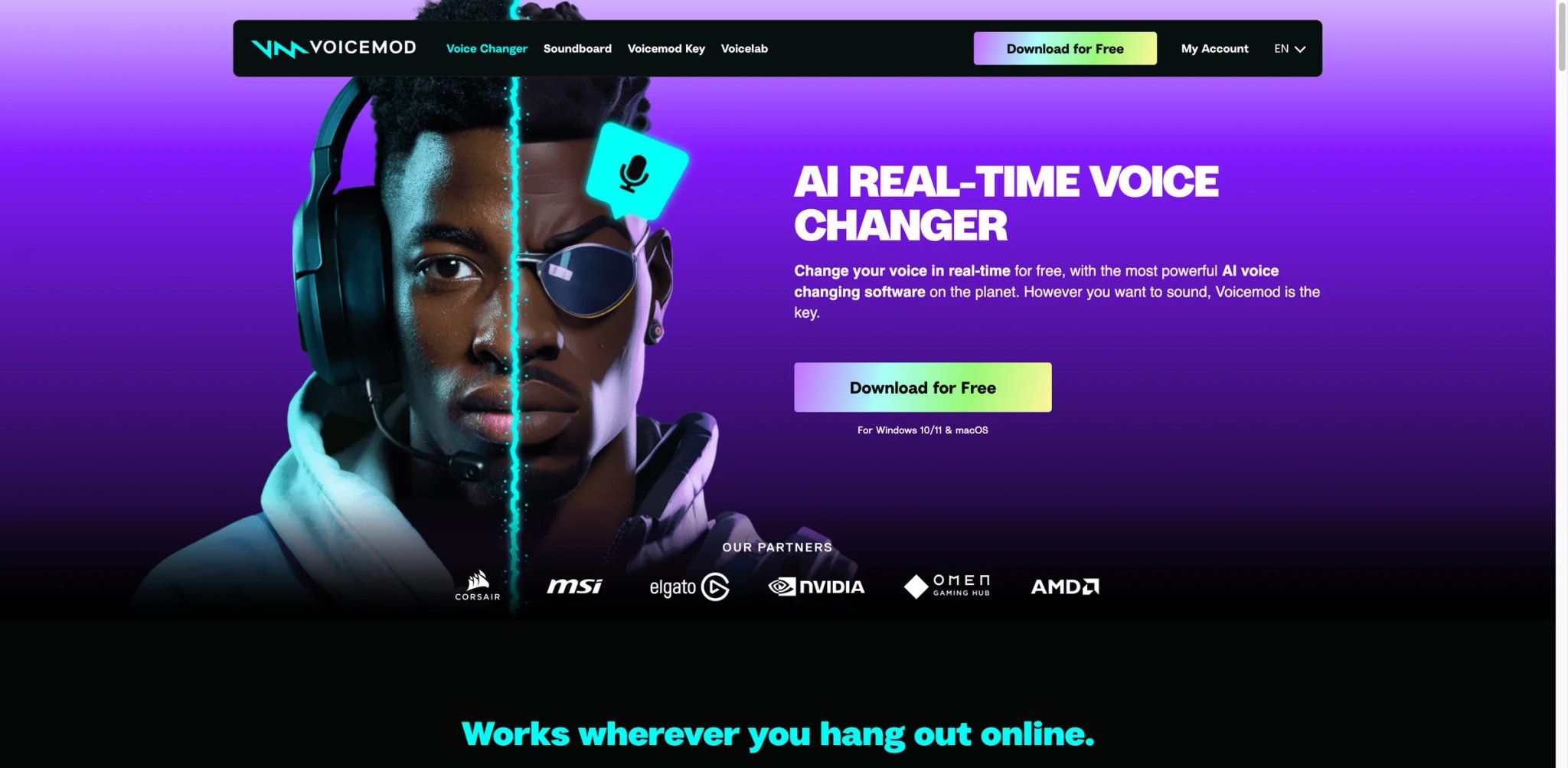
Switching voices mid-game without adding audible lag is a narrow engineering problem — and Voicemod has spent the longest building around it. Its virtual-microphone driver slots between your hardware mic and whatever app is listening (Discord, OBS, Fortnite, Zoom), pushing live audio through ~90 voice effects with minimal round-trip delay.
What stands out
- Real-time voice effects with sub-100 ms latency. Sits between your physical mic and the app — Discord, OBS, Zoom, Valorant, Minecraft. No recorded file needed.
- Voice library covering characters, robots, celebrity-styles. Regularly updated with seasonal drops. The "Voice Lab" lets you stack pitch, formant, and effects into custom presets.
- Soundboard for meme clips. Plays alongside the voice changer — useful for streamers running bits without a second soundboard app.
- Windows 10/11 + macOS desktop apps. Voicemod now ships native builds for both platforms, plus Voicemod Key for console voice chat.
Pricing
- Free tier with core voices but regular in-app upsells.
- Paid plan is not listed on the public site — you have to install the app to see pricing. Community reports put Pro around $5–12/month depending on promotion, lifetime ~$70 periodically. The lack of a public pricing page is itself a complaint across Reddit and Trustpilot.
- "Voicemod for Business" / commercial usage is sold separately and requires contacting sales.
Watch for
- Opaque pricing, auto-renewal friction, and charge-dispute threads are the most common user complaints — save an email trail of every purchase.
- Voicemod explicitly prohibits use for impersonation or harassment per its TOS; violation risks a permanent ban.
Best for Windows and macOS streamers, Discord groups, and online gamers who want a big real-time effects library. Not the right fit for anyone who demands transparent pricing before signing up — Voicemod's paid plans are still in-app only.
Get started with Voicemod
Dubbing AI
Competitive gamers and call-based streamers need the voice change to happen before the enemy hears them — anything over 100 ms feels like the audio is shouting from another room. Dubbing AI's selling point is its claimed ~30 ms conversion latency, which is the lowest we could verify among the real-time tools on this list.
What stands out
- Sub-30 ms real-time voice conversion. Usable on competitive titles and call-based apps without perceptible lag, based on user reports and internal latency tests.
- Cross-platform: Windows, macOS, iOS, Android beta. Mobile support is still rare in this category, which keeps Dubbing AI useful for creators who live between a laptop and a phone.
- 500+ preset voices, including celebrity-style and multilingual options. Weighted toward gaming/anime personas rather than broadcast-grade cloning.
- Free tier that actually does the job. Real-time conversion available without a paywall, unlike Voicemod's free-but-nagging model.
Pricing
- Free: unlimited real-time usage, limited voice library.
- Pro ~$9.99/month (or ~$59.99/year): full voice library, priority processing, commercial use.
- Team / Enterprise: contact sales.
Watch for
- Voice library skews toward character and anime/celebrity styles — clean broadcast voices are fewer than ElevenLabs or Murf.
- Public user base is still smaller than Voicemod's, so you will find fewer long-term reviews — double-check the current terms before committing to annual.
Best for competitive gamers, multi-platform creators, and budget-conscious streamers who need clean low-latency real-time conversion. Not the right fit for enterprise voice-over work or long-form narration.
Get started with Dubbing AI
HitPaw VoicePea
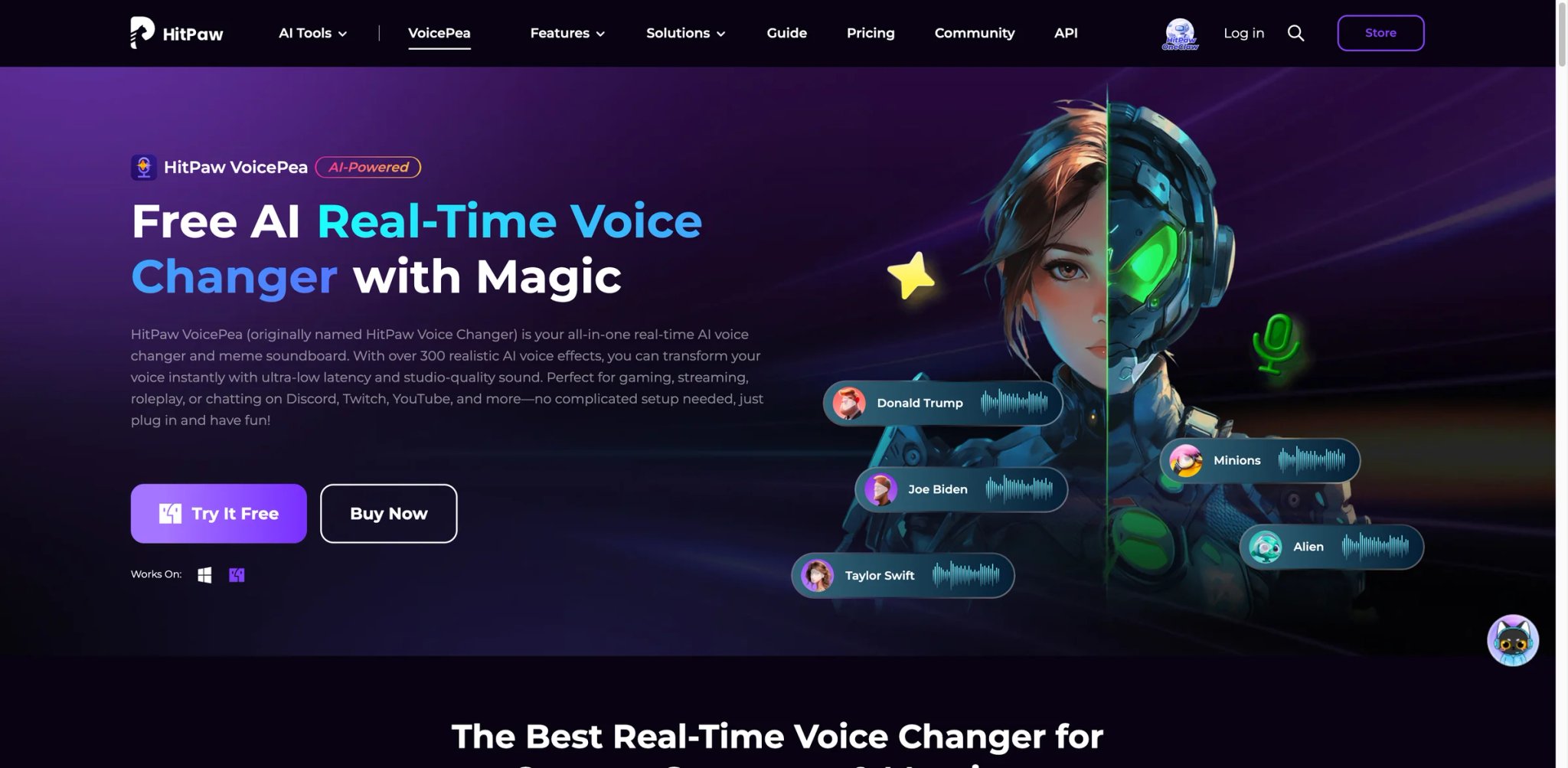
Casual streamers and prank-call creators do not want to pay Voicemod's opaque subscription or figure out a broadcast-grade pipeline — they just want a Windows app that makes their voice sound like SpongeBob on Discord. HitPaw's answer is a $9.95 real-time changer with a meme-heavy preset library and straightforward licensing.
What stands out
- 300+ voice effects and soundboard samples. Character, celebrity-style, robot, and meme voices dominate the library. Easy on-screen keyboard mapping.
- Windows and macOS builds. Native apps on both platforms with an accessible soundboard UI.
- Transparent, low-friction subscription. Pricing is public and the cancellation flow is documented.
- Noise reduction module. Built-in basic denoising for cheap mics — saves buying a separate plug-in.
Pricing
- Free: 1 free voice effect; limited effects, usage, and downloads.
- Standard: $9.95/month, $29.95/year, or $49.95 lifetime.
- Pro: $15.95/month, $39.95/year, or $65.95 lifetime.
- Team & Business licensing sold separately.
Watch for
- Voice quality is clearly "meme-first" — it will not match Voicemod's polished presets for serious streamer branding.
- User feedback is mixed: Trustpilot reviews flag the trial auto-converting to paid, and refund responsiveness varies. Always use a prepaid card if you trial.
Best for casual streamers, Discord groups, and prank-call creators on a budget. Not the right fit for professional voice actors or enterprise audio — the polish is consumer-grade.
Get started with HitPaw VoicePea
FineVoice
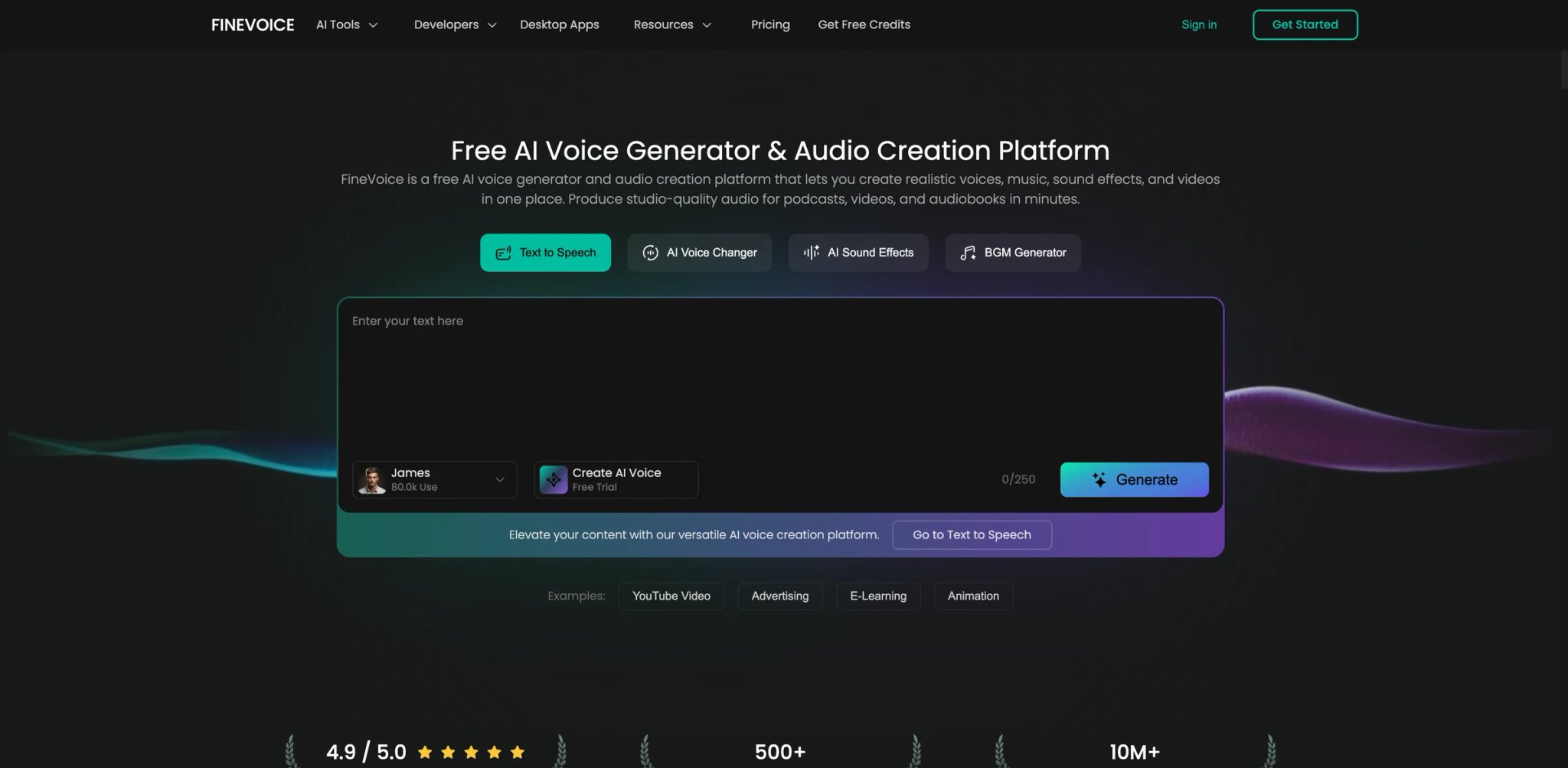
Most changer apps either focus on real-time (Voicemod, Dubbing AI) or on cloning (ElevenLabs, Descript). A hybrid user — who sometimes streams and sometimes records voice-overs for TikToks — ends up paying two subscriptions. FineVoice bundles both into one sub-$10 plan, which is its real pitch.
What stands out
- Real-time voice changer + recorded voice cloning in one app. Switch between the two modes depending on whether you are streaming or editing.
- 1-click AI voice-over generation. TTS with 500+ voices on top of cloning — enough for quick social posts.
- Speech-to-text and subtitle tools. Same app handles transcription for short-form edits.
- Noise removal + audio enhancement presets. Handy for cheap webcam mic inputs before recording or streaming.
Pricing
- Free: $0 with preview-only downloads and 2,000 TTS characters/month.
- Basic $8.99/month, or $71.99/year ($5.99/month equivalent): commercial voices.
- Pro and Business tiers listed on the pricing page; promotional figures vary — verify on the live page before acting on specific numbers.
Watch for
- Voice-clone quality is mid-tier — you will notice the drop if you compare back-to-back with ElevenLabs on a 60-second read.
- Users report heavy upsell prompts inside the free app; the paid tier is quieter.
Best for solo creators who bounce between streaming and short-form content and want one bill to cover both. Not the right fit if your content depends on broadcast-grade voice quality — you are paying for breadth, not the best clone.
Get started with FineVoice
Best AI Voice Changers by Use Case
For Competitive Gamers Who Cannot Tolerate Lag
If your clips hinge on call-out timing, Dubbing AI is the lowest-latency option we verified — its sub-30 ms claim holds up in-game across Windows and Mac. Voicemod has the bigger voice library and more meme effects (and now ships a native macOS app alongside Windows), but opaque in-app pricing still puts a harder ceiling on casual use. Use Dubbing AI for matches that depend on precise timing, keep Voicemod if your community already lives on its preset voices.
For Discord-First Communities on a Budget
If you just want your server or D&D night to sound like a character, HitPaw VoicePea gives you the widest meme library for $9.95/month with transparent billing. FineVoice adds voice cloning on top for roughly the same price, so choose it if one of your players also records voice-overs for TikToks. Skip both if you need clean broadcast-quality voices — the polish is explicitly consumer-grade.
For Podcasters and YouTubers Cleaning Up Bad Takes
Descript remains the default because "edit the transcript, regenerate the missed word in your own voice" is a workflow no desktop editor matches. ElevenLabs is stronger if you need the cloned voice to live outside Descript — multilingual dubs, audiobook narration, or API integrations. A common stack: Descript for day-to-day edits, ElevenLabs for anything that ships in multiple languages.
For Marketing Teams Who Need Voice + Avatar
HeyGen is built for this — clone your CEO's voice and face once, then generate product update videos from a shared script. VEED is the lighter-weight alternative if you only need a single-language marketing team and prefer a browser editor. HeyGen's rendering times and monthly credit caps are the two things to stress-test against your actual cadence.
For Localization and Multi-Language Publishing
Maestra wins if dubbing in 100+ languages with a cloned voice is the entire job. ElevenLabs is a close second and has better voice fidelity, but you will do more of the project management yourself. If you also need subtitles and timelines in the same tab, start with Maestra. For a broader look at multilingual content pipelines, see our guide to AI content creation tools.
For Music Producers Building Legal Covers
Kits AI is the only tool here with an actual artist-licensing program, which matters if you plan to distribute. RVC model repositories elsewhere are faster and free, but they expose you to takedowns once a track gains traction.
How to Choose the Right AI Voice Changer
Your decision breaks along six practical checks — use them in order, not in isolation, because skipping one usually comes back as a refund request or a legal issue.
-
Separate "change live" from "clone later" first. These are two different product categories. If you stream, start with Voicemod, Dubbing AI, or HitPaw VoicePea. If you record, start with ElevenLabs, Descript, Altered, or HeyGen. Hybrid tools (FineVoice, VEED) are convenient but make both jobs slightly worse; use them for light work only.
-
Check real-time latency before paying. For live use, target sub-100 ms (Dubbing AI is the best we verified; Voicemod is comfortably inside the window; HitPaw is acceptable for casual play). Anything over 150 ms is disqualifying for competitive games or live calls, regardless of how nice the voice library looks.
-
Read the voice-data license before you upload a single sample. This is the most skipped step and the most expensive one to get wrong. ElevenLabs, Descript, and HeyGen all publish explicit terms; Resemble-style perpetual R&D language exists in some free tiers — upgrade before you upload anything you care about, or use a tool that grants clear ownership (Descript's Overdub, Kits AI's custom clones).
-
Verify commercial rights match your distribution plan. A tool's "commercial use" language can mean anything from "keep the revenue" to "only inside the platform." If you are releasing on Spotify or monetising on YouTube, confirm in writing — Kits AI's per-voice licensing is the clearest example of how much this varies.
-
Test the free tier on your actual content. Upload your own voice, your own script, your own game audio — not the vendor's demo track. Short-form creators should run a 30-second TikTok voiceover before upgrading; streamers should use it during a real match, not a test scene.
-
Audit the pricing model for usage spikes. Character quotas (ElevenLabs), per-minute caps (Maestra, HeyGen), and pay-per-second billing (Resemble) all break down differently once you scale. Voicemod's undisclosed in-app pricing is itself a risk factor — prefer a tool where next month's bill is predictable before you commit.
For deeper playbooks on stacking AI tools across a creator workflow, browse our curated AI voice cloning tools directory.
Frequently Asked Questions
Is an AI voice changer the same as an AI voice generator?
No. An AI voice changer transforms an existing voice input — either live from your microphone (real-time) or from a recorded file — into a different voice. An AI voice generator converts text to speech, starting from a script instead of an audio input. Tools like Voicemod or Dubbing AI are pure changers; ElevenLabs and Descript's Overdub do both, which is why they show up in both lists. Pick a generator if your source is text, a changer if your source is audio.
Which AI voice changer has the lowest latency for gaming?
Among the tools we tested, Dubbing AI reports and delivers the lowest latency — around 30 ms on Windows and Mac, which is usable for competitive titles. Voicemod is solidly sub-100 ms on both Windows and macOS. HitPaw VoicePea lands between 80–120 ms depending on the voice preset, fine for casual play but not for ranked. Avoid any cloud-based tool for real-time use in games — round-trip network latency alone will break the experience.
Can I use an AI voice changer commercially without getting sued?
Only if three conditions are met: your plan tier explicitly includes commercial rights, the voice you used is either your own, fully licensed by the vendor (Kits AI, some ElevenLabs voices), or not cloned from a real person without consent. Using a celebrity-impersonation voice in a monetized video is how creators get DMCA'd, regardless of which tool generated it. Read each vendor's terms and confirm the voice you picked is cleared.
How much audio do I need to clone my voice?
Instant cloning tools work with 30 seconds to 1 minute of clean audio — ElevenLabs, Descript Overdub, Captions, and VEED all sit in this range and are good enough for social content. Professional / broadcast-grade cloning needs 10–30 minutes of studio-quality audio — ElevenLabs Professional Voice Clone, HeyGen Studio Avatar, and Kits AI custom clones all require this. Record in a treated room, consistent distance to the mic, no background music.
Do AI voice changers work on Mac?
Most of them now do. Voicemod ships native Windows and macOS apps as of 2026, joining Dubbing AI and HitPaw VoicePea which have long offered Mac builds. All web-based tools on this list (ElevenLabs, Descript, VEED, Kits AI, Maestra, HeyGen, Captions, FineVoice) run in a browser on either OS. The real check is no longer OS support — it is whether your specific app-routing pipeline (capture software, Discord, game audio) works cleanly on your version of macOS.
What's the difference between voice changing and voice cloning?
Voice changing modifies the audio characteristics of an input — pitch, formant, effects — to sound like a different voice, character, or preset. Voice cloning builds a reproducible digital model of a specific voice, then generates new audio in that voice from either speech (voice-to-voice) or text (text-to-speech). Changers are usually real-time and use-and-forget; clones are slower to set up but give you a reusable asset for future content. Tools like Altered and ElevenLabs blur the line — they use clone-based models to power changer features.
Is there a free AI voice changer that is actually usable?
Yes — for real-time use, Dubbing AI offers unlimited live conversion on its free tier and is the most generous in this category. Voicemod has a free tier but interrupts with upsells. For recorded use, ElevenLabs's 10,000 characters/month free tier is enough to test short-form content, and Descript gives you one hour of transcription free with Overdub limited but available. Skip lifetime-plan promotions from tools you have not used yet — refund paths are consistently the weakest part of this category.
Get ToolWorthy Weekly
New AI tools, practical guides, and selected AI signals in one weekly brief.
Related Posts
- Best AI Clip Generators 2026: Pick by Workflow
Compare AI clip generators by source workflow, editing control, publishing finish, team needs, and usage meter—without pretending there is one universal winner.
- Top 10 AI Voice Generator Tools 2026 - Compared by Workflow
Compare 10 top AI voice generators with web studios for creators. Expert analysis of text-to-speech, voice cloning, dubbing tools, and voice agents with pricing, features, and commercial licensing.
For AI tool founders
Built a tool that belongs in this decision set?
Request an editorial evaluation for possible inclusion in ToolWorthy.
Submit your tool for reviewPaid submission does not guarantee a ranking, recommendation, inclusion, or editorial outcome.