
10 Best AI Voice Agent Platforms 2026: Pricing & Telephony
Shortlist AI voice agent platforms by build model, telephony, QA controls, integrations, production controls, and total cost—not an incomparable starting price.

On this page
This guide compares platforms for building, configuring, or buying production voice agents—not voice generators or basic answering services. The biggest decision is not which demo sounds most human; it is who will own the models, telephony, workflows, testing, and failures after launch.
If you already know whether you want developer infrastructure, a configurable platform, or a managed enterprise outcome, use the quick picks below to build a two- or three-vendor shortlist.
Quick Picks
These are editorial recommendations based on documented product fit and commercial and technical boundaries—not winners from a cross-platform call benchmark.
| Need | First platform to evaluate | Why it makes the shortlist | Main trade-off |
|---|---|---|---|
| Best overall production platform | Retell AI | Combines developer access with telephony, simulation, analytics, QA, and transparent component pricing | The real rate changes with LLM, voice, telephony, and add-ons |
| Best for developers | Vapi | Provider-agnostic orchestration, APIs, BYO keys, SIP, and automated evals | Your team owns more integration and reliability work |
| Best open-source and self-hosted stack | LiveKit Agents | Open-source Python/Node framework with self-hosting, managed cloud, WebRTC, and SIP | Pricing spans hosting, inference, transport, telephony, and observability |
| Best for voice-led product experiences | ElevenAgents | Strong voice catalog, multilingual deployment, custom models, SIP, and agent testing | LLM and telephony remain extra costs |
| Best for high-volume outbound | Bland AI | Bundled AI minute rate, plan-level concurrency, campaigns, pathways, and BYO telephony | Less provider-level freedom than a composable stack |
| Best no-code platform | Synthflow | Visual agent building, guided deployment, simulations, telephony, and business integrations | New deployments are sales-led, with a material annual commitment |
| Best telephony-native platform | Telnyx | Carrier network, SIP, phone numbers, voice runtime, testing, and one usage bill | The advertised voice-engine rate still excludes LLM and telephony |
| Best managed enterprise voice | PolyAI | Managed contact-center deployment, per-minute commercial model, monitoring, and published uptime SLA | No public per-minute rate and limited self-serve control |
How We Researched and Evaluated These Platforms
We checked official pricing pages, product documentation, help centers, security pages, and public technical documentation on August 27, 2026. We prioritized products that expose enough of the production lifecycle to evaluate telephony, model control, testing, operations, and cost—not products that only provide a voice demo.
ToolWorthy did not independently benchmark every platform in this guide. We did not place comparable test calls across all vendors, measure p50 or p95 latency, grade accents, or calculate task-completion rates. Latency, uptime, scale, language, and quality claims are identified as vendor-reported where used. Public documentation can establish available controls; it cannot prove how a platform will perform in your environment.
The shortlist favors five decision dimensions:
- Architecture fit: developer infrastructure, configurable platform, or managed outcome.
- Telephony fit: inbound/outbound calling, SIP, BYOC/BYOT, numbers, transfers, and caller identity.
- Production readiness: testing, simulations, logs, traces, QA, alerts, versioning, and failure handling.
- Commercial clarity: what the headline price includes, what is extra, and whether a commitment is required.
- Enterprise boundary: published concurrency, SLA, deployment, security, compliance, and support terms.
Build, Configure, or Buy?
Choosing the wrong product architecture usually costs more than a few cents per minute. Decide how much of the system your team wants to own before comparing vendors.
| Path | Choose it when | Typical shortlist | You still own |
|---|---|---|---|
| Build | You have developers, require deep model/runtime control, or need self-hosting | Vapi, LiveKit Agents, Telnyx; Pipecat as a specialized framework | Agent code, provider choices, testing strategy, incident response, and usually more cost assembly |
| Configure a platform | You want to launch quickly but still need APIs, workflows, CRM, telephony, and QA controls | Retell, Bland, ElevenAgents, Synthflow, Voiceflow | Prompts, business rules, integrations, acceptance tests, monitoring, and escalation design |
| Buy a managed outcome | Procurement values deployment support and business outcomes more than infrastructure control | PolyAI, Sierra; HappyRobot for operations-heavy workflows | Scope, source-of-truth data, governance, success criteria, and vendor management |
An AI receptionist is a fourth, narrower purchase: you are buying reliable call answering for one business rather than a platform for deploying a portfolio of agents. Those products are separated later in this guide.
AI Voice Agent Platforms Compared
Quick Shortlist
This table is for elimination. Do not compare the pricing-model column as if every row were an equivalent finished-call rate.
| Platform | Best for | Build model | Pricing model | Telephony | Trial or entry path | Main trade-off |
|---|---|---|---|---|---|---|
| Retell AI | Production phone agents | Configurable platform + APIs | Modular pay as you go | Managed numbers + custom SIP | $10 credit | Costs vary by selected components |
| Vapi | Developer-owned stacks | API-first orchestration | Hosting fee + provider costs | Managed providers + BYO SIP | Usage-based entry | High provider-assembly and reliability burden |
| Bland AI | Outbound and bundled voice ops | Platform + API + pathways | Bundled AI minute + optional platform fee | Built-in or BYOT/SIP | No-card Start plan | Less model/provider freedom |
| ElevenAgents | Voice-led products | Visual builder + APIs/SDKs | Subscription with included minutes | Twilio + SIP trunking | 15 free minutes | LLM and telephony billed separately |
| LiveKit Agents | Open-source realtime apps | Code-first, cloud or self-hosted | Metered cloud resources or self-hosted infra | LiveKit numbers + third-party SIP | Free Build allowance | Multi-part cost and engineering ownership |
| Telnyx | Telephony-native voice automation | Builder + APIs on carrier network | Voice engine + LLM + carrier usage | Native SIP, PSTN, numbers | Pay as you go | Economics depend on Telnyx stack choices |
| Synthflow | Guided no-code deployment | Visual platform + managed launch | Sales-led annual agreement | Native telephony + SIP options | Sales-scoped | Public rate card is not available |
| Voiceflow | Omnichannel CX design | Visual builder + Dialog API | Plan fee + credit usage + add-ons | Voice channels and phone numbers | Free trial, no card | Credit math and telephony boundaries need modeling |
| PolyAI | Managed enterprise contact centers | Managed voice deployment | Custom per-minute | SIP/PSTN contact-center connection | Request demo | Quote required; limited component control |
| Sierra | Enterprise customer outcomes | Managed Agent OS | Custom outcome-based or blended | Voice is one of several channels | Request demo | Contract definition matters more than minute math |
Production Capability Comparison
Vendor-reported means the capability or number comes from the vendor's public material, not a ToolWorthy benchmark. Contract-specific means you should obtain the term in writing for your deployment.Architecture and Telephony
| Platform | Call direction | SIP / BYOC | Model flexibility | Turn-taking |
|---|---|---|---|---|
| Retell AI | Inbound and outbound | Custom telephony via SIP | Modular voices/LLMs + custom LLM | Configurable conversation engine |
| Vapi | Inbound and outbound | BYO SIP trunk | Broad STT/LLM/TTS choice + BYO keys | Configurable interruption and endpointing |
| Bland AI | Inbound and outbound | Inbound/outbound SIP and BYOT | Bundled LLM/STT/TTS | Platform-managed |
| ElevenAgents | Inbound and outbound | SIP trunking and Twilio | Supported providers + custom model/server | Platform-managed, configurable agent behavior |
| LiveKit Agents | Both with third-party SIP; native numbers are inbound-only | Third-party SIP | Extensive plugins or LiveKit Inference | Open-source turn detection and interruption controls |
| Telnyx | Inbound and outbound | Native carrier SIP and PSTN | Telnyx-hosted and managed frontier models | Voice engine includes turn-taking and interruptions |
| Synthflow | Inbound and outbound | Native telephony and enterprise SIP | Platform-selected model/voice options | Visual configuration |
| Voiceflow | Voice and chat; docs describe sending and receiving calls | Not publicly disclosed | Major model providers + BYO model | Platform-managed voice controls |
| PolyAI | Primarily inbound contact-center voice; outbound scope not public | SIP/PSTN connection | Managed proprietary stack | Managed dialogue platform |
| Sierra | Voice plus digital channels; call direction is contract-specific | Not publicly disclosed | Managed Agent OS | Managed full-duplex voice |
Testing, Scale, and Compliance
| Platform | Testing / QA | Scale / SLA | Public compliance boundary |
|---|---|---|---|
| Retell AI | Simulation, manual/web/phone tests, analytics, QA add-on | 20 calls included; enterprise no cap | HIPAA/BAA and custom DPA/SSO terms shown by plan |
| Vapi | Mock-conversation evals, tool checks, CI/API runs | 10 lines included; custom enterprise limits/SLA | HIPAA and ZDR are paid add-ons; SOC 2/PCI/SSO/RBAC on Scale |
| Bland AI | Pathway chat/voice/live-call tests and node unit tests | 10/50/100 calls by self-serve plan; 99.9% vendor SLA | Vendor lists SOC 2, HIPAA/BAA, GDPR, PCI; enterprise docs under NDA |
| ElevenAgents | Simulation, next-reply, tool-call, and probabilistic tests | 4–40 calls by public plan; enterprise custom SLA/concurrency | Enterprise BAA, DPA/SLA, SSO, residency and private deployment options |
| LiveKit Agents | Unit/integration tests, text simulations; full-audio tests via partners | Build allows 5 cloud agent sessions; paid/self-hosted limits differ | Enterprise terms are contract-specific |
| Telnyx | Browser simulation + Cekura live SIP test agents/evaluators | 500 calls on pay as you go; higher/custom plans | Vendor lists SOC 2, HIPAA, GDPR, PCI and ISO 27701 |
| Synthflow | Automated Test Center simulations | Concurrency and SLA are contract-specific | Security, DPA and governance terms are scoped in enterprise agreement |
| Voiceflow | Staging environments, observability and LLM evaluations | Concurrency is plan/add-on based; exact SLA not public | Enterprise SSO/private cloud; other terms contract-specific |
| PolyAI | Ongoing monitoring and improvement; public self-serve simulation not disclosed | Vendor-reported 99.9% phone-line uptime SLA | Compliance certificates and audits are included; exact workload terms require review |
| Sierra | Persona simulations, A/B testing and enterprise analytics | Not publicly disclosed | Vendor reports SOC 2 and HIPAA safeguards; contract terms are not public |
What AI Voice Agents Really Cost
Starting Price for this market. A finished-call cost can contain:Platform/orchestration + STT + LLM + TTS + telephony + phone numbers + transfers + knowledge base + QA/observability + PII/compliance add-ons + concurrency/commitmentsThat formula changes by architecture:
- Composable platforms such as Vapi and LiveKit expose more line items. A low orchestration or hosting rate is not the finished-call cost.
- Partially bundled platforms such as Bland and Telnyx include some combination of orchestration, STT, and TTS, but telephony, LLM, recording, transfers, or premium providers can remain extra.
- Subscription platforms such as ElevenAgents and Voiceflow combine plan allowances with usage and add-ons.
- Sales-led platforms such as Synthflow and PolyAI price the implementation and operating boundary through a contract.
- Outcome pricing such as Sierra requires a precise definition of a billable resolution, conversion, or saved cancellation.
For every proposal, ask for a sample invoice based on your traffic profile. Include average and p95 call length, peak concurrency, transfer duration, voicemail rate, failed calls, recording, retention, data region, support, and implementation. A vendor calculator is a planning tool, not a quote.
Detailed Platform Reviews

Verdict
Retell is our first evaluation for teams that want APIs and model choice without building the entire production call layer. The editorial recommendation reflects its combination of telephony, testing, analytics, and explicit component pricing; the main limitation is that the headline range still needs configuration-specific math.
Best for
Production inbound or outbound agents where engineering and operations share ownership.
Build and deployment model
Retell provides templates, a visual configuration surface, APIs, webhooks, SDKs, modular LLM/TTS choices, and a custom-LLM path. It is a configurable managed platform rather than a self-hosted framework.
Voice and real-time behavior
The platform exposes interruption, endpointing, denoising, voice, and model choices. Any latency figure shown by Retell is vendor-reported and will vary with the selected model, voice, telephony route, network, and tool latency.
Telephony
Retell supports inbound and outbound calls, managed numbers, imported numbers, transfers, and custom telephony through SIP. Twilio, Telnyx, Vonage, Genesys, and other SIP-capable systems can be connected, subject to provider configuration.
Integrations
Use APIs, webhooks, custom tools, and workflow connectors to reach CRMs, calendars, help desks, and internal systems. Native connector breadth is less important than testing the exact write, retry, and transfer behavior your workflow needs.
Reliability and operations
Retell documents simulation testing, manual and live-call testing, call analytics, transcripts, alerts, webhooks, 20 included concurrent calls, and an optional AI QA layer. Enterprise adds dedicated infrastructure and support terms; obtain any uptime or response SLA in the contract.
Pricing
Public pricing is $0.07–$0.31 per voice-agent minute with $10 in starting credit and no minimum commitment. The total combines voice infrastructure, LLM, TTS, telephony, and optional knowledge base, denoising, guardrails, PII removal, QA, phone numbers, and extra concurrency. Calls are billed while connected, including silence; after transfer, the AI fee stops but telephony can continue. For current product capabilities and the commercial baseline, see our Retell AI Tool Detail.
Pros
- Strong production lifecycle without an annual contract.
- Clear component calculator and concurrency pricing.
- SIP/custom telephony plus inbound and outbound operations.
Cons
- No single all-in minute rate applies to every configuration.
- Advanced QA, compliance, and concurrency can add cost.
- Managed runtime means less infrastructure control than LiveKit or Pipecat.
Best if
Choose Retell if you want to pilot quickly and still need APIs, SIP, simulation, analytics, and production call controls.
Avoid if
Avoid Retell if you must self-host the runtime or procurement requires a fixed all-in rate before model and telephony choices are known.

Verdict
Vapi is a developer-oriented core shortlist choice for teams that want a programmable orchestration layer rather than a packaged contact-center product. That freedom shifts provider evaluation, end-to-end observability, and failure handling back to your team.
Best for
Engineering teams building custom voice products or call automation around their own backend.
Build and deployment model
Vapi is API-first and provider-agnostic. Teams can select STT, LLM, TTS, and telephony providers, bring API keys, define tools and multi-agent squads, or connect a custom SIP trunk.
Voice and real-time behavior
Turn detection, endpointing, interruption behavior, background audio, messages, and provider configuration are exposed as engineering controls. Performance depends on the full provider chain, so infrastructure latency claims should not be treated as end-to-end call latency.
Telephony
Vapi supports inbound and outbound calls, managed/imported numbers, transfers, and bring-your-own SIP trunking. Telephony and number charges depend on the connected provider and region.
Integrations
REST APIs, webhooks, server URLs, tools, provider credentials, and squads make Vapi suitable for custom CRM, calendar, workflow, and internal-service integrations.
Reliability and operations
Vapi now documents an Evals framework for mock conversations, tool calls, multi-turn flows, AI judges, regression suites, and CI runs. Build includes 10 concurrent lines; Scale has custom limits, support, data residency, and SLA terms.
Pricing
Vapi pricing lists $0.05 per call minute for hosting. STT, LLM, TTS, and telephony are passed through at provider cost unless you bring keys. Build includes 10 lines; additional concurrency is $10 per line per month. HIPAA is listed at $2,000/month and Zero Data Retention at $1,000/month. Scale adds a fixed platform fee, committed volume, and contract pricing.
Pros
- Broad provider and backend control.
- SIP/BYO telephony and model-key flexibility.
- Automated evals and CI-friendly API surface.
Cons
- The $0.05 hosting rate is not a finished-call rate.
- More providers create more failure and billing surfaces.
- Key compliance add-ons can dominate low-volume cost.
Best if
Choose Vapi if your engineers want to own the stack and can test, monitor, and support the provider chain.
Avoid if
Avoid Vapi if a business team expects a finished receptionist or managed enterprise deployment without ongoing engineering ownership.
Bland AI
Verdict
Bland is a practical shortlist choice for teams that prefer a bundled AI conversation rate and explicit outbound capacity. The trade-off is less freedom to swap every model layer than with Vapi, LiveKit, or Pipecat.
Best for
High-volume outbound campaigns and production call workflows that benefit from bundled LLM, STT, and TTS.
Build and deployment model
Teams can configure calls through APIs, personas, pathways, knowledge bases, webhooks, and a dashboard. Enterprise can add dedicated infrastructure, VPC/on-prem options, and forward-deployed engineering.
Voice and real-time behavior
Bland manages the core voice pipeline and turn-taking. Buyers should test interruption recovery, voicemail, transfers, background noise, and the exact voices available on their plan rather than infer quality from the bundled model.
Telephony
Bland supports inbound/outbound calls, built-in carrier routing, Twilio, number porting, and inbound/outbound SIP. BYOT customers handle carrier costs directly and do not pay Bland transfer fees.
Integrations
APIs, webhooks, custom tools, knowledge bases, and pathway nodes connect calls to business systems. Validate tool timeouts and idempotency for any workflow that changes customer data.
Reliability and operations
Pathways can be tested through chat, voice, live calls, and reusable node tests. Public plans list 10, 50, or 100 concurrent calls and a vendor-reported 99.9% uptime SLA.
Pricing
Bland pricing lists Start at $0 platform fee + $0.14/min, Build at $299/month + $0.12/min, and Scale at $499/month + $0.11/min. The AI rate includes LLM, STT, and TTS; telephony is extra. Transfer time is $0.05, $0.04, or $0.03/min by plan unless you use BYOT.
Pros
- Bundled core AI rate is easier to model.
- Clear plan-level concurrency and call caps.
- Strong outbound, pathways, SIP, and enterprise deployment options.
Cons
- Telephony is still outside the bundled rate.
- Platform fees can be inefficient before volume grows.
- Less component choice than provider-agnostic orchestration.
Best if
Choose Bland if outbound capacity and a bundled conversation engine matter more than choosing every provider.
Avoid if
Avoid Bland if you need deep self-hosting control on a small plan or want a broad omnichannel CX design platform.
ElevenAgents
Verdict
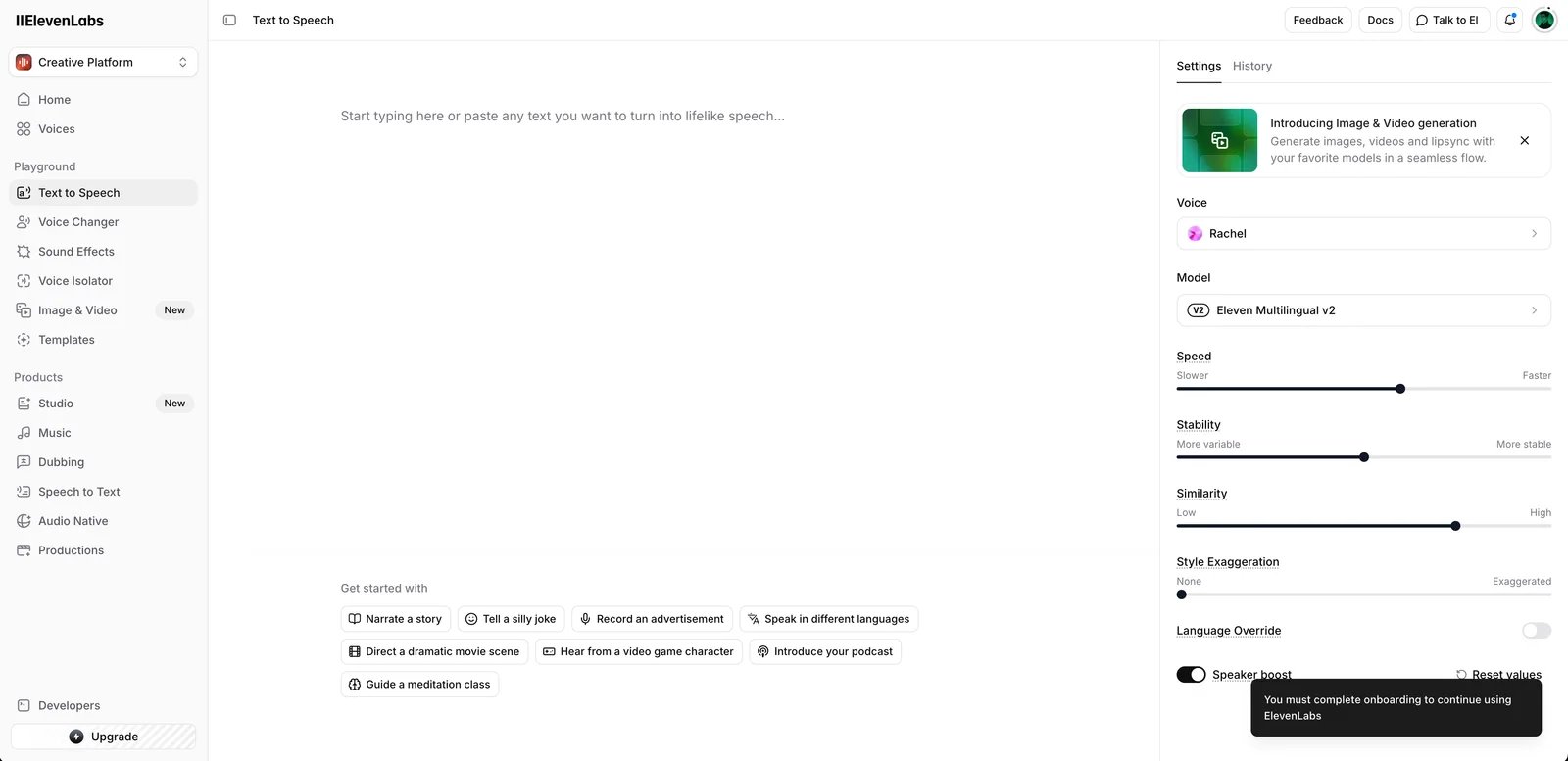
ElevenAgents belongs on the shortlist when voice choice, multilingual experiences, and embedding the agent in a product are central. Its subscription includes the agent runtime, but LLM and telephony costs still sit on top.
Best for
Voice-led product experiences, multilingual agents, and teams already using ElevenLabs voices.
Build and deployment model
The platform combines a workflow builder, knowledge base, widget, APIs, SDKs, supported LLMs, and a custom-model/server option. Enterprise can add private deployment inside a customer's cloud or hardware.
Voice and real-time behavior
Teams choose from ElevenLabs voices and configure agent behavior, turn-taking, tools, and guardrails. Voice quality and end-to-end latency must still be validated with your language, prompt, model, and carrier route.
Telephony
ElevenAgents supports inbound and outbound calls through Twilio and SIP trunking, including existing PBX/phone infrastructure, transfers, and batch calls. Static-IP SIP infrastructure is an enterprise capability.
Integrations
Official integration pages list telephony systems plus Salesforce, Zendesk, HubSpot, and other business connectors. APIs, webhooks, and tools cover custom systems.
Reliability and operations
The Agent Testing framework supports multi-turn simulations, next-reply tests, tool-call tests, repeated probabilistic runs, and API/SDK execution. Public concurrency ranges from 4 to 40 calls; enterprise is custom.
Pricing
ElevenAgents pricing starts free with 15 call minutes and 4 concurrent calls. Starter is $6/month for 75 minutes; higher plans increase minutes and concurrency. Additional minutes are $0.08, burst minutes are $0.16, and LLM plus telephony usage is billed separately.
Pros
- Strong voice catalog and multilingual platform.
- Free entry and clear included-minute tiers.
- SIP, SDKs, custom models, and substantial testing support.
Cons
- LLM and telephony make the subscription non-inclusive.
- Burst pricing doubles the standard additional-minute rate.
- Contact-center operations may require more custom integration.
Best if
Choose ElevenAgents if the spoken experience is part of the product and you still need APIs, telephony, and test automation.
Avoid if
Avoid ElevenAgents if your primary decision is the lowest bundled carrier-to-agent cost or a fully managed contact-center rollout.
LiveKit Agents
Verdict
LiveKit Agents is a core choice for teams that want an open-source realtime framework with a managed-cloud option. It provides control and portability, but the buyer must understand cloud agent time, inference, transport, telephony, and observability as separate resources.
Best for
Developers building self-hosted or cloud-hosted voice, video, and multimodal agents.
Build and deployment model
LiveKit Agents is Apache-2.0 open source, supports Python and Node.js, and can run self-hosted or on LiveKit Cloud. Teams can use model plugins or LiveKit Inference and can prototype with Agent Builder.
Voice and real-time behavior
The framework exposes turn detection, adaptive interruption handling, STT-LLM-TTS pipelines, realtime models, tools, handoffs, audio processing, and WebRTC. That flexibility is valuable, but it also makes configuration the buyer's responsibility.
Telephony
LiveKit supports inbound and outbound calling through third-party SIP trunks. LiveKit-managed US phone numbers are currently inbound-only; outbound calls require a third-party SIP provider.
Integrations
Python/Node code, model plugins, tool calls, APIs, webhooks, and realtime client SDKs make integrations effectively code-defined rather than limited to a connector catalog.
Reliability and operations
LiveKit documents deployment orchestration, load balancing, Kubernetes compatibility, traces, transcripts, recordings, logs, staging deployments, and testing with pytest/Vitest. Full-audio simulation is handled through partner tools; built-in simulations are text-based. The free Build plan allows five concurrent cloud agent sessions; self-hosted capacity is your infrastructure responsibility.
Pricing
Cloud pricing is resource-based. The Build allowance includes 1,000 agent-session minutes, 1,000 third-party SIP minutes, 100,000 observability events, 1,000 recorded-audio minutes, $2.50 of inference, one US local number, and 50 inbound minutes. Paid usage and plans add separate rates for deployment time, inference, SIP/phone service, recording, and transport. Self-hosting removes LiveKit Cloud agent-hosting charges but not your infrastructure or model/carrier costs.
Pros
- Open-source and self-hostable with a managed-cloud path.
- Broad provider, transport, and multimodal flexibility.
- Code-native testing, observability, staging, and deployment controls.
Cons
- Not a finished business workflow or receptionist.
- Cloud TCO spans several metered resources.
- Production reliability and capacity planning require engineering.
Best if
Choose LiveKit if portability, realtime media, code ownership, and self-hosting are more important than no-code speed.
Avoid if
Avoid LiveKit if the buyer wants a vendor to design, operate, and optimize the customer-service outcome.
Start building with LiveKit Agents
Telnyx
Verdict
Telnyx is the telephony-native core option in this editorial shortlist because the carrier, SIP network, phone numbers, orchestration, speech services, and testing surface sit in one platform. The advertised $0.05 voice-engine rate is still not all-in: LLM tokens and telephony remain separate.
Best for
Teams that want voice-agent infrastructure close to the carrier network and prefer one communications vendor.
Build and deployment model
Telnyx offers an AI Assistant Builder plus APIs, tools, knowledge bases, hosted speech/model choices, and communications primitives. It is configurable infrastructure, not a self-hosted open-source runtime.
Voice and real-time behavior
The voice engine includes orchestration, turn-taking, interruptions, STT, TTS, tools, and knowledge retrieval. Telnyx advertises sub-200ms latency; that is a vendor claim, not a ToolWorthy benchmark and not a guarantee for your complete workflow.
Telephony
Telnyx is a licensed carrier with native SIP trunking, Voice API, phone numbers, inbound/outbound calls, caller identity, recording, conferences, messaging, and number porting.
Integrations
Use APIs, webhooks, custom tools, and MCP-compatible integrations. Telnyx fits deployments where communications infrastructure is part of the workflow; native CRM breadth is less central than the API layer.
Reliability and operations
The platform provides call-level observability and an in-browser simulator. A July 2026 Cekura integration added live SIP test agents, scheduled evaluators, custom metrics, and production monitoring. Pay as you go lists 500 concurrent calls and 100 API requests/second.
Pricing
Voice AI pricing lists $0.05/min for orchestration, hosted STT, and hosted TTS. LLM tokens and telephony are extra; US inbound SIP starts at $0.0032/min, outbound at $0.005/min, and US local numbers at $1/month. Pay as you go has no minimum, Committed starts at a $500 monthly minimum, and Enterprise at $5,000 monthly.
Pros
- Carrier, SIP, numbers, voice engine, and observability in one stack.
- High included concurrency on pay as you go.
- Clear separation of engine, LLM, and carrier costs.
Cons
- The $0.05 headline excludes two essential layers.
- Operational fit may increase dependence on Telnyx infrastructure.
- Vendor latency and competitor-cost comparisons are not independent benchmarks.
Best if
Choose Telnyx if telephony is a first-class architecture decision and you want fewer vendors in the live-call path.
Avoid if
Avoid Telnyx if you need an open-source runtime or a managed enterprise CX partner to own deployment outcomes.
Synthflow
Verdict
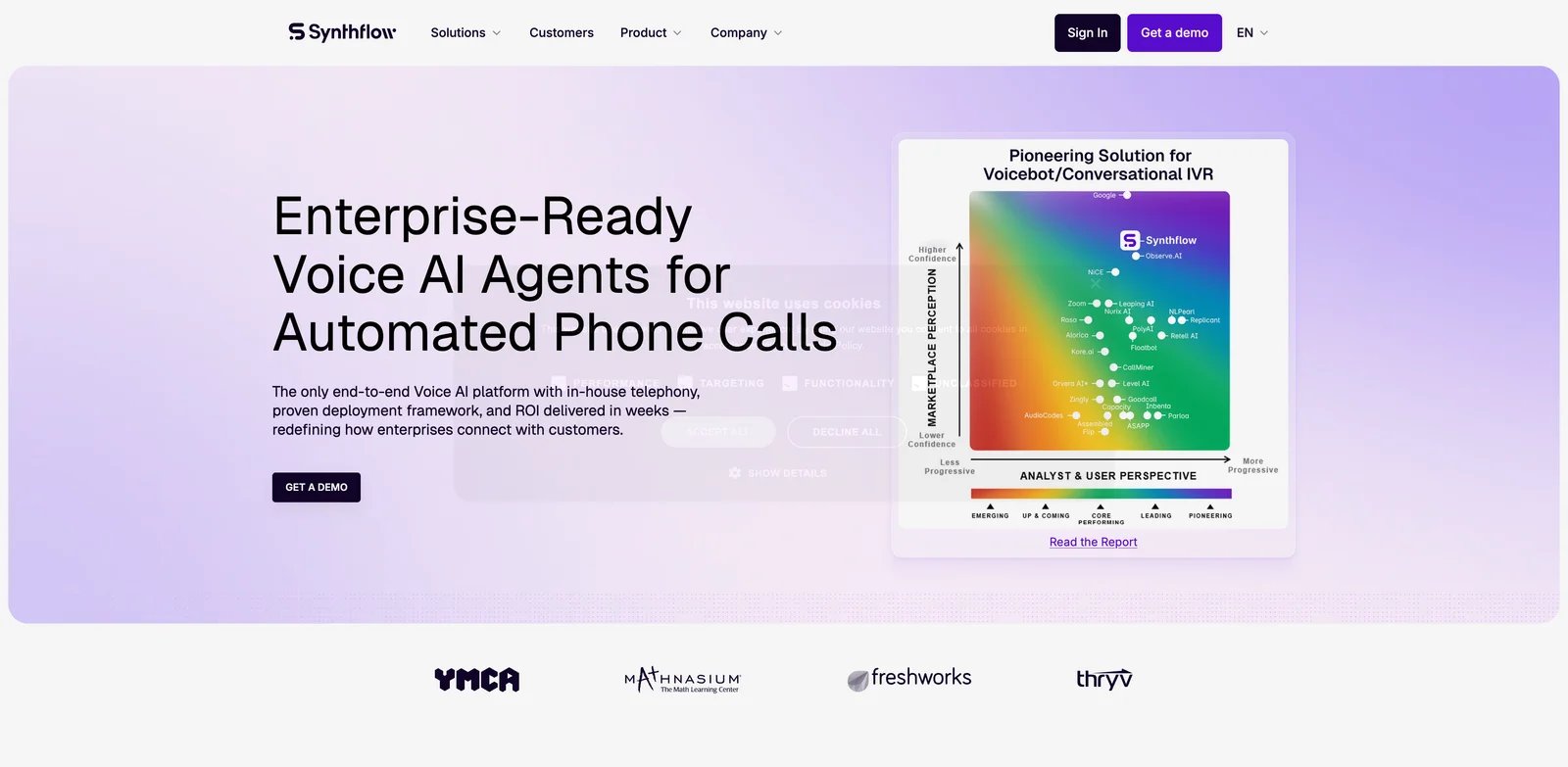
Synthflow is the core shortlist option for non-engineering teams that want a visual builder, telephony, integrations, automated simulations, and launch support. The major trade-off is commercial: new deployments are sales-led rather than low-commitment self-serve purchases.
Best for
No-code or low-code business teams that want guided production deployment.
Build and deployment model
Synthflow provides visual agent and flow builders, knowledge sources, actions, APIs, webhooks, partner/subaccount tooling, and a managed implementation path.
Voice and real-time behavior
Teams configure voices, prompts, flow states, tools, handoffs, and telephony behavior. No vendor latency number should replace testing with your own carrier route and workflow actions.
Telephony
Enterprise packages can include Synthflow native telephony, SIP trunking, approved enterprise telephony, inbound/outbound routing, escalation paths, and handoffs.
Integrations
Synthflow supports CRM, calendar, contact-center, webhook, API, and knowledge-source integrations. Exact connector availability and implementation work should be included in the proposal.
Reliability and operations
The Test Center runs automated simulated calls with personas, criteria, run history, and regression suites. Concurrency, routing, fallback, SLA, support, and launch success criteria are scoped in the enterprise agreement.
Pricing
Synthflow billing docs say new pricing is sales-led. Its public enterprise page states contracts start at $30,000 annually, with final pricing based on volume, concurrency, telephony, integrations, security, and launch support. Calls are measured per second and aggregated; failed/user-canceled calls are not billed, while no-answer calls can record five seconds. Simulation usage can be separate.
Pros
- Visual build experience with guided enterprise launch.
- Automated simulation and regression testing.
- Telephony plus business-workflow integrations.
Cons
- Material annual entry point for new deployments.
- No public per-minute rate for apples-to-apples modeling.
- Contract scope determines limits, support, and true cost.
Best if
Choose Synthflow if reducing internal engineering work is worth a sales-led implementation and annual commitment.
Avoid if
Avoid Synthflow if you need a low-cost self-serve pilot or full provider/runtime ownership.
Voiceflow
Verdict
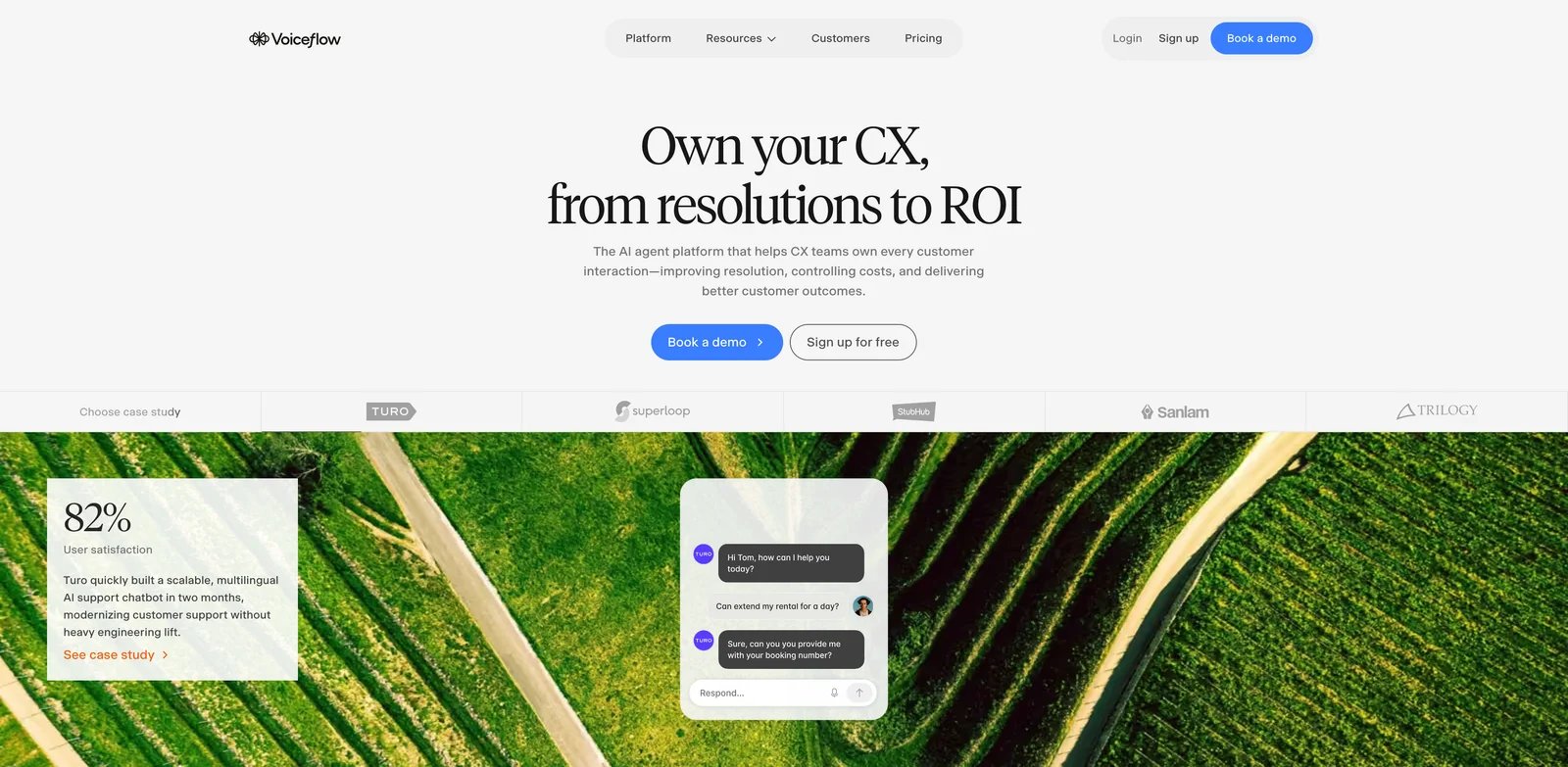
Voiceflow is best viewed as an omnichannel agent design and production platform that includes voice—not as a phone-only infrastructure vendor. It is strong for collaborative CX design and governed deployment, but credit-based usage makes cost modeling less direct.
Best for
CX teams, agencies, and product teams designing voice and chat agents together.
Build and deployment model
Voiceflow combines a visual builder, playbooks, deterministic workflows, knowledge bases, environments, Dialog API, custom code, major LLM providers, and bring-your-own-model support.
Voice and real-time behavior
Voice is configured within the broader agent platform. Public materials describe phone numbers and sent/received calls, but SIP/BYOC detail is not clearly disclosed; confirm carrier and number requirements before shortlisting it for a telephony-led project.
Telephony
Voiceflow includes a phone number per workspace according to its billing docs, with additional numbers and concurrent-call capacity sold as add-ons. SIP/BYOC support is not publicly disclosed.
Integrations
Official materials show Salesforce, Zendesk, HubSpot, Shopify, Google Sheets, Make, Gmail, APIs, custom code, and other production integration tools.
Reliability and operations
Development, staging, and production environments support controlled releases. The platform includes conversation-level observability, LLM-powered evaluations, analytics, and plan-based concurrent call limits.
Pricing
Current pricing offers a no-card free trial for agencies/partners and request-pricing for business deployments. Billing combines a monthly plan, credit-based usage, and optional editor seats, phone numbers, concurrency, and PII-redaction add-ons. Exact plan and credit-bundle amounts are displayed inside Plans and Billing, so public documentation is not a complete quote.
Pros
- Strong collaborative design and governed environments.
- Voice and chat in one agent platform.
- Model flexibility, evaluations, and broad business integrations.
Cons
- Not optimized around transparent finished-call pricing.
- SIP/BYOC boundaries are not publicly clear.
- Credit and add-on math can obscure voice TCO.
Best if
Choose Voiceflow if conversation design, cross-channel reuse, and team collaboration matter more than owning telephony infrastructure.
Avoid if
Avoid Voiceflow if SIP topology and per-minute carrier economics are the primary purchasing criteria.
PolyAI
Verdict
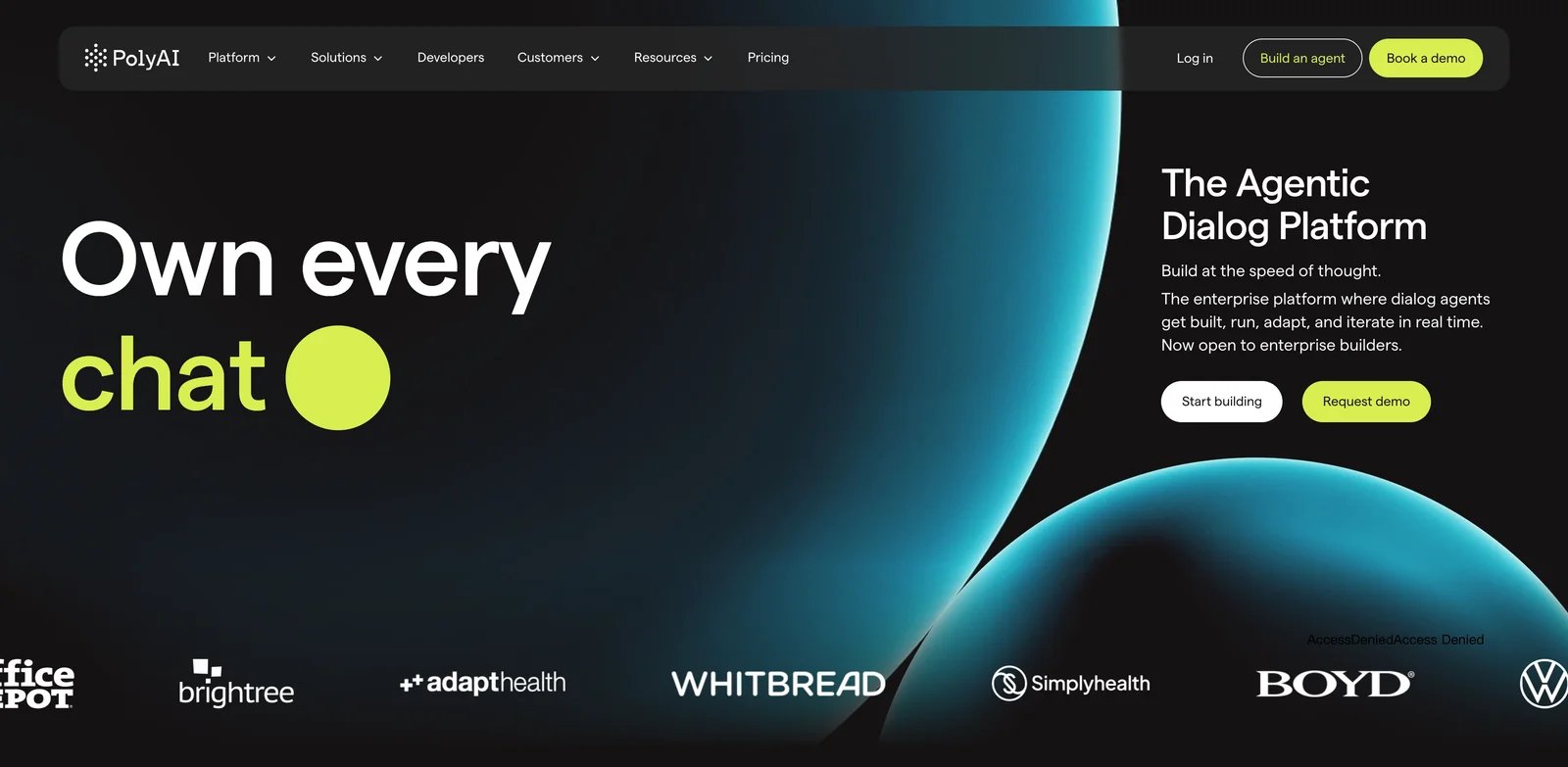
PolyAI is a managed enterprise voice choice for contact centers that want the vendor to help deploy, monitor, maintain, and improve the assistant. It is not a self-serve developer platform, and the public site does not disclose the per-minute rate.
Best for
Large contact centers buying managed voice automation with formal support and uptime terms.
Build and deployment model
PolyAI delivers a managed voice assistant and ongoing service rather than exposing a provider marketplace. The company handles more of the dialogue system, implementation, monitoring, and optimization.
Voice and real-time behavior
PolyAI uses its managed dialogue stack for spoken contact-center conversations. Quality, containment, latency, and resolution claims should be validated through a scoped pilot and written success criteria.
Telephony
Public implementation guides describe connecting the assistant to contact-center infrastructure through SIP or PSTN. Inbound contact-center automation is the clear public use case; outbound capability is not sufficiently disclosed for a blanket claim.
Integrations
Contact-center and backend APIs can be connected so the assistant retrieves information, completes tasks, and transfers with context. Integration scope is part of implementation rather than a simple connector checklist.
Reliability and operations
PolyAI pricing says 24/7 support, monitoring, proactive improvements, maintenance, upgrades, security reviews, and a vendor-reported 99.9% uptime SLA for phone lines are included.
Pricing
Ongoing use is priced per minute, but the rate and minimum commitment are not publicly disclosed. The price includes support, monitoring, maintenance, and upgrades, which makes it commercially different from raw infrastructure pricing.
Pros
- Managed implementation and ongoing optimization.
- Published 99.9% phone-line SLA.
- Clear fit for existing enterprise contact centers.
Cons
- No public per-minute rate or self-serve trial.
- Limited provider/runtime control.
- Integration and pilot scope require sales engagement.
Best if
Choose PolyAI if your contact center wants a managed voice program with formal operations and support.
Avoid if
Avoid PolyAI if developers want to compose models directly or procurement needs public unit economics before a demo.
Sierra

Verdict
Sierra is an enterprise customer-agent platform with voice as one channel, not a voice-infrastructure layer. Its outcome-based model can align spend to results, but only if both parties define a billable outcome, exception, escalation, and audit process precisely.
Best for
Large enterprises buying managed customer-service outcomes across voice and digital channels.
Build and deployment model
Sierra's Agent OS and services let business and technical teams configure branded agents while Sierra provides engineering and optimization support. It is a managed platform, not a self-hosted STT-LLM-TTS runtime.
Voice and real-time behavior
Voice Personas supports branded multilingual voice behavior, simulations, and A/B tests. Sierra also publishes voice-agent research, but those results are not ToolWorthy tests and should not be generalized to a customer's deployment.
Telephony
Sierra publicly supports voice alongside chat, SMS, WhatsApp, email, and ChatGPT. SIP, BYOC, phone-number, transfer, and direction-specific details are not publicly disclosed and must be scoped with the vendor.
Integrations
Enterprise agents connect to customer systems to resolve workflows and preserve context across channels. Exact CRM, help-desk, identity, and data-system work is deployment-specific.
Reliability and operations
Sierra provides managed improvement, analytics, simulations, A/B testing, and enterprise support. Public concurrency and SLA numbers are not disclosed.
Pricing
Sierra describes outcome-based pricing: customers pay for agreed results such as resolved conversations, purchases, or saved cancellations, with blended consumption pricing possible for routing-style interactions. No public price or minimum is disclosed. Define what counts, what does not, how disputes are audited, and whether escalations are billable.
Pros
- Managed enterprise deployment across voice and digital channels.
- Commercial model can align spend with business results.
- Simulation and brand-persona controls support governed rollout.
Cons
- No public price, concurrency, SIP, or SLA detail.
- Outcome contracts are more complex than minute billing.
- Too heavy for teams seeking a programmable voice API.
Best if
Choose Sierra if the executive decision is about enterprise customer outcomes rather than voice infrastructure.
Avoid if
Avoid Sierra if your engineers want component control, self-serve experimentation, or transparent per-minute TCO.
Specialized Platforms Also Worth Considering
These products can be excellent choices, but their primary job differs enough that ranking them directly against full configurable platforms would distort the comparison.
| Platform | Consider it when | Why it is specialized | Pricing caveat |
|---|---|---|---|
| Pipecat | You want an open-source, vendor-neutral pipeline with maximum transport/model control | Pipecat is primarily a framework; Pipecat Cloud adds deployment, scaling, SIP/PSTN, and observability | Cloud agent-1x hosting is $0.01/active minute; STT/LLM/TTS and telephony are separate, with reserved capacity optional |
| HappyRobot | Calls are one step inside logistics, recruiting, finance, or operations workflows | The product is broader enterprise AI workers and workflow execution, not a general self-serve voice stack | Pricing, concurrency, SIP, and SLA are not publicly disclosed |
per minute needs context: hosting, reserved warm instances, transport, PSTN/SIP, recording, and third-party models can all contribute.HappyRobot is worth a separate demo when the real purchase is automating operational work that happens to involve calls. If the job is simply to expose a programmable voice runtime, the core developer platforms are easier to compare.
Best Platform by Use Case
This table turns the documented differences into editorial shortlist order; it does not represent measured performance.
| Need | Editorial first choice | Alternative |
|---|---|---|
| Developer-controlled provider stack | Vapi | LiveKit Agents |
| Open-source/self-hosted realtime stack | LiveKit Agents | Pipecat |
| Fast production phone-agent pilot | Retell AI | Bland AI |
| High-volume outbound campaigns | Bland AI | Retell AI |
| Voice-led multilingual product | ElevenAgents | LiveKit Agents |
| No-code, guided deployment | Synthflow | Voiceflow |
| Carrier/SIP-led architecture | Telnyx | Vapi |
| Managed enterprise contact center | PolyAI | Sierra |
| Omnichannel CX design | Voiceflow | Sierra |
| Operations workflow automation | HappyRobot | Retell AI with custom tools |
Need an AI Receptionist Instead?
An AI voice agent platform lets a team build or configure agents, connect systems, and own deployment decisions. An AI receptionist or answering service sells a narrower result: answer the business phone, qualify callers, schedule, route, and capture leads with minimal engineering.
Do not buy developer infrastructure if the actual requirement is “stop missing calls at one business.” Conversely, do not buy a receptionist if you need a reusable platform, custom backend logic, provider choice, SIP architecture, or multiple production agents.
| Service | Best for | Public pricing checked Aug. 27, 2026 | Main caveat | CTA |
|---|---|---|---|---|
| Goodcall | Local-business answering with unique-customer billing | Starter begins at $79/agent/month; calls, minutes, and tokens are not separately billed | One-time callers can drive unique-customer overages | View pricing |
| Phonely | Self-serve answering with a free evaluation path | Free includes 100 minutes; Starter $50/month; Professional $150/month | Published included-minute figures conflict within its own page, so verify the checkout quote | Try free |
| Smith.ai AI Receptionist | Lead qualification with optional live-human escalation | Free includes 25 calls; Pro starts at $150/month for 75 calls | Per-call economics and escalation terms matter at volume | Start free |
| Nicecall | Included minutes plus receptionist and outbound campaigns | Essentials $79/month for 250 minutes; Professional $189; Business $399 | Lower plans have limited parallel calls and included minutes | Try Nicecall |
For a broader service-level comparison, see our best AI phone answering services and best AI receptionist guides.
How to Test an AI Voice Agent Before You Buy
Do not approve a vendor after a scripted happy-path demo. Build a pilot scorecard using your own phone routes, data, accents, tools, and escalation policies.
Conversation behavior
- A normal caller who changes phrasing without changing intent.
- Rapid interruption while the agent is speaking.
- Long silence, hesitation, corrections, and repeated questions.
- Background traffic, office noise, speakerphone, and poor cellular audio.
- Strong accents, code-switching, names, addresses, dates, and alphanumeric IDs.
- An angry or impatient caller who requests a human repeatedly.
Knowledge and tool failures
- A known answer, an outdated answer, a knowledge-base miss, and conflicting sources.
- CRM lookup timeout, permission error, stale record, and duplicate customer.
- CRM write failure and a retry that must not create duplicate records.
- Calendar conflict, timezone ambiguity, reschedule, and cancellation.
- Tool response that is slow, malformed, or contradicts the caller.
Telephony and handoff
- Inbound and outbound routes, caller ID, spam labeling, voicemail, and answering machines.
- Blind transfer, warm transfer, unavailable agent, busy line, and failed transfer.
- Transfer context: transcript, customer identity, intent, and actions already attempted.
- Consent, recording, opt-out, DTMF, and regional calling rules.
Production operations
- Long calls, repeated callers, duplicate campaigns, and maximum session duration.
- Version rollback, prompt changes, knowledge updates, and regression suites.
- Peak concurrency, rate limits, queue behavior, cold starts, and capacity errors.
- Alerts, audit logs, retention, redaction, data region, support response, and incident ownership.
Before the pilot, define pass/fail criteria for task completion, tool-call success, transfer success, prohibited statements, total billed cost, and setup time. Record latency if it matters, but compare the same start/end definition across vendors. A vendor's infrastructure figure is not interchangeable with caller-perceived response latency.
Frequently Asked Questions
How much does an AI voice agent really cost?
Add orchestration, STT, LLM, TTS, telephony, phone numbers, transfers, knowledge retrieval, recording, QA, redaction, concurrency, support, and implementation. A $0.05 platform or voice-engine rate can become a materially different finished-call rate once the missing layers are included. Ask each vendor for a sample invoice using the same monthly minutes, call length, direction, region, model, transfer, and concurrency assumptions.
What is good latency for a voice agent?
There is no single meaningful threshold unless every vendor uses the same measurement boundary. Measure caller speech end to first audible agent response, report p50 and p95, and separately log STT endpointing, LLM, tool, TTS, and network time. Test interruption recovery and false endpoints as well as raw speed. ToolWorthy has not independently benchmarked the platforms in this guide.
Do I need SIP or BYOC?
You probably need SIP or BYOC/BYOT if you must keep existing numbers, PBX/contact-center routing, carrier contracts, regional coverage, caller identity, recording controls, or network/security policies. A startup testing one US number may be faster with the platform's managed telephony. Confirm both inbound and outbound support; they are not always symmetrical.
Which voice agent platforms support self-hosting?
LiveKit Agents and Pipecat are open-source frameworks that can be self-hosted. ElevenAgents documents private enterprise deployment inside a customer's cloud or hardware. Bland advertises enterprise on-prem/VPC options. Treat every “private” or “on-prem” claim as contract-specific: confirm which runtime, models, media, logs, and control planes actually stay in your environment.
Which platforms support HIPAA workloads?
Public materials show HIPAA/BAA paths for Retell, Vapi, Bland, ElevenAgents, Telnyx, Phonely, and other enterprise vendors, but eligibility is not automatic compliance. Confirm the BAA, enabled products, subprocessors, recording and transcript settings, retention, redaction, telephony path, and excluded features before sending protected health information.
AI voice agent platform vs AI receptionist: what is the difference?
A platform gives a team infrastructure and controls to build or configure agents. An AI receptionist sells a narrower answering outcome with less engineering: answer calls, capture leads, schedule, and transfer. If you need model choice, custom APIs, SIP architecture, multiple agents, or a reusable deployment platform, buy the former. If you need one business phone answered reliably, start with the latter.
Get ToolWorthy Weekly
New AI tools, practical guides, and selected AI signals in one weekly brief.
Related Posts
- Best Text-to-Speech APIs in 2026: Choose by Workload, Not Demo Voice
Compare 10 text-to-speech APIs by realtime protocol, voice control, pricing meter, language coverage, cloud fit, and private-deployment needs.
- 20 Best AI Customer Service Tools 2026 - Support Fit
Choosing AI customer service tools is not just chatbot vs helpdesk. Compare 20 options by support workflow, AI autonomy, pricing model, and team fit.
- Sesame AI: Transforming Conversational AI with Natural Voice
Sesame AI delivers natural, context-aware voice interactions, making AI conversations more expressive and engaging.
For AI tool founders
Built a tool that belongs in this decision set?
Request an editorial evaluation for possible inclusion in ToolWorthy.
Submit your tool for reviewPaid submission does not guarantee a ranking, recommendation, inclusion, or editorial outcome.