
10 Best AI Phone Answering Services 2026 - Calls, Cost, Fit
Compare AI phone answering services for 24/7 calls, AI receptionists, appointment booking, lead capture, routing, pricing, and rollout risk.
On this page
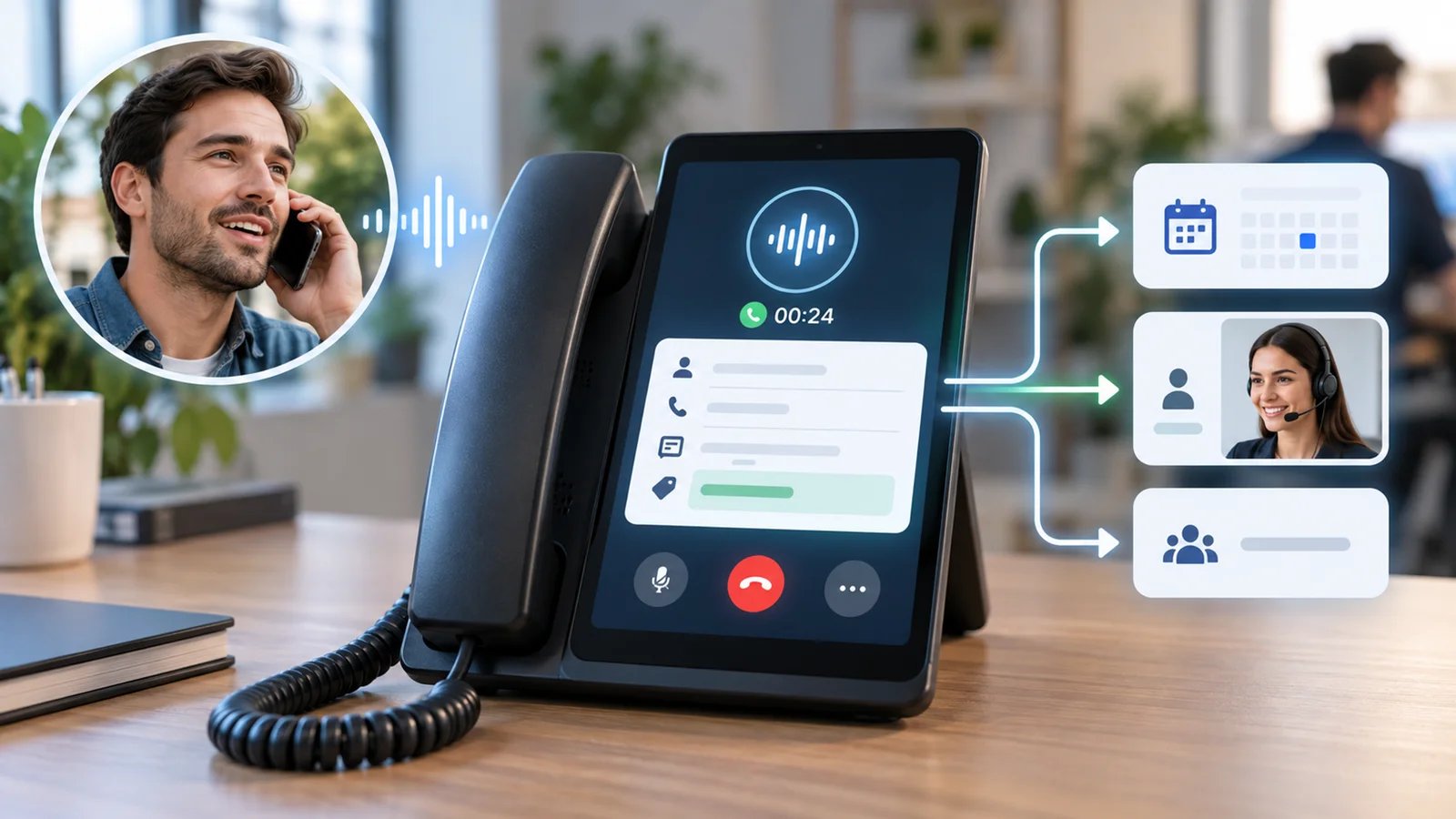
Missed calls are expensive when they come from a new patient, a legal intake lead, a home-service customer, or a buyer who will not leave voicemail. The promise of an AI phone answering service is simple: every call gets answered, basic questions get handled, qualified leads get captured, and urgent calls still reach a human. The hard part is choosing a product that can actually handle real business calls instead of just demoing a pleasant AI voice on a landing page.
This guide compares 10 AI phone answering services across call handling depth, setup effort, pricing shape, phone-system fit, and realistic limitations. It is written for small businesses, local operators, clinics, law firms, sales teams, and support teams deciding whether an AI receptionist should replace voicemail, back up staff, or become the first layer of customer intake. If your use case is broader automation beyond calls, our AI agent tools category is the adjacent path; if you mainly need web chat, start with AI chatbots.
| Tool | Best For |
|---|---|
| Goodcall | SMBs that want a configurable AI phone agent for sales and service calls |
| RingCentral AI Receptionist | Teams already considering a business phone system with AI call handling |
| Quo Sona | App-first small teams that want AI reception inside a modern phone workspace |
| Rosie AI | Local businesses that need affordable 24/7 answering and appointment workflows |
| Smith.ai AI Receptionist | Teams that want AI answering with live receptionist backup |
| Nextiva XBert | Businesses that want phone, SMS, chat, and AI receptionist coverage together |
| Dialzara | Budget-conscious teams that need simple AI answering quickly |
| CloudTalk AI Receptionist | Sales and support teams that need AI answering inside a call center stack |
| My AI Front Desk | Service businesses that want voice, SMS, chat, and CRM automation together |
| Allo | Small teams that want business phone basics plus AI receptionist features |
How We Selected and Tested
We selected these AI phone answering services based on a practical threshold: the product must be able to answer real business calls or clearly provide an AI receptionist, AI phone agent, or AI answering workflow. Products that only offer outbound dialing, generic voice APIs, meeting transcription, ordinary VoIP, or human-only answering were excluded. Traditional call center platforms were included only when AI phone answering is a clearly purchasable or clearly documented product capability.
Our research combined official product pages, pricing pages, help content, public review signals, and current buyer-guide search results from July 2026. We evaluated each product across five dimensions: call-handling functionality, user experience, AI differentiation, value for money, and user feedback. For this category, those dimensions translate into concrete buyer questions: Can the AI answer live calls? Can it route, qualify, book, and summarize? How hard is setup? Are minutes, calls, users, and overages clear? Does the product fit your phone system, CRM, and compliance needs?
Testing scope: We treated public claims conservatively. When pricing was unclear, the value score was reduced. When a product looked powerful but required enterprise implementation or a broader contact center stack, that complexity is called out. We did not fabricate call quality benchmarks, latency numbers, customer satisfaction scores, or compliance claims. Research was conducted in July 2026 using public information available at the time.
Top 10 AI Phone Answering Services Compared
The market splits into three groups. Goodcall, Rosie, Dialzara, My AI Front Desk, and Allo focus on small-business AI reception. RingCentral, Quo, Nextiva, and CloudTalk combine AI answering with a wider business phone or call center system. Smith.ai is different because it blends AI answering with live receptionist backup, which can be valuable when callers still need human escalation.
| Tool | Best For | Call Workflow | Pricing Shape | Main Caveat |
|---|---|---|---|---|
| Goodcall | SMB sales and service calls | AI phone agent, lead capture, automation | $79/$129/$249 per agent; 100/250/500 unique customers | Unique-customer caps and $0.50/customer overage need modeling |
| RingCentral AI Receptionist | Businesses needing AI answering and routing | FAQs, texts, appointment scheduling, lead capture, call routing | Starts at $39 | Works with any phone system, but still fits best if you want RingCentral administration or add-ons |
| Quo Sona | App-first phone teams | Sona AI agent inside Quo phone workspace | Quo from $15/user annually or $19 monthly; Sona credits included | Sona uses automation credits and paid usage tiers, so call volume matters |
| Rosie AI | Local businesses | 24/7 answering, appointments, SMS, transfers | From about $49 | Best for straightforward front-desk workflows |
| Smith.ai AI Receptionist | AI plus human backup | AI answering with live receptionist escalation | Free tier; Pro from about $150 | High call volume can get expensive |
| Nextiva XBert | Unified communications buyers | Calls, texts, chat, booking, lead capture | From about $99 | Most useful if you want the broader Nextiva stack |
| Dialzara | Budget-sensitive SMBs | 24/7 AI answering and concurrent call handling | From about $29 | Advanced industry workflows may need more configuration |
| CloudTalk AI Receptionist | Sales and support teams | AI receptionist plus call center workflows | From about $99/200 minutes | More call-center oriented than simple reception |
| My AI Front Desk | Service businesses | Voice, chat, SMS, CRM automation | From about $99 | Public feedback signals are still limited |
| Allo | Small phone teams | Business phone plus AI receptionist and CRM sync | Starter $18 annual/$25 monthly; Business $32 annual/$45 monthly | Verify AI Receptionist eligibility by plan before assuming Starter is enough |
Detailed Reviews
Goodcall
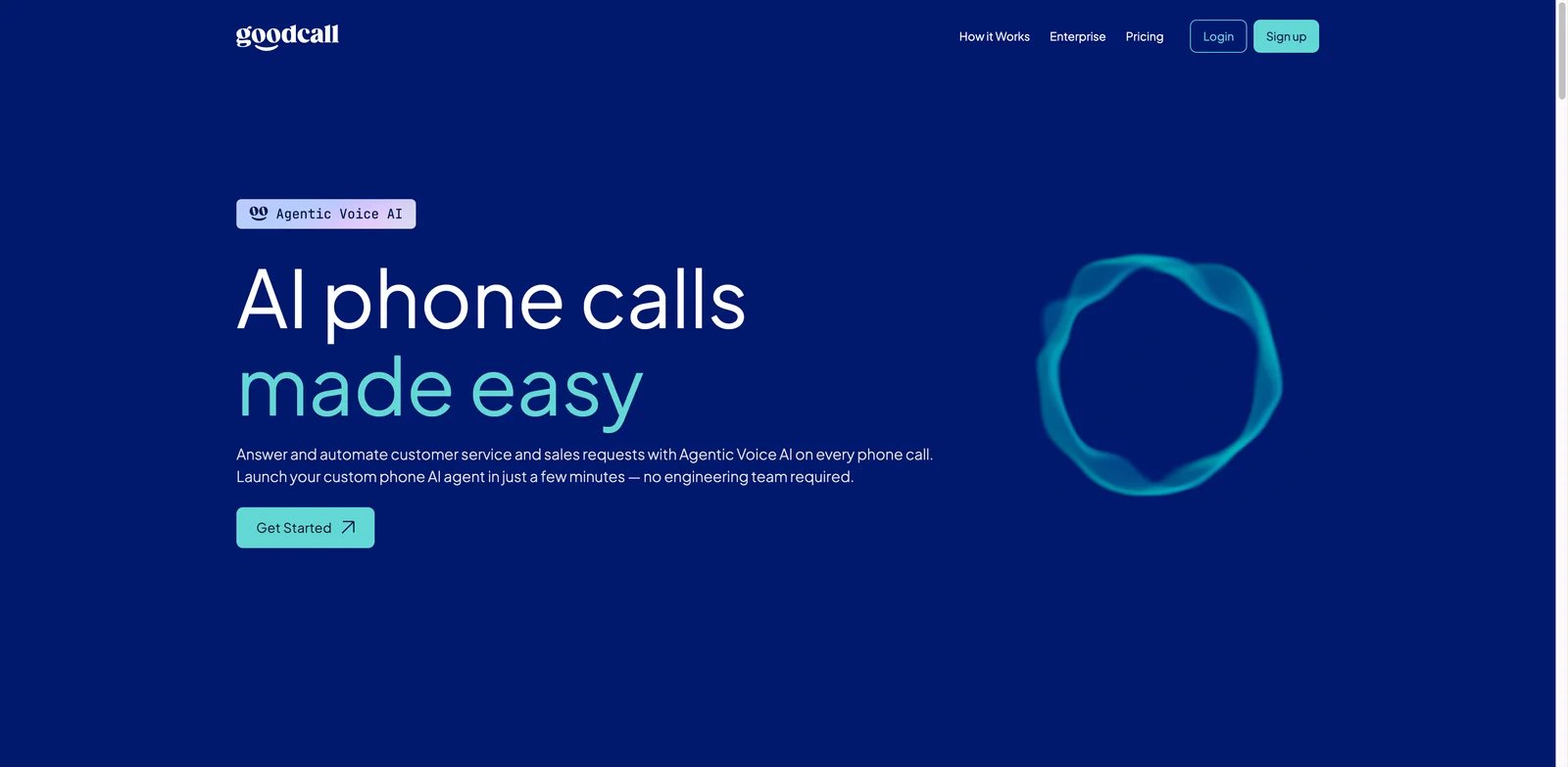
Small businesses often know exactly what callers ask, but they do not have enough staff to answer every call without interruptions. Goodcall is strong when you can turn those repeat questions, lead-capture steps, and routing rules into an AI phone agent. It is closer to an operational call handler than a generic voice bot, which makes it useful for businesses that want automation without building a custom voice stack.
Key Features
- AI phone agent for real business calls: Goodcall is positioned around handling customer calls, collecting information, answering common questions, and automating front-desk workflows.
- Sales and service automation: The product is useful when calls need to become leads, bookings, support requests, or structured follow-up tasks rather than just voicemail transcripts.
- Configurable workflows: Teams can shape the call experience around business hours, caller intent, routing, and response rules.
- Clearer SMB packaging: Public pricing starts around $79/agent, which makes the buying motion easier than quote-only enterprise voice AI.
Pricing & Plans
Goodcall monthly pricing is Starter at $79/agent, Growth at $129/agent, and Scale at $249/agent. The plans include unlimited minutes and tokens but cap monthly unique customers at 100, 250, and 500 respectively, with $0.50 charged for each additional unique customer. Annual pricing is lower at about $66, $108, and $208 per agent/month, and Enterprise is custom. Buyers should model what "agent" means for their call volume, locations, workflows, and routing complexity.
Limitations
Goodcall works best when the business can define what a good call outcome looks like. If your calls are highly ambiguous, regulated, or dependent on a live expert every time, automation will need tighter guardrails. It is also not a full replacement for a broader call center platform if you need workforce management, QA, or deep enterprise routing.
Best For
Goodcall is best for SMBs that want a configurable AI phone answering service for sales, service, and front-desk calls. Not the right fit if you only need a cheap voicemail alternative or if your team has no repeatable call workflow to automate.
Get started with Goodcall
RingCentral AI Receptionist
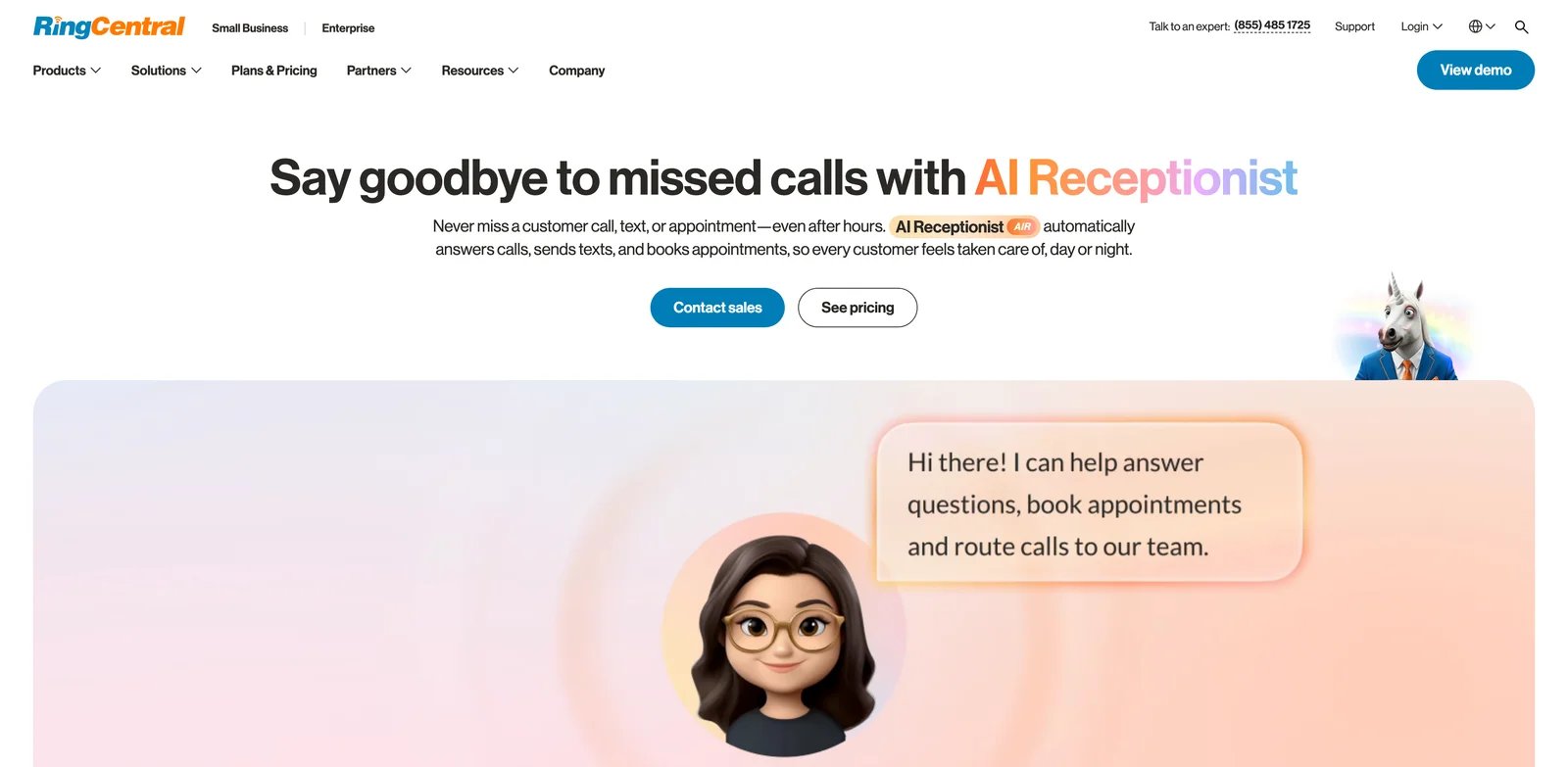
Teams that are already rethinking their phone system should not evaluate AI answering as a disconnected add-on. RingCentral AI Receptionist is compelling because it sits inside a broader business communications platform. That matters when the AI needs to answer, route, collect caller details, and hand conversations to the right team without creating another isolated tool.
Key Features
- 24/7 call handling: RingCentral positions AI Receptionist around answering calls, routing callers, setting appointments, and collecting new leads.
- Business phone fit: The product is strongest when AI answering is part of a larger phone, messaging, and team communication setup.
- Routing and lead capture: It can serve as a first front desk layer before calls move to staff, departments, or specific workflows.
- Lower starting price than many enterprise options: Public materials show AI Receptionist starting around $39, though final cost depends on the broader RingCentral setup.
Pricing & Plans
RingCentral lists AI Receptionist as starting at $39 and describes it as working with any phone system. The practical cost depends on whether you buy it as a standalone AI answering add-on or bundle it with RingEX, phone users, routing, analytics, SMS, and other RingCentral communication features.
Limitations
RingCentral is not limited to teams replacing their phone system, because AI Receptionist is positioned to work with any phone system. Teams already committed to another phone stack should still evaluate administration, add-ons, routing, staff training, and total cost before switching more communications workflows into RingCentral.
Best For
RingCentral AI Receptionist is best for businesses that want AI phone answering inside a mature communications platform. Not the right fit if you want a lightweight, independent AI receptionist that does not touch your phone system.
Get started with RingCentral AI Receptionist
Quo Sona
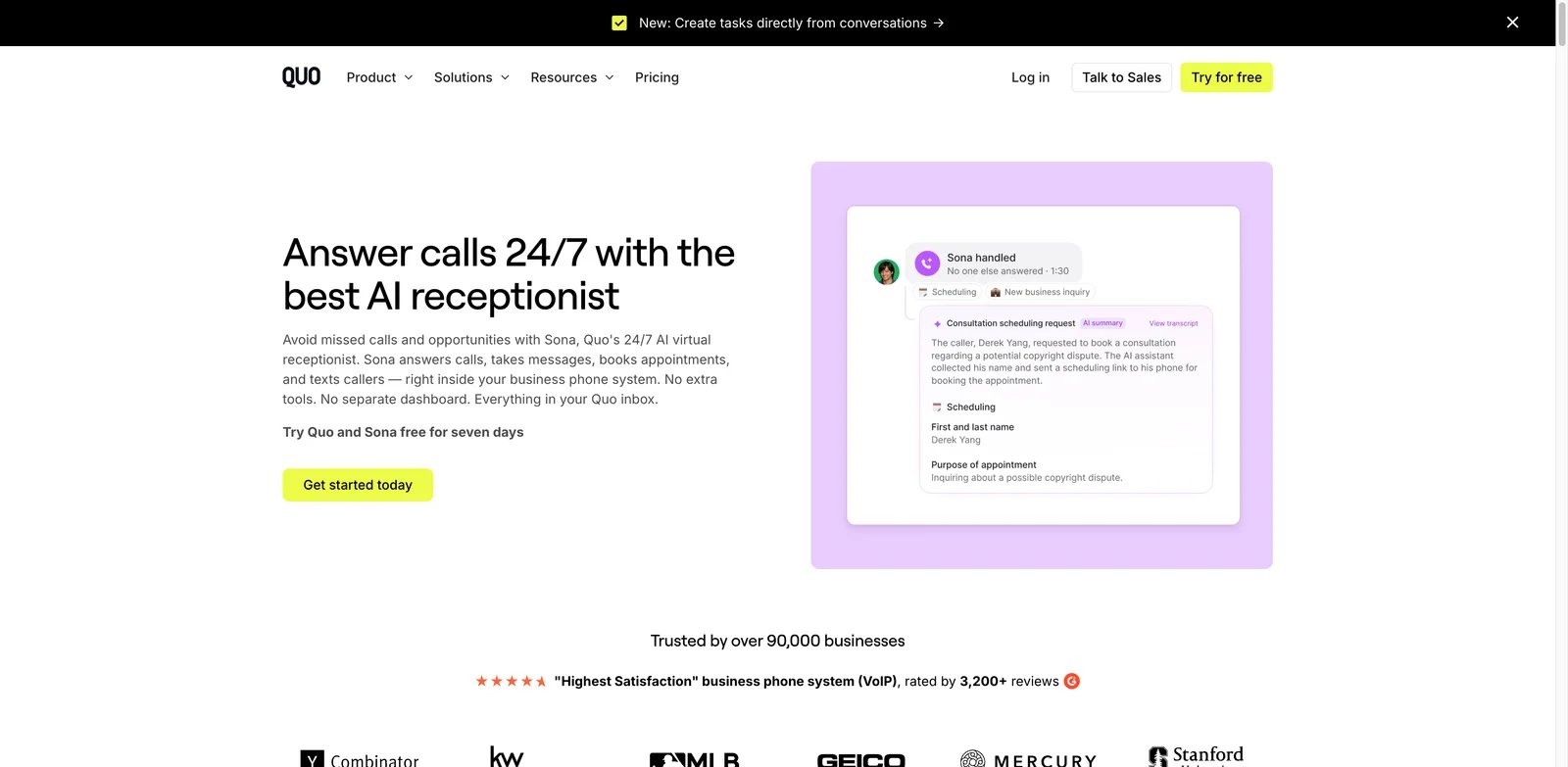
Some small teams do not want a legacy phone console; they want calls, texts, internal notes, and AI follow-up in one clean workspace. Quo Sona fits that buyer. It is useful when the AI receptionist should live inside the same app where the team already handles business conversations, rather than becoming a separate intake tool that staff forget to check.
Key Features
- AI receptionist inside a modern phone workspace: Sona is part of Quo's business phone environment, which helps teams keep calls, texts, and follow-up together.
- Lead capture and FAQ handling: The AI can answer common questions and collect caller details when staff are busy.
- App-first collaboration: Quo's strength is the shared inbox style experience for teams managing customer conversations.
- Usage-aware model: Public materials describe paid plans from around $25 with Sona usage considerations, which can be attractive for smaller teams that understand their call volume.
Pricing & Plans
Quo pricing starts at $15/user/month billed annually or $19/user/month billed monthly for Starter. Business is $23 annual or $33 monthly, and Scale is $35 annual or $47 monthly. Sona uses automation credits, with 1 call equal to 100 credits and 1,000 free automation credits included; additional Sona tiers run from $25 to $199/month depending on included credits and overage rate.
Limitations
Quo Sona is easiest to justify if you want Quo as your business phone system. If your current phone setup is deeply integrated with another provider, the cost is not only the AI feature; it is the workflow migration. High call volume also needs careful per-call modeling.
Best For
Quo Sona is best for small teams that want AI reception in an app-first phone workspace. Not the right fit if you need complex call center routing, heavy compliance workflows, or a standalone AI receptionist on top of an existing PBX.
Get started with Quo Sona
Rosie AI
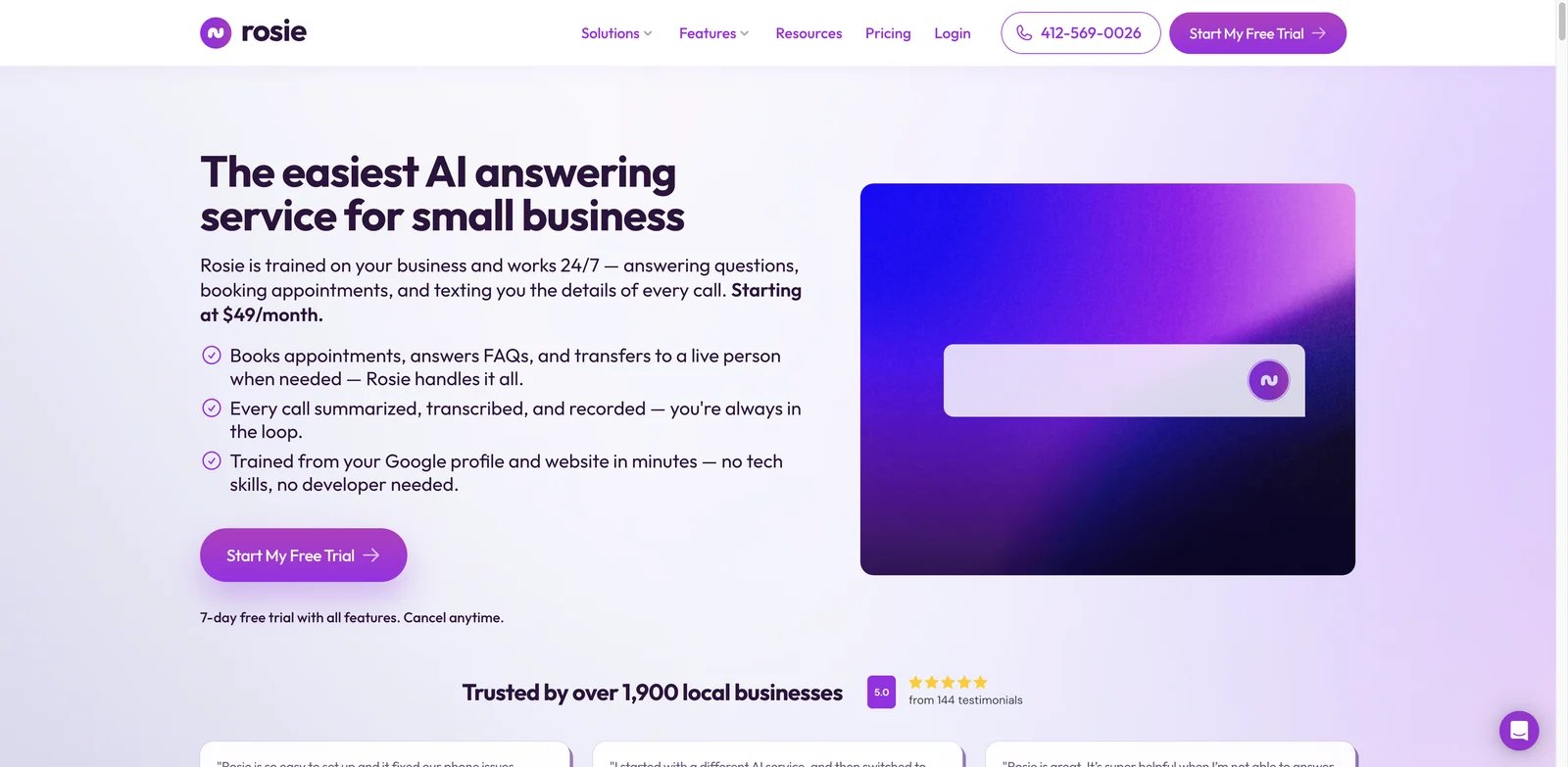
Local businesses usually need something practical: answer calls after hours, capture the caller's need, book or route when possible, and send the team enough context to follow up. Rosie AI is built for that kind of front-desk workload. It is not trying to be a massive contact center platform, which is exactly why it can be easier for smaller operators to evaluate.
Key Features
- 24/7 AI answering: Rosie focuses on always-on answering for businesses that lose revenue when calls go to voicemail.
- Appointments and SMS: It supports practical front-desk outcomes such as booking, text follow-up, and message capture.
- English and Spanish support: This can matter for local businesses serving bilingual caller bases.
- Transparent entry pricing: Public pricing starts around $49, which makes it easier to test against missed-call cost.
Pricing & Plans
Rosie AI pricing is Professional at $49/month with 250 minutes, Scale at $149/month with 1,000 minutes, and Growth at $299/month with 2,000 minutes. Annual billing offers two months free. Website Chat is free with all plans, while Website Texting is a $50/month add-on with 25 included conversations and $1 per additional conversation.
Limitations
Rosie is strongest for straightforward front-desk scenarios. If your call flows require complex authentication, regulated triage, multi-step system lookup, or enterprise QA, you may need a heavier phone or contact center platform.
Best For
Rosie AI is best for local service businesses that want affordable AI phone answering, basic appointment handling, and text follow-up. Not the right fit if you need a fully custom voice automation platform.
Get started with Rosie AI
Smith.ai AI Receptionist
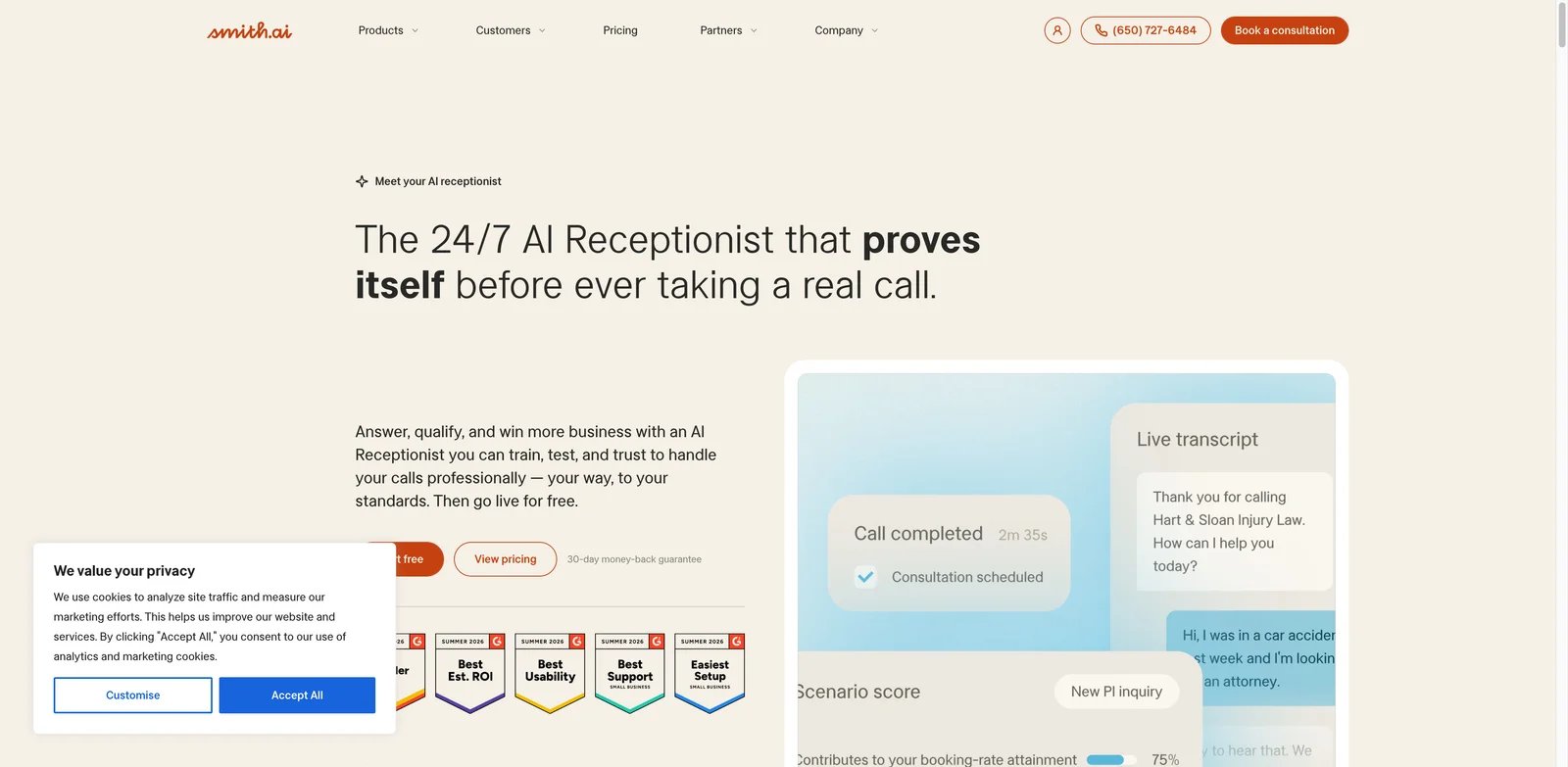
Some calls should not stay with AI. Legal, medical, home services, and high-value sales teams may want automation for routine calls but still need human backup when the caller gets complicated. Smith.ai is one of the more interesting options because AI answering can sit alongside live receptionist services. That hybrid model can reduce risk for teams not ready to trust AI alone.
Key Features
- AI plus live receptionist backup: Smith.ai can combine AI answering with human receptionist escalation, which is valuable when caller quality varies.
- Lead qualification and warm transfers: It can collect details, screen spam, qualify leads, and route calls to staff.
- Transcripts and call records: Call capture, recording, and summaries help teams follow up without relying on scattered voicemail notes.
- Integration depth: Smith.ai is relevant for teams that need calls to connect with CRM, scheduling, intake, or service workflows.
Pricing & Plans
Smith.ai AI Receptionist has a Free plan at $0/month with 25 calls/month and $3.00 per extra call. Pro starts at $150/month for 75 calls, with larger Pro call bundles available, and extra live calls start at $2.00 each. Enterprise starts at $500/month for 300 calls, with lower per-call rates and custom options for higher volume. Buyers should model call count, transfer needs, after-hours coverage, and whether live backup is required.
Limitations
Smith.ai can be more expensive than simple AI-only answering tools, especially when call volume grows or live receptionist coverage is part of the workflow. It is worth the premium when missed calls are costly, but less attractive if you only need a basic after-hours bot.
Best For
Smith.ai is best for businesses that want AI answering with a human safety net. Not the right fit if your top priority is the lowest possible monthly price.
Get started with Smith.ai AI Receptionist
Nextiva XBert
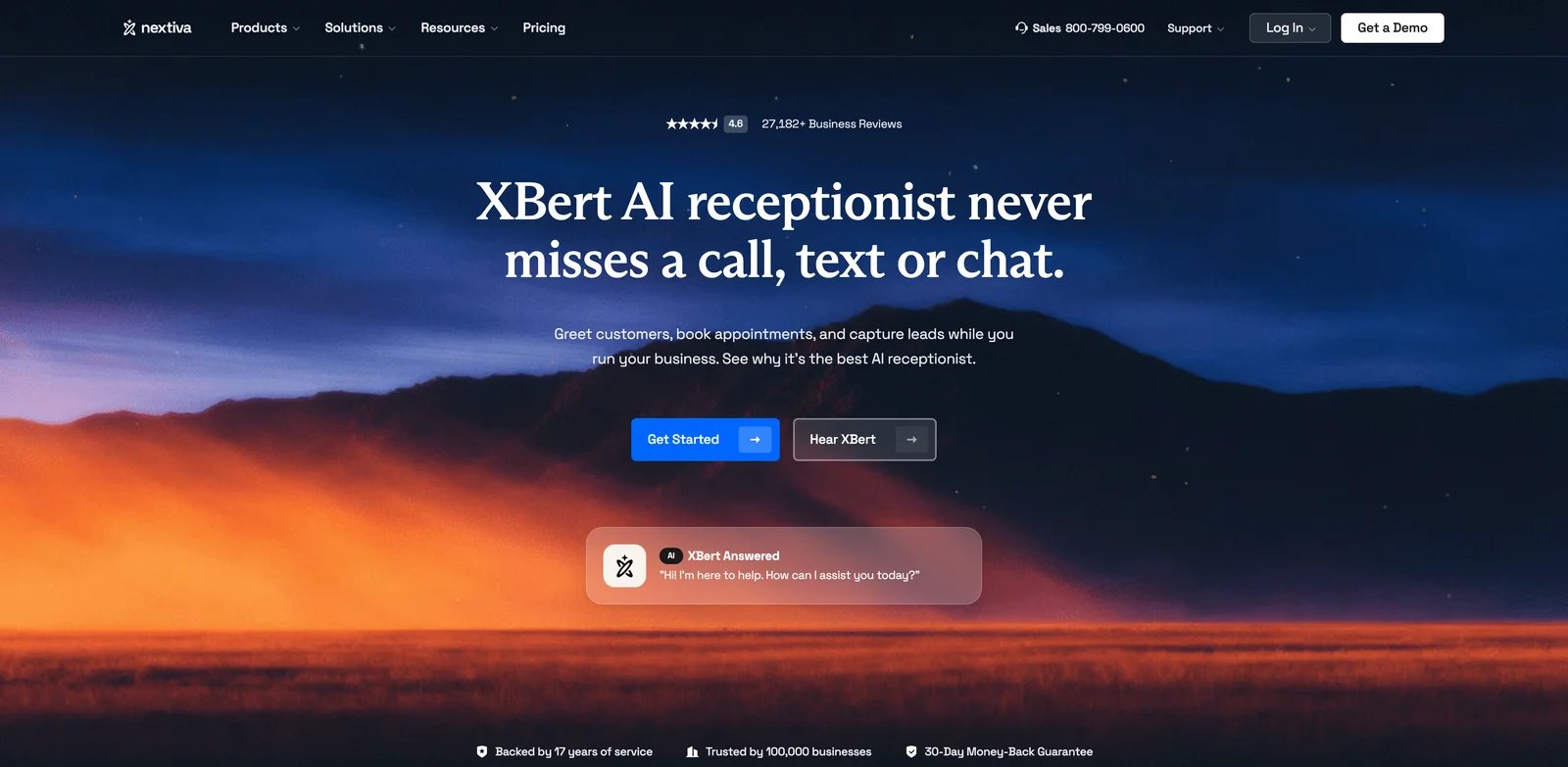
Businesses that already need phone, SMS, chat, and customer communication tools should look at AI answering differently from a one-number receptionist. Nextiva XBert is strongest when it becomes part of a unified communications stack, helping answer calls and messages while capturing leads and bookings across channels.
Key Features
- Multi-channel intake: XBert is positioned for calls, texts, and chat, which is useful when customers do not always start with a phone call.
- Appointment and lead capture: It can help with booking and collecting customer details before staff follow up.
- Nextiva ecosystem fit: The value improves if you already want Nextiva for business phone and customer communication.
- Operational visibility: Teams can keep more customer interactions inside one platform instead of splitting phone AI, SMS, and chat across tools.
Pricing & Plans
Nextiva XBert pricing is $99/month for up to 100 resolutions across calls, texts, or chats. Additional conversations are $0.99 each, and a conversation counts when a call lasts 30+ seconds or a text/chat receives 3+ AI responses. Nextiva also states a 30-day money-back guarantee. Buyers should compare it against the total cost of separate phone, SMS, and AI receptionist subscriptions.
Limitations
Nextiva XBert may be overkill if all you need is a cheap after-hours answering number. Its value depends on adopting or already using the broader communications platform. Teams should also clarify included usage, overages, and whether every location or department needs its own configuration.
Best For
Nextiva XBert is best for businesses that want AI phone answering as part of a broader communications stack. Not the right fit if you want a standalone receptionist tool with minimal platform commitment.
Get started with Nextiva XBert
Dialzara
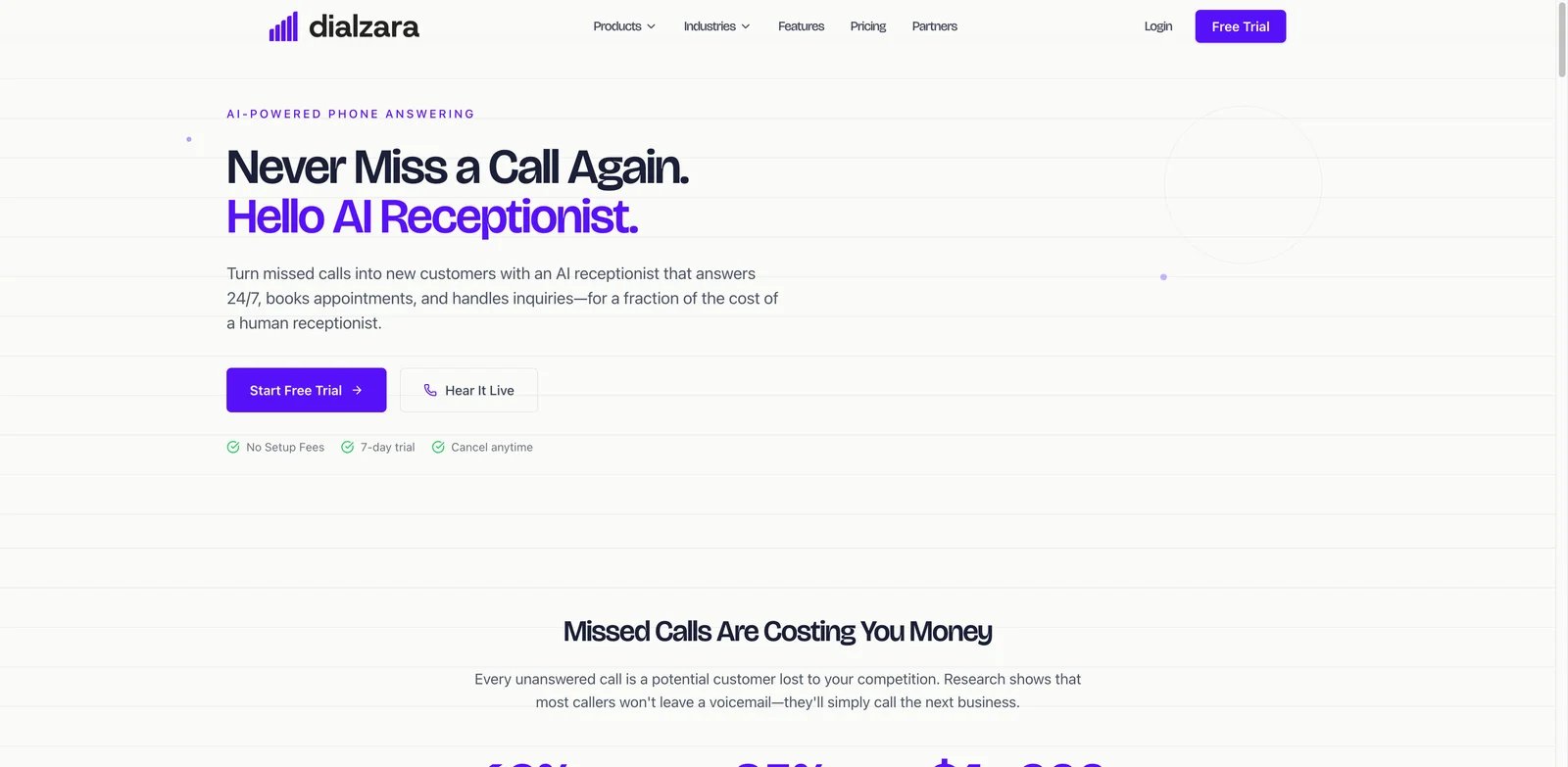
For many small teams, the first question is not whether AI can transform operations. It is whether someone can stop calls from going unanswered this week. Dialzara is a practical option for that budget-first buyer because it has a low published starting price and focuses on AI receptionist basics: answer calls, handle common questions, and stay available around the clock.
Key Features
- Low-cost AI receptionist entry point: Public pricing starts around $29/month, making it one of the easier tools to test.
- Concurrent call handling: AI answering can handle multiple calls without the queue behavior that frustrates callers.
- Fast setup positioning: Dialzara emphasizes quick setup for businesses that do not want a long implementation.
- 24/7 availability: The core value is replacing missed calls and after-hours voicemail with a live-sounding AI front desk.
Pricing & Plans
Dialzara pricing starts at $29/month with no setup fees or long-term contracts. The inbound AI receptionist includes a dedicated number, unlimited call handling, customization, 7-day free trial, appointment booking, call summaries, spam screening, and lead qualification. Buyers should separately model add-ons such as outbound voice agents, AI SMS agents, and website chatbot usage.
Limitations
Dialzara is less proven for complex industry-specific workflows than more expensive vertical or enterprise tools. If you need deep CRM logic, regulated intake, or custom multi-location routing, confirm those workflows before committing.
Best For
Dialzara is best for budget-conscious SMBs that need simple AI phone answering fast. Not the right fit if you need enterprise-grade QA, compliance workflows, or complex call center features.
Get started with Dialzara
CloudTalk AI Receptionist
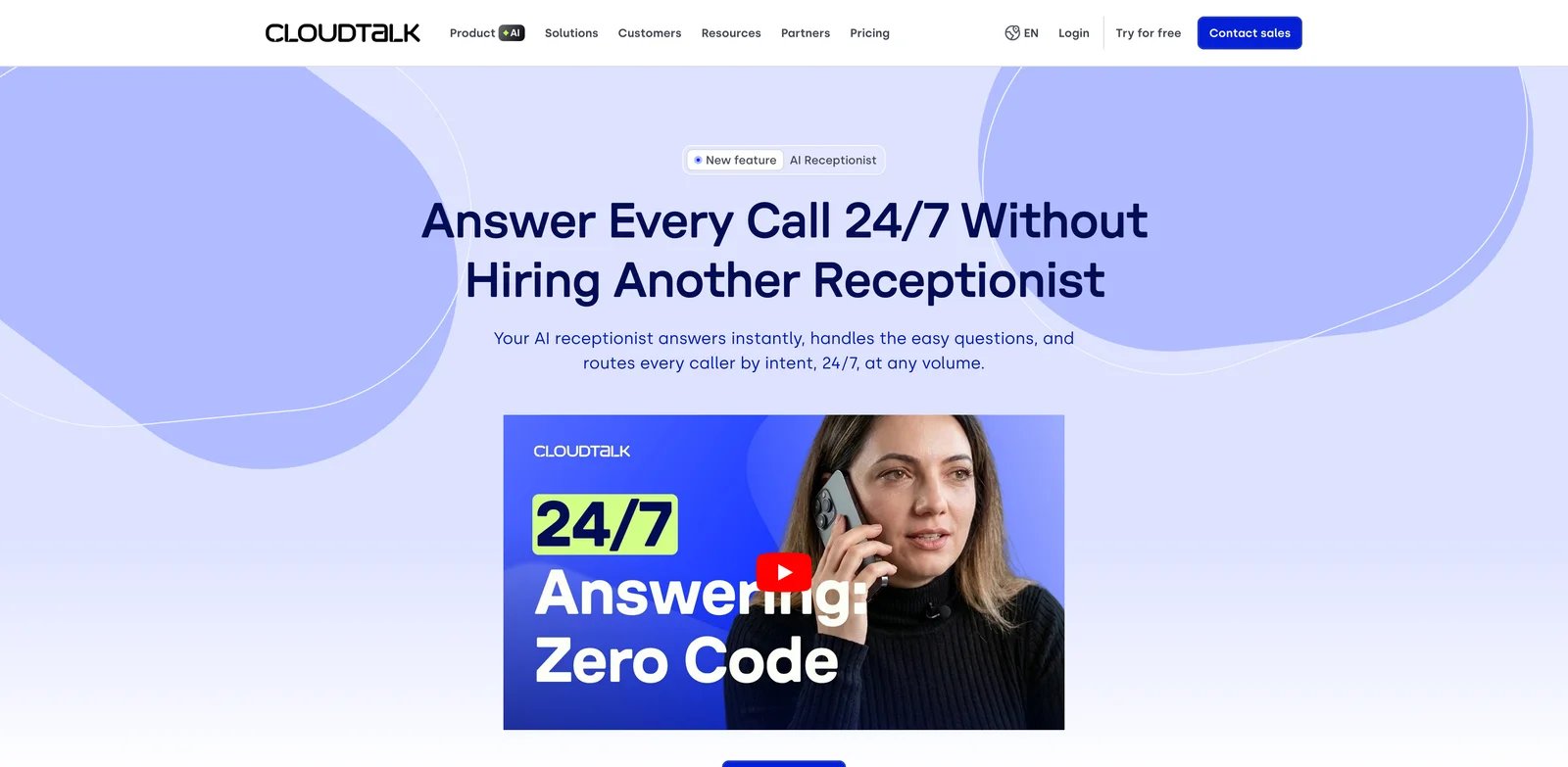
Sales and support teams often need more than a front-desk bot. They need call queues, CRM logging, agent handoff, call history, and reporting. CloudTalk AI Receptionist is a better fit for that world. It is closer to AI answering inside a modern call center workflow than a simple local-business receptionist subscription.
Key Features
- AI receptionist plus call center context: CloudTalk combines AI answering with a broader calling platform for sales and support operations.
- CRM and workflow fit: It is useful when inbound calls need to be logged, routed, and connected to customer records.
- AI voice agent capabilities: CloudTalk's AI positioning extends beyond basic reception into automated call handling.
- Team operations: Managers get more call-center context than they would from a lightweight answering tool.
Pricing & Plans
CloudTalk lists AI Receptionist under AI Voice Agents starting from $99/month for 200 minutes, with AI Specialist starting from $349/month for 1,000 minutes. It is an add-on to CloudTalk's broader call center stack, so buyers should confirm the final bundle, user seats, regional currency, and any volume discounts before comparing total cost.
Limitations
CloudTalk is more operationally involved than a simple AI receptionist. That is good for teams with call workflows, but unnecessary for a solo operator that only needs after-hours call capture. Minute-based pricing also needs monitoring as usage grows.
Best For
CloudTalk AI Receptionist is best for sales and support teams that want AI answering inside a call center stack. Not the right fit if you want the simplest possible front-desk replacement.
Get started with CloudTalk AI Receptionist
My AI Front Desk
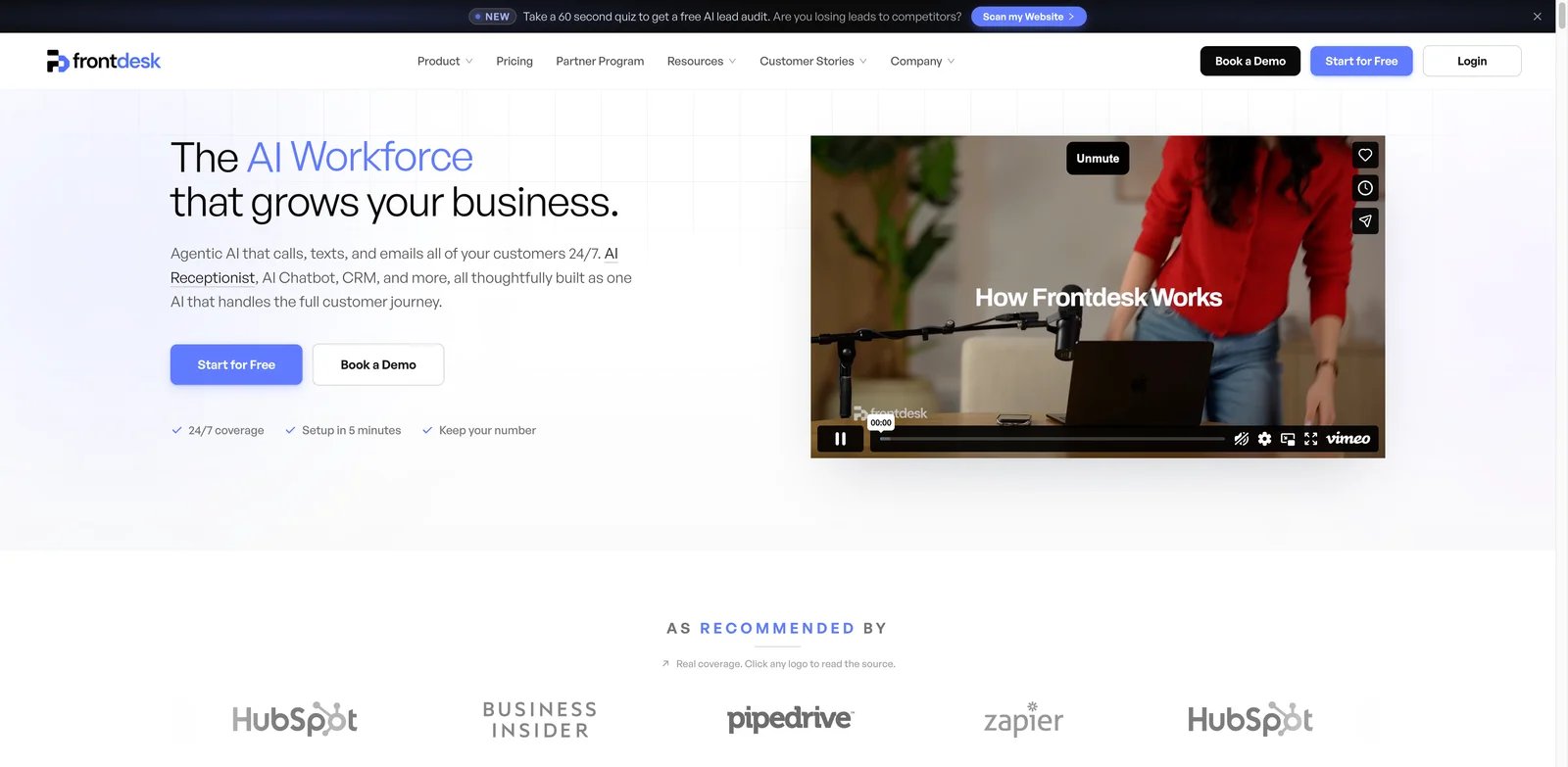
Service businesses often do not need just voice answering. A caller may need a text confirmation, a booking link, a CRM note, or a follow-up reminder. My AI Front Desk is built around that broader front-desk automation idea, combining voice, chat, SMS, and CRM-style workflows for businesses that want more than a talking answering machine.
Key Features
- Voice, chat, and SMS coverage: My AI Front Desk can help teams manage multiple intake channels from one front-desk workflow.
- CRM and automation support: It is useful when call outcomes need to become structured tasks or records.
- Appointment and lead workflows: The product fits businesses where phone calls often turn into bookings or sales leads.
- Defined minute allowance: Public pricing references 200 voice minutes in a business-focused plan, making usage easier to model than fully custom pricing.
Pricing & Plans
My AI Front Desk, now branded as Frontdesk, has a Basic plan at $20/month, but Basic includes 0 voice minutes. For real AI phone answering, the relevant Business-in-a-Box plan is $99/month or $79/month billed annually, with 200 voice minutes, 100 chatbot conversations, 400 SMS, 1,000 monthly overage credits, Zapier, and a verified outbound number. Partner/Enterprise is custom.
Limitations
Public user feedback is less extensive than for older communications platforms. Teams should test real calls before relying on it for high-value intake. It may also require more setup than a single-purpose AI answering tool if you use voice, SMS, chat, and CRM automation together.
Best For
My AI Front Desk is best for service businesses that want AI answering plus multi-channel intake automation. Not the right fit if you only want a cheap AI voicemail replacement.
Get started with My AI Front Desk
Allo
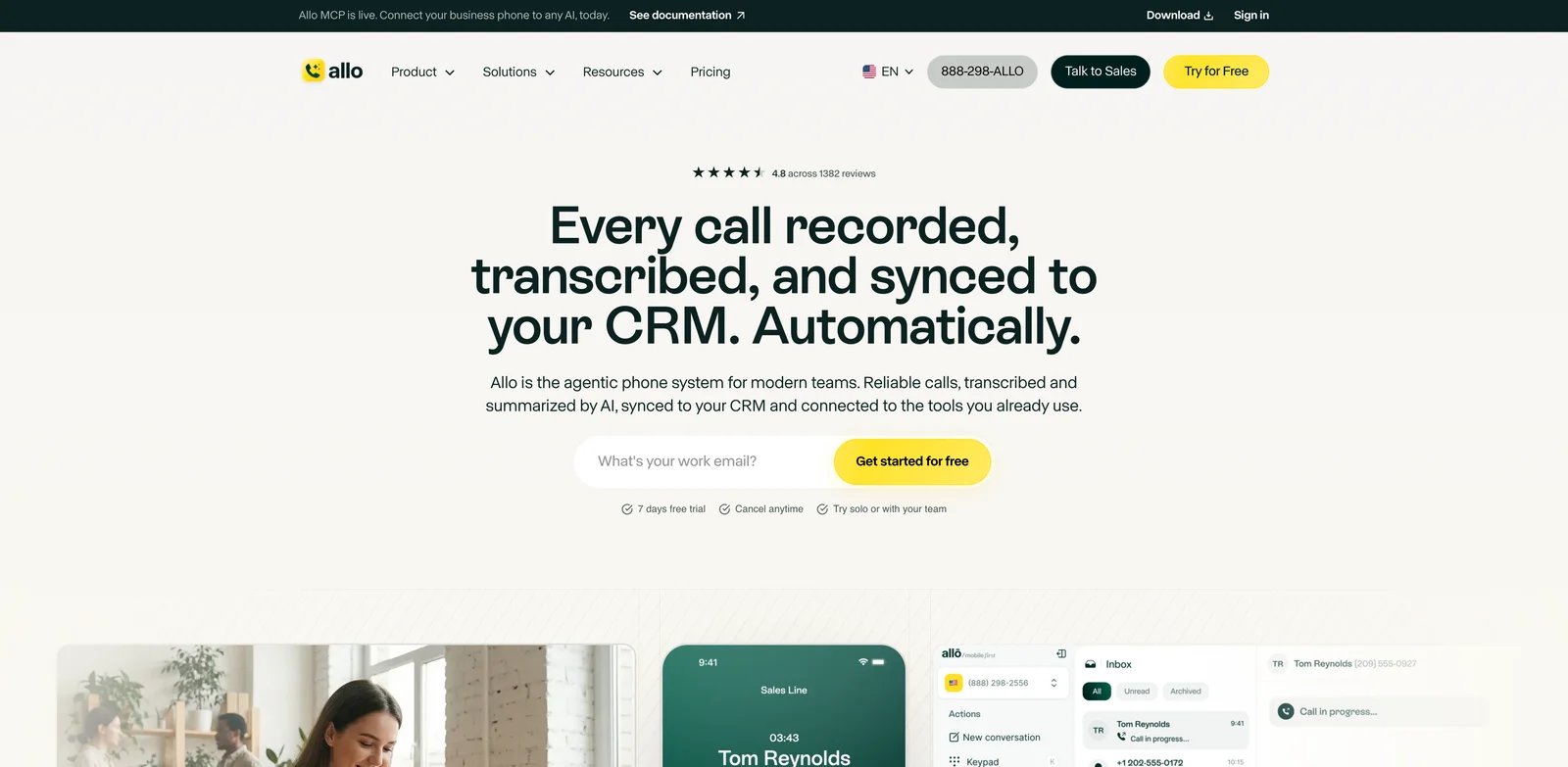
Very small teams often want fewer tools, not another dashboard. Allo is useful when the business wants phone numbers, team calling, CRM sync, and an AI receptionist in one package. It is not the deepest call center system here, but its pricing and packaging can make sense for teams that want practical phone coverage without a heavy implementation.
Key Features
- Business phone plus AI receptionist: Allo combines phone functionality with AI answering rather than selling AI as a separate infrastructure project.
- Lead qualification and spam handling: The AI receptionist can help screen calls and capture details.
- CRM sync: This is useful when phone conversations need to land in customer records.
- Accessible pricing: Public pricing references Starter and Business plans, with Business around $45/user/month.
Pricing & Plans
Allo pricing is Starter at $18/user/month billed annually or $25/month billed monthly, Business at $32/user/month billed annually or $45/month billed monthly, and Ultra at $100/user/month billed annually or $120/month billed monthly. Because Allo's own pricing and help materials can be read differently on AI Receptionist availability, buyers should treat Business as the safer plan to evaluate for full AI receptionist use unless Allo confirms Starter coverage.
Limitations
Allo is best for straightforward small-team phone workflows. It may not be enough for regulated intake, complex appointment logic, or teams needing full call center reporting. Because it bundles phone and AI reception, the value depends on whether you want both.
Best For
Allo is best for small teams that want business phone basics and AI answering in one app. Not the right fit if you already have a mature phone system and only need a specialized AI receptionist layer.
Get started with Allo
Best AI Phone Answering Services by Use Case
For Small Businesses Replacing Voicemail
If the main problem is missed calls after hours or during busy periods, start with Dialzara, Rosie AI, or Allo. Dialzara has the lowest visible entry price, Rosie is strong for local-service reception and booking, and Allo makes sense if you also want a business phone app. These tools are easier to justify when one saved lead can cover the monthly cost.
For Teams That Need Human Backup
Smith.ai is the strongest option when AI should answer routine calls but a human still needs to catch edge cases. This matters for legal intake, high-value sales, clinics, home services, and any business where caller trust drops quickly if the AI gets confused. The tradeoff is cost: hybrid coverage is more expensive than AI-only reception.
For Teams Buying a Phone System Anyway
RingCentral AI Receptionist, Quo Sona, Nextiva XBert, and Allo are best evaluated as phone-system decisions. If you are replacing or upgrading your phone stack, AI answering can be part of the same rollout. If you only want an AI layer on top of your current phone number, compare migration cost carefully.
For Sales and Support Operations
CloudTalk AI Receptionist is the better fit when calls need to connect to CRM, support queues, reporting, and agent workflows. It is less attractive for a solo local business, but stronger for teams where every call should become trackable pipeline or support data. For broader customer automation, compare it with AI chatbots and customer messaging tools before choosing a phone-first stack.
For Multi-Channel Front Desk Automation
My AI Front Desk and Nextiva XBert are better when phone calls are only one part of intake. If customers also text, chat, request bookings, or need follow-up messages, a pure AI phone answering service may be too narrow. Businesses that already use voice AI for outbound content or narration should not confuse these products with AI voice generator tools; phone answering requires live call handling, routing, and business workflow integration.
How to Choose the Right AI Phone Answering Service
Start with the call outcome, not the AI voice. A pleasant voice demo does not matter if the tool cannot book appointments, route urgent calls, capture lead source, or send the caller to the right staff member. Write down the five most common caller intents and test each one before buying.
Next, map the phone setup. Some products give you a number, some forward from your existing number, and some work best inside their own phone system. Number porting, forwarding, business hours, department routing, and voicemail fallback can all change the real rollout cost.
Then model usage. AI phone answering services may charge by user, agent, call, minute, location, or platform plan. A $29/month plan can be the best value for low call volume and the wrong choice for a busy office if overages stack up. Ask for included minutes, concurrent calls, transfers, SMS, setup fees, cancellation terms, and whether calls to humans count differently.
Finally, review risk. If calls include medical, legal, financial, or sensitive personal information, check privacy, recording, consent, data retention, HIPAA or industry requirements, and whether humans can review failed calls. AI answering is operational software, not just a marketing widget.
Frequently Asked Questions
What is an AI phone answering service?
Is an AI receptionist better than voicemail?
How much do AI phone answering services cost?
Can AI phone answering services book appointments?
Are AI phone answering services safe for legal or medical calls?
Which AI phone answering service is best for small businesses?
Get ToolWorthy Weekly
New AI tools, practical guides, and selected AI signals in one weekly brief.
Related Posts
- 13 Best AI Receptionist Tools 2026 — Tested for Cost & Missed Calls
SMBs miss 62–80% of inbound calls. We tested 13 AI receptionists — Slang AI, Loman, Goodcall, NextPhone — for true cost, accuracy, and handoff reliability.
For AI tool founders
Built a tool that belongs in this decision set?
Request an editorial evaluation for possible inclusion in ToolWorthy.
Submit your tool for reviewPaid submission does not guarantee a ranking, recommendation, inclusion, or editorial outcome.