
13 Best AI Receptionist Tools 2026 — Tested for Cost & Missed Calls
SMBs miss 62–80% of inbound calls. We tested 13 AI receptionists — Slang AI, Loman, Goodcall, NextPhone — for true cost, accuracy, and handoff reliability.
On this page
A plumber misses a call at 4:47 p.m. because both technicians are under sinks. By the time anyone listens to the voicemail the next morning, the caller has already booked the competitor who picked up. This is not an edge case — but the exact missed-call rate varies by industry and source. A safer framing is that SMB studies commonly cite roughly 25–62% missed inbound calls, dental sources often cite about 30–40%, and annual lost-revenue estimates for busy practices commonly fall around $75,000–$150,000 rather than one fixed $189,000 number. An AI receptionist is the response to that specific bleed: software that answers inbound calls consistently during business gaps and after hours, captures the caller's intent, books or requests appointments where supported, and sends a summary to the team — for roughly the cost of one day of a human receptionist's monthly salary.
The catch is that "AI receptionist" now covers everything from a $25/month single-line answering bot to a $400/location restaurant phone host to an enterprise voice platform with no public price. Picking wrong means either overpaying for capability you'll never use or buying a bot that frustrates the exact callers you were trying not to lose. This guide compares 13 AI receptionist tools that real businesses actually deploy, scored across functionality, experience, innovation, value, and verifiable user feedback, with the frictions surfaced — not just the demo-day promises.
| Tool | Best For |
|---|---|
| Slang AI | Restaurants reducing informational call volume |
| Loman AI | Restaurants that need real phone-order capture |
| Goodcall | Local service businesses wanting clear per-agent pricing |
| My AI Front Desk | SMBs needing voice + chat + SMS + CRM in one |
| Phonely | Compliance-sensitive teams wanting a free tier |
| Allo | Multi-device teams wanting unlimited reception cheaply |
| Yelp Receptionist | Local businesses already living inside Yelp |
| CloudTalk | Teams already on a call-center suite |
| AIRA | Solo operators on the tightest budget |
| NextPhone | High-volume practices wanting unlimited calls |
| RingCentral AI Receptionist | Enterprises needing the deepest feature set |
| Rosie AI | Owners who run the business from their phone |
| Trillet | Multilingual front desks on a budget |
How We Selected and Tested
We selected these AI receptionists based on measurable criteria: a real product form (a dashboard plus an assignable phone number or telephony integration, not a raw voice API), genuine front-desk capability (answering, intent handling, scheduling, lead capture, handoff), and registrability and payability in the US/UK/EU. Tools that were really voice-AI developer platforms (Retell, Vapi, Bland, Twilio Voice), human-staffed answering services with thin AI (Ruby, PATLive, AnswerConnect), or traditional auto-attendant IVRs (Ooma) were noted but excluded — they answer a different buyer's question.
Our research methodology combined product documentation, official pricing and policy pages, and verifiable third-party reviews and case studies, cross-referenced against user discussion of real-world friction. Across the category, vendors commonly claim strong routine-call automation for hours, pricing, booking, and lead capture, but there is no neutral benchmark proving a universal 85–95% resolution rate, and misrecognition on accents and complex, non-linear requests remains the single most cited complaint — so we weighted handoff reliability and conversation handling, not just feature lists.
Evaluation Dimensions: We evaluated each tool across five dimensions aligned to what an owner losing calls actually decides on:
- Call-handling functionality — Does it truly answer, schedule, route, capture, and follow up, or just talk?
- Setup and ownership experience — Can a non-technical owner get a number live, connect a calendar, and manage it without a developer?
- Innovation — Natural conversation, urgency detection, warm transfer, industry-system execution beyond a scripted IVR.
- Value and pricing transparency — Public price, flat vs. per-minute overage exposure, honest limits.
- Verifiable user feedback — Third-party reviews, case data, deployment scale — conservatively penalized when absent.
Transparency & Limitations: All information comes from official sources and credible third-party platforms — we don't fabricate ratings or performance claims. We did not run live multi-week dial tests on every line; scores reflect documented capability and reported user experience. Research conducted in May 2026; pricing changes frequently, so verify the current plan page before purchasing.
Top 13 AI Receptionist Tools Compared
The 13 tools below split into three practical groups: vertical phone hosts built for one industry (restaurants, healthcare), general SMB receptionists priced for a single location, and enterprise/suite platforms where reception is one module of a larger phone system. The table maps each to its starting price exposure and the dimension most owners get burned on — predictable cost.
| Tool | Best For | Starting Price | Pricing Predictability | Standout Strength |
|---|---|---|---|---|
| Slang AI | Restaurant call deflection | $399/location/mo | Flat per location | Restaurant integrations + scale |
| Loman AI | Restaurant phone ordering | From $199/mo + $149 setup; ordering/POS on Premium from $399/mo + setup | Flat + setup fee; plan-dependent features | Phone orders + POS/payment on Premium |
| Goodcall | Local service businesses | $79/agent/mo | Flat per agent | No-engineering setup |
| My AI Front Desk | All-in-one SMB front desk | Free tier; Business-in-a-Box $99/mo or $79/mo annual | Usage-capped with credit overages | Voice+chat+SMS+CRM breadth |
| Phonely | Compliance-sensitive SMBs | $50/mo (free tier) | Tiered, has free | SOC2/HIPAA/PCI posture |
| Allo | Multi-device small teams | $45/mo | Flat | Unlimited reception, low price |
| Yelp Receptionist | Yelp-native local businesses | $99/mo | Flat | Yelp Guest Manager pipeline |
| CloudTalk | Existing call-center teams | AI Voice Agents from €99/mo for 200 minutes, plus base plan | Add-on stack; regional currency varies | 60+ languages, suite depth |
| AIRA | Tightest-budget solo ops | $24.95/mo | Per-call tiers | Lowest entry price |
| NextPhone | High-volume practices | $199/mo | Flat unlimited | Unlimited calls/appointments |
| RingCentral AI Receptionist | Enterprise feature depth | Starts at $39/mo | Public starting price; minutes/bundles may vary | Most complete feature set |
| Rosie AI | Phone-run businesses | $49/mo | Flat tiers | Strong mobile experience |
| Trillet | Multilingual budget front desks | $49/mo | Flat + minutes | 32-language support |
Detailed Reviews
Slang AI
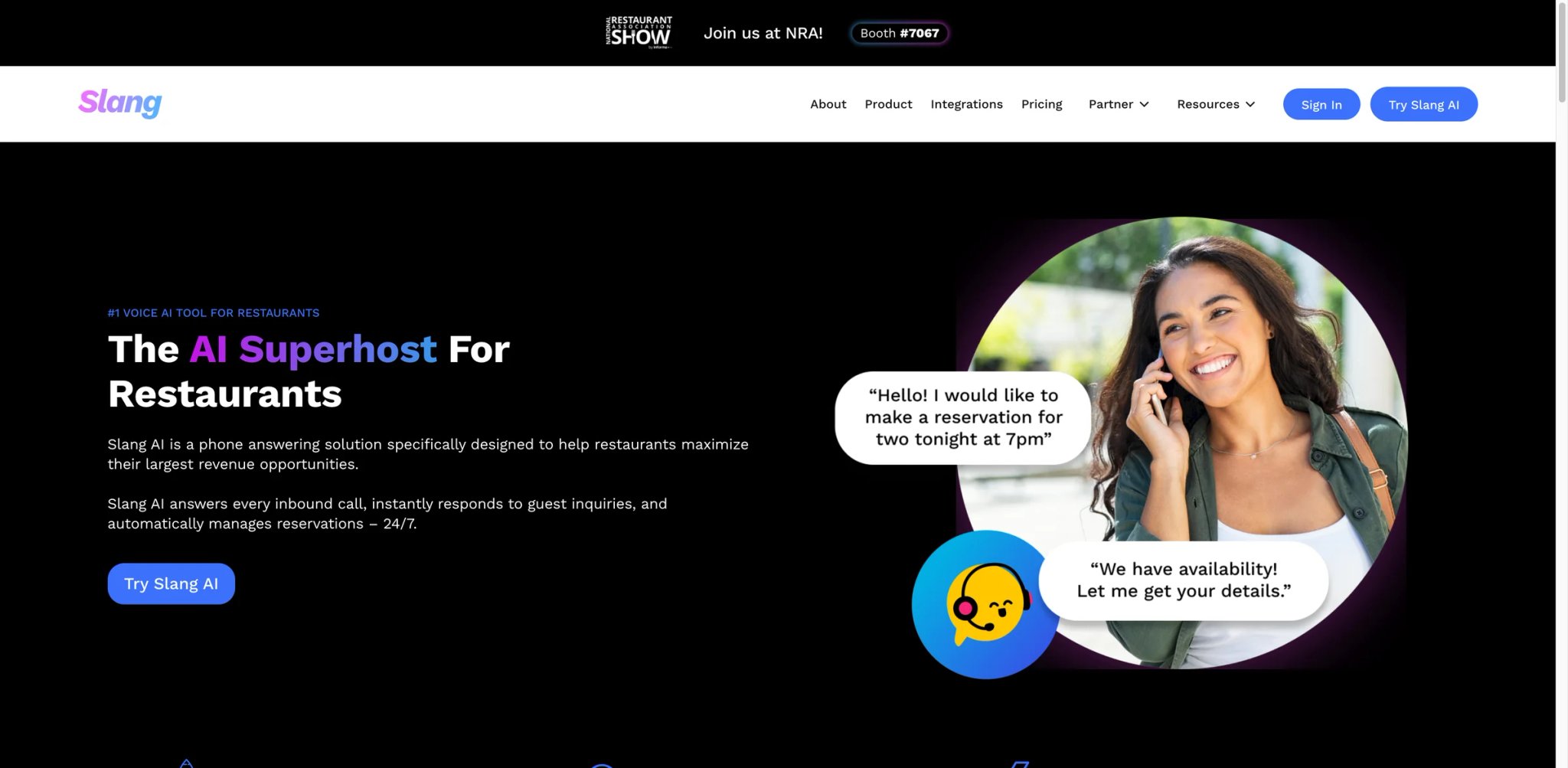
A restaurant doesn't lose money because nobody answers — it loses money because a line cook answers, mid-rush, and can't hear the caller over the fryer. Slang AI is built for exactly that: a voice host that fields the repetitive "are you open / do you take reservations / where are you" calls so staff stop getting pulled off the floor. It's the most mature tool here for high-volume hospitality, with 25M+ calls handled, 2,000+ restaurant locations served, and 95%+ guest satisfaction publicly claimed by Slang.
What it does well: Slang AI answers and deflects informational volume with restaurant-tuned natural language, integrates directly with OpenTable, SevenRooms, and Yelp for reservations, and carries SOC II — a real differentiator for multi-location groups where IT signs off. Its analytics show owners exactly which call types it absorbed, which is how you justify the price internally.
Pricing vs. reality: Core is $399/location/month, Premium $599/location — flat and predictable, but the per-location math gets steep for a 10-unit group, and it is genuinely not a phone-ordering system. The most consistent complaint: owners expecting phone-order capture discover Slang AI texts callers an online-ordering link instead. By design — but older, phone-preferring customers often don't follow the SMS and simply don't order.
Limitations: No phone-order completion; the SMS-redirect model leaks exactly the low-digital-literacy customers who call instead of ordering online. Per-location pricing is the highest entry point in this list for single sites.
Best for: Multi-location restaurants with strong online-ordering adoption that want to stop burning staff on informational calls. Not the right fit if phone orders are a meaningful share of revenue, or if you're a single small site where $399 is hard to absorb.
Get started with Slang AI
Loman AI
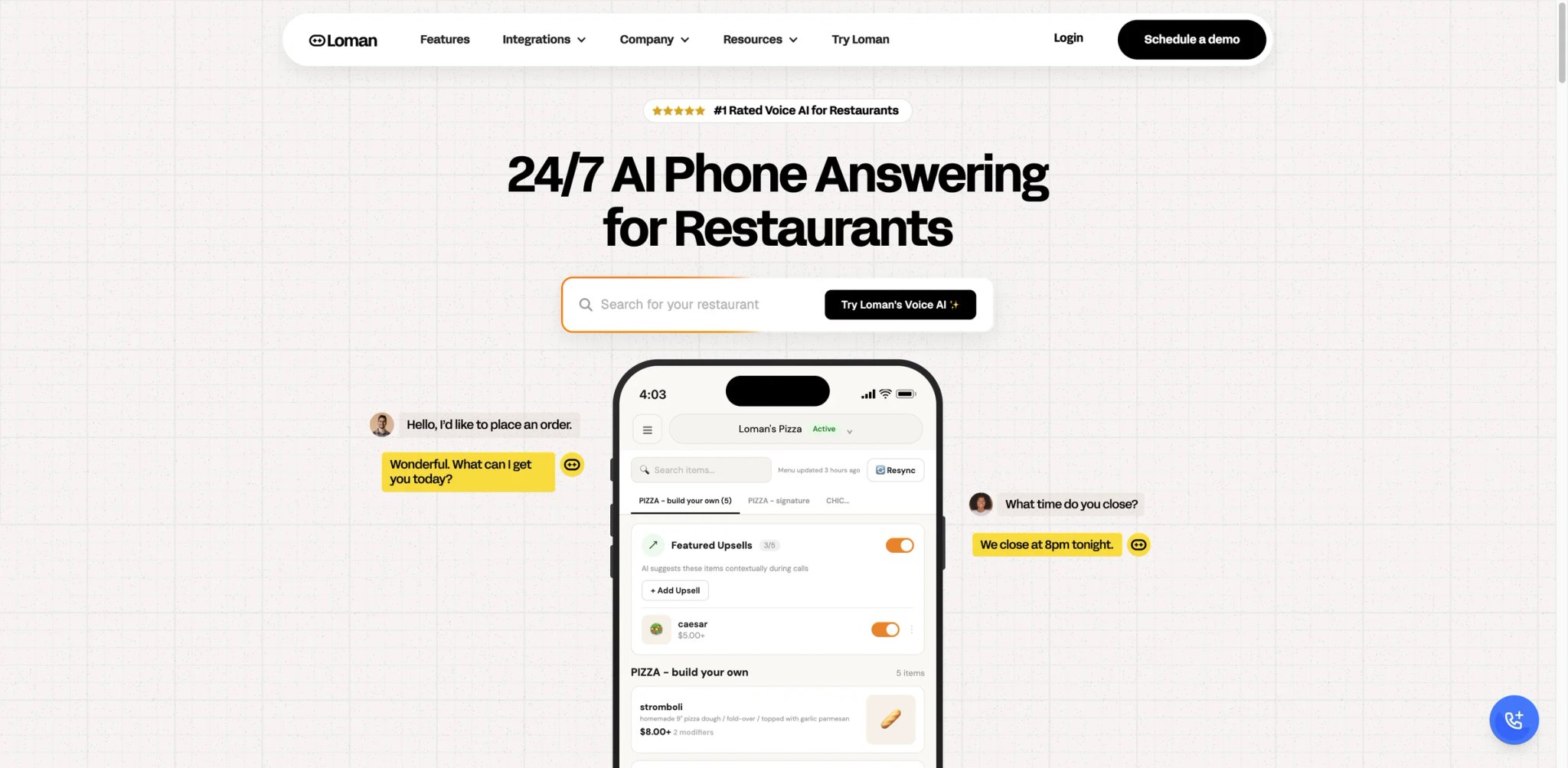
If Slang AI's SMS-redirect model is the dealbreaker, Loman AI is the direct answer: it actually completes orders over the phone. For a pizzeria or takeout-heavy restaurant where phone orders are still 30%+ of revenue, that distinction is the entire decision — capturing the order beats deflecting the call.
What it does well: Loman takes phone orders end to end, integrates with restaurant POS systems, handles reservations, and supports up to 50 simultaneous calls — so a Friday rush doesn't produce busy signals. Onboarding runs 24–48 hours, fast for a system wired into your POS.
Pricing vs. reality: Starter starts at $199/month plus a $149 setup fee for basic call management; Premium starts at $399/month plus a $149 setup fee and is the plan that adds takeout/delivery ordering, automated reservations, POS integration, and phone payments. Budget the setup fee in the first-month cost — the headline monthly number understates first-month cost. Cheaper than Slang AI per location, but the setup line and POS-integration scoping mean the true onboarding cost is not the sticker.
Limitations: Reported natural-language understanding is narrower than the marketing implies — callers sometimes have to use specific phrasing or repeat themselves, and escalation paths are described as unreliable, occasionally leaving a frustrated caller stuck rather than transferred to a human.
Best for: Restaurants where phone orders are real revenue and POS integration matters more than conversational polish. Not the right fit if your callers are accent-diverse or your menu logic is complex enough to expose the NLU limits.
Get started with Loman AI
Goodcall
A landscaping owner doesn't want to "configure an AI" — they want a number that answers, knows their hours and services, and texts them the lead. Goodcall is built around that low-friction promise: a cloud AI phone agent that can be trained from your business information, website/docs, and connected tools, and can be stood up without engineering.
What it does well: Fast, no-developer setup; 24/7 answering of common questions; lead capture and basic preset appointment requests. Per-agent pricing is unusually clear in a category full of quote-only enterprise plays — you know what one agent costs before you talk to anyone.
Pricing vs. reality: Starter is $79/month per agent with unlimited minutes/tokens, a 100-unique-customer monthly cap, and $0.50 per additional customer; Growth is $129/agent/month with 250 unique customers, and Scale is $249/agent/month with 500. The unique-customer cap matters: a sudden surge in new callers can push you past the included envelope, so model your busiest month, not your average one.
Limitations: Voice quality is widely described as "good but robotic" — clear TTS without the natural rhythm that makes callers feel heard. The forum-reported "broken promises" usually trace to non-linear conversations: it handles preset paths well and complex, branching ones poorly.
Best for: Local service and retail businesses that need reliable answering and lead capture with transparent pricing and zero setup effort. Not the right fit if callers routinely have multi-part, non-scripted requests, or if a robotic voice would undercut a premium brand.
Get started with Goodcall
My AI Front Desk
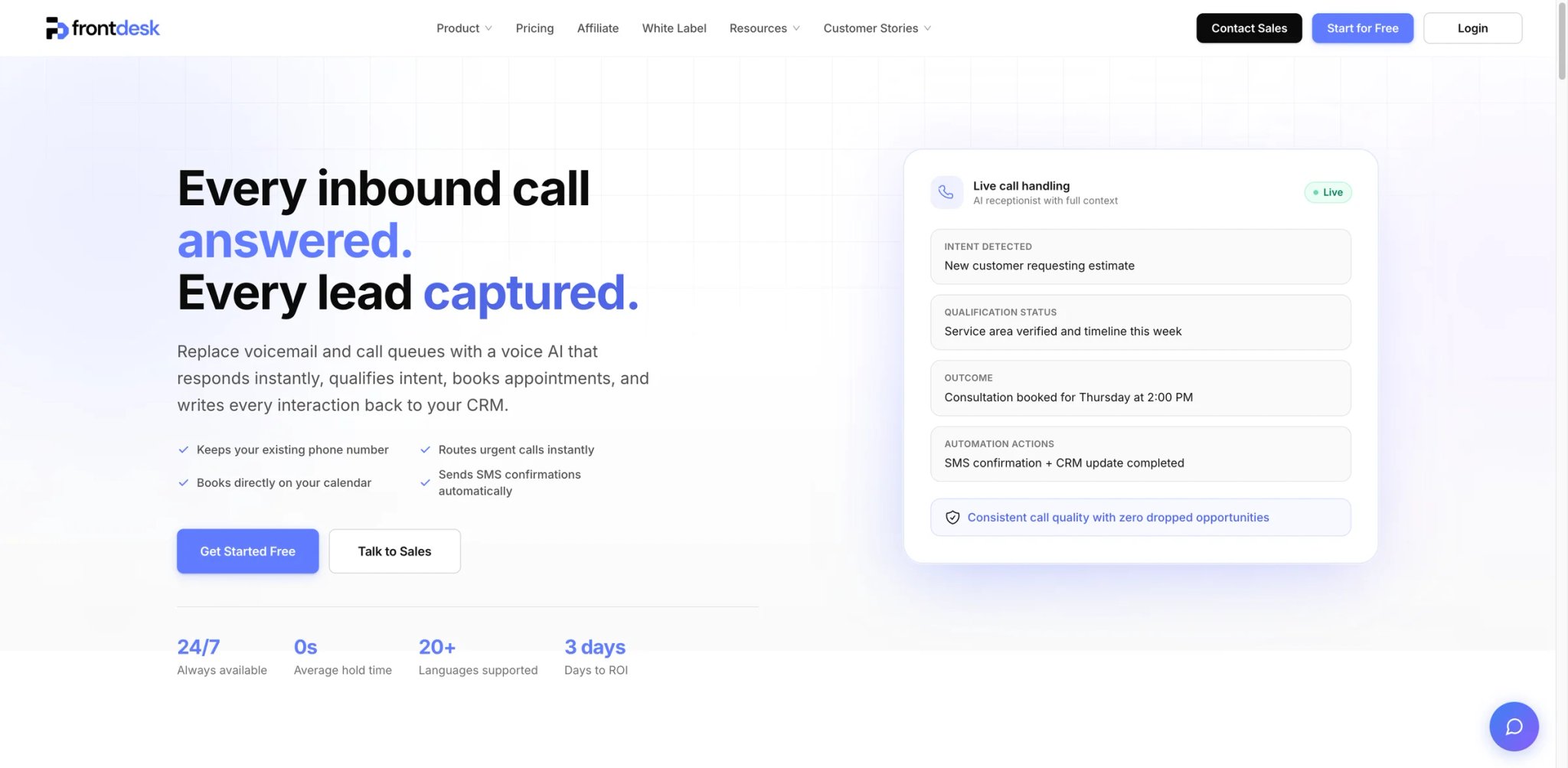
Most SMBs don't lose callers on one channel — they lose them across three: the missed call, the unanswered website chat, the text nobody saw. My AI Front Desk's pitch is consolidation: one receptionist covering voice, chat, and SMS with CRM and automations behind it, so the lead doesn't fall between tools.
What it does well: Broad channel coverage in a single $99 plan, CRM and automation hooks so captured leads actually route somewhere, and a notably honest commercial posture — no hidden fees, no lock-in, no credit card to trial, cancel anytime. For owners burned by quote-only vendors, the transparency itself is a feature.
Pricing vs. reality: Business-in-a-Box is $99/month, or $79/month billed annually, and includes 200 voice minutes/month, 100 chatbot conversations, 400 SMS messages, 300 form submissions, and 1,000 monthly overage credits. The free tier requires no card, but extra usage is credit-based rather than truly flat — model your real call minutes before assuming the headline covers you.
Limitations: Third-party feedback is thin relative to its breadth — there's less independent deployment data than for Slang AI or CloudTalk, so you're trusting the trial more than the crowd. Category-wide accuracy caveats apply: expect strong routine handling, weaker performance on heavy accents and complex requests.
Best for: SMBs that want one tool covering phone, web chat, and text without a sales call or contract. Not the right fit if you need verifiable enterprise references before committing, or deep single-channel telephony depth.
Get started with My AI Front Desk
Phonely
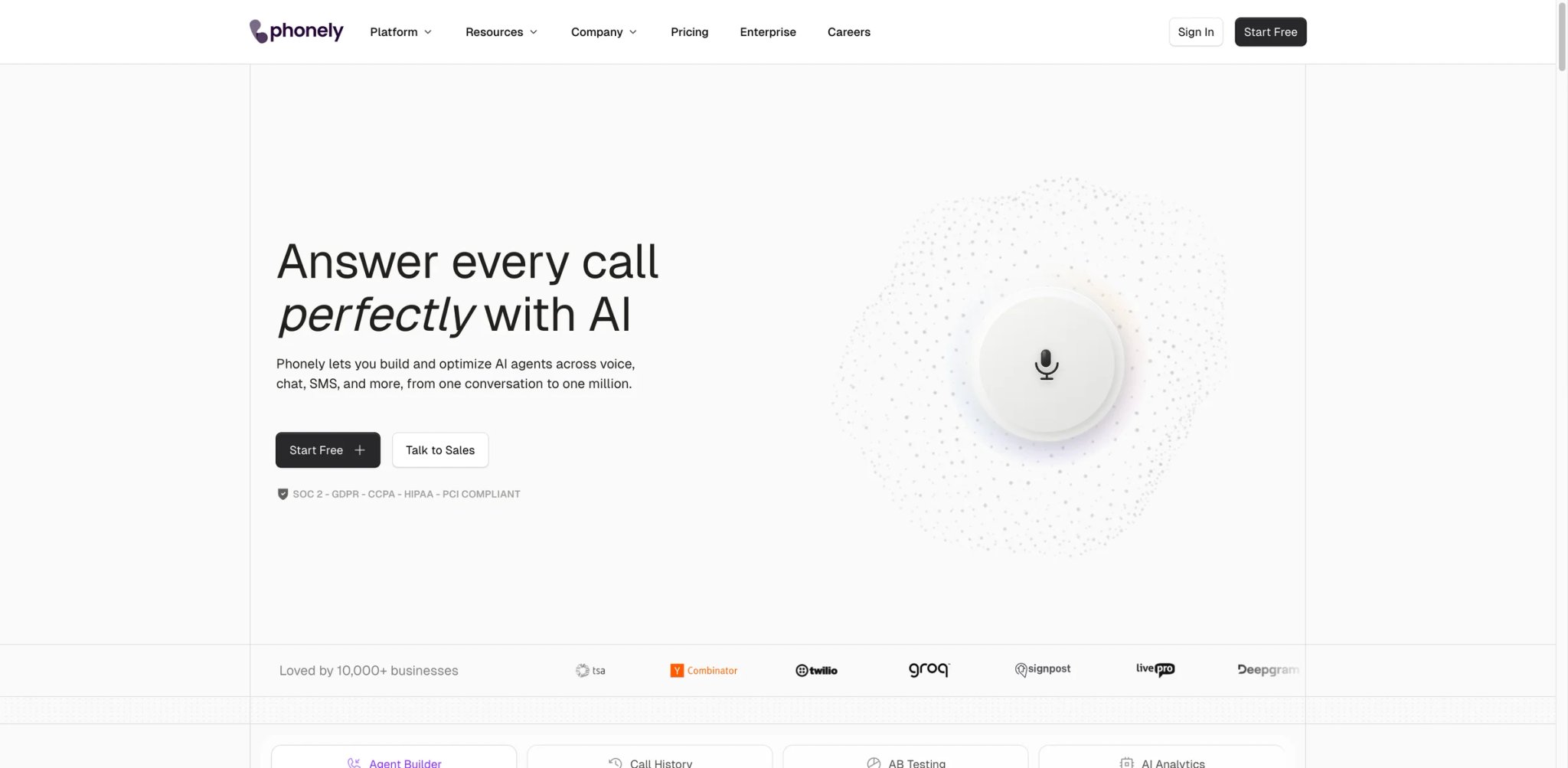
For a medical, legal, or financial front desk, the question isn't "can the AI book an appointment" — it's "will this pass our compliance review." Phonely leads with that: a receptionist builder whose documented SOC2, GDPR, CCPA, HIPAA, and PCI posture is the headline, not a footnote.
What it does well: Voice, chat, and SMS handling on a builder you configure yourself, backed by the broadest published compliance stack in this comparison. Critically, it offers a genuine free tier — rare here — so a regulated practice can validate behavior at zero cost before procurement gets involved.
Pricing vs. reality: Free tier available; Starter $50/month, Pro $150/month. The free tier plus mid-tier pricing makes Phonely one of the lowest-risk evaluations in the category — you can prove the compliance and conversation quality before spending.
Limitations: Compliance posture is documented, but you still own configuring it correctly — HIPAA-eligible does not mean HIPAA-compliant out of the box. Standard accuracy caveats apply on complex calls, and feature depth trails the enterprise suites.
Best for: Healthcare, legal, and financial SMBs that need a defensible compliance story and want to test free before buying. Not the right fit if you need enterprise multi-location orchestration, or assume compliance is automatic without configuration.
Get started with Phonely
Allo
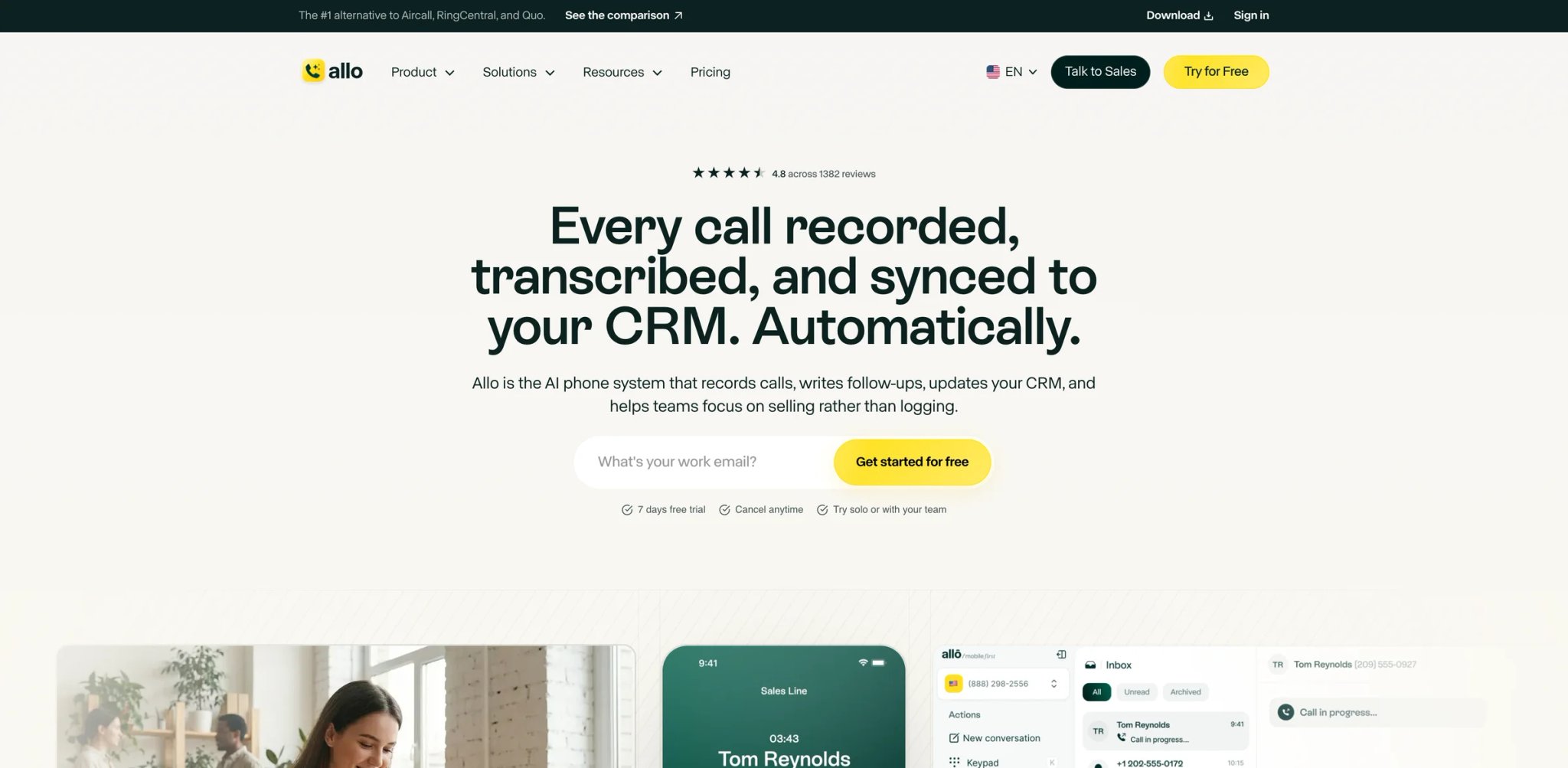
A two-person agency doesn't need an enterprise phone platform — it needs every call answered on whatever device someone happens to be holding, without per-call anxiety. Allo targets that with an unlimited AI Receptionist plan at a price that undercuts most of this list.
What it does well: Unlimited AI reception on the Business plan removes the per-minute math entirely — the single biggest source of bill surprise in this category. It runs across web, desktop, and mobile with multi-device sync and 1000+ integrations, so the receptionist isn't tied to one machine or one person being at a desk.
Pricing vs. reality: Business is $45/month, roughly $32/month billed annually — among the lowest flat entry points here, and "unlimited" meaningfully so for reception, which is exactly where competitors' overages bite.
Limitations: User feedback is thin — there's limited independent deployment evidence, so the unlimited claim and conversational quality rest more on your trial than on third-party scale data. Innovation (urgency detection, deep industry execution) trails the vertical specialists.
Best for: Small, mobile teams that want every call answered cheaply across devices without metering. Not the right fit if you need verifiable scale references or vertical-specific workflows (restaurant POS, dental PMS).
Get started with Allo
Yelp Receptionist
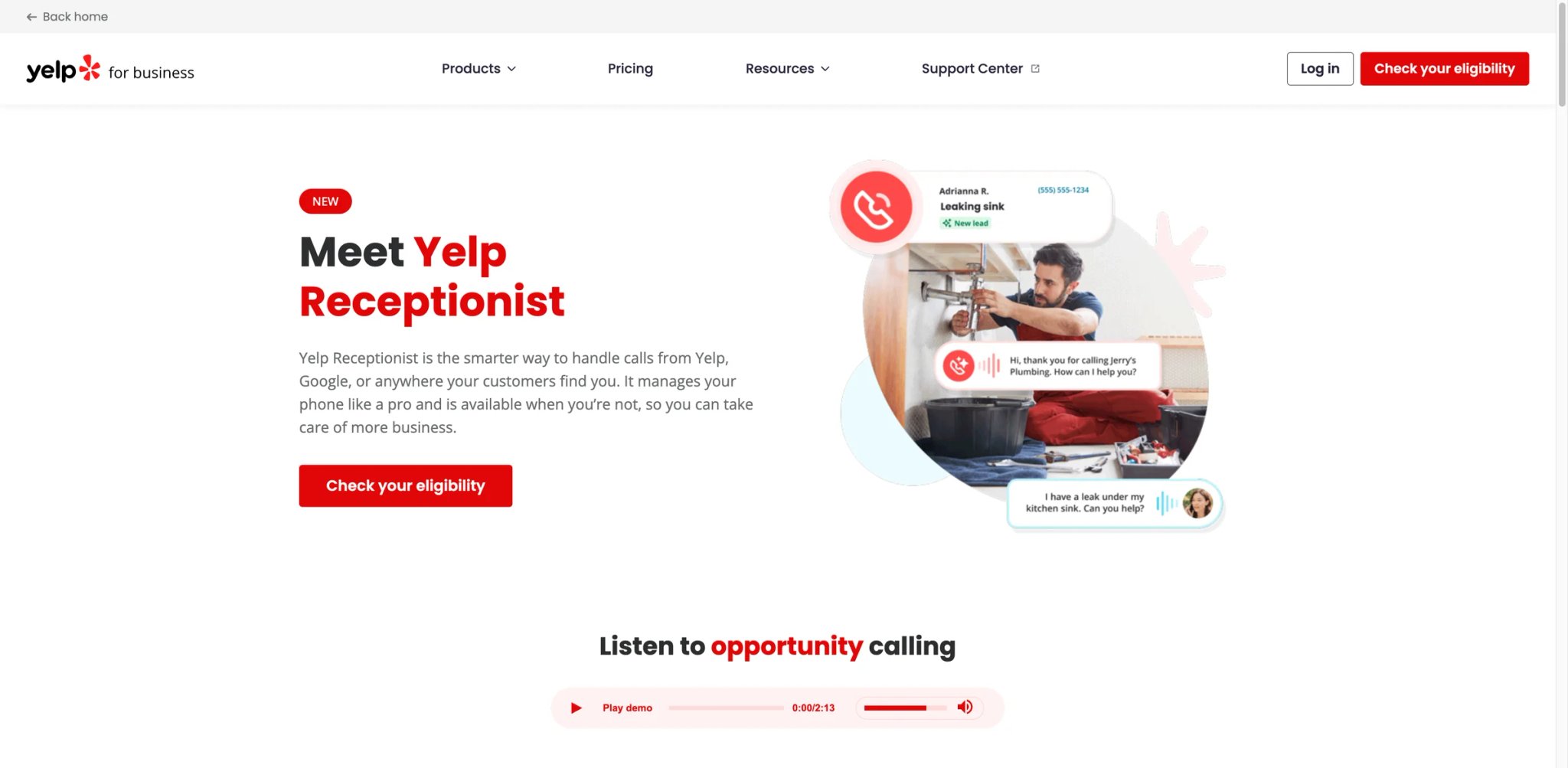
If your inbound demand already flows through Yelp, bolting on a separate AI phone tool means two systems that don't talk. Yelp Receptionist closes that loop by living inside Yelp for Business and Guest Manager, so the call, the reservation, and the follow-up share one pipeline.
What it does well: Native integration with Yelp Guest Manager — reservations, waitlists, and SMS follow-ups land in the system local businesses and restaurants already run. For a Yelp-driven business, that single-pipeline continuity is worth more than a marginally smarter standalone bot.
Pricing vs. reality: Yelp Receptionist starts around $99/month for broader local businesses; Yelp Host runs $149/month for table-service restaurants. Flat and public, though it's a relatively new product, so the deployment track record is shorter than Slang's or CloudTalk's.
Limitations: The value is conditional on being a Yelp-centric business — outside that funnel the integration advantage disappears and you're comparing a newer product against more specialized incumbents. Maturity and third-party feedback are still building.
Best for: Restaurants and local businesses whose demand and bookings already run through Yelp. Not the right fit if Yelp isn't a primary channel for you, or if you need a long, proven deployment history.
Get started with Yelp Receptionist
CloudTalk
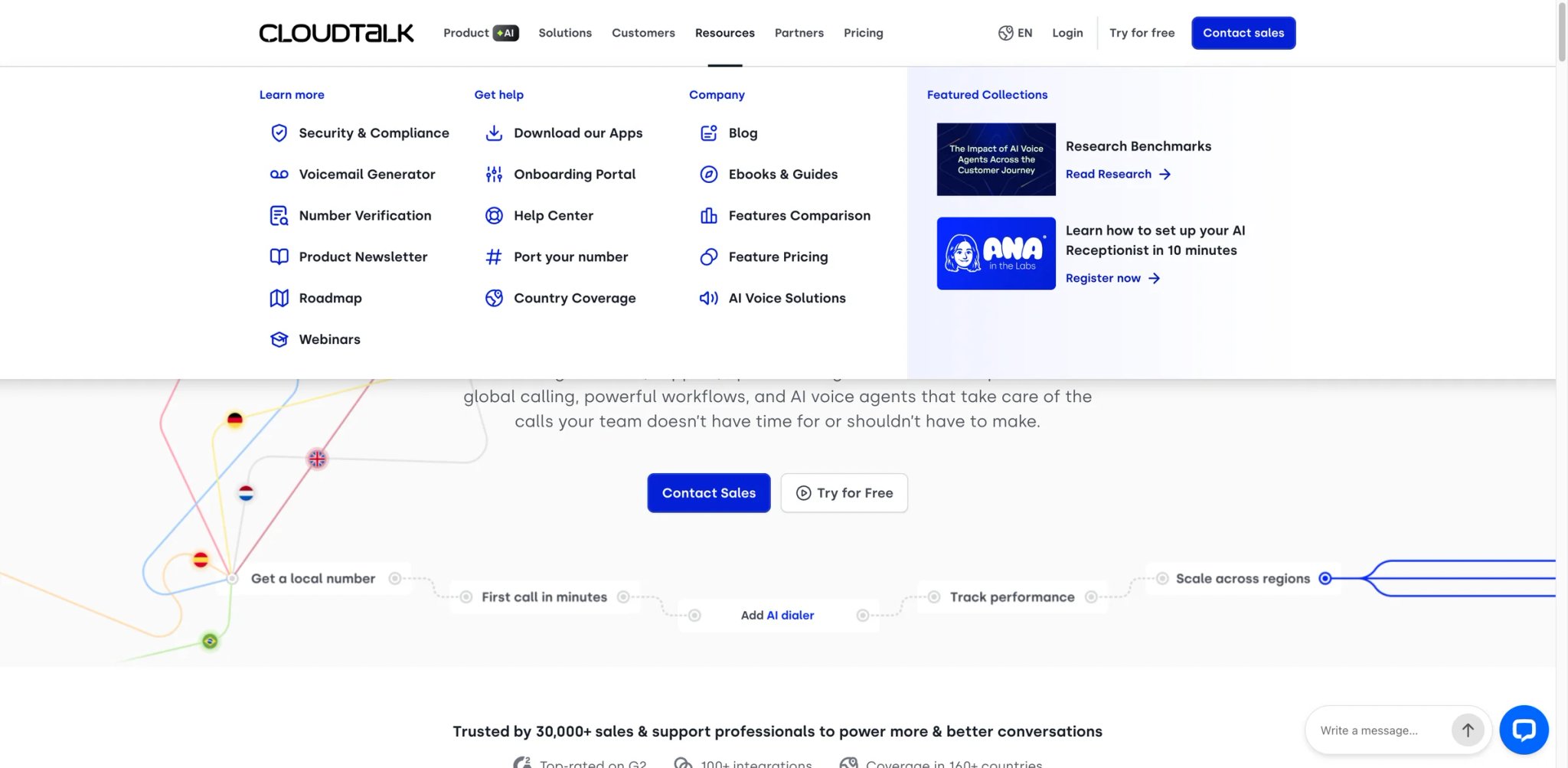
A team already running a call-center suite doesn't want to rip it out to get AI reception — they want the receptionist to live where the agents, queues, and CRM sync already are. CloudTalk's AI Virtual Receptionist is that: an add-on to a mature platform rather than a standalone bot.
What it does well: Handoff to live agents is native because the agents are already in the system; 60+ language support and CRM/calendar sync come from the underlying suite. For teams with human fallback as a hard requirement, the AI-to-human transfer is a first-class path, not a bolt-on.
Pricing vs. reality: CloudTalk's current pricing page shows the AI Voice Agents add-on starting at €99/month for 200 minutes, plus a required base CloudTalk plan; the Lite base tier is shown from €19/user/month billed annually, and regional currency may vary. The TCO note matters: you're buying a suite plus an add-on, so the receptionist's real cost is the stack, not the add-on line — only worth it if you need (or already have) the call-center platform.
Limitations: It's the right answer only if you want the whole suite; for a single-line SMB that just needs a number answered, you're paying for infrastructure you won't use. Setup experience leans more technical than the no-developer SMB tools.
Best for: Teams that already run or need a call-center platform and want AI reception inside it with reliable human handoff. Not the right fit for a solo operator or small site that only needs one line answered.
Get started with CloudTalk
AIRA
For a solo operator — one chair, one van, one person — $200/month for a receptionist is a non-starter, but a missed call is still a lost job. AIRA exists at that floor: the lowest entry price in this comparison, structured around call-volume tiers a one-person business can actually afford.
What it does well: Entry pricing at $24.95/month with clear call-count tiers — Starter $24.95/30 calls, Premium $59.95/90 calls, Pro $159.95/300 calls, and Scale $299/600 calls, with per-call overages — make low-volume costs forecastable — you pick the tier that matches your volume and there's no quote-only ambiguity. For the budget-first buyer, that transparency is the product.
Pricing vs. reality: The tiers are honest but small — 30 calls/month on the entry plan goes fast for an active trade, so the realistic plan for a busy solo op is the $59.95 or $159.95 tier, not the headline number. Still the cheapest credible option here.
Limitations: Third-party user feedback is weak — limited independent evidence, so conversational quality and reliability rest on your own trial. Innovation and integration depth are basic versus the vertical specialists.
Best for: Solo operators and micro-businesses where the decision is "cheap AI answering vs. nothing." Not the right fit if call volume is high (tiers get expensive fast) or you need CRM/industry integrations.
Get started with AIRA
NextPhone
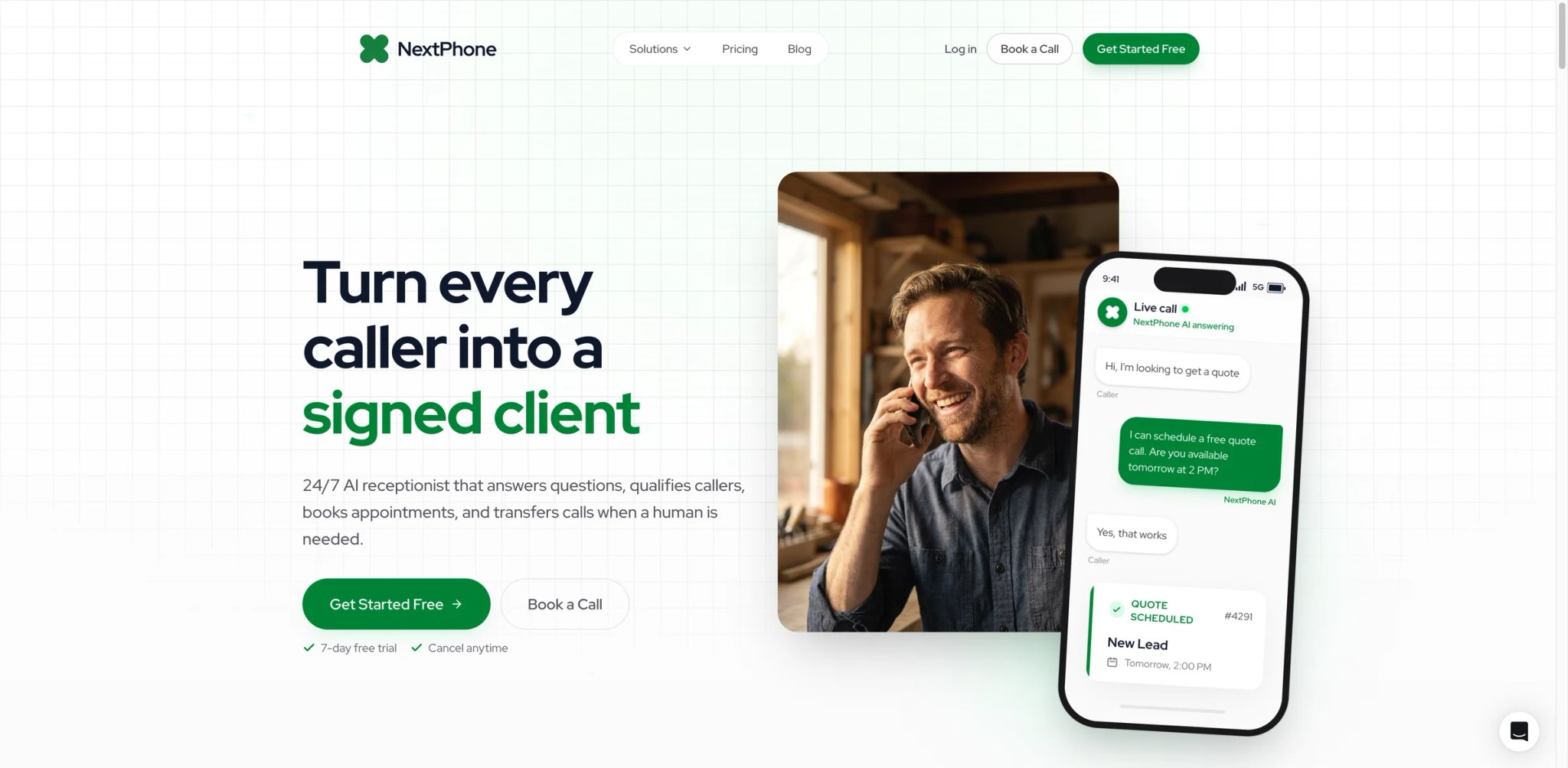
A busy dental or home-services practice doesn't fear the monthly fee — it fears the per-minute meter running every time the phone rings on a high-volume day. NextPhone's positioning answers that directly: unlimited calls and appointments at a flat rate, so volume never converts into bill anxiety.
What it does well: Unlimited-calls/appointments framing removes overage exposure entirely, with 24/7 answering, lead qualification, appointment booking, and calendar/CRM integration. Web onboarding is structured for non-technical owners. NextPhone openly benchmarks AI receptionist cost (~$199–$299/mo) against a ~$45,500 loaded human receptionist — the ROI argument is the pitch.
Pricing vs. reality: $199/month flat. For a high-volume practice the unlimited model is genuinely cheaper than metered competitors once you cross a few hundred calls; for a low-volume site, $199 flat is more than a tiered budget tool would cost.
Limitations: Third-party feedback is mid-to-weak — the value case is strong on paper but has less independent deployment evidence than the category leaders. Standard accuracy caveats apply on complex, accent-heavy calls.
Best for: High-call-volume practices (dental, home services, multi-provider clinics) that want predictable unlimited pricing. Not the right fit for a low-volume business where flat $199 exceeds a tiered plan's real cost.
Get started with NextPhone
RingCentral AI Receptionist
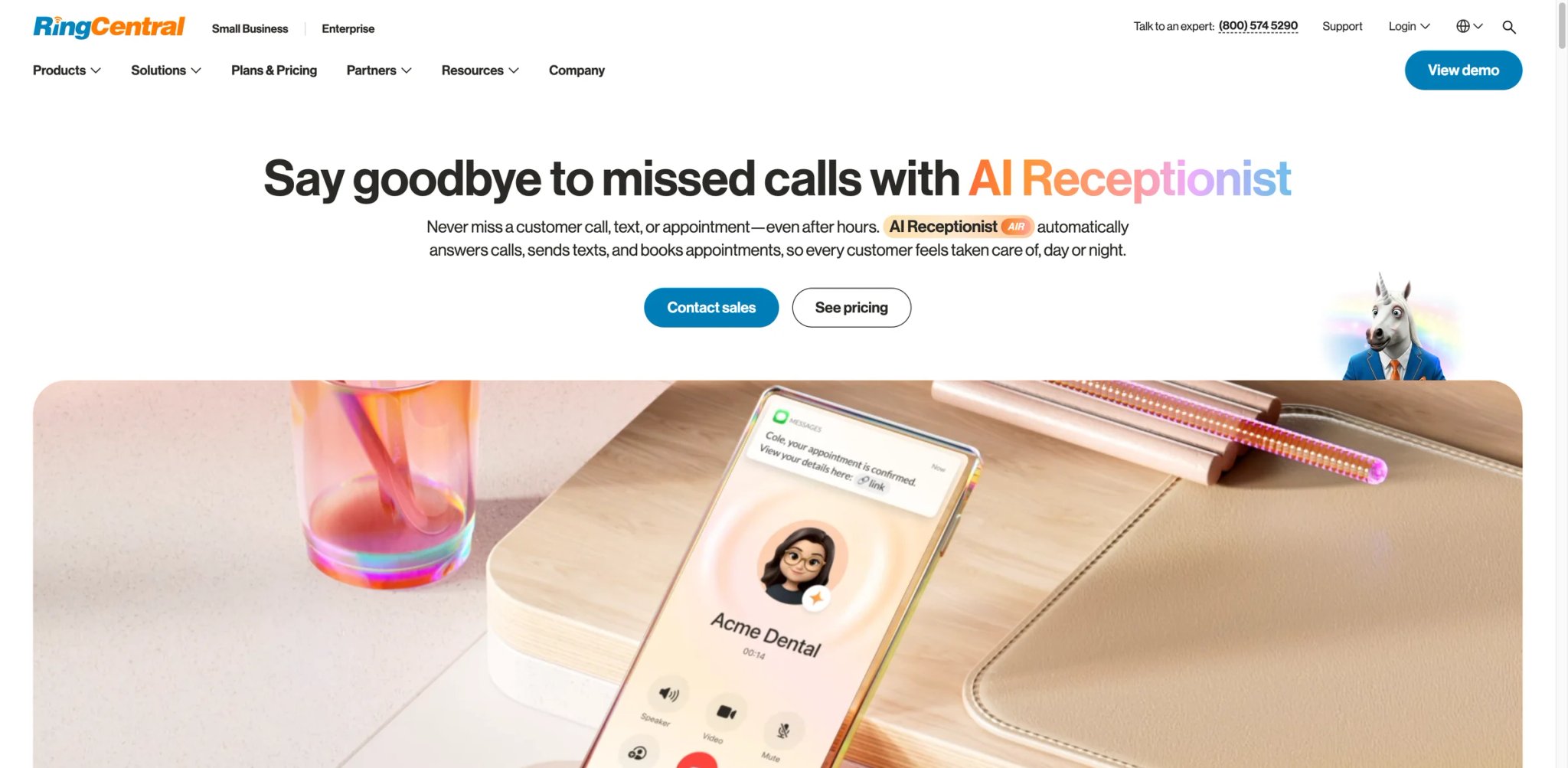
An enterprise with 40 locations doesn't evaluate AI reception the way a solo plumber does — it needs routing, multi-location logic, recording, transcription, analytics, and CRM, all governed centrally. RingCentral AI Receptionist scores the highest functionality in this comparison precisely because it was built for that scale, not for the single-line buyer.
What it does well: The most complete feature set here — 24/7 multi-call handling, FAQ, routing with call summaries, Google/Outlook booking, SMS, multi-location, multi-language, recording/transcription, analytics, and CRM integration, available standalone or as an add-on in the US/Canada and as an add-on in UK/Australia/EU. For a multi-site operation already on RingCentral, it's the natural extension.
Pricing vs. reality: RingCentral now publishes AI Receptionist pricing starting at $39/month. The remaining caveat is not quote-only access, but that included minutes, bundle pricing, regional availability, and add-on economics should still be confirmed during checkout or with sales.
Limitations: Pricing is published but bundle/minute economics still need confirming at checkout; the platform assumes a scale (and likely an existing RingCentral footprint) that small single-site businesses don't have and won't fully use.
Best for: Multi-location enterprises needing the deepest feature set and central governance, especially existing RingCentral customers. Not the right fit for a single-site SMB that won't use the multi-location depth it's priced around.
Get started with RingCentral AI Receptionist
Rosie AI
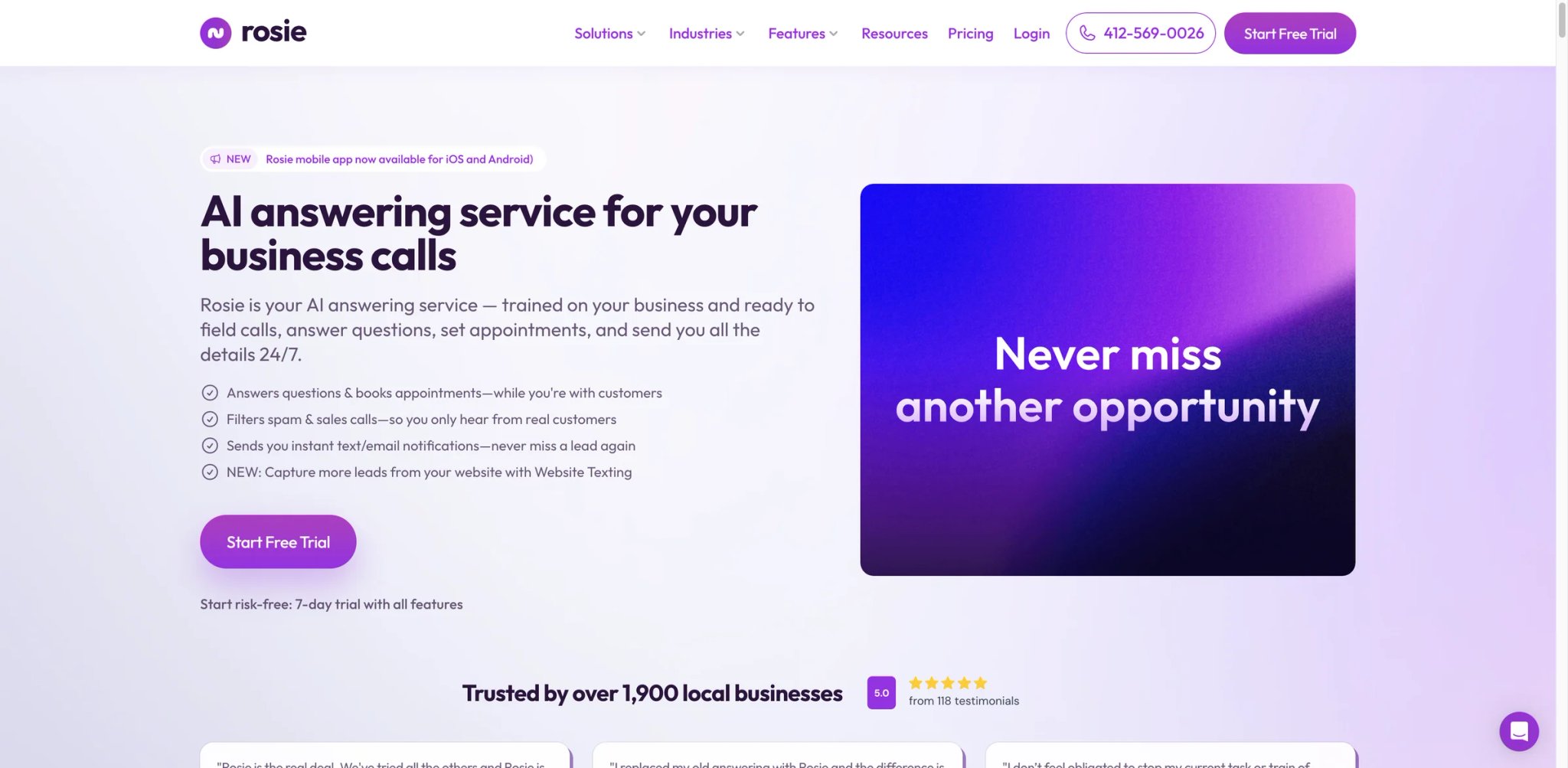
A contractor running the whole business from a phone in a truck doesn't want a desktop admin console — they want the receptionist, transcripts, and bookings in their pocket. Rosie AI leans into that: a balanced SMB front desk whose mobile experience is the strongest part of the product.
What it does well: 24/7 multi-call handling, transcripts, recordings, English/Spanish, spam detection, and a native iOS/Android app are available from Professional. Appointment booking, direct transfers, warm handoff, and in-call texts start on the Scale plan, not the $49 entry tier. For an owner-operator who is never at a desk, having the receptionist on the phone they already carry is the differentiator, not a compromise.
Pricing vs. reality: Professional is $49/month for up to 250 minutes; Scale is $149/month for up to 1,000 minutes and adds appointment booking, direct transfers, warm handoff transfers, and texts during calls; Growth is $299/month for up to 2,000 minutes; Custom starts at $999+/month. Note the entry tier includes recordings and transcripts but not booking or warm transfer — those start on Scale.
Limitations: Web/desktop management evidence is limited — it's mobile-first by design, which is great in a truck and constraining for a multi-staff office that wants a shared desktop console. Third-party feedback is moderate.
Best for: Owner-operators and field businesses run from a phone, needing bilingual answering and warm transfer. Not the right fit if you need a robust shared desktop admin or deep multi-seat office workflows.
Get started with Rosie AI
Trillet
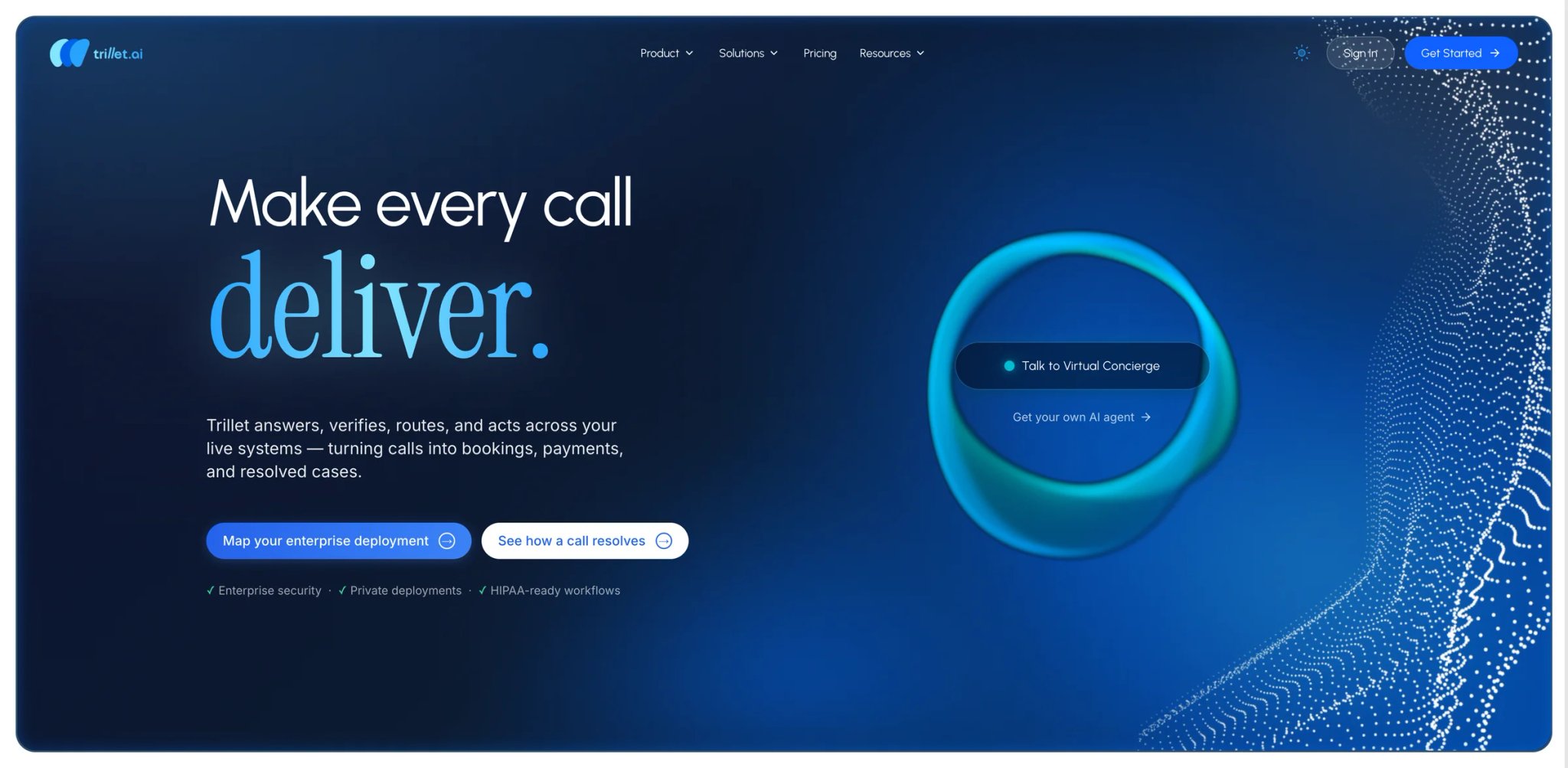
A clinic or service business in a multilingual city loses callers the moment the AI only speaks English. Trillet's wedge is breadth of language at a budget price: a receptionist builder with 32-language support that doesn't charge enterprise rates for it.
What it does well: 32-language support on a low, transparent plan is the standout — most affordable tools here cap at English/Spanish, so for a genuinely multilingual catchment Trillet covers callers the cheaper competitors drop. SMS booking links, transcripts/summaries, and a configurable builder round it out, with a 28-day money-back window that lowers trial risk.
Pricing vs. reality: Trillet's D2C plan is $49/month with 150 minutes, 32-language support, SMS booking links, transcripts/summaries, and a 28-day money-back guarantee. The minute allowance is the catch — 150 minutes is light for a busy line, so the real cost depends on your call duration and you should price the next tier against expected volume, not the headline.
Limitations: Insufficient third-party feedback — limited independent evidence on conversation quality across all 32 languages (breadth claimed; per-language depth unverified). The 150-minute Basic allowance is restrictive for higher volume.
Best for: Multilingual front desks on a budget where language coverage outranks deep integrations. Not the right fit for high-minute lines (the Basic cap bites) or businesses needing verified per-language quality data.
Get started with Trillet
Best AI Receptionist Tools by Use Case
For Restaurants Drowning in Informational Calls
If staff keep getting pulled off the floor to answer "are you open" during a rush, Slang AI is the proven deflection layer — 2,000+ restaurants, OpenTable/SevenRooms integration, restaurant-tuned. But if phone orders are real revenue, Loman AI is the stronger choice because it actually completes orders on the call instead of texting an online-ordering link callers may never follow.
For Solo Operators Choosing Between Cheap AI and Nothing
If the real comparison is "$25–$50/month or keep missing calls," AIRA ($24.95 entry) and Allo ($45 flat, unlimited reception) remove the cost objection. Allo wins if you want no per-call metering at all; AIRA wins if your volume is genuinely low and tiered call counts fit.
For Regulated Front Desks Under Compliance Review
If a HIPAA, PCI, or financial-compliance sign-off blocks procurement, Phonely leads with the broadest documented compliance stack and a free tier to validate before purchase. RingCentral AI Receptionist is the enterprise alternative when central governance across many locations matters more than self-serve pricing.
For High-Volume Practices Afraid of the Per-Minute Meter
If you cross several hundred calls a month, metered tools punish you. NextPhone ($199 flat, unlimited) and Allo (unlimited reception) convert volume from a liability into a fixed line item — the more calls, the better the math versus per-minute competitors.
For Owners Who Run Everything From Their Phone
If you're never at a desk, Rosie AI puts the receptionist — bilingual answering, transcripts, recordings on the entry tier, with booking and warm handoff on Scale — on mobile. My AI Front Desk is the alternative if you also need website chat and SMS unified with voice in one plan.
For Teams Already on a Phone or Yelp Platform
If you already run a call-center suite, CloudTalk's add-on keeps reception where your agents and CRM live. If your demand flows through Yelp, Yelp Receptionist keeps the call, reservation, and follow-up in one pipeline instead of two systems that don't talk.
How to Choose the Right AI Receptionist
The decision order that protects an SMB from overpaying or buying a frustrating bot:
- Count your real call volume first. Pull last month's call log. Under ~100 calls, a tiered tool like AIRA or Rosie AI is cheapest; over a few hundred, a flat-unlimited plan like NextPhone or Allo beats any metered competitor. This single number eliminates half the list.
- Decide whether the call must transact or just inform. A restaurant that needs phone orders (Loman AI) has a different requirement than one that just needs deflection (Slang AI). Buying a deflection tool when you needed transaction capture is the most expensive mistake here.
- Test the free tier or trial on your own callers. Phonely and My AI Front Desk let you validate at no cost. Demos use clean audio; your real callers have accents, background noise, and complex requests — vendor accuracy claims collapse fast on edge cases, so test those.
- Verify the handoff path before you trust it. Misrecognition is the #1 user complaint. Confirm the warm-transfer-to-human path actually works (it's why CloudTalk scores well) so a confused caller reaches a person, not a dead end.
- Price the overage, not the sticker. Setup fees (Loman AI), per-minute caps (Trillet's 150 min), per-agent scaling (Goodcall), and quote-only plans (RingCentral AI Receptionist) all mean the headline isn't the bill. Model your busiest month.
For broader workflow automation around lead capture and follow-up, see our guide to the best AI workflow automation tools, and for conversational front-ends beyond the phone, our roundup of the best AI chatbots.
Frequently Asked Questions
How much does an AI receptionist cost compared to a human receptionist?
How accurate are AI receptionists on real phone calls?
What's the cheapest reliable AI receptionist for a small business?
Can an AI receptionist book appointments and transfer urgent calls to a human?
Do AI receptionists work for restaurants that take phone orders?
Are AI receptionists HIPAA or PCI compliant for medical and financial offices?
How long does it take to set up an AI receptionist?
What happens when the AI receptionist can't understand a caller?
Get ToolWorthy Weekly
New AI tools, practical guides, and selected AI signals in one weekly brief.
Related Posts
- 10 Best AI Phone Answering Services 2026 - Calls, Cost, Fit
Compare AI phone answering services for 24/7 calls, AI receptionists, appointment booking, lead capture, routing, pricing, and rollout risk.
For AI tool founders
Built a tool that belongs in this decision set?
Request an editorial evaluation for possible inclusion in ToolWorthy.
Submit your tool for reviewPaid submission does not guarantee a ranking, recommendation, inclusion, or editorial outcome.