
12 Best AI Tools for Lawyers 2026 — Pricing, Accuracy & Honest Reviews
We compared 12 legal AI tools on citation accuracy, real pricing, and honest limitations — from Westlaw-backed research to Word-native contract review, verified against official sources.

On this page
ABA Formal Opinion 512 made one thing clear: lawyers using generative AI must understand its relevant benefits and risks, protect client information, and independently review AI-assisted work before relying on it. That opinion landed while legal AI vendors were racing to ship agentic workflows, citation-grounded research, and automated contract review — tools that genuinely save hours per matter. The gap between "this could transform my practice" and "this could get me sanctioned" has never been narrower.
This guide compares 12 AI tools built specifically for legal work, from research assistants backed by Westlaw and LexisNexis databases to contract review platforms that live inside Microsoft Word. The useful question is not “Which product is best overall?” but “Which product fits the work we need to improve, the sources we already license, and the client data we can safely put into it?” We checked official product materials and current public pricing, then cross-referenced user feedback from legal communities. Start with the workflow below, then use the detailed reviews to compare cost, evidence, integration, and implementation friction.
| Your primary job | Start with | Rule out early if |
|---|---|---|
| U.S. legal research bundled with Westlaw and Practical Law | CoCounsel Legal | You do not need the bundled Thomson Reuters content |
| U.S. research with a public self-serve price | Paxton AI | You need non-U.S. law or practice-management integrations |
| Contract review and redlining inside Word | Gavel Exec | Your work is mainly litigation research or eDiscovery |
| Large-scale discovery and document review | Everlaw AI or Relativity aiR | You cannot support enterprise onboarding or data-volume pricing |
| Cross-border research | Vincent AI or BEAMON AI | Your matters are exclusively domestic U.S. law |
| Full in-house contract lifecycle management | Juro | You are an outside law firm seeking a research assistant |
How We Selected and Tested
We selected 12 tools that cover the main legal workflows in this guide. Each tool must be purpose-built for legal work (not a general-purpose chatbot), have verifiable pricing or at minimum a documented sales process, and demonstrate adoption beyond a single reference client. Tools without citation sourcing or audit trails were excluded from the research-focused category.
Our research methodology combined official product documentation and public pricing with user feedback from G2, Capterra, Trustpilot, Reddit's r/lawyers and r/LegalTech, and legal industry publications including LawNext, Above the Law, and Artificial Lawyer. We used vendor benchmarks only when the source and test scope could be stated, rather than treating them as independent head-to-head results.
Evaluation Dimensions: We evaluated each tool across 5 dimensions aligned with how attorneys actually make purchasing decisions:
- Citation Accuracy & Hallucination Risk — Does the tool cite primary sources? How does it perform on the Stanford Legal Hallucination Benchmark? Are outputs verifiable?
- Workflow Integration — Does it work inside Word, within existing practice management software, or require a separate browser tab? How much context-switching is involved?
- Pricing Transparency & TCO — Is pricing published? Are there per-document charges, data volume fees, or minimum seat requirements that inflate actual cost?
- Implementation Friction — How long from purchase to productive use? Does the firm need dedicated IT support or can an associate set it up?
- Jurisdiction Coverage — U.S. federal and state only, or multi-jurisdictional? How deep is the underlying legal database?
Note on Testing Scope: This is a source-based comparison, not a controlled hands-on benchmark. Product capabilities come from official documentation; performance figures are identified as vendor-published where applicable. Buyers should test their own matters, jurisdictions, file types, and confidentiality requirements before adopting a tool.
Transparency & Limitations: All information comes from official sources and credible third-party platforms — we don't fabricate ratings, rankings, or performance claims. For tools without a public price list, pricing is marked as Custom quote or Not publicly disclosed instead of inserting unofficial seat estimates. Product and pricing facts were refreshed in August 2026.
Top 12 AI Tools for Lawyers Compared
The table below captures the key decision factors across all 12 detailed tools. Pricing ranges from free tiers and $59/month billed annually for GenieAI Pro to custom enterprise quotes for platforms like Harvey — a spread that reflects fundamentally different product categories rather than simple feature tiers.
| Tool | Best For | Starting Price | Workflow | Citation Grounding | Pricing Model |
|---|---|---|---|---|---|
| Clio Work | Unified legal workspace | Live quote; Manage from $49/user/mo | Web (Clio ecosystem) | Clio Library + Vincent AI | Per user |
| Everlaw AI | High-volume doc review | Custom (per GB) | Web | Document-grounded | Per GB/month |
| Gavel Exec | Contract review in Word | $160/user/mo | Word plugin | Playbook-based | Per user |
| CoCounsel Legal | Westlaw-grounded legal AI | Custom quote | Web | Westlaw + Practical Law grounding | Package-based |
| Paxton AI | U.S. legal research for smaller firms | $499/user/mo or $2,999/user/year | Web | All 50 states + federal law | Per user |
| BEAMON AI | European legal teams using Word | €99–€199/user/mo billed annually | Web + Word | Source-grounded legal drafting and review | Per user |
| Relativity aiR | Enterprise eDiscovery | Custom RelativityOne pricing; aiR included | RelativityOne | Document-grounded | Flexible platform pricing |
| Lexis+ with Protégé | Deep research + Shepard's | Custom quote | Web | LexisNexis + Shepard's | Custom subscription |
| Genie AI | Fast contract drafting | Free; Pro $75/mo or $59/mo annual | Web + Word add-in | Template + AI drafting stack | Token-limited tiers |
| Vincent AI | Comparative law research | Custom quote | Web | vLex legal database across 100+ countries | Custom / free trial |
| Harvey | Enterprise legal AI agents | Custom quote | Web | LexisNexis partnership | Custom enterprise |
| Juro | Contract lifecycle mgmt | Custom quote | Web | Contract-grounded | Volume-based custom subscription |
Detailed Reviews
Clio Work
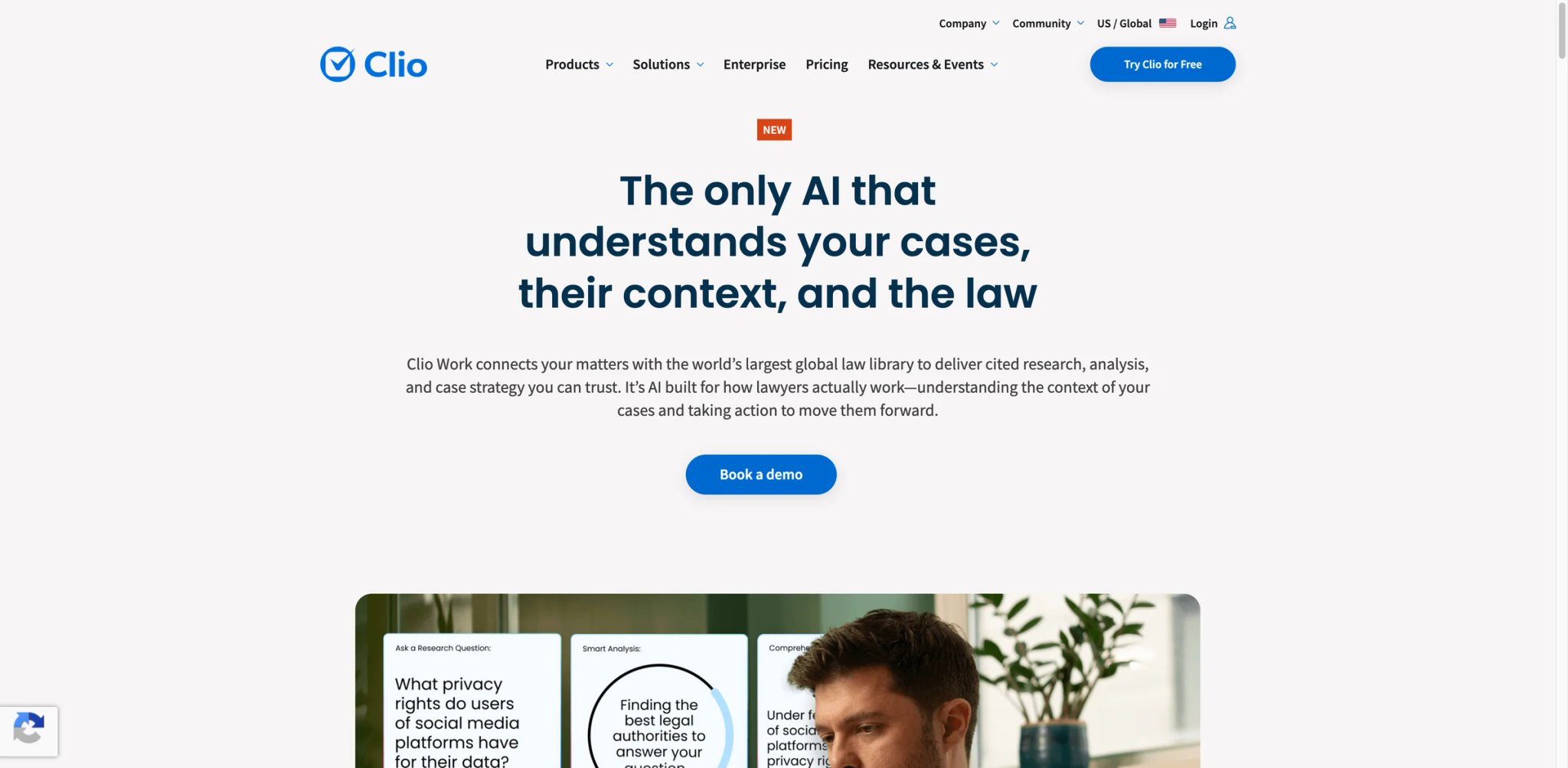
The modular pricing problem in legal tech reaches its logical conclusion with Clio Work. Firms already paying for Clio Manage, Clio Grow, and Clio Draft face a real question: does adding another quote-led AI product actually consolidate their workflow, or just add another line item?
For firms already embedded in the Clio ecosystem, the answer tilts toward yes. Clio Work pulls from Clio Library and Vincent AI to deliver research and strategic analysis that understands the context of your existing matters. Ask it a question about case law and it can use connected matter data from Clio Manage, reducing manual re-uploading; Clio does not advertise unlimited context windows.
Key Features
- Cross-platform intelligence — Research queries automatically reference your case data from Clio Manage, so the AI already knows the facts of your matter before you ask. Clio Work can connect to Clio Manage to pull matters, contacts, and firm data automatically and file completed work back to the appropriate matter.
- First-pass automation — Generates research summaries, case timelines, client updates, and argument briefs from a single conversational prompt. Clio Work can automate first-pass research, timelines, client updates, and drafting, but the time saved varies by matter and workflow.
- Strategic insight generation — Goes beyond citation lookup to draw connections between your case facts and relevant precedent, surfacing arguments you might not have considered. This is where the Clio ecosystem data advantage becomes tangible.
Pricing & Plans
| Plan | Price |
|---|---|
| Clio Work | Live quote / free-trial flow |
| Clio Manage | From $49/user/month |
| Clio Draft | Separate add-on pricing |
Clio currently advertises a try-it-free flow for Clio Work. For most firms, total cost depends on whether they also need Clio Manage and other Clio add-ons. Clio Work's current pricing page uses a free-trial/demo flow rather than publishing the $199/$219 seat prices; model TCO from the live Clio Work quote plus Clio Manage, which currently starts at $49/user/month, and any other add-ons you actually need.
TCO Note: Clio's modular pricing means firms should compare the live quote for Work plus Manage and any required add-ons. The current public page does not support a reliable five-attorney total or a direct cost comparison with CoCounsel.
Limitations
- The modular billing structure means firms often discover their "all-in" cost only after committing to multiple products. Budget carefully before the first demo.
- Onboarding has been described as "a mess" by multiple users — expect a longer ramp-up than the marketing suggests, particularly for data migration from competing practice management systems.
- Customer support quality drops sharply for complex technical issues. Multiple verified reviews cite unanswered tickets and billing errors that persisted for months.
Best For
Mid-size firms (5–50 attorneys) already using Clio Manage who want AI research without leaving their existing workflow. The ecosystem lock-in is the feature — and the risk. Not the right fit if you need a self-serve total price before evaluation, or if your firm uses a competing practice management system.
Get started with Clio Work
Everlaw AI
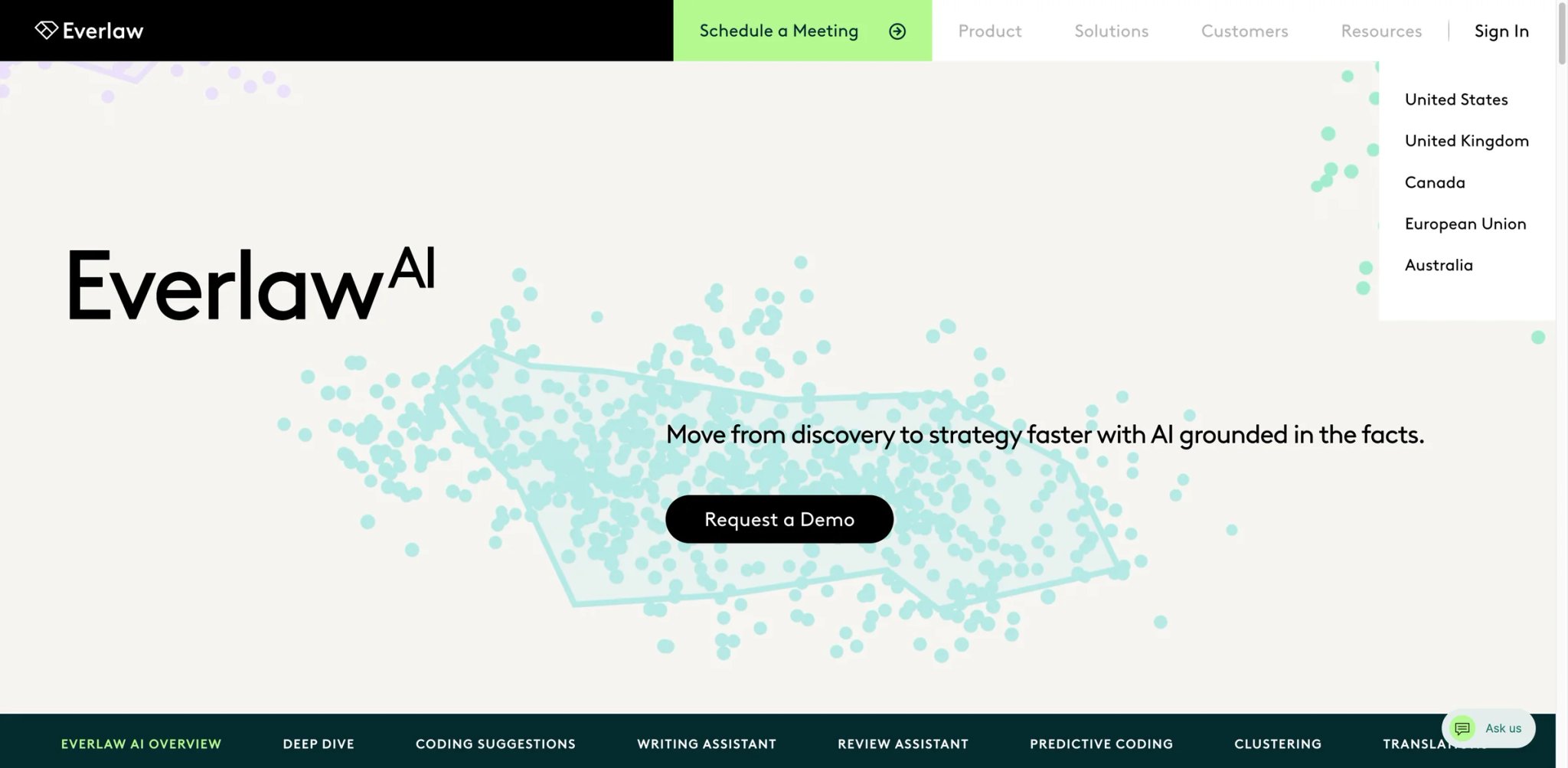
When a litigation team needs to review 10 million documents for a single matter, the economics of AI-assisted review become existential rather than optional. Everlaw's AI suite — particularly its Deep Dive feature — lets attorneys interrogate massive document sets with natural language questions, getting answers grounded in specific documents rather than parametric guesses.
The catch is the pricing model. Everlaw bills by data volume (GB/month), not per user — which means unlimited seats but potentially unpredictable costs on data-heavy cases.
Key Features
- Deep Dive document interrogation — Ask complex questions across 10M+ documents and get answers with direct citations to source pages. Unlike keyword search, this understands conceptual relationships across documents.
- Batch coding benchmark — In an Everlaw-published comparison, Coding Suggestions achieved about 0.77 precision and 0.82 recall; the reported 36% advantage refers specifically to recall versus first-pass human review (0.82 vs. 0.60).
- Bundled single-document AI — Document summarization, translation, and the Writing Assistant come included in the base subscription at no extra cost. Batch operations are usage-priced.
Pricing & Plans
| Feature | Pricing Model |
|---|---|
| Platform access | Custom (per GB/month or per-case) |
| Single-doc AI + Writing Assistant | Included |
| Batch AI actions | Usage-based (40%+ price cut announced Nov 2025) |
| AI Deep Dive | Included with subscription |
No published per-seat pricing. Annual subscriptions available. Everlaw's core platform pricing is based on managed data and usage; single-document Review Assistant, Writing Assistant, and Deep Dive for Transcripts are included, while corpus-wide Deep Dive natural-language querying and batch AI actions require AI credits.
TCO Note: The GB/month model rewards moderate data volumes but can become "incredibly expensive" on large eDiscovery matters — a complaint echoed across multiple review platforms.
Limitations
- The per-GB billing model creates unpredictable costs on large cases. One unforeseen document production can blow a quarterly budget.
- Steep learning curve — the feature set is extensive, and teams migrating from Relativity or other platforms report needing dedicated technical support during the transition.
- No transparent pricing page. You cannot model costs without engaging sales.
Best For
Mid-to-large litigation teams and eDiscovery specialists handling high-volume document review with moderate, predictable data volumes. The unlimited-seats model makes it cost-effective for large teams. Not the right fit if your matters regularly involve multi-terabyte document sets or if you need predictable per-user budgeting.
Get started with Everlaw AI
Gavel Exec
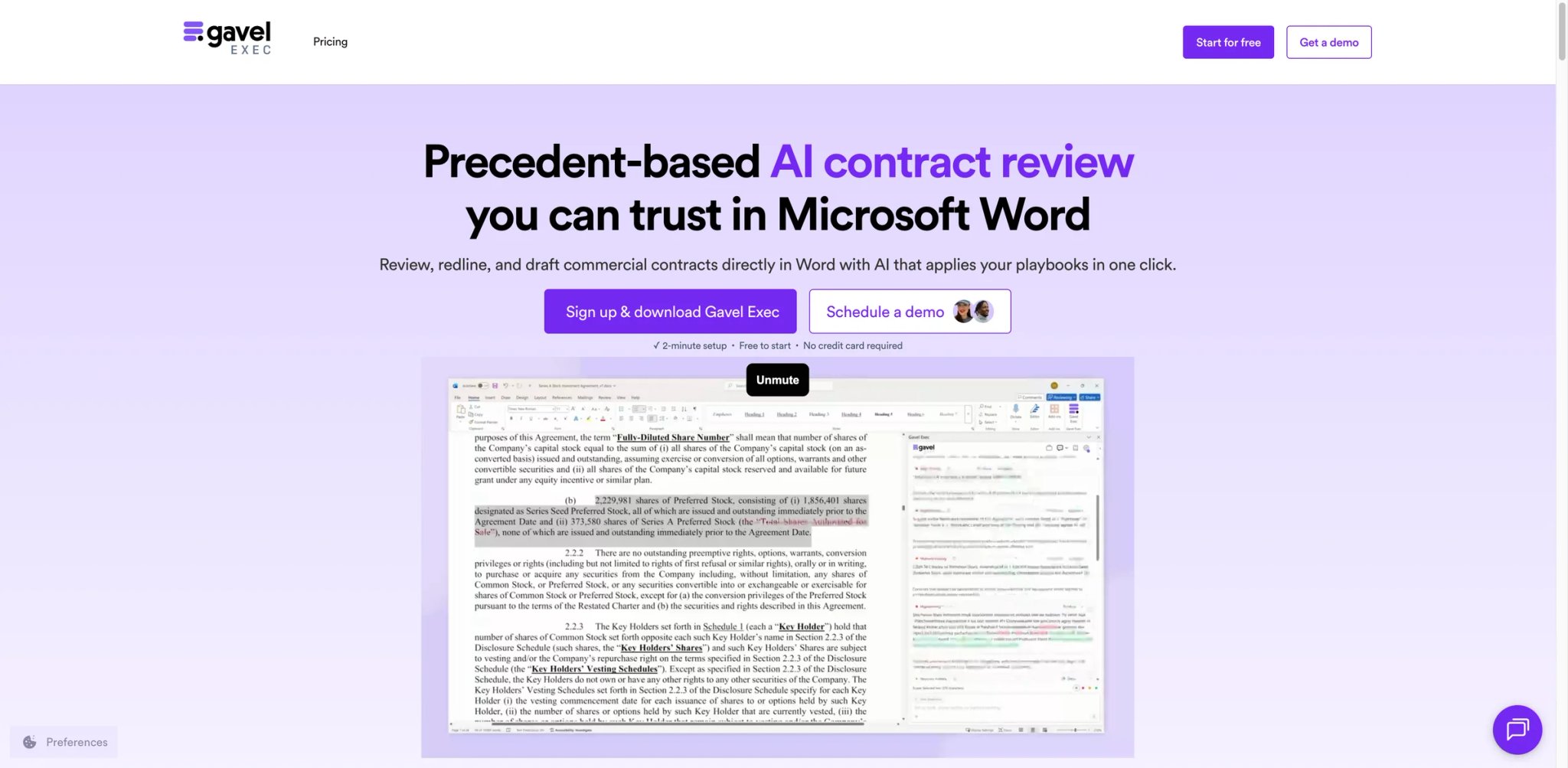
Most contract review tools ask you to leave Word, upload your document, wait, then manually transfer suggestions back. Gavel Exec works inside Microsoft Word and also offers a web app, letting lawyers redline in Word while using browser-based workflows when needed. For transactional lawyers who spend much of their day in Word, eliminating context-switching is a meaningful workflow advantage.
Key Features
- Native Word integration — Review, redline, and negotiate contracts without ever leaving Microsoft Word. The AI reads your document in-place and suggests changes inline, the way track changes were meant to work.
- Custom playbook enforcement — Upload your firm's negotiation playbooks and Gavel applies them consistently across every contract. Gavel advertises that Exec catches 5x more issues than manual review; treat that as a vendor claim and validate it against your own playbooks and contract set.
- Zero data retention — Gavel says its AI model providers operate under Zero Data Retention commitments and that customer data is not used to train models; review Gavel's current security and privacy terms for the data Gavel itself processes. For firms handling sensitive M&A or real estate transactions, this isn't a checkbox — it's a requirement.
Pricing & Plans
| Plan | Price |
|---|---|
| Gavel Exec | $160/user/month ($1,740/year billed annually) |
| Gavel Workflows (separate) | From $83/month |
25 free queries included to start. Free trial available, no credit card required.
Limitations
- Paid individual Gavel Exec plans include 1,000 completions per user per month; high-volume due-diligence teams should test their actual file mix and workload during the trial rather than assume unrestricted throughput.
- Playbook setup requires substantive legal judgment. The tool amplifies your standards but doesn't create them — associates need training on what "off-market" means for your firm's deals.
- At $160/month, it's expensive for solo practitioners who handle fewer than 10 contracts per month.
Best For
Corporate counsel, M&A attorneys, and real estate lawyers who draft, review, and negotiate contracts daily in Microsoft Word. The playbook enforcement feature is strongest for firms with established negotiation standards they want applied consistently. Not the right fit if your work is primarily litigation/research rather than transactional, or if your firm doesn't use Microsoft Word as its primary drafting environment.
Get started with Gavel Exec
CoCounsel Legal
Thomson Reuters launched Deep Research in CoCounsel Legal in August 2025 and introduced a rebuilt, fully agentic next generation of CoCounsel Legal in beta during 2026 grounded in Westlaw's case law database. By February 2026, Thomson Reuters said CoCounsel had reached one million professionals across 107 countries and territories across legal and other regulated industries; that figure is not a legal-only user count.
The value proposition is straightforward: CoCounsel packages AI-powered research, drafting, and document analysis with Thomson Reuters legal content. Existing Westlaw firms have the smallest workflow change, but a prior standalone Westlaw subscription is not required to buy the current CoCounsel Legal package.
Key Features
- Westlaw-grounded "Deep Research" — Agentic AI that conducts multi-step research across Westlaw's full database, returning cited answers that link directly to primary law. CoCounsel Legal grounds legal research in Westlaw and Practical Law and provides traceable source links so attorneys can verify cited authorities.
- Automated deposition and trial prep — Upload transcripts and litigation materials, and CoCounsel can generate timelines, surface contradictions, and draft preparation questions. The time saved depends on the matter, and attorneys still need to verify the resulting work product.
- Practical Law integration — Access to Thomson Reuters' practice notes, standard documents, and checklists directly within the AI workflow. Useful for associates who need to confirm standard practice alongside research.
Pricing & Plans
| Package | Pricing |
|---|---|
| CoCounsel Legal | Custom quote |
| Westlaw Advantage with CoCounsel Essentials | View pricing / quote required |
| Practical Law Dynamic Tool Set with CoCounsel Essentials | View pricing / quote required |
| CoCounsel Essentials | View pricing / free trial available |
Thomson Reuters now sells CoCounsel through current package-based plans rather than the legacy public tier list shown in older reviews. Confirm current bundle pricing directly in Thomson Reuters' live pricing flow or through sales.
Billed annually. Thomson Reuters restructured pricing in August 2025, simplifying what had been a confusing tier system.
TCO Note: Thomson Reuters now sells CoCounsel through bundle packages rather than standalone tiers. Existing Westlaw customers may have a simpler migration, but compare the complete live bundle quote rather than assuming a separate Westlaw charge or relying on legacy tier figures.
Limitations
- The higher-tier bundles can be difficult to justify for solo practitioners, especially if the firm's practice doesn't require deep Westlaw research daily.
- Coverage gaps exist in secondary sources and appellate brief databases — firms with heavy appellate practices may still need supplementary research tools.
- Post-acquisition integration of Casetext's technology added complexity that some users describe as lingering confusion about which features are bundled versus add-on.
Best For
Firms that want legal AI bundled with Westlaw and Practical Law content, especially existing Thomson Reuters customers seeking minimal workflow disruption. Not the right fit if your firm needs self-serve pricing or does not value the included Thomson Reuters content enough to justify a package quote.
Get started with CoCounsel Legal
Paxton AI

At $499/user/month or $2,999/user/year, Paxton AI is no longer a budget outlier. Its stronger current differentiators are transparent public pricing, all-50-state plus federal coverage, medical chronologies, and a vendor-run evaluation that reported 93.82% average accuracy on a selected 1,600-task subset of the Stanford Legal Hallucination Benchmark. That result is useful evidence, but it is not an independent head-to-head test of every legal research workflow.
Key Features
- Published benchmark evidence — Paxton reports 93.82% average accuracy and a 94.7% non-hallucination rate on its 1,600-task evaluation, with task-level results released for review. Treat the score as vendor-run evidence and still test the jurisdictions and question types your firm handles.
- AI medical chronologies — A unique feature for personal injury attorneys: upload medical records and Paxton generates organized chronologies with key dates, treatments, and relevant findings. No other tool at this price point offers this.
- Full U.S. jurisdictional coverage — Federal and all 50 states at the appellate level and above, plus securities filings and regulatory databases. SOC 2, ISO 27001, and HIPAA compliant.
Pricing & Plans
| Plan | Price |
|---|---|
| Individual monthly | $499/user/month |
| Individual annual | $2,999/user/year |
| Enterprise | Custom |
7-day free trial available.
Limitations
- Paxton's current public product and pricing pages do not advertise native Clio, MyCase, or PracticePanther integrations; confirm required integrations and any manual handoffs during the trial or sales process.
- U.S. law only. If your practice touches Canadian, UK, or international matters, you'll need a separate research tool for those jurisdictions.
- Relatively new entrant with fewer verified reviews than established competitors. The 93.82% benchmark score is promising but the tool lacks the long track record of Westlaw or LexisNexis.
Best For
Solo practitioners and small U.S. firms who need strong legal research accuracy without committing to a Westlaw or LexisNexis subscription. The medical chronology feature makes it particularly valuable for personal injury practices. Not the right fit if your work involves multi-jurisdictional matters, or if seamless integration with existing practice management software is a requirement.
Get started with Paxton AI
BEAMON AI
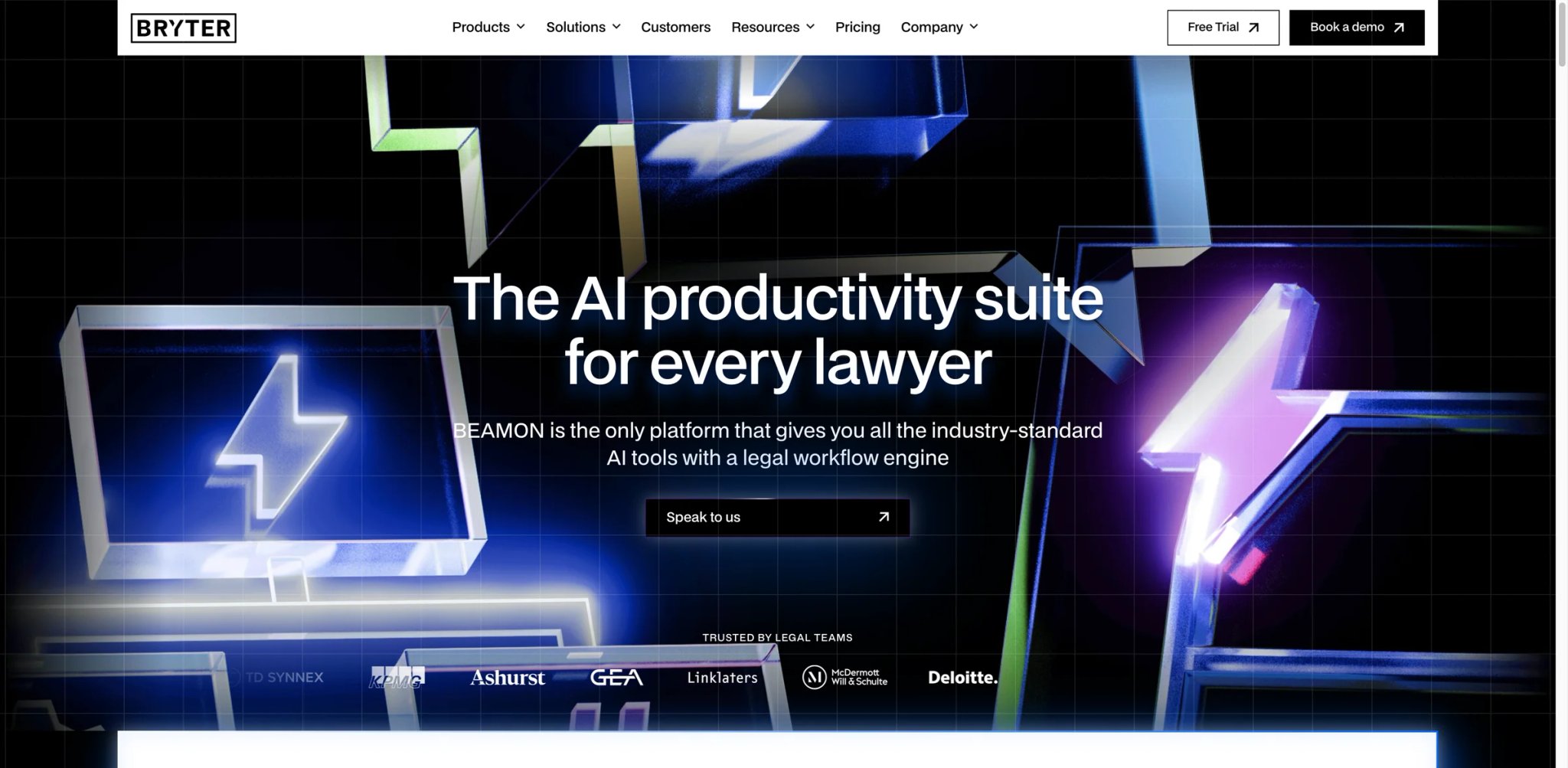
Berlin-based BRYTER launched BEAMON AI in May 2025, and BEAMON AI now offers source-grounded legal research across 20 jurisdictions, a package BRYTER announced in June 2025, alongside drafting, extraction, and Word workflows. For European law firms and multinational in-house teams, this eliminates the need to stitch together separate tools for different jurisdictions.
Key Features
- Assist + Extract + Word add-in — Current plans combine Assist for drafting, analysis, and legal research; Extract for multi-document review and structured data extraction; and an AI Word add-in for drafting and editing. Pro adds workflow automation, integrations, SSO, API access, and priority support on top of the shared core capabilities.
- 20-jurisdiction coverage — Legal source access spanning EU member states and key international jurisdictions. Answers include source references from an internal, verified knowledge bank — not open-internet scraping.
- GDPR-native compliance — SOC 2 Type II and ISO 27001 certified, with data processing centers in the EU. For firms subject to European data sovereignty requirements, this isn't optional.
Pricing & Plans
| Plan | Price | Includes |
|---|---|---|
| Single | €118/user/month monthly or €99/user/month annual | Word plug-in, Assist, Extract, unlimited chats and grids |
| Team | €176/user/month monthly or €149/user/month annual | Adds shared team collaboration |
| Pro | €234/user/month monthly or €199/user/month annual | Adds workflow platform, SSO, API, integrations, priority support |
Free trial available.
Word plugin included in all plans.
Limitations
- Launched May 2025 — still in early adoption with very limited independent user reviews. The main public reference case is Luther (German law firm), and broader validation is sparse.
- Pro is €234/user/month monthly or €199/user/month billed annually; some publisher integrations and add-ons require separate subscriptions or additional purchase, so confirm those costs before rollout.
- Product is actively evolving with frequent feature updates, which means the feature set you evaluate today may shift meaningfully within months.
Best For
European law firms and multinational in-house legal teams that need multi-jurisdictional coverage with GDPR compliance built in. The three-module design is strongest for teams that handle research, drafting, and contract review across multiple EU jurisdictions. If your compliance needs extend beyond legal AI, our guide to AI governance tools covers the broader regulatory landscape. Not the right fit if your practice is purely U.S.-focused — the jurisdictional coverage advantage evaporates, and U.S.-specific tools like Paxton AI or CoCounsel offer deeper American case law databases.
Get started with BEAMON AI
Relativity aiR
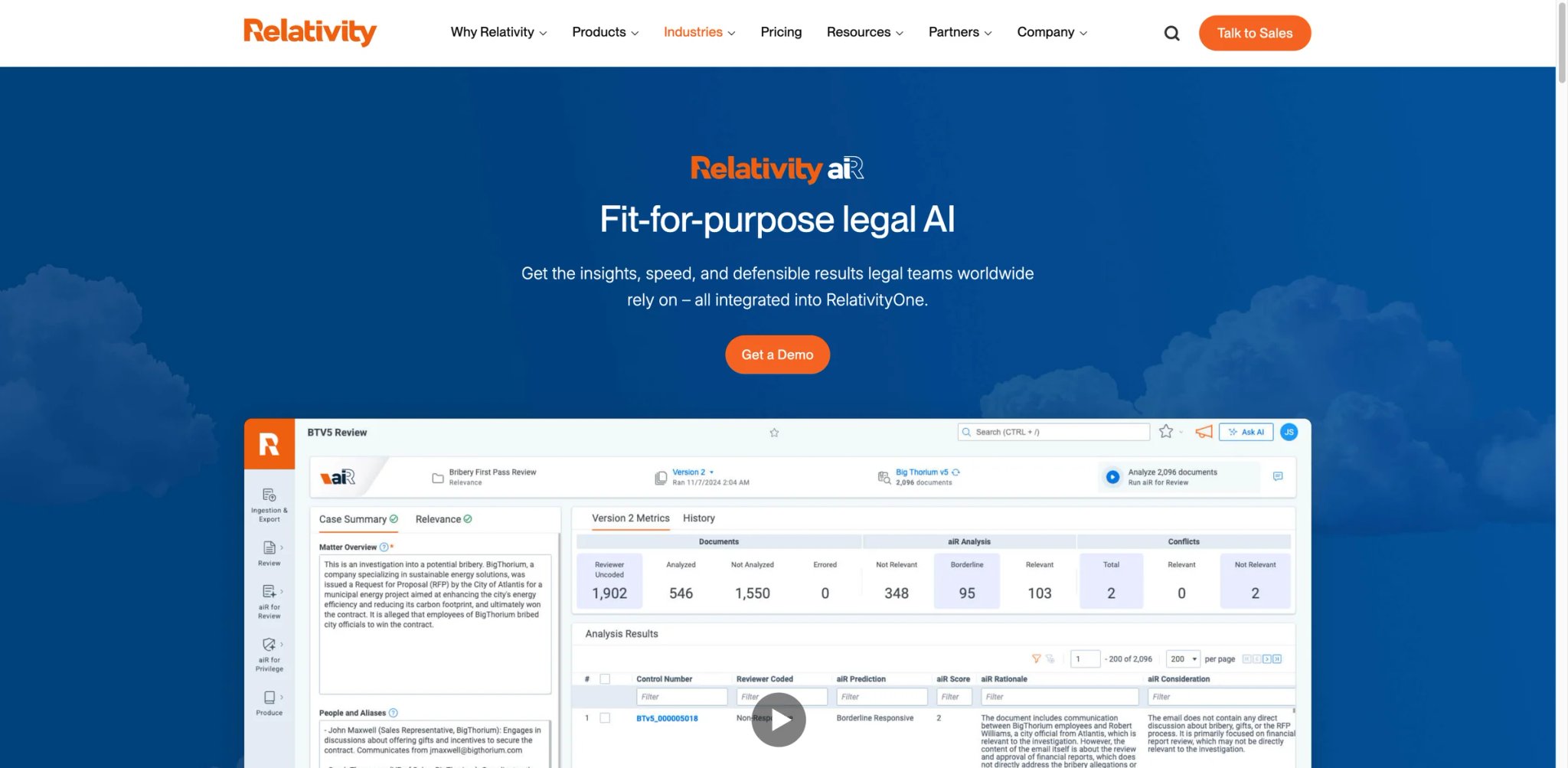
Relativity operates in a different tier from the general-purpose legal AI tools above. This is enterprise eDiscovery infrastructure — the platform that litigation support teams at AmLaw 200 firms and corporate legal departments use to process, review, and produce millions of documents per matter. The AI layer (aiR) adds LLM-powered review, privilege logging, and case strategy tools directly into the RelativityOne cloud environment.
Key Features
- aiR for Review — Uses large language models to simulate reviewer decision-making across massive document sets. Describe what you're looking for in natural language, and the AI identifies and explains relevant documents with citations to specific passages.
- aiR for Privilege — Automates privilege log creation, now included as a standard RelativityOne feature since Relativity Fest 2025. What previously required junior associates spending weeks manually logging can now be drafted in hours.
- aiR for Case Strategy — Auto-extracts facts, builds chronologies, preps depositions, and generates witness and transcript summaries. Converts raw document review output into litigation-ready work product.
Pricing
Relativity's current pricing includes aiR for Review, aiR for Privilege, and aiR for Case Strategy at no additional cost within RelativityOne. Exact rates require a sales conversation, but the shift from variable to predictable billing was a direct response to user complaints about cost unpredictability.
No published per-user or per-seat pricing. Available only within RelativityOne (cloud).
Limitations
- aiR for Review supports eligible documents with about 0.05–300 KB of extracted text; Relativity recommends caution above 150 KB because many documents in the 150–300 KB range may error. For matters involving large PDFs, embedded images, or complex spreadsheets, this creates gaps in review coverage.
- Heavily prompt-dependent. The AI's output quality correlates directly with the specificity and legal sophistication of your instructions. Teams without prompt engineering experience will underperform.
- RelativityOne includes aiR for Review validation through Review Center, which can calculate precision, recall, elusion, richness, and error rate against human-coded samples.
Best For
Litigation support teams and eDiscovery specialists at firms or corporations already using RelativityOne. aiR's inclusion in the platform removes a separate AI feature charge, while the underlying RelativityOne quote still depends on the selected pricing model. Not the right fit if you're a small firm without existing Relativity infrastructure — the platform is enterprise-grade with enterprise-grade onboarding requirements.
Get started with Relativity aiR
Lexis+ with Protégé
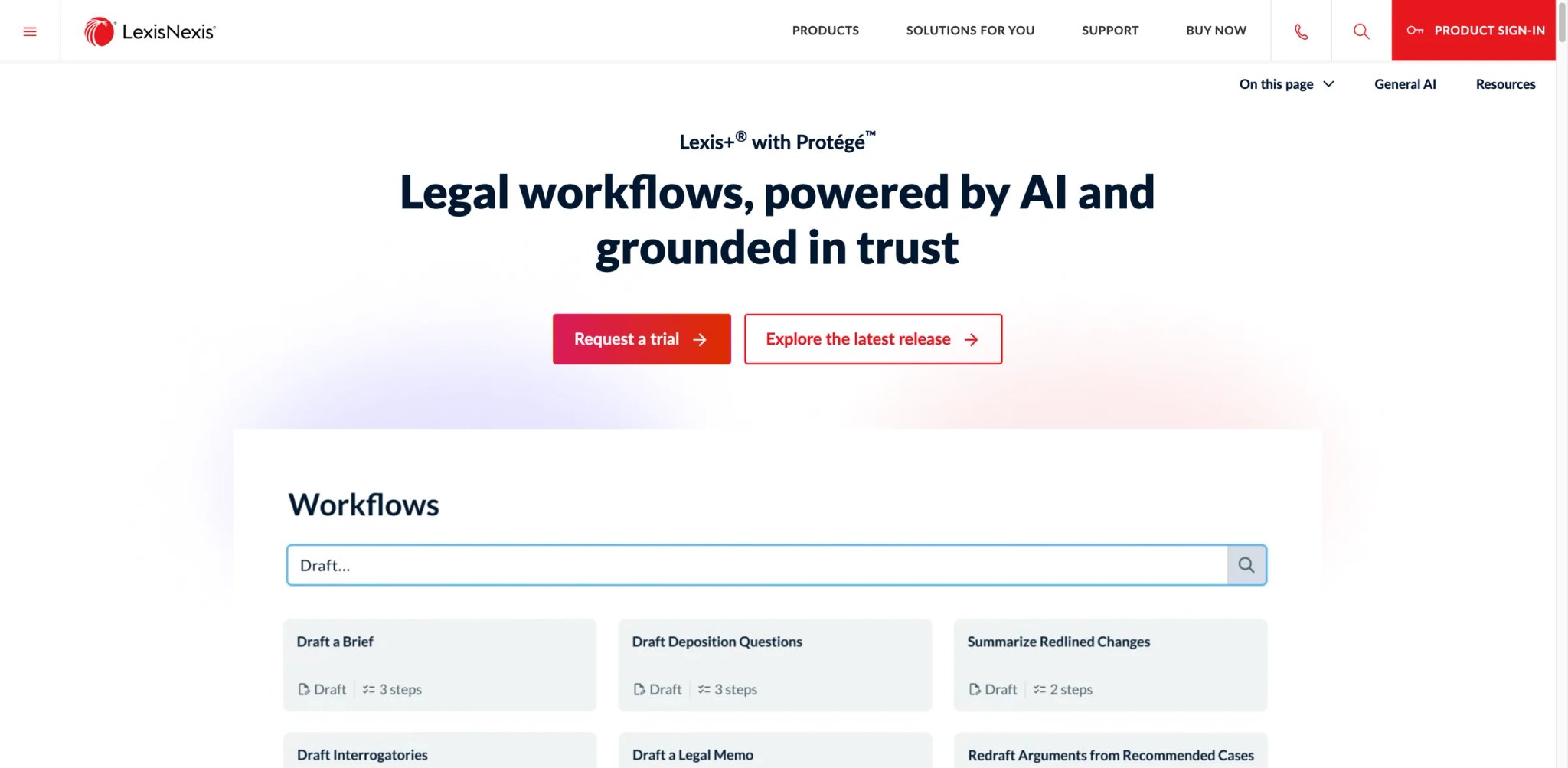
LexisNexis rebranded Lexis+ AI to "Lexis+ with Protégé" in February 2026, repositioning it from a research chatbot to an end-to-end legal workflow platform. The core advantage remains unchanged: AI-generated legal research with Shepard's citation validation built directly into every response. When the AI cites a case, you can see its treatment history without leaving the interface.
Key Features
- Shepard's-integrated AI responses — Every citation in an AI-generated research memo includes inline Shepard's treatment signals. You see whether a case has been overruled, distinguished, or affirmed before you rely on it. Shepard's citation treatment is integrated into Lexis+ with Protégé so users can check authority validity, status, and treatment inside the research workflow.
- Authoritative LexisNexis sources — Research can draw from primary law, exclusive secondary sources, and Practical Guidance within the content scope of the organization's subscription.
- Expanded workflow tools — The Protégé rebrand added document drafting, summarization, contract analysis, and brief-writing capabilities alongside research — positioning it as both a research engine and an AI writing assistant for legal professionals. The goal is to reduce the number of tools attorneys need open simultaneously.
Pricing
Pricing is fully negotiated — no published list. LexisNexis does not publish a standard seat-price table for Lexis+ with Protégé. Pricing is customized based on organization size, required capabilities, and the scope of content access. A 2-day free trial is currently offered on the official product page.
Contact LexisNexis for a quote. Expect negotiation — multiple users report wide variation in initial quotes.
Limitations
- Reliability issues persist. Multiple users report Protégé stalling or timing out during research sessions, even after working with technical support — a problem that undermines trust in the tool for time-sensitive work.
- Aggressive contract terms are a consistent complaint across Trustpilot and PissedConsumer reviews. Salespeople are accused of misrepresenting lock-in clauses, and cancellation is reportedly difficult even when circumstances change.
- Pricing opacity makes budgeting nearly impossible. Two firms of similar size may pay vastly different rates depending on negotiation leverage and existing LexisNexis relationships.
Best For
Attorneys who prioritize citation accuracy above all else and want Shepard's validation integrated directly into AI research outputs. LexisNexis also adds exclusive secondary sources and Practical Guidance within the content scope of the organization's subscription. Not the right fit if you're unwilling to negotiate pricing aggressively, or if reliability issues with AI tools (stalling, timeouts) would disrupt your workflow more than manual research would.
Get started with Lexis+ with Protégé
Genie AI
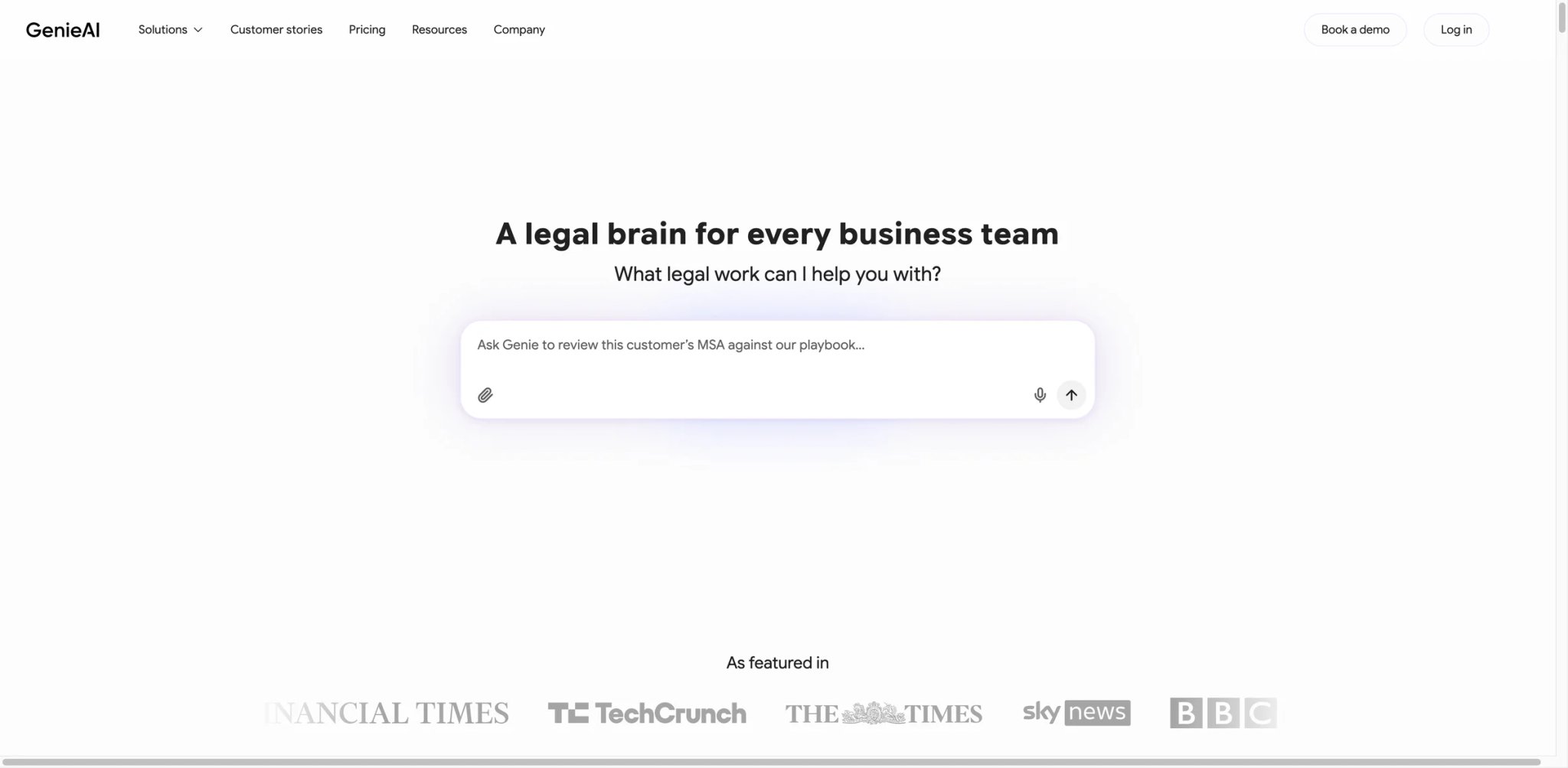
Not every legal AI user needs to interrogate millions of documents or access Westlaw's full case law database. Genie AI targets a different buyer entirely: startups, SMBs, and in-house teams that need to draft and review standard commercial contracts quickly without engaging outside counsel for every NDA, employment agreement, or vendor contract.
Key Features
- 500+ document templates — The current Free plan includes 500+ templates alongside AI document creation, Q&A, review and editing, a DOCX editor, and PDF import. Coverage spans NDAs, employment agreements, shareholder agreements, terms of service, and more — ready to customize rather than draft from scratch.
- AI risk review with red/amber/green flagging — Upload a contract and GenieAI highlights issues by severity and suggests context-specific edits. This replaces the "send it to legal for a quick look" bottleneck.
- Plain-English editing — Type instructions like "make the termination clause more favorable to the buyer" and Genie rewrites clauses inline. No legal drafting knowledge required for basic modifications.
Pricing & Plans
| Plan | Price | Included usage |
|---|---|---|
| Free | $0/month | Up to 2 users and 2 documents/month |
| Pro | $75/month or $59/month billed annually | 1 user, insights from 50 documents, 10× Free AI tokens |
| Business | $320/month or $259/month billed annually | 5 users, insights from 250 documents, 5× Pro AI tokens |
| Enterprise | From $600/month; custom quote | Enterprise usage, broader international coverage, and integrations |
The current U.S. pricing page lists plans in USD. Pro includes unlimited document exports, but Genie's own usage guidance says its token allowance is enough for roughly five documents per month depending on size. Business adds shared team usage and company playbooks; Enterprise adds broader international coverage and integrations.
Genie's official marketing currently references 108 jurisdictions on the product site, while the pricing page reserves 150+ international jurisdictions and 10+ languages for Enterprise. Keep the jurisdiction claim plan-specific instead of stating one universal coverage number.
Limitations
- “Unlimited document exports” does not mean unlimited AI processing. Pro's token allowance is described as enough for roughly five documents per month, depending on document size, so contract-heavy users should test real files before choosing a plan.
- International coverage is plan-dependent: Enterprise advertises 150+ jurisdictions and 10+ languages, so lower-tier buyers should confirm the jurisdictions and template coverage they actually need before purchase.
- Not designed for complex, bespoke transactions. If your contracts require heavy negotiation or unusual clause structures, Genie's template-based approach hits its ceiling quickly.
Best For
Startups, SMBs, and in-house legal teams that handle routine commercial contracts (NDAs, employment agreements, vendor contracts) and want to reduce outside counsel spend on standard documents. Not the right fit if your documents regularly exceed the Pro usage allowance, you need deep U.S. legal research, or you work on complex M&A or financing transactions.
Get started with Genie AI
Vincent AI
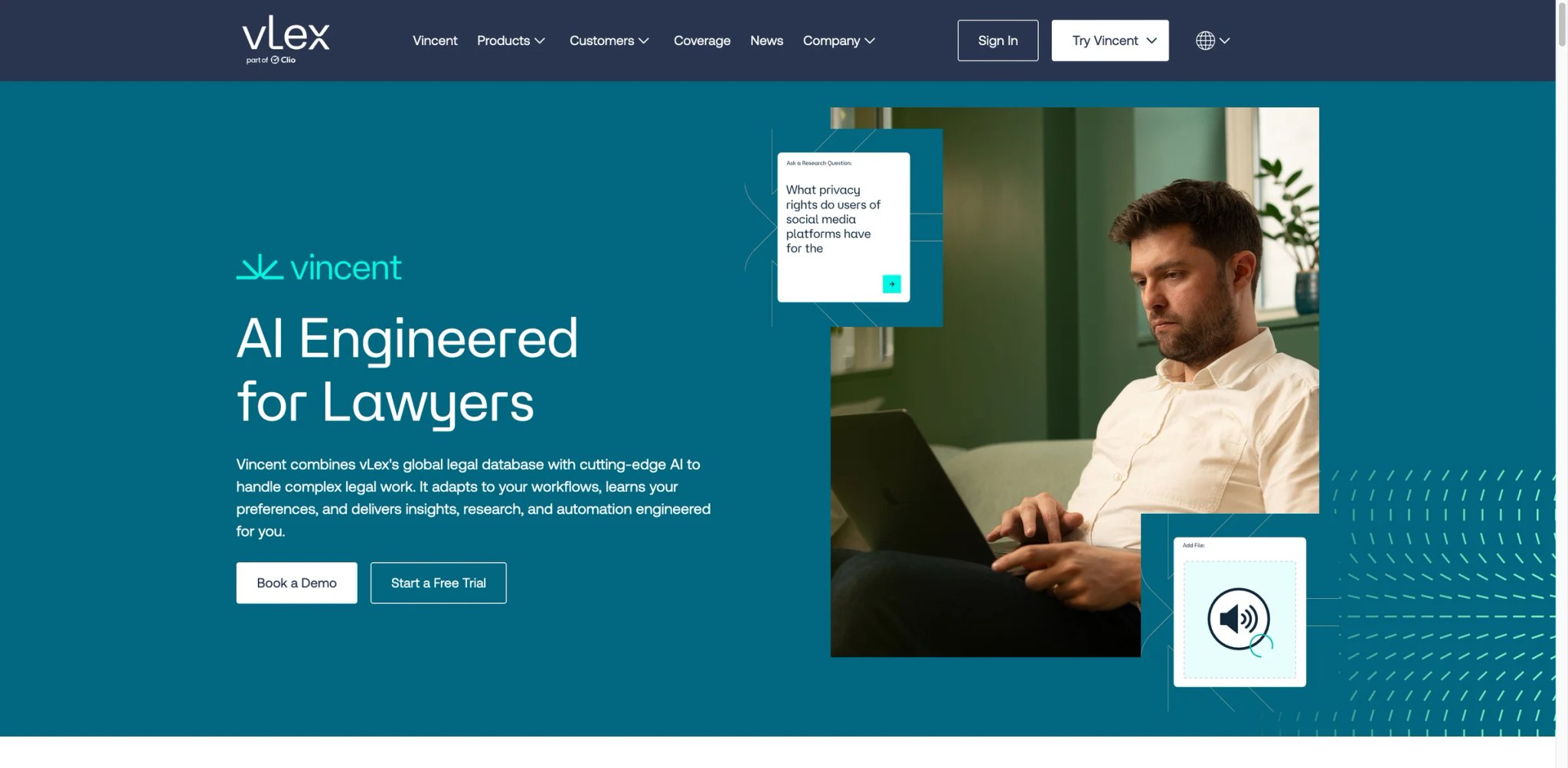
Vincent AI sits on top of the combined vLex and Fastcase libraries — a database covering case law across 100+ countries. For attorneys working on comparative law questions ("How does Germany handle this versus California?"), this breadth makes Vincent particularly relevant for comparative and cross-border legal research. Clio completed its acquisition of vLex in November 2025. Vincent currently emphasizes integrations with Word, Outlook, iManage, and other enterprise systems; verify any Clio Manage workflow separately.
Key Features
- Comparative law at scale — Research how multiple jurisdictions handle the same legal issue simultaneously. This isn't sequential searching — the interface lets you run parallel queries across countries and states, with results organized by jurisdiction.
- Multi-modal document analysis — Added in 2025, Vincent AI can now process audio and video files alongside text documents, with dedicated workflows for 17 countries. Useful for matters involving recorded depositions or regulatory hearing transcripts.
- Litigation intelligence via Docket Alarm — Access filing analytics, judge-specific ruling patterns, and opposing counsel history. This transforms Vincent from a research tool into a litigation strategy platform.
Pricing
vLex does not publish a standard Vincent AI list price on its current official pages. The product is sold through demo-led pricing, and vLex currently promotes both a demo flow and a free-trial flow rather than a public seat-price table. Now under Clio ownership, which may influence future bundling with Clio Work.
Limitations
- A disclosed security vulnerability involving concealed HTML in uploaded documents raised concerns about client document exposure across 200K+ law firms. While addressed, it underscores the importance of vetting any tool that processes confidential client files.
- A 2025 Stanford study found hallucinations in legal RAG systems from LexisNexis and Thomson Reuters; it did not test Vincent AI, so it should not be cited as Vincent-specific evidence. Citation verification remains the attorney's responsibility.
- With custom pricing, Vincent AI overlaps with Paxton AI ($499/month) and BEAMON AI (from €99/user/month billed annually) for some research use cases. Its broader database matters most when you regularly need cross-border coverage.
Best For
International law practices, firms handling cross-border transactions, and attorneys who regularly need comparative legal analysis across jurisdictions. The Docket Alarm integration adds unique value for litigators. Not the right fit if your practice is purely domestic U.S. — you'd be paying a premium for international coverage you won't use.
Get started with Vincent AI
Harvey

Harvey raised $200 million at an $11 billion valuation in March 2026 and said customers were already running more than 25,000 custom agents on the platform, with 70%+ of AmLaw 10 firms as clients. Those numbers tell you who this tool is for — and who it isn't. This is enterprise legal AI with enterprise pricing, enterprise minimums, and enterprise sales cycles.
Key Features
- 25,000+ custom AI agents — Harvey's platform doesn't offer a single chatbot; it hosts thousands of purpose-built agents for specific legal tasks — M&A due diligence, regulatory compliance checks, contract analysis, document review. Firms can build custom agents trained on their own data and workflows.
- Deep firm-specific integration — Connects to internal document repositories, matter management systems, and institutional knowledge bases. The AI learns your firm's precedent, not just public law.
- LexisNexis content partnership — A 2025 deal gives Harvey access to LexisNexis's legal database for content-grounded research, combining Harvey's AI capabilities with authoritative primary law.
Pricing
Fully custom with no published rates. Harvey does not publish public pricing on its official site. It is sold through an enterprise demo-and-quote process, so buyers should request a live proposal and compare scope, security terms, and deployment support.
TCO Note: Harvey publishes no standard rates. Request a written quote that spells out seats, usage, deployment support, security terms, and renewal mechanics before comparing total cost.
Limitations
- Harvey is sold through a demo-and-quote process and does not publish a universal minimum seat count or price floor; smaller firms therefore need a live quote to determine fit.
- Pricing opacity makes independent cost benchmarking difficult; compare written quotes on the same seats, usage, deployment support, security terms, and renewal period.
- A Reddit AMA featuring Harvey's co-founders was widely criticized in the legal tech community for dodging hard questions about pricing and competition, raising transparency concerns.
If you're evaluating AI tools for contract review, Harvey's agent-based approach represents the high end of what's possible — but also the high end of what it costs.
Best For
AmLaw 100 firms, Big 4 advisory practices, and Fortune 500 legal departments with the budget and scale to justify enterprise pricing. The custom agent capability is genuinely transformative for firms processing thousands of similar matters annually. Not the right fit if your firm needs self-serve purchasing, a published list price, or a short buying cycle.
Get started with Harvey

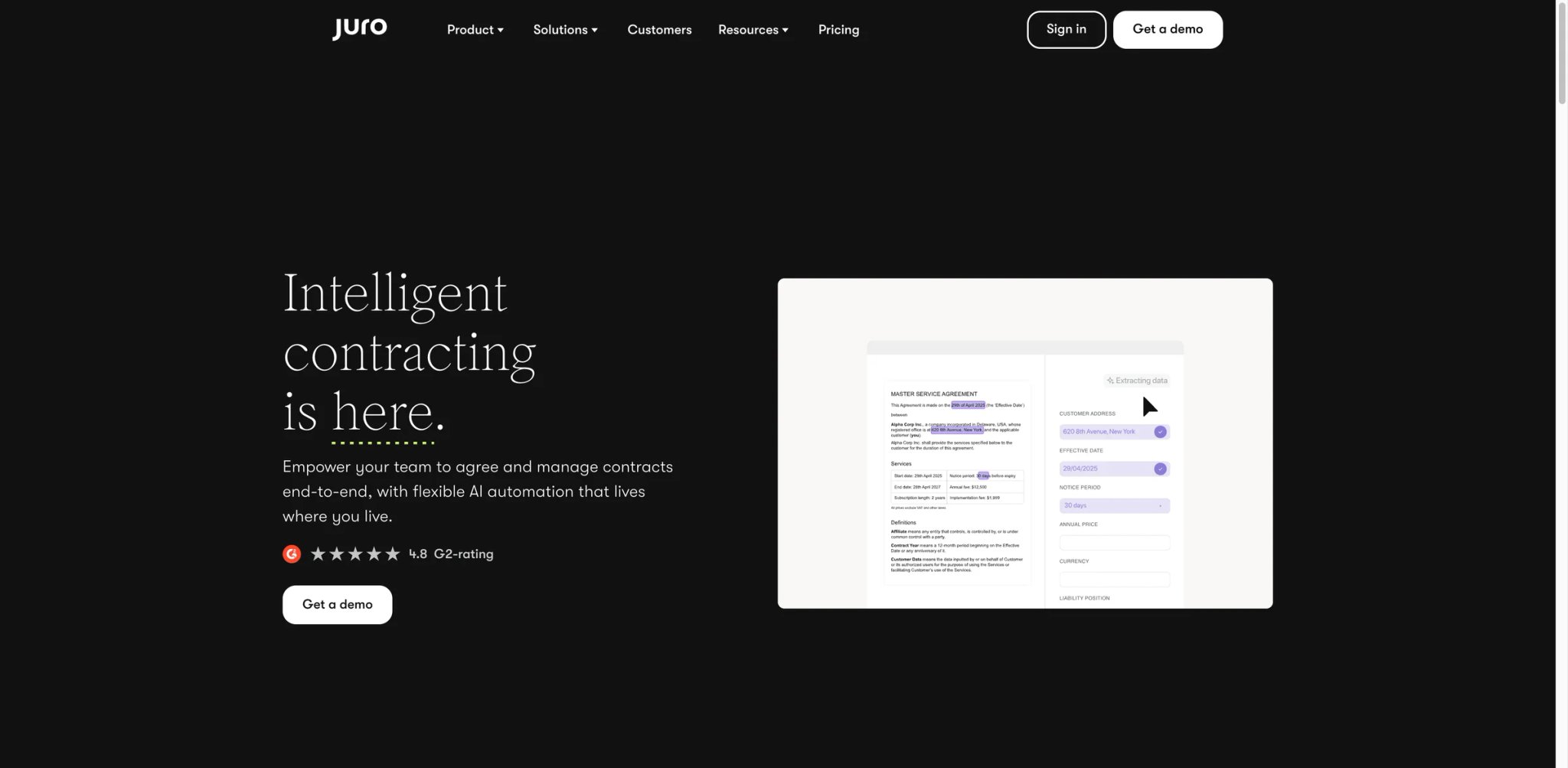
Juro doesn't compete with legal research tools — it competes with the messy combination of Word, email, DocuSign, and shared drives that most in-house teams use to manage contracts. The platform handles the entire contract lifecycle from drafting through negotiation, signing, storage, and analytics in a single browser-based workspace.
Key Features
- Full lifecycle in one platform — Draft, negotiate, sign, store, and analyze contracts without switching between Word, email, and e-signature tools. The browser-based editor replaces document attachments with collaborative links, functioning as both a document generator and negotiation platform.
- AI-powered contract intelligence — AI Extract pulls structured data from executed contracts; AI Review flags risks and non-standard terms; AI Draft generates first drafts from templates. All AI features share the same contract context.
- Unlimited users and workflows — Every plan includes unlimited users, workflows, and templates as standard. For growing teams, this eliminates the per-seat cost anxiety that makes other CLM tools expensive to scale.
Pricing & Plans
Juro does not publish a standard annual price table. Its official pricing is custom and based on contract volume, AI features needed, and the complexity of integrations.
All plans include unlimited users, unlimited workflows, and unlimited templates. Out-of-the-box integrations are included, while deeper integrations such as Salesforce, HubSpot, and Workday can cost extra. Juro is currently advertising 20% off year-one subscription pricing for new customers who sign in the same month they request a demo.
Juro now builds custom packages around contract volume, selected AI features, and integration complexity; confirm whether AI Extract, AI Draft, and AI Review are included in your quote.
Limitations
- Renewal negotiations can be difficult — as teams grow, costs escalate, and multiple users report challenges renegotiating terms.
- The editor can lag on complex or lengthy contracts, and formatting limitations frustrate teams with highly specific document requirements.
- Built-in reporting and analytics are shallow. Power users who want flexible dashboards or custom metrics will find the native tools insufficient.
Best For
In-house legal and operations teams handling roughly 10+ contracts per month who want to replace fragmented Word, email, e-signature, and shared-drive workflows with a single contract platform. Unlimited user pricing makes it particularly attractive for organizations where non-legal stakeholders (sales, procurement) need contract access. Not the right fit if you're a law firm — Juro is designed for in-house teams, not outside counsel.
Get started with Juro
Honorable Mentions
These eight tools serve narrower legal workflows well but sit outside the detailed top 12 because of fit, pricing transparency, or the depth of public validation. Each serves a specific niche well but faced limitations in pricing transparency, user feedback volume, or feature breadth that placed them below the top 12.
Bloomberg Law AI Assistant
Bloomberg Law's AI assistant leverages Bloomberg's proprietary legal database for research, drafting, and analysis. The integration with Bloomberg's broader financial and regulatory data makes it uniquely valuable for securities, tax, and corporate transactional work. Bloomberg Law's AI Assistant is available within the Bloomberg Law platform at no additional charge, while Bloomberg Law platform access itself remains quote-based. The main limitation is that you're paying for the full Bloomberg Law platform to access the AI features — there's no standalone option.
Legora
Legora combines advanced AI reasoning with legal research across Web and Word interfaces. The platform is expanding quickly across legal research and workflow automation, but pricing remains sales-led and public validation is less standardized than for legacy research platforms. Worth watching as it matures.
Clearbrief
Clearbrief's strength is its deep Microsoft Word and Office integration for brief-writing and citation verification. At $300/user/month, it's positioned for litigators who need AI-powered fact-checking directly in their drafting environment. Strong for appellate work and motion practice, but the price point limits adoption for general practice.
Filevine AI
Filevine's AI features are embedded within its broader case management platform, making them most useful for firms already using Filevine for matter management. AI capabilities include document summarization and task automation, but usage limits and per-query thresholds apply. Best for existing Filevine customers.
Ivo
Ivo offers AI-powered legal research and contract analysis through both Web and Word interfaces. Ivo may fit mid-size teams that want AI-assisted contract review and drafting, but pricing remains custom and requires a sales conversation. However, fully custom pricing with no published rates makes cost comparison difficult.

A Word plugin focused on contract drafting and review, Spellbook was among the first legal AI tools to gain traction. A 7-day trial is available but pricing is undisclosed. The plugin approach is solid for transactional work, though newer competitors like Gavel Exec offer similar functionality with more transparent pricing.
Robin AI
Robin AI specializes in contract review and negotiation assistance, with particular strength in redlining and clause-level analysis. Custom pricing only. Best suited for high-volume contract operations where consistent negotiation standards matter.
Smokeball AI
Smokeball publishes core practice-management plans from $149/month; Archie AI Assistant is an add-on on eligible plans rather than a standalone legal-research product, so confirm the AI add-on price directly with Smokeball.
Best AI Tools for Lawyers by Use Case
For Solo Practitioners Building a Practice Without Westlaw
If you're running a solo practice, Paxton AI should be framed as a transparent mid-market legal AI tool rather than a bargain option: it costs $499/month or $2,999/year per user and covers all 50 U.S. states plus federal law. The medical chronology feature adds particular value for personal injury practices. Adding Gavel Exec for transactional work brings the monthly total to $659, so test whether one product can address your highest-cost workflow before paying for both.
For Mid-Size Litigation Firms Drowning in Document Review
If your associates spend substantial time on first-pass document review, the choice depends on your existing infrastructure. Everlaw AI's unlimited-seat model works best when your team size fluctuates per matter. Relativity aiR is the stronger choice if your firm already uses RelativityOne because aiR is included in the platform and avoids a migration conversation.
For Corporate Counsel Teams Managing High-Volume Contracts
If your in-house team processes 500+ contracts annually using a patchwork of Word, email, and DocuSign, Juro consolidates that entire workflow with unlimited users included. For teams focused specifically on contract review and redlining rather than full lifecycle management, Gavel Exec's Word plugin approach avoids the platform migration that Juro requires. Genie AI is a lighter-weight entry point for routine drafting: Free offers limited usage, Pro is $75/month or $59/month billed annually for one user, and Business is $320/month or $259/month billed annually for five users.
For European and Multi-Jurisdictional Practices
If your practice regularly crosses borders — EU regulatory work, cross-border M&A, international arbitration — BEAMON AI's 20-jurisdiction coverage with GDPR-native compliance is a practical starting point at €99/user/month billed annually. Vincent AI offers broader coverage across 100+ countries, justified when you need true comparative law research capabilities; its pricing remains custom. Both are more relevant than U.S.-centric tools like CoCounsel or Paxton AI for international matters.
For Firms Already Locked Into Westlaw or LexisNexis
If your firm's research workflow is built on Westlaw, CoCounsel Legal's bundle packages add AI without disrupting existing habits or retraining attorneys on a new database. If you're on LexisNexis, Lexis+ with Protégé integrates Shepard's validation directly into AI outputs — though you'll need to negotiate pricing aggressively and plan around the reliability issues users have reported.
How to Choose the Right AI Tools for Lawyers
Step 1: Identify your highest-cost workflow. Map where your attorneys spend the most non-billable or low-leverage time. If it's legal research, prioritize CoCounsel, Paxton AI, or Lexis+ with Protégé. If it's contract review, look at Gavel Exec or Juro. If it's document review, Everlaw or Relativity. Solving the right problem matters more than having the fanciest AI.
Step 2: Audit your existing vendor relationships. Your current Westlaw, LexisNexis, Clio, or Relativity subscription dramatically narrows the field. If your firm already relies on Westlaw, CoCounsel is strongest when bought through Thomson Reuters' current bundle structure, but you should confirm live pricing directly because the older 2025-era tier figures are no longer reliable. Adopting Harvey from scratch requires an enterprise sales process with custom pricing. Ecosystem lock-in is real — use it to your advantage or plan for migration costs.
Step 3: Set a realistic per-attorney budget. The market spans free (Genie AI) to custom enterprise pricing (Harvey). A solo practitioner's budget is fundamentally different from a 200-attorney firm's technology allocation. Know your number before the first demo — vendors will try to sell you the tier above what you need.
Step 4: Test citation accuracy on your own matters. Don't trust benchmark scores alone. Run 5–10 real research queries from recent matters through any tool's trial period and verify every citation against primary sources. ABA Opinion 512 makes this your personal responsibility — a vendor's marketing claim doesn't shift that obligation.
Step 5: Evaluate integration, not just features. A brilliant AI tool that requires attorneys to copy-paste between three browser tabs will see low adoption. Gavel Exec succeeds because it lives inside Word. CoCounsel succeeds because it lives inside Westlaw. The best tool is the one your attorneys will actually use daily.
Step 6: Demand a proof of concept on your data. For any tool priced above $200/month per user, request a PoC using your firm's actual documents and workflows. Generic demos show best-case scenarios. Your contracts, your case files, and your jurisdictional requirements will reveal limitations that marketing materials never mention.
Frequently Asked Questions
Which AI tool for lawyers has the lowest hallucination rate?
Is CoCounsel Legal worth it without a Westlaw subscription?
Can solo practitioners afford legal AI tools in 2026?
How does Gavel Exec compare to Spellbook for contract review?
What does Harvey AI actually cost?
Which legal AI tools work inside Microsoft Word?
Are legal AI tools compliant with attorney-client privilege?
How long does it take to implement enterprise legal AI tools?
Get ToolWorthy Weekly
New AI tools, practical guides, and selected AI signals in one weekly brief.
Related Posts
- 10 Best AI Contract Review Tools 2026 - Redlines, Risk, and Cost
Compare 10 AI contract review tools for redlining, playbooks, clause risk, Word workflows, security, pricing clarity, and legal-team fit.
For AI tool founders
Built a tool that belongs in this decision set?
Request an editorial evaluation for possible inclusion in ToolWorthy.
Submit your tool for reviewPaid submission does not guarantee a ranking, recommendation, inclusion, or editorial outcome.