
10 Best AI Contract Review Tools 2026 - Redlines, Risk, and Cost
Compare 10 AI contract review tools for redlining, playbooks, clause risk, Word workflows, security, pricing clarity, and legal-team fit.
On this page
Your legal team is not short on contracts. It is short on consistent first-pass review. Sales wants NDAs turned today, procurement wants vendor terms checked before quarter close, and business teams keep asking whether one clause is "standard enough" to approve. The best AI contract review tools in 2026 help teams spot risky language, compare clauses against a playbook, generate redlines, and route the right issues to attorneys. They do not replace legal judgment, and they should not be treated as legal advice. The useful question is narrower: which tool can reduce repetitive review work without creating privacy, accuracy, or implementation risk?
To map capabilities, workflows, integrations, and the wider market without rankings, browse the AI Contract Review Tools category landscape.
This guide compares 10 AI contract review tools for legal operations leaders, in-house counsel, procurement teams, and revenue teams that need faster contract turnaround without weakening review standards. We prioritized tools with clear contract-specific AI review, redlining or clause-risk workflows, English-language support, evidence of Web or Word workflows, security and privacy documentation, and enough pricing signal to model buying risk. If your workflow is more about generating documents than reviewing third-party paper, compare the AI document generator tools category too.
| Tool | Best For |
|---|---|
| LegalOn | Legal teams that want review-first AI with playbook-backed issue spotting |
| Ivo | In-house teams that need AI redlines across Word and Google Docs |
| Juro | Teams that want AI review inside a broader contract lifecycle workflow |
| Agiloft Astra | Enterprise CLM buyers that need AI review plus configurable workflows |
| Spellbook | Lawyers who want a Word-native AI contract review assistant |
| Ironclad Jurist / Review | Enterprise legal teams already building a structured CLM process |
| LinkSquares | Legal ops teams that want review tied to contract analytics and CLM |
| SpotDraft VerifAI | Teams that want AI contract review with Word add-in support |
| Gavel Exec | Smaller legal teams that want clearer pricing and AI redlining |
| ThoughtRiver | Teams that want an established AI contract review workflow with trial access |
How We Selected and Tested
We selected these AI contract review tools based on measurable criteria: contract-specific review workflows, evidence of AI risk detection or redlining, playbook or fallback-language support, Web or Word usability, collaboration features, privacy and security documentation, and whether the product is usable by legal or business teams in the US, UK, Canada, or EU. Generic chatbots, legal content sites, law-firm services, pure e-signature tools, and CLM platforms without a clearly verifiable AI review module were excluded from the ranked list.
Our research methodology combined public-source research across official product pages, security pages, pricing pages, help centers, third-party review platforms, and public app marketplace listings. We cross-checked high-risk claims in June 2026, especially pricing visibility, legal boundary statements, data handling, and whether AI review is a core workflow or an add-on module. This matters because contract review tools often handle sensitive legal and commercial documents, and many vendors price by enterprise quote.
Evaluation Dimensions: We evaluated each tool across five buyer-centered dimensions:
- Review Depth - Risk detection, redlining, clause extraction, fallback language, playbooks, and contract Q&A.
- Workflow Fit - Web, Word, Google Docs, CLM, approval, and collaboration workflows for legal and business users.
- Legal and Data Controls - Security documentation, privacy posture, auditability, and whether the vendor avoids attorney-replacement claims.
- Cost Predictability - Public pricing, trial access, seat or usage model clarity, and hidden implementation cost.
- User Proof - Third-party review signals, customer stories, marketplace listings, and implementation evidence.
Note on Testing Scope: We reviewed public product surfaces and pricing signals rather than uploading live contracts to every tool. For quote-based enterprise products, we relied on official materials and third-party review evidence, then flagged pricing gaps clearly.
Transparency & Limitations: AI contract review quality depends on jurisdiction, contract type, playbook quality, data permissions, and attorney oversight. Treat this guide as a procurement shortlist, not legal advice or a substitute for counsel. Pricing and feature packaging were checked in June 2026 and can change.
Top 10 AI Contract Review Tools Compared
The AI contract review market splits into three groups. LegalOn, Ivo, Spellbook, Gavel Exec, ThoughtRiver, LegalSifter, and Legartis are closer to review-first products. Juro, Agiloft, Ironclad, LinkSquares, SpotDraft, Sirion, Summize, and ContractPodAI connect AI review to CLM. Litera Kira and Luminance are stronger for contract intelligence, due diligence, and large-scale analysis than lightweight redlining. The right choice depends on whether your bottleneck is first-pass review, Word-native redlines, CLM implementation, clause analytics, or pricing transparency.
| Tool | Best For | Review Workflow | Pricing Signal | Main Risk |
|---|---|---|---|---|
| LegalOn | Review-first legal teams | Web review, AI risk flags, playbooks | Quote-based | Strong fit, but pricing is not public |
| Ivo | Redlines in legal docs | Web, Word, Google Docs | Quote-based | Needs vendor conversation for pricing and packaging |
| Juro | CLM plus AI review | Web CLM, Microsoft Word, Salesforce, HubSpot, Slack | Quote-based | Best if you want Juro's broader CLM |
| Agiloft Astra | Enterprise CLM review | Astra analysis, Microsoft Word review, Agiloft CLM workflows | Free $0 tier; Pro from $120/month annually; Advanced custom | Early-access status and implementation scope need confirmation |
| Spellbook | Word-first lawyers | Word-native review and drafting | Custom quote; 7-day free trial | Less transparent on final seat cost and limits |
| Ironclad Jurist / Review | Enterprise CLM teams | Web CLM, Word, AI redlines | Enterprise quote | Heavy if you only need review |
| LinkSquares | Legal ops analytics | Review, LinkAI, CLM, Word | Enterprise quote | Value depends on adopting the platform |
| SpotDraft VerifAI | Word add-in review | Microsoft Word add-in plus SpotDraft workflows | Two-week free trial; quote-based pricing | Standalone Word add-in packaging is changing |
| Gavel Exec | Smaller teams wanting clarity | Web and Word redlining | 25 free queries; $160/month/user or $1,740/year/user | Less public user-feedback depth than larger vendors |
| ThoughtRiver | Established AI review | Review workflow plus Word add-in | 28-day trial; Professional from GBP 15,000/year; Enterprise from GBP 30,000/year | Higher entry price than lightweight reviewers |
Detailed Reviews

Key Features
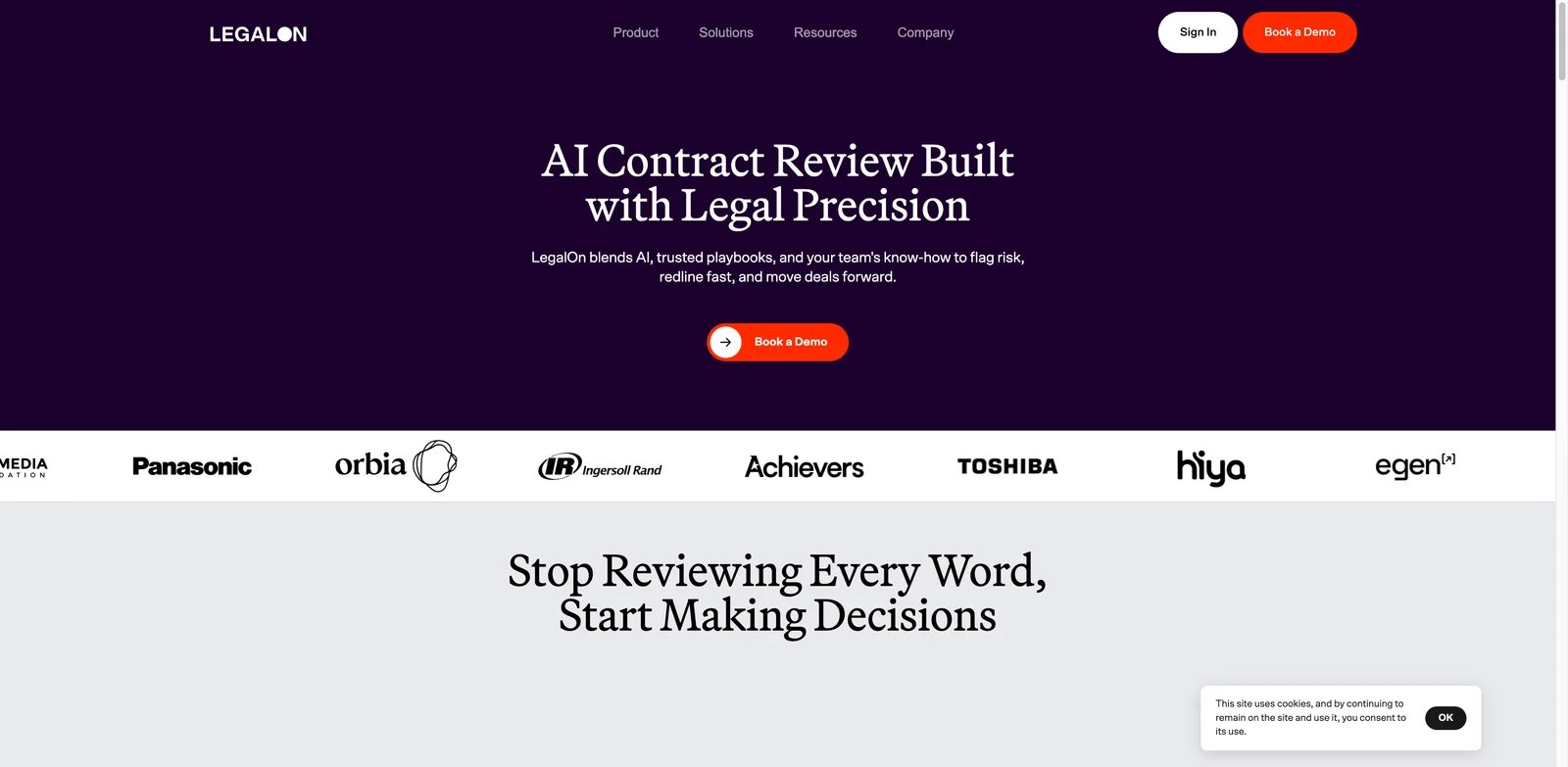
- Playbook-backed issue spotting: When teams struggle with inconsistent comments across reviewers, LegalOn's review workflow helps compare contract language against preferred positions and flag deviations.
- AI redline and risk review: For sales or procurement contracts, the product is positioned around finding risky clauses and helping legal teams produce faster first-pass comments.
- Legal workflow focus: LegalOn feels less like a generic AI writing assistant and more like a contract review environment built for legal teams.
- Security documentation: Public security materials make it easier for procurement and IT to start vendor review than tools with only marketing claims.
Pricing & Plans
LegalOn does not publish simple self-serve pricing for the review product. Buyers should expect a sales-led process and ask how pricing changes by reviewer seats, business-user access, contract volume, playbook setup, and integrations. The value case is strongest when the tool saves attorney time on repetitive review, but the TCO depends on implementation support and whether business teams also need access.
Pros & Cons
Pros: LegalOn is review-first, has clear contract risk and playbook positioning, and provides enough security evidence to support enterprise evaluation.
Cons: Pricing is not public, so small teams cannot easily compare cost before a sales call. Teams also need a clear internal playbook; otherwise AI comments may reflect generic risk categories rather than the company's real negotiation posture.
Best For
LegalOn is best for in-house legal teams that want a purpose-built contract review layer with clear attorney oversight. Not the right fit if you only need occasional document summaries or if your main project is broad CLM transformation rather than review speed.
Get started with LegalOn
Ivo

Key Features
- Redline-centered review: Ivo is designed for teams that need suggested changes, not only summaries. That matters when the output must go back to a counterparty.
- Document workflow coverage: Word and Google Docs support reduces adoption friction for lawyers who do not want to leave their normal drafting environment.
- Security posture: Ivo's trust materials give legal, IT, and procurement teams a better starting point for data-risk review.
- Focused product scope: Compared with large CLM suites, Ivo is easier to evaluate as a contract-review specialist.
Pricing & Plans
Ivo pricing is not publicly listed in a simple monthly plan. Buyers should confirm contract volume limits, whether Word and Google Docs support are included, whether business users require seats, and how playbook configuration is priced. Because the product handles sensitive legal documents, data retention and model-training terms should be reviewed before any pilot.
Pros & Cons
Pros: Ivo is strong for legal teams that want AI redlines in existing document workflows. It also has clearer security evidence than many early-stage legal AI products.
Cons: Public pricing is limited, and the value case depends on the quality of the team's review playbook. If your organization has not standardized fallback language, Ivo still needs legal setup before it can save meaningful time.
Best For
Ivo fits legal departments that need consistent redlines across Word and Google Docs. Not the right fit if you want a full CLM suite with intake, repository, approvals, and analytics in one purchase.
Get started with Ivo

Key Features
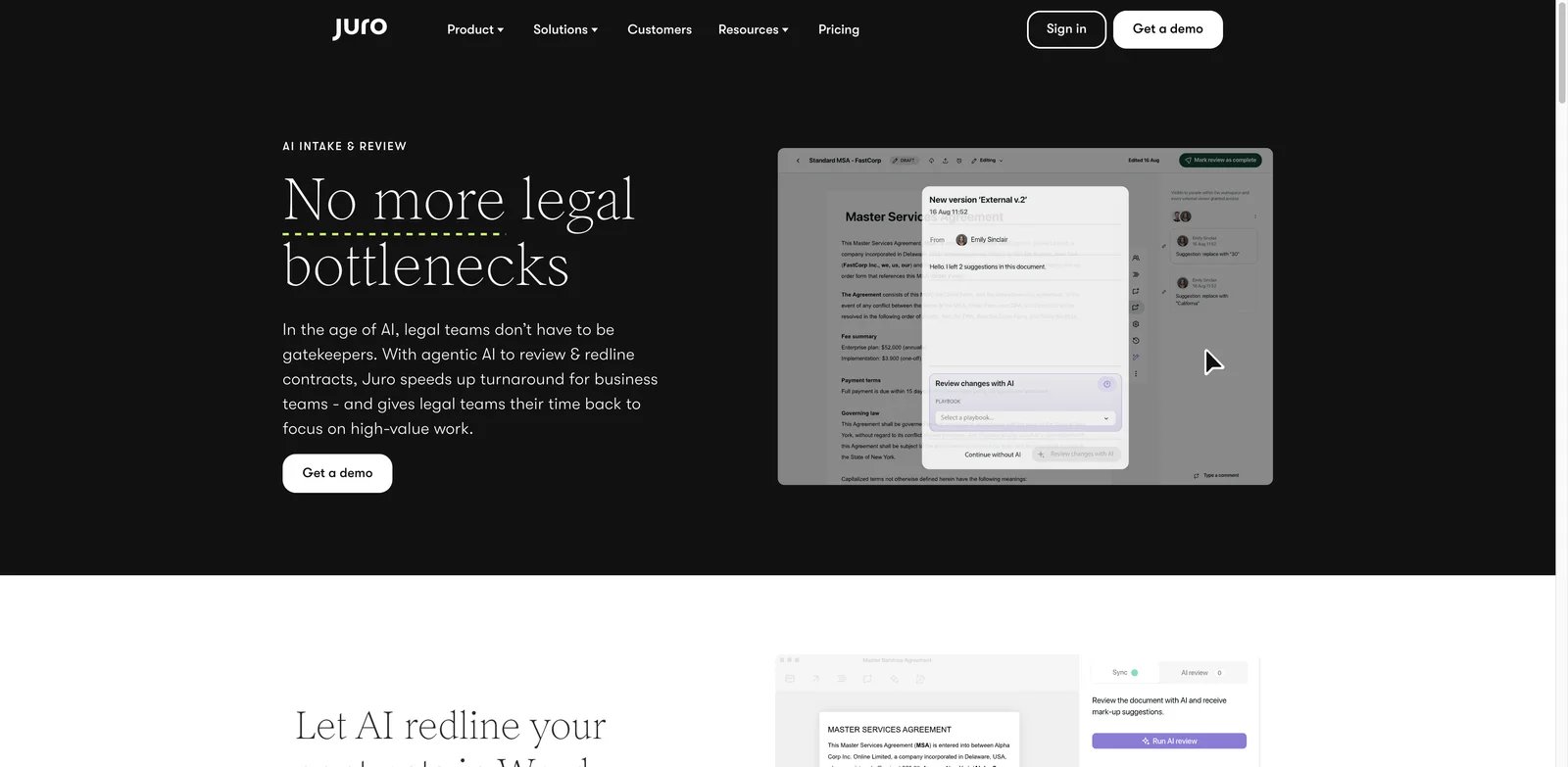
- AI review inside CLM: Juro connects review to the same environment where contracts are created, approved, signed, and stored.
- Collaboration channels: Microsoft Word initiation plus CRM and productivity connections such as Salesforce, HubSpot, and Slack matter for legal teams that need business stakeholders to act on issues quickly. Microsoft Teams should be treated as a Zapier-supported workflow unless native support is separately verified.
- Contract data continuity: Review insights can connect to the broader repository and lifecycle process, which is harder with a standalone assistant.
- Business-user workflow: Juro is more relevant when non-lawyers participate in contract work and need a guided process.
Pricing & Plans
Juro uses sales-led pricing rather than a simple public monthly plan. Buyers should ask whether AI review is included in the base package, which workflows require higher tiers, how many business users can participate, and how implementation is scoped. The economics can make sense if Juro replaces several contract tools, but less so if you only need first-pass redlining.
Pros & Cons
Pros: Juro is strong for teams that want AI review plus a structured CLM workflow, collaboration, and contract data management.
Cons: A broader platform takes more change management than a Word add-in. If your legal team is not ready to change contract intake and approval workflows, the AI review feature may be underused.
Best For
Juro fits scaling legal and revenue teams that want to improve contract operations end to end. Not the right fit if you only want a lightweight tool for reviewing third-party paper.
Get started with Juro
Agiloft Astra
Key Features
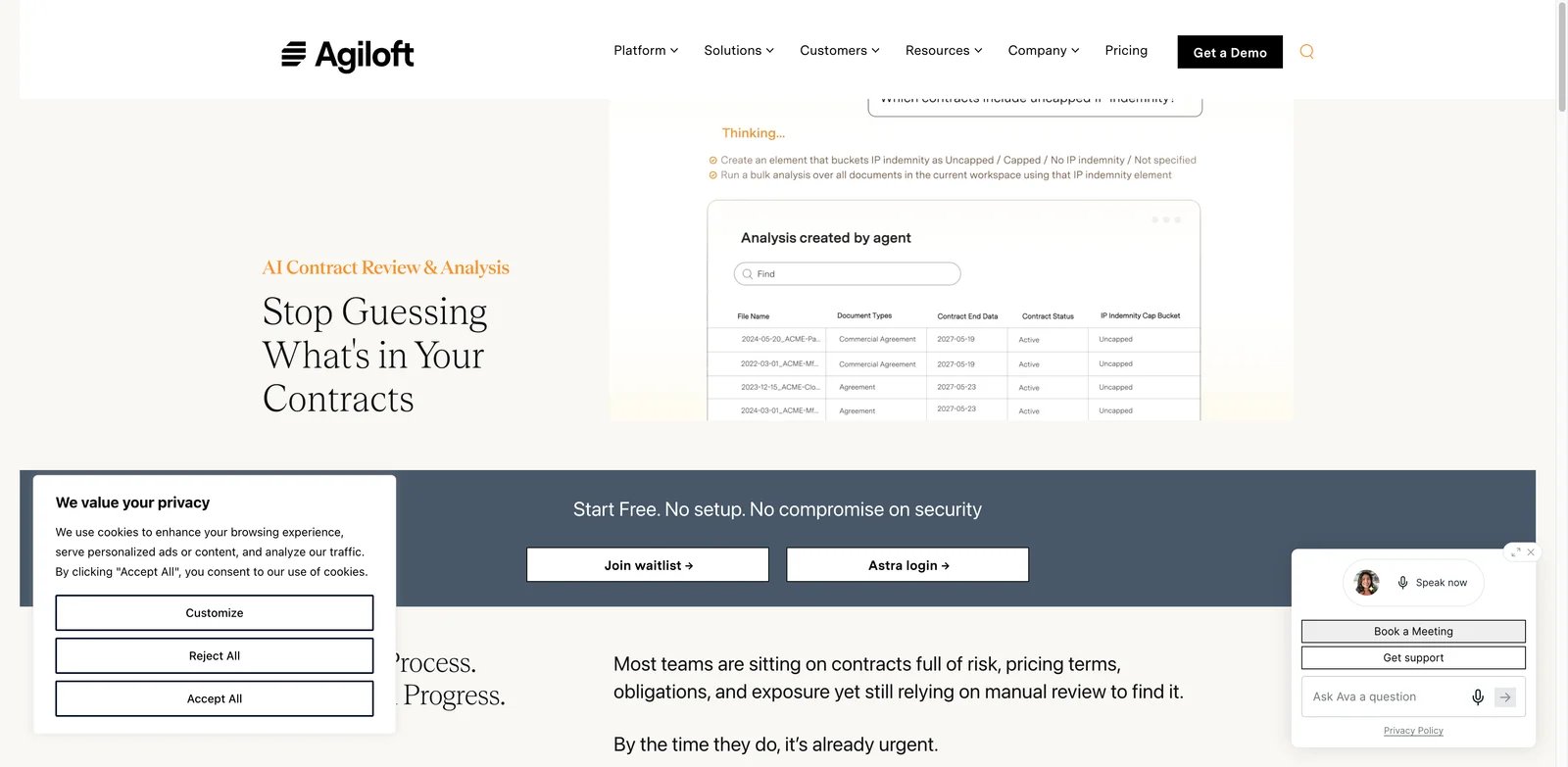
- AI review in configurable CLM: Astra is useful when review output must drive workflows, records, approvals, and reporting.
- Redlining and analysis support: The product positioning includes contract review, analysis, and redline assistance rather than only repository search.
- Enterprise workflow design: Agiloft can support more complex contracting processes than lighter review tools.
- Free tier signal: The published Free tier includes 1,000 credits per month, Microsoft Word review and redlining without credit use, up to 3 custom playbooks, and team collaboration.
Pricing & Plans
Agiloft Astra publishes a Free tier at $0/month with 1,000 credits per month, unlimited contract review and redlining in Microsoft Word without using credits, up to 3 custom playbooks, team collaboration, and built-in AI insights. The Pro plan starts at $120/month on annual billing, with selectable monthly credit levels starting at 2,500 credits. Advanced is custom-priced for large-scale analysis, SSO, enterprise controls, onboarding, and support. Buyers should also confirm current early-access or waitlist status, credit usage, CLM packaging, and implementation scope.
Pros & Cons
Pros: Agiloft Astra can connect AI review to enterprise CLM workflows and governance rather than leaving review comments isolated.
Cons: The same configurability that makes Agiloft attractive can extend implementation timelines. Smaller teams may find it too heavy if they only need AI redlines for a few recurring contract types.
Best For
Agiloft Astra fits enterprises that want AI review inside a configurable CLM program. Not the right fit if your team needs a fast self-serve reviewer with minimal admin work.
Get started with Agiloft Astra

Key Features
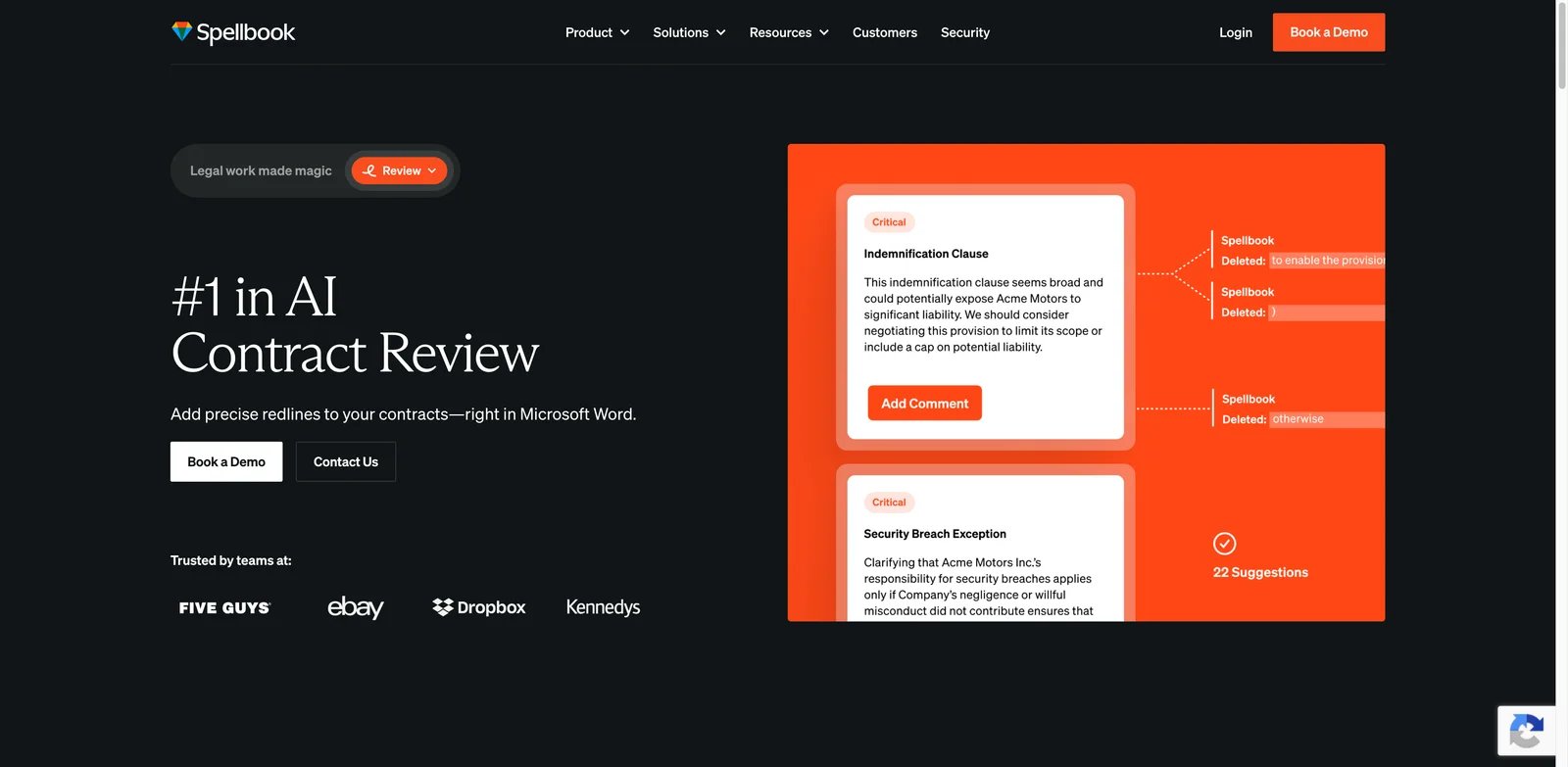
- Word-native contract work: Spellbook reduces context switching for lawyers who already draft, negotiate, and mark up contracts in Word.
- Review and drafting support: The product can help review clauses and assist with language generation, which is useful for teams that both mark up and draft fallback text.
- Legal workflow familiarity: By staying close to the document, Spellbook may be easier to roll out than a platform that requires business users to learn a new process.
- Security materials: Public trust and security information helps with vendor evaluation for sensitive legal documents.
Pricing & Plans
Spellbook uses custom pricing based on the number of team members on the license. Its pricing page also states that lawyers and legal teams can try Spellbook free for 7 days, with extended trials potentially available for larger organizations. Buyers should verify seat cost, billing commitment, document or matter limits, whether Associate and Playbooks are included, and what data controls apply. The cost case is strongest when attorneys use it frequently enough to justify seat-based access.
Pros & Cons
Pros: Spellbook is a strong fit for Word-heavy lawyers and legal teams that want AI close to drafting and review.
Cons: Word-native convenience can limit process visibility if the legal team also needs intake, approval tracking, and repository analytics. Pricing and usage packaging need direct confirmation.
Best For
Spellbook fits attorneys who want AI review and drafting help without leaving Word. Not the right fit if your highest priority is CLM workflow governance across legal, sales, procurement, and finance.
Get started with Spellbook
Ironclad Jurist / Review
Key Features
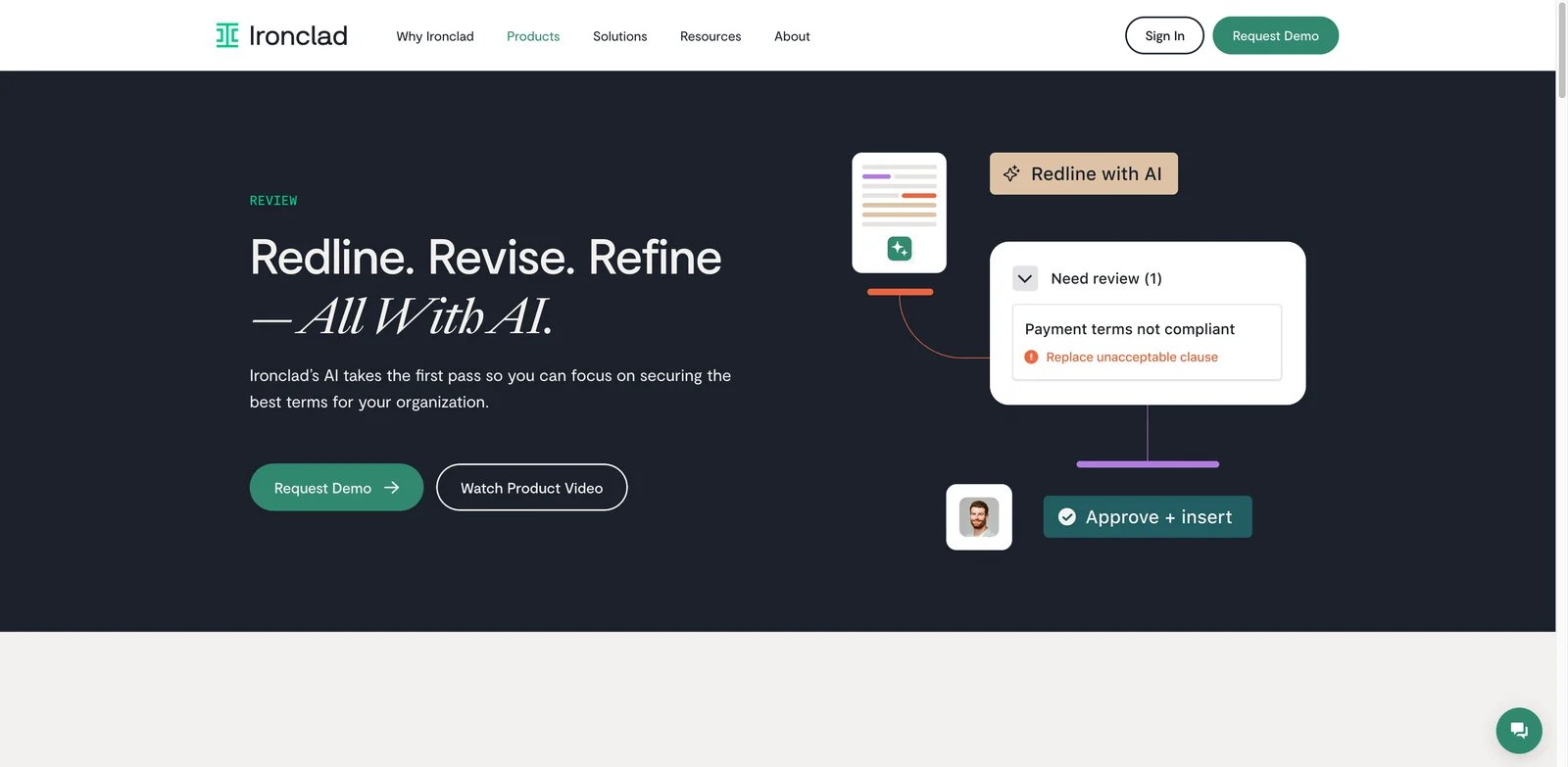
- AI review in enterprise CLM: Ironclad's value increases when AI comments feed a structured contract workflow, not just a standalone document review.
- Redlining and negotiation support: Public materials emphasize contract review, redlines, and legal workflow support.
- Governance-oriented buying fit: Enterprise legal teams can evaluate Ironclad alongside repository, intake, approval, and reporting needs.
- Workflow adoption potential: If business teams already use Ironclad, AI review can become part of the normal process rather than another tool.
Pricing & Plans
Ironclad is enterprise-priced. Buyers should expect a sales process and should model CLM implementation, admin time, integrations, data migration, and change management. If the team only needs AI review, the platform cost may be hard to justify. If Ironclad becomes the contract operating system, AI review is one part of a larger ROI case.
Pros & Cons
Pros: Ironclad is strong for large legal teams that want contract review connected to workflow, approvals, repository, and governance.
Cons: It is heavy for teams that need a narrow reviewer. Implementation complexity and procurement scope can delay value if the business has not aligned on CLM ownership.
Best For
Ironclad fits enterprise legal operations teams modernizing contract lifecycle management. Not the right fit if the immediate need is a low-friction AI reviewer for a small legal team.
Get started with Ironclad Jurist / Review
LinkSquares
Legal operations teams often need contract review and contract intelligence in the same conversation. The question is not only "what should we redline?" but also "what have we agreed to before?" LinkSquares is useful when AI review connects to contract analytics, repository visibility, and legal operations reporting.
Key Features
- Review plus LinkAI: LinkSquares positions AI assistance as part of a broader legal work platform, not an isolated document summarizer.
- Contract analytics context: Teams can connect review decisions to existing contract data and obligations.
- Third-party review signals: LinkSquares has stronger public user-feedback visibility than many smaller legal AI tools.
- Legal ops orientation: The product is better aligned with legal operations teams than with individual attorneys looking for a lightweight Word add-in.
Pricing & Plans
LinkSquares pricing is enterprise quote-based. Buyers should confirm whether AI contract review is included, how contract storage and analysis are priced, and how many legal and business users need access. The value case improves when the team uses LinkSquares for repository, analytics, and workflow, not only review.
Pros & Cons
Pros: LinkSquares is a strong option for teams that want AI review connected to contract intelligence and legal operations data.
Cons: If the team only wants to redline third-party contracts, LinkSquares may be broader than necessary. Pricing transparency is limited, and implementation depends on existing contract data quality.
Best For
LinkSquares fits legal ops teams that need review, repository, and analytics in one platform. Not the right fit if your primary workflow is a solo lawyer marking up documents in Word.
Get started with LinkSquares
SpotDraft VerifAI
Key Features
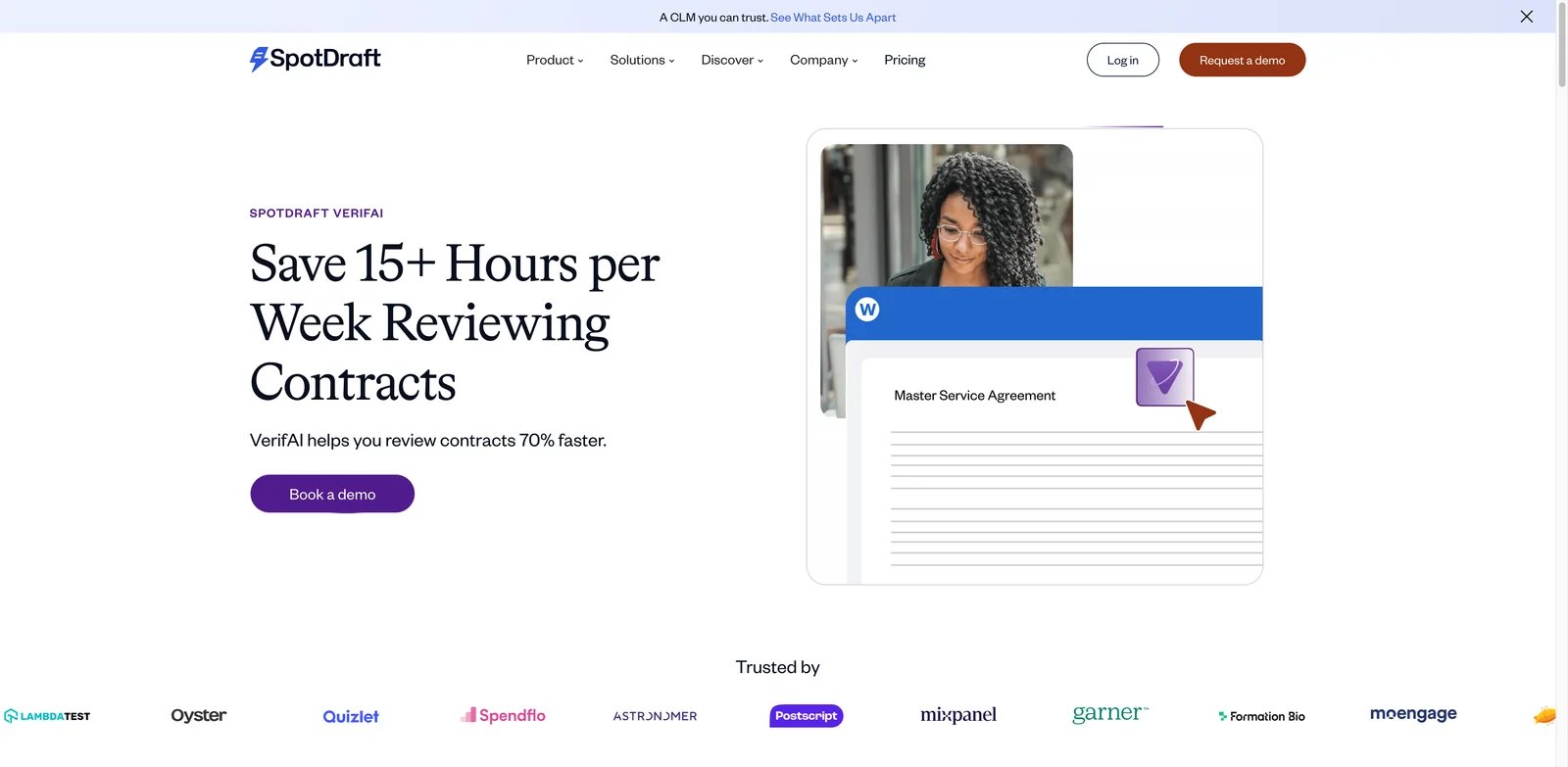
- AI review focus: VerifAI is specifically framed around contract review rather than generic document automation.
- Word add-in support: Lawyers can work closer to the markup environment they already use.
- CLM connection: SpotDraft can connect review to broader contract workflows for teams that want more than a reviewer.
- Trial-friendly evaluation: Public materials point to a friendlier evaluation path than some fully gated enterprise platforms.
Pricing & Plans
SpotDraft states that VerifAI offers a two-week free trial, but current packaging should be confirmed directly. SpotDraft's help center also notes that the VerifAI Standalone Microsoft Word add-in is being deprecated, so buyers should ask whether VerifAI access is standalone, bundled with SpotDraft, or tied to the SpotDraft editor. Also confirm contract volume, Word access, guide sharing, playbook limits, and business-user collaboration pricing.
Pros & Cons
Pros: SpotDraft VerifAI offers a useful blend of AI review, Word workflow, and CLM context.
Cons: Public pricing needs confirmation, and buyers should avoid assuming older price references still apply. Teams also need to decide whether they want SpotDraft's broader platform or only VerifAI review.
Best For
SpotDraft VerifAI fits legal teams that want AI review with Word add-in support and room to grow into CLM. Not the right fit if you require fully transparent self-serve pricing before starting a trial.
Get started with SpotDraft VerifAI
Gavel Exec
Small legal teams and boutique firms often cannot justify enterprise CLM pricing just to get faster redlines. Gavel Exec stands out because it shows more pricing signal than many competitors and focuses on contract review, redline, and playbook workflows that smaller teams can understand quickly.
Key Features
- Clear redline workflow: Gavel Exec is useful when the job is to produce marked-up language rather than build a full contract operations platform.
- Playbook support: Teams can standardize review rules so repeated comments are less dependent on one attorney's memory.
- Word tracked changes: This matters when counterparties expect Word output and legal teams need a familiar negotiation format.
- Lower procurement friction: More visible price signals make it easier for smaller teams to shortlist before a sales conversation.
Pricing & Plans
Gavel Exec publishes pricing at $160/month per user or $1,740/user billed annually. It also offers 25 free queries per user with no credit card required, then 1,000 completions per month on paid plans. Buyers should still confirm team discounts for 10+ seats, included review volume, Workspace collaboration, Word access, and security review requirements. Compared with enterprise CLM quotes, the main appeal is cost visibility and a narrower review use case.
Pros & Cons
Pros: Gavel Exec has a practical review and redline focus, clearer price signals, and a workflow that can appeal to smaller legal teams.
Cons: Public third-party user-feedback depth is thinner than larger vendors. Teams with complex CLM, approval, and analytics requirements may outgrow it.
Best For
Gavel Exec fits smaller legal teams that want AI redlining and playbooks without a full CLM rollout. Not the right fit if your organization needs enterprise repository analytics, complex approvals, and multi-department contracting.
Get started with Gavel Exec
ThoughtRiver
Some buyers prefer a specialist with a longer history in AI contract review over a new general-purpose legal AI wrapper. ThoughtRiver is one of the more established names in contract pre-screening and review, with a workflow centered on legal concepts and risk review.
Key Features
- Contract review specialization: ThoughtRiver is built around reviewing contract risk rather than broad document drafting.
- Lawyer-built concepts: Its positioning around legal concepts and review logic can help teams standardize recurring contract analysis.
- Trial access signal: A 28-day trial path makes evaluation easier than tools that require a full enterprise sales process from the start.
- Dedicated review workflow plus Word add-in: ThoughtRiver is better suited to teams that want contract-specific review and Word-supported redlines rather than a general-purpose AI agent tool.
Pricing & Plans
ThoughtRiver offers a 28-day trial and publishes annual pricing. Professional starts from GBP 15,000/year for SME legal teams reviewing roughly 20-50 contracts monthly. Enterprise starts from GBP 30,000/year for high-volume teams reviewing 50+ contracts monthly. Listed plan features include unlimited users, a private database instance, Word Add-in, Lexible Assistant, SSO, and dedicated customer success. Buyers should confirm contract volume assumptions, implementation support, professional services, and renewal terms.
Pros & Cons
Pros: ThoughtRiver is a specialist AI contract review product with a clearer trial path than many enterprise-only options.
Cons: Public user-feedback evidence is more limited than some larger platforms, and pricing still requires direct confirmation. Teams should test whether its concepts match their jurisdiction, contract types, and negotiation policy.
Best For
ThoughtRiver fits legal teams that want a specialist AI contract review workflow with trial access. Not the right fit if you need a broad CLM suite or fully public self-serve pricing.
Get started with ThoughtRiver
Best AI Contract Review Tools by Use Case
For Legal Teams That Need First-Pass Review Consistency
If your main problem is inconsistent markup across attorneys, start with LegalOn, Ivo, or Spellbook. LegalOn is strongest when the team wants review-first AI with playbook-backed risk spotting. Ivo is stronger when the output must move through Word and Google Docs. Spellbook is the better fit for lawyers who want the AI assistant close to the drafting surface rather than inside a broader CLM portal.
For Teams Buying CLM and AI Review Together
If contract review is only one part of a larger workflow problem, Juro, Agiloft Astra, Ironclad, LinkSquares, and SpotDraft deserve closer evaluation. Juro is strong for collaborative contract workflows, Agiloft for configurable enterprise processes, Ironclad for mature CLM governance, LinkSquares for legal operations analytics, and SpotDraft for teams that want AI review with room to expand into CLM.
For Smaller Teams That Need Cost Visibility
If you cannot justify enterprise quote-based software before proving review value, Gavel Exec is the clearest shortlist pick because it has more visible price signals. ThoughtRiver is also worth testing because trial access can help validate contract-type fit before a larger conversation.
For Sensitive Contracts and Procurement Review
If contracts include customer data, security terms, regulated information, or high-risk vendor obligations, prioritize vendors with clear security pages, data handling terms, and legal-boundary language. LegalOn, Ivo, Spellbook, and enterprise CLM vendors such as Ironclad and LinkSquares provide stronger starting points for security review than generic AI document tools. Teams evaluating AI-assisted review should also read vendor terms the same way they would evaluate any tool that processes confidential data.
How to Choose the Right AI Contract Review Tools
-
Define the review motion first. Decide whether the tool must review third-party paper, generate first drafts, redline in Word, apply a company playbook, or route issues through CLM. A Word-first team should shortlist Ivo, Spellbook, Gavel Exec, or SpotDraft before large CLM suites.
-
Separate review quality from workflow ambition. If the goal is faster first-pass review, LegalOn, Ivo, Spellbook, Gavel Exec, and ThoughtRiver are easier to evaluate. If the goal is contract operations transformation, compare Juro, Agiloft, Ironclad, LinkSquares, and SpotDraft.
-
Ask about legal boundaries and data use. Confirm whether documents are used for model training, how long data is retained, where it is processed, and whether the vendor clearly states that attorneys remain responsible for legal advice.
-
Run a contract-type pilot. Test the tool on the contract types that actually slow your team down: NDAs, MSAs, DPAs, vendor terms, order forms, or sales redlines. Measure useful issues found, false positives, attorney edit time, and counterparty-ready output.
-
Model total cost, not only seat price. Quote-based tools may include implementation, playbook setup, business-user access, volume limits, integrations, and support. Public pricing is rare in legal AI, so ask vendors for a sample 12-month cost for your expected contract volume.
-
Decide what should never be automated. AI can help surface clauses and propose language, but final legal judgment stays with qualified counsel. Set rules for high-risk clauses, non-standard terms, regulated matters, and jurisdiction-specific issues before rollout.
Frequently Asked Questions
What are AI contract review tools?
Can AI contract review tools replace lawyers?
Which AI contract review tool is best for Word redlines?
Why do so many AI contract review tools hide pricing?
Are AI contract review tools safe for confidential contracts?
Should small legal teams choose CLM or a standalone AI reviewer?
How should we test an AI contract review tool before buying?
Get ToolWorthy Weekly
New AI tools, practical guides, and selected AI signals in one weekly brief.
Related Posts
- 12 Best AI Tools for Lawyers 2026 — Pricing, Accuracy & Honest Reviews
We compared 12 legal AI tools on citation accuracy, real pricing, and honest limitations — from Westlaw-backed research to Word-native contract review, verified against official sources.
For AI tool founders
Built a tool that belongs in this decision set?
Request an editorial evaluation for possible inclusion in ToolWorthy.
Submit your tool for reviewPaid submission does not guarantee a ranking, recommendation, inclusion, or editorial outcome.