

Overview
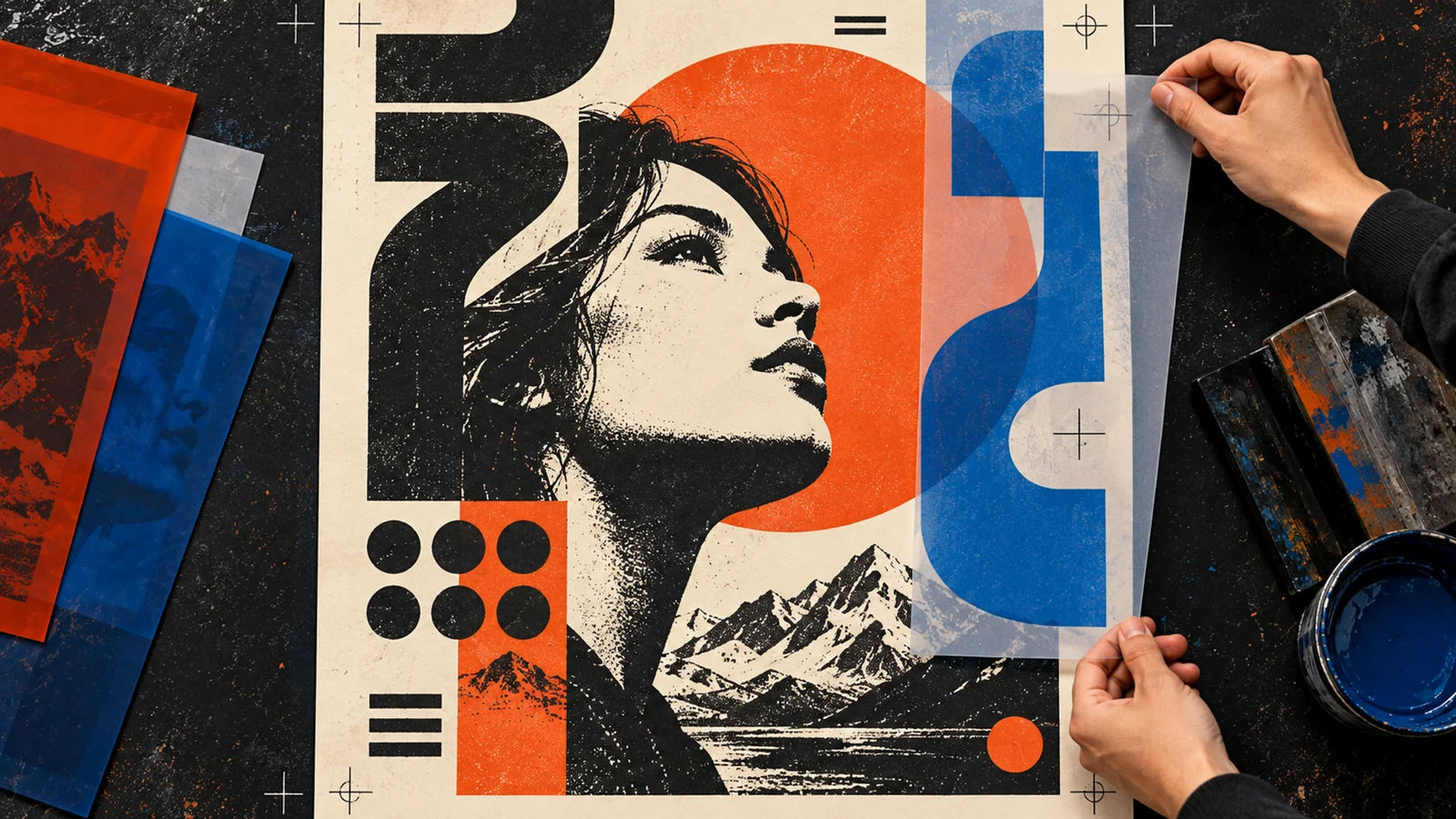
Designs.ai is being surfaced here from a poster-related product URL, but the live experience routes into the broader Designs.ai platform rather than a narrow poster-only page. That is important because the real product is not a single poster generator. It is an all-in-one AI platform spanning copy, design, images, video, slides, audio, and branding.
This broader packaging makes Designs.ai more useful for teams that need multiple kinds of communication assets in one place. Instead of using one tool for poster concepts, another for brand assets, and another for slides or voice, the platform tries to cover the full marketing-content workflow in a unified browser environment.
As of April 26, 2026, Designs.ai publicly highlights 1 million-plus users, multi-LLM access, brand consistency features, image and video generation, AI chat, slides, and audio capabilities. Buyers evaluating it for posters should treat poster creation as one workflow inside a larger creative stack.
For adjacent research, compare AI video generator tools, AI video editor tools, AI thumbnail maker tools.
Key Features
- All-in-one AI content platform — Designs.ai combines copy, images, video, slides, audio, and design workflows.
- Poster and design use cases — The platform can support poster creation, but it is broader than a single-format generator.
- Multi-LLM access — Public messaging emphasizes quick access to leading models as they launch.
- Brand consistency tools — Designs.ai sells itself around keeping assets aligned to brand systems.
- Browser-based collaboration posture — The product is designed for quick, no-install creative production.
- Enterprise-ready angle — Security and governance are part of the public marketing language.
Pricing & Plans
Designs.ai uses a free-entry plus paid-upgrade model rather than a poster-specific one-time fee.
| Plan | Public pricing posture | Best fit |
|---|---|---|
| Free / signup entry | Account creation is encouraged for access and experimentation | Casual exploration and first-use testing |
| Paid plans | Official pricing page covers broader production access and platform capacity | Marketers, creators, and teams using multiple asset types |
The main tradeoff is breadth versus specialization. Designs.ai is stronger when you need multiple creative formats in one place. If you only need a dedicated poster-maker with deeper layout control, a narrower tool may feel simpler.
Best For
- Marketing teams producing mixed-format creative assets
- Small businesses needing posters, slides, visuals, and copy in one platform
- Brand teams that value consistent asset generation
- Buyers comparing all-in-one creative suites instead of point tools
FAQ
What is Designs.ai?
Designs.ai is an all-in-one AI design and content platform covering images, video, copy, slides, audio, and brand workflows.
Is Designs.ai only for posters?
No. Poster creation is one use case, but the platform is much broader than a single poster maker.
Is Designs.ai free?
It offers a free entry path for exploration and signup, but sustained production use is tied to paid plans on the official pricing page.
Who should use Designs.ai?
It is best for teams that want one AI platform for multiple kinds of communication assets rather than a single narrow design tool.
How much does Designs.ai cost?
Pricing can change by plan, billing term, region, and usage limits. Check the official website for the current plan details before purchase.
Does Designs.ai replace human review?
No. It can speed up the workflow, but important outputs should still be checked for accuracy, quality, and fit before production use.