
10 Best AI Medical Question Tools 2026 — Accuracy, Safety & Real Limits
We tested 10 AI medical question tools on diagnostic accuracy, clinical validation, and real user complaints — all free or low-cost, none replace your doctor.

On this page
Typing symptoms into a search bar at 2 AM and getting back a wall of WebMD results that somehow all point to cancer — that experience pushed millions of people toward AI-powered symptom checkers and health assistants. These tools promise faster, more structured answers than a generic search engine. Some deliver. Others wrap a basic chatbot in a medical skin and call it clinical AI. After researching the leading platforms, the gap between clinically validated tools and marketing-first products is wider than most people expect.
A necessary disclaimer before anything else: none of the tools in this guide replace a licensed physician. They cannot diagnose conditions, prescribe treatments, or substitute for professional medical judgment. At their best, these tools help you organize symptoms, understand possible explanations, and decide whether to seek in-person care — nothing more. Any tool that implies otherwise is a red flag, not a feature. We repeat this throughout the article because it matters more than any feature comparison.
| Tool | Best For |
|---|---|
| Ada | Most mature consumer symptom assessment |
| Ubie | Fast 3-minute web-based symptom check |
| Doctronic | Free AI triage with optional paid doctor access |
| Symptomate | Conservative, clinically-backed symptom checking |
| Docus AI | Symptom checking + lab report analysis |
| Buoy Health | Insurance-integrated care navigation |
| Counsel Health | Transparent flat-rate doctor pricing |
| Isabel Symptom Checker | Natural language input with differential lists |
| K Health | AI symptom checker with US telehealth |
| Wizey | Lab and imaging report interpretation |
How We Selected and Tested
We evaluated over 20 AI medical question tools to narrow this list to 10 — filtering for platforms that go beyond generic chatbot Q&A and provide structured symptom assessment, clinical validation evidence, or integration with licensed medical professionals. This is a category where accuracy claims matter more than in any other software vertical, because the stakes are someone's health.
Our research methodology combined clinical literature, user feedback across Trustpilot, Reddit, app stores, and investigative journalism (including Washington Post and peer-reviewed diagnostic accuracy studies). We cross-referenced marketing claims against published triage accuracy data where available and flagged tools with significant discrepancies between advertised and measured performance.
Evaluation Dimensions: Each tool was scored across 5 dimensions:
- Diagnostic Accuracy & Clinical Validation — Has the tool been peer-reviewed or independently tested? What's the published top-10 diagnostic hit rate? Tools citing internal studies only were flagged.
- User Experience — Can a non-technical user complete a symptom check without frustration? We tested onboarding flow, question clarity, and output readability.
- Innovation — Does the tool offer something beyond a basic decision tree? Lab report parsing, natural language input, and real-doctor integration scored higher.
- Pricing Transparency — Is the free tier meaningfully useful, or does it exist only to capture emails? Are paid tiers clearly communicated before checkout?
- Verified User Feedback — What do real users report on Trustpilot, Reddit, G2, and app stores? We weighted complaints about billing, accuracy failures, and support responsiveness.
Important Context: No AI symptom checker achieves physician-level diagnostic accuracy. Published studies consistently show licensed doctors outperform the best consumer tools. These tools are triage aids — they help you decide what to do next, not what you have. Research conducted in March–April 2026.
Top 10 AI Medical Question Tools Compared
| Tool | Best For | Price | Symptom Checker | Lab Reports | Clinical Validation |
|---|---|---|---|---|---|
| Ada | Mature symptom assessment | Free | Yes | No | Peer-reviewed studies |
| Ubie | Quick web-based check | Free | Yes | No | 71.6% Top-10 accuracy |
| Doctronic | AI + real doctor option | Free AI / $39 doctor | Yes | No | Limited public data |
| Symptomate | Conservative triage | Free | Yes | No | Infermedica engine tested |
| Docus AI | Symptoms + lab reports | Free / $3.99-$7.99/mo; $490 second opinion | Yes | Yes | Internal validation |
| Buoy Health | Care navigation | Free | Yes | No | Peer-reviewed (mixed results) |
| Counsel Health | Flat-rate doctor access | $0 / $199 per year; $29 doctor add-on | Yes | Yes | Early-stage |
| Isabel Symptom Checker | Differential diagnosis lists | Free | Yes | Yes | Used in clinical settings |
| K Health | US telehealth integration | Free symptom check / $49 first month or $73 visit | Yes | No | Data-driven models |
| Wizey | Lab/imaging report analysis | First analysis free; then $2.99/report or packs | No | Yes | Early-stage |
Detailed Reviews
Ada
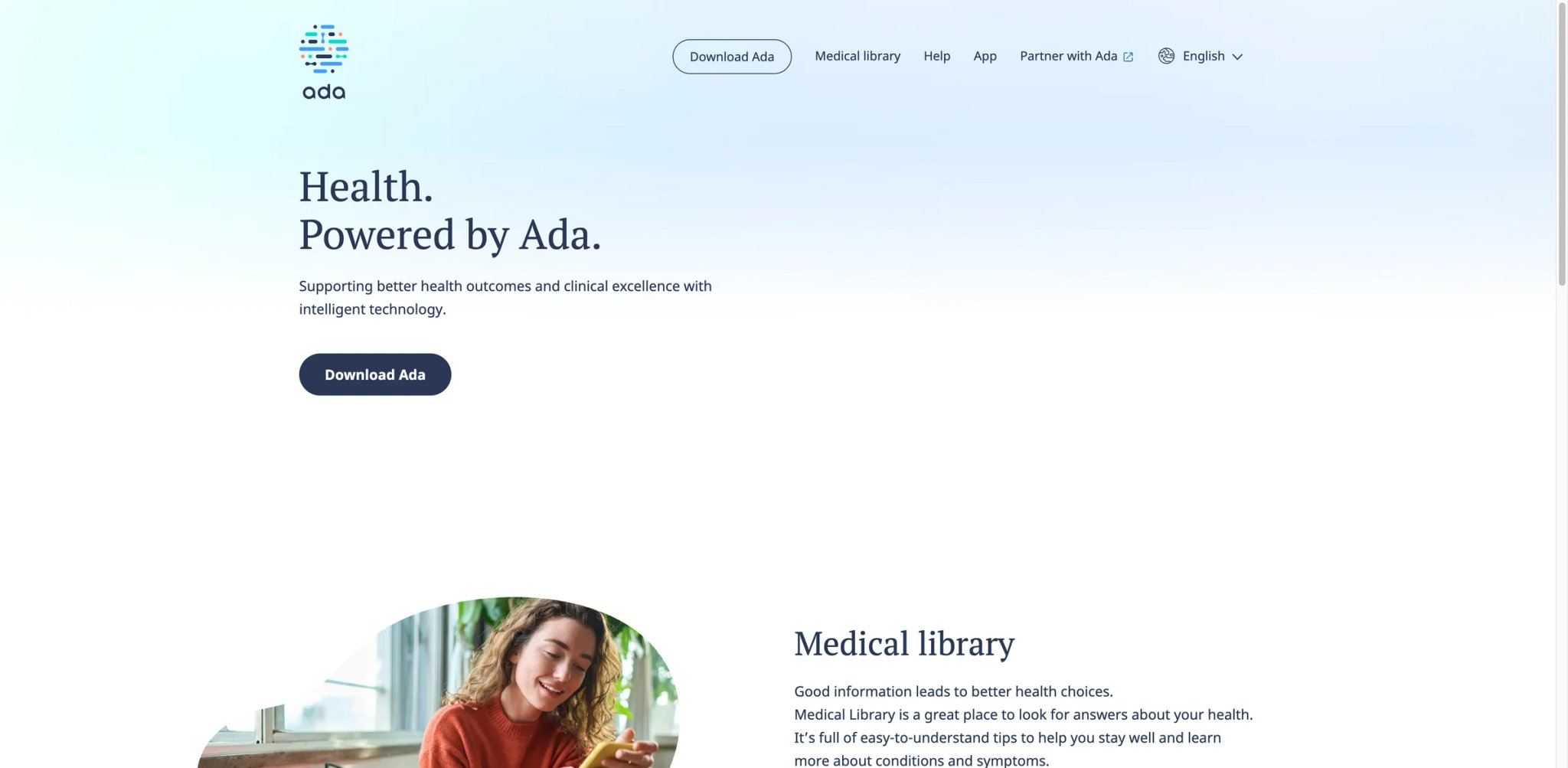
When symptom checkers first entered the consumer health space, Ada was already several years ahead. Originally launched as a research-backed health companion from a Berlin-based team of physicians and engineers, it built one of the largest proprietary medical knowledge bases in the consumer AI space. The platform has guided over 15 million assessments globally, and its triage engine has been the subject of multiple peer-reviewed studies — a rarity in this category.
Remember: Ada does not diagnose conditions. It provides assessment reports to help you decide whether and how urgently to seek medical care.
Key Features
- Comprehensive Symptom Assessment — Ada walks users through a guided question flow that narrows down from broad symptoms to specific conditions. The questioning logic adapts based on your answers, mimicking a differential diagnosis process (without claiming to be one).
- Peer-Reviewed Accuracy — Multiple independent studies have evaluated Ada's diagnostic suggestion accuracy, placing it among the top consumer-facing symptom checkers. That said, physicians still significantly outperform it in controlled comparisons.
- Global Coverage — Available in multiple languages with region-specific health system guidance, making it one of the few tools usable outside English-speaking markets.
- Condition Information — The platform provides detailed explanations of suggested conditions, including severity context and recommended next steps.
Pricing & Plans
Ada is free for consumers. The company monetizes through B2B partnerships with healthcare systems and insurers — meaning the consumer product is the funnel, not the revenue center.
Limitations
- 2025 app rebuild stripped key features — Users who relied on assessment history, the condition library, and the BMI tracker found them gone after the redesign. Long-time users on Reddit and app stores report the rebuild felt like a downgrade.
- Excessive "seek care" flags — Ada's conservative triage approach means it frequently recommends seeing a doctor even for low-risk symptom combinations. For anxious users, this creates more health anxiety rather than reducing it.
- Doctors still significantly outperform it — Peer-reviewed comparisons consistently show licensed physicians achieve higher diagnostic accuracy. Ada is a useful first filter, not a second opinion.
Best For
Health-conscious individuals who want a structured, research-backed way to assess symptoms before deciding whether to book a doctor's appointment. Ada's depth of questioning makes it stronger than most competitors for complex multi-symptom presentations. If you're already using AI assistants for daily tasks, Ada fills a similar role specifically for health questions.
Not the right fit if you want quick answers without a lengthy questionnaire, need lab report analysis, or tend toward health anxiety — Ada's frequent "seek care" recommendations may amplify worry rather than reduce it.
Get started with Ada
Ubie
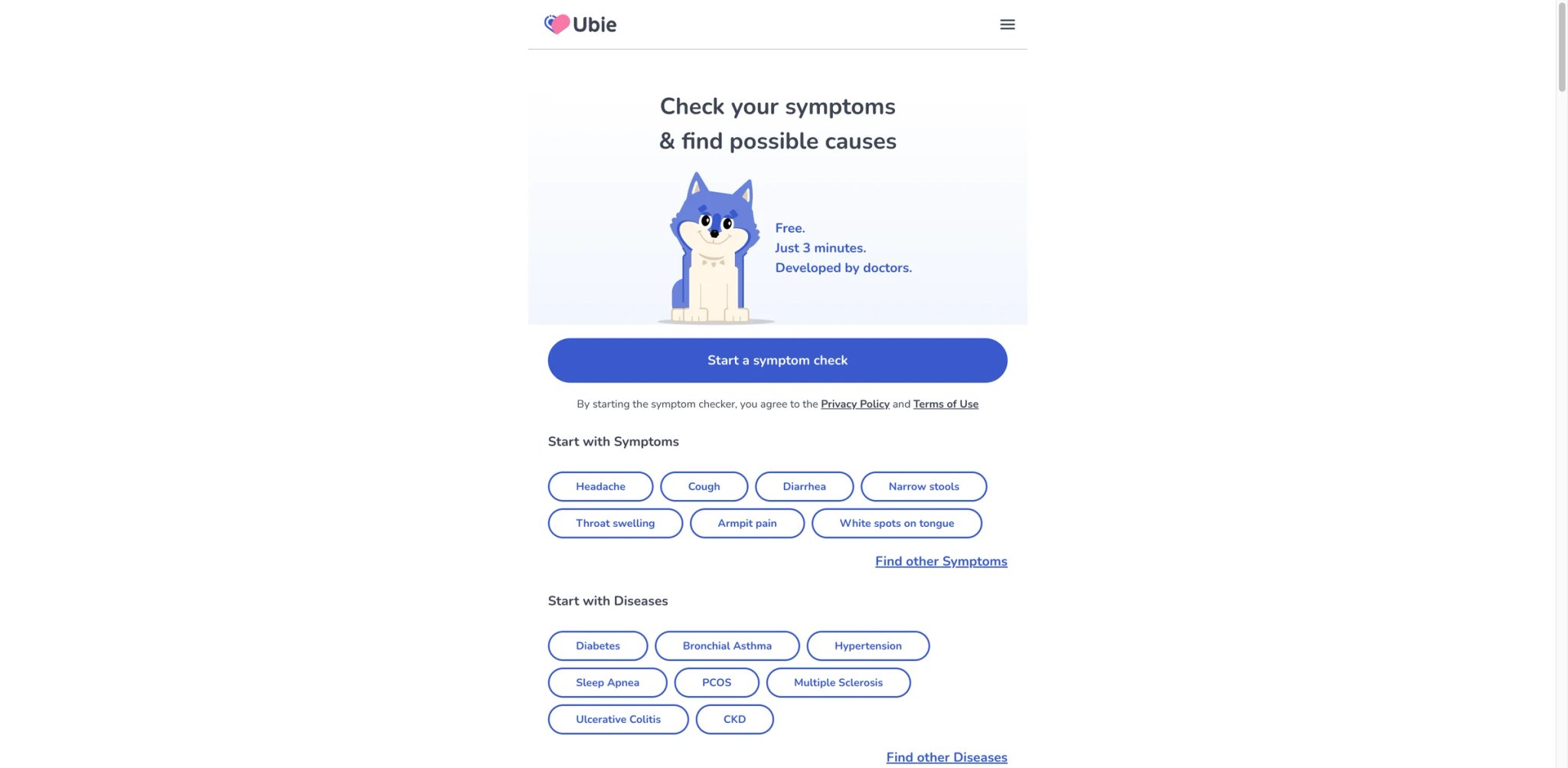
Three minutes. That's how long Ubie's symptom check takes from start to finish — a deliberate design choice that sets it apart from tools requiring 15-minute questionnaires. The Japanese-founded platform (now global) built its reputation on speed and web accessibility: no app download required, no account creation, just answer a streamlined set of questions and receive a list of possible conditions ranked by likelihood.
Ubie is an information tool, not a diagnostic service. Always consult a healthcare professional before acting on any results.
Key Features
- 3-Minute Symptom Check — Ubie's question engine is aggressively optimized for speed. It uses branching logic to reach a condition shortlist faster than competitors, which suits users who want quick directional guidance rather than exhaustive assessment.
- 71.6% Top-10 Hit Accuracy — In published evaluations, Ubie places the correct condition within its top 10 suggestions roughly 72% of the time. That's competitive for the category, though it also means roughly 1 in 4 checks may not surface the right condition.
- No-Friction Web UX — No account, no app, no paywall. The entire flow runs in a browser. For a health tool, removing friction is a meaningful design decision — people checking symptoms at midnight don't want to create passwords.
- Multilingual Support — Strong Japanese and English coverage, with expanding language support across Asian and European markets.
Pricing & Plans
Ubie's symptom checker is completely free for consumers. Revenue comes from clinic partnerships and referral networks.
Limitations
- Monetized clinic referrals — After completing a symptom check, Ubie often redirects users toward partner clinics. These are paid referral placements, not necessarily the best-matched providers. Users should be aware that recommendations may be commercially influenced.
- Clinical validation is promising but still early — Ubie's widely cited 71.6% Top-10 accuracy figure comes from a medRxiv preprint linked by Ubie, not a peer-reviewed journal article. That's more relevant to readers than a Scam Detector score and is the stronger limitation to surface.
- Limited follow-up depth — The speed advantage comes with a trade-off: Ubie's post-assessment information is thin compared to Ada or Isabel. You get a condition list, but limited context about what to do with it beyond "see a doctor."
- Partner-driven recommendations questioned — Reddit discussions highlight skepticism about whether Ubie's post-check recommendations prioritize user health or partner revenue.
Best For
People who want a fast, frictionless first check when symptoms appear — particularly useful at night or on weekends when you need directional guidance before a doctor's office opens. Ubie works well as a preliminary filter before deeper research.
Not the right fit if you want detailed condition explanations, need a tool that tracks symptoms over time, or are uncomfortable with commercially influenced provider recommendations.
Get started with Ubie
Doctronic
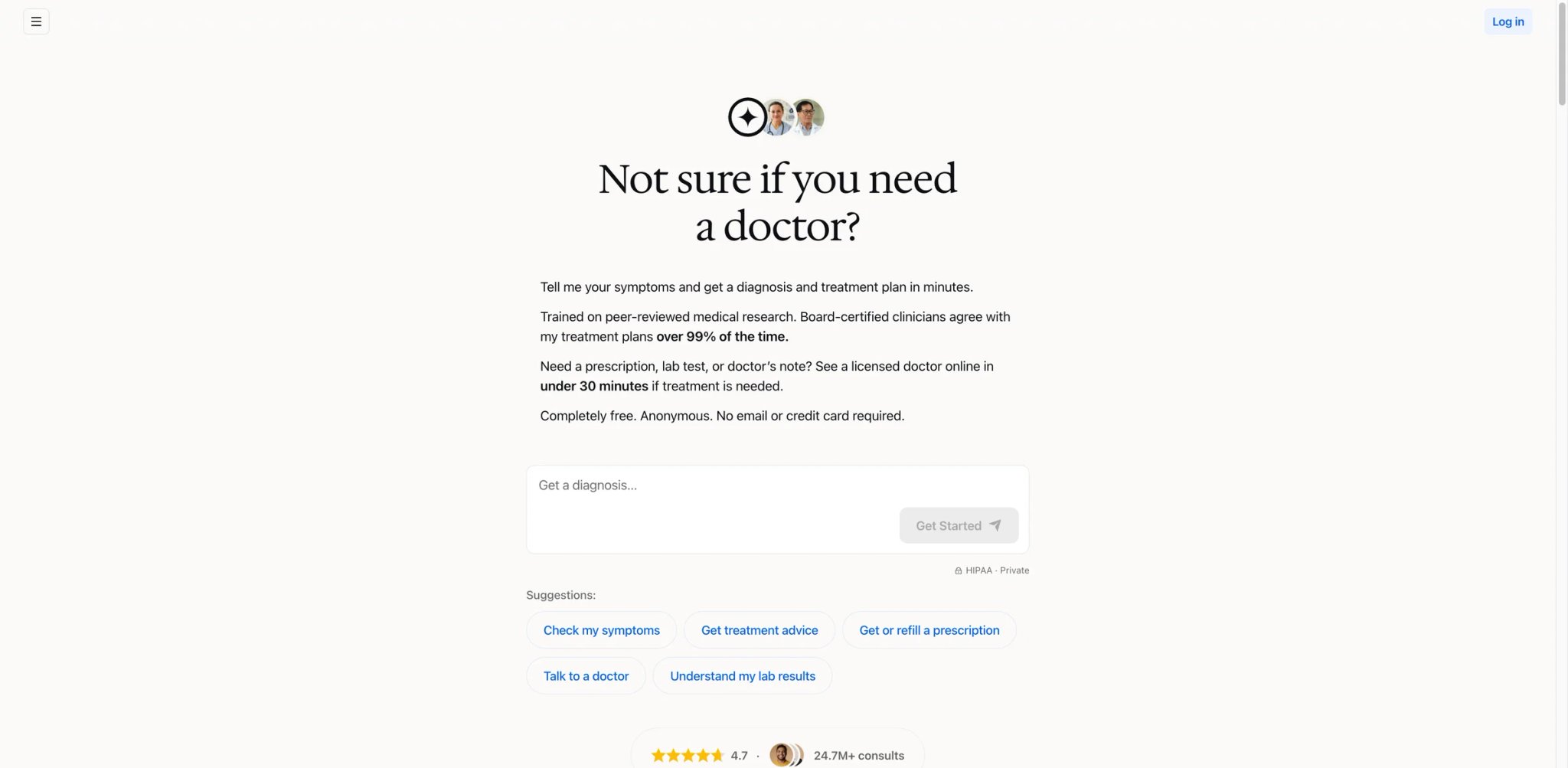
Bridging the gap between free AI triage and paid human expertise is the core pitch of Doctronic. The platform offers a free AI layer that handles initial symptom assessment, then provides an optional $39 pathway to consult with a licensed physician — positioning itself as the full funnel from "I wonder if this is serious" to "let me ask a real doctor." The model is straightforward on paper, but execution has drawn scrutiny.
Doctronic's AI layer provides general health information only. It is not a substitute for professional medical advice, diagnosis, or treatment. Even the paid doctor consultations are telehealth sessions with inherent limitations.
Key Features
- Free AI Triage Layer — The AI handles initial symptom assessment at no cost, asking structured questions and providing general health information. This layer is designed to help users decide whether they need to escalate to a human doctor.
- $39 Doctor Consultations — Flat-rate pricing for video or chat consultations with licensed physicians. No insurance required, no hidden fees — the price transparency is a genuine strength compared to traditional telehealth platforms.
- Integrated Escalation Path — Users can move from AI assessment to human doctor within the same platform, which reduces the friction of seeking care after an AI check raises concerns.
Pricing & Plans
| Tier | Price | What You Get |
|---|---|---|
| AI Assessment | Free | Symptom triage, general health information |
| Doctor Consultation | $39 per visit | Video/chat with licensed physician |
Limitations
- Sessions cut off mid-consultation — Multiple users report doctor consultations ending abruptly before their questions were fully addressed. For a $39 flat-rate service, incomplete sessions are a serious trust issue.
- Recent scrutiny is about the Utah refill pilot, not the $39 doctor-visit flow — Washington Post criticism focused on Doctronic's separate $4 AI prescription-renewal program in Utah and the fact that its safety evidence relied on a company-authored, non-peer-reviewed preprint. That concern is real, but it should be described precisely.
- Anchoring bias risk — When users receive an AI assessment before seeing a doctor, there's a documented cognitive bias where the doctor's evaluation may be anchored to the AI's initial suggestion. Doctronic's funnel design may inadvertently create this dynamic.
- $39 visits that never completed — User complaints include paying for consultations where the doctor never connected or the session timed out, with refund processes described as slow.
Best For
Users who want a single platform that covers the full spectrum from free symptom checking to paid doctor consultation. The flat $39 pricing is appealing for uninsured individuals or those seeking quick second opinions without insurance hassles.
Not the right fit if you need reliable, uninterrupted doctor consultations (session stability issues persist), or if you're concerned about AI overstepping into prescribing-adjacent suggestions. Users who want pure AI triage without upselling pressure may prefer Ada or Ubie.
Get started with Doctronic
Symptomate
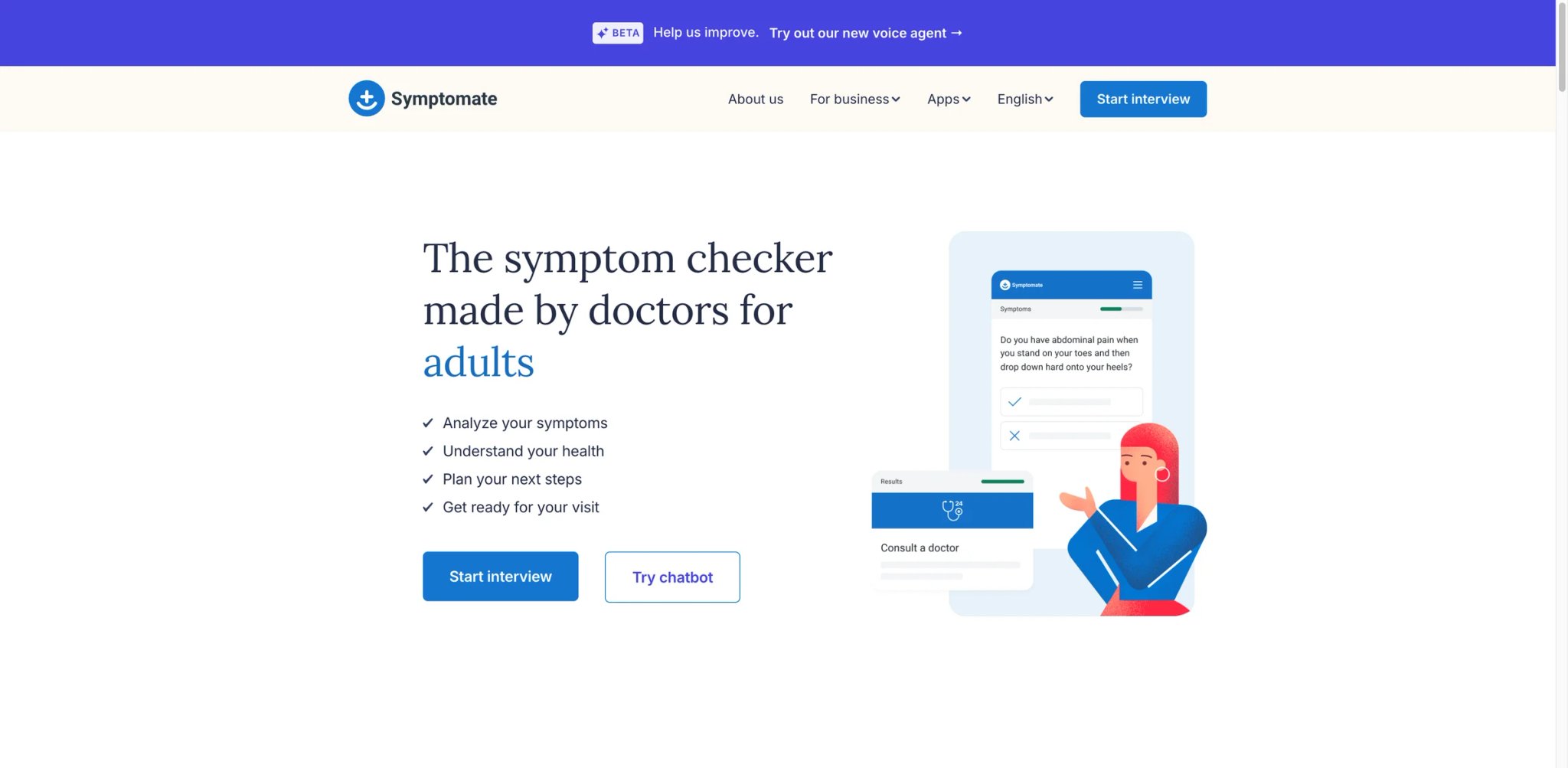
Built on top of Infermedica's clinical reasoning engine — the same technology that powers symptom checkers embedded in health systems and insurance platforms — Symptomate is the consumer-facing product of a company whose real customers are enterprise healthcare organizations. That lineage shows: the tool prioritizes caution over engagement, clinical rigor over user delight. It will almost always tell you to see a doctor, which is either its greatest strength or its most frustrating limitation depending on what you need.
Like all tools in this guide, Symptomate provides health information for educational purposes. It cannot diagnose medical conditions or replace consultation with a qualified healthcare provider.
Key Features
- Infermedica Clinical Engine — Symptomate runs on the same API that powers symptom checkers for enterprise clients. The underlying medical knowledge base is maintained by a team of physicians and updated based on clinical evidence — not just LLM training data.
- Structured Interview Flow — The tool walks through a methodical series of questions, progressively narrowing possibilities. The approach is more conservative and thorough than chatbot-style interfaces.
- Triage Recommendations — Every assessment ends with a triage level (emergency, urgent, standard, self-care), helping users understand the appropriate level of response.
- No Account Required — Like Ubie, Symptomate allows anonymous use without registration — reducing barriers for privacy-conscious users.
Pricing & Plans
Symptomate is entirely free for individual consumers. Infermedica generates revenue through API licensing to healthcare organizations and insurers.
Limitations
- Overly cautious triage — Symptomate recommends doctor visits for the vast majority of symptom combinations, including many that experienced users would recognize as low-risk. While caution in healthcare is defensible, it reduces the tool's practical utility as a triage filter.
- No account or history tracking — You cannot save assessments, track symptoms over time, or reference previous checks. Each session starts from zero, which limits value for users managing chronic or recurring conditions.
- Basic interface — The UI is functional but sparse. It feels like a clinical tool repurposed for consumers rather than a product designed for consumer engagement. Navigation is straightforward but uninspiring.
- Limited updates post-2024 — The consumer-facing product has received minimal visible updates since late 2024, while Infermedica's enterprise API continues evolving. Symptomate may be receiving maintenance attention rather than active development.
Best For
Users who prioritize clinical rigor over speed or polish. Symptomate is a solid choice when you want a conservative second data point alongside another symptom checker — its tendency to err on the side of caution makes it a useful safety net. Healthcare professionals exploring consumer-facing triage tools for benchmarking will also find Infermedica's engine worth testing.
Not the right fit if you want symptom tracking over time, need an engaging user experience, or find overly cautious recommendations frustrating. Users seeking faster checks should look at Ubie; those wanting deeper explanations should try Ada.
Get started with Symptomate
Docus AI
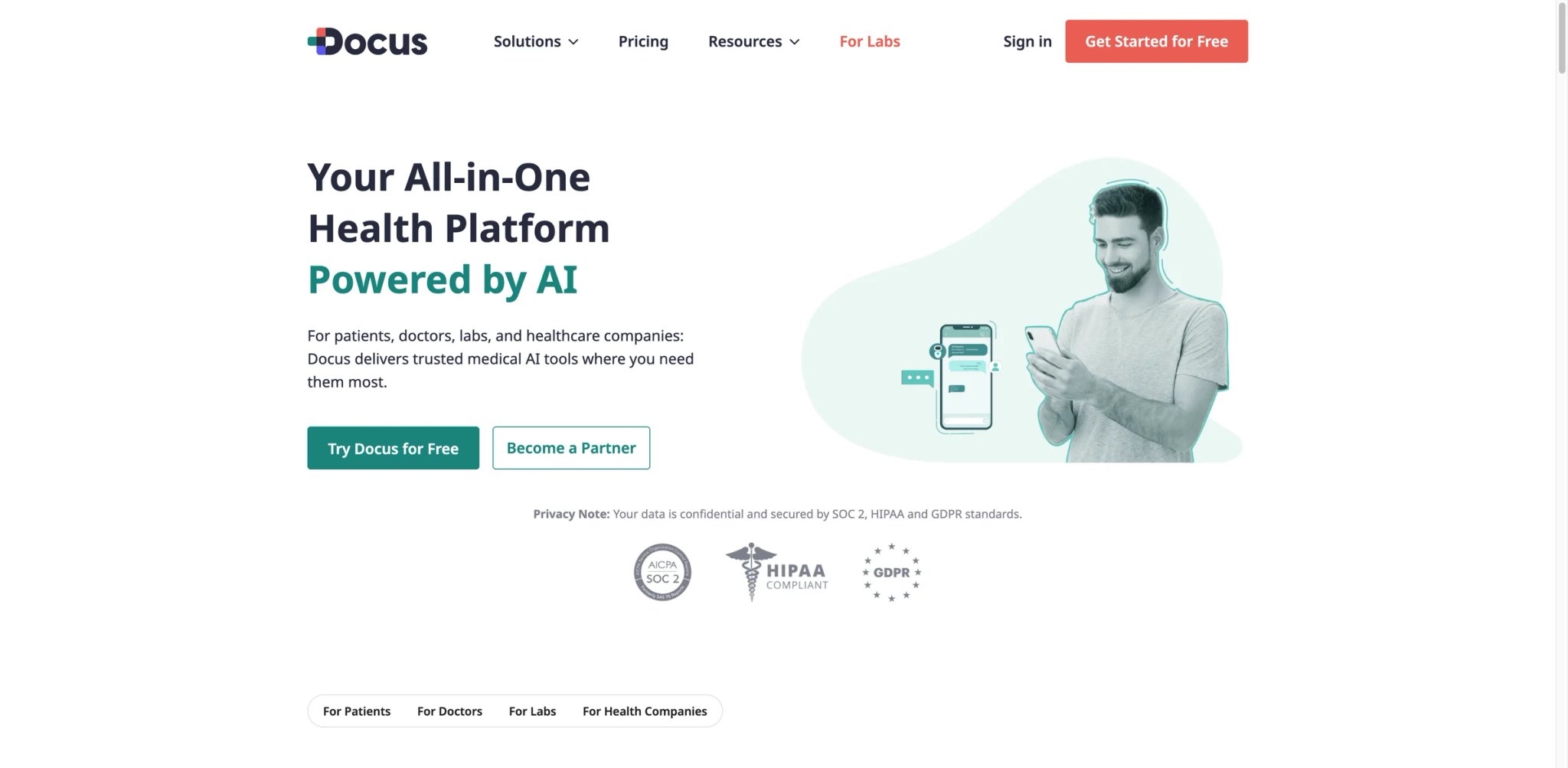
Combining symptom checking with lab report analysis in a single platform — that's where Docus AI tries to differentiate itself. While most tools in this category handle either symptoms or documents, Docus bundles an AI doctor chat, symptom assessment, and lab report interpretation into a tiered subscription model. The ambition is clear: become the one-stop health AI platform. Execution is still catching up.
Docus AI provides general health information and is not a substitute for professional medical advice. Lab report interpretations are AI-generated summaries, not clinical analyses by licensed pathologists.
Key Features
- AI Doctor Chat — A conversational interface where users can describe symptoms, ask health questions, and receive structured responses. The AI draws from medical literature to provide general information — positioned as a starting point for research, not a clinical consultation.
- Lab Report Analysis — Upload blood work, metabolic panels, or other lab results for AI-generated interpretation. The tool highlights abnormal values and provides context about what they might indicate. For users who receive lab results without a doctor's explanation, this fills a genuine gap. If you're interested in broader data interpretation capabilities, our guide to AI data analysis tools covers adjacent platforms.
- Symptom Assessment — Standard symptom checker functionality with condition suggestions and triage guidance.
- Multi-Format Report Support — Accepts PDFs and images of lab reports, using OCR to extract values before analysis.
Pricing & Plans
| Plan | Price | What You Get |
|---|---|---|
| Free | $0 forever | 3 AI Doctor messages/week, 1 AI-interpreted test result |
| Lite | $3.99/mo billed annually ($47.88) | 50 messages/month, 5 AI-interpreted test results/month |
| Pro | $7.99/mo billed annually ($95.88) | 500 messages/month, 15 AI-interpreted test results/month |
| Top Doctor Second Opinion | $490 per consultation | Separate specialist second-opinion service |
Limitations
- Response time delays — Users report noticeable waits for AI responses, especially during peak hours. For a tool handling health anxiety, slow responses amplify stress rather than reduce it.
- Geo-restricted access — Some countries are blocked entirely, with no clear documentation about which regions are supported. Users discover this only after attempting to sign up.
- Free tier is very limited — The free version allows only a handful of interactions before hitting walls. It functions more as a demo than a usable product.
- $3.99 Lite tier feels insufficient — Multiple users report that the Lite plan's limits push them toward higher tiers quickly, making the advertised starting price feel like bait for more expensive subscriptions.
Best For
Users who want symptom checking and lab report interpretation in one place, particularly those who receive lab results from clinics that don't provide detailed explanations. The lab analysis feature is a genuine differentiator that most competitors lack. Docus works well alongside AI chatbots for users who already use conversational AI tools daily.
Not the right fit if you're outside supported regions, need fast real-time responses, or want a fully functional free tier. Users who only need symptom checking (without lab analysis) get better value from Ada or Ubie's completely free offerings.
Get started with Docus AI
Buoy Health
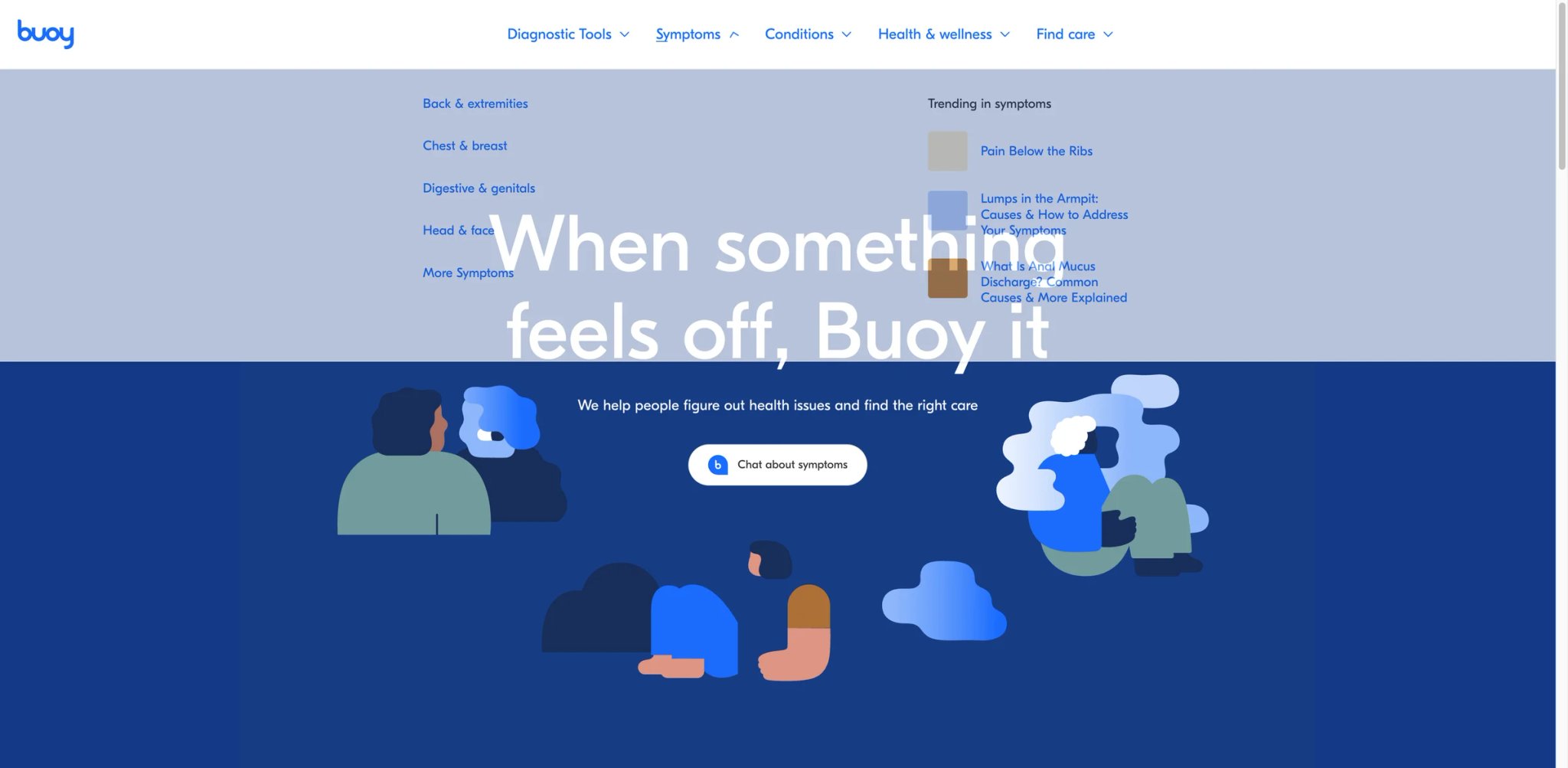
Harvard Medical School origins and significant venture funding gave Buoy Health early credibility in the AI symptom checker space. The platform started as a clinical decision tool and evolved into a care navigation system — meaning it doesn't just assess symptoms, it tries to direct you toward the right type of care and help you find providers. That evolution also shifted its business model toward insurance partnerships, which shows up in the user experience.
Buoy Health provides health information for educational purposes only. Its symptom checker and care recommendations are not medical diagnoses and should not be treated as such.
Key Features
- AI Symptom Checker — Conversational-style assessment that asks follow-up questions based on your responses. The engine was originally built with input from Harvard Medical School physicians.
- Care Navigation — After assessment, Buoy recommends care types (emergency, urgent care, primary care, self-care) and can connect users with providers based on location and insurance coverage.
- Insurance Integration — For users with supported insurance plans, Buoy surfaces in-network providers and estimated costs — a practical feature that competitors largely ignore.
- Content Library — Educational health content organized by condition, providing background reading for users who want to research beyond the symptom check.
Pricing & Plans
Buoy Health is free for consumers. The company generates revenue through partnerships with health systems, insurers, and employers who embed Buoy into their member-facing platforms.
Limitations
- Peer-reviewed study found diagnostic gaps — A published study found Buoy failed to reach the correct diagnosis in certain test cases, and published benchmark studies report materially weaker diagnostic accuracy than leading peers—for example, a 2020 benchmark study reported 43.0% top-3 suggestion accuracy for Buoy versus 70.5% for Ada. That is still useful context for readers, but it does not support the article's "approximately 160%" phrasing. This is a significant data point for a tool with clinical pedigree.
- Crashed mid-diagnosis during testing — Users and testers report the platform crashing or freezing during symptom assessment flows, forcing them to restart. For a health tool, reliability failures are more than just UX annoyances.
- Care navigation feels like upselling — The shift toward insurance partnerships means post-assessment recommendations often steer users toward insurance-related products and provider networks. Users looking for neutral triage guidance may feel commercially directed.
- Slower to innovate than newer competitors — While Buoy was an early leader, tools like Ada and Ubie have surpassed it in both accuracy benchmarks and user experience. The platform's innovation pace has slowed relative to the category.
Best For
US-based users with insurance who want symptom checking combined with provider and cost navigation. Buoy's insurance integration is genuinely useful for understanding in-network options and expected costs — something pure symptom checkers don't offer.
Not the right fit if you prioritize diagnostic accuracy above all else (newer tools outperform Buoy in published comparisons), need a globally accessible tool (Buoy is US-centric), or prefer a clean triage experience without insurance-driven recommendations.
Get started with Buoy Health
Counsel Health
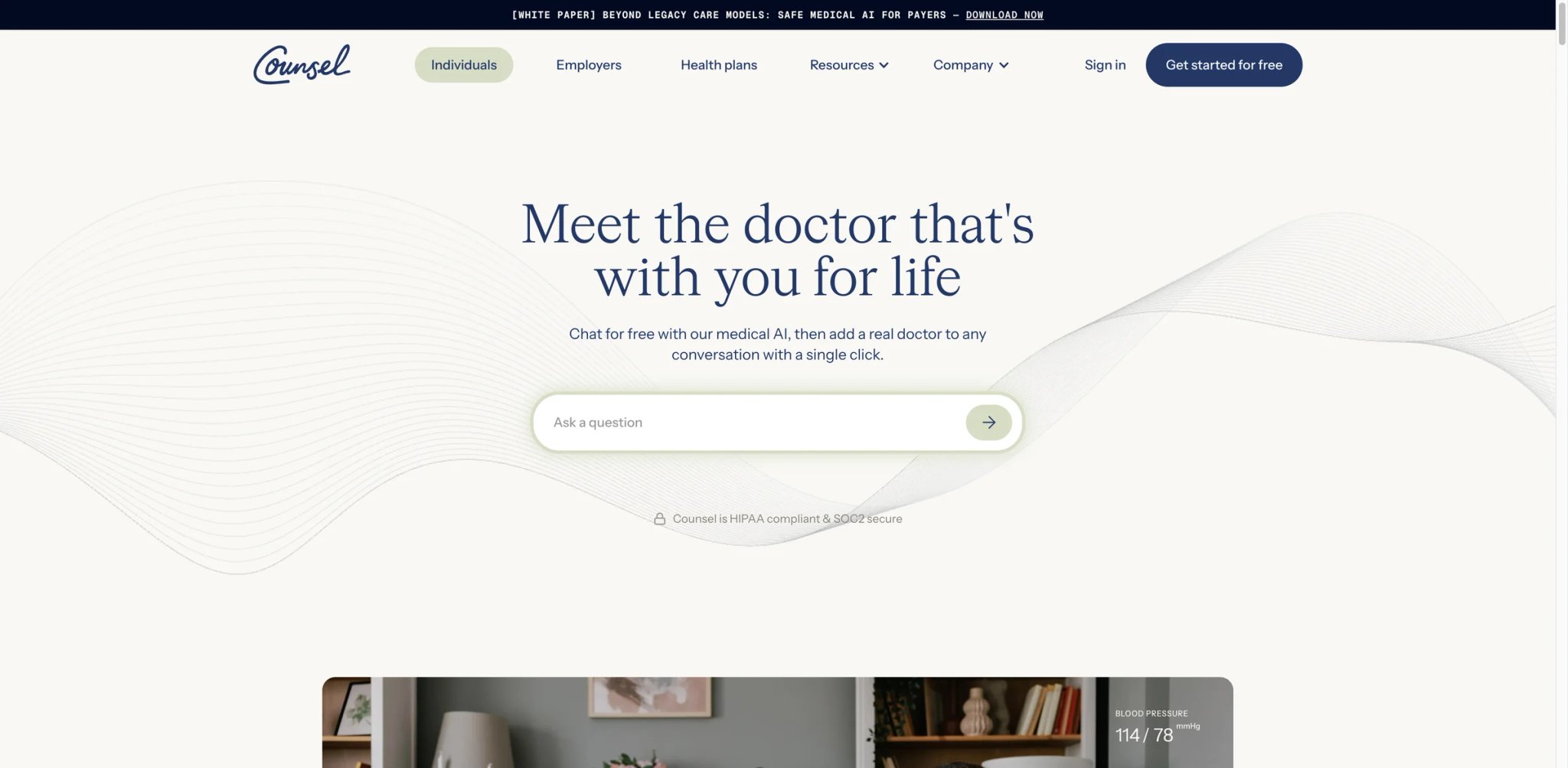
Entering a crowded market requires a sharp angle, and Counsel Health chose pricing transparency as its wedge. The platform offers free AI-powered symptom assessment and charges a flat $29 for doctor consultations — undercutting Doctronic's $39 rate and most traditional telehealth services. Launched with a Series A round in October 2025, it's one of the newest entrants in this guide, which means limited track record but a fresh take on the AI-to-doctor handoff.
Counsel Health's AI provides general health information only. The $29 doctor consultations are with licensed physicians, but all telehealth has limitations — in-person evaluation may be necessary for proper assessment.
Key Features
- Free AI Health Assistant — The AI layer handles initial symptom assessment, health questions, and general triage at no cost. Users can get directional guidance before deciding whether to pay for a doctor.
- $29 Flat-Rate Doctor Visits — Transparent pricing with no insurance complexity. The $29 covers a full consultation with a licensed physician, with no surprise charges or tiered pricing.
- Clear AI-to-Doctor Handoff — The platform explicitly delineates what the AI can address versus what requires human medical expertise, reducing confusion about the scope of each tier.
Pricing & Plans
| Plan | Price | What You Get |
|---|---|---|
| Counsel | $0 | Free medical AI, unified health records, and the option to add a doctor for $29/visit |
| Counsel Signature | $199/year | 24/7 medical AI, unified health records, unlimited doctor access, and exclusive feature access |
| Doctor Add-On | $29 per visit | Physician joins an existing conversation; official FAQ says clinical hours are 8am–9pm, 7 days/week |
Limitations
- Very new — limited track record — Series A in October 2025 means Counsel Health has been operating for roughly 6 months. There's no Trustpilot presence, minimal Reddit discussion, and essentially no independent reviews to reference.
- Doctor availability limited to 8am–9pm — Unlike 24/7 telehealth services, Counsel Health's physicians are only available during a specific window. If your health concern arises at midnight, the doctor tier is unavailable.
- Unclear boundary between free and paid — Users report confusion about exactly what the free AI can resolve versus what requires a paid doctor visit. The handoff between tiers isn't always obvious until you hit it.
- No independent accuracy data — Without published studies or third-party evaluations, there's no way to benchmark Counsel Health's AI accuracy against established competitors.
Best For
Budget-conscious users who want the option of a real doctor consultation without insurance complexity. The $29 flat rate is the lowest in this guide for human physician access, making it attractive for uninsured individuals or those who want a quick professional opinion alongside AI triage.
Not the right fit if you need late-night or 24/7 doctor access, want a tool with a proven track record and extensive user reviews, or require published clinical validation data before trusting a health tool. Early adopters comfortable with newer platforms will find more value here than risk-averse users.
Get started with Counsel Health
Isabel Symptom Checker

Originally built for clinicians rather than consumers, Isabel takes a fundamentally different approach to symptom checking. Instead of a guided questionnaire, it accepts free-text symptom descriptions and returns a differential diagnosis list — the same format physicians use when considering what a patient might have. That clinical DNA is both its strength and its weakness: it's powerful for medically literate users and overwhelming for everyone else.
Isabel generates lists of possible conditions based on your symptom description. These are not diagnoses. The tool is designed to support clinical reasoning, not replace it. Always consult a healthcare professional for actual medical evaluation.
Key Features
- Natural Language Input — Unlike questionnaire-based tools, Isabel lets you describe symptoms in your own words — "sharp pain in lower right abdomen worse after eating, started three days ago." The engine parses this into a structured differential, which feels closer to describing symptoms to a doctor than answering multiple-choice questions.
- Differential Diagnosis Lists — Output is a ranked list of possible conditions matching your symptom description. Lists can be extensive, sometimes surfacing 20+ possibilities covering common and rare conditions.
- Lab Result Integration — Users can input lab values to refine the differential list, narrowing possibilities based on objective data — a feature most consumer tools don't offer.
- Clinical Heritage — Isabel has been used in hospital and clinical education settings for years, giving it a clinical credibility that consumer-first tools lack.
Pricing & Plans
The consumer symptom checker is free. Isabel Healthcare generates revenue through clinical and institutional licensing.
Limitations
- Overwhelming output for laypeople — The differential diagnosis list format works for clinicians trained to interpret it. For consumers, receiving a list of 20+ possible conditions — ranging from benign to serious — can be anxiety-inducing rather than helpful. There's no prioritization or likelihood weighting that a non-medical user can easily parse.
- Sparse clinical interface — The UI was designed for clinical efficiency, not consumer friendliness. It's functional but visually minimal, with little guidance on how to interpret results.
- No triage urgency guidance — Unlike Ada or Symptomate, Isabel doesn't tell you whether to seek emergency care, schedule a routine appointment, or self-manage. You get possibilities without an action plan.
- Triage accuracy limitations in studies — Published studies evaluating Isabel's triage accuracy show performance gaps compared to newer, consumer-optimized tools, particularly in correctly categorizing urgency levels.
Best For
Medically literate users — nurses, medical students, health researchers, or anyone comfortable interpreting a differential diagnosis list. Also valuable as a second-pass tool to cross-reference against a questionnaire-based checker like Ada. If you regularly analyze health data, pairing Isabel with AI data analysis tools for lab work can provide a more complete picture.
Not the right fit if you want clear, simple guidance on what to do next, need urgency-level triage recommendations, or find long lists of possible conditions more stressful than helpful. Most consumers will have a better experience with Ada or Ubie.
Get started with Isabel Symptom Checker
K Health

With over 10 million users and a data-driven model trained on billions of clinical data points, K Health entered the AI health space with serious scale and a compelling promise: AI-powered symptom checking connected directly to US-based primary care doctors. The model works — use the free AI layer to understand your symptoms, then seamlessly transition to a paid consultation if needed. But the gap between that promise and user-reported reality has produced one of the most polarizing review profiles in this guide.
K Health's AI provides health information based on population data patterns. It does not diagnose conditions. Paid doctor consultations are with licensed physicians but are limited to telehealth scope — many conditions require in-person evaluation.
Key Features
- Data-Driven AI Engine — K Health's AI is trained on a proprietary dataset of anonymized clinical records, allowing it to surface conditions that statistically match your symptom profile based on real patient outcomes rather than just medical literature.
- Integrated Telehealth — The platform provides a direct pathway from AI assessment to video/chat consultations with US-licensed physicians and nurse practitioners, keeping the entire workflow in one app.
- Prescription Management — For appropriate conditions, K Health doctors can prescribe medications and send them to your pharmacy — completing the care loop that pure symptom checkers leave open.
- Mental Health Coverage — Therapy and psychiatry services are available through the platform, extending beyond physical symptom checking into mental health support.
Pricing & Plans
| Plan | Price | What You Get |
|---|---|---|
| AI Symptom Check | Free | Symptom intake and condition information in the app |
| One-Time Visit | $73 per visit | Text visit with a medical provider for urgent/primary care lines where offered |
| Membership | As low as $49 for the first month | Unlimited virtual visits on eligible care lines; renewal pricing varies by program |
| Mental Health | $49/month | Anxiety and depression treatment program with clinician access |
Note: K Health pricing varies by care line and promotion, so verify the exact plan on the current product page before publishing.
Limitations
- Unauthorized recurring charges — Multiple Trustpilot and BBB complaints describe unexpected $147 quarterly charges appearing after users believed they had cancelled or signed up for a one-time visit. Billing disputes are the single most common complaint.
- 4+ hour waits despite "fast" marketing — Users report wait times far exceeding advertised response times for doctor consultations. For non-urgent but time-sensitive concerns, this defeats the purpose of on-demand telehealth.
- Doctors refuse to prescribe, redirect to in-person care — A recurring user complaint: after paying for a consultation, the doctor advises seeing an "in-person doctor" without providing the treatment users expected. This feels like paying for the same advice they could get from the free AI layer.
- Trustpilot profile is mixed, but the 2.2/5 figure is stale — Trustpilot now shows K Health at 3.4/5 from 1,500+ reviews. Complaints still cluster around wait times, text-only visits, and billing confusion, but the article should not publish an outdated score.
- Human or AI ambiguity — Some users report uncertainty about whether they're communicating with a human doctor or the AI during consultations, which undermines trust in the service.
Best For
US-based users who want a single app covering AI symptom checking, doctor consultations, prescriptions, and mental health — provided they carefully manage their subscription and billing. The data-driven AI engine is genuinely differentiated, and the prescription capability closes a loop that pure triage tools can't. For businesses evaluating health tools for employee benefits, our AI tools for business guide covers adjacent enterprise health platforms.
Not the right fit if you've had negative billing experiences with subscription services (K Health's billing complaints are too consistent to ignore), need fast doctor response times, or prefer transparent per-visit pricing over subscription models. Users outside the US cannot access the telehealth features.
Get started with K Health
Wizey
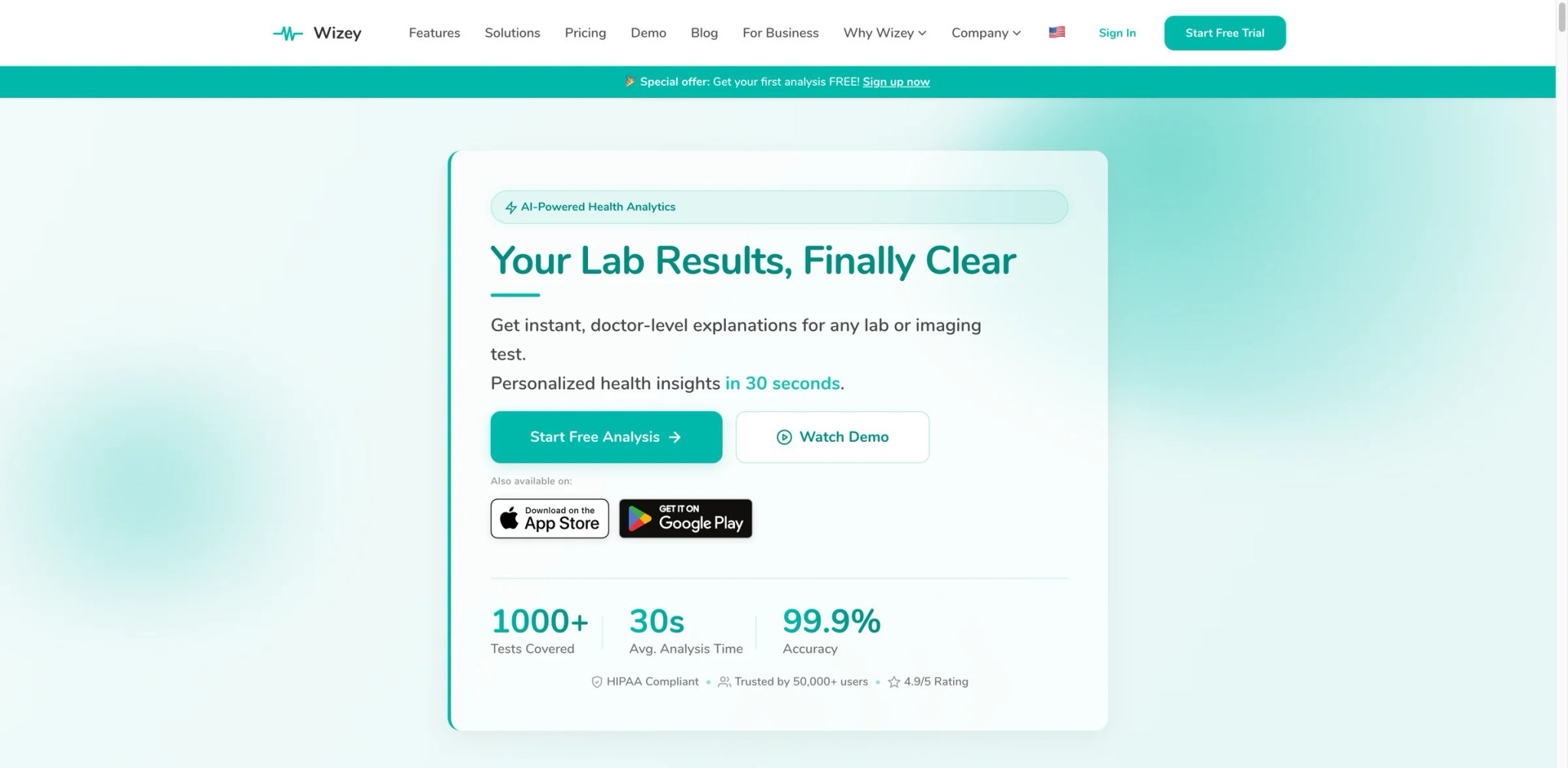
Rather than competing in the crowded symptom checker market, Wizey carved out a specific niche: turning lab reports and medical imaging results into understandable explanations. If you've ever received a blood panel full of acronyms and reference ranges with no doctor available to explain them, that's the exact frustration Wizey targets. It's not trying to be a general health AI — it's a focused tool for a specific, underserved use case.
Wizey interprets lab and imaging reports using AI. These interpretations are educational summaries, not clinical analyses. Abnormal results should always be discussed with your ordering physician or a qualified healthcare provider.
Key Features
- Lab Report Interpretation — Upload blood work, metabolic panels, or other lab results and receive plain-language explanations of each value — what it measures, whether your result is normal, and what abnormal values might indicate.
- Imaging Report Analysis — Beyond lab work, Wizey can process radiology and imaging reports, translating medical terminology into accessible language.
- First Report Free — New users get one complete report analysis at no cost, allowing a genuine trial before committing to the credit model.
- Visual Health Summaries — Results are presented with visual indicators (normal/abnormal flagging, trend context) rather than raw data tables.
Pricing & Plans
| Plan | Price | What You Get |
|---|---|---|
| Free Trial | $0 | First analysis free, no card required |
| Health Starter | $2.99 for 1 report / $7.99 for 5 / $12.99 for 10 | Pay-per-use lab, hormone, or imaging report analysis; credits do not expire |
| Medic Pro | $2.99 for 1 report / $7.99 for 5 / $12.99 for 10 | Professional-facing tools like ICD-10 support and trend analytics |
| Enterprise Care | Bespoke pricing | Custom integrations and higher-volume deployments |
Limitations
- Early-stage with few reviews — Wizey has minimal presence on review platforms. App Store ratings are insufficient for a meaningful sample, and there's essentially no Reddit or Trustpilot discussion to reference.
- Limited to lab/imaging only — This is not a symptom checker. If you're looking for general health Q&A or symptom assessment, Wizey won't help. It's a specialist tool for a specific document type.
- Per-report credit model feels opaque — The $2.99/report pricing is straightforward in theory, but the credit purchase flow and what counts as a "report" (one panel? one page?) could be clearer. Users with regular lab work may prefer a subscription model.
- Limited clinical handoff, not zero integration — Wizey is still primarily a report-interpretation tool rather than a telehealth platform, but its current site advertises guided specialist referrals, shareable clinician summaries, and enterprise API integrations. The original wording is too absolute.
Best For
People who regularly receive lab results or imaging reports and want AI-assisted interpretation before or between doctor appointments. Particularly useful for health-conscious individuals tracking biomarkers, patients managing chronic conditions with frequent blood work, or anyone whose doctor provides results without sufficient explanation.
Not the right fit if you need symptom checking (Wizey doesn't do this at all), want a subscription model for frequent use, or need a tool with an established track record and extensive user reviews. Users needing both symptom checking and lab analysis should look at Docus AI instead.
Get started with Wizey
Best AI Medical Question Tools by Use Case
Quick Symptom Triage at Home
Best pick: Ubie — When you need fast directional guidance about whether symptoms warrant medical attention, Ubie's 3-minute check provides the quickest path to a recommendation. Pair with Ada for a second opinion if the results feel uncertain. Neither tool replaces medical judgment, but together they give you two data points in under 10 minutes.
Lab Report Understanding
Best pick: Wizey (reports) or Docus AI (reports + symptoms) — If your primary need is understanding lab results, Wizey's focused approach delivers clear explanations at $2.99/report. If you also want symptom checking in the same platform, Docus AI bundles both — though the free tier is limited. Either way, always discuss abnormal results with your ordering physician.
Budget Telehealth with AI Pre-Screening
Best pick: Counsel Health ($29/visit) or Doctronic ($39/visit) — For users who want the option of escalating from AI to a real doctor within the same platform, these two offer the most transparent pricing. Counsel Health is cheaper but newer and limited to daytime hours. Doctronic has more history but has drawn prescribing concerns. Both are supplemental to — not replacements for — your primary care relationship.
Chronic Condition Monitoring
Best pick: Ada — For users tracking recurring or evolving symptoms, Ada's depth of questioning and condition information library provide the most comprehensive ongoing reference. The 2025 redesign removed some tracking features, but the core assessment engine remains the strongest for complex, multi-symptom presentations. Supplement with a personal health journal and regular physician check-ins.
Medical Research and Professional Cross-Reference
Best pick: Isabel Symptom Checker — Healthcare students, nurses, and medically literate users who want a differential diagnosis list to cross-reference against their own knowledge will find Isabel's clinical format more useful than consumer-oriented tools. The output is designed for people who know how to interpret it.
How to Choose the Right AI Medical Question Tool
Step 1: Understand What These Tools Can and Cannot Do
This is non-negotiable. AI medical question tools are triage aids and information resources — not diagnostic tools, not second opinions from a doctor, and not replacements for professional care. The best use case is helping you organize symptoms and decide whether to seek care, not telling you what's wrong. If any tool implies it can diagnose conditions, treat that as a disqualifying red flag.
Step 2: Define Your Primary Need
Symptom checking, lab report interpretation, and doctor access are three distinct needs that different tools handle differently. Ada and Ubie excel at symptom assessment. Wizey and Isabel handle lab reports. Doctronic and Counsel Health bridge AI triage to human doctors. Choosing a tool that matches your primary use case prevents paying for features you won't use.
Step 3: Check for Published Accuracy Data
Not all symptom checkers are created equal. Tools with peer-reviewed accuracy studies (Ada, Ubie, Buoy) provide a baseline of verifiable performance — even if that performance has known limitations. Tools without published data aren't necessarily worse, but you're trusting marketing claims without independent verification.
Step 4: Evaluate the Free Tier Honestly
"Free" ranges from genuinely useful (Ada, Ubie, Symptomate) to barely functional demos (Docus AI free tier). Before committing to a paid plan, test whether the free version actually addresses your needs or just serves as a conversion funnel. If you're exploring AI tools more broadly, our AI chatbots category page helps compare free tiers across the broader conversational AI landscape.
Step 5: Read Real User Reviews — Especially the Negative Ones
Trustpilot, Reddit, and app store reviews reveal friction that marketing pages hide. K Health's billing complaints, Ada's stripped features, Buoy's diagnostic gaps — these patterns emerged from user feedback, not product demos. Spend 10 minutes reading 1-star reviews before signing up for any health tool.
Step 6: Never Use a Single Tool as Your Only Source
The most responsible approach: use one tool for initial assessment, cross-reference with a second tool if needed, and then consult a healthcare professional for anything concerning. No tool in this guide — or any guide — should be your sole source of health information.
Frequently Asked Questions
Are AI medical question tools safe and accurate?
Can AI symptom checkers diagnose my condition?
Which free AI medical question tool is the most useful?
Are these tools HIPAA compliant?
Can AI tools prescribe medication?
Should I use these tools instead of calling my doctor?
How do these tools make money if they're free?
What should I do if an AI symptom checker gives me alarming results?
Get ToolWorthy Weekly
New AI tools, practical guides, and selected AI signals in one weekly brief.
For AI tool founders
Built a tool that belongs in this decision set?
Request an editorial evaluation for possible inclusion in ToolWorthy.
Submit your tool for reviewPaid submission does not guarantee a ranking, recommendation, inclusion, or editorial outcome.