
12 Best AI Architectural Rendering Tools 2026 - Sketches to Client Renders
Compare 12 AI architectural rendering tools for sketches, model screenshots, BIM plugins, studio collaboration, pricing, and geometry control.
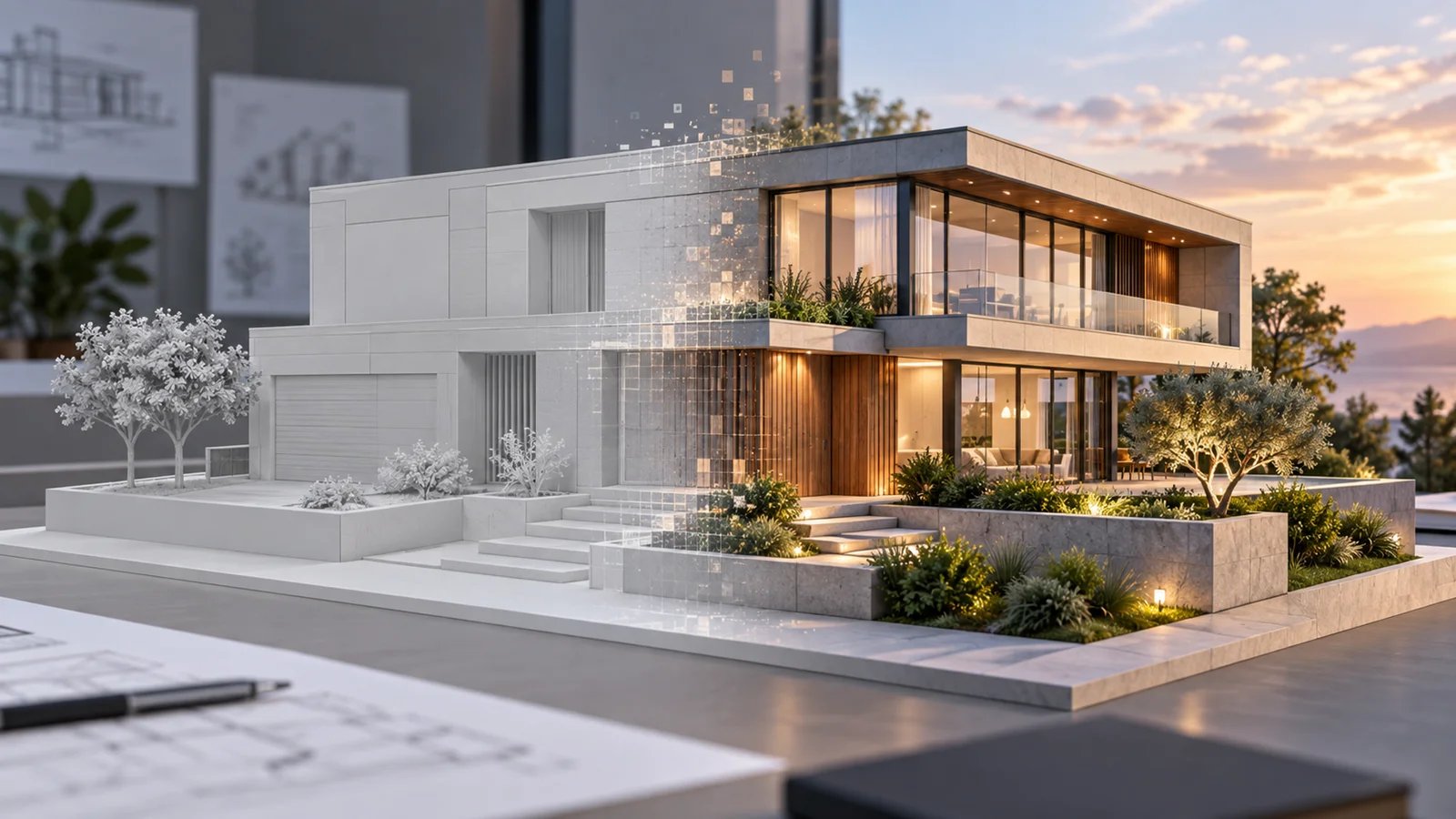
On this page
Architects do not search for AI architectural rendering tools because they want another image generator. They search because a client meeting is tomorrow, the SketchUp or Revit model is not presentation-ready, and traditional rendering would mean lighting setup, material cleanup, GPU time, and post-production. The real question is: which AI tool can turn a sketch, model screenshot, draft render, or concept view into something credible without destroying the design intent?
This guide compares 12 AI architectural rendering tools by geometry control, input workflow, CAD/BIM fit, output quality, pricing transparency, team collaboration, and practical risk. Airender is ranked first because it is purpose-built for geometry-faithful sketch and model screenshot rendering, with a clear browser workflow and transparent pricing. The rest of the ranking covers plugin tools, architecture-native AI platforms, collaborative canvases, and lower-cost credit models.
For adjacent workflows, see our AI architecture rendering, AI architecture design, and AI interior design categories.
| Tool | Best For |
|---|---|
| Airender | Best overall for geometry-faithful sketch and model screenshot rendering |
| LookX AI | Architecture-native AI generation, plugins, and custom models |
| Veras | SketchUp, Revit, Rhino, Archicad, and Vectorworks plugin workflows |
| mnml.ai | Broad browser toolkit for architecture, interior, exterior, and render enhancement |
| Gendo | Collaborative AI canvas for architecture studios |
| PromeAI | General design suite with strong architecture sketch rendering |
| ArchiVinci | Unlimited-render subscription for sketches, plans, photos, and model screenshots |
| MyArchitectAI | Fast browser rendering for non-technical users |
| VizBase | Small studios that want clear pricing, inpainting, and SketchUp plugin support |
| ReRender AI | Unlimited renders with private mode and SketchUp support |
| ArkoAI | Rhino, SketchUp, and Revit users who want plugin-based AI rendering |
| Vizcraft | Low-cost credit plans for architecture, interiors, and real estate visuals |
How We Selected and Tested
We selected tools that publicly position themselves for architectural rendering, architecture visualization, sketch-to-render, model screenshot rendering, BIM/CAD plugin rendering, or design-studio AI visualization. We excluded generic image generators unless the product has a clear architecture-specific workflow, and we excluded traditional renderers unless their AI workflow is central enough for this search intent.
Our research used official product pages, pricing pages, support pages, and public vendor documentation available in July 2026. We prioritized tools that explain input types, output rights, privacy, pricing, and workflow fit. We did not run paid exports for every product, so comments about output quality are based on official demos, documented workflow design, and buyer-fit analysis rather than hidden benchmark testing.
Evaluation Dimensions:
- Geometry Control - Does the tool preserve massing, openings, perspective, and composition, or does it freely reinterpret the building?
- Architecture Workflow Fit - Does it work with sketches, CAD/BIM exports, SketchUp, Revit, Rhino, Archicad, or 3D model screenshots?
- Speed to First Client Visual - How quickly a designer can move from rough input to a usable presentation image.
- Pricing Transparency - Whether the vendor clearly explains free credits, subscriptions, commercial rights, private mode, and credit usage.
- Studio Readiness - Collaboration, privacy, shared workspaces, plugins, and repeatable style control.
Transparency & Limitations: AI architectural rendering is changing quickly. Pricing, credits, available models, and output rights can change without notice, so verify exact plan details at checkout before buying. Research conducted in July 2026.
Top 12 AI Architectural Rendering Tools Compared
The right tool depends on what you need to preserve. If exact geometry matters, choose a tool built around screenshots, BIM views, or plugins. If you need fast mood exploration, a broader AI design suite may be enough. If you are running a studio, collaboration, privacy, and repeatability become more important than the lowest per-render price.
| Tool | Best For | Starting Price | Input Fit | Workflow Style | Pricing Clarity |
|---|---|---|---|---|---|
| Airender | Geometry-faithful client renders | 3 free previews; from $24/mo annual | Sketches, SketchUp, Revit, Rhino, Archicad screenshots | Browser upload and render | High |
| LookX AI | Architecture-native AI generation | Free; paid from $20/mo | Text, sketches, plugins, trained models | AI platform and plugins | High |
| Veras | BIM/CAD plugin rendering | From $29/mo annual | SketchUp, Revit, Rhino, Archicad, Vectorworks | Plugin and web rendering | High |
| mnml.ai | Broad AI architecture toolkit | Free credits; paid in app | Sketches, model captures, renders | Browser tool suite | Medium |
| Gendo | Studio collaboration | Free watermarked; Studio from £79/mo | Sketches, screenshots, photos | Shared design canvas | High |
| PromeAI | Design suite with sketch rendering | Free start; coin plans | Sketches, CAD screenshots, photos | Multi-tool design suite | Medium |
| ArchiVinci | Unlimited render subscription | From $39 weekly or $79 monthly | Sketches, plans, photos, model screenshots | Browser rendering suite | High |
| MyArchitectAI | Fast one-click realism | 10 free renders; from $29/mo | CAD/3D screenshots, JPG/PNG | Browser one-click render | High |
| VizBase | Small studios and freelancers | Free 5 credits; from €29/mo | Viewport captures, images, SketchUp | Browser plus plugin | High |
| ReRender AI | Unlimited renders and private mode | Free trial; from $45/mo | Sketches, models, plans, images | Browser rendering | High |
| ArkoAI | In-model AI rendering | Free trial; subscription required | Rhino, SketchUp, Revit | Plugin rendering | Medium |
| Vizcraft | Low-cost credit rendering | 2 free credits; from $19/mo | Real estate, interior, architecture visuals | Subscription or credit packs | High |
Detailed Reviews

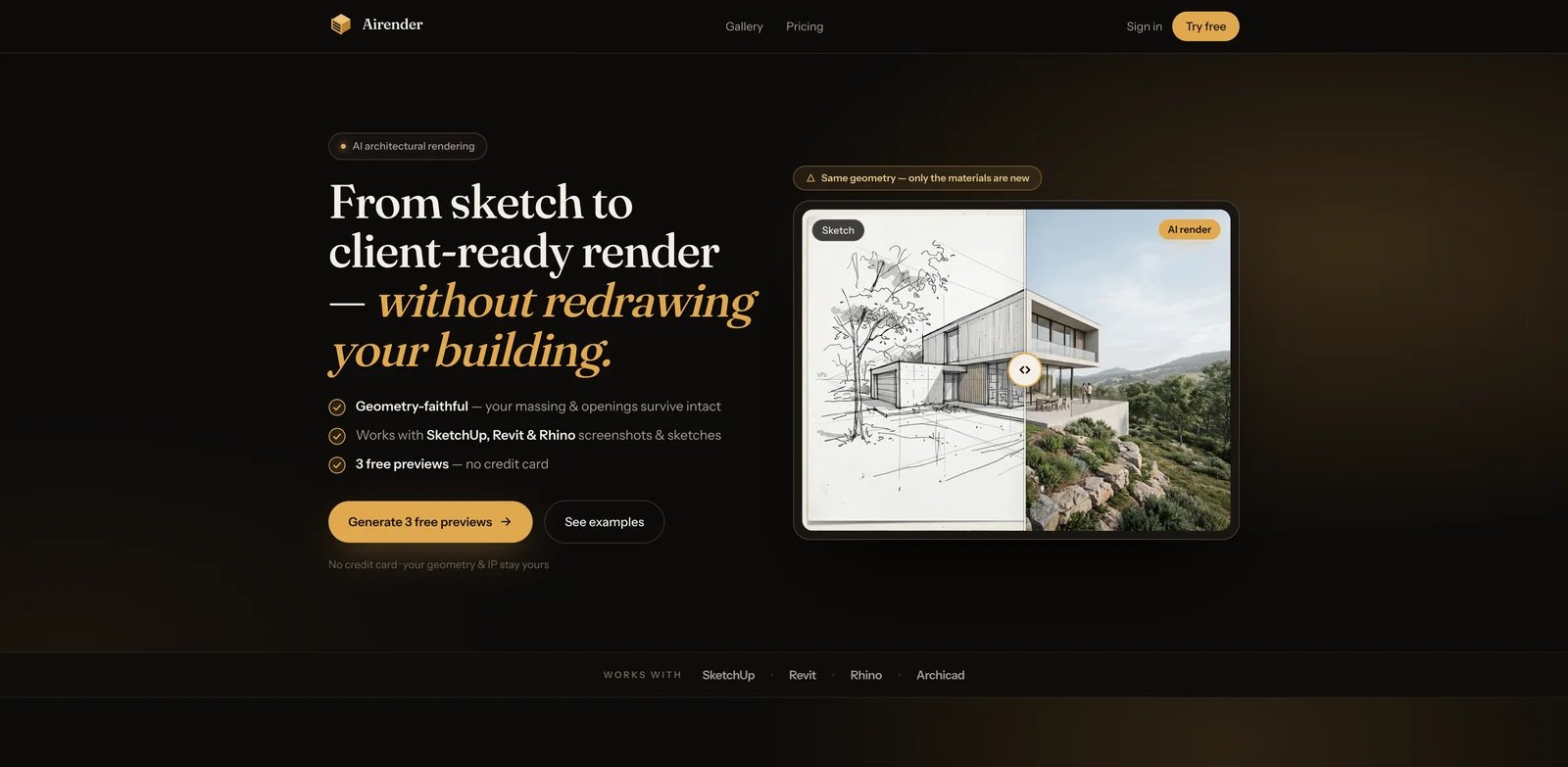
Airender is the strongest fit when the design already exists and the render needs to respect it. The workflow starts from a sketch, draft render, or screenshot from SketchUp, Revit, Rhino, or Archicad, then turns that input into a client-ready architectural render in the browser. The key distinction is geometry fidelity: Airender positions itself around keeping massing, openings, and camera composition intact while changing materials, lighting, landscape, and visual mood.
Key Features
- Sketch and model screenshot input - Works from hand sketches, draft renders, and screenshots from common architecture tools, so designers do not need a fully render-ready model.
- Geometry-faithful output - The product emphasizes preserving massing, openings, and camera angle, which is critical when the render will be shown to a client.
- Faithful, Balanced, and Creative modes - Designers can decide whether the output should closely follow the input or explore a more expressive direction.
- Browser-based rendering - No V-Ray, Enscape, GPU setup, render farm, or local installation is needed for the first image.
Pricing & Cost
Airender offers 3 free previews with no credit card required. Paid plans start at $24/month when billed annually for Starter, with 210 credits per month. Pro costs $49/month billed annually with 500 credits, priority queue, saved styles, and 3 seats. Studio costs $108/month billed annually with 1,200 credits, batch export, shared workspace, and 10 seats. Standard renders cost 1 credit, HD costs 3 credits, and Ultra costs 4 credits.
Limitations
Airender is focused on perspective architectural views, not flat 2D floor plans or full production rendering pipelines. It will not replace BIM documentation, animation, VR walkthroughs, or final material-controlled archviz work. It is best used as a fast client-visual layer between raw design work and full rendering production.
Who It's For
Airender is best for architects, interior designers, and small studios that need fast, geometry-aware visuals from existing sketches or model screenshots. Not the right fit if you need manual shader control, animated walkthroughs, or final-production rendering from a fully modeled scene.
Get started with Airender
LookX AI

LookX AI is one of the more architecture-native AI platforms in this category. It is built for architects and designers rather than general prompt artists, and its public pages describe architecture design, interior design, plugins, custom model training, style adapter, upscaling, and team plans. If your team wants a broader AI design platform instead of a narrow screenshot-to-render tool, LookX is a serious candidate.
Key Features
- Architecture-focused AI platform - LookX positions its model and workflows around architectural design, interior, landscape, and professional design contexts.
- Free and paid generation tiers - The pricing page lists a free basic plan plus monthly and annual individual plans.
- Advanced tools beyond simple rendering - Style adapter, custom models, prompt assistant, image upscaling, and plugin support give advanced users more control.
- Team and enterprise paths - Team plans include shared credits, team cloud drive, team model features, and higher-priority processing.
Pricing & Cost
LookX offers a free basic plan. The individual monthly plan is $20/month with a 7-day free trial, unlimited image generations, and 580 image credits per month for model training, upscale, and advanced features. The annual individual plan is $199/year. Team pricing starts at $269/month for 5 seats and 3,000 image credits per month. Enterprise is contact sales.
Limitations
LookX is more complex than a single-purpose renderer. That flexibility is useful for advanced teams, but solo architects may need more time to learn the ecosystem. As with any generative platform, output should be checked against the source geometry before client use.
Who It's For
LookX AI fits architects and design teams that want architecture-specific AI generation, custom models, and plugin-style workflows. Not the right fit if you want the simplest possible upload-and-render experience.
Get started with LookX AI
Veras
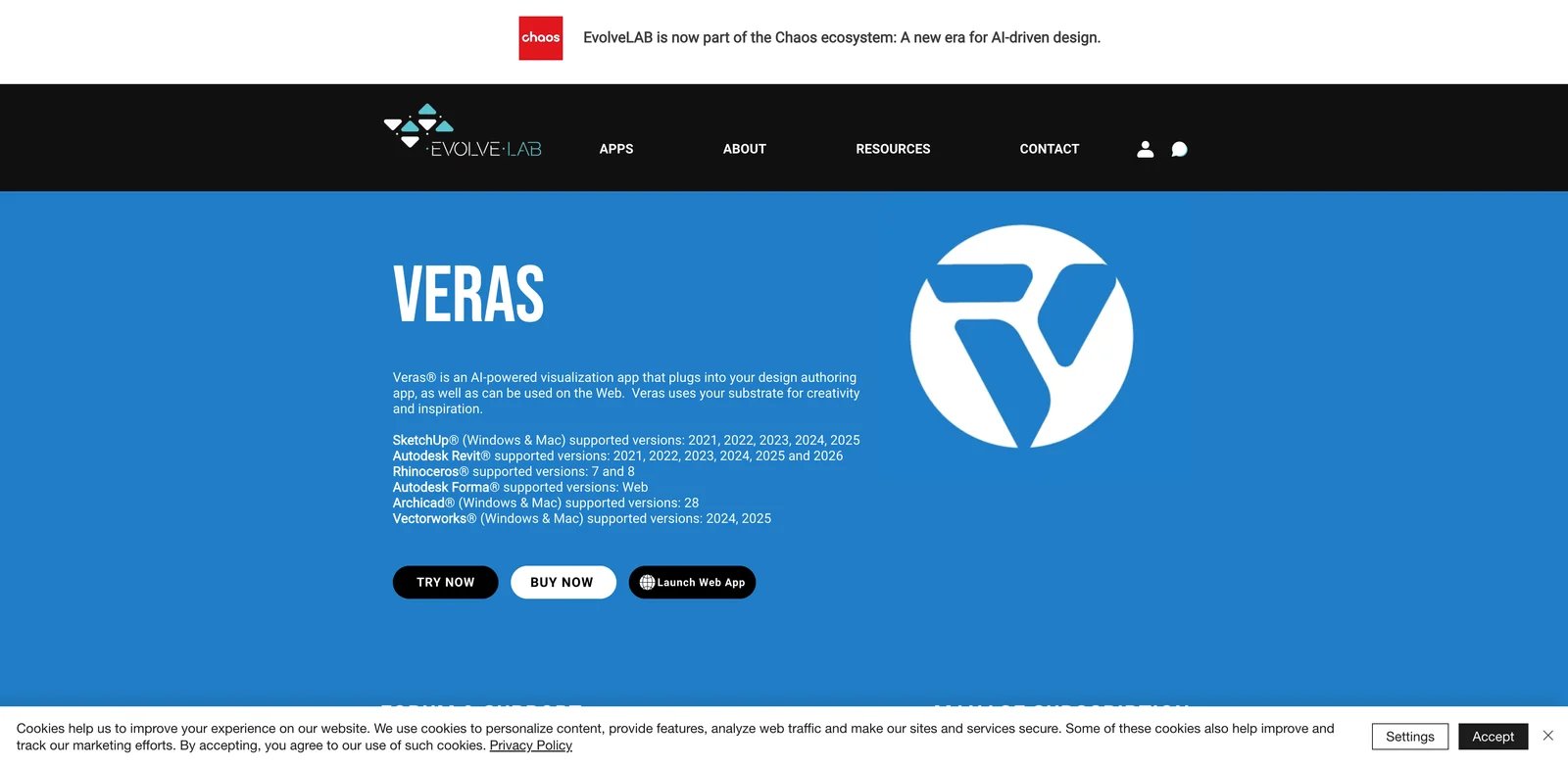
Veras is a strong choice when the team already works inside SketchUp, Revit, Rhino, Archicad, or Vectorworks and wants AI visualization without leaving that design environment. It is a plugin-led workflow, which makes it different from browser-only AI renderers: the AI layer sits closer to the actual model, so designers can iterate from the tools they already use.
Key Features
- CAD/BIM plugin workflow - Official compatibility covers SketchUp, Revit, Rhino, Archicad, and Vectorworks versions listed by EvolveLAB.
- Fixed and floating licenses - Teams can choose specific-user licensing or floating access depending on seat utilization.
- Education option - Student licensing is available for non-commercial academic use.
- Free trial - The official page lists 30 renders and a 15-day free trial.
Pricing & Cost
Veras fixed license pricing starts at $29/month when billed yearly at $348/year. Floating license pricing starts at $51/month when billed annually at $612/year. Student licensing is $12.42/month billed annually at $149/year for non-commercial educational use.
Limitations
Veras is most valuable if your team already lives in supported CAD/BIM tools. If you prefer a browser-only workflow or work mostly from loose image references, a product like Airender, mnml.ai, or Gendo may feel lighter.
Who It's For
Veras is best for architects who want AI rendering inside established modeling workflows. Not the right fit if your team does not use supported plugins or wants a standalone AI canvas.
Get started with Veras
mnml.ai
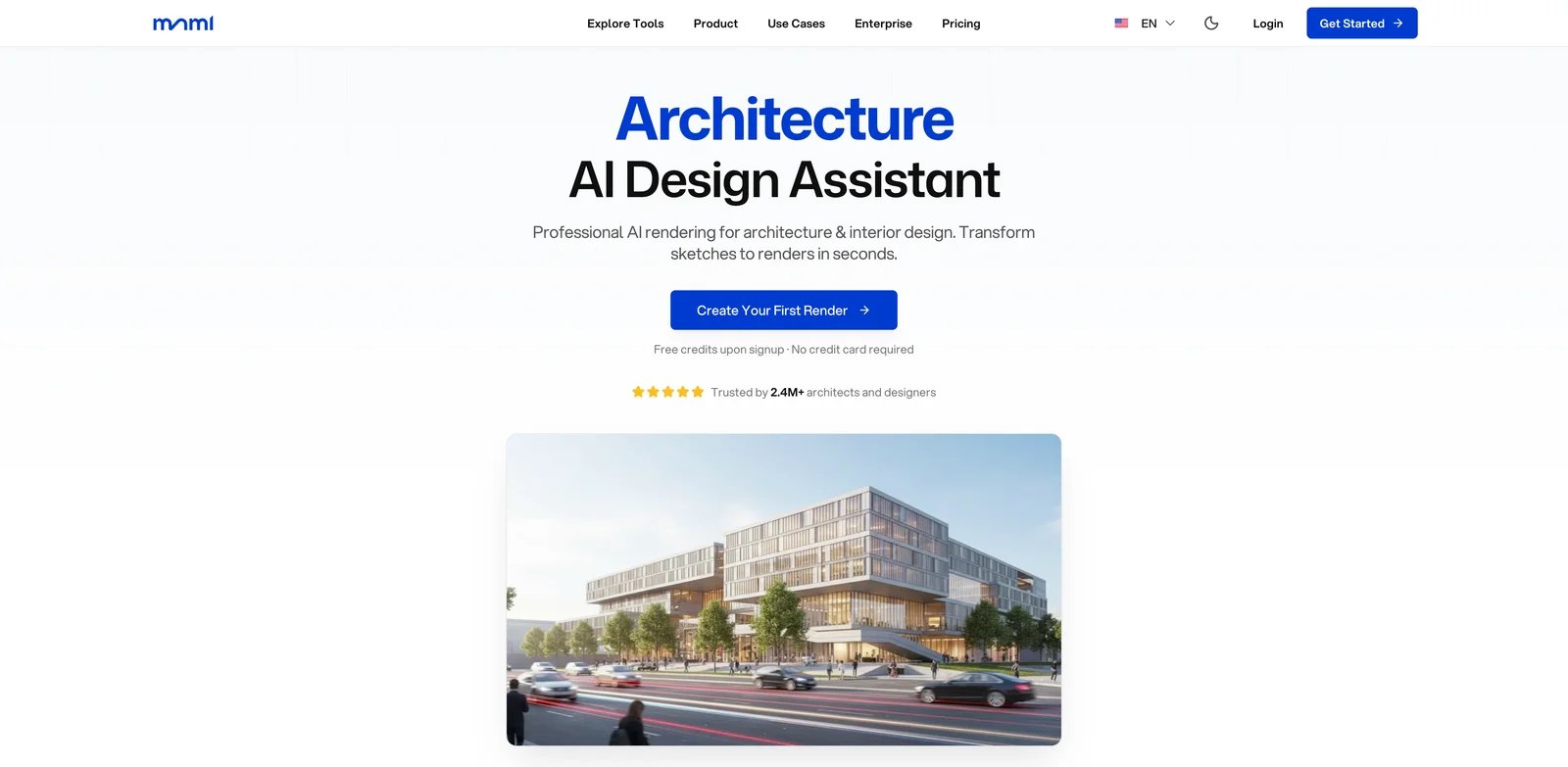
mnml.ai is a broad browser-based architecture AI suite. It covers sketch-to-image, exterior rendering, interior rendering, landscape design, masterplan visualization, render enhancement, style transfer, text-to-render, and upscaling. That breadth makes it useful for designers who need many related visualization tasks rather than one narrow render workflow.
Key Features
- 12+ architecture AI tools - The product covers sketch, exterior, interior, landscape, masterplan, render enhancer, virtual staging, and upscaling workflows.
- Architecture software compatibility - mnml.ai lists SketchUp, Revit, Blender, 3ds Max, Lumion, V-Ray, Twinmotion, and hand-drawn sketches.
- Render enhancement and upscaling - Existing Lumion, Enscape, V-Ray, and other renders can be improved or upscaled.
- Style and mode variety - 40+ architectural styles and multiple rendering modes help with mood exploration.
Pricing & Cost
mnml.ai offers free credits and paid subscriptions with monthly credits. Its public pricing page explains that credits are consumed per generation, unused credits can roll over up to a capped amount, and top-up credits are available. Exact paid tier amounts may depend on the live pricing UI, so confirm in-app before purchase.
Limitations
Because mnml.ai is broad, it may not feel as controlled as a specialized geometry-preserving renderer for client-critical views. Use it when exploration breadth matters, and check outputs carefully when exact openings, facade rhythm, or site context must remain unchanged.
Who It's For
mnml.ai is best for architects, interior designers, and visualization teams that want one browser toolkit for many AI visualization tasks. Not the right fit if your first priority is strict geometry preservation from one screenshot.
Get started with mnml.ai
Gendo
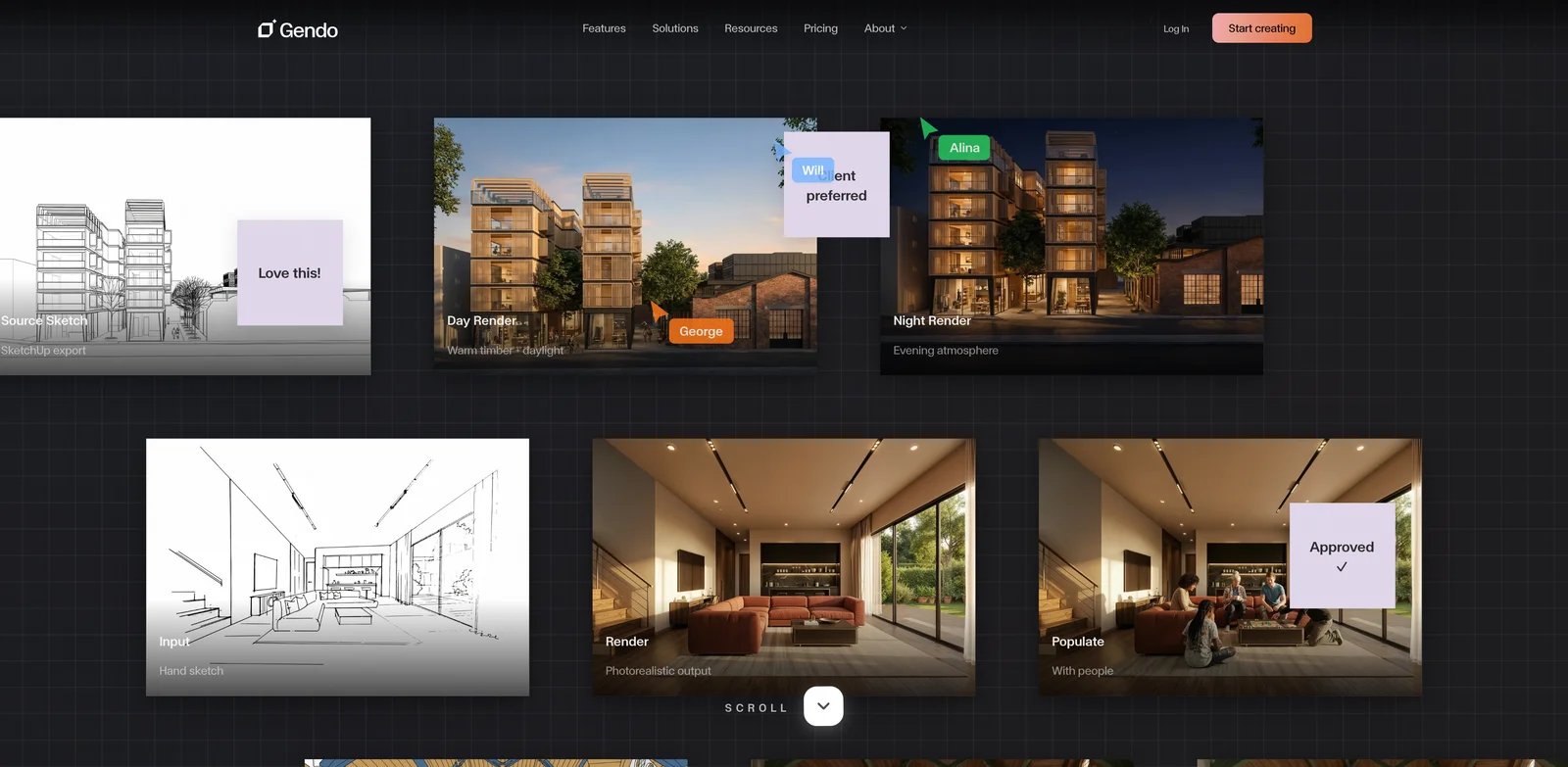
Gendo is built around a collaborative AI canvas rather than a simple one-off image generator. The product is aimed at architecture and design studios that need shared workspaces, client-safe presentation visuals, and team review. Its paid studio plan emphasizes privacy, no training on your data, no watermark, commercial license, and team roles.
Key Features
- Collaborative design canvas - Teams can generate, edit, iterate, and align on one shared workspace.
- Architecture-specific tooling - Gendo supports design-to-image, material changes, style transfer, and image tooling aimed at architecture teams.
- Studio privacy and licensing - Studio plan lists private-by-default workspaces, no training on your data, commercial license, and no watermark.
- Team workflow features - Studio includes seats, full history, parallel rendering, MFA, roles, and upscaling.
Pricing & Cost
Gendo has a free plan with unlimited watermarked generations, 1 active project canvas, up to 50 assets, 1k export, and one collaborator. Studio is £79/month or £66/month billed annually at £790/year, with 4 seats included. Enterprise is custom pricing with a minimum 20 seats.
Limitations
Gendo is strongest when collaboration and review matter. If you just need one fast render from a model screenshot, a leaner tool may be cheaper and simpler. The free plan includes a watermark and export limitations.
Who It's For
Gendo is best for studios that want AI rendering as part of a shared design review process. Not the right fit if you need the lowest-cost individual render workflow.
Get started with Gendo
PromeAI
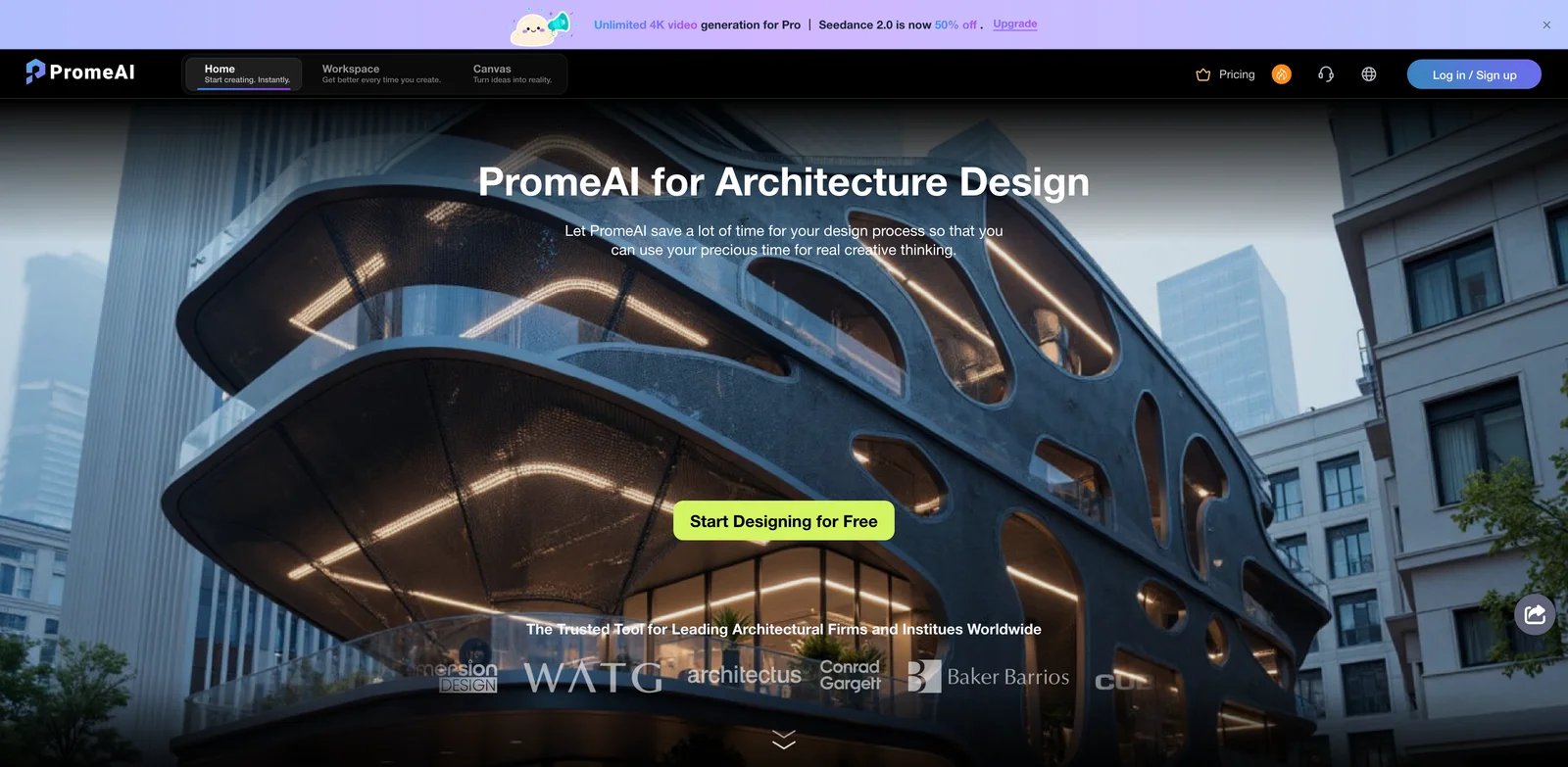
PromeAI is not only an architecture rendering tool, but its architecture workflow is substantial. The official architecture page covers sketch rendering, idea visualization, exterior renovation, scene conversion, templates, and plans for freelance architects and firms. It is a good fit when architecture rendering is one part of a broader creative production workflow.
Key Features
- Sketch rendering for architecture - Upload sketch design drafts, photos, or modeling software screenshots to generate realistic photo-like renders.
- Idea visualization - Text descriptions can generate architectural design images for early ideation.
- Exterior renovation and scene conversion - Useful for facade studies, renovation concepts, and changing the environment around a design.
- Large design toolkit - PromeAI also includes image generation, consistency rendering, region rendering, upscaling, image-to-video, and editing tools.
Pricing & Cost
PromeAI offers a free start and member plans based on monthly coin quotas. The official member page describes Base, Standard, and Pro plans with 500, 2,000, and 6,000 coins per month respectively, plus commercial rights and discounted extra coin purchases on paid tiers. Because the live page can vary by promotion and region, confirm the exact dollar price at checkout.
Limitations
PromeAI is a general design suite, so some architecture teams may find it less focused than Airender, Veras, or Gendo. It is best for ideation, sketch rendering, renovation, and creative variants rather than strict production visualization.
Who It's For
PromeAI is best for designers who want architecture tools plus broader image, video, and creative AI capabilities. Not the right fit if you only want a narrow geometry-faithful architecture renderer.
Get started with PromeAI
ArchiVinci
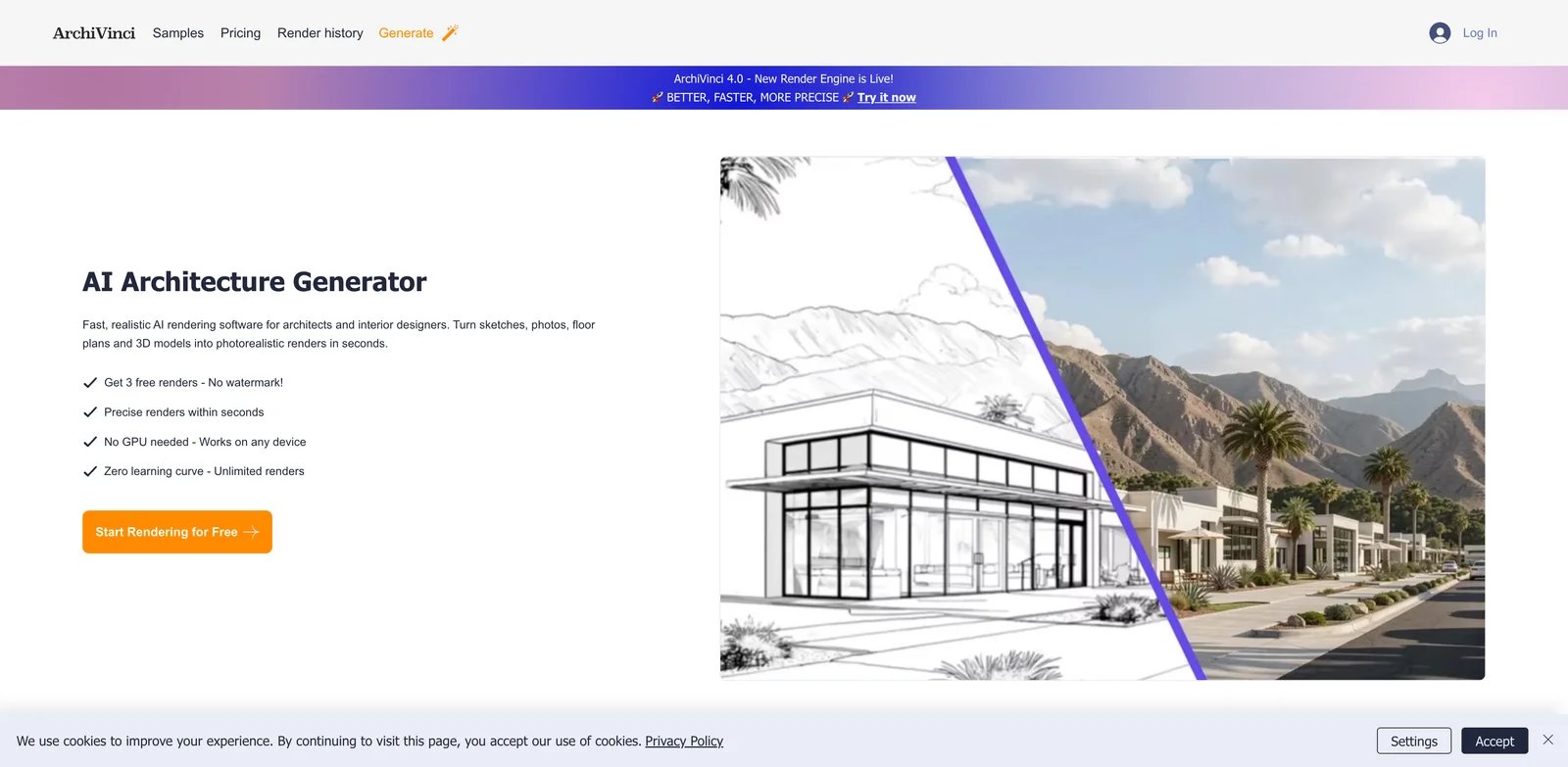
ArchiVinci focuses on AI architecture generation and rendering from sketches, plans, photos, elevations, facade drawings, site plans, and 3D model screenshots. Its pricing is unusual in a useful way: paid plans emphasize unlimited ArchiVinci renders, with coins included for additional models and video generation.
Key Features
- Multiple architecture input types - Supports sketches, drawings, photos, plans, elevations, facade inputs, site plans, and model screenshots.
- Unlimited ArchiVinci renders on premium plans - Useful for users who generate many variations and dislike per-image anxiety.
- Subscription and one-time options - Users can choose weekly, monthly, yearly, or one-time time-limited packages.
- Team plans - Multi-user plans are available for studios and agencies.
Pricing & Cost
ArchiVinci lists a weekly subscription at $39, monthly subscription at $79, and yearly subscription at $549, shown as $46/month billed annually. One-time options include 3 days for $49, 1 month for $99, 3 months for $299, 6 months for $499, and 1 year for $599. Team plans are also available.
Limitations
Unlimited rendering is attractive, but advanced models and video generation still use coins. Teams should check which modules are included before assuming every workflow is unlimited.
Who It's For
ArchiVinci is best for designers who want high-volume AI architecture iterations and flexible billing. Not the right fit if you need deep CAD/BIM plugin integration.
Get started with ArchiVinci
MyArchitectAI
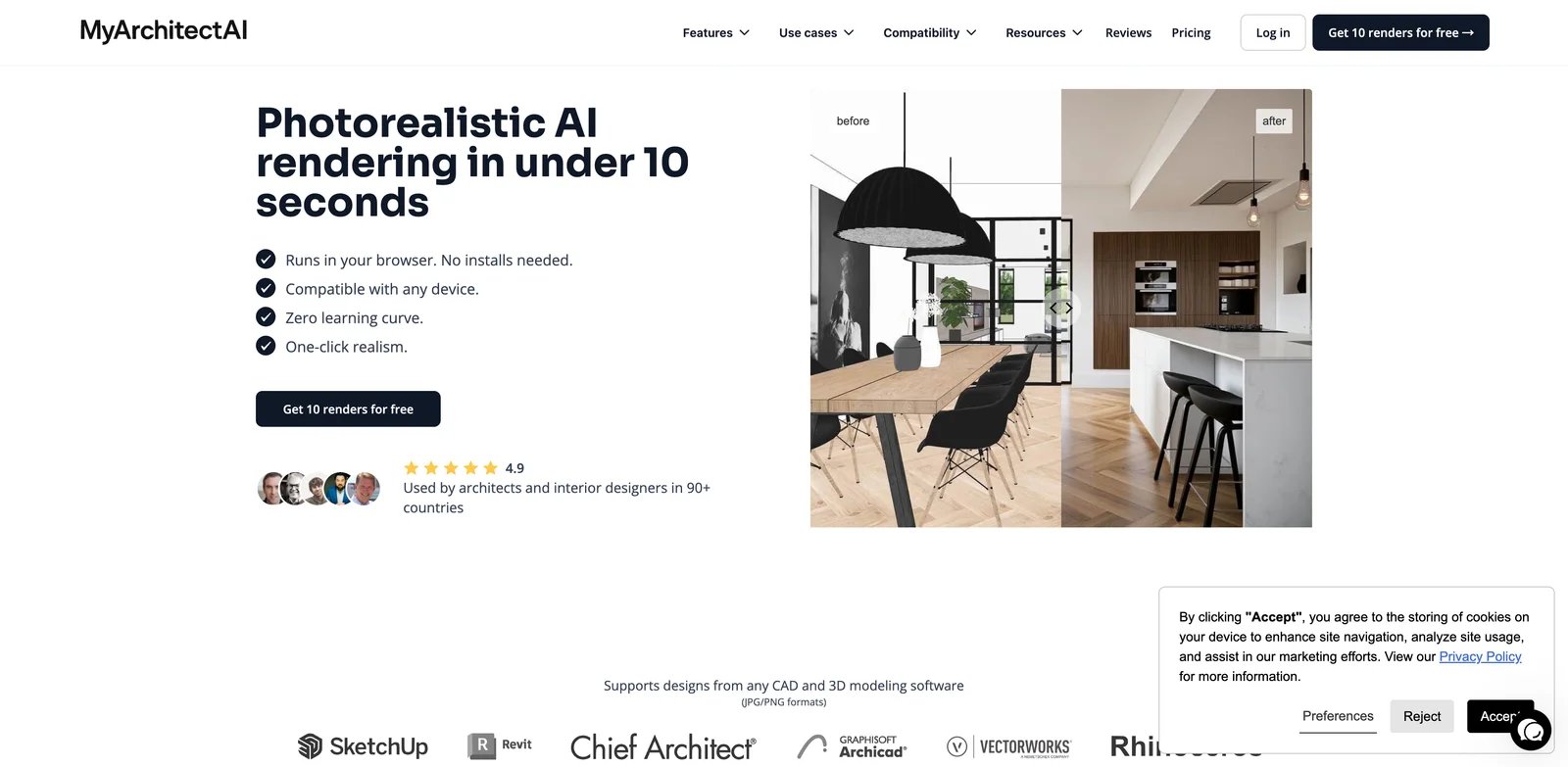
MyArchitectAI is built for speed and simplicity. The official site emphasizes photorealistic AI rendering in under 10 seconds, browser-based use, no installation, and compatibility with JPG/PNG exports from any CAD or 3D modeling software. It is less about advanced creative control and more about getting a credible still image quickly.
Key Features
- Under-10-second still renders - The product claims most still renders are ready in under 10 seconds, with animations taking longer.
- Browser-based cloud rendering - No local install, Mac limitation, or workstation GPU requirement.
- Works from CAD and 3D exports - Users upload screenshots or exports from architectural or interior design work.
- 4K output on paid workflow - The official workflow describes downloading rendered images in 4K.
Pricing & Cost
MyArchitectAI offers 10 free renders. Public pricing pages list plans from $29/month, with annual pricing available. Confirm current limits, commercial rights, and plan details before purchase.
Limitations
MyArchitectAI is optimized for speed and ease. Advanced architects may miss deeper style systems, team controls, or plugin integration. As with all AI rendering tools, verify that geometry and material intent remain acceptable before using output in client approvals.
Who It's For
MyArchitectAI is best for architects, interior designers, and non-technical users who want fast browser rendering without setup. Not the right fit if your team needs collaborative review or plugin-level model context.
Get started with MyArchitectAI
VizBase
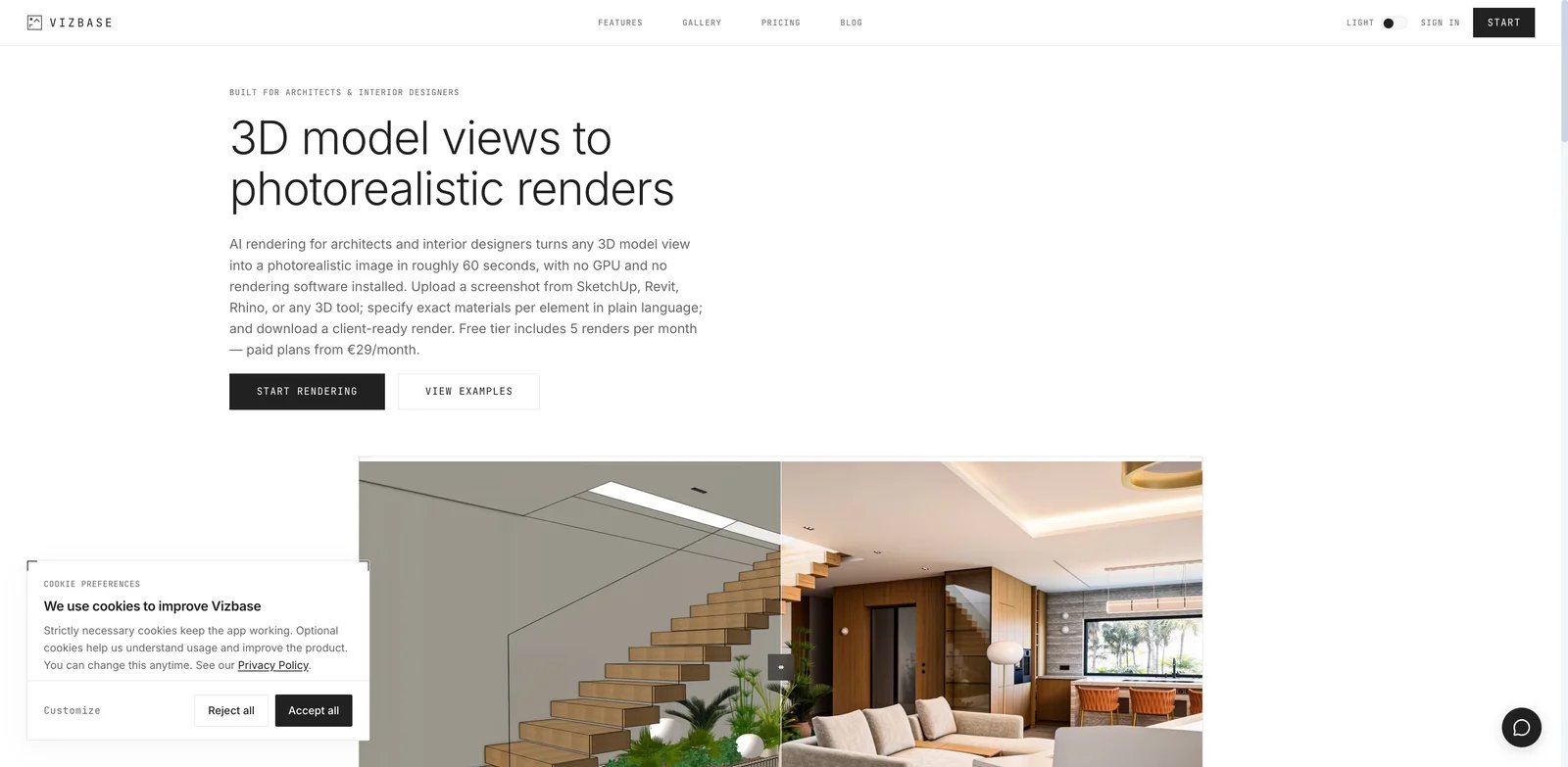
VizBase sits in the small-studio lane: transparent pricing, free monthly credits, SketchUp plugin support, smart inpainting, upscaling, and team workspace features on paid plans. It is not trying to be a giant design suite; it is positioned around practical architectural and interior renders from images or viewport captures.
Key Features
- Free monthly testing - Free plan includes 5 credits per month and common image inputs.
- SketchUp plugin support - Paid plans include SketchUp plugin access, with all plugins included on higher tiers.
- Smart inpainting and upscaling - Useful for refining parts of a render rather than regenerating the whole image.
- Shared team workspaces - Paid plans include pooled credits and team seats.
Pricing & Cost
VizBase has a free plan with 5 credits per month. Monthly paid pricing starts at €29/month for Starter with 30 credits. Pro is €59/month with 75 credits, and Studio is €109/month with 175 credits. Annual billing lowers the monthly equivalent to €25, €50, and €93 respectively.
Limitations
Credit limits are clear, but they still require planning if you generate many variants per client meeting. Teams that need unlimited exploration may prefer ArchiVinci or ReRender AI.
Who It's For
VizBase is best for freelancers and small studios that want clear pricing, SketchUp support, and image refinement tools. Not the right fit if you need enterprise governance or unlimited generation.
Get started with VizBase
ReRender AI
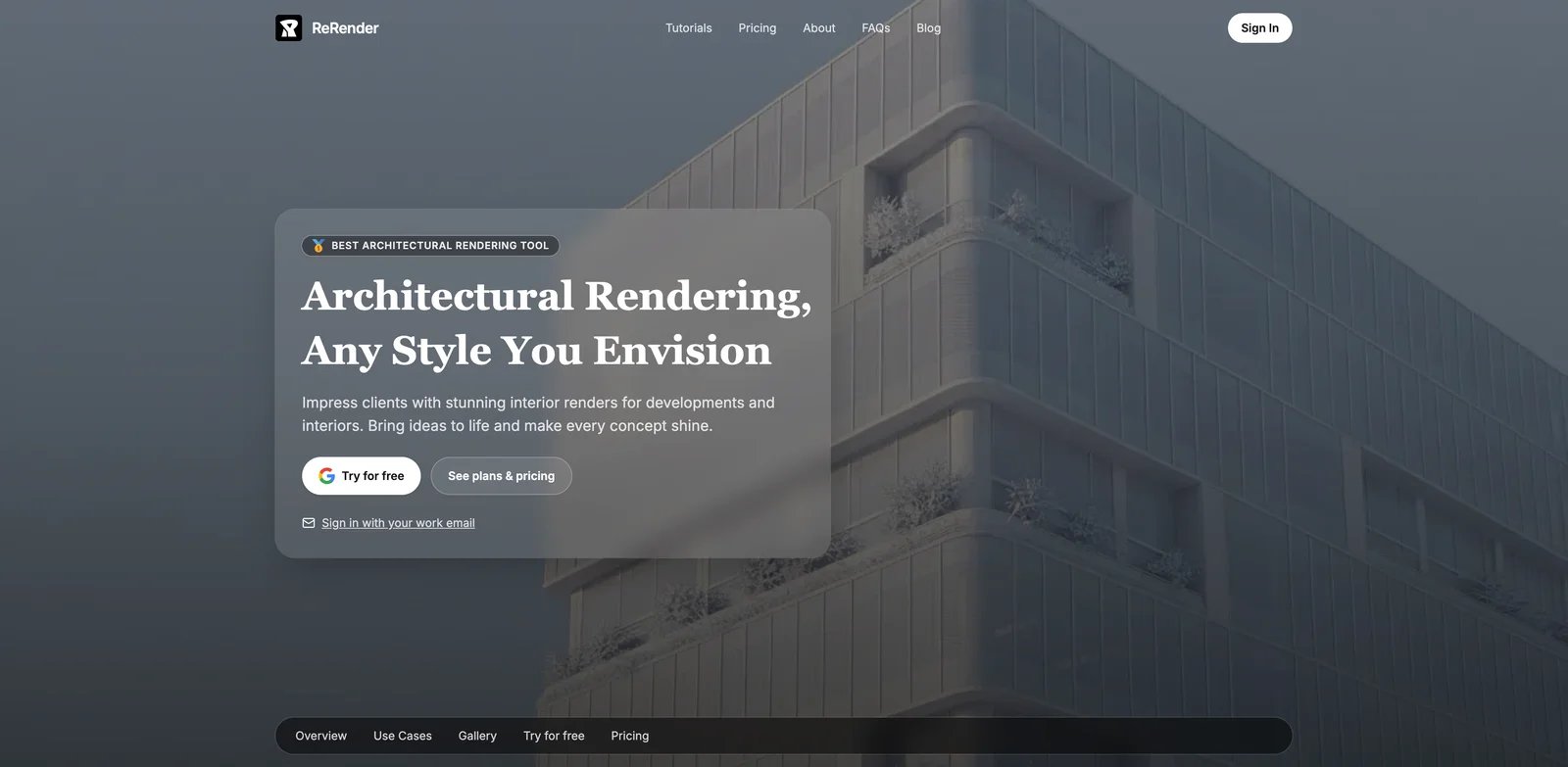
ReRender AI focuses on architectural renders across developments, interiors, and architecture, with public pricing that includes unlimited renders, commercial usage rights, watermark-free output, private rendering mode, advanced controls, prompt customization, SketchUp plugin support, and video generation credits.
Key Features
- Unlimited renders on paid plans - Useful for users who generate many variations and do not want to count each image.
- Commercial and watermark-free output - Paid plans include full commercial usage rights and watermark-free renders.
- Private rendering mode - Important for client work and confidential concepts.
- SketchUp plugin support - Adds a route for model-based workflows rather than only loose image upload.
Pricing & Cost
ReRender AI offers a free trial. The individual monthly plan is $45/month, and the annual plan is $38/month. Team pricing is $55/month monthly or $46/month annual equivalent. Student plans are also listed separately.
Limitations
Unlimited renders are valuable, but image generation still requires review for geometry drift and design hallucination. ReRender AI is a good fit for iteration volume, not a guarantee of production-level exactness.
Who It's For
ReRender AI is best for individuals or small teams that want unlimited generation, private mode, and SketchUp support. Not the right fit if you need a CAD-native workflow across many BIM applications.
Get started with ReRender AI
ArkoAI
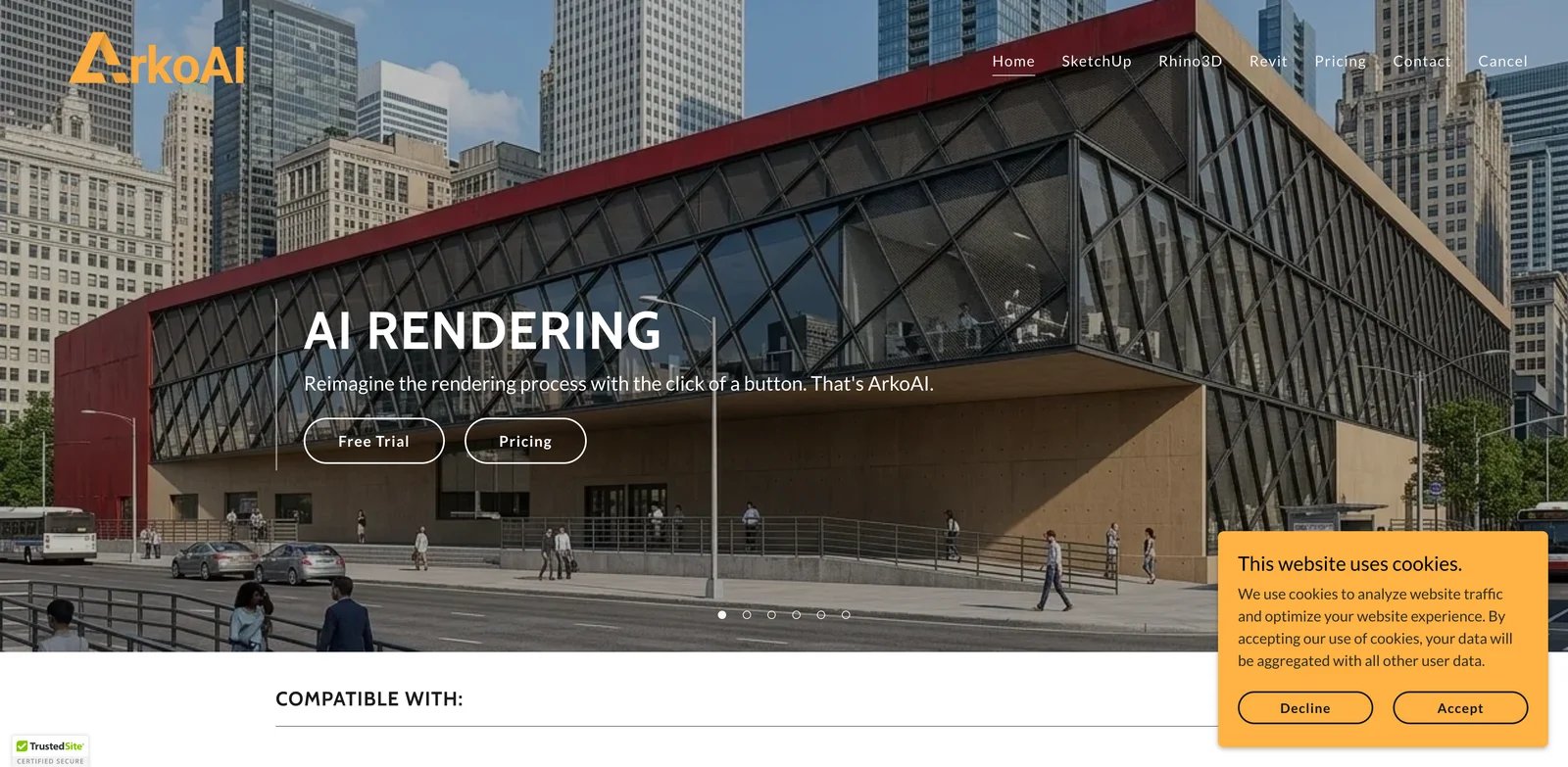
ArkoAI is a plugin-focused AI rendering tool for Rhino, SketchUp, and Revit. The official site positions it as a way to reimagine the rendering process with one click, with platform-specific installers and a Pro model called Nano Banana. This makes it more relevant to CAD users than browser-only image tools.
Key Features
- Plugin support for Rhino, SketchUp, and Revit - ArkoAI provides platform-specific access for common architecture modeling tools.
- Free trial - The homepage links to free trial options for supported platforms.
- Pro model and toolset - Pricing page references Nano Banana access, seed settings, negative prompts, high-quality resolution settings, and monthly render quotas.
- One license for all platforms - The pricing page positions one license across Rhino, SketchUp, and Revit access.
Pricing & Cost
ArkoAI offers a free trial and subscription-based access, but the captured public pricing page did not expose exact subscription amounts. It does state that active monthly or yearly subscription access is required to buy additional Pro render credits.
Limitations
Pricing transparency is weaker than several competitors, and public information is more limited. ArkoAI makes the most sense if you specifically want a plugin workflow for Rhino, SketchUp, or Revit.
Who It's For
ArkoAI is best for CAD users who want AI rendering close to their modeling environment. Not the right fit if you want transparent public pricing or a browser-based collaborative workspace.
Get started with ArkoAI
Vizcraft
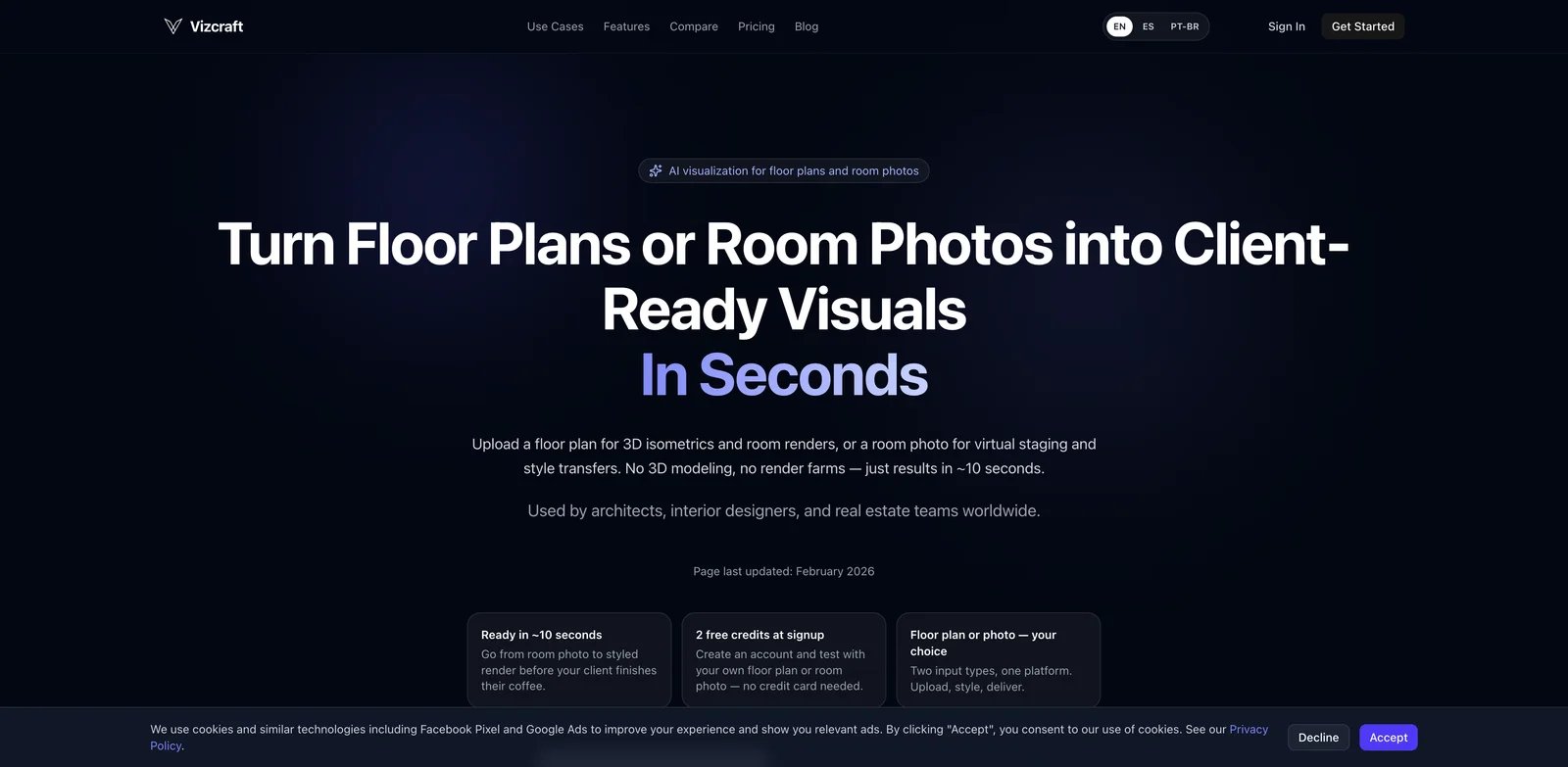
Vizcraft is the clearest budget option in this list. It positions itself for AI architectural rendering, real estate, interior, and architecture visuals, with 2 free credits, monthly plans from $19, and one-time credit packs for occasional projects. The value proposition is straightforward: predictable render counts and low per-render cost.
Key Features
- Low-cost monthly render plans - Starter, Pro, and Studio tiers map cleanly to occasional, repeat, and team rendering needs.
- One-time credit packs - Useful when you do not want a recurring subscription.
- Commercial use included - Monthly plans list commercial use for client work.
- Architecture and real estate focus - The product is framed around interiors, architecture, and real estate visuals rather than generic art generation.
Pricing & Cost
Vizcraft starts with 2 free credits. Starter costs $19/month for 25 renders, Pro costs $49/month for 100 renders, and Studio costs $99/month for 250 renders. One-time credit packs include $7 for 10 credits, $29 for 50 credits, and $99 for 200 credits.
Limitations
Vizcraft is attractive for cost control, but it is not positioned as a deep BIM plugin or team governance platform. Use it for practical render volume, not complex collaborative design review.
Who It's For
Vizcraft is best for real estate marketers, interior designers, and small architecture teams that want predictable low-cost render credits. Not the right fit if you need geometry-preserving CAD/BIM integration.
Get started with Vizcraft
Best AI Architectural Rendering Tools by Use Case
Best overall for geometry-faithful client renders: Airender. It is the clearest match when you already have a sketch or model screenshot and need the render to preserve the building.
Best for plugin-based BIM workflows: Veras. It supports major CAD/BIM tools and is strongest when design work already lives in those applications.
Best for broad AI design exploration: mnml.ai or PromeAI. Both provide a wider toolkit than a single render generator, which is helpful for concept-stage work.
Best for studio collaboration: Gendo. Its shared canvas, private studio workspaces, commercial license, and team features are designed for collaborative practice.
Best for low-cost render volume: Vizcraft. Its pricing is easy to model: $19/month for 25 renders or one-time credit packs when work is occasional.
Best for unlimited render iteration: ArchiVinci or ReRender AI. Both reduce per-image anxiety, though each still requires quality review.
How to Choose an AI Architectural Rendering Tool
Start with the source material. If you work from sketches or screenshots and need the building to stay recognizable, prioritize Airender, MyArchitectAI, VizBase, ReRender AI, or ArchiVinci. If you work inside Revit, SketchUp, Rhino, Archicad, or Vectorworks, Veras and ArkoAI deserve closer review. If you need a broader creative suite, LookX AI, mnml.ai, and PromeAI give you more modes and generation options.
Then decide how much geometry drift you can tolerate. Early mood exploration can accept more creative reinterpretation; client approvals and design reviews cannot. For client-facing work, always compare outputs against the original massing, window rhythm, openings, roofline, and site context before sharing.
Finally, match pricing to your iteration style. Credit plans work when output volume is predictable. Unlimited plans work when you explore many versions. Studio plans are worth it only when privacy, collaboration, history, seats, and commercial licensing reduce real workflow friction.
FAQ
What is AI architectural rendering?
Can AI architectural rendering replace V-Ray, Enscape, Lumion, or D5 Render?
Which AI architectural rendering tool is best for SketchUp?
Which tool is best for Revit users?
Are AI architectural renders safe for client presentations?
What is the cheapest AI architectural rendering tool?
What should architects avoid when using AI renders?
Get ToolWorthy Weekly
New AI tools, practical guides, and selected AI signals in one weekly brief.
For AI tool founders
Built a tool that belongs in this decision set?
Request an editorial evaluation for possible inclusion in ToolWorthy.
Submit your tool for reviewPaid submission does not guarantee a ranking, recommendation, inclusion, or editorial outcome.