
18 Best AI CRM Tools 2026 - Sales Pipeline Fit
Compare 18 AI CRM tools for pipeline management, sales automation, customer records, AI copilots, pricing, implementation risk, and team fit.

On this page
Your sales team does not need another place to dump contacts. It needs a CRM that keeps customer records current, tells reps which deals need attention, turns calls and emails into next steps, and does not restrict useful AI capabilities to expensive higher-tier plans or opaque usage add-ons. That is the real buying problem behind AI CRM tools in 2026: the best choice depends less on the AI demo and more on whether the platform can become the system your team actually uses every day.
This guide compares 18 AI CRM tools across small-business CRM, sales pipeline management, AI-native relationship databases, communication-first sales workspaces, budget suites, and enterprise CRM ecosystems. We prioritized products where AI supports CRM records, pipeline work, account context, forecasting, follow-up, or sales execution. For adjacent research, compare our AI sales assistant tools, AI business automation tools, and AI agent tools.
| Tool | Best For |
|---|---|
| HubSpot Smart CRM | Growth teams that need a balanced CRM and AI package |
| Zoho CRM | Teams that want deep AI features without enterprise pricing |
| Attio | AI-native teams building a flexible relationship database |
| Pipedrive | Sales teams that live in a visual pipeline |
| monday CRM | Teams that want configurable CRM boards and workflows |
| Close | High-activity sales teams combining calls, email, SMS, and CRM |
| Bigin by Zoho CRM | Small teams that need low-cost CRM with room to grow |
| Salesmate | Teams that want sales automation with transparent AI packaging |
| Freshsales | Teams already considering the Freshworks ecosystem |
| Vtiger One | Businesses that want sales, service, marketing, and AI together |
| Salesflare | B2B teams that need automatic relationship data capture |
| Clarify | Early adopters testing autonomous CRM workflows |
| Nutshell | SMB sales teams that want practical CRM without enterprise drag |
| Nimble | Relationship-led sellers who work from email and social context |
| folk | Lightweight relationship workflows for modern teams |
| Microsoft Dynamics 365 Sales | Microsoft-centered enterprises with complex sales operations |
| Bitrix24 | Budget-conscious teams that want CRM plus collaboration tools |
| Salesforce Sales Cloud | Enterprises that need the deepest CRM ecosystem |
How We Selected and Tested
We started with 35 public candidates and retained products that can manage customer records, companies, opportunities, pipelines, customer context, or CRM workflows with verifiable AI capabilities. Pure contact databases, lead scraping tools, outbound-only sales engagement products, customer support ticketing systems, and generic chatbots were excluded unless CRM records and pipeline work were part of the core product. That is why tools such as Clay, Apollo, Gong, Outreach, Kustomer, and Conversica were treated as adjacent categories rather than ranked as AI CRM systems.
Our research combined ChatGPT deep research, official product pages, public pricing pages, documentation, third-party review signals, and current buyer-guide evidence from July 2026. We evaluated each product across five practical dimensions: CRM system depth, AI usefulness inside CRM workflows, day-to-day sales usability, pricing and AI packaging transparency, and implementation risk. Those dimensions reflect the questions buyers actually face: Will reps update it? Can managers trust the forecast? Is AI included or metered separately? How hard is migration? What breaks when the team grows?
Testing scope: This is public-evidence research, not a paid enterprise rollout of every platform. We did not invent customer satisfaction scores, implementation timelines, or AI accuracy benchmarks. Where pricing is regional, usage-based, or sales-led, we call that out as buying risk. Enterprise platforms can rank lower than lighter products when their implementation cost and licensing complexity make them a worse fit for the average AI CRM buyer.
Top 18 AI CRM Tools Compared
The strongest AI CRM tools split into four groups. HubSpot, Zoho CRM, Pipedrive, Freshsales, Salesmate, Nutshell, and Bigin are easier for SMB and mid-market teams to evaluate quickly. Attio, Clarify, and folk represent the AI-native and relationship-first direction. Close, Salesflare, Nimble, Vtiger, monday CRM, and Bitrix24 serve specific workflow preferences. Dynamics 365 and Salesforce remain enterprise defaults, but their real cost is implementation, governance, and licensing, not only the visible seat price.
| Tool | Best For | AI CRM Strength | Pricing Signal | Main Caveat |
|---|---|---|---|---|
| HubSpot Smart CRM | Balanced growth CRM | AI across records, marketing, sales, and service | Free CRM; paid plans and credits | Credits and hub bundles can complicate cost |
| Zoho CRM | AI-dense value CRM | Zia scoring, prediction, recommendations, and generation | Free edition; paid tiers vary by region | Setup surface is broad |
| Attio | AI-native relationship database | Ask Attio, agents, workflows, flexible objects | Free; Plus $29/user/month annually | Younger review footprint |
| Pipedrive | Visual pipeline selling | AI sales assistant for deal and email workflows | $14/user/month annually | Deeper AI sits in higher plans |
| monday CRM | Configurable team CRM | AI agents for pipeline, calls, leads, and follow-up | About $12/seat/month, 3-seat minimum | Customization can create process sprawl |
| Close | Communication-first sales CRM | AI context across calling, email, SMS, and CRM | Solo $9; Essentials $35 annually | Best for sales teams, not full-suite CRM |
| Bigin by Zoho CRM | Low-cost small-business CRM | Simple pipelines plus emerging AI features | Free; paid from $7/user/month | Lower ceiling than Zoho CRM |
| Salesmate | Sales automation CRM | Sandy AI, sequences, communication, and workflow automation | $23/user/month; AI from Pro | AI value depends on plan |
| Freshsales | Freshworks ecosystem CRM | Freddy AI for scoring, insights, and email help | Free; Growth $9 annually | Best if Freshworks fits the wider stack |
| Vtiger One | All-in-one CRM suite | Calculus AI, agent builder, prediction, generative AI | Free Pilot; paid $12-$50 annually | Interface and module density |
| Salesflare | Automatic relationship capture | Auto-logging email, meetings, and account signals | $29/user/month annually | Less agentic than AI-native tools |
| Clarify | Autonomous CRM experiments | AI updates stages, identifies opportunities, drafts follow-up | Free seats; Starter $50/month | Independent feedback is still limited |
| Nutshell | Practical SMB sales CRM | AI summaries, CRM updates, emails, and next actions | $13-$79/user/month annually | Less suited to complex enterprise stacks |
| Nimble | Relationship and social CRM | Email, social, and prospecting assistance | $24.90/seat/month annually | Limited forecasting and agent depth |
| folk | Lightweight relationship workflows | Relationship summaries and workflow assistant | $24/user/month annually | Younger independent feedback base |
| Microsoft Dynamics 365 Sales | Microsoft enterprise CRM | Copilot, forecasting, agents, and Dynamics data | $65-$150/user/month tiers | Licensing and admin complexity |
| Bitrix24 | Budget all-in-one CRM suite | CRM, automation, communication, and CoPilot | Free CRM and free AI assistant | Dense UI and learning curve |
| Salesforce Sales Cloud | Enterprise CRM platform | Einstein, Agentforce, forecasting, and ecosystem depth | Free Suite; paid $25-$550 | Implementation and AI TCO are high |
Detailed Reviews
HubSpot Smart CRM
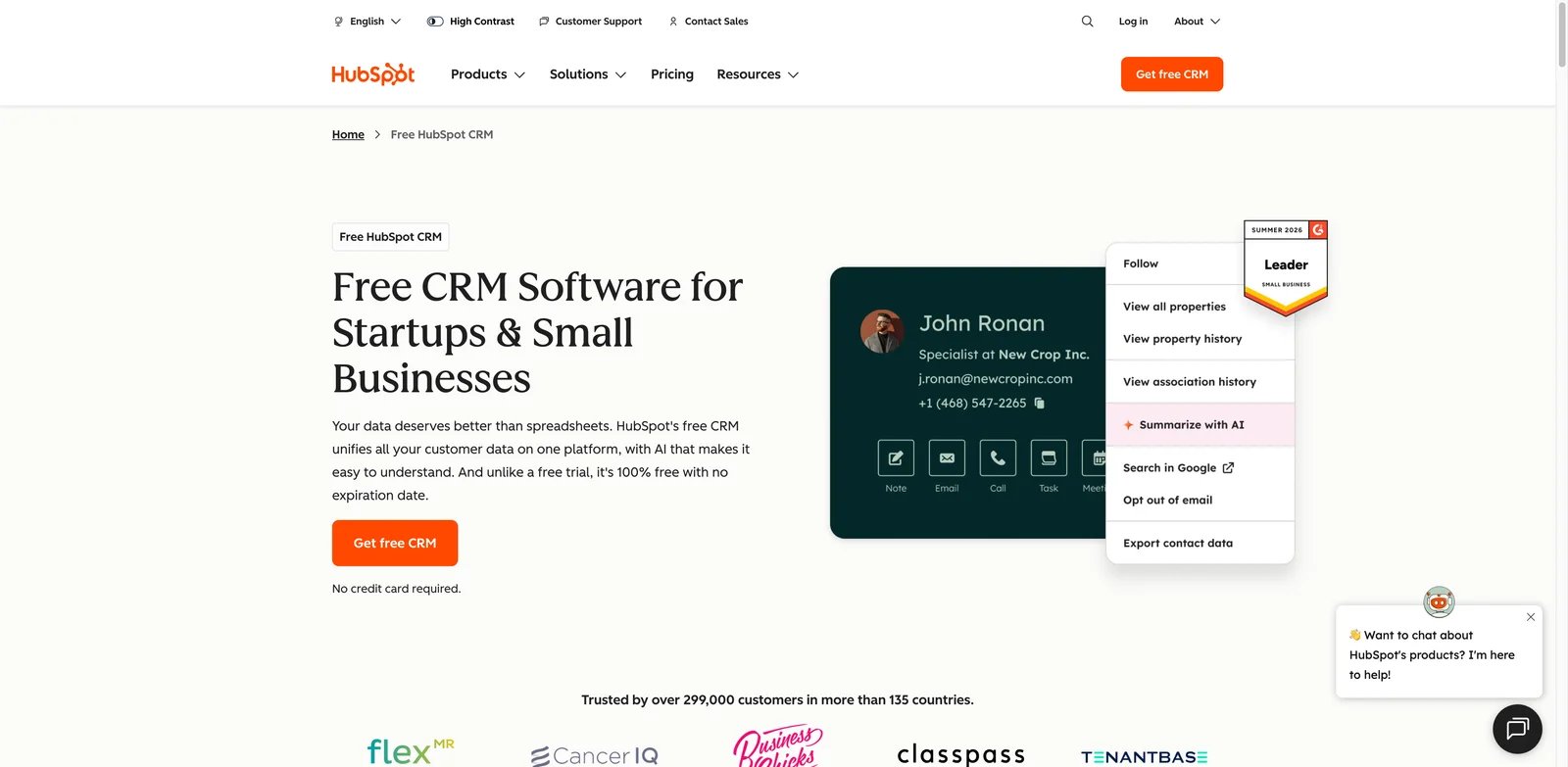
Growth teams often outgrow spreadsheets before they have the time or budget for an enterprise CRM implementation. HubSpot Smart CRM is the safest default when the team needs contact records, pipeline visibility, marketing context, service history, automation, and AI help in one relatively approachable system. Its strength is not one isolated AI feature; it is the way CRM data can connect to campaigns, conversations, tasks, and reporting without forcing a heavy platform rollout on day one.
Key Features
- Connected customer record: Sales, marketing, and service context can live around the same contact and company record, which reduces the handoff gaps that make AI summaries unreliable.
- AI across daily CRM work: HubSpot's Breeze Assistant can research companies, prepare for calls, summarize CRM records, and generate content. Some advanced AI actions consume HubSpot Credits.
- Fast SMB adoption path: Free CRM, templates, guided setup, and a large partner ecosystem make it easier to start small before adding hubs, seats, or automation.
- Workflow and reporting depth: HubSpot can support lead routing, lifecycle stages, email sequences, dashboards, and team processes without immediately requiring custom engineering.
Pricing & Plans
HubSpot offers a free CRM, but serious AI CRM usage usually depends on paid hubs, seats, and credit-based AI consumption. That makes the entry path friendly and the long-term cost less obvious. Teams should price the actual bundle they need: Sales Hub, Marketing Hub, Service Hub, Operations Hub, additional seats, automation limits, and AI credits.
Pros & Cons
- Pro: Best balance of usability, CRM depth, ecosystem, and cross-team context.
- Pro: Strong choice when sales, marketing, and service need to share customer records.
- Pro: Free CRM makes early evaluation easier than most enterprise platforms.
- Con: Costs can rise when teams add hubs, advanced automation, seats, and AI credits.
- Con: Teams with deeply custom sales operations may eventually hit platform assumptions.
Best For
HubSpot Smart CRM is best for growing B2B teams that want a credible CRM foundation without a months-long enterprise rollout. Not the right fit if you already need deeply customized objects, complex territory logic, or enterprise governance from day one.
Get started with HubSpot Smart CRM
Zoho CRM
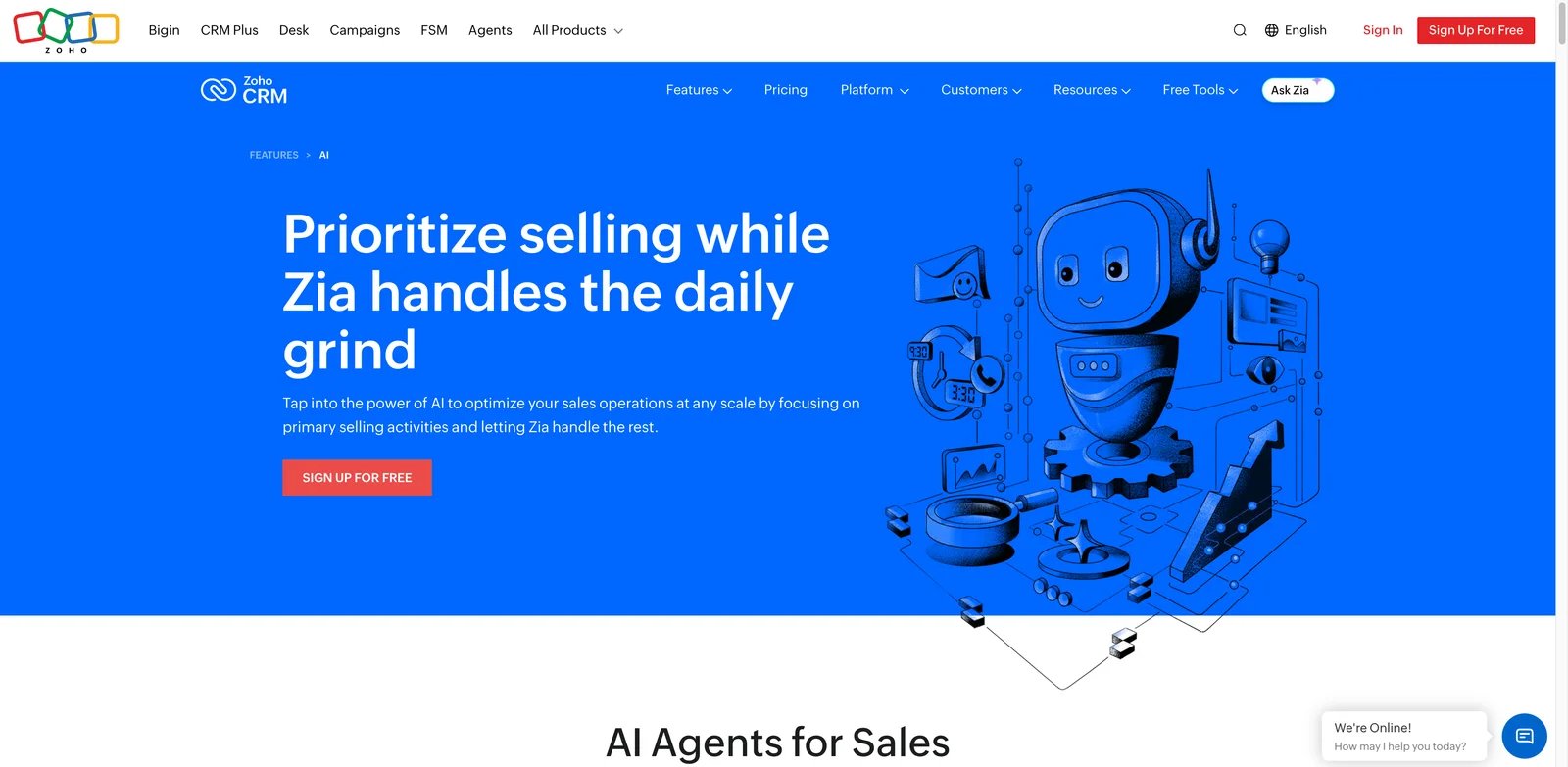
Teams that want serious AI coverage often discover that the most capable CRM platforms are also the most expensive. Zoho CRM is a strong alternative because Zia spans scoring, prediction, recommendations, anomaly detection, generative AI, and customer intelligence while Zoho keeps a more accessible price structure than most enterprise CRM suites. The tradeoff is that Zoho gives you many configuration surfaces, so disciplined setup matters.
Key Features
- Zia AI coverage: Zia supports lead and deal scoring, sales predictions, recommendations, anomaly detection, emails, notes, and CRM intelligence across multiple workflows.
- Broad CRM foundation: Contacts, accounts, deals, pipelines, automation, analytics, territories, blueprints, and integrations give teams room to mature.
- Value-oriented suite path: Zoho can connect CRM with campaigns, desk, finance, projects, and other business apps without forcing a Salesforce-level budget.
- Customization depth: Layouts, workflows, functions, modules, and APIs help teams adapt CRM to real sales processes rather than simple contact tracking.
Pricing & Plans
Zoho CRM offers a free edition for up to three users, followed by Standard, Professional, Enterprise, and Ultimate paid editions with region-specific monthly and annual pricing. Specific Zia capabilities vary by edition. Buyers should confirm which Zia capabilities are included in the plan they are considering, because basic CRM affordability does not mean every AI feature is available at the entry tier.
Pros & Cons
- Pro: One of the strongest AI feature sets for the price.
- Pro: Deep CRM and automation features for SMB and mid-market teams.
- Pro: Fits teams that want a broader business software ecosystem.
- Con: Configuration breadth can overwhelm small teams without a CRM owner.
- Con: Teams must validate plan-level access to specific Zia capabilities.
Best For
Zoho CRM is best for value-conscious teams that want real AI CRM depth and can invest time in setup. Not the right fit if your team wants the simplest possible CRM UI with minimal configuration.
Get started with Zoho CRM
Attio
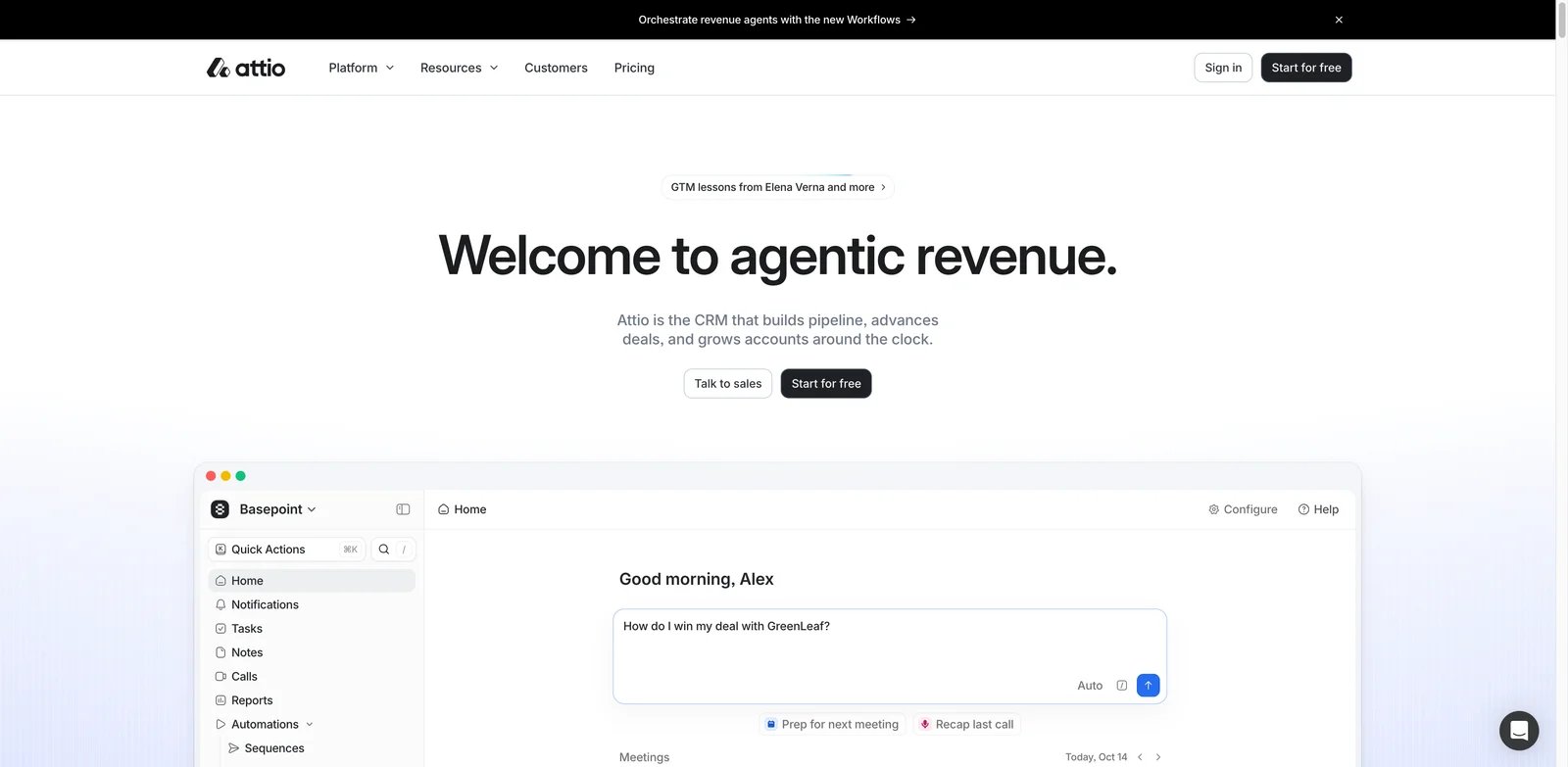
Modern go-to-market teams often do not fit neatly into old CRM objects. They need investors, partners, customers, prospects, communities, and accounts in the same relationship graph. Attio is one of the most interesting AI CRM tools because it treats CRM as a flexible data layer first, then adds Ask Attio, agents, workflows, lists, and automations around that data model.
Key Features
- Flexible CRM data model: Attio is strong when teams need custom objects, lists, attributes, and relationship views instead of a rigid sales-only schema.
- Ask Attio and agents: Ask Attio can search calls, notes, emails, and records; research the web; summarize information; answer questions; build workflows; create or update records and tasks; and draft emails.
- Modern collaboration experience: Lists, views, records, enrichment, and activity context feel closer to a modern workspace than a legacy CRM admin console.
- Workflow automation: Teams can build actions around relationship changes, pipeline movement, and data updates without bolting on a separate automation tool first.
Pricing & Plans
Attio offers Free for up to three seats, Plus at $29/user/month billed annually ($36 monthly), Pro at $69 billed annually ($86 monthly), and custom-priced Enterprise. It is easier to evaluate than sales-led enterprise CRMs, but teams should still check limits for seats, records, automations, enrichment, permissions, and AI usage.
Pros & Cons
- Pro: Excellent fit for teams that need a flexible relationship database.
- Pro: AI-native direction is stronger than simple email-generation add-ons.
- Pro: Cleaner user experience than many legacy CRM platforms.
- Con: Independent review maturity is lower than older CRM vendors.
- Con: Traditional sales teams may need time to map old CRM habits into Attio's model.
Best For
Attio is best for startups, funds, agencies, partnerships teams, and modern sales teams that want a customizable relationship workspace. Not the right fit if you need a conservative enterprise CRM with a long implementation partner ecosystem.
Get started with Attio
Pipedrive
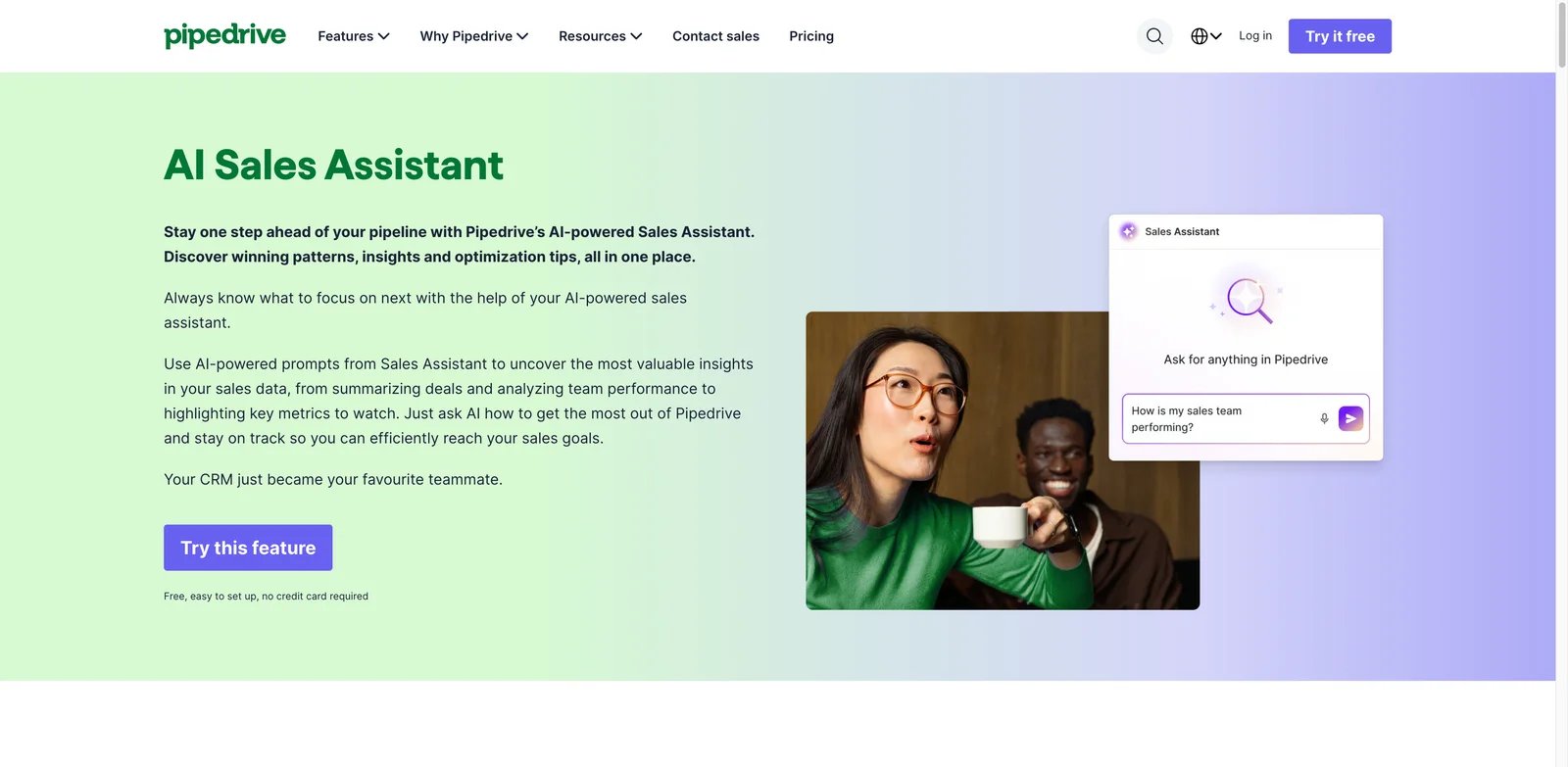
Sales reps ignore CRMs that make pipeline work feel like admin punishment. Pipedrive remains strong because the sales pipeline is the product's center of gravity. Its AI CRM features matter most when they help reps manage deals, prioritize follow-up, write faster emails, and keep the pipeline moving without turning the CRM into an enterprise project.
Key Features
- Visual pipeline discipline: Pipedrive makes deal stages, next activities, and pipeline gaps easy to inspect, which helps managers coach behavior rather than chase updates.
- AI CRM assistance: AI features support sales emails, deal work, and pipeline productivity, especially for teams that already use Pipedrive's activity-based process.
- Sales workflow focus: It avoids the complexity of all-in-one business suites, making it easier for smaller sales teams to adopt.
- Marketplace and integrations: Pipedrive works well when paired with calling, enrichment, marketing, support, or automation tools.
Pricing & Plans
Pipedrive starts around $14/user/month on annual billing, with higher tiers needed for more advanced automation, email, reporting, and AI-related capabilities. Buyers should map the desired AI features to the right tier before assuming the entry plan covers the full AI CRM experience.
Pros & Cons
- Pro: One of the clearest visual pipeline experiences.
- Pro: Easier for sales teams to adopt than heavier CRM platforms.
- Pro: Good fit for managers who coach around activities and deal movement.
- Con: Advanced AI, enrichment, and automation features can sit behind higher tiers.
- Con: Less suitable for companies that need deep marketing, service, and custom object architecture in one CRM.
Best For
Pipedrive is best for sales-led teams that care about pipeline clarity, activity discipline, and fast rep adoption. Not the right fit if CRM needs to be a full customer platform across marketing, service, operations, and complex enterprise data.
Get started with Pipedrive
monday CRM
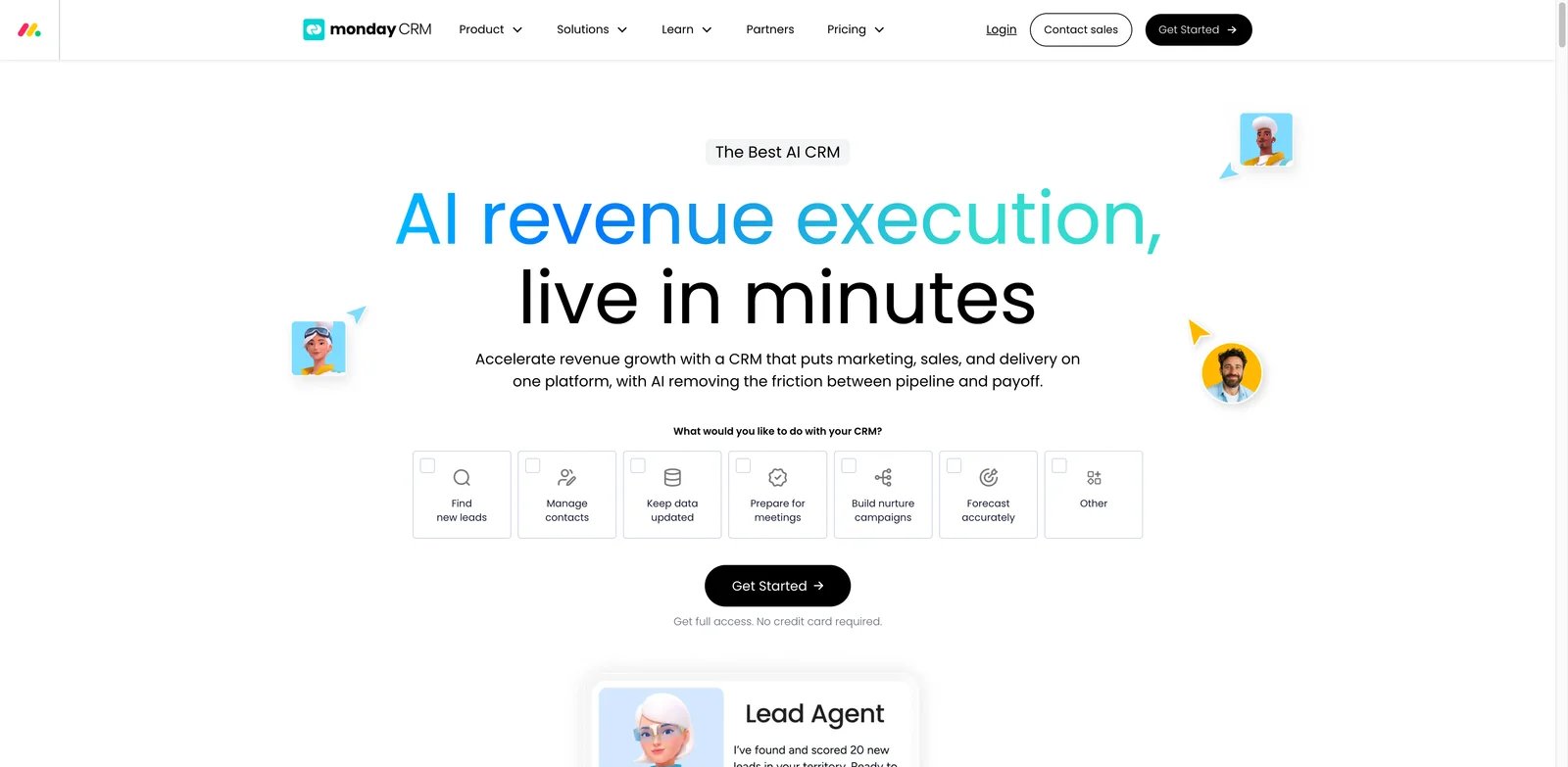
Some teams do not want a classic CRM at all. They want a configurable workspace where leads, accounts, deals, post-sale handoffs, tasks, and approvals can be shaped around their process. monday CRM fits that buyer. It is strongest when a team needs CRM data, boards, automation, AI agents, and cross-functional visibility in a format business users can adapt.
Key Features
- Configurable boards and pipelines: Teams can model leads, deals, accounts, onboarding, and customer handoffs without starting from a rigid CRM schema.
- AI sales workflow support: monday's CRM AI direction includes lead, call, follow-up, monitoring, and forecasting agent use cases.
- Cross-functional visibility: CRM can connect with project, operations, and service work on the same monday platform.
- Automation and templates: Nontechnical teams can automate assignments, reminders, status changes, and handoffs without leaving the workspace.
Pricing & Plans
monday CRM starts around $12/seat/month depending on region and billing, commonly with a minimum seat count. AI and advanced CRM features may depend on plan and workspace configuration. Teams should model the real cost by seat count, board complexity, automation actions, and advanced reporting needs.
Pros & Cons
- Pro: Flexible workspace model for teams that dislike rigid CRM layouts.
- Pro: Strong fit when CRM and work management need to live together.
- Pro: AI agents can support pipeline and follow-up workflows.
- Con: Excess customization can make reporting and process governance messy.
- Con: Minimum seat rules and advanced feature tiers can affect small-team cost.
Best For
monday CRM is best for teams that want CRM plus flexible work management, especially when sales handoffs touch operations, projects, or onboarding. Not the right fit if you need a deeply standardized CRM data model with strict enterprise governance.
Get started with monday CRM
Close
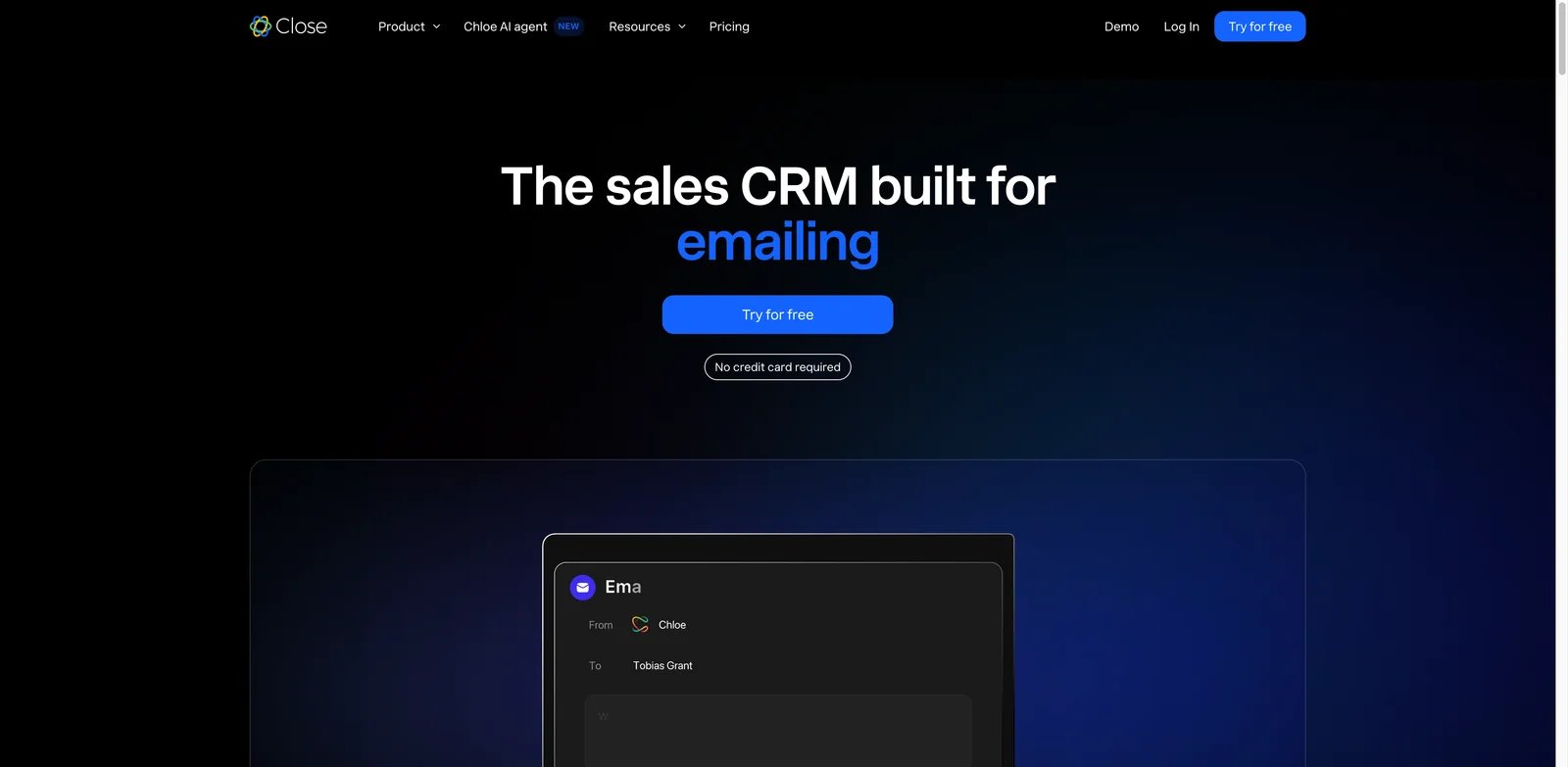
High-activity sales teams lose time when calling, email, SMS, tasks, and CRM notes live in separate systems. Close is built for teams that sell through conversations. Its AI value is strongest when it reduces the time between a call, the next follow-up, and the CRM update, rather than trying to become a broad enterprise customer platform.
Key Features
- Communication-first CRM: Calling, email, SMS, tasks, and customer context sit close together, which reduces tool switching for outbound and inbound sales teams.
- AI context and productivity: Chloe can call and qualify leads, book meetings, update CRM records, enrich lead data, answer pipeline questions, and operate inside workflows on eligible plans. Usage draws from each plan's monthly AI credit allowance.
- Built for sales velocity: Close is useful when the main CRM problem is rep throughput and follow-up consistency, not cross-department platform governance.
- Pipeline and activity visibility: Managers can inspect activity, conversations, and deals in the same environment.
Pricing & Plans
Close starts at $9/user/month billed annually for Solo ($19 monthly), which is limited to one user and 10,000 leads. Essentials costs $35 annually ($49 monthly), Growth $99 annually ($109 monthly), and Scale $139 annually ($149 monthly). It is not the cheapest CRM, but the economics can work if it replaces separate calling, email, SMS, and CRM activity tools.
Pros & Cons
- Pro: Strong fit for inside sales teams with high call and email volume.
- Pro: Reduces context switching between communication tools and CRM records.
- Pro: Clearer sales focus than broad all-in-one suites.
- Con: Not designed as a full marketing, service, or enterprise customer platform.
- Con: Teams that do little outbound communication may underuse its strongest features.
Best For
Close is best for startups and sales teams where revenue comes from frequent calls, emails, and fast follow-up. Not the right fit if your CRM must coordinate complex marketing, support, implementation, and enterprise account hierarchies.
Get started with Close
Bigin by Zoho CRM
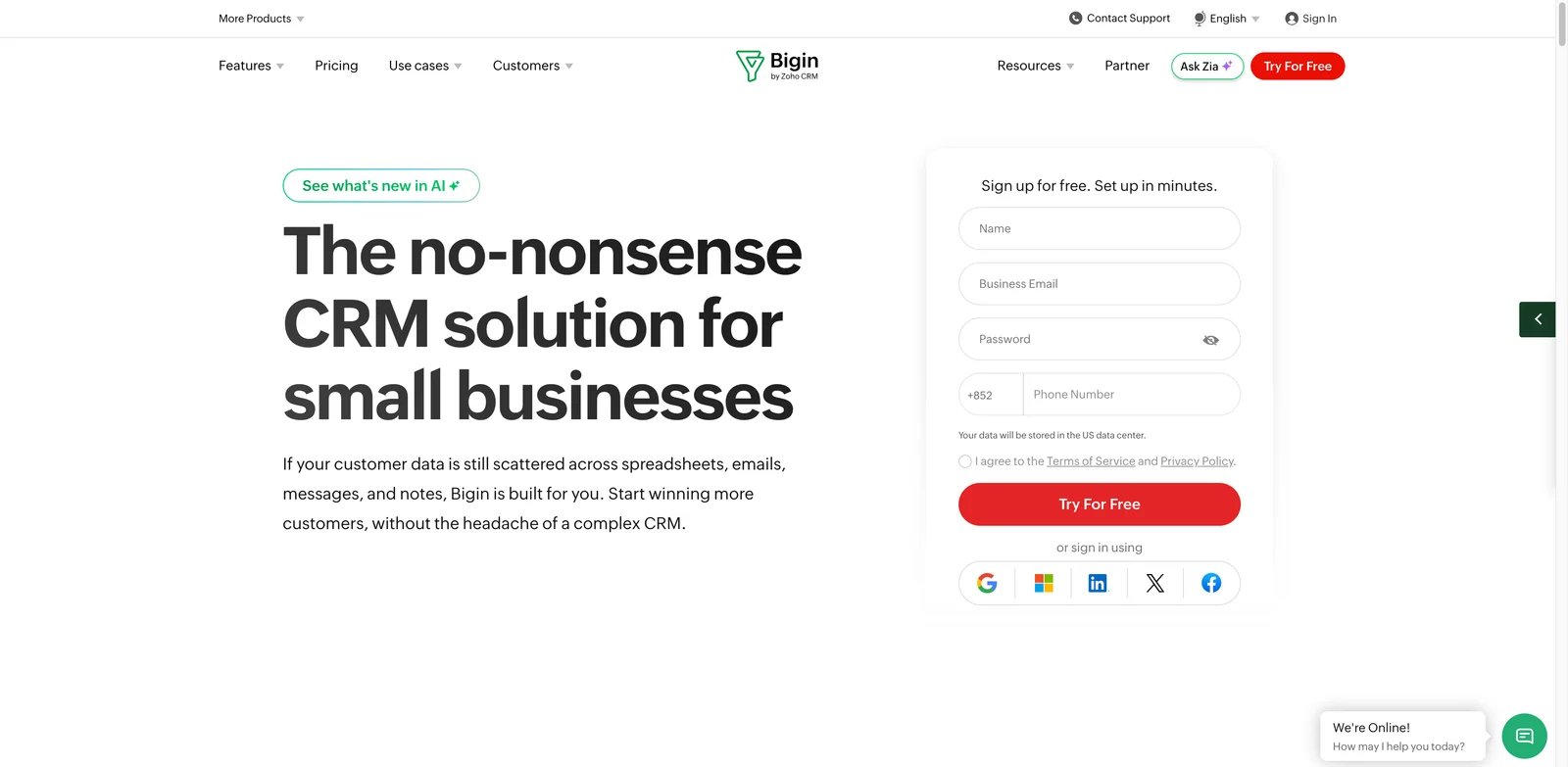
Small teams often need structure before they need sophistication. Bigin by Zoho CRM is attractive because it gives small businesses a practical pipeline CRM without forcing them into the full Zoho CRM configuration surface. It is especially useful when the team wants low cost, fast onboarding, mobile access, and a path to Zoho's broader ecosystem later.
Key Features
- Simple pipeline CRM: Bigin focuses on deals, contacts, activities, communication, and pipeline tracking without overwhelming new CRM users.
- Small-business affordability: The low-cost positioning makes it easier to move away from spreadsheets before bad data habits become permanent.
- Zoho ecosystem path: Teams can graduate toward Zoho CRM or connect other Zoho products as requirements mature.
- Emerging AI support: Depending on edition, Bigin provides AI credits for summarization, writing assistance, CrossSell Genie, Churn Analyzer, Email-in Assistant, Zia Agent Studio integration, and Zoho MCP integration.
Pricing & Plans
Bigin has a forever-free plan for one user and 500 records. Paid plans start at $7/user/month, and its 15-day free trial requires no credit card. Teams should verify which AI features are generally available versus early access, because Bigin's simplicity is also what limits its ceiling.
Pros & Cons
- Pro: Very strong value for small teams leaving spreadsheets.
- Pro: Easier onboarding than full CRM suites.
- Pro: Natural upgrade path into Zoho's broader CRM ecosystem.
- Con: Lower ceiling for advanced automation, AI, analytics, and custom processes.
- Con: Larger sales teams may outgrow it quickly.
Best For
Bigin is best for small businesses that want a clean, inexpensive CRM before they need heavy automation or enterprise analytics. Not the right fit if your team already needs advanced sales operations, territory management, or deep AI forecasting.
Get started with Bigin by Zoho CRM
Salesmate
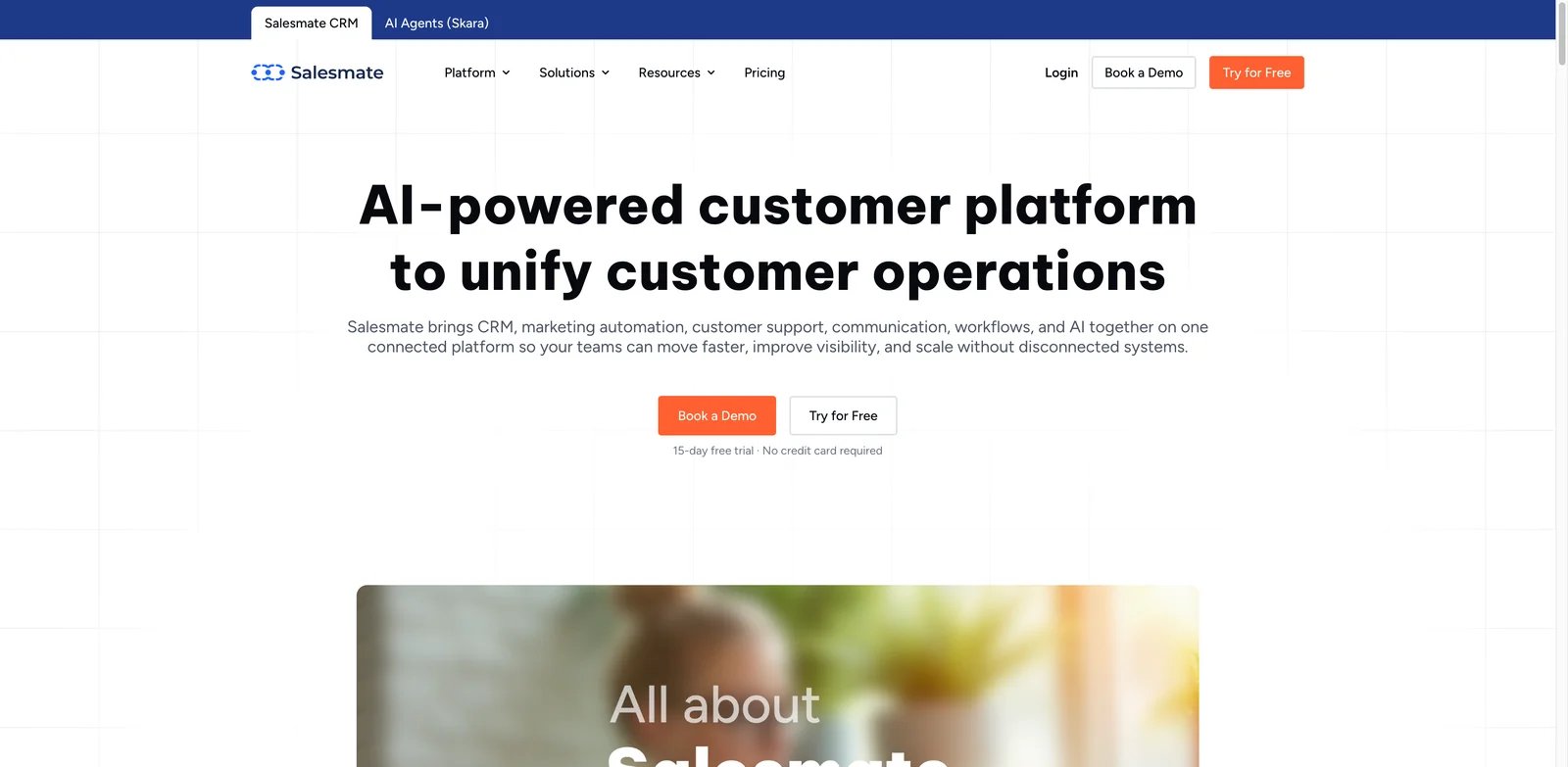
Sales teams often want the benefits of AI CRM without an unclear add-on maze. Salesmate stands out because it combines CRM, sales sequences, communication, automation, and Sandy AI in a package with more visible pricing and AI credit information than many competitors. That makes it easier for teams to evaluate before committing to a long implementation.
Key Features
- Sales automation and CRM together: Salesmate covers pipelines, activities, sequences, workflows, email, calling, texting, and customer records.
- Sandy AI assistant: AI supports content, summaries, CRM productivity, and sales workflows, with plan and credit considerations that buyers can inspect.
- Communication channels: Built-in sales communication makes it useful for teams that want fewer disconnected tools.
- Balanced SMB fit: Salesmate covers more sales operations than lightweight CRMs without moving into enterprise-suite complexity.
Pricing & Plans
Salesmate starts around $23/user/month, with Sandy AI available from the Pro plan around $39/user/month and credit-based usage considerations. Teams should estimate AI usage from real workflows: summaries, generated emails, automation steps, and conversation volume.
Pros & Cons
- Pro: Good balance of CRM, communication, automation, and AI.
- Pro: More transparent AI packaging than many sales-led CRM tools.
- Pro: Suitable for SMB and mid-market teams that want sales execution features.
- Con: AI value depends on the selected plan and credit usage.
- Con: It may duplicate tools if the team already has separate dialer, sequence, and marketing systems.
Best For
Salesmate is best for teams that want sales automation and AI assistance inside the CRM rather than across several disconnected apps. Not the right fit if you only need a minimal contact manager or if your company already standardized on another sales engagement stack.
Get started with Salesmate
Freshsales
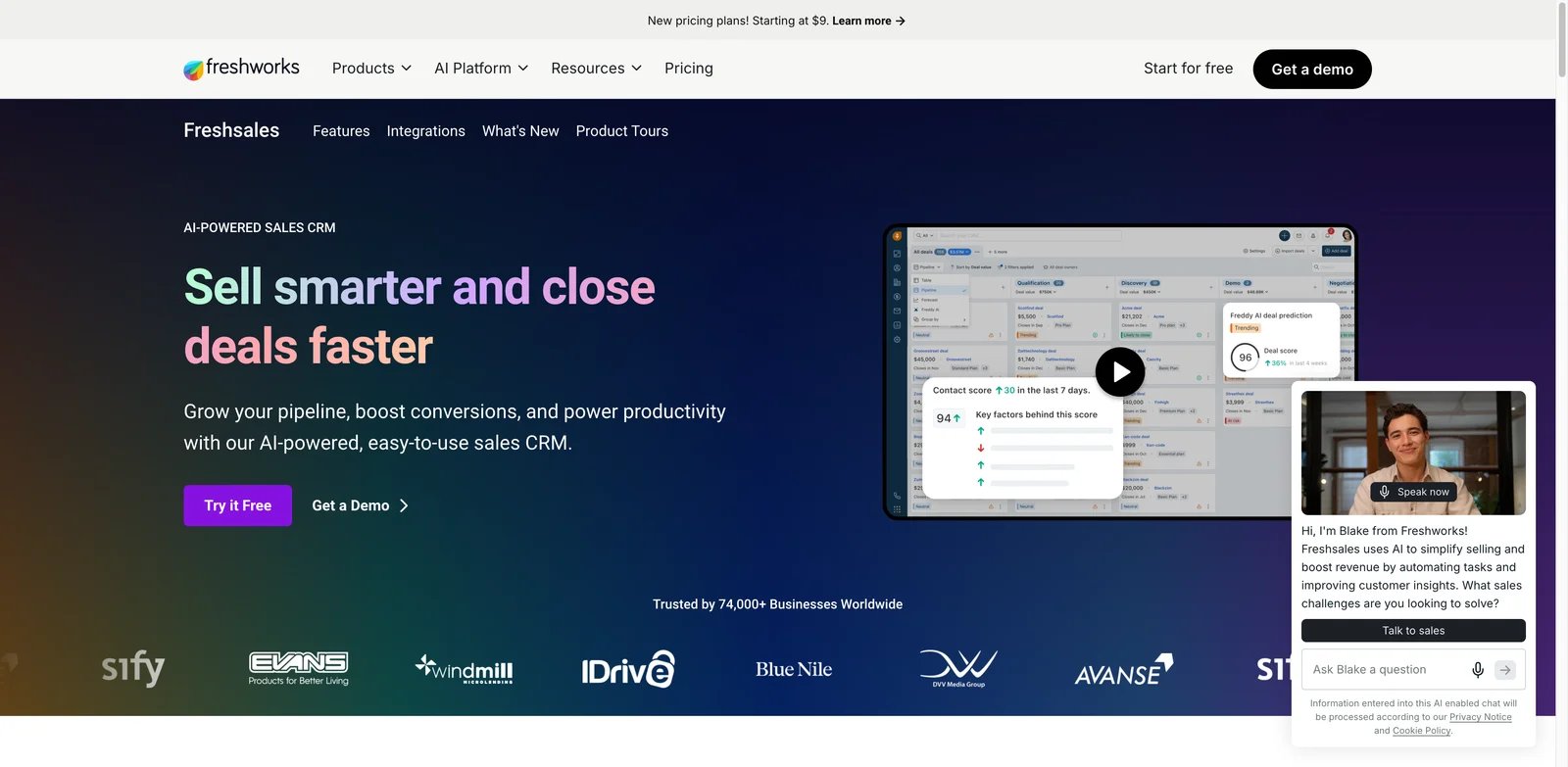
Teams already considering Freshworks should not evaluate Freshsales as an isolated CRM. Its value is highest when sales, support, marketing, and customer context can sit inside a broader Freshworks operating model. Freddy AI helps with intent scoring, deal insight, recommendations, and email work, making Freshsales a practical AI CRM for teams that want faster setup than enterprise suites.
Key Features
- Freddy AI for sales work: Freddy supports scoring, recommendations, insights, and generative assistance across sales workflows.
- CRM plus communication: Freshsales can support contact management, pipeline work, email, phone, tasks, and sales engagement needs.
- Freshworks ecosystem: It is especially relevant for teams that may also use Freshdesk or other Freshworks products.
- Fast onboarding path: Free and entry paid plans help teams evaluate CRM fit without an enterprise procurement cycle.
Pricing & Plans
Freshsales offers a free plan. Annual paid plans are Growth at $9/user/month, Pro at $39, and Enterprise at $59. Freddy AI Agent is available as a $49 add-on per 100 sessions. Buyers should validate which Freddy AI features, automation limits, workflows, phone features, and forecasting capabilities sit in the target tier.
Pros & Cons
- Pro: Friendly starting cost and practical AI sales features.
- Pro: Stronger when paired with the broader Freshworks suite.
- Pro: Good fit for teams that want CRM without Salesforce-level complexity.
- Con: The best value depends on whether Freshworks fits the rest of your stack.
- Con: Some advanced sales and AI capabilities require higher tiers.
Best For
Freshsales is best for SMB and mid-market teams that want an approachable CRM with AI assistance and may standardize on Freshworks. Not the right fit if you need deep custom enterprise CRM architecture or a vendor-neutral stack.
Get started with Freshsales
Vtiger One
Some companies do not want a sales-only CRM. They want sales, service, marketing, customer records, automations, and AI in one operating system. Vtiger One fits that buyer. It combines a broad CRM suite with Calculus AI, agent builder direction, prediction, and generative features, but the same breadth that creates value also increases the learning curve.
Key Features
- All-in-one customer suite: Vtiger spans sales, support, marketing, projects, and customer data, which helps teams reduce context fragmentation.
- Calculus AI and agent direction: AI supports recommendations, predictions, conversation help, summaries, and workflow assistance.
- Agent Builder: Vtiger's agent direction is relevant for teams exploring CRM automation beyond basic field updates.
- Strong value signal: Public plans make it easier to compare against suites that require sales-led pricing.
Pricing & Plans
Vtiger offers One Pilot free for up to 10 users and 3,000 records. Annual Standard User pricing is $12/user/month for One Growth, $30 for One Professional, $42 for One Enterprise, and $50 for One AI. That gives teams a clear upgrade path, but buyers should compare module access, AI availability, storage, automations, and support before selecting a plan.
Pros & Cons
- Pro: Broad sales, service, marketing, and customer data coverage.
- Pro: AI features go beyond simple writing assistance.
- Pro: Strong price-to-capability ratio for teams that need an all-in-one CRM.
- Con: The interface and module breadth can feel dense.
- Con: Teams that only need sales pipeline management may find it heavier than necessary.
Best For
Vtiger One is best for businesses that want a unified customer platform with AI without jumping to enterprise CRM cost. Not the right fit if your team wants a narrow, sales-only CRM with minimal setup.
Get started with Vtiger One
Salesflare
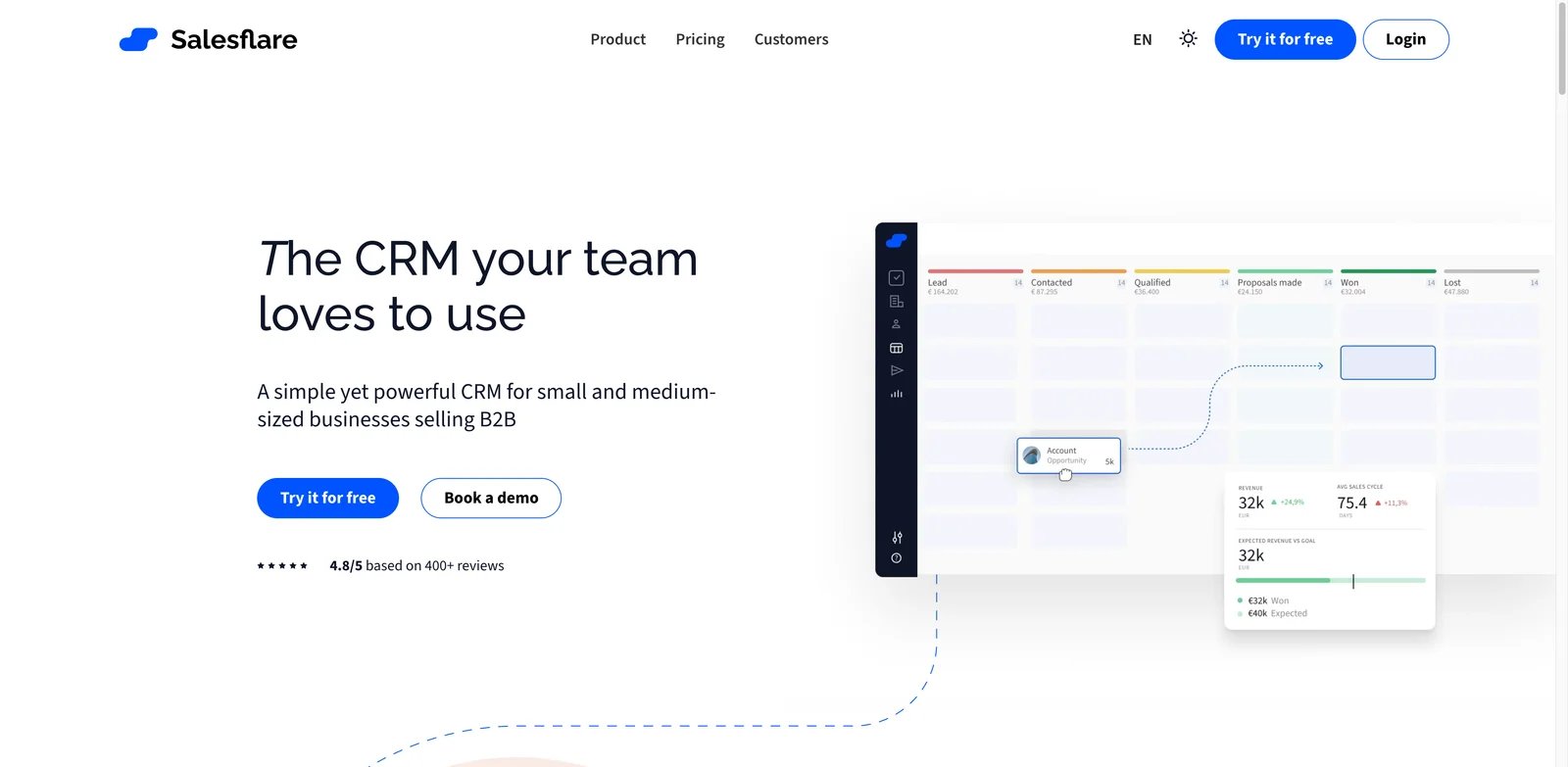
B2B sales teams often fail at CRM because reps do not update it. Salesflare attacks that problem by automatically collecting relationship data from email, meetings, calendars, and customer interactions. It is not the most agentic AI CRM in this list, but it solves one of the most practical CRM failures: missing context.
Key Features
- Automatic data capture: Salesflare reduces manual CRM entry by pulling signals from email, calendar, and contact activity.
- Relationship intelligence: It helps teams understand who knows whom, which accounts are active, and which opportunities need attention.
- Simple B2B pipeline workflow: Salesflare is easier to adopt than broad CRM suites when the team mainly needs account and opportunity tracking.
- Helpful AI direction: AI support is useful around suggestions and relationship context, but the product's core value is reliable data capture.
Pricing & Plans
Salesflare starts around $29/user/month on annual billing, with higher tiers for more advanced features. Buyers should compare the cost against the time saved from reduced manual entry and fewer missed follow-ups.
Pros & Cons
- Pro: Strong answer to CRM data hygiene and rep update problems.
- Pro: Good fit for B2B teams that sell through relationships and email.
- Pro: Cleaner setup than many all-in-one CRM suites.
- Con: AI depth is less aggressive than AI-native CRM tools.
- Con: Teams that need marketing, service, and enterprise customization will need more.
Best For
Salesflare is best for small and mid-sized B2B teams that want CRM records to stay current with less manual work. Not the right fit if your top priority is autonomous agents, complex forecasting, or enterprise process customization.
Get started with Salesflare
Clarify
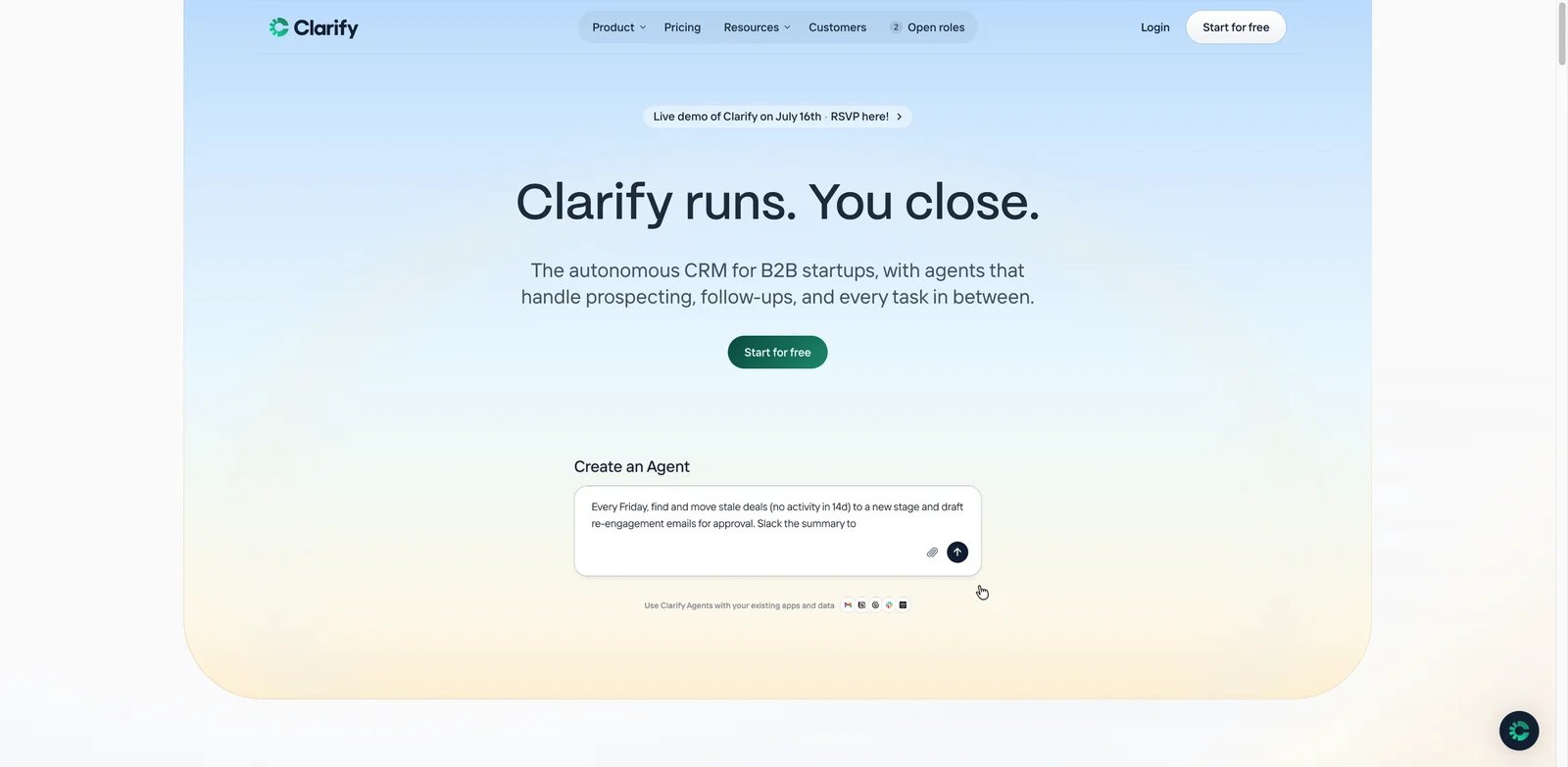
Early AI CRM buyers are asking a different question: what if the CRM could update itself instead of nagging reps? Clarify is one of the more aggressive products in that direction. It is built around autonomous CRM behavior such as identifying opportunities, moving stages, drafting follow-ups, and researching accounts. The risk is maturity: independent user feedback is still thinner than for established CRM vendors.
Key Features
- Autonomous CRM actions: Clarify is designed to reduce manual CRM maintenance by letting AI identify and update parts of the sales process.
- Opportunity and account research: The product direction is useful for teams that want AI to surface context rather than wait for manual notes.
- Follow-up drafting: Clarify can help turn customer context into next-step communication.
- Modern buyer experience: Free seats and a straightforward Starter plan make it easier for early adopters to test.
Pricing & Plans
Clarify offers free unlimited seats and a Starter plan around $50/month. That is attractive for experiments, but teams should test real record volume, data sources, permissions, AI behavior, and export options before replacing an established CRM.
Pros & Cons
- Pro: One of the clearest examples of autonomous AI CRM direction.
- Pro: Low-friction pricing for teams that want to experiment.
- Pro: Strong conceptual fit for reps who resist manual CRM updates.
- Con: Independent user feedback is still limited.
- Con: Conservative sales organizations may want more proof before making it the system of record.
Best For
Clarify is best for AI-forward startups and small teams willing to test a newer CRM model. Not the right fit if procurement, compliance, or executive stakeholders require a long public track record before CRM adoption.
Get started with Clarify
Honorable Mentions
The next six tools are still strong enough to include in this buyer guide, but their fit is more specific. They are worth evaluating when their ecosystem, workflow style, or budget profile matches your team.
Nutshell
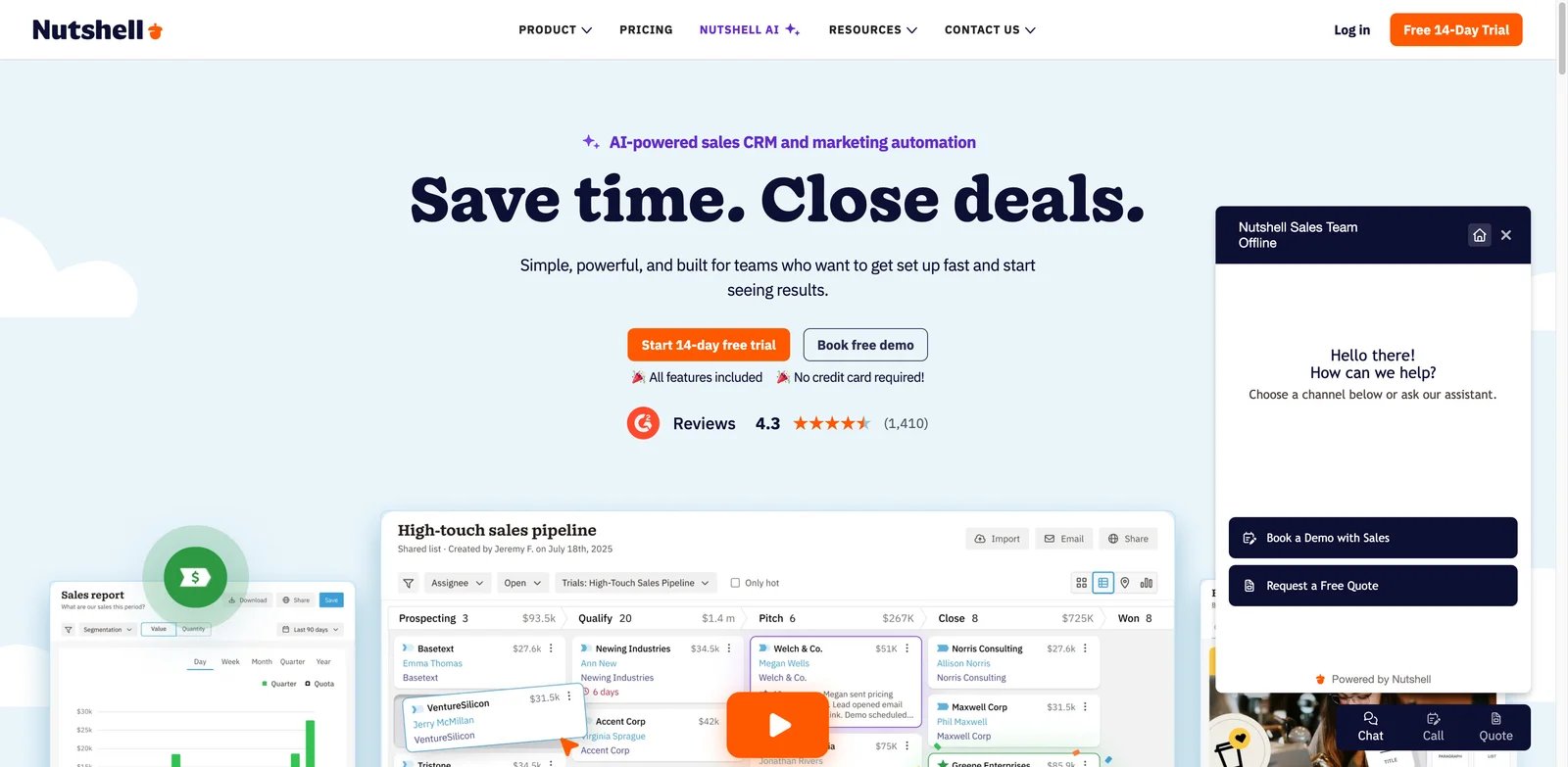
SMB sales teams often need CRM that works without an admin team. Nutshell is a practical choice when the team wants contact and pipeline management, email help, summaries, CRM updates, and next-step guidance without committing to a heavyweight enterprise suite. Its value is clarity: teams can use it to organize sales work, coach follow-up, and adopt AI assistance gradually.
Nutshell's annual plans are Foundation at $13/user/month, Growth at $25, Pro at $42, Business at $59, and Enterprise at $79. All plans include unlimited AI assists plus 10, 20, 40, 100, or 150 monthly AI outcomes per user, respectively. Nutshell is best for SMB sales teams that want a reliable sales CRM with useful AI help. Not the right fit if you need complex enterprise architecture, deep custom objects, or a broad customer platform across every department.
Get started with Nutshell
Nimble
Relationship sellers often work from email, LinkedIn, browser tabs, and scattered customer context. Nimble is useful because it focuses on relationship management, inbox workflows, social context, and lightweight CRM records rather than forcing every team into a heavy sales operations model. Its AI value is strongest around communication and prospecting support, not deep forecasting or autonomous agents.
Nimble starts around $24.90/seat/month on annual billing. It is best for consultants, founders, partnerships teams, and relationship-led sellers who want context around people and companies. Not the right fit if your team needs advanced forecasting, complex territories, or enterprise-grade sales operations.
Get started with Nimble
folk
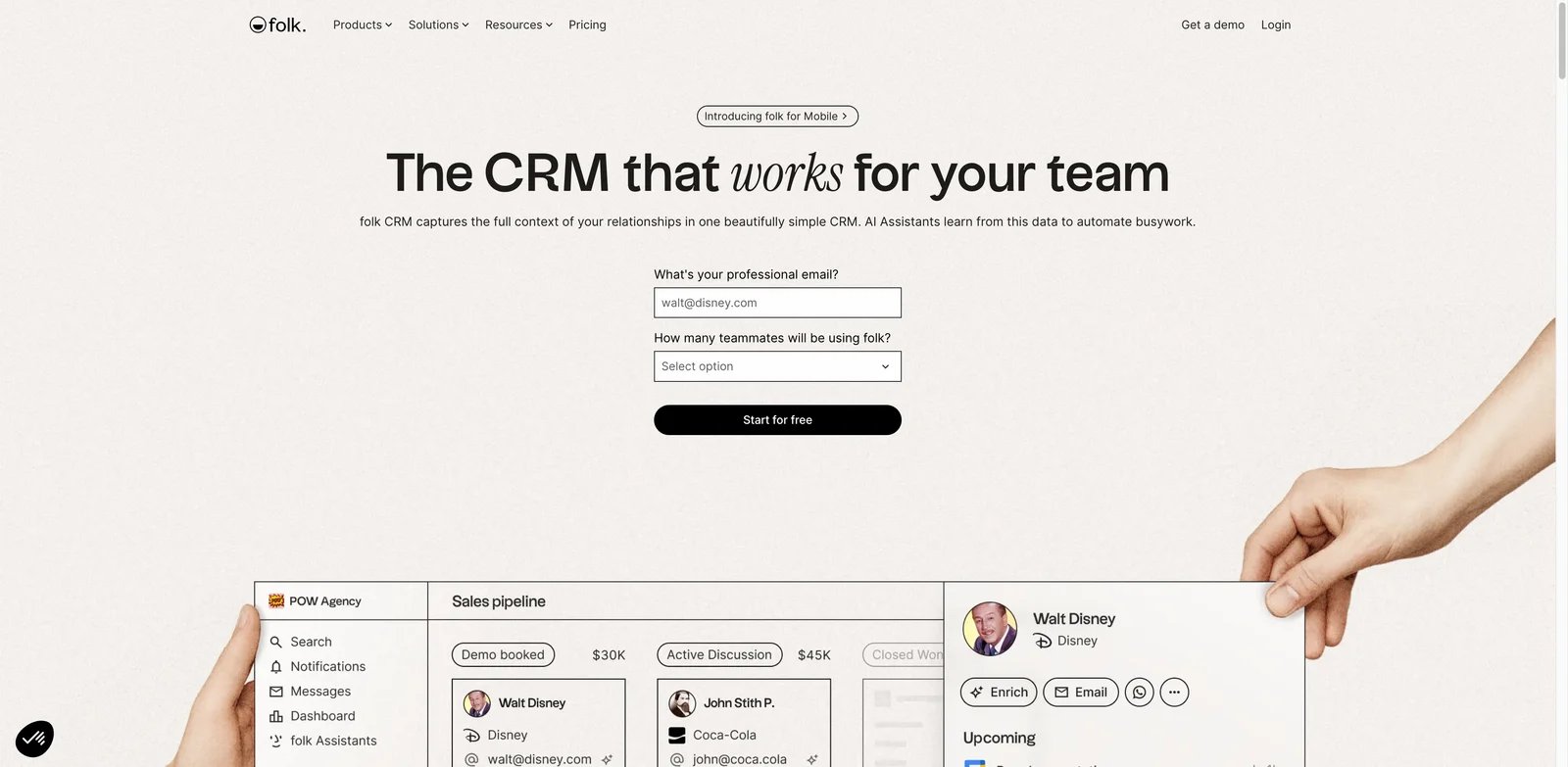
Some teams need a flexible relationship workflow more than a traditional sales CRM. folk fits recruiting, partnerships, fundraising, agencies, and lightweight sales teams that manage lists of people, follow-ups, relationship context, and collaborative workflows. Its AI direction around summaries and workflow assistance is promising, but independent feedback evidence remains lighter than older CRM products.
folk starts around $24/user/month on annual billing. It is best for teams that want a modern, lightweight workspace for relationships and follow-up. Not the right fit if you need mature enterprise CRM controls, complex pipeline analytics, or a long public adoption record.
Get started with folk
Microsoft Dynamics 365 Sales
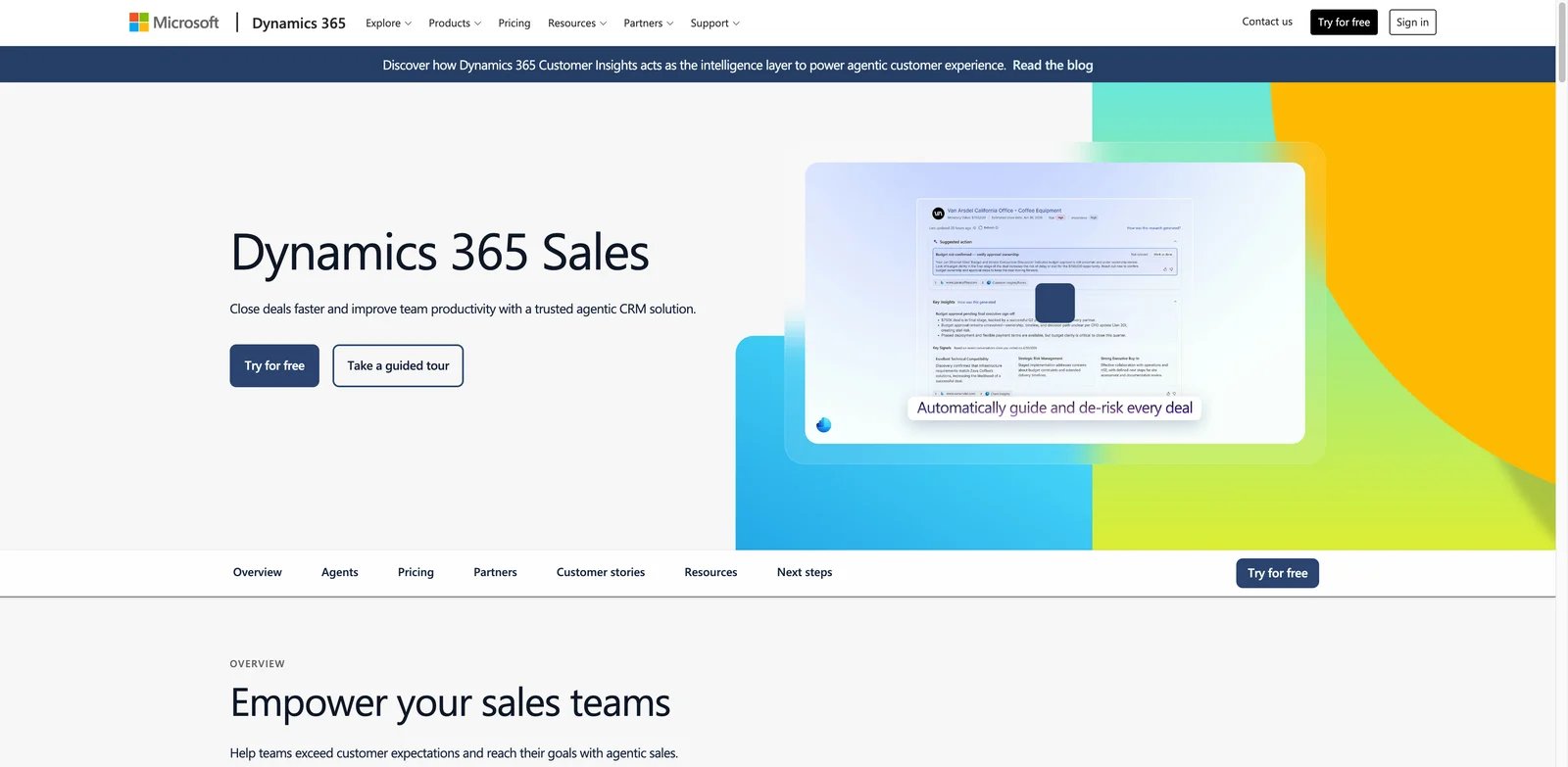
Microsoft-heavy enterprises should evaluate Dynamics 365 Sales differently from SMB CRMs. The product's strength is its connection to Microsoft 365, Teams, Outlook, Power Platform, LinkedIn, Dataverse, Copilot, forecasting, and enterprise data governance. That ecosystem can be a major advantage when the sales process already depends on Microsoft identity, data, collaboration, and reporting.
Pricing commonly includes $65, $105, and $150/user/month tiers, with implementation, admin, data, and Copilot considerations adding to total cost. Dynamics 365 Sales is best for Microsoft-centered organizations with sales operations resources. Not the right fit if you want the fastest no-admin CRM rollout or a vendor-neutral stack.
Get started with Microsoft Dynamics 365 Sales
Bitrix24
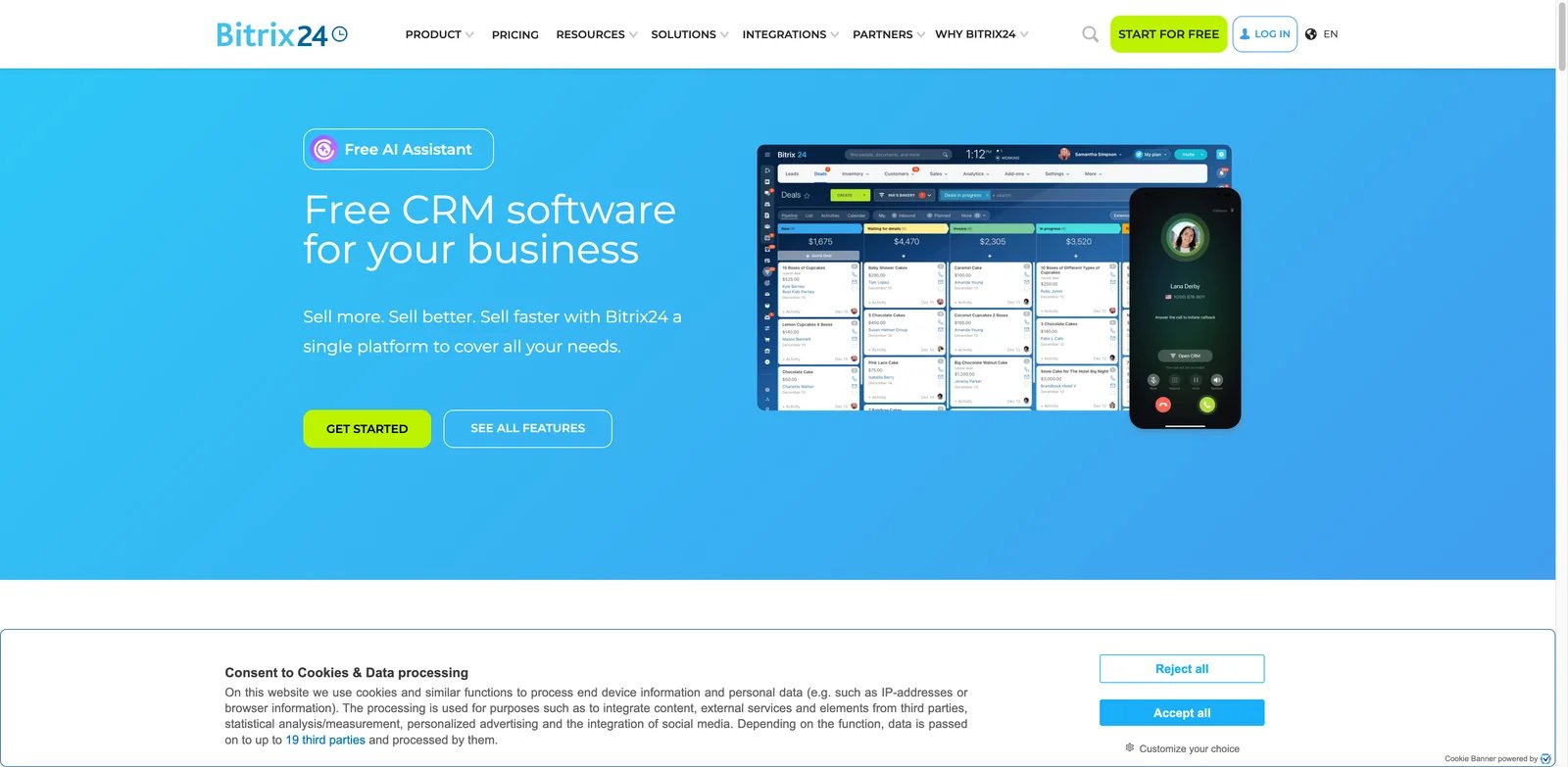
Budget-conscious teams often want CRM, tasks, chat, telephony, forms, automation, websites, and AI help without buying several separate products. Bitrix24 is attractive because it packs a lot into one suite, including free CRM and a free AI assistant. The tradeoff is density: the interface and feature surface can feel busy compared with focused CRM tools.
Bitrix24 is best for teams that want a low-cost all-in-one workspace and can tolerate setup time. Not the right fit if your reps need the cleanest sales-only CRM experience or if your company wants to avoid suite complexity.
Get started with Bitrix24
Salesforce Sales Cloud
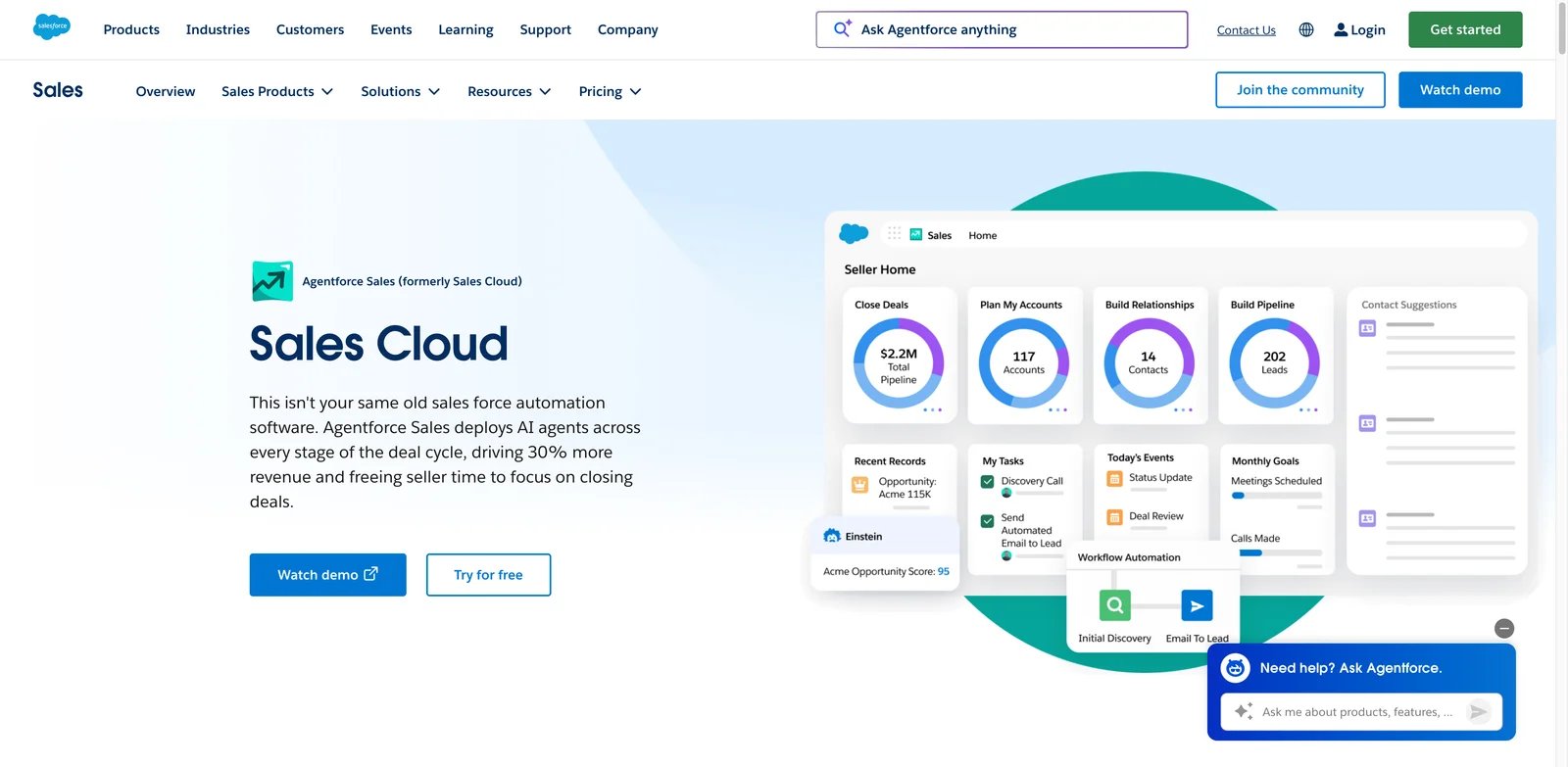
Salesforce is not ranked lower because it lacks CRM or AI capability. It is ranked lower for the average AI CRM buyer because implementation, administration, data governance, licensing, partner costs, and Agentforce economics can dominate the purchase. For enterprises that need the ecosystem, Sales Cloud remains one of the deepest CRM platforms available.
Sales Cloud includes Free Suite at $0, Starter Suite at $25/user/month, Pro Suite at $100, Enterprise at $175, Unlimited at $350, and Agentforce 1 Sales at $550, with advanced AI, automation, data, and agent capabilities affecting the real bill. Salesforce is best for enterprises that need extensibility, ecosystem depth, and governance. Not the right fit if a small team wants fast AI CRM value with minimal administration.
Get started with Salesforce Sales Cloud
Best AI CRM Tools by Use Case
For teams replacing spreadsheets with a real CRM
If the current problem is basic customer record discipline, start with HubSpot Smart CRM, Bigin, Pipedrive, or Nutshell. HubSpot gives the broadest growth path, Bigin keeps cost low, Pipedrive makes pipeline behavior visible, and Nutshell keeps the implementation practical for SMB sales teams.
For sales teams that live in calls, email, and follow-up
Close and Salesmate are stronger than generic CRM tools when the selling motion depends on fast communication. Close is the sharper choice for call, email, SMS, and activity velocity. Salesmate is better when you also want sequences, marketing-style automation, and clearer AI packaging.
For AI-native relationship workflows
Attio, Clarify, and folk are the tools to watch when the buyer wants CRM to feel less like a legacy database. Attio is the most complete of the three, Clarify is the most autonomous, and folk is the lightest relationship workflow option. These are especially relevant for startups, fundraising, partnerships, agencies, and modern GTM teams.
For teams already committed to a software ecosystem
Zoho CRM makes sense if your team wants a value-oriented business app suite. Freshsales fits Freshworks buyers. Dynamics 365 Sales is the Microsoft enterprise path. Salesforce is the enterprise CRM ecosystem path when extensibility and governance matter more than speed or simplicity.
For budget-sensitive all-in-one operations
Vtiger One and Bitrix24 deserve attention when the team wants CRM, communication, marketing, service, and workflow tools in one place. Vtiger is the better fit for a customer-suite CRM strategy with AI depth. Bitrix24 is the lower-cost suite option, but teams should test whether reps will tolerate the interface.
How to Choose the Right AI CRM Tools
-
Define the CRM job before comparing AI demos. Decide whether the system must be your source of truth, a sales pipeline tracker, a relationship database, or a suite that spans sales and service. AI features are only useful if they operate on the records your team trusts.
-
Map your adoption risk. If reps hate updating CRM, prioritize Salesflare, Clarify, HubSpot, or Close. If managers need pipeline discipline, compare Pipedrive, monday CRM, Zoho CRM, and Freshsales. If the blocker is enterprise data governance, compare Dynamics 365 and Salesforce.
-
Price the workflow, not the seat. CRM pricing can hide AI credits, automation limits, calling costs, required seats, premium objects, admin work, onboarding, and implementation partners. Run a sample month with realistic contacts, emails, calls, workflows, and AI actions.
-
Check migration and integration depth. A cheaper CRM can become expensive if it cannot import your records cleanly, sync with email/calendar, connect to your sales stack, or preserve reporting history.
-
Pilot with real customer data. Do not choose based on a blank demo account. Test whether AI summaries are useful, whether reps can update deals quickly, whether managers trust reports, and whether the system improves follow-up behavior after one full sales cycle.
-
Separate AI CRM from adjacent sales tools. If you mainly need prospecting, outbound sequences, conversation intelligence, or customer support automation, look at adjacent categories instead of forcing those tools into CRM. For example, teams focused on phone workflows may also compare AI phone answering services.
Frequently Asked Questions
What is an AI CRM tool?
Which AI CRM tool is best for small businesses?
Is Salesforce still worth it for AI CRM?
How much do AI CRM tools cost?
Do AI CRM tools replace sales reps?
What is the difference between AI CRM and AI sales assistant software?
Should I choose an AI-native CRM or add AI to my existing CRM?
Get ToolWorthy Weekly
New AI tools, practical guides, and selected AI signals in one weekly brief.
Related Posts
- 12 Best AI Lead Generation Tools 2026 — Data, SDRs & Outreach
Compare 12 AI lead generation tools for B2B teams, including data quality, credits, AI SDR cost, deliverability, CRM fit and compliance risks.
For AI tool founders
Built a tool that belongs in this decision set?
Request an editorial evaluation for possible inclusion in ToolWorthy.
Submit your tool for reviewPaid submission does not guarantee a ranking, recommendation, inclusion, or editorial outcome.