
15 Best Real Estate Video Makers 2026 - From Photos to Listing Videos
A practical guide to 15 real estate video makers for agents and photographers who need listing videos from photos, clear pricing, and MLS-safe output options.

On this page
You have the listing photos, the seller wants video, and the property needs to be live before the weekend. That is the real search intent behind "real estate video maker": agents, real estate photographers, and media teams need listing videos without booking another shoot, opening a timeline editor, or paying a videographer for every property. The right tool should turn real property photos into clean landscape and vertical videos, keep branded and MLS-safe versions separate, and make the cost predictable enough to offer video on every listing.
This guide compares 15 real estate video makers across photo-to-video automation, output formats, branding controls, MLS readiness, pricing transparency, and first-output speed. We prioritized tools built specifically for property marketing, then included a few general editors only when they offered useful real estate templates or distribution workflows. For broader video creation research, see our best AI video generators guide and the AI video generator category.
| Tool | Best For |
|---|---|
| ListingVideo | Best overall for listing photos, branded cuts, and MLS-safe videos |
| Reel-E | Established AI listing video subscriptions with fast output |
| BetterSpace | Combining real estate video with virtual staging |
| AutoReel | Real estate media teams that want AI video plus creative controls |
| Amplifiles | Pay-per-image real estate video pricing |
| vProp | AI voice, avatars, and branded listing videos |
| Reallyo | Turning one listing into a full marketing campaign |
| PhotoAIVideo | Photo-to-video walkthroughs with auto-combined reels |
| Pixlmob AI Clips | Short production clips for real estate photographers |
| Momenzo | Mobile-first listing videos for agents |
| VideoTour.ai | Fast AI video tours from property photos |
| WeVideo | General cloud editing with real estate templates |
| InVideo Studio | Template-heavy real estate marketing videos |
| Animoto | Simple slideshow-style property videos |
| FlexClip | Lightweight template editing with AI helper tools |
How We Selected and Tested
We selected these real estate video maker tools based on measurable criteria: whether they accept real listing photos, whether they generate or help assemble property videos without professional editing skill, whether they support branded or social-ready output, whether pricing is visible enough for repeat listing work, and whether the workflow fits agents or photographers working under listing deadlines. Tools that were general-purpose editors were included only if they had dedicated real estate templates, stock assets, or workflows useful for property marketing.
Our research methodology combined official product pages, pricing pages, help content, and public user-facing claims from each vendor. We cross-checked whether marketing claims matched practical buyer questions: Can I start free? Is there a watermark? Can I create vertical reels? Is there an MLS-safe or unbranded version? Do I pay per listing, per image, per clip, or per subscription? Pricing and plan details can change, so any exact dollar amount should be checked again at checkout before purchase.
Evaluation Dimensions: We evaluated each tool across 5 dimensions:
- Listing Workflow Fit - How directly the tool supports real estate listing photos, property pages, MLS, and social channels.
- Output Format Coverage - Whether it supports landscape, vertical, square, branded, unbranded, or other listing-ready exports.
- Speed to First Video - How quickly an agent or photographer can move from photos to a usable preview or export.
- Pricing Transparency - Whether the tool clearly explains subscriptions, pay-per-output fees, credits, watermarks, and limits.
- Control vs Automation - Whether the user can trust a fully automated video or needs manual editing to get client-ready output.
Note on Testing Scope: We reviewed official information and public product flows where available. We did not run a paid export for every vendor, so comments about output quality are based on official demos, documented capabilities, and workflow design rather than hidden performance benchmarks.
Transparency & Limitations: We do not fabricate ratings, usage metrics, refund terms, or feature availability. If a vendor does not publicly disclose a plan or hides final pricing behind an app, this guide says so. Research conducted in July 2026.
Top 15 Real Estate Video Makers Compared
The best real estate video maker depends on what you are trying to sell: an agent might need one simple video before a listing appointment, while a photographer needs a repeatable product that can be resold across dozens of shoots. The comparison below separates purpose-built photo-to-video tools from broader template editors, so you can choose based on output format, pricing model, and how much manual editing you want to do.
| Tool | Best For | Starting Price | Format Coverage | Workflow Style | Pricing Clarity |
|---|---|---|---|---|---|
| ListingVideo | Branded and MLS-safe listing videos | Free preview; from $39/mo billed yearly | 16:9 and 9:16 branded/unbranded | Upload photos, preview, unlock | High |
| Reel-E | Fast AI property videos | First video free; plans from $44/mo | 16:9, 9:16, 1:1 | Upload photos, AI renders video | Good |
| BetterSpace | Video plus virtual staging | Free plan; premium from per-output pricing | Social cuts and listing video | Upload or paste listing link | Medium |
| AutoReel | Media professionals and teams | Free plan; paid trial available | Portrait and landscape | Upload, customize, render | Medium |
| Amplifiles | Pay-per-image video production | 1,200 free credits; $1.50/image | 1080p video with captions/voiceover | Pay per image or subscribe | High |
| vProp | AI voice, avatars, and branded listing videos | Free; paid from $19/mo | Listing videos by city/type | AI listing video workflow | Medium |
| Reallyo | Full listing marketing campaigns | Free; paid from $39/mo | Video, site, social, email | One listing powers campaign | High |
| PhotoAIVideo | Photo walkthroughs and combined reels | Free; Creator $37.50/mo annual | Multiple export formats | Photo-to-video projects | High |
| Pixlmob AI Clips | Short AI motion clips | From $3/clip, volume as low as $1 | 5-second clips, 720p base | Per-clip production workflow | High |
| Momenzo | Mobile agent video app | $59 for 3 months | Mobile listing videos | Record, edit, brand, share | High |
| VideoTour.ai | Quick photo-based video tours | 1 free video; paid from $29/mo annual | Property video tours | Upload photos, generate tour | Medium |
| WeVideo | General editing and templates | Free; paid from $4.99/mo annual | 480p free, 4K paid tiers | Template editor | High |
| InVideo Studio | Large real estate template library | Free start; paid pricing varies | Templates and stock video | Template editor with AI tools | Medium |
| Animoto | Simple listing slideshows | Free; paid licensing varies | Template videos | Drag-and-drop slideshow | Medium |
| FlexClip | Lightweight free template editing | Free; paid from $11.99/mo annual | Templates, subtitles, voiceover | Browser editor | Medium |
Detailed Reviews

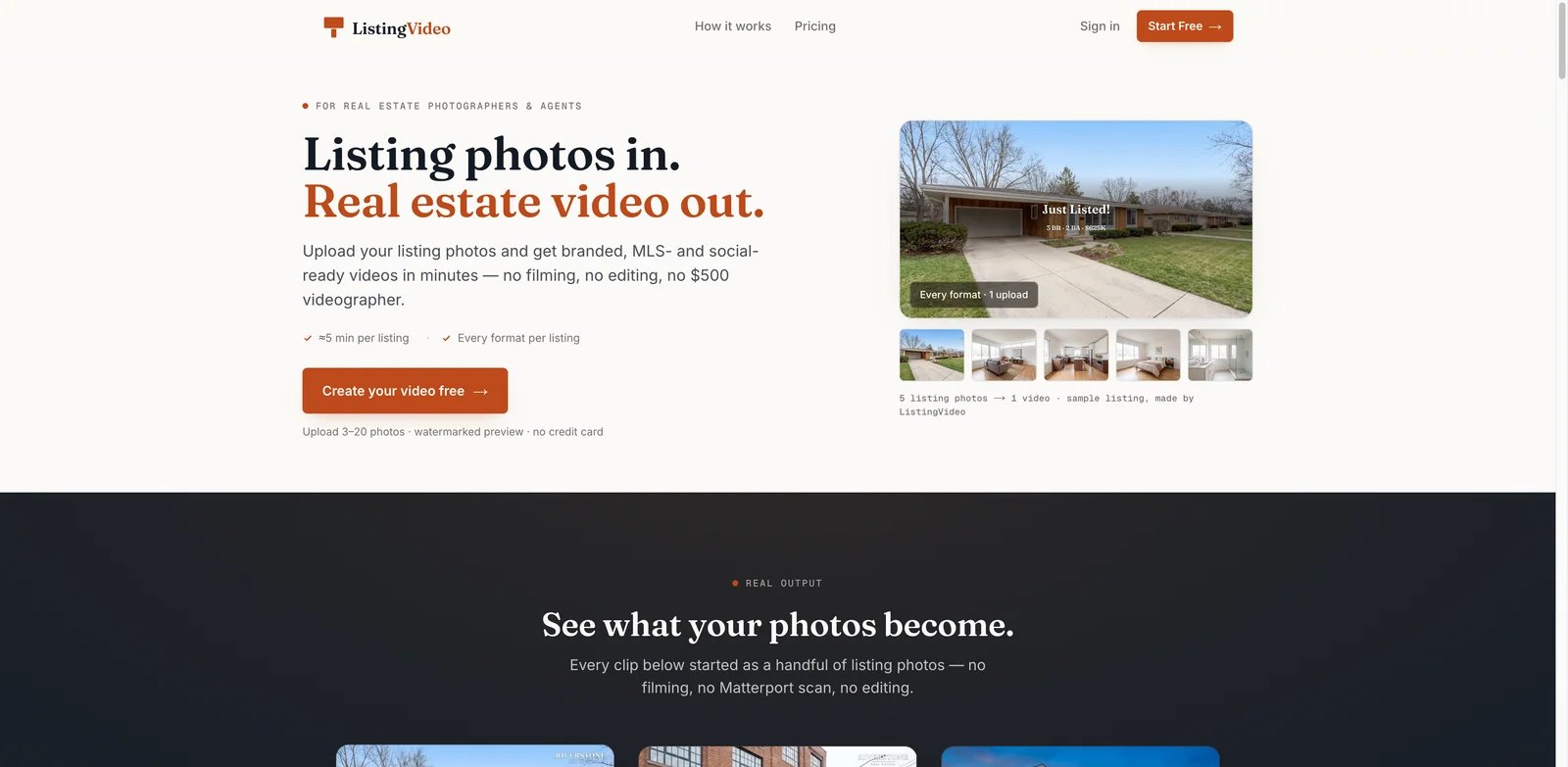
Photographers and agents often have the right listing photos but not the time or margin for a separate video shoot. ListingVideo is built around that exact pressure: upload 3 to 20 real property photos, get a watermarked preview in about five minutes, then unlock branded and MLS-safe versions for the listing channels that need them.
Key Features
- Listing photos become real property videos - ListingVideo moves the camera through the actual photos instead of restaging rooms or altering the property. That matters for MLS trust, seller review, and buyer expectations.
- Four listing-ready cuts from one upload - The homepage workflow focuses on 16:9 branded, 9:16 branded, 16:9 unbranded, and 9:16 unbranded outputs, so photographers can deliver both client-facing and MLS-safe versions without rebuilding the project.
- Free watermarked preview before payment - Agents can test a listing without a credit card. This reduces the risk of paying before seeing whether the room order, motion, and titles work.
- Clear reseller angle for photographers - The product positions video as a $99 to $300 add-on, useful for photographers who want more margin without changing their on-site workflow.
Pricing & Cost
| Plan | Price | Best Use |
|---|---|---|
| Free | $0 | 2 listings per month, 720p watermarked previews, 16:9 only |
| Standard | From $39/mo billed yearly | Solo agents and photographers with a few active listings |
| Premium | From $85/mo billed yearly | Photographers and teams that resell video more often |
| Studio | From $299/mo | High-volume real estate media companies |
ListingVideo's cost model is easiest to understand as subscription per listing volume rather than per output. The main cost question is whether you have enough listings each month to justify the subscription. A solo agent with occasional listings should start with the free preview; a photographer with recurring shoots can compare the monthly subscription against one or two resold add-ons.
Limitations
ListingVideo is intentionally narrow. It does not replace a full editor for drone footage, agent talking-head videos, or custom cinematic storytelling. It also depends on the quality and order of the listing photos you upload; weak photos still make a weak video. The format language differs across parts of the site, so confirm the exact output package at checkout if you need square files for a specific channel.
Who It's For
ListingVideo is the best fit for real estate photographers, solo agents, and small teams that already have clean listing photos and need a repeatable video product. Not the right fit if you need manual timeline editing, live footage, 3D tours, or agent-hosted walkthroughs.
Get started with ListingVideo
Reel-E
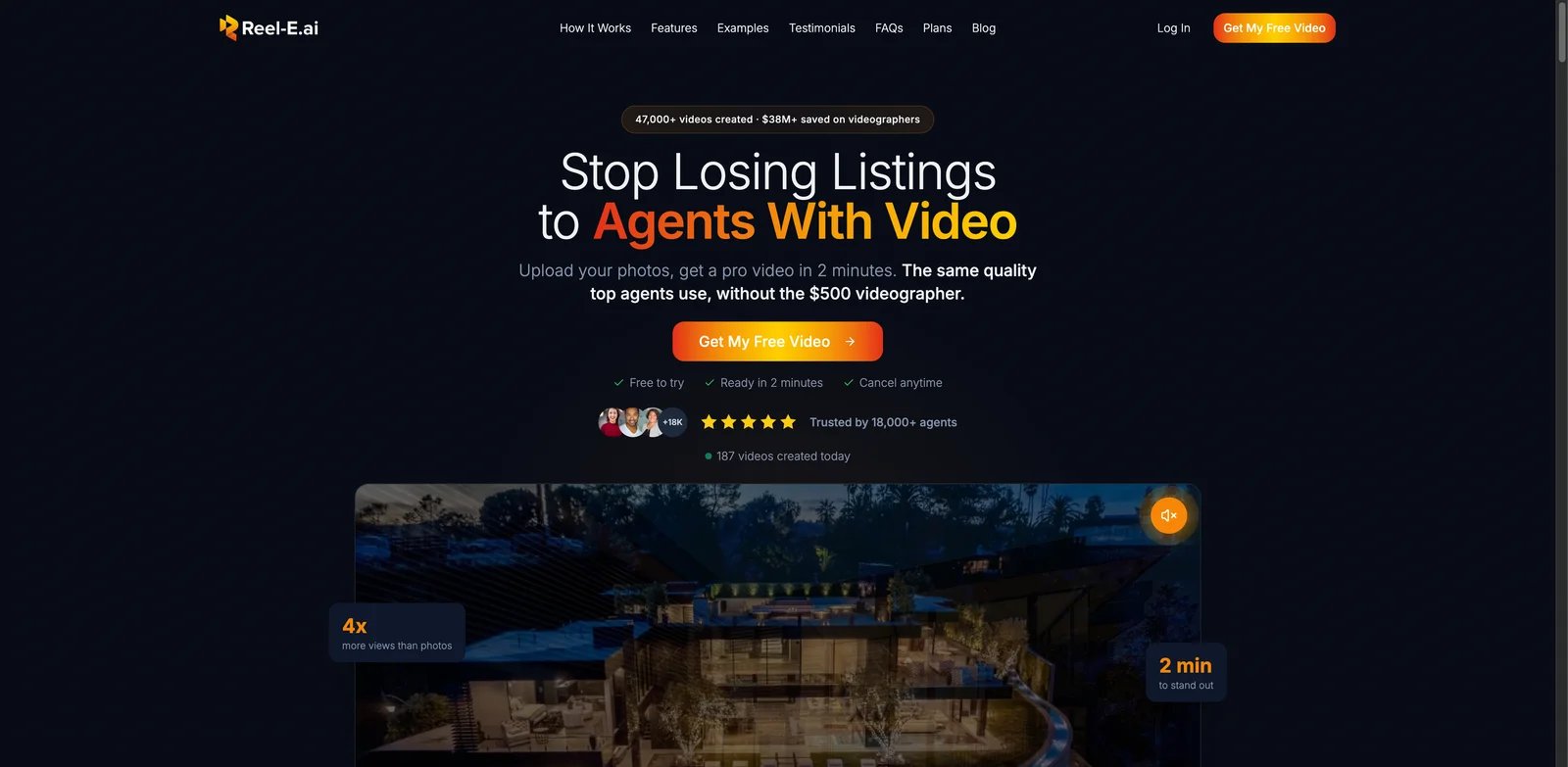
Agents who want to look like they hired a videographer, but need the video live today, will understand Reel-E's positioning immediately. It promises a photo-to-video workflow in minutes, with all main formats included for YouTube, MLS, Instagram, TikTok, and feed posts.
Key Features
- Fast photo-to-video generation - Reel-E asks users to drop listing photos, then creates camera motion, smart edits, music-synced cuts, and a finished property video.
- All major aspect ratios included - The official workflow references 16:9, 9:16, and 1:1 downloads, which helps agents distribute one listing across MLS, YouTube, Reels, TikTok, and feed placements.
- Agent branding templates - Users can save brand versions and apply them to future projects, which is helpful for agents who need consistent listing videos across a territory.
- Commercial music and high-resolution output - Reel-E highlights royalty-free music and up to 4K output, making it stronger than simple slideshow makers when video polish matters.
Pricing & Cost
Reel-E offers a free first video. With annual billing, Essential costs $44 per month for 36 listings per year, Growth costs $97 per month for 120 listings per year, and Pro costs $449 per month for 600 listings per year. Enterprise pricing is custom. The practical buyer question is monthly volume: a few listings can justify the subscription quickly, but low-volume users should test the free first video before committing.
Limitations
Reel-E is optimized for automated video output, not custom editing control. If you need to fine-tune every cut, title, or motion path, a general editor will give you more control. It also uses bold marketing statistics, so treat claims such as view lift or seller preference as directional unless they match your own market data.
Who It's For
Reel-E is a strong fit for agents and listing teams that want polished video with minimal production work. Not the right fit if you need pay-per-video flexibility instead of a monthly plan, or if your workflow requires manual timeline edits.
Get started with Reel-E
BetterSpace

Some listings need more than motion. Vacant rooms may need staging, social cuts may need vertical formats, and agents may need everything ready before the first post goes out. BetterSpace stands out because it combines AI real estate video with virtual staging and broader listing marketing assets.
Key Features
- Video and staging in one workflow - BetterSpace can turn property photos into videos and staged images, which is useful when vacant listings need both motion and better presentation.
- Listing-link import option - The official workflow allows users to upload photos or paste a listing link, reducing duplicate work for agents who already have photos online.
- Social cuts for short-form channels - BetterSpace emphasizes Reels, TikTok, Stories, and YouTube Shorts, making it useful for agents who market listings beyond MLS.
- Voiceover, music, branded titles, and captions - These features help turn photo slides into a more complete property marketing asset.
Pricing & Cost
BetterSpace has a free plan with 2 free videos per month, 10 free virtually staged photos, and no credit card required. Premium pricing is presented as volume-friendly with from-price language such as per-video and per-photo rates rather than a simple public monthly table. That makes it flexible, but less immediately predictable than flat subscriptions.
Limitations
Because BetterSpace includes staging, video, social cuts, and broader creative output, it may be more product than a photographer needs for a simple add-on. Pricing also needs closer review inside the app if you are budgeting for monthly volume. For MLS-sensitive listings, review every staged image and video caption before publishing.
Who It's For
BetterSpace works well for agents and teams that want video plus virtual staging from the same listing photos. Not the right fit if you only want a narrow MLS-safe video export without staging or campaign features.
Get started with BetterSpace
AutoReel
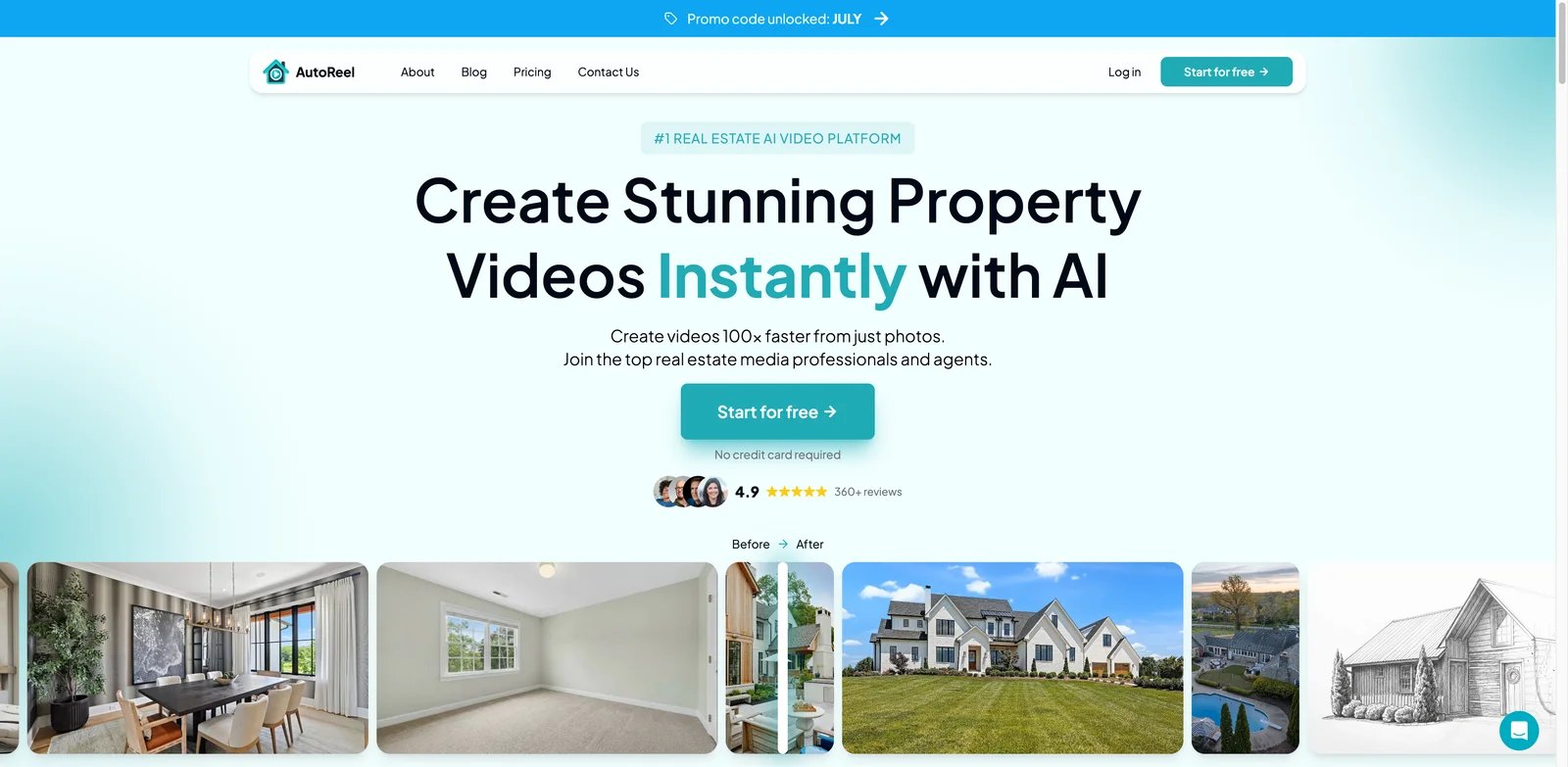
Real estate media companies need speed, but they also need enough creative control to protect their brand. AutoReel is built for that middle ground: AI property videos from photos, plus orientation, captions, music, brand elements, Studio edits, virtual staging, and photo edits.
Key Features
- Photo-to-video for property media teams - AutoReel turns still property photos into portrait or landscape videos and positions itself for agents, photographers, and media companies.
- Customization before export - Users can choose orientation, captions, music, and brand elements instead of accepting a fully fixed automated result.
- Realtor.com import and Studio edits - One-click import from Realtor.com and built-in Studio controls reduce manual setup for repeat listing work.
- Related AI photo tools - Virtual staging, AI photo edits, quick edits, and visual effects give media teams a broader upsell menu.
Pricing & Cost
AutoReel offers a free plan with no credit card and two watermarked videos per month. Paid plans include a 7-day free trial with 3 watermark-free videos, and extra videos can be purchased as credits at the same per-video rate as the plan. Public pricing pages expose policy details clearly, but exact plan prices may require checking the live plan selector.
Limitations
AutoReel is more feature-rich than a simple upload-and-download tool, so solo agents may need more time to learn the controls. Processing is commonly described in the 10 to 15 minute range, which is still fast but slower than tools claiming two to five minute previews. The free plan includes a watermark, so it is mostly for evaluation.
Who It's For
AutoReel fits photographers, real estate media companies, and agents who want both AI speed and editing control. Not the right fit if you want the simplest possible workflow with no design choices.
Get started with AutoReel
Amplifiles
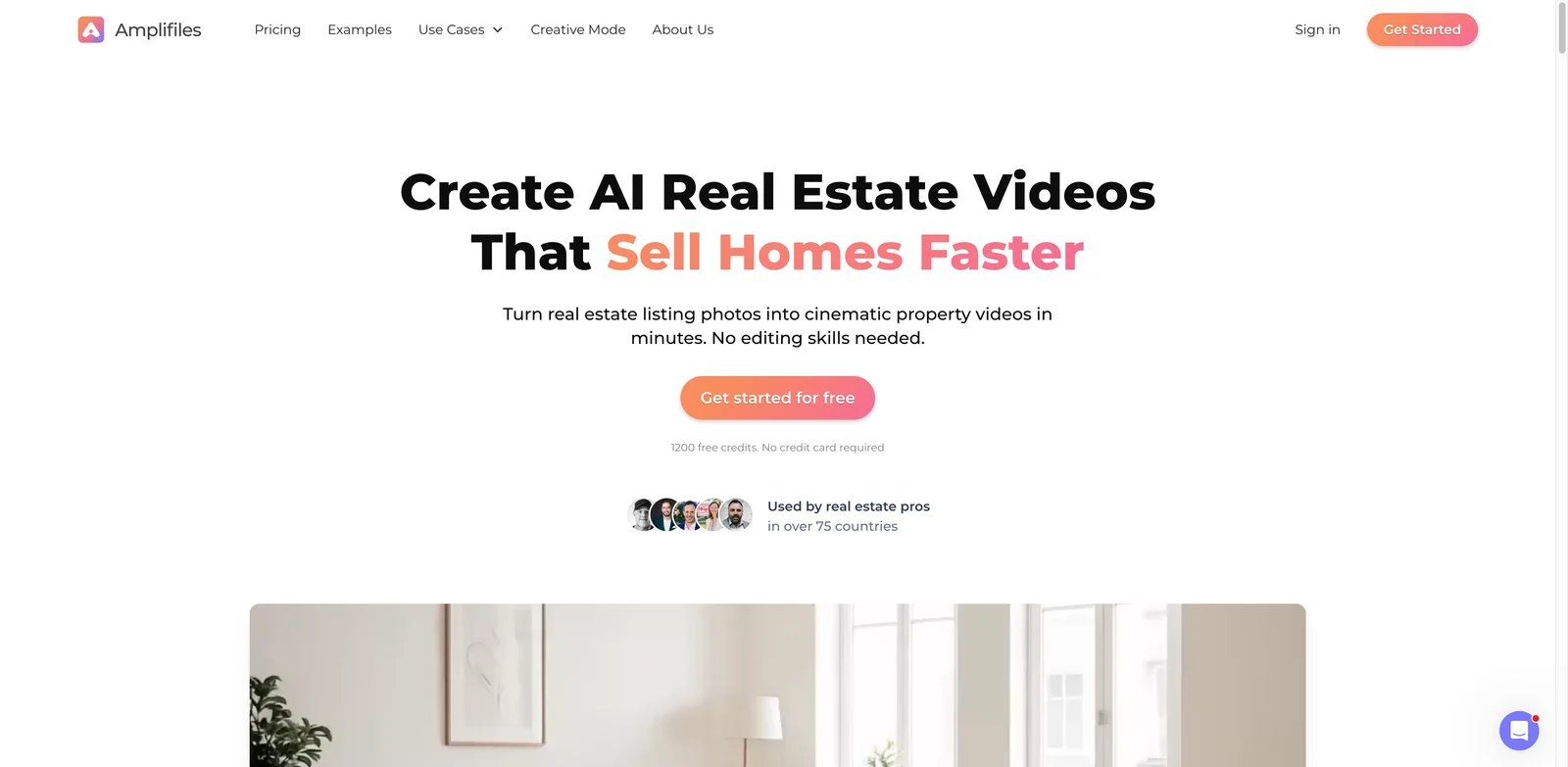
Subscription math can be awkward when listing volume swings month to month. Amplifiles solves that with a pay-per-image model: each image has a transparent credit cost, so a 7-image property video can be estimated before you generate it.
Key Features
- Pay-per-image pricing - Amplifiles prices AI real estate video at $1.50 per image for pay-as-you-go, making cost per listing easier to forecast.
- Free starter credits - New users get 1,200 free credits, enough to produce a small full listing video without a credit card.
- 1080p output with voiceovers and captions - Each video includes HD resolution, multilingual voice-overs, captions, and branding overlays.
- Re-animation policies are explicit - Pay-as-you-go users get one free re-animation per image, while subscriptions include more re-animation room.
Pricing & Cost
| Option | Price | Notes |
|---|---|---|
| Free credits | 1,200 credits | Enough for an 8-image video based on official credit math |
| Pay as you go | $1.50/image | Example: 7-image video costs about $10.50 |
| Monthly subscription | Lower per-image rates | Credits roll over while subscription is active |
Amplifiles is one of the clearest tools for cost-per-video planning. The tradeoff is that longer videos with more photos cost more, so high-volume teams should compare subscriptions against pay-as-you-go.
Limitations
Pay-per-image pricing is transparent, but it can also encourage users to reduce image count and weaken the final tour. The workflow is better for property-photo videos than for agent-hosted content or heavy manual editing. Subscription pricing may change with credit bundles, so confirm the active plan table before scaling.
Who It's For
Amplifiles is best for agents and photographers who want transparent per-listing economics without a monthly commitment. Not the right fit if you want unlimited subscription usage or long-form videos from many photos.
Get started with Amplifiles
vProp
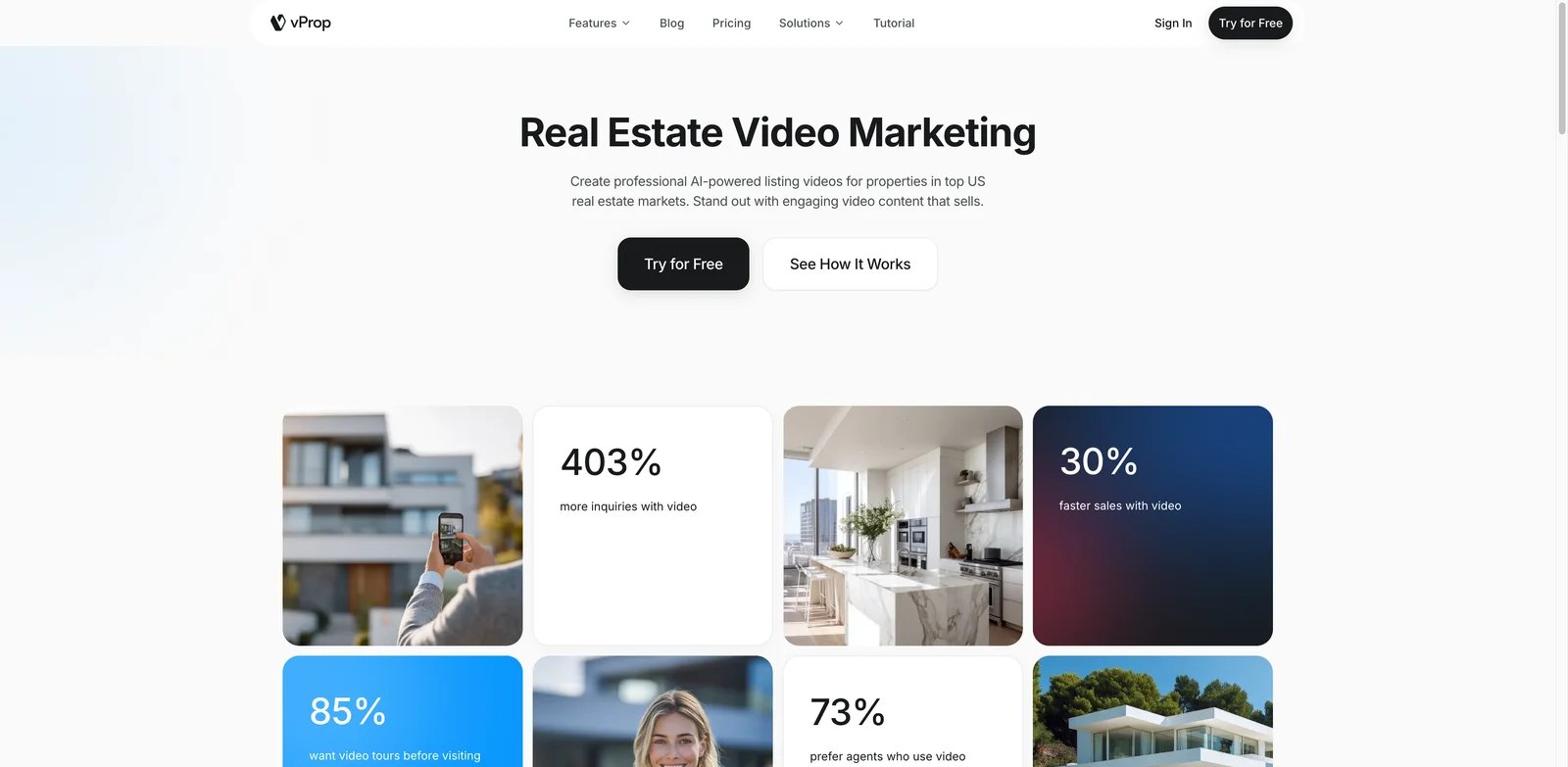
Some listings need more than a visual slideshow; they need narration, localization, and a marketing angle tied to the city or property type. vProp leans into AI real estate videos with voice, avatar, themes, and location-aware pages.
Key Features
- Real estate listing video focus - vProp is positioned directly around listing videos rather than general content creation.
- AI voice and avatar workflow - The product emphasizes voice and avatar-style property marketing, useful for agents who want a presenter feel without filming.
- Branded real estate video workflow - vProp combines listing videos with AI voice, avatars, themes, and branding controls for agents who want a presenter-style output without filming.
- Free-start path - The site encourages starting a free video without a credit card, reducing upfront risk.
Pricing & Cost
vProp offers a free plan for up to five videos with AI voice, avatar access, and four themes. Paid plans are Starter at $19 per month, Standard at $49 per month with credit rollover, and Pro at $229 per month for teams of up to 10. Verify current credit quantities and rollover conditions on the live pricing page before subscribing.
Limitations
vProp now publishes plan names and prices, but the real estate product page does not clearly show every paid tier's monthly video-credit allocation. Avatar and voice features can be useful, but they also introduce review risk: scripts, pronunciations, and Fair Housing-sensitive language need human approval before publishing. It may be less ideal for photographers who only want a silent MLS-safe file.
Who It's For
vProp is a fit for agents who want narrated, branded listing videos and local marketing pages. Not the right fit if your buyer workflow requires detailed public pricing before signup.
Get started with vProp
Reallyo

Agents do not only need a video. They need a description, social posts, email copy, a listing page, QR code, analytics, and sometimes portal distribution. Reallyo ranks as a video maker here because it creates narrated listing videos, but its real value is the full campaign built from one listing upload.
Key Features
- One listing becomes multiple assets - Reallyo generates video, website, descriptions, social posts, email, flyers, QR codes, and campaign assets from the same listing details.
- Narrated property videos - Listing photos become short narrated videos sized for social use without hiring an editor.
- 30 days of social content - The platform creates platform-specific captions, hooks, and short-form scripts from the listing.
- Active listing based pricing - The core campaign suite is available across plans, while higher tiers add more active listings, portal distribution, analytics, team lead routing, and a branded website.
Pricing & Cost
Reallyo has a free plan for 1 active listing with the core AI marketing suite, video, website, social, and email. Growth is listed at $39 per month for 10 active listings and adds portal distribution, analytics, and priority generation. Pro is listed at $49 per month for 25 active listings and adds team lead routing plus a branded website. Annual billing advertises savings, and the free plan requires no credit card.
Limitations
Reallyo is broader than a dedicated video tool. If you already have a CRM, website builder, social scheduler, and listing distribution process, you may not want another campaign hub. Portal distribution also depends on partner rules and listing quality, so it should not be treated as guaranteed placement.
Who It's For
Reallyo is best for agents and property managers who want one listing marketing workspace rather than a standalone video export. Not the right fit if your only need is a clean downloadable MLS-safe video file.
Get started with Reallyo
PhotoAIVideo
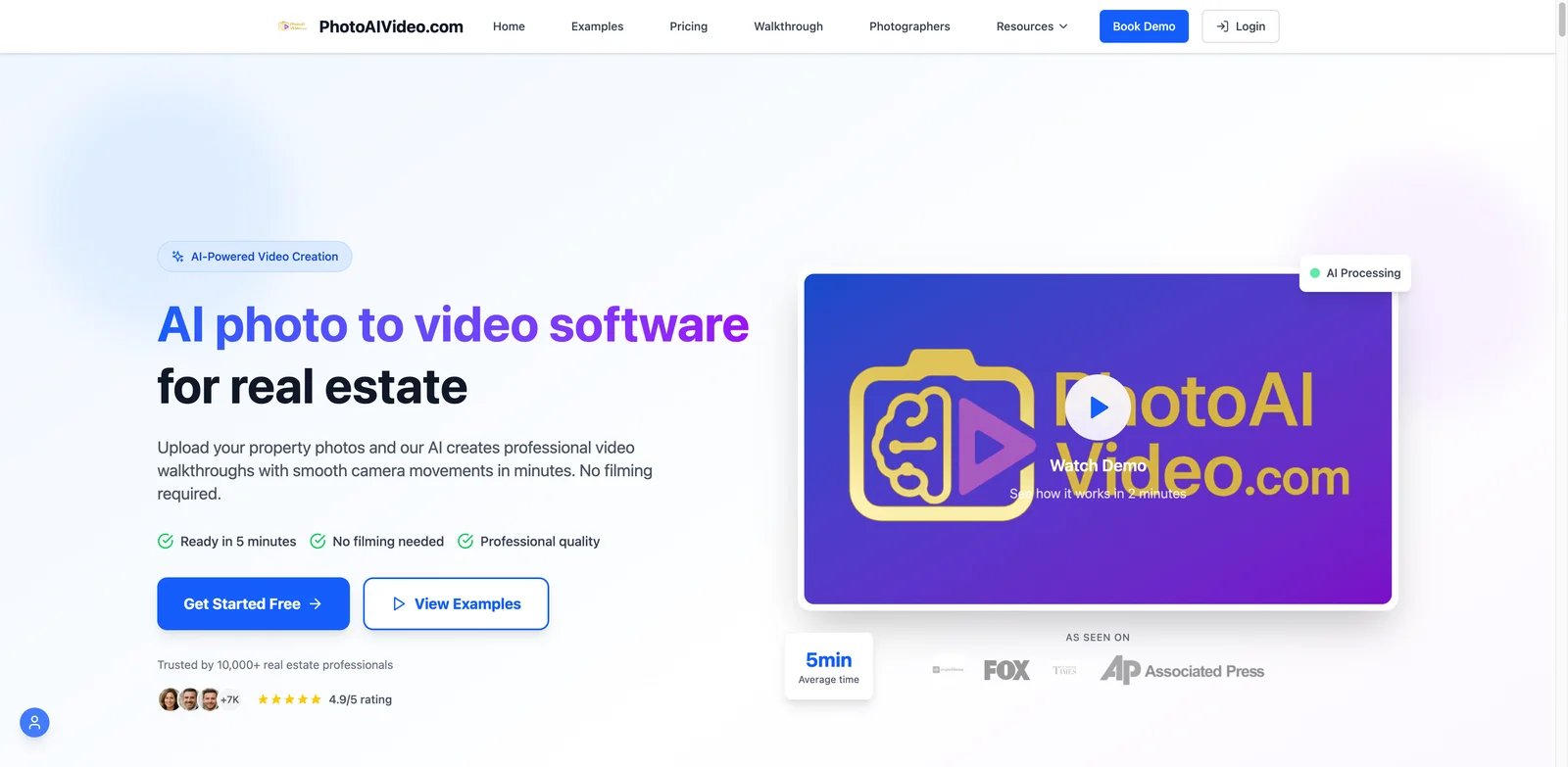
When the goal is a professional-looking walkthrough from existing photos, PhotoAIVideo gives agents and photographers a structured project workflow: upload photos, let AI generate smooth camera movement, combine reels, and export for major real estate channels.
Key Features
- Photo-to-video walkthrough generation - The platform turns property photos into video walkthroughs with smooth transitions and pacing.
- Automatic reel combining - Paid plans include automatic combined reels, useful when a listing needs multiple generated clips stitched into a full video.
- Multiple formats and commercial rights - Creator and Pro plans include HD quality, custom branding, professional music, multiple export formats, and commercial usage rights.
- Avatar add-on - An optional AI Avatar Clones add-on supports agent clone videos with credits and prebuilt avatars.
Pricing & Cost
| Plan | Price | Includes |
|---|---|---|
| Free | $0 | 1 video project, 5 generations, watermarked videos |
| Creator | $37.50/mo billed annually | 52 video projects, HD quality, branding, commercial rights |
| Pro | $66.58/mo billed annually | 100 video projects, vertical videos, AI voice overs, team features |
| AI Avatar add-on | $49/mo | 20 video generation credits and 2 AI avatar clones |
PhotoAIVideo is more expensive than basic template editors, but its per-project structure is clearer than many credit systems. The main cost question is whether you need the included project volume.
Limitations
The free plan is useful for testing but includes watermarks and limited project volume. Avatar features cost extra, so teams should not assume presenter-style videos are included in the base plan. The CloudPano-style integration story can be valuable, but verify exactly which platforms fit your market before relying on auto-distribution.
Who It's For
PhotoAIVideo fits agents and photographers who want a structured photo-to-video project system with clear annual pricing. Not the right fit if you only need occasional free social templates.
Get started with PhotoAIVideo
Pixlmob AI Clips
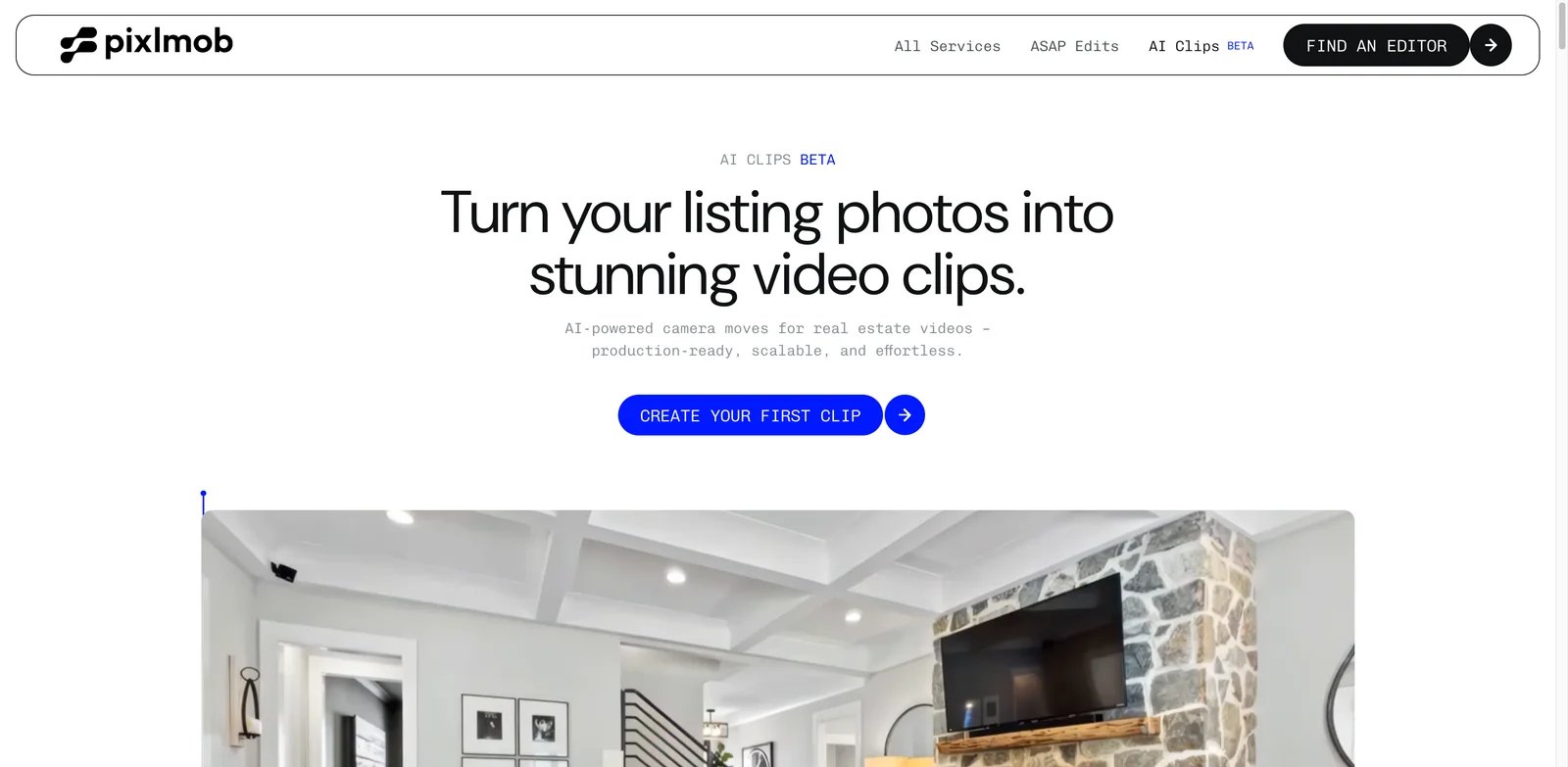
Real estate photographers often do not need a finished marketing video from one app. They need short motion clips they can drop into a broader editing workflow. Pixlmob AI Clips is designed for that production reality.
Key Features
- Five-second AI motion clips - Pixlmob generates short clips from property images, then applies a boomerang effect to make camera motion easier to use in edits.
- Camera moves from still images - The workflow supports moves such as dolly, crane, and truck-style motion selected automatically based on image composition.
- Real estate media constraints are explicit - Pixlmob states that AI Clips are intended for property media and cannot be made from images with text, people, or collages.
- Marketplace context - Pixlmob sits inside a broader real estate media editing marketplace, so clips can fit into a larger outsourcing and post-production workflow.
Pricing & Cost
Pixlmob AI Clips start at $3 when bought individually and can drop as low as $1 based on volume. Finished clips are 5 seconds long and delivered as MP4 files at 720p, with 1080p upscaling available as an add-on.
Limitations
Pixlmob AI Clips is not a complete listing video maker by itself. It gives you motion assets, not necessarily a polished branded video with music, titles, and MLS-safe variants. Camera movement cannot currently be customized, so users must accept the automatically selected move.
Who It's For
Pixlmob AI Clips is best for real estate photographers and editors who already assemble final videos elsewhere. Not the right fit if you want a finished video from one upload with no editing step.
Get started with Pixlmob AI Clips
Momenzo
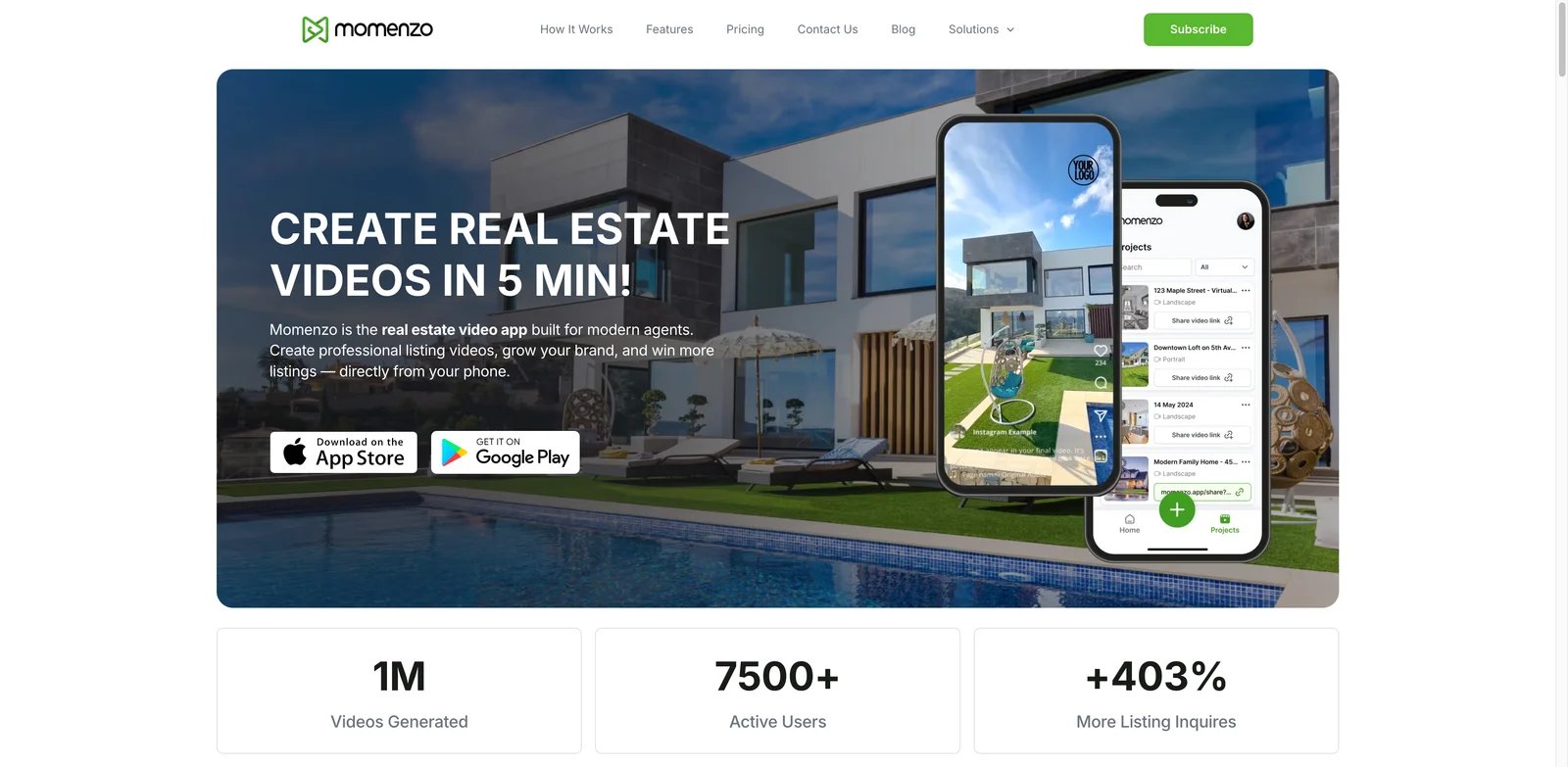
Many agents would rather record and publish from their phone than manage photos in a browser. Momenzo is built for that mobile-first habit: guided recording, automatic editing, branding, subtitles, templates, and one-click sharing from a real estate video app.
Key Features
- Mobile-first video creation - Momenzo is designed for creating real estate videos directly from a phone, not a desktop timeline.
- Guided recording and automatic editing - The app provides simple instructions, then handles editing so agents can make videos without production experience.
- Branding on every video - Logos, colors, style, templates, and branded videos are built into the workflow.
- Agent tools beyond listing tours - Momenzo includes teleprompter support, AI subtitles, editing controls, and more than 50 real estate templates.
Pricing & Cost
Momenzo publishes simple subscription pricing: $59 for 3 months of unlimited listing videos, or $169 for 1 year, which works out to about $14.08 per month based on the official annual comparison. The subscription is contract-free and can be canceled from the dashboard.
Limitations
Momenzo is not designed for computer use; the official FAQ says it is a mobile-first app. That is a strength for agents in the field but a limitation for media companies with desktop post-production workflows. It also depends on the agent recording good mobile footage, so quality is tied to user behavior.
Who It's For
Momenzo is best for agents who want to appear in their own videos, record on site, and publish quickly from a phone. Not the right fit for photographers who only deliver photo-based listing videos or teams that need a desktop workflow.
Get started with Momenzo
VideoTour.ai
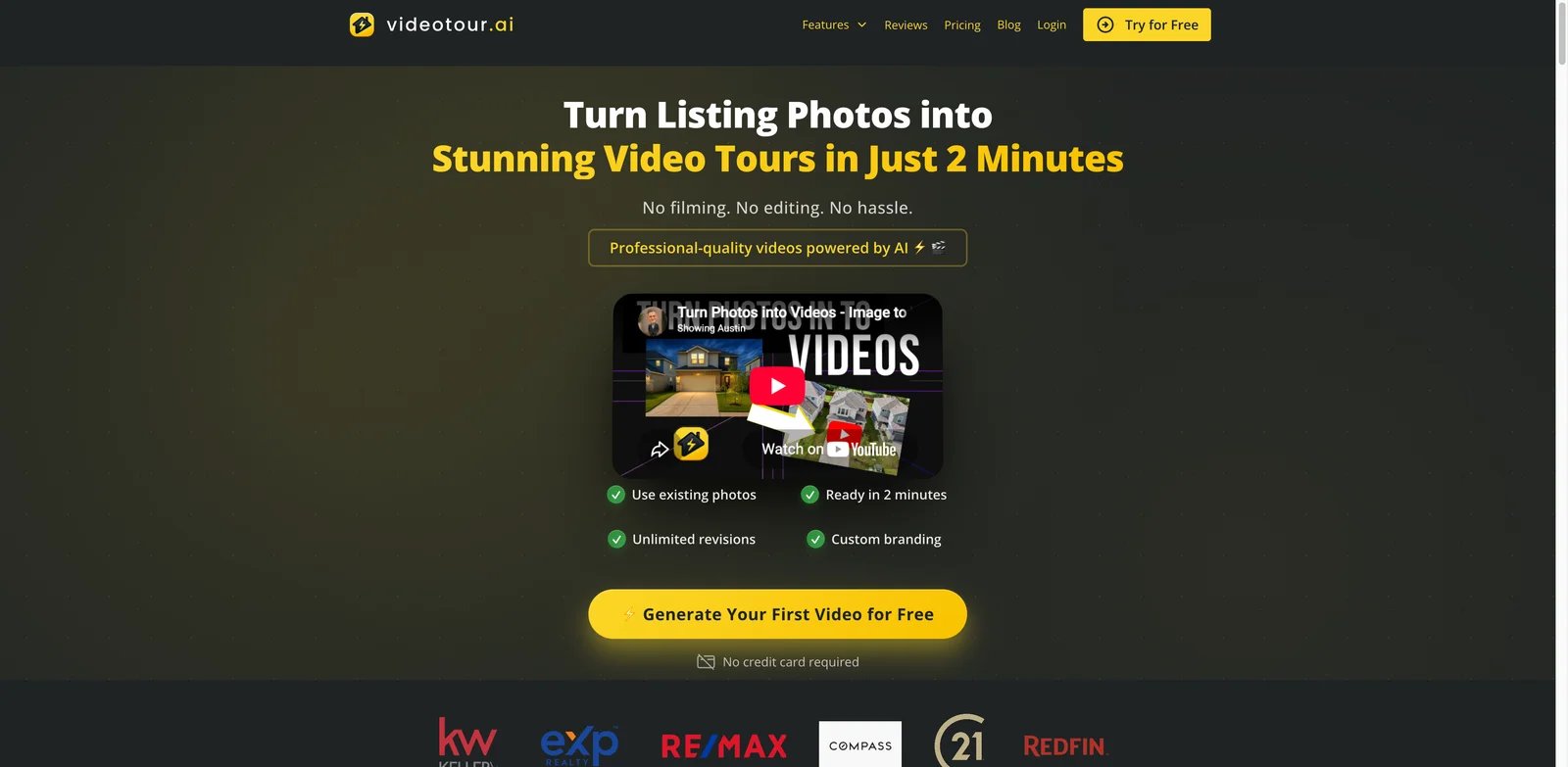
Some buyers and sellers only need the fastest path from listing photos to an AI-generated video tour. VideoTour.ai is positioned around that exact promise: turn property photos into a real estate video tour quickly, with a try-free entry point.
Key Features
- Photo-based video tour workflow - VideoTour.ai focuses on taking real estate photos and creating a property tour rather than a general marketing video.
- Fast generation positioning - The product message emphasizes AI video tours in minutes, useful for listings that need immediate marketing assets.
- Real estate-specific use case - Unlike broad editors, VideoTour.ai is named and framed around property video tours.
Pricing & Cost
VideoTour.ai offers one free video with unlimited revisions. Paid plans start at $29 per month with annual billing; the Independent plan includes 10 video tours per month, one reel, and 100 AI credits. Teams should verify monthly versus annual limits before forecasting production costs.
Limitations
The main limitation is plan complexity rather than total opacity. Paid tiers combine video-tour allowances, reels, and AI credits, so teams should map those limits against their actual listing volume before subscribing. It may also provide fewer campaign features than tools such as ListingVideo, Reallyo, or AutoReel.
Who It's For
VideoTour.ai is worth testing if you want a simple AI property tour from listing photos. Not the right fit if procurement requires public pricing, clear output specs, or detailed plan limits before trial.
Get started with VideoTour.ai
WeVideo
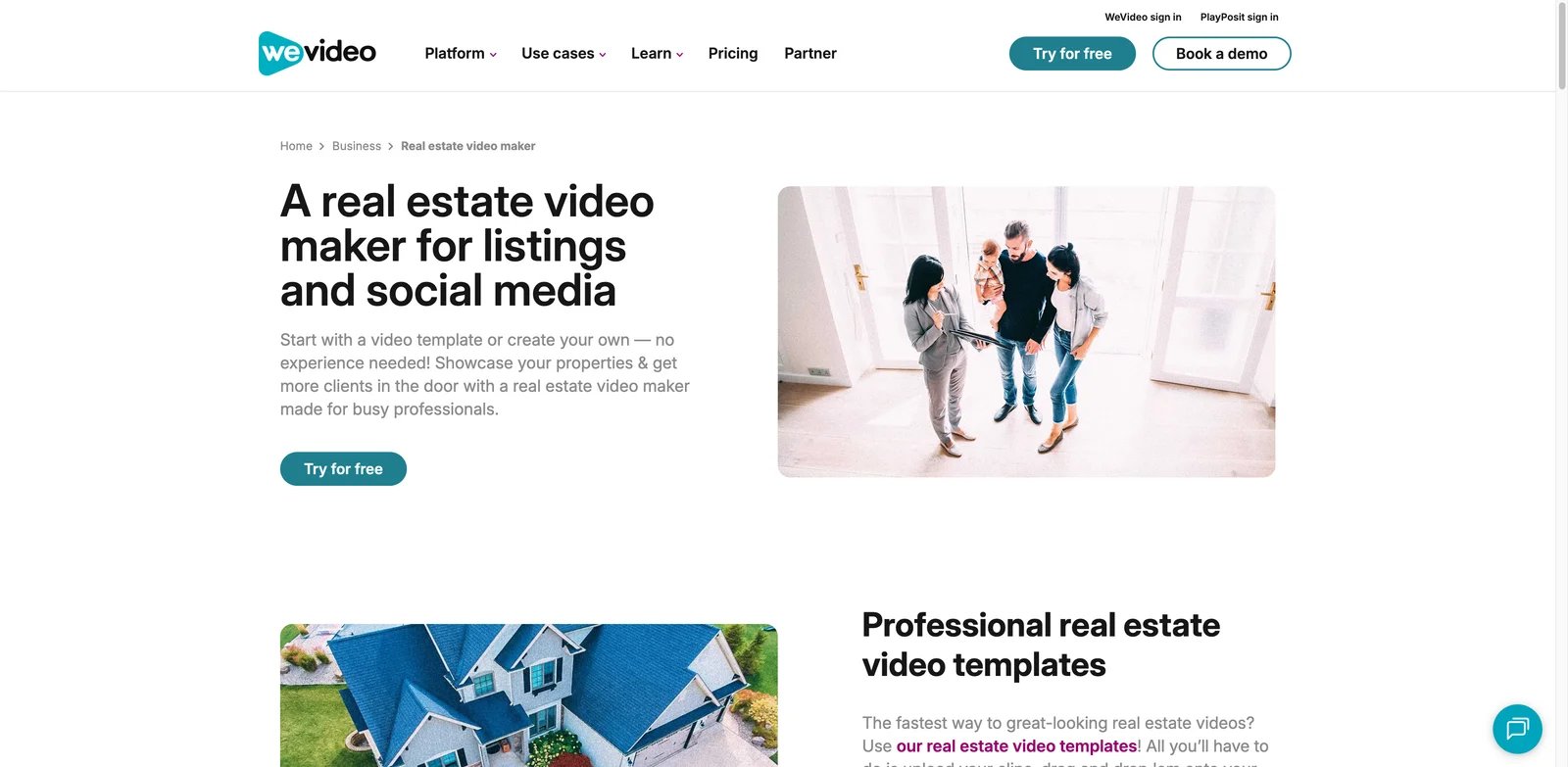
Not every real estate video needs AI motion. Some agents already have clips or photos and simply need a familiar editor with templates, brand controls, stock assets, and export options. WeVideo is the broadest editor on this list, included because it has a dedicated real estate video maker page and mature cloud editing features.
Key Features
- Real estate templates - WeVideo provides templates for home tours, agent profiles, and property listings, so users are not starting from a blank timeline.
- Cloud editing across devices - Agents can edit from Mac, PC, iOS, Android, and web, which helps teams work outside one desktop setup.
- Stock assets and brand tools - Paid plans include stock media, templates, and brand management, useful for teams producing repeated listing content.
- Higher resolution on paid plans - Paid tiers move beyond the free tier's low resolution and unlock 4K on Unlimited and above.
Pricing & Cost
WeVideo has a free plan with limited publish time and 480p output. Paid annual plans include Power at $4.99 per month, Unlimited at $7.99 per month, Professional at $19.99 per month, and Business at $36.99 per month. Monthly billing is higher. Fees are non-refundable according to the pricing FAQ, so test the free tier before purchasing.
Limitations
WeVideo is a video editor, not a real estate photo-to-video automation engine. You will get more creative control, but you will also do more editing work. If you need automatic MLS-safe branded and unbranded cuts, a purpose-built listing video maker is faster.
Who It's For
WeVideo fits agents, assistants, and small teams that want manual editing flexibility with templates. Not the right fit if your priority is one-upload AI listing videos.
Get started with WeVideo
InVideo Studio
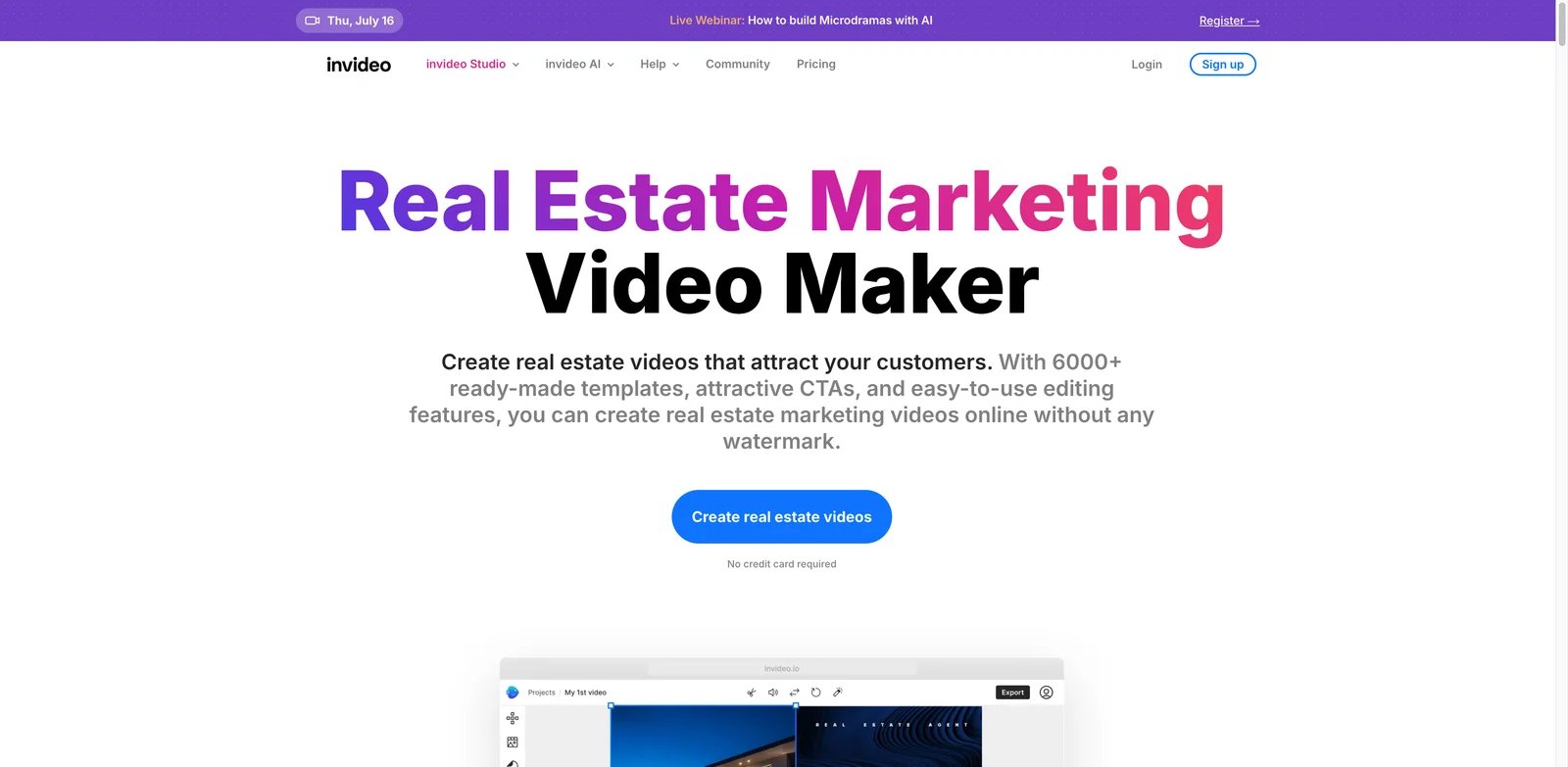
Marketing teams that want a large template library and stock content may prefer a broader editor over a listing-specific generator. InVideo Studio offers a dedicated real estate marketing video page with thousands of templates, stock media, CTAs, voiceover tools, and collaboration options.
Key Features
- Large real estate template library - InVideo highlights 6,000+ ready-made templates for real estate explainer videos, property listing videos, and real estate advertisements.
- Stock media for marketing videos - The platform references a 16 million+ stock media library, useful when a listing campaign needs lifestyle or brand footage beyond property photos.
- Voiceover and text-to-speech - Users can record voiceovers or convert text to speech for property explainers and agent-brand videos.
- Team collaboration - Collaboration features make InVideo more useful for marketing teams than solo-only tools.
Pricing & Cost
InVideo offers a no-credit-card start path on its real estate page, but current pricing varies by product line and plan. Check the active pricing page before purchase, especially if you need watermark removal, stock licensing, export minutes, or team seats.
Limitations
InVideo is not purpose-built for MLS-safe listing delivery. It is stronger for marketing videos, ads, and templated social content than for one-click property tours from photos. The large template library can also slow down decision-making if you simply need a finished listing video today.
Who It's For
InVideo Studio is best for agents, marketers, and brokerages creating ads, explainers, and social videos around properties. Not the right fit if you want a focused real estate video maker that automatically separates branded and unbranded outputs.
Get started with InVideo Studio
Animoto
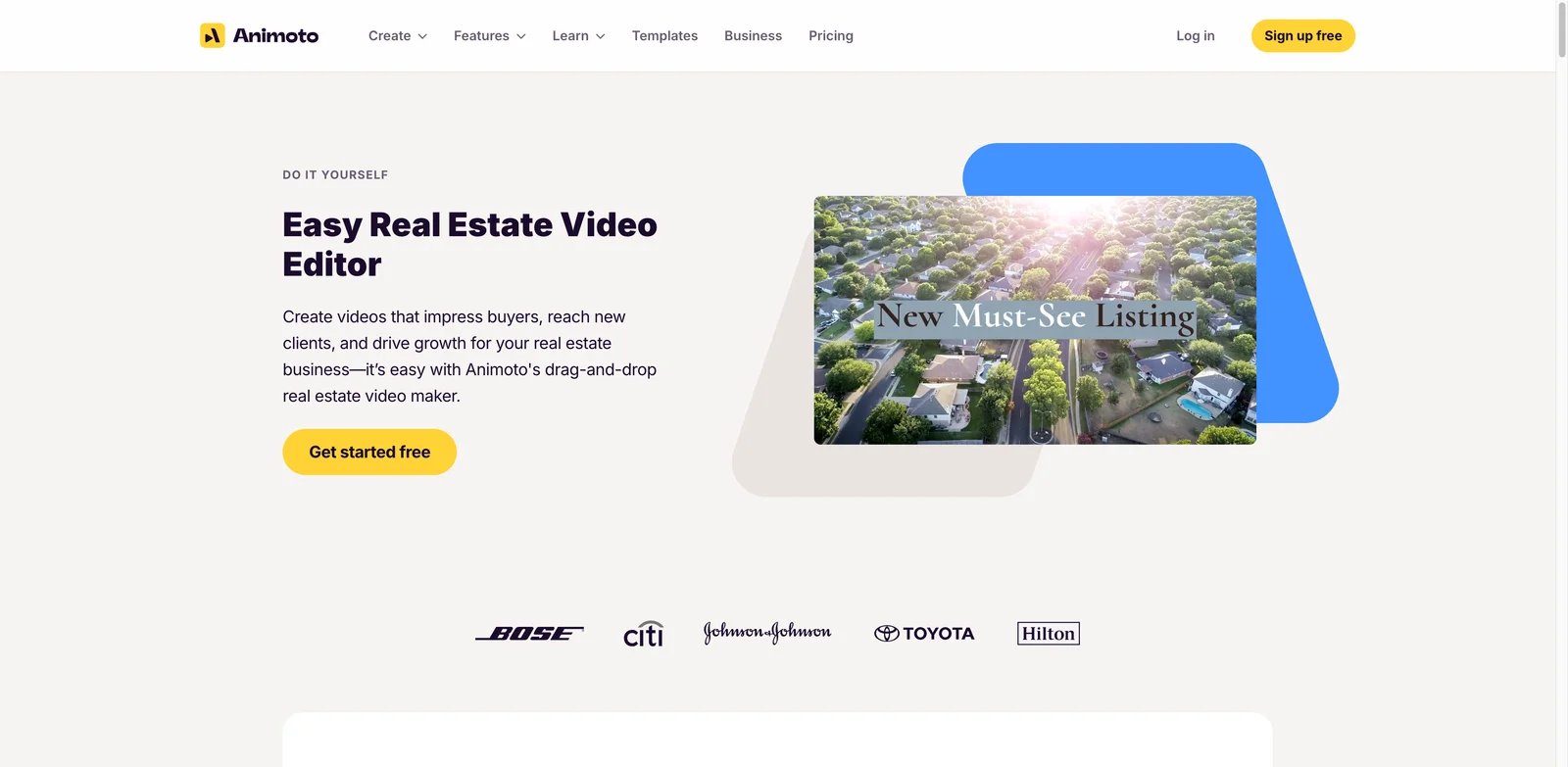
Some agents do not want AI generation, avatars, or complex editing. They want a clean slideshow-style real estate video that combines property images, text, music, and a simple brand look. Animoto remains useful for that lighter workflow.
Key Features
- Template-based property videos - Animoto is known for drag-and-drop video creation, which fits simple listing slideshows and agent profile videos.
- Low learning curve - The workflow is approachable for agents who do not edit video professionally.
- Brand-friendly presentation - Users can add text, photos, music, and brand elements without managing a complex timeline.
Pricing & Cost
Animoto offers Free, Basic, Professional, and Professional Plus plans. Free and Basic are for personal use. Professional adds reseller licensing for videos sold to an end user for personal use, while Professional Plus is required when the buyer will use the video to earn profit. Verify current prices and licensing terms before using Animoto for client work.
Limitations
Animoto is not a dedicated AI real estate video generator. It will not automatically create MLS-safe variants, AI camera motion, or per-listing output packages the way purpose-built tools do. It works best when the user is comfortable assembling a polished slideshow.
Who It's For
Animoto is best for agents who want simple branded slideshows and social videos from templates. Not the right fit for photographers selling automated listing video packages at scale.
Get started with Animoto
FlexClip
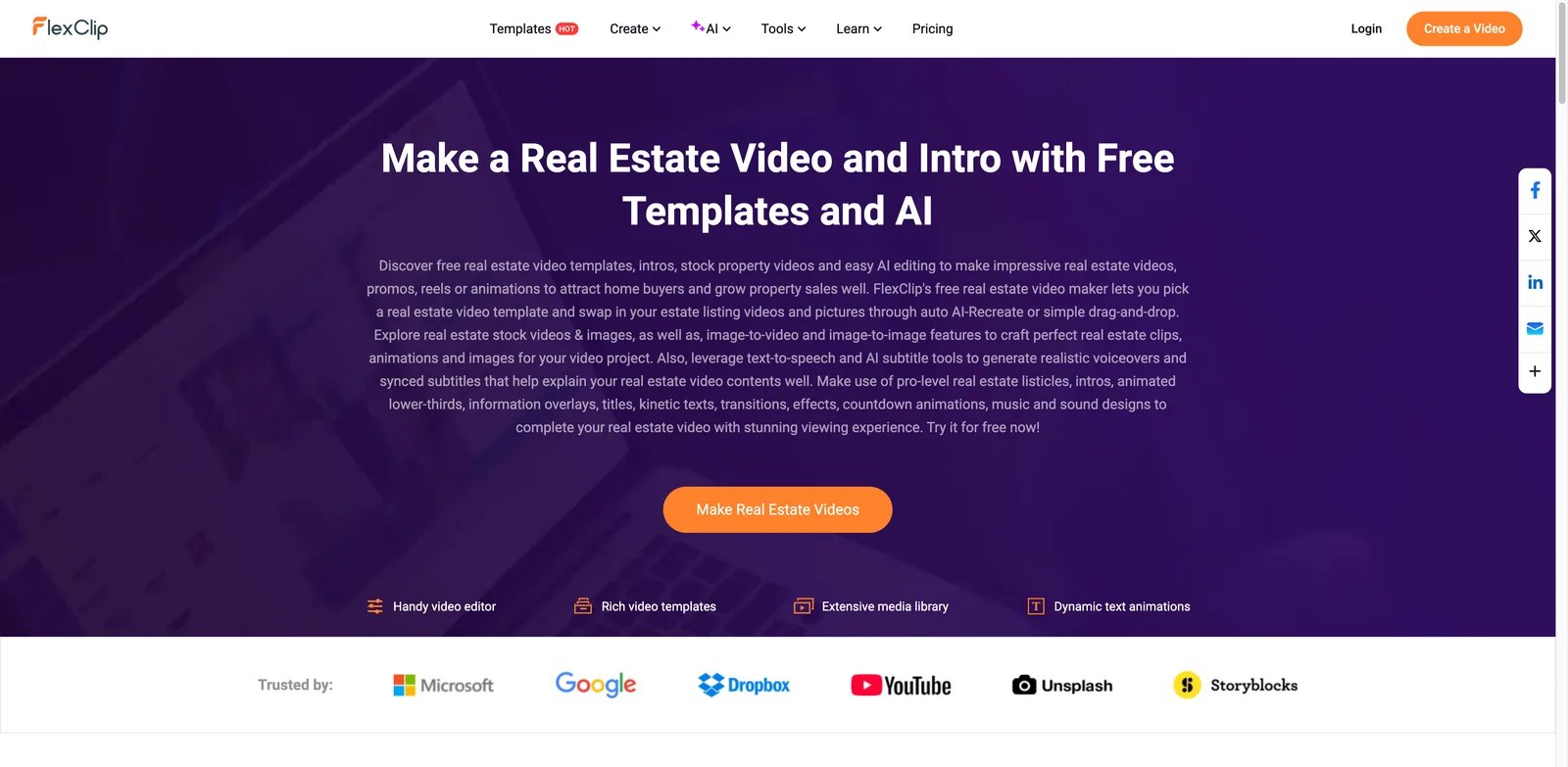
Budget-conscious agents often need a free or lightweight editor for quick promotional videos. FlexClip offers real estate templates, stock property visuals, AI tools, subtitles, text-to-speech, and a browser-based editor that is easier to start than professional video software.
Key Features
- Free real estate templates - FlexClip provides real estate promo, slideshow, intro, and property-style templates that can be customized in the browser.
- AI helper tools - The real estate page highlights image-to-video, image-to-image, text-to-speech, and AI subtitle tools.
- Stock and design assets - Users can add stock property footage, lower thirds, overlays, animated text, transitions, music, and countdown elements.
- Low-friction editing - The editor is built for users without formal video editing training.
Pricing & Cost
FlexClip has a Free plan. With annual billing, Plus costs $11.99 per month and Business costs $19.99 per month. Verify current AI-credit, storage, stock-media, watermark, and export limits on the live pricing page before purchase.
Limitations
FlexClip is a template editor, not a real estate-specific automation platform. It will help you make a nice video, but it will not automatically inspect listing photos, create MLS-safe versions, or price output per listing. It also requires more manual design judgment than ListingVideo, Reel-E, or BetterSpace.
Who It's For
FlexClip is best for agents who need a lightweight free editor for occasional marketing videos. Not the right fit if you need a repeatable, client-ready photo-to-video product for every listing.
Get started with FlexClip
Best Real Estate Video Maker by Use Case
For Photographers Selling a Video Add-On
If you are already delivering listing photos and want video as a profitable add-on, start with ListingVideo. Its workflow is built around turning real photos into branded and MLS-safe cuts, and the $99 to $300 resale range gives photographers a clear packaging idea. Amplifiles is the stronger choice when you want exact pay-per-image costing instead of a subscription.
For Agents Who Need a Video Before the Listing Goes Live
If you are an agent trying to move from photos to video the same day, ListingVideo, Reel-E, and BetterSpace are the fastest candidates. ListingVideo is the safest first pick when MLS-safe and branded versions matter. Reel-E is strong when you want all main social formats. BetterSpace is better when the same listing also needs virtual staging or social cuts.
For Teams Building a Full Listing Campaign
If the video is only one asset inside a larger launch, choose Reallyo. It turns one listing into video, website, social posts, email, flyers, QR codes, and campaign copy. Pair it with AI social media post generator research if your bottleneck is daily posting rather than video production.
For Mobile-First Agents
If your workflow starts on a phone at the property, Momenzo is the best fit. It gives agents guided recording, teleprompter support, automatic editing, branding, and sharing without requiring a desktop. It is not as automatic as photo-to-video tools, but it can create more personal agent-led content.
For Manual Editors and Template Users
If you want control over the final edit, choose WeVideo, InVideo Studio, or FlexClip. These are better for ads, neighborhood videos, listing slideshows, and brand content than for fully automated property tours. For more editing options, compare the AI video editor category.
How to Choose the Right Real Estate Video Maker
-
Start with your output requirement. If MLS compliance matters, prioritize tools that clearly separate branded and unbranded outputs, such as ListingVideo. If you only need social reels, Reel-E, BetterSpace, or FlexClip may be enough.
-
Calculate cost per listing, not just monthly price. Amplifiles is easiest for per-image math, ListingVideo is easier for subscription-based listing volume, and Pixlmob is best when you only need short clips. A cheap monthly editor can still be expensive if it adds an hour of manual work to every listing.
-
Test with one real property, not sample photos. Upload a normal listing with awkward rooms, mixed lighting, and exterior shots. This reveals whether the tool handles real estate photography rather than just polished demo images.
-
Check export formats before designing your workflow. MLS, YouTube, Instagram Reels, TikTok, websites, and email all need different aspect ratios or file rules. Do not pay until you confirm the exact exports you need.
-
Decide how much editing control you actually want. Agents usually benefit from automation. Media teams may need AutoReel, WeVideo, InVideo Studio, or Pixlmob because they need more control over the final creative.
-
Review every AI-generated word before publishing. Voiceovers, captions, agent names, addresses, and listing claims can create compliance problems. Even the best real estate video maker should not be your final approver.
Frequently Asked Questions
What is the best real estate video maker for listing photos?
Can AI make a real estate video from photos only?
Which real estate video maker is best for MLS-safe videos?
What is the cheapest way to create real estate listing videos?
Should agents use a real estate video maker or hire a videographer?
Are AI real estate videos safe for seller approval?
Which tool is best for real estate photographers?
Which real estate video maker is best for social media?
Get ToolWorthy Weekly
New AI tools, practical guides, and selected AI signals in one weekly brief.
Related Posts
- 8 Best Tools to Make Rumpelstiltskin AI Videos in 2026
Put yourself in the Rumpelstiltskin tiptoe meme, transfer a dance to your own character, or finish a green-screen remix with these eight video tools.
- Best Bulin 47 AI Video Makers: Photo, Motion and Editing
Make a Bulin 47 red-door freestyle from one photo, or build a creative version with your own motion video. Compare inputs, sound, format and pricing.
- Best Burning Bridges AI Video Generators: Choose Your Route
Turn a photo into a Burning Bridges party clip. Compare party presets, character motion, scene changes and final editing by inputs, output and cost.
For AI tool founders
Built a tool that belongs in this decision set?
Request an editorial evaluation for possible inclusion in ToolWorthy.
Submit your tool for reviewPaid submission does not guarantee a ranking, recommendation, inclusion, or editorial outcome.