

Overview
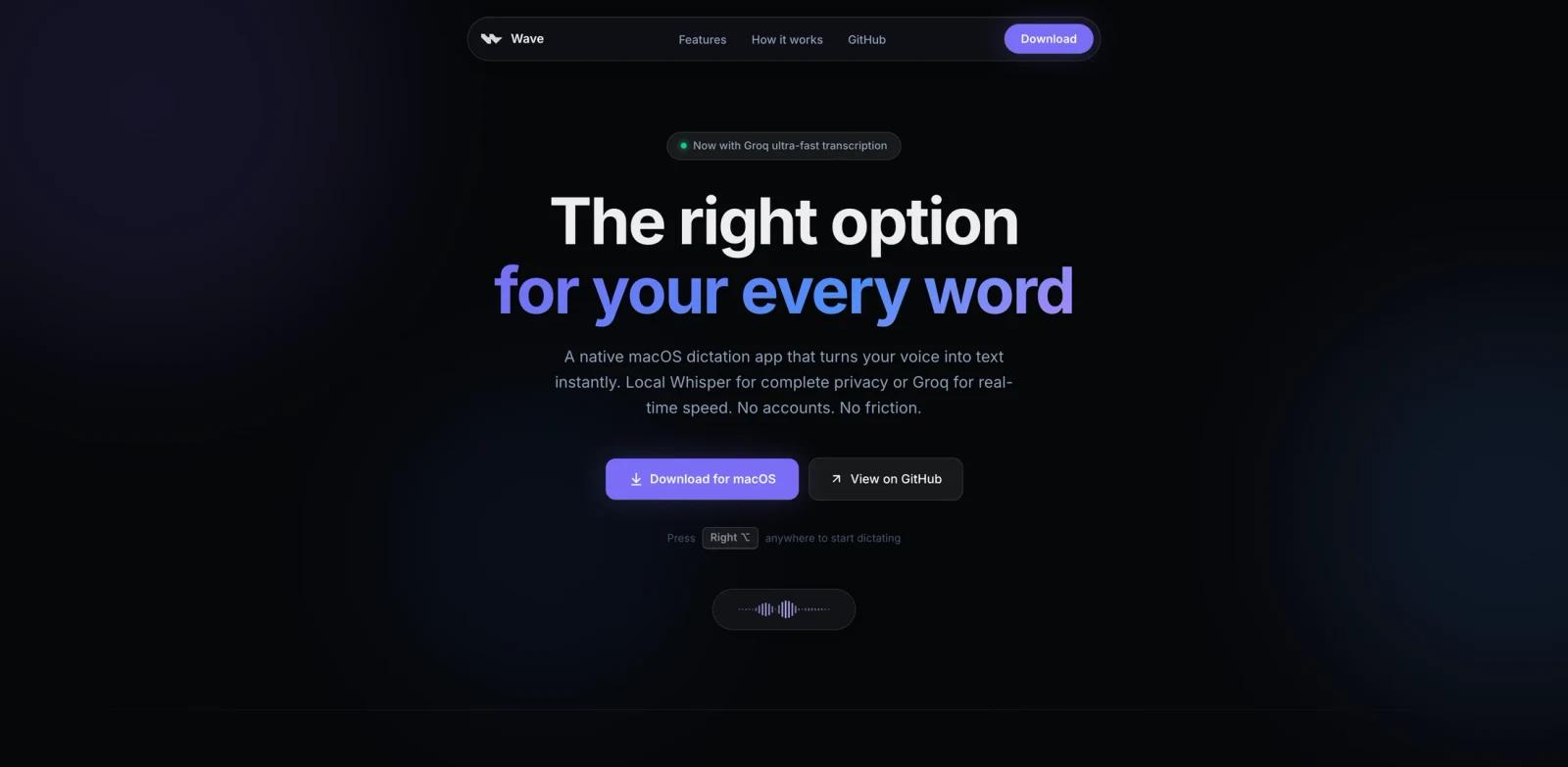
Wave for Mac is a native macOS dictation app for turning spoken words into text at the cursor. The app is designed around a low-friction flow: press a shortcut, speak, and Wave pastes the transcription into the active Mac app.
The official site emphasizes two transcription modes. Users can run Whisper locally for privacy and offline use, or connect Groq for faster cloud transcription with their own API key. Wave also includes an AI Mode that sends spoken intent to an LLM and pastes the generated response, which makes it more flexible than a basic voice recorder or system dictation shortcut.
Wave ranked #2 on Product Hunt's June 7, 2026 daily leaderboard. It is a good ToolWorthy fit for readers comparing AI productivity tools, AI writing assistants, and voice-to-text workflows that prioritize speed, privacy, and minimal UI.
Key Features
Native macOS dictation - Wave runs as a Mac app and is built for fast shortcut-driven dictation rather than browser-based transcription.
Local Whisper mode - Users can transcribe audio on device with Whisper, keeping audio processing local and enabling offline use.
Groq transcription option - For users who want lower latency, Wave can use Groq cloud transcription through the user's own API key.
Direct cursor insertion - Dictated text is pasted into the active app, which makes Wave useful inside email, docs, chat, IDEs, tickets, and other writing surfaces.
AI Mode for spoken intent - Instead of only transcribing words, AI Mode can turn a spoken request into generated text and paste the result where the user is working.
Workflow extras - The public README lists snippets, dictation history, language selection, custom vocabulary, microphone selection, and configurable shortcuts.
How to Get Started
Wave is distributed as a macOS app. The official README directs users to download the latest DMG from GitHub Releases, then install the app like a normal Mac application.
After installation, users can choose between local Whisper and Groq transcription, configure shortcuts, and grant any required macOS microphone or accessibility permissions. The README lists default shortcuts for dictation and AI Mode, but users should review the current app settings because keyboard preferences may change between releases.
Pricing & Plans
Wave itself is free. The official FAQ says the app is free to use locally on macOS, with no account required for the local workflow.
There are still two practical cost notes. First, Groq transcription uses the user's own Groq API key, so cloud usage may create separate Groq costs depending on that account's quota and pricing. Second, the public repository license is not a standard open-source license; it grants personal, non-commercial source access and restricts redistribution and commercial use. For business deployment, teams should review the license before adopting or modifying the code.
| Plan | Price | Notes |
|---|---|---|
| Wave app | Free | Native macOS app, local dictation, no account required for local use |
| Local Whisper | Free after install | Runs on the user's Mac; performance depends on device resources |
| Groq transcription | Bring your own API key | Faster cloud transcription may depend on Groq account limits and pricing |
Best For
- Mac users who write emails, notes, tickets, prompts, or documents by voice
- Privacy-conscious users who prefer local transcription when possible
- Developers, writers, and operators who want dictation inside the app they are already using
- Users who like system-wide shortcuts and minimal UI over full transcription dashboards
- Teams testing AI voice and spoken writing workflows before adopting a larger platform
FAQ
What does Wave for Mac do?
Wave turns speech into text on macOS. Users press a shortcut, speak, and Wave pastes the transcription into the active app.
Is Wave free?
Yes. The Wave app is free to use locally on macOS. Groq cloud transcription is optional and uses the user's own Groq API key.
Does Wave work offline?
Wave can work offline when using local Whisper transcription. Cloud transcription through Groq requires an internet connection.
Is Wave open source?
The source is publicly available, but the repository license restricts use to personal, non-commercial purposes and does not allow redistribution or commercial use without permission. It should be treated as source-available rather than permissively open source.
What Mac version does Wave require?
The official site says Wave works on macOS 14 and later. Users should check the latest release notes before installing on older systems.