



Overview
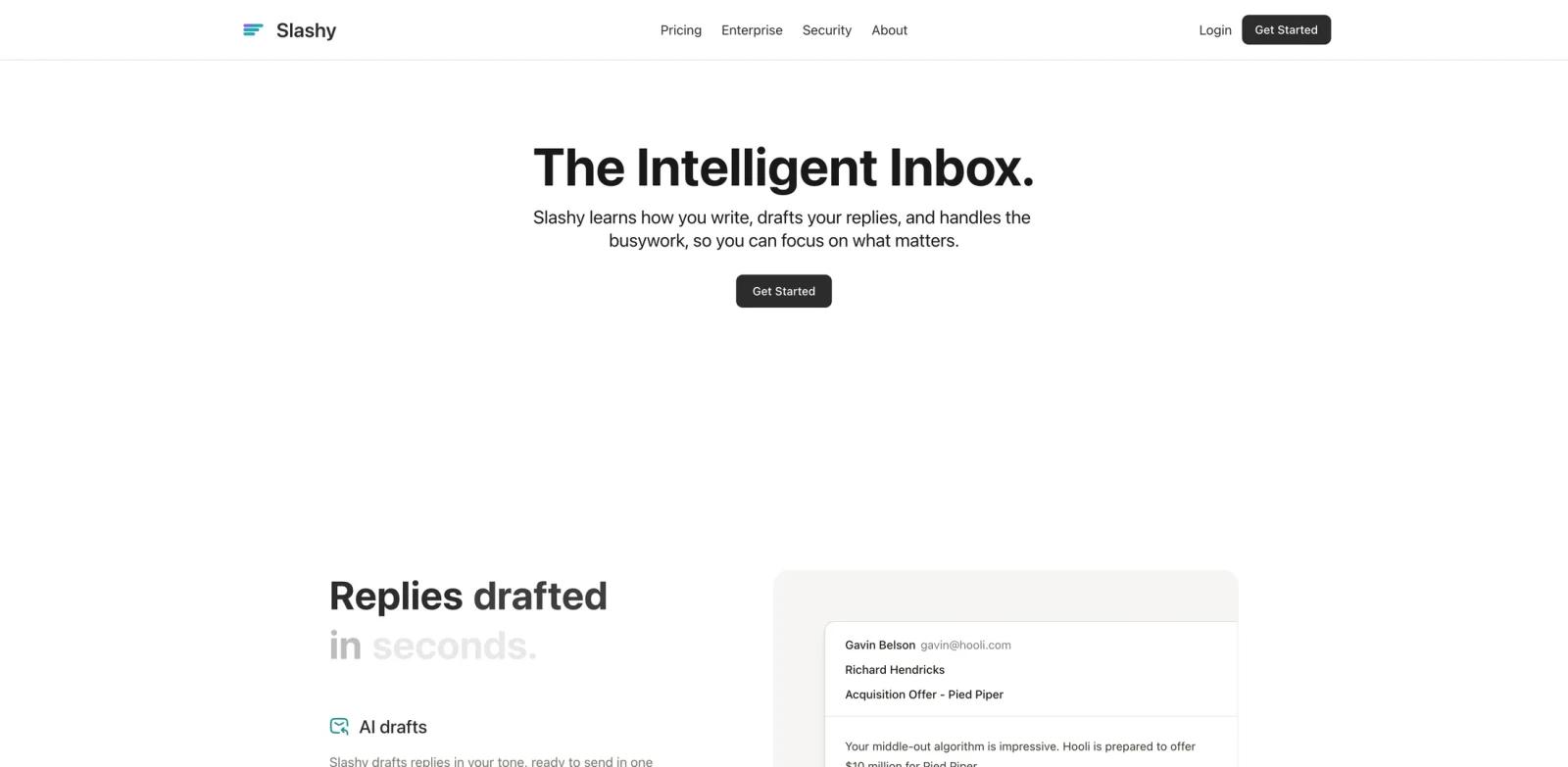
Slashy is an AI-native email client and assistant for people whose inbox drives real work: founders, executives, investors, sales teams, operators, and anyone who spends too much time writing replies, preparing for meetings, and chasing follow-ups. Instead of acting as a small writing widget inside Gmail, Slashy combines an email client, calendar context, CRM and meeting-note integrations, memory, automations, and assistant access from iMessage, Slack, and MCP-compatible AI tools.
The Product Hunt launch on June 14, 2026 positioned Slashy as "The AI assistant that does email for you." Its Product Hunt page says it drafts replies in your voice, triages what matters, keeps follow-ups from slipping, and connects to email, calendar, CRM, and meeting notes. The official pricing page lists one self-serve Professional plan plus Enterprise.
Slashy fits ToolWorthy's AI productivity and AI email generator readers because it is not just generating copy. It is trying to become an operational inbox agent that can act across email, calendar, task tracking, and external AI agent workflows.
Key Features
Personalized AI drafting - Draft, polish, and rewrite emails in your own voice using inbox history, calendar context, and learned preferences.
Inbox triage and labels - Automatically archive spam, classify messages with trainable AI labels, and surface the emails that need attention.
Follow-up tracking - Turn important emails into tracked tasks, chase down replies, and reduce the risk of letting deals or requests go stale.
Calendar productivity - Reschedule, decline, move meetings, create events from emails, and let Slashy use calendar context when drafting replies.
Meeting prep - Generate briefs on attendees and relevant email history before calls, which is useful for sales, fundraising, account management, and executive workflows.
Slack, iMessage, and MCP access - Chat with Slashy from Slack or iMessage, and connect supported MCP clients such as Claude Code, Claude Desktop, Cursor, and Codex CLI to Slashy workflows.
How to Get Started
Start by creating a Slashy account and connecting the inboxes you want it to manage. Slashy is designed for multi-inbox workflows, so the setup should include the accounts, calendars, and integrations that actually drive your work. If you only connect one inbox and do not connect meeting notes or CRM context, you will see a narrower version of the product.
After setup, train the assistant by correcting drafts, labels, and automations. The official pricing page emphasizes AI personalization and self-improving memory, so the product is likely strongest after it observes enough replies, edits, and routines to model how you work.
For power users, the MCP workflow is the most differentiated piece. It lets an external AI assistant act on inbox context instead of only summarizing emails in isolation, which is useful for teams already building agentic workflows around Slashy-supported MCP clients such as Claude Code, Claude Desktop, Cursor, and Codex CLI.
Pricing & Plans
Slashy has a 7-day free trial, but the self-serve product is paid. The official pricing page says a credit card is required for the trial.
| Plan | Price | Notes |
|---|---|---|
| Professional | $25/user/month billed annually | Includes Slashy AI, email productivity, calendar productivity, team collaboration, unlimited inboxes, and automations. Verify the current monthly checkout price before quoting a monthly-billing number. |
| Enterprise | Custom | Adds dedicated account manager, customized onboarding, automated team setup with SSO and SCIM, and customized security controls |
The Product Hunt launch page mentions free options and a 20 percent launch discount. For durable pricing, use the official pricing page rather than launch comments.
Best For
- Founders and executives who need help with follow-ups, scheduling, and investor or customer email
- Sales and account teams that rely on meeting prep, follow-up tracking, CRM context, and email open signals
- Operators managing multiple inboxes and recurring email workflows
- Teams experimenting with MCP-connected AI agents for business operations
- Superhuman-style email users who want deeper automation rather than only keyboard speed
FAQ
What does Slashy do?
Slashy is an AI-native email client and assistant. It drafts replies, triages inboxes, tracks follow-ups, helps with calendars, prepares meeting context, and connects to Slack, iMessage, and MCP-compatible agents.
Is Slashy free?
Slashy offers a 7-day free trial. The official pricing page lists Professional as a paid plan and says a credit card is required for the trial.
How much does Slashy cost?
Professional is listed at $25 per user per month when billed annually. Verify the current monthly checkout price before publishing a monthly-billing number. Enterprise pricing is custom.
Does Slashy work with multiple inboxes?
Yes. The pricing page lists unlimited inboxes and automations in Professional, and the Product Hunt maker comments emphasize multi-inbox workflows.
What is Slashy MCP?
Slashy MCP lets supported MCP clients such as Claude Code, Claude Desktop, Cursor, and Codex CLI connect to Slashy workflows, so external agents can act on inbox, calendar, research, meeting-prep, and automation context.
Is Slashy safe for sensitive email?
The Enterprise plan includes customized security controls, SSO, SCIM, and onboarding. Teams should still review Slashy security and data access policies before connecting regulated or confidential inboxes.