

Overview
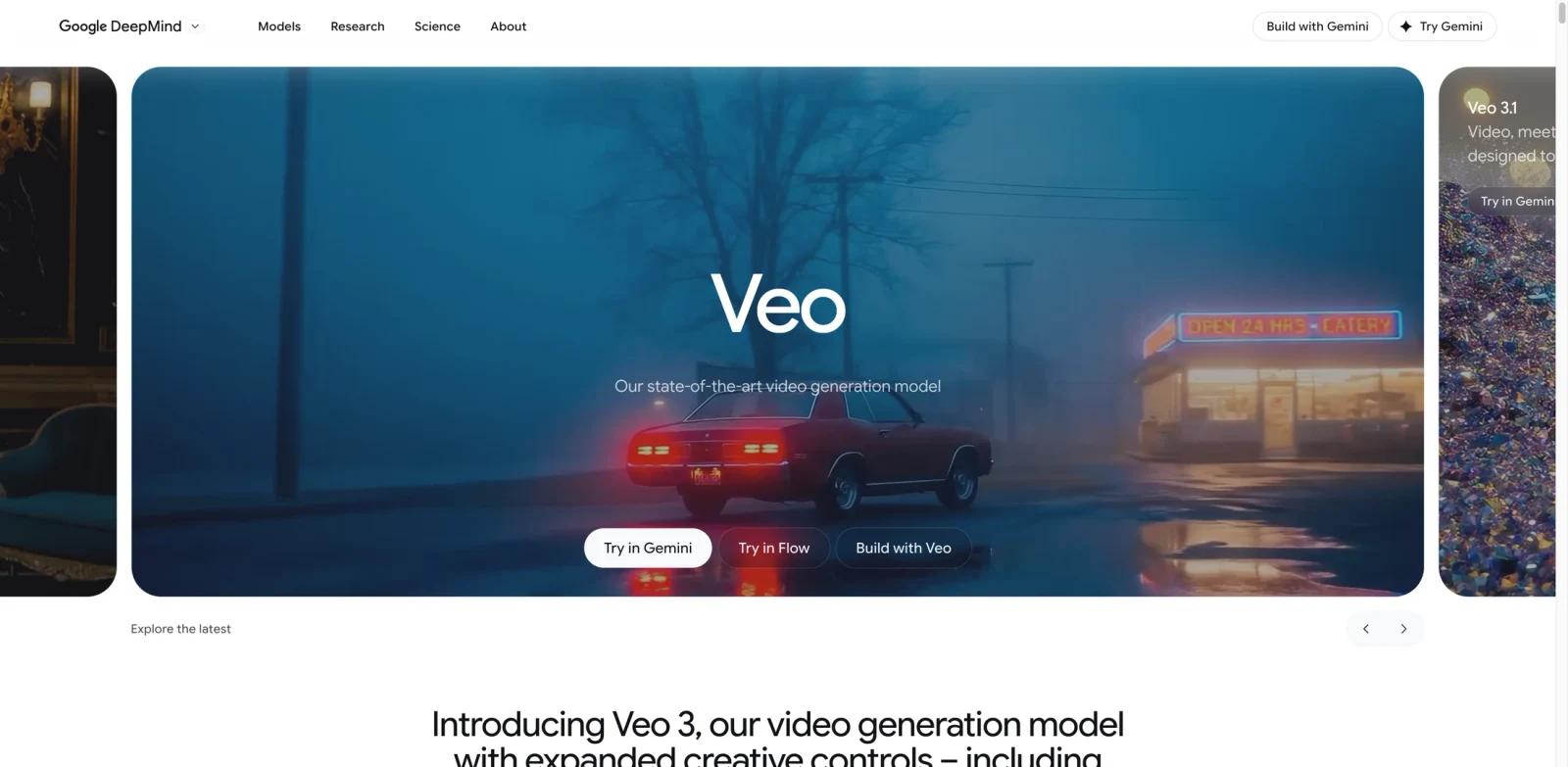
Veo is Google DeepMind's AI video generator that creates cinematic videos with synchronized audio from text prompts, images, or a combination of both. The current flagship, Veo 3.1, produces videos up to 4K resolution with native dialogue, sound effects, and ambient noise generated alongside the visuals.
Available through Gemini, Google AI Studio, Vertex AI, YouTube Shorts, and the dedicated Flow editing platform, Veo serves filmmakers, content creators, marketing teams, and developers building video-powered applications. It leads competitors on the MovieGenBench benchmark for overall preference, text alignment, and visual quality according to human rater evaluations.
Key Features
Native audio generation — Produces synchronized dialogue, sound effects, and ambient music directly alongside video, eliminating the need for separate audio tools or manual syncing.
4K video output — Generates footage at up to 4K resolution (3840x2160) at 24fps, with 720p, 1080p, and 4K outputs available depending on model variant and interface.
Ingredients to Video — Uses reference images to maintain consistent characters, props, and styles across scenes, enabling brand continuity and narrative coherence in multi-shot projects.
Scene extension — Extends Veo-generated clips into longer sequences, with each extension between 1 and 30 seconds, enabling continuous narratives across multiple connected clips.
Creative camera controls — Offers zoom, pan, movement, first/last frame specification, object insertion and removal, outpainting, and character animation via body, face, and voice input.
SynthID watermarking — Embeds invisible digital watermarks in all generated content for AI-generated content detection, supporting responsible use and content provenance tracking.
How It Compares
Veo competes directly with Sora, Runway Gen-4.5, and Kling AI in the AI video generation space.
| Feature | Veo 3.1 | Sora 2 | Runway Gen-4.5 | Kling AI 3.0 |
|---|---|---|---|---|
| Max resolution | 4K (3840x2160) | 1080p | 4K | 1080p |
| Native audio | Yes (dialogue + SFX) | Limited | No | Yes |
| Scene extension | Yes (60s+) | Yes | Yes | Yes |
| Reference images | Yes (Ingredients) | No | Yes (Gen-4) | Yes |
| Vertical video | Native 9:16 | Yes | Yes | Yes |
| API access | Vertex AI + Gemini API | API | API | API |
Veo's strongest differentiators are native audio generation with synchronized dialogue and 4K output support.
Pricing & Plans
Veo uses a tiered pricing model across consumer subscriptions and API access.
Consumer Plans (via Gemini)
- Free tier — 50 daily AI credits for video generation across Flow and Whisk; personal-account video generation in Gemini requires a Google AI plan
- Google AI Pro — $19.99/month — 1,000 monthly AI credits for video generation and other AI features
- Google AI Ultra — $249.99/month — 25,000 monthly AI credits with the highest limits for Veo 3.1 features
API Pricing (Vertex AI / Gemini API)
| Model | 720p | 1080p | 4K |
|---|---|---|---|
| Veo 3.1 Lite (video + audio) | $0.05/sec | $0.08/sec | — |
| Veo 3.1 Lite (video only) | $0.03/sec | $0.05/sec | — |
| Veo 3.1 Fast (video + audio) | $0.15/sec | $0.15/sec | — |
| Veo 3.1 Fast (video only) | $0.10/sec | $0.10/sec | — |
| Veo 3.1 (video + audio) | $0.40/sec | $0.40/sec | $0.60/sec |
| Veo 3.1 (video only) | $0.20/sec | $0.20/sec | $0.40/sec |
| Veo 2 (video only) | $0.50/sec | — | — |
All generated videos include SynthID watermarking. Pricing is subject to change — check the official Google AI pricing page for current rates.
Best For
- Filmmakers and production studios creating storyboards and visual narratives with consistent characters
- Marketing teams producing video ads with native dialogue and sound effects at scale
- YouTube and TikTok creators generating vertical video content with audio directly from text prompts
- Developers building video-powered applications through the Vertex AI or Gemini API
- Enterprise teams needing AI-generated video with built-in content provenance (SynthID)
FAQ
Is Google Veo free to use?
Veo offers limited free access through Gemini. For regular use, the Google AI Pro plan at $19.99/month provides 1,000 credits for video generation. API access through Vertex AI starts at $0.05 per second with Veo 3.1 Lite.
What is the maximum video resolution Veo can produce?
Veo 3.1 generates videos at up to 4K resolution (3840x2160 pixels) with up to 60fps. On the API, Veo 3.1 supports 4K output at $0.40/second for video-only or $0.60/second for video-plus-audio generation.
Does Veo generate audio with videos?
Yes. Veo 3.1 natively generates synchronized dialogue, sound effects, and ambient music alongside the video. This applies across all generation modes including text-to-video, image-to-video, and Ingredients to Video.
How long can Veo videos be?
Individual clips are approximately 8 seconds. The Scene Extension feature allows chaining clips into longer sequences exceeding 60 seconds by using the final second of each clip as context for the next.
How does Veo compare to Sora?
Veo 3.1 offers higher maximum resolution (4K vs 1080p), native audio generation with synchronized dialogue, and deeper integration with Google services. Sora 2 provides competitive video quality but with more limited audio capabilities.
Can I use Veo for commercial projects?
Yes. Videos generated through paid plans (AI Pro, AI Ultra, or API) can be used for commercial purposes. All outputs include SynthID watermarking for AI content detection.
What platforms support Veo?
Veo is available through Gemini (web and app), YouTube Shorts, YouTube Create, Flow (Google's video editing platform), Google AI Studio, Google Vids, the Gemini API, and Vertex AI.
Is Veo available worldwide?
Veo is broadly available, though some features may have regional limitations. Check Google's official availability page for current access in your region.