



Overview
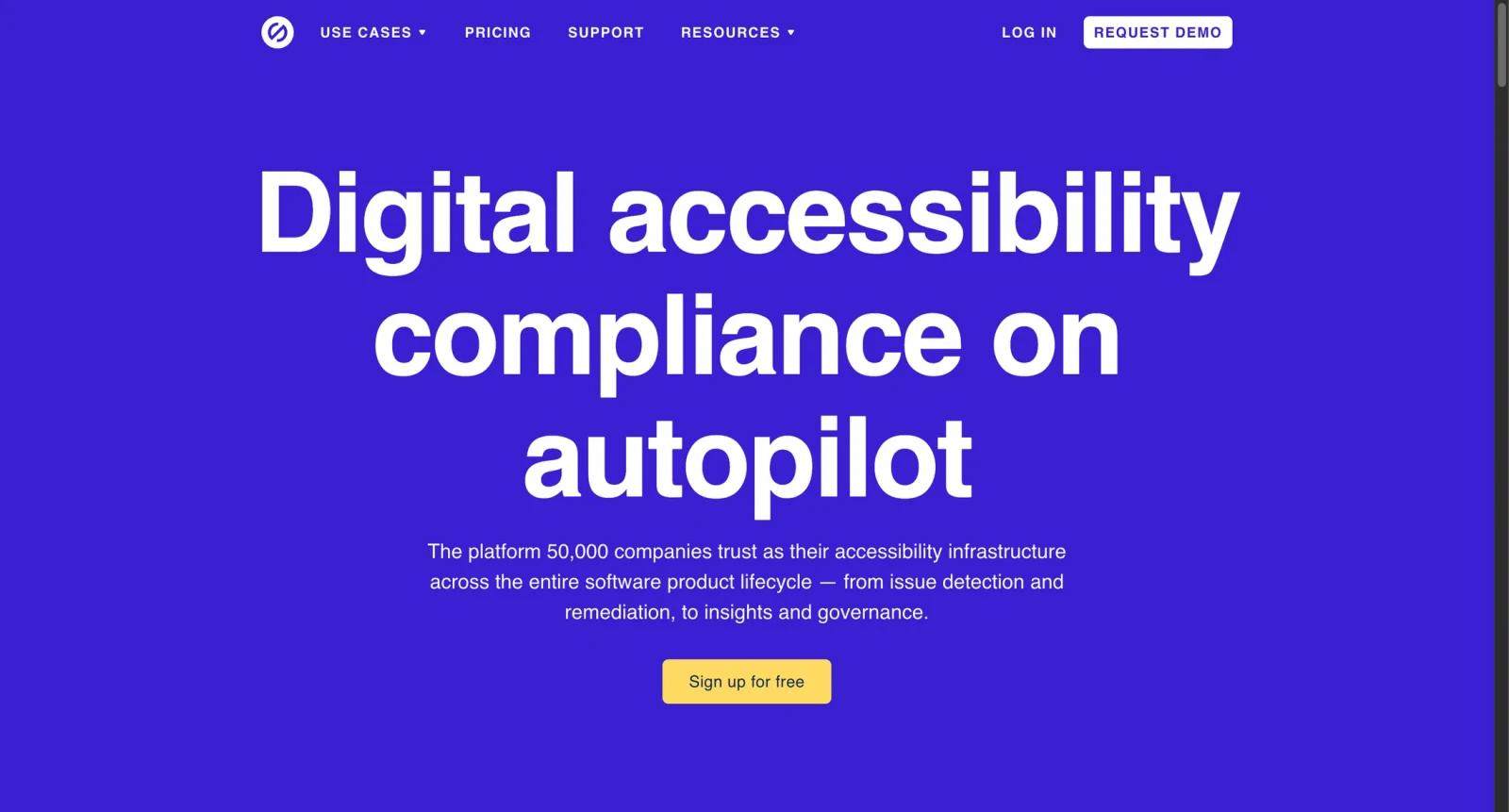
Stark is a continuous accessibility platform for product teams that need to find, fix, monitor, and report accessibility issues across design and development workflows. It integrates with tools such as Figma, Sketch, browsers, GitHub, and other product development environments.
The platform is designed for designers, developers, product managers, compliance managers, and accessibility teams. It helps teams shift accessibility earlier in the product lifecycle while also supporting reporting, insights, governance, and compliance workflows.
As of April 28, 2026, Stark lists a free signup path and paid plan options including Premium Pack, Launch, Grow, and Scale. The public pricing comparison shows editor and viewer allowances, additional editor pricing for Launch, data retention, ticketing integrations, VPAT-related workflows, SSO, and enterprise security options depending on tier.
For adjacent research, compare AI design tools, AI UI design tools, AI website design tools.
Key Features
- Design tool integrations - Helps teams check accessibility in Figma, Sketch, and related design workflows.
- Code and browser workflows - Extends accessibility checks into development and live product review.
- Reports and insights - Provides project-level reporting, history, and compliance visibility.
- Accessibility governance - Helps teams manage accessibility posture across departments.
- Ticketing and collaboration - Paid tiers include integration and collaboration features for remediation work.
- Enterprise security - Higher tiers include SSO, compliance reviews, SOC2/GDPR positioning, and dedicated support.
Pricing & Plans
Stark pricing is plan based and depends on team size and compliance needs.
| Plan | Pricing | Best fit |
|---|---|---|
| Free signup | $0 entry path | Trying Stark and basic workflows |
| Premium Pack | Check current pricing | Individuals or small teams |
| Launch | Check current pricing | Teams starting accessibility operations |
| Grow | Check current pricing | Larger teams with more editors and viewers |
| Scale | Talk to sales | Enterprise accessibility governance |
Check the current pricing page for editor counts, viewer counts, retention, scans, reports, SSO, VPAT automation, and support terms.
Best For
Stark is best for design, engineering, product, and accessibility teams that need accessibility checks and reporting across the full product development lifecycle.
FAQ
What is Stark?
Stark is an accessibility platform for finding and fixing accessibility issues across design, code, QA, and live product workflows.
Is Stark free?
Stark offers a free signup path, while paid plans unlock more team, reporting, governance, and compliance features.
Does Stark work with Figma?
Yes. Stark integrates with Figma and other design and development tools.
Can Stark guarantee accessibility compliance?
No automated tool can guarantee compliance by itself. Stark helps identify and manage issues, but teams still need expert review, process, and remediation.
Who should use Stark?
Stark is best for users who need the workflow described in this review and want to compare it against adjacent AI tools before adopting it.
How much does Stark cost?
Pricing can change by plan, billing term, region, and usage limits. Check the official website for the current plan details before purchase.


