



Overview
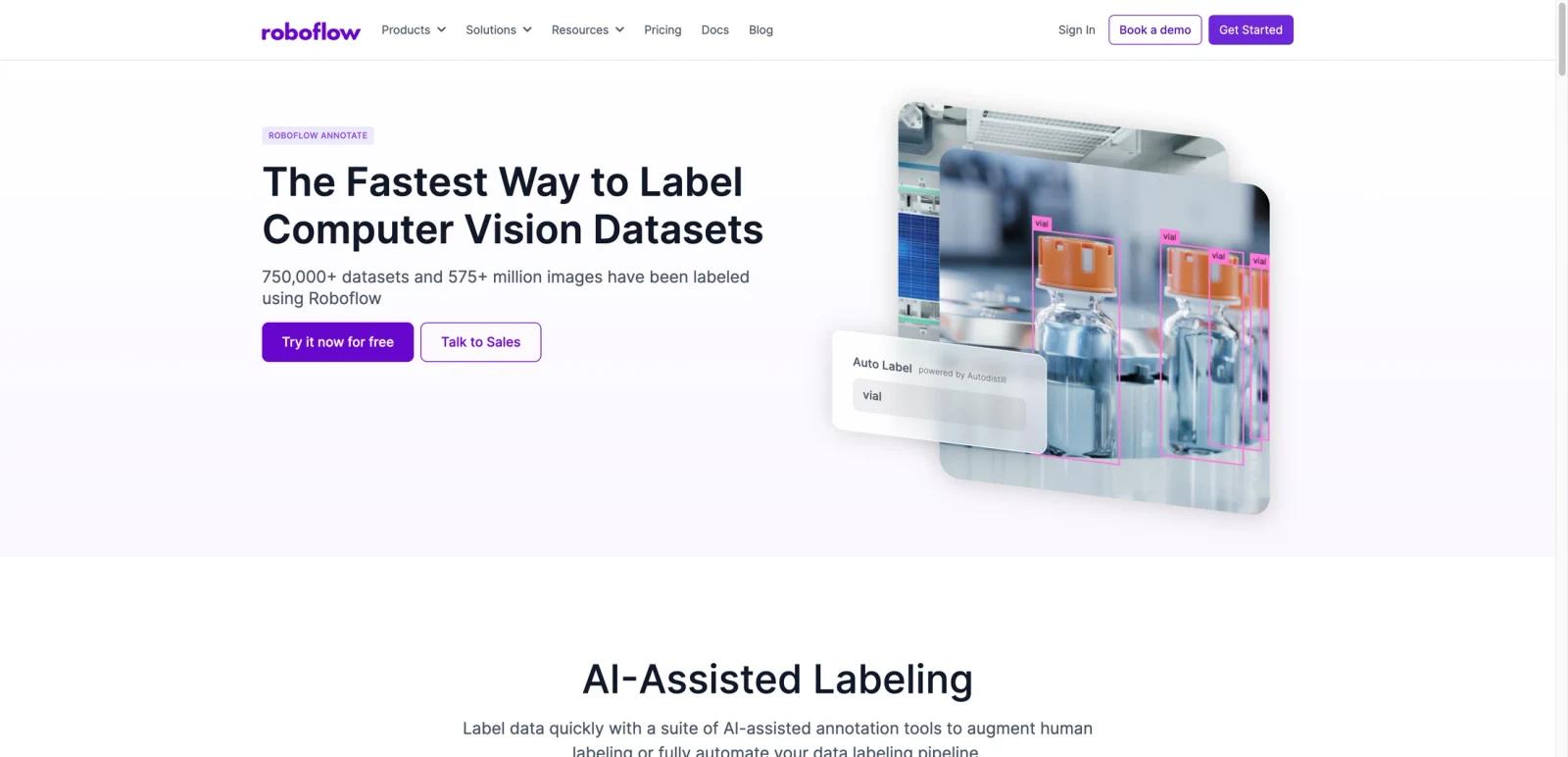
Roboflow Annotate is a data-labeling product for computer vision teams. The product page positions it around one concrete promise: label datasets faster. That framing is accurate. Roboflow is not just a generic project-management layer for AI teams; it is built around the operational work of drawing boxes, polygons, masks, and labels so models can actually be trained.
The platform is especially relevant for ML engineers, data operations teams, robotics teams, and applied-AI companies that need to move from raw images to usable training data. Public messaging around hundreds of millions of labeled images and large dataset counts reinforces that the product is aimed at serious annotation throughput, not hobby-scale image tagging alone.
As of April 26, 2026, Roboflow publicly highlights AI-assisted labeling, auto label, smart polygon tools, dataset management, and team workflows. That combination makes it attractive for teams who want annotation speed plus a broader computer vision workflow instead of stitching together separate labeling and dataset tools.
For adjacent research, compare AI design tools, AI UI design tools, AI website design tools.
Key Features
- Computer vision annotation focus — Roboflow is built for image and dataset labeling rather than generic content annotation.
- AI-assisted labeling — Public pages highlight auto label and assistance features to reduce manual effort.
- Smart polygon and structured tools — Useful for more complex object boundaries and segmentation-style tasks.
- Dataset management — Annotation work is connected to broader dataset organization and iteration.
- Team workflow support — The platform is designed for shared annotation projects, reviews, and production use.
- Strong ecosystem fit — Roboflow sits naturally within model-training and deployment pipelines for vision teams.
Pricing & Plans
Roboflow uses a start-free posture with paid expansion for serious production teams.
| Plan | Public pricing posture | Best fit |
|---|---|---|
| Free start | Users can begin labeling and exploring the platform without a full enterprise commitment | Individuals and small teams testing the workflow |
| Paid team/platform access | Larger annotation volume, collaboration, and advanced workflow needs point toward paid plans | Startups, applied-AI teams, and enterprise CV operations |
The real buying decision is not just annotation cost. Teams should evaluate how much they value integrated dataset tooling, AI-assisted labeling, and workflow speed relative to simpler open-source or one-off labeling tools.
Best For
- Computer vision startups and ML teams
- Robotics, retail, manufacturing, and analytics projects using image data
- Teams that need faster annotation throughput
- Organizations wanting annotation plus dataset management in one environment
FAQ
What is Roboflow Annotate?
Roboflow Annotate is a computer vision data-labeling platform for annotating images and managing training datasets more efficiently.
Is Roboflow Annotate free?
Roboflow offers a free way to get started, while larger team workflows and production needs generally point toward paid access.
What makes Roboflow Annotate different?
Its differentiation comes from combining annotation tools, AI assistance, and dataset workflow management inside one computer vision-oriented platform.
Who should use Roboflow Annotate?
It is best for ML teams and applied-AI organizations working with image datasets at meaningful scale.
How much does Roboflow Annotate cost?
Pricing can change by plan, billing term, region, and usage limits. Check the official website for the current plan details before purchase.
Does Roboflow Annotate replace human review?
No. It can speed up the workflow, but important outputs should still be checked for accuracy, quality, and fit before production use.
