



Overview
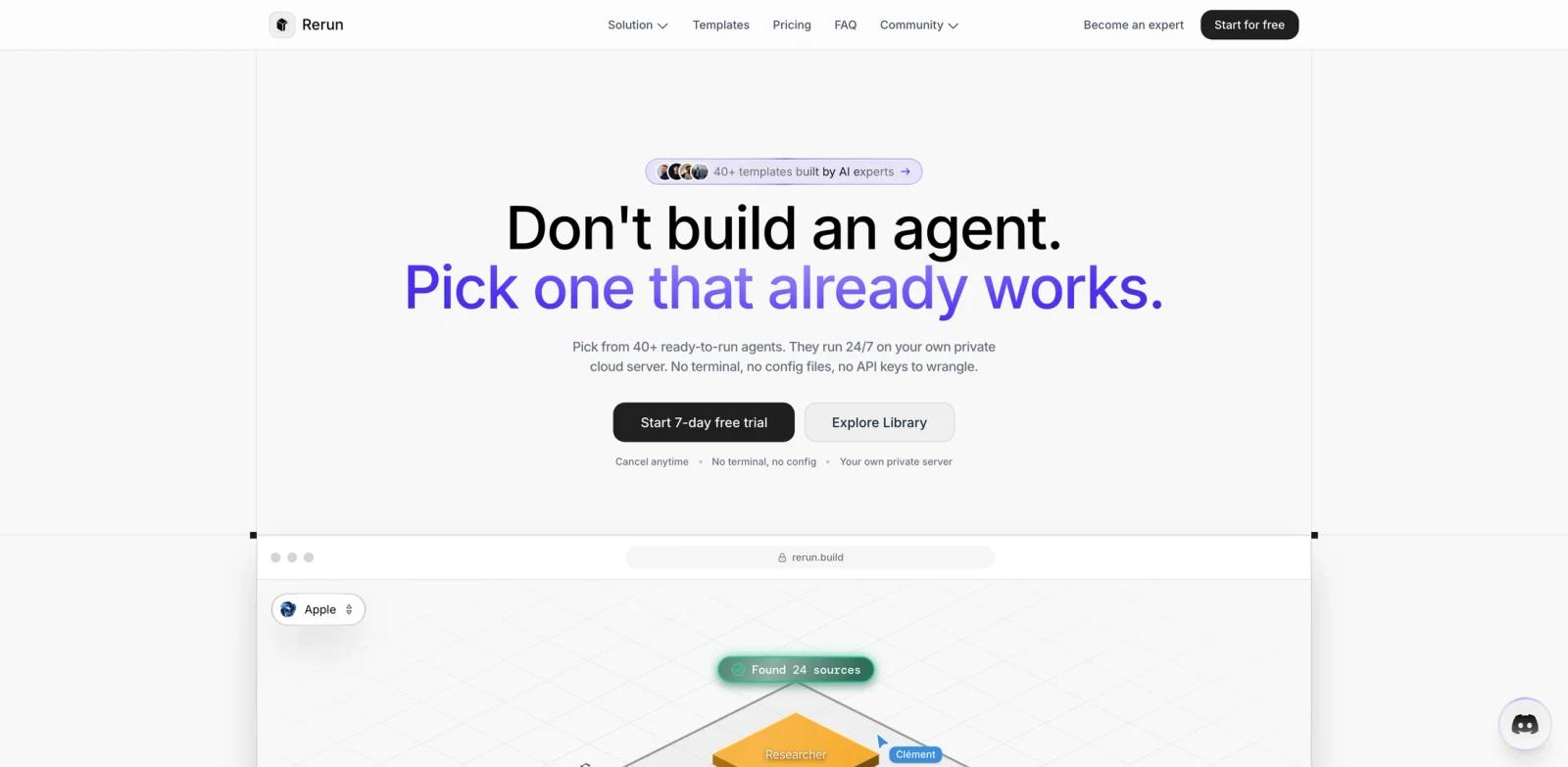
Rerun is a no-code AI agent builder for recurring business tasks. Its official site says users can pick from ready-to-run agent templates or describe a job, connect tools, and launch agents that run on a private cloud server. The product targets non-developers who want agent-style automation without terminals, config files, or self-managed servers.
The core promise is operational rather than conversational. Rerun agents can wake up on schedules or events, hand work to each other, pause for human approval before sensitive actions, and show their work in a dashboard. The site positions Rerun as an alternative to developer-heavy agent stacks and brittle automation flows.
For ToolWorthy readers, Rerun fits between AI productivity tools and AI workflow generator platforms. It is less technical than coding-agent infrastructure, but more agentic than simple trigger-action automation.
Key Features
Template-first agent setup - Pick from task templates such as sales follow-up, ecommerce audits, inbox triage, reporting, and client updates.
No-code agent builder - Describe the job, connect tools, and let the agent configure itself without command-line setup.
Always-on execution - Agents can run 24/7, wake up on schedules, respond to changes, or handle recurring work without a manual run button.
Human approval gates - Sensitive actions such as refunds, client emails, or payments can stop for approval from the app or Slack.
Live monitoring - Dashboards show runs, tokens, handoffs, logs, success rate, and current agent status.
Private cloud server - Each workspace gets its own dedicated server with CPU and memory rather than shared tenancy.
How to Get Started
Rerun is best started with one bounded, repetitive workflow. Choose a template that matches a real job, connect the relevant tools, and let the first agent run with approvals turned on. Good pilots include invoice chasing, inbound sales triage, weekly ecommerce audits, inbox cleanup, or campaign reporting.
Before adding more agents, define where human review is mandatory. Actions such as sending emails, issuing refunds, changing customer records, or publishing public content should pause for approval until the workflow has proven reliable.
Teams already using AI agent tools should treat Rerun as a business-operations surface, not a coding runtime. It is built to make routine work visible and repeatable for non-technical teams.
Pricing & Plans
Rerun's public pricing starts at $34 per month for the Solo plan, which includes 5 agents, 1 seat, 1 private server, included model usage, and 1 GB RAM. The Team plan is $74 per month with 30 agents, 5 seats, 5 private servers, and 2 GB RAM. The Scale plan is $94 per month with unlimited agents, 25 seats, 10 private servers or self-hosting, and 4 GB RAM.
The site also references a 7-day free trial and enterprise plans with custom infrastructure, dedicated support, SSO, and SLA.
Best For
- Solo founders who want to offload routine admin work
- Small teams automating sales, support, ecommerce, finance, or agency workflows
- Non-technical operators who want agents without terminal setup
- Teams that need visibility into every run, handoff, token use, and approval
- Businesses comparing Rerun with Zapier, Make, n8n, or developer agent stacks
FAQ
What is Rerun?
Rerun is a no-code platform for building AI agents that run recurring tasks on private cloud servers.
Does Rerun require coding?
No. The official site says users can pick templates or describe the job, connect tools, and launch agents without code.
Can Rerun agents run continuously?
Yes. Rerun says agents can run 24/7, wake up on schedules, respond to events, and continue working without a manual run button.
Does Rerun support human approvals?
Yes. Sensitive actions can pause and request approval from the app or Slack before the agent continues.
How much does Rerun cost?
Rerun starts at $34 per month for the Solo plan. Team is $74 per month, Scale is $94 per month, and Enterprise is custom.
Can I use my own AI models?
The official site says users can use Rerun-hosted models, connect existing subscriptions and API keys, or plug in local LLMs.