

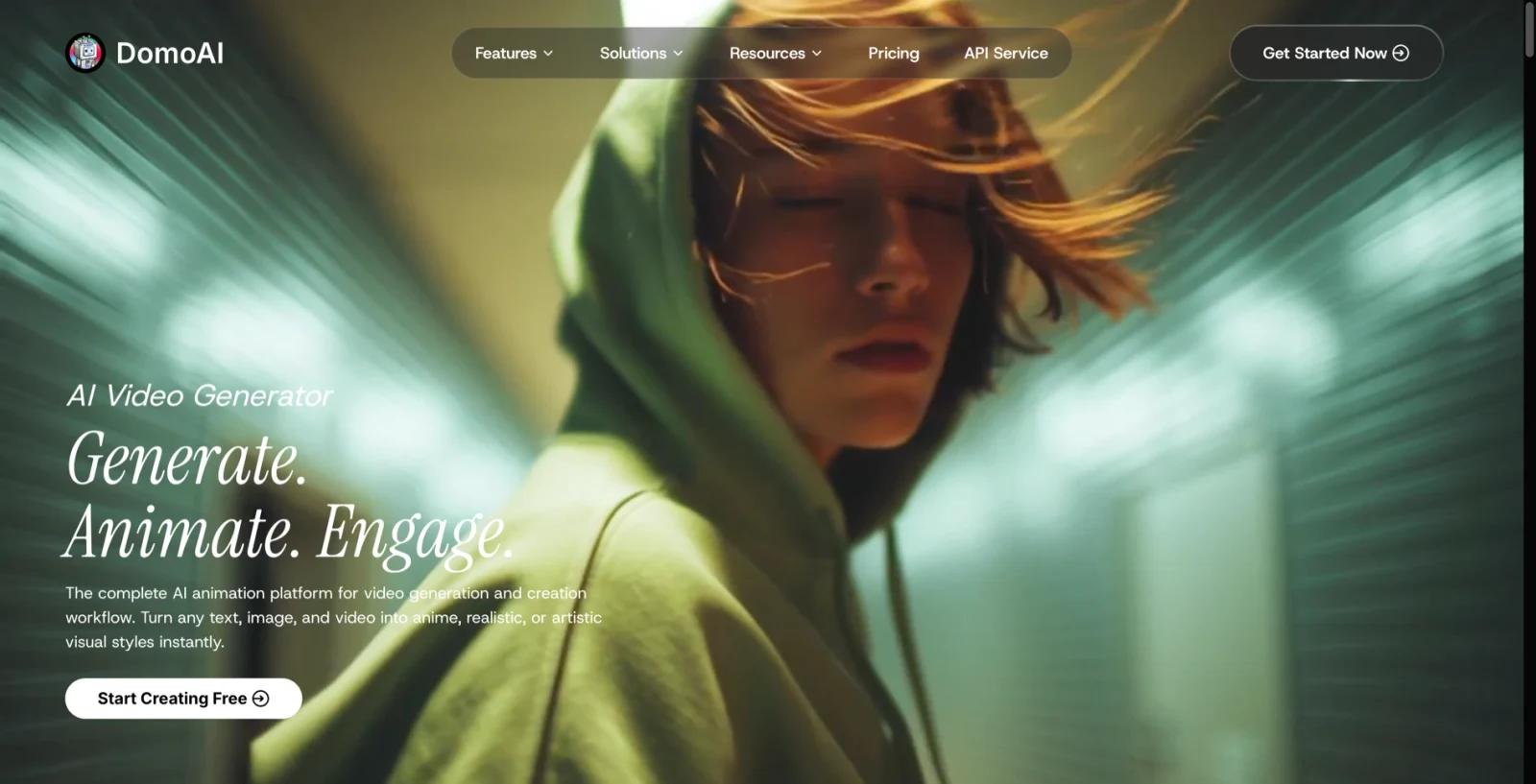
Overview
DomoAI is a clip-level video and image generator built around stylized output, and it sits squarely in the AI anime generator space rather than the general-purpose video category. Its most-used path is video-to-video: you feed in real footage and get back an anime or cartoon restyled version, with Japanese anime as the default style rather than an afterthought.
Around that core it stacks a wide set of adjacent tools — image-to-video and text-to-video generation, talking avatars with voice cloning, frame-sequence animation, face swap, photo restoration, and upscaling — all drawing from a single monthly credit pool. That bundling is the practical argument for it: creators who would otherwise pay for a video generator, an avatar tool, and an image editor separately can run all three from one subscription.
What DomoAI is not is a filmmaking platform. There is no storyboard, no multi-shot scene management, and no timeline editor. It produces individual clips, mostly 5 to 10 seconds long, and leaves assembly to whatever editor you already use. Anyone evaluating it against AI video generators built for narrative work should weigh that difference first.
Key Features
Video-to-video style transfer — Restyles existing footage into anime or cartoon looks, with a dedicated V6 anime model as the default, so creators can convert real clips instead of prompting scenes from scratch.
Seedance 2.0 image-to-video — Animates still images through ByteDance's Seedance 2.0 alongside DomoAI's own 2.4 and 2.5 models, giving users a model choice per shot rather than one fixed pipeline.
Talking Avatar with voice cloning — Generates lip-synced character video up to 60 seconds from a voice track, which covers the narration and presenter use case without a separate avatar subscription.
Frames to Video — Turns 2 to 8 uploaded stills into a single clip with transitions, up to 56 seconds — the longest output the platform produces and a practical route to montage-style pieces.
Character to Video — Drives character replacement and motion transfer for up to 30 seconds, aimed at creators who want a consistent character across shots.
Bundled image toolkit — Text-to-image, image editing, face swap, image extension, photo restoration, and upscaling run on the same credits, backed by GPT Image 2 and Nano Banana models.
How It Compares
Most tools in this space compete on photorealism and shot length. DomoAI competes on style conversion, and that changes who it suits.
Against general generators such as those covered in our image-to-video roundup, DomoAI gives up cinematic realism and duration — its main outputs are 5 and 10 seconds, where cinematic tools now reach further with tighter camera control. It does not offer access to Veo, Sora, Kling, or Runway models, so anyone shopping specifically for those will need a multi-model hub like Krea instead.
What it does better is the stylized lane. Anime and cartoon conversion is a first-class workflow here rather than a preset buried in a menu, and the avatar and image tools share the same credit balance instead of requiring separate plans. For creators whose output is stylized short-form rather than live-action film, that concentration is the reason to pick it — and it is why DomoAI shows up as an option for people leaving heavier platforms, as in our guide to LTX Studio alternatives.
Pricing & Plans
| Plan | Monthly | Annual (effective/mo) | Credits | Notes |
|---|---|---|---|---|
| Free | $0 | — | 15 credits, one-time | Watermarked output, 1 concurrent job, limited model access |
| Basic | $9.99 | $83.92 ($6.99) | 500/mo | Entry paid tier |
| Standard | $27.99 | $235.12 ($19.59) | 1,500/mo | Unlimited Relax Mode |
| Pro | $69.99 | $587.92 ($48.99) | 4,000/mo | Unlimited Relax Mode; exclusive 20s/30s Character to Video, 30s/60s Talking Avatar, 20s/30s/60s Upscale |
Extra credits are available at $20 per 500 credits on any paid tier. Annual billing is the largest single lever on cost — Basic drops from $9.99 to an effective $6.99 per month, and Pro from $69.99 to $48.99.
Two details matter when budgeting. The free tier is a one-time 15-credit allocation rather than a recurring monthly allowance, so it functions as a trial rather than a permanent free plan. And the longest-duration features are gated to Pro specifically, not to any paid tier — if 30-second character video or 60-second talking avatars are the reason you are here, Basic and Standard will not deliver them.
On rights, DomoAI's terms of service state that users retain copyright in generated content and may use it commercially, without splitting those rights across plan tiers.
Best For
- Anime and stylized creators who convert existing footage rather than generating scenes from prompts
- Short-form social creators producing 5–15 second clips for TikTok, Reels, or Shorts
- Solo creators who need video, avatars, and image editing but do not want three separate subscriptions
- VTuber and character-driven creators who need consistent character output across clips
- Anyone testing stylized workflows on a small budget, given the $6.99/mo effective entry price on annual Basic
Not a fit for teams producing multi-shot narrative video, anyone who needs Veo or Sora access, or workflows that depend on a storyboard-to-video pipeline.
FAQ
Is DomoAI free to use?
There is a free tier, but it is a one-time allocation of 15 credits rather than a recurring monthly allowance. Output on the free tier carries a watermark and runs one job at a time. Treat it as a trial to evaluate output quality before committing to a paid plan starting at $9.99 per month.
Which AI models does DomoAI run?
DomoAI offers its own 2.4, 2.4.1, and 2.5 models alongside ByteDance's Seedance 2.0 in both Fast and standard variants for video. On the image side it draws on GPT Image 2 and Nano Banana models. It does not provide access to Veo, Sora, Kling, or Runway.
How long can DomoAI videos be?
Most generations are 5 or 10 seconds. Frames to Video produces the longest output at up to 56 seconds from 2–8 uploaded stills. Character to Video reaches 30 seconds and Talking Avatar reaches 60 seconds, but those longer durations are exclusive to the Pro plan.
What happens to my credits if a generation fails?
Credits are drawn when a job runs, including generations rejected by content moderation. When testing prompts in unfamiliar territory, budget for a share of attempts that return nothing usable — that overhead is real and worth factoring into which plan you choose.
Can I use DomoAI output commercially?
Yes. DomoAI's terms of service state that users retain copyright in the content they generate and may use it commercially. Those rights are not split across plan tiers, so commercial use applies from the entry paid plan upward.
Does DomoAI have a storyboard or timeline editor?
No. DomoAI generates individual clips and has no storyboard, multi-shot scene management, script-to-shot conversion, or timeline. Assembly happens in whatever video editor you already use.
What is Relax Mode?
Relax Mode runs generations in a slower queue without drawing from your standard credit balance. It is unlimited on the Standard and Pro plans and unavailable on Free.
How does DomoAI compare to general AI video generators?
DomoAI optimizes for style conversion — turning real footage into anime or cartoon output — rather than for photorealistic scene generation. Tools built for cinematic realism produce longer, more camera-controlled shots. DomoAI produces stylized short clips and bundles avatar and image tools alongside them. Which is better depends entirely on whether your output is stylized or live-action.