



Overview
Desygner is positioned as an all-in-one content, design, and lightweight marketing platform for SMBs. It is broader than a simple template editor and narrower than a true enterprise DAM or full creative suite. The homepage sells it as a way for small and mid-sized businesses to create branded content, edit PDFs, manage assets, generate copy, and keep marketing work moving without a dedicated design team.
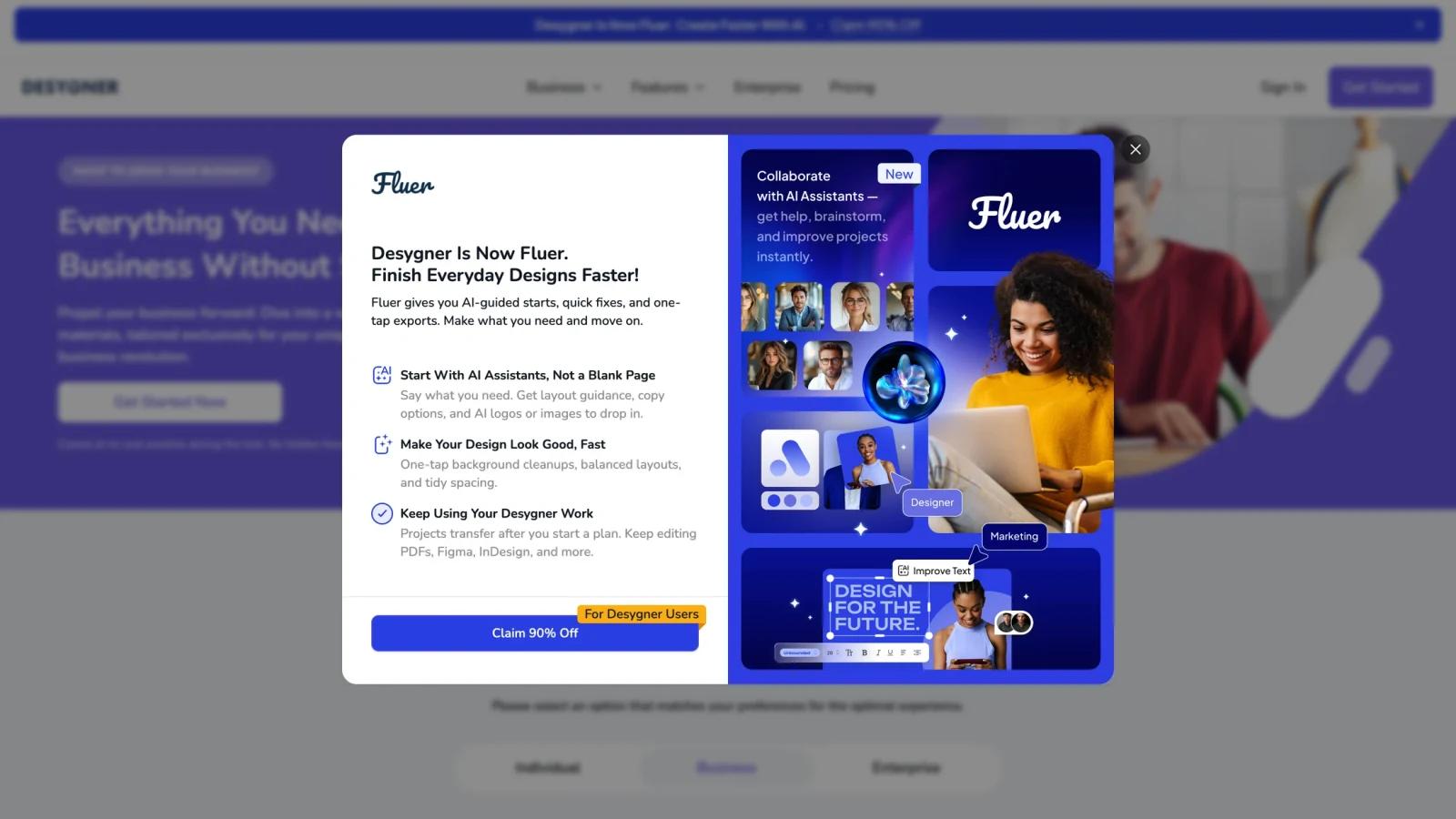
The important nuance is that Desygner is currently also nudging users toward Fluer, a newer AI-assisted layer tied to the same ecosystem. As of April 26, 2026, the public Desygner homepage still presents the Desygner platform, free trials, SMB workflows, and AI-assisted content creation, while also promoting the Fluer migration path and AI assistants.
For buyers, that means Desygner still works as a usable SMB design platform, but the product direction is clearly evolving.
For adjacent research, compare AI design tools, AI UI design tools, AI website design tools.
Key Features
- All-in-one SMB design platform - Desygner covers templates, business content, social assets, and team collaboration.
- Free and paid plan ladder - The platform supports free entry before moving into Pro+ or Business.
- PDF editing and import - Public product messaging emphasizes editable PDFs as a core workflow.
- AI-assisted design and copy tools - The site references AI-powered design, GPT-based text generation, and upcoming or integrated AI media tooling.
- Team collaboration - Desygner supports team members, guests, asset control, and template governance.
- Marketing-material scale - The platform is designed around ongoing business content production rather than one-off design experiments.
Pricing & Plans
Desygner's public pricing is relatively clear.
| Plan | Public pricing posture | Best fit |
|---|---|---|
| Free | Free forever for one person | Individuals testing templates and lightweight design workflows |
| Pro+ | Paid creator plan with premium tools and expanded access | Solopreneurs, creators, and small teams |
| Business | Public pricing starts at a monthly flat rate for up to 6 users, with scaling team costs | SMBs needing branded content workflows and team control |
| Enterprise | Separate higher-tier path | Larger organizations with advanced governance needs |
Public pricing pages also note that Desygner Business historically starts at a monthly flat rate for up to six users, while FAQ content on the homepage references lower promotional or SMB-specific entry pricing. The practical takeaway is that pricing depends somewhat on plan surface and current offer, but the platform is clearly freemium rather than quote-only.
Best For
- SMBs creating ongoing marketing materials
- Solopreneurs and content creators wanting one shared design workspace
- Teams that need templates, PDF editing, and basic collaboration in one place
- Buyers comparing Canva-style SMB platforms with more asset-control features
FAQ
Is Desygner free?
Yes. Desygner publicly offers a free plan.
Does Desygner support business teams?
Yes. Desygner has Business and Enterprise paths for broader collaboration and brand control.
What does Desygner include?
The public site highlights templates, PDF editing, AI-powered content support, asset storage, resizing, collaboration, and marketing-material workflows.
Who should use Desygner?
It is best for SMBs and creators who want one platform for branded content, template editing, and lightweight marketing production.
What is Desygner?
Desygner is an AI tool reviewed for its core features, pricing, strengths, limitations, and best-fit workflows.
How much does Desygner cost?
Pricing can change by plan, billing term, region, and usage limits. Check the official website for the current plan details before purchase.


