




Overview
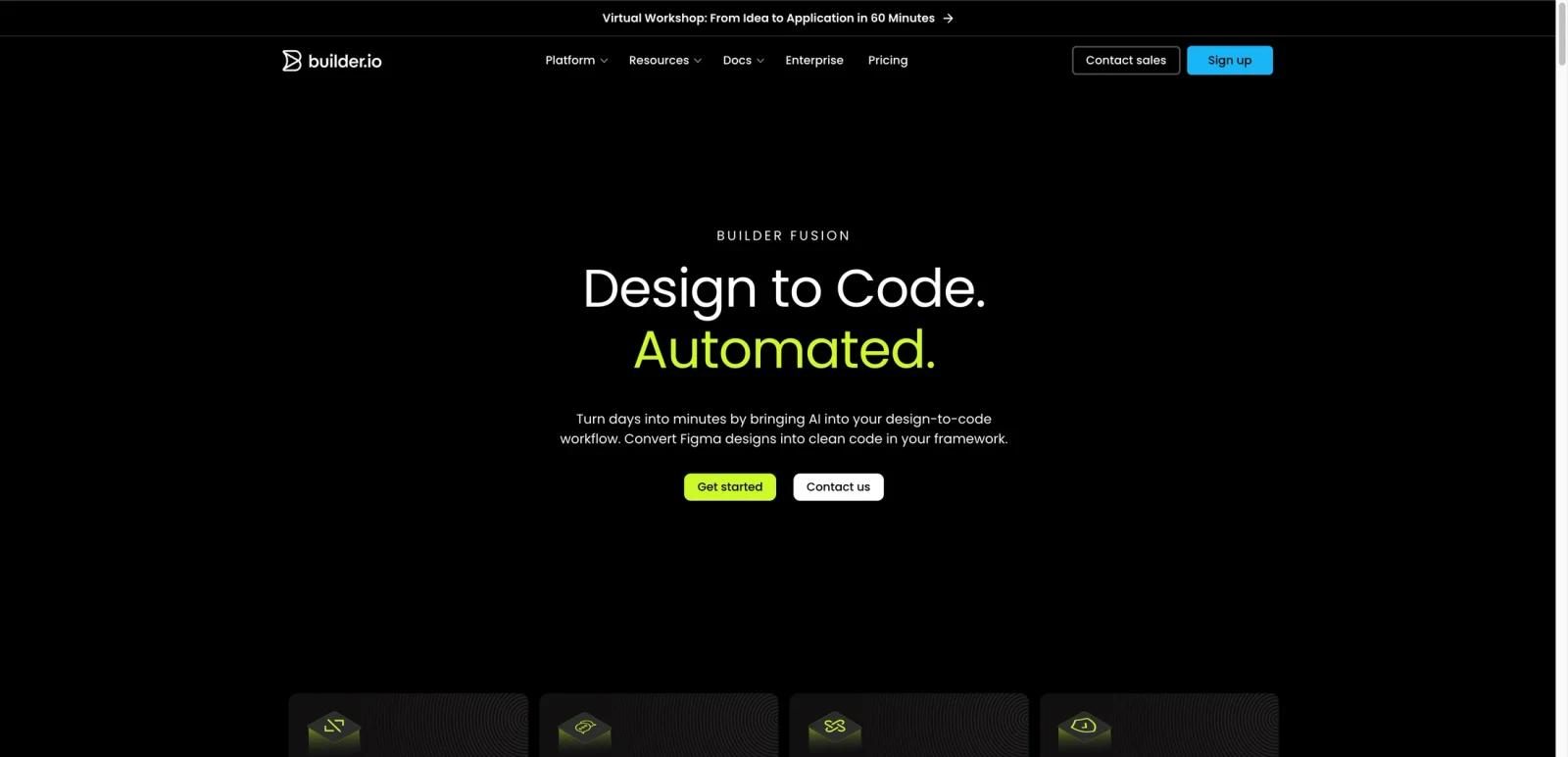
Builder.io’s Design to Code offering is a Figma-to-code workflow inside the broader Builder Fusion product line. The official page positions it as an automated design-to-code system that converts Figma designs into clean frontend code in the framework of your choice, while also supporting iterative refinement, component mapping, and enterprise controls.
This is not just a one-click export gimmick. The product page repeatedly emphasizes clean code output, semantic structure, context-aware iteration, design-token alignment, and reuse of existing components. That makes Builder.io more relevant to engineering and design-system teams than simple “turn screenshot into HTML” tools.
As of April 25, 2026, Builder.io publicly markets Design to Code under Builder Fusion, highlights support for multiple frameworks and styling approaches, and claims reduced development timelines based on Builder Develop beta feedback. The page also stresses enterprise assurances such as SOC 2 Type II compliance and no training on enterprise customer data.
For adjacent research, compare AI design tools, AI UI design tools, AI website design tools.
Key Features
Figma to code conversion — Builder.io says its Design to Code workflow converts Figma designs into clean code automatically.
Clean semantic output — The page explicitly claims semantic, developer-friendly, accessible code that can be edited and integrated into sites or apps.
In-context iteration — Users can chat to refine generated code and refactor for reusability rather than treating export as a one-shot output.
Component mapping — Builder.io can connect Figma components to existing code components so generated output reuses your own component system where available.
Design token support — The product page says users can define or sync design tokens and CSS variables so generated output stays visually consistent.
Framework flexibility — The page lists support for React, React Native, Vue, Svelte, Qwik, Angular, Solid, HTML, Kotlin, Flutter, and styling approaches such as Tailwind CSS and CSS Modules.
Pricing & Plans
Builder.io does not present this page as a simple standalone pricing page for Design to Code. Instead, the Design to Code page sits inside the larger Builder Fusion platform, while Builder.io’s broader pricing separates Fusion Free, Pro, Team, and Enterprise tiers with usage limits such as users per space and Agent Credits.
| Plan | Pricing | Best fit |
|---|---|---|
| Fusion Free | $0/user/month with usage limits | Individuals or small teams testing Builder Fusion, Figma import, git connections, and the design-to-code workflow before upgrading |
| Fusion Pro / Team | Public paid tiers; verify current pricing on Builder.io before purchase | Teams that need higher Agent Credit limits, better collaboration controls, more activity history, and broader workflow support |
| Enterprise | Sales-led | Organizations needing enterprise controls, data guarantees, component-system alignment, and broader rollout support |
The practical takeaway is that Builder.io should be evaluated by workflow fit and usage limits, not just sticker price. Agent Credits, user limits, activity history, support level, and enterprise controls can materially affect the real plan fit.
Best For
- Frontend teams turning Figma into production code
- Design-system teams that care about component reuse
- Organizations standardizing design-to-code workflows
- Product teams that want faster handoff between design and development
- Enterprises needing stronger governance than lightweight export tools provide
FAQ
What is Builder.io Design to Code?
It is Builder.io’s Figma-to-code workflow inside Builder Fusion, designed to convert designs into clean frontend code.
Does Builder.io only export raw code?
No. The official page also emphasizes chat-based iteration, component mapping, and design-token alignment.
What frameworks does Builder.io support?
The product page lists support for React, React Native, Vue, Svelte, Qwik, Angular, Solid, HTML, Kotlin, Flutter, and multiple styling approaches.
Does Builder.io have enterprise features?
Yes. The page explicitly mentions SOC 2 Type II compliance, no training on enterprise data, and the ability for enterprises to choose or plug in their own LLM.
How much does Builder.io Design to Code cost?
This page does not expose a standalone Design to Code pricing grid. Builder.io’s main pricing page should be used to verify the current Fusion Free, Pro, Team, and Enterprise limits before buying.
Who should use Builder.io?
Builder.io is best for teams that want Figma-to-code automation with cleaner code output, component reuse, and tighter alignment with engineering workflows.


