
10 Best Zapier Alternatives 2026 - AI Workflows, Cost & Control
On June 15, 2026, Zapier changed how AI by Zapier steps consume tasks: Standard runs at 1x, Advanced at 3x, and Premium at 5x; Zapier's current model-tier documentation says new paid-plan AI steps now default to Premium (5x), while the June 15 launch announcement initially said Advanced (3x). For monthly plans, updated pay-per-task rates begin with the first billing cycle on or after July 15, 2026; annual plans are unaffected by that rate change. That makes the same question sharper: how many tasks will this automation actually burn when it runs in production?
That is why "Zapier alternatives" in 2026 is no longer just a cheaper-tools query. It is about unit economics, trust, debugging, and whether your workflow should stay inside a managed no-code app at all. Some teams should move sideways to Make. Some should move down-stack to n8n, Activepieces, or Pipedream. Enterprise teams may need Workato or Tray.ai, while small personal automations may be better served by IFTTT.
The key is not finding the most famous replacement. It is matching your exact Zapier pain to a platform whose billing unit, builder model, and governance posture will not recreate the same problem under a new logo. For context on adjacent AI orchestration tools, see ToolWorthy's AI workflow generator, AI agent, and alternatives categories; for the anchor product itself, keep Zapier's own workflow profile in mind as the baseline.
| Tool | Best For |
|---|---|
| Make | Visual workflow builders who want a richer canvas |
| n8n | Self-hosting and execution-based pricing |
| Activepieces | Open-source automation with step-insensitive flow-run credits, AI tools, and self-hosting |
| Pipedream | Developer-owned API workflows and serverless steps |
| Albato | SMB teams wanting transaction packages |
| Integrately | Simple app-to-app automations with fast setup |
| Microsoft Power Automate | Microsoft 365, approvals, and RPA |
| Workato | Enterprise iPaaS governance |
| Tray.ai | Enterprise AI orchestration |
| IFTTT | Personal and lightweight trigger-action automation |
Why People Are Leaving Zapier in 2026
These six reasons showed up repeatedly in 2025-2026 automation communities, Zapier support discussions, and migration threads. They are separate problems. A high bill, an unpredictable bill, and a trust shock after pricing changes are not the same issue, even when they all point at the same checkout page.
1. Pricing rules changed again around AI by Zapier. Zapier's own help center says AI by Zapier moved to model-tier pricing on June 15, 2026, with Standard at 1x, Advanced at 3x, and Premium at 5x; Zapier's current model-tier documentation now says new paid-plan AI steps default to Premium (5x), replacing the launch-era Advanced default. The same article says a per-step task limit pauses the Zap at 75 tasks in one run. That cap is useful, but the reader-side feeling is obvious: AI task math now needs a formula, not a glance. Reddit users reacted with language like "cash grab" and "moving to Make" in the same week the change went live.
2. High-volume task bills climb quickly. Users comparing alternatives often start from a simple realization: the workflow worked, then the bill grew faster than the team did. One r/automation user asked for alternatives because Zapier was "killing me expenses wise"; another thread in May 2026 asked what people were switching to because costs were "climbing so fast." This is where n8n, Make, Activepieces, Albato, and Integrately enter the conversation, because each offers a different way to buy volume.
3. Task billing is still hard to forecast before production. Zapier is simpler than many tools, but task consumption still depends on action count, paths, filters, loops, retries, and now AI model tiers. A June 2026 r/zapier question asked whether each piece of trigger data counted as a task; a July 2026 AI by Zapier thread asked whether one step might consume 3 tasks or "maybe up to 75." That uncertainty matters before launch, because the first real production week is usually when edge cases arrive.
4. Complex workflows outgrow linear Zaps. Zapier is excellent when a workflow is trigger, action, action, done. It is less natural when the automation needs nested branching, shared state, retries, backoff, approval gates, audit logs, or code that should live in version control. Community comparisons in r/automation put it bluntly: once conditional logic goes more than a couple levels deep, the builder starts fighting the workflow.
5. Fragile chains are hard to debug and recover. Some migration threads are not about price at all. They are about workflows that break after a minor API change, fail silently, or require half a day of troubleshooting. Zapier has logs and replay tools, but teams that need versioned workflow JSON, code-level debugging, or environment promotion eventually look at n8n, Pipedream, Power Automate, Workato, or Tray.ai.
6. Self-hosting, data control, and code ownership matter more in AI workflows. The more AI enters the workflow, the more teams ask where prompts, files, customer records, and tool calls run. Zapier is a managed SaaS platform. That is part of its value, but it is also the reason buyers in regulated or technical environments consider n8n Community Edition, Activepieces Community Edition, Pipedream code steps, or Node-RED.
Top 10 Zapier Alternatives Compared
The table below compares alternatives by the thing buyers usually miss on first read: billing unit. A tool can look cheaper per month and still cost more per successful workflow run if its unit is wrong for your workload.
| Tool | Pricing Shape | Predictable Cost? | Builder Form | Migration Effort | Best For |
|---|---|---|---|---|---|
| Zapier (anchor) | Tasks per month; AI model multipliers | Medium - simple until AI or branching grows | Linear Zap workflow | - | Baseline managed no-code automation |
| Make | Credits per module/action, with plan allowances | Medium - visual, but credits vary by module | Visual scenario canvas | Low to medium | Visual branching without self-hosting |
| n8n | Cloud workflow executions; self-hosted Community Edition | High if executions map cleanly | Visual node canvas | Medium | Execution-based pricing and self-hosting |
| Activepieces | Credit-based cloud plans; one credit per flow run with steps inside free; self-host option | Medium to high - AI adds separate credits | Visual open-source builder | Medium | Open-source, AI-ready multi-step flows |
| Pipedream | Compute-time credits, not step count | Medium to high for API workflows | Developer workflow with code steps | High | Developer-owned API workflows |
| Albato | Transactions package; triggers do not consume transactions | Medium | No-code automation builder | Low | SMB transaction-based automation |
| Integrately | Task bundles with simple app-to-app setup | Medium | One-click automation builder | Low | Simple app-to-app automations |
| Microsoft Power Automate | Per-user cloud automation plus bot/process licenses | High inside Microsoft stack | Cloud flows plus desktop RPA | Medium to high | Microsoft-centric approvals and RPA |
| Workato | Platform edition fee plus usage fee; self-service Pro also exists | Medium - governed, but procurement-led | Enterprise recipe builder | High | Governed enterprise integration |
| Tray.ai | Entitlement/task usage and sales-led packages | Medium - good controls, opaque pricing | Enterprise workflow and agent builder | High | Enterprise AI orchestration |
| IFTTT | Fixed applet tiers | High for simple applets | Trigger-action applets | Low | Personal trigger-action automation |
Every tool here is viable in the right migration path, so the table uses qualitative fit instead of unsupported numeric scoring. The ranking favors transparent billing, direct Zapier replacement fit, AI workflow readiness, and migration realism.
Detailed Reviews
Make
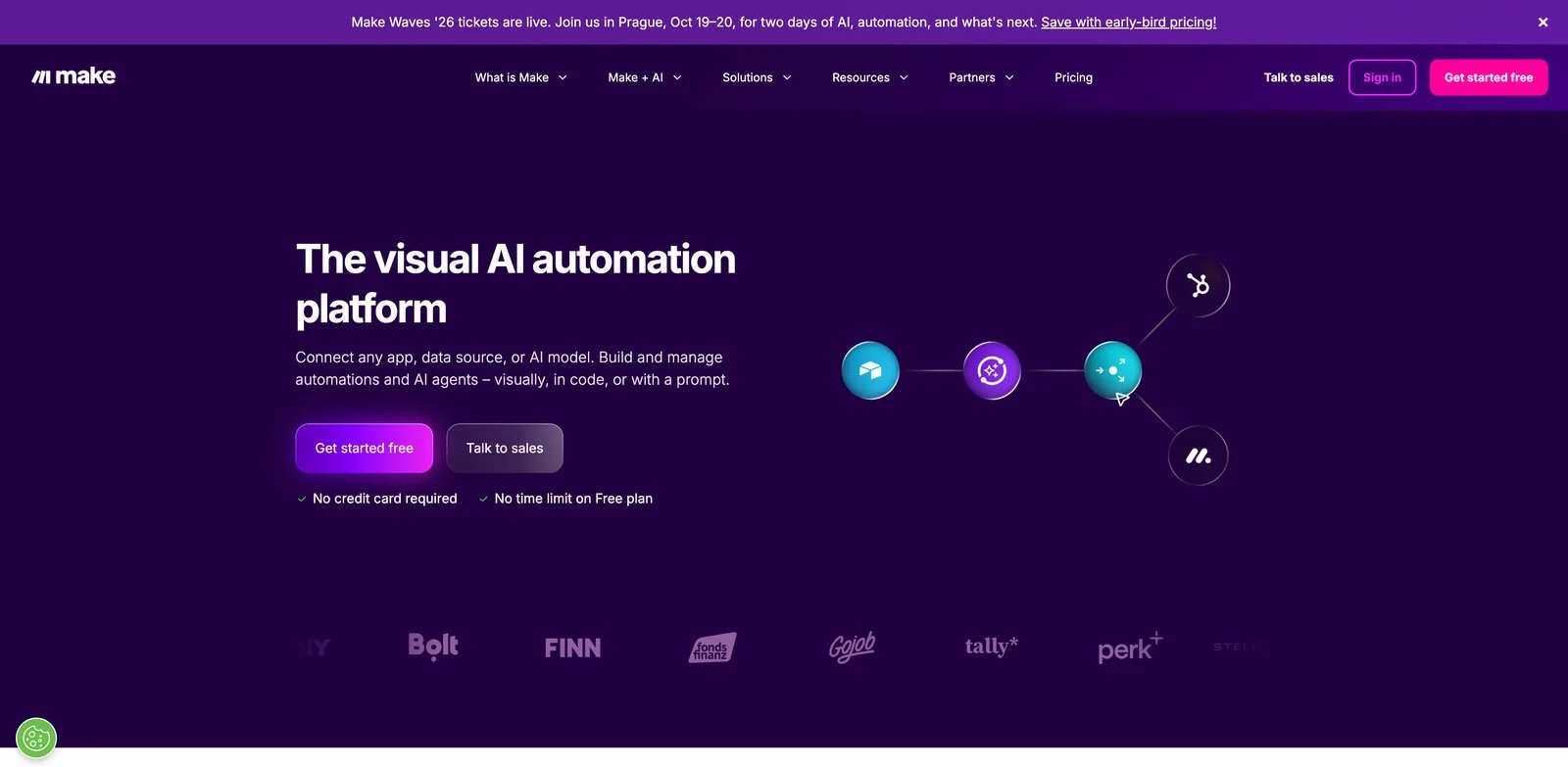
Make is the most natural Zapier replacement for people who still want a managed visual automation tool but have outgrown the straight-line Zap editor. The canvas is richer, routers are easier to reason about visually, and data transformation feels more explicit. If your pain is "Zapier is too linear," Make is usually the first serious stop; ToolWorthy also has a dedicated Make.com tool page for the anchor-level workflow profile.
What Make solves vs Zapier: Make's scenario canvas handles branching, filters, iterators, aggregators, and multi-app data shaping in a way that is easier to inspect than long Zap chains. Its public pricing page shows a Free tier with 1,000 credits, Core at $12/month for 10,000 credits, Pro at $21/month for 10,000 credits, and Teams at $38/month for 10,000 credits. For visual builders, that is a familiar self-serve path.
Credit reality: Make moved from operations to credits, and its help center says non-AI features still generally map 1:1 while built-in AI usage can consume more. That makes Make less of a cure if your Zapier pain is "AI billing got harder to forecast." It is a better cure when your pain is the linear editor, app catalog overlap, or Zapier's task price at medium volume.
Pricing vs Zapier: Zapier Professional starts at $19.99/month billed annually and Team starts at $69/month, while Make Core starts lower at $12/month for 10,000 credits. The real comparison is not plan price; it is how many modules or tasks one production run consumes. A 10-step workflow may be cheaper in Make if most modules are standard actions, but not automatically cheaper if AI or heavy search modules dominate.
Limitations: Make has its own billing complexity, and the 2025-2026 credit transition created similar anxiety for Make users. Debugging is better than a long Zap chain but still not the same as code-level observability. If you need self-hosting, Make does not solve that.
Best for: Operators and automation consultants who want a stronger visual builder without leaving managed no-code. Not the right fit if your top reason for leaving Zapier is trust in changing credit/task rules.
Get started with Make
n8n
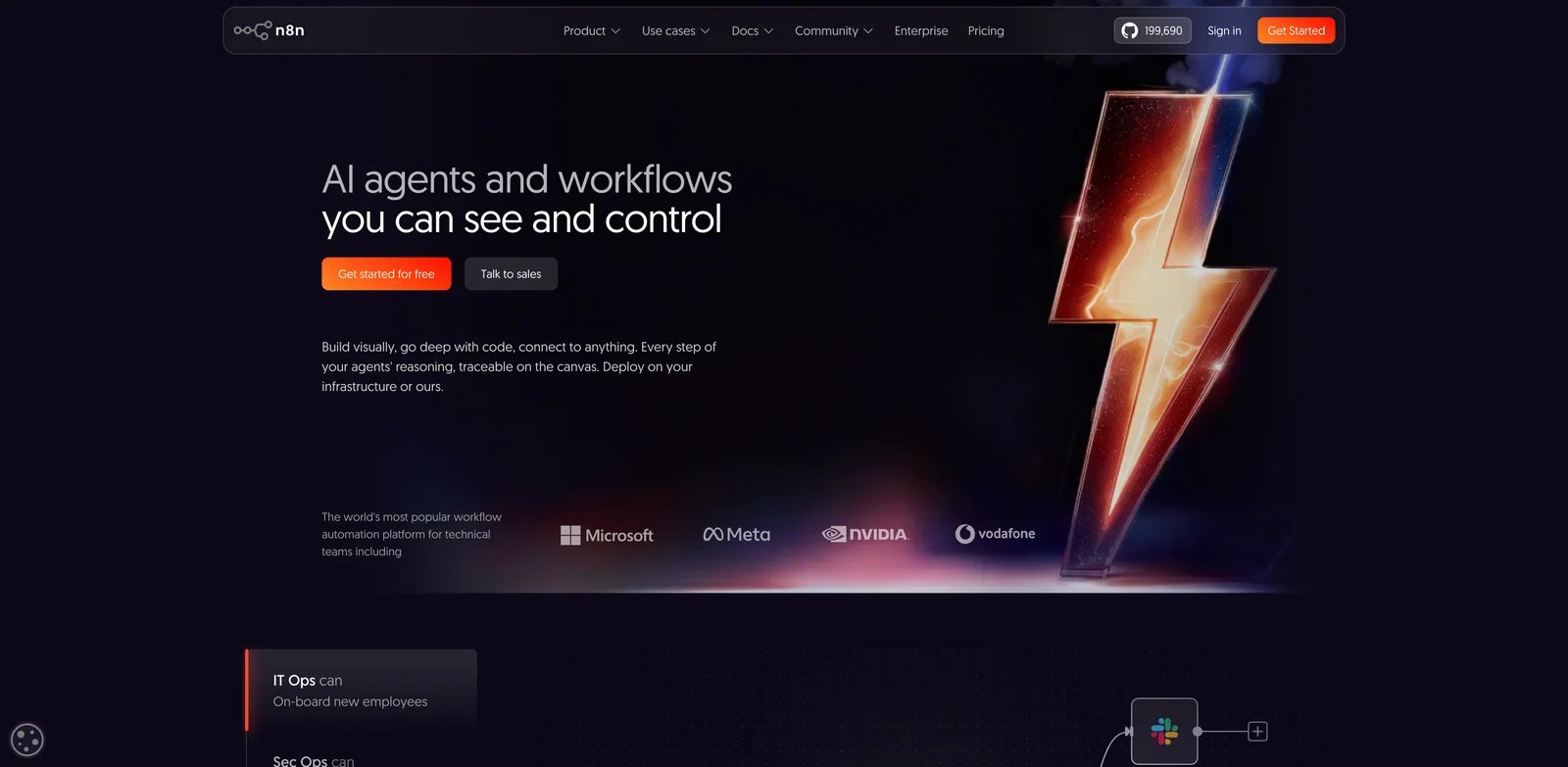
n8n is the strongest Zapier alternative when the migration reason is cost control plus ownership. It keeps a visual node canvas, but it changes the commercial model: n8n Cloud pricing is based on workflow executions with unlimited steps, users, workflows, and integrations on paid cloud plans, while Community Edition gives technical teams a self-hosted route. For a standalone product profile, see ToolWorthy's n8n tool page.
What n8n solves vs Zapier: One execution can contain many nodes. That is the key difference from Zapier's task model. A workflow with 20 steps still maps to one workflow execution on n8n Cloud, assuming it runs once. n8n also gives you exportable workflow JSON, code nodes, environment variables, and self-hosting for teams that want data control.
Self-hosting tradeoff: Community Edition is not "free Zapier with no consequences." You own uptime, secrets, queue workers, backups, and upgrades. But for teams already comfortable with Docker and Postgres, that operational cost can be much easier to justify than a rising task bill.
Pricing vs Zapier: n8n's official pricing shows Starter at 20 euros/month billed annually for 2.5K workflow executions and Pro at 50 euros/month for 10K executions. Zapier Professional starts lower in dollars, but it counts actions as tasks. A long workflow that burns 15 Zapier tasks may still be one n8n execution.
Limitations: n8n asks more of the builder. Non-technical operators can use it, but they will hit nodes, expressions, HTTP concepts, and deployment choices sooner than in Zapier. Some long-tail SaaS connectors are less polished than Zapier's app catalog.
Best for: Technical operators, agencies, and teams whose Zaps became complex enough that task billing and debugging are both problems. Not the right fit if the team wants the simplest possible builder and no infrastructure decisions.
Get started with n8n
Activepieces
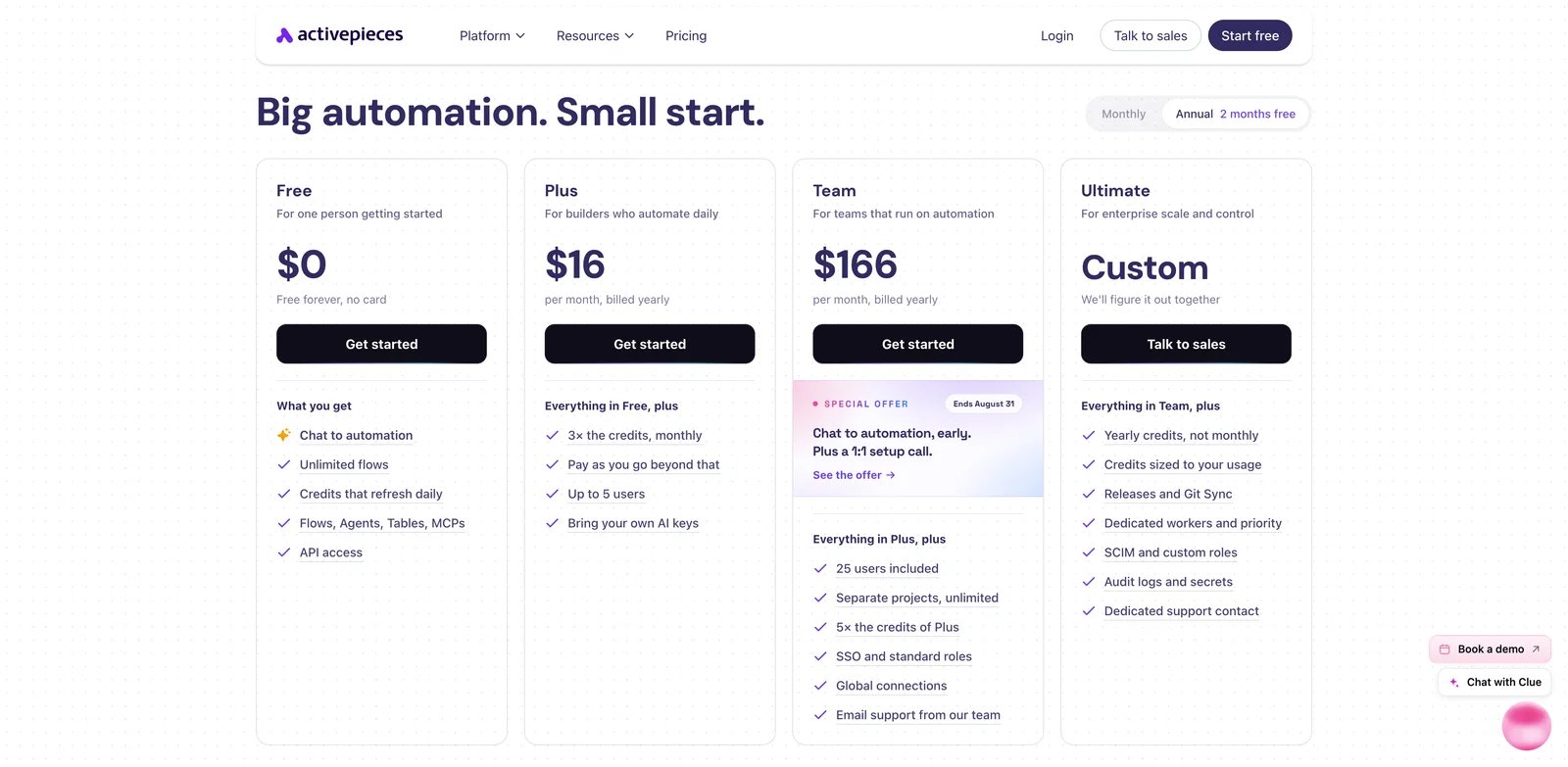
Activepieces is the open-source Zapier alternative that most directly speaks the 2026 AI workflow language. Its pricing page positions the cloud Free plan at $0, Plus at $16/month billed yearly, Team at $166/month billed yearly, and Ultimate at custom pricing, with unlimited flows and daily-refresh credits on Free plus AI agents, MCP servers, tables, API access, and community support. Its GitHub project also frames the product around AI agents, MCPs, and workflow automation.
What Activepieces solves vs Zapier: It attacks per-action billing differently now: a flow run costs 1 credit regardless of how many steps run inside it, while AI steps add 2-20 credits depending on model tier or 1 credit with your own AI key. It also offers a self-hosted Community Edition for teams that want control without building a workflow engine from scratch. AI agents and MCP servers are first-class concepts rather than add-ons bolted to a legacy task model.
Open-source caveat: Activepieces Community Edition is useful, but SSO, standard roles, and global connections are available on Team, while Ultimate adds SCIM, custom RBAC, audit logs, secrets, releases, and Git Sync. The open-source route solves ownership and experimentation; it does not automatically solve enterprise governance.
Pricing vs Zapier: For repeat flows, Activepieces can be dramatically easier to forecast. A workflow that runs thousands of times now consumes thousands of flow-run credits, so high frequency is not inherently free. Zapier may be simpler for one-off automations, while Activepieces is most compelling when workflows contain many internal steps or when self-hosting and open-source control matter.
Limitations: The connector catalog is smaller than Zapier's. That smaller catalog makes connector-by-connector verification important before migrating production flows, especially for long-tail SaaS apps. Non-technical users may prefer Zapier or Make when the workflow is a simple SaaS-to-SaaS bridge.
Best for: AI workflow builders, open-source-friendly teams, and operators with long multi-step flows where per-action billing is the main pain. Not the right fit if your company depends on obscure SaaS apps only Zapier supports today.
Get started with Activepieces
Pipedream
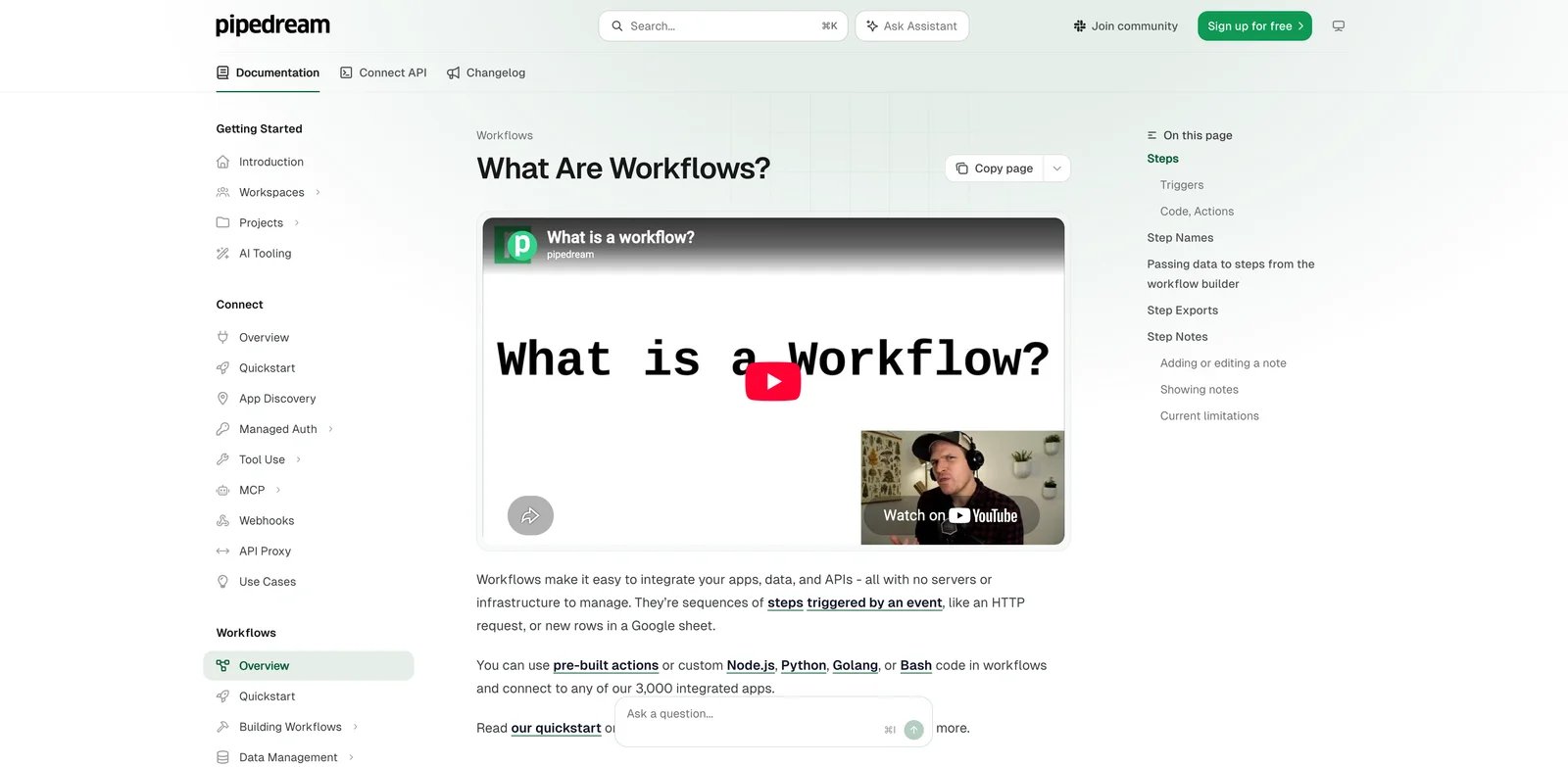
Pipedream is the Zapier alternative for developers who do not want to pretend automation is no-code. It gives you triggers, prebuilt actions, connected accounts, and a workflow builder, but the center of gravity is serverless code. If your Zap is mostly "call an API, transform JSON, call another API," Pipedream is often cleaner than building the same thing with formatter steps.
What Pipedream solves vs Zapier: You can write Node.js or Python inside the workflow, use environment variables, call APIs directly, and avoid waiting for a vendor connector to expose the exact option you need. Pipedream also says workflow billing is based on compute time, not the number of steps, and that development/testing in the builder does not consume credits.
Compute math: Pipedream's docs state that workflows charge one credit per 30 seconds of compute time at the default 256MB memory per workflow segment. A simple 1-second run and a 15-second run both consume one credit at that memory size; increasing memory increases credit usage. That is a very different mental model from Zapier tasks.
Pricing vs Zapier: Pipedream's Free plan is generous for prototypes, but paid usage depends on included credits and overages. It can be cheaper for code-heavy API workflows and less predictable for workflows with long execution time, high memory, or many dedicated worker needs.
Limitations: Pipedream is not built for the marketer who wants to connect form, CRM, email, and Slack without reading code. The app catalog is useful but less consumer-friendly than Zapier's, and the compute-credit model still requires monitoring.
Best for: Developers, data operators, and AI builders who want API control and code steps inside the automation surface. Not the right fit if your team chose Zapier specifically to avoid code.
Get started with Pipedream
Albato
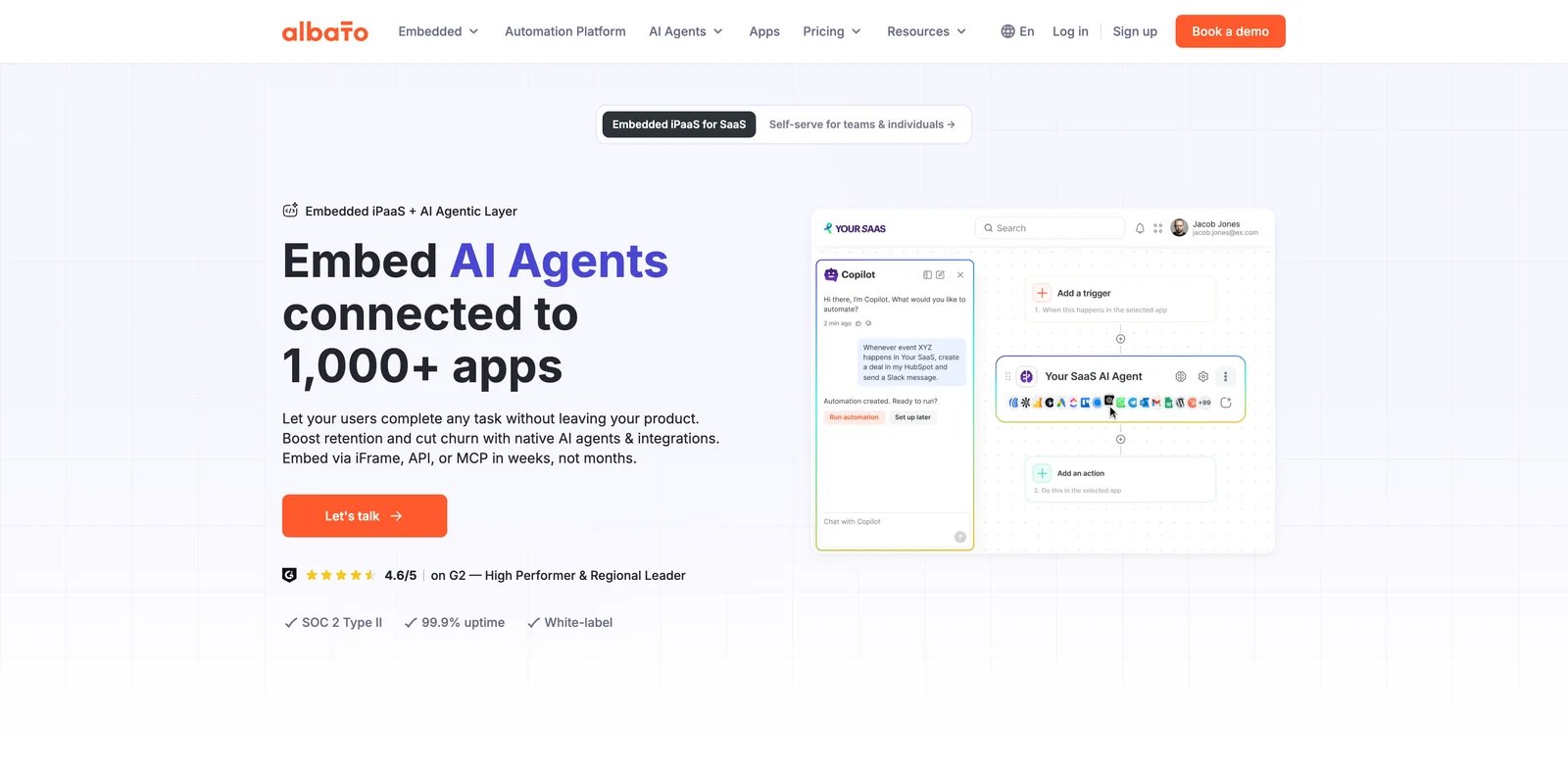
Albato is a practical SMB alternative when the Zapier pain is cost per action, not architectural control. Its pricing page shows a Free plan with 100 transactions, 5 active automations, 2 steps per automation, and 7-day log storage. Pro starts at $15/month billed annually for 1K transactions, while the Teams plan starts from $65/month billed annually for 5K transactions but is currently marked Coming soon.
What Albato solves vs Zapier: The transaction model is easier for some teams to reason about because triggers do not consume transactions; actions that successfully modify or deliver data do. Albato also includes unlimited automations and steps on paid Pro, plus data migration, auto replay, Albato AI, AI Agents, and custom app integration features.
Pricing vs Zapier: Zapier Free gives 100 tasks/month; Albato Free gives 100 transactions but also limits automations and steps. Albato's Pro package can be attractive when you know the number of action transactions you need and want a smaller entry point than Zapier Team.
Limitations: Albato's catalog and community depth are not Zapier-level. Teams that need obscure SaaS connectors, mature templates, or broad English-language troubleshooting content may find more friction. Transaction overages can still surprise teams if they do not pick the right package.
Best for: Small businesses that need predictable no-code automation around common SaaS apps and do not need self-hosting. Not the right fit if you need the largest connector catalog or enterprise governance.
Get started with Albato
Integrately
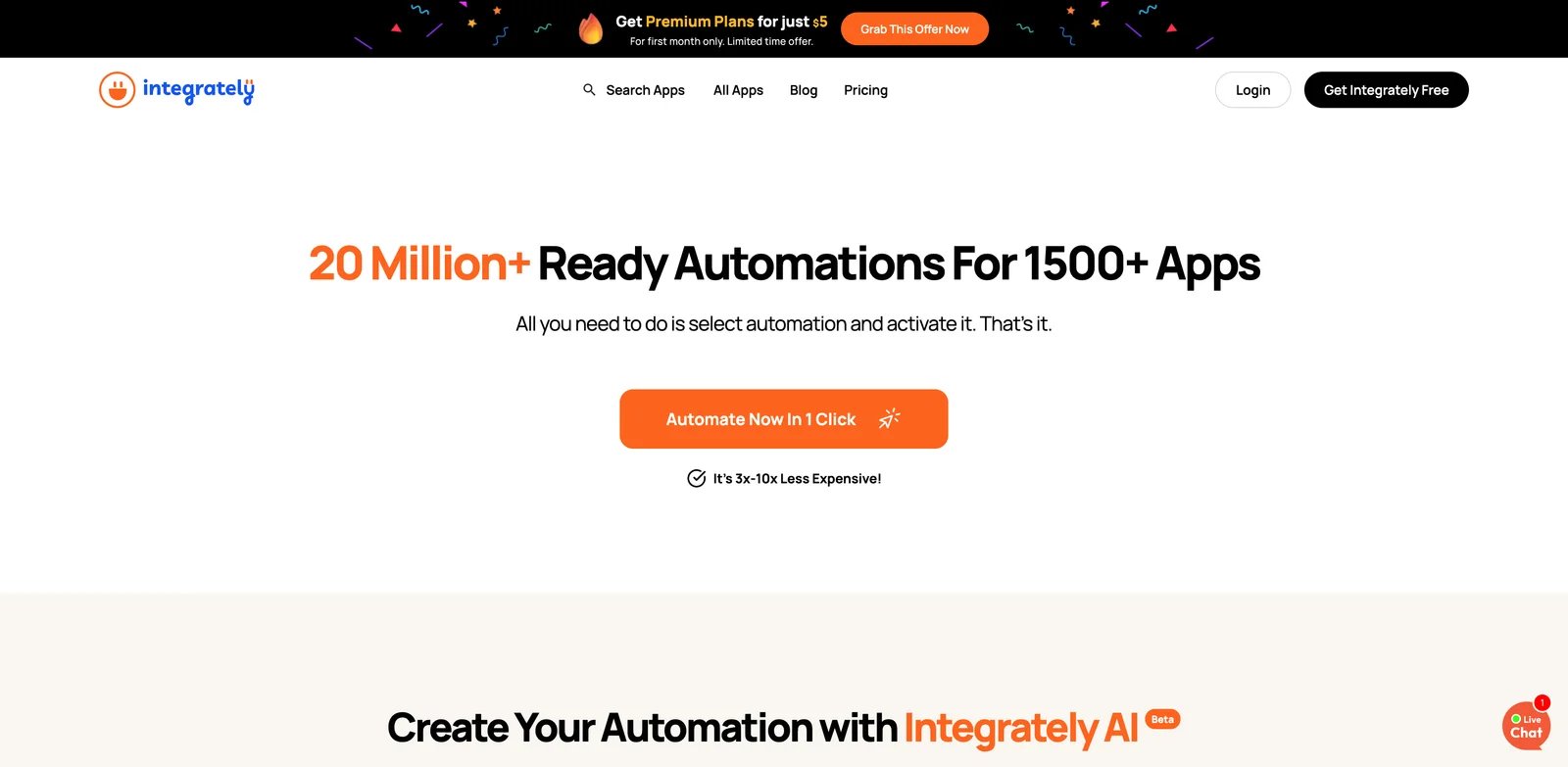
Integrately is built around speed: pick an app pair, choose a prebuilt automation, and ship a simple workflow quickly. The company claims 42,000+ customers on its pricing page and positions itself as less expensive than popular alternatives. For basic app-to-app automation, that matters.
What Integrately solves vs Zapier: Integrately reduces setup friction for common automations. Its Free tier includes 100 tasks, Starter is $19.99/month billed annually for 2,000 tasks, Professional is $39/month for 10,000 tasks, Growth is $99/month for 30,000 tasks, and Business is $239/month for 150,000 tasks. Those tiers are easy to read, but Integrately's task unit is not directly comparable with Zapier because successful conditions, branching, searches, and data modifications can each consume tasks.
Pricing vs Zapier: Zapier Professional starts at $19.99/month billed annually, but the task count depends on the selected tier. Integrately's Starter tier advertises 2,000 tasks at the same starting price, but compare actual workflow logic before treating that bundle as equivalent to Zapier: Integrately bills successful conditions or branching, searches, and data modifications as tasks.
Limitations: Integrately is less compelling for deeply branched workflows, AI-native orchestration, or teams that want code ownership. Its strength is setup speed, not complex workflow architecture.
Best for: Small teams that want fast setup and larger headline task bundles for simple automations, provided they compare Integrately's task-counting rules against their real Zap logic. Not the right fit if your workflows need nested branching, heavy debugging, self-hosting, or custom code.
Get started with Integrately
Microsoft Power Automate
Microsoft Power Automate is not the cheapest Zapier alternative for a random SaaS stack. It is the strongest choice when your business already lives in Microsoft 365, Teams, SharePoint, Excel, Dynamics, Azure, and Windows desktop apps.
What Microsoft Power Automate solves vs Zapier: Power Automate combines cloud flows, approvals, attended desktop flows, process mining, Dataverse, and unattended RPA options under the Microsoft platform. For companies already managing identity, compliance, and data residency through Microsoft, that reduces procurement friction.
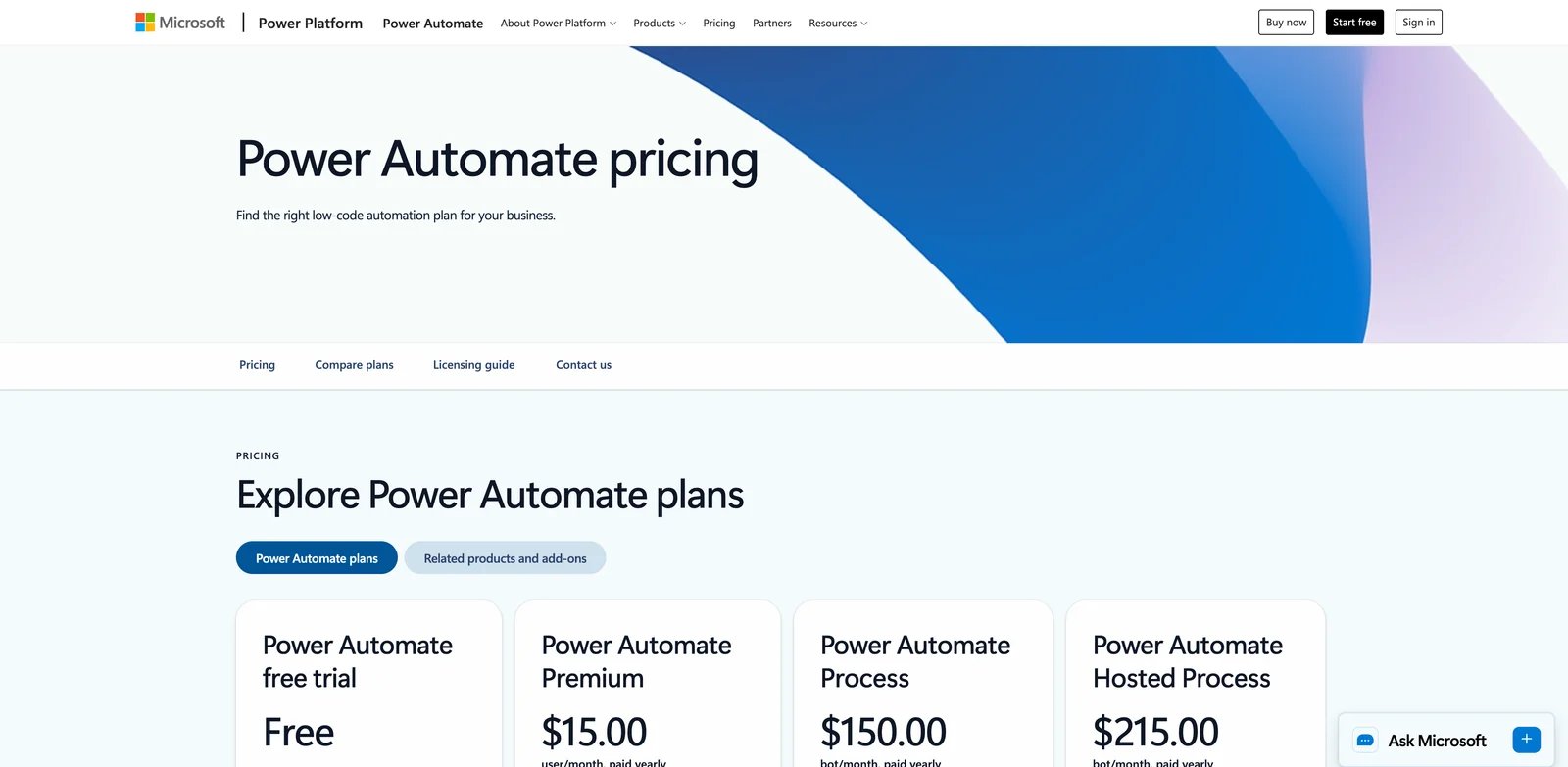
Pricing vs Zapier: Microsoft's pricing page lists Power Automate Premium at $15/user/month paid yearly, Process at $150/bot/month, and Hosted Process at $215/bot/month. That is more predictable than task billing, but it moves cost to seats and bots. A five-person ops team may like that; a 100-person rollout needs finance involved.
Limitations: Outside the Microsoft ecosystem, the editor can feel heavier than Zapier, and the connector mix leans enterprise. Bot/process licensing can also make desktop RPA much more expensive than buyers expect from the headline Premium price.
Best for: Microsoft 365 organizations, approval-heavy workflows, regulated teams, and hybrid cloud/desktop automation. Not the right fit if your stack is mostly Notion, Airtable, Slack, and modern startup SaaS.
Get started with Microsoft Power Automate
Workato
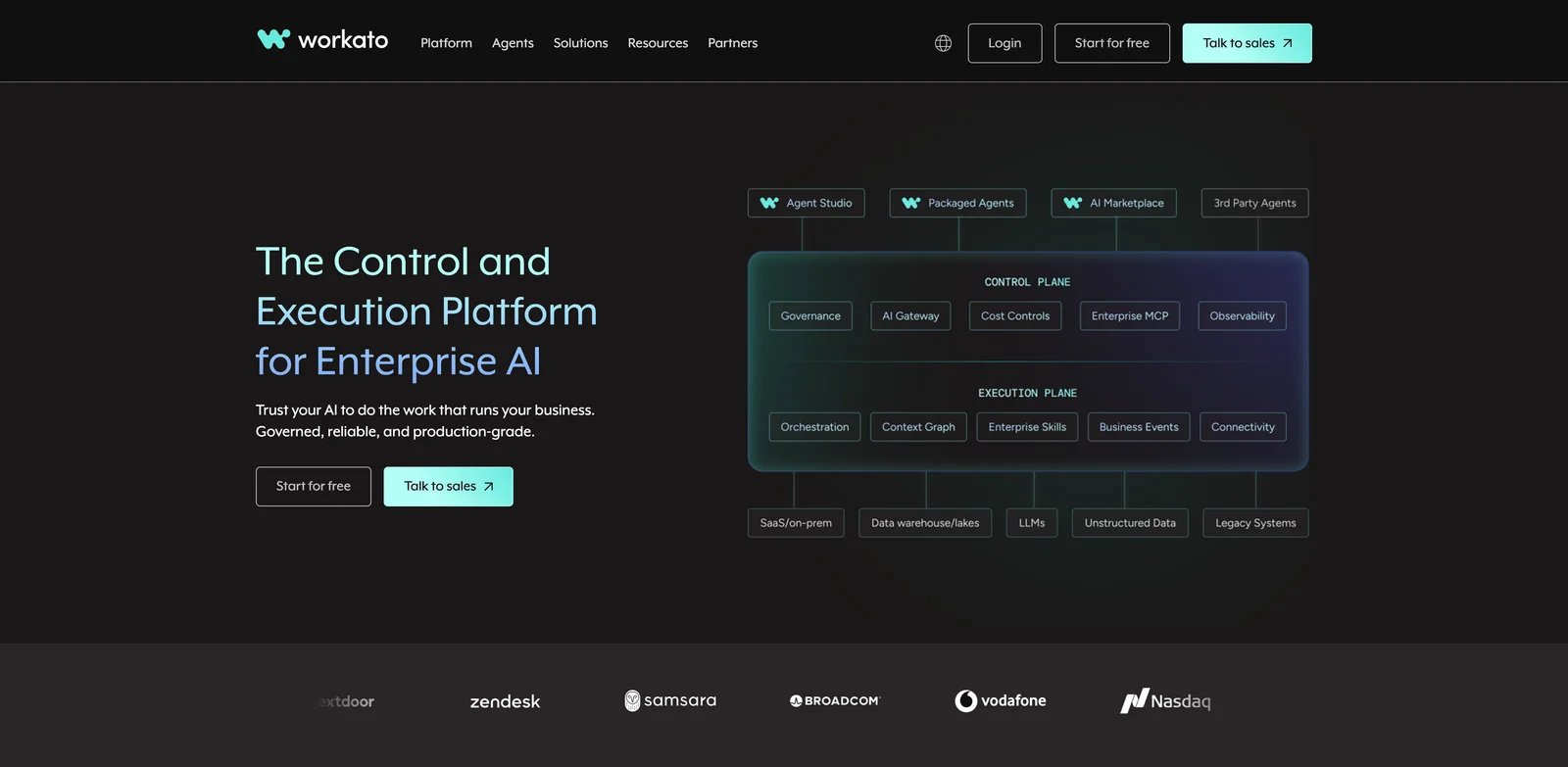
Workato is not a casual Zapier replacement. It is an enterprise automation and orchestration platform for teams that need governance, lifecycle controls, deep enterprise connectors, and a vendor that can survive procurement review. The current Workato documentation describes usage-based pricing for direct customers with a platform edition fee plus a usage fee.
What Workato solves vs Zapier: Workato brings enterprise-grade recipes, environments, auditability, security controls, and broad enterprise app coverage. It can support integrations where Zapier's self-serve model is too lightweight: ERP, HRIS, finance, data, and IT service workflows that need governance more than speed.
Enterprise price reality: Workato now also has self-service Free and Pro documentation, with Workato Free including a one-time 50,000-credit grant and Pro monthly credit options such as $75/month for 2,500 credits, $100/month for 3,500 credits, $275/month for 10,000 credits, $780/month for 30,000 credits, and $1,275/month for 50,000 credits. Direct enterprise contracts still depend on edition and usage.
Pricing vs Zapier: Workato is not usually cheaper than Zapier. It is more controlled. Zapier wins speed and self-serve simplicity; Workato wins when IT needs lifecycle management, governance, and enterprise integration depth.
Limitations: Implementation is slower. Pricing is harder to compare. A small team that just needs 20 app-to-app automations will overbuy. Workato also needs trained builders; it is not a two-hour replacement for an existing Zapier workspace.
Best for: Mid-market and enterprise teams where Zapier became an uncontrolled automation layer. Not the right fit if cost reduction is the only goal.
Get started with Workato
Tray.ai
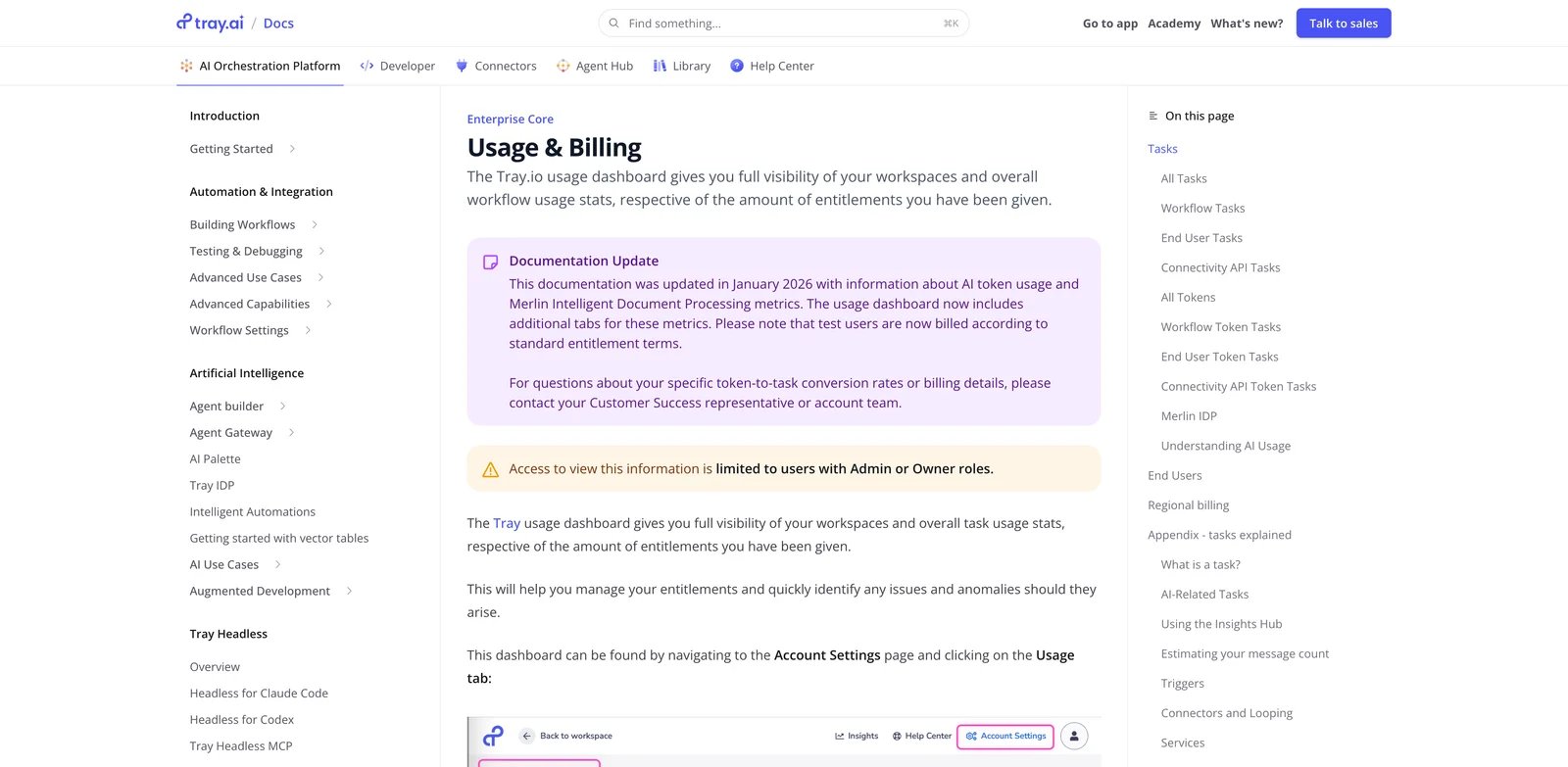
Tray.ai sits near Workato: enterprise iPaaS, workflow automation, governance, and now AI orchestration. It belongs here because Zapier buyers increasingly ask whether their automation platform should also coordinate AI agents, model calls, and governed tool usage.
What Tray.ai solves vs Zapier: Tray gives teams deeper workflow building, embedded integration patterns, regional hosting options, log controls, usage dashboards, and enterprise support. Its documentation says usage dashboards track tasks across organizations, workspaces, workflows, solution instances, and connector API calls. It also tracks AI token usage for connectors such as Merlin Text Generation and Merlin Text Analysis.
Pricing vs Zapier: Tray.ai is sales-led. Its public trial page invites buyers to try the platform and connect with sales, while docs describe package differences such as Pro, Team, and Enterprise log retention. Treat it like an enterprise platform, not a budget replacement.
Limitations: The migration cost is high. Zapier operators will need new mental models, and finance will need a procurement conversation. Tray.ai is not the right tool for small teams leaving because Professional got expensive.
Best for: Enterprise teams that need AI orchestration, embedded integrations, governance, regional hosting, and deeper operational visibility. Not the right fit if the goal is replacing five simple Zaps cheaply.
Get started with Tray.ai
IFTTT
IFTTT is the oldest and simplest alternative in this list. It is not a business iPaaS replacement for complex Zapier workspaces. It is a cheap, reliable answer when your automation really is "if this happens, do that."
What IFTTT solves vs Zapier: IFTTT's current plans page lists Free at $0 forever with 2 Applets, Pro at $2.99/month billed annually with 20 Applets, and Pro+ at $8.99/month billed annually with unlimited Applets, AI services, multiple accounts, queries, filter code, and developer tools. That is far cheaper than keeping Zapier for a few personal or lightweight workflows.
Pricing vs Zapier: For simple personal automations, IFTTT is more predictable. You count applets, not tasks. For business workflows, that simplicity becomes a ceiling because there is no serious equivalent of complex paths, robust data transformation, or enterprise-grade app governance.
Limitations: IFTTT's catalog leans consumer, smart home, mobile, and lightweight productivity. It is weak for complex B2B SaaS workflows, multi-step business processes, and audit-heavy environments.
Best for: Personal automations, smart-home workflows, creator routines, and simple webhook chains. Not the right fit if your Zapier workspace runs business-critical revenue, support, or finance workflows.
Get started with IFTTT
Honorable Mentions
Gumloop is an AI-native workflow and agent builder rather than a like-for-like Zapier replacement. It is worth testing when your real migration reason is "I want AI agents to read documents, browse, enrich, and act," not "I want cheaper app triggers." Its docs say agent-chat costs vary by model, tool calls, compute, and orchestration, while workflows cost a 1-credit base plus executing node costs; AI workflow nodes can also vary with token usage.
Lindy is closer to an AI assistant layer than an iPaaS. Current pricing starts with Plus at $49.99/month, Pro at $99.99/month, and Max at $199.99/month, with Enterprise for HIPAA, SSO, SCIM, audit logs, and company context. Consider it when your Zapier workflows are really delegated admin work.
Bardeen is browser-first automation for prospecting, scraping, enrichment, and GTM workflows. It is not a general Zapier replacement, but sales and recruiting teams may find it faster for browser-centered work than building Zaps around spreadsheets and enrichment tools.
Airtable Automations makes sense when the workflow's source of truth is already Airtable. It can reduce fragile "Airtable to Zapier to Airtable" loops by keeping logic near records, views, and forms. It is adjacent because it does not replace Zapier across your entire SaaS stack.
Node-RED is the self-hosted, open-source event-flow option for technical teams, IoT builders, and edge/server automations. It can be extremely cheap to run, but it is not a SaaS buyer tool. Choose it when code ownership and runtime control matter more than a polished no-code connector catalog.
Migrating from Zapier - A Practical Guide
Data and Account Migration
Start by exporting your Zap list, task history, connected apps, owners, and error-prone workflows. Then group Zaps by business process, not by app pair. A "lead routing" system may contain five Zaps, two Tables, one Form, and a Slack alert; migrating those separately creates a new failure chain.
For each workflow, document the trigger, action steps, filters, paths, formatter logic, AI steps, connected accounts, owner, expected volume, and failure behavior. Close or pause old Zaps only after the replacement has run in parallel long enough to catch edge cases.
Learning Curve by Alternative
Near-zero migration: Integrately, Albato, IFTTT for simple automations.
Medium migration: Make, Activepieces, Microsoft Power Automate for teams willing to rebuild workflows in a new visual model.
High migration: n8n self-host, Pipedream, Workato, Tray.ai, Node-RED because the payoff comes from deeper control, not copy-paste parity.
Pricing Brackets vs Zapier Professional
Cheaper for simple work: IFTTT, Integrately Free/Starter, Albato Free/Pro, Make Free/Core.
Cheaper for high-volume or complex workflows: n8n self-host, n8n Cloud when workflows have many steps, Activepieces when long multi-step flows make per-action billing expensive, Pipedream for code-heavy API workflows.
Same or higher but more controlled: Microsoft Power Automate, Workato, Tray.ai.
Not directly comparable: Gumloop and Lindy, because they change the job from trigger-action automation to AI workflow or assistant execution.
Best Zapier Alternatives by Use Case
If Your Reason Is "I'm Tired of Zapier Pricing Changes"
Choose tools with a clearer ownership or billing model: n8n, Activepieces, or Node-RED. Make may be better than Zapier for visual complexity, but it also has credit-model nuance, so it is not the cleanest answer for pricing-trust fatigue.
If Your Reason Is "Zapier Gets Too Expensive at Scale"
Start with n8n, Make, Albato, and Integrately. Translate actual Zapier task history into executions, credits, transactions, or tasks before buying. Do not compare only the starting price.
If Your Reason Is "I Want a More Predictable Billing Unit"
n8n is strongest when many steps can fit into one workflow execution. Activepieces is strongest when many internal steps fit inside each flow run; every executed flow costs one credit, and AI steps add separate credits. IFTTT is strong when the workflow is genuinely simple enough to be an applet.
If Your Reason Is "My Zaps Need Real Branching, State, and Code"
Use Make if the team still wants a visual canvas. Use n8n if ownership and expressions matter. Use Pipedream if the workflow is API-first and developers are comfortable owning code steps.
If Your Reason Is "My Zaps Keep Breaking and I Need Better Debugging"
Pipedream, n8n, Workato, Tray.ai, and Power Automate give stronger debugging or governance models than basic Zap chains. The right choice depends on whether you need developer logs, self-hosted visibility, enterprise audit trails, or Microsoft tenant controls.
If Your Reason Is "I Need Self-Hosting or More Data Control"
Start with n8n Community Edition, Activepieces Community Edition, or Node-RED. Pipedream gives code ownership but not self-hosted runtime in the same sense. Zapier, Make, Workato, and Tray.ai are managed SaaS choices.
If Your Reason Is "I Want AI-Native Agent Workflows"
Activepieces, Gumloop, Lindy, Tray.ai, and Zapier's own AI products all deserve a pilot. The critical question is whether you want AI as a step in a workflow, an autonomous assistant, or a governed enterprise agent layer. Those are different products.
How to Choose the Right Zapier Alternative
1. Diagnose the real switching reason and run one free-tier pilot. If the issue is price, test a high-volume workflow. If the issue is debugging, intentionally break a step and inspect recovery. If the issue is AI task math, run the AI step with realistic tool calls.
2. Translate your Zapier task history into the target billing unit. Pull your last 30-90 days of task usage, then convert it to executions, credits, transactions, active flows, applets, seats, or bots. This is the only reliable way to compare prices.
3. Check governance, data handling, and integration ownership. Ask who owns connected accounts, who can edit workflows, how secrets are stored, how logs are retained, and whether AI prompts/files can be reviewed by your compliance team.
4. Run a two-week parallel migration before cutting over. Keep Zapier and the replacement live in parallel for one business cycle. Compare missed triggers, duplicate records, latency, error handling, and cleanup time. Then cut over one workflow family at a time.
Frequently Asked Questions
What is the best Zapier alternative overall in 2026?
What is the best free Zapier alternative?
What is the cheapest Zapier alternative for high-volume workflows?
What is the best open-source or self-hosted Zapier alternative?
Is Make cheaper than Zapier?
Is n8n better than Zapier for complex workflows?
Which Zapier alternative is best for AI agents?
What changed in Zapier pricing in June and July 2026?
Get ToolWorthy Weekly
New AI tools, practical guides, and selected AI signals in one weekly brief.
Discover More AI Tools
Explore our comprehensive directory of AI tools, carefully curated and reviewed by experts to help you find the perfect solution for your needs.