
20 Best AI Meeting Assistant Tools 2026 - Notes, CRM & Search
If your team leaves every call with three different versions of what happened, an AI meeting assistant is no longer a nice productivity extra. It decides whether follow-ups reach the CRM, whether product feedback survives Slack, whether sales managers can coach from real calls, and whether people who missed the meeting can trust the summary. The hard part is that the category now mixes lightweight note takers, bot-free desktop recorders, sales conversation intelligence platforms, and full meeting knowledge systems.
This guide compares 20 AI meeting assistant tools for 2026 using ToolWorthy's five-part evaluation model: functionality, user experience, innovation, value for money, and user feedback. We used a Codex Browser Deep Research pass on August 11, 2026, then normalized the results around pricing transparency, meeting-platform coverage, free limits, privacy posture, collaboration depth, and whether each product fits general meetings or a narrower sales workflow. For adjacent research, see our AI note taker category, AI transcription tools, and AI voice recorder tools.
| Tool | Best For |
|---|---|
| Fathom | Strong free recording and transcription for most teams |
| Fireflies.ai | Broad integrations, searchable meeting memory and workflow automation |
| Fellow | Teams that need agendas, notes and action items in one workflow |
| MeetGeek | Low-cost AI summaries with bot and bot-free capture options |
| Granola | Bot-free personal and team notes from device audio |
| tl;dv | Multi-meeting insights, clips and sales coaching |
| Avoma | Sales and customer teams needing conversation intelligence |
| Grain | Customer-facing teams that share clips and meeting insights |
| Krisp | Bot-free notes plus noise cancellation for messy call environments |
| Read AI | Engagement, sentiment and meeting coach analytics |
| Tactiq | Chrome-first live transcripts without a meeting bot |
| Otter.ai | Mature real-time transcription and meeting chat |
| Notta | Multilingual transcription across web, desktop and mobile |
| Bluedot | Bot-free recording with EU data residency needs |
| Sembly AI | Meeting knowledge, tasks and enterprise-oriented controls |
| Sybill | Sales follow-up, CRM autofill and deal workflows |
| Jamie | Bot-free notes for online and in-person meetings |
| Laxis | Budget meeting notes with AI writing and CRM basics |
| Circleback | Cross-conversation search and automated meeting workflows |
| Wudpecker | Bot and desktop bot-free recording with custom templates |
How We Selected and Tested
We selected these AI meeting assistant tools based on measurable buyer criteria: they needed to record or ingest meetings, produce AI summaries or action items, support English-language workflows, and be available to users in the US, Canada, UK, or EU. Products that only offer generic speech-to-text APIs, human transcription services, or meeting-suite add-ons were excluded from the ranked list. Zoom AI Companion, Google Meet Gemini notes, and Microsoft Copilot for Teams matter in real buying decisions, but they are bundled platform features rather than standalone tools a buyer can compare directly.
Our research methodology combined official product pages, pricing pages, help centers, security pages, public user-review sources, and recent vendor documentation. We also reviewed related ToolWorthy content so this article would not duplicate the broader best AI assistants guide or sales-focused AI sales assistant category. Pricing and review figures were checked during the August 11, 2026 research pass; fast-moving plan limits may still change before purchase.
Evaluation Dimensions: We evaluated each tool across five weighted dimensions:
- Functionality - transcription, speaker recognition, summaries, action items, search, clips, CRM sync, uploads, offline capture and analytics.
- User Experience - bot friction, bot-free options, meeting-platform coverage, editing, sharing, search, admin settings and setup clarity.
- Innovation - cross-meeting AI, organization-wide context, bot-free capture, AI workflows, agents, MCP/API direction, coaching and sentiment analytics.
- Value for Money - public pricing, free limits, recorder-seat economics, storage/minute caps, trial quality and plan transparency.
- User Feedback - public review ratings normalized by sample size, with low-sample or stale evidence discounted.
Note on Testing Scope: We did not claim private hands-on testing of every paid tier. For enterprise-only or sales-led tools, we relied on official documentation and public review evidence. Pricing that was quote-only or unclear was penalized instead of filled with guessed numbers.
Transparency & Limitations: The rankings do not imply that every tool has identical legal, tax, data-residency or procurement availability in every jurisdiction. Privacy and model-training notes are based only on public vendor statements. Always confirm current plan limits, retention policies and AI-training controls before committing annual budget.
Top 20 Best AI Meeting Assistant Tools Compared
The table below focuses on buying fit rather than generic star ratings. A high score means the tool combines strong meeting capture, useful summaries, collaboration workflows, transparent pricing and credible feedback. A lower score does not always mean the product is weak; some tools are excellent for sales calls or enterprise coaching but less efficient for a broad "best AI meeting assistant" buyer who needs simple pricing and general meeting coverage.
| Tool | Best For | Free / Entry Price | Capture Style | Standout Strength |
|---|---|---|---|---|
| Fathom | Most teams starting with AI meeting notes | Free; Premium $16/user/mo annual | Bot or bot-free desktop (beta on Mac) | Unlimited free recordings and transcripts |
| Fireflies.ai | Teams needing integrations and meeting memory | Free; Pro $10/seat/mo annual | Bot plus bot-free desktop/system-audio capture on supported setups | AskFred, workflows and CRM sync |
| Fellow | Teams that run structured recurring meetings | Free; Team about $7/user/mo annual | Bot and botless | Agendas plus AI recaps |
| MeetGeek | Cost-conscious teams wanting automation | Free; Pro $9.99/user/mo annual | Bot and bot-free | Low price with rich summaries |
| Granola | People who do not want bots joining calls | Free; Business $14/user/mo | Device audio | Bot-free notes and team memory |
| tl;dv | Sales and research teams sharing clips | Free; Pro $18/user/mo annual | Bot or bot-free desktop | Multi-meeting insights and clips |
| Avoma | Revenue teams needing CI and CRM depth | $19/recorder/mo annual plus add-ons | Meeting bot / CI | Conversation and revenue intelligence |
| Grain | Customer teams building a video insight library | Free; paid about $15/user/mo | Meeting recording | Clips, insights and MCP direction |
| Krisp | Users with noisy calls and bot-sensitive meetings | Trial; Core $8/mo annual | Bot-free desktop audio | Noise cancellation plus notes |
| Read AI | Managers tracking engagement and sentiment | Free 5 meetings/mo; Pro $15/mo annual | Meeting bot | Meeting coach and sentiment analytics |
| Tactiq | Chrome users needing live transcripts fast | Free; Pro $8/mo annual | Chrome extension | Bot-free live transcript capture |
| Otter.ai | Real-time transcription and AI chat | Free 300 min/mo; Pro $8.33/mo annual | Bot / real-time transcription | Mature transcript workflow |
| Notta | Multilingual notes across many devices | Free 120 min/mo; Pro about $8.17/mo annual | Web, app, desktop, Chrome | Broad platform coverage |
| Bluedot | Teams needing bot-free capture and EU residency | Free 5 meetings; Pro about $20/mo annual | Bot-free | Privacy and data-residency posture |
| Sembly AI | Teams turning meetings into tasks and knowledge | Pro $20/user/mo annual | Meeting assistant | Semblian and meeting knowledge |
| Sybill | Sales teams needing follow-up and CRM autofill | Free; Pro $30/mo; Business $90/mo | Sales meeting assistant | CRM automation and deal follow-up |
| Jamie | Bot-free notes for online and offline meetings | Free; Plus EUR21/mo annual | Desktop bot-free | In-person and remote notes |
| Laxis | Budget transcription plus AI writing | Free 300 min/mo; Premium $15.99/mo | Meeting assistant | AI Writer, AI Chat and CRM basics |
| Circleback | Teams wanting cross-conversation search | Individual about $20.83/user/mo annual | Meeting assistant | Search and automated workflows |
| Wudpecker | Teams needing bot and desktop recording paths | Free 10 bot meetings/mo; Plus $19/mo annual | Bot and bot-free desktop | Custom templates and Ask AI |
Detailed Reviews
Fathom
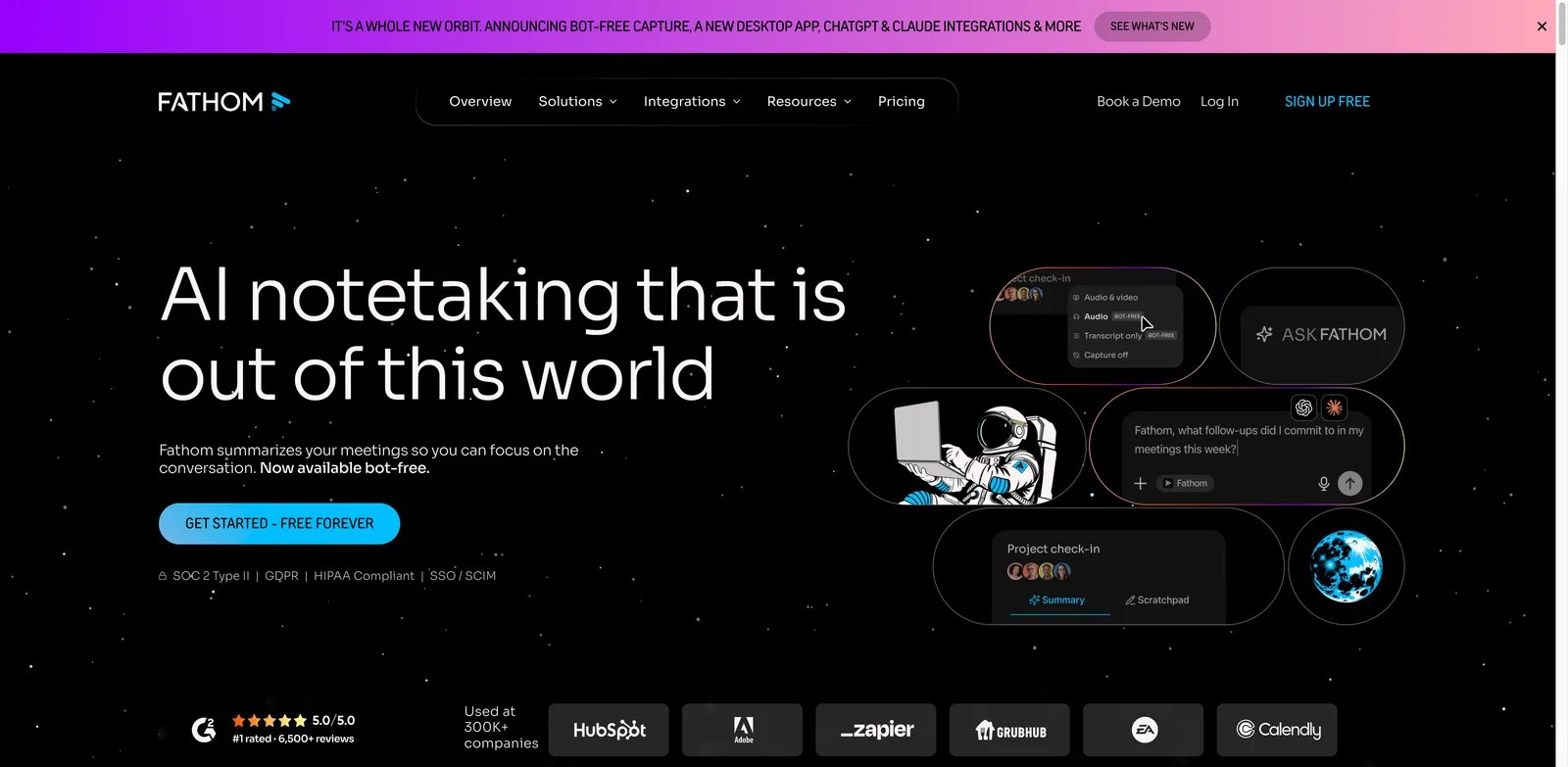
People usually try Fathom when they want meeting notes without a procurement conversation. The appeal is direct: the free plan is useful enough for real work, not just a demo. Fathom records meetings, produces summaries, creates shareable clips, and can push follow-up details into CRM-style workflows. That makes it one of the safest first tests for founders, customer teams, recruiters and consultants who need reliable meeting capture before they know whether they need heavier analytics.
Key Features
- Unlimited free recording and transcription: The free tier is the headline differentiator. It lets teams validate the workflow before deciding whether premium collaboration and CRM features are worth paying for.
- AI summaries and clips: Fathom can turn long calls into skimmable notes and shareable moments, which matters when customer feedback or hiring signals need to move quickly.
- Team and CRM workflows: Paid tiers add stronger team management and follow-up workflows for people who want meeting output to leave the transcript library.
Pricing & Plans
Fathom offers a strong free plan. Premium starts at $16 per user per month on annual billing. The practical cost question is not whether Fathom is affordable, but whether the team needs premium collaboration, CRM sync and admin controls. Solo users can often stay free longer than they can with most competitors.
Pros & Cons
Pros
- Unlimited free recording and transcription
- AI summaries and clips
- Team and CRM workflows
Cons
- The product is less tailored to deep sales coaching than Avoma, Sybill or Gong-style platforms. - Teams with strict retention or AI-data policies still need to review the relevant privacy and admin controls.
Best For
Choose Fathom if you want the lowest-risk way to add AI meeting notes across a team. It is not the right fit if you need enterprise-grade revenue intelligence or highly customized compliance workflows from day one.
Get started with Fathom
Fireflies.ai
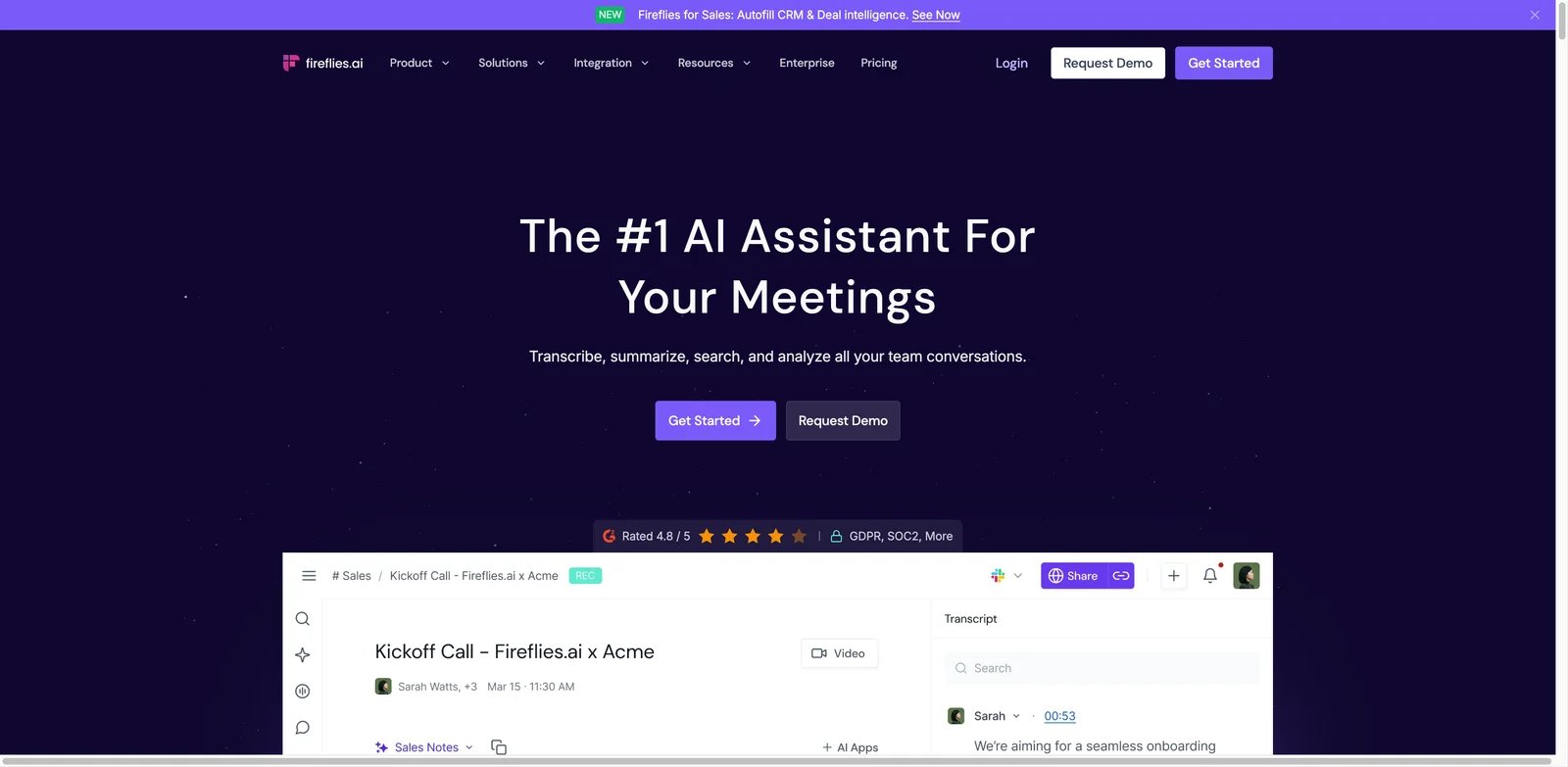
Fireflies.ai is for teams whose meeting notes need to connect with the rest of the stack. It records and transcribes meetings, but its real strength is turning those conversations into searchable knowledge, CRM updates, task handoffs and workflow triggers. That makes it stronger for multi-team operations than a simple personal note taker. It also publishes useful security and privacy material, including statements around customer meeting data and model training.
Key Features
- Searchable meeting memory: AskFred and transcript search make old conversations easier to reuse, especially for customer success, recruiting and product feedback loops.
- Workflow automation: Fireflies can connect meeting output to CRMs and collaboration tools, reducing the gap between "we discussed it" and "someone followed up."
- Broad meeting and integration coverage: It supports major meeting platforms and many downstream tools, which helps teams standardize notes without changing their calendar habits.
Pricing & Plans
Fireflies has a free plan, with Pro at $10 per seat per month billed annually. AskFred, AI Skills and other metered AI actions consume AI credits, so budget AI-credit usage separately from the seat price. The entry price is competitive, but budget for team seats, storage, transcription volume and any workflow needs that may push you into higher tiers.
Pros & Cons
Pros
- Searchable meeting memory
- Workflow automation
- Broad meeting and integration coverage
Cons
- The same breadth that makes Fireflies powerful can make setup feel heavier than a lightweight extension. - Visible-bot mode can add participant friction, so teams need a clear recording-consent workflow even though bot-free capture is available on supported setups.
Best For
Choose Fireflies.ai if meeting notes must feed CRM, Slack, docs or analytics workflows. It is not the right fit if you only need private, bot-free personal notes.
Get started with Fireflies.ai
Fellow
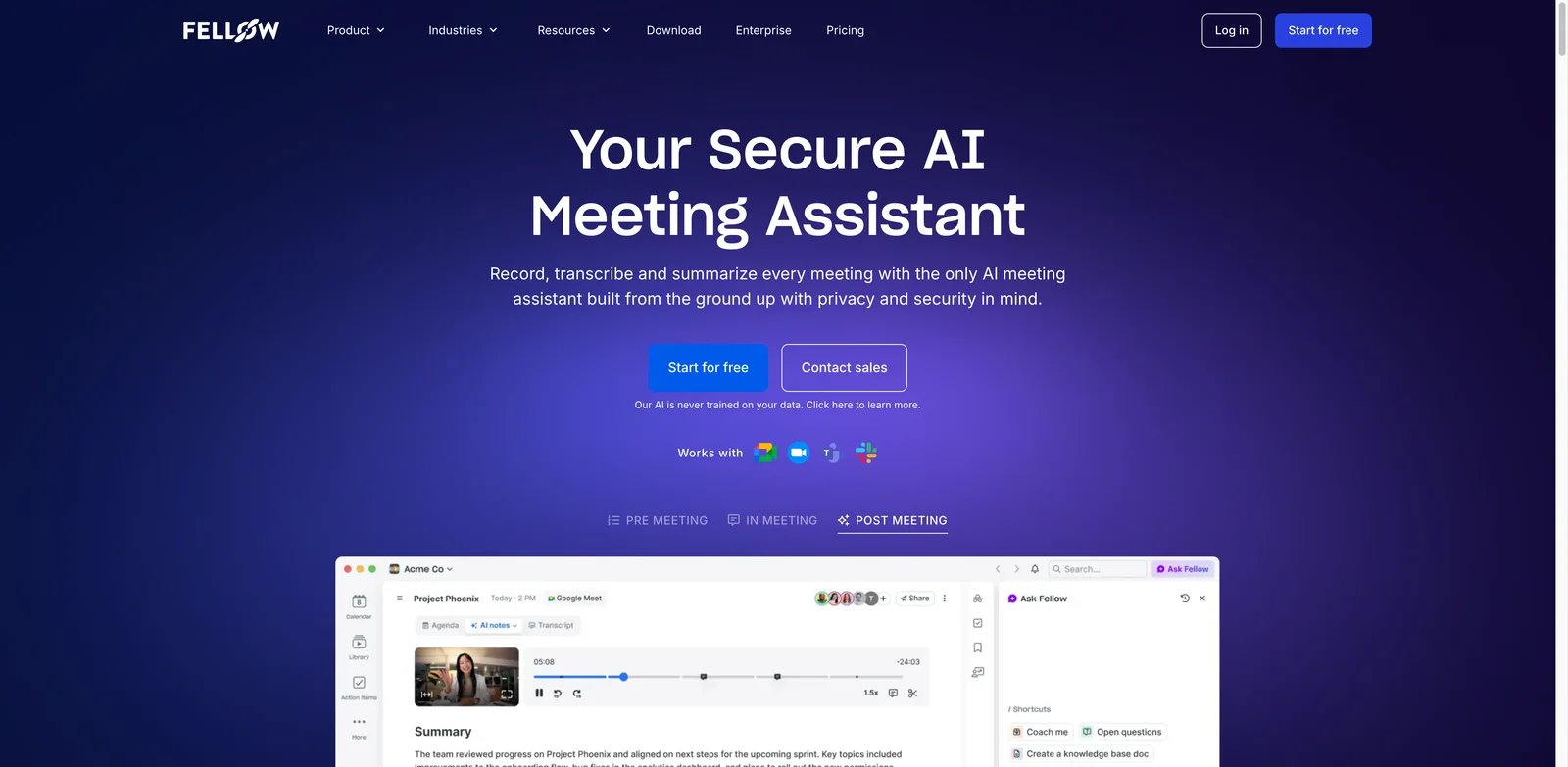
Fellow fits teams whose problem starts before the call begins. If meetings lack agendas, owners and follow-up discipline, a pure transcription tool only records the mess. Fellow wraps AI notes inside a meeting operating system: agendas, collaborative notes, action items, templates and recurring-meeting workflows. That makes it especially useful for managers, leadership teams and cross-functional groups that want better meeting hygiene, not just transcripts.
Key Features
- Agenda-first workflow: Fellow helps teams prepare, run and follow up on meetings in one place instead of treating AI notes as an afterthought.
- Bot and botless capture: The flexibility reduces friction for teams with different meeting norms or privacy expectations.
- Action items and team accountability: Fellow is stronger than many note takers at connecting decisions to owners, recurring meeting history and manager workflows.
Pricing & Plans
Fellow's Free plan includes 5 AI notes and 5 AI recordings per user for the lifetime of the account. Team is $7 per user per month billed annually and includes 10 AI notes and 10 AI recordings per user per month. The real cost depends on whether everyone needs a paid seat or whether the team can use a smaller set of power users plus collaborators.
Pros & Cons
Pros
- Agenda-first workflow
- Bot and botless capture
- Action items and team accountability
Cons
- Fellow is not the deepest conversation intelligence platform for sales coaching or sentiment analytics. - Teams that only need automatic transcripts may find the broader meeting-management layer excessive.
Best For
Choose Fellow if your meetings need better preparation and follow-through. It is not the right fit if you only want a background recorder with minimal process change.
Get started with Fellow
MeetGeek
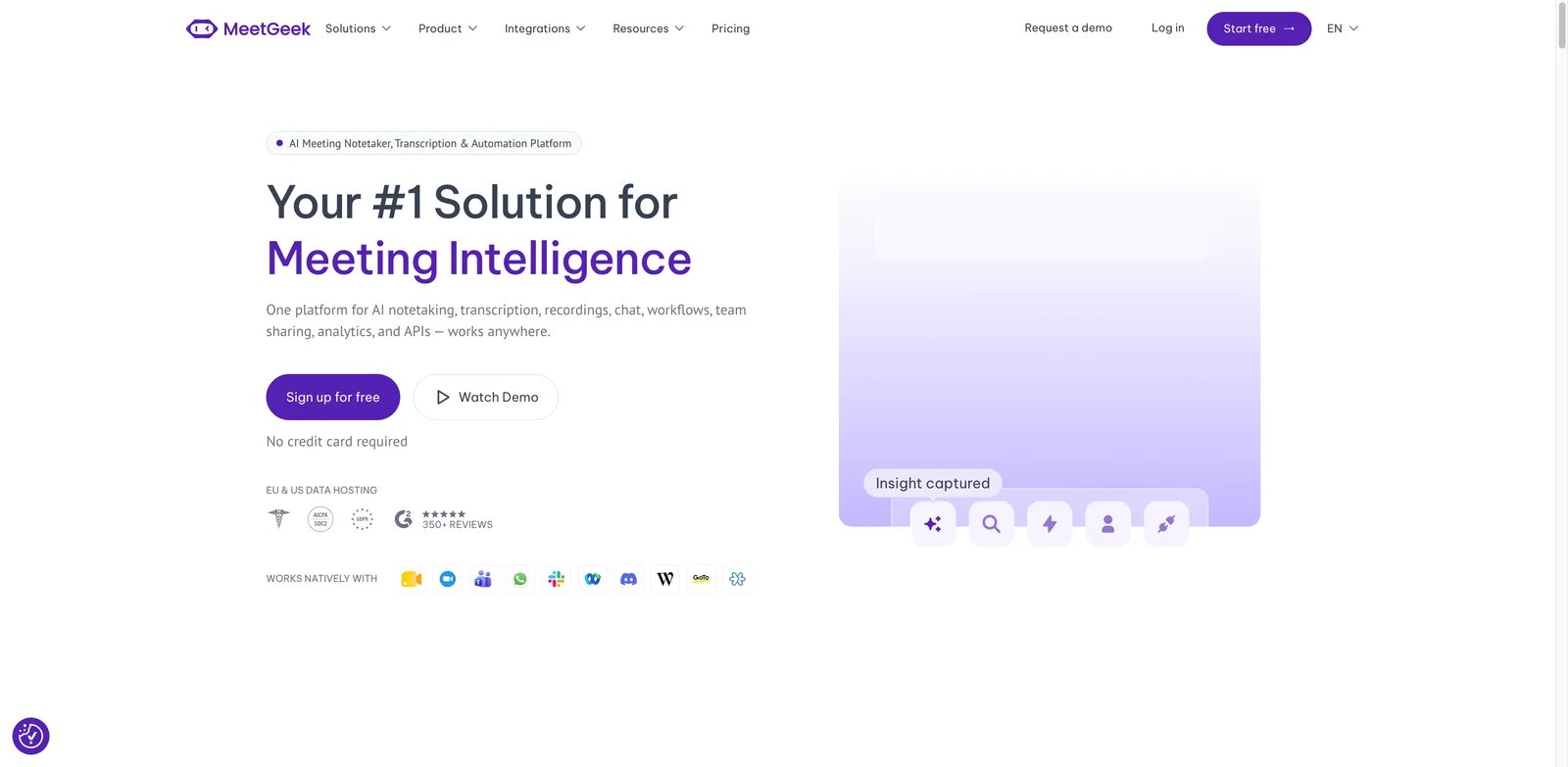
MeetGeek is a practical middle ground for teams that want solid AI notes without paying enterprise prices. It covers the expected meeting assistant workflow - recording, transcription, summaries, highlights, search and integrations - while keeping the paid entry point low. The product also supports bot and bot-free capture paths, which matters when some calls tolerate a meeting bot and others do not.
Key Features
- Meeting summaries and templates: MeetGeek can structure calls into digestible summaries, action items and topic-based notes rather than dumping raw transcripts.
- Bot and bot-free options: Teams can choose the capture mode that fits the meeting context.
- Automation and integrations: The platform can route summaries and tasks into downstream tools, which prevents meeting notes from sitting unused.
Pricing & Plans
MeetGeek Basic is free with 3 hours of transcription per month. Pro is $9.99 per user per month billed annually with 20 hours per month; extra Pro transcription is $0.50 per hour. That makes it one of the stronger value picks among full-featured AI meeting assistants.
Pros & Cons
Pros
- Meeting summaries and templates
- Bot and bot-free options
- Automation and integrations
Cons
- MeetGeek is broad but not as specialized as Avoma for revenue intelligence or as frictionless as a purely local bot-free tool like Granola. - Capture reliability should be tested against the team's exact Zoom, Meet and Teams setup.
Best For
Choose MeetGeek if you want a balanced meeting assistant with good automation at a low paid entry point. It is not the right fit if you need sales coaching depth above all else.
Get started with MeetGeek
Granola
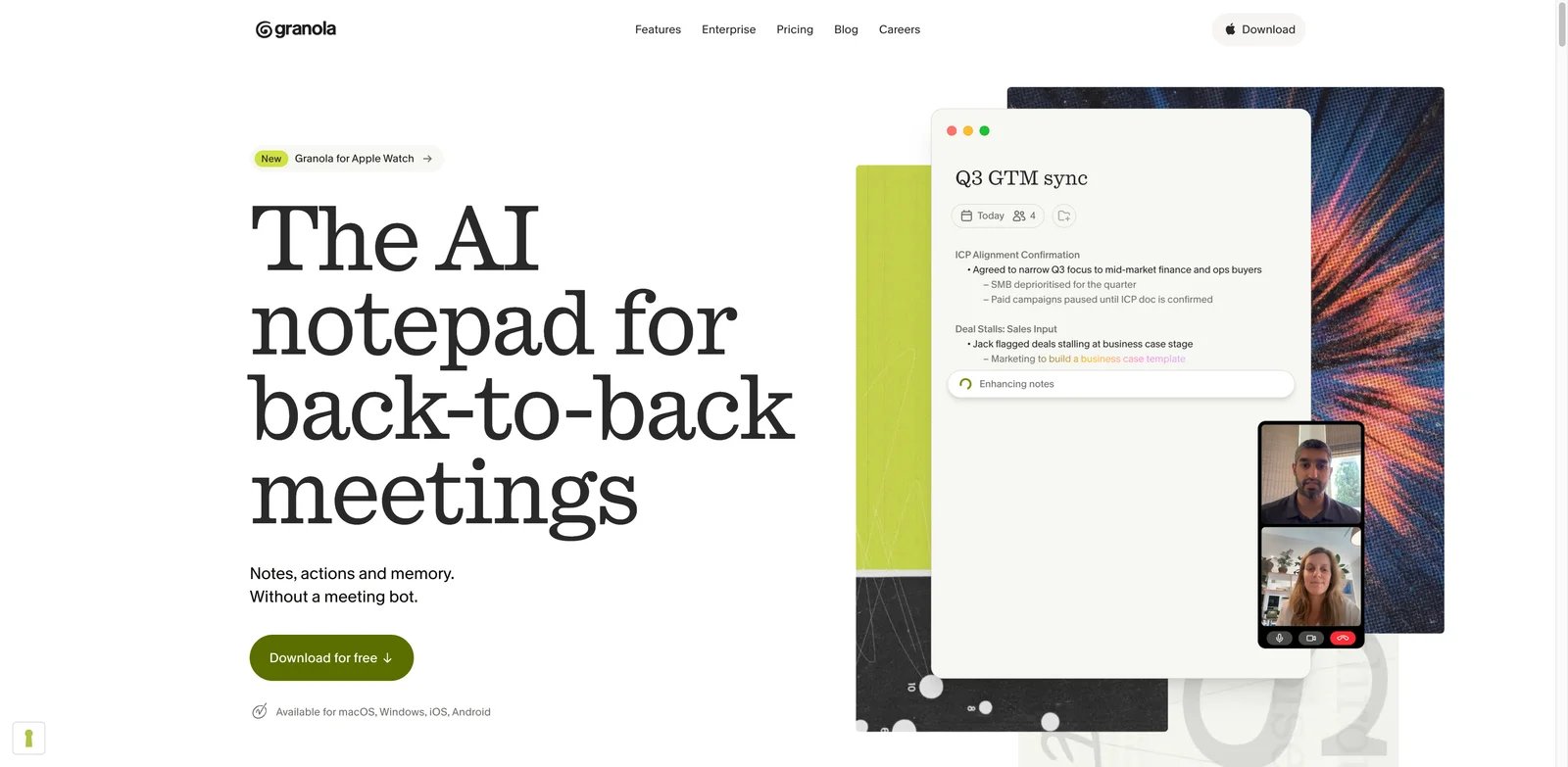
Granola is built for people who hate the awkwardness of a bot joining every meeting. It records from device audio and helps users turn personal notes plus conversation context into cleaner summaries. That makes it especially attractive for executives, founders, product managers and consultants who need private, fast notes across whatever call tool they happen to use.
Key Features
- Bot-free capture: Granola works from the user's device audio, reducing the friction of visible meeting bots.
- Cross-meeting AI chat: The product direction emphasizes meeting memory, so users can ask questions across prior conversations.
- Team knowledge and API direction: Business features, API work and MCP direction make it more than a personal scratchpad.
Pricing & Plans
Granola Free includes unlimited meetings but limited meeting history. Business is $14 per user per month and adds unlimited history, team integrations and MCP support. The value is strongest when bot-free capture is a requirement rather than a preference.
Pros & Cons
Pros
- Bot-free capture
- Cross-meeting AI chat
- Team knowledge and API direction
Cons
- Device-side capture can be less automatic than calendar bots that join and record every scheduled call. - Device-side capture may require more user-level setup than centrally managed calendar-bot workflows.
Best For
Choose Granola if you want natural, bot-free meeting notes that work across call tools. It is not the right fit if you need a centralized bot that reliably joins every team meeting.
Get started with Granola
tl;dv
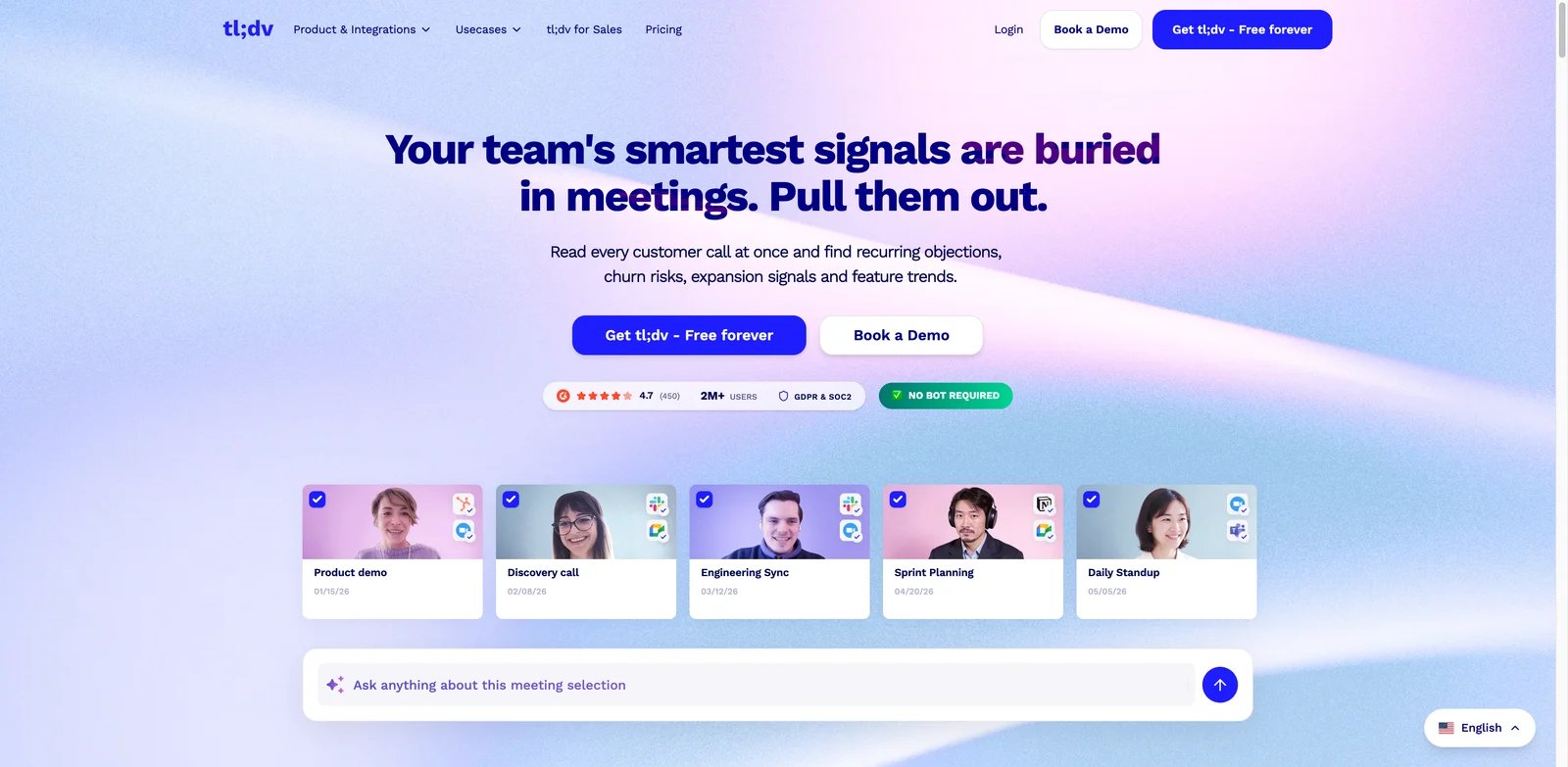
tl;dv is strongest when meetings become evidence. Research teams need interview clips, sales teams need coaching moments, and managers need patterns across multiple calls. tl;dv handles recordings, transcripts, summaries and clips, then layers in multi-meeting intelligence and sales-oriented features. It is a better fit for teams that actively reuse meeting content than for people who only need a private summary.
Key Features
- Clips and highlight sharing: tl;dv makes it easier to turn long calls into short, shareable evidence for product, sales and research workflows.
- Multi-meeting intelligence: Teams can look for patterns across calls instead of analyzing each transcript separately.
- Sales coaching and integrations: The product is useful when meeting output needs to support coaching, CRM handoff or customer-insight workflows.
Pricing & Plans
tl;dv Free includes unlimited recordings and transcripts but caps AI-noted meetings at 10 per month. Pro is $18 per user per month billed annually. Advanced team and sales features can raise the real cost, so compare feature gates carefully before rolling it out broadly.
Pros & Cons
Pros
- Clips and highlight sharing
- Multi-meeting intelligence
- Sales coaching and integrations
Cons
- tl;dv may feel like too much product for users who only need notes. - Sharing customer clips requires clear recording and sharing permissions.
Best For
Choose tl;dv if you need meeting clips, sales coaching or research evidence. It is not the right fit if your priority is the cheapest possible personal note taker.
Get started with tl;dv
Avoma
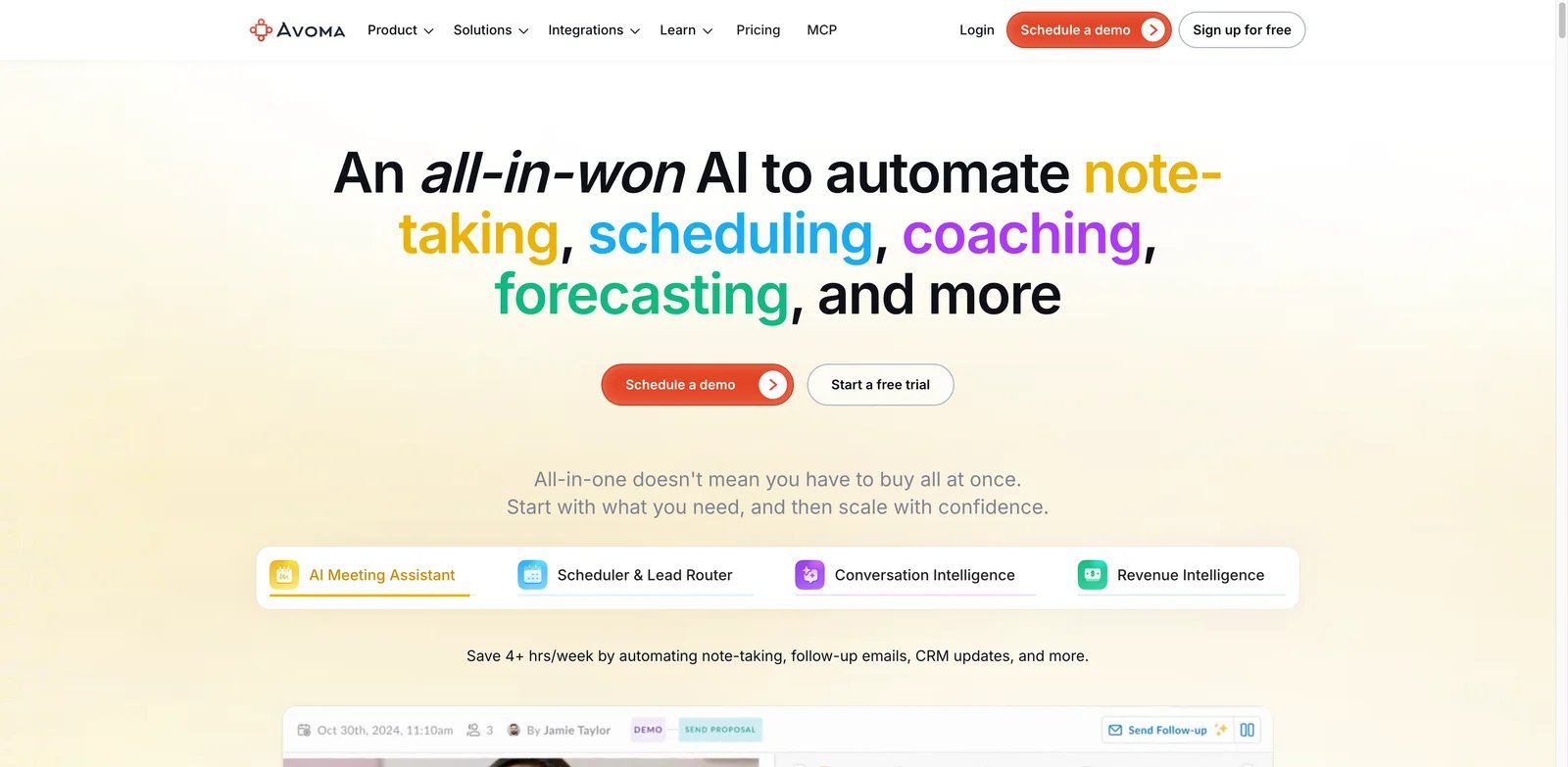
Avoma fits teams that treat meetings as revenue data. It can handle note taking, but the bigger value is conversation intelligence, CRM sync, coaching, pipeline context and customer-facing meeting analytics. That makes it much stronger for sales, customer success and account management than for casual internal notes. The modular pricing can be efficient, but only if buyers understand recorder seats and add-ons.
Key Features
- Conversation intelligence: Avoma goes beyond summaries into coaching, call analysis and revenue-oriented workflows.
- Recorder-seat pricing: Only recorder users need paid seats, which can help teams control cost when many people only view or collaborate.
- CRM and revenue workflows: The product is better than lightweight note takers at connecting calls to accounts, opportunities and follow-up.
Pricing & Plans
Avoma's Startup plan starts at $19 per recorder seat per month on annual billing. Conversation Intelligence, Revenue Intelligence and Lead Router capabilities can be separate add-ons. Model the cost from recorder seats plus modules, not only the base entry price.
Pros & Cons
Pros
- Conversation intelligence
- Recorder-seat pricing
- CRM and revenue workflows
Cons
- Avoma is more complex than simple AI note takers. - Teams that do not use coaching, CRM or revenue workflows may underuse the platform.
Best For
Choose Avoma if you need AI meeting notes inside a sales or customer-success operating system. It is not the right fit if you just want cheap meeting summaries.
Get started with Avoma
Grain
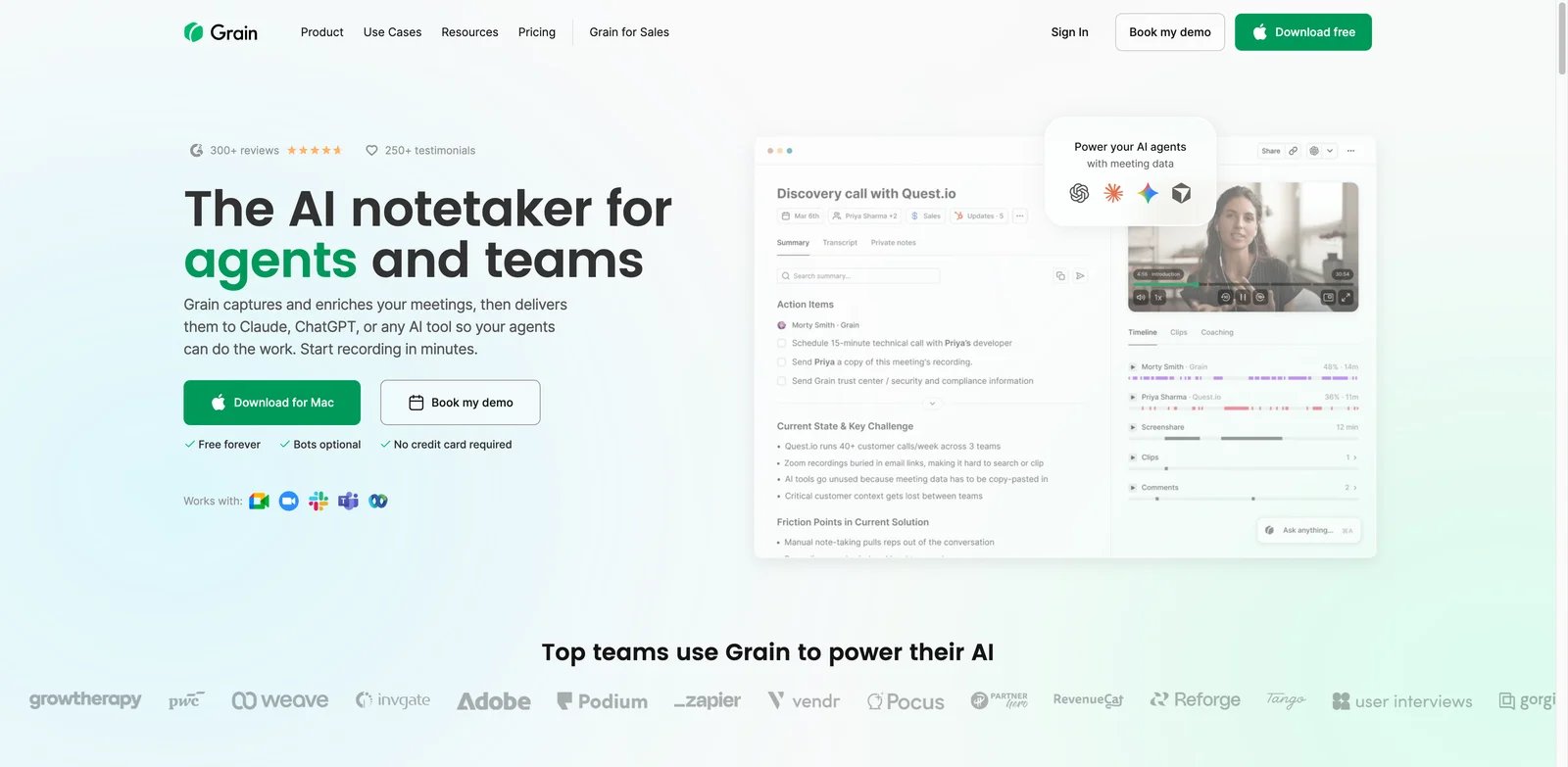
Grain is built for teams that need to reuse customer conversations. Instead of treating recordings as archives, Grain helps teams capture calls, share clips, organize insights and create a customer knowledge base. That is valuable for product teams, founders, customer success and sales teams that want evidence from real conversations to reach people who were not on the call.
Key Features
- Clip-first meeting evidence: Grain is strong when a short customer quote is more persuasive than a written summary.
- Shared meeting library: Teams can search and organize calls into themes, helping customer feedback survive beyond one person's notes.
- AI and MCP direction: Recent product direction around MCP makes Grain relevant for teams that want meeting knowledge available in other AI workflows.
Pricing & Plans
Grain has a free plan, with paid plans around $15 per user per month. The value depends on whether the team actually creates and shares clips, not just whether it records calls.
Pros & Cons
Pros
- Clip-first meeting evidence
- Shared meeting library
- AI and MCP direction
Cons
- For purely internal meeting notes, Grain can be more customer-insight oriented than necessary. - Internal-only teams may get less value if they do not need customer clips or shared insight libraries.
Best For
Choose Grain if your meetings produce customer evidence that needs to travel across the company. It is not the right fit if transcripts and action items are your only need.
Get started with Grain
Krisp
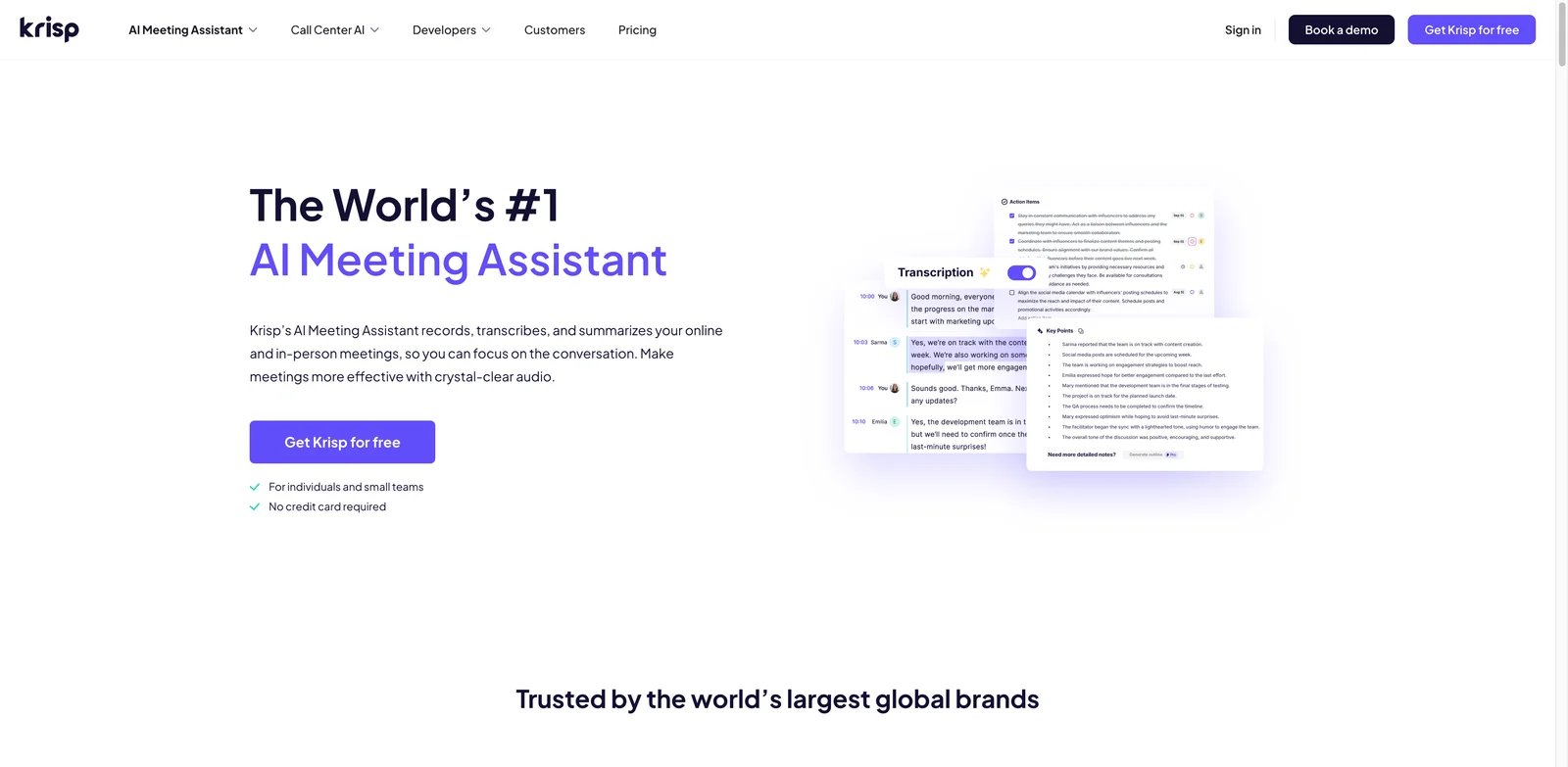
Krisp solves a different meeting problem first: bad audio. Its noise cancellation made it useful before AI notes became mainstream, and the AI meeting assistant now adds summaries and action items without requiring a bot to join the call. That combination is useful for remote workers, support teams, sales reps and consultants who spend the day in calls from imperfect environments.
Key Features
- Noise cancellation plus notes: Krisp improves the input quality and then creates meeting output, which is valuable when call clarity affects transcript quality.
- Bot-free capture: It works across meeting apps through device audio rather than relying on a visible bot.
- Any-meeting compatibility: The desktop-based approach can fit workflows that switch between Zoom, Meet, Teams, Slack calls and other audio sessions.
Pricing & Plans
Krisp offers a 7-day trial, with Core from $8 per month on annual billing. Buyers should compare whether they are paying for noise cancellation, AI notes or both.
Pros & Cons
Pros
- Noise cancellation plus notes
- Bot-free capture
- Any-meeting compatibility
Cons
- Krisp is less deep than dedicated conversation-intelligence suites for clip libraries and team-wide analytics. - Native CRM sync is available, including Salesforce and HubSpot workflows on eligible plans; specialized conversation-intelligence platforms can still be deeper for clip libraries and organization-wide analytics.
Best For
Choose Krisp if audio quality and bot-free capture matter as much as summaries. It is not the right fit if you need deep collaboration workflows from transcripts.
Get started with Krisp
Read AI
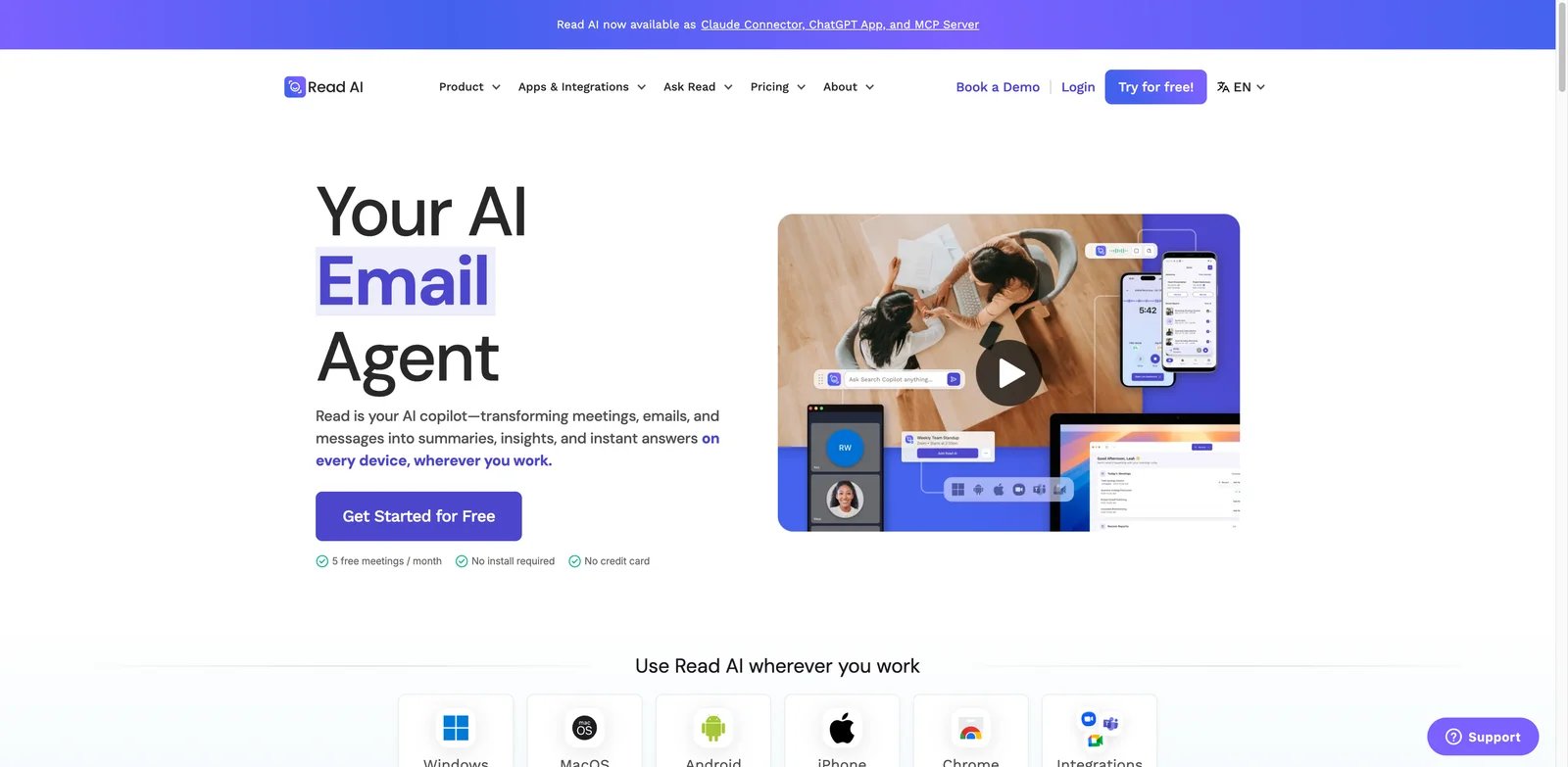
Read AI is for teams that want to know how a meeting went, not just what was said. It emphasizes engagement, sentiment, meeting coach feedback and cross-meeting intelligence. That can help managers improve recurring meetings, sales calls and customer check-ins. The trade-off is that some buyers find analytics-heavy meeting bots more intrusive than simple note takers.
Key Features
- Engagement and sentiment analytics: Read AI can surface participation, attention and meeting-health signals that transcripts alone miss.
- Meeting coach: The product is useful when managers want structured feedback on meeting behavior.
- Cross-meeting Ask Read: Users can query meeting history for patterns and follow-up context.
Pricing & Plans
Read AI has a free plan limited to 5 meetings per month. Pro starts at $15 per month on annual billing. Heavy users will likely need paid plans quickly because the free limit is narrower than Fathom or Fireflies.
Pros & Cons
Pros
- Engagement and sentiment analytics
- Meeting coach
- Cross-meeting Ask Read
Cons
- Public user feedback is weaker than many top-ranked tools in the research pass. - Engagement and sentiment analysis can feel sensitive in some company cultures, so participant experience should be tested carefully.
Best For
Choose Read AI if you want meeting analytics and coaching signals. It is not the right fit if your organization only wants quiet transcript capture.
Get started with Read AI
Tactiq
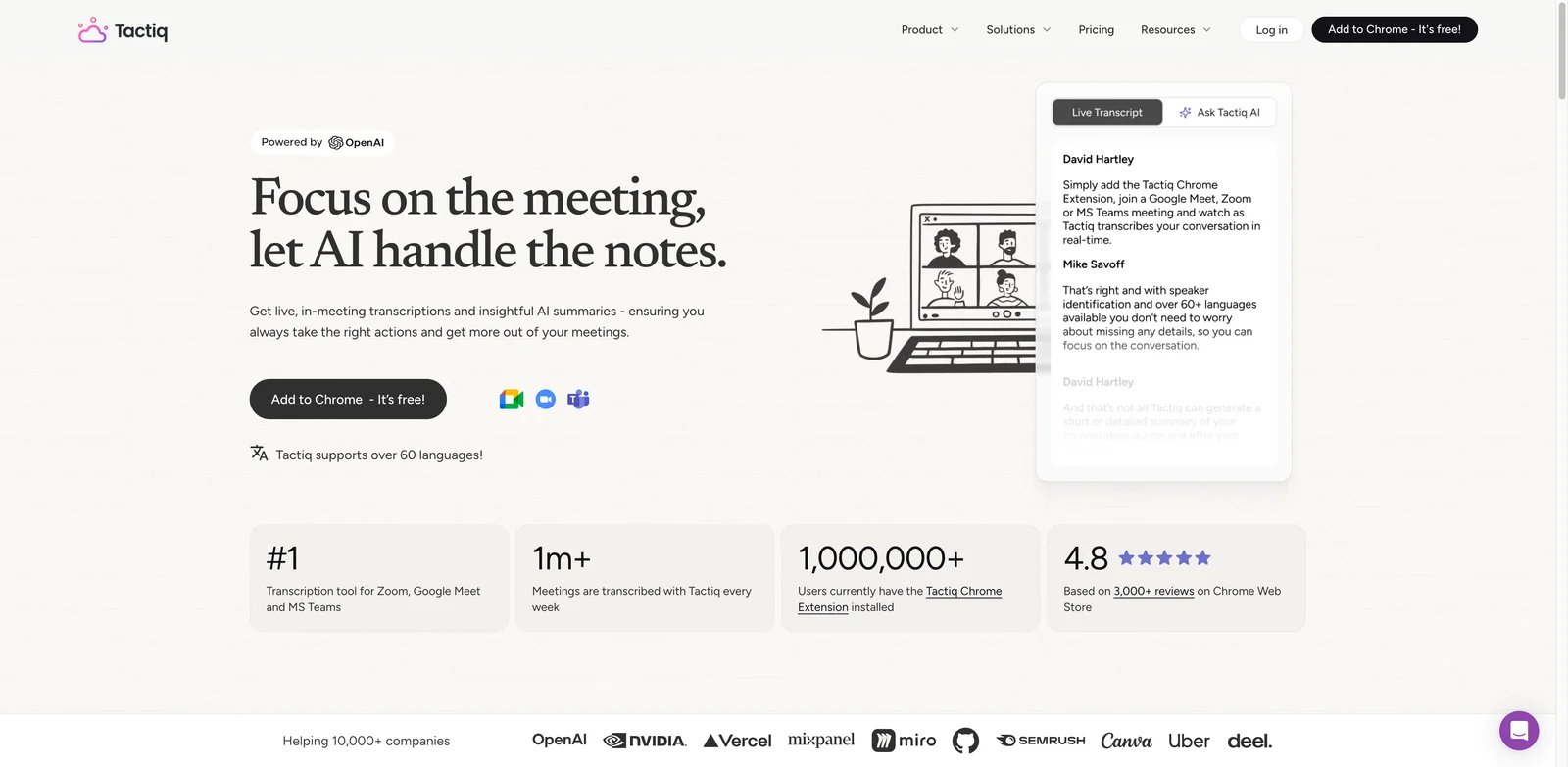
Tactiq is the fastest path for many Chrome users who want live transcripts without another meeting bot. It works through the browser, captures transcripts, and can turn them into summaries and follow-ups. That makes it appealing to individuals, educators, consultants and small teams that mainly need lightweight capture for Google Meet, Zoom or Teams calls.
Key Features
- Chrome-first workflow: Tactiq is easy to adopt because it sits in the browser instead of requiring a full platform rollout.
- Bot-free live transcripts: Users can capture meeting text without adding a visible participant bot.
- Low-cost summaries: The free and low paid tiers are attractive for users who want meeting notes without heavy analytics.
Pricing & Plans
Tactiq Free includes 10 transcripts and 5 AI credits per month. Pro is $8 per user per month billed annually with unlimited transcripts but 10 AI credits per month; Team and above include unlimited AI credits. The main value is low friction; the main trade-off is that advanced team governance and conversation intelligence are lighter than full platforms.
Pros & Cons
Pros
- Chrome-first workflow
- Bot-free live transcripts
- Low-cost summaries
Cons
- Chrome dependence is the obvious constraint. - Teams needing desktop or mobile capture and deeper team knowledge management may find the Chrome-first workflow too narrow.
Best For
Choose Tactiq if you live in Chrome and want fast, bot-free transcripts. It is not the right fit if meeting intelligence must span a complex enterprise stack.
Get started with Tactiq
Otter.ai
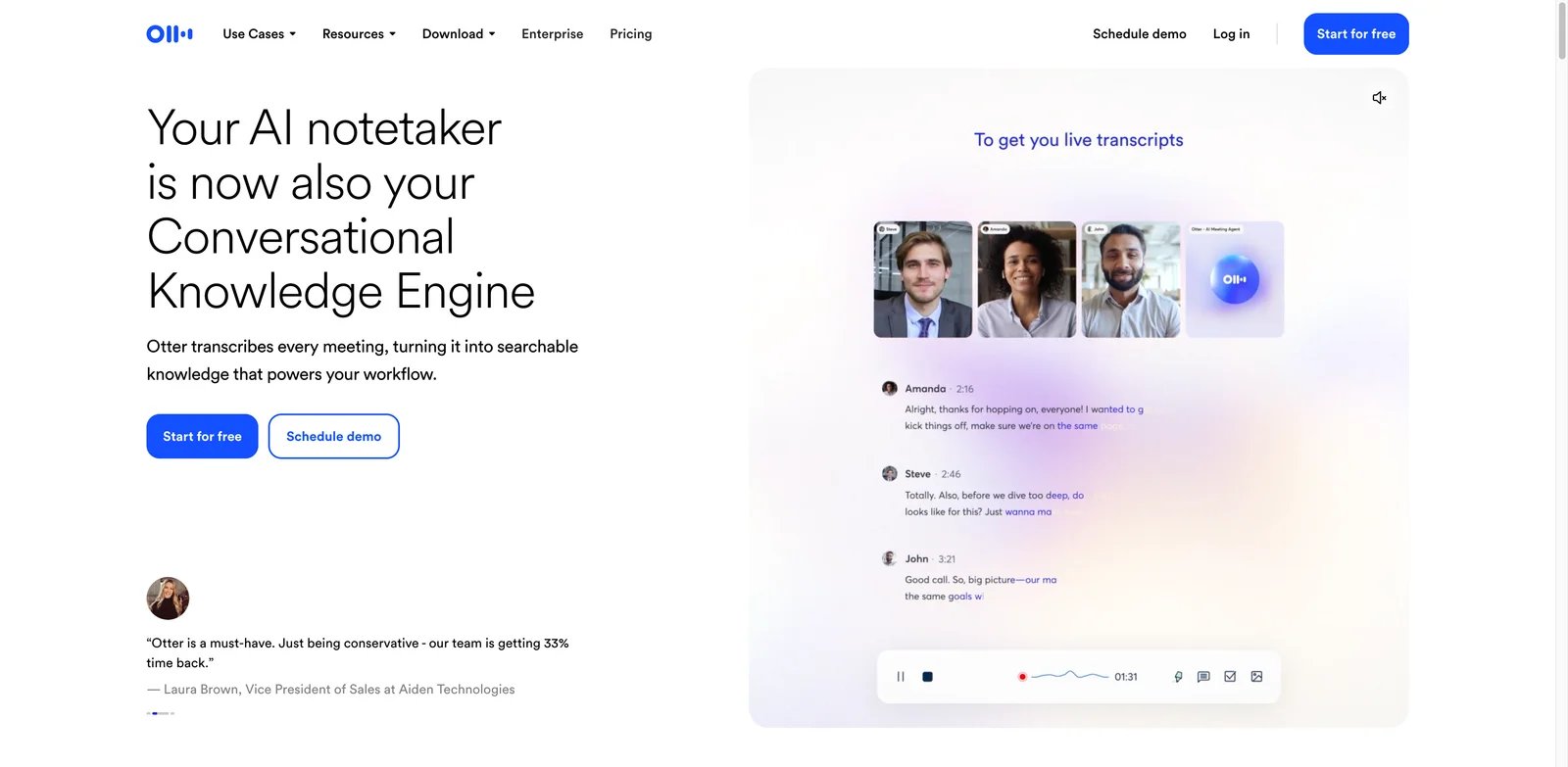
Otter.ai is one of the most established names in meeting transcription. It fits people who want real-time transcripts, speaker identification, AI summaries and the ability to ask questions about meeting content. Otter is also familiar to many teams, which reduces adoption friction compared with newer products. The main buyer question is whether its minute limits and collaboration tiers match your usage pattern.
Key Features
- Real-time transcription: Otter is strong for users who want notes during the meeting rather than only after processing.
- AI Chat and summaries: Users can ask questions about the transcript and quickly extract decisions or follow-ups.
- Mature meeting integrations: Otter supports common meeting platforms and collaboration workflows, making it a reliable general-purpose choice.
Pricing & Plans
Otter Basic is free with 300 transcription minutes per month, a 30-minute per-conversation cap and 3 lifetime audio/video file imports. Pro is $8.33 per user per month billed annually with 1,200 monthly minutes and up to 90 minutes per meeting. Teams should model minutes per user carefully, especially for people in meetings all day.
Pros & Cons
Pros
- Real-time transcription
- AI Chat and summaries
- Mature meeting integrations
Cons
- Otter is less sales-specific than Avoma or Sybill and less clip-oriented than Grain or tl;dv. - Users who prioritize bot-free desktop capture may prefer Granola, Krisp or Jamie.
Best For
Choose Otter.ai if you want mature real-time transcripts and AI meeting chat. It is not the right fit if your main requirement is sales coaching or unrestricted free usage.
Get started with Otter.ai
Notta
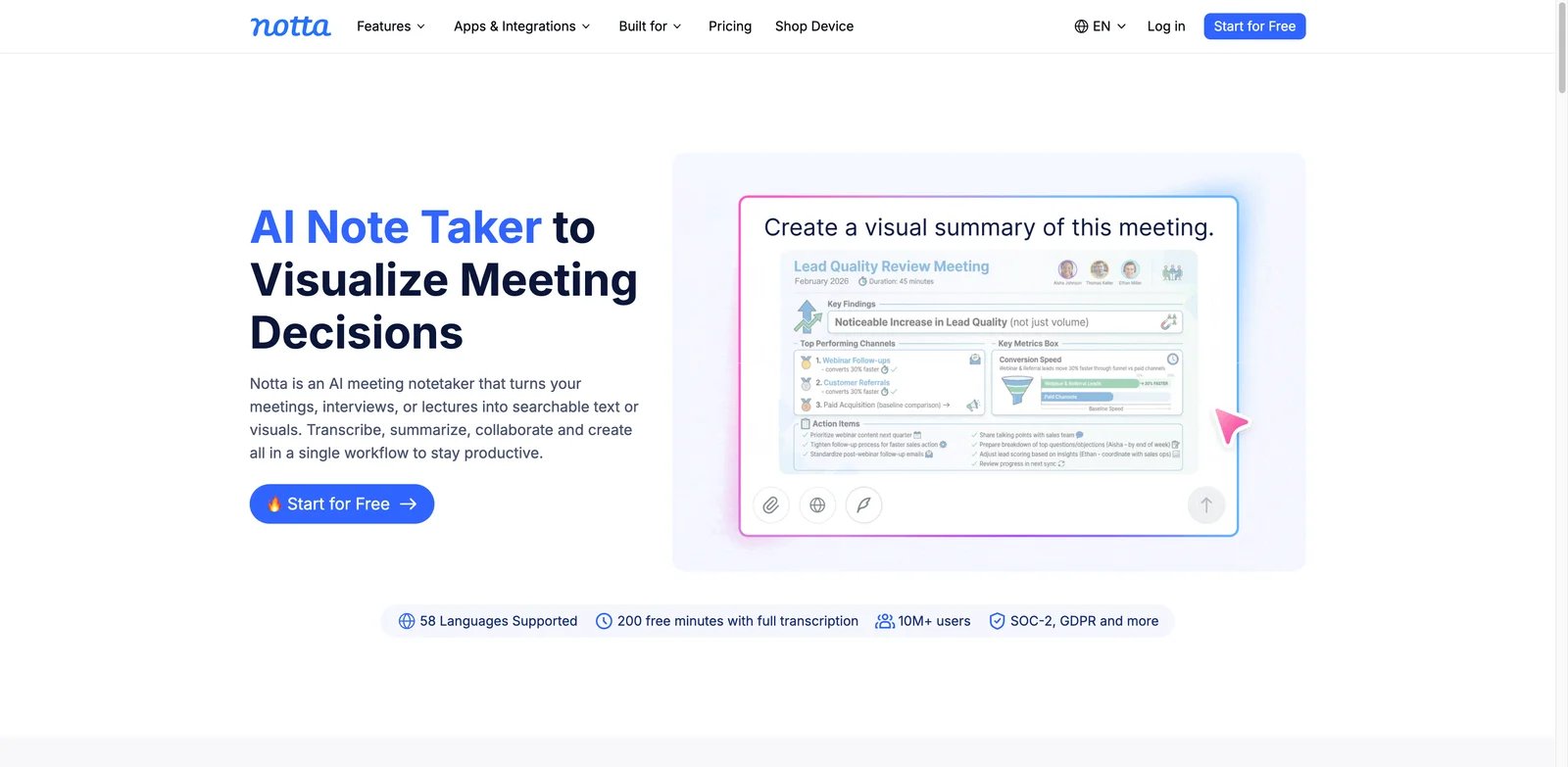
Notta is useful when meetings happen across devices, languages and formats. It supports web, mobile, desktop and Chrome workflows, plus major meeting platforms. That makes it a strong pick for multilingual teams, researchers, freelancers and operators who need transcription outside a single calendar system. The free plan is useful for testing, but session and minute limits matter.
Key Features
- Broad platform coverage: Web, mobile, desktop and Chrome support make Notta more flexible than single-surface tools.
- Multilingual transcription: Notta is a better fit than many English-first note takers for teams working across languages.
- Meeting and file workflows: Users can capture live meetings or work from imported audio and video.
Pricing & Plans
Notta Free includes 120 transcription minutes per month but limits each conversation to 3 minutes. Pro is $8.17 per month billed annually with 1,800 minutes per month and up to 5 hours per conversation. Check session-length limits and export needs before choosing a plan.
Pros & Cons
Pros
- Broad platform coverage
- Multilingual transcription
- Meeting and file workflows
Cons
- Notta is more transcription-centric than deep conversation intelligence tools. - Teams needing sales coaching, sentiment analysis or revenue workflows may prefer more specialized conversation-intelligence tools.
Best For
Choose Notta if you need multilingual transcription across several devices. It is not the right fit if meeting data must automatically drive sales operations.
Get started with Notta
Bluedot
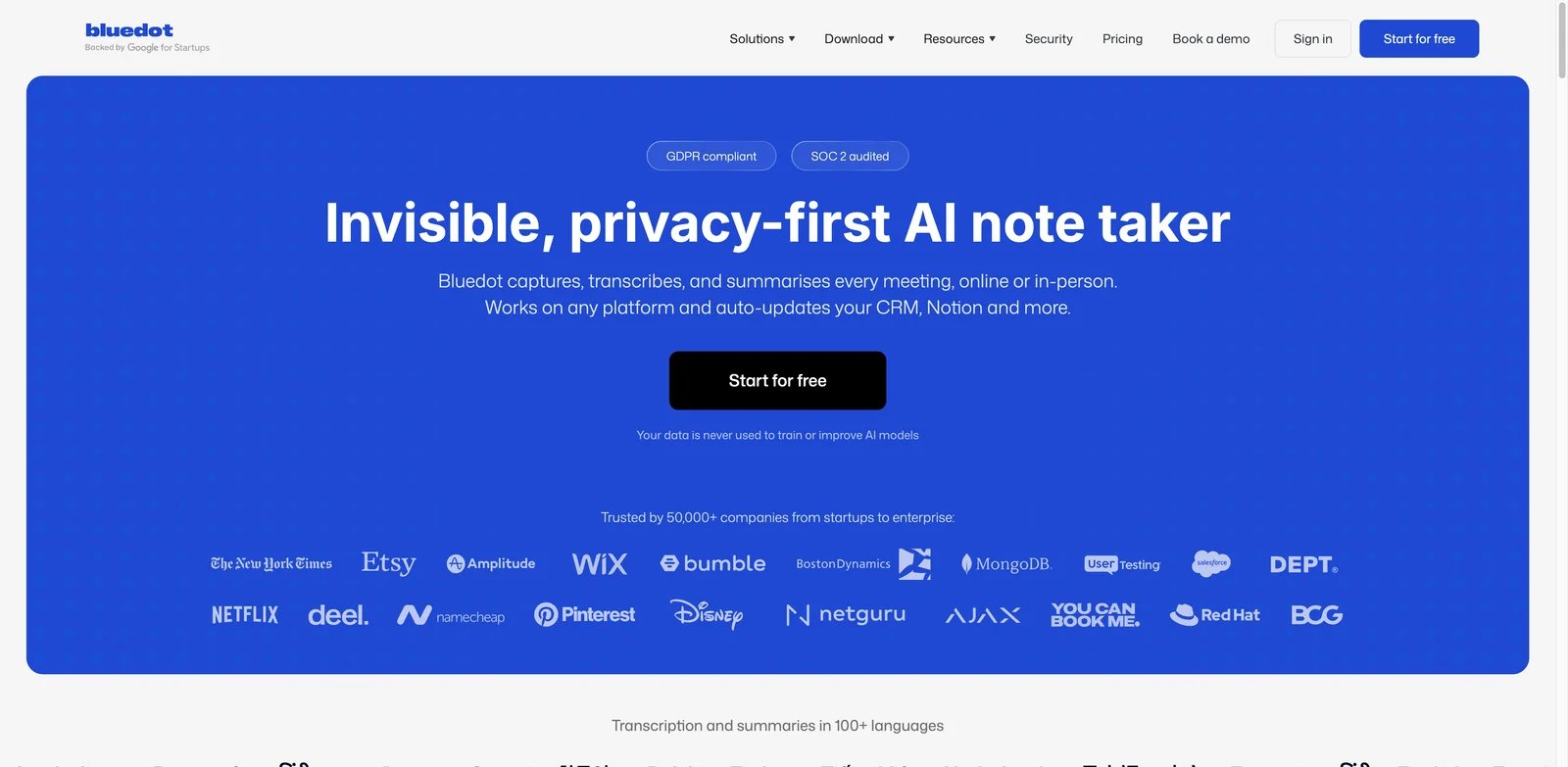
Bluedot is for teams that want bot-free recording without ignoring privacy and data-residency questions. It supports AI notes, meeting recording, summaries and integrations, and its public security material emphasizes controls such as EU data residency and not using customer meeting data for model training. That makes it worth shortlisting for teams that need a more privacy-conscious meeting assistant.
Key Features
- Bot-free recording: Bluedot reduces the social friction of visible meeting bots.
- Security and data-residency posture: Its public privacy and security positioning is clearer than many lightweight note takers.
- CRM and collaboration integrations: Teams can connect meeting output to follow-up workflows instead of leaving notes isolated.
Pricing & Plans
Bluedot Free is limited to 5 meetings for the lifetime of the account, with a 1-hour maximum per recording. The first paid tier is Basic at $14 per user per month billed annually; Pro is $20 per user per month billed annually. The free tier is narrower than Fathom or MeetGeek, so the tool makes most sense when bot-free capture and privacy posture justify the higher cost.
Pros & Cons
Pros
- Bot-free recording
- Security and data-residency posture
- CRM and collaboration integrations
Cons
- The product is less broadly proven than older platforms like Otter or Fireflies. - Teams should validate meeting-platform behavior and admin controls during a real trial.
Best For
Choose Bluedot if bot-free recording plus privacy posture matters. It is not the right fit if your priority is the largest free allowance.
Get started with Bluedot
Sembly AI
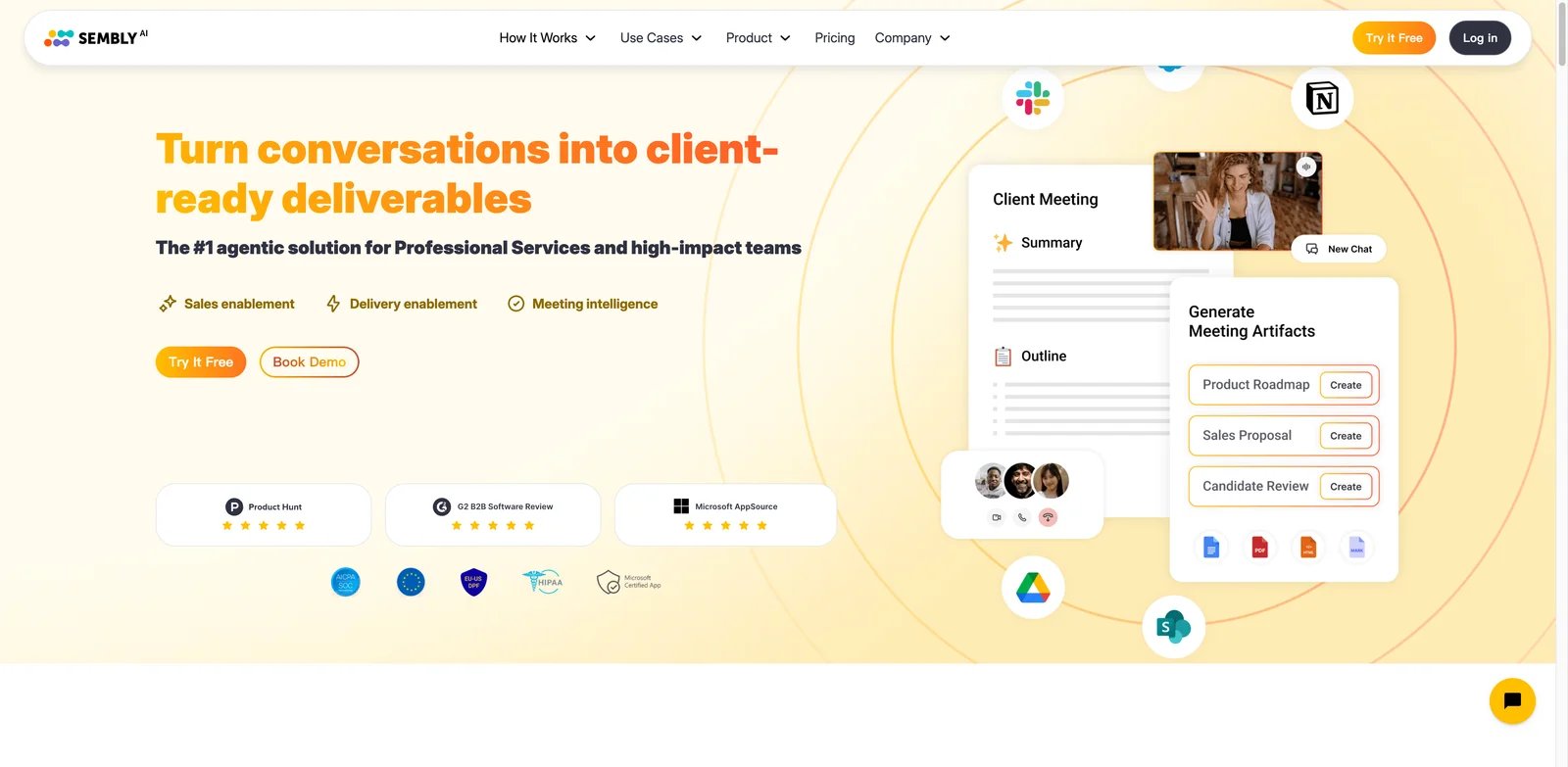
Sembly AI is aimed at teams that want meeting content to become knowledge and tasks. It can transcribe, summarize, identify action items and support meeting intelligence through Semblian. The product feels more structured than a simple note taker, which can help teams that need repeatable meeting output, but its packaging can be harder to compare cleanly.
Key Features
- Semblian meeting assistant: Sembly's AI layer can help users query and reason over meeting information.
- Task and action extraction: The product is built for follow-through, not only transcript storage.
- Team and enterprise controls: It is better suited than many small tools for organizations thinking about governance.
Pricing & Plans
Sembly's first paid tier is Basic at $10 per month billed annually; Pro is $20 per user per month and Max is $30 per user per month, with Enterprise available via sales. Basic includes unlimited meetings, transcription and summaries, up to 5 hours of media uploads, one user per workspace and up to one year of meeting history.
Pros & Cons
Pros
- Semblian meeting assistant
- Task and action extraction
- Team and enterprise controls
Cons
- Basic is limited to one user per workspace and up to one year of meeting history. - There is no ongoing free tier, so teams seeking zero-cost usage should look elsewhere.
Best For
Choose Sembly AI if meeting tasks and structured knowledge matter more than the cheapest price. It is not the right fit if unclear plan limits are a procurement blocker.
Get started with Sembly AI
Sybill
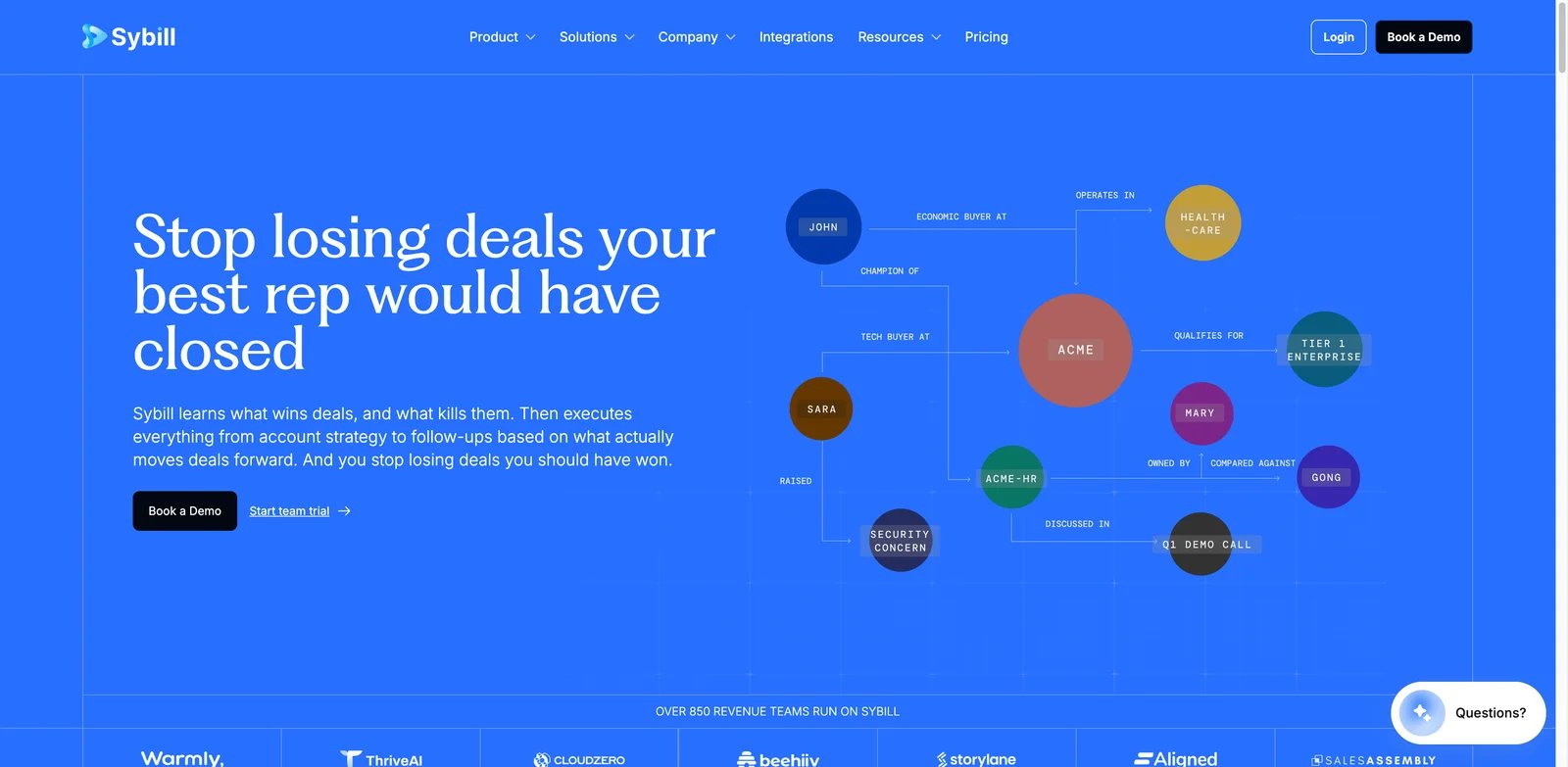
Sybill should be judged as a sales meeting assistant, not a general note taker. It focuses on meeting prep, follow-up, CRM updates and deal-related automation. That is valuable when sales reps lose hours turning calls into notes, fields and next steps. It is less compelling for internal standups, education or general team meetings.
Key Features
- CRM autofill and follow-up: Sybill is strong when meeting output needs to become structured sales activity.
- Sales meeting prep: It can help reps walk into calls with context rather than relying only on post-call notes.
- Deal workflow automation: The product is built around revenue teams, so it aligns better with sales process than generic transcription tools.
Pricing & Plans
Sybill Free is $0 with 500 credits per week per user and 20 AI meeting summaries per month per team. Pro is $30 per user per month on annual billing with 2,500 credits per week per user; Business is $90 with 5,000 credits per week per user. The higher tiers can make sense for sales teams, but they are expensive if the buyer only needs summaries.
Pros & Cons
Pros
- CRM autofill and follow-up
- Sales meeting prep
- Deal workflow automation
Cons
- The focus on sales is both a strength and a constraint. - Non-sales teams may pay for revenue workflows they do not need.
Best For
Choose Sybill if CRM updates and sales follow-up are the pain. It is not the right fit if you need a general-purpose AI meeting assistant for every department.
Get started with Sybill
Jamie
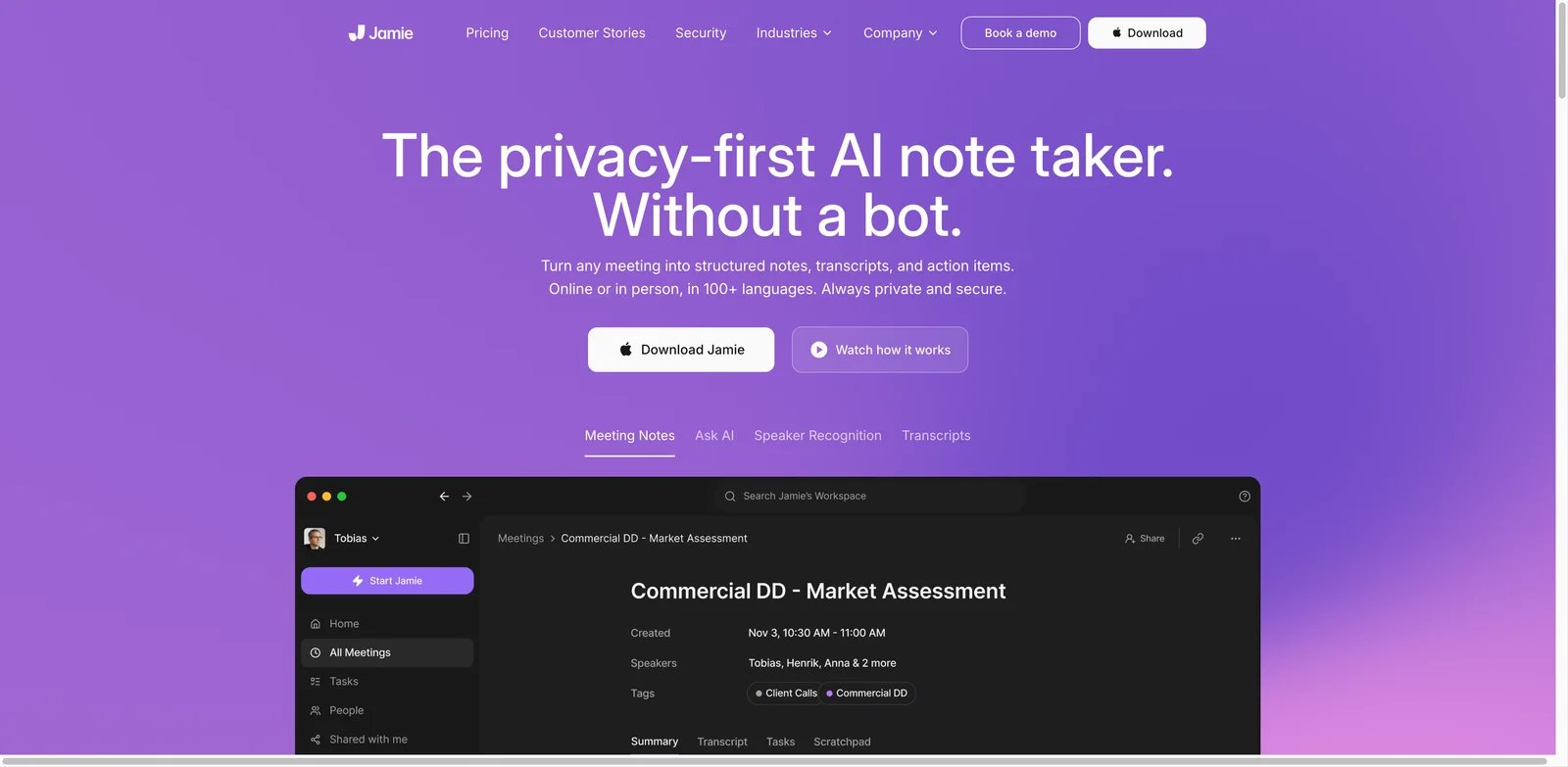
Jamie is a good fit for people who switch between remote calls and in-person conversations. Its bot-free approach avoids adding another participant to the meeting and can support offline contexts where calendar bots do not help. That makes it interesting for consultants, managers, founders and field teams that need notes outside standard video-call workflows.
Key Features
- Bot-free capture: Jamie avoids the visible bot problem and works for meetings where inviting a recorder feels awkward.
- Online and offline coverage: It can support meetings that do not happen inside Zoom or Meet.
- Privacy-forward positioning: The product's messaging is clearer than many small note takers for users who care about meeting-data handling.
Pricing & Plans
Jamie Free includes 10 meetings per month with a 30-minute meeting cap. Plus is €21 per month billed annually with 20 meetings per month and a 2-hour cap; Pro is €39 per month billed annually with unlimited meetings and a 5-hour cap. The paid price is higher than some lightweight tools, so the value depends on whether offline and bot-free capture are essential.
Pros & Cons
Pros
- Bot-free capture
- Online and offline coverage
- Privacy-forward positioning
Cons
- Jamie is lighter on real-time analytics, CRM sync and enterprise meeting intelligence than the top platforms. - It is better suited to private note assistance than to a full team operations layer.
Best For
Choose Jamie if bot-free notes for online and in-person meetings are the priority. It is not the right fit if you need deep sales analytics or broad workflow automation.
Get started with Jamie
Laxis
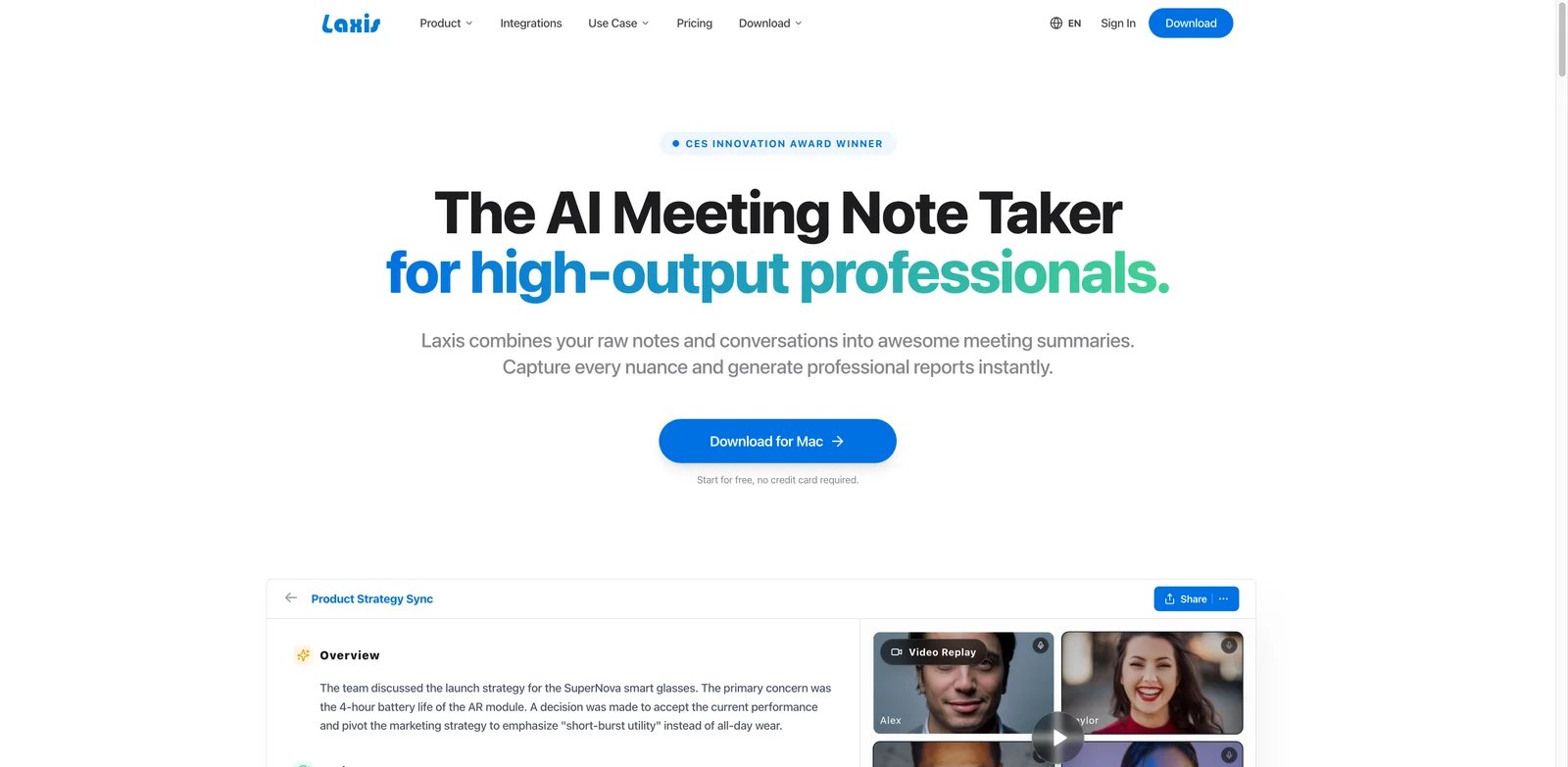
Laxis is a budget-friendly meeting assistant for users who want transcripts, summaries and AI writing without jumping into a heavy platform. It supports common meeting workflows and adds AI Chat, AI Writer and CRM-related features. That makes it useful for consultants, researchers, sales reps and small teams that need more than raw transcription but less than enterprise conversation intelligence.
Key Features
- Meeting assistant basics: Laxis covers transcription, summaries and meeting capture across common platforms.
- AI Writer and AI Chat: Users can turn meeting material into follow-ups, summaries and reusable content.
- CRM-oriented workflows: It includes enough sales-adjacent functionality to support small revenue teams.
Pricing & Plans
Laxis Free includes 300 shared minutes per month. Premium is $15.99 per month on monthly billing or about $13.33 per month billed annually and includes 2,000 minutes per month; Business is $29.99 per month with unlimited minutes. That is reasonable for individual users, but teams should compare it with cheaper or more mature alternatives before scaling.
Pros & Cons
Pros
- Meeting assistant basics
- AI Writer and AI Chat
- CRM-oriented workflows
Cons
- Laxis does not have the same market proof or enterprise depth as larger competitors. - Buyers should validate accuracy, integrations and admin requirements during a trial.
Best For
Choose Laxis if you want affordable AI meeting notes plus writing support. It is not the right fit if you need best-in-class team analytics or governance.
Get started with Laxis
Circleback
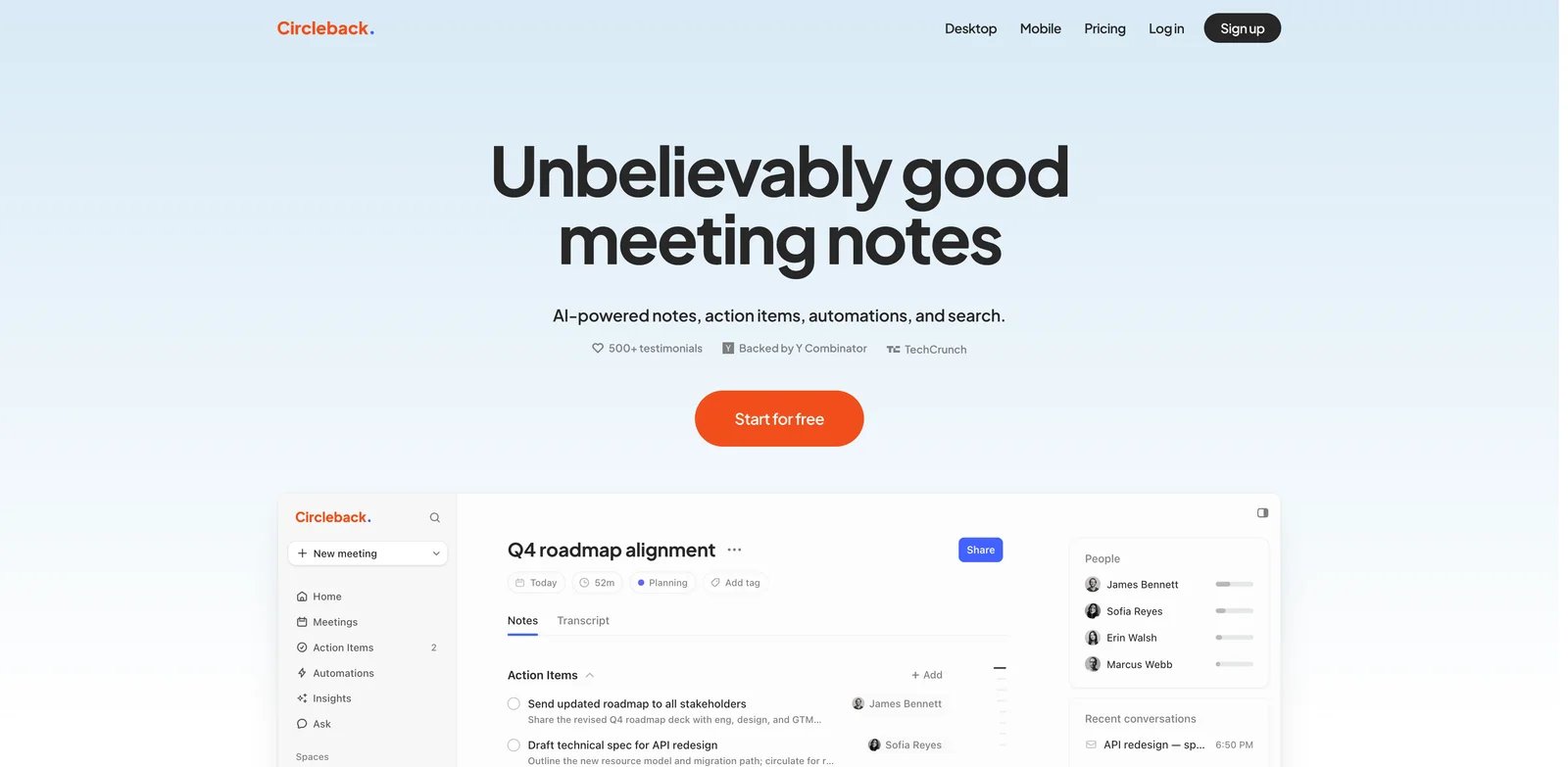
Circleback is interesting because it pushes toward cross-conversation search and automated workflows, not just meeting summaries. That is valuable when users need to find decisions, promises and recurring topics across many meetings. The product scored well on functionality and innovation in the research pass, but public review evidence was limited and weaker than top competitors.
Key Features
- Cross-conversation search: Circleback is designed for asking questions across prior meetings.
- Automated workflows: Meeting output can trigger follow-up actions instead of staying in a transcript.
- Broad language and summary support: It aims to support varied meeting types rather than a single sales workflow.
Pricing & Plans
Circleback has no free tier; it offers a 7-day trial. Individual is $20.83 per user per month billed annually or $25 on monthly billing. That is not the cheapest option, so buyers should confirm that cross-meeting search and workflow automation are important enough to justify the price.
Pros & Cons
Pros
- Cross-conversation search
- Automated workflows
- Broad language and summary support
Cons
- Public review evidence is limited compared with heavily reviewed incumbents, so review-based confidence should be weighted conservatively. - Its limited public-review footprint makes a careful pilot more important before standardization.
Best For
Choose Circleback if cross-meeting search is the main job. It is not the right fit if you need a tool with a large, highly rated public review base.
Get started with Circleback
Wudpecker
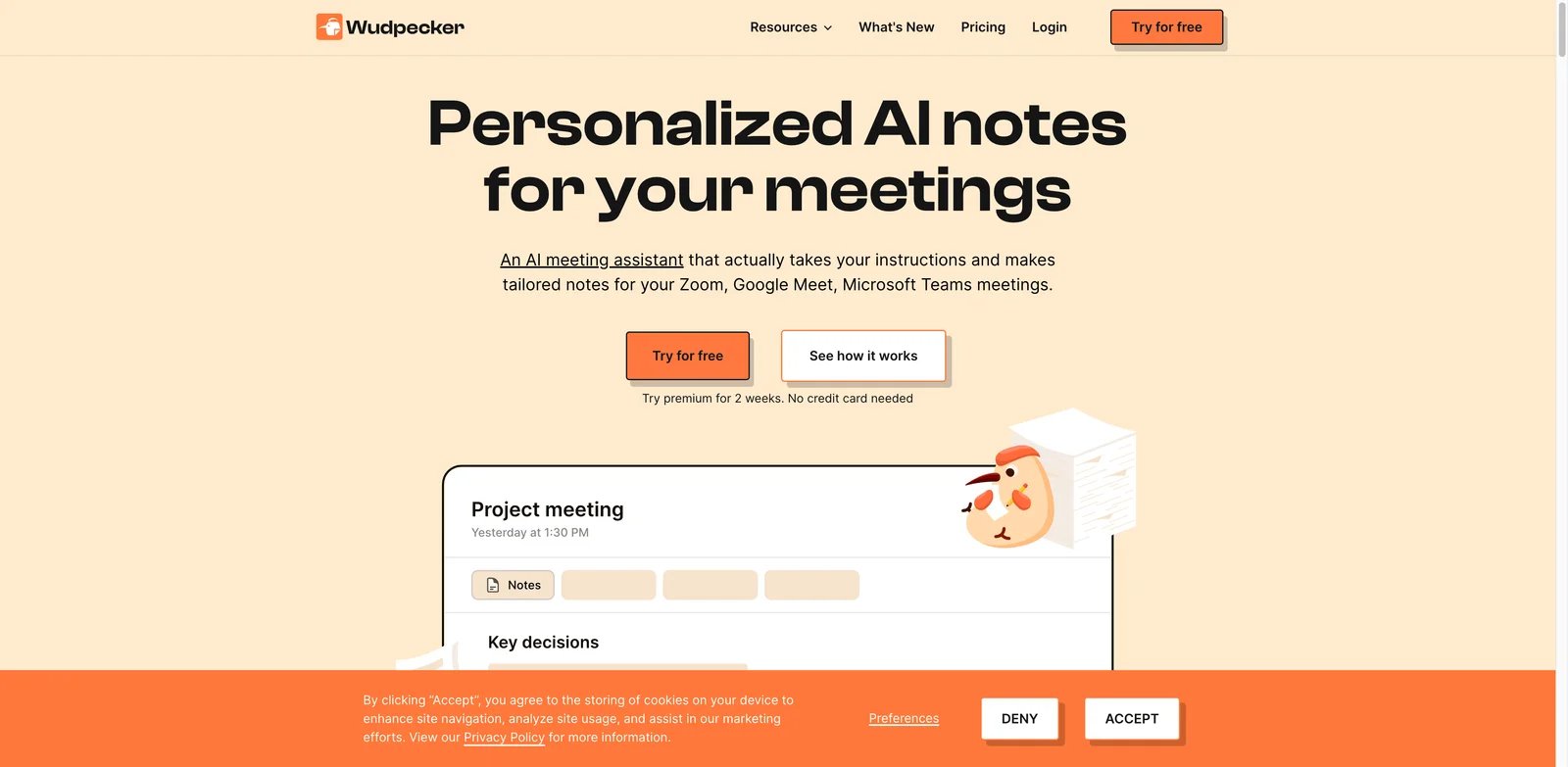
Wudpecker is a flexible option for users who want both bot and bot-free recording paths. It can capture meetings, create notes, support custom templates and let users ask questions about meeting content. That makes it useful for teams that do not want to choose a single capture philosophy too early.
Key Features
- Bot and desktop bot-free recording: Wudpecker can fit different meeting norms inside the same team.
- Custom note templates: Users can standardize how summaries look for different meeting types.
- Ask AI over meetings: The product supports querying meeting content rather than only reading static notes.
Pricing & Plans
Wudpecker Free includes 10 bot meetings per month and unlimited self-recorded meetings. Plus is $19 per month billed annually and increases the bot allowance to 30 meetings per month. The value is solid if the free limit matches your volume or if templates save enough manual work.
Pros & Cons
Pros
- Bot and desktop bot-free recording
- Custom note templates
- Ask AI over meetings
Cons
- The public review sample is small, so review-based confidence should be weighted conservatively. - Teams should validate reliability and support responsiveness before wide rollout.
Best For
Choose Wudpecker if you want templates plus both bot and bot-free recording options. It is not the right fit if public review confidence is your main purchase criterion.
Get started with Wudpecker
Best AI Meeting Assistant Tools by Use Case
For teams starting from zero
If your team has no shared meeting-note workflow, start with Fathom, Fireflies.ai or MeetGeek. Fathom has the lowest-friction free plan, Fireflies is stronger when notes need to move into workflows, and MeetGeek offers a good balance of summaries, integrations and price. Do not start with a sales-heavy platform unless the main buyer is a revenue team.
For people who do not want meeting bots
Granola, Krisp, Jamie, Tactiq and Bluedot are the strongest bot-free paths. Granola is best for personal and team memory, Krisp is best when audio quality matters, Jamie is best for online plus in-person meetings, Tactiq is best for Chrome live transcripts, and Bluedot is strongest when privacy and EU data residency are part of the shortlist.
For sales and customer-facing teams
Avoma, tl;dv, Grain, Sybill and Read AI are the more serious options. Avoma is best for conversation intelligence, tl;dv is strong for clips and coaching, Grain is useful for customer evidence libraries, Sybill is strongest for CRM follow-up, and Read AI adds engagement and sentiment signals. For broader sales tooling beyond meetings, compare this list with our best AI sales tools guide.
For multilingual transcription
Notta, Fireflies.ai, Otter.ai and tl;dv deserve the first look. Notta is especially strong when users need web, desktop, mobile and Chrome access across languages. If the workflow is more about general audio capture than meeting collaboration, also compare dedicated AI transcription tools.
For privacy-sensitive teams
Bluedot, Fireflies.ai, Granola and Krisp surfaced the clearest privacy or security positioning during research. The right choice still depends on your exact policy: whether customer meeting data can be used for model improvement, where data is stored, whether deletion is controllable, whether SOC 2 matters, and whether visible bots are allowed.
How to Choose the Right AI Meeting Assistant
Start with capture style. A meeting bot is easier to automate across calendars, but it is visible and may require participant consent. Bot-free tools feel more natural and can work across apps, but they may depend more on each user's device setup. If your company has strict recording policies, solve this question before comparing summaries.
Next, separate transcription from workflow. A transcript is useful, but the real ROI comes when action items reach owners, customer quotes reach product teams, and sales follow-ups reach the CRM. If your meeting notes never leave the tool, choose the cheapest accurate option. If meeting output drives revenue or operations, pay for integrations and admin controls.
Then model limits around real usage. Free plans can look similar while behaving very differently. Fathom's free tier is unusually generous, while Read AI's free plan is capped at 5 meetings per month and Notta's free plan has minute/session constraints. Teams with daily meetings should calculate monthly meetings, average length, storage needs, recorder seats and viewer seats before buying annually.
Finally, test with uncomfortable meetings, not only clean demos. Use a noisy call, a multi-speaker customer interview, a technical discussion with acronyms, a sales call that needs CRM follow-up, and a meeting where someone joins late. The best AI meeting assistant for your team is the one that survives your messy real workflow.
Frequently Asked Questions
What is the best AI meeting assistant in 2026?
Are AI meeting assistants allowed to record calls?
Which AI meeting assistant works without a bot?
Which AI meeting assistant has the best free plan?
What is the difference between an AI meeting assistant and an AI transcription tool?
Which AI meeting assistant is best for sales teams?
Do AI meeting assistants train models on my meeting data?
How should I test an AI meeting assistant before paying annually?
Get ToolWorthy Weekly
New AI tools, practical guides, and selected AI signals in one weekly brief.
Discover More AI Tools
Explore our comprehensive directory of AI tools, carefully curated and reviewed by experts to help you find the perfect solution for your needs.