



Overview
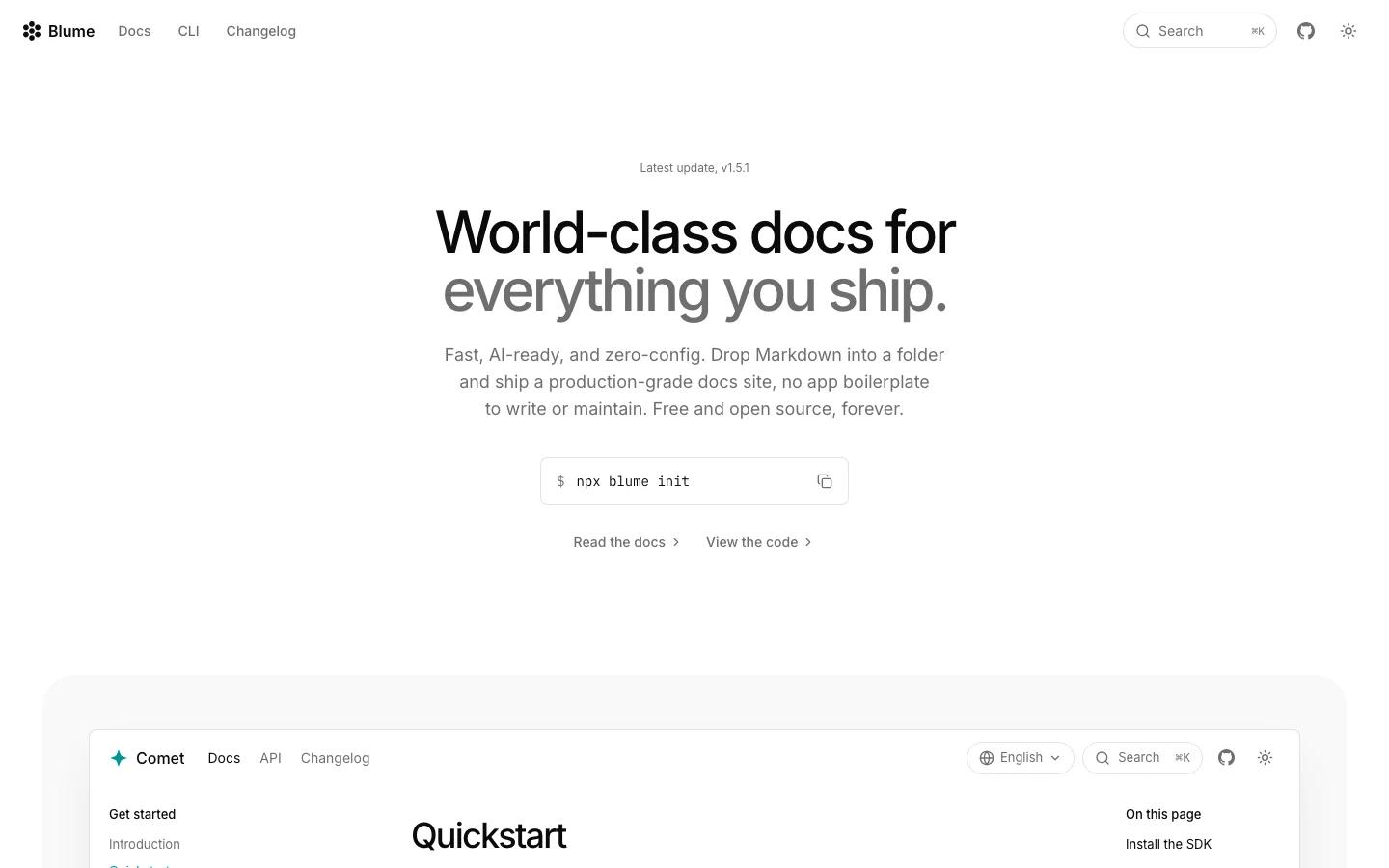
Blume is a documentation framework for teams that want Markdown to remain the source of truth while the published site becomes fast, searchable, and easier for AI tools to consume. The official pitch is direct: Blume builds "world-class docs for everything you ship" and frames the product as fast, AI-ready, zero-config, free, and open source.
That combination puts it in a useful lane between general static site generators and heavier developer portal platforms. Writers and engineers keep working in Markdown. Blume adds the surrounding documentation layer: navigation, search, SEO, internationalization, API references, changelog pages, components, and AI-facing outputs such as llms.txt, raw Markdown routes, copy actions for LLMs, an in-page Ask AI feature, and an MCP server.
For teams already thinking about AI agent workflows, the AI layer is the main reason to pay attention. Documentation is no longer read only by people in a browser. It is also retrieved by coding agents, support bots, internal copilots, and LLM-powered search. Blume treats that distribution problem as a first-class feature rather than a plugin bolted onto a docs theme.
Key Features
- Markdown-first documentation - Content lives in Markdown files, which keeps docs close to code review, version control, and existing writing workflows.
- Zero-config starting path - The official quick start uses
npx blume init, giving teams a short path from empty project to working docs site. - AI-ready distribution - Blume supports
llms.txt, raw Markdown URLs, LLM copy/open actions, in-page Ask AI, and an MCP server so documentation can be consumed by AI tools as well as humans. - Search and SEO built in - The framework includes site search and SEO defaults, reducing the amount of plumbing needed before docs become usable publicly.
- i18n support - Internationalization is part of the product surface, which matters for developer tools shipping to global users.
- OpenAPI and AsyncAPI references - Teams can publish interactive API documentation alongside conceptual guides and release notes.
- Changelog and component support - Blume includes changelog pages and reusable components for richer docs without leaving Markdown behind.
How to Get Started
The official setup path is short:
npx blume init
From there, teams can add Markdown pages, configure navigation, and publish a docs site with the framework's built-in search and SEO behavior. The more important planning step is deciding what AI-facing surface you want to expose: whether to publish llms.txt, raw Markdown routes, MCP access, or Ask AI on the public site.
For an internal developer platform, start with a small product area and test how well coding agents retrieve the docs. If the goal is public discoverability, pair the site structure with the same care you would use for a broader AI productivity content library: clear titles, concise pages, stable URLs, and canonical answers to common questions.
Pricing & Plans
Blume is free and open source. The official homepage states that the framework is free and open source forever, so there is no public hosted seat price or subscription tier to compare at the time of review.
The practical costs are operational:
| Cost area | What to expect |
|---|---|
| Blume framework | Free open-source project |
| Hosting | Depends on where the static site or app is deployed |
| AI features | Depends on the models or services used for Ask AI or related retrieval workflows |
| Maintenance | Owned by the team operating the docs site |
For small teams, the free license makes Blume easy to test. For larger teams, the question is less about license cost and more about whether its Markdown-first workflow fits existing docs ownership, review, localization, and release processes.
Best For
- Open-source projects that want polished docs without adding a proprietary docs platform
- Developer-tool startups that need docs to work for both human readers and coding agents
- Teams publishing API references, changelogs, and conceptual docs from the same Markdown source
- Engineering teams that prefer Git-based review over a separate CMS workflow
- AI product teams preparing documentation for retrieval by copilots, chatbots, and MCP-aware agents
Blume is most compelling when AI-readability is not optional. If your docs are mainly marketing pages, a general website builder may be enough. If your docs need to become structured context for assistants and AI code generation workflows, Blume's AI-facing defaults are the differentiator.
FAQ
What is Blume?
Blume is a free open-source documentation framework for building fast, Markdown-first, AI-ready docs sites with search, SEO, i18n, API references, changelog support, and AI-facing outputs.
Is Blume free?
Yes. The official homepage describes Blume as free and open source. Teams may still pay for hosting, model usage, or operational services around the docs site.
What makes Blume AI-ready?
Blume supports features designed for LLM and agent consumption, including llms.txt, raw Markdown routes, copy and open actions for LLM tools, an in-page Ask AI feature, and MCP server support.
Does Blume support API documentation?
Yes. Blume lists OpenAPI and AsyncAPI support, so teams can publish API references alongside ordinary Markdown guides.
Who should use Blume?
Blume fits developer tools, open-source projects, and AI product teams that want documentation to remain Markdown-first while becoming easier for both people and AI systems to consume.