



Overview
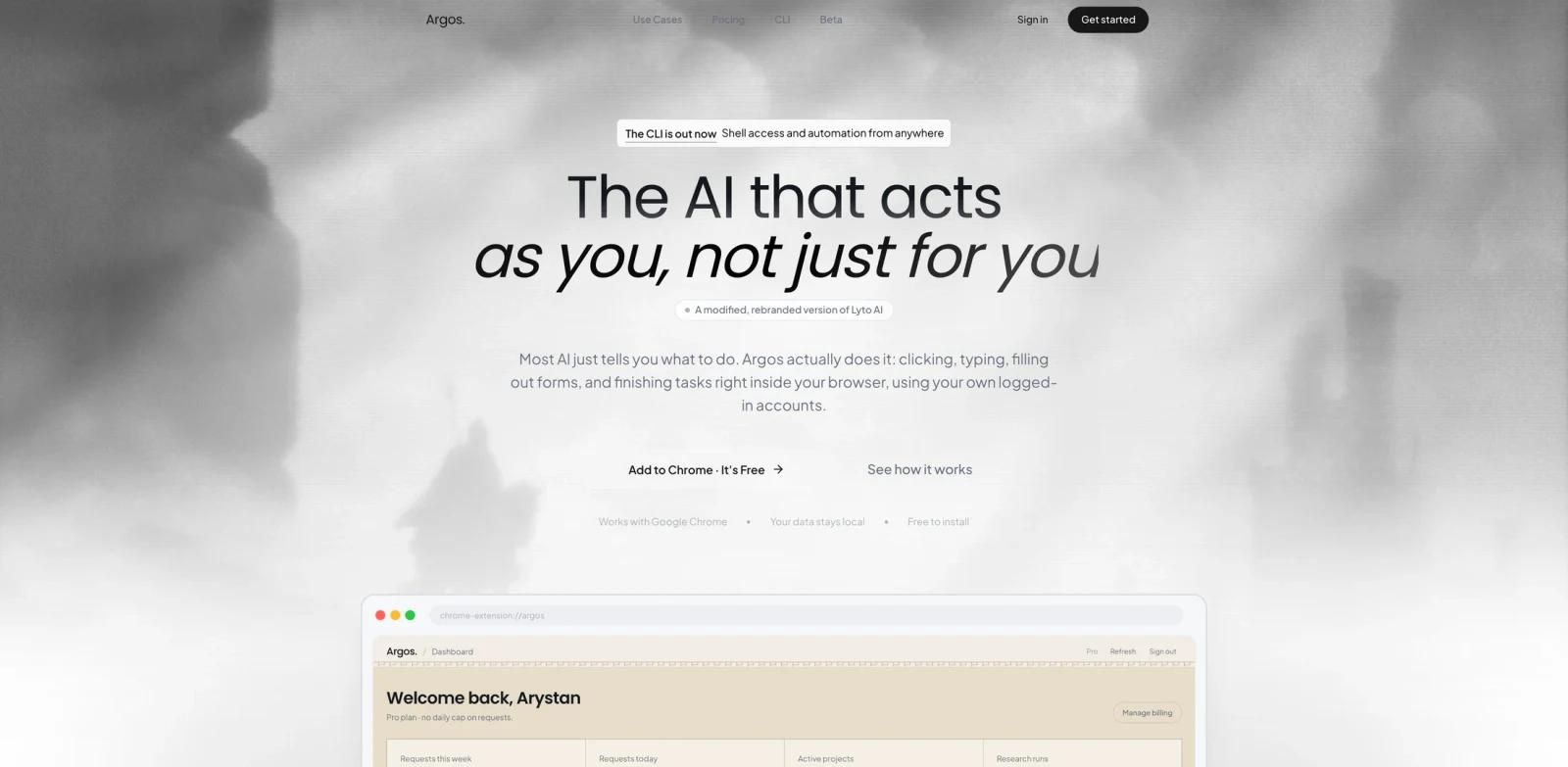
Argos is a Chrome-based AI agent that acts inside the user's browser. The official site says most AI tools tell users what to do, while Argos actually clicks, types, fills forms, opens tabs, researches topics, organizes work, and finishes tasks inside Chrome using the user's own logged-in accounts.
The product is broader than a normal browser sidebar. It supports browser actions, real-time and background tasks, native work inside Gmail, Google Docs, and Google Sheets, plus a CLI that can run on the user's computer with shell access and Telegram access. That puts Argos in the same practical zone as browser-focused AI agent tools and AI workflow generator products.
Argos is most compelling for people whose work already happens across tabs: sales research, writing research, competitor comparison, document automation, inbox work, and spreadsheet preparation. It is less about chatting with a page and more about letting an agent operate the page with the user's permission and logged-in context.
Key Features
Full browser control - Opens tabs, scrolls, clicks, fills forms, and interacts with page elements on websites.
Background task execution - Can take on complex browser work in real time or in the background, then hand back a finished result.
Google app workflows - Works inside Gmail, Google Docs, and Google Sheets to draft emails, write documents, build tables, and create charts.
Argos CLI - Extends the agent to the desktop with shell access, a logged-in browser, and Telegram access from away from the laptop.
Research and monitoring - Supports deep research, page monitoring, instant alerts, and cross-tab comparison workflows.
Free-start pricing - Installs free, with a Pro plan and Team tier for heavier daily usage.
How to Get Started
Start with a low-risk browser workflow where mistakes are easy to inspect. Good examples include collecting competitor pricing, turning tabs into a research brief, filling a non-critical internal form, summarizing a set of pages, or drafting a Gmail reply without sending it automatically.
Because Argos uses logged-in accounts and can act on real pages, users should set clear approval habits. Let it draft, gather, and prepare first, then review before letting it send, submit, or change important records. Teams that already use AI productivity assistants should evaluate whether Argos saves more time by staying inside the browser rather than switching into a separate workspace.
Pricing & Plans
Argos publishes free and paid plans.
| Plan | Price | Notes |
|---|---|---|
| Free | $0 | 25 messages/day, page actions, Google/Gmail/GitHub/Slack integrations, memory, web search, basic file generation |
| Pro | $15/month annual price shown, $25 monthly list price | 3-day free trial, WhatsApp and Telegram access, scheduled tasks, deep research, page monitoring, desktop version, 400 requests/week and 70 requests/day |
| Team | From $120/month | From 5 to unlimited users, custom integrations, dedicated support, SLA guarantee |
The site says Pro includes a 3-day free trial and can be canceled anytime.
Best For
- Sales teams doing daily account and prospect research across many tabs
- Writers, analysts, and students who need fast browser-based research briefs
- Operators turning Gmail, Docs, Sheets, and web pages into repeatable workflows
- Users who want an agent that can act in Chrome rather than just summarize tabs
- Teams comparing browser agents with tools like MuleRun or computer-use automation
FAQ
What is Argos?
Argos is a browser AI agent for Chrome that can click, type, fill forms, open tabs, research pages, and work inside Google apps.
Is Argos free?
Argos has a Free plan with 25 messages per day and free installation. Pro is listed at $15/month on the annual option and $25/month as the monthly price.
What apps does Argos integrate with?
The site lists Google, Gmail, GitHub, Slack, Google Docs, Google Sheets, WhatsApp, Telegram, and desktop workflows through the CLI.
Does Argos work outside the browser?
The Argos CLI brings the same agent to the desktop with shell access, a logged-in browser, and Telegram access.
Is Argos safe to use with logged-in accounts?
Argos is designed to use local logged-in browser context, so users should start with low-risk tasks and review important sends, submissions, and edits before approving them.
Who should use Argos?
Argos is best for people whose work depends on Chrome, research, forms, email, documents, spreadsheets, monitoring, and other repeated browser tasks.