



Overview
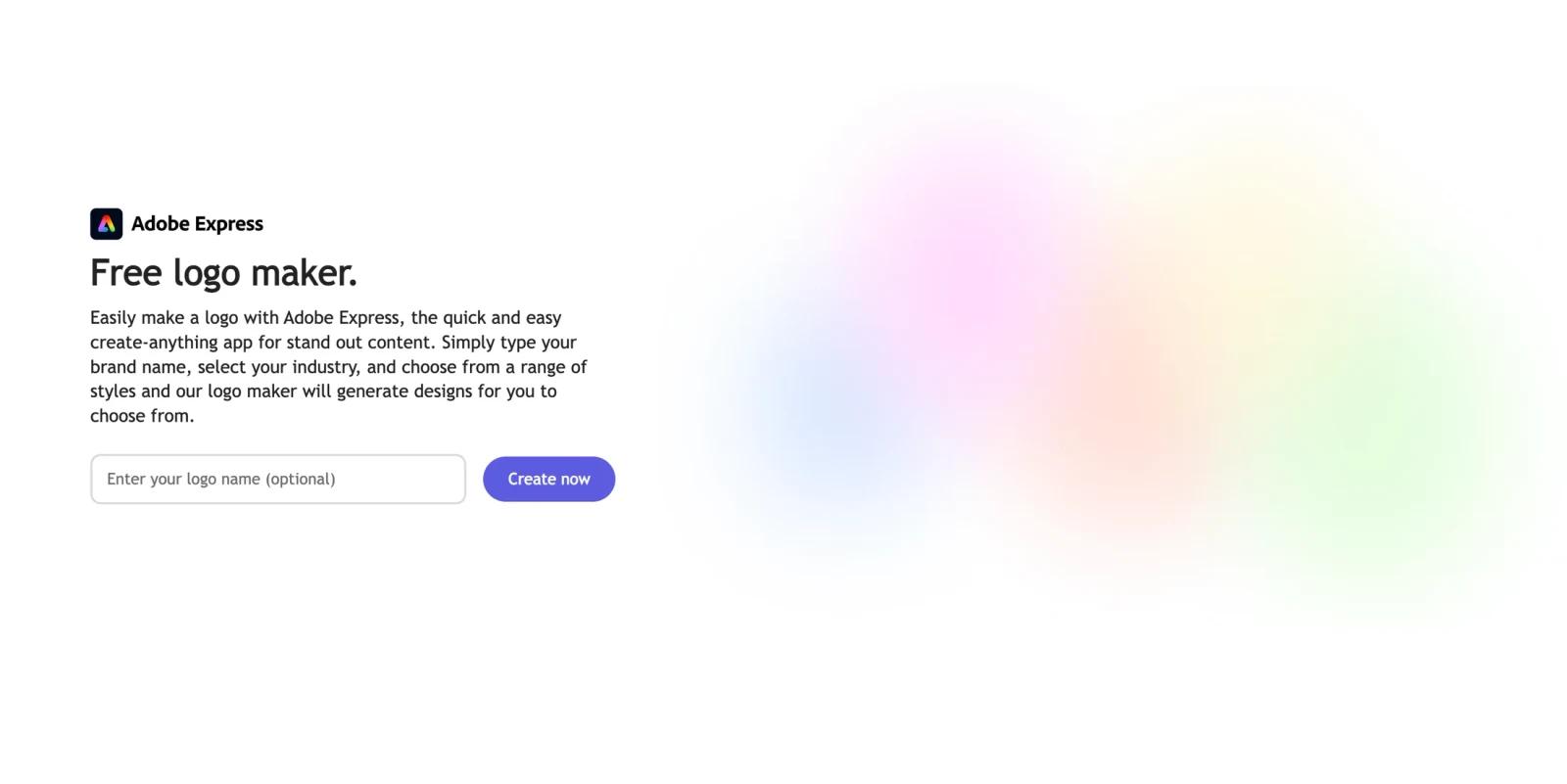
Adobe Logo Maker is the logo creation workflow inside Adobe Express. It helps users generate logo ideas by entering a brand name, choosing an industry, selecting styles, and customizing the result with Adobe Express templates, fonts, icons, colors, and editing tools. It is built for fast brand asset creation rather than professional identity strategy.
The advantage is that the logo maker sits inside Adobe Express, not a standalone mini tool. After generating a logo, users can keep editing the design and reuse it across social posts, flyers, business cards, presentations, merchandise, and other Adobe Express assets. That makes it a practical choice for small businesses, creators, and teams that already use Adobe's design ecosystem.
As of April 28, 2026, the official Adobe Express logo page describes the tool as free, says users can generate designs from a brand name, industry, and style choices, and highlights thousands of Adobe Fonts, logo templates, free images, icons, and design assets. Adobe also says logo downloads can include high-quality formats such as PNG, JPG, and PDF.
For adjacent research, compare AI design tools.
Key Features
Guided logo generation - Users start with a brand name, industry, slogan, and style preferences, then choose from generated logo directions.
Templates and design assets - Adobe Express includes professionally designed logo templates, free images, icons, graphics, and design assets that can be customized.
Adobe Fonts access - The logo maker gives users access to Adobe Fonts and font recommendations for experimenting with typography.
Express editor customization - Users can open logo designs in Adobe Express to edit colors, layout, icons, graphics, shapes, images, and branded assets.
Multi-use brand workflow - Finished logos can be used across social content, flyers, business cards, websites, merchandise, and broader Adobe Express projects.
Free entry point - Adobe positions the logo maker as free to use, while broader Adobe Express Premium features may matter for teams that need brand kits and premium assets.
How It Compares
Adobe Logo Maker competes with AI logo generator tools, Canva's logo maker, BrandCrowd, Design.com, and lightweight tools such as LogoFast. Its main advantage is the Adobe Express ecosystem: once the logo exists, users can quickly apply it to related marketing assets.
Compared with a dedicated brand identity platform, Adobe Logo Maker is less specialized around logo package sales, trademark workflows, or deep brand strategy. Compared with simple free tools, it offers a richer editor and broader content creation environment. The best fit is a user who wants a quick logo plus a place to keep designing related assets.
Pricing & Plans
Adobe Express Logo Maker is marketed as free to use. Adobe Express also has Free and Premium plans, and Premium can unlock more assets, brand features, and advanced workflows across the broader Express product.
| Plan | Public pricing posture | Best fit |
|---|---|---|
| Adobe Express Free | Free access to Adobe Express and the logo maker | Individuals, students, creators, and small businesses testing logo ideas or creating simple brand assets |
| Adobe Express Premium | Paid Adobe Express plan; check Adobe's live pricing page for current regional price | Users who need premium templates, brand tools, more assets, and broader content creation workflows |
| Teams / business access | Adobe offers team and business options for Express | Organizations standardizing brand creation, templates, and collaboration |
The logo maker itself is easy to start for free, but teams should evaluate the broader Adobe Express plan if they need shared brand kits, premium content, governance, or repeat marketing production.
Best For
- Small businesses creating a quick logo and related marketing materials
- Creators who want a logo for social profiles, channels, or merch
- Teams already using Adobe Express for flyers, posts, presentations, and ads
- Non-designers who want templates and guided logo generation
- Users comparing BrandCrowd, Design.com, Canva, and Adobe Express for practical brand assets
Adobe Logo Maker is less suitable for companies that need a fully original identity system, formal brand guidelines, or legal review for trademark registration.
FAQ
What is Adobe Logo Maker?
Adobe Logo Maker is the logo creation tool inside Adobe Express. It helps users generate and customize logo ideas using brand details, styles, templates, fonts, icons, and editing tools.
Is Adobe Logo Maker free?
Yes. Adobe describes the Adobe Express logo maker as free to use. Some broader Adobe Express assets and premium features may require a paid plan.
What formats can I download?
Adobe's logo maker page says users can download logos in high-quality file formats including PNG, JPG, and PDF.
Can I add a slogan to my logo?
Yes. Adobe says users can enter a slogan from the starting page, and the logo maker can generate versions with and without the slogan.
Is Adobe Logo Maker good for business logos?
It is useful for quick business logo drafts and marketing assets, but businesses should still review originality, trademark risk, and brand fit before using a generated logo as a permanent identity.
Who should use Adobe Logo Maker?
It is best for small businesses, creators, students, and marketing teams that want a fast logo workflow inside a broader design and content creation app.


