



Overview
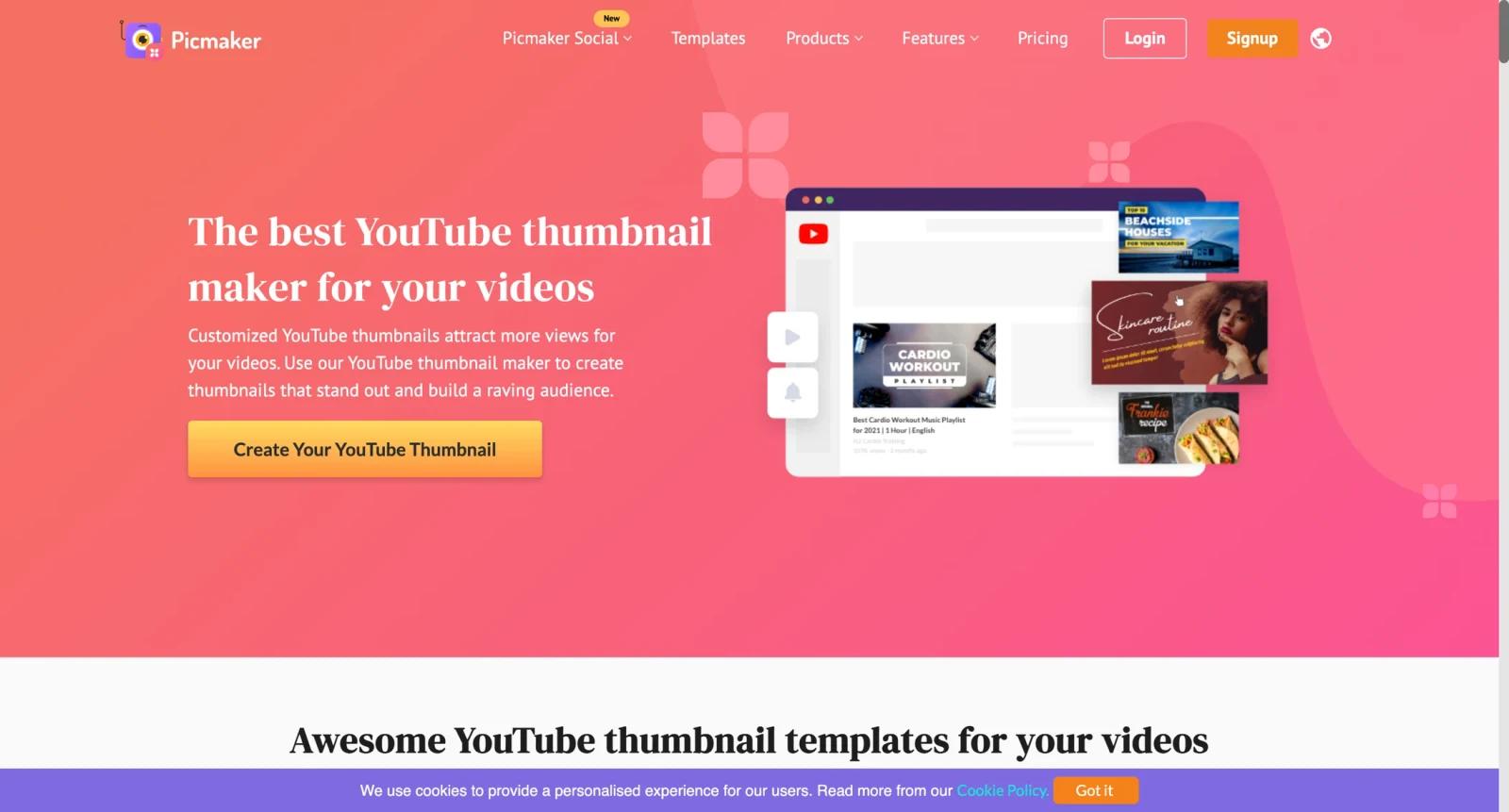
Picmaker is a browser-based design platform for creators and marketers who need thumbnails, social posts, ads, logos, and branded graphics. Its strongest fit on ToolWorthy is the AI thumbnail maker and creator-design workflow, where speed and template quality matter more than full professional design-suite depth.
The product gives users templates, graphic assets, brand controls, and export options so a non-designer can produce usable visuals for YouTube or social campaigns. It competes with Canva-style tools, but its thumbnail and social marketing focus makes it especially relevant to creators managing repeat content production.
Picmaker offers a free plan and paid upgrades. Help-center pricing has referenced paid plans starting around $7.99 per month on annual billing, with higher tiers and custom pricing for larger needs.
For adjacent creator workflows, compare AI thumbnail maker tools, Thumbfa.st, and AI image generator tools.
Key Features
YouTube thumbnail workflow - Templates and layout tools help creators produce thumbnails without designing from scratch.
Social media design templates - Users can create posts, banners, ads, and other channel graphics from preset formats.
AI-assisted design features - AI and automation features help speed up background, copy, and design variation work.
Brand kit support - Teams can keep colors, fonts, and logos consistent across repeated graphics.
Export options - Designs can be downloaded for publishing across YouTube, social platforms, and marketing channels.
Team and agency tiers - Paid plans add capacity and collaboration features for heavier content operations.
Pricing & Plans
| Plan | Pricing | Best fit |
|---|---|---|
| Free | Free | Solo creators testing designs and simple exports. |
| Paid creator plans | From about $7.99/month on annual billing in published help-center pricing | Creators who need more assets, exports, and premium features. |
| Higher / custom plans | Higher paid tiers or custom pricing | Brands, agencies, and teams with heavier design volume. |
Picmaker pricing can vary by billing cycle and plan availability. Confirm the in-app pricing page before buying because help-center figures and current checkout terms may differ.
Best For
Picmaker is best for YouTubers, marketers, creators, small businesses, agencies, and social media teams who need to create thumbnails and social graphics quickly without starting every design from a blank canvas. In practical terms, it fits:
- YouTubers producing frequent thumbnails
- Small businesses creating social graphics without a designer
- Marketing teams needing quick campaign visuals
- Creators comparing AI thumbnail maker tools
FAQ
What is Picmaker?
Picmaker is a web-based design tool for thumbnails, social posts, ads, and brand graphics.
Is Picmaker free?
Yes. Picmaker has a free plan, with paid plans for more advanced features and usage.
How much does Picmaker cost?
Published help-center pricing has referenced paid annual plans from about $7.99 per month, but users should confirm current checkout pricing.
Is Picmaker good for YouTube thumbnails?
Yes. Its template and creator workflow make it a strong fit for YouTube thumbnail production.
Can teams use Picmaker?
Yes, paid tiers and custom pricing can support teams, agencies, and brand workflows.
How does Picmaker compare with Canva?
Canva is broader, while Picmaker is especially relevant for creators focused on thumbnails and social marketing graphics.

