



Overview
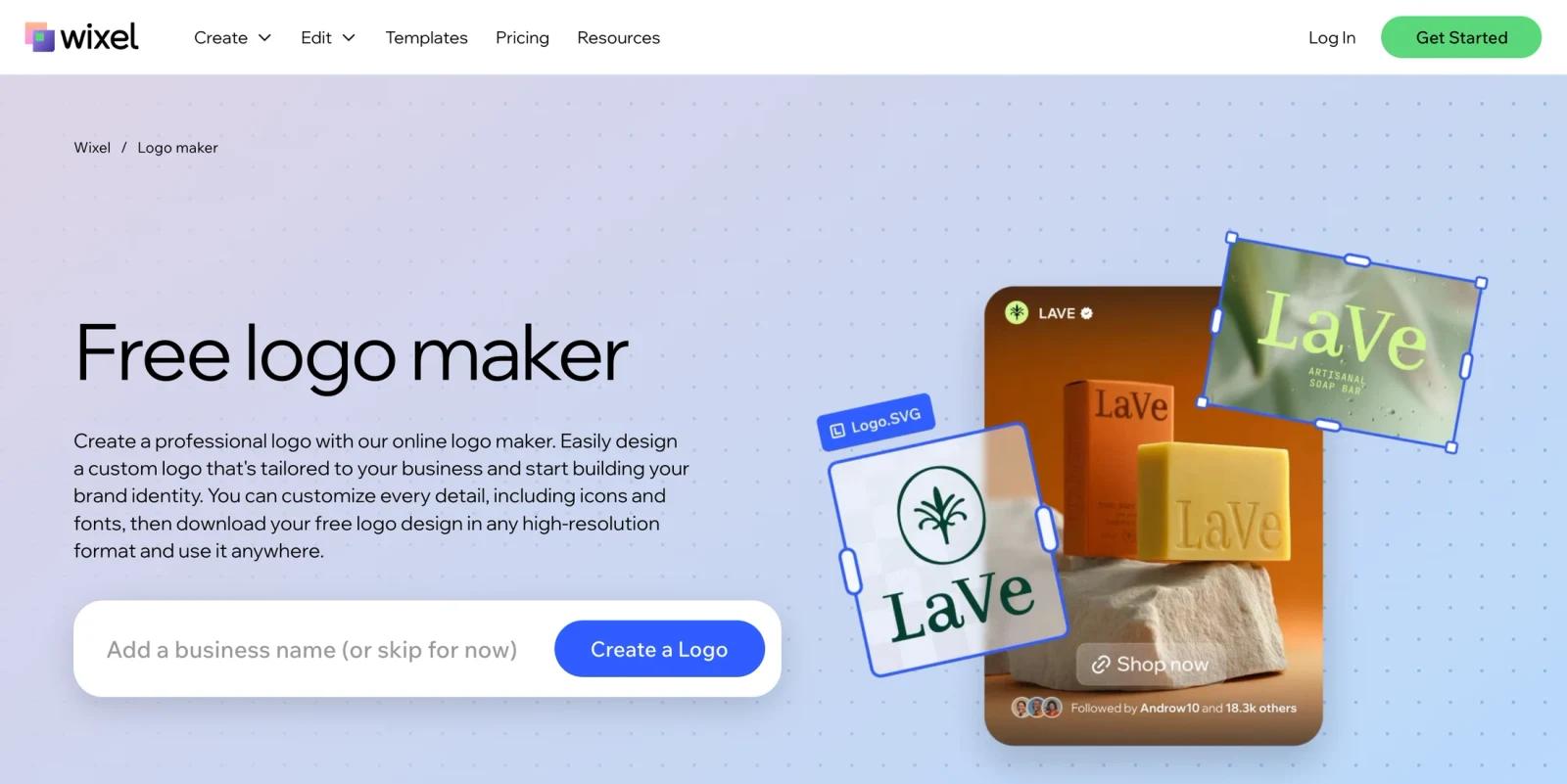
Wix Logo Maker is an AI-guided logo creation tool for people who want a logo and supporting brand assets without hiring a designer at the start. Users answer brand questions, review generated logo directions, customize the design, and then choose whether to download logo files or connect the identity to a broader Wix online presence.
The tool now sits in a transition period with Wixel, Wix's newer AI design platform. Wix's public logo page presents the experience as a free logo maker that can create a full brand identity around logo colors, fonts, and visual language. Wix help materials also explain that older standalone Logo Maker plans and Wixel access can differ, so buyers should check the exact flow they are using before paying.
As of April 28, 2026, official Wix materials highlight AI-guided design, AI tagline generation, full control over design details, commercial-use licensing for purchased logo assets, high-resolution logo files, SVG vector files on eligible plans, social media logo files, email signature, watermark, app store logos, and website plan bundles.
For adjacent research, compare AI video generator tools.
Key Features
AI-guided logo generation - Wix asks questions about the brand, then suggests logo concepts that users can customize.
Tagline and brand identity support - The public page says Wix can create a tagline and build a fuller brand identity around colors, fonts, and visual language.
Commercial-use logo packages - Wix help materials say purchased logo plans include full commercial usage rights, allowing users to use the logo for business promotion and sales.
High-resolution and vector files - Eligible plans include high-resolution 3000 x 3000 PNG logo files and resizable SVG vector files in multiple color variations.
Social and app assets - Plans can include logo files for Facebook, Instagram, Twitter/X, Etsy, YouTube, LinkedIn, app stores, email signatures, and watermarks.
Website plan bundles - Wix's Logo and Online Presence plans can bundle logo assets with Wix website plans, making the tool relevant for users building a site at the same time.
How It Compares
Wix Logo Maker competes with AI logo generator tools such as Adobe Logo Maker, Canva, BrandCrowd, Design.com, LOGO.com, and LogoAI. Its strongest advantage is the connection to Wix's website and business ecosystem. If you already plan to build a Wix site, combining the logo, brand assets, and website plan can be convenient.
Compared with a design-only logo marketplace, Wix is more of an online business setup tool. Compared with a professional designer, it is faster and cheaper to start, but less strategic and less original. Users should treat generated logos as practical brand assets, not as guaranteed unique marks.
Pricing & Plans
Wix lets users start designing logos for free, but business-ready downloads and usage rights depend on the package selected. Wix help materials describe standalone Logo Maker plans and Logo and Online Presence plans, including brand kits, commercial usage rights, high-resolution files, SVG files, social assets, business card redemption, and website plan bundles.
| Plan type | Public pricing posture | Best fit |
|---|---|---|
| Free design flow | Free to start creating and customizing a logo | Users exploring concepts before buying files |
| Logo plans | Paid packages unlock commercial usage rights and downloadable logo assets | Businesses that need usable logo files without a Wix website bundle |
| Logo and Online Presence plans | Paid packages bundle logo assets with Wix website plans such as Light or Core, depending on plan | Users creating a logo and launching a Wix website together |
| Business / Brand Kit options | Higher-tier logo packages can include brand kit assets, social posts, social covers, and business card designs | Teams that need repeat brand asset creation rather than one logo file |
The main pricing caution is that "free logo maker" does not always mean every production-ready file and license is free. Users should confirm what the selected package includes before relying on the logo commercially.
Best For
- Small businesses launching a Wix website and brand identity together
- Founders who want a fast logo plus social and website assets
- Creators who need a practical logo package without hiring a designer immediately
- Teams comparing BrandCrowd, Adobe Logo Maker, Canva, and Wix for quick brand assets
- Users who value commercial-use downloads and website integration in one flow
Wix Logo Maker is less suitable for established companies that need a distinctive, trademark-vetted identity or teams that do not want their logo workflow tied to a website builder.
FAQ
What is Wix Logo Maker?
Wix Logo Maker is an AI-guided logo creation tool that helps users generate, customize, and purchase logo and brand assets for websites, social media, and business use.
Is Wix Logo Maker free?
You can start creating a logo for free, but production-ready downloads, commercial usage rights, and brand asset packages depend on the selected paid plan.
Can I use a Wix logo commercially?
Wix help materials say purchased logo plans include full commercial usage rights, meaning Wix does not limit the types of commercial usage for the downloaded logo.
What files can Wix Logo Maker provide?
Eligible plans can include high-resolution PNG files, SVG vector files, social media logo files, email signatures, watermarks, and app store logo files.
What is Wixel?
Wixel is Wix's newer AI design platform. Wix help materials describe a move from Wix Logo Maker to Wixel Logo Maker, so users should confirm which flow and plan they are using.
Who should use Wix Logo Maker?
Wix Logo Maker is best for small businesses, creators, and founders who want a guided logo workflow and may also want Wix website, brand kit, and social asset support.


