



Overview
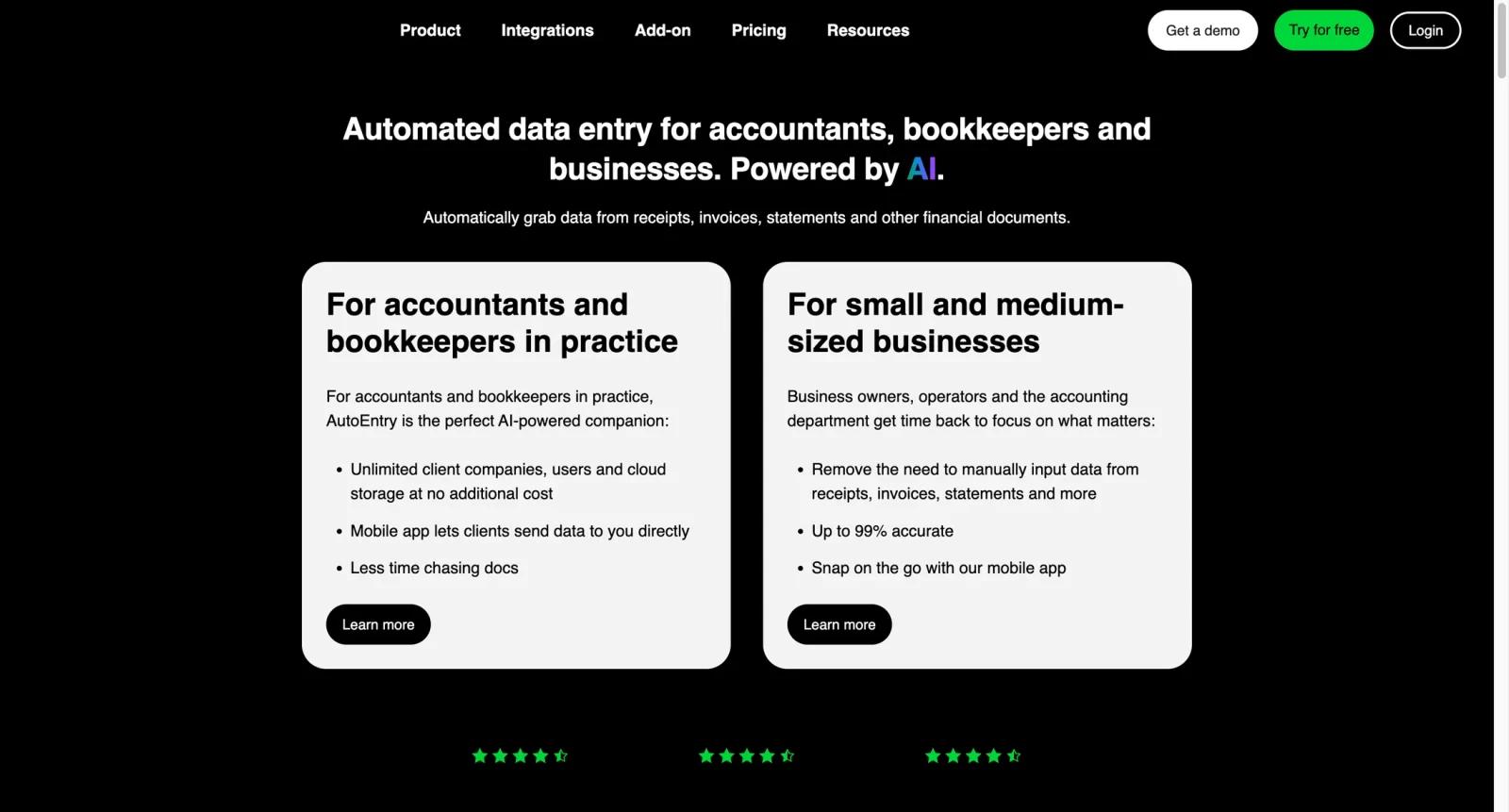
Sage AutoEntry is a document capture and data entry automation tool for accountants, bookkeepers, and finance teams that still receive receipts, supplier invoices, expense documents, and bank statements in mixed formats. Instead of keying every field into an accounting ledger, users upload documents by web, email, scanner, or mobile app, then AutoEntry extracts the data and publishes it into systems such as Sage, QuickBooks, and Xero.
The product is especially useful for firms serving many small business clients because the credit model lets users process documents across multiple companies without building a separate workflow for every ledger. It belongs in the same evaluation set as AI bookkeeping software and broader AI accounting software, but its focus is narrower: clean document capture before bookkeeping review.
AutoEntry is not a full accounting suite. It is best treated as the intake layer that reduces manual entry, prepares records for posting, and gives reviewers a faster way to check extracted values before they reach the ledger.
Key Features
- Receipt and invoice capture - Upload receipts, bills, and supplier invoices from desktop, email, scanner, or mobile, reducing repetitive entry before bookkeeping review.
- Line item extraction - Capture item descriptions, quantities, unit prices, tax, and nominal codes when detailed invoice lines matter for reporting or recharge workflows.
- Bank statement processing - Convert bank and credit card statements into usable data so teams can import or reconcile historical transactions faster.
- Learning-based data accuracy - AutoEntry uses machine learning to improve recurring supplier and coding patterns as more documents are processed.
- Ledger publishing - Publish extracted documents into Sage, QuickBooks, Xero, and other supported accounting systems to avoid double entry across tools.
- Credit-based usage control - Credits are consumed differently for simple documents, line item capture, and bank statement pages, giving firms a way to match spend with document volume.
Integration Guide
AutoEntry works best when it is connected to the ledger that your team already reviews each month. A small business can use it to send receipts and invoices into its own accounting file, while an accounting practice can use client-level workflows to collect documents from many companies.
Before rolling it out, confirm which ledger connections are available in your country, how clients will submit documents, and whether your workflow needs simple totals or full line item capture. Teams comparing it with Dext Prepare, Vic.ai, or Docyt should decide whether they need document capture only or a more complete AP, bill pay, and close management system.
Pricing & Plans
Sage's US AutoEntry page lists AutoEntry from $12 per month and describes pricing as credit based. Credits are used by document type: one credit for a single invoice, bill, or receipt; two credits for invoices or receipts with line items; and three credits for one page of bank statements.
| Plan or cost area | Pricing signal | Best fit |
|---|---|---|
| AutoEntry starter access | From $12/month on Sage US | Small teams starting with receipt and invoice capture |
| Usage credits | Credit consumption varies by document type | Firms processing variable client document volumes |
| Line items and bank statements | Higher credit usage than simple receipts | Teams that need detailed extraction or historical statement imports |
Check the current AutoEntry or Sage regional pricing page before buying because packages, currencies, bundles, and practice-level offers can differ by market.
Best For
- Accounting firms processing receipts and invoices for many small business clients
- Bookkeepers who want faster document intake before monthly reconciliation
- Small finance teams using Sage, QuickBooks, or Xero as their system of record
- Practices that need bank statement conversion during client cleanup or migration work
- Teams that want usage-based capture costs instead of a full AP automation rollout
FAQ
What is Sage AutoEntry?
Sage AutoEntry is a document capture tool that extracts data from receipts, invoices, expenses, and bank statements, then sends the reviewed data into supported accounting software.
How much does Sage AutoEntry cost?
Sage's US page lists AutoEntry from $12 per month, with usage based on credits. Final pricing can vary by region, package, and document volume.
Does Sage AutoEntry have a free trial?
Sage and AutoEntry pages commonly promote trial or demo options. Confirm the current trial availability for your country before signing up.
Which accounting systems does AutoEntry connect to?
AutoEntry connects with Sage products and also supports common ledgers such as QuickBooks and Xero. Exact compatibility can vary by region and product version.
Is AutoEntry good for accounts payable automation?
It is good for AP document capture and invoice data entry. If you need complex approvals, purchase order matching, payments, or AP analytics, compare it with more complete AP automation platforms.
How do AutoEntry credits work?
Credits are consumed based on document type and detail level. Simple invoices or receipts use fewer credits than line item extraction or bank statement pages.
Does AutoEntry replace a bookkeeper?
No. It reduces manual entry, but a bookkeeper or finance reviewer should still check coding, tax treatment, supplier details, and final posting.
Who should not choose AutoEntry?
Teams looking for a full accounting system, payment platform, or close management suite may find AutoEntry too narrow unless they only need document capture.


