

Overview
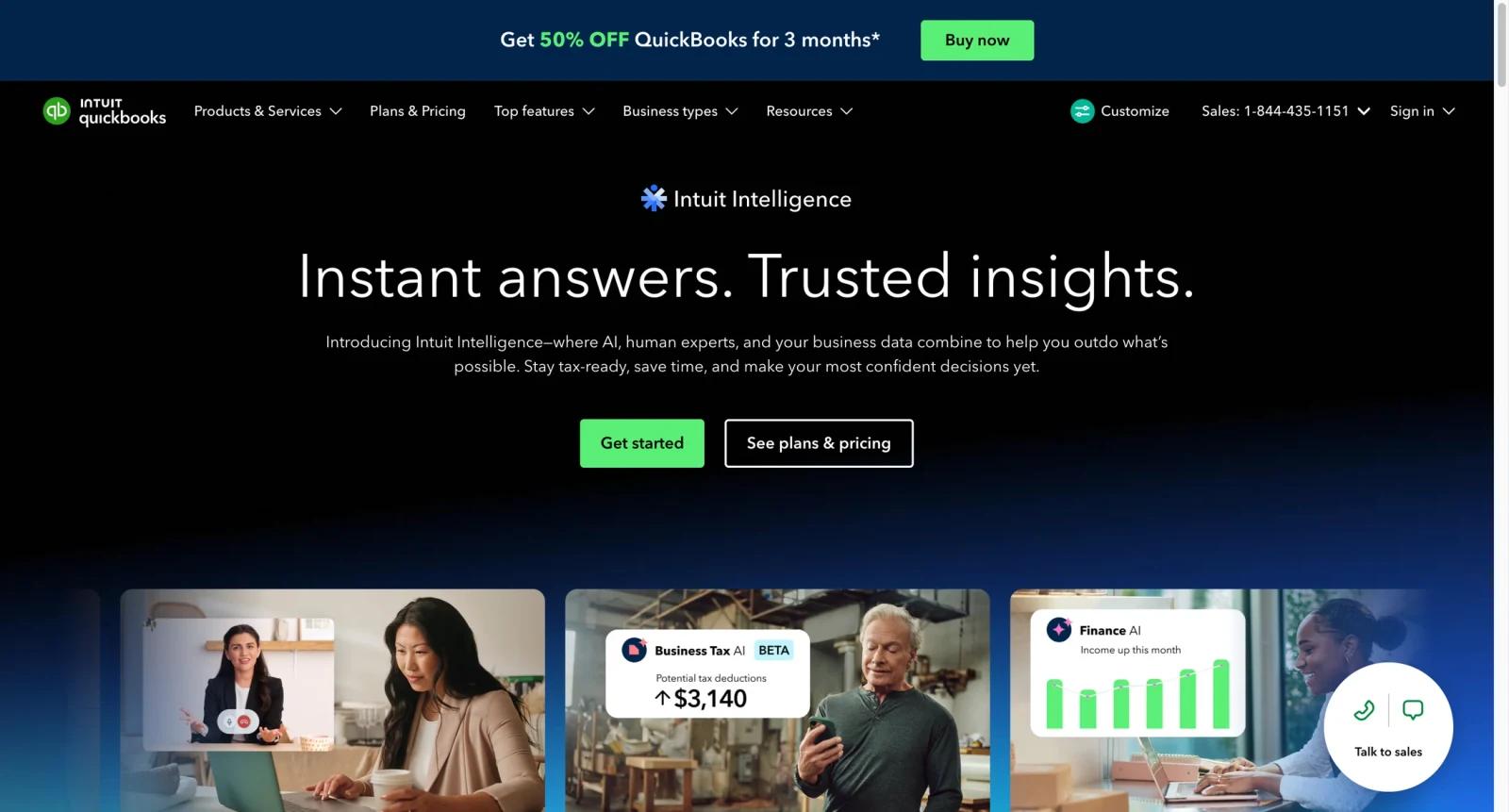
QuickBooks is Intuit's accounting platform for small businesses, bookkeepers, accountants, and finance teams. It helps users manage invoices, expenses, bank feeds, reports, payments, cash flow, tax preparation workflows, and add-ons such as payroll.
QuickBooks is not simply an AI bookkeeping tool. It is a mature accounting system with AI-assisted capabilities layered into workflows through Intuit Assist and related automation. That makes it useful for businesses that need an accounting system of record, not just receipt scanning or expense categorization.
For users comparing AI accounting software, QuickBooks should be evaluated against business complexity, accountant support, integrations, payroll needs, and renewal pricing. Teams focused mainly on automated bookkeeping should also compare AI bookkeeping software tools.
Key Features
- Invoicing and payments - Create invoices, track payment status, and connect payment workflows for small business cash collection.
- Expense and bank feed management - Connect accounts, categorize transactions, attach receipts, and keep books current.
- Reporting and cash flow - Generate profit and loss, balance sheet, cash flow, and management reports for business decisions.
- Plan-based user and feature limits - Simple Start, Essentials, Plus, and Advanced differ by users, bill management, inventory, projects, and advanced reporting.
- Payroll and add-ons - Add payroll, payments, time tracking, and other Intuit services when needed.
- AI-assisted workflows - Intuit Assist and automation features can help with insights, reminders, and productivity depending on product and eligibility.
Pricing & Plans
QuickBooks pricing changes frequently due to promotions, discounts, and product packaging. A practical current baseline is that Simple Start is commonly listed from about $35/month before promotional discounts, with Essentials, Plus, and Advanced costing more.
| Plan | Pricing | Best fit |
|---|---|---|
| Simple Start | Commonly from about $35/month before discounts | Solo owners needing basic income, expenses, invoices, and reports |
| Essentials | Higher monthly tier | Service businesses needing more users and bill management |
| Plus | Higher monthly tier | Businesses needing inventory, projects, and more complete operations |
| Advanced | Highest standard online tier | Larger small businesses needing deeper reporting, workflows, and controls |
| Payroll and add-ons | Separate pricing | Employers needing payroll, contractor payments, or additional finance workflows |
Always verify current Intuit pricing directly before purchase. Promotional first-year discounts can make initial cost look much lower than renewal pricing, and payroll, payments, live bookkeeping, and time tracking can add meaningful monthly cost.
Best For
- Small businesses that need bookkeeping, invoicing, expenses, and reports in one platform
- Bookkeepers and accountants managing client books
- Businesses planning to add payroll or payment workflows later
- Owners who want accountant-friendly software rather than a lightweight expense app
- Teams comparing QuickBooks with tools such as Botkeeper and Dext Prepare
FAQ
What is QuickBooks?
QuickBooks is Intuit's accounting platform for invoicing, expenses, bookkeeping, reports, payroll add-ons, and small business finance workflows.
Is QuickBooks free?
No. QuickBooks is a paid accounting product, though discounts and trials may be available.
How much does QuickBooks cost?
Pricing changes often. Simple Start is commonly listed from about $35/month before promotional discounts, with Essentials, Plus, and Advanced costing more.
Does QuickBooks include AI?
QuickBooks includes AI-assisted and automation features through Intuit Assist and related workflows, depending on product and eligibility.
Is payroll included in QuickBooks?
Payroll is usually a separate add-on with its own base price and per-employee fees.
Is QuickBooks good for very small businesses?
Yes, especially if the business needs invoicing, bank feeds, tax-ready reports, and accountant support. Very simple businesses may find it more than they need.
How does QuickBooks compare with AI bookkeeping tools?
QuickBooks is an accounting system of record. AI bookkeeping tools may automate parts of data entry or cleanup but often still integrate with accounting systems.
What should I check before subscribing?
Check renewal price, promotional terms, included users, payroll costs, payment fees, accountant access, inventory needs, and whether your accountant supports the plan.