



Overview
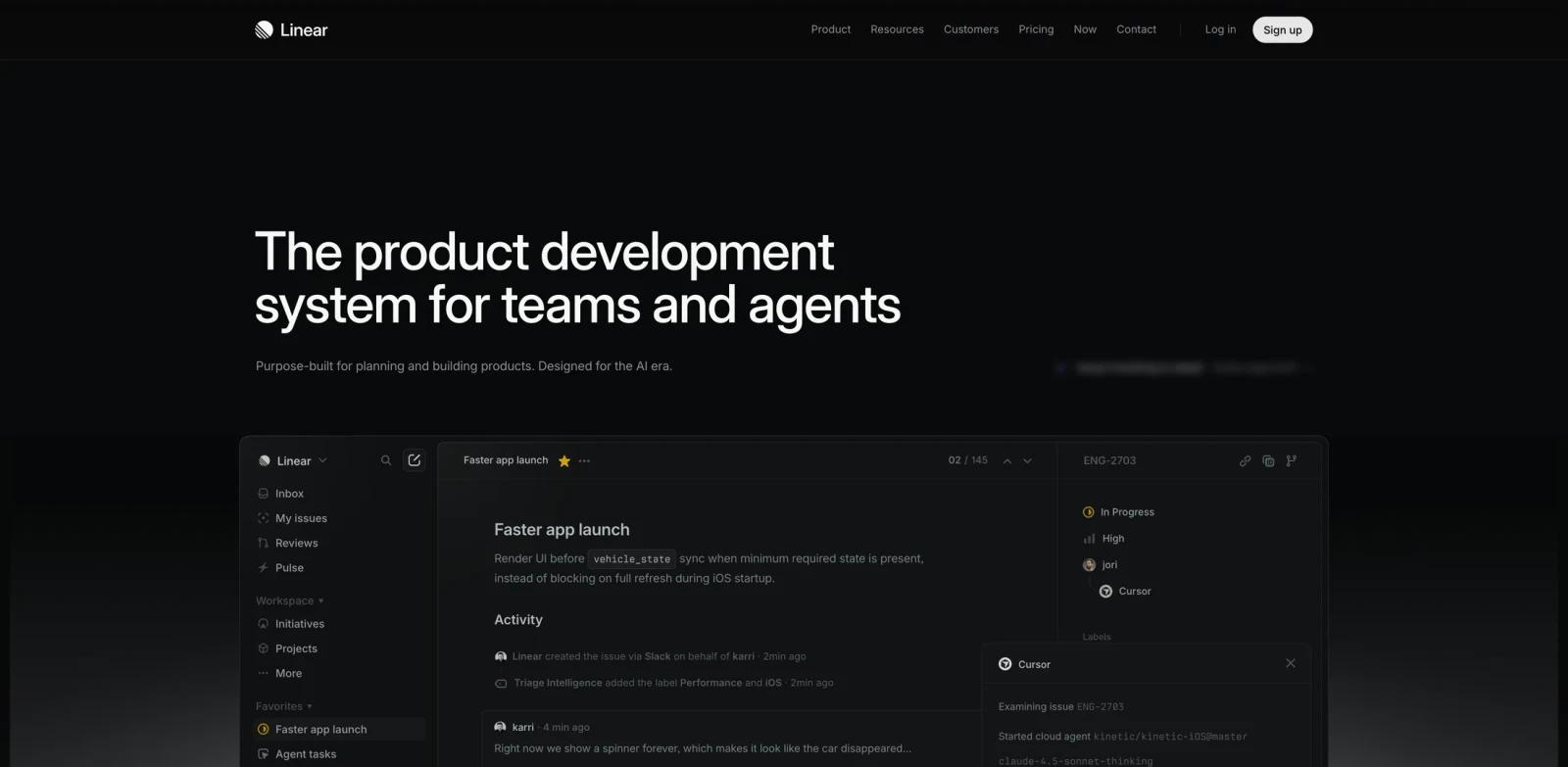
Linear is an AI project management option for teams that need to organize work, automate updates, and give teams a shared system for priorities, delivery, and reporting. Purpose-built for planning and building products with AI agents. In practical terms, it gives product, engineering, operations, marketing, and cross-functional teams a more structured way to handle roadmapping, task tracking, sprint planning, status reporting, knowledge sharing, and portfolio visibility without relying entirely on spreadsheets, blank documents, or disconnected manual steps.
The product is especially relevant when the decision is not simply "does AI generate something?" but whether the workflow is repeatable, editable, and reliable enough for real work. Linear should be evaluated on team fit, reporting depth, permissions, integrations, automation, and how much process the platform imposes. The public site emphasizes themes such as Faster app launch, Make product operations self-driving, Define the product direction, Move work forward across teams and agents, which gives buyers useful clues about where the product is strongest.
For buyers comparing AI productivity tools, Linear sits in the practical middle ground between a general-purpose assistant and a heavier production system. It is useful when you want a dedicated product surface, clearer exports, and a workflow that non-technical teammates can understand.
Key Features
- Shared work tracking - Keeps tasks, owners, statuses, dependencies, and deadlines visible across teams and projects.
- Multiple planning views - Supports boards, lists, calendars, timelines, roadmaps, tables, or docs depending on the team workflow.
- AI-assisted summaries - Helps turn project activity into status updates, summaries, or next-step recommendations where available.
- Automation and reminders - Reduces repetitive work by moving tasks, notifying owners, and updating fields based on workflow rules.
- Collaboration context - Links comments, files, docs, and decisions to the work item so teams do not lose context in chat.
- Reporting and portfolio visibility - Gives managers a clearer view of delivery risk, workload, blockers, and team progress.
These features matter most when Linear is used repeatedly. A single demo can show whether the interface feels polished, but a real evaluation should include messy inputs, edge cases, team review, and final export so you can see how much manual cleanup remains.
How to Get Started
- Open the official product site - Start from https://linear.app/ so you are using the current product flow rather than an outdated marketplace or review link.
- Create a small test project - Use a real example from your own workflow, such as an existing brief, recording, image, task list, or content asset.
- Check the default output - Review whether Linear produces something useful before heavy editing; this is the fastest way to judge baseline quality.
- Adjust settings and constraints - Test templates, model options, export formats, permissions, brand controls, or integrations that matter to your team.
- Compare against your current process - Measure cleanup time, approval time, and handoff quality against your existing tools, including AI agent.
- Confirm pricing and rights - Before rollout, verify plan limits, commercial-use terms, privacy commitments, and whether best AI assistants or API access requires a higher tier.
Pricing & Plans
| Plan | Public pricing signal | What to expect |
|---|---|---|
| Evaluation | Paid or sales-led access | Use the public site or trial path to test core quality, limits, and workflow fit. |
| Team / professional | Price not clearly listed in the captured public text | Expect higher limits, collaboration, exports, integrations, or commercial-use permissions to sit behind paid access. |
| Enterprise | Contact sales where applicable | Security review, admin controls, procurement, API limits, support, and custom terms may require direct vendor confirmation. |
The captured public page did not provide a reliable lowest monthly price for Linear. This page therefore avoids inventing a dollar amount; confirm current pricing, billing interval, and plan limits on the official site before purchase.
Best For
- Product and engineering teams managing roadmaps, backlogs, and release cycles.
- Operations teams coordinating recurring processes with many owners and due dates.
- Marketing teams planning campaigns, content calendars, and approvals.
- Executives who need portfolio visibility without asking every team for updates.
- Cross-functional teams replacing scattered spreadsheets, chat threads, and ad hoc docs.
FAQ
What is Linear used for?
Linear is used to organize work, automate updates, and give teams a shared system for priorities, delivery, and reporting. It is most relevant for product, engineering, operations, marketing, and cross-functional teams who need a more repeatable workflow than manual production.
Who should choose Linear?
Choose Linear if your daily workflow involves roadmapping, task tracking, sprint planning, status reporting, knowledge sharing, and portfolio visibility. It is less suitable if you only need a one-off task and do not want to learn a specialized product.
Does Linear have a free plan?
Linear does not expose a reliable lowest public price in the captured page text. Treat it as paid or sales-led until you verify the official pricing page.
What should I test first in Linear?
Start with a realistic sample project, not a toy example. Check output quality, editing control, export options, collaboration, and whether the result fits your existing tools.
How does Linear compare with generic AI tools?
Generic AI tools can help with drafts and ideas, but Linear is built around a more specific project management platform workflow with purpose-built controls, templates, integrations, or exports.
Is Linear good for teams?
Linear can work for teams when its collaboration, permissions, sharing, and admin controls match your process. Smaller teams should verify whether those controls are included in entry-level plans.
What are the main limitations of Linear?
The main risks are plan limits, output quality variance, learning curve, and dependency on the product's supported formats or integrations. Always test with your own materials.
Can Linear replace a specialist?
Linear can reduce routine production work, but specialist review still matters for strategy, quality control, compliance, brand voice, and final approval.
What alternatives should I compare with Linear?
Compare it with tools in the broader AI project management category, plus any workflow tools your team already uses. The best choice depends on output quality, cost, and adoption friction.

