



Overview
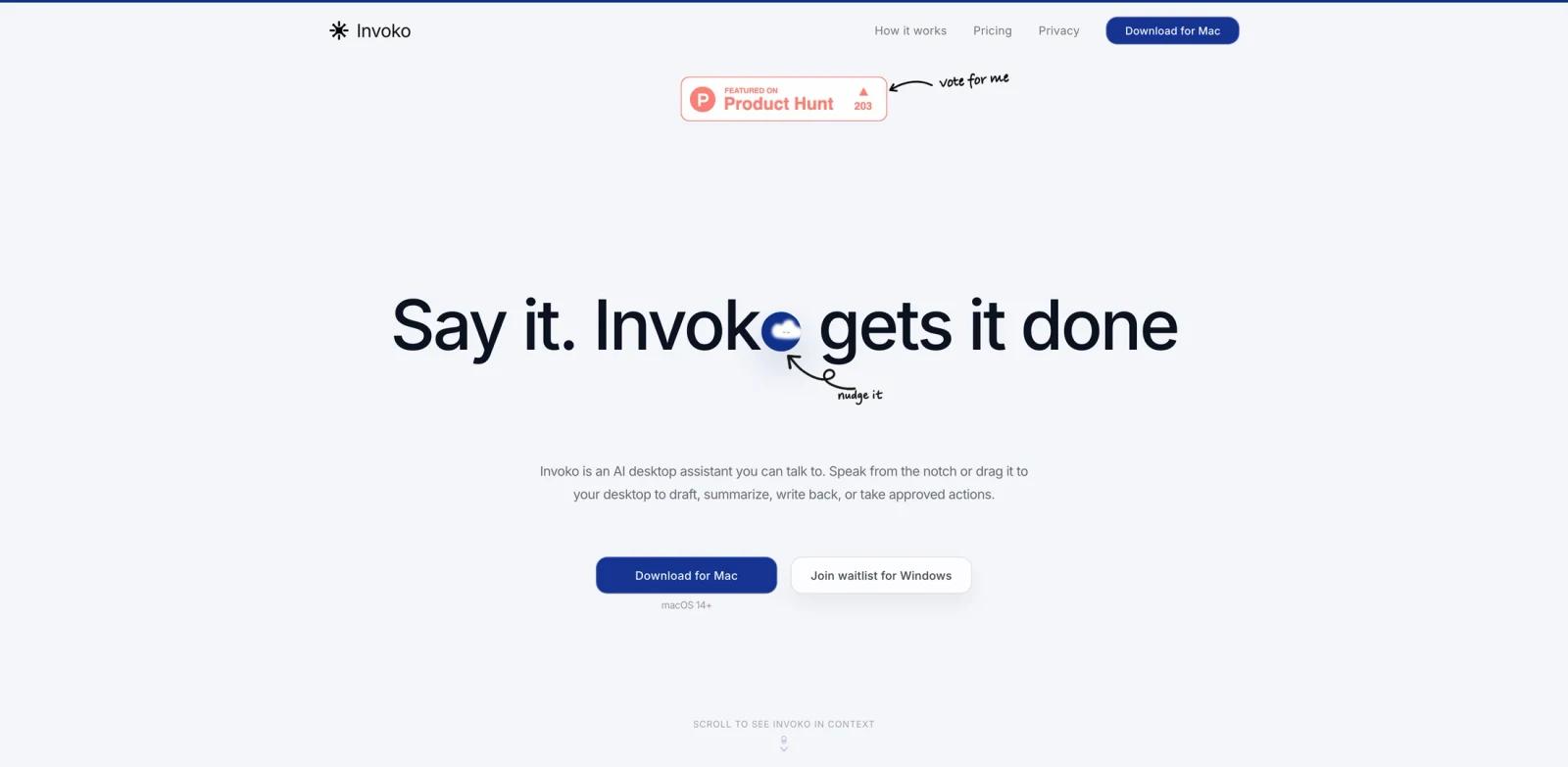
Invoko is a macOS AI desktop assistant built around voice, screen context, and approved actions. Instead of opening a separate chatbot and re-explaining what is on your screen, you invoke Invoko from the Mac interface, speak or type what you need, and let it use the current app, selected text, page URL, focused field, screenshot, and connected accounts when the task requires them.
The official site positions Invoko as a personal AI voice desktop assistant: "Say it. Invoko gets it done." Product Hunt launched it on June 16, 2026 with the tagline "A little hand on your Mac." The product is especially relevant for users comparing AI productivity tools that act across apps rather than only generating text in a browser tab.
Invoko is not described as always listening. Its FAQ says it starts when invoked by shortcut, tap, or request, and that voice, screen context, app control, and account connectors each require their own permission. That makes it more practical for users who want a screen-aware AI agent but still need explicit control over what the assistant can see and do.
Key Features
Voice-first desktop assistant - Lets you speak from the Mac notch or desktop surface to draft, summarize, rewrite, search, extract, or prepare actions without switching into a separate chat app.
Screen context awareness - Can use the current app, window title, page URL, selected text, focused field, and screenshot when those signals are needed to answer from what is already open.
Permissioned account connectors - Supports deeper workflows through connectors such as Gmail, Notion, Calendar, Slack, GitHub, Drive, Docs, Sheets, Figma, Discord, and Linear, while keeping each permission explicit.
Action cards and agent flow - Shows shortcuts for common next actions, but lets users override the guess with a typed or spoken request in the same panel.
Memory and task continuity - Uses recent turns, task history, saved context, artifacts, and learned preferences to handle follow-up requests more naturally.
Privacy-aware behavior - The official FAQ says voice recordings and screenshots are not retained by default, and that Invoko stores only the context needed for history, memory, artifacts, and task continuity.
Integration Guide
Invoko is built for macOS and currently targets Apple Silicon Macs during beta. The official FAQ says Intel Mac support depends on the download option available for the device, so users on older hardware should confirm compatibility before planning a workflow around it.
The core experience does not require connecting Gmail, Notion, Calendar, Slack, or GitHub. The official FAQ says voice, screen, reply, and writing flows work without connected accounts. Connectors become useful when you want Invoko to act on external services, retrieve account-specific context, or schedule work across tools.
For teams evaluating desktop AI assistants, start with low-risk tasks: summarizing selected text, rewriting an email draft, extracting action items from a page, or preparing a reply. Only add account connectors once the permission model and review flow are clear.
Pricing & Plans
Invoko is currently presented as a free beta product. The official site includes structured data with an offer price of $0 and a "Download for Mac" call to action. It does not list paid tiers, seat pricing, or long-term beta limits on the public page reviewed.
Because the product is early, users should treat pricing as subject to change. If Invoko becomes part of a paid subscription later, the main buying question will be whether it remains a local desktop assistant, a cloud workflow agent, or a hybrid of both.
| Plan | Price | Notes |
|---|---|---|
| Beta | Free | Download for Mac, voice and screen-context workflows, connectors gated by permission |
Best For
- Mac users who repeatedly move context from browser tabs, docs, email, and chat into AI tools
- Founders and operators who want a lightweight AI writing assistant embedded in daily desktop work
- Power users testing screen-aware AI assistants without granting broad permissions immediately
- Teams comparing desktop agents that can draft, summarize, and prepare actions across tools
- Users who prefer push-to-talk or shortcut-triggered assistance over passive listening
FAQ
What does Invoko do?
Invoko is a Mac AI desktop assistant that can respond to voice or typed requests, use permitted screen context, and help draft, summarize, rewrite, extract, search, or run approved actions.
Is Invoko always listening?
No. The official FAQ says Invoko starts when you invoke it with a shortcut, tap, or request. Voice, screen context, app control, and account connectors each require their own permission.
Does Invoko need Gmail, Notion, Slack, or GitHub access?
No. Core voice, screen, reply, and writing flows work without connected accounts. Connectors unlock deeper account-specific actions and require approval.
How does Invoko use screen context?
Invoko can use the current app, window title, page URL, selected text, focused field, and screenshot when the task needs that context.
How much does Invoko cost?
The public site currently presents Invoko as a free beta and includes structured data with an offer price of $0. No paid plan table was listed on the reviewed page.
Which Macs are supported?
Invoko is built for macOS and currently targets Apple Silicon Macs during beta. Intel Mac support depends on the available download option.