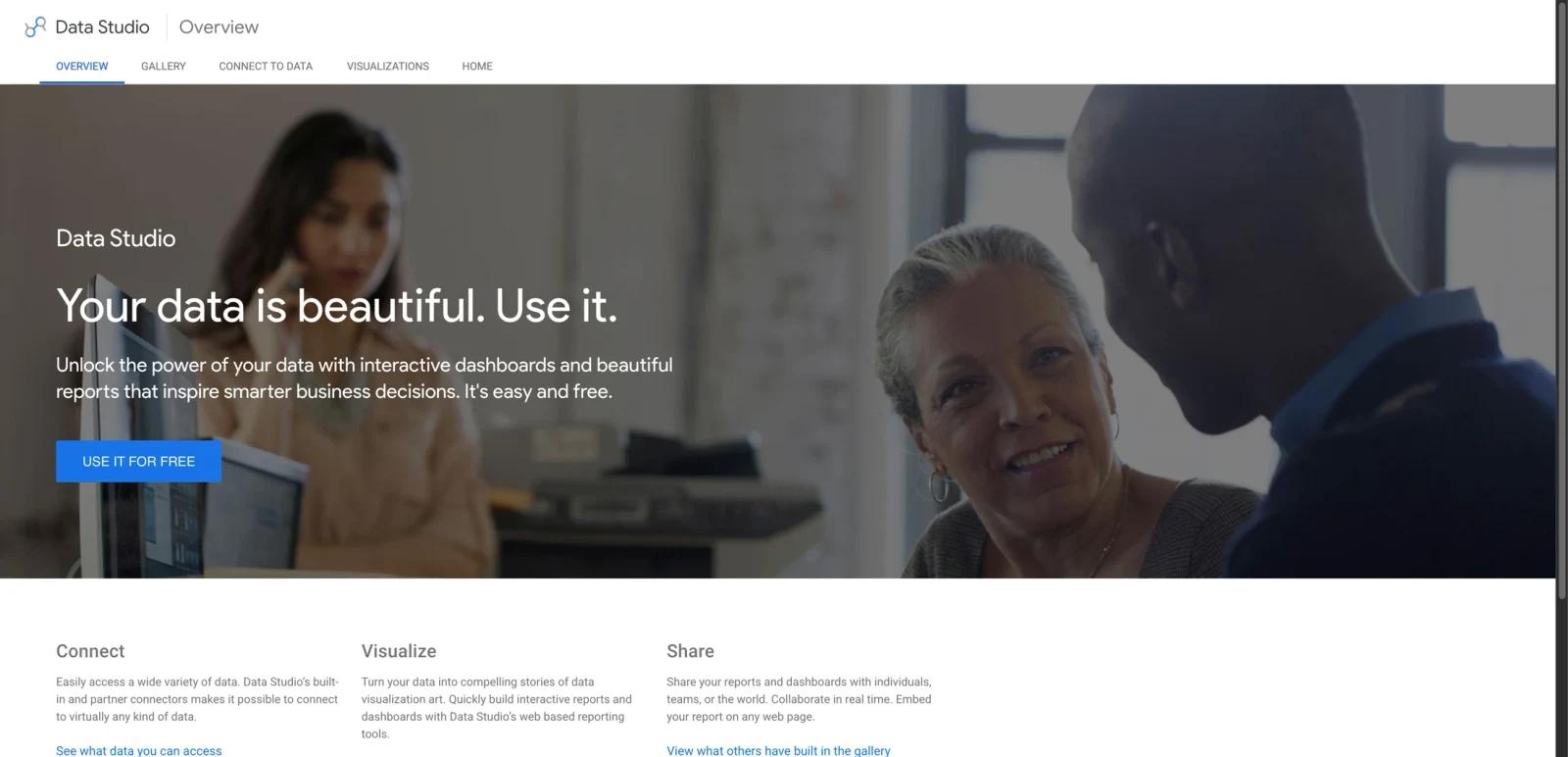


Overview
Google Looker Studio is Google's browser-based dashboard and reporting tool for turning raw data into shareable reports, scorecards, and interactive visualizations. The product's core appeal is simple: it is free to use for standard reporting, connects to a wide range of Google and third-party data sources, and is accessible enough for marketers, analysts, founders, and operations teams that do not want a heavyweight business intelligence deployment.
At its best, Looker Studio sits in the middle ground between spreadsheets and full enterprise BI. You can connect data, build charts, apply filters, create live dashboards, and share the result with teammates or external stakeholders without spinning up a full semantic modeling stack. That makes it especially relevant for lightweight AI data analysis and reporting workflows where accessibility matters more than deep engineering control.
The catch is that Looker Studio is really two products. The standard version is a no-cost reporting layer. Looker Studio Pro is the paid team and enterprise upgrade that adds organizational ownership, team workspaces, more delivery controls, support, and Gemini-driven features for certain users. If you just need dashboards, the free version is often enough. If you need governance and durable shared assets, the Pro layer is where the serious buyer conversation starts.
Key Features
Wide connector ecosystem — Google positions Looker Studio around built-in and partner connectors that make it possible to connect to "virtually any kind of data." In practice, that is why the tool remains popular for GA4, Search Console, Google Ads, Sheets, BigQuery, and mixed marketing reporting.
Interactive dashboards and reports — The standard product lets you build browser-based reports with charts, filters, scorecards, and drillable views. It is designed for interactive consumption rather than static slide exports only.
Real-time sharing and embedding — Looker Studio supports sharing with individuals, teams, or the public, real-time collaboration, and report embedding on web pages. That makes it useful for stakeholder-facing reporting and lightweight client dashboards.
Looker Studio Pro governance — Pro adds organizational ownership of content instead of creator-owned assets, which is one of the most important upgrades for teams that cannot afford reports breaking when an employee leaves.
Team workspaces and delivery automation — Google documents team workspaces, multiple delivery schedules, Google Chat delivery, alerts, and personal report links as key Pro capabilities. These are the features that move Looker Studio from "free dashboard tool" to something usable for structured business reporting at scale.
Gemini in Looker — Google now positions Gemini inside Looker Studio Pro to help users ask questions about data, create calculated fields with natural-language prompts, and add Looker Studio content to Google Slides. That makes the product more relevant in modern AI data visualization comparisons.
Pricing & Plans
Looker Studio's standard version is free. That is still the product's clearest advantage versus many traditional BI tools.
| Plan | Price | Notes |
|---|---|---|
| Looker Studio | Free | Standard dashboards, reports, connectors, sharing, embedding, and collaboration |
| Looker Studio Pro | Paid subscription | Adds team workspaces, organizational ownership, more delivery controls, support, and Gemini-related team features |
Google's official overview page still markets the core product as "easy and free." Google Cloud documentation separately confirms that Looker Studio Pro is the paid version and that organizations can start with a 30-day no-cost trial before billing begins.
The important nuance is that Google Cloud's accessible product documentation does not present Pro as a simple consumer-style "$X/month" product page in the same way many SaaS tools do. Instead, Pro is tied to Google Workspace or Cloud Identity requirements, a Google Cloud project, and subscription setup. So the honest buying summary is: the base product is free, while Pro is a team-oriented paid upgrade rather than a casual self-serve dashboard add-on.
Best For
- Marketing and growth teams building recurring dashboards from Google data sources
- Founders and operations teams who need free reporting without a full BI rollout
- Agencies and consultants embedding client-facing dashboards in lightweight workflows
- Teams already using Google Workspace, BigQuery, or broader Google Cloud tooling
- Buyers who need a simpler reporting layer before graduating to a heavier BI stack
FAQ
Is Google Looker Studio free?
Yes. Google's standard Looker Studio product is free to use. The official overview page still describes it as easy and free, with interactive dashboards, reports, sharing, and connector-based access to many data sources.
What is the difference between Looker Studio and Looker Studio Pro?
Looker Studio is the free core reporting product. Looker Studio Pro is the paid version for teams and organizations. Pro adds features like organizational ownership of content, team workspaces, stronger delivery automation, personal report links, technical support pathways, and additional Gemini-related capabilities.
What data sources can Looker Studio connect to?
Google says Looker Studio supports built-in and partner connectors that let you access a wide variety of data. The most common use cases include GA4, Search Console, Google Ads, Google Sheets, and BigQuery, plus third-party connectors for broader business data.
Is Looker Studio the same as Looker?
No. They are related Google analytics products, but not the same thing. Looker Studio is the lighter-weight reporting and dashboard tool. Looker is the deeper enterprise analytics platform with stronger modeling, governance, and semantic-layer capabilities.
Can teams collaborate in Looker Studio?
Yes. Even the free version supports sharing and collaboration. But if your team needs workspaces, stronger governance, delivery automation, and organization-owned assets, Google's docs make it clear that Looker Studio Pro is the more appropriate version.
Does Looker Studio include AI features?
Google documents Gemini in Looker for Pro users. It can help users ask questions about their data, create calculated fields from natural-language prompts, and add Looker Studio content to Slides.
Is Looker Studio good for enterprise BI?
It can work well as a reporting layer, especially inside Google ecosystems. But for advanced modeling, strict governance, and full-scale BI architecture, many organizations will eventually compare it with broader Looker deployments or other enterprise BI platforms rather than treating the free product as a complete replacement.
Who should pay for Looker Studio Pro?
Teams should consider Pro when dashboards become business-critical and need durable ownership, team workspaces, better delivery controls, or support. If your usage is mostly individual or lightweight, the free version usually gets you much further than many competing BI tools.