

Overview
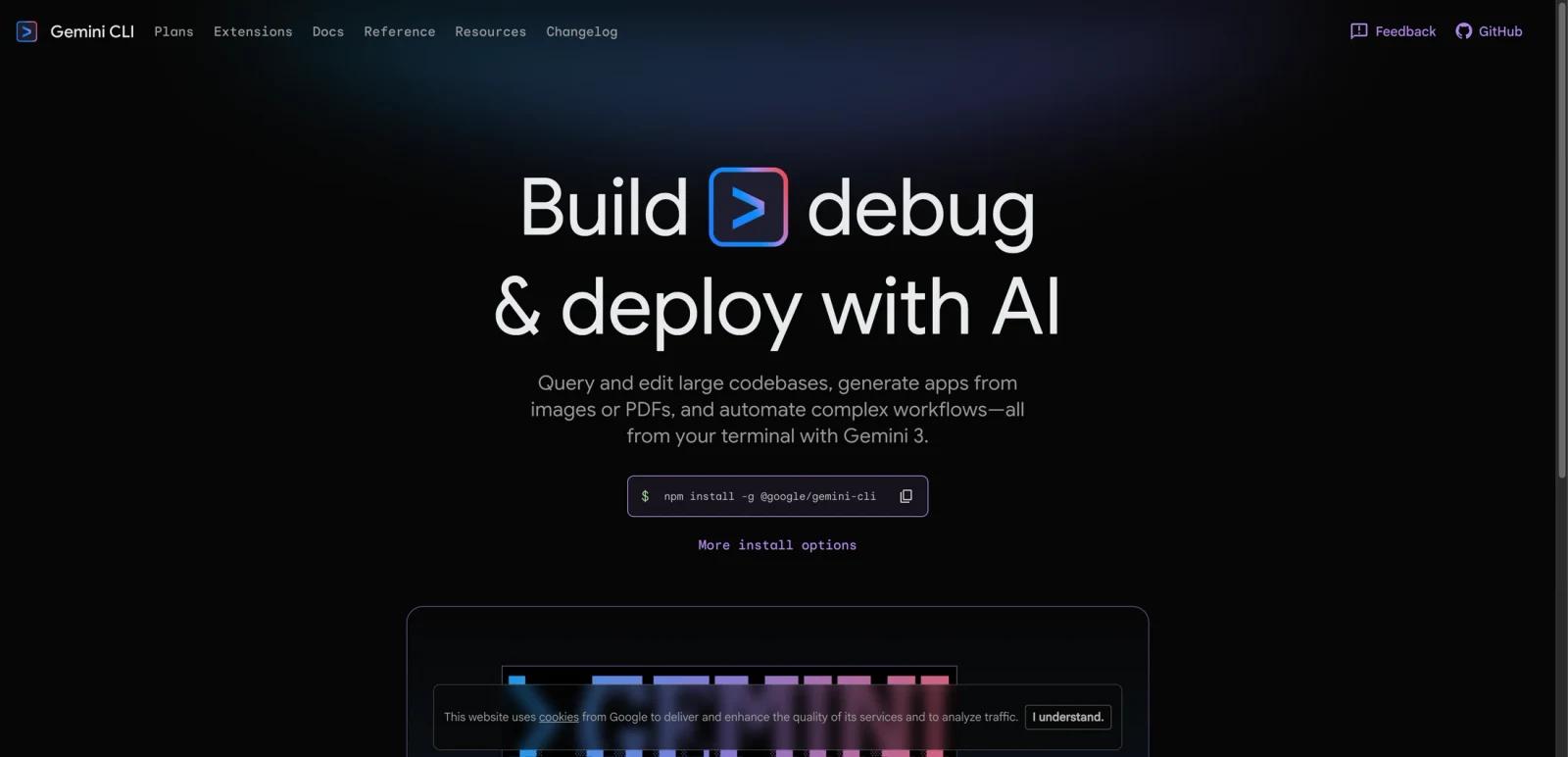
Gemini CLI is Google’s terminal-first AI assistant for coding, file operations, automation, and multimodal workflows. The homepage presents it as a way to query and edit large codebases, generate apps from images or PDFs, and automate complex developer tasks from the terminal.
The important distinction is that Gemini CLI is not just a shell chatbot. Google is positioning it as a deeper coding and automation interface that can authenticate through different account types, route through multiple Gemini pricing models, and scale from free experimentation to enterprise-grade usage.
As of April 26, 2026, the official site highlights installation through npm, coding and automation workflows, and a generous free tier. Google’s official quota documentation also spells out the different request limits for free accounts, Google AI Pro and Ultra, Gemini API keys, and Workspace or Vertex AI paths.
For adjacent research, compare AI design tools, AI UI design tools, AI website design tools.
Key Features
Terminal-native AI workflows - Gemini CLI is built for use directly in the command line rather than only in a browser IDE.
Large-codebase querying and editing - The homepage explicitly positions it for querying and editing larger codebases.
Multimodal inputs - Google says the CLI can generate apps from images or PDFs in addition to text prompts.
Automation support - The product is framed around automating more complex workflows, not just question answering.
Multiple authentication paths - Google supports personal account usage, Gemini API keys, Vertex AI, and organizational Gemini Code Assist paths.
Scalable quota ladder - Free usage exists, but higher daily limits are available through Google AI and Code Assist subscriptions.
Pricing & Plans
Gemini CLI’s pricing model depends on how you authenticate and which quota tier you want.
| Authentication path | Tier | Official limit or pricing model |
|---|---|---|
| Google account | Gemini Code Assist Individual | Up to 1,000 requests per user per day |
| Google account | Google AI Pro | Up to 1,500 requests per user per day |
| Google account | Google AI Ultra | Up to 2,000 requests per user per day |
| Gemini API key | Free tier | Up to 250 requests per user per day |
| Gemini API key | Pay-as-you-go | Varies by usage |
| Vertex AI | Express or regular usage | Varies by quota and usage model |
| Workspace / organizational accounts | Code Assist Standard or Enterprise | Up to 1,500 or 2,000 requests per user per day depending on edition |
Google’s Plans page also makes the product ladder clearer: free access for exploration, Google AI Pro and Ultra for individuals needing higher limits, Developer Program access for teams, and API key or Vertex AI usage for pay-as-you-go or enterprise-grade control. For many developers, the practical choice is whether the free tier is enough or whether predictable higher quotas justify a paid Google tier.
Best For
- Developers who prefer terminal workflows
- Teams using Google’s coding and AI stack
- Builders who want free experimentation before scaling up
- Users mixing code, docs, images, and PDFs in one CLI workflow
- Organizations needing quota growth beyond hobby usage
FAQ
Is Gemini CLI free?
Yes. Gemini CLI offers a free tier for getting started and exploration.
How many requests does the free tier allow?
Google’s quota page says personal Google account access through Gemini Code Assist Individual allows up to 1,000 requests per user per day, while the Gemini API free tier allows up to 250 requests per user per day.
What paid options exist for Gemini CLI?
Google AI Pro, Google AI Ultra, Gemini Code Assist editions, Gemini API pay-as-you-go, and Vertex AI are all official higher-usage paths.
What can Gemini CLI do?
Google positions it for codebase querying, editing, automation, and generating apps or workflows from multimodal inputs such as images and PDFs.
Who should use Gemini CLI?
It is best for developers who want Google’s Gemini models inside terminal-first coding and automation workflows.
What is Gemini CLI?
Gemini CLI is an AI tool reviewed for its core features, pricing, strengths, limitations, and best-fit workflows.