



Overview
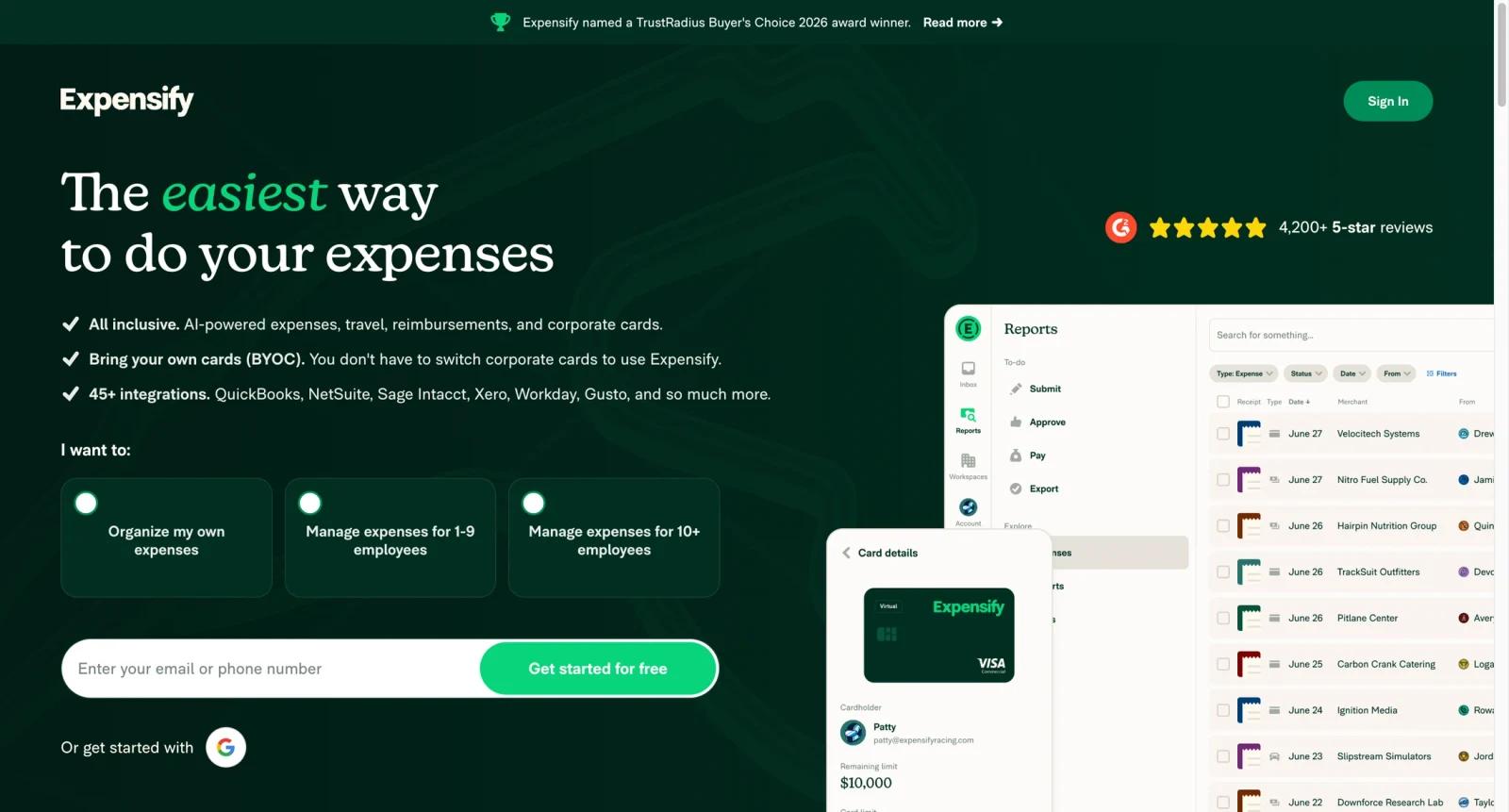
Expensify is an expense management platform built around receipt capture, employee reimbursement, corporate cards, approvals, bill pay, travel, and accounting sync. It is not just a scanner for receipts; it is a daily spend workflow for teams that need employees to submit expenses without creating a finance bottleneck.
The product is most compelling for small and midsize businesses that want one system for reimbursements, card transactions, receipt matching, and export into tools such as QuickBooks, Xero, NetSuite, and Sage Intacct. Finance teams can reduce manual receipt chasing while employees get a simpler way to submit expenses from mobile or web.
Expensify has changed pricing and packaging over time, including simplified SMB pricing signals. Buyers should verify the official pricing page and billing help center before rollout, especially if they need multi-workspace billing, corporate card discounts, travel, or accounting integrations.
For related finance and operations research, compare AI spreadsheet tools, AI data analysis tools, and AI productivity tools.
Key Features
SmartScan receipt capture - Employees can photograph or forward receipts, then Expensify extracts merchant, date, amount, and expense details for review.
Expense reports and approvals - Teams can submit, approve, reject, and reimburse expense reports through structured workflows.
Corporate card support - Expensify Card and imported card feeds can connect spending activity to receipts and policy rules.
Accounting integrations - Finance teams can export expenses and reimbursements into systems such as QuickBooks, Xero, NetSuite, and Sage Intacct.
Reimbursement workflows - ACH reimbursements and report settlement help teams move from approved expenses to payment.
Policy and control tools - Admins can configure categories, approval flows, workspace rules, and reporting views for spend visibility.
Pricing & Plans
| Plan | Pricing | Best fit |
|---|---|---|
| Free / individual use | Free entry options may apply | Individuals tracking personal or very small-team expenses. |
| Business plans | Often presented from about $5 per member/month in current SMB packaging | Teams needing approvals, card workflows, accounting sync, and admin controls. |
| Advanced configurations | See official pricing and billing terms | Organizations with multiple workspaces, card discounts, travel, or complex accounting needs. |
Expensify pricing depends on plan, billing cycle, active members, workspace setup, card usage, and any current discounts. Confirm the official pricing page before purchase because historical and legacy structures may differ from the current SMB offer.
Best For
Expensify is best for small businesses, accounting teams, finance teams, founders, and employees submitting expenses who need to capture receipts, route approvals, reimburse expenses, and keep card or accounting records synchronized. In practical terms, it fits:
- SMBs that want receipt capture, expense reports, and reimbursements in one workflow
- Finance teams using QuickBooks, Xero, NetSuite, or Sage Intacct
- Companies issuing cards and needing receipt matching
- Accounting firms standardizing expense workflows across clients
FAQ
What is Expensify used for?
Expensify is used to capture receipts, create expense reports, route approvals, reimburse employees, manage card transactions, and sync expense data into accounting systems.
Does Expensify have a free plan?
Expensify has free or entry-level usage paths, but business features depend on the current official plan and billing setup.
How much does Expensify cost?
Current SMB packaging commonly highlights paid business use from around $5 per member/month, but final cost depends on plan, billing terms, active members, and card-related discounts.
Can Expensify connect to accounting software?
Yes. Expensify supports accounting exports and integrations with systems such as QuickBooks, Xero, NetSuite, and Sage Intacct.
Is Expensify only for travel expenses?
No. It can support travel expenses, but it also handles everyday receipts, reimbursements, card transactions, and finance workflows.
Who should choose Expensify?
Choose Expensify if your team wants a mature expense workflow rather than a basic receipt folder or spreadsheet tracker.


