

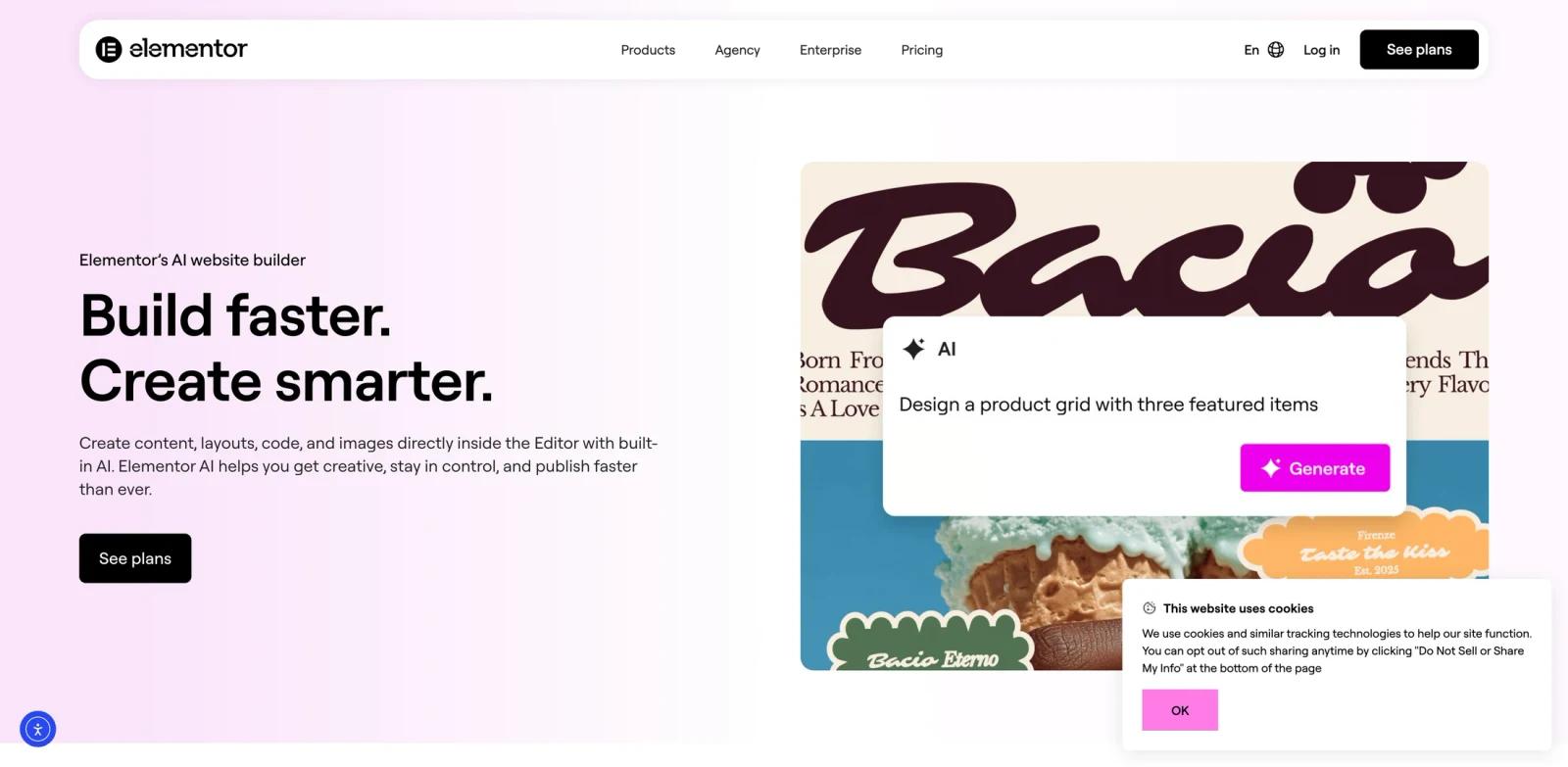


Overview
Elementor AI is an AI website builder for WordPress in the broader AI website builders category. It creates layouts, copy, images, and code inside the Elementor editor. The clearest fit is for web creators, agencies, freelancers, and WordPress site owners, especially when the team needs a repeatable workflow rather than a one-off experiment.
The official page positions Elementor AI around elementors ai website builder. In practical terms, that means the product should be evaluated on whether it can shorten the distance between raw input and a reviewable output, while still giving users enough control to refine the result. That balance matters for teams comparing best AI website builders, because speed alone is not useful if the output cannot survive client review, internal QA, or handoff to another tool.
Elementor AI's main advantage is that it brings AI directly into the design surface where Elementor users already build. It is not the right choice for every organization, but it becomes compelling when the surrounding workflow already matches the product's strengths and the team can measure clear savings in setup time, iteration cycles, or production overhead.
Key Features
Prompt-to-site generation - Turns a business brief or page idea into an initial website structure, giving teams a faster starting point than a blank builder.
Editable visual builder - Keeps generated sections, copy, and visuals adjustable so users can refine brand, layout, and conversion details.
WordPress or site-stack integration - Fits into existing publishing workflows instead of forcing teams to abandon their current website platform.
AI copy and media support - Helps generate page text, visuals, translations, or code snippets where the builder supports those AI capabilities.
Templates and design controls - Provides structured layouts, responsive settings, fonts, colors, and reusable sections for repeatable site production.
Launch and operations support - The strongest options also address hosting, performance, security, collaboration, or client handoff after the first page is created.
These features make Elementor AI strongest when the user has a concrete workflow in mind. A casual user can still test the product, but the real value appears when the same output needs to be created, reviewed, and improved repeatedly.
How to Get Started
- Start with the official product page - Review the current positioning, supported platforms, examples, and any live demo or free trial language before inviting a wider team.
- Choose one representative workflow - Pick a real AI website builder for WordPress task with known inputs, expected outputs, and review criteria so the test does not become a vague feature tour.
- Prepare source material - Gather the files, prompts, models, briefs, websites, or documents that match how your team actually works.
- Generate the first output - Use Elementor AI to create a first website draft, landing page, or WordPress page from those real inputs.
- Review control and editability - Check how easily users can adjust structure, styling, data, settings, or exports after the first AI-assisted result appears.
- Compare handoff quality - Export or share the result with the next person in the workflow and compare it against your current process, including time saved and rework created.
Pricing & Plans
| Plan type | Pricing | Best fit |
|---|---|---|
| Commercial access | Public entry pricing was not clearly exposed in the captured official text | Teams that need the core AI website builder for WordPress workflow and are ready to evaluate paid access |
| Sales or enterprise plan | Contact the vendor for current pricing, seat counts, usage limits, and support terms | Organizations needing procurement, onboarding, security review, or custom deployment requirements |
The captured official page does not expose a simple public free tier and paid plan table. Treat Elementor AI as a commercial tool and verify current pricing, trials, and usage limits on the vendor site before budgeting.
For buying decisions, treat the pricing page as only one part of the evaluation. Teams should also check export limits, commercial rights, collaboration seats, support response times, privacy terms, and whether advanced features are included in the lowest paid plan or reserved for higher tiers.
Best For
- Web creators, agencies, freelancers, and WordPress site owners that already handle AI website builder for WordPress tasks every week and need faster production.
- Teams comparing AI UI design but wanting a tool shaped around AI website builder for WordPress rather than a broad general assistant.
- Operators who can test Elementor AI against a real project, output, or client deliverable during evaluation.
- Managers who need clearer handoffs, reusable outputs, or shorter feedback loops between specialists and reviewers.
- Buyers who are willing to verify current pricing, security, and export rules before adopting the tool across a larger team.
FAQ
What is Elementor AI?
Elementor AI is an AI website builder for WordPress for web creators, agencies, freelancers, and WordPress site owners. Its core job is to help users complete this workflow more efficiently: creates layouts, copy, images, and code inside the Elementor editor.
Who should use Elementor AI?
It is best for web creators, agencies, freelancers, and WordPress site owners that have a recurring workflow, clear source inputs, and a need to produce reviewable outputs faster than their current process allows.
Is Elementor AI free?
Elementor AI should be treated as a paid commercial product unless the vendor's current pricing page states otherwise.
How much does Elementor AI cost?
A simple public starting price was not clearly available in the captured page text. Check the vendor's pricing page or contact sales for current plan, seat, usage, and enterprise terms.
What makes Elementor AI different?
It brings AI directly into the design surface where Elementor users already build. That makes it most useful when your workflow matches the product's intended category and output format.
Can Elementor AI replace a specialist?
Usually no. Elementor AI can speed up drafting, generation, planning, rendering, scheduling, or organization, but a knowledgeable user should still review quality, accuracy, brand fit, and final deliverables.
What should I test during a trial?
Use a real project, not a sample prompt. Measure time to first usable output, editability, export quality, collaboration fit, and how much rework the tool creates downstream.
Is Elementor AI good for teams?
It can be, especially if the team has shared standards and repeatable work. Before rollout, confirm permissions, collaboration features, admin controls, billing, and whether the plan supports the number of users you need.
What are alternatives to Elementor AI?
Alternatives depend on the workflow. Start with related AI graphic design options, then compare direct competitors by output quality, pricing clarity, supported integrations, and control over the final result.


