



Overview
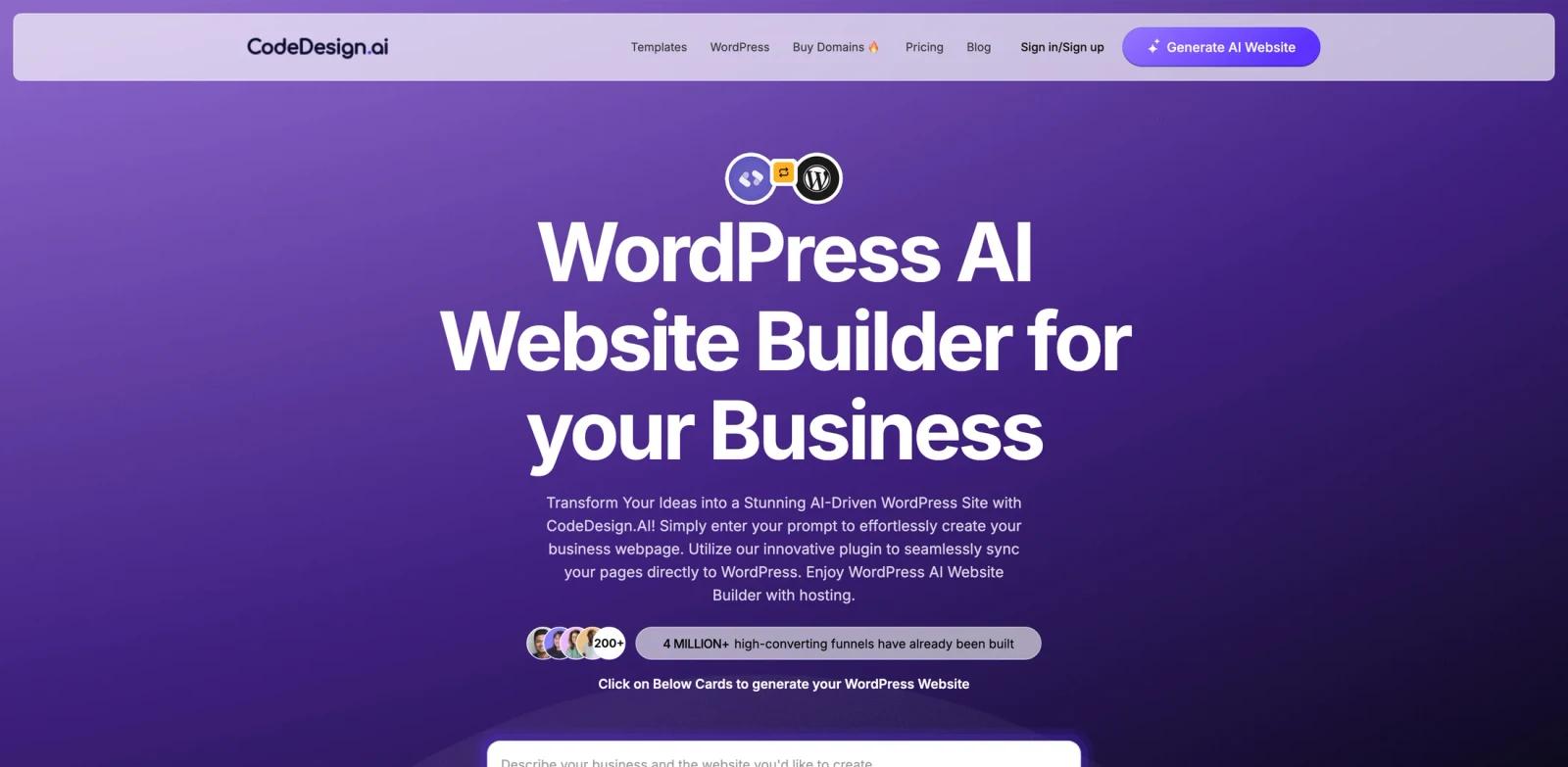
CodeDesign.ai is an AI WordPress website builder in the broader AI website builders category. It generates business websites from prompts and can sync pages into WordPress. The clearest fit is for business owners, agencies, and WordPress users, especially when the team needs a repeatable workflow rather than a one-off experiment.
The official page positions CodeDesign.ai around wordpress ai website builder for your business. In practical terms, that means the product should be evaluated on whether it can shorten the distance between raw input and a reviewable output, while still giving users enough control to refine the result. That balance matters for teams comparing best AI website builders, because speed alone is not useful if the output cannot survive client review, internal QA, or handoff to another tool.
CodeDesign.ai's main advantage is that it focuses on no-code WordPress page generation plus hosting and integrations. It is not the right choice for every organization, but it becomes compelling when the surrounding workflow already matches the product's strengths and the team can measure clear savings in setup time, iteration cycles, or production overhead.
Key Features
Prompt-to-site generation - Turns a business brief or page idea into an initial website structure, giving teams a faster starting point than a blank builder.
Editable visual builder - Keeps generated sections, copy, and visuals adjustable so users can refine brand, layout, and conversion details.
WordPress or site-stack integration - Fits into existing publishing workflows instead of forcing teams to abandon their current website platform.
AI copy and media support - Helps generate page text, visuals, translations, or code snippets where the builder supports those AI capabilities.
Templates and design controls - Provides structured layouts, responsive settings, fonts, colors, and reusable sections for repeatable site production.
Launch and operations support - The strongest options also address hosting, performance, security, collaboration, or client handoff after the first page is created.
These features make CodeDesign.ai strongest when the user has a concrete workflow in mind. A casual user can still test the product, but the real value appears when the same output needs to be created, reviewed, and improved repeatedly.
How to Get Started
- Start with the official product page - Review the current positioning, supported platforms, examples, and any live demo or free trial language before inviting a wider team.
- Choose one representative workflow - Pick a real AI WordPress website builder task with known inputs, expected outputs, and review criteria so the test does not become a vague feature tour.
- Prepare source material - Gather the files, prompts, models, briefs, websites, or documents that match how your team actually works.
- Generate the first output - Use CodeDesign.ai to create a first website draft, landing page, or WordPress page from those real inputs.
- Review control and editability - Check how easily users can adjust structure, styling, data, settings, or exports after the first AI-assisted result appears.
- Compare handoff quality - Export or share the result with the next person in the workflow and compare it against your current process, including time saved and rework created.
Pricing & Plans
| Plan type | Pricing | Best fit |
|---|---|---|
| Free entry or trial | $0 entry point or trial language, depending on current vendor terms | Evaluation, individual testing, and low-risk workflow validation |
| Paid plans | Vendor pricing varies by plan, usage, seats, exports, or commercial rights | Teams that need higher limits, collaboration, advanced exports, support, or production use |
| Enterprise or custom | Contact sales when available | Larger teams needing governance, security review, SSO, procurement, or dedicated support |
CodeDesign.ai presents a free generation path with paid plans or lifetime offers for publishing, exports, hosting, and advanced use. Confirm the current checkout before budgeting.
For buying decisions, treat the pricing page as only one part of the evaluation. Teams should also check export limits, commercial rights, collaboration seats, support response times, privacy terms, and whether advanced features are included in the lowest paid plan or reserved for higher tiers.
Best For
- Business owners, agencies, and WordPress users that already handle AI WordPress website builder tasks every week and need faster production.
- Teams comparing AI UI design but wanting a tool shaped around AI WordPress website builder rather than a broad general assistant.
- Operators who can test CodeDesign.ai against a real project, output, or client deliverable during evaluation.
- Managers who need clearer handoffs, reusable outputs, or shorter feedback loops between specialists and reviewers.
- Buyers who are willing to verify current pricing, security, and export rules before adopting the tool across a larger team.
FAQ
What is CodeDesign.ai?
CodeDesign.ai is an AI WordPress website builder for business owners, agencies, and WordPress users. Its core job is to help users complete this workflow more efficiently: generates business websites from prompts and can sync pages into WordPress.
Who should use CodeDesign.ai?
It is best for business owners, agencies, and WordPress users that have a recurring workflow, clear source inputs, and a need to produce reviewable outputs faster than their current process allows.
Is CodeDesign.ai free?
CodeDesign.ai has free entry or trial language on the captured official page, but serious usage may require a paid plan.
How much does CodeDesign.ai cost?
A simple public starting price was not clearly available in the captured page text. Check the vendor's pricing page or contact sales for current plan, seat, usage, and enterprise terms.
What makes CodeDesign.ai different?
It focuses on no-code WordPress page generation plus hosting and integrations. That makes it most useful when your workflow matches the product's intended category and output format.
Can CodeDesign.ai replace a specialist?
Usually no. CodeDesign.ai can speed up drafting, generation, planning, rendering, scheduling, or organization, but a knowledgeable user should still review quality, accuracy, brand fit, and final deliverables.
What should I test during a trial?
Use a real project, not a sample prompt. Measure time to first usable output, editability, export quality, collaboration fit, and how much rework the tool creates downstream.
Is CodeDesign.ai good for teams?
It can be, especially if the team has shared standards and repeatable work. Before rollout, confirm permissions, collaboration features, admin controls, billing, and whether the plan supports the number of users you need.
What are alternatives to CodeDesign.ai?
Alternatives depend on the workflow. Start with related AI graphic design options, then compare direct competitors by output quality, pricing clarity, supported integrations, and control over the final result.


