



Overview
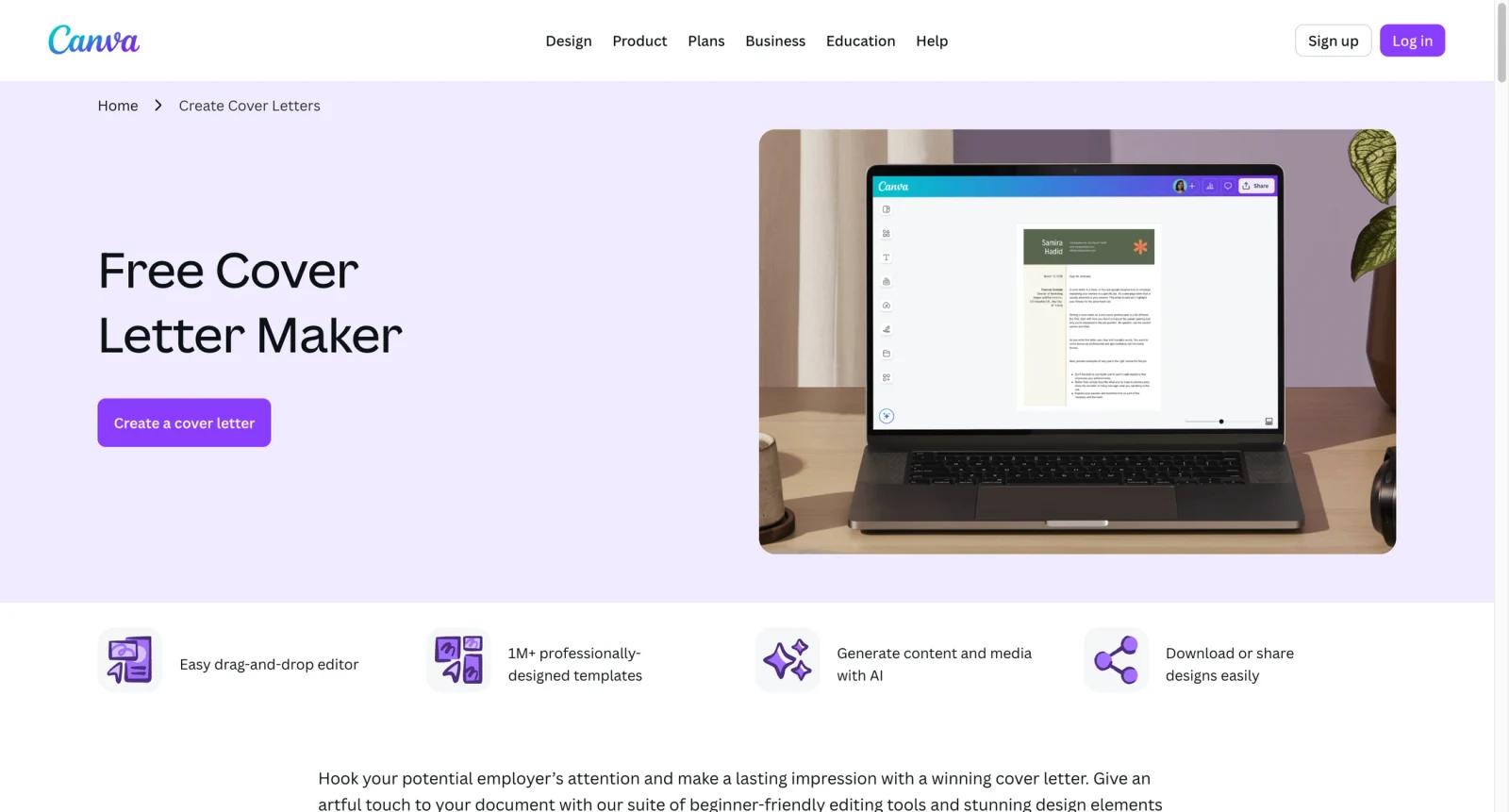
Canva's cover letter maker is the cover-letter entry point inside Canva's broader browser-based design platform. It is not a standalone job-search assistant that writes a complete application strategy for you. Its real strength is combining editable cover letter templates, resume-friendly layouts, Magic Write, brand assets, export controls, and sharing tools in one workspace.
That positioning makes Canva useful for job seekers who care about presentation as much as wording. A plain text generator can draft paragraphs, but Canva lets you shape the finished letter into a visually consistent PDF that matches a resume, portfolio, or personal brand. For users comparing AI cover letter generator tools, Canva is strongest when the final document needs to look polished, not just read correctly.
Canva is also practical for career coaches, university career centers, and small teams that review application materials. Templates make it easy to standardize structure, while comments and sharing help reviewers give feedback without passing Word files back and forth. The tradeoff is that users still need to provide accurate career details, tailor the message to the job, and avoid relying on generic AI phrasing.
Key Features
- Cover letter template library - Start from professionally designed cover letter layouts instead of formatting margins, headings, and spacing manually.
- Magic Write drafting support - Use Canva's AI writing assistant to brainstorm summaries, rewrite stiff paragraphs, or adapt a letter to a different role while keeping human review in the loop.
- Resume and letter consistency - Pair a cover letter with a matching resume style, which helps applicants present a more coherent application package than a plain document export.
- Drag-and-drop editing - Adjust fonts, spacing, colors, icons, and layout blocks without desktop publishing software, making the tool accessible to non-designers.
- PDF and share workflows - Export a finished letter as a PDF, share a review link, or keep versions organized inside Canva projects.
- Team and brand controls on paid plans - Canva Pro and Business add stronger asset access, Brand Kits, premium templates, higher AI allowances, and collaboration features for repeat use.
Pricing & Plans
Canva uses a freemium model. The cover letter maker can be used on the Free plan, while Pro and Business unlock more premium assets, AI usage, storage, brand controls, and collaboration features.
| Plan | Pricing | Best fit |
|---|---|---|
| Free | $0 | Job seekers who need basic templates, editing, and export without premium assets |
| Pro | From $15/month or $120/year for one person | Applicants who use Canva often and want premium templates, higher AI access, Brand Kit, and productivity tools |
| Business | From $20/person/month | Career teams, agencies, or departments managing shared assets and approvals |
| Enterprise | Custom pricing | Larger organizations that need admin, security, and governance controls |
The practical pricing question is whether you need Canva beyond one cover letter. If you only need a simple application document, the Free plan may be enough. If you create resumes, portfolios, social graphics, presentations, or client documents regularly, Pro is easier to justify. Users focused mainly on resume matching should also compare dedicated AI resume builder tools and the best AI resume builders roundup.
Best For
- Job seekers applying to design, marketing, education, nonprofit, or client-facing roles where document presentation matters
- Students and early-career applicants who need a simple way to match a resume and cover letter visually
- Career coaches reviewing 5+ application documents per week with comments and shared links
- Freelancers who want reusable letter templates for proposals, outreach, and client introductions
- Canva users who already create resumes, portfolios, or AI design tools assets in the same workspace
FAQ
What is Canva's AI Letter Generator?
It is Canva's cover letter creation workflow, combining templates, Magic Write, design editing, and export tools. It is best understood as a document design and writing assistant rather than a dedicated job-matching platform.
Is Canva's cover letter maker free?
Yes, it is free to start. The Free plan supports basic cover letter creation, while paid plans unlock more templates, premium assets, AI access, storage, and brand features.
Does Canva write the entire cover letter for me?
Canva can help draft and rewrite text through Magic Write, but users should still tailor the letter to the role, add accurate experience details, and remove generic AI phrasing before sending it.
Can I export a Canva cover letter as a PDF?
Yes. Canva supports common export formats including PDF, which is the typical format for sending a finished cover letter with a resume.
How does Canva compare with dedicated AI cover letter tools?
Dedicated tools may be better for job-specific keyword targeting and structured applicant workflows. Canva is better when you need a polished visual document, matching resume style, and easy editing in a design workspace.
Is Canva good for ATS-friendly cover letters?
Canva can create clean documents, but users should keep layouts simple when applying through applicant tracking systems. Avoid heavy graphics, unusual columns, or decorative formatting when a plain PDF or text upload is required.
Who should upgrade to Canva Pro for cover letters?
Upgrade if you regularly create career documents, need premium templates, want more AI usage, or manage a consistent personal brand across resumes, cover letters, portfolios, and social profiles.
Can teams use Canva for application document review?
Yes. Canva's sharing and commenting features make it useful for career centers, coaches, and small teams that review application materials collaboratively.


