
10 Best Synthesia Alternatives 2026 - After the Credit Reset

Synthesia is still one of the safest default picks for enterprise AI avatar video. That is exactly why people search for Synthesia alternatives: the product is not broken, but the buying decision has changed. In 2026 Synthesia moved self-serve usage into a credit system and kept major governance and scale features on Enterprise. For L&D teams, that may be the right platform. For creators, marketers, small teams, and API builders, a narrower avatar workflow can be easier to price and operate.
Synthesia's own help center explains the operational tradeoff: regular video consumes two credits per second, unused credits do not roll over, and generating an edited version consumes credits again. That is not the same as saying Synthesia is bad. It means the right alternative depends on why you are leaving: lower cost, different avatar output, LMS training features, a full video editor, or an API-first avatar stack.
| Tool | Best For |
|---|---|
| HeyGen | Creator, marketing, and localization workflows |
| Colossyan | Training videos, quizzes, branching, and SCORM workflows |
| D-ID | API-first talking avatars and embedded product experiments |
| Elai | Presentation-to-avatar videos with transparent minutes |
| AI Studios | Unlimited paid-plan video count with dubbing and credit limits |
| VEED | A normal browser video editor with AI avatars inside it |
| Tavus | Realtime conversational video avatars and replicas |
| AKOOL | Marketing avatars, translation, face swap, and campaign assets |
| Vidnoz AI | Budget avatar volume and template-heavy production |
| Creatify | UGC-style product video ads from URLs |
Why People Are Leaving Synthesia in 2026
The Synthesia switch story is not one complaint. It is six buying and workflow questions that can be checked against Synthesia's current pricing and help documentation.
1. Credits reset instead of rolling over. Synthesia's current self-serve system uses credits across video generation and other AI features. Its help center says one minute of regular video consumes 120 credits and that credits reset at the start of the billing period with no accumulation of unused credit (Synthesia credits guide, 2026). Teams with uneven production schedules therefore need to plan usage by billing cycle.
2. Self-serve output is capped by plan. Synthesia's pricing page lists Basic, Starter, Creator, and Enterprise. Annual Starter includes 14,500 credits for up to 120 minutes of regular video per year, while annual Creator includes 44,000 credits for up to 360 minutes (Synthesia pricing). That can be sufficient for planned training output, but teams producing frequent variants should model their annual render volume before subscribing.
3. Avatar fit is use-case specific. A polished internal training presenter and a customer-facing UGC ad need different movement, framing, voice, and emotional range. These qualities are not reliable on a feature checklist. Test the same 30-second script, pronunciation list, and target language in Synthesia and two alternatives before treating any realism claim as decisive.
4. Regeneration makes editing economics matter. If your team treats videos like living documentation, every typo, policy update, and localization fix matters. Synthesia's credit guide says generating an edited or duplicated video consumes credits (Synthesia credits guide). This is why some teams compare Synthesia with VEED, Descript, or Pictory: they want timeline editing first and avatars second.
5. Synthetic-media policies must be tested before a deadline. Every responsible avatar vendor applies consent and content restrictions. For regulated, political, legal, or public-facing work, submit a representative script during the trial and review the vendor's current policy. Do not assume that a successful generic demo proves a sensitive production workflow will be accepted.
6. Brand, governance, and workflow features move upmarket. Synthesia is increasingly enterprise-first. That is visible in its plan structure and support docs: Enterprise is where unlimited minutes, full avatar libraries, SSO, workspaces, and higher API rate limits appear (Synthesia pricing plans). For a 500-person company, that is exactly the point. For a five-person agency, it can feel like the useful workflow features are always one procurement call away.
These six questions map to a practical decision: do you need Synthesia's enterprise video platform, or do you need one sharper workflow with a different cost model?
Top 10 Synthesia Alternatives Compared
| Tool | Pricing Shape | Cost Planning | Avatar / Editor Form | Migration Effort |
|---|---|---|---|---|
| Synthesia (anchor) | Basic free; Starter/Creator self-serve; Enterprise custom | Credits reset; plan output is explicit | Enterprise avatar video platform | - |
| HeyGen | Free; Creator $29/mo; Pro from $49/mo; Business $149/mo + seats | Credits roll over under stated limits | Avatar, translation, creator video | Low |
| Colossyan | Free Starter; Professional $59/mo annual; Enterprise custom | NEO/NEO2 minutes are published | Avatar video plus course authoring | Medium |
| D-ID | Trial and paid Studio/API plans | Minutes round to 15-second intervals and do not roll over | API-first talking avatars | Medium |
| Elai | Free; Creator $29/mo; Team $125/mo; annual discounts | Minutes and add-ons are published | PPT-to-avatar video | Low |
| AI Studios | Free; Personal $24/mo annual; Team $55/seat/mo annual | Video count is unlimited on paid plans; other usage is metered | Avatar video, dubbing, generative media | Low |
| VEED | Free; Lite $19/user/mo; Pro $29/user/mo; Enterprise custom | Avatar generation uses AI credits | Video editor with avatars | Low |
| Tavus | Free; Starter $22/mo; Builder $59/mo; Growth $397/mo | Included conversation minutes; overage starts on Builder | Realtime conversational avatars | High |
| AKOOL | Free/self-serve credit tiers; Enterprise custom | Public feature table is clearer than the displayed price data | Marketing avatar and translation suite | Medium |
| Vidnoz AI | Free plus paid credit plans; Enterprise custom | Credits do not roll over | Template-heavy avatar maker | Low |
| Creatify | Free credits; Starter $39/mo; Pro $99/mo; Enterprise custom | Monthly ad-production credits are explicit | UGC avatar ads from URLs | Medium |
Detailed Reviews
HeyGen
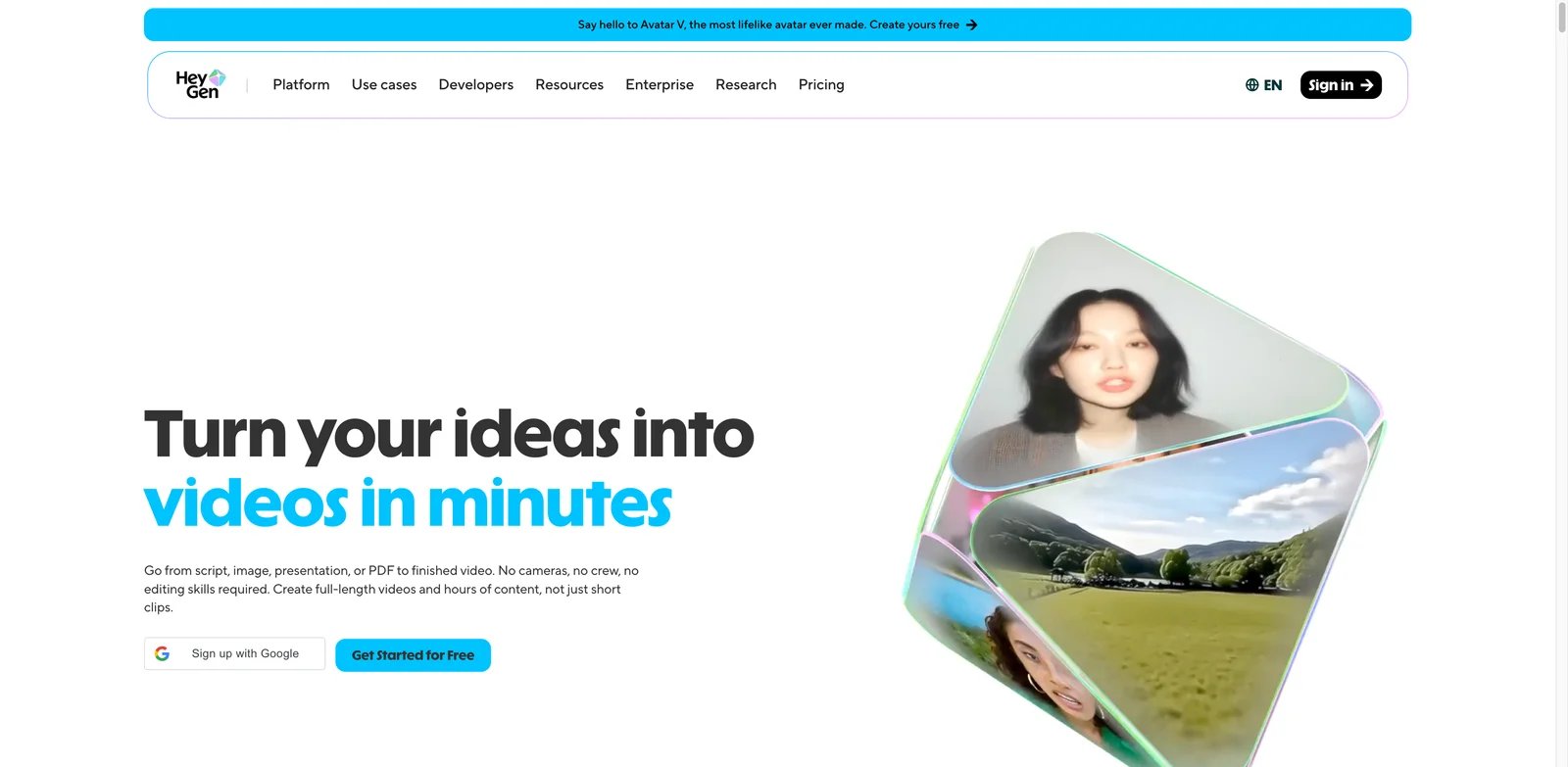
HeyGen is the easiest first stop for most people leaving Synthesia because it competes on the same core promise: type a script, pick an avatar, localize the video, publish. The difference is posture. Synthesia feels like enterprise learning infrastructure; HeyGen feels like a creator and marketing video platform that happened to become serious enough for teams.
What HeyGen solves vs Synthesia:
- Avatar and language range: HeyGen's current pricing page lists 700+ stock video avatars and 175+ languages and dialects on Creator (HeyGen pricing).
- Faster marketing workflows: video translation, voice cloning, photo avatars, and ad/social formats sit closer to the creator workflow than a training-only LMS mindset.
- Lower friction trial: the Free plan allows up to three videos per month, so a marketer can run one real script before choosing a plan.
- Clearer solo pricing: Creator and Pro are easy to understand before procurement enters the room.
Pricing vs Synthesia: HeyGen Creator is $29/month with 600 credits; Pro starts at $49/month with 1,000 credits; Business is $149/month for the first seat with 1,500 credits, plus $20 per additional seat. Unlike Synthesia, eligible unused HeyGen credits can roll over for a limited period. Synthesia can still be the better fit for enterprise training, but HeyGen offers a different cost and creator workflow.
Limitations: HeyGen is not a drop-in replacement for Synthesia's deepest enterprise learning stack. If your requirements include governance templates, complex approvals, company-wide workspaces, or a procurement-friendly vendor posture, Synthesia still has an edge. HeyGen's credit system also needs inspection before high-volume campaigns.
Best for: creators, growth teams, sales enablement, and localization teams that want a more flexible Synthesia alternative. Not the right fit if your core requirement is formal L&D governance rather than video output speed.
Get started with HeyGen
Colossyan
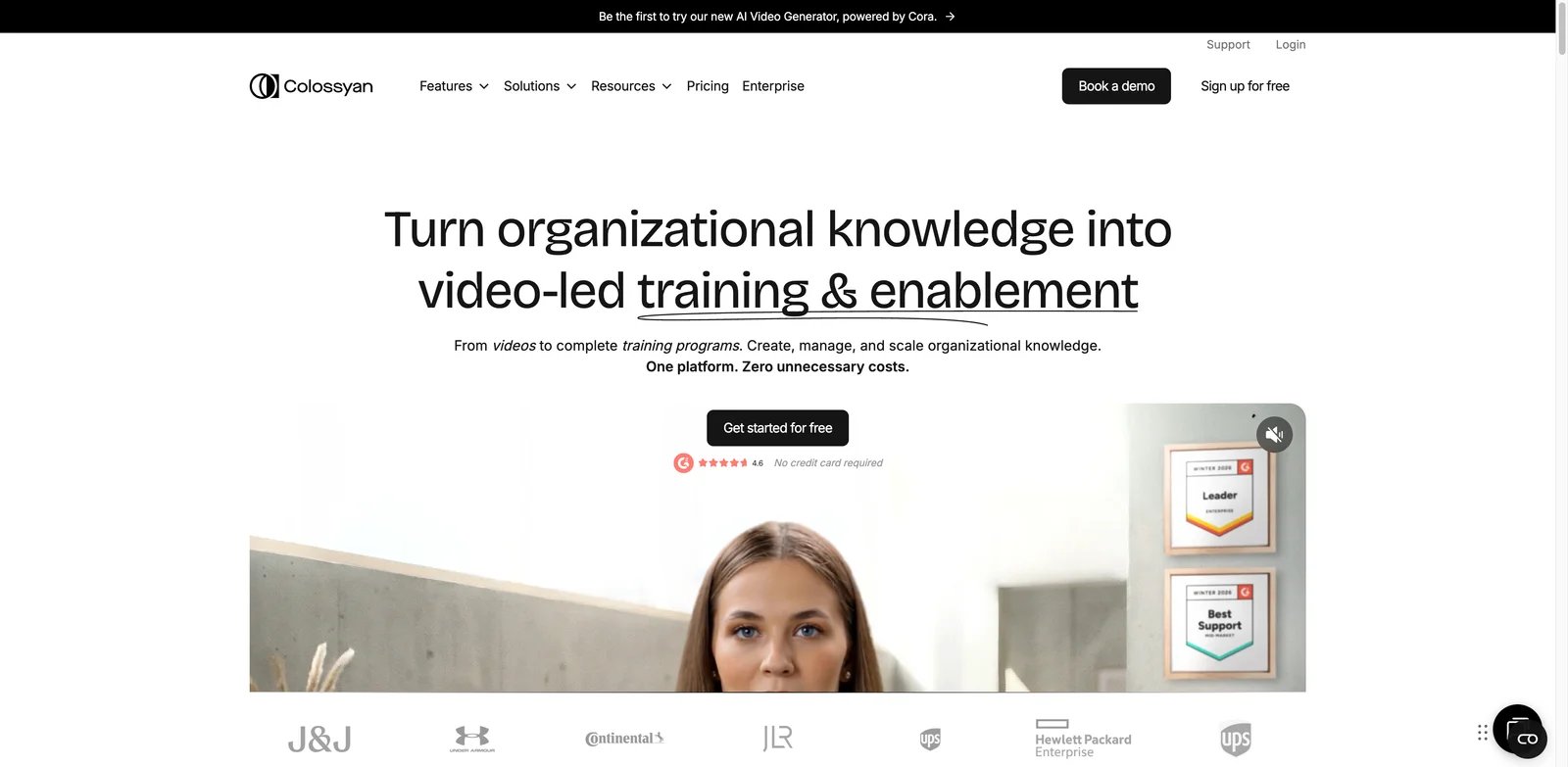
Colossyan is the Synthesia alternative that most obviously understands training content. It does not just say "make avatar videos." It says video-first courses, quizzes, branching scenarios, SCORM exports, and course authoring. That matters because many Synthesia buyers are not YouTubers; they are L&D managers trying to replace a pile of slide decks and recorded Zoom explainers.
What Colossyan solves vs Synthesia:
- Training-first workflow: Colossyan's pricing page emphasizes interactive videos, branching, quizzes, multilingual player, unlimited viewers, and Learn/course creation (Colossyan pricing).
- SCORM visibility: Professional includes SCORM export allowances; Enterprise expands the learning stack.
- Custom avatars and voices: published plan details include custom avatar and cloned voice allowances.
- Course structure: if the real job is learning content, Colossyan may reduce the number of tools you stack around Synthesia.
Pricing vs Synthesia: Colossyan lists a free/Starter path and Professional at $59/month on annual billing. Synthesia Creator can cost more at monthly list price while still pushing some scale and governance features into Enterprise. Colossyan is not automatically cheaper for every team, but it can be more directly priced for training-specific output.
Limitations: If your team already depends on Synthesia's avatar library, brand governance, and enterprise support, Colossyan requires a real pilot. Avatar preference is subjective, and L&D administrators should test SCORM behavior in their actual LMS before switching.
Best for: L&D teams that want quizzes, branching, course authoring, and SCORM to be first-class, not add-ons. Not the right fit if your main use case is fast UGC-style marketing clips.
Get started with Colossyan
D-ID
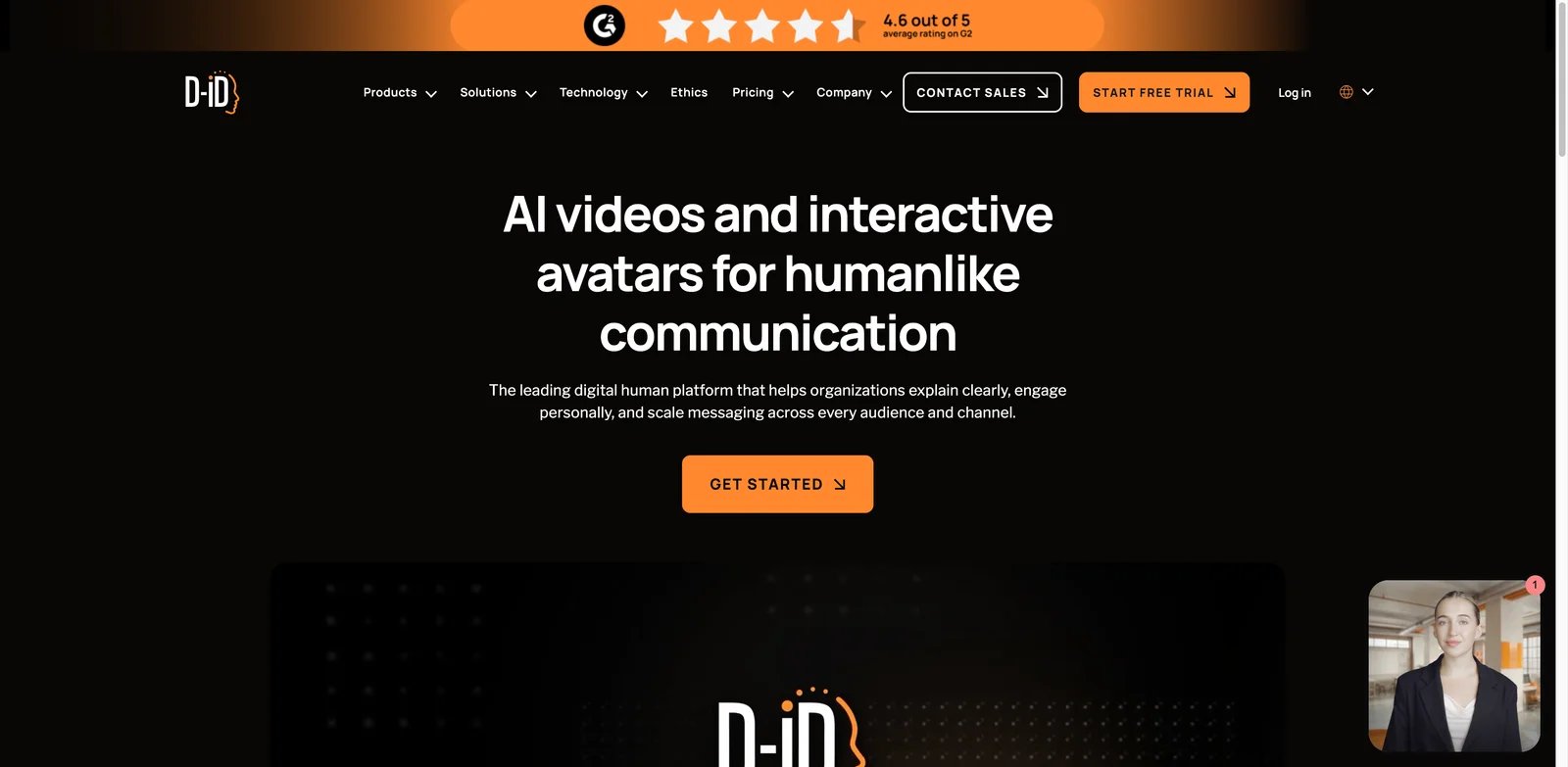
D-ID is the alternative to pick when "Synthesia replacement" really means "we need avatar generation inside our product." The Studio can create talking videos, but the stronger reason to choose D-ID is its developer posture: API keys, streaming/video generation plans, and explicit minute allocation.
What D-ID solves vs Synthesia:
- API-first usage: D-ID exposes API keys and developer documentation alongside its Studio workflow (D-ID Studio pricing).
- Usage accounting: generated duration is deducted from plan minutes and rounded up to the nearest 15-second interval.
- Streaming avatar path: D-ID covers both offline video and streaming/agent use cases.
- Shared usage model: the Studio pricing FAQ says API minutes are deducted from the same balance as web usage.
Pricing vs Synthesia: D-ID offers trial and paid Studio/API paths, but its current public page does not expose every checkout price reliably to an unauthenticated reader. Compare the live checkout against your required minutes before buying. Synthesia is easier for nontechnical business users and richer for enterprise training; D-ID is more direct when video output is generated by an application.
Limitations: D-ID is not the best choice for polished, full-course corporate training. You may need to build the surrounding workflow yourself: script management, approvals, analytics, hosting, and permissions. Avatar realism can also lag premium enterprise avatar platforms depending on the source photo/replica.
Best for: developers, product teams, and agencies embedding talking avatars into apps, onboarding flows, or conversational experiences. Not the right fit if you want a complete L&D platform out of the box.
Get started with D-ID
Elai
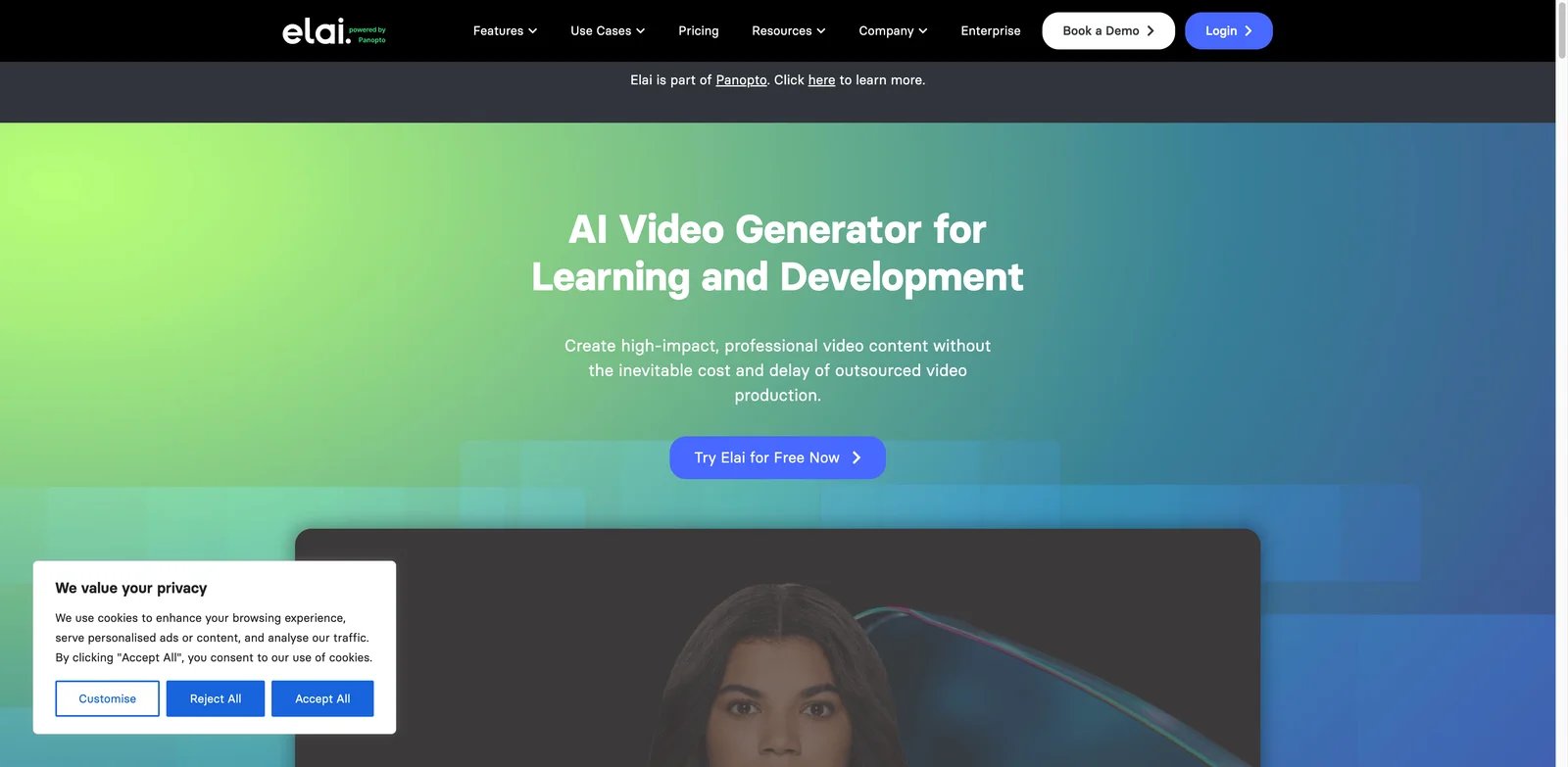
Elai is for teams that still think in decks. If your Synthesia workflow starts with PowerPoint, scripts, and internal enablement content, Elai is one of the most practical migration candidates because its pricing page publishes minutes, seats, avatar allowances, add-on costs, and file/workflow features in unusually plain terms.
What Elai solves vs Synthesia:
- Presentation-to-video workflow: Elai supports PPTX-oriented creation, AI storyboard/script features, URL-to-video, screen recording, captions, translation, and API access on published plans (Elai pricing).
- Transparent minutes: Free includes 1 minute; Creator includes 15 minutes/month; Team includes 50 minutes/month on the base configuration.
- Published add-ons: Studio avatar, selfie avatar, and voice cloning add-on pricing is listed instead of hidden behind a sales call.
- Interactive training features: branching, buttons, hotspots, quizzes, analytics, and SCORM export appear in the plan comparison.
Pricing vs Synthesia: Elai Creator is $29/month or $23/month annually for 15 minutes/month; Team is $125/month or $100/month annually for 50 minutes/month. Extra minutes are listed at $2/minute. That transparency helps buyers compare true production volume against Synthesia's credit/minute model.
Limitations: Elai's avatar library is smaller than Synthesia's, and enterprise security buyers still need to validate procurement, compliance, retention, and SSO details. For the most polished executive-facing avatar videos, run a quality side-by-side test.
Best for: enablement teams and educators that want deck-to-video production with clear minute economics. Not the right fit if you need the strongest enterprise avatar library and governance posture.
Get started with Elai
AI Studios
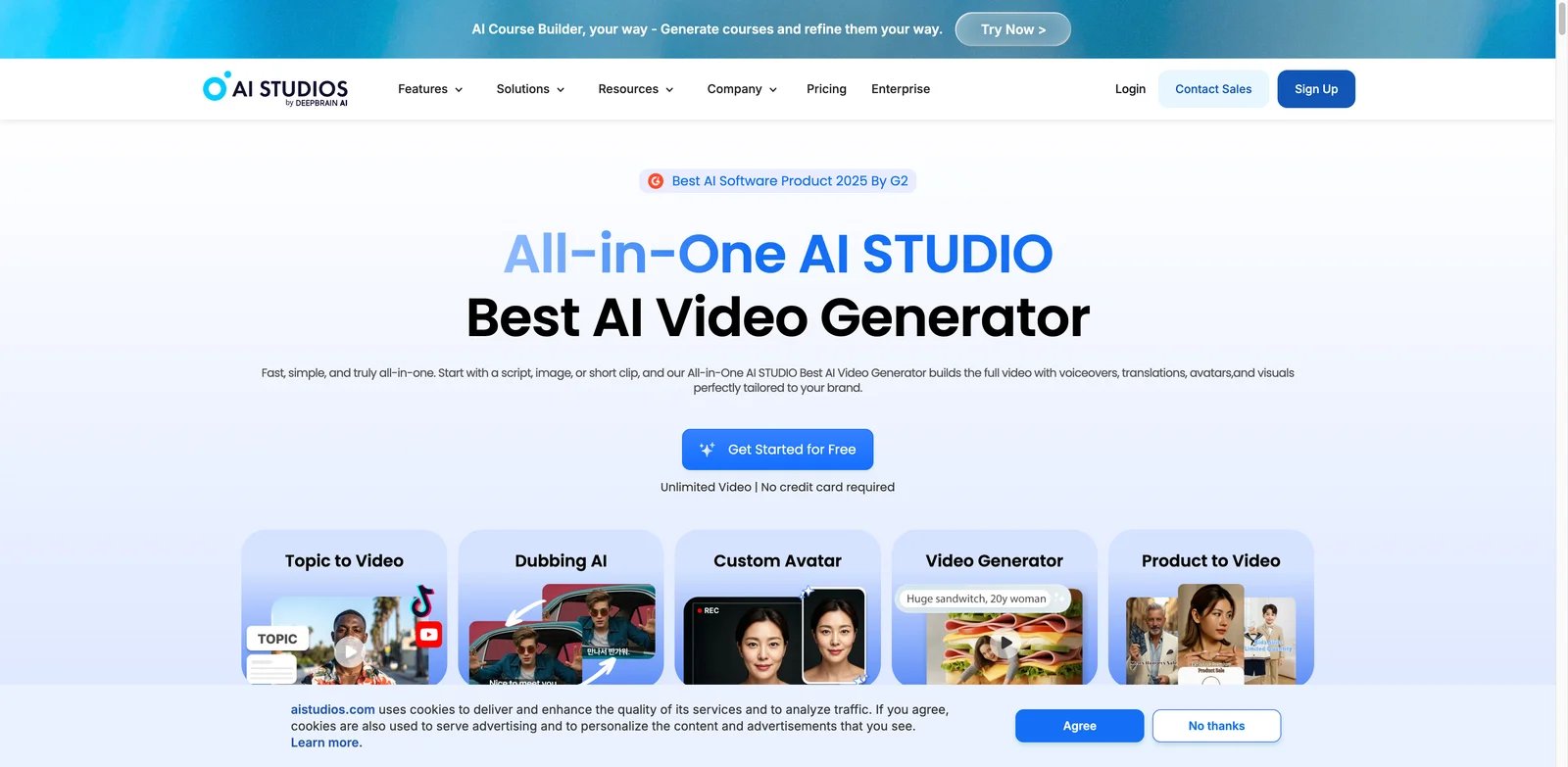
AI Studios by DeepBrain AI is a credible Synthesia alternative because it combines avatar video, dubbing, templates, custom avatars, and generative media in one editor. The most important pricing detail is simple: paid AI Studios plans advertise unlimited AI videos, with plan limits around duration, exports, priority processing, dubbing, and generative credits.
What AI Studios solves vs Synthesia:
- Unlimited video count on paid plans: Personal and Team list unlimited AI videos, with max duration limits per video (AI Studios pricing).
- Custom avatars included: Free includes one custom avatar; Personal includes three; Team includes five.
- Dubbing and generative media: paid plans include AI dubbing with lip sync and monthly generative credits.
- Interactive path: AI Studios also has interactive avatar pricing for live/avatar experiences.
Pricing vs Synthesia: AI Studios Personal starts at $24/month and Team at $55/seat/month. That can be attractive for teams annoyed by low monthly minute caps, although generative credits still matter for premium AI media. Compare your exact use case: basic avatar videos, dubbing, and advanced generative video do not consume limits the same way.
Limitations: The phrase "unlimited AI videos" does not mean unlimited every AI feature. Generative credits still meter premium media features, and Enterprise is where SCORM export, SAML SSO, bulk generation, and deeper enterprise controls appear. Buyers should test render quality and pronunciation against Synthesia on the same scripts.
Best for: teams that produce many short avatar videos and want a broader AI video editor without Synthesia's self-serve minute ceiling. Not the right fit if your procurement team specifically wants Synthesia's enterprise maturity.
Get started with AI Studios
VEED
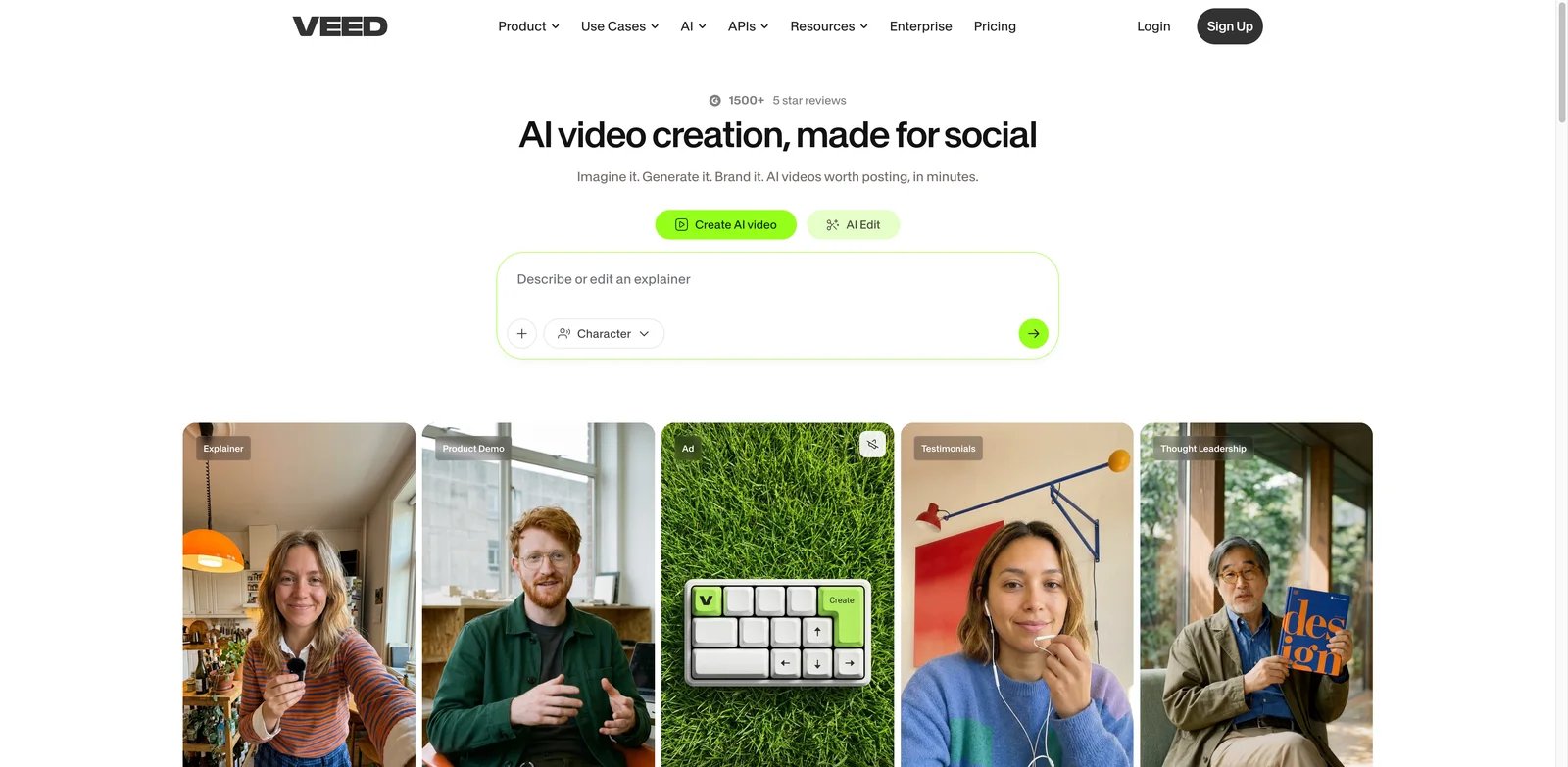
VEED is not trying to be a pure Synthesia clone. That is the point. It is a browser video editor that added AI avatars, talking characters, text tools, subtitles, translation, screen recording, and brand editing. If Synthesia feels too rigid after you generate the presenter scene, VEED solves a different part of the workflow: editing.
What VEED solves vs Synthesia:
- Timeline-first editing: VEED's avatar tool lives inside a broader editor, so captions, cuts, assets, audio, and repurposing are native (VEED AI avatar).
- 120+ languages: VEED positions avatars and voice tools for multilingual creation.
- Creator-friendly plan shape: VEED's own AI video roundup describes Free, Lite at $19/user/month, Pro at $29/user/month, and Enterprise custom (VEED pricing reference).
- Social and marketing output: VEED is stronger when final polish and resizing matter as much as the avatar.
Pricing vs Synthesia: VEED can be cheaper for teams that need video editing first and only occasional avatar clips. But AI generation depends on credits, and the exact credit burn is shown at generation time. Treat VEED as an editor replacement, not a one-for-one enterprise avatar platform.
Limitations: VEED's stock avatar depth and enterprise governance do not match Synthesia's positioning. If your team needs standardized training avatars across thousands of employees, Synthesia or Colossyan may be better. If you need heavy avatar output, verify VEED AI credits before switching.
Best for: marketers, content teams, and agencies that want a normal editing workflow with avatars as one asset type. Not the right fit if avatar governance, LMS integration, and enterprise learning analytics are the main requirement.
Get started with VEED
Tavus
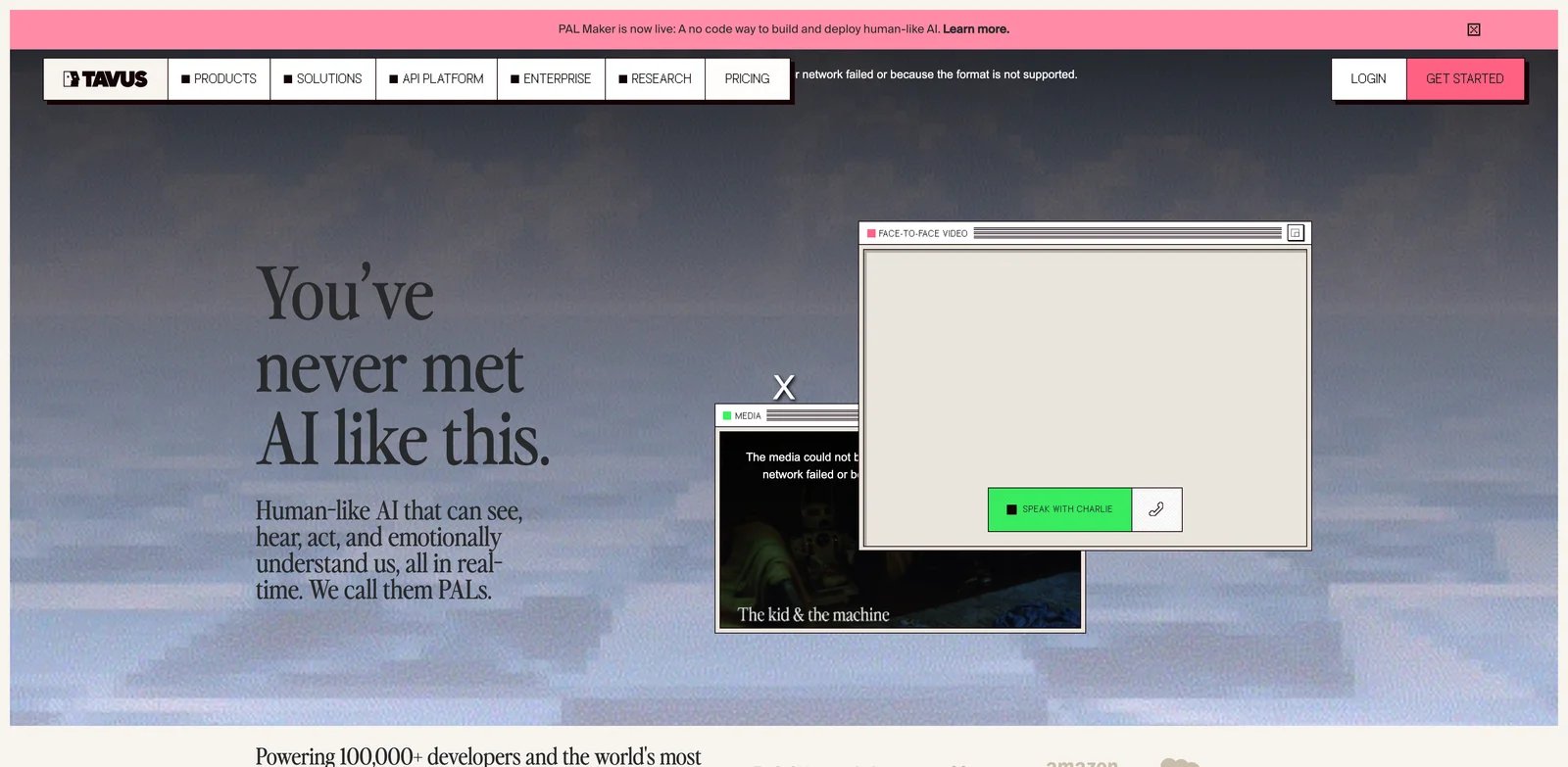
Tavus is the wrong alternative for casual Synthesia users and the right one for builders. It is less about exporting polished training videos from a dashboard and more about creating realtime AI humans, custom replicas, and API-driven conversational video. If interactive agents are the capability you actually need, Tavus is worth testing before you buy deeper into an enterprise video suite.
What Tavus solves vs Synthesia:
- Realtime conversation: Tavus pricing centers on conversational-video minutes and interactive avatar infrastructure (Tavus pricing).
- Developer-first deployment: Free, Starter, Builder, Growth, Business, and Enterprise plans expose replicas, concurrency, APIs, and progressively larger usage allowances.
- Replica workflow: custom faces and replicas can be used across live conversations and video generation.
- No-code plus API: teams can start in the portal and then move into embedded use cases.
Pricing vs Synthesia: Tavus Starter is $22/month with 60 conversational-video minutes but no pay-as-you-go coverage. Builder is $59/month with 175 minutes and overage support; Growth is $397/month with 1,300 minutes. This buys a different product category: realtime conversational avatar infrastructure. For static training videos, Tavus is overkill. For embedded coaching, AI interviewers, or product copilots with a face, Synthesia may be the wrong comparison.
Limitations: Tavus requires more technical decision-making. You need to understand conversation minutes, concurrency, replica consent, fallback behavior, and what happens when an API call starts a session. Content teams that just want a presenter video may find the product too developer-oriented.
Best for: product teams building conversational avatar experiences, AI coaches, guided onboarding, or replica-based applications. Not the right fit if you only need monthly marketing videos.
Get started with Tavus
AKOOL
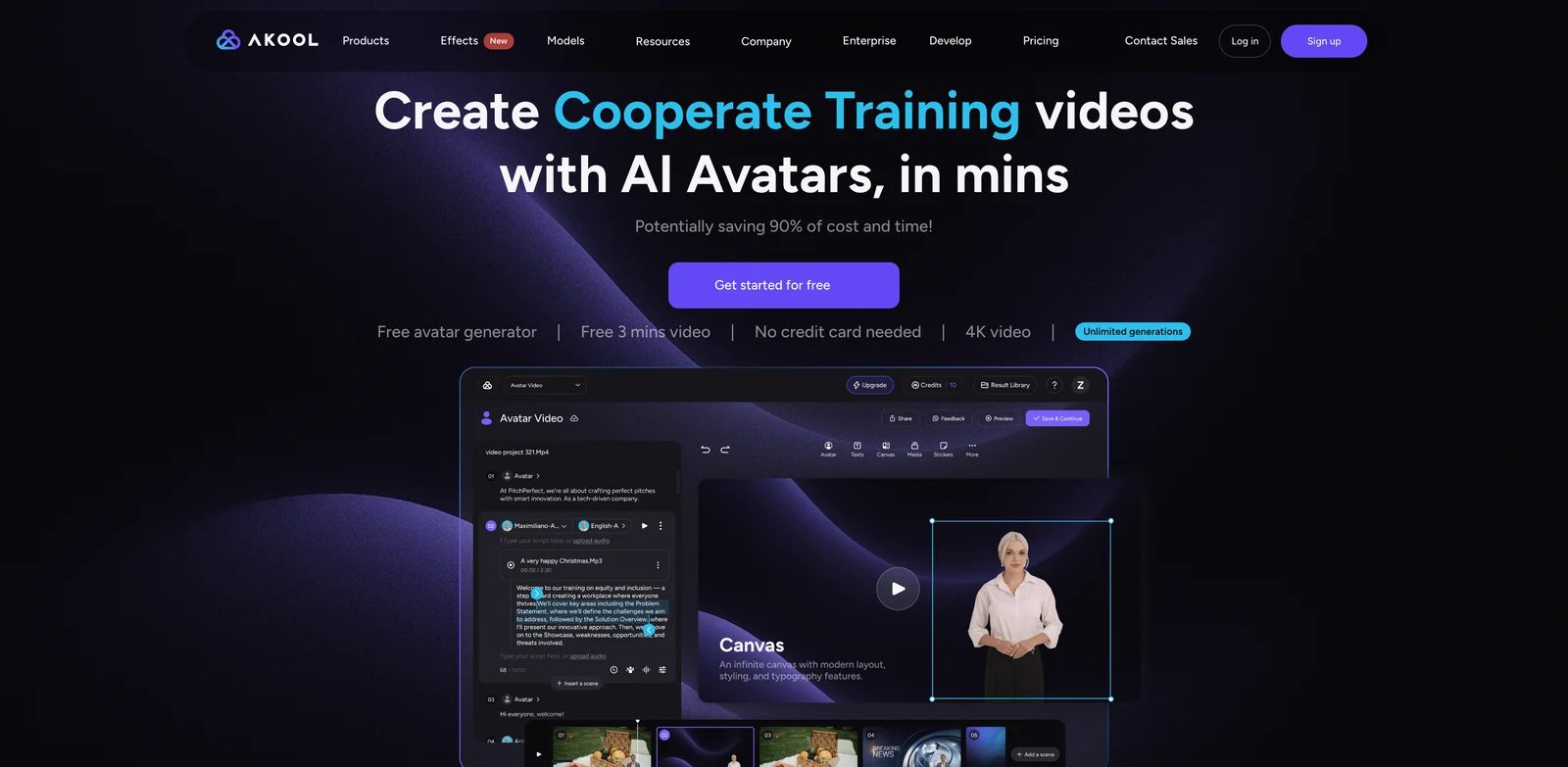
AKOOL is a marketing-heavy alternative: avatar video, video translation, face swap, talking photos, image/video generation, and campaign creative tools sit in the same workspace. The reason to test AKOOL is not that it is cleaner than Synthesia; it is that it may replace several ad-creative tools at once.
What AKOOL solves vs Synthesia:
- Broader campaign stack: AKOOL covers avatar video, video translation, face swap, background tools, templates, and agentic canvas workflows (AKOOL pricing).
- High-resolution claims: plan tables list video resolutions up to 4K/8K/16K by tier and business use case.
- Marketing workflows: it is built closer to ad creative and localization than corporate training.
- Enterprise options: SSO, custom concurrency, dedicated support, and credits that do not expire appear on Enterprise.
Pricing vs Synthesia: AKOOL's public pricing page currently shows plan tiers and credit mechanics, but several self-serve prices require checkout or credit-pack verification. That makes it less predictable than HeyGen, Colossyan, or Elai. It can still be attractive if your marketing team needs avatars, translation, and face tools in one subscription.
Limitations: The published pricing is harder to compare cleanly. Verify credit cost per generated minute, watermark rules, commercial license, and rollover before moving a production workflow. For L&D and compliance content, Synthesia or Colossyan will feel more purpose-built.
Best for: marketing teams that want avatar videos plus face swap, translation, and creative asset generation. Not the right fit if you need transparent procurement math before a sales conversation.
Get started with AKOOL
Vidnoz AI
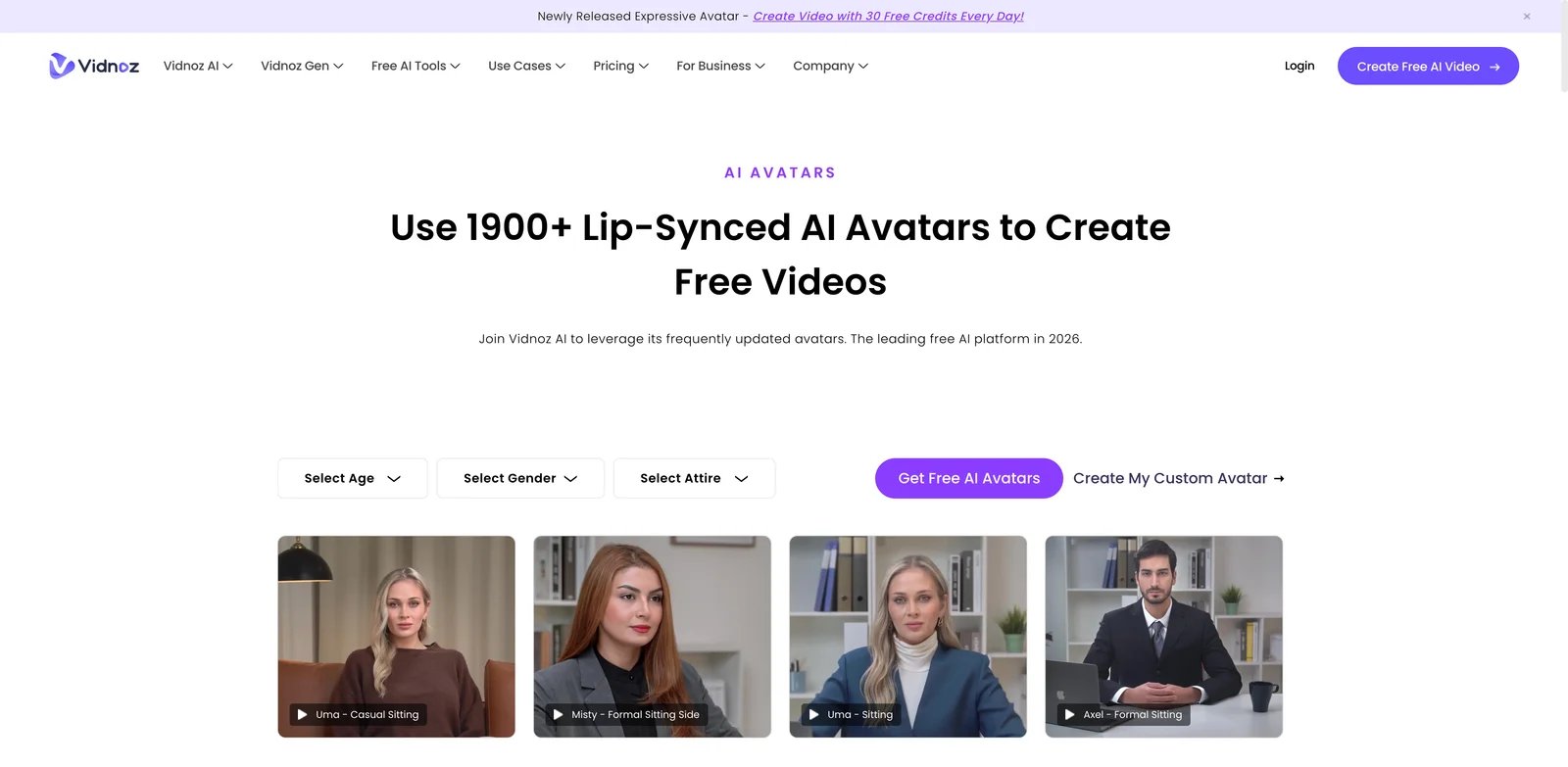
Vidnoz AI wins on volume optics. Its pricing page advertises a large avatar library, thousands of templates, many voices, and daily/free or credit-plan usage. If your complaint about Synthesia is "I just need more clips for internal testing," Vidnoz belongs on the shortlist.
What Vidnoz AI solves vs Synthesia:
- Large template library: Vidnoz advertises 1,900+ avatars, 3,200+ templates, and 2,660+ voices on paid tiers (Vidnoz pricing).
- Free production path: the free plan supports short videos and 720p output.
- SCORM and business features: business-tier features include SCORM export, voice clone, translation, brand kit, SAML/SSO, analytics, and collaboration.
- Budget testing: teams can generate many rough internal clips before committing to a premium platform.
Pricing vs Synthesia: Vidnoz uses credits and regional/offer-based pricing that can be hard to compare from a static page. The important operational detail is visible: unused credits do not carry over, and deleting video projects does not restore credits. That means Vidnoz may be cheaper, but it is not automatically free from the same credit-planning problem that pushes people away from Synthesia.
Limitations: Quality control, compliance posture, and plan-price clarity need hands-on verification. If your audience will see the video externally, compare output realism directly against Synthesia, HeyGen, and AI Studios before choosing the cheapest option.
Best for: internal drafts, template-heavy avatar production, educators, and budget-conscious teams testing many scripts. Not the right fit if executive polish and enterprise trust documents matter more than volume.
Get started with Vidnoz AI
Creatify
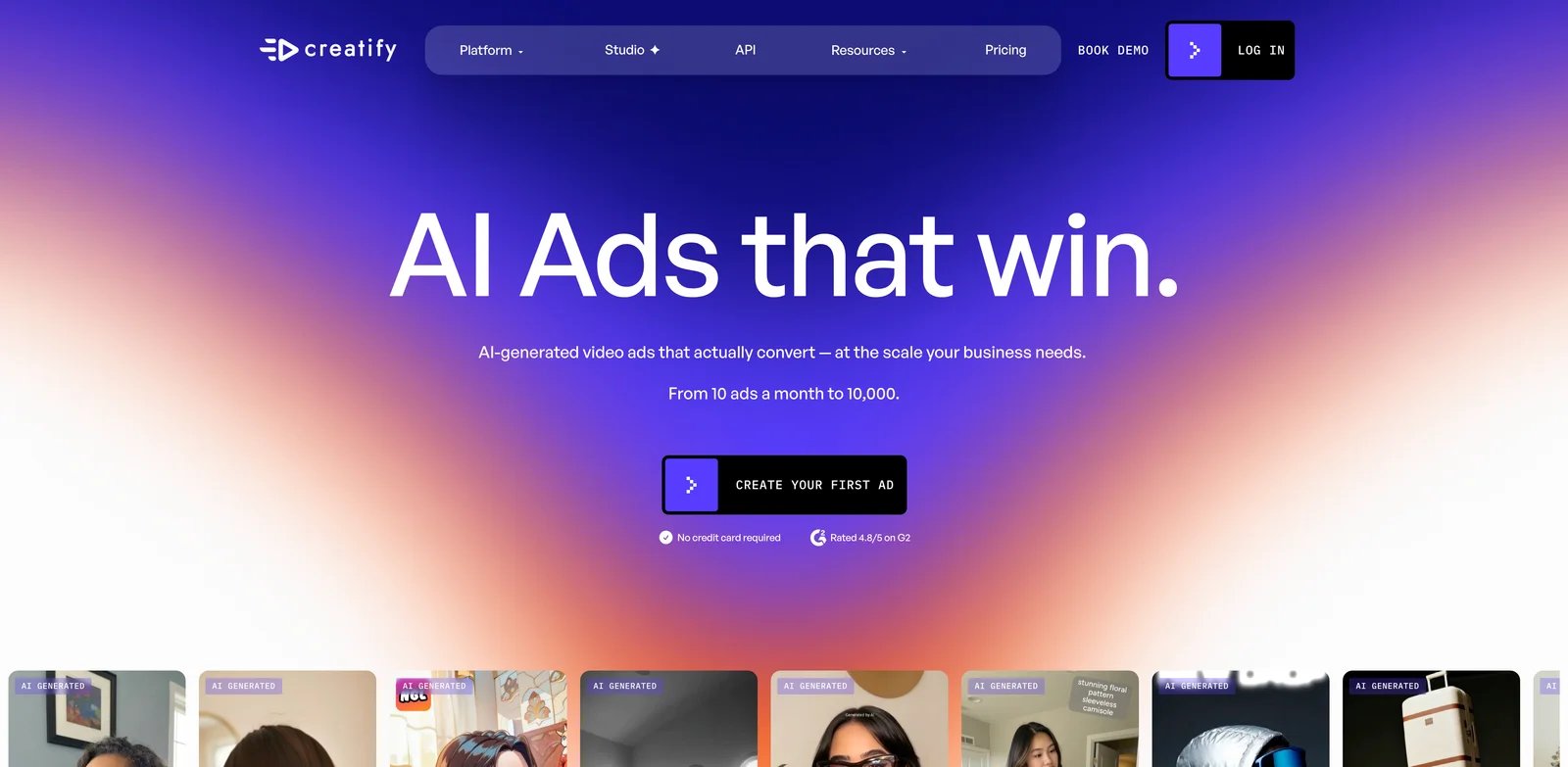
Creatify is not a general corporate training platform. It is a product-video and UGC-ad machine. If you are leaving Synthesia because you create performance ads, product demos, or short avatar-led social clips, Creatify is more direct than another L&D platform.
What Creatify solves vs Synthesia:
- URL-to-video ad creation: Creatify is designed to turn product links and assets into ad creatives.
- UGC avatar inventory: public pricing lists hundreds to 1,500 realistic AI actors by plan (Creatify pricing).
- Ad workflow extras: Pro includes competitor ad tracker, ad launcher, team collaboration, templates, and premium media models.
- Explicit free credits: the free plan includes 10 monthly credits and watermarked exports (Creatify free plan).
Pricing vs Synthesia: Creatify Starter is $39/month and Pro is $99/month. That is not cheaper than every Synthesia plan, but it is priced around ad production rather than training video minutes. If a product link can generate five ad variants faster than a Synthesia scene, the value equation changes.
Limitations: Creatify is specialized. It is not where you should build compliance training libraries, policy courses, or executive internal communications. Also verify credit usage by asset type before running high-volume ad tests.
Best for: ecommerce, paid social, agencies, and growth teams creating UGC-style product videos. Not the right fit if your job is internal learning content.
Get started with Creatify
Honorable Mentions
Pictory
Pictory is a good adjacent alternative when the avatar is not the main event. Its pricing page positions the product around script-to-video, blog-to-video, captions, stock media, voiceovers, and longer export minute allowances (Pictory pricing). Choose it when you are turning written content into narrated videos and only need avatars occasionally. It is not the best choice for humanlike presenter realism.
Vyond
Vyond is worth considering when Synthesia's humanlike avatars feel wrong for the brand. Animated explainers, training scenarios, and internal communications can sometimes land better as character animation than as a synthetic presenter. It belongs in the migration set for teams that want less uncanny valley, not more realism.
Murf
Murf is a voice-first escape path. If the real value in your Synthesia videos is narration, not the on-screen avatar, moving to a voiceover tool plus a standard editor can reduce cost and creative constraints. It is especially relevant for explainer videos, e-learning narration, and product walkthroughs that already use screen recordings.
Descript
Descript is for teams that want to edit real recordings, screen captures, podcasts, and voiceovers with transcript-first tooling. It will not replace Synthesia's avatar library, but it can replace the frustrating part of the workflow: updating, cutting, captioning, overdubbing, and polishing video after the script changes.
Runway
Runway is the adjacent pick when you are done with talking heads altogether. For B-roll, cinematic product shots, visual scenes, and generative video assets, Runway is a better fit than an avatar platform. Use it beside HeyGen, Colossyan, or Synthesia rather than expecting it to replace presenter-led training.
Migrating from Synthesia - A Practical Guide
Data and Account Migration
Start by exporting everything you can before you cancel: final MP4s, scripts, brand assets, voice pronunciation notes, training outlines, custom avatar consent documentation, analytics exports, and any LMS/SCORM packages. Do not assume another vendor can import Synthesia project files. Most migrations are script-first: copy the script, recreate the scenes, choose a new avatar, and re-export.
For personal or custom avatars, treat consent as a new workflow. A Synthesia avatar does not simply move into HeyGen, Colossyan, Tavus, or AI Studios. You will usually need to record a new consent video, train a new avatar, or choose a stock presenter. If legal or HR approved the old avatar, get written approval before recreating a digital likeness in a new platform.
Learning Curve by Alternative
Near-zero learning curve: HeyGen, Elai, AI Studios, VEED, and Vidnoz are the easiest for a Synthesia user to test because they keep the dashboard-style script-to-video pattern. Medium learning curve: Colossyan and Creatify, because the workflow shifts toward courses or ad variants. High learning curve: D-ID and Tavus, because the value is strongest when you build around APIs, replicas, streaming, and product integration.
Pricing Brackets vs Synthesia Starter and Creator
Lower-cost self-serve tests can start with the free or entry plans from D-ID, AI Studios, VEED, HeyGen, Elai, and Vidnoz. Colossyan Professional, Elai Team, HeyGen Pro, and Creatify Starter/Pro become better comparisons when output volume or workflow fit matters more than sticker price. Tavus Growth, Enterprise plans, and any custom-avatar-heavy deployment should be evaluated as platform infrastructure, not just video software.
Best Synthesia Alternatives by Use Case
If Your Reason Is "I Want Predictable Credits and Minutes"
Start with HeyGen, Elai, and Colossyan. Their public pricing pages make it easier to compare monthly video minutes, credits, seats, and add-ons before you sign. Still run one real script through each tool and regenerate it twice; the second render is where credit systems reveal their real cost.
If Your Reason Is "The Avatar Needs to Look Better for Customers"
Test HeyGen, AI Studios, and Tavus on the exact same customer-facing script. Do not judge from homepage demos. Use your own product names, acronyms, emotional tone, and pronunciation requirements. If the video is executive-facing, let stakeholders compare exports blind.
If Your Reason Is "We Create Training, Quizzes, and SCORM Packages"
Colossyan should be first, then Elai and AI Studios. This is where a simple avatar generator is not enough. You need branching, quizzes, export behavior, LMS compatibility, analytics, review flow, and collaboration. A cheaper presenter video can cost more if you rebuild the learning workflow elsewhere.
If Your Reason Is "I Need an API, Not Another Dashboard"
D-ID and Tavus are the most direct choices. D-ID is easier for low-cost talking-avatar generation; Tavus is stronger when the product experience is realtime conversation with an AI human. Creatify also belongs here if your API need is product ad generation rather than general avatar video.
If Your Reason Is "I Want a Real Editor With Avatars Inside It"
Choose VEED first, then consider Pictory or Descript depending on the source material. Synthesia is good at generating presenter scenes. VEED is better when the video keeps changing after generation: captions, cuts, aspect ratios, B-roll, uploads, audio, and social outputs.
If Your Reason Is "We Make UGC or Paid Social Ads"
Creatify, AKOOL, and HeyGen are the most relevant. Synthesia can make polished explainers, but ad teams often need volume, hook variations, product URL ingestion, actor variety, localization, and fast creative iteration more than enterprise learning governance.
If Your Reason Is "I Might Actually Stay With Synthesia"
Stay if your company needs enterprise-grade governance, SSO, consistent internal training presenters, broad language coverage, and a vendor that procurement already accepts. The right move may be to fix plan fit, buy the correct tier, or standardize credit governance rather than migrate.
How to Choose the Right Synthesia Alternative
1. Diagnose the real reason before testing tools
Name the reason in one sentence: credits reset, too few minutes, avatar realism, moderation risk, missing editor controls, API need, LMS workflow, or ad creative volume. If you cannot name the reason, you will just recreate the same problem in another subscription.
2. Run one representative script through two tools
Use a real script, not a demo prompt. Include a brand term, an acronym, one emotional sentence, one slide or screen-capture need, and one localization target. Export the result, regenerate after a small edit, and measure total time plus credit burn.
3. Verify pricing model, export rights, and moderation rules
Before paying annually, check credit rollover, extra-minute pricing, commercial license, watermark removal, custom avatar consent, content moderation rules, account cancellation, and data retention. These terms affect the real cost and can differ substantially between otherwise similar tools.
4. Keep a two-week overlap
Do not cancel Synthesia the day you start testing. Keep a two-week overlap so you can export old videos, recreate templates, re-record custom avatars, rebuild brand kits, and compare output with real stakeholders. The migration cost is rarely the editor; it is approvals and asset recreation.
Frequently Asked Questions
What is the best Synthesia alternative overall?
What is the best free alternative to Synthesia?
Which Synthesia alternative is best for training teams?
Which Synthesia alternative is best for developers?
Can I migrate Synthesia videos to another tool?
Is Synthesia still worth it after the 2026 credit change?
Which Synthesia alternative is cheapest for high video volume?
Is HeyGen better than Synthesia?
Get ToolWorthy Weekly
New AI tools, practical guides, and selected AI signals in one weekly brief.
Related Posts

10 Best Runway Alternatives 2026 - After Unlimited Ends
Runway's Unlimited-to-Max switch changed the economics for heavy AI video users. Compare Kling, Google Flow, Pika, Luma, Vidu, and more alternatives.

10 Best Leonardo AI Alternatives 2026 - Image, Video & Control
Compare 10 Leonardo AI alternatives for 2026 by moderation risk, Canva entitlement fit, unlimited-plan limits, image quality, video models, pricing, and workflow control.

15 Best Real Estate Video Makers 2026 - From Photos to Listing Videos
A practical guide to 15 real estate video makers for agents and photographers who need listing videos from photos, clear pricing, and MLS-safe output options.
For AI tool founders
Built a tool that belongs in this decision set?
Request an editorial evaluation for possible inclusion in ToolWorthy.
Submit your tool for reviewPaid submission does not guarantee a ranking, recommendation, inclusion, or editorial outcome.
Discover More AI Tools
Browse maintained AI tool listings and source-based editorial guides, then verify current product details with the vendor for your use case.