
10 Best Blaze AI Alternatives 2026 - Better Control, Credits, and Brand Fit
Blaze AI is not failing. That is exactly why the alternatives conversation is useful.
By June 2026, Blaze had become a serious all-in-one marketing option for founders and small teams: AI strategy, content, publishing, credits, and done-for-you add-ons in one place. The question is not whether Blaze can help a business post more often. The question is narrower: what happens when the promise of automated marketing meets the daily work of rewriting posts, protecting brand visuals, managing social channels, approving emails, and watching credits disappear during revisions?
This guide is for teams comparing alternatives to Blaze AI because they want more control, not because they want to abandon AI marketing entirely. Some options below are direct AI social marketing suites. Some are stronger writing or brand systems. Some are adjacent tools that replace only the scheduling, design, or workflow piece. If your broader search is for marketing software rather than a Blaze-specific replacement, also compare the best AI marketing tools, AI content creation tools, and AI social media post generators.
| Tool | Best For |
|---|---|
| Marky | AI social posts with stronger design and scheduling control |
| SocialBee | Mature social scheduling over full AI autopilot |
| FeedHive | Social automation, analytics, and content calendar control |
| Holo | Brand-DNA-driven ads, emails, and social content |
| Zeely | AI ad creatives and short-form promo assets |
| Sintra AI | Business-helper workflows beyond social content |
| Enji | Simple, predictable small-business marketing plans |
| Jasper | Enterprise-grade AI marketing content and brand voice |
| Copy.ai | GTM workflows and AI content operations |
| Simplified | Lightweight design, video, writing, and social publishing |
Why People Are Leaving Blaze AI in 2026
The evidence for Blaze AI is different from a noisy developer-tool migration. There is not a large Reddit or Hacker News wave of people loudly leaving Blaze. The stronger evidence comes from Trustpilot, Capterra, independent reviews, Blaze's own help pages, official pricing pages, and SERP comparison pages. That matters because Blaze still has many happy users. The pain points below explain why some users compare alternatives, not why every Blaze customer should leave.
1. The output still needs too much rewriting. The most consistent complaint is not that Blaze cannot create content. It is that the content is not always close enough to publish. One Trustpilot reviewer said generated material was "not ready to post"; a Capterra reviewer said they changed "90%" of the generated work. That distinction is the entire buying question. If the product saves you from the blank page but still requires heavy rewriting, it is a brainstorming tool, not an automated marketing engine.
This pushes users toward tools that separate AI drafting from approval. Jasper, Copy.ai, Holo, and Marky all make more sense when your bottleneck is quality control. Blaze can still be useful as the system that proposes content. But if every campaign needs a human rewrite, the alternative should give you stronger brand memory, more controlled templates, or a workflow that expects review instead of hiding it behind autopilot language.
The practical test is simple: give Blaze and one alternative the same real offer, the same customer persona, and the same brand notes. Count how many edits are needed before the asset can be published. If the alternative produces fewer structural rewrites, fewer tone corrections, and fewer visual replacements, it may save more time even if it looks less automated on the surface.
2. Autopilot and pricing changes made control feel less obvious. The fresh 2026 angle is Blaze's Autopilot and credits/pricing shift. Ryan Doser's review described an "autopilot rebuild" that changed the product shape, while a recent Trustpilot complaint said the "system kept controlling" output. This is not only a feature complaint. It is a control complaint.
Autopilot is attractive when the user wants delegation. It is frustrating when the user wants a guided workflow, a predictable content calendar, and clear approval gates. If your reason for buying Blaze was "make marketing less chaotic," but the current workflow feels like another system to supervise, alternatives such as SocialBee, FeedHive, Enji, and Buffer become more appealing because they put scheduling and review above automatic generation.
That is the hidden tradeoff in AI marketing software. Full automation sounds more advanced, but marketing often needs judgment: whether a seasonal offer is still valid, whether a post should go to LinkedIn or Instagram first, whether a caption should mention price, and whether the visual matches the audience. A good alternative should make those decisions easier to inspect, not simply move them behind a more confident button.
3. Channel and integration limits break the promised workflow. Blaze's value proposition depends on becoming the marketing operating layer. That promise gets weaker when a user hits channel limits or integration friction. Capterra reviews mention WordPress being "a little tricky," Mailchimp constraints, one-account-per-platform limits, and trouble linking blog content.
Those are not minor details for a small business. A local service company may need Facebook, Instagram, Google Business Profile, LinkedIn, email, and a WordPress blog to work together. A consultant may need multiple client accounts. A creator may need repurposing across TikTok, LinkedIn, X, YouTube Shorts, and a newsletter. When the channel map does not match the business, a more mature social management tool can beat a more ambitious AI marketing tool.
Before switching, write a channel inventory. Include every profile, every user who needs approval access, every email or blog destination, and every reporting requirement. Many tools look similar until you count the actual channels. SocialBee and Hootsuite make more sense when governance is the problem. Buffer and FeedHive make more sense when the core issue is publishing clarity. Marky and Simplified make more sense when generated assets still need visual editing.
4. Visual assets can drift off brand. Blaze's visual and content generation can be valuable, but brand-sensitive users complain when images or videos feel generic. One Trustpilot reviewer called outputs "off-brand"; Capterra feedback described wanting source imagery rather than unrelated videos or pictures.
That is why Canva, Simplified, Holo, Marky, and Zeely appear in this comparison. They do not all replace Blaze's marketing strategy layer. They replace the piece where visual control matters: templates, brand kits, creative editing, product images, ad creatives, and approval. If your brand depends on a premium look, a more explicit design workspace may be safer than asking an autopilot to infer taste.
The same rule applies to regulated or high-trust services. A family law firm, medical practice, boutique agency, or high-ticket consultant cannot treat visuals as decoration. Bad visuals change perceived quality. If Blaze gets the text mostly right but the creative direction wrong, the better replacement may be Canva plus a scheduler, not another full AI marketing platform.
5. Credits and regeneration costs make iteration feel expensive. Blaze's pricing page lists Starter at $79/month with 600 generation credits and Growth at $149/month, while the Blaze credits help page explains that generated content draws from a monthly balance. That is clear enough as a billing model. The tension appears during revisions.
Users do not only generate once. They revise, regenerate, test hooks, change visuals, and adapt a post for different channels. A recent Trustpilot reviewer described 200 trial credits that sounded generous but were difficult to evaluate because the system controlled how those credits could be used. Even when that is not the full billing story, the perception matters: if users are afraid to iterate, the tool becomes less creative. Alternatives with flat seats, per-channel pricing, or simpler usage boundaries may feel more predictable.
This is where total cost differs from subscription cost. A $79/month AI marketing plan can be cheaper than a $29 scheduler if it replaces strategy, copy, visuals, and publishing. It can also be more expensive if the team keeps paying for Canva, a scheduler, a writer, and extra generation capacity anyway. The right comparison is not plan price. It is monthly content volume, revision depth, number of channels, and how much manual finishing survives the switch.
6. Support, refunds, and reliability become trust issues when automation fails. Automation raises the trust bar. If a manual content tool fails, you lose time. If an autopilot fails, it may fail in public, fail across channels, or fail while billing continues. Reviews mention posting failures, support loops, refund anxiety, and slow responses. When a connected channel fails or a scheduled post does not publish, the tool needs clear error logs, retry controls, and responsive support.
This is why support model belongs in the decision, not only features. SocialBee, Hootsuite, Buffer, FeedHive, Enji, and Jasper all compete partly on operational expectations. You may still prefer Blaze if its all-in-one approach fits your team. But if your main fear is "what happens when a connected channel breaks," choose the tool whose support, logs, permissions, and approval flow match your risk.
For solo founders, the risk is often missed posting. For agencies, it is client trust. For regulated businesses, it may be a compliance issue if the wrong claim or image goes live. Ask each vendor what happens when a post fails: can you see the error, retry manually, pause a queue, export the calendar, or audit who approved the asset? Those operational details matter more than another AI writing feature.
7. Some industries need accuracy Blaze cannot infer from generic prompts. A low-volume but serious cluster is industry specificity. Capterra feedback includes a user saying Blaze was "not geared for medical," and Ryan Doser noted a "no way to select a model" limitation. That kind of complaint matters in healthcare, legal, finance, technical consulting, education, and high-trust B2B categories.
Generic content is not only bland. It can be risky if it cites weak sources, misstates a service, or promises outcomes the business cannot claim. If your business sells a regulated, technical, or premium service, the right Blaze alternative may be less automated but more controllable: Jasper for brand governance, Copy.ai for workflows, ChatGPT for human-led revision, or Enji for a simpler planning layer.
This is also where a "good enough" AI post can be worse than no post. A technical audience notices vague claims. A medical audience notices weak sourcing. A premium buyer notices stock-looking visuals. If that is your market, do not evaluate alternatives by how many assets they generate per minute. Evaluate them by how quickly they produce something your team can defend.
These seven pain points map to seven buying decisions: content quality, autopilot control, channel coverage, visual brand fit, credit predictability, support trust, and industry accuracy. The best Blaze AI alternative is the one that fixes your specific failure mode, not the one with the longest feature list.
One more filter helps: decide whether you want a replacement, a companion, or a split stack. A replacement means one tool takes over most of what Blaze was doing. Marky, SocialBee, FeedHive, Enji, or Holo can play that role depending on the workflow. A companion means Blaze stays, but another tool handles the weak layer: Canva for visuals, Buffer for scheduling, Jasper for copy quality, or ChatGPT for review. A split stack means you intentionally stop looking for one tool to do everything and build a small system around best-in-class parts. That is usually more work, but it is also the safest path for brand-sensitive teams.
Top 10 Blaze AI Alternatives Compared
Prices below reflect official pages or current official-search snippets checked on June 11, 2026. Recheck checkout pages before purchasing, especially for promotions, regional pricing, and enterprise quotes.
Scores are conservative because this market changes quickly. A tool with a lower score may still be the right choice if it solves your exact reason for leaving Blaze. For example, Buffer does not appear in the detailed top 10 because it is not a direct AI marketing replacement, yet it may be the best move if your only pain is publishing control. Likewise, Copy.ai scores lower for small businesses because the workflow tiers are expensive, but it can be the strongest option for a mature GTM team.
Use the table as a shortlist, not a verdict. The fastest path is to pick two tools: one that most closely replaces Blaze, and one that only solves your sharpest pain. Testing both prevents the common mistake of buying another broad platform when a smaller companion tool would have fixed the problem.
| Tool | Pricing Shape | Predictable Cost? | Core Strength | Migration Effort | Score |
|---|---|---|---|---|---|
| Blaze AI | Starter $79/mo; Growth $149/mo; generation credits | Medium | AI marketing autopilot and done-for-you paths | None | Baseline |
| Marky | Free trial; Solo $39/mo or $19/mo annual; Growth $79/mo or $39/mo annual; Pro $229/mo or $114/mo annual | Medium | AI social posts, design editor, scheduling | Low | 8.7 |
| SocialBee | 14-day trial; Bootstrap $29/mo; Accelerate $49/mo; Pro $99/mo | High | Mature social scheduling and approvals | Low | 8.6 |
| FeedHive | Creator $15/mo annual; Brand $22/mo annual; Business $69/mo annual; Agency $239/mo annual | High | Social calendar, analytics, automation | Low | 8.5 |
| Enji | $29/mo; 14-day free trial | High | Small-business marketing plan and scheduler | Medium | 8.4 |
| Jasper | 7-day trial; Pro $69/seat/mo or $59 annual; Business custom | High | Brand voice and enterprise AI content | Medium | 8.4 |
| Holo | Plans start around $39/mo; 14-day guarantee | Medium | Brand-DNA ads, emails, and posts | Medium | 8.3 |
| Simplified | Free Forever; paid tiers vary by workspace needs | Medium | Design, writing, video, and publishing workspace | Low | 8.2 |
| Zeely | Official page starts at $19.99/mo; 2026 explainer lists Starter $29.95, Plus $49.95, Growth $79.95-$89.95; ad spend extra | Medium | AI ad creatives and promo video assets | Medium | 8.1 |
| Sintra AI | Sintra X standard pricing: $97/mo, $177 per 3 months, or $624/year; 250 monthly credits; temporary discounts may apply | Medium | Business AI helpers and automations | Medium | 8.0 |
| Copy.ai | Chat $29/mo; Growth $1,000/mo annual; Expansion and Scale higher | High for teams | GTM workflows and AI operations | High | 8.0 |
Detailed Reviews
Marky
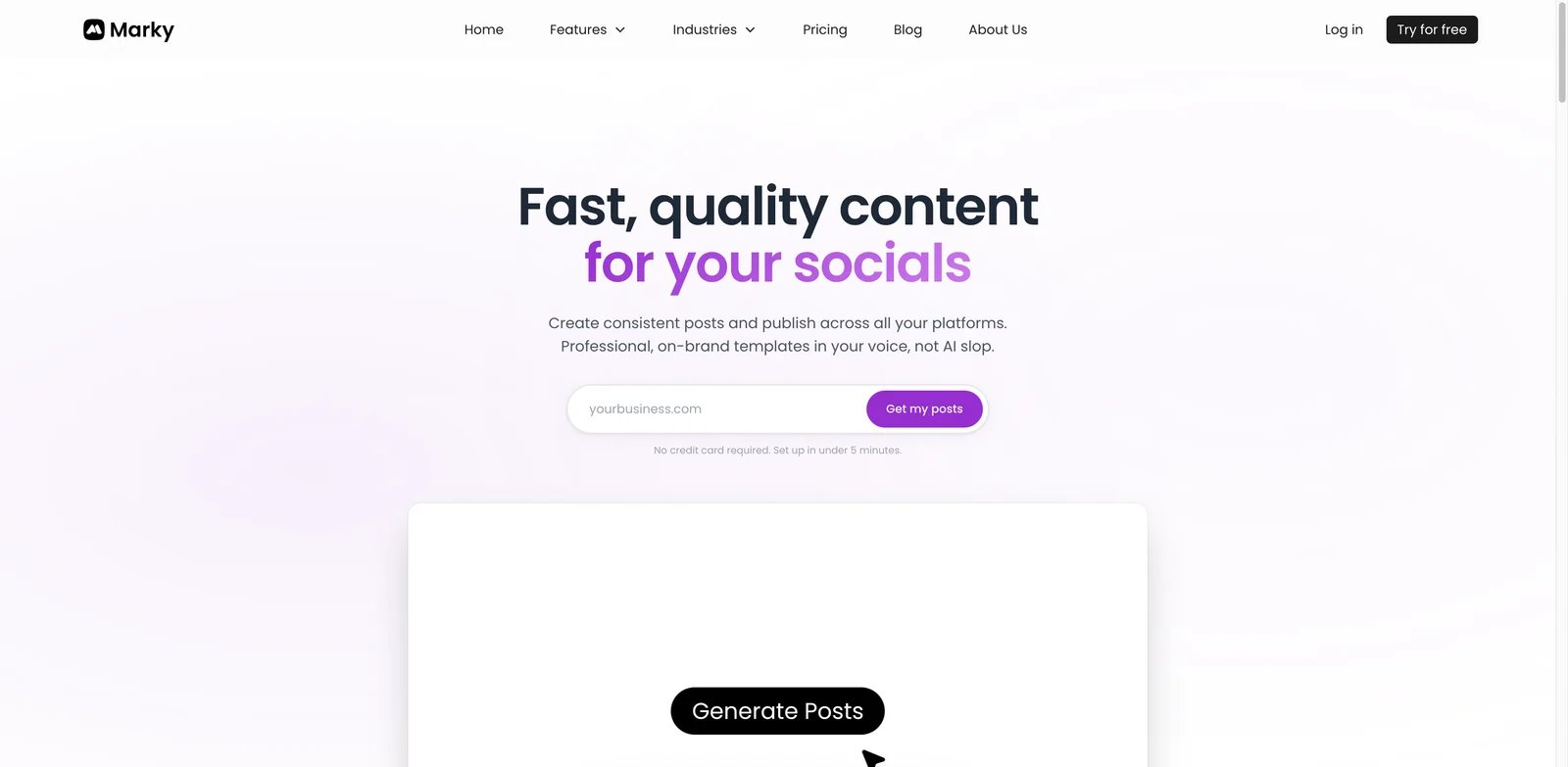
Marky is the closest direct Blaze AI replacement in this list if your use case is social content rather than full marketing strategy. It generates social posts, supports brand setup, includes a design/editor layer, and publishes across connected channels. That makes it a strong first test for Blaze users who like AI-assisted marketing but want more visible control before content goes live.
What Marky solves vs Blaze AI: Control layer: Marky is more explicit about the social-post workflow: upload brand context, generate posts, edit and approve, then publish. That matters when your Blaze frustration is not "I need more AI" but "I need to see and shape the output." Marky also gives teams a clearer design-and-scheduling mental model than a broad autopilot system.
Pricing vs Blaze AI: Marky's pricing page lists Solo at $39/month or $19/month billed annually, Growth at $79/month or $39/month billed annually, and Pro at $229/month or $114/month billed annually, plus Enterprise / custom options. Marky also advertises 30 free posts before upgrading and a 7-day refund period after any charge. That puts Marky Solo and Growth below Blaze Starter's $79/month monthly entry, while Marky Pro is more agency-oriented.
Limitations: Marky is not a full marketing consultant, CRM, ad manager, or content operations platform. It is strongest around AI social media content. If you were using Blaze for strategy, done-for-you marketing, newsletters, or broader campaign planning, Marky may replace only the social publishing slice.
The best Marky trial is a one-week posting test. Import your brand, generate a week of posts, edit the visuals, connect only one or two channels first, and compare the approval time against Blaze. If Marky saves time because the editor and scheduler are easier to control, it is a strong replacement. If you immediately miss Blaze's broader campaign planning, use Marky only for social execution.
Best for: Marky is best for founders, creators, local businesses, and small teams that want AI social posts with stronger visual and scheduling control. Not the right fit if you want a managed marketing service or enterprise-grade brand governance.
Get started with Marky.
SocialBee
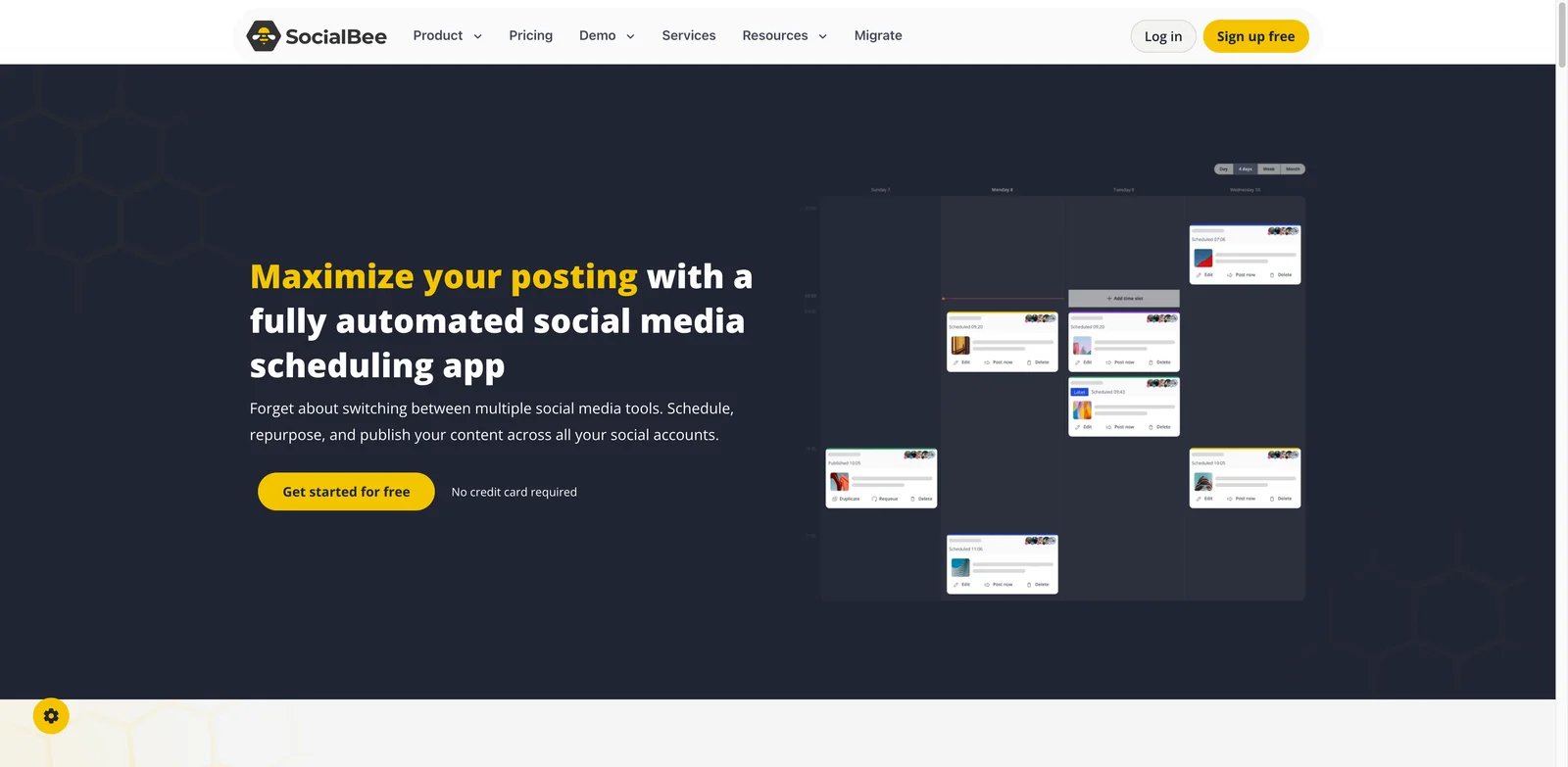
SocialBee is the Blaze alternative for users who decide the scheduling layer matters more than the AI generation layer. It has been a social media management tool for years, with categories, approvals, analytics, CSV imports, content curation, and multiple plan levels. For teams burned by autopilot uncertainty, that maturity is the point.
What SocialBee solves vs Blaze AI: Scheduler-first reality: SocialBee starts from the assumption that social posting needs structure. You create categories, queues, posting rules, approvals, and analytics. AI content generation exists, but it does not hide the operational system. That is useful when Blaze feels too automatic or when connected channels and review gates are the real bottleneck.
Pricing vs Blaze AI: SocialBee's pricing page advertises a 14-day free trial. Its standard plans are Bootstrap at $29/month, Accelerate at $49/month, and Pro at $99/month, with agency tiers above that. The $29 and $49 levels are cheaper than Blaze Starter monthly; Pro sits above Blaze Starter but below Blaze Growth.
Limitations: SocialBee is not as all-in-one for AI-generated marketing strategy. If you want AI to invent campaigns, create long-form assets, and operate a marketing plan with minimal manual setup, SocialBee will feel more manual. It is a stronger social management tool, not necessarily a better AI marketer.
The migration cost is low if your main assets are social captions and a posting calendar. It is higher if Blaze currently handles email, ad concepts, and campaign strategy. In that case, SocialBee should become the publishing layer while Jasper, ChatGPT, Holo, or your internal team handles content development.
Best for: SocialBee is best for teams that care about consistent publishing, approvals, social profiles, reusable categories, and measurable scheduling. Not the right fit if your primary need is automatically generated ads, emails, and brand campaigns from a single prompt.
Get started with SocialBee.
FeedHive
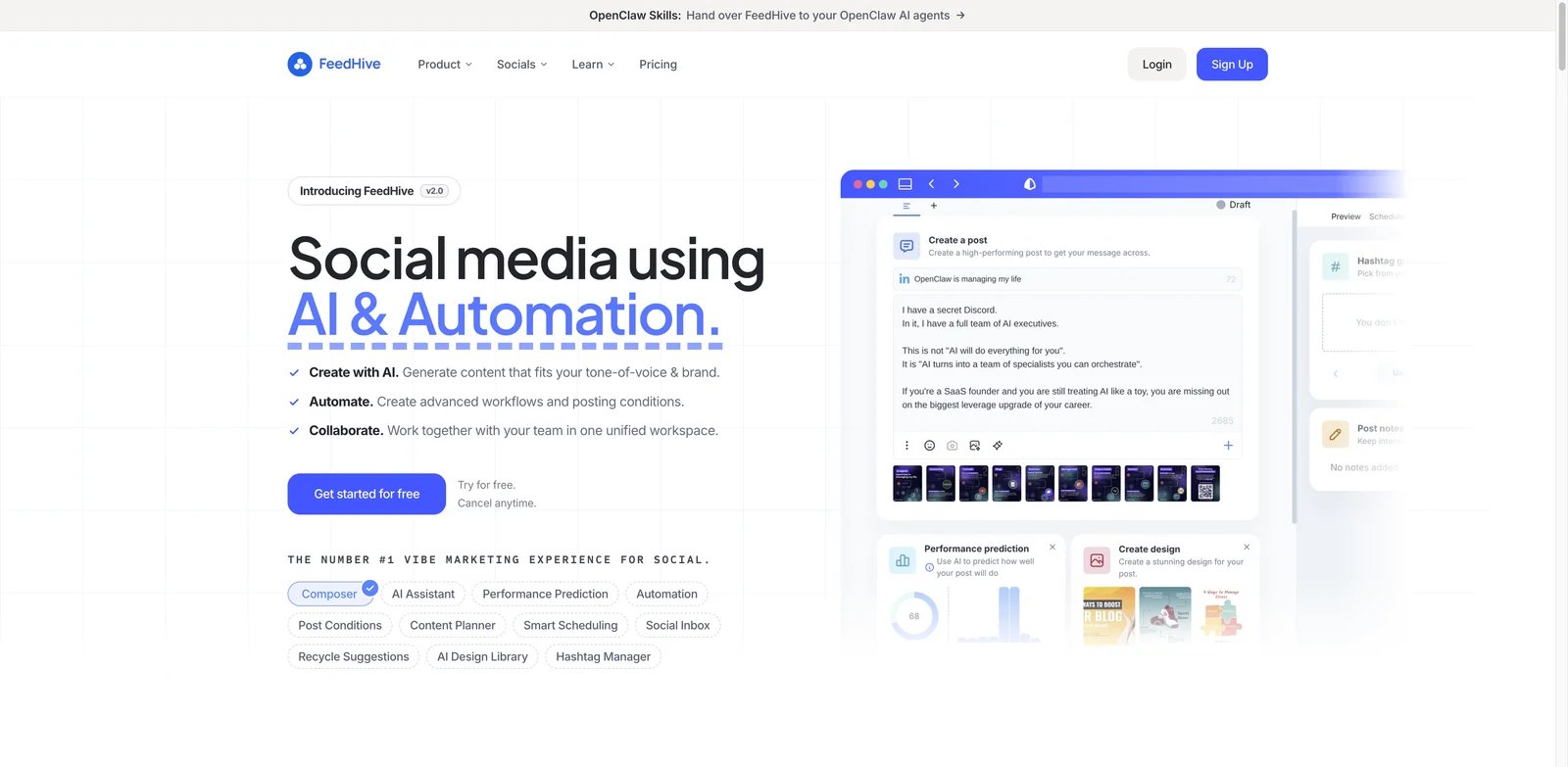
FeedHive is a strong alternative when the Blaze pain is visibility. It gives teams a social media calendar, automation, AI help, analytics, and multi-account management without framing the product as a black-box autopilot. You can see what is queued, what is performing, and where each channel fits.
What FeedHive solves vs Blaze AI: Calendar control: FeedHive is built around the content calendar. That means a user who dislikes hidden automation can still use AI for ideas and drafts while keeping a clear publishing workflow. It is especially relevant if your Blaze issue is channel management, approvals, or wanting to compare content performance before scaling.
Pricing vs Blaze AI: FeedHive's pricing page lists Creator at $15/month billed annually, Brand at $22/month billed annually, Business at $69/month billed annually, and Agency at $239/month billed annually. The Business tier still comes in below Blaze Starter's monthly price when billed annually, though the feature mix is different.
Limitations: FeedHive does not replace Blaze's broader AI marketing positioning. It is focused on social media workflows. You may need separate tools for landing pages, email campaigns, ad creative, or long-form content operations.
FeedHive is easiest to evaluate with analytics in mind. Move one recurring content series into FeedHive, schedule variants across channels, and watch whether the calendar and reporting make decisions clearer. If your team starts making better publishing decisions, FeedHive is doing its job even if it does not feel like an all-in-one AI marketer.
Best for: FeedHive is best for creators, startups, and marketing teams that want social automation with a visible calendar and analytics. Not the right fit if you want one AI system to plan and generate every marketing asset outside social.
Get started with FeedHive.
Holo
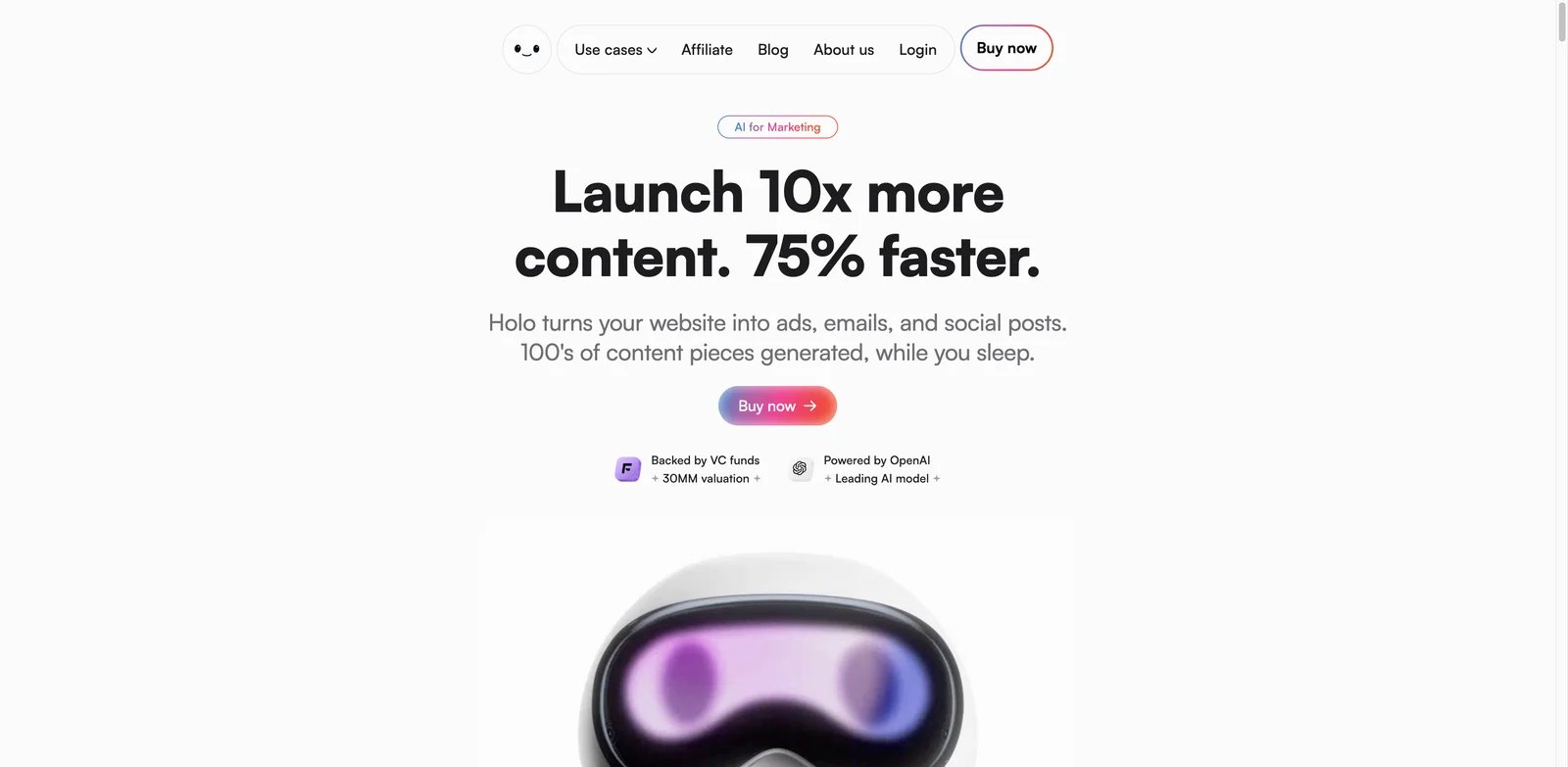
Holo is a more creative alternative to Blaze AI. It turns a website or brand inputs into ads, emails, and social posts. Its positioning around brand DNA makes it particularly relevant for Blaze users whose biggest complaint is generic visuals, generic voice, or content that does not feel like it came from their team.
What Holo solves vs Blaze AI: Brand DNA: Holo's promise is that the system learns your brand and produces campaign assets that fit your style. That makes it a useful test when your Blaze outputs feel too generic or when the visual layer keeps drifting away from the business. It is less about scheduling discipline and more about creative fit.
Pricing vs Blaze AI: Holo's pricing page says plans start at $39/month, states that there is no free trial, and describes a 14-day money-back guarantee. That starts below Blaze Starter, but you should verify the live checkout before committing because Holo's packaging can be promotion-driven and may vary by offer.
Limitations: Holo is newer and less proven as a full social operations system than SocialBee, FeedHive, or Buffer. It may solve the brand-creative pain without solving multi-channel governance, approvals, reporting, or account management.
Holo is best tested with brand inputs, not generic prompts. Give it your homepage, offer page, customer objections, and visual references. If it produces ads, emails, and posts that require only light editing, it may replace Blaze's creative generation layer. If the brand fit still feels generic, choose a more manual design system instead.
Best for: Holo is best for founders and small teams that want ads, emails, and social content to reflect a clearer brand identity. Not the right fit if your main problem is publishing operations rather than creative quality.
Get started with Holo.
Zeely
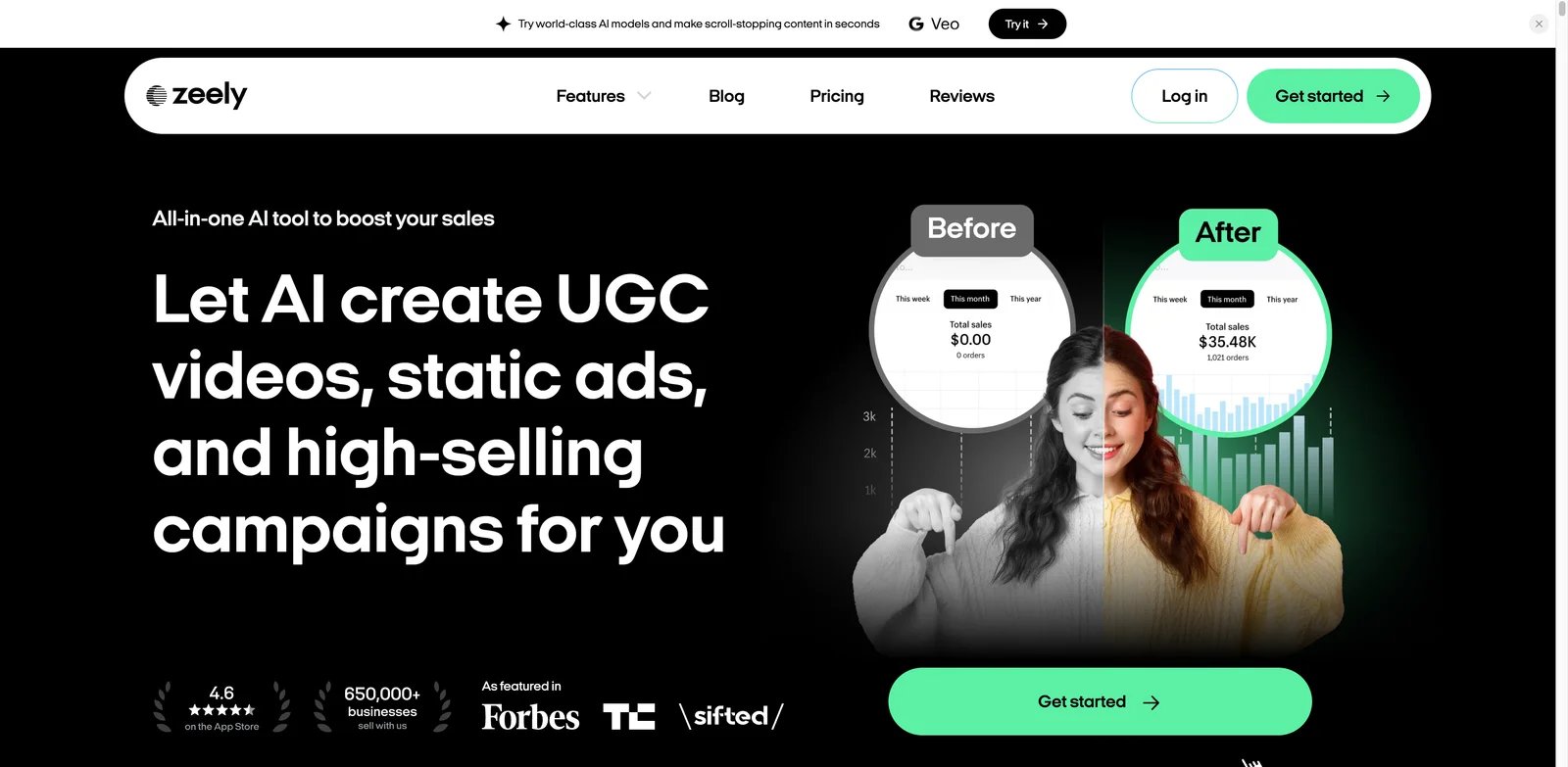
Zeely is the alternative to test when your real need is not "organic marketing autopilot" but "make better ad creatives fast." It focuses on AI-generated ads, video ads, static creatives, talking reels, and product promotion. That makes it narrower than Blaze but often sharper for ecommerce and local promotion.
What Zeely solves vs Blaze AI: Zeely moves the center of gravity from broad content automation to paid-style creative production. If your Blaze frustration is off-brand social visuals or content that does not translate into campaigns, Zeely gives you a more ad-oriented workflow with templates, credits, video ads, and brand-inspired remixes.
Pricing vs Blaze AI: Zeely's pricing page says subscriptions start at $19.99/month, while Zeely's 2026 pricing explainer lists Starter at $29.95/month, Plus at $49.95/month, and Growth at $79.95-$89.95/month. Website and app subscription options can differ, plan duration can vary, and Facebook / Instagram ad spend is charged separately; Zeely may also charge up to 12% for ad management or advertising-related payments.
Limitations: Zeely is not a complete marketing planning system. It is better for AI ad creative than for long-term editorial calendars, newsletters, content strategy, or approval workflows. If you need organic publishing plus analytics, pair it with a scheduler.
Zeely's best trial is a product-specific ad sprint. Pick one product or offer, generate static ads and short promo videos, then compare them against Blaze outputs and Canva templates. If Zeely gives you more usable paid creative concepts faster, it earns a place in the stack even if it does not replace Blaze completely.
Best for: Zeely is best for ecommerce sellers, local businesses, and marketers who want AI video ads, static ads, and promo creatives. Not the right fit if you mainly need text-heavy content planning or channel governance.
Get started with Zeely.
Sintra AI
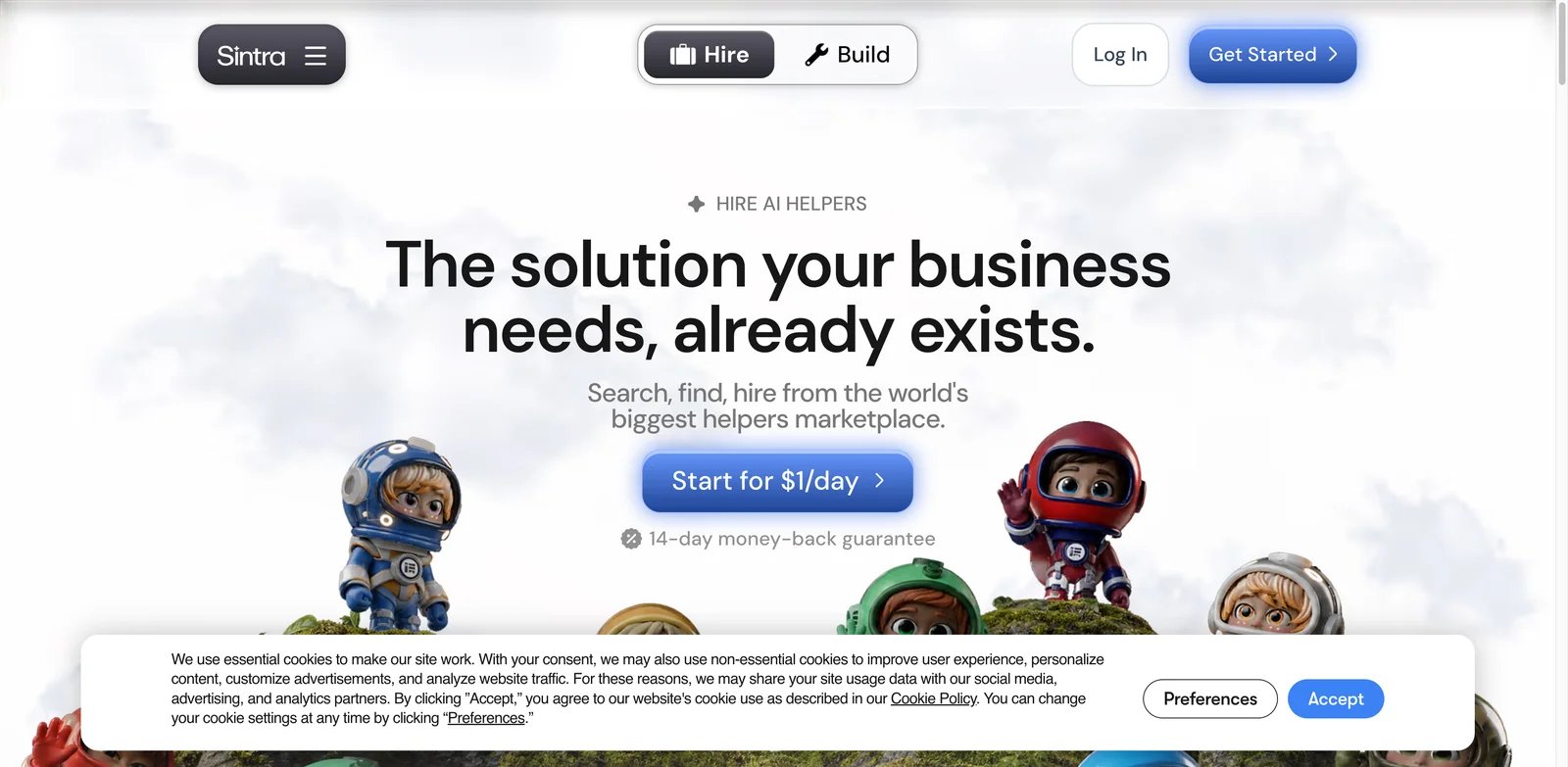
Sintra AI is not a direct social scheduler. It is a helper-based business automation system. That makes it relevant when Blaze users are asking a broader question: "Do I want one marketing autopilot, or do I want AI assistants for marketing, support, admin, operations, and sales?"
What Sintra AI solves vs Blaze AI: Sintra breaks the work into helpers rather than one campaign engine. That can be useful if your marketing needs overlap with customer service, lead management, content repurposing, and internal admin. Instead of asking Blaze to become the marketing department, Sintra lets you assemble role-specific AI workers.
Pricing vs Blaze AI: Sintra's pricing page and help center describe Sintra X as a subscription with all 12 helpers, unlimited workspaces, 15+ integrations, a 250-credit monthly allowance, and a 14-day money-back guarantee. Standard full-price billing is $97 for one month, $177 every three months, or $624 annually. The help center also says Individual / Solo Helper plans are no longer offered, so avoid citing older helper-level pricing except as discontinued history.
Limitations: Sintra may add complexity if you only need social posts. Helper marketplaces require setup, prompt discipline, and workflow thinking. It is also not a one-to-one replacement for Blaze's publishing and marketing calendar experience.
Sintra should be evaluated by role, not by content format. Choose one helper for one job: social repurposing, customer replies, campaign brainstorming, or operations follow-up. If that helper reliably removes a recurring task, Sintra may be a better business automation bet than Blaze. If your team only wants posts and scheduling, it is probably too broad.
Best for: Sintra AI is best for small businesses that want multiple AI helpers across operations, not only marketing content. Not the right fit if you want a simple social calendar with predictable channel pricing.
Get started with Sintra AI.
Enji
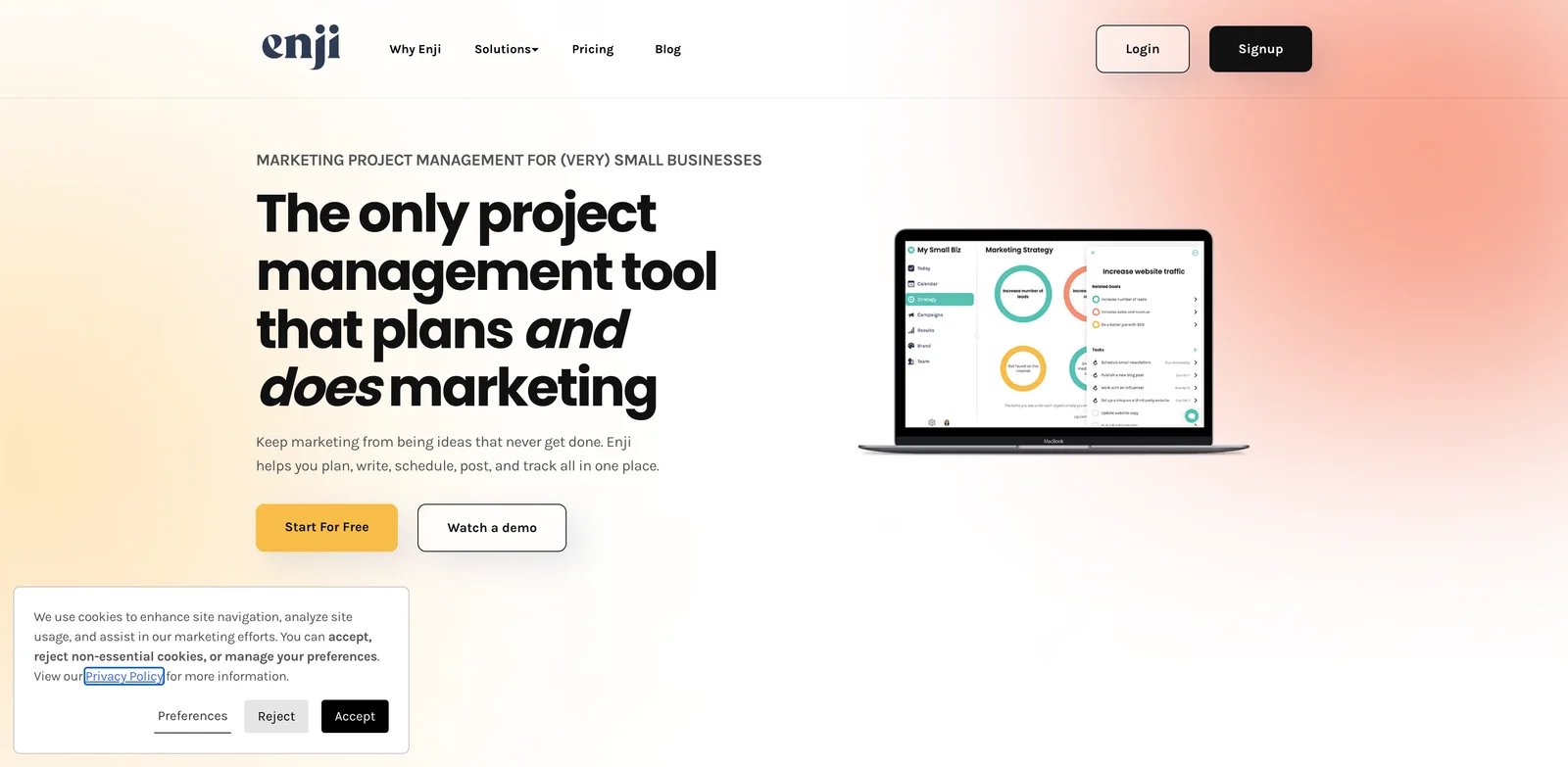
Enji is the low-drama alternative. It is not trying to out-automate Blaze. It is trying to make small-business marketing clear enough to execute: plan the work, write the copy, schedule posts, track KPIs, and keep going. For many small teams, that is the better bet.
What Enji solves vs Blaze AI: Small-business predictability: Enji reduces the number of moving parts. The product combines a marketing plan, AI copywriter, social scheduler, KPI dashboard, and group coaching. That is useful when Blaze feels powerful but too broad, or when the business needs a repeatable marketing routine more than another AI generation engine.
Pricing vs Blaze AI: Enji's pricing page advertises the core product at $29/month or $289/year, with a 14-day free trial and no credit card required. That is far below Blaze Starter at $79/month. The tradeoff is scope: Enji is simpler and less automation-heavy.
Limitations: Enji will not be the strongest option for advanced AI content generation, large teams, multi-brand agencies, or paid ad creative. It is intentionally practical and small-business-oriented.
The useful question is whether Enji helps you keep marketing promises to yourself. A small business often does not fail because it lacks AI generation. It fails because nobody knows what to post, when to post, what to measure, or how to keep a habit alive. Enji's advantage is reducing that uncertainty.
Best for: Enji is best for solo founders, consultants, local services, and small businesses that need a manageable marketing system. Not the right fit if you want aggressive AI generation, enterprise workflows, or complex multi-channel automation.
Get started with Enji.
Jasper
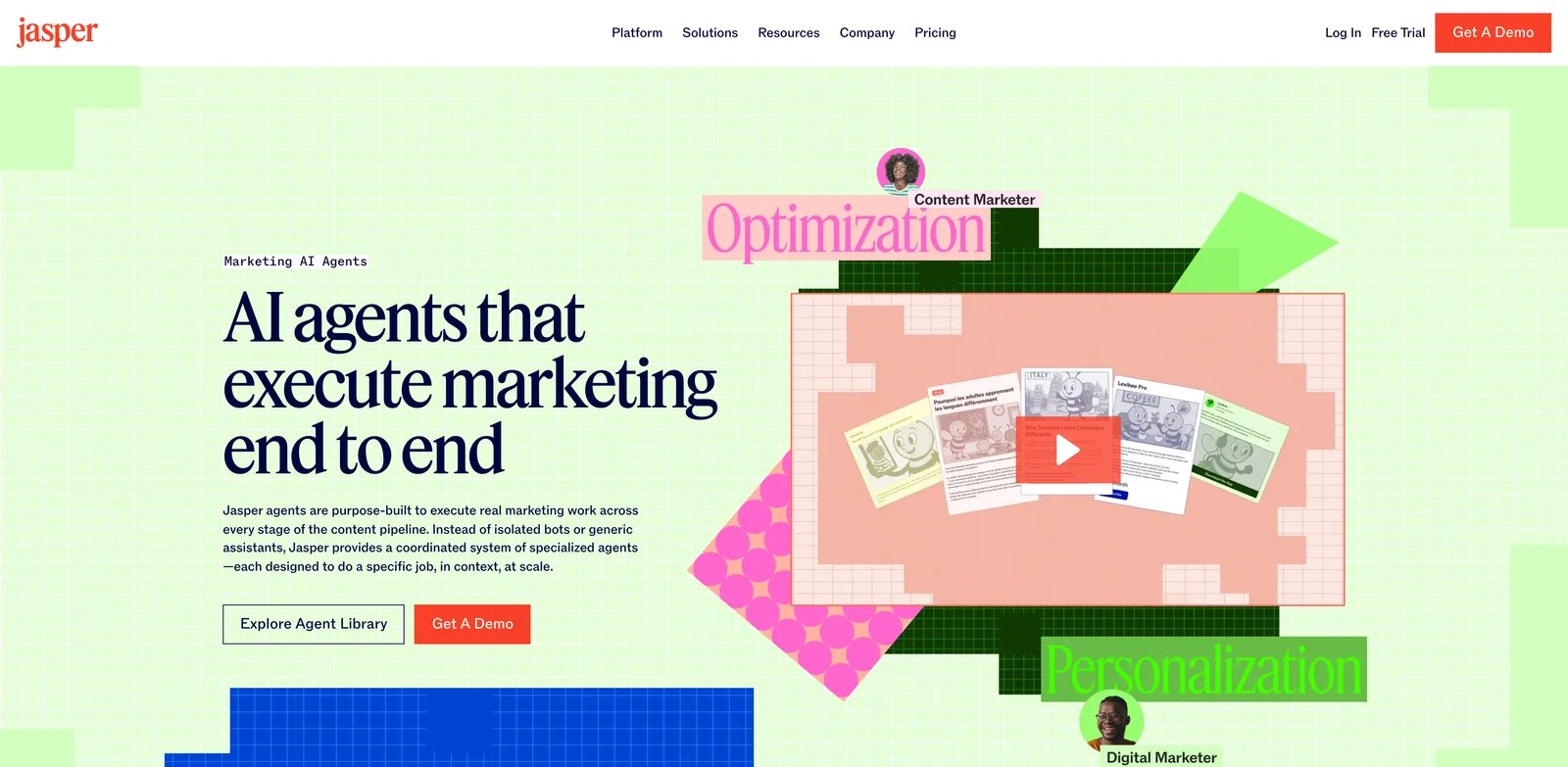
Jasper is the strongest Blaze alternative when content quality and brand governance matter more than social autopilot. It is built for marketing teams that want AI writing, brand voice, campaigns, collaboration, and enterprise controls. That makes it less direct than Marky or SocialBee but more credible when the pain is publish-ready copy.
What Jasper solves vs Blaze AI: Brand voice governance: Jasper gives teams a more mature brand voice and marketing-content workspace. If Blaze gets you 60% of the way there but your team still rewrites every post, Jasper is worth testing because it treats content quality as the core product rather than a side effect of autopilot.
Pricing vs Blaze AI: Jasper's pricing page lists Pro at $69/month per seat monthly or $59/month per seat billed yearly, plus custom Business pricing. Jasper Pro is slightly below Blaze Starter on a single monthly seat, but multi-seat teams can exceed Blaze quickly.
Limitations: Jasper is not primarily a social scheduler. You may need Buffer, SocialBee, Hootsuite, or another publishing tool. It also costs more than lightweight writing tools once multiple seats and enterprise needs enter the picture.
The best Jasper trial is an editorial-quality test. Create one campaign brief, one landing-page section, one email, five social captions, and one revision pass through your brand voice. If Jasper reduces rewriting and review cycles, it can justify the cost. If you still need the same amount of editing, a simpler tool plus human review may be enough.
Best for: Jasper is best for marketing teams that need brand-safe AI copy, campaign content, and collaboration. Not the right fit if you only need cheap post scheduling or automatic daily social content.
Get started with Jasper.
Copy.ai
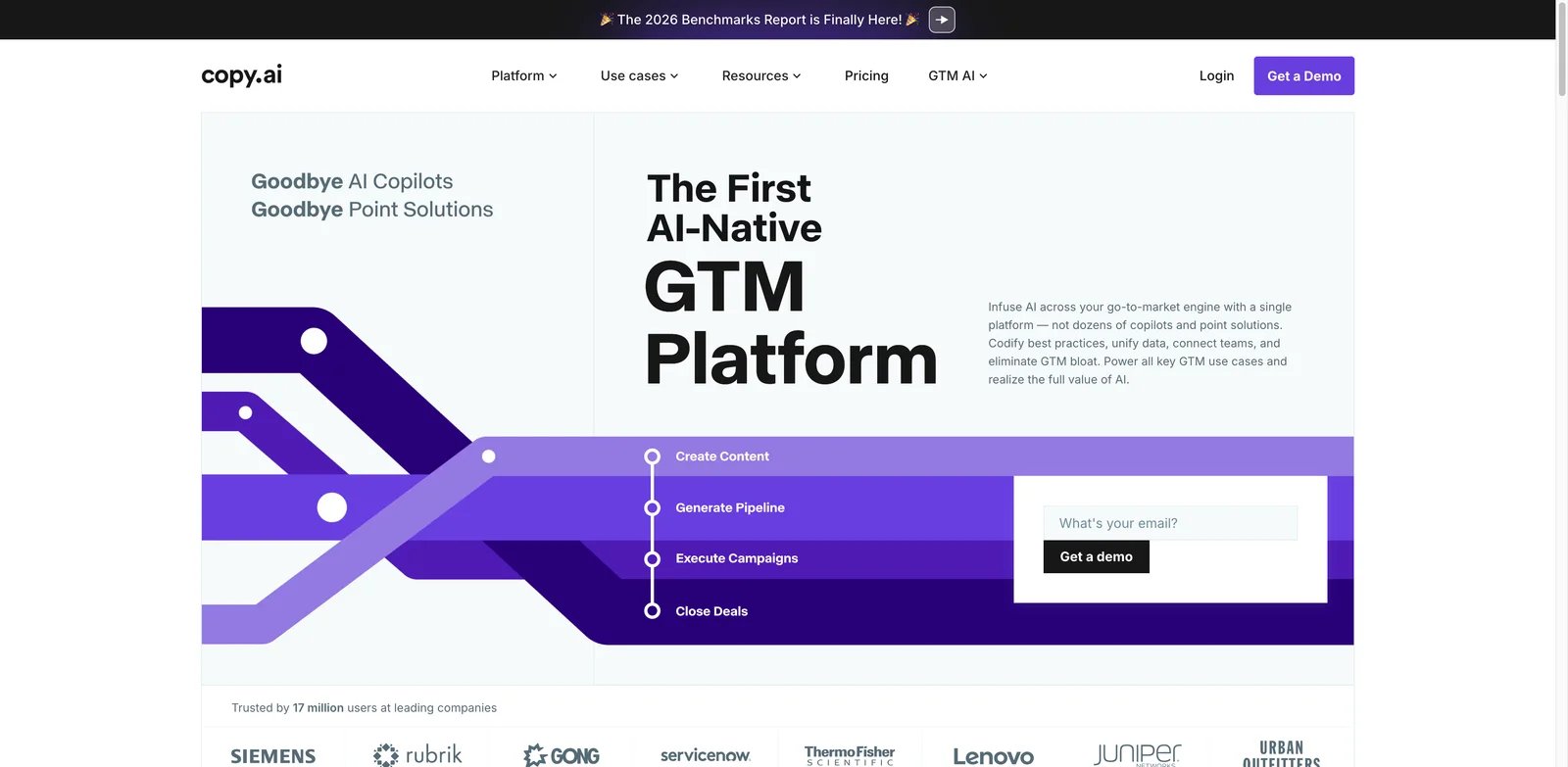
Copy.ai is the enterprise jump in this list. It has moved from simple AI writing toward GTM AI workflows: chat, tables, actions, brand voice, workflow credits, and automation for revenue teams. That makes it relevant for Blaze users who have outgrown small-business content automation and now need repeatable processes.
What Copy.ai solves vs Blaze AI: GTM workflow jump: Copy.ai is not trying to be a prettier social scheduler. It is for teams that want AI inside structured go-to-market workflows. If your Blaze frustration is that marketing content is disconnected from sales, lifecycle, or campaign operations, Copy.ai is a serious candidate.
Pricing vs Blaze AI: Copy.ai's pricing page lists Chat at $29/month monthly or $24/month billed annually for 5 seats, then a large jump to Growth at $1,000/month billed annually, Expansion at $2,000/month, and Scale at $3,000/month. That makes Copy.ai cheap for basic chat but expensive for workflow-heavy teams.
Limitations: Copy.ai is overkill for many Blaze users. The pricing jump from Chat to Growth is too large for small businesses that only need social content. It also does not replace a simple scheduler by itself.
Copy.ai is worth testing only if your team has repeatable workflows. For example: enrich lead data, generate outbound variants, turn a webinar into campaign assets, or create SEO briefs from a template. If your process is still vague, Copy.ai's workflow power can become expensive structure before you are ready for it.
Best for: Copy.ai is best for GTM teams that want AI workflows, sales/marketing operations, and repeatable content processes. Not the right fit if you want a low-cost all-in-one social marketing tool.
Get started with Copy.ai.
Simplified
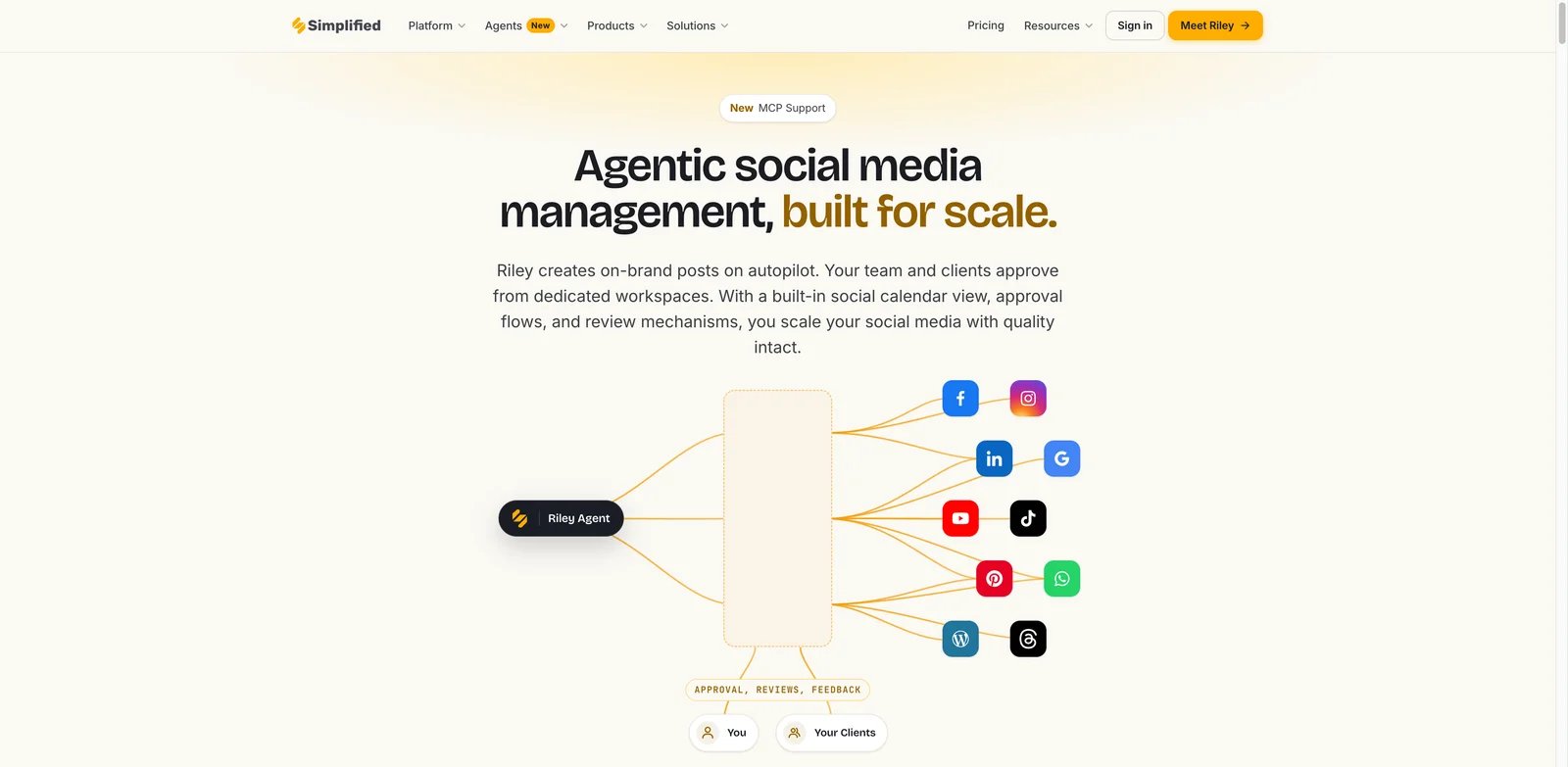
Simplified is the creative workspace alternative. It bundles design, AI writing, video, templates, and social publishing. For Blaze users whose main frustration is visual quality or the need to manually fix assets before publishing, Simplified is a practical test.
What Simplified solves vs Blaze AI: Simplified gives users more direct creative tools. Instead of waiting for an autopilot to infer the right look, you can work with templates, design assets, captions, videos, and publishing tools. That is especially useful when the business cares about brand consistency and wants a hands-on editor.
Pricing vs Blaze AI: Simplified's pricing page confirms a Free Forever plan. Paid tiers and limits should be checked at checkout because workspace packaging can vary. The free plan makes Simplified easier to test than Blaze if the goal is visual workflow validation.
Limitations: Simplified is broad, which can make it feel less deep than a dedicated scheduler, a dedicated writing platform, or a dedicated ad creative tool. It may require more manual assembly than Blaze.
Simplified is strongest when your team wants to stay hands-on. Test it by rebuilding one Blaze campaign from scratch: copy, graphics, short video, and scheduled post. If the manual editing tools make the final assets better, Simplified is a good replacement for the creative workspace. If you want less manual involvement, it may feel like a step backward.
Best for: Simplified is best for creators and small teams that want design, writing, video, and social publishing in one workspace. Not the right fit if you want a strategy-first marketing autopilot or advanced GTM workflows.
Get started with Simplified.
Honorable Mentions
Buffer
Buffer is not an AI content replacement for Blaze, but it is one of the clearest scheduling alternatives. The Free plan covers up to three channels, and paid Essentials starts at $5/month per channel annually. Use Buffer when you want transparent publishing, not an AI marketing operating system.
The best way to use Buffer in a Blaze migration is as the stable publishing layer. Keep content generation elsewhere, then use Buffer to control dates, channels, approvals, and analytics. That makes the stack less magical but easier to trust.
Canva
Canva belongs here when the visual layer is the reason you are leaving Blaze. Canva Free and Canva Pro cover many design needs, while Canva Business was introduced at $20/person/month in the U.S. It does not replace Blaze's content automation, but it can solve brand templates and creative control.
Canva also gives teams a shared visual language. If Blaze outputs feel inconsistent, rebuild the recurring post formats in Canva first: quote card, offer graphic, event promo, testimonial, case study, and product announcement. Then let AI assist the copy instead of asking AI to own the whole creative direction.
Hootsuite
Hootsuite is the mature social management option for larger teams. It is more expensive and more operationally heavy than Buffer or FeedHive, but it brings publishing, governance, analytics, and enterprise plan paths. Use it when workflow control matters more than AI generation.
Hootsuite is usually not the first alternative for a solo Blaze user. It becomes relevant when multiple people, departments, or clients need permissions, reporting, and oversight. If your Blaze pain is governance rather than content quality, Hootsuite deserves a look.
Blotato
Blotato is for technical creators and automation-minded marketers. Its pricing page lists Starter at $29/month, Creator at $97/month, and Agency at $499/month, with a 7-day trial. It is strongest when you want repurposing and posting workflows around automation tools.
Blotato is not the cleanest recommendation for a nontechnical small business. It is more compelling for people who already think in workflows: record once, transcribe, clip, rewrite, schedule, and publish across platforms. That is a different mental model from Blaze's guided marketing autopilot.
ChatGPT
ChatGPT is not a marketing scheduler, but it can be a cheap human-led review layer for strategy, rewrites, brand guidelines, and content variation. Use it beside Buffer, Canva, or SocialBee if the real issue is content quality rather than channel automation.
This path works when someone on the team is willing to own the final judgment. ChatGPT can turn raw ideas into captions, rewrite in a brand voice, and critique weak hooks, but it will not remember your publishing calendar or verify every marketing claim. Treat it as a thinking partner, not a replacement marketing department.
Migrating from Blaze AI - A Practical Guide
Data and Account Migration
Start by exporting or copying the assets Blaze already helped you create: social captions, content calendars, campaign notes, brand voice descriptions, connected channel settings, generated images, prompt snippets, and approved posts. If the platform does not expose a clean export for something, take screenshots of calendar views and copy high-performing posts into a simple document.
Then list every channel connected to Blaze: social accounts, email tools, ad accounts, websites, blogs, and analytics. Do not disconnect everything first. Move one channel at a time, especially if Blaze is already posting on your behalf. The safest migration is a two-week overlap: keep Blaze as the reference system, rebuild the calendar elsewhere, then turn off publishing only after the new tool has posted successfully.
Also preserve the "why" behind every scheduled asset. A caption without the campaign goal is hard to reuse. A visual without the audience and offer context is just a graphic. A marketing calendar without approval notes tells the next tool when to publish, but not why the post exists. Before leaving Blaze, create a simple migration doc with five columns: asset, target audience, channel, goal, and owner. That document will save more time than a perfect export.
Learning Curve by Alternative
Near-zero learning curve: Buffer, Canva, Simplified, and ChatGPT. These are easiest because they replace one clear slice of Blaze: scheduling, visuals, creative workspace, or rewriting.
Medium learning curve: Marky, SocialBee, FeedHive, Enji, Holo, and Zeely. These tools require brand setup, channel connection, templates, workflows, or campaign structure, but they are still small-business friendly.
High learning curve: Copy.ai, Jasper, Sintra AI, Hootsuite, and Blotato. These become powerful when your process is clear. They can become expensive or messy if you adopt them before you know whether the problem is copy quality, visual control, scheduling, or automation.
Do not treat learning curve as a negative by itself. A higher-learning-curve tool can be the right choice if your marketing process is already mature. The danger is buying complexity to compensate for unclear strategy. If your team cannot name the offer, audience, channels, review owner, and success metric for a campaign, a simpler tool will usually outperform a more powerful one.
Pricing Brackets vs Blaze AI Starter $79/mo
Cheaper than Blaze Starter: Buffer, Enji, FeedHive Creator/Brand, Marky Solo annual, Zeely Starter, Holo entry, ChatGPT, Canva, and many Simplified use cases.
Similar to Blaze Starter: SocialBee Pro, FeedHive Business, Marky Growth monthly, Zeely Growth, Jasper Pro monthly, and some Sintra helper bundles.
More expensive than Blaze Starter: Marky Pro, Copy.ai Growth+, Hootsuite team/enterprise plans, Blotato Agency, Jasper multi-seat teams, and any stack that combines multiple tools.
Different cost model: Canva and ChatGPT are not direct marketing platforms; Buffer prices per channel; Blaze uses generation credits; Blotato uses plan credits for media generation; Copy.ai separates chat from workflow-heavy GTM plans.
The cleanest budget exercise is to model three months, not one month. Include annual discounts only if you are confident the tool will survive a full quarter. Add every companion tool you still need. If a "cheaper" stack requires Buffer, Canva, ChatGPT, and a writer, Blaze may still be economical. If Blaze requires constant regeneration, outside design help, and a separate scheduler, the alternative stack may win.
For a solo founder, the realistic comparison might be Blaze Starter versus Enji plus Canva plus Buffer. For a creator, it might be Marky versus FeedHive plus ChatGPT. For a marketing team, it might be Jasper plus SocialBee versus Blaze Growth. Do not compare one subscription line against another. Compare the whole monthly workflow, including human review time.
Best Blaze AI Alternatives by Use Case
If Your Reason Is "I need content that is closer to publish-ready"
Start with Jasper, Copy.ai, and Holo. Jasper is the strongest for brand voice and marketing copy. Copy.ai is better when content needs to plug into GTM workflows. Holo is more relevant when the content has to sound and look like your brand without constant visual repair.
Your test prompt should include a bad-output threshold. For example: "If this needs more than 15 minutes of editing, it fails." That keeps the trial honest. Otherwise every tool looks usable because a human can rescue almost any AI draft.
If Your Reason Is "I want a predictable monthly bill"
Start with Enji, Buffer, and Marky. Enji is the simplest all-in small-business choice at $29/month. Buffer is transparent if you know how many channels you need. Marky gives Blaze-like social content workflows at lower annual entry prices, though higher plans can climb quickly.
Predictability is not the same as low price. A predictable $99/month plan can be better than a $29 plan with hidden limits if it matches your publishing volume. Count users, channels, brands, drafts, approvals, and credit usage before deciding.
If Your Reason Is "I need stronger visual brand control"
Start with Canva, Simplified, Marky, and Zeely. Canva is the safest design layer. Simplified is broader if you want writing plus design plus publishing. Marky is a better direct social-content replacement. Zeely is better if the output should become ad creative rather than organic content.
For this use case, do not judge tools only in text mode. Upload brand colors, product screenshots, customer examples, and past posts. The winner is the tool that protects visual consistency under realistic inputs.
If Your Reason Is "I want scheduling control, not full autopilot"
Start with SocialBee, FeedHive, and Buffer. SocialBee is best when you need categories, approvals, and a mature scheduling system. FeedHive is best for analytics and calendar-driven social automation. Buffer is best when simplicity and transparent per-channel pricing matter most.
This is the safest switch path for most teams because it does not require replacing all of Blaze at once. You can keep using Blaze for ideas while moving publishing to a dedicated scheduler. If that alone fixes the operational pain, you do not need a full migration.
If Your Reason Is "I need better WordPress, email, or multi-channel workflows"
Start with SocialBee, FeedHive, Buffer, and Hootsuite. But be clear about the channel map before buying. Write down every account, blog, email platform, and client workspace you need. Then compare connection limits and approval flows, not only AI features.
If email is central, also decide whether you want the marketing tool to send email directly or only generate copy for your email platform. Many disappointment cycles begin when a buyer assumes "marketing automation" means the same thing across social, email, ads, and website publishing.
If Your Reason Is "I want AI ad creatives instead of organic content automation"
Start with Zeely, Holo, and Canva. Zeely is built around ads and promo assets. Holo is useful when brand-DNA creative generation matters. Canva is the most controllable manual design layer when the AI output needs human finishing.
Judge this use case by creative throughput and conversion-readiness. A tool that generates fewer but stronger ads may beat a tool that generates dozens of generic variations. Save each winning creative and reuse it as input for the next round.
If Your Reason Is "I manage multiple brands or client workspaces"
Start with Marky, SocialBee, FeedHive, and Hootsuite. This is where cheap single-brand tools can become expensive or awkward. Check workspaces, users, approvals, social profiles, reports, and client separation before moving.
Agencies should also test reporting. The ability to create content is only half the job; the client needs to understand what happened. If reports require manual screenshots or spreadsheets, factor that into the real migration cost.
If Your Reason Is "I am technical and want to build my own automation stack"
Start with Blotato, Buffer, and ChatGPT. Blotato is the most automation-oriented of the three. Buffer gives you the reliable publishing layer. ChatGPT can handle rewriting, strategy prompts, and brand-style transformations if you want to keep the human in control.
This path works best for builders who enjoy owning the system. It is not the easiest option, but it can be the most flexible. If you already use Make.com, Zapier, Airtable, Notion, or custom scripts, a modular stack may outperform any all-in-one AI marketing product.
How to Choose the Right Blaze AI Alternative
1. Name the actual pain. Do not start with tool names. Start with the sentence: "We are leaving Blaze because..." Finish it with one reason: copy quality, visual brand mismatch, credits, connected channels, support trust, industry accuracy, or too much autopilot control.
2. Test one real campaign. Do not evaluate the tool with a generic prompt. Use a campaign you actually care about: one offer, one target customer, one visual style, one social channel, and one approval standard. If the tool cannot improve that workflow in one hour, it is probably not the right replacement.
3. Verify pricing and limits. Check credits, connected channels, users, workspaces, AI generation limits, cancellation terms, and annual discounts. A cheaper monthly price can become more expensive if you need multiple channels, multiple brands, or a higher media-generation tier.
4. Run a two-week hybrid migration. Keep Blaze active while your new tool proves it can publish correctly. Move the calendar first, then assets, then channels. Do not disconnect social accounts until the replacement has posted, tracked, and reported successfully.
At the end of the two weeks, hold a simple review. Which tool produced the most publish-ready first drafts? Which tool required the least visual cleanup? Which one made the calendar easiest to understand? Which one created the least anxiety around cost or credits? The answers may point to one replacement, or they may show that a split stack is healthier than another all-in-one platform.
Frequently Asked Questions
What is the best free alternative to Blaze AI?
If you want the closest free stack, combine Canva Free for visuals, Buffer Free for limited scheduling, and ChatGPT Free for drafts and revisions. That stack will require more manual effort than Blaze, but it gives you control over the pieces that commonly create frustration: visuals, approval, and final copy. For a business posting only a few times per week, that can be enough.
What is the best Blaze AI alternative for small businesses?
The decision depends on whether you need ideas, execution, or oversight. Enji is strongest when a small business needs a practical rhythm. Marky is stronger when the team already knows its channels and wants posts faster. SocialBee is stronger when the team has content but needs categories, schedules, and approvals to stay consistent.
Is Jasper better than Blaze AI?
For many teams, Jasper and Blaze are not perfect substitutes. Jasper is the writing and brand governance layer; Blaze is closer to an AI marketing workflow. If you already have a scheduler and marketing owner, Jasper may fit better. If you need an all-in-one system that prompts you through execution, Blaze may still be easier.
Which Blaze AI alternative is best for social media scheduling?
If you are migrating from Blaze, test scheduling with one real week of posts. Import or recreate the same calendar in SocialBee, FeedHive, and Buffer. The winner is the one your team can understand quickly, edit safely, and trust not to publish the wrong thing.
Which Blaze AI alternative is best for AI ad creatives?
Choose Zeely when speed and ad variation matter. Choose Holo when brand learning matters. Choose Canva when the final creative needs manual taste, templates, and repeatable brand assets. A paid-media team may even use all three at different stages: ideation, generation, and final polish.
Should I wait for Blaze AI Autopilot and pricing changes to stabilize?
The safest option is often not an immediate replacement. Add a second tool for the failing layer. If credits are the pain, test a flat scheduler. If visuals are the pain, test Canva or Simplified. If writing is the pain, test Jasper or ChatGPT. A partial replacement gives you evidence before you move the whole marketing workflow.
Set a decision deadline for that evidence. After two weeks, choose one of three outcomes: keep Blaze with the companion tool, replace Blaze fully, or archive the test. Without a deadline, teams often pay for overlapping tools for months because nobody owns the migration decision.
Write the decision down in plain language before you buy. Include the reason you compared Blaze, the tool you tested, the workflow it will own, the channels it will touch, the monthly cost, and the person responsible for review. That record is useful later when a plan renews, a teammate asks why two tools overlap, or a vendor changes credits again. A good alternative should make that note boring: one job, one owner, one renewal date, and one measurable reason it deserves to stay.
Why do some Blaze AI users complain about credits?
The best way to evaluate a credit model is to count revisions, not first drafts. Track how many generations it takes to produce one approved LinkedIn post, one Instagram post, one email, and one ad concept. Then multiply by your monthly volume. That gives you a more realistic cost picture than comparing plan names.
How do I migrate from Blaze AI without losing my content calendar?
Also save the decisions behind the content, not only the content itself. Keep notes on audience, offer, tone, best-performing hooks, visual rules, and words your brand avoids. Those notes are what help the next tool produce better results. Without them, every migration starts from a blank page again.
Get ToolWorthy Weekly
New AI tools, practical guides, and selected AI signals in one weekly brief.
Discover More AI Tools
Explore our comprehensive directory of AI tools, carefully curated and reviewed by experts to help you find the perfect solution for your needs.