
10 Best AI Knowledge Base Tools 2026 — Permission-Safe Answers
Compare 10 AI knowledge base tools for enterprise search, verified wikis, docs chatbots, Slack Q&A, and developer RAG workflows.
On this page
Intro
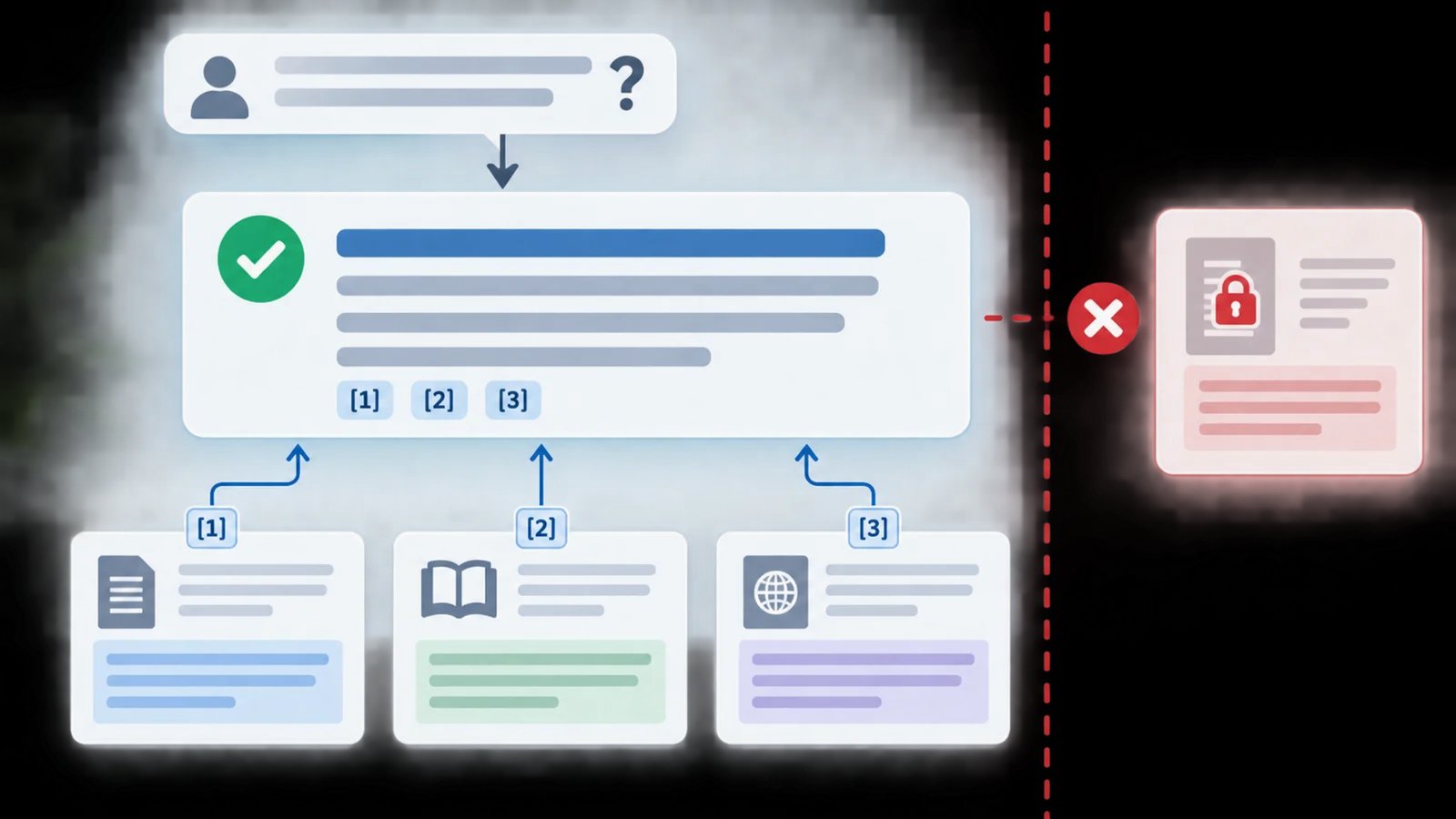
Your team probably does not have one knowledge problem. It has five: a half-maintained wiki, Slack answers that disappear, product docs that support teams do not trust, files scattered across Google Drive and SharePoint, and a new AI search tool that still has to respect permissions. The best AI knowledge base tools in 2026 solve different parts of that mess. Some index every enterprise app. Some make a verified wiki easier to maintain. Others turn docs into customer-facing chatbots or Slack-native answer agents.
We compared 20 AI knowledge base and enterprise search products, then narrowed the detailed reviews to 10 that cover the main buying paths: enterprise search, verified knowledge management, docs chatbots, Slack Q&A, developer RAG, and affordable team workspaces. If you are still deciding whether you need a knowledge base, an AI chatbot, or a broader AI search engine, use this guide to map the job before you buy.
| Tool | Best For |
|---|---|
| Notion AI / Enterprise Search | Teams already running projects, docs, and SOPs inside Notion |
| Glean | Large companies with knowledge scattered across many SaaS apps |
| Atlassian Confluence + Rovo | Jira-heavy teams that need AI search inside existing documentation |
| DocsBot AI | Support and product teams turning docs into chatbots |
| Guru | Revenue and support teams that need verified answers in live workflows |
| Sana AI | Enterprises that want a governed AI knowledge assistant |
| Algolia AI Search | Product and engineering teams building custom AI search |
| GitBook AI | Developer documentation teams that need searchable docs |
| Vectara | Developers building grounded RAG into products |
| Question Base | Slack-first teams that need quick internal answers |
How We Selected and Tested
We selected AI knowledge base tools based on whether they solve a real retrieval and governance problem, not whether they simply add an AI button to a wiki. Tools had to show evidence of at least one core workflow: enterprise search across connected apps, verified internal knowledge, AI-powered docs Q&A, Slack or Teams answer delivery, support deflection, or developer-grade retrieval-augmented generation. Products with unclear positioning, stale public pages, or no practical team knowledge workflow were researched but not prioritized.
Our research methodology combined ChatGPT Deep Research, official product pages, pricing pages, documentation, public help centers, and ToolWorthy's existing production category data for AI knowledge base tools. We also checked recent buyer-guide search results to identify recurring decision criteria: permission-aware answers, connector breadth, source citations, pricing transparency, and whether the tool maintains knowledge or only searches it.
Evaluation Dimensions: We evaluated each tool across five dimensions:
- Answer trust — whether responses include citations, respect source permissions, and make uncertainty visible.
- Connector depth — how well the tool connects Slack, Google Drive, SharePoint, Jira, Confluence, Notion, Zendesk, GitHub, websites, APIs, and custom sources.
- Knowledge maintenance — whether the product helps verify, update, or identify gaps in source content.
- Deployment fit — whether the tool works for small teams, support teams, developers, or enterprise IT without forcing the wrong workflow.
- Cost clarity — whether pricing is public, usage-based, seat-based, quote-only, or likely to require enterprise procurement.
Note on Testing Scope: We did not deploy all 10 products in a live company workspace. For enterprise tools that require sales access or procurement, we relied on official documentation, pricing statements, product pages, and public user feedback. Pricing changes quickly in this category, especially for enterprise search and AI agent bundles, so use this ranking as a shortlist and verify final terms before purchase.
Top 10 AI Knowledge Base Tools Compared
These AI knowledge base tools split into three practical groups. Glean, Sana AI, and Confluence + Rovo are best when internal knowledge is spread across many enterprise apps. Guru, Notion AI, GitBook AI, and Question Base are stronger when the source of truth already lives in a wiki, docs workspace, or Slack. DocsBot AI, Algolia AI Search, and Vectara are better for teams building customer-facing answers, product search, or custom RAG into their own software.
| Tool | Best For | Answer Trust | Connector Fit | Pricing Clarity | Best Buyer |
|---|---|---|---|---|---|
| Notion AI / Enterprise Search | Workspace-native docs and SOPs | Good | Notion + connected apps | Public plan starting point | Ops and product teams |
| Glean | Enterprise-wide search | Excellent | Broad enterprise connectors | Quote-only | IT and enterprise ops |
| Atlassian Confluence + Rovo | Jira and Confluence teams | Good | Atlassian-first | Public Confluence tiers | Engineering and PMO |
| DocsBot AI | Docs chatbot and support deflection | Good | Docs, widgets, API, Slack | Public tiers | Support and product teams |
| Guru | Verified knowledge in live work | Excellent | Browser, Slack, Teams, apps | Quote-heavy | Revenue and support |
| Sana AI | Governed enterprise assistant | Good | 100+ app connectors | Public Team price + custom | Learning and enterprise enablement |
| Algolia AI Search | Custom AI search experience | Good | API-first | Mixed public and enterprise | Product engineering |
| GitBook AI | Developer documentation | Good | Git and docs workflow | Public tiers | DevRel and platform teams |
| Vectara | Grounded RAG APIs | Excellent | API and deployment options | Contact sales | AI product builders |
| Question Base | Slack-native Q&A | Basic to good | Slack + docs sources | Public Pro price | Small Slack-heavy teams |
Detailed Reviews
Notion AI / Enterprise Search
If your wiki already lives in Notion, the worst outcome is buying a second knowledge base that nobody updates. Notion AI / Enterprise Search is strongest for teams that use Notion as the daily workspace for product specs, SOPs, meeting notes, lightweight databases, and team documentation. Instead of asking employees to move into another search portal, it keeps answers close to the pages and databases where work already happens.
Key Features
- Workspace-native answers — Notion AI can answer across the workspace and connected sources, which reduces the gap between writing documentation and retrieving it later.
- Database-aware knowledge — Teams can structure SOPs, project docs, policies, and launch plans as databases instead of loose pages, then use AI search over that structured context.
- Connected-app search — Enterprise Search extends beyond Notion into selected connected tools, useful for teams whose knowledge spans docs, files, and collaboration apps.
- Low-friction adoption — Users who already work in Notion do not need a separate search interface, which makes adoption easier than a standalone enterprise search rollout.
Pricing & Plans
Notion pricing is public: Free is $0, Plus starts at $10 per member/month, Business starts at $20 per member/month on the annual rate, and Enterprise is custom. For AI knowledge-base use cases, the important detail is that Business includes Notion Agent, AI Meeting Notes, and Enterprise Search Beta, while Free and Plus only include trial AI access. Custom Agents require Notion credits after the trial. The real cost is not only the seat price; it is the time required to clean page permissions, standardize databases, and decide which connected sources should be searchable.
Pros & Cons
Pros: Strong fit for teams already using Notion; combines pages, databases, AI search, meeting notes, and connected apps in one workspace; public pricing gives small teams a clearer starting point than enterprise-only tools.
Cons: Best results still depend on clean Notion structure and permissions; broad app-sprawl search is weaker than dedicated enterprise search platforms; customer-facing chatbot deployment is not its core use case.
Limitations
Notion works best when the source content is already organized. If your knowledge lives mostly in Slack threads, old PDFs, Jira tickets, and SharePoint folders, Glean or Sana AI will usually index the sprawl better. Notion is also less ideal for customer-facing support deflection, where a dedicated chatbot platform such as DocsBot AI is easier to deploy.
Best For
Choose Notion AI / Enterprise Search if your team already treats Notion as the operating system for work and wants AI retrieval without another tool rollout. Not the right fit if your biggest issue is enterprise-wide connector coverage, strict procurement controls, or customer-facing help center automation.
Get started with Notion AI / Enterprise Search
Glean
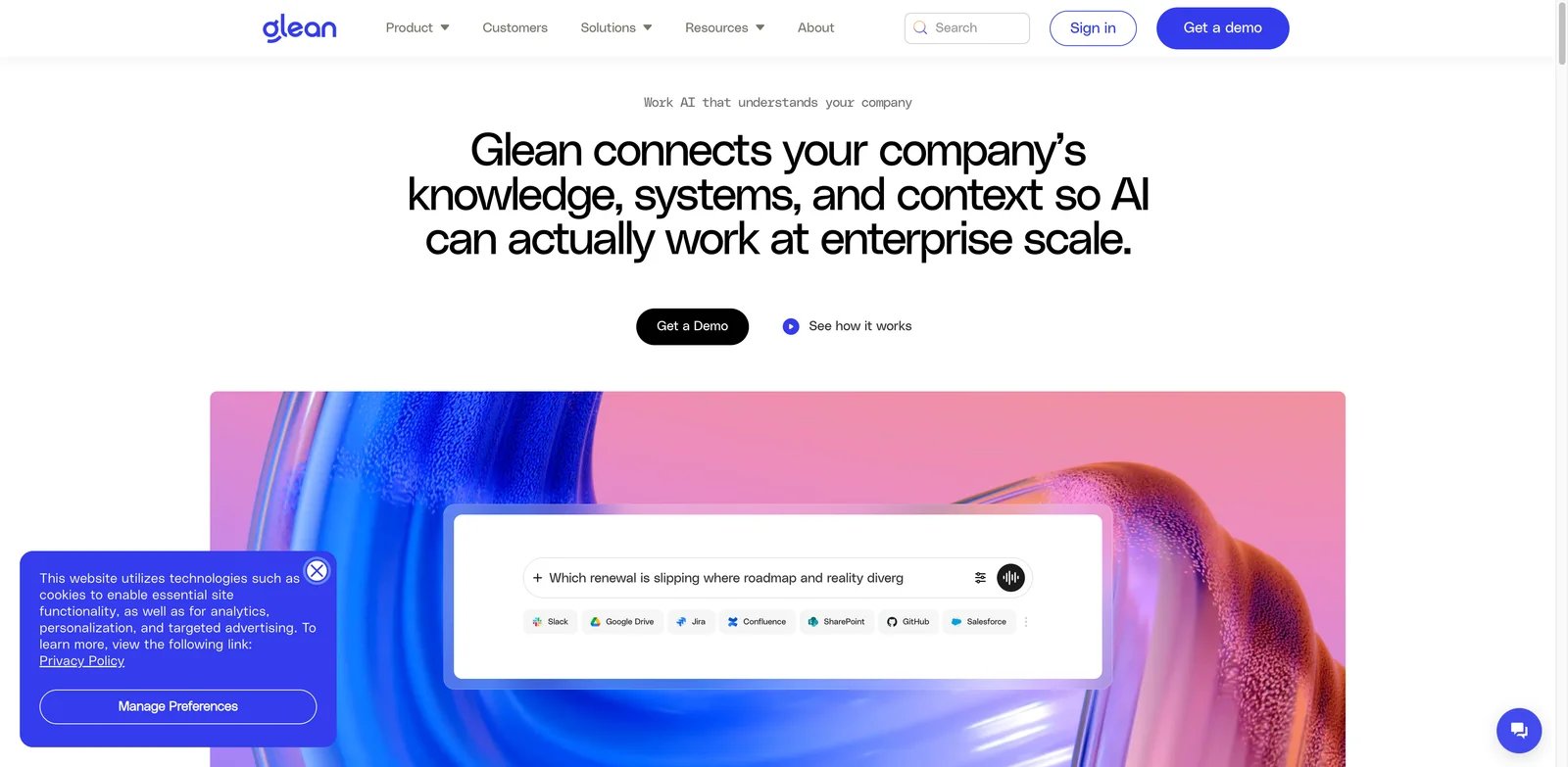
When employees ask the same question in Slack because search cannot find the answer, the problem is usually not the wiki. It is the fact that the answer might be in Jira, Google Drive, Confluence, Salesforce, a ticket, or a private team channel. Glean is built for that enterprise-wide retrieval problem: index many work apps, respect permissions, and return answers grounded in company sources.
Key Features
- Enterprise connector coverage — Glean is designed to index information across major workplace apps, which matters when knowledge is distributed across departments.
- Permissions-aware search — The platform emphasizes source permissions and governance, reducing the risk of AI exposing content users should not see.
- AI assistant and agents — Beyond search, Glean packages answers into workplace assistants and agent workflows for employees.
- Strong enterprise fit — IT and business technology teams get controls, analytics, and administration features that small-team wiki tools usually lack.
Pricing & Plans
Glean does not publish self-serve pricing on its official site. Treat it as a contact-sales enterprise platform, with final pricing depending on company size, required connectors, security controls, assistant/agent scope, rollout support, and contract terms. Avoid quoting per-user or credit-style numbers unless they come from a current vendor quote.
Pros & Cons
Pros: Strong enterprise connector coverage; permission-aware search is central to the product; AI assistant and agent features extend beyond classic search.
Cons: Quote-only pricing makes early budgeting harder; implementation requires IT, security, and content-governance work; it can surface stale knowledge if source systems are not maintained.
Limitations
Glean can be more search layer than knowledge maintenance layer. If source docs are wrong or stale, the system may find the wrong answer faster. Teams still need ownership for updating docs, removing duplicates, and defining which systems are authoritative. The quote-only model also makes early cost comparison difficult.
Best For
Choose Glean if your company has enough app sprawl that employees no longer know where to search first. Not the right fit if you need a lightweight team wiki, transparent small-team pricing, or a public docs chatbot.
Get started with Glean
Atlassian Confluence + Rovo
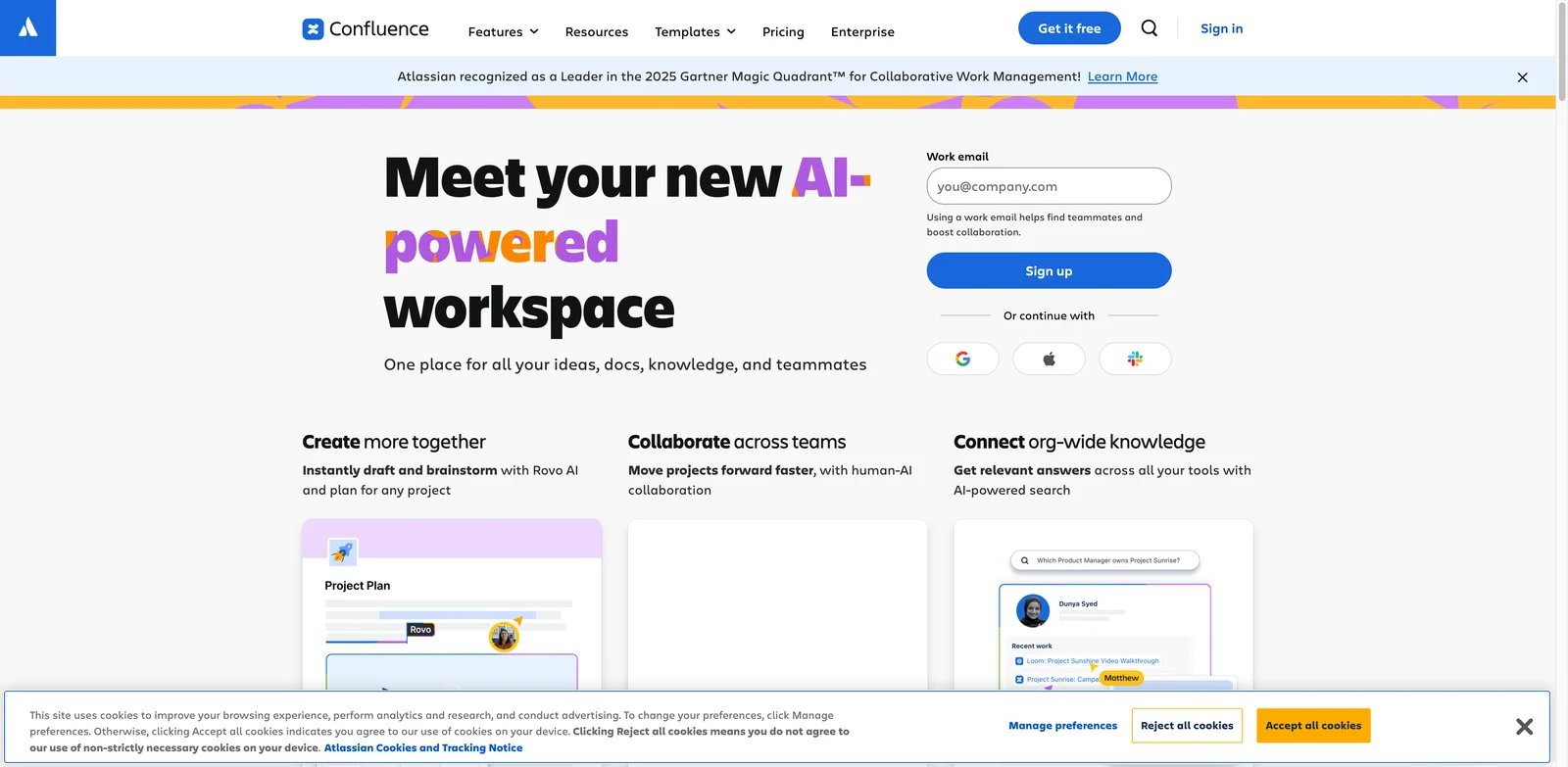
Engineering and product teams often do not need a new knowledge base; they need Confluence and Jira to stop feeling like two separate memories. Confluence + Rovo is strongest when project plans, runbooks, incident notes, product requirements, and engineering decisions already live in the Atlassian ecosystem.
Key Features
- Atlassian-native knowledge retrieval — Rovo Search and Chat sit close to Confluence and Jira, which helps teams retrieve decisions without leaving their project tools.
- Project context — Teams can connect knowledge to Jira work, product requirements, and delivery plans instead of treating documentation as a separate archive.
- Agent-style workflows — Rovo agents can support repeated knowledge tasks inside the Atlassian environment.
- Public plan structure — Confluence has transparent entry tiers, making budgeting easier than quote-only enterprise search tools.
Pricing & Plans
Confluence starts with a free tier, and paid plans unlock higher limits and more advanced team controls. Rovo is now included with paid Jira, Confluence, Jira Service Management, Service Collection, and Teamwork Collection cloud subscriptions, with monthly Rovo credit allowances by edition. Confluence pricing still matters: Free supports up to 10 users, while Standard and Premium are paid per-user tiers and Enterprise is custom. The real implementation cost is governance: Confluence spaces, page permissions, and stale documentation need cleanup before AI answers become trustworthy.
Pros & Cons
Pros: Strong fit for Jira and Confluence teams; Rovo is bundled with paid Atlassian cloud subscriptions rather than sold as a separate add-on for most users; AI search, chat, and agents sit close to project work.
Cons: Value drops when knowledge is outside the Atlassian ecosystem; credit allowances and Rovo Dev pricing need separate review; messy spaces and stale pages still require governance.
Limitations
Confluence + Rovo is less compelling if your company knowledge is not Atlassian-centered. It can answer from a mature Confluence workspace, but it will not replace an enterprise search layer across every SaaS system as cleanly as Glean. Teams with messy Confluence spaces should fix ownership before relying on AI answers.
Best For
Choose Confluence + Rovo if your team already plans, ships, and documents inside Atlassian. Not the right fit if your knowledge base is mostly Notion, Google Drive, Slack, or external support docs.
Get started with Atlassian Confluence + Rovo

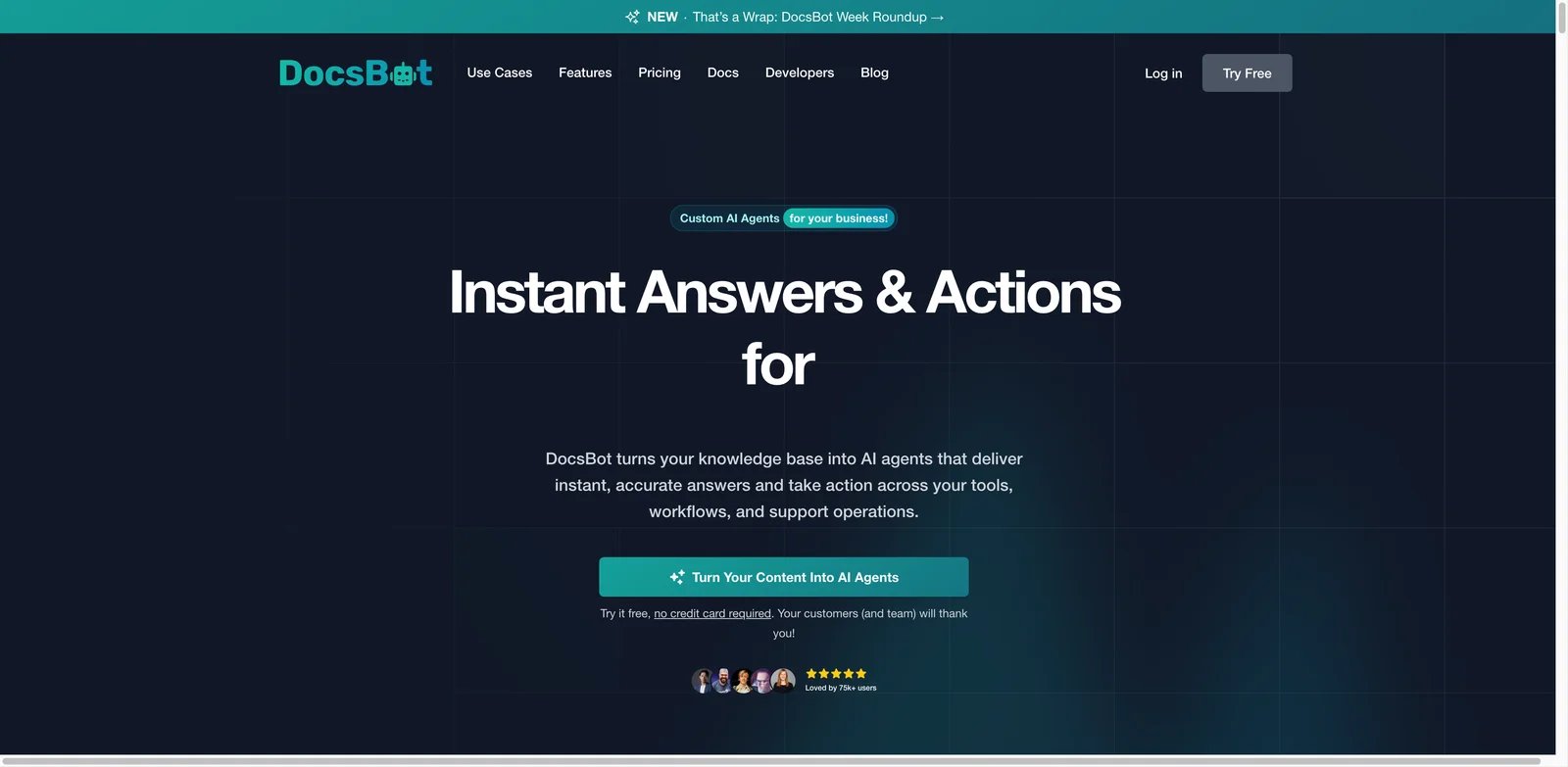
Support teams do not need an AI knowledge base that only helps employees search internally. They need one that turns existing docs into useful answers for customers, support agents, and product users. DocsBot AI is built around that docs-to-chatbot workflow, with website widgets, API access, Slack, Zapier, and MCP support.
Key Features
- Docs-to-chatbot workflow — DocsBot can train on documentation and turn it into a website or support chatbot without building a retrieval system from scratch.
- Multi-channel delivery — Web widgets, Slack, API, Zapier, and MCP support give teams several deployment options.
- Support deflection focus — The product is better suited to customer-facing help than general-purpose enterprise search.
- Transparent tiers — Public plans make it easier for smaller teams to test before committing.
Pricing & Plans
DocsBot AI pricing is public: Free is $0 with 1 bot, 50 source pages, 100 AI message credits/month, and personal-use positioning; Personal is $49/month; Standard is $149/month; Business is $499/month; and Enterprise is custom. Compare bot count, source pages, monthly AI message credits, team users, actions per bot, MCP, Slack, Zapier, and analytics limits before sizing.
Pros & Cons
Pros: Fast path from docs to website/support chatbot; public tiers make pilot budgeting easier; supports widgets, API, Slack, Zapier/workflows, actions, and MCP on eligible paid plans.
Cons: Free plan is limited and positioned for personal use; not a full enterprise search layer; answer quality depends heavily on the documentation you train it on.
Limitations
DocsBot AI is not a full internal knowledge operating system. If your employees need one search box across Slack, Drive, Jira, and Confluence, Glean or Sana AI is a better category fit. DocsBot also depends heavily on source documentation quality; weak docs produce weak answers.
Best For
Choose DocsBot AI if you want to turn product docs, help centers, or internal support knowledge into chatbots quickly. Not the right fit if your main need is broad enterprise app search or a verified internal wiki.
Get started with DocsBot AI

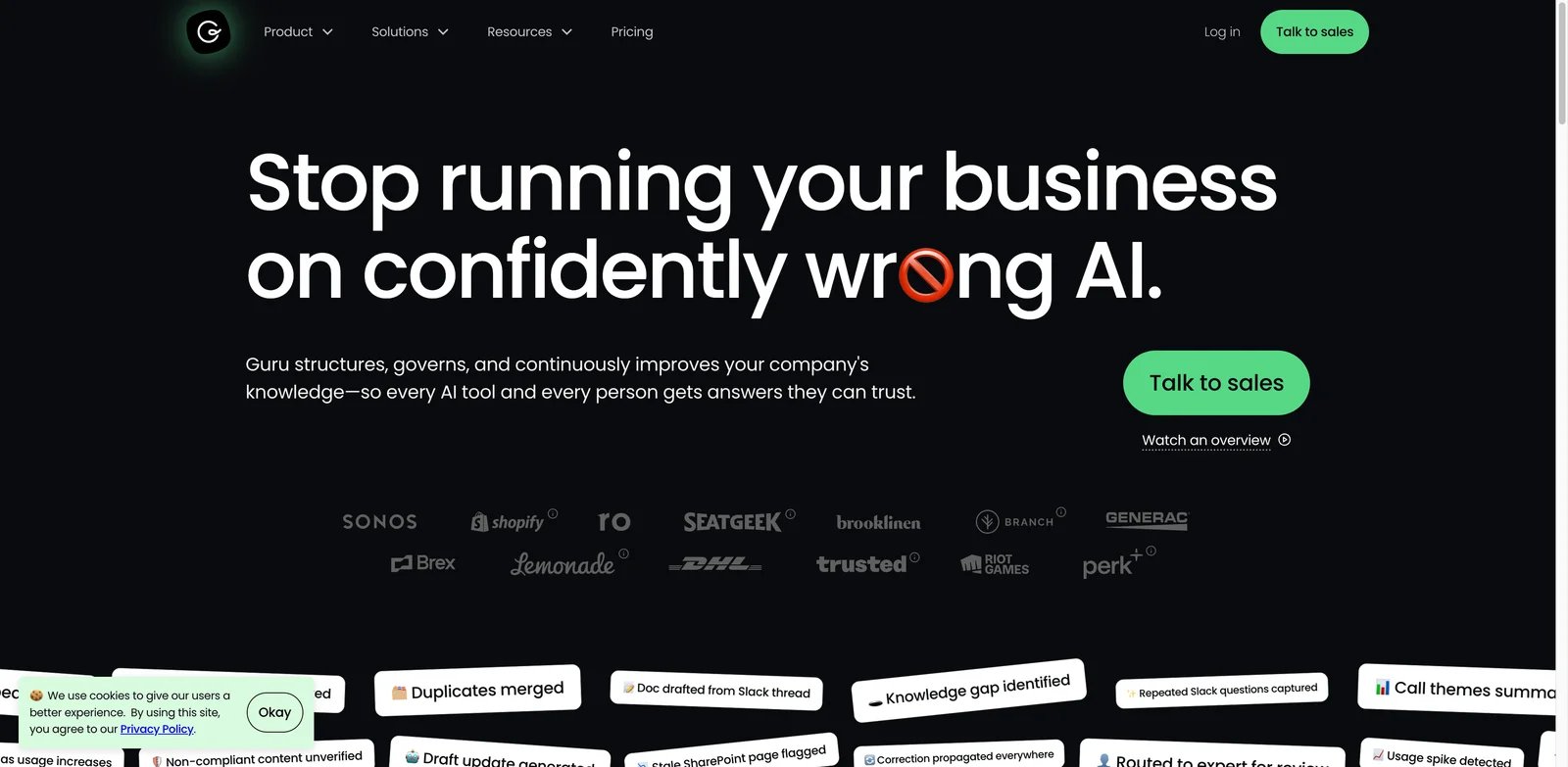
Sales and support teams lose trust in AI answers when nobody can tell whether the source is current. Guru's advantage is that it treats knowledge as something that must be verified, owned, and delivered where people work, not just searched. It is especially strong for teams that need answers inside Slack, Teams, browsers, CRMs, and customer conversations.
Key Features
- Verified knowledge cards — Guru's knowledge model helps teams assign ownership and verification status instead of letting stale docs spread.
- Workflow delivery — Browser, Slack, Teams, and app integrations bring answers into live work instead of forcing users into a separate portal.
- Permission and citation controls — Guru emphasizes inherited permissions, answer traceability, and audit-friendly knowledge use.
- Revenue-team fit — Sales enablement, support, and customer success teams can use Guru as a shared source of truth for messaging and process answers.
Pricing & Plans
Guru's current official pricing is custom rather than a transparent per-seat plan table. Its pricing page positions Guru as a tailored platform-and-expertise package based on company scale, knowledge complexity, AI maturity, integrations, governance needs, and rollout support. Do not cite third-party per-seat numbers as current pricing unless verified directly with Guru. The real cost includes knowledge ownership: teams need someone responsible for keeping cards current and retiring outdated guidance.
Pros & Cons
Pros: Strong verified-knowledge and governance positioning; permission-aware answers include citations and audit trails; 100+ integrations and MCP delivery make it useful inside existing workflows.
Cons: Current pricing requires a sales conversation; it demands active knowledge ownership rather than passive indexing only; less suited to developer RAG or simple customer-facing docs bots.
Limitations
Guru requires a stronger knowledge management habit than passive search tools. If your team is unwilling to verify and maintain source content, it may feel like extra process. It also may not be the best developer RAG platform or customer-facing docs chatbot.
Best For
Choose Guru if trust, verification, and in-workflow answers matter more than crawling every possible source. Not the right fit if you want purely passive enterprise search with minimal content ownership.
Get started with Guru
Sana AI
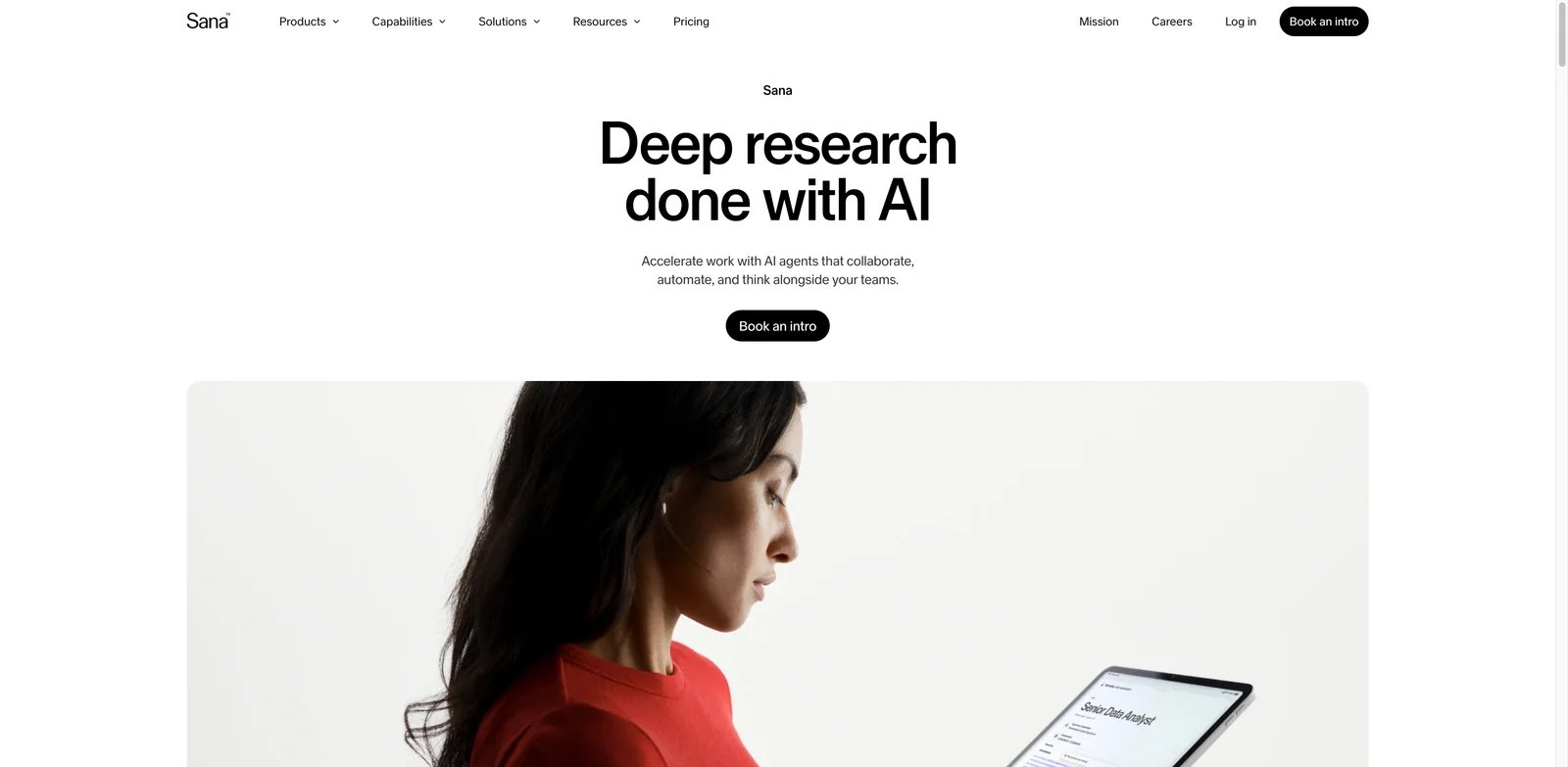
Enterprise enablement teams often need more than search: they need training, policy answers, onboarding, knowledge discovery, and governed AI assistance in one environment. Sana AI sits between enterprise knowledge assistant and learning platform, making it useful for companies that want employees to retrieve knowledge and learn from it inside a controlled system.
Key Features
- Connected knowledge layer — Sana connects to a broad set of workplace apps so answers can draw from more than one documentation source.
- Governed assistant experience — Enterprise controls help teams manage access, source trust, and rollout across departments.
- Learning plus knowledge — Sana's background in learning workflows gives it an advantage for onboarding, internal training, and enablement.
- Clearer starting price than many enterprise tools — Public Team pricing gives buyers at least one baseline before custom Enterprise negotiation.
Pricing & Plans
Sana pricing is public for entry tiers: Free is $0, Team is $30 per user/month, and Enterprise is custom. The Team plan has limits such as up to 50 members per workspace and 10,000 documents per integration, while Enterprise adds unlimited members/documents, enterprise integrations, SAML SSO, SCIM, DPA, analytics, priority support, SLA, and MCP client support. Budget for implementation time if you plan to connect many systems, design onboarding journeys, or use Sana as an enablement platform rather than a simple search box.
Pros & Cons
Pros: Combines knowledge access, agents, automation, meetings, and enablement workflows; connects with 100+ applications; public Free and Team plans make basic evaluation easier than quote-only enterprise tools.
Cons: Enterprise deployments still require custom pricing and rollout work; Team plan has member and document-per-integration limits; may be too broad for teams that only need Slack Q&A.
Limitations
Sana may be more product than a team needs if the job is only "answer Slack questions from docs." Smaller teams may get faster value from Notion AI, Question Base, or DocsBot AI. Enterprise buyers should also validate exactly which connectors, controls, and AI features are included in their chosen plan.
Best For
Choose Sana AI if you want governed knowledge assistance with learning and enablement use cases. Not the right fit if you only need a cheap wiki assistant or a developer-facing RAG API.
Get started with Sana AI
Algolia AI Search
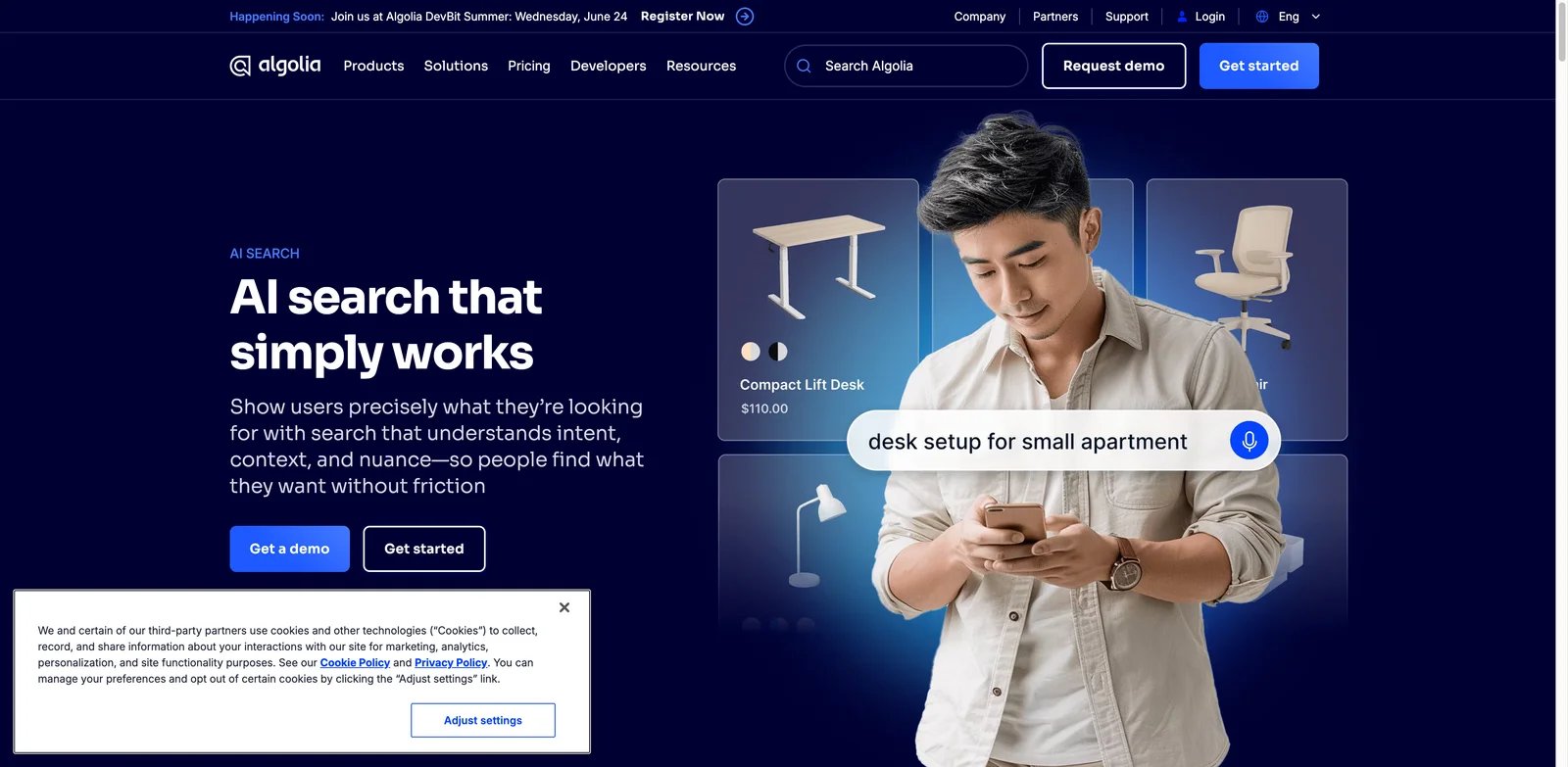
Product teams building search into an app need different controls than a company wiki buyer. Algolia AI Search is strongest when the knowledge base is part of a product experience: website search, support search, ecommerce search, documentation discovery, or custom answer retrieval that engineering teams need to tune.
Key Features
- Search infrastructure heritage — Algolia brings mature indexing, ranking, relevance, and developer tooling to AI search workflows.
- Hybrid search direction — AI Search and NeuralSearch features help teams combine keyword and vector retrieval.
- API-first control — Developers can shape the search experience rather than accepting a fixed chatbot UI.
- Product-search fit — Algolia is especially useful when search quality affects conversion, support deflection, or product usability.
Pricing & Plans
Algolia pricing is public for self-serve search and contact-sales for its full AI Search tier. Grow Plus includes 10,000 search requests/month and 100,000 records, then charges $1.75 per additional 1,000 search requests and $0.40 per additional 1,000 records. Algolia says Elevate is its full AI Search offering, including NeuralSearch, Smart Groups, and AI Collections, and requires an annual contract. Engineering time is part of the real budget because Algolia is a platform, not a finished wiki.
Pros & Cons
Pros: Mature search infrastructure with strong developer tooling; Grow Plus has transparent usage-based entry pricing; Elevate supports fuller AI Search capabilities such as NeuralSearch for teams ready for annual contracts.
Cons: Not a ready-made wiki or internal Q&A tool; engineering effort is required for indexing, relevance, permissions, and UI; full AI Search requires Elevate rather than the cheapest self-serve tier.
Limitations
Algolia is not a plug-and-play internal knowledge base. Teams need engineering resources to design indexing, relevance, permissions, and front-end search. For a nontechnical support team, DocsBot AI or Document360 may be faster.
Best For
Choose Algolia AI Search if search is part of your product or customer experience and you have engineering support. Not the right fit if you want a ready-made internal wiki assistant.
Get started with Algolia AI Search
GitBook AI
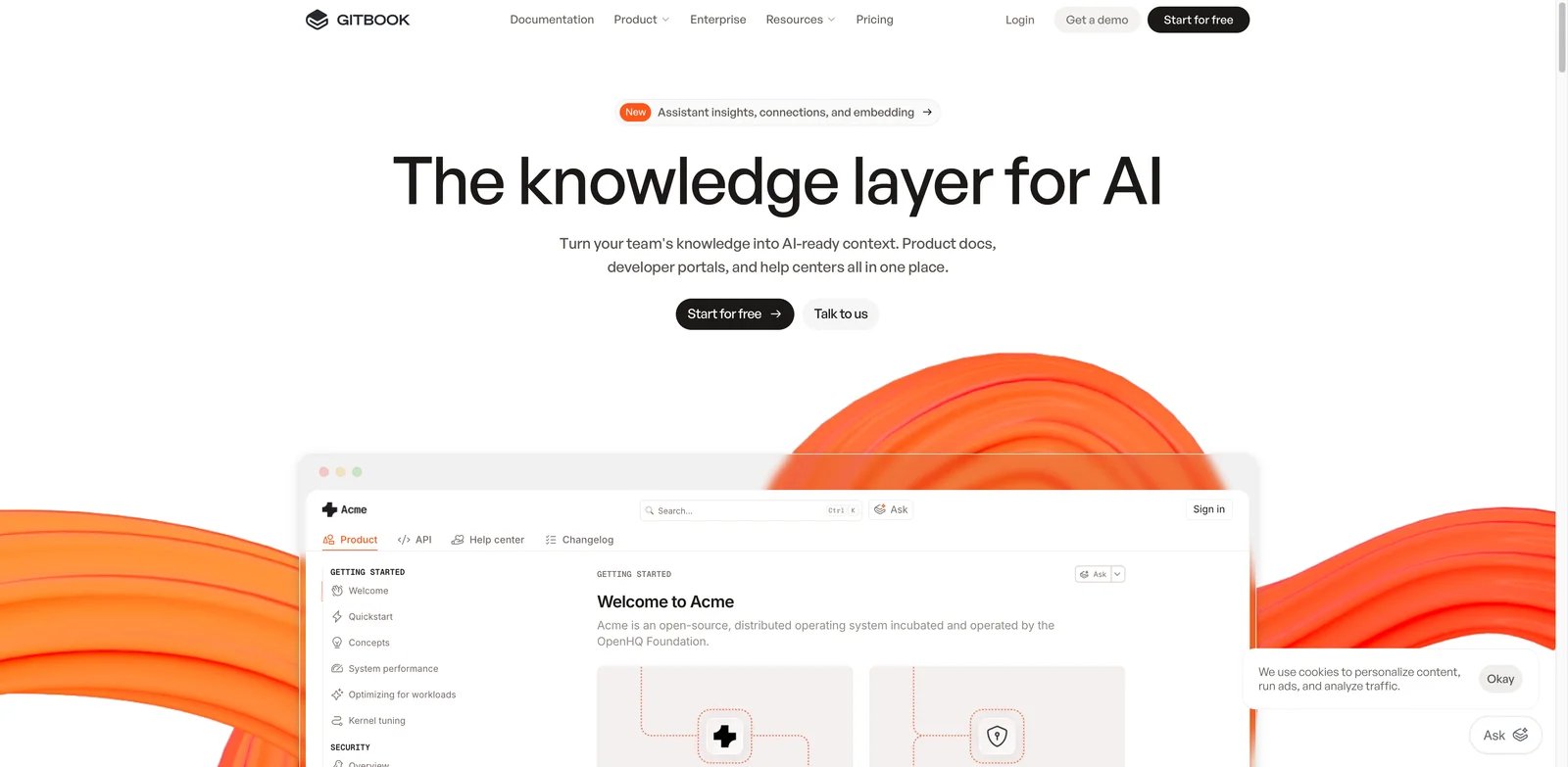
Developer documentation fails when users cannot find the right concept, API behavior, or migration note at the moment they need it. GitBook AI is strongest for teams that treat docs as a product surface, not a back-office wiki. It combines modern docs publishing, Git-linked workflows, and AI search for technical content.
Key Features
- Docs-native AI search — GitBook's AI features sit inside a documentation workflow rather than a generic employee search portal.
- Git sync and publishing workflow — Technical teams can keep docs closer to engineering changes.
- Public and private docs fit — GitBook works for developer portals, internal engineering docs, and product documentation.
- Transparent pricing — Public free and paid plans make it easier to budget than quote-only developer documentation assistants.
Pricing & Plans
GitBook pricing is public: Free is $0 per site/month for one user; Premium is $65 per site/month plus $12 per user/month and includes AI search; Ultimate is $249 per site/month plus $12 per user/month and adds AI Assistant, AI insights, GitBook Agent, adaptive content, authenticated access, and channels; Enterprise is custom. The main hidden cost is documentation discipline: someone still has to keep pages accurate, versioned, and aligned with product releases.
Pros & Cons
Pros: Strong fit for public and private product documentation; AI search is available in the docs workflow; GitHub/GitLab sync, API playgrounds, analytics, and feedback support technical documentation teams.
Cons: AI features require paid site tiers; pricing is per site plus per user on paid plans; not built for broad enterprise app search or Slack-first Q&A.
Limitations
GitBook AI is not meant to crawl every enterprise SaaS app or serve as a broad workplace search layer. It is also less specialized for customer support chatbots than DocsBot AI. Its value depends on whether your documentation is already treated as a product asset.
Best For
Choose GitBook AI if developer docs, API references, and product documentation are your main knowledge base. Not the right fit if your main issue is Slack Q&A or enterprise-wide app search.
Get started with GitBook AI

Developers building AI answers into a product need more than a hosted wiki. They need retrieval, ranking, grounding, citations, and generation controls that can be embedded into their own application. Vectara is a developer-first RAG platform for teams that want grounded answers without building the full retrieval stack from scratch.
Key Features
- Grounded generation — Vectara focuses on retrieval-augmented answers with citations, which helps reduce unsupported responses.
- API-first architecture — Product teams can embed retrieval and answer generation into their own interfaces.
- Production RAG workflow — Vectara is better suited to builders who care about ingestion, retrieval quality, and answer control than to wiki admins.
- Marketplace and deployment flexibility — Teams can evaluate Vectara as a managed retrieval layer rather than a pure internal tool.
Pricing & Plans
Vectara currently presents SaaS, VPC, and on-prem plans as contact-sales / "Let's talk" options rather than a transparent self-serve usage table. Budget for ingestion design, retrieval evaluation, developer implementation, monitoring, and deployment requirements in addition to the vendor contract. The platform can reduce RAG infrastructure work, but it does not remove product engineering.
Pros & Cons
Pros: Strong positioning around grounded, governed, auditable AI; suitable for centralized RAG and conversational AI use cases; offers SaaS, VPC, and on-prem deployment paths through sales.
Cons: Current pricing is contact-sales rather than transparent self-serve; requires developer and retrieval-evaluation work; does not solve source-content ownership by itself.
Limitations
Vectara is not the quickest choice for a nontechnical operations team that wants a company wiki. It also does not solve content ownership by itself. If your source docs are stale, Vectara can ground answers in stale information.
Best For
Choose Vectara if you are building AI answers into a product, support portal, or internal tool and need retrieval control. Not the right fit if you want a finished employee knowledge base with no engineering work.
Get started with Vectara

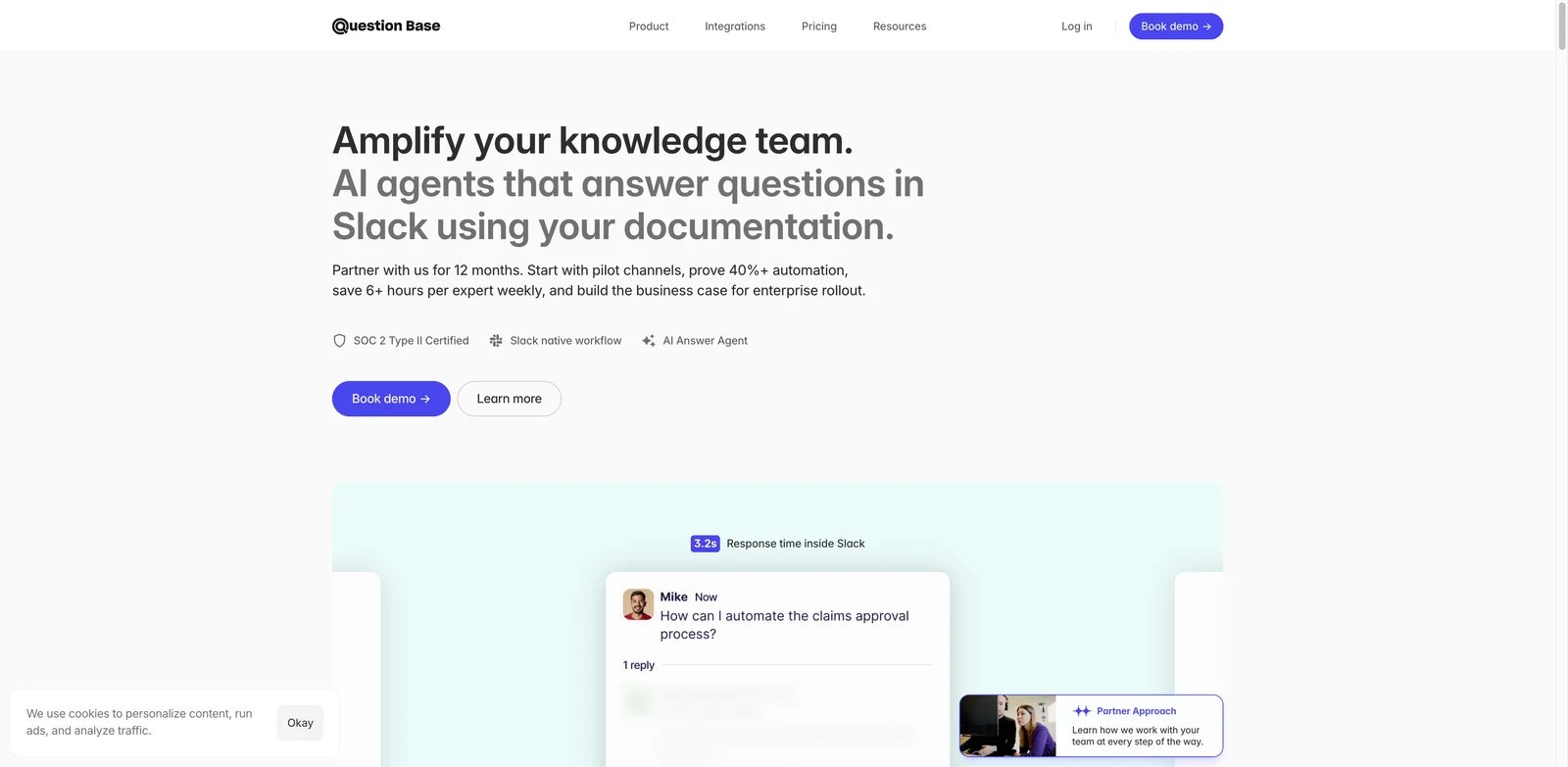
Slack-heavy teams often do not fail because they lack documentation. They fail because nobody leaves Slack to read it. Question Base focuses on that narrow workflow: answer recurring team questions inside Slack by connecting to docs and knowledge sources. It is the simplest pick in this list for teams whose knowledge requests already happen in channels.
Key Features
- Slack-native answer flow — Users ask questions where they already work instead of opening a separate knowledge portal.
- Connected docs sources — Question Base can connect sources such as Notion, Google Drive, Confluence, and Jira depending on setup.
- Affordable Pro tier — Public pricing from $8 per user per month makes it easier for small teams to test.
- Recurring-question fit — It is useful for reducing repeated internal answers in ops, product, HR, and support channels.
Pricing & Plans
Question Base pricing is public: Starter is free with one integration and up to 10 pages of documentation; Pro is $8 per user/month, or about $5 per user/month when billed annually, with up to 200 documentation pages per user; Enterprise is custom for needs such as on-premise deployment, white-labeling, multi-workspace support, and SLA requirements. The cost is straightforward compared with enterprise search tools, but the scope is narrower.
Pros & Cons
Pros: Low-friction Slack-native Q&A; public free and Pro pricing is easy to understand; connects existing documentation sources such as Confluence, Notion, Google Drive, and Jira into Slack.
Cons: Narrower than full enterprise search; pricing scales per user on Pro; source quality and Slack adoption determine most of the value.
Limitations
Question Base is not a full enterprise search platform, product search API, or structured wiki system. It depends on Slack adoption and connected source quality. Teams that need permissions across many enterprise systems should evaluate Glean, Sana AI, or Confluence + Rovo instead.
Best For
Choose Question Base if your team lives in Slack and wants fewer repeated questions. Not the right fit if you need customer-facing chatbot deployment, developer RAG, or broad enterprise search.
Get started with Question Base
Best AI Knowledge Base Tools by Use Case
For Companies With Knowledge Spread Across Too Many Apps
If employees search Slack, Drive, Jira, Confluence, Salesforce, and SharePoint before finding an answer, start with Glean or Sana AI. Glean is the stronger pure enterprise search option because it is built around broad connectors, permissions, and workplace-wide answers. Sana AI is better if knowledge retrieval is tied to onboarding, training, and enablement rather than just search.
For Teams That Already Have a Wiki but Do Not Trust It
Guru and Confluence + Rovo are better fits when the source of truth already exists but needs verification, ownership, and easier retrieval. Guru is stronger for revenue, support, and customer-facing teams that need answers in live workflows. Confluence + Rovo is better for engineering and product teams that already document decisions in Atlassian.
For Customer-Facing Documentation and Support Deflection
DocsBot AI is the fastest shortlist pick if the goal is turning product docs into a chatbot. GitBook AI is stronger when the documentation is technical and developer-facing. If your support stack also needs live chat, ticketing, and help center management, compare this category with broader AI chatbot tools before buying.
For Product Teams Building AI Search Into an App
Algolia AI Search and Vectara are the right category when you need a search or RAG layer inside your own product. Algolia fits teams that care about custom relevance, product search, and customer-facing discovery. Vectara fits teams that want grounded RAG answers with citations and API-level control.
For Slack-First Teams That Need a Quick Win
Question Base is the lowest-friction option for teams whose repeated questions already happen in Slack. It will not replace an enterprise search platform, but it can reduce repetitive internal answers faster than a large search rollout.
How to Choose the Right AI Knowledge Base Tools
Start by mapping where trustworthy answers live today. If the answer could be in 20 different apps, evaluate enterprise search first. If the answer should live in one maintained wiki, prioritize verification and ownership. If the answer is for customers, shortlist docs chatbot tools. If the answer needs to appear inside your product, evaluate AI search and RAG APIs.
Next, test permissions before testing answer quality. A polished answer is not useful if it cites a restricted source or exposes private content. Ask each vendor how permissions are inherited, how deleted content is handled, and whether answers show citations. This matters as much as relevance for teams handling customer data, HR policies, security runbooks, or compliance documentation. For governance-heavy teams, compare this with AI data governance requirements before rollout.
Then calculate the real cost model. Notion, DocsBot AI, GitBook AI, and Question Base have clearer public entry points. Glean, Guru, Vectara, and some enterprise tiers require custom pricing or usage estimates. Ask whether AI answers, connectors, premium sources, security controls, and support are included.
Finally, assign source ownership before launch. AI knowledge base tools retrieve from your content; they do not magically create a reliable operating manual. Decide who owns each knowledge area, how stale pages get flagged, and what counts as an approved answer.
Frequently Asked Questions
What is the best AI knowledge base tool for most teams?
What is the difference between AI knowledge base tools and enterprise search?
Which AI knowledge base tool is best for Slack?
Which AI knowledge base tool is best for customer support?
Do AI knowledge base tools respect document permissions?
Are AI knowledge base tools worth it for small teams?
Should I build a RAG system instead of buying an AI knowledge base tool?
Get ToolWorthy Weekly
New AI tools, practical guides, and selected AI signals in one weekly brief.
For AI tool founders
Built a tool that belongs in this decision set?
Request an editorial evaluation for possible inclusion in ToolWorthy.
Submit your tool for reviewPaid submission does not guarantee a ranking, recommendation, inclusion, or editorial outcome.