
12 Best AI Lead Generation Tools 2026 — Data, SDRs & Outreach
Compare 12 AI lead generation tools for B2B teams, including data quality, credits, AI SDR cost, deliverability, CRM fit and compliance risks.

On this page
The fastest way to waste an outbound budget is to buy a giant list, let AI write the emails, and discover two weeks later that half the contacts bounced, your domains are damaged, and the "interested" replies still need a human who understands the account. AI lead generation tools can absolutely shorten research, enrichment and personalization, but only if you judge them by data quality, workflow control and deliverability rather than contact-count promises.
To map capabilities, workflows, integrations, and the wider market without rankings, browse the AI Lead Generation Tools category landscape.
This guide is written for B2B founders, RevOps teams, SDR managers, agencies and growth operators choosing between all-in-one sales platforms, cold-email infrastructure, enrichment workbenches and AI SDR agents. We used ToolWorthy's May 17, 2026 ChatGPT Deep Research file, then ran a June 2026 feedback pass across Reddit, Trustpilot, G2-oriented reviews and recent pricing breakdowns. For adjacent categories, see our AI sales assistant guide and AI email generator guide.
| Tool | Best For |
|---|---|
| Apollo.io | All-in-one data, sequencing and AI research |
| Snov.io | Lower-cost lead finding and email outreach |
| Clay | GTM engineering, enrichment waterfalls and AI research |
| Amplemarket | Signal-based outbound for funded B2B teams |
| Instantly | Cold-email scale with lead finder and AI agents |
| Reply.io | Multichannel sales engagement with Jason AI SDR |
| Smartlead | Cold-email infrastructure and mailbox scaling |
| lemlist | Personalized multichannel outreach |
| Salesforge | AI sending plus Leadsforge/Agent Frank workflow |
| AiSDR | Dedicated autonomous AI SDR for startups |
| Lusha | B2B contact data, signals and CRM enrichment |
| Regie.ai | Enterprise SDR teams using AI sales engagement |
How We Selected and Tested
We selected these AI lead generation tools based on measurable criteria: they had to help B2B teams identify, enrich, prioritize or contact prospects; they needed public availability in 2026; and they had to provide enough pricing or user-feedback evidence to evaluate cost and fit. We included different product types because "AI lead generation" now covers data providers, sales engagement platforms, cold-email infrastructure, enrichment workbenches and AI SDR agents. We excluded generic CRM tools and pure copywriting apps that do not materially help with lead sourcing or outbound execution.
Our research methodology combined ToolWorthy's May 17, 2026 research file with a June 2026 search pass across official pricing pages, Reddit outbound communities, Trustpilot, G2-based review summaries and recent independent pricing breakdowns. The feedback showed one consistent truth: teams do not fail because they lack AI-written emails. They fail because lists are stale, credits are confusing, compliance is ignored, domains are over-sent, and AI replies are trusted too early.
Evaluation Dimensions: We evaluated each tool across six RevOps-centered dimensions:
- Data Quality and Verification — email accuracy, phone reliability, job-change handling and credit-back expectations.
- Workflow Depth — prospecting, enrichment, research, scoring, sequencing, reply handling and CRM sync.
- Deliverability Protection — mailbox rotation, warmup, throttling, domain reputation and spam-risk controls.
- Pricing Predictability — per-seat, per-credit, per-contact and AI SDR costs at real team scale.
- Compliance and Privacy Risk — opt-out handling, data source concerns, GDPR/CCPA exposure and auditability.
- Human Oversight Fit — whether the tool makes reps more effective or pretends to replace judgment too early.
Note on Testing Scope: We did not run live cold-email campaigns through every platform because that would create unnecessary outreach and deliverability risk. Instead, we evaluated public workflows, pricing, product claims, user complaints and documented tests from recent reviewers. Screenshot references are interface targets for the ToolWorthy capture workflow.
Transparency & Limitations: B2B data accuracy is never universal. It varies by geography, industry, seniority, data freshness and verification method. Base ranking comes from the May 17, 2026 research file; feedback and pricing signals were refreshed on June 2, 2026. Always test with your own ICP before scaling.
Top 12 AI Lead Generation Tools Compared
Use this table to shortlist by workflow, not by headline database size. A 20-person outbound team needs different economics than a founder sending 50 careful emails per week. Agencies should pay special attention to data portability, client separation and per-seat costs.
| Tool | Best For | Starting Price | Workflow Strength | Main Risk |
|---|---|---|---|---|
| Apollo.io | All-in-one sales platform | Free; Basic from $49/user/mo annually or $59 monthly | Data, AI research, sequences | Data accuracy and credit scaling |
| Snov.io | Budget lead finding | Around $39/mo | Email finder, verifier, campaigns | Less advanced AI/GTM orchestration |
| Clay | GTM engineering | Free; Launch from $185/mo, Growth from $495/mo | Enrichment waterfalls and AI agents | Credit/action complexity |
| Amplemarket | Signal-led outbound | Reported $600-$1,500+/mo floor | AI copilot, intent, multichannel | High price and vendor lock-in |
| Instantly | Cold-email scale | Around $47/mo | Sending, Lead Finder, AI agents | Full stack cost and reliability complaints |
| Reply.io | Multichannel AI SDR | Email Volume from $49/user/mo annually; AI SDR from $500/mo annually | Jason AI, sequences, reply flow | AI SDR pricing and reply quality |
| Smartlead | Email infrastructure | Around $39/mo | Mailbox rotation and warmup | Weaker native prospecting |
| lemlist | Personalized outreach | Email from $31/user/mo annually; Multichannel from $87/user/mo annually | Multichannel personalization | Per-seat cost and deliverability at scale |
| Salesforge | AI outbound suite | Salesforge around $96/mo; Leadsforge $49/mo | AI sending and lead source combo | Younger feedback sample |
| AiSDR | Autonomous AI SDR | Around $900/mo | Signal targeting, list building, omnichannel | High floor and warmup time |
| Lusha | Contact data layer | Free; paid varies by plan/region | B2B data and buyer signals | Privacy and data accuracy complaints |
| Regie.ai | Enterprise SDR teams | AI SEP $180/user/mo; Force Multiplier $499/user/mo | AI SEP, dialer, sequencing | Seat minimums and total cost |
Detailed Reviews

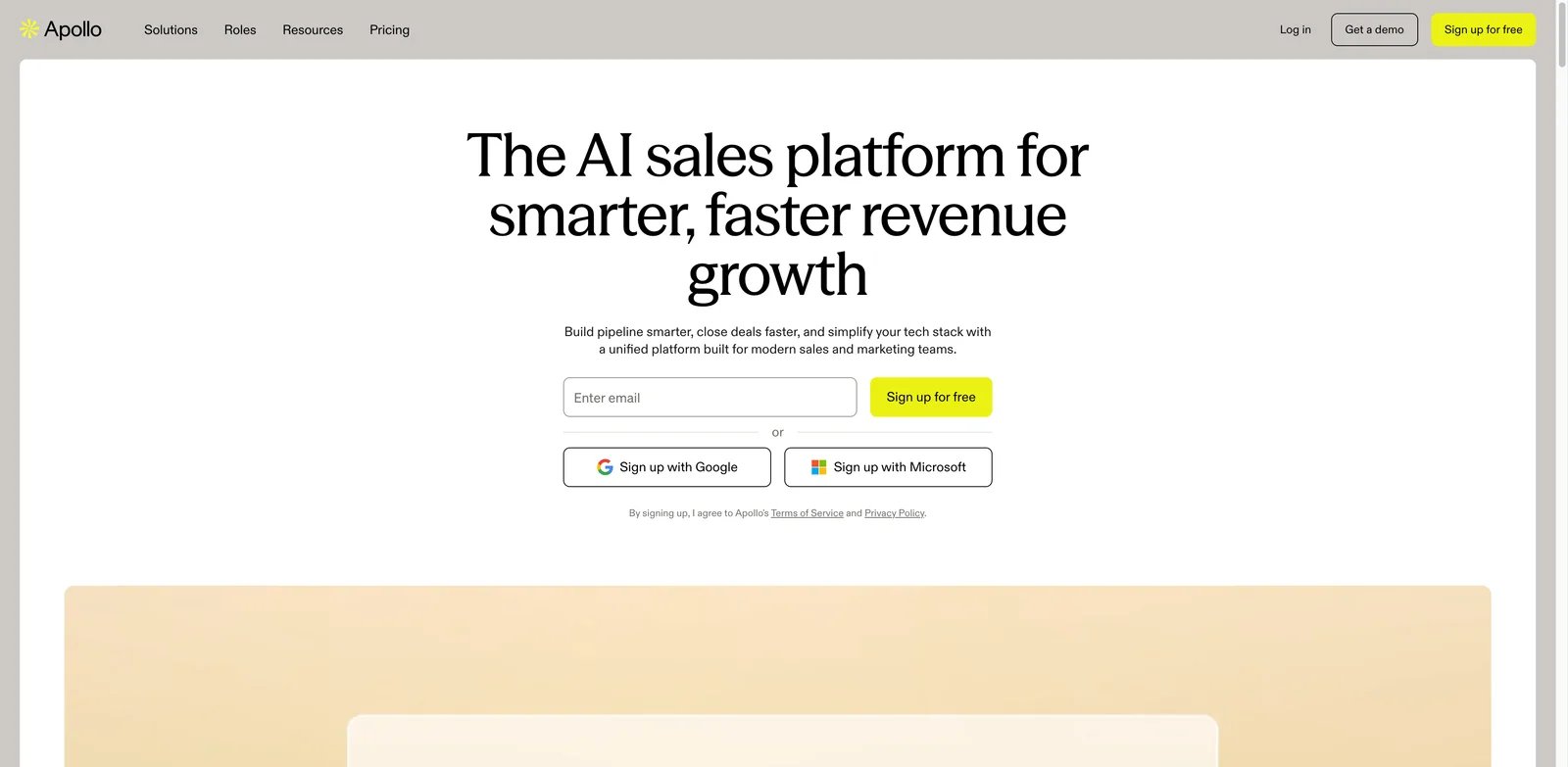
Teams choose Apollo because it combines a large contact database, lead search, enrichment, AI research, lead scoring and sequencing in one product. That all-in-one coverage makes it the default shortlist for small and mid-market outbound teams. The catch is that Apollo's convenience can hide data-quality and credit economics until the team starts sending at scale.
Key Features
- Large B2B database plus search: Apollo gives teams a fast way to build lists by title, company, industry, funding, technology and location.
- AI-assisted research and messaging: AI can summarize accounts, draft emails and support prioritization, reducing SDR prep time.
- Built-in sequencing: Teams can source and contact prospects without immediately adding a separate engagement tool.
- CRM and workflow coverage: Integrations make Apollo practical for teams that want one central outbound workspace.
Pricing & Plans
Apollo publishes a Free plan plus Basic at $49/user/month billed annually or $59 monthly, Professional at $79 annually or $99 monthly, and Organization at $119 annually or $149 monthly with a 3-seat minimum. Real costs still depend on exports, mobile reveals, data credits, add-ons and whether the team needs phone-heavy workflows. Real costs scale with seats, exports, mobile credits and verification needs. Recent reviews repeatedly cite bounce rates, non-rolling credits and data accuracy as the hidden cost drivers. Agencies and multi-rep teams should model monthly exports and bad-data waste before upgrading.
Pros & Cons
Pros
- Combines contact data, prospecting filters, sequencing and AI research in one workspace.
- Free and Basic tiers make it easier to test before committing to an enterprise data platform.
- Strong CRM and workflow coverage for SMB and mid-market outbound teams.
Cons
- Data accuracy, phone quality and stale contacts still require external QA.
- Credits, mobile reveals and the Organization seat minimum can make real costs higher than the headline plan., wrong phone numbers, international accuracy and credits spent on unusable data. Apollo is useful, but serious teams should verify lists externally and avoid sending directly to raw exports.
Best For
Choose Apollo if you want one platform for data, search, sequences and AI research at a relatively accessible starting price. It is not the right fit if your outbound depends on ultra-clean data, EU-heavy compliance or low-bounce guarantees.
Get started with Apollo.io

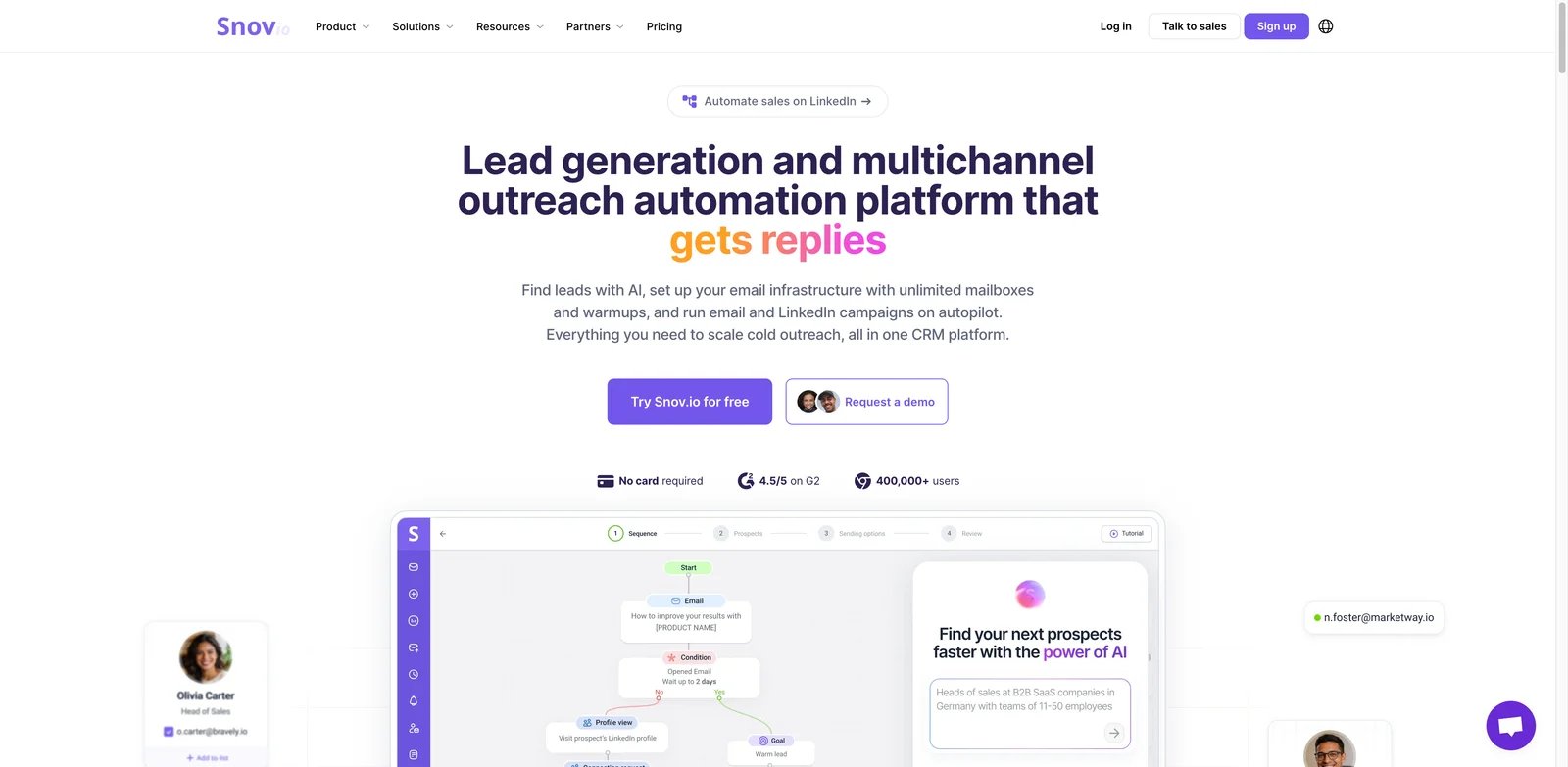
Small teams often need a practical lead finder and email outreach system before they need an enterprise AI SDR. Snov.io fits that budget-conscious lane. It combines email finding, verification, drip campaigns and LinkedIn-style prospecting support at a lower entry price than many all-in-one sales platforms.
Key Features
- Email finder and verifier: Snov.io is useful for teams building lists from websites, LinkedIn-style research and domain searches.
- Campaign automation: Built-in drip campaigns reduce the need for a separate outreach tool at small scale.
- Affordable entry point: The research file lists around $39 per month, making it approachable for founders and small agencies.
- Practical prospecting stack: It covers enough sourcing and sending basics to avoid a fragmented beginner setup.
Pricing & Plans
Snov.io publishes a renewable Trial plan plus Starter at $39/month, Pro S at $99/month, Pro M at $189/month, Pro L at $369/month, Ultra at $738/month and Custom Ultra by quote, with 25% off annual subscriptions. LinkedIn Automation is a separate $69/month per LinkedIn account slot, so teams should model credits, recipients, warm-up slots and LinkedIn add-ons before scaling. recipient caps, verifier usage and LinkedIn automation terms before scaling. The real cost is usually enrichment depth: Snov.io may be cheaper, but advanced teams may still add separate data sources or sending infrastructure.
Pros & Cons
Pros
- Lower-cost entry point for lead finding, email verification and campaigns.
- Includes practical outbound basics such as finder, verifier, warm-up and drip campaigns.
- Paid plans support unlimited campaigns and follow-ups within recipient limits.
Cons
- Less advanced than Clay for custom enrichment and GTM engineering.
- LinkedIn Automation is a separate paid add-on, and advanced teams may still need external data sources. It is best for straightforward prospecting, not complex intent workflows or fully autonomous SDR replacement.
Best For
Choose Snov.io if you need a lower-cost lead finder, verifier and campaign tool. It is not the right fit if you need deep enrichment waterfalls, AI account research or enterprise sales engagement controls.
Get started with Snov.io

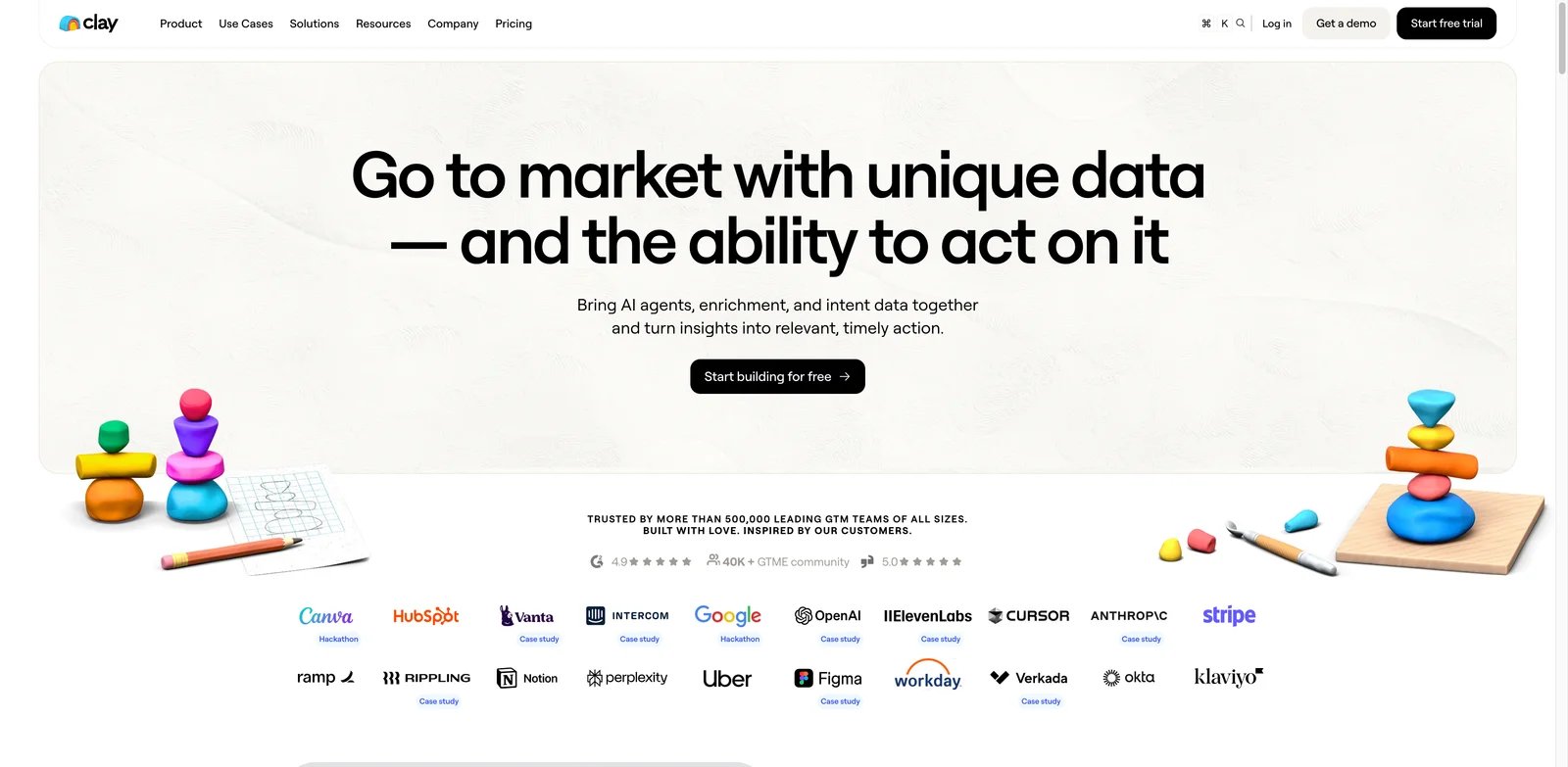
GTM engineers choose Clay because it turns lead generation into a programmable workflow. Instead of accepting one database, teams can combine data providers, enrichment waterfalls, web scraping, AI research, scoring and routing inside flexible tables. It is the most powerful option here for custom workflows, but it is also easy to overbuild.
Key Features
- Waterfall enrichment: Clay can try multiple providers and logic paths, improving coverage beyond a single database.
- AI account research: Teams can generate company summaries, buying signals, personalization snippets and qualification notes at scale.
- Flexible tables: GTM teams can build workflows without waiting for engineering.
- Integration depth: Clay connects to CRMs, data tools and automation layers in a way that suits RevOps builders.
Pricing & Plans
Clay publishes Free, Launch starting at $185/month, Growth starting at $495/month and Enterprise custom pricing. The bigger issue is not only the subscription price: Clay now uses both Data Credits and Actions, so waterfall design, third-party providers, AI research steps and export/sync volume can change the real monthly cost quickly. The real cost is credits. Reddit feedback in 2026 flags that 10-12 step waterfalls can burn credits quickly and that the system can feel brittle or confusing. Start with one high-value workflow, not every enrichment idea at once.
Pros & Cons
Pros
- Excellent for enrichment waterfalls across many data providers.
- AI research and scoring workflows can create higher-quality outbound inputs.
- Flexible tables and integrations make it powerful for RevOps and GTM engineering teams.
Cons
- Credit and Action usage can become hard to predict without workflow governance.
- It is overkill for teams that only need a simple list builder and sequence tool. and sequence tool. Bad workflow design can create expensive rows with little sales value. It also needs strong governance so reps trust the output.
Best For
Choose Clay if you have a GTM ops person who can build and maintain enrichment workflows. It is not the right fit if you want a simple outbound tool with predictable costs and minimal setup.
Get started with Clay

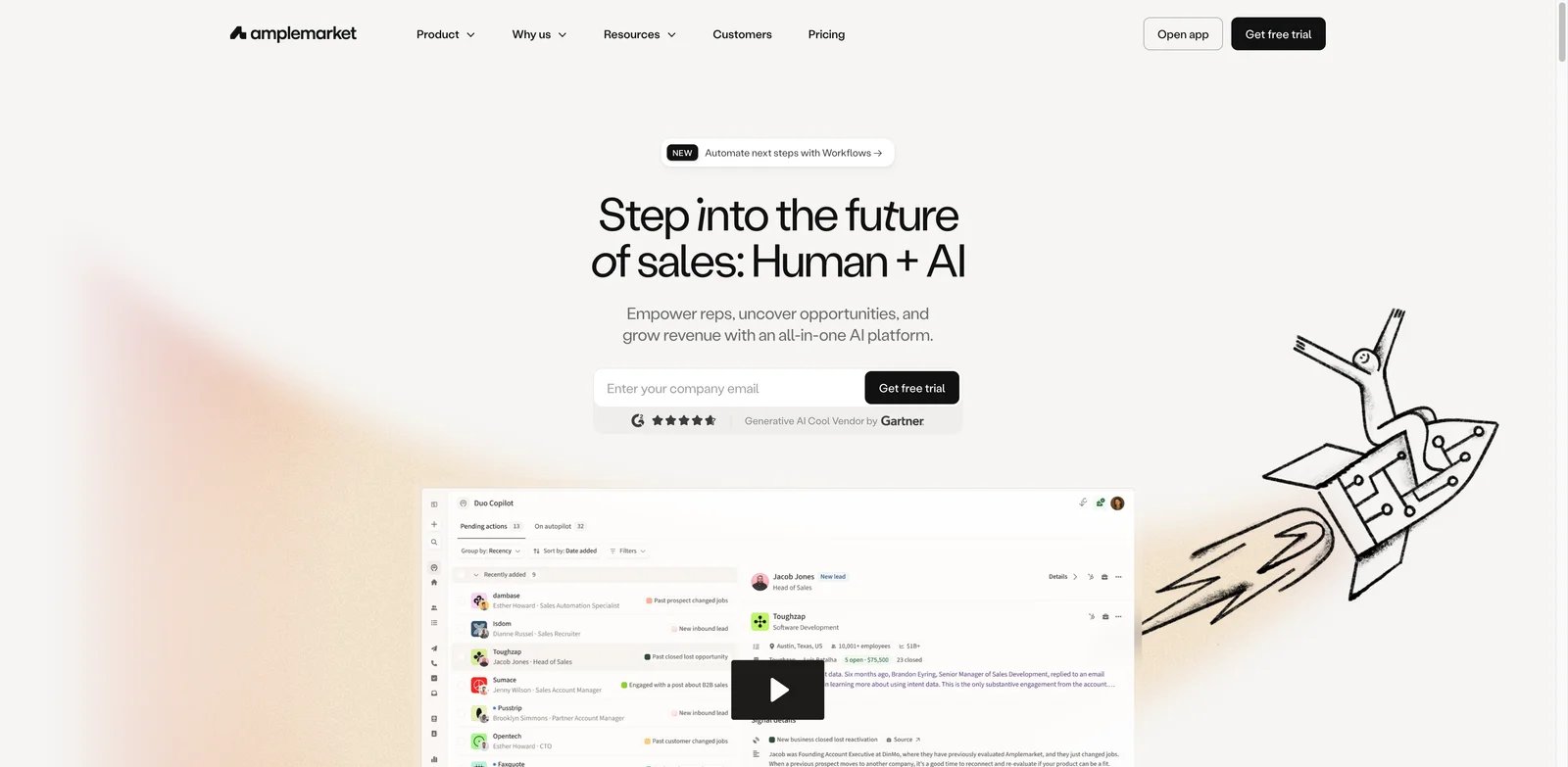
Growth-stage teams often want prospecting, signals, personalization and outreach in one place without stitching together five tools. Amplemarket targets that buyer with an AI sales copilot, intent signals, job-change and funding signals, multichannel outreach and personalization. It is more serious than entry-level cold-email tools, with a higher cost floor.
Key Features
- Signal-based targeting: Amplemarket helps teams prioritize accounts using hiring, funding, job changes and intent-style triggers.
- AI copilot workflow: AI supports research and personalization rather than only writing generic openers.
- Multichannel sequences: Email, LinkedIn and phone workflows make it more complete than email-only tools.
- All-in-one outbound environment: Teams can reduce vendor sprawl if they accept the platform's database and workflow.
Pricing & Plans
Amplemarket publishes a Startup plan at $600/month on an annual term with 2 users included. Growth and Elite are quote-based, with Growth starting at 4 users and Elite at 10 users. All plans include data, multichannel engagement, AI agents, intent signals and deliverability tools, but smaller teams should still treat the annual commitment and bundled workflow as the real cost floor. sometimes $1,500 to $3,000+ per month. Confirm current quotes. The real cost is vendor lock-in if you must use Amplemarket's database, sequences and enrichment together.
Pros & Cons
Pros
- Strong fit for signal-led outbound using intent, funding, hiring and job-change triggers.
- Bundles data, AI agents, multichannel engagement and deliverability tools in one platform.
- Useful for funded B2B teams that want fewer vendors in the outbound stack.
Cons
- $600/month annual Startup floor is too high for many small experiments.
- Less modular than a Clay-plus-sending-stack workflow if you need full control over data sources. than Clay if you want custom data waterfalls or to keep existing sending tools. Test data quality on your ICP before committing annually.
Best For
Choose Amplemarket if you are a funded B2B team that wants signal-led outbound in one platform. It is not the right fit if you need low-cost experimentation or modular control over every data source.
Get started with Amplemarket
Instantly
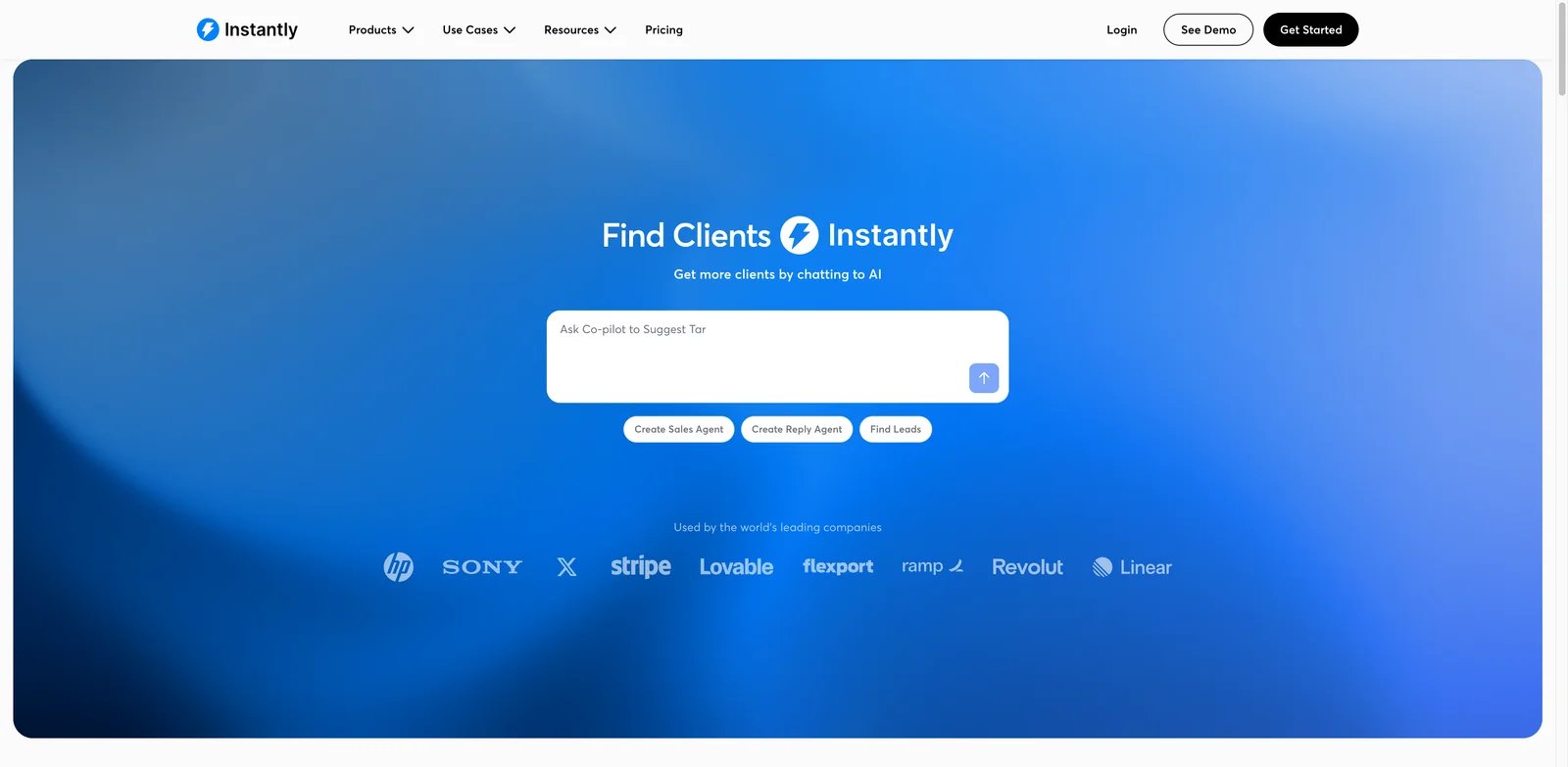
Instantly is built for cold-email operators who care about sending scale, inbox management, Lead Finder and AI sales agents. It is popular because setup feels fast and pricing starts lower than many sales engagement suites. The serious buyer question is whether the full workflow cost remains predictable once lead data, inboxes, domains and AI usage are included.
Key Features
- Cold-email infrastructure: Instantly is designed around campaigns, inboxes, warmup and scaled sending.
- Lead Finder: Built-in prospecting helps users move from sourcing to outreach without a separate database at first.
- AI Sales Agents: AI features can help with personalization and campaign assistance.
- Fast setup: Many small teams can launch campaigns without heavy RevOps work.
Pricing & Plans
Instantly’s Outreach pricing starts at Growth $47/month monthly or $37.60/month on annual billing, then Hypergrowth at $97/month monthly or $77.60 annually, Light Speed at $358/month monthly or $286.30 annually, and Enterprise custom. Instantly Credits, lead database access, CRM modules and VIP services are separate cost areas, so the $47 plan should not be treated as the full outbound stack cost. from lead credits, higher send limits and fuller feature access. Reddit and independent reviews in 2025-2026 flag pricing escalation, reliability complaints and lead-finder targeting concerns.
Pros & Cons
Pros
- Fast setup for cold-email campaigns, inboxes, warm-up and scaled sending.
- Outreach plans support unlimited email accounts and warm-up.
- Instantly Credits adds a built-in lead database, enrichment and AI research workflow for teams that want fewer separate tools.
Cons
- Lead data, CRM and VIP services can become separate cost centers beyond the base Outreach plan.
- Deliverability still depends on domains, DNS, ramp-up, list quality and copy quality. copy, list quality and replies. Do not use AI agents to fully handle nuanced replies without human review.
Best For
Choose Instantly if you need cold-email infrastructure plus basic lead finding at an accessible entry price. It is not the right fit if you need deep enrichment, strict compliance workflows or enterprise sales engagement controls.
Get started with Instantly

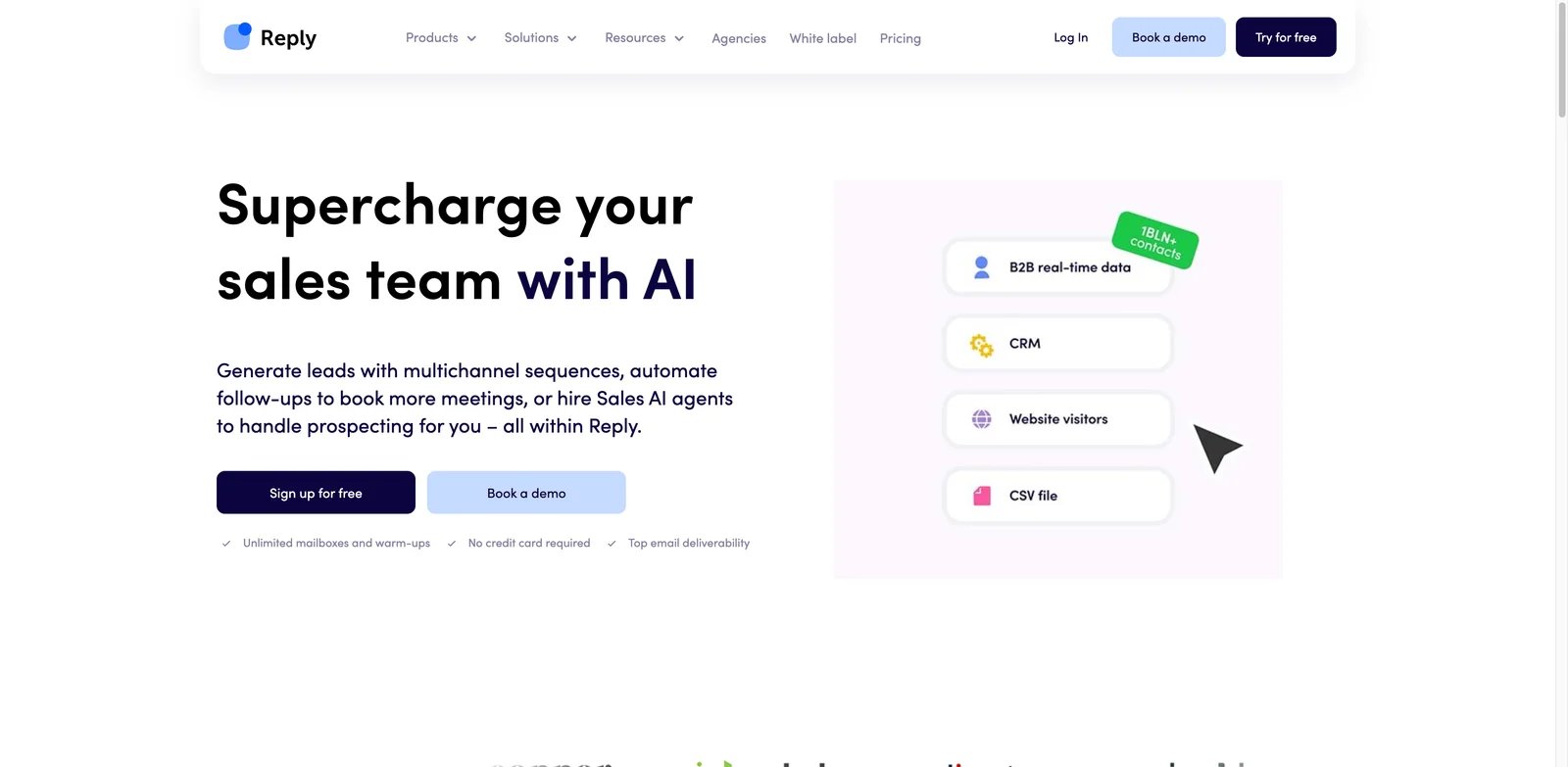
Reply.io sits between sales engagement platform and AI SDR workflow. Its Jason AI can handle prospecting, personalization and follow-up inside the Reply ecosystem, while the platform supports email, LinkedIn, calls and other channels. That is useful for teams that already like Reply.io, but it requires realistic expectations about AI reply handling.
Key Features
- Jason AI SDR: Jason can automate parts of prospecting and personalization inside Reply.io.
- Multichannel engagement: Email, LinkedIn, calls and messaging workflows support more than basic cold email.
- Native sequencing infrastructure: Teams do not need to bolt an AI SDR onto a separate sending platform.
- Reply management support: AI can help triage and respond, but human oversight remains important.
Pricing & Plans
Reply.io lists Email Volume from $49/user/month billed annually or $59 monthly, Multichannel from $99/user/month, Agency from $166/month and AI SDR from $500/month billed annually. Jason AI SDR should be treated as a separate AI SDR product, not as a feature automatically bundled into every standard Sales Outreach plan. Confirm the exact active-contact tier before buying Jason AI SDR: Reply separates Email Volume, Multichannel, Agency and AI SDR pricing, and the AI SDR package scales by active contacts rather than behaving like a simple per-seat add-on. Confirm the current package before purchase. Model pricing by active contacts, seats and AI SDR add-ons.
Pros & Cons
Pros
- Offers Email Volume, Multichannel and AI SDR paths for different outbound motions.
- Jason AI SDR can support prospecting, personalization, multichannel automation and reply workflows.
- Reply.io has mature sequencing, CRM integration, reporting and validation features.
Cons
- Jason AI SDR is a separate higher-cost product, not a simple add-on included with every plan.
- Human review is still needed for pricing questions, objections, procurement and nuanced replies. are more viable than nuanced reply handling. Keep humans in the loop for pricing questions, objections and buying signals.
Best For
Choose Reply.io if you want multichannel engagement with optional AI SDR support inside one platform. It is not the right fit if you need a tool-agnostic AI agent or fully autonomous reply handling.
Get started with Reply.io

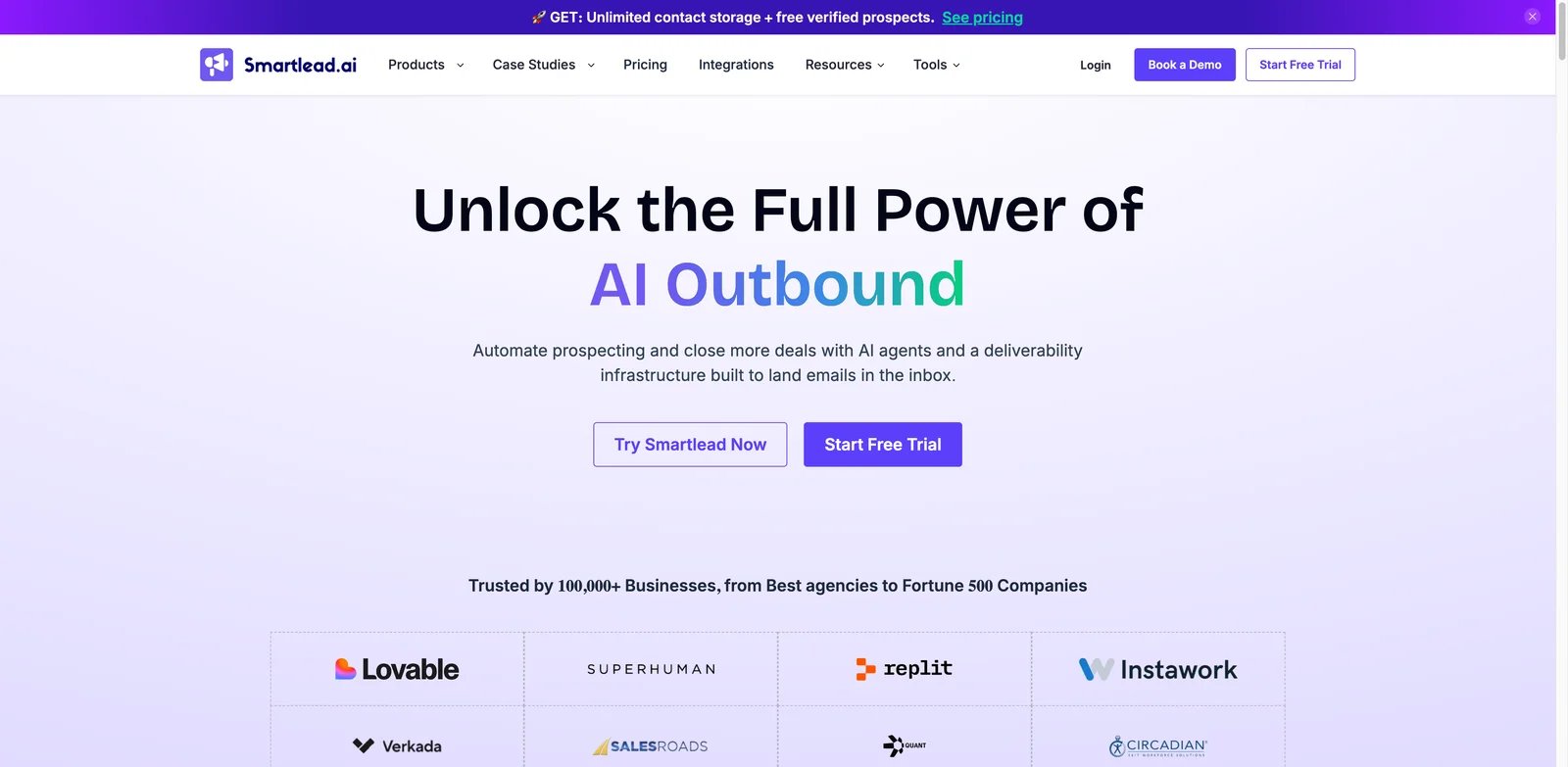
Smartlead is less about finding leads and more about sending email safely at scale. That makes it valuable when you already have data sources or enrichment workflows but need inbox rotation, warmup, unified inboxes and deliverability controls. It is a strong infrastructure layer, not a full lead-generation database.
Key Features
- Unlimited mailbox orientation: Smartlead is built for teams running multiple sender inboxes and domains.
- Warmup and rotation: Deliverability tools help reduce the operational burden of scaled cold email.
- Unified inbox and campaign management: Teams can manage replies and campaigns from one workspace.
- AI personalization support: AI features can help customize outreach, but list quality still drives results.
Pricing & Plans
Smartlead lists four primary plans: Base starting at $39/month, Pro starting at $94/month, Unlimited Smart starting at $174/month and Unlimited Prime starting at $379/month, with a 14-day free trial. Higher tiers add more sending capacity, verified prospect allowances, CRM access, client workspaces and private infrastructure, while external lead data and verification can still add cost. users praise scaling and deliverability, while others complain about support, analytics or sync issues. The real cost includes external lead sources, verification and domain infrastructure.
Pros & Cons
Pros
- Strong infrastructure fit for teams managing multiple inboxes and sender domains.
- Base plan starts low while keeping core outbound sending available.
- Higher tiers support larger-scale sending, client workspaces and private infrastructure.
Cons
- Native prospecting is weaker than Apollo, Clay or Amplemarket.
- Better sending infrastructure will not fix bad ICPs, stale lists or weak offers. only lets you send bad emails more efficiently. Monitor analytics independently if reporting is business-critical.
Best For
Choose Smartlead if you already have leads and need cold-email infrastructure. It is not the right fit if you want an all-in-one prospecting database or autonomous SDR agent.
Get started with Smartlead
lemlist
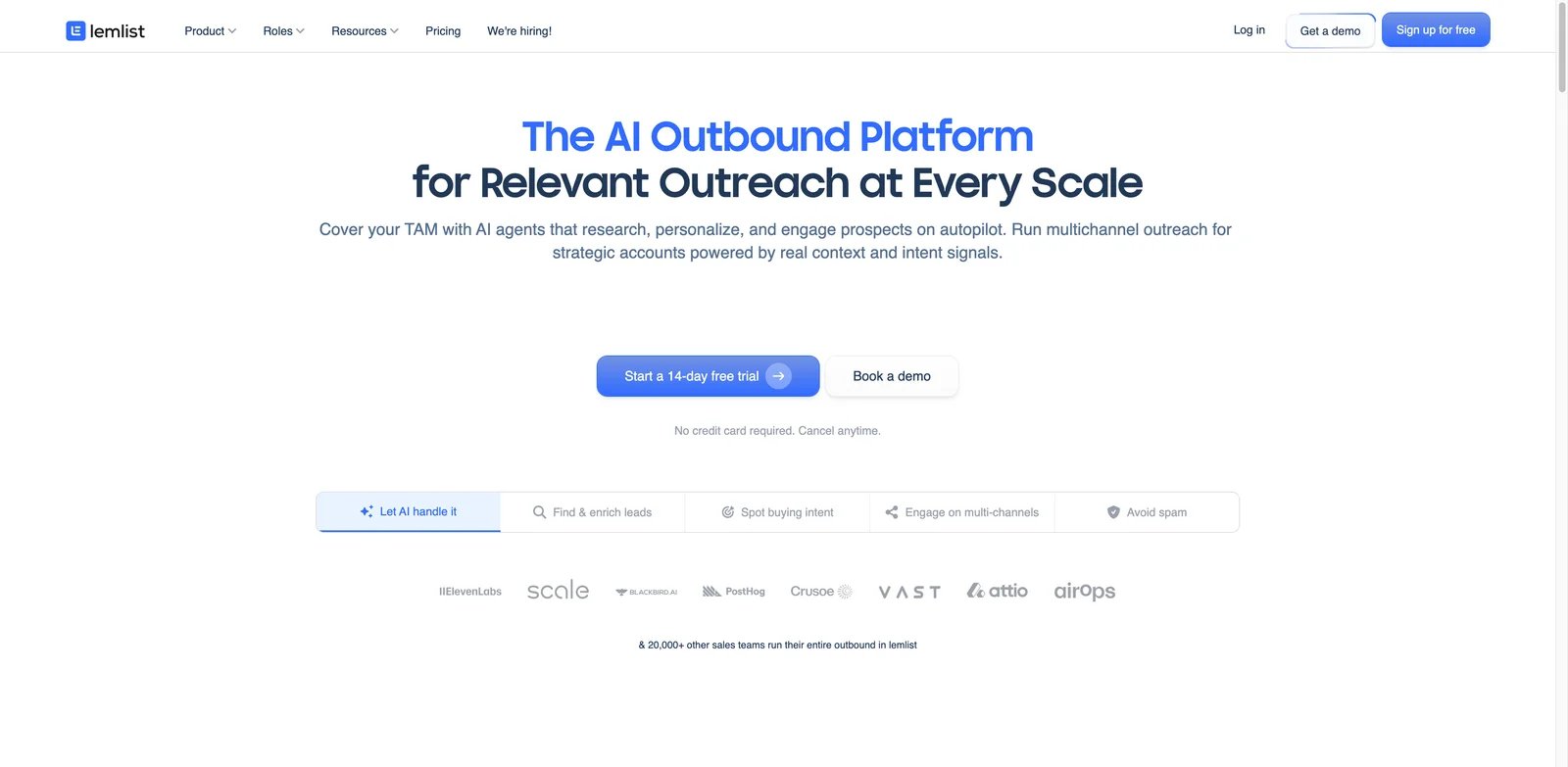
lemlist is a mature outreach platform known for personalization, multichannel sequences and a lead database. It works well for quality campaigns where the team cares about message relevance and LinkedIn/email coordination. At scale, buyer feedback shifts toward pricing, deliverability and whether per-seat economics make sense.
Key Features
- Personalization tooling: lemlist's personalization features help avoid generic cold-email blasts.
- Multichannel sequencing: Email and LinkedIn-style workflows support more thoughtful outreach motions.
- Lead database and enrichment: The platform includes lead data, though feedback on search and UX is mixed.
- Polished user experience: Many users like the campaign-building experience for smaller teams.
Pricing & Plans
lemlist now lists Email from $31/user/month on annual billing, with the 5,000-email monthly tier at $39 monthly, $35 quarterly or $31 yearly. Multichannel Expert is $109/user/month on monthly billing, with quarterly and yearly discounts that bring the listed annual rate to about $87/user/month. Enterprise is custom and annual-only with seat requirements. Reddit discussions repeatedly note that pricing adds up with multiple seats or sender accounts. Some users also complain that database and warmup features are bundled even when they only want email sending.
Pros & Cons
Pros
- Polished campaign-building experience for personalized outbound.
- Multichannel plan supports email and LinkedIn-style workflows.
- Built-in lead database, scoring and contact management reduce tool sprawl for smaller teams.
Cons
- Per-user pricing adds up for multi-seat teams.
- High-volume agencies may prefer infrastructure-first tools with stronger client separation and mailbox scaling. Deliverability still depends on list quality and domain hygiene. It is better for curated outbound than brute-force volume.
Best For
Choose lemlist if you value polished personalization and multichannel campaigns. It is not the right fit if your main need is the cheapest high-volume sending infrastructure.
Get started with lemlist
Salesforge
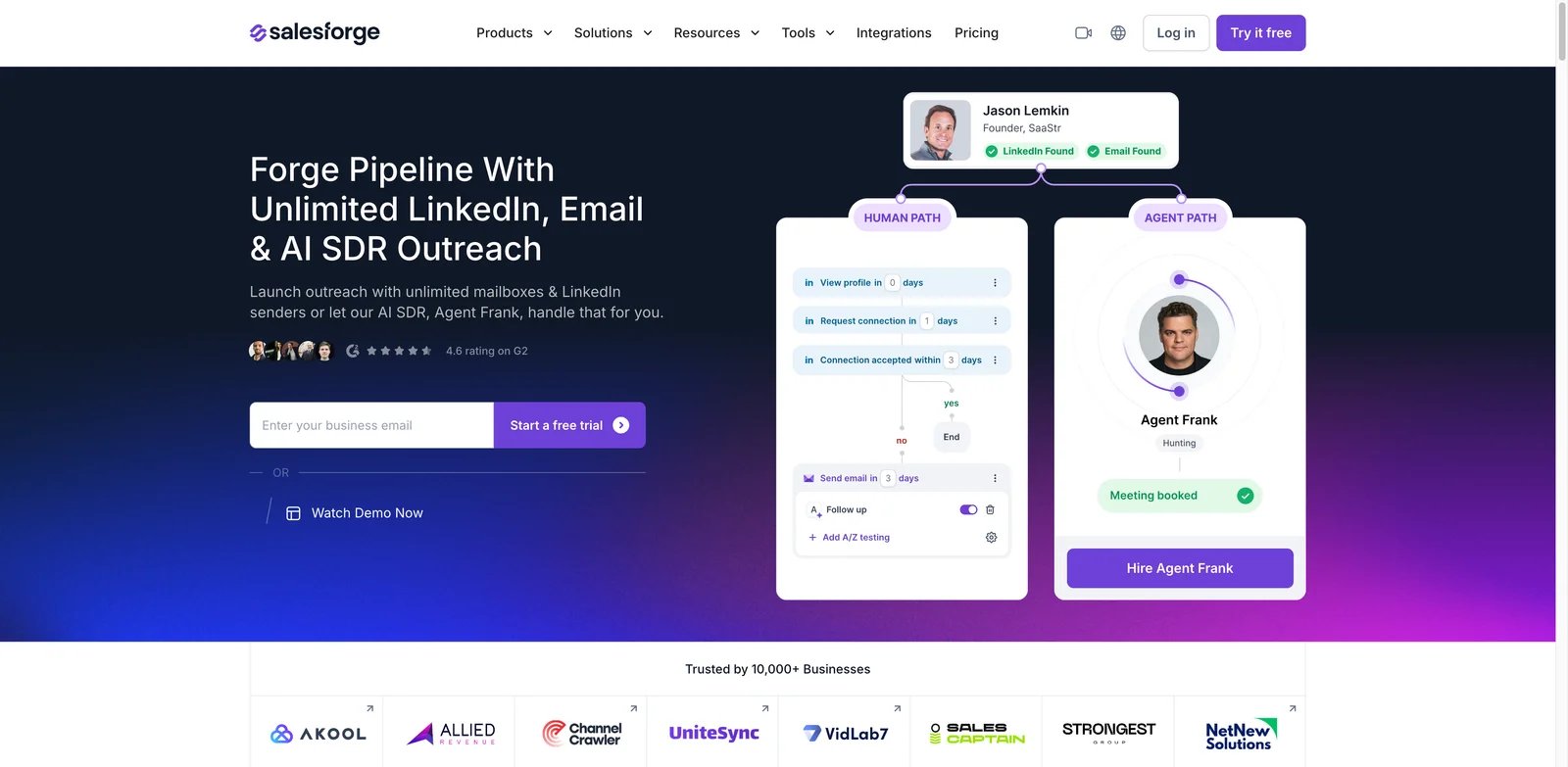
Salesforge is interesting because it combines AI outbound execution with Leadsforge for sourcing and Agent Frank-style automation. It is newer than Apollo or lemlist but more AI-native in positioning. That makes it appealing for teams experimenting with AI-assisted sending and lead sourcing without going straight to expensive AI SDR contracts.
Key Features
- AI outbound workflow: Salesforge focuses on AI-written and AI-assisted outbound at scale.
- Leadsforge companion: Separate lead sourcing helps teams build lists without relying only on external databases.
- Agent Frank positioning: The agent layer differentiates it from traditional cold-email tools.
- Fair entry pricing: The research file lists Salesforge around $96 per month and Leadsforge around $49 per month.
Pricing & Plans
Salesforge’s pricing is modular. Salesforge Growth is listed at $96/month, Leadsforge Essential at $49/month, and related infrastructure products such as Primeforge, Mailforge and Infraforge are separate monthly costs. Treat Salesforge as a stack: the execution layer may look affordable, but lead sourcing, infrastructure and Agent Frank-style automation can raise the real monthly total. Trustpilot and Reddit feedback samples are still smaller than for mature competitors, so buyers should test support, lead quality and deliverability before scaling.
Pros & Cons
Pros
- AI-native outbound positioning with Salesforge, Leadsforge and Agent Frank-style automation.
- Modular stack lets teams combine execution, lead sourcing and infrastructure as needed.
- More affordable entry point than many dedicated AI SDR contracts.
Cons
- The full stack can become expensive once lead sourcing and infrastructure products are added.
- Feedback sample is smaller than mature tools like Apollo, lemlist or Reply.io. Treat Salesforge as a promising tool to pilot, not a guaranteed replacement for established outreach infrastructure.
Best For
Choose Salesforge if you want an AI-first outbound suite with moderate pricing. It is not the right fit if your team needs a widely validated enterprise sales engagement platform.
Get started with Salesforge
AiSDR
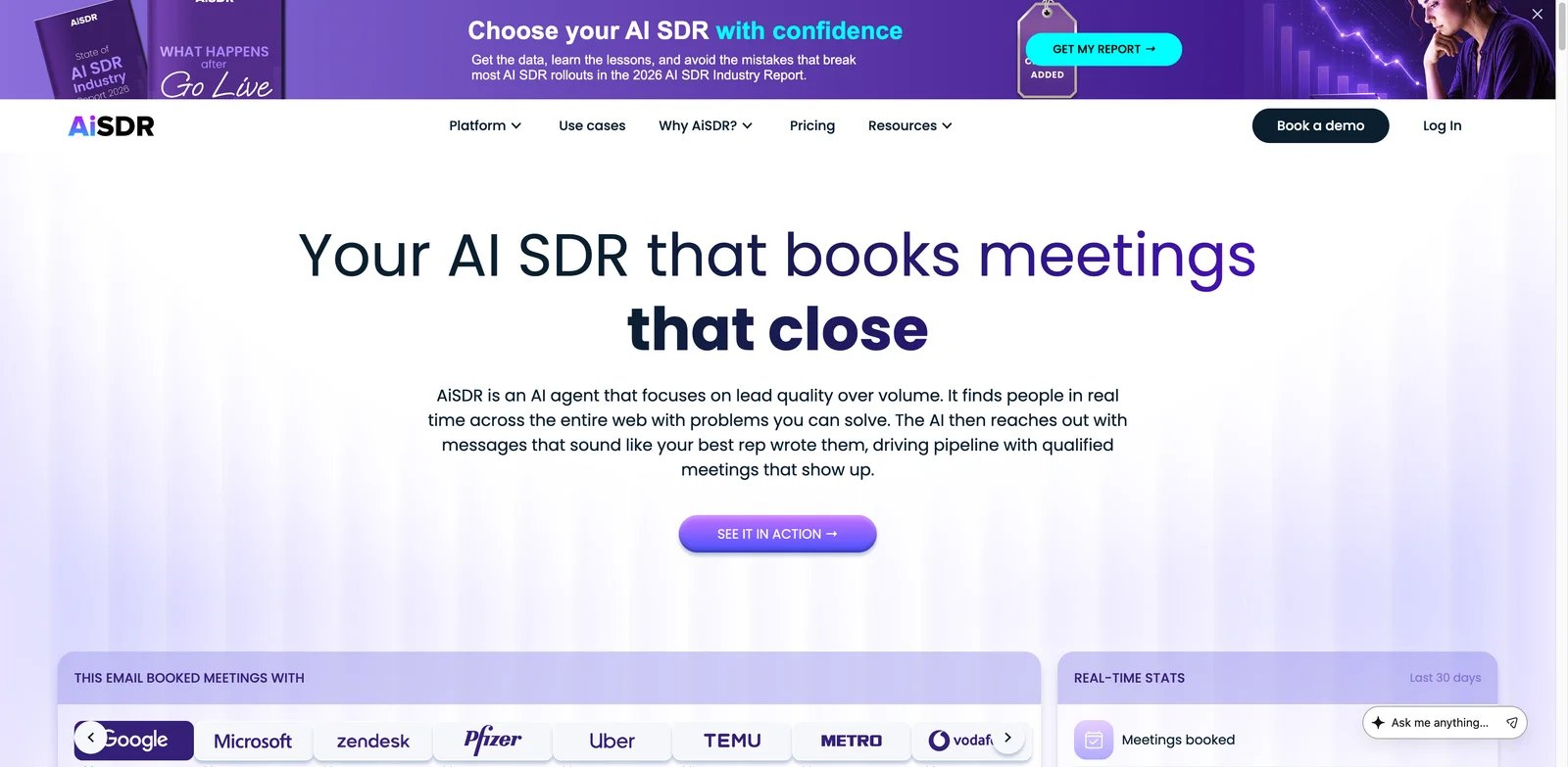
AiSDR is for teams that want a dedicated AI SDR, not just a better email writer. It covers signal targeting, list building, outreach, LinkedIn-style workflows and meeting-booking support. The product has a clearer AI SDR identity than most tools here, with pricing that reflects that positioning.
Key Features
- End-to-end AI SDR flow: AiSDR can source, personalize and follow up rather than only draft emails.
- Signal targeting: Targeting around buying signals helps avoid pure spray-and-pray outreach.
- Dedicated setup support: Reviews highlight GTM support as a differentiator for teams that need help configuring the motion.
- Transparent AI SDR positioning: It is clear what job the tool is trying to perform.
Pricing & Plans
AiSDR publishes Explore at $900/month billed quarterly, Grow at $2,500/month billed quarterly and Enterprise custom. Explore includes 1,200 lead search credits and 1,200 AI messages per month, while Grow includes 4,500 lead search credits and 4,500 AI messages per month. Plan for a 30-60 day ramp because deliverability setup and AI SDR tuning take time. per month with quarterly billing. Plan for warmup time, implementation, list QA and human review during the first 30-60 days.
Pros & Cons
Pros
- Clear end-to-end AI SDR positioning for prospecting, personalization and follow-up.
- Includes signal targeting, lead search, enrichment, onboarding and email setup support.
- Quarterly pricing gives the system time to ramp without forcing an annual contract by default.
Cons
- $900/month quarterly-billed entry point is too high for very small experiments.
- It still needs a clear ICP, strong offer and human oversight for important replies. weak ICPs, bad lists or vague offers. Human review is still needed for nuanced replies, pricing discussions and complaint handling.
Best For
Choose AiSDR if you are a Series A-C style B2B team ready to operationalize an AI SDR with oversight. It is not the right fit if you are still validating ICP or cannot afford a slow ramp.
Get started with AiSDR
Lusha
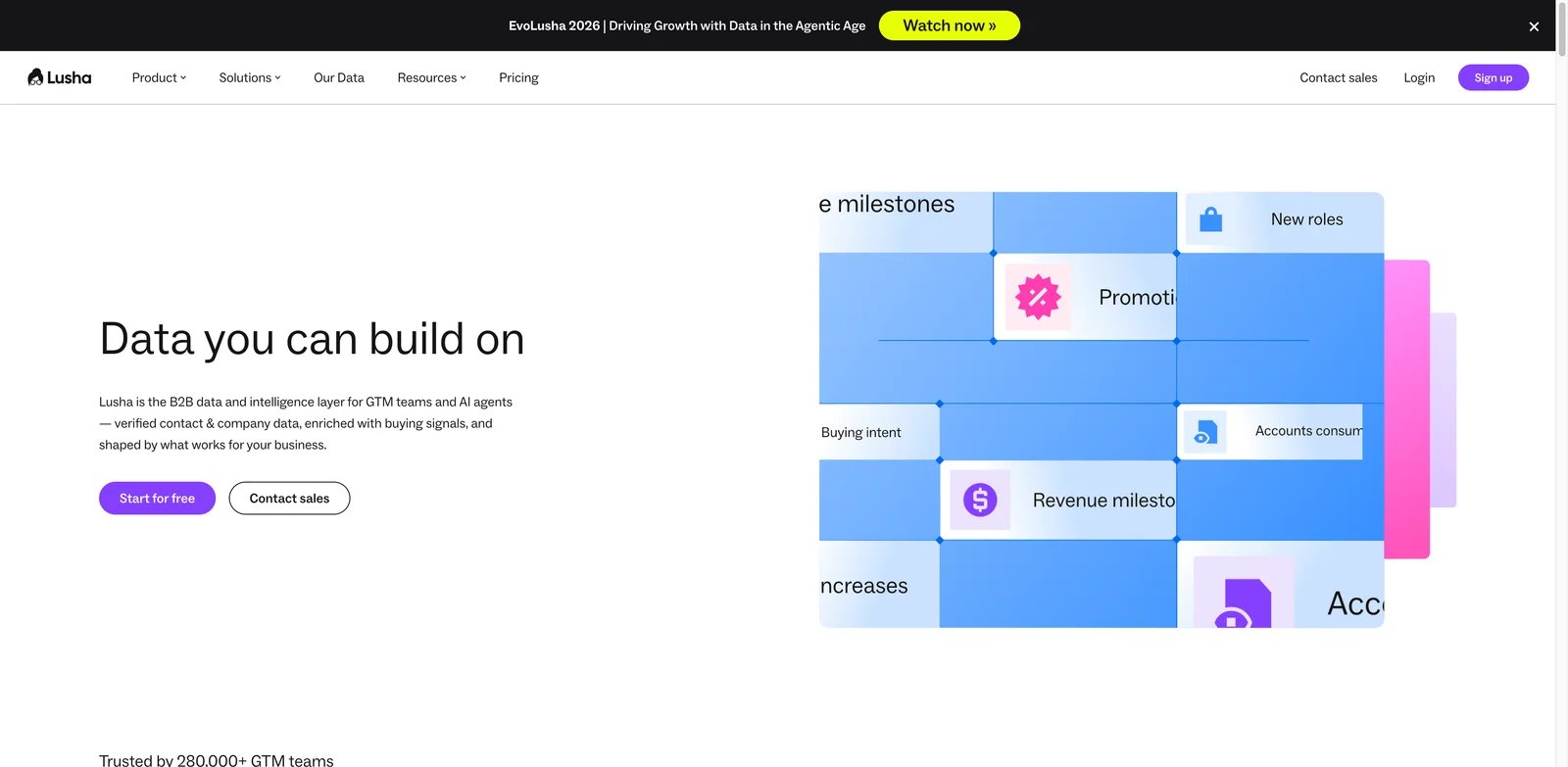
Lusha is best understood as a B2B contact data and enrichment layer rather than a full outbound platform. It can help teams find phone numbers, emails, company information and buyer signals, then push data into CRM workflows. That makes it useful for sales teams that already have outreach tools but need contact intelligence.
Key Features
- Contact enrichment: Lusha helps reps find emails and phone numbers from company and profile context.
- Buyer signals and AI workflows: The platform has moved beyond simple extension reveals into broader intelligence.
- CRM sync: Lusha is useful when clean enrichment must land in a sales system.
- Freemium access: Teams can test coverage before committing.
Pricing & Plans
Lusha publishes a Free plan with up to 40 credits per month and uses credits for contact reveals: verified email addresses cost 1 credit, while phone numbers cost 10 credits. Paid self-serve prices can vary by billing term and team size, and larger teams are routed toward custom Scale pricing. Buyers should model email-versus-phone usage because phone-heavy workflows burn credits much faster. but users should verify local plan terms. The hidden cost is bad or controversial data: wrong numbers, bounces and opt-out handling create sales and compliance risk.
Pros & Cons
Pros
- Useful as a contact-data and enrichment layer when teams already have outreach infrastructure.
- Free plan allows limited coverage testing before paid commitment.
- CRM sync, browser extension and buyer-intelligence features support existing sales workflows.
Cons
- Privacy, opt-out and data accuracy complaints create brand and compliance risk.
- Phone-heavy workflows consume credits much faster than email-only reveals. like the Chrome-extension workflow, compliance and brand risk should be reviewed carefully, especially in EU or regulated contexts.
Best For
Choose Lusha if you need a contact data layer and already have outreach infrastructure. It is not the right fit if you need built-in sequencing, AI SDR automation or low-risk EU data operations.
Get started with Lusha
Regie.ai
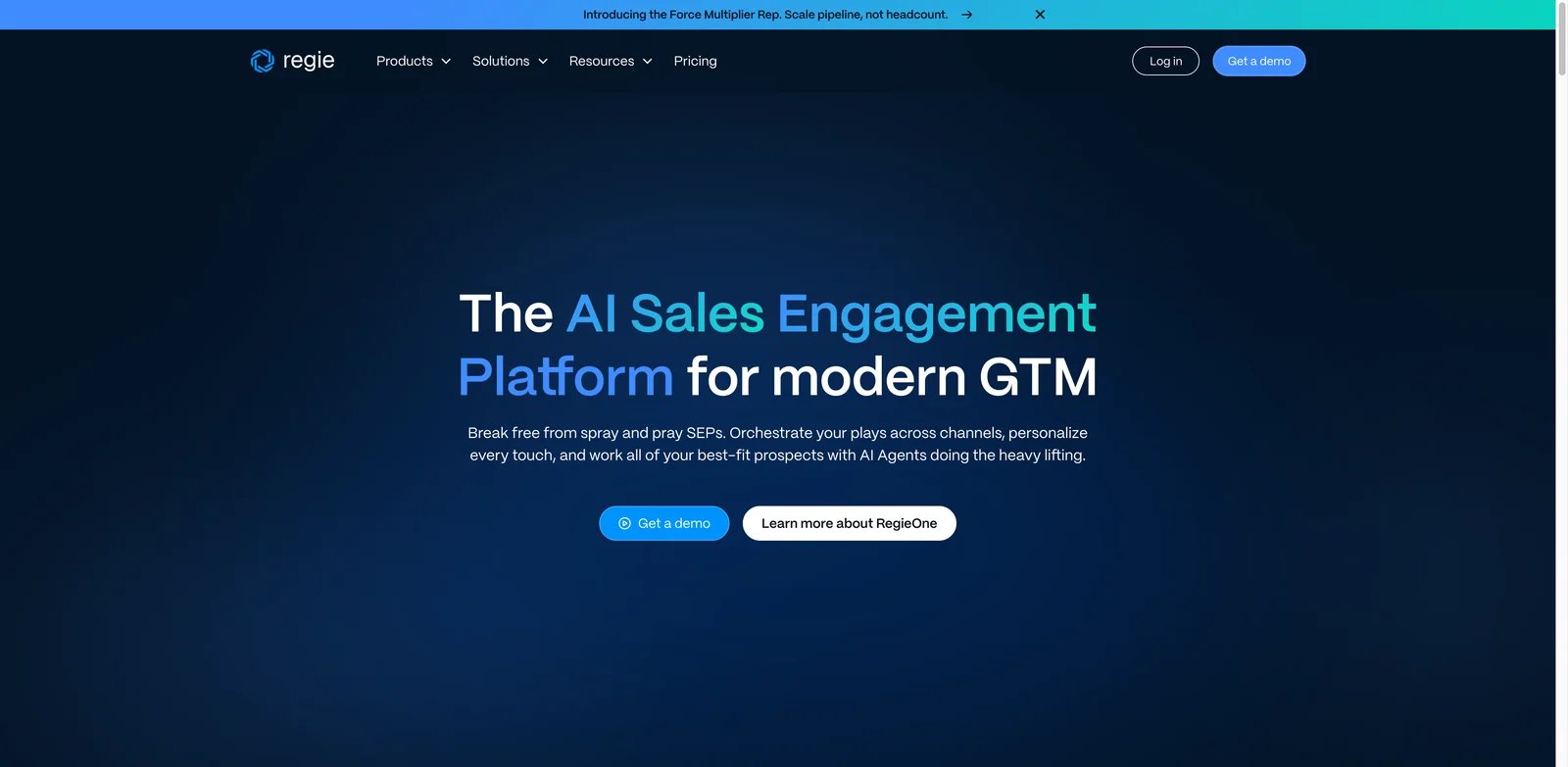
Regie.ai is built for established SDR teams that want AI to increase rep output, not tiny teams trying to avoid hiring sales altogether. Its AI SEP and Force Multiplier positioning combines prospecting, sequencing, intent, dialer and AI personalization. The fit is strongest when there is already a sales process to improve.
Key Features
- AI Sales Engagement Platform: Regie.ai focuses on AI-assisted SDR productivity across prospecting and sequencing.
- Force Multiplier workflow: Higher tiers support more autonomous prospecting and engagement.
- Intent and data layers: RegieOne-style positioning includes contact data, enrichment and first-party intent.
- Dialer add-ons: Phone workflows can matter for teams that do not rely only on email.
Pricing & Plans
Regie.ai lists AI SEP at $180/user/month on an annual contract with a 10-seat minimum, Force Multiplier Rep at $499/user/month on an annual contract with a 5-seat minimum, and Enterprise custom. That means the practical annual floor is much higher than a single-seat price, especially once dialer, domain, data-credit or professional-services needs are included. Recent pricing breakdowns mention annual contracts, seat minimums and possible dialer add-ons around $150 per user per month. Model total cost by team, not by one seat.
Pros & Cons
Pros
- Strong fit for established SDR teams that need AI-assisted prospecting and sequencing.
- AI SEP and Force Multiplier Rep include intent, enrichment, dialer and multichannel workflows.
- Clear enterprise positioning with governance, CRM/SEP integration and professional-services options.
Cons
- Annual contracts and seat minimums create a high practical entry cost.
- Too heavy for founders or small teams that only need inexpensive lead lists. If your ICP, data hygiene or SDR management process is weak, an AI SEP will make that weakness more visible rather than solving it.
Best For
Choose Regie.ai if you have an established SDR team and want AI to improve prospecting, sequencing and productivity. It is not the right fit if you are a founder looking for a $50/month lead list.
Get started with Regie.ai
Best AI Lead Generation Tools by Use Case
For Small B2B Teams That Need One Practical Stack
Apollo.io and Snov.io are the easiest starting shortlist. Apollo is broader and more complete; Snov.io is cheaper and simpler. Add external verification before sending at volume. If your CRM is the central workflow, pair your lead tool with an AI CRM layer such as Lightfield rather than letting lists live in spreadsheets.
For GTM Engineering and Custom Enrichment
Clay is the clear winner when you have someone who can design enrichment workflows. It is best for teams that want to combine data providers, AI research, signals and routing. Avoid it if no one owns workflow maintenance; complexity becomes expensive quickly.
For Cold-Email Infrastructure at Scale
Smartlead and Instantly are the main shortlist. Smartlead is stronger as infrastructure when you already have data. Instantly is more approachable when you want sending plus Lead Finder. Neither protects you from bad ICP, weak offers or careless domain setup.
For AI SDR Replacement or Augmentation
AiSDR, Reply.io and Regie.ai are the strongest AI SDR options here. AiSDR is most focused on autonomous SDR workflow, Reply.io is best if you already use Reply, and Regie.ai fits larger SDR teams. Keep humans reviewing the first 50-100 sends and all nuanced replies.
For Data-Only Enrichment
Lusha can work when you need a contact data layer, while Apollo also works as a database for teams that do not need separate outreach infrastructure. In privacy-sensitive regions, review opt-out handling and data provenance before scaling.
How to Choose the Right AI Lead Generation Tools
-
Define the job before choosing the tool. If you need data, compare Apollo, Lusha and Clay. If you need sending, compare Smartlead and Instantly. If you need AI SDR behavior, compare AiSDR, Reply.io and Regie.ai.
-
Test data quality on your ICP. Pull 100-200 contacts, verify them externally, check current roles, and track bounce rate. Do not trust global accuracy claims for your market.
-
Model total outbound cost. Include seats, credits, phone reveals, AI agents, verification, domains, inboxes, warmup, CRM, intent data and human review time.
-
Separate lead generation from deliverability. A tool that finds contacts is not automatically good at sending. A tool that sends well does not magically clean lists.
-
Keep AI reply handling constrained. Let AI draft and summarize, but require human approval for pricing, legal, security, procurement, angry replies and nuanced objections.
-
Review compliance before scale. Confirm opt-out flow, data deletion, GDPR/CCPA posture, audit logs and how data is sourced. Reputation damage is harder to fix than a bad campaign.
Frequently Asked Questions
What is the best AI lead generation tool in 2026?
Are AI lead generation tools accurate?
Which AI lead generation tool is best for cold email?
Is Clay worth the credits?
Can AI SDR tools replace human SDRs?
What is the biggest hidden cost in AI lead generation?
Which tool is best for agencies?
How should I test an AI lead generation tool before buying annually?
Get ToolWorthy Weekly
New AI tools, practical guides, and selected AI signals in one weekly brief.
Related Posts
- 18 Best AI CRM Tools 2026 - Sales Pipeline Fit
Compare 18 AI CRM tools for pipeline management, sales automation, customer records, AI copilots, pricing, implementation risk, and team fit.
- 15 Best AI Sales Tools 2026 — What Enterprise Pricing Won't Tell You
Verified pricing, real user complaints, and honest limitations for 15 AI sales tools. From Apollo's free tier to Gong's five-figure platform fees — what demo calls skip over.
For AI tool founders
Built a tool that belongs in this decision set?
Request an editorial evaluation for possible inclusion in ToolWorthy.
Submit your tool for reviewPaid submission does not guarantee a ranking, recommendation, inclusion, or editorial outcome.