
16 Best AI Marketing Tools 2026 — Real Pricing, Honest Limits
From $9/mo email tools to enterprise ad platforms, we compared 16 AI marketing tools with full pricing tiers, honest cons, and use-case recommendations.

On this page
The average marketing team now juggles seven or more SaaS subscriptions, and half of those added "AI-powered" to their pitch decks in 2025. The result: feature overlap everywhere, integration headaches daily, and a monthly bill that's harder to justify than the campaign it supports. Choosing the right AI marketing tools isn't about chasing the buzziest feature — it's about consolidating where you can, specializing where you must, and knowing which tools actually pay for themselves.
We evaluated 20 platforms across content creation, email automation, SEO optimization, ad creative, and social media management. Each tool below was scored on functionality, user experience, innovation, value for money, and real user feedback — then stress-tested against the three questions marketing managers actually ask: does it integrate with what I already use, will costs surprise me at scale, and can I prove ROI to my boss?
| Tool | Best For |
|---|---|
| HubSpot Marketing Hub | All-in-one CRM-connected marketing |
| ActiveCampaign | Advanced email automation workflows |
| Surfer | AI-driven SEO content optimization |
| Anyword | Predictive copy performance scoring |
| Klaviyo | Ecommerce email and SMS automation |
| Jasper | Brand-voice marketing copy at scale |
| Brevo | Budget-friendly multi-channel campaigns |
| GetResponse | Email + landing pages + webinars bundle |
| Writesonic | SEO blog content and AI search visibility |
| Mailchimp | Small-team email marketing with easy setup |
| AdCreative.ai | AI-generated ad creative and banners |
| Blaze | Solo and small-team content production |
| Semrush | Enterprise SEO research and content strategy |
| Copy.ai | Marketing workflow automation with AI |
| Sprout Social | Social media management and analytics |
| Smartly | Enterprise paid media automation |
How We Selected and Tested
We started with a pool of 40+ tools marketed as "AI marketing platforms" and narrowed to 20 finalists based on measurable criteria: active user base above 10,000, public or verifiable pricing, at least 12 months of production availability, and demonstrable AI functionality beyond basic template generation. Tools that only slap a ChatGPT wrapper on email templates were excluded.
Our research methodology combined official product documentation, live pricing pages (verified March–April 2026), user reviews from G2, Capterra, and Reddit, and published case studies. We cross-referenced marketing claims against actual user experiences to identify gaps between what's promised and what's delivered.
Evaluation Dimensions: We evaluated each tool across 5 dimensions aligned with what marketing managers actually care about:
- Functionality (30%) — Feature depth for core use case, AI quality, and automation sophistication
- User Experience (20%) — Setup time, learning curve, and day-to-day workflow friction
- Innovation (15%) — Unique AI capabilities that competitors lack or execute poorly
- Value for Money (20%) — True cost at realistic scale (not just starter pricing), transparency, and ROI potential
- User Feedback (15%) — Patterns from real user reviews across G2, Reddit, and Capterra — weighted toward complaints about scaling costs and integration issues
Note on Testing Scope: We conducted hands-on evaluation of free tiers and trial accounts where available. For enterprise-only tools (Smartly), we relied on documented case studies, vendor demos, and verified user reviews. Research conducted between February–April 2026.
Transparency & Limitations: All pricing and feature claims come from official sources and credible third-party platforms. Scores reflect our weighted assessment — not fabricated ratings. Enterprise pricing often varies by contract, so stated prices represent published starting points.
Top 16 AI Marketing Tools Compared
Sixteen platforms, six pricing tiers, wildly different capabilities. This comparison table strips away the marketing copy and shows what each tool actually delivers across the dimensions that matter for your buying decision.
| Tool | Best For | Starting Price | Integration Depth | Cost Transparency | Free Tier |
|---|---|---|---|---|---|
| HubSpot Marketing Hub | CRM-connected marketing | $15/seat/mo | 1,700+ native integrations | Medium — contact tiers add up | Free plan (limited) |
| ActiveCampaign | Email automation workflows | $15/mo | 1,000+ integrations | Good — clear tier pricing | 14-day trial |
| Surfer | SEO content optimization | $79/mo (annual) | WordPress, Jasper, GSC | Good | 7-day trial |
| Anyword | Predictive copy scoring | $39/mo (annual) | HubSpot, WordPress, social | Good | 7-day trial |
| Klaviyo | Ecommerce email + SMS | $20/mo | 350+ ecommerce integrations | Medium — profile-based billing | Free up to 250 profiles |
| Jasper | Brand-voice content | $59/mo (annual) | Surfer, Webflow, Zapier | Good | 7-day trial |
| Brevo | Multi-channel on a budget | $9/mo | Shopify, WooCommerce, CRM | Excellent | Free 300 emails/day |
| GetResponse | Email + pages + webinars | $13.30/mo | 100+ integrations | Good | Free up to 500 contacts |
| Writesonic | SEO + AI search visibility | $39/mo | WordPress, Shopify, Zapier | Good | Free trial |
| Mailchimp | Easy email marketing | $13/mo | 300+ integrations | Medium — send limits matter | Free up to 250 contacts |
| AdCreative.ai | AI ad creative generation | $25/mo (annual) | Meta, Google Ads, LinkedIn | Medium — credit system | Free trial |
| Blaze | Solo and small-team content production | $59/mo (annual) | Social platforms, WordPress | Good | 7-day trial |
| Semrush | SEO research + strategy | $117.33/mo (annual) | Google suite, WordPress | Good — but high base price | 7-day trial |
| Copy.ai | GTM AI workflows | $24/mo (annual) | CRM, Zapier, Salesforce | Good | Try for free |
| Sprout Social | Social media management | $79/seat/mo (annual) | CRM, helpdesk, analytics | Good — per-seat clarity | 30-day trial |
| Smartly | Enterprise paid media | Custom | Meta, Google, TikTok, Snap | Low — requires sales call | No |
Detailed Reviews
HubSpot Marketing Hub
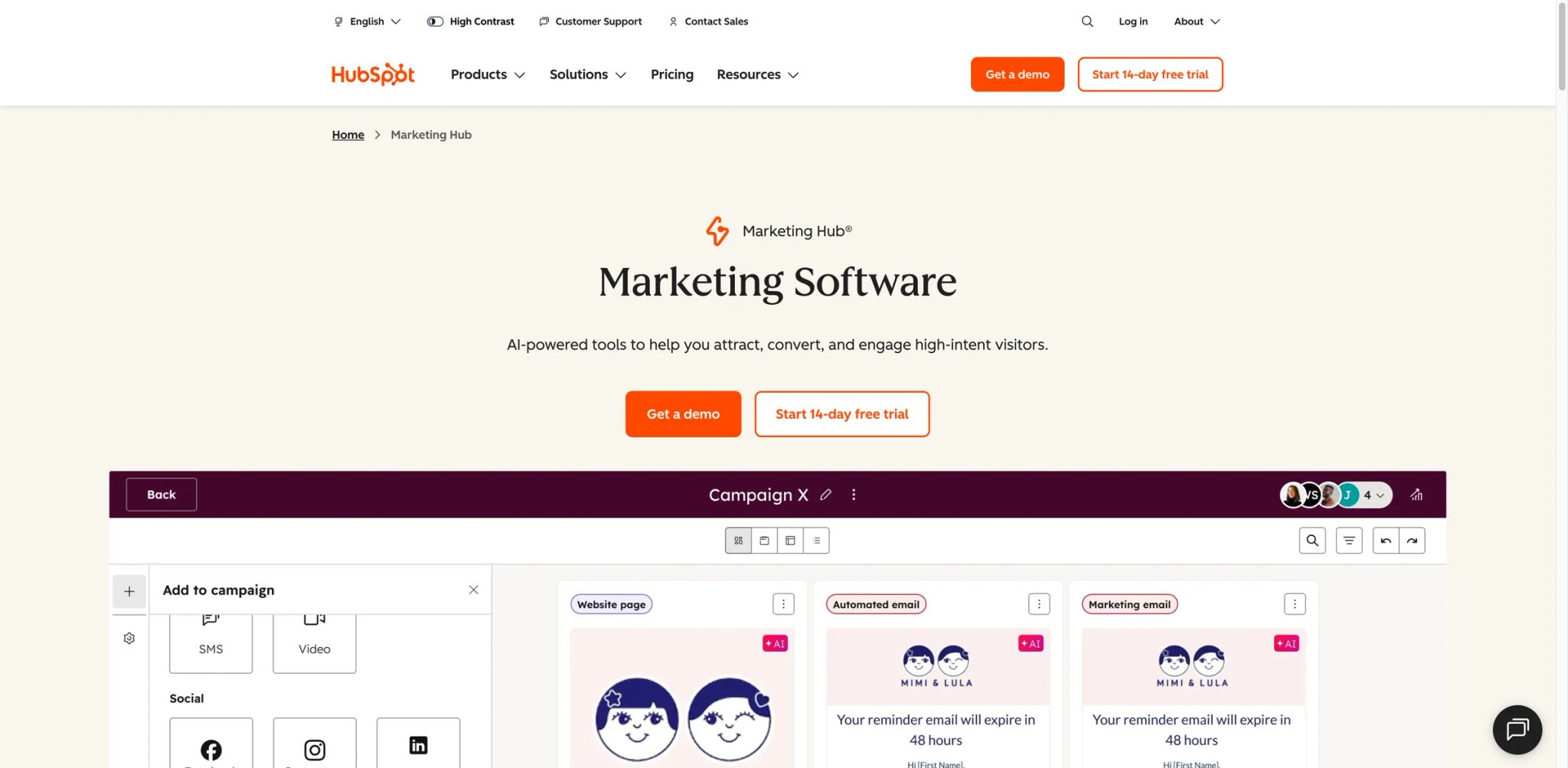
Over 228,000 companies run their marketing through HubSpot, and the reason isn't any single feature — it's that everything talks to the CRM without a Zapier workaround. When your email campaigns, landing pages, social posts, and ad tracking all share the same contact record, attribution stops being guesswork and starts being a filter you click.
What Sets It Apart
- CRM-native marketing automation: Every email open, form submission, and page visit feeds directly into the contact timeline. Build workflows that trigger based on deal stage, not just email behavior — something standalone email tools can't match without heavy integration work.
- AI content agent: Generates blog posts, social captions, and email copy that pull from your CRM data and brand voice settings. The output quality beats generic AI writers because it has context about your actual audience segments.
- Multi-touch revenue attribution: Connects marketing touchpoints to closed deals with seven attribution models. Most competitors offer last-touch only; HubSpot traces the full journey from first ad click to signed contract.
- Smart content personalization: Dynamically swap website and email content based on lifecycle stage, list membership, or device type — without needing a developer to implement conditional logic.
Pricing
- Free: Basic email, forms, and CRM. Limited to Brevo-level email volume.
- Starter: $15/seat/mo (annual) or $20/seat/mo (monthly). 1,000 contacts included, additional 1,000 contacts at $50/mo.
- Professional: $890/mo. 2,000 contacts, 3 seats included. Additional seats $45/mo. Mandatory $3,000 onboarding fee.
- Enterprise: Custom pricing. 10,000 contacts, 5 seats included. $7,000 onboarding fee.
TCO Note: The jump from Starter to Professional is steep — $15 to $890/mo. And contact-based pricing means a 50K-contact list on Professional can push monthly costs well past $1,500. Budget for the full ramp, not just the entry price.
Limitations
- The Starter-to-Professional pricing cliff catches many growing teams off guard. You'll outgrow Starter's automation limits quickly but may not have budget for Professional's $890/mo jump.
- Feature depth creates dependency — once your workflows, lead scoring, and attribution live in HubSpot, migrating away means rebuilding months of automation logic from scratch.
- AI content generation works best with populated CRM data. New accounts with thin contact histories get generic output that isn't meaningfully better than ChatGPT.
Best For
Marketing teams at companies with 20–500 employees that need a unified platform connecting content, email, automation, and CRM. Especially strong if sales already uses HubSpot CRM.
Not the right fit if your budget caps at $100/mo or you only need email marketing — you'd pay for a CRM-connected platform without using the CRM.
Get started with HubSpot Marketing Hub
ActiveCampaign
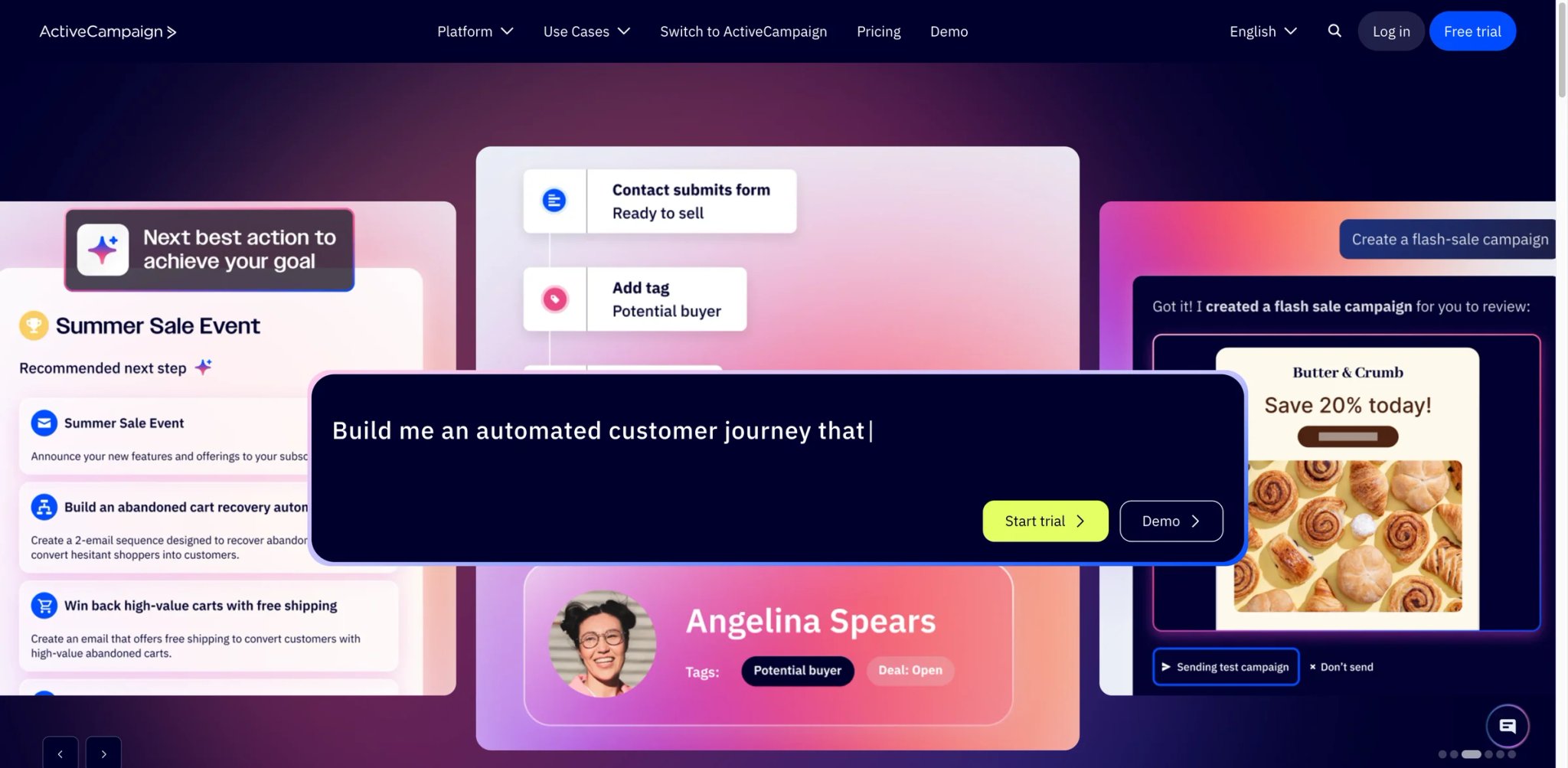
If your marketing team's automation needs have outgrown Mailchimp's "if-then" logic but you're not ready to spend $890/mo on HubSpot Professional, ActiveCampaign occupies the sweet spot. Its visual automation builder handles conditions that would require three separate Zapier chains elsewhere — and it starts at $15/mo.
What Sets It Apart
- Visual automation builder with branching: Build multi-path workflows with if/else splits, wait conditions, goal tracking, and CRM pipeline triggers in a single canvas. Other tools at this price point limit you to linear sequences.
- Predictive sending and win probability: Machine learning analyzes each contact's engagement history to determine optimal send times and scores deal likelihood. ActiveCampaign was doing this before most competitors added "AI" to their feature list.
- Site and event tracking: Install a snippet and track page visits, button clicks, and custom events — then trigger automations based on those behaviors. Most email-first tools require a separate analytics platform for this.
- CRM with deal pipelines: Manages sales pipelines alongside marketing automation without requiring a separate CRM subscription. Pipeline stages can trigger marketing sequences automatically.
Pricing
- Starter: $15/mo for 1,000 contacts. Email campaigns, basic automation, web forms.
- Plus: $49/mo for 1,000 contacts. Advanced automation, landing pages, lead scoring.
- Professional: $79/mo for 1,000 contacts. Predictive sending, split automations, site messaging.
- Enterprise: $145/mo for 1,000 contacts. Custom objects, uptime SLA, dedicated support.
Prices scale with contacts — 25,000 contacts on Professional runs approximately $339/mo. 14-day free trial on all tiers. No setup fees.
TCO Note: Hidden costs creep in through CRM pipeline add-ons, SMS credits, and custom reporting. The base plan prices are honest, but a fully-loaded setup for a 10-person team typically runs 40-60% above the advertised price.
Limitations
- The learning curve is real — new users often describe the first two weeks as "overwhelming." The automation builder is powerful precisely because it's complex, and documentation doesn't always match the current UI.
- Reporting depth falls short of dedicated analytics tools. You'll get engagement metrics but limited revenue attribution without connecting a separate BI platform.
- Template design options feel dated compared to Mailchimp or Brevo. If visual email design is a priority, you'll spend time customizing or importing external templates.
Best For
Small-to-mid marketing teams (2-15 people) that need sophisticated automation at a mid-range price. Particularly strong for B2B companies running multi-stage nurture campaigns with CRM integration.
Not the right fit if you're a solo marketer who needs something working in 30 minutes — the power comes with setup time.
Get started with ActiveCampaign
Surfer
Most marketing teams produce content and then optimize it. Surfer reverses that — you build around SEO data from the first keystroke. Its Content Editor scores your draft against top-ranking pages in real time, showing exactly which terms to add, how many headings to use, and where your word count falls short. For teams that measure content success by organic traffic rather than vanity metrics, Surfer has become the default optimization layer.
What Sets It Apart
- Real-time content scoring: The editor analyzes top 10 SERP results for your target keyword and scores your content 0-100 as you write. It tracks NLP terms, heading structure, word count, and image density — making "is this optimized?" a number instead of an opinion.
- AI content generation with SERP context: Unlike generic AI writers, Surfer's AI pulls structure and topics from actual ranking pages. The generated content already targets the right keyword clusters, reducing the edit-after-generation cycle.
- AI search visibility tracking (SERP Analyzer + AI Overviews): Monitors how your content appears in AI-generated search results — a feature most SEO tools haven't caught up with yet. Track citation frequency across ChatGPT, Perplexity, and Google AI Overviews.
- Content audit at scale: Scans existing pages and recommends updates based on current SERP conditions. Prioritizes pages by traffic impact potential rather than just flagging everything as "needs improvement."
If you're building your broader SEO strategy, Surfer pairs well with keyword research tools — it's the execution layer, not the research layer.
Pricing
- Essential: $99/mo ($79/mo annual). 30 Content Editor articles, 5 AI articles, 100 audits.
- Scale: $219/mo ($175/mo annual). Higher limits, AI visibility tracking, team features.
- Enterprise: Custom pricing. API access, custom workflows, dedicated support.
7-day money-back guarantee on all plans.
TCO Note: $99/mo for 30 articles is reasonable for a content team publishing weekly. But if you're producing 50+ pieces per month, you'll hit the Scale tier quickly — and the jump to $219/mo doubles your bill overnight.
Limitations
- Surfer optimizes content — it doesn't distribute it. You still need separate tools for email, social, and ad campaigns. If your marketing bottleneck isn't content optimization, Surfer solves the wrong problem.
- The AI-generated content, while SERP-aware, still requires heavy human editing for brand voice and factual accuracy. It's a first-draft accelerator, not a publish-ready generator.
- Pricing is steep for individual bloggers or freelancers who publish fewer than 10 pieces per month. At $99/mo for 30 articles, low-volume users are paying per article whether they write them or not.
Best For
Content marketing teams publishing 10+ SEO-focused articles per month who need data-driven optimization rather than gut-feel editing. Strong for agencies managing multiple client content programs.
Not the right fit if your marketing is primarily paid ads, email, or social — Surfer only helps with search-driven content.
Get started with Surfer

"Which headline will perform better?" is a question every marketer asks and most AI writing tools can't answer. Anyword can — or at least, it gives you a data-backed prediction before you spend ad budget testing. Its Predictive Performance Score analyzes your copy against engagement patterns from billions of data points and assigns a score that correlates with real click-through and conversion rates.
What Sets It Apart
- Predictive Performance Score: Every piece of copy gets a 0-100 score predicting engagement potential. You can A/B test headlines before running them, using data instead of intuition. Users report the scoring correlates meaningfully with actual ad CTR when tested against live campaigns.
- Copy Intelligence for existing content: Paste your current ads, emails, or landing pages and Anyword scores them against benchmarks for your industry. It doesn't just say "improve this" — it shows exactly which phrases drag the score down and suggests alternatives.
- Brand voice training on your own data: Upload past high-performing campaigns and Anyword learns your style, terminology, and audience preferences. The model then generates copy that sounds like your brand, not generic marketing speak.
- Channel-specific optimization: Generates copy pre-formatted for Facebook ads, Google Ads, email subject lines, LinkedIn posts, and landing pages — each with different scoring models tuned to that channel's engagement patterns.
Pricing
- Starter: $49/mo or $39/mo billed annually. Includes 1 seat, unlimited copy generation, 100 performance predictions, and 1 brand voice.
- Data-Driven: $99/mo or $79/mo billed annually. Includes 3 seats, 175 performance predictions, real-time predictions for manual edits, and advanced analytics.
- Business: Custom pricing. Adds custom-built AI models, onboarding, roles and permissions, priority support, and enterprise workflow controls.
- Enterprise: Custom pricing. Adds 500+ performance predictions, 10,000+ performance-data rows, private LLM options, SSO, custom integrations, and API access.
7-day free trial available, no credit card required.
TCO Note: The Starter plan at $49/mo ($39/mo annual) includes 100 performance predictions — enough to try the predictive scoring feature. But serious optimization across multiple campaigns requires the Data-Driven plan at $99/mo ($79/mo annual) with 175 predictions and real-time scoring.
Limitations
- The scoring model is only as good as its training data. For niche B2B industries with limited advertising volume, predictions can be less accurate than for consumer-facing copy. The model works best where there's ample engagement data to learn from.
- Word credit limits on the Starter plan feel restrictive if you're producing daily social content across multiple platforms. Heavy producers will burn through 20K words in the first week.
- The platform focuses on short-form copy — blog posts and long-form content get scoring but less optimization depth compared to dedicated long-form tools like Surfer or Jasper.
Best For
Performance marketing teams and agencies that run paid campaigns across multiple channels and need data-driven copy decisions rather than creative guesswork. Strongest when ad spend is high enough that a 10% CTR improvement justifies the subscription.
Not the right fit if you primarily write long-form blog content or need full marketing automation — Anyword is a copy optimization layer, not an all-in-one platform.
Get started with Anyword
Klaviyo
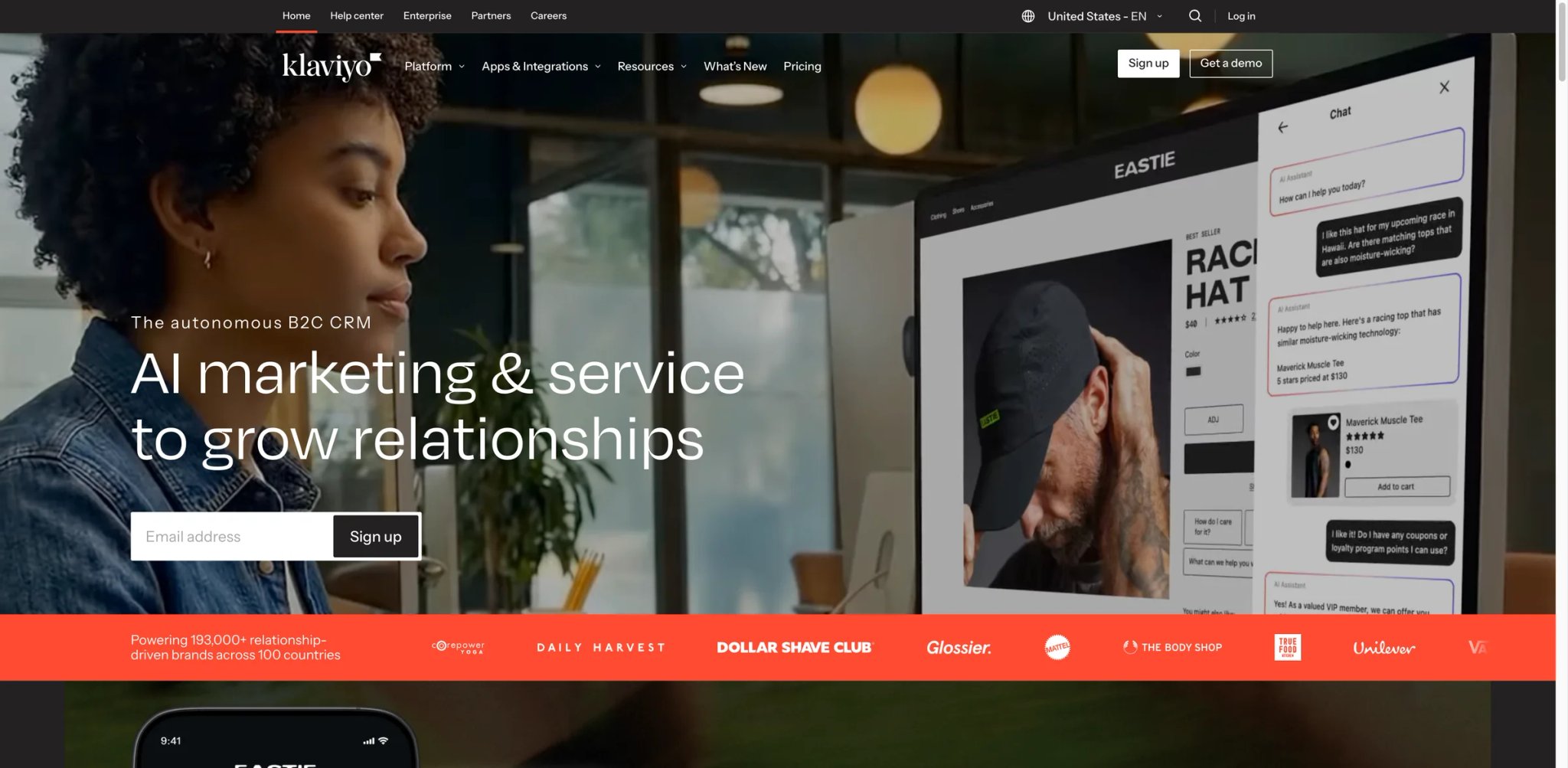
Shopify's default email partner for a reason: Klaviyo understands ecommerce data in a way that generic email platforms don't. It doesn't just send emails — it segments based on purchase history, predicted lifetime value, and browsing behavior at a granularity that would require custom SQL queries in other tools. For DTC brands, Klaviyo often becomes the highest-ROI marketing investment simply because it turns existing customer data into automated revenue.
What Sets It Apart
- Ecommerce-native segmentation: Build segments using purchase frequency, average order value, predicted next purchase date, and product category affinity — all without manual data imports. Shopify, WooCommerce, and BigCommerce data syncs in real time.
- Predictive analytics for customer value: Klaviyo calculates expected lifetime value, churn risk, and next-order timing for every contact. Target win-back campaigns at customers predicted to lapse next week, not after they've already gone dormant for 90 days.
- AI-powered SMS + email orchestration: Coordinates messaging across email and SMS to prevent over-contacting. Smart sending automatically suppresses an SMS if the contact opened the email, reducing opt-out rates.
- Pre-built ecommerce flows: Abandoned cart, post-purchase, browse abandonment, and win-back sequences come pre-configured with best-practice timing and logic. Most brands see revenue from these flows within 48 hours of connecting their store.
For broader lead generation strategies, Klaviyo's signup forms and landing pages capture contacts that immediately enter behavior-based flows.
Pricing
- Free: Up to 250 active profiles, 500 emails/mo, 150 SMS credits.
- Email: Starts at $20/mo for 500 contacts. Scales to $130/mo at 10K contacts, ~$400/mo at 25K.
- Email + SMS: Starts at $35/mo. Includes SMS credits that roll over monthly.
All plans include automation, segmentation, and analytics. Pricing scales with active profiles.
TCO Note: Klaviyo shifted to active-profile-based billing in early 2025 — inactive contacts who haven't engaged in a year still count as "active profiles" if they haven't been suppressed. A 50K-profile list where only 15K engage regularly still bills at the 50K rate. Aggressive list hygiene is essential to controlling costs.
Limitations
- Cost escalation is the most common complaint among growing brands. A store that starts at $20/mo can easily reach $400+/mo within a year if customer acquisition is working — and the billing model incentivizes aggressive list cleaning that may remove recoverable contacts.
- The platform is purpose-built for ecommerce. B2B companies, SaaS firms, and non-retail businesses will find the segmentation models and pre-built flows irrelevant, and building custom equivalents requires significant setup.
- SMS costs add up fast beyond the included credits — approximately $0.01-0.015 per message (US), which compounds quickly for high-volume promotional campaigns.
Best For
DTC and ecommerce brands on Shopify, WooCommerce, or BigCommerce doing $500K–$10M in annual revenue that need behavior-driven email and SMS automation connected to their storefront.
Not the right fit if you're a B2B company, media site, or SaaS business — Klaviyo's entire UX assumes you're selling physical products.
Get started with Klaviyo

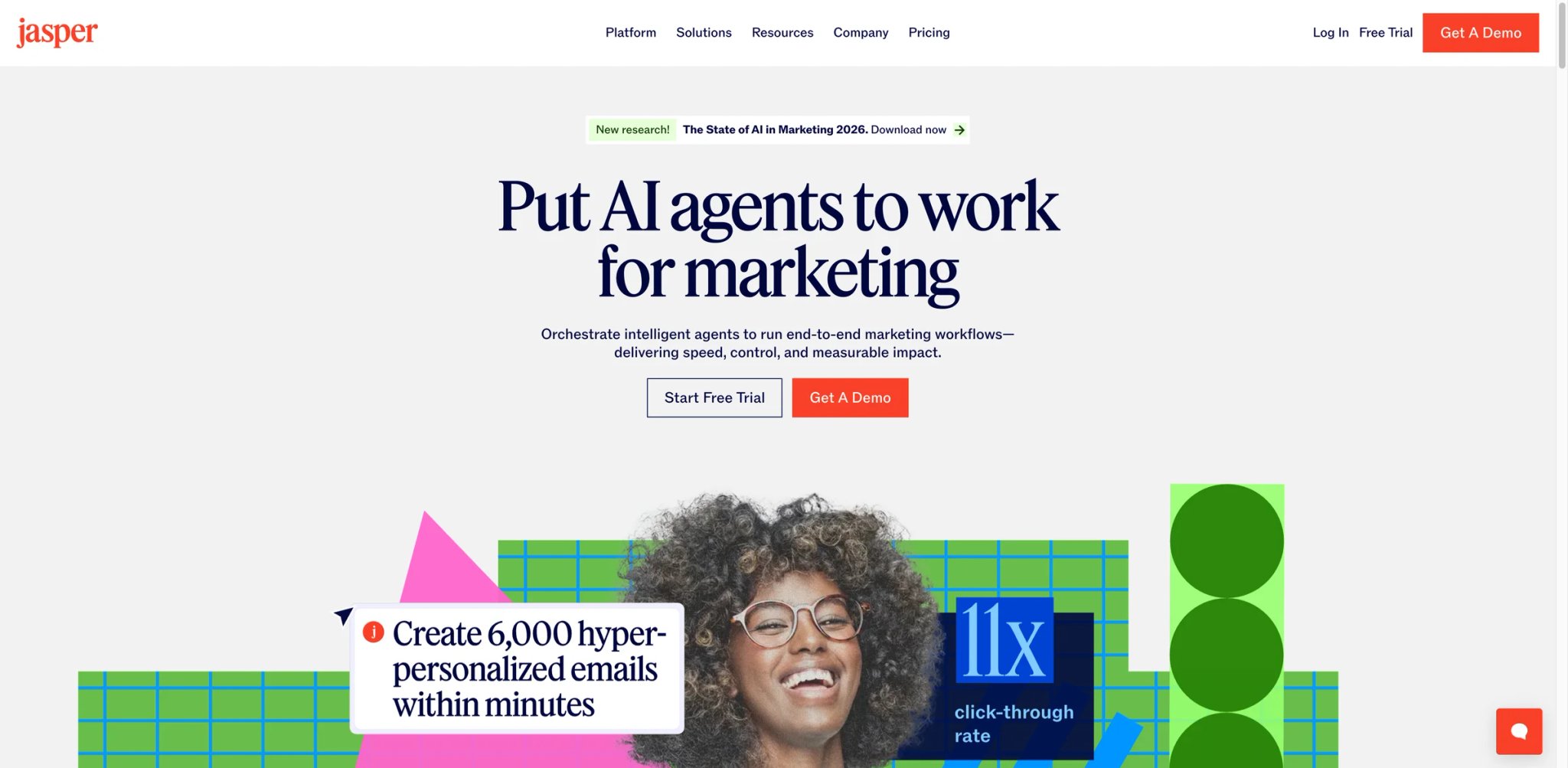
Content teams at companies like Anthropic, HubSpot, and Sports Illustrated have used Jasper — not because it writes better than ChatGPT, but because it maintains brand voice across 50 writers the way a single style guide never could. Jasper's real value isn't AI-generated first drafts. It's the consistency layer that ensures your blog post, ad copy, and email campaign all sound like the same company wrote them.
What Sets It Apart
- Brand Voice and Knowledge Base: Upload style guides, past content, product documentation, and competitor analyses. Jasper generates copy that references your actual product names, pricing, and positioning — not generic marketing language. Each piece of content stays on-brand without manual rewrites.
- Marketing-specific templates (50+): Pre-built workflows for AIDA frameworks, PAS copy, email sequences, social posts, and product descriptions. Each template is tuned for marketing output, not general-purpose writing.
- Team collaboration with approval workflows: Multiple writers work in shared projects with version history, comments, and approval chains. Managers set guardrails on tone, terminology, and claims — reducing review cycles from days to hours.
- Surfer SEO integration: One-click connection pulls Surfer's optimization data directly into Jasper's editor. Write SEO-optimized content without switching between tools or copy-pasting keyword recommendations.
Pricing
- Pro: $59/mo billed yearly or $69/mo billed monthly. Includes 1 seat, 2 Brand Voices, 5 Knowledge assets, 3 Audiences, and Jasper Chat.
- Business: Custom pricing. Adds advanced agents, Jasper Grid, no-code AI app builder, enterprise governance, API access, and dedicated support.
7-day free trial of Pro available.
TCO Note: $59/mo for Pro (annual) is reasonable for a single writer, but Jasper's per-seat model means a 5-person team pays $295/mo minimum. The Business plan's custom pricing targets larger teams — expect quotes starting significantly higher, approaching HubSpot territory but without the CRM and automation.
Limitations
- Jasper excels at copy generation but offers no distribution capability. You still need email, social, and ad platforms to actually send what it creates — making it an addition to your tool stack rather than a consolidation.
- The Brand Voice feature requires meaningful input to work well. Companies that upload a 2-page style guide get mediocre results; those that invest in detailed knowledge bases see the real value. Garbage in, generic out.
- Per-seat pricing makes it expensive for larger teams. A 10-person content department on the Pro plan spends $690/mo on a writing assistant — more than many all-in-one marketing platforms. The Business plan requires a sales call for custom quotes.
Best For
Marketing teams with 3-15 content producers who need consistent brand voice across channels and formats. Especially valuable for companies with complex products that require specific terminology and messaging guidelines.
Not the right fit if you're a solo marketer — the brand voice and collaboration features that justify the price are team-scale capabilities.
Get started with Jasper
Brevo
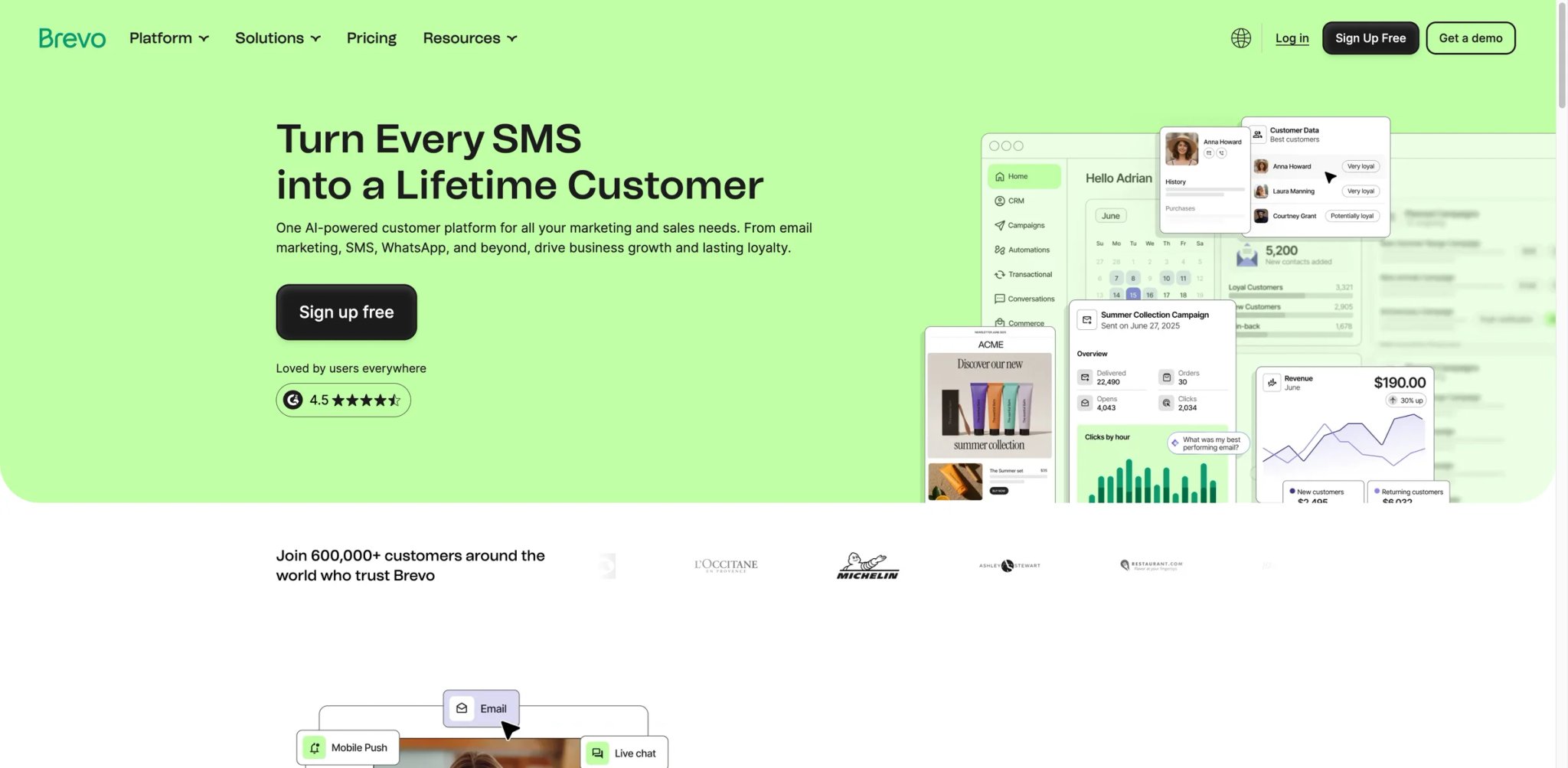
At $9/mo for a tool that handles email, SMS, WhatsApp, and push notifications, Brevo either cuts corners or represents a genuine pricing disruption. Having tested it: it's mostly the latter. The platform won't win design awards or offer Klaviyo-level ecommerce intelligence, but for teams that need multi-channel marketing without separate subscriptions for each channel, Brevo delivers surprising depth for the price.
What Sets It Apart
- True multi-channel at one price: Email, SMS, WhatsApp, and web push notifications from a single dashboard — with unified contact management and cross-channel automation. Most competitors charge separately for SMS and WhatsApp messaging.
- Unlimited contacts on all plans: While competitors bill by contact count (often aggressively), Brevo charges by email volume. Store 100,000 contacts on the free plan and only pay when you send — a fundamentally different cost model that benefits growing lists.
- AI send-time optimization: Analyzes each contact's engagement patterns and sends at their optimal time. The Standard plan ($18/mo) includes this — HubSpot requires Professional ($890/mo) for equivalent functionality.
- Transactional + marketing in one platform: Handle order confirmations, password resets, and marketing campaigns from the same account. Most marketing tools force transactional emails to a separate service like SendGrid.
Pricing
- Free: 300 emails/day, unlimited contacts, basic automation.
- Starter: $9/mo for 5,000 emails/mo. No daily limit.
- Standard: $18/mo for 5,000 emails/mo. A/B testing, AI send time, marketing automation, advanced reporting.
- Professional: $499/mo. Full automation suite, dedicated IP, phone support.
- Enterprise: Custom pricing. SLA, dedicated account manager.
TCO Note: Brevo's pricing is still email-volume-based rather than contact-based, which can be cost-effective for large lists with moderate send frequency. Budget separately for higher send volumes, SMS/WhatsApp usage, and optional deliverability add-ons. Dedicated IP for deliverability runs $251/year. The base price is genuine, but factor in these add-ons for professional use.
Limitations
- Email template design options and customization lag behind Mailchimp and ActiveCampaign. If visual email design is central to your brand, you'll feel the constraints.
- The free plan includes Brevo branding, but Starter removes the Brevo logo. The bigger trade-off on Starter is lighter reporting and automation depth rather than forced branding.
- Advanced automation capabilities on Standard are solid but less sophisticated than ActiveCampaign's visual builder. Complex multi-branch workflows require more manual configuration.
Best For
Small businesses and startups that need email + SMS + WhatsApp marketing under one roof without paying enterprise prices. Particularly strong for ecommerce brands with large contact lists but moderate send frequency.
Not the right fit if you need deep automation logic with 15+ conditional branches — ActiveCampaign or HubSpot handle complex workflows better.
Get started with Brevo
GetResponse
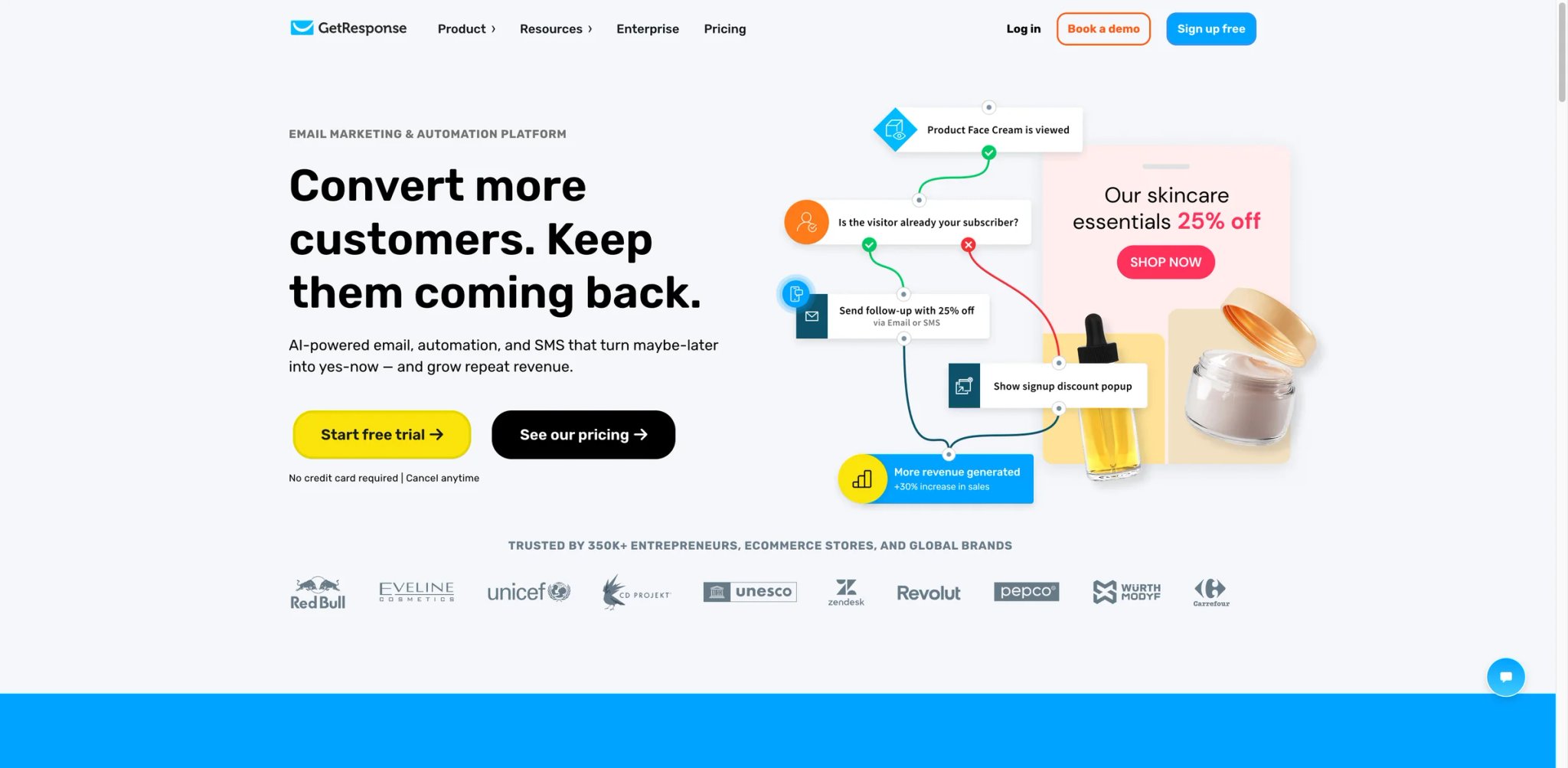
GetResponse has been shipping marketing tools since 1998 — long before "AI-powered" became a requirement. That longevity shows in the breadth: email, automation, landing pages, webinars, and an ecommerce builder, all from a single subscription. It's the Swiss Army knife of mid-range marketing platforms, and the pricing reflects that generalist position.
What Sets It Apart
- Built-in webinar hosting: Run webinars for up to 100 attendees (Creator plan) directly from the platform — no Zoom integration needed. Webinar registrants automatically enter your email sequences, closing the registration-to-nurture gap.
- Conversion funnel builder: Pre-built funnel templates combine landing pages, email sequences, webinars, and checkout pages into a single flow. Build a complete lead magnet funnel in under an hour instead of stitching together three separate tools.
- AI email generator with subject line scoring: Generates complete email drafts and scores subject lines for open-rate potential. The AI pulls from industry benchmarks, not just generic copy patterns.
- Website and landing page builder: Create full websites — not just landing pages — without a separate hosting or CMS subscription. Includes AI-powered design suggestions and mobile optimization.
Pricing
- Free: Up to 500 contacts, website builder, basic email.
- Starter: From $13.30/mo. Email marketing, AI tools, 3 users, 1 automation workflow.
- Marketer: From $51/mo. Unlimited automation, A/B testing, advanced segmentation, 5 users.
- Creator: From $79/mo. Webinars (100 attendees), paid newsletters, courses, unlimited features.
- Enterprise (MAX): Custom pricing for 100K+ contacts.
Annual plans save ~18%, 2-year plans up to 30%.
TCO Note: The Starter plan's single automation workflow is a hard limit. If you need more than one active workflow (most teams do within 30 days), you're looking at the Marketer plan at $51/mo — nearly 4x the advertised starting price.
Limitations
- The "does everything" approach means nothing is best-in-class. Email automation lags ActiveCampaign, SEO lags Surfer, landing pages lag Unbounce. You get 80% of each capability rather than 100% of any.
- Webinar quality and reliability don't match dedicated platforms like Zoom or Demio. If webinars are a primary revenue channel, you'll likely outgrow GetResponse's built-in hosting.
- The UI feels cluttered with features you may not use. Finding specific settings often requires navigating through sub-menus that reflect 25 years of accumulated features rather than a clean modern interface.
Best For
Solo entrepreneurs and small teams that need email + landing pages + webinars in one subscription and prefer bundling over best-of-breed. Especially valuable for course creators and consultants who run webinar-driven funnels.
Not the right fit if you need depth in any single channel — dedicated tools will outperform GetResponse's generalist approach.
Get started with GetResponse

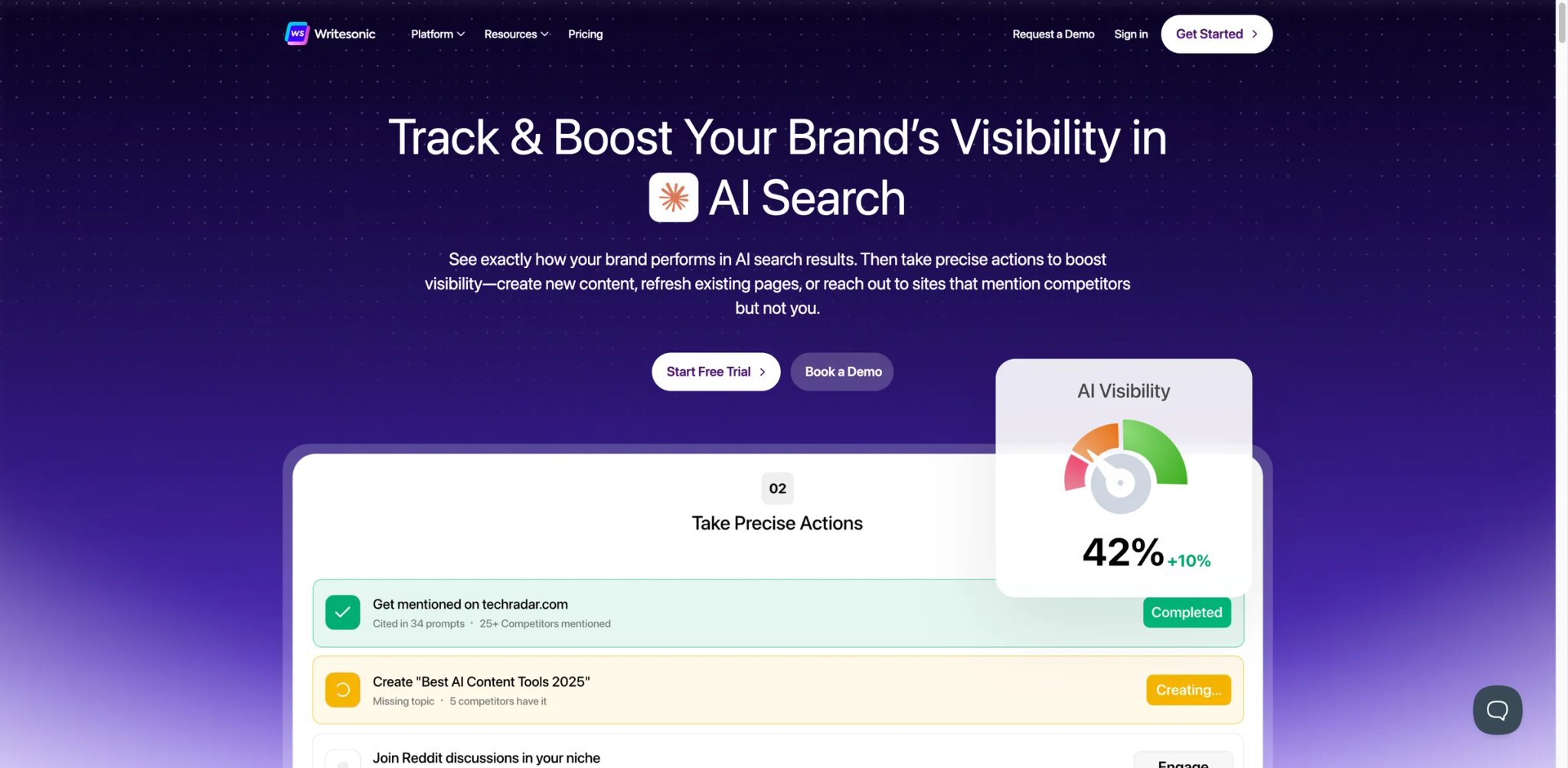
Google isn't the only search engine that matters anymore. ChatGPT, Perplexity, and Claude now answer purchase-intent queries directly — and most content optimization tools haven't adapted. Writesonic has. Its AI Search Visibility suite tracks where your content appears (or doesn't) across AI search platforms, making it the first mainstream tool to treat GEO (Generative Engine Optimization) as seriously as SEO.
What Sets It Apart
- AI search visibility tracking: Monitors your brand's citation frequency across ChatGPT, Claude, Perplexity, and Google AI Overviews. Tracks which prompts mention you, which competitors appear instead, and what content gaps exist — a category most SEO tools haven't entered yet.
- SERP + AI content optimization: Content Editor combines traditional SEO scoring (similar to Surfer) with AI search optimization recommendations. Optimize a single article for both Google rankings and AI citation simultaneously.
- Actionable recommendation engine: Doesn't just flag problems — generates specific content changes, identifies citation gaps, and prioritizes fixes by estimated traffic impact. The Professional plan's Action Center turns insights into task lists.
- Multi-format content generation: Blog posts, landing pages, ad copy, and product descriptions from one platform. The AI adapts output format based on selected template, maintaining keyword targeting across content types.
For teams also focused on AI-powered content generation, Writesonic bridges the gap between creating content and ensuring it gets discovered.
Pricing
- Lite: $39/mo (annual). Long-form content, SEO tools, basic AI articles.
- Standard: Mid-tier with expanded limits and team features.
- Professional: Full AI Visibility Action Center, priority recommendations, advanced tracking.
- Advanced: 300 daily prompt tracking across 5+ AI platforms, content refresh tools.
- Enterprise: Custom AI models, personalized onboarding, custom integrations.
Annual billing saves ~20%.
TCO Note: The Lite plan provides solid SEO content tools, but the AI search visibility features that differentiate Writesonic require higher tiers. Budget for Professional or Advanced if GEO/AEO is the reason you're considering Writesonic.
Limitations
- The AI search visibility tracking, while innovative, is still a maturing feature. Accuracy of citation tracking across AI platforms varies — some sources report inconsistencies between what Writesonic shows and manual verification in ChatGPT.
- Content quality from the AI writer is competent but requires editing for brand voice and factual accuracy — similar to Jasper but without the dedicated Brand Voice training feature.
- The product has evolved rapidly (multiple pivots from "AI writer" to "SEO tool" to "AI visibility platform"), which means documentation and UI sometimes lag behind feature updates.
Best For
Content marketing teams that need to optimize for both traditional search and AI-generated answers. Strongest for brands in competitive niches where appearing in ChatGPT and Perplexity citations directly impacts lead generation.
Not the right fit if you only care about Google rankings — Surfer does traditional SEO optimization with more depth and a longer track record.
Get started with Writesonic
Mailchimp
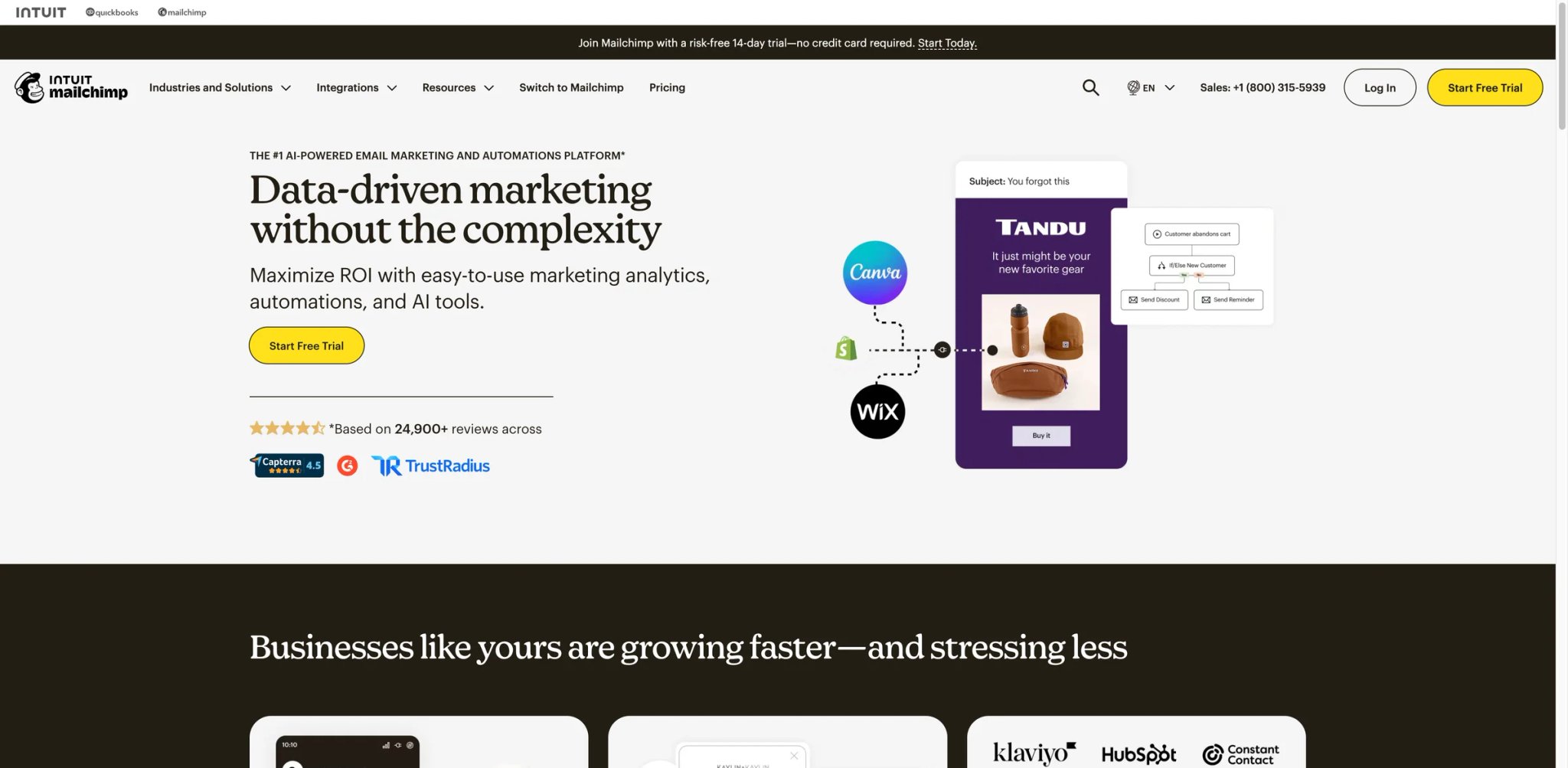
Twelve million businesses can't all be wrong — or can they? Mailchimp's ubiquity comes from making email marketing accessible to people who've never touched a marketing platform. The drag-and-drop editor, pre-built templates, and beginner-friendly automation paths remain the fastest way from "I should send a newsletter" to actually sending one. But that simplicity has a ceiling, and growing teams hit it sooner than they expect.
What Sets It Apart
- Fastest time-to-first-campaign: Create an account, import a CSV, pick a template, and send an email in under 20 minutes. No other tool in this list matches Mailchimp's onboarding speed for first-time email marketers.
- Intuit Assist AI (beta): Generates email copy, suggests subject lines, and recommends optimal send times. Integrated with Intuit's broader AI platform, which leverages data from QuickBooks and other Intuit products for commerce-aware suggestions.
- 300+ native integrations: Connects to virtually every ecommerce, CMS, CRM, and analytics platform. If a tool has an email integration, it probably connects to Mailchimp first.
- Content Studio: Centralized asset management for images, files, and brand assets. Auto-generates image variations and suggests content based on past engagement patterns.
Pricing
- Free: 250 contacts, 500 emails/mo. Brevo branding equivalent — Mailchimp badge on all emails.
- Essentials: $13/mo for 500 contacts, 5,000 emails. Basic automation, A/B testing.
- Standard: $20/mo for 500 contacts. Multi-step automation, predictive segmentation, send-time optimization.
- Premium: $350/mo for 500 contacts, 150K emails. Unlimited audiences, phone support, advanced analytics.
TCO Note: Mailchimp's pricing scales aggressively with contact count. Essentials at 5,000 contacts jumps to $75/mo, Standard hits $100/mo at the same count. A 25K-contact list on Standard runs approximately $260/mo — where ActiveCampaign's Professional would cost about the same but include far more automation depth.
Limitations
- Automation capabilities are intentionally simplified — great for beginners, limiting for growing teams. Multi-branch workflows, conditional splits, and CRM-triggered sequences require workarounds that more powerful tools handle natively.
- Per-contact pricing becomes a pain point as lists grow. Unsubscribed contacts still count toward your total until you manually archive them, inflating costs for active list builders.
- The free plan's 250-contact limit is effectively a demo. Serious use starts at Essentials ($13/mo), and meaningful automation requires Standard ($20/mo) — making the real entry point higher than advertised.
Best For
First-time email marketers and small businesses that need to start sending campaigns this week without a learning curve. Good for solopreneurs, local businesses, and early-stage startups with fewer than 5,000 contacts.
Not the right fit if your contact list exceeds 10,000 or you need multi-branch automation — ActiveCampaign or Brevo offer better value at that scale.
Get started with Mailchimp


Designing 50 ad variations for a Meta campaign used to mean a designer, a copywriter, and three days. AdCreative.ai compresses that into minutes — feed it your brand assets and copy direction, and it generates scored creative options ranked by predicted CTR. The platform isn't trying to replace your entire marketing stack. It solves one specific problem: producing high-volume ad creative without proportionally scaling your design team.
What Sets It Apart
- Predictive creative scoring: Each generated ad receives a conversion score based on analysis of millions of ad performance data points. Sort by predicted performance to prioritize high-potential creatives for testing — reducing the "let's test everything" approach that wastes ad budget.
- Brand-consistent generation: Upload your brand kit (logos, colors, fonts, product images) and every generated creative stays on-brand. The AI doesn't just slap your logo on a template — it integrates brand elements into the design composition.
- Competitor ad intelligence: Monitors competitor ad creatives across Meta, Google, and LinkedIn. See which creative formats and messages your competitors are running — then generate counter-creative that differentiates.
- Direct ad platform integration: Push approved creatives directly to Meta Ads, Google Ads, and LinkedIn Campaign Manager. Skip the download-upload-resize cycle.
Pricing
- Starter: $39/mo or $25/mo billed yearly. Includes 10 credits/month, 1 brand, 1 user, ad platform integrations, and competitor insights access.
- Professional: $249/mo or $149/mo billed yearly. Includes 50 credits/month, 10 brands, 10 users, full Pro features, and competitor insights.
- Ultimate: $999/mo or $599/mo billed yearly. Includes 100 credits/month, 25 brands, 20 users, and the full Pro feature set.
- Enterprise: Custom pricing. Tailored credits, dedicated account management, fine-tuning, and enterprise rollout support.
Free trial available.
Annual plans save ~40% (approximately 2 months free).
TCO Note: The credit-based download system means your actual cost per creative varies with usage patterns. 10 credits on Starter sounds adequate until you realize each A/B test variant counts as a download. A single campaign with 3 ad sizes × 5 variations burns 15 credits — exceeding Starter's monthly allocation.
Limitations
- The credit system creates friction. Teams frequently describe running out of downloads mid-campaign and either waiting for the next billing cycle or upgrading mid-month at full price. The model incentivizes hoarding credits rather than iterating freely.
- Creative quality is strongest for standard ad formats (Facebook feed, Instagram story, Google display). Non-standard sizes or placements sometimes produce awkward layouts that need manual adjustment.
- The platform generates visuals only — you still need a separate tool for landing pages, email campaigns, and copy that extends beyond the ad itself. It's a production tool, not a strategy tool.
Best For
Performance marketing teams and agencies running Meta, Google, or LinkedIn ad campaigns that need high-volume creative testing without a proportional design headcount increase.
Not the right fit if your ad spend is under $2,000/mo — the subscription cost won't pay for itself through creative optimization at low budgets.
Get started with AdCreative.ai
Blaze
Solo marketers and two-person teams face a different problem than enterprise departments: they don't need a tool that does everything — they need one that does content production without requiring three tabs, two integrations, and a project manager. Blaze was built specifically for this. It's an AI content workbench that combines ideation, writing, scheduling, and brand management in a single interface designed for people who wear all the hats.
What Sets It Apart
- Full content workflow in one tool: Ideate, write, edit, and schedule social posts, blog articles, and email newsletters from a single workspace. No switching between Notion for planning, Jasper for writing, and Buffer for scheduling.
- Brand kit with AI enforcement: Set your tone of voice, terminology rules, and brand guidelines once — the AI enforces them across every piece of content. Consistency that usually requires a style guide and a reviewer, automated.
- Content calendar with AI suggestions: The calendar doesn't just show what's scheduled — it suggests what to create based on your content gaps, audience engagement patterns, and trending topics in your niche.
- Multi-channel publishing: Post to Instagram, LinkedIn, Twitter/X, Facebook, and blog platforms from one dashboard. Blaze auto-adapts format and length for each channel.
Pricing
- Starter: $79/mo or $59/mo billed yearly. Includes 3 posting accounts, 600 generation credits, 1 user, weekly planning, and automated ad campaign support.
- Growth: $149/mo or $112/mo billed yearly. Includes 10 posting accounts, 1,500 generation credits, unlimited users, approvals, and campaign audiences.
- Organic Growth: $999/mo with a 6-month commitment and an expert human strategist.
- Search Ads + Organic Growth: $2,499/mo with managed Google Search Ads plus organic channels.
- Search & Social Ads + Organic Growth: $5,999/mo with managed search, Meta ads, and organic growth.
7-day free trial available on self-serve plans.
TCO Note: The Starter plan at $59/mo (annual) includes 600 generation credits per month — sufficient for most solo marketers posting 3-5 times per week. The jump to Growth at $112/mo (annual) makes sense only when you have multiple posting accounts or need approval workflows.
Limitations
- Blaze is newer than most tools in this list, with a smaller user community and less extensive integration ecosystem. If your workflow depends on niche integrations (specific CRMs, ecommerce platforms), check compatibility before committing.
- Content quality from the AI is solid for social and short-form but less refined for long-form blog content compared to Jasper or Writesonic. Heavy bloggers may find themselves editing more than expected.
- Analytics depth is basic compared to dedicated social analytics tools like Sprout Social. You'll get engagement metrics but limited competitive benchmarking or sentiment analysis.
Best For
Solo marketers and teams of 2-3 people who need a unified content creation and publishing workflow without enterprise complexity or pricing. Ideal for freelancers, consultants, and small business owners managing their own marketing.
Not the right fit if you need deep analytics, CRM integration, or enterprise collaboration — Blaze optimizes for simplicity over feature depth.
Get started with Blaze
Semrush
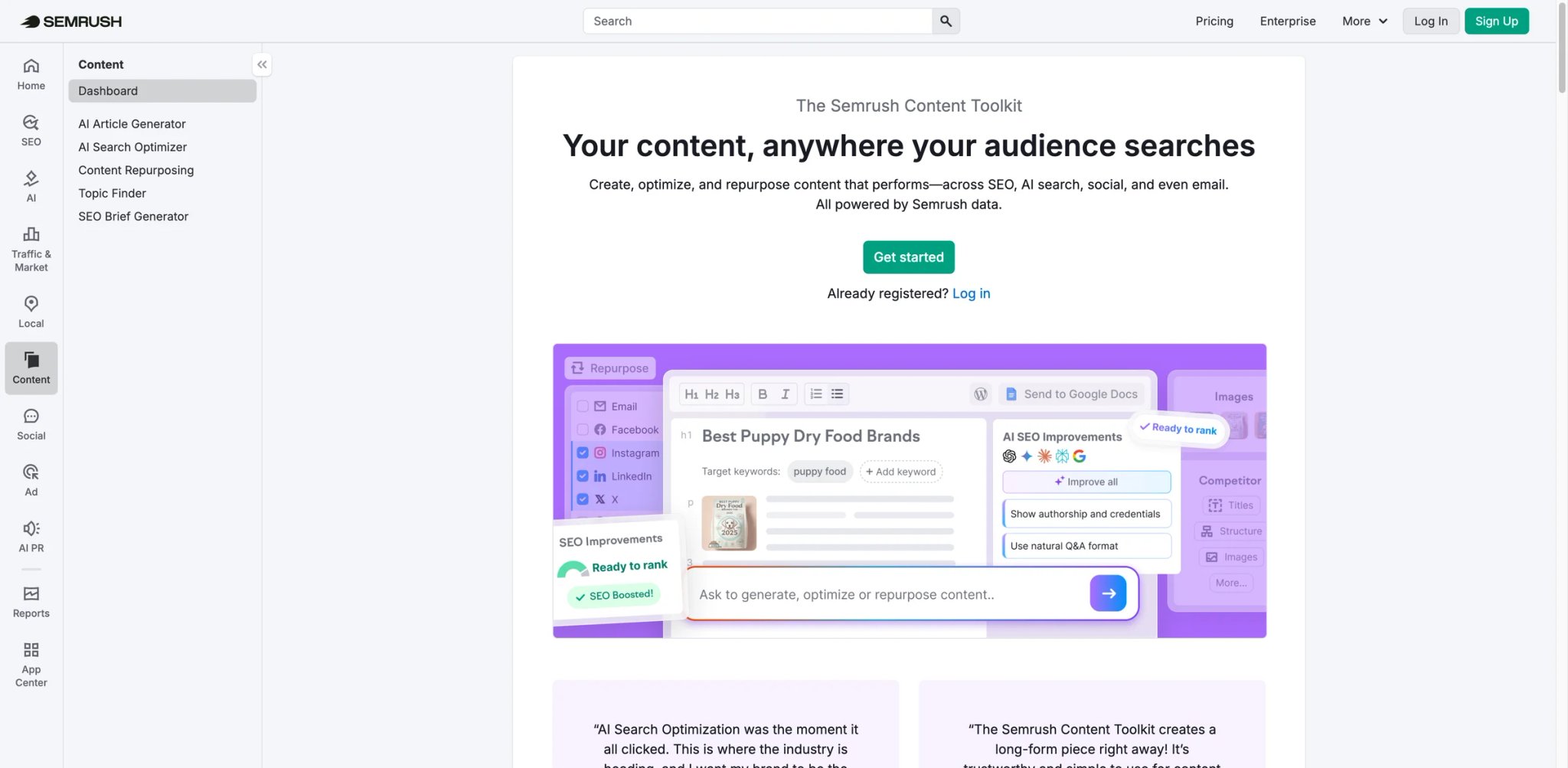
Semrush doesn't compete on price — it competes on depth. With 26 billion keywords, 43 trillion backlinks, and 800 million domain profiles in its database, Semrush is the platform that enterprise SEO teams and large agencies build their strategy around. The AI features (ContentShake AI, SEO Writing Assistant, Topic Research) are additions to an already comprehensive research platform, not the core product.
What Sets It Apart
- Competitive intelligence at scale: See any competitor's organic keywords, paid ad copy, backlink profile, and traffic estimates in a single dashboard. The database covers 26 billion keywords across 140+ countries — more than any competitor in this list.
- ContentShake AI: Generates SEO-optimized articles based on Semrush's keyword data, competitor content analysis, and trending topics. Integrates with Semrush's SEO Writing Assistant for real-time optimization during editing.
- Position tracking with AI Overviews: Monitors your rankings including presence in Google's AI-generated snippets. Tracks SERP feature appearances (featured snippets, People Also Ask, AI Overviews) alongside traditional position data.
- Topic Research and content gap analysis: Identifies content opportunities by analyzing what competitors rank for that you don't. Clusters topics into content hubs and suggests articles that would fill strategic gaps.
If you're exploring AI keyword research tools, Semrush represents the enterprise end of the spectrum — most comprehensive, most expensive.
Pricing
- Pro: $139.95/mo ($117.33/mo annual). 5 projects, 500 keywords, 10K results/report.
- Guru: $249.95/mo ($208.33/mo annual). 15 projects, 1,500 keywords, historical data, content marketing tools.
- Business: $499.95/mo ($416.66/mo annual). 40 projects, 5K keywords, API access, Share of Voice.
Annual billing saves 17%.
TCO Note: Additional users cost $100/mo (Pro), $120/mo (Guru), or $150/mo (Business) per seat. A 3-person SEO team on Guru pays $490/mo — approaching the price of some all-in-one marketing platforms. Budget for seats, not just the base subscription.
Limitations
- The price is the elephant in the room. At $140/mo for a single user on the lowest tier, Semrush costs more than many businesses spend on their entire marketing tool stack. The ROI calculation only works if SEO is a primary growth channel.
- Feature density creates cognitive overload. New users regularly describe the first month as "drinking from a firehose." The platform has 55+ tools, and knowing which ones to use for your situation requires experience or training.
- Content generation quality from ContentShake AI is functional but generic. It's fine for draft frameworks but won't match the output quality of dedicated writing tools like Jasper. The AI is a convenience feature, not the reason to buy Semrush.
Best For
SEO managers and agencies that need the industry's deepest research database and competitive intelligence platform. Justified when organic search drives significant revenue and content strategy requires data at the keyword, competitor, and market level.
Not the right fit if your primary marketing channels are email, social, or paid ads — you'd be paying enterprise SEO prices for tools you don't need.
Get started with Semrush


Copy.ai started as an AI copywriting tool and pivoted hard toward "AI Marketing OS" — a platform that automates entire marketing workflows rather than just generating text. The shift means Copy.ai now competes less with Jasper (content generation) and more with Zapier (workflow automation), but with marketing-specific intelligence baked into each step.
What Sets It Apart
- Marketing workflow automation: Build multi-step workflows that chain AI actions: research a topic → generate a blog outline → create social posts → draft email promotion — all triggered by a single input. Unlike generic automation tools, each step is optimized for marketing output quality.
- Unlimited content generation on Pro: The Pro plan ($49/mo) removes word limits entirely — a meaningful differentiator when competitors like Anyword and Jasper cap output or charge per word. Heavy producers can generate freely without counting credits.
- Infobase (custom knowledge): Upload company documents, product info, competitor analysis, and brand guidelines. The AI references this knowledge base across all workflows, improving output relevance without repeated prompting.
- Sales and marketing alignment tools: Built-in tools for sales email sequences, LinkedIn outreach drafts, and account-based marketing content. Bridges the gap between marketing content creation and sales enablement.
Pricing
- Chat: $29/mo or $24/mo billed annually. Includes 5 seats, unlimited words in chat, unlimited chat projects, and access to OpenAI, Anthropic, and Gemini models.
- Growth: $1,000/mo billed annually. Includes 75 seats, unlimited chat words, and 20K workflow credits per month.
- Expansion: $2,000/mo billed annually. Includes 150 seats, unlimited chat words, and 45K workflow credits per month.
- Scale: $3,000/mo billed annually. Includes 200 seats and 75K workflow credits per month.
- Enterprise: Custom pricing. Adds guided implementation, API access, bulk workflow runs, 20+ tech integrations, unlimited customizable workflows, and enterprise security.
Annual billing saves 25-33%.
TCO Note: The Chat plan at $24/mo (annual) covers 5 seats with unlimited AI chat — good value for small teams. But workflow automation requires the Growth plan at $1,000/mo, a significant jump that only makes sense for mid-market teams with high-volume content operations.
Limitations
- The "Marketing OS" positioning is ambitious but the execution is still maturing. Workflow automation works well for content-centric tasks but lacks the integration depth of dedicated automation platforms for complex CRM-triggered sequences.
- User feedback evidence is thinner than established competitors. G2 reviews and Reddit discussions are fewer and less detailed than for HubSpot, ActiveCampaign, or Jasper — making it harder to predict long-term reliability.
- The pivot from writing tool to workflow platform means the UI is in transition. Some sections feel polished while others show rough edges from rapid feature development.
Best For
Marketing teams that produce high volumes of content across multiple channels and want to automate the production pipeline rather than just individual content pieces. Strong for agencies managing multiple clients' content workflows.
Not the right fit if you need email automation, CRM integration, or campaign management — Copy.ai creates content but doesn't distribute or track it.
Get started with Copy.ai

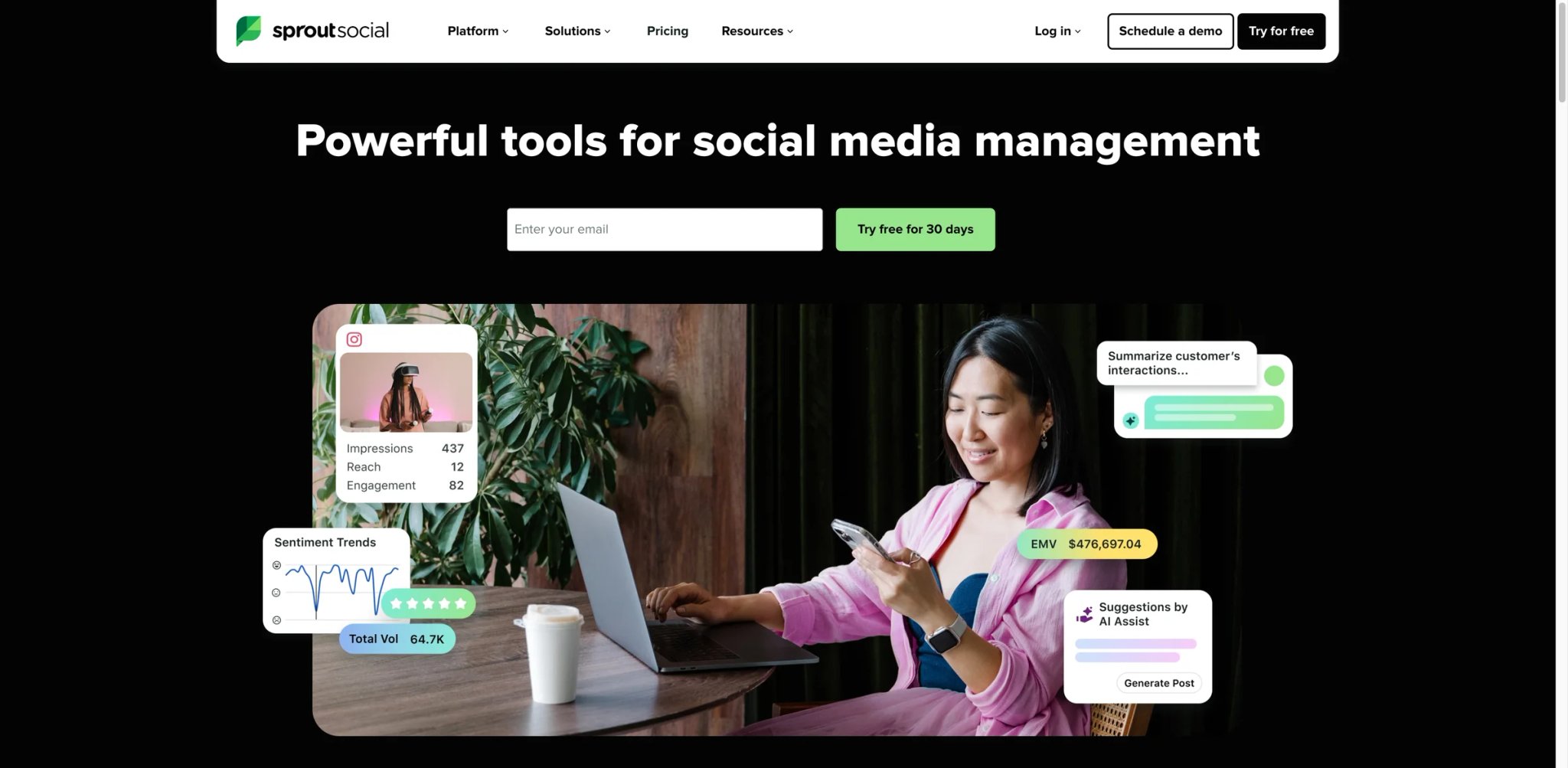
Managing social media for a brand with 50K+ followers across four platforms means hundreds of comments, DMs, and mentions daily. Sprout Social treats social media as a customer service channel first and a publishing tool second — its unified Smart Inbox pulls every interaction from every platform into one queue, ensuring nothing gets missed when a customer complaint goes viral at 11 PM.
What Sets It Apart
- Unified Smart Inbox: Aggregates messages, comments, mentions, and reviews from Instagram, Facebook, Twitter/X, LinkedIn, TikTok, Pinterest, and Google Business into a single, sortable queue. Assign conversations to team members, tag by topic, and resolve — like a helpdesk for social media.
- AI-powered social listening: Tracks brand mentions, sentiment trends, and competitor conversations across social platforms and the web. Identifies emerging crises before they escalate and spots positive trends to amplify.
- Premium analytics and reporting: Custom reports with cross-platform benchmarking, competitor comparison, and paid social performance tracking. The reporting depth is what separates Sprout from Buffer or Hootsuite for teams that need to justify social ROI to executives.
- Approval workflows and compliance: Set publishing approval chains, maintain an audit trail, and enforce brand guidelines across team members. Essential for regulated industries and enterprises with legal review requirements.
Pricing
- Essentials: $79/seat/mo billed annually or $99/seat/mo billed monthly. Includes up to 5 social profiles, publishing workflows, optimal send times, and profile/post-level reporting.
- Standard: $199/seat/mo billed annually. Includes 5 social profiles, consolidated inbox and collaboration tools, keyword and location monitoring, and review management.
- Professional: $299/seat/mo billed annually. Adds unlimited social profiles, message tagging, extensive competitor, tag, and paid insights, and AI Assist enhancements.
- Advanced: $399/seat/mo billed annually. Adds enhanced AI Assist workflows, sentiment in inbox and reviews, API/helpdesk integrations, productivity and customer care reports, and spike alerts.
- Enterprise: Custom pricing.
30-day free trial available on all plans.
TCO Note: Per-seat pricing starts at $79/seat on Essentials but scales quickly. A 3-person social team on Professional pays $897/mo — more than many companies' entire marketing tool budget. Even Essentials at $237/mo for 3 seats is premium for basic social management.
Limitations
- Even the Essentials plan at $79/seat/mo (annual) means a single social media manager pays more for Sprout than for many full-featured marketing automation platforms. The value proposition only works when social media is a major revenue or customer service channel.
- Publishing features, while solid, don't differentiate significantly from Buffer ($6/mo) or Later ($25/mo). You're paying the premium for analytics, inbox management, and enterprise features — not for the ability to schedule posts.
- The platform's depth creates a learning curve. New users report needing 2-3 weeks to configure their workspace, set up Smart Inbox filters, and build reporting dashboards effectively.
Best For
Mid-market and enterprise brands where social media is a primary customer interaction channel — not just a broadcasting tool. Teams with 3+ social managers handling high-volume engagement across 4+ platforms.
Not the right fit if you just need to schedule posts — Buffer or Later deliver that at 1/10th the price.
Get started with Sprout Social
Smartly
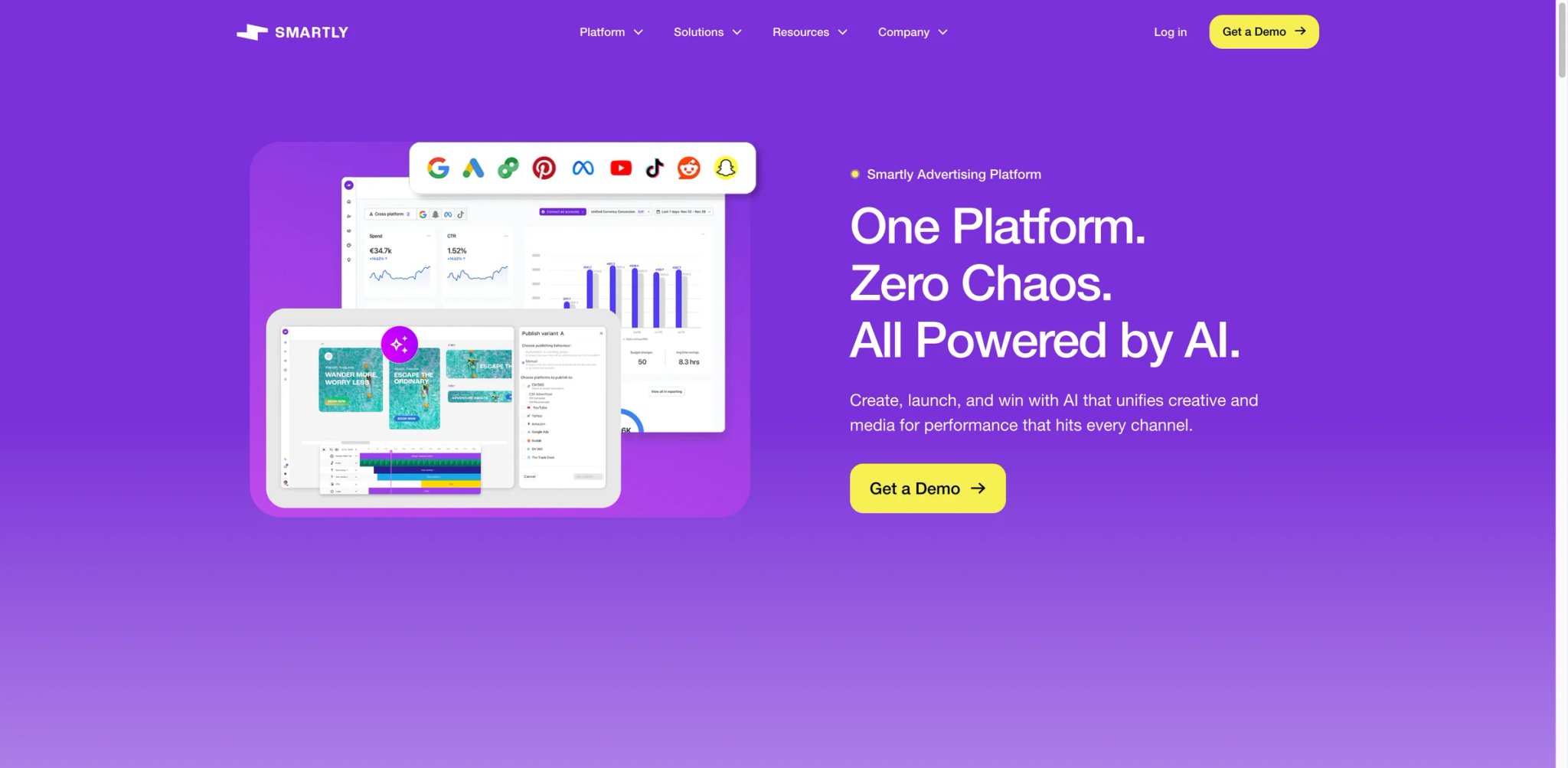
Smartly operates in a different tier from the other tools in this list. It's an enterprise creative automation and paid media platform used by brands spending $500K+ per month on digital advertising. If you've seen ads from Uber, eBay, or Warner Bros., Smartly likely powered the creative production and optimization behind them. It's not a tool you sign up for — it's a platform you implement.
What Sets It Apart
- Creative automation at scale: Generate thousands of ad variations by combining modular creative elements (headlines, images, CTAs, backgrounds) with dynamic rules. A single campaign can produce 10,000+ personalized creative variations across audiences and placements — impossible to replicate manually.
- Cross-platform campaign management: Manage Meta, Google, TikTok, Snapchat, and Pinterest campaigns from a single interface with unified bidding, budget allocation, and performance tracking.
- Predictive budget allocation: AI analyzes performance in real-time and reallocates budget across campaigns, platforms, and audiences to maximize ROAS. Removes the manual "check dashboards and shift budget" cycle that consumes hours of media buyer time.
- Creative intelligence dashboard: Tracks which creative elements (colors, CTAs, image styles, copy angles) drive performance across all campaigns. Provides actionable data on creative fatigue before it impacts performance metrics.
Pricing
- Custom pricing: Smartly does not publish public list pricing or standard plan tiers. Its terms indicate fees can be based on advertising spend, but standard percentages are not publicly disclosed.
- Minimum commitments: Smartly's terms say a monthly minimum fee can apply, but Smartly does not publicly disclose a standard minimum commitment.
- Implementation: Average time to value is ~2 months, with 12 months to full ROI.
TCO Note: Because Smartly does not publish standard fee percentages, model total cost from your contract terms rather than assuming a public benchmark percentage. This only makes sense when creative optimization drives measurable ROAS improvement that exceeds the platform fee.
Limitations
- Complete pricing opacity. You cannot estimate your monthly cost without a sales conversation, and the percentage-of-spend model makes budgeting unpredictable during high-spend periods.
- Implementation complexity requires dedicated resources. Expect a 2-month ramp with internal technical support — this isn't a tool your marketing coordinator sets up over a weekend.
- The platform assumes enterprise-level ad spend. Brands spending less than $50K/mo on paid media won't see enough optimization impact to justify the platform fee and implementation investment.
Best For
Enterprise brands and large agencies managing $500K+/mo in paid media spend across multiple platforms that need creative automation, dynamic personalization, and AI-driven budget optimization at scale.
Not the right fit if your monthly ad budget is under $50K — the implementation complexity and cost structure don't make economic sense below enterprise scale.
Get started with Smartly
Best AI Marketing Tools by Use Case
For Ecommerce Brands Scaling Past $1M in Annual Revenue
If your Shopify or WooCommerce store has outgrown basic email blasts and you need behavior-triggered campaigns that convert browsing into buying, Klaviyo is the default choice. Its ecommerce-native segmentation and predictive analytics were built for exactly this stage. Pair it with AdCreative.ai if your growth strategy relies on Meta and Google ad creative at volume — Klaviyo handles retention, AdCreative handles acquisition.
For Content-Led Growth Teams Publishing Weekly
Your bottleneck is producing enough search-optimized content to compete. Surfer ensures every piece targets the right keywords with data-backed structure, while Jasper accelerates the writing itself with brand-voice consistency. If AI search visibility (appearing in ChatGPT and Perplexity citations) matters as much as Google rankings, compare AI search monitoring tools before deciding whether Writesonic or a dedicated tracker should own that job.
For Solo Marketers and Freelancers Managing Everything
When you're the entire marketing department, tool count matters more than feature depth. Blaze combines content creation, scheduling, and publishing for $59/mo (annual). For email, Brevo at $9/mo gives you multi-channel messaging without the per-contact pricing that punishes growing lists. Together, they cover 80% of a solo marketer's needs for under $70/mo.
For Mid-Market Teams That Need CRM-Connected Marketing
If your sales team is already in HubSpot CRM, HubSpot Marketing Hub eliminates the integration gap between marketing campaigns and sales pipeline. If the CRM commitment isn't there yet, ActiveCampaign offers comparable email automation with a built-in lightweight CRM at a fraction of the cost.
For Agencies Managing Multiple Client Accounts
Client management means different brands, different voices, different KPIs. Semrush provides the research backbone across all clients, Copy.ai automates content production with per-client knowledge bases, and Sprout Social handles social publishing with client-specific approval workflows. The combined stack is expensive but scales with client count rather than requiring proportional headcount growth.
How to Choose the Right AI Marketing Tools
1. Identify your primary marketing channel
Different tools dominate different channels. If email drives your revenue, evaluate ActiveCampaign, Klaviyo, or Brevo before looking at SEO or social tools. If organic search is your growth engine, Surfer or Semrush should be your first investment. Don't buy an all-in-one platform if your success depends on depth in one channel.
2. Audit your current tool stack for overlap
Map every marketing tool you currently pay for and what you actually use each one for. Most teams discover 30-40% overlap between subscriptions. If HubSpot can replace your separate landing page builder, email tool, and form platform, the consolidation savings may justify the higher sticker price.
3. Calculate cost at your realistic 12-month scale
Every tool in this list prices attractively at the entry level. The meaningful comparison is at the scale you'll reach in a year. Run Mailchimp's pricing calculator at 10,000 contacts, not 500. Check Klaviyo's rate at 25,000 profiles, not 250. The tool that's cheapest today may be the most expensive at scale.
4. Test integration with your existing systems
Before committing, connect the trial account to your actual CRM, ecommerce platform, or analytics tool. A "native integration" on the features page sometimes means a one-way data sync that doesn't support your workflow. Thirty minutes of integration testing saves months of workaround building.
5. Evaluate the AI features separately from the platform
Many tools have bolted AI onto an existing platform. Ask: would you buy this tool if the AI features disappeared? If yes, the AI is a bonus. If no, you're paying platform prices for an AI feature that a $20/mo ChatGPT subscription might replicate. The strongest tools in this list have AI deeply integrated into workflows, not tacked on as a marketing checkbox.
6. Match team size to pricing model
Per-seat tools (HubSpot, Sprout Social, Jasper) become expensive as teams grow. Per-contact tools (Klaviyo, Mailchimp) become expensive as audiences grow. Per-volume tools (Brevo) become expensive as send frequency grows. Choose the pricing model where your growth vector isn't the cost multiplier.
Frequently Asked Questions
What is the best AI marketing tool for small businesses?
Can AI marketing tools replace a marketing team?
How much should I budget for AI marketing tools?
HubSpot Marketing Hub vs ActiveCampaign — which is better for email automation?
Do I need separate tools for SEO and content creation?
Which AI marketing tools work best for ecommerce?
Are free plans from AI marketing tools actually usable?
How do AI marketing tools handle data privacy and GDPR?
Get ToolWorthy Weekly
New AI tools, practical guides, and selected AI signals in one weekly brief.
Related Posts
- 14 Best Frase Alternatives 2026 - SEO, GEO & Workflow
Compare 14 Frase alternatives for 2026 by SEO content optimization, GEO visibility, pricing, workflow fit, and migration risk.
- 15 Best Clearscope Alternatives 2026 - Cost, GEO & Workflow
Compare 15 Clearscope alternatives for 2026 by content scoring, GEO visibility, pricing, workflow depth, AI writing, and migration effort.
- 15 Best Surfer SEO Alternatives 2026 - Better Value, Cleaner Content
Compare 15 Surfer SEO alternatives for 2026, including Frase, NeuronWriter, Clearscope, MarketMuse, Content Harmony, Scalenut, Semrush, and Ahrefs.
For AI tool founders
Built a tool that belongs in this decision set?
Request an editorial evaluation for possible inclusion in ToolWorthy.
Submit your tool for reviewPaid submission does not guarantee a ranking, recommendation, inclusion, or editorial outcome.