
13 Best AI Game Maker Tools 2026 — Prototype to Publish
Compare 13 AI game maker tools for playable prototypes, browser games, Steam-ready exports, 2D assets and real publishing limitations.

On this page
Typing "make me a platformer" and getting something playable is impressive for five minutes. The harder question is whether that prototype can become a game you can polish, export, publish, monetize and maintain. The best AI game maker tools in 2026 sit on a wide spectrum: some create fun browser toys, some help designers test interactive prototypes, and a smaller group behaves more like a real engine with scenes, assets, logic, physics and export.
This guide is written for solo creators, educators, indie developers, Roblox builders, designers and non-coders who need to understand that difference before paying for credits. We used ToolWorthy's May 13, 2026 ChatGPT Deep Research file, then ran a June 2026 search-intent and user-feedback pass around export rights, credit burn, agent failure loops, Steam/mobile readiness, AI asset perception and production risk. If your project depends heavily on generated assets, our AI 3D model generator guide may also be relevant.
| Tool | Best For |
|---|---|
| Rosebud AI Game Maker | Fast text-to-playable browser games |
| Summer Engine | AI-native desktop game engine with export ambitions |
| GDevelop | Open-source no-code engine with AI assistance |
| Replit AI Game Builder | Code-backed web games and prototypes |
| Bitmagic | Prompt-to-3D playable game experiments |
| Roblox Studio + Assistant | Roblox ecosystem games with AI help |
| Astrocade | Social, remixable AI mini-games |
| SEELE AI Game Maker | English-to-game generation with export claims |
| Makko AI | 2D game art, characters and playable games |
| Buildbox 4 | No-code game engine users adding AI node logic |
| Figma Make / AI Game Generator | Playable design prototypes and mini-games |
| Lovable Interactive Games | Front-end interactive games and web app prototypes |
| Websim | Community remix games and quick web simulations |
How We Selected and Reviewed
We selected these AI game maker tools based on measurable criteria: they had to create or assist playable game experiences, not only generate static assets; they needed active public availability in 2026; and they had to offer enough documentation or community feedback to evaluate workflow fit. We included both true game engines and lighter browser/prototype tools because many people searching "AI game maker" do not yet know which category they need. We excluded pure image generators, sound tools and code assistants that are not marketed for game creation.
Our research methodology combined ToolWorthy's May 13, 2026 research file with a June 2026 search pass across official docs, product pages, Reddit communities, GDevelop forums, Figma forums, Trustpilot pages and recent independent reviews. The feedback pass surfaced a repeated pattern: users love how quickly AI gets them to "something playable," but complain when simple changes do not stick, credits are consumed by failed attempts, or the result cannot be exported cleanly. Those realities matter more than demo screenshots.
Evaluation Dimensions: We evaluated each tool across six dimensions tied to creator decisions:
- Prototype Speed — how quickly a creator can move from idea to playable loop.
- Production Depth — whether the tool supports scenes, assets, code, physics, versioning and debugging beyond a demo.
- Export and Publishing Path — whether games can move to Steam, web, mobile, console, Roblox or shareable links.
- Iteration Reliability — whether simple edits actually apply, or users burn prompts fixing the same issue.
- Pricing and Credit Risk — whether free plans, AI credits and paid tiers are predictable.
- Rights and Perception Risk — whether assets, monetization, platform rules and "AI slop" concerns could affect publishing.
Note on Testing Scope: We did not publish a commercial game with every tool. We reviewed public flows, docs, pricing pages where visible, product claims and user feedback. For newer tools with limited third-party evidence, we marked review confidence lower. Screenshot references are included as capture targets for the ToolWorthy publishing workflow.
Transparency & Limitations: AI game tools move quickly and pricing can change without warning. Base ranking comes from the May 13, 2026 research file; feedback and search-intent checks were refreshed on June 2, 2026. We do not invent Steam approval, mobile publishing, console certification, asset ownership or revenue outcomes.
Top 13 AI Game Maker Tools Compared
The table below separates fast playability from real shipping readiness. If you only need a classroom demo, browser prototype or social mini-game, a lighter tool may be perfect. If you want to release on Steam or mobile, export path and maintainability matter more than the first prompt result.
| Tool | Best For | Starting Price | Output Path | Persona-Critical Risk |
|---|---|---|---|---|
| Rosebud AI Game Maker | Browser games fast | Free prompts; paid pricing shown in My Plan; commercial rights require 10x Dev or Pro | Shareable browser games | Iteration bugs and edits not sticking |
| Summer Engine | AI-native real engine | Free download | Desktop, Steam, mobile, console claims | Newer ecosystem than Unity/Godot |
| GDevelop | No-code plus AI | Free; paid plans add weekly AI credits | Web, desktop, mobile, stores | Credits can burn during confirmed Build iterations; system-error failures should not charge |
| Replit AI Game Builder | Code-backed web games | Starter free; Core $25/mo or $20/mo annual; Pro $100/mo or $95/mo annual | Web apps and deployable code | Usage credits and agent mistakes can raise real cost |
| Bitmagic | Prompt-to-3D prototypes | Public pricing not disclosed; Game Lab offers up to $1,000 in AI credits by application | 3D playable experiences | Pricing, export and commercial terms need confirmation |
| Roblox Studio + Assistant | Roblox creators | Free | Roblox experiences | Platform rules and monetization constraints |
| Astrocade | Social AI mini-games | Official blog says free to use; verify future monetization or payout terms | Playable social games | More platform loop than export engine |
| SEELE AI Game Maker | Export-oriented AI generation | Free; premium quotas unknown | Unity / Three.js export claims | Roadmap and quota uncertainty |
| Makko AI | 2D game art, characters and playable games | Free; 150 monthly Art Budget plus 70 weekly AI coding requests | 2D games and assets | Very new, limited feedback |
| Buildbox 4 | No-code AI node logic | Pricing not clearly verified in research file | Game engine projects | Plan/export terms must be checked |
| Figma Make / AI Game Generator | Playable design prototypes | Starter seats include 500 AI credits/month; Full Professional seats include 3,000/month | Figma prototypes and code-like outputs | Not a production game engine |
| Lovable Interactive Games | Front-end game prototypes | Free; Pro $25/mo annual; Business $50/mo annual; Enterprise custom | Web front-end apps | Credits and production hardening cost |
| Websim | Community remix games and quick web simulations | Credit model; free daily credit programs were discontinued in January 2026 | Web simulations and games | Credit limits and model access complaints |
Detailed Reviews
Rosebud AI Game Maker

Creators who want to see a game idea alive quickly are the core Rosebud audience. Rosebud can turn prompts into playable 2D, 3D or voxel-style browser games and provides shareable links, which makes it excellent for experimentation, classroom demos, game jams and early concept validation. Its strength is speed; its risk is assuming speed equals production control.
Key Features
- Text-to-playable workflow: Rosebud gets from idea to playable loop faster than traditional engines because it starts with natural language rather than a blank scene.
- Browser sharing: Shareable links make it easy to test concepts with friends, students or collaborators.
- Code-aware iteration: Users can inspect and change code, which gives more control than closed toy generators.
- Multiple style targets: 2D, 3D and voxel directions help creators explore different game types.
Pricing & Plans
Rosebud offers several free prompts to start. Current paid prices are shown inside the “My Plan” area after login, so verify the live checkout before budgeting. Commercial use is not a generic Free-plan right: Rosebud says games and assets can be sold or published with a 10x Dev or Pro plan. The real cost is still iteration time, especially if simple changes fail to stick and push users into repeated prompt or code-fix loops.
Pros & Cons
Pros: Very fast text-to-playable browser workflow; shareable links for testing; code-aware iteration; supports 2D, 3D and voxel directions.
Cons: Not a guaranteed Steam or mobile production path; edits may require code debugging; commercial rights require an eligible paid plan.
Best For
Choose Rosebud if you want to turn game ideas into playable browser prototypes quickly. It is not the right fit if your main requirement is a stable export pipeline for a commercial Steam or mobile game.
Get started with Rosebud AI Game Maker
Summer Engine
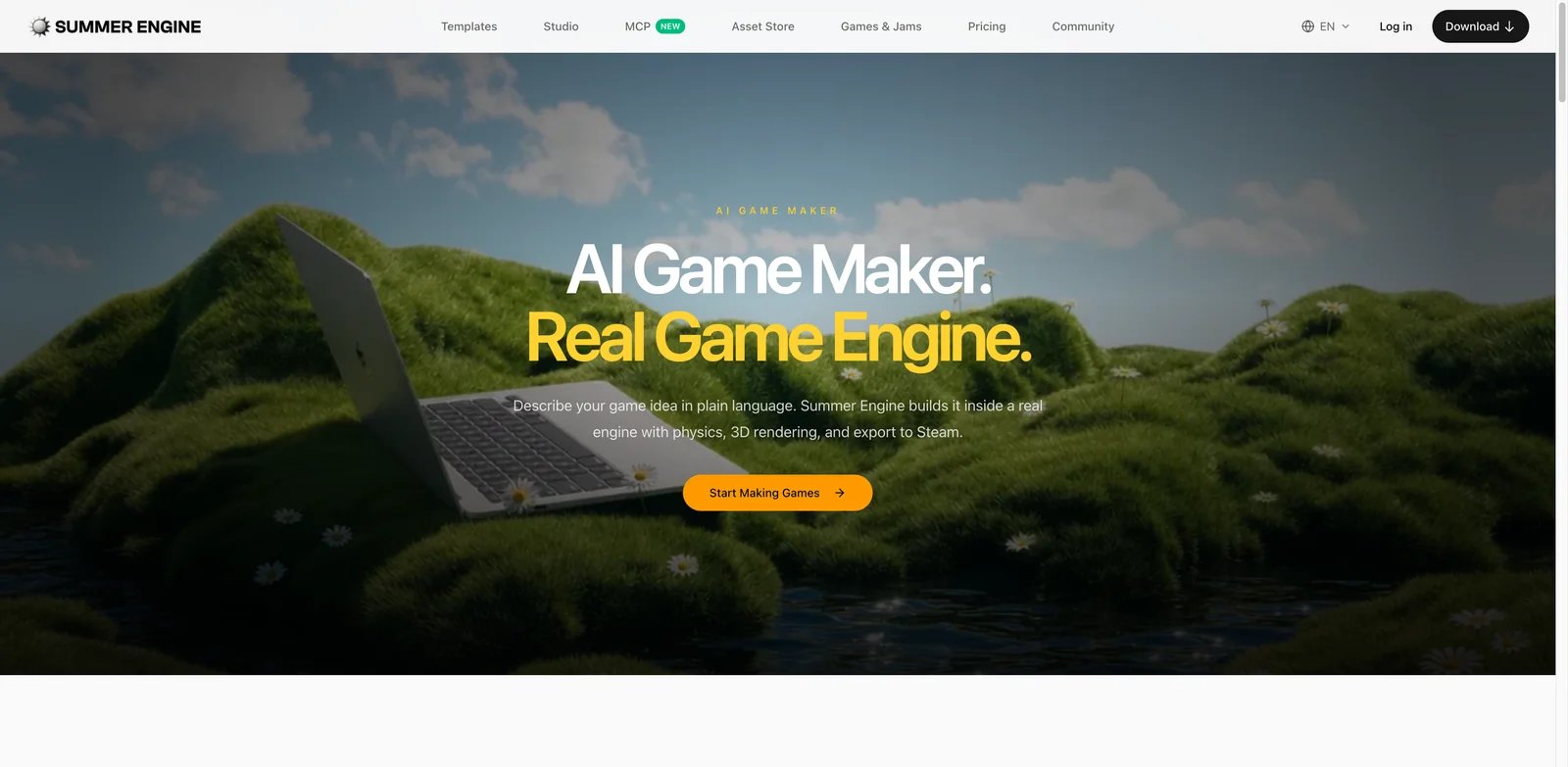
Creators who want to ship eventually should care whether the tool is a real engine or only a web generator. Summer Engine positions itself as an AI-native desktop game engine that can build scenes, logic, physics and 3D models, then export to desktop, Steam, mobile and console. That makes it one of the more production-oriented options in this list.
Key Features
- Engine-first architecture: Summer emphasizes real game projects with scenes, physics and export rather than only prompt-generated browser demos.
- Free download: The research file and recent Summer content position it as free to start, which lowers experimentation risk.
- Export ambition: Steam, desktop, mobile and console export claims separate it from mini-game platforms.
- AI-native workflow: Conversation is central to building, not just a plugin on top of a traditional engine.
Pricing & Plans
Summer Engine is positioned as a free download. Because it is newer, confirm the current license, commercial rights, export limits and platform support before starting a serious project. The main cost is ecosystem maturity: there are fewer tutorials, plugins and hiring signals than with Unity, Unreal, Godot or Roblox. The real cost is ecosystem maturity: fewer tutorials, fewer plugins and less community history than Unity, Unreal, Godot or Roblox.
Pros & Cons
Pros: AI works inside a real desktop engine; supports scenes, scripts, physics and assets; claims native export to Steam, mobile and consoles; states that users own code and assets.
Cons: Newer ecosystem than Unity, Unreal, Godot or Roblox; export and console claims should be validated with real builds; independent production evidence is still limited.
Best For
Choose Summer Engine if you want AI assistance inside something closer to a real game engine. It is not the right fit if you need the largest ecosystem, proven console pipeline or mature third-party marketplace today.
Get started with Summer Engine
GDevelop
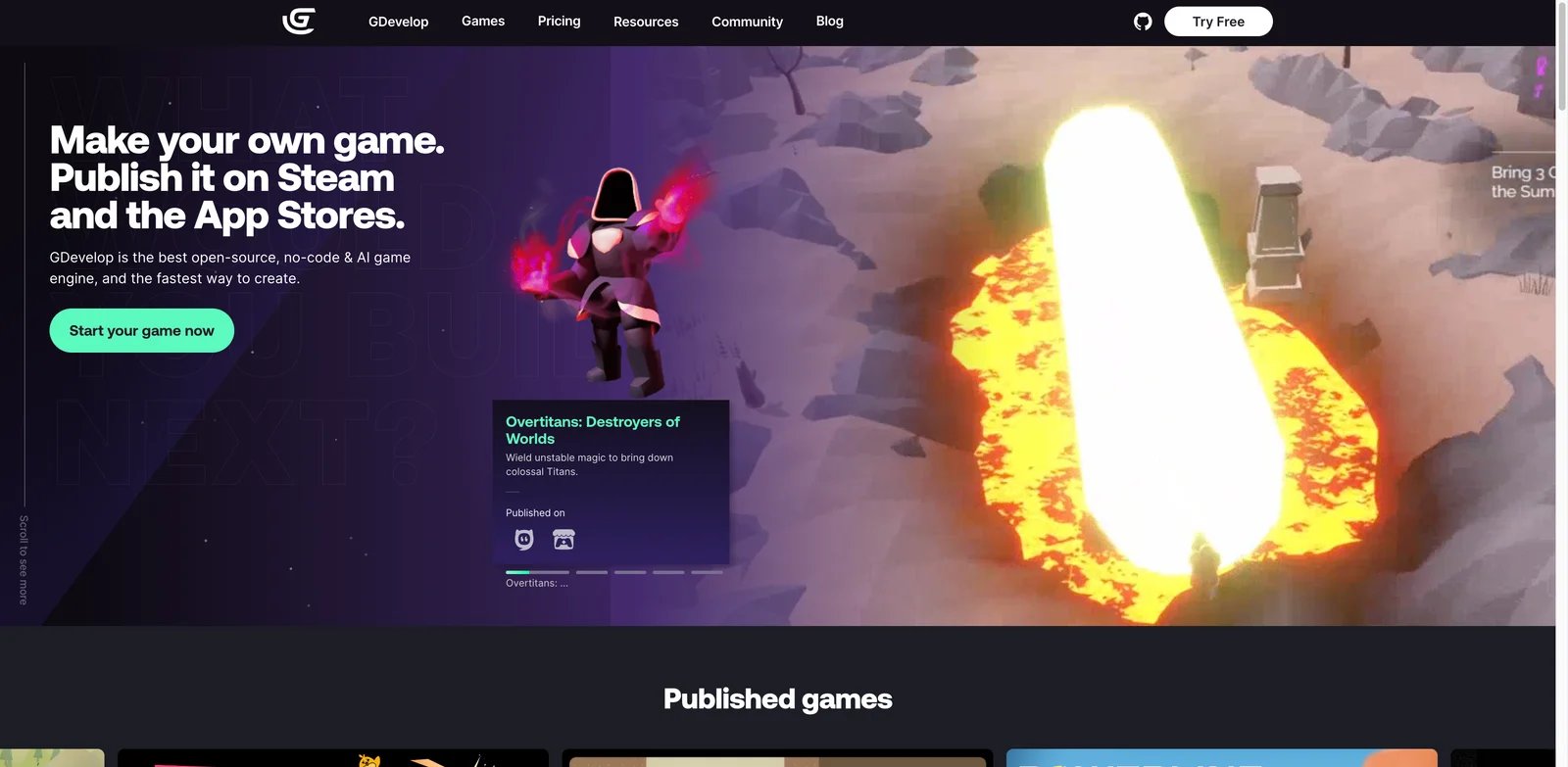
No-code creators often need more than a prompt: they need an editor they can keep using after the AI fails. GDevelop is strong because it is an established open-source no-code game engine with publishing paths to web, desktop, mobile and stores. Its AI assistant can help, but the engine itself is the reason it belongs high in the list.
Key Features
- Real no-code engine: GDevelop gives you events, objects, scenes and publishing workflows, so you are not trapped in a generated demo.
- AI Ask and Build modes: The AI can explain or modify projects, giving beginners a route into engine logic.
- Transparent engine ecosystem: Open-source roots, templates, forums and documentation reduce lock-in.
- Store publishing support: GDevelop supports serious deployment paths beyond a share link.
Pricing and Real Cost
GDevelop is free to start and includes 40 AI credits per month. Paid plans add larger weekly AI-credit allowances: Silver includes 200 per week, Gold 1,000 per week, and Pro 3,000 per week. AI requests can use roughly 3–30 credits depending on scope, and users report frustration around repeated confirmations and Build iterations. Do not state that system-error or high-demand failures consume credits, because GDevelop says those failures are not charged.
Pros & Cons
Pros: Established open-source no-code engine; supports events, scenes and publishing workflows; free plan is useful; paid tiers add clear AI-credit allowances.
Cons: AI assistance can still be inconsistent; Build-mode requests can consume meaningful credits; companies above GDevelop’s stated revenue threshold must use Pro.
Best For
Choose GDevelop if you want a real no-code game engine with optional AI help. It is not the right fit if you expect natural language to replace learning core game logic.
Get started with GDevelop
Replit AI Game Builder

Replit is attractive when your game is really a web app: a platformer, runner, quiz, interactive story, strategy toy or browser-based experiment. The AI agent can generate code, run it, debug and deploy inside one coding environment. That gives more technical control than closed game makers, but it also exposes users to AI agent cost and reliability problems.
Key Features
- Code-backed output: Replit can create editable projects rather than only hidden generated games.
- Natural-language agent: The agent can scaffold interactive game logic from prompts.
- Browser deployment path: Replit is strong for shareable web games and educational coding projects.
- Developer environment included: Hosting, editor, console and deployment live in one place.
Pricing and Real Cost
Replit’s Starter plan is free and includes free daily Agent credits with limited publishing. Core is $25/month, or $20/month billed annually, and includes $25 of monthly credits. Pro is $100/month, or $95/month billed annually, and includes $100 of monthly credits. Because Replit Agent is probabilistic and usage-credit based, users should set budget controls, keep checkpoints, and review code before treating an AI-built game as production-ready.
Pros & Cons
Pros: Produces editable code; combines editor, database, hosting and deployment; useful for web games, teaching projects and app-like interactive games.
Cons: Not a dedicated game engine; physics, assets and publishing pipelines remain the user’s responsibility; agent mistakes can consume time and usage credits. Related coding tools like Claude Code may fit developers who want more direct control.
Best For
Choose Replit if you want code-backed browser games and you can supervise an AI coding agent. It is not the right fit if you need no-code production export or predictable AI spend.
Get started with Replit AI Game Builder
Bitmagic
Prompt-to-3D game creation is the dream version of AI game making: describe a world, rules and style, then walk around in it. Bitmagic is one of the tools aiming at that experience, generating rules, environments, code, physics, animations and assets from text and images. It is exciting for experimentation but needs careful verification for serious projects.
Key Features
- Prompt-to-3D playable loop: Bitmagic is built for creators who want 3D experiences without traditional modeling and engine setup.
- Asset and rules generation: The tool attempts more than visuals; it also generates game logic and environment behavior.
- Non-technical orientation: Text and image inputs make it accessible to creators who cannot code.
- Rapid concepting: It can help teams visualize a 3D idea before investing in full development.
Pricing and Real Cost
Public pricing is not clearly disclosed on Bitmagic’s main site. Its Game Lab page says applicants can get up to $1,000 in AI credits and access Discord support with engineers. Do not describe Bitmagic as having “no subscription fees or paywalls” unless that is confirmed in the live checkout or official terms. The real cost is uncertainty around pricing, export rights, maintainability and pipeline fit.
Pros & Cons
Pros: Natural-language prompt-to-3D workflow; targets developers and designers; Game Lab offers AI-credit access and engineer Discord support.
Cons: Public pricing and export terms are not clear; independent production evidence is limited; prompt-to-3D results may be difficult to polish into a commercial release.
Best For
Choose Bitmagic if you want 3D game concept exploration with minimal technical setup. It is not the right fit if you need proven publishing infrastructure or predictable professional production.
Get started with Bitmagic
Roblox Studio + Assistant
Roblox creators are not just making games; they are building inside a giant platform with its own economy, rules, audience and moderation. Roblox Studio plus Assistant is powerful because it pairs a mature UGC ecosystem with AI help for scripting, building and iteration. The platform matters as much as the assistant.
Key Features
- Massive creator ecosystem: Roblox gives instant platform context, audience expectations and monetization patterns.
- Studio tooling: Creators get a real editor, asset workflow, scripting and testing tools.
- AI assistance: Roblox Assistant can help with scripting and building tasks inside the platform.
- Publish-to-platform path: You are building for Roblox from the beginning, not exporting later.
Pricing & Plans
Roblox Studio is free to use. The real cost is learning the platform, understanding monetization, meeting moderation requirements and competing in a crowded discovery environment. AI help does not remove the need for good game design, player retention work or platform-native publishing knowledge. AI help does not remove the need for good game design.
Pros & Cons
Pros: Free Studio tooling; native path to Roblox’s large audience; Assistant can help with scripting and creation tasks; publishing starts inside the target ecosystem.
Cons: Locked into Roblox rules, moderation and economics; discovery is highly competitive; not suitable for standalone Steam, non-Roblox mobile or console games.
Best For
Choose Roblox Studio + Assistant if you want to build specifically for Roblox's audience. It is not the right fit if you need independent ownership of a standalone game outside the Roblox ecosystem.
Get started with Roblox Studio + Assistant
Astrocade
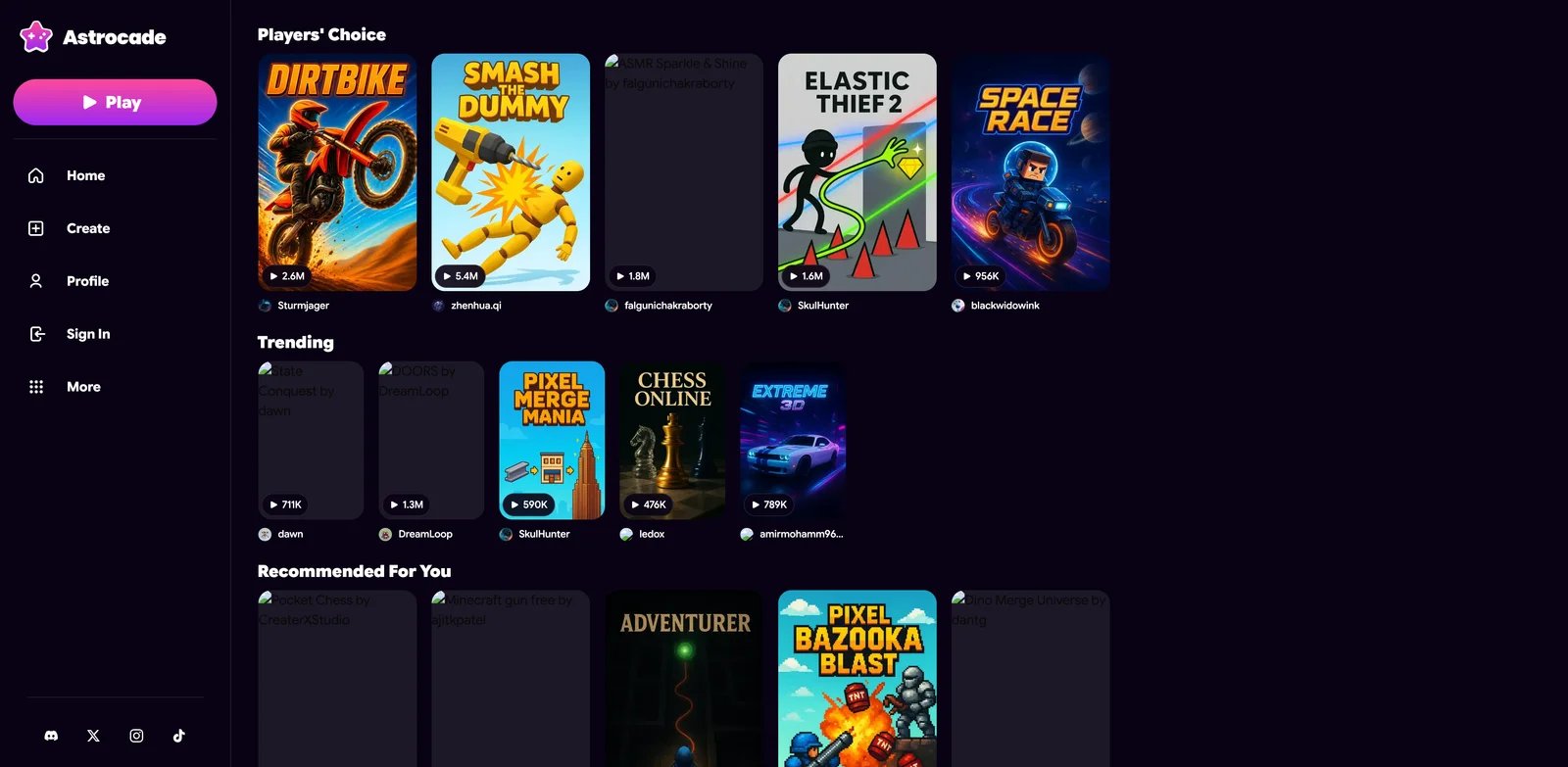
Astrocade is built around describe-and-play creation, social discovery, remixing and lightweight monetization. It is closer to an AI mini-game platform than a traditional engine. That makes it fun for casual creators and social game loops, but less appropriate for developers who need source control, export and long-term maintenance.
Key Features
- Describe-and-play workflow: Astrocade reduces creation to natural language and rapid playability.
- Social feed and remixing: Community remix features make it easier to iterate from existing games.
- Creator monetization angle: Recent reviews highlight built-in monetization concepts, though terms should be checked.
- No-code accessibility: It is approachable for creators who would never open Unity or Godot.
Pricing and Real Cost
Astrocade’s official creator blog says the platform is completely free to use, while also discussing creator opportunities and ambassador access. Because monetization and creator programs can change, verify the current payout, rights and platform terms before relying on Astrocade for commercial income. The real cost is platform dependence: if creation, discovery and monetization live inside Astrocade, export flexibility may be limited.
Pros & Cons
Pros: Low-friction describe-and-play workflow; social feed and remixing support fast iteration; official blog describes the platform as free to use.
Cons: More of a social mini-game platform than a full engine; export control is unclear; rights and payout terms need verification before monetized use.
Best For
Choose Astrocade if you want quick, remixable AI games in a social environment. It is not the right fit if export control and standalone publishing are non-negotiable.
Get started with Astrocade
SEELE AI Game Maker

SEELE is interesting because it claims English-to-game generation with complete code export to Unity, Three.js or Unreal Engine, rather than only a browser share link. That puts it in a more export-aware category than pure browser toy generators. The caution is that quota, premium plan and roadmap details are still less clear than mature engines.
Key Features
- English-to-game generation: SEELE lets users describe mechanics and scenes in plain language.
- Unity and Three.js export claims: Export support matters for creators who want to continue development elsewhere.
- Unreal Engine export claim: SEELE currently says generated games with complete code can be exported to Unity, Three.js or Unreal Engine, so validate the exported project quality before committing production work.
- Free entry: It is accessible enough to test without committing to a paid engine workflow.
Pricing and Real Cost
SEELE says its free tier gives credits to build, play and share projects across games, images, video, 3D assets and code. Pro plans are described as adding faster generation, advanced models, larger storage and Unity export, with ownership of created outputs. Exact quotas and paid plan prices should still be verified in the live account area before production use.
Pros & Cons
Pros: Multimodal game-native agent; free tier includes creation credits; claims code export to Unity, Three.js and Unreal Engine; Pro plans add faster generation and larger storage.
Cons: Exact quotas and paid prices are not fully transparent in public copy; exported project maintainability must be tested; production evidence is still thinner than mature engines.
Best For
Choose SEELE if you want AI generation with an export-oriented direction. It is not the right fit if you need mature docs, stable quotas and a proven publisher workflow today.
Get started with SEELE AI Game Maker
Makko AI
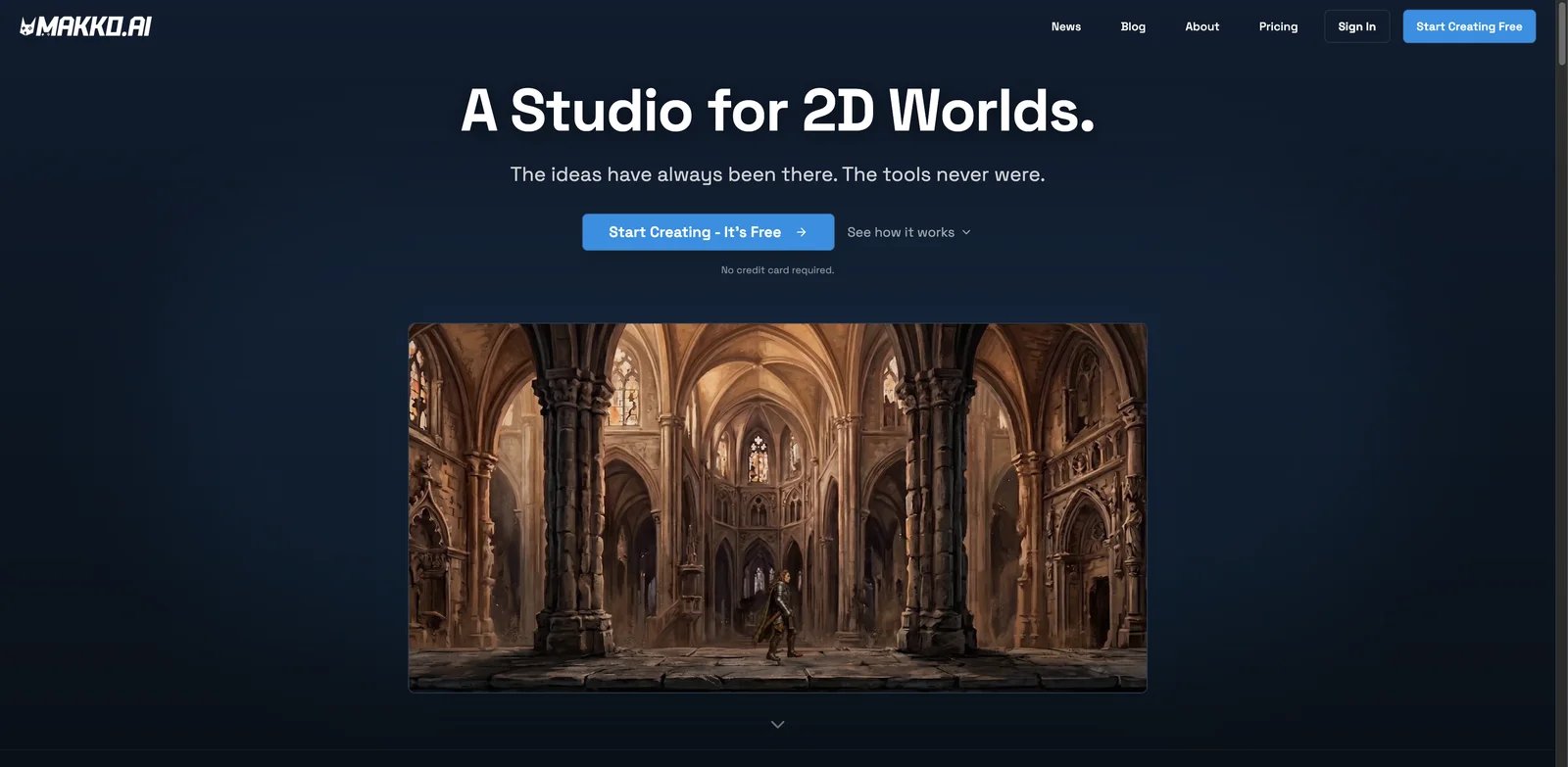
Many small games fail visually before mechanics even matter. Makko AI focuses on 2D game creation, including concept art, characters, backgrounds, animations and playable games. That makes it useful for creators who want a cohesive 2D look without drawing every asset manually.
Key Features
- 2D-focused studio: Makko is better aligned with indie 2D workflows than broad 3D generators.
- Character and background generation: Asset support helps creators get beyond placeholder art.
- Animation support: Animation matters for games more than static images, especially in platformers and casual loops.
- Monthly art budget: The research file notes a free plan with 150 monthly art budget, useful for evaluation.
Pricing and Real Cost
Makko’s free plan includes 150 monthly Art Budget, which the site frames as enough for about 30 characters, 30 props/backgrounds or 3 sprite animations, plus 70 weekly AI requests for game coding. It also says no credit card is required. Confirm paid-tier quotas, export options and commercial asset rights before relying on Makko-generated art in a monetized game.
Pros & Cons
Pros: Strong 2D focus; free plan includes 150 monthly Art Budget and 70 weekly AI coding requests; supports characters, backgrounds, sprite animations and playable prototypes.
Cons: Very new with limited public feedback; asset generation does not solve level design, balancing or publishing; commercial rights and export terms still need verification.
Best For
Choose Makko if your main blocker is 2D game visuals and simple playable creation. It is not the right fit if you need a full engine with mature export and debugging.
Get started with Makko AI
Buildbox 4
Buildbox has long served creators who want to make games without writing code, and Buildbox 4 adds an AI game-engine positioning with AI Node Creation for logic. That makes it relevant for users who prefer visual building but want AI to speed up event and behavior setup.
Key Features
- No-code game engine foundation: Buildbox is more mature than many new AI-first tools.
- AI Node Creation: AI can help generate logic nodes, which is useful for creators who struggle with behavior setup.
- Visual workflow: Non-coders can work through a builder rather than a code-first IDE.
- Game-engine orientation: It is closer to production tooling than a social mini-game platform.
Pricing & Plans
Buildbox 4 pricing and export rights should be verified in the live Buildbox checkout before committing. Buildbox publicly documents Buildbox 4 AI features, including AI scene generation and AI Node Creation, but plan-level limits, export targets, commercial rights and revenue terms are the deciding details for serious users. The real cost depends on whether the plan allows the platforms you want.
Pros & Cons
Pros: Mature no-code game-builder background; Buildbox 4 documents AI scene generation and AI Node Creation; visual workflow can help non-coders move faster.
Cons: No-code still requires logic, debugging and optimization; pricing and export tiers must be checked live; less open and flexible than open-source engine workflows.
Best For
Choose Buildbox 4 if you like no-code engine workflows and want AI help generating logic. It is not the right fit if you need open-source flexibility or a free engine with transparent limits.
Get started with Buildbox 4
Figma Make / AI Game Generator
Designers often need a playable prototype, not a game engine. Figma Make is useful in that lane: it can turn prompts and design context into interactive artifacts, including small games, cards and prototype experiences. It is strongest when the output is something stakeholders can click, not when the goal is shipping a commercial game.
Key Features
- Design workflow integration: Figma Make fits teams already using Figma for ideation, comments and stakeholder review.
- Playable prototypes: It can create interactive mini-games or mechanics to test a concept quickly.
- Visual context: Existing designs and screenshots can guide generation better than text alone.
- Fast feedback artifact: Teams can react to something concrete without waiting for engineering.
Pricing and Real Cost
Figma Make uses Figma AI credits rather than standalone game-maker pricing. As of Figma’s AI-credit documentation, Starter seats include 500 credits per month, Full Professional seats include 3,000, Full Organization seats include 3,500, and Full Enterprise seats include 4,250. Seat credits reset monthly, do not roll over, and cannot be shared. Pay-as-you-go billing is listed at $0.03 per credit for Organization and Enterprise, with Professional support planned for June 2026. Teams should monitor usage and avoid treating Figma Make as a production game builder.
Pros & Cons
Pros: Fits existing Figma design workflows; useful for clickable stakeholder prototypes; can turn visual context and prompts into interactive artifacts.
Cons: Not a production game engine; AI credits are limited and reset monthly; user feedback reports wasted credits, crashes or outputs that require rebuilding elsewhere.
Best For
Choose Figma Make if you need interactive game-like prototypes inside a design process. It is not the right fit if you need exportable game projects, platform publishing or deep code control.
Get started with Figma Make / AI Game Generator
Lovable Interactive Games
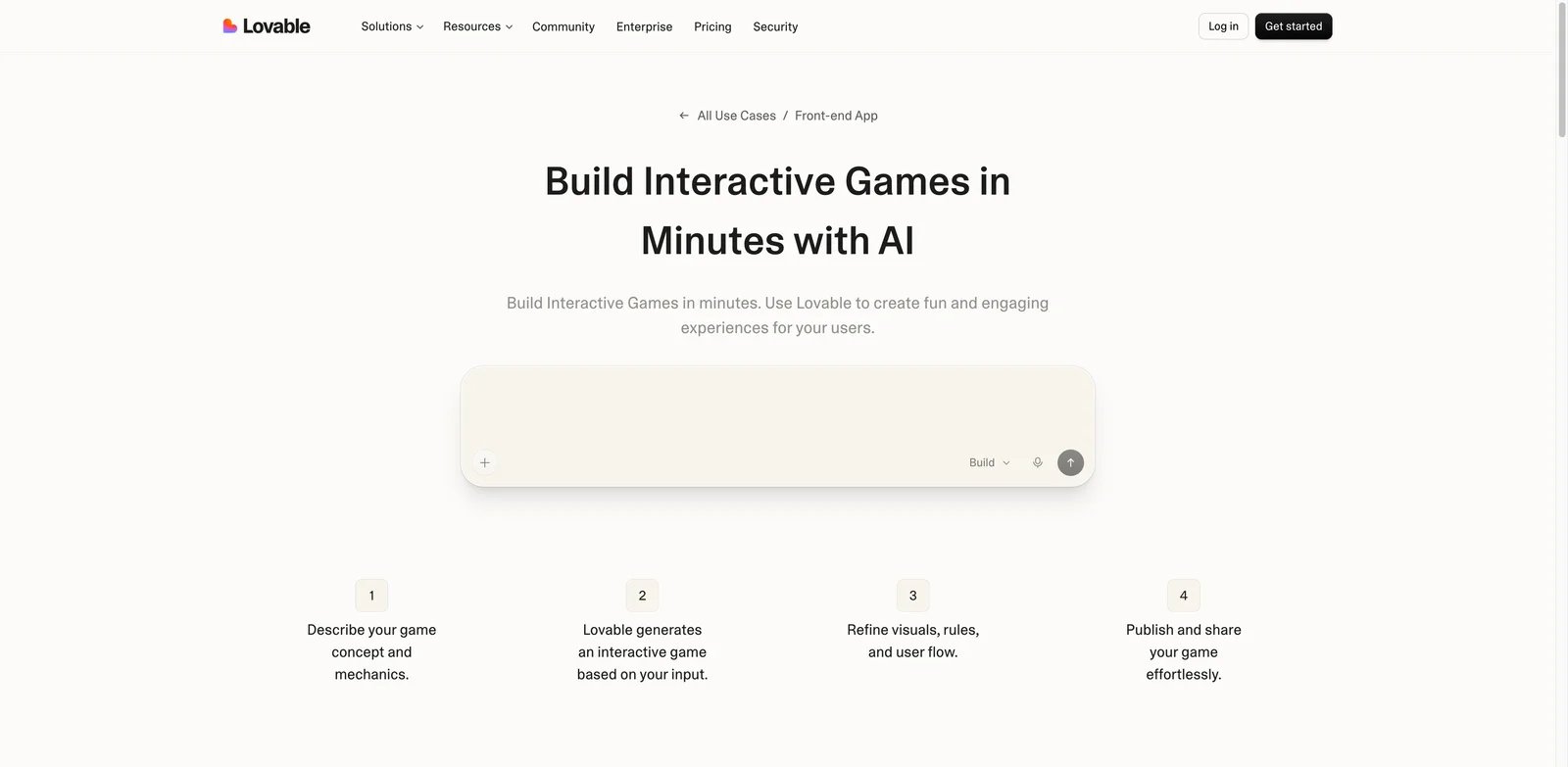
Lovable is not a classic game engine, but it can generate interactive front-end games, demos and playable web experiences from natural language. It is strongest for browser-based games that behave like web apps: quizzes, puzzles, simulations, story experiences and UI-driven game loops. The question is whether you can afford the iteration.
Key Features
- Natural-language front-end generation: Lovable can turn rules, screens and flows into working web interfaces.
- Shareable web output: It is useful for demos, prototypes and small browser games.
- Integrations and app logic: It can connect to broader app workflows better than pure game generators.
- Good for non-engine projects: If your "game" is really an interactive web experience, Lovable can fit.
Pricing and Real Cost
Lovable has a Free plan, a Pro plan at $25/month billed annually, a Business plan at $50/month billed annually, and custom Enterprise pricing. Pro includes 100 monthly credits, 5 daily credits up to 150/month, custom domains, badge removal and top-ups. Lovable documentation lists top-ups in 50-credit increments, priced at $15 per 50 credits on Pro and $30 per 50 credits on Business. Budget for failed iterations, external services and production hardening.
Pros & Cons
Pros: Strong for front-end interactive web experiences; supports shareable web output, custom domains on paid plans and app-style workflows; useful for quizzes, puzzles and simulations.
Cons: Not a dedicated game engine; credit and top-up costs can grow during iteration; production hardening usually requires code review or developer support.
Best For
Choose Lovable if you want front-end interactive games or web-app-style prototypes. It is not the right fit if you need a dedicated game engine, predictable credit economics or native export.
Get started with Lovable Interactive Games
Websim
Websim is best for creative web simulations, remix culture and strange interactive experiments. It can generate playful web pages and games quickly, and its community energy is a big part of the product. It is less appropriate for creators who need predictable ownership, clean export, platform publishing or budget certainty.
Key Features
- Fast web simulation generation: Websim is great for turning weird ideas into playable pages.
- Community remix loop: The platform encourages discovery and remixing, which helps casual creators learn by modifying others' work.
- Interactive games and pages: It is broader than game-making, but that breadth creates surprising creative results.
- Low setup burden: No engine installation or coding knowledge is required for basic creation.
Pricing and Real Cost
Websim uses a credit-based model, and its January 2026 official update says the creator program, video rewards and free daily credit programs were discontinued. Avoid describing Websim as simply “free/paid” without this caveat. Current user feedback still points to credit limits, model-access restrictions and frustration when previously free functionality moves behind usage limits.
Pros & Cons
Pros: Fast for creative web simulations and remixable games; low setup burden; strong community experimentation loop.
Cons: Not a dependable production release pipeline; credit programs and model access have changed; generated projects can be hard to maintain, export or monetize predictably.
Best For
Choose Websim if you want fast, remixable web games and creative experiments. It is not the right fit if you need production reliability, source-control discipline or predictable monetization.
Get started with Websim
Best AI Game Maker Tools by Use Case
For Fast Browser Game Prototypes
Rosebud, Websim and Lovable are the best starting points. Rosebud is most game-specific, Websim is strongest for remixable creative experiments, and Lovable works when the game is really an interactive front-end app. Expect to rewrite or refactor if the prototype becomes serious.
For Real Engine Workflows and Publishing Ambition
Summer Engine, GDevelop and Buildbox 4 are stronger than pure prompt platforms because they sit closer to engine workflows. Summer is the most AI-native engine claim, GDevelop is the most established open-source no-code option, and Buildbox is useful for visual builders who want AI nodes.
For Roblox Creators
Roblox Studio + Assistant is the obvious pick if your audience is Roblox. You get platform-native publishing, scripting, monetization patterns and creator tools. Do not choose Roblox if you want independent Steam or mobile distribution outside the ecosystem.
For Designers Testing Game-Like Interactions
Figma Make is best when the goal is stakeholder feedback, not release. It can help designers create playable cards, mini-games and interactive flows inside a design environment. Export and production code remain separate concerns.
For 2D and 3D Asset-Heavy Experiments
Makko is the stronger 2D visual option, while Bitmagic is more interesting for prompt-to-3D playable scenes. Pair either with a clear rights check. For standalone 3D assets, compare with dedicated text-to-3D tools before locking into a game-maker platform.
How to Choose the Right AI Game Maker Tools
-
Define whether you need a toy, prototype or product. Rosebud and Websim are excellent for quick playability. GDevelop, Summer and Buildbox are better if you expect a real development process.
-
Check export before you build. Ask whether you get source code, engine project files, web deployment, Steam/mobile support, or only a share link. Export is the difference between a demo and a product path.
-
Budget for failed AI iterations. Replit, GDevelop, Figma Make, Lovable and Websim all have user feedback around credits, failed outputs or repeated prompting. Do not assume every prompt moves the project forward.
-
Verify asset and commercial rights. Generated art, music, code and 3D models can create rights and platform-review questions. Read license terms before monetizing.
-
Keep a human debugging path. AI can create mechanics, but someone still needs to test collisions, difficulty, save systems, performance, UI scaling and publishing requirements.
-
Match the platform to the audience. Roblox is great for Roblox players, Figma for design review, Lovable/Replit for web apps, GDevelop for no-code publishing, and Summer for creators testing AI-native engine work.
Frequently Asked Questions
What is the best AI game maker in 2026?
Can AI game makers create full games?
Which AI game maker is best for Steam publishing?
Is GDevelop AI worth paying for?
Is Replit good for making games?
Are AI-generated game assets safe to use commercially?
What is the difference between an AI game maker and an AI game engine?
Which tool is best for designers making interactive game prototypes?
Get ToolWorthy Weekly
New AI tools, practical guides, and selected AI signals in one weekly brief.
For AI tool founders
Built a tool that belongs in this decision set?
Request an editorial evaluation for possible inclusion in ToolWorthy.
Submit your tool for reviewPaid submission does not guarantee a ranking, recommendation, inclusion, or editorial outcome.