
14 Best AI Homework Helper Tools 2026 - Learn Without Copying
Compare 14 AI homework helper tools by tutoring style, subject coverage, camera input, pricing, and academic-integrity risk before you pay.
On this page
You are not just looking for an answer. You are trying to finish tonight's assignment without walking into an academic-integrity problem tomorrow. That is the real tension behind searches for the best AI homework helper tools in 2026: some products teach through hints and practice, some show step-by-step work, and some make it far too easy to copy a final answer you cannot explain.
We compared 14 AI homework helper tools across tutoring style, subject depth, camera input, pricing transparency, and misuse risk. This guide is intentionally framed around learning support: understanding concepts, checking your work, generating practice, reviewing notes, and helping parents or teachers monitor usage. For the broader category definition, our AI homework helper guide explains tutoring-first tools, solvers, and answer services in more depth. If a tool leans toward answer delivery, that limitation is stated plainly so you can decide whether it fits your school policy.
| Tool | Best For |
|---|---|
| Khanmigo | Guardrailed AI tutoring for K-12 and parent-supervised learners |
| Photomath | Camera-based math help with visual step explanations |
| Wolfram Alpha | Advanced STEM computation and verified symbolic math |
| Quizlet | Flashcards, practice tests, and textbook-solution lookup |
| Brainly | Multi-subject Q&A with AI learning companion features |
| Knowt | Free flashcards, notes, quizzes, and teacher workflows |
| StudyFetch | Turning course materials into guided study sessions |
| Symbolab | Step-by-step math practice and AI chat |
| Mathway | Broad math and science problem solving |
| Socratic | Free mobile learning resources from Google |
| Gauth | Mobile-first scan-to-solve help across subjects |
| QANDA | Photo-based homework help plus study habit tools |
| StudyX | All-in-one homework help, notes, flashcards, and checks |
| Chegg Study | Textbook solutions and expert-backed study support |
How We Selected and Tested
We selected tools that students, parents, or educators can actually use for homework support in the US and other English-speaking markets. A tool had to provide one of four clear learning workflows: guided tutoring, step-by-step solving, study-material generation, or verified homework explanation. We excluded essay mills, AI humanizers, "beat detector" products, pure answer farms with no learning workflow, and generic chatbots without a student-focused homework mode.
Our research combined official product pages, pricing pages, help centers, app-store listings, terms pages, current category pages inside ToolWorthy, and prior ToolWorthy testing notes from related student and math-tool roundups. Pricing was checked against official pages where possible. When pricing varies by app store, country, promotion, or account state, the article says so instead of inventing a fixed number.
Evaluation Dimensions:
- Learning design - Does the tool guide the student, require reasoning, or simply return an answer?
- Subject coverage - Does it support only math, or can it help with science, humanities, language, test prep, and notes?
- Input flexibility - Can students use camera capture, text input, PDF uploads, voice, or existing course materials?
- Pricing transparency - Are plans, limits, renewals, and trials understandable before checkout?
- Integrity and oversight - Does the product publish guardrails, parent/teacher controls, honor-code guidance, or activity visibility?
Note on Testing Scope: We did not re-test a full semester of assignments in every product. We reviewed live product pages and prior hands-on checks, verified key pricing and platform claims, and scored tools conservatively when pricing or educational guardrails were unclear.
Transparency & Limitations: AI homework helper tools change quickly. App-store pricing can vary by region, promotional status, and billing channel. Always check your school policy before using any AI tool on graded work.
Top 14 AI Homework Helper Tools Compared
The important split is not "AI versus non-AI." It is "tutor, solver, study system, or answer service." A tutor-style tool like Khanmigo is safer for younger students because it pushes them to think. A solver like Photomath or Symbolab is useful when students study the steps instead of copying the result. A study system like Quizlet, Knowt, or StudyFetch is best for exam prep because it turns course material into practice.
| Tool | Best For | Learning Style | Starting Price | Main Risk |
|---|---|---|---|---|
| Khanmigo | Guardrailed tutoring | Hint-first tutor | $4/month individual | US-only individual access |
| Photomath | Math camera help | Scan plus steps | Free; Plus $9.99/month or $69.99/year | Mobile-first and math-only |
| Wolfram Alpha | Advanced STEM | Computational engine | Free; Pro from $5/month annual | Less friendly for beginners |
| Quizlet | Practice and recall | Flashcards and tests | Free; Plus from $35.99/year | Textbook solution limits |
| Brainly | Multi-subject help | AI plus community | Free; paid pricing varies | Answer quality varies |
| Knowt | Notes to study sets | Flashcards, quizzes, AI chat | Free; Ultra $24.99/month or $149.99/year | AI-generated cards need editing |
| StudyFetch | Course-material study plans | AI tutor on your uploads | Free; app-store paid tiers vary | Public pricing is less direct |
| Symbolab | Math steps and practice | Solver plus practice | Free; Pro from $9.95/month | Steps are paywalled |
| Mathway | Broad math solving | Solver | Free answers; Premium $9.99/month or $39.99/year | Answer-first behavior |
| Socratic | Free concept lookup | Learning resources | Free | Mobile app, limited active roadmap |
| Gauth | Fast mobile homework help | Scan, AI, expert support | Free; Plus often $11.99/month in app | Can encourage answer-copying |
| QANDA | Multi-subject mobile study | Scan, AI, quizzes | Free; in-app purchases vary | Coin/premium complexity |
| StudyX | Homework plus study suite | Solver, notes, checks | Free; paid plan pricing varies on web | Pricing page can be hard to parse |
| Chegg Study | Textbook solution lookup | Expert solutions | Study $15.95/month; Pack $19.95/month | Highest policy risk for graded work |
Detailed Reviews

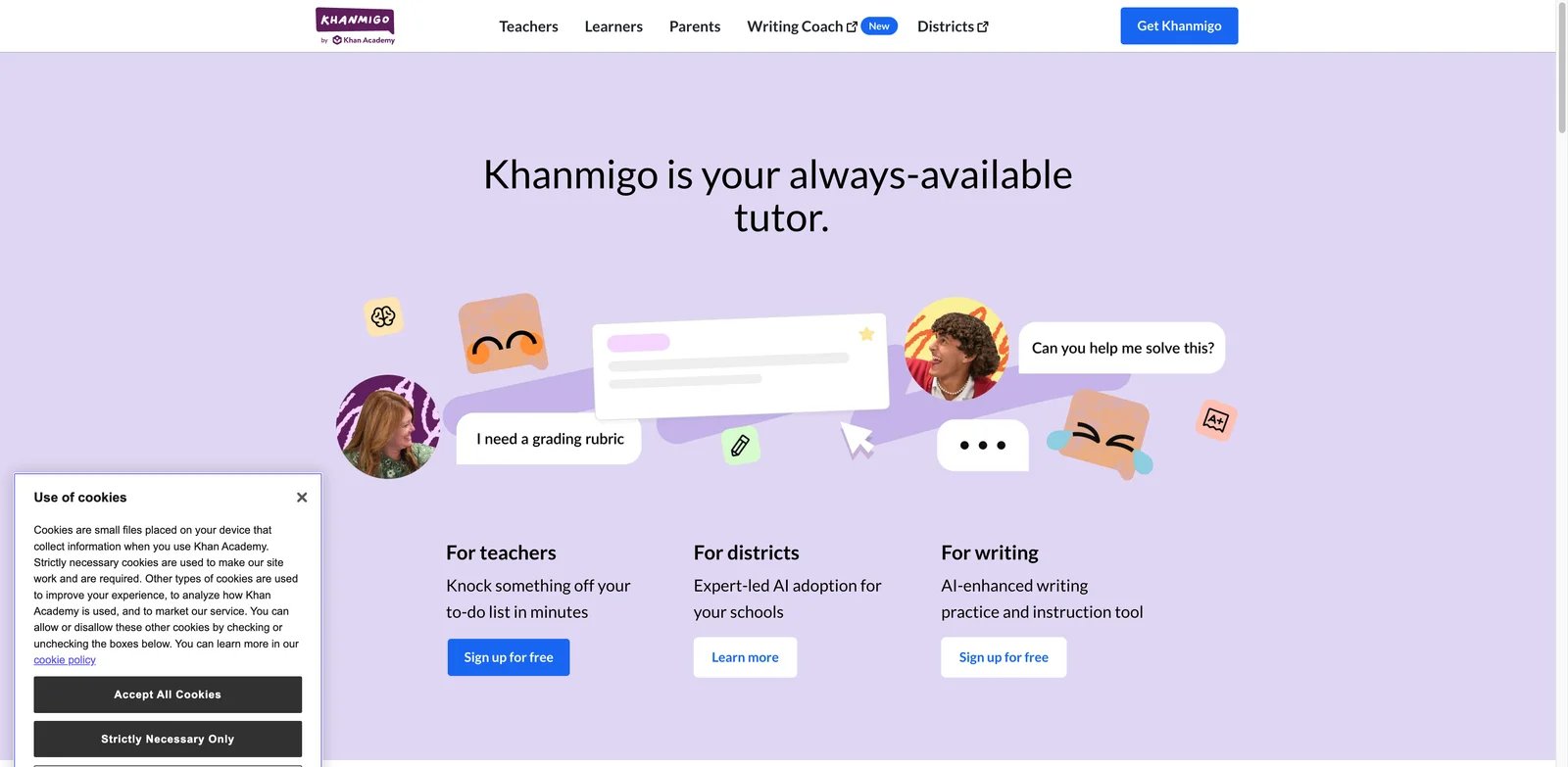
Parents who want homework help without turning the app into an answer machine should start here. Khanmigo is built around Khan Academy's tutoring philosophy: it nudges, asks follow-up questions, links back to lessons, and is marketed as a tutor rather than a solver. That matters for younger students because the product design creates friction before the final answer.
Key Features
- Hint-first tutoring - Khanmigo works best when the student explains what they tried. The experience is closer to a Socratic tutor than a calculator, which lowers the risk of blind copying.
- Khan Academy content alignment - Math, science, reading, coding, history, and humanities support sits near Khan Academy lessons, so students can review missing prerequisites.
- Parent and child access - A parent subscription can enable access for children under 18, which is better suited to supervised homework than unrestricted chatbot accounts.
- District option - Khan Academy Districts includes student support, teacher AI tools, reporting, SSO, and privacy/security commitments for school deployments.
Pricing
Khanmigo for learners is listed at $4/month or $44/year for parents and learners. Khan Academy Districts lists Enterprise Starter at $10/student/year for 1,000 or fewer student licenses, with larger districts on custom enterprise pricing.
Limitations
- Individual Khanmigo access is limited to users with US payment and billing eligibility at the time of review.
- It is strongest inside Khan Academy's learning universe. For unusual college problem sets, a dedicated solver may be needed alongside it.
- Students who only want instant answers may find the tutoring style slower, which is partly the point.
Best For
K-12 students, parents, and schools that want AI homework help with guardrails. Not the right fit if you need advanced symbolic computation for college engineering or a tool that scans handwritten math from a phone.
Get started with Khanmigo

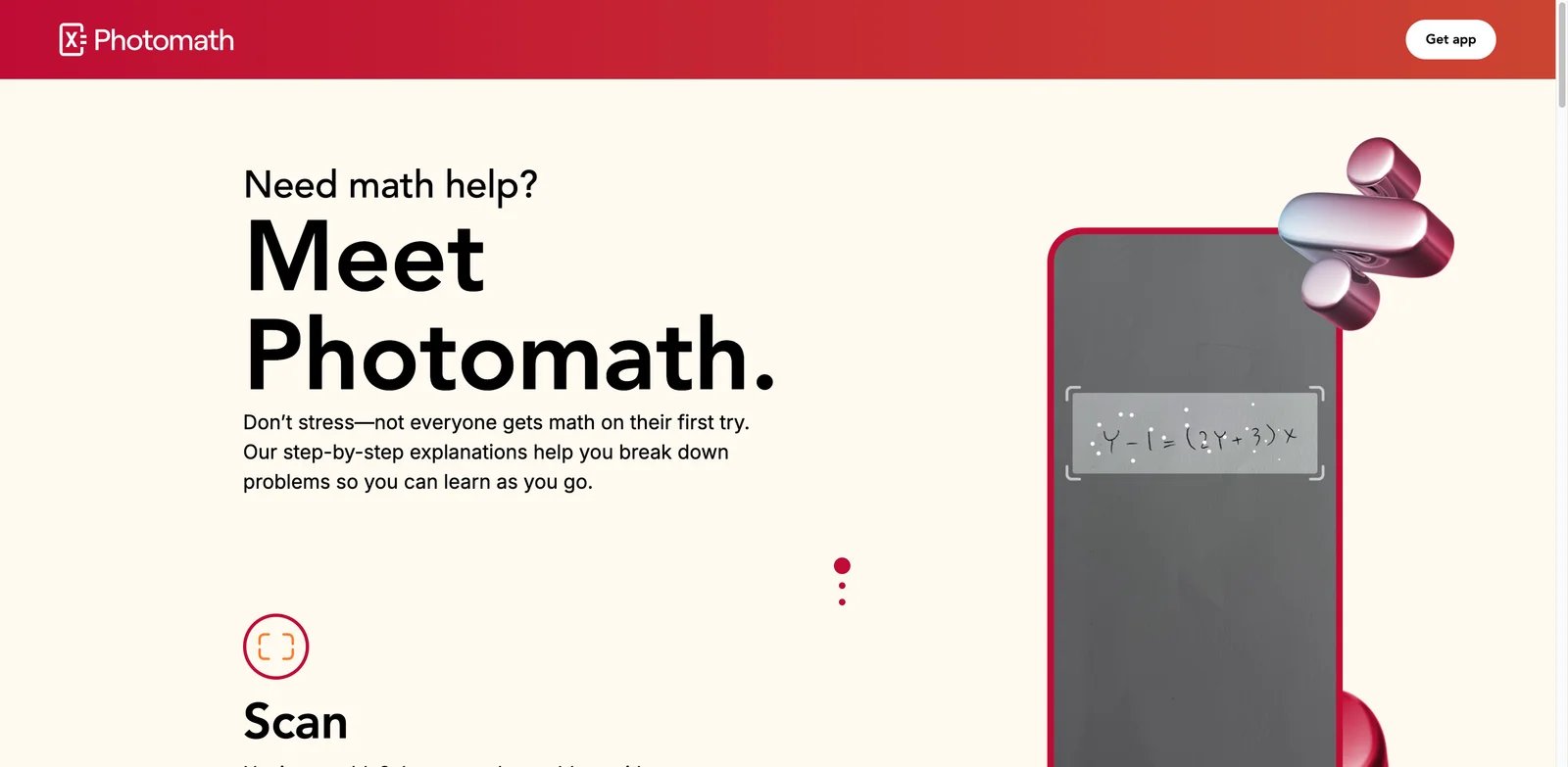
Students stuck on handwritten algebra or calculus usually do not want to type a clean equation into a web form. Photomath solves that workflow: point the camera, capture the problem, and review the steps. Its value is highest when students treat the explanation as a worked example, not as a shortcut for copying the final line.
Key Features
- Camera-first math input - Photomath recognizes printed and handwritten math from a mobile camera, which is ideal for worksheets and textbook problems.
- Step-by-step explanations - The free version includes machine-generated solution steps for equations and expressions; Photomath Plus adds deeper visual and conceptual help.
- Animated Tutorials and hints - Plus includes animated tutorials, contextual hints, and more detailed "how" and "why" support for visual learners.
- Math topic depth - Photomath covers arithmetic through calculus and statistics, making it strong for middle school and high school math.
Pricing
Photomath lists Basic at $0, annual Plus at $69.99/year, and monthly Plus at $9.99/month. Paid services may also be billed through the iOS App Store or Google Play depending on where the student subscribes.
Limitations
- It is mobile-first. Students who prefer desktop workflows will feel constrained.
- It is math-focused, so it will not replace a broader study system for history, English, or science reading.
- The faster the scan-to-answer flow, the easier it is to misuse. Students should cover the final answer and work through steps one at a time.
Best For
Students who need camera-based math explanations for worksheets and homework checks. Not the right fit if your primary need is essay feedback, flashcards, or a guarded tutor that refuses to reveal final answers.
Get started with Photomath

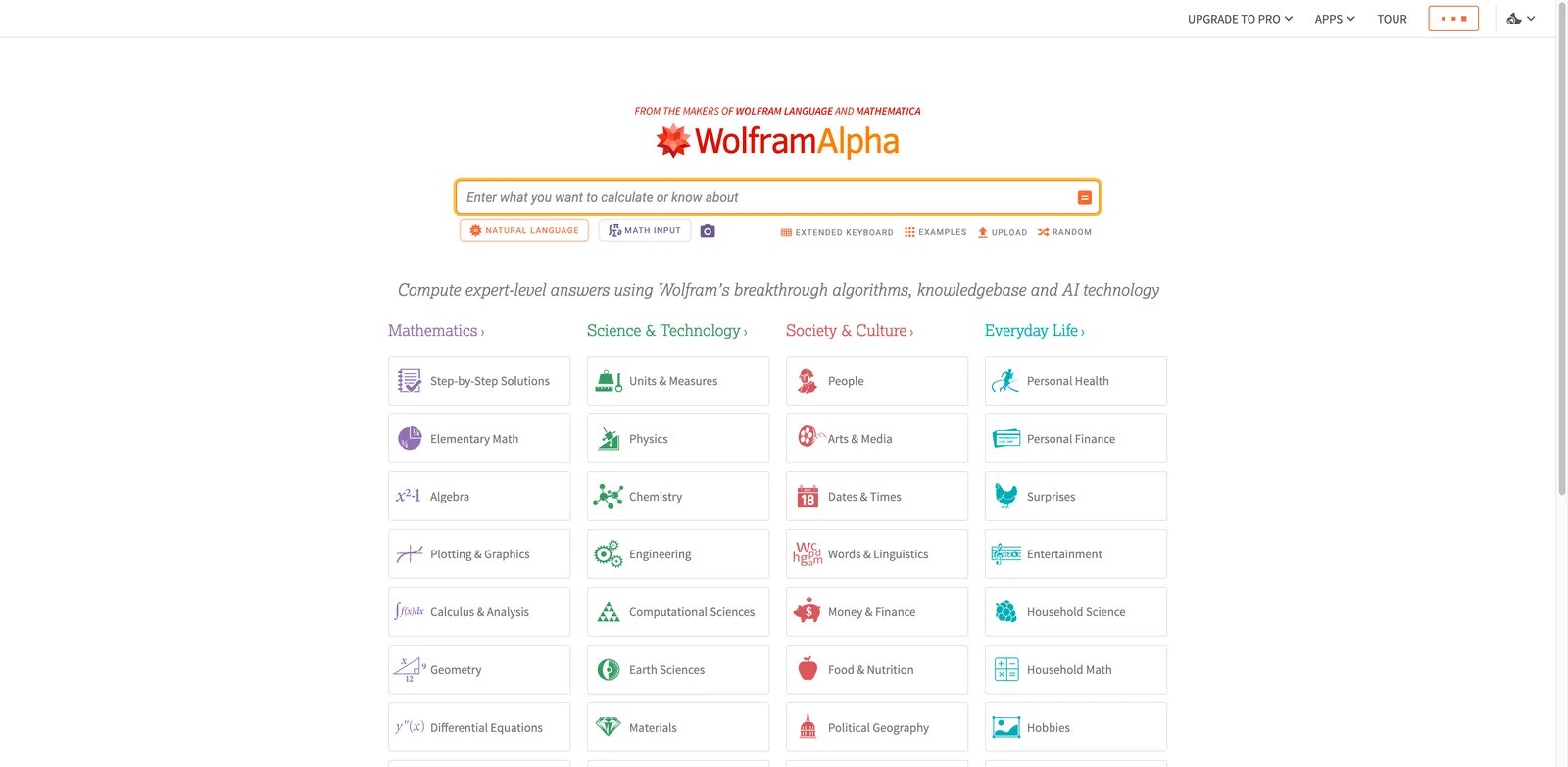
College STEM homework often moves beyond what friendly scan apps handle well. Wolfram Alpha is the more serious computational option: symbolic math, units, plots, chemistry, physics, statistics, and structured computed results. Students who want a narrower math-only comparison can also use our AI math tutor category. Wolfram Alpha is not always warm or conversational, but it is hard to beat for mathematical depth.
Key Features
- Deep computation engine - Wolfram Alpha handles algebra, calculus, differential equations, statistics, physics, chemistry, units, and data-heavy queries.
- Step-by-step with Pro - Pro unlocks step-by-step solutions, practice problems, hints, calculator web apps, longer computation time, and uploads.
- Cross-domain STEM support - Students can ask unit-aware physics and chemistry questions instead of treating every problem as pure algebra.
- Downloadable and visual outputs - Paid plans include customized graphics and downloadable results, useful for building study notes.
Pricing
Basic is free with sign-in but does not include step-by-step solutions. Pro is $9.99/month or $5/month billed annually at $60/year. Pro Premium is $12/month or $8.25/month billed annually at $99/year.
Limitations
- The interface assumes students can interpret dense mathematical output.
- Free users get answers and visuals but not the learning path behind the answer.
- It is a computation engine, not a child-safe homework tutor with parent controls.
Best For
AP, college, and self-learning STEM students who need reliable computation and step derivations. Not the right fit for younger learners who need guided questions and encouragement.
Get started with Wolfram Alpha

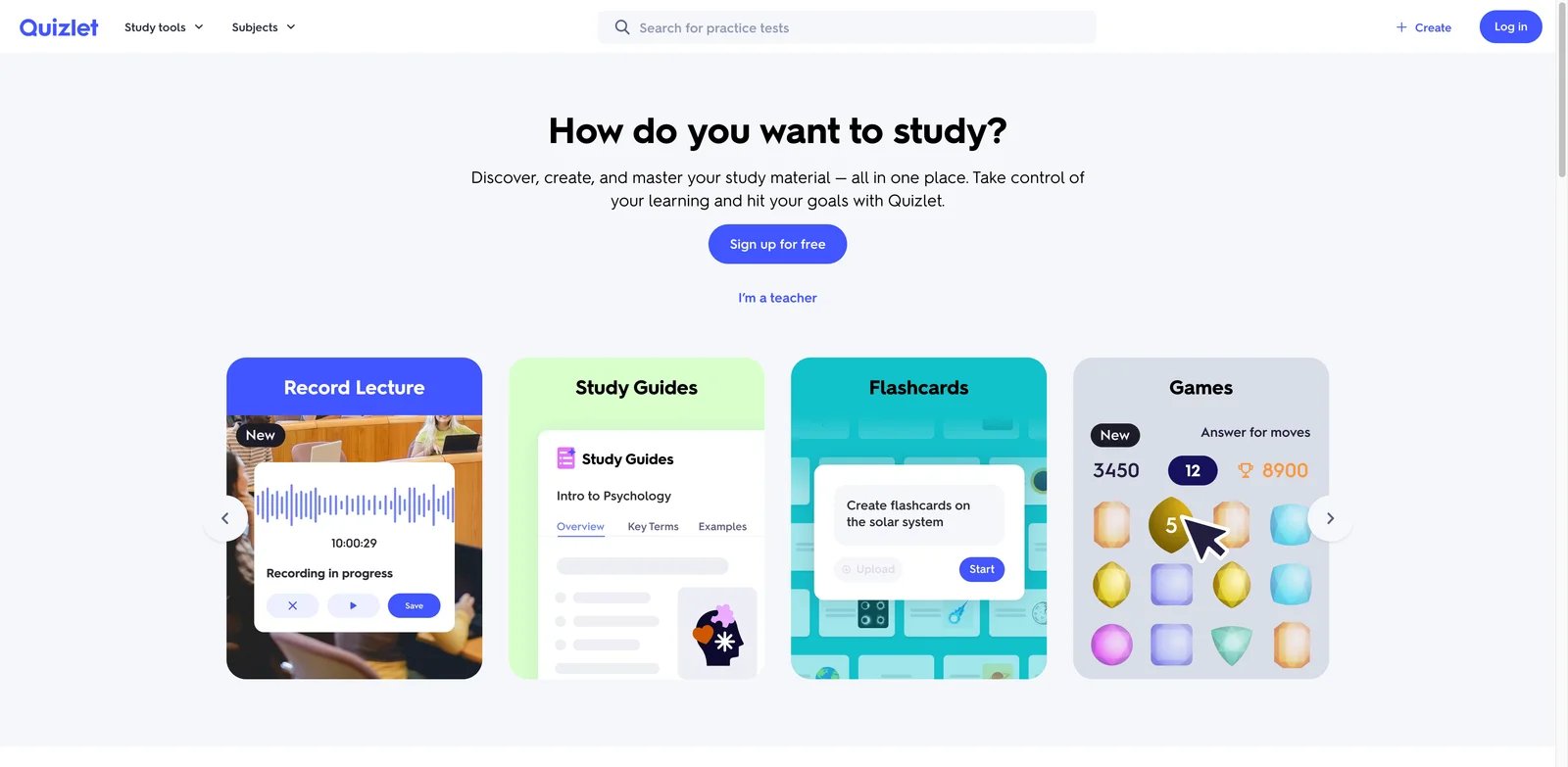
Many students do not need an answer to tonight's exact problem. They need to remember vocabulary, formulas, cases, dates, or biology pathways long enough to pass the exam. Quizlet is strongest there: study sets, Learn mode, practice tests, and textbook/expert solutions under clear plan limits.
Key Features
- Study sets and Learn mode - Quizlet remains one of the fastest ways to practice active recall across standardized courses.
- Practice tests - Paid tiers expand practice test access, which helps students move from passive review to exam-style recall.
- Textbook and Q&A solutions - Quizlet Plus plans include limited or complete access to textbook solutions depending on plan.
- Classroom sharing - Teachers and students can use classes and shared sets, making Quizlet more collaborative than a single-user solver.
Pricing
Quizlet lists Quizlet Plus at $2.99/month when billed annually at $35.99/year, and Quizlet Plus Unlimited at $3.75/month when billed annually at $44.99/year. Annual plans include a 7-day trial; monthly plans may not be eligible for the trial.
Limitations
- The free tier is useful, but higher-value practice and solution features are limited.
- User-created sets can contain errors. Students should verify important cards before trusting them.
- It is a study system, not a guided tutor for every unique homework problem.
Best For
Students preparing for quizzes, AP courses, language classes, science terms, and standardized content. Not the right fit if you need camera-based problem solving or real-time tutoring on a novel problem.
Get started with Quizlet

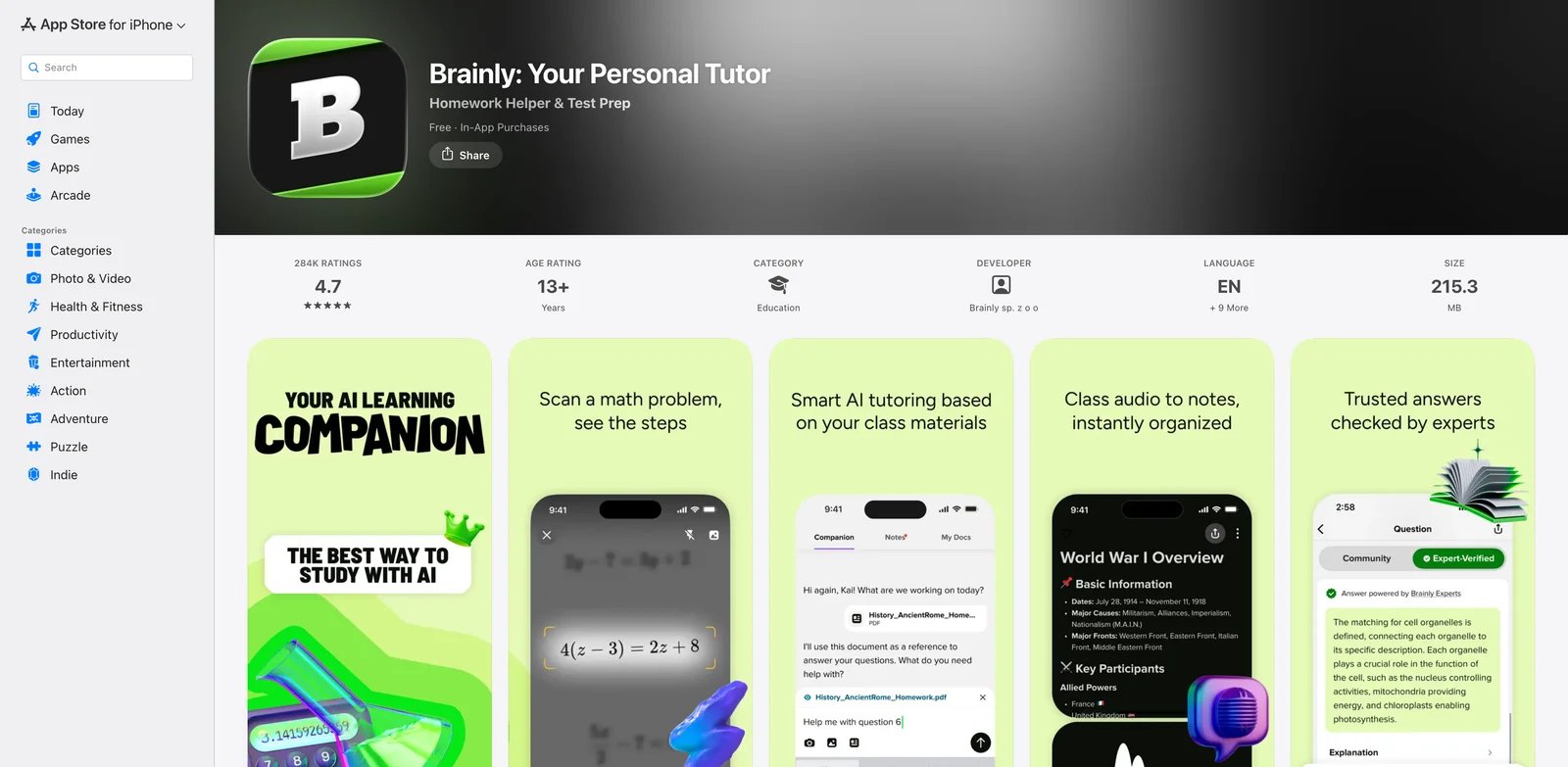
Brainly has shifted from old-school peer Q&A toward an AI learning companion with verified Q&A, worksheets, test prep, and live expert support. That makes it useful for multi-subject homework, but the reader should treat it as a source to verify, not as a final authority.
Key Features
- Verified Q&A - Brainly's current positioning emphasizes expert and textbook-backed answers rather than only peer posts.
- AI tutoring and worksheets - The learning companion can turn notes and homework into worksheets and test-prep flows.
- Live Experts - Brainly offers 1-on-1 chat support for students who need human backup.
- Multi-subject coverage - Math, science, English, social studies, and test-prep support make it broader than a math-only solver.
Pricing
Brainly says Brainly Plus and Brainly Tutor subscription pricing can vary by platform and region. Its US App Store listing shows common in-app purchases such as Brainly Plus monthly at $9.99, Brainly Plus annual at $39.99, Brainly Tutor monthly at $29.99, and Brainly Tutor annual at $95.99, but students should confirm current pricing inside their own account.
Limitations
- Community and AI answers still need verification.
- Pricing varies by platform, which makes budgeting less clean than Khanmigo or Wolfram Alpha.
- The product can still feel answer-oriented if students search only for final responses.
Best For
Middle and high school students who need broad homework support across subjects. Not the right fit if you need the highest-confidence STEM computation or a strict no-direct-answer tutor.
Get started with Brainly

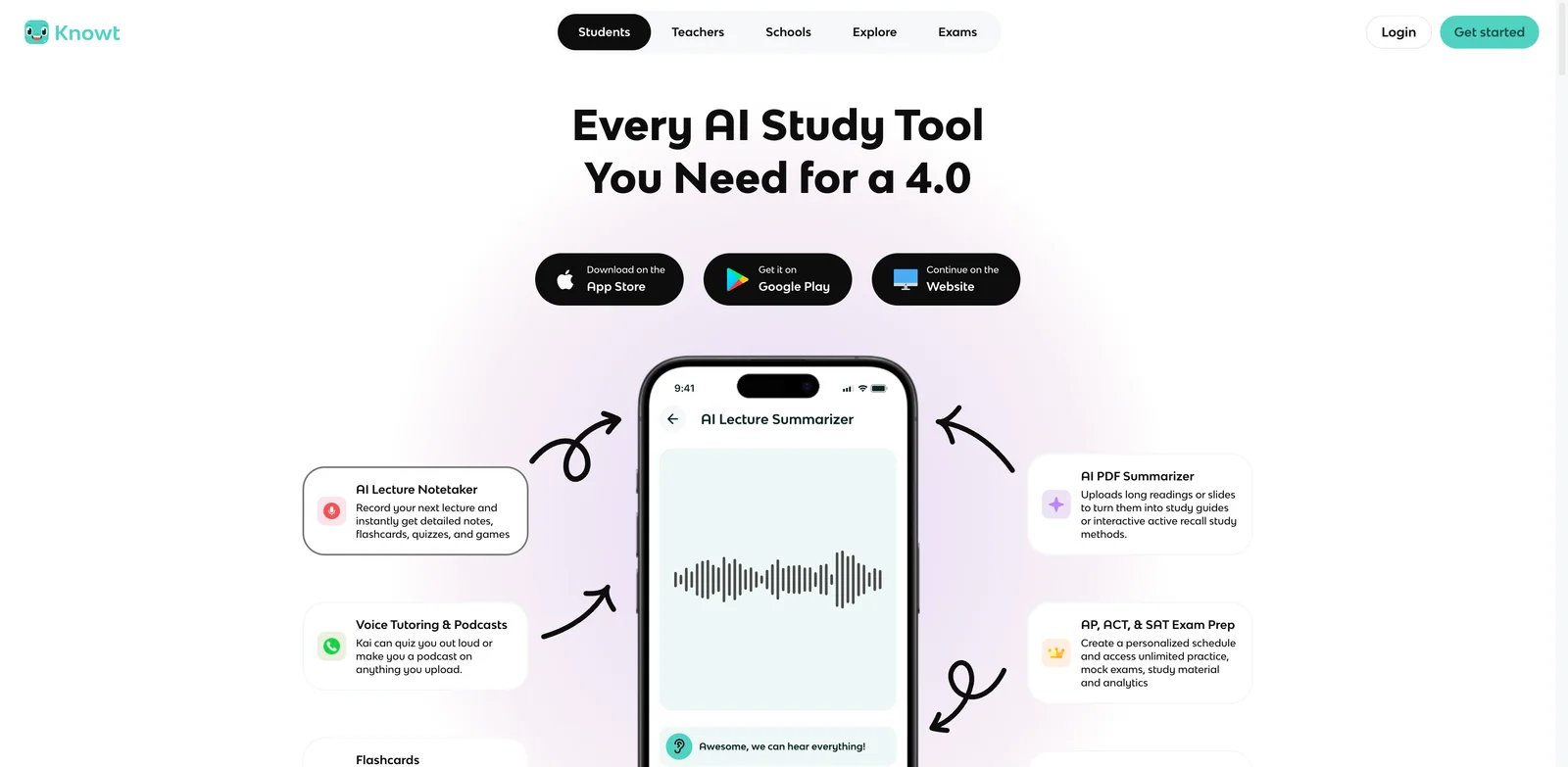
Students who keep re-reading notes without remembering anything need practice, not another answer box. Knowt turns notes, PDFs, and class material into flashcards, practice, AI summaries, and chat. It also has teacher-facing workflows, which makes it more classroom-friendly than many consumer homework apps.
Key Features
- Free study modes - Basic includes notes, flashcards, study modes, custom hints, multiple-choice flashcard options, and access to shared notes.
- AI summaries and Kai chat - Ultra adds unlimited AI summaries and chats with Kai, useful when students want explanations around their own materials.
- Assessments and teacher tools - Knowt includes monitored AI chat activities, auto-graded assessments, AP mock exams, and practice workflows.
- Quizlet migration - Students can move existing study behavior into Knowt without starting from scratch.
Pricing
Knowt Basic is free. Ultra Annual is listed at $12.49/month billed upfront at $149.99/year. Ultra Monthly is $24.99/month. Schools and districts can negotiate separate pricing.
Limitations
- AI-generated cards and summaries still need student review.
- The paid monthly plan is materially more expensive than Quizlet's annual student pricing.
- It is stronger for learning and assessment than for solving a single math problem from a photo.
Best For
Students and teachers who want notes-to-practice workflows, especially for AP, vocabulary-heavy, and exam-prep courses. Not the right fit if your only need is a math camera solver.
Get started with Knowt
StudyFetch
StudyFetch is built around the idea that the AI tutor should know your course materials, not just answer isolated questions. Upload notes, lectures, PDFs, and recordings, then use Spark.E to generate study plans, flashcards, quizzes, and guided chat sessions around that material. If your main bottleneck is reading long PDFs before the homework starts, compare dedicated AI PDF summarizer tools before paying for a full study suite.
Key Features
- Course-material grounding - StudyFetch creates a study system from uploaded materials, which reduces the open-ended hallucination risk of generic chatbots.
- Spark.E AI tutor - Spark.E can answer questions, explain concepts, generate quizzes, and guide students through activities.
- Guided Chatting - StudyFetch has been rolling out guided chat flows that create a plan and move students through study activities rather than leaving them in a blank chat box.
- AI literacy signals - StudyFetch has published research and product updates around responsible prompting and learning behavior, which is relevant for academic-integrity concerns.
Pricing
StudyFetch offers free access and paid tiers, but public pricing is less direct than some competitors. Its US App Store listing shows in-app purchases such as Premium Monthly at $19.99, Premium Quarterly at $29.00, and Premium Yearly at $96.00. Check the current web/app checkout before relying on a specific plan.
Limitations
- Public pricing can be harder to verify from the website than from app-store listings.
- It is best when you upload course materials. If you only want one-off math solving, it is overkill.
- Students should review generated quizzes and flashcards for errors before exam prep.
Best For
Students with lecture-heavy courses who want a complete study workflow from notes to quizzes. Not the right fit if you need the cheapest possible flashcard app or a dedicated math CAS.
Get started with StudyFetch

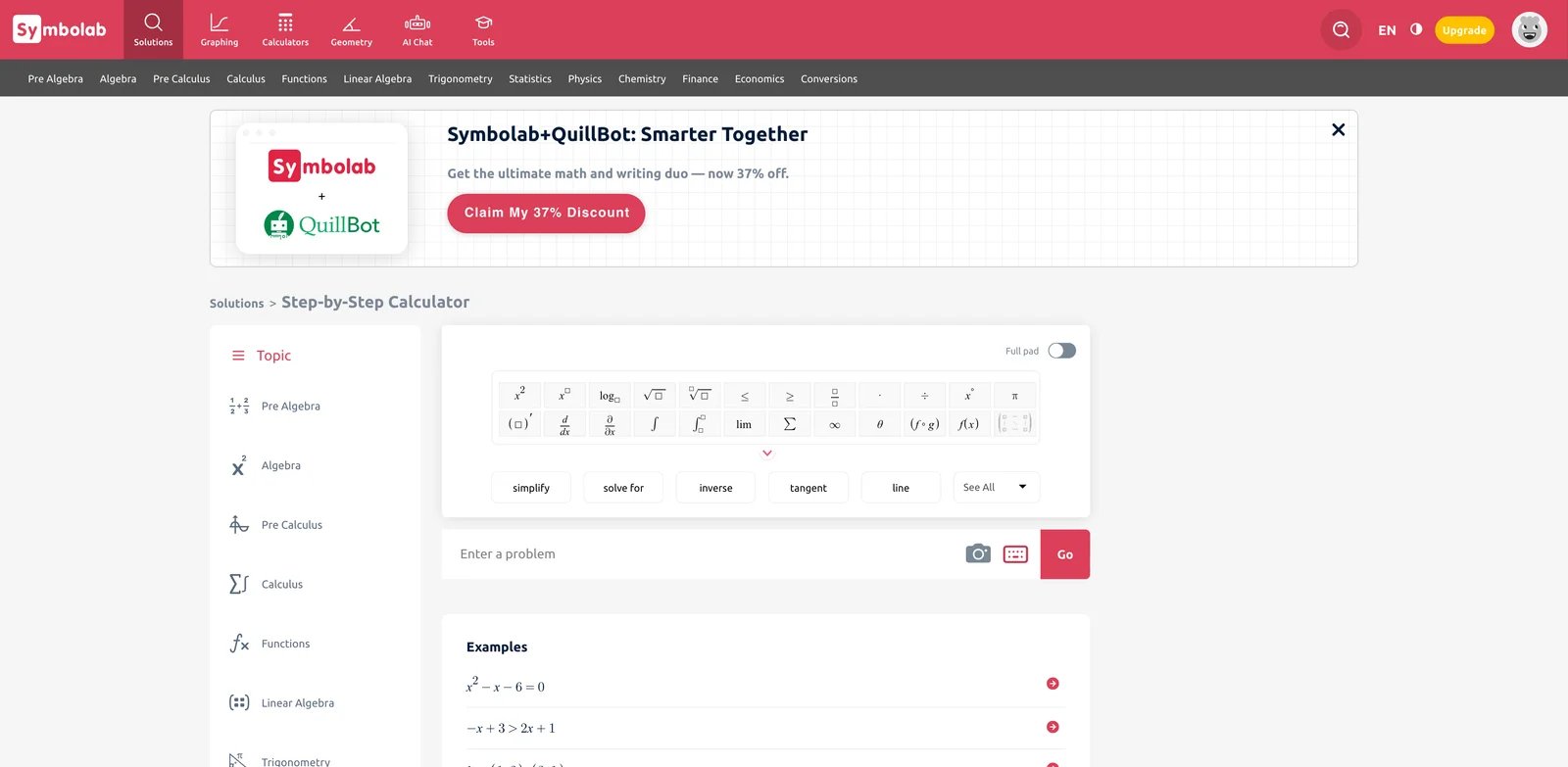
Symbolab sits between a calculator and a practice coach. It solves math problems step by step, but the stronger reason to use it is the practice loop: solve, study the method, then try related problems until the pattern sticks.
Key Features
- Full solution steps on Pro - Symbolab Pro unlocks complete steps, which is the part that helps students understand transformations.
- AI chat and practice - The current Pro offer includes AI chat and practice features, so students can ask follow-ups instead of only reading static steps.
- Web and app access - It works across web, iOS, and Android, which is more flexible than mobile-only scanner tools.
- Strong algebra-through-calculus coverage - It is especially useful for algebra, trigonometry, calculus, and common high school/college math workflows.
Pricing
Symbolab's registration flow lists Pro at $9.95/month, $32.95 every 6 months, or $39.95/year. The annual plan is the strongest value if the student will use it all semester.
Limitations
- Free users see less of the educational value because full steps are paywalled.
- Billing and bundles can be confusing because Symbolab is sometimes packaged with other Learneo products.
- Wolfram Alpha remains stronger for advanced STEM computation beyond standard coursework.
Best For
Students who want step-by-step math practice with enough structure to prepare for exams. Not the right fit if you need a broad multi-subject homework companion.
Get started with Symbolab

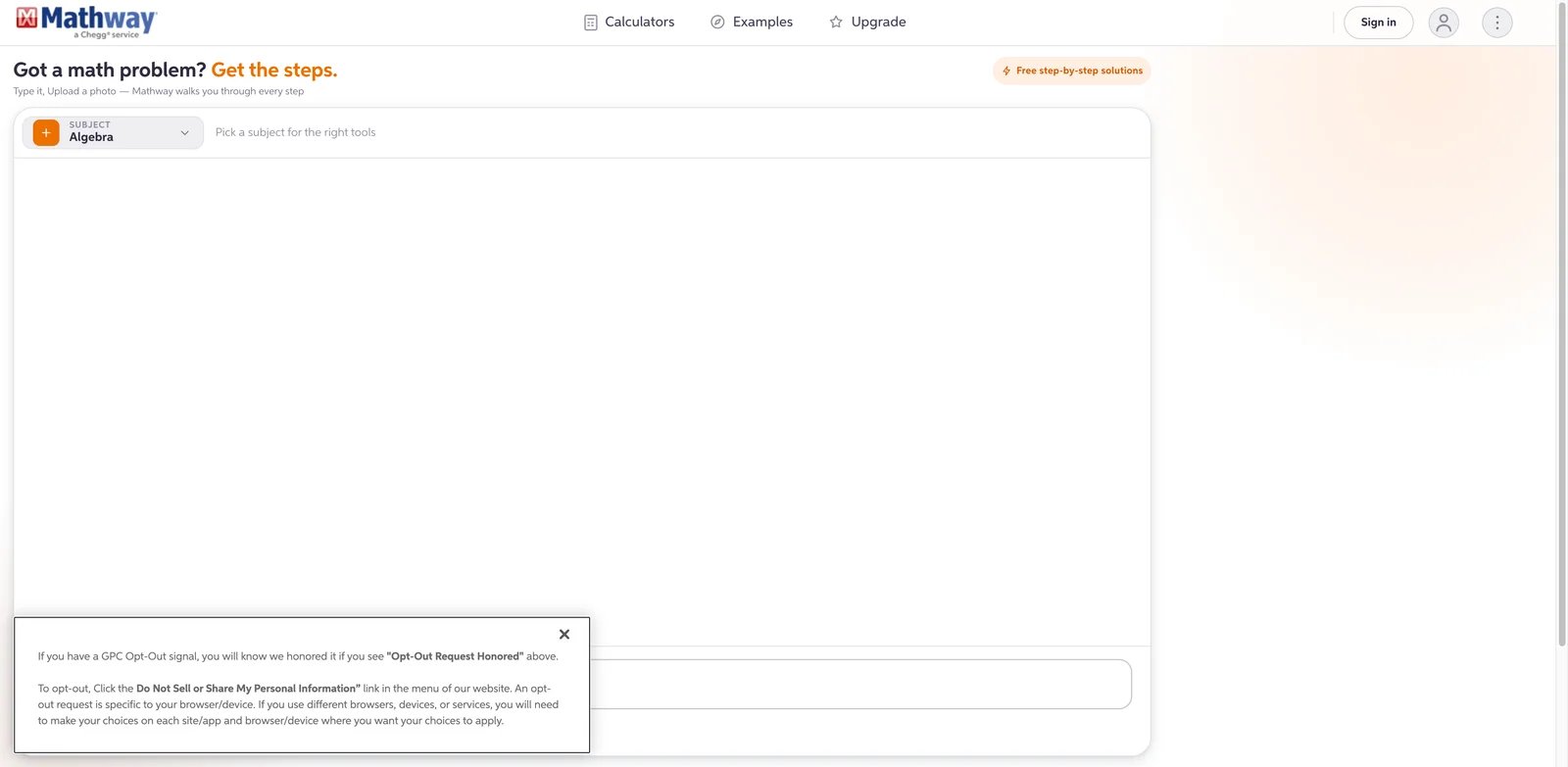
Mathway is one of the better-known solver apps because it covers a wide range of math topics and gives fast answers. Its educational value depends on whether the student pays for steps and studies them. Used casually, it can become an answer checker rather than a learning tool.
Key Features
- Broad math range - Mathway supports basic math, algebra, trigonometry, calculus, statistics, linear algebra, chemistry, and graphing workflows.
- Text and camera input - Students can type or scan problems, which makes it practical for worksheets and online homework.
- Premium steps - Mathway Premium gives access to step-by-step solutions rather than only final answers.
- Chegg ecosystem - Mathway is part of Chegg, which can be useful for students already using Chegg Study tools.
Pricing
Mathway Premium terms list Step-by-Step Access at $9.99 with monthly subscription or $39.99 with yearly subscription. App-store subscriptions may have separate billing terms.
Limitations
- The free answer-first experience can encourage copying.
- Step access is the main educational feature, and that requires Premium.
- Students should read cancellation and renewal terms before subscribing.
Best For
High school and college students who need broad math and science problem coverage. Not the right fit if you want explicit academic-integrity guardrails or a tutor that asks questions before showing steps.
Get started with Mathway
Socratic
Socratic is the lightweight option for students who want concept explanations without paying for a full tutoring product. It is not the newest or most feature-rich tool here, but the model is educational: scan or ask a question, then review relevant explanations, videos, and learning resources.
Key Features
- Multi-subject support - Socratic covers science, math, literature, social studies, and more.
- Google AI resource matching - It uses text and speech recognition to surface relevant learning resources.
- Visual explainers - Socratic focuses on concept explanations rather than simply returning a final answer.
- Free access - The tool remains attractive for students who need help but cannot add another subscription.
Pricing
Socratic is free. The main cost is platform limitation rather than subscription cost.
Limitations
- It is mobile-focused and less comprehensive than newer all-in-one study platforms.
- It is better for finding explanations than managing a full study plan.
- Active product roadmap signals are less visible than with Khanmigo, Quizlet, or StudyFetch.
Best For
Students who want free, mobile concept help across common school subjects. Not the right fit if you need detailed CAS steps, parent dashboards, or course-material uploads.
Get started with Socratic
Gauth
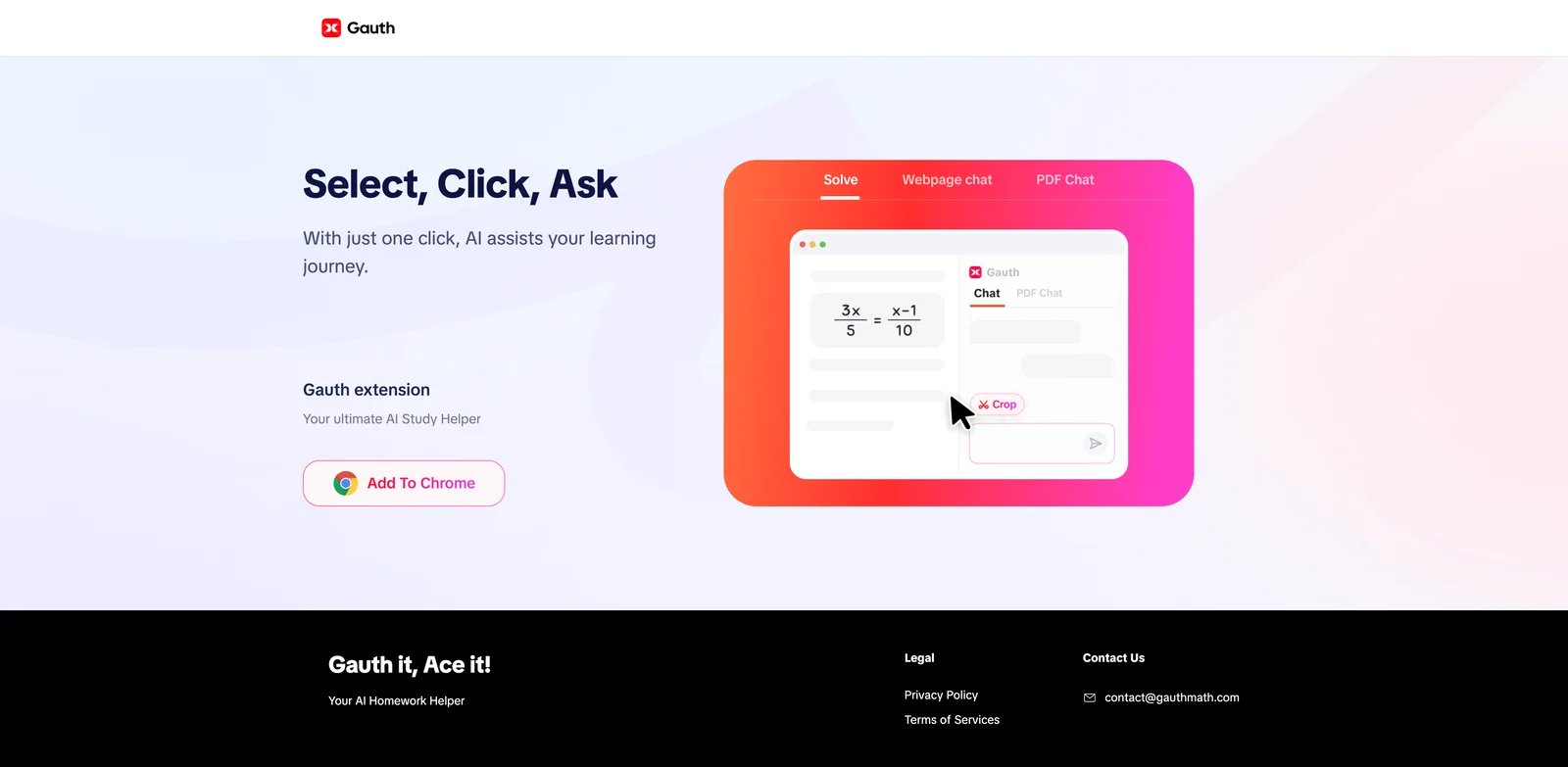
Gauth is designed for the fast mobile homework workflow: snap a problem, get step-by-step help, ask follow-ups, and use built-in study tools. Its strengths are speed and breadth. Its risk is the same: speed makes it easy for students to skip their own attempt.
Key Features
- Step-by-step learning guidance - Gauth markets detailed process guidance across math and other academic subjects.
- All-in-one study toolbox - The app includes reading, writing, focus, grammar, simplification, and timer tools around homework support.
- Large practice and video library - Gauth Plus listings reference tutorial videos, practice questions, interactive tutor sessions, and enhanced model access.
- Mobile-first UX - It works well for students who study from a phone or tablet rather than a desktop.
Pricing
The US App Store listing shows Gauth Plus monthly auto-renewal at $11.99/month, quarterly at $31.99, and annual at $99.99/year. Prices and offers can vary by region and in-app display.
Limitations
- The product can feel answer-first if students do not force themselves to work before scanning.
- Pricing varies by app store and region.
- Parents and teachers get fewer oversight signals than with Khanmigo or school-focused platforms.
Best For
Mobile-first high school students who need quick, broad homework explanations and are disciplined enough to use the steps for learning. Not the right fit for schools that need explicit monitoring and policy controls.
Get started with Gauth

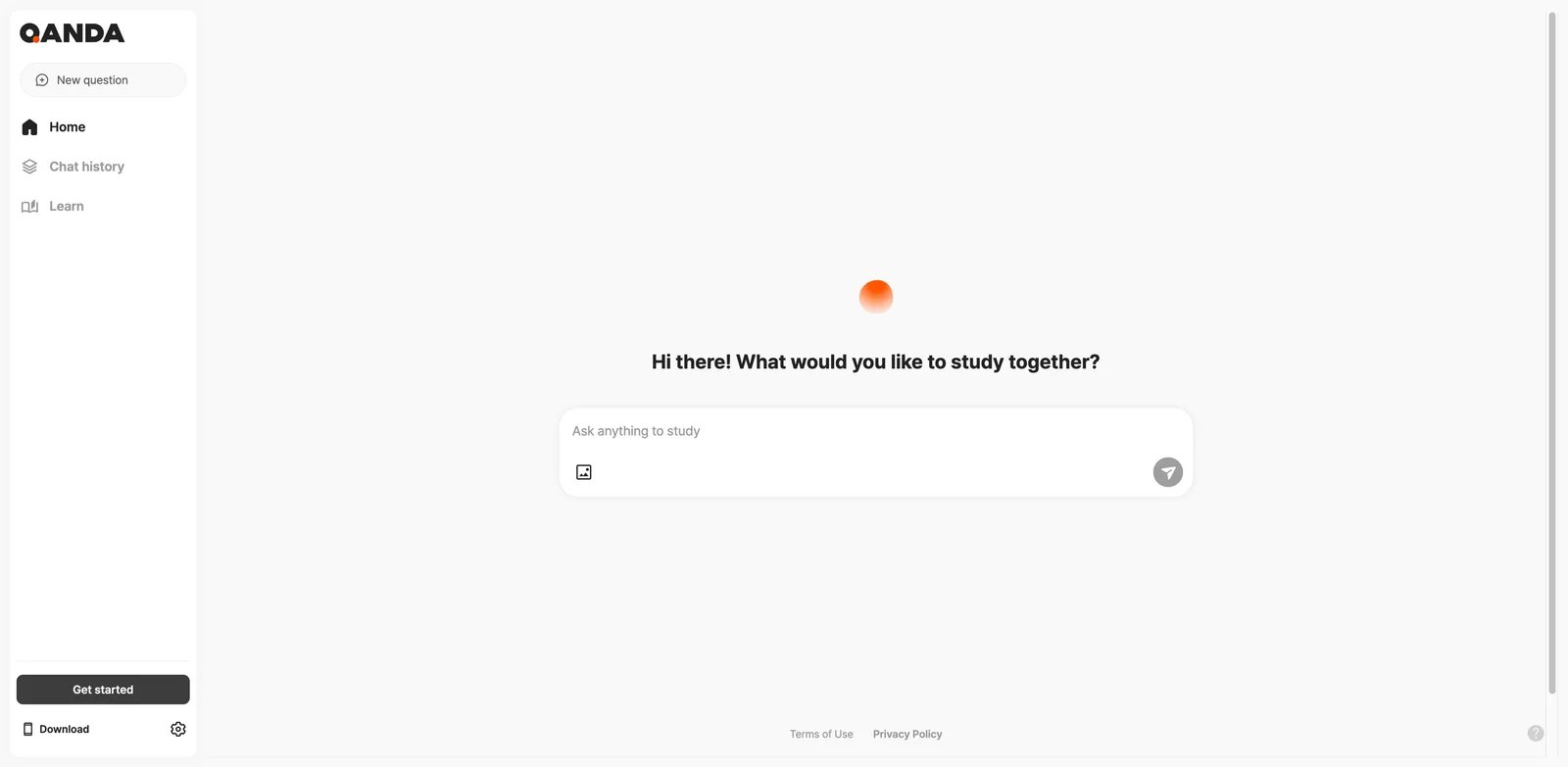
QANDA started as photo-based homework help and has expanded into an AI study app with problem solving, concept quizzes, similar problems, notes, timers, and study groups. It is useful when students want one mobile app for many study moments, but it is less transparent than a dedicated pricing-page product.
Key Features
- Photo-based solving - Students can snap a problem and get solution support quickly.
- Concept quizzes and similar problems - QANDA can generate follow-up practice, which helps move from answer checking to learning.
- Multi-subject study tools - The app covers math, science, exam questions, memorization quizzes, notes, timers, and study groups.
- Global scale - QANDA reports large international usage across mobile platforms.
Pricing
QANDA is free to download with in-app purchases. Its US App Store listing shows examples such as Qanda Basic Membership, Qanda Pro Membership, QANDA Premium, extra coins, and ad-free membership at varied price points. QANDA Premium help pages describe unlimited answer generation, improved answers, no ads, and detailed explanations, but students should confirm pricing in the app.
Limitations
- In-app purchase structure can be confusing because premium, coins, and other benefits are separate.
- Public app reviews include complaints about coins and quality variation.
- Like Gauth, it can become a shortcut if students only scan and copy.
Best For
Students who want mobile homework help plus study routines, especially in math and science. Not the right fit if you need clean public pricing or institutional controls.
Get started with QANDA
StudyX
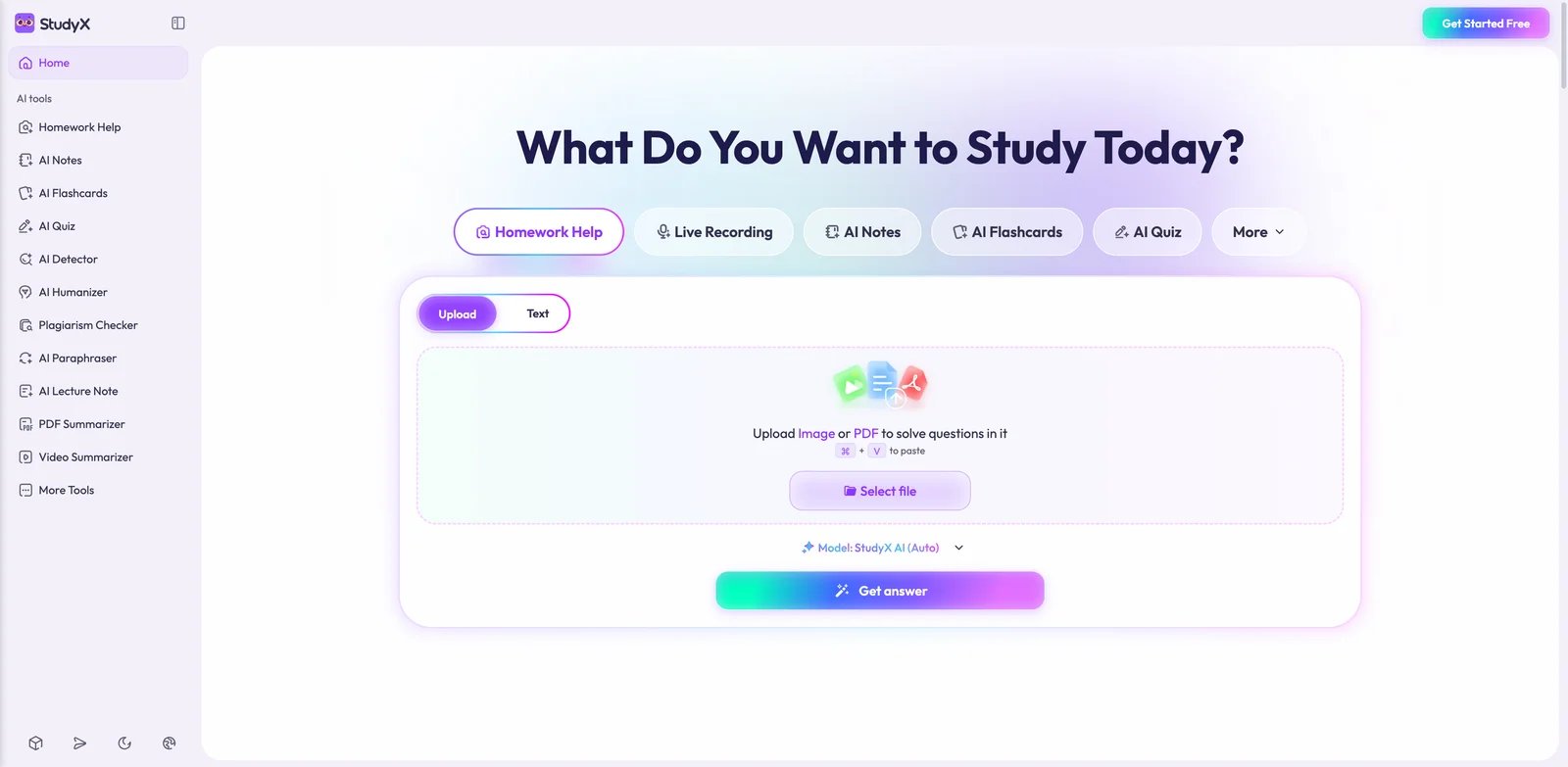
StudyX bundles homework help, AI notes, flashcards, quizzes, AI chat, document upload, transcription, and writing checks. That makes it more of a study operating system than a single solver. It is useful for students who want one subscription for many study tasks, but its public pricing display can be harder to interpret than simpler competitors. For writing-specific workflows, compare this with dedicated AI writing assistants so you do not overpay for features your course may not allow.
Key Features
- In-depth homework help - Paid plan descriptions emphasize complex problem solving, key concepts, common mistakes, and a large question bank.
- Study material generation - AI notes, flashcards, quizzes, document uploads, audio uploads, and chat make it useful beyond one-off problems.
- Writing and originality checks - StudyX includes AI detection, originality checking, rewriting, and tone tools, which can help with drafts but need careful policy use.
- Multi-platform access - StudyX supports web, app, browser extension, and Discord workflows.
Pricing
StudyX offers free and paid access. Its public plan page describes Plus, Pro, and Max tiers with annual billing and daily refresh credits, but some captured price fields can render inconsistently. The safer editorial treatment is to say paid pricing varies by plan and checkout state, then verify inside the current checkout before subscribing.
Limitations
- Pricing transparency is weaker than tools with clean public monthly and annual numbers.
- Writing tools can cross into policy-sensitive territory if used for submitted work.
- The broad suite may be more than a student needs if they only want math help.
Best For
Students who want one broad study suite for homework, notes, flashcards, quizzes, and document-based learning. Not the right fit if you need simple pricing or only a free math solver.
Get started with StudyX
Chegg Study
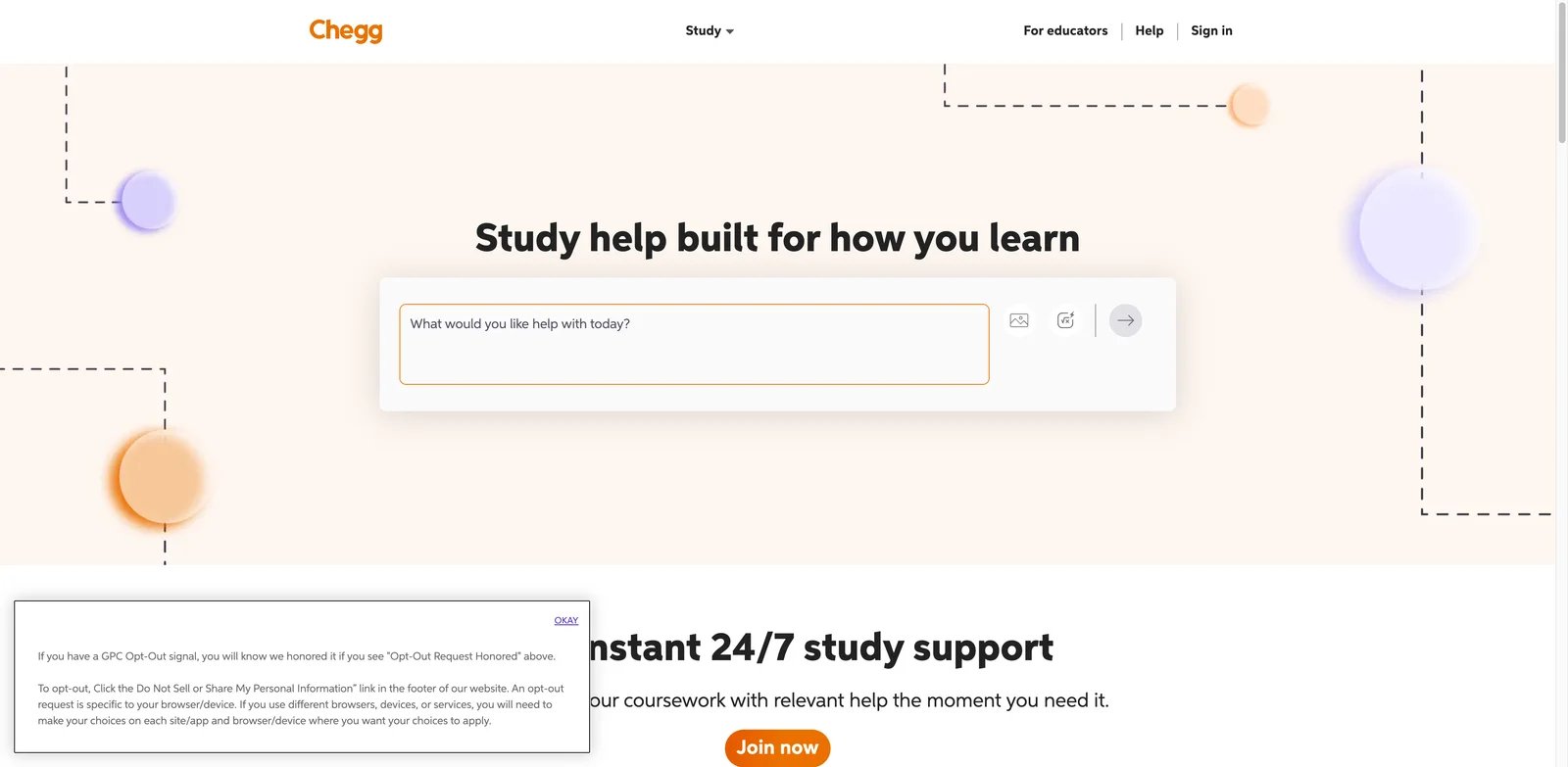
Chegg Study has one of the clearest value propositions and one of the highest academic-policy risks. It gives students access to homework solutions, textbook help, quiz and exam help in the Study Pack, proofreading, plagiarism detection, and math help. That is useful for review. It is risky when students use it to reproduce solutions for graded assignments.
Key Features
- Homework solutions - Chegg Study centers on step-by-step support for textbook and homework problems.
- Study Pack bundle - The higher plan adds quiz and exam help, expert proofreading, plagiarism detection, and math help.
- Expert-backed study support - Chegg's historical strength is expert-created and expert-reviewed explanations.
- Broad student workflow - Students who already use Chegg for books or study support may prefer the unified account.
Pricing
Chegg Study is listed at $15.95/month. Chegg Study Pack is listed at $19.95/month and adds more study tools. Pricing and packaging can change, so check the checkout page before subscribing.
Limitations
- This is the highest-risk tool in the roundup for graded homework policy. Use it for review and practice, not for copying submissions.
- It is more expensive than narrower tools like Khanmigo, Quizlet, Symbolab annual, or Wolfram Alpha annual.
- Students should verify whether their instructor allows external solution services at all.
Best For
College students who need textbook-aligned explanations for review and can follow academic policies carefully. Not the right fit if your course bans solution services or if you are tempted to submit work you did not do.
Get started with Chegg Study
Best AI Homework Helper Tools by Use Case
For Parents Who Want Safer K-12 Homework Help
Choose Khanmigo first because it is designed around guided tutoring and parent-supervised access. Add Quizlet or Knowt for vocabulary, spelling, biology terms, and exam review. Avoid making scan-to-solve apps the default for younger students unless an adult is reviewing how the student uses the steps.
For High School Math Worksheets
Photomath is the fastest camera-first choice for common homework sheets. Symbolab is better when the student wants practice problems after seeing the steps. Mathway is useful for broader topic coverage, but its answer-first free experience requires more discipline.
For AP, College STEM, and Advanced Problem Sets
Wolfram Alpha should be the primary tool when problems involve symbolic math, units, plots, chemistry, physics, or advanced calculus. Pair it with Symbolab for more approachable standard math steps and with Photomath when the input starts as a handwritten worksheet.
For Exam Prep from Notes and Lectures
Quizlet, Knowt, and StudyFetch are stronger than answer solvers because they create practice loops. Use Quizlet when you want existing study sets. Use Knowt when you want a generous flashcard and assessment workflow. Use StudyFetch when your source material is lectures, uploads, recordings, or course packets.
For Multi-Subject Late-Night Help
Brainly, QANDA, Gauth, and StudyX cover more than math. They are best used as explanation sources and practice generators, not as final-answer services. The safe habit is to ask for the concept, solve independently, then compare your reasoning.
For Courses with Strict AI Policies
Use non-generative or low-risk study workflows: flashcards, practice tests, official textbook solutions where allowed, and teacher-approved tutoring. If your course bans AI help on graded work, even a useful tool may be the wrong choice. The safer approach is to use AI for ungraded practice and disclose when required. Some schools also use AI detector tools, but detection is not a substitute for following the policy in the first place.
How to Choose the Right AI Homework Helper Tools
-
Read the assignment policy first. A tool can be educational and still forbidden for a specific graded task. Check whether AI is allowed for practice, brainstorming, checking work, or not at all.
-
Decide whether you need a tutor, solver, or study system. Tutors like Khanmigo help you think. Solvers like Photomath and Symbolab show steps. Study systems like Quizlet, Knowt, and StudyFetch build retention.
-
Test one real homework problem before paying. Do not subscribe based on a feature list. Try your actual worksheet, textbook section, or lecture upload, then judge whether the explanation teaches you enough to solve the next problem alone.
-
Prefer transparent pricing for semester-long use. Khanmigo, Wolfram Alpha, Quizlet, Symbolab, Photomath, Mathway, and Chegg publish clearer pricing than tools whose exact costs vary inside app checkout.
-
Check whether the free tier hides the learning part. Many tools show final answers for free but lock steps behind a subscription. If the steps are what help you learn, price the paid tier honestly.
-
Build a verification routine. For math and science, back-substitute answers, check units, test edge cases, and compare with your textbook method. For humanities and writing, verify claims against assigned sources.
-
Document tool use when required. If your school allows AI with disclosure, record what you used and how: "Used Symbolab to check factoring step" is very different from submitting an AI-written answer.
Frequently Asked Questions
What is the best AI homework helper overall?
Khanmigo is the best starting point for responsible K-12 homework help because it is designed as a guided tutor rather than an answer engine. For college STEM, Wolfram Alpha is stronger. For flashcards and exam prep, Quizlet or Knowt may be more useful than any solver.
Are AI homework helper tools cheating?
They can be, depending on the assignment policy and how the student uses them. Asking for a concept explanation or checking an ungraded practice problem is usually lower risk. Copying a generated answer into a graded submission is high risk. Always follow the class policy.
Which AI homework helper is best for math?
Photomath is best for mobile camera input, Symbolab is strong for standard step-by-step practice, Mathway covers a broad range of topics, and Wolfram Alpha is best for advanced STEM computation. The right choice depends on whether you need scanning, practice, breadth, or depth.
What is the best free AI homework helper?
Socratic, Quizlet Basic, Khan Academy, Wolfram Alpha free queries, and limited free tiers from several solver apps are useful. The tradeoff is that many free solver tiers hide detailed steps or cap usage. Free is safest when the workflow is study and practice, not answer copying.
Which tool is safest for younger students?
Khanmigo is the safest option in this roundup for younger students because it is attached to Khan Academy's educational content and emphasizes guided tutoring. Parent supervision still matters, especially for students under 13 or for any tool that accepts uploaded homework images.
Should students use Chegg Study for homework?
Chegg Study can help with textbook explanations and exam review, but it carries higher policy risk than tutoring-first tools. It should not be used to copy graded homework solutions. Students should check whether their instructor allows external solution services before subscribing.
Can AI homework helpers replace a tutor?
They can replace some routine help, especially late-night hints and practice generation, but they do not fully replace a human tutor. A human teacher can diagnose misconceptions, adjust explanations to classroom expectations, and enforce good habits better than most apps.
How do I avoid becoming dependent on homework solvers?
Try the problem yourself first, request one hint, solve the next step on paper, then reveal only enough to get unstuck. After finishing, rework a similar problem without the tool. If you cannot explain the solution aloud, the tool did not finish the learning job.
Get ToolWorthy Weekly
New AI tools, practical guides, and selected AI signals in one weekly brief.
Related Posts
- 6 Best AI Study Quiz Makers 2026 — Questions vs Recall
Compare six AI study quiz makers by source material, question format, free-generation limits and repeat practice. Choose a study workflow, not a bigger question bank.
- 13 Best AI Tools for Students 2026 — Cheating Risk, Real Pricing
Worried your AI tool counts as cheating? Compare 13 AI tools for students by study task, pricing, billing risks and academic-integrity boundaries.
- 10 Best AI Language Learning Apps 2026 — Tested for Real Fluency
From Langua's human-like conversations to Talkpal's 80+ languages — we tested 10 AI speaking practice apps on real pricing, pronunciation accuracy, and honest limitations.
For AI tool founders
Built a tool that belongs in this decision set?
Request an editorial evaluation for possible inclusion in ToolWorthy.
Submit your tool for reviewPaid submission does not guarantee a ranking, recommendation, inclusion, or editorial outcome.