
13 Best AI Article Summarizers 2026 — Free Tiers, Citation Accuracy & Real Pricing
We tested 20 AI article summarizers and picked 13 that handle URL, PDF, and YouTube with real citation accuracy. Side-by-side pricing and honest cons.

On this page
The average knowledge worker now reads somewhere between 10 and 40 long articles, research papers, or PDFs every week — and retains a fraction of what matters. AI summarizers changed that math: feed in a 40-minute read, get a 90-second structured brief with the key claims, evidence, and numbers you need to decide whether to actually read it. But the category is noisier than it looks — half the tools marketed as "AI summarizers" are really PDF Q&A bots, half the free tiers dissolve after three uses, and the accuracy bar varies wildly between tools that cite their sources and tools that hallucinate quotes that never existed.
We evaluated 20 AI article summarizer tools against a fixed 5-dimension rubric (functionality, UX, innovation, value for money, user feedback) and selected 13 that collectively cover the formats most knowledge workers actually use: URLs, PDFs, documents, and YouTube, while varying meaningfully in citation rigor and workflow depth. This guide flags which tools cite sources with line-level precision (critical for research work), which ones treat "Free" as a permanent tier versus a three-day teaser, and where each tool's output quality actually ceilings — because a summarizer that misquotes source numbers is worse than not using one at all.
| Tool | Best For |
|---|---|
| Recall | Knowledge-base linking with strong privacy stance |
| NotebookLM | Research workflow with line-level citations |
| NoteGPT | Broad format coverage (URL/PDF/YouTube/mind maps) |
| QuillBot Summarizer | Mature text summarization with clean UX |
| Glasp | Web highlights + AI summaries in one workflow |
| Wordtune Summarizer | Fast onboarding with annual pricing |
| Mapify | Mind-map first summaries for structured thinking |
| Briefy | Multiple summary views in one output |
| Adobe Acrobat AI Assistant | PDF summaries inside the Acrobat you already use |
| TLDR This | Lightweight, fast web article summaries |
| Smallpdf AI PDF Summarizer | Stable PDF summaries with document toolkit |
| Jotform AI Summarizer | General-purpose URL + file summarizer |
| UPDF AI | PDF summary + mind maps across desktop and mobile |
How We Selected and Tested
We evaluated 20 AI article summarizers against measurable criteria: native support for at least two of URL/PDF/document input (not just pasted text), structured output (not a single paragraph dump), transparent privacy handling, and active product development in 2025–2026. Pure Chrome-side LLM wrappers without distinct summary workflows, generic ChatGPT prompts packaged as "summarizers," and pure video-only tools were excluded.
Our research combined hands-on testing of free tiers with cross-referenced data from official pricing pages, Chrome Web Store reviews, G2 ratings, Product Hunt launches, and Trustpilot feedback. We paid particular attention to citation accuracy (whether summaries link back to exact passages or just invent plausible quotes) and credit transparency (whether "free" actually covers a meaningful evaluation period).
Evaluation Dimensions: We evaluated each tool across 5 dimensions:
- Output Accuracy — Does the summary preserve the source's actual claims, numbers, and caveats? We tested the same long-form article across multiple tools to compare fidelity.
- Format Coverage — Whether the tool handles URLs, PDFs, documents, and YouTube in one workflow, or forces switching between tools for different inputs.
- Citation & Source Traceability — Whether summaries link specific claims back to source passages, or blur everything into unattributable text. Critical for research, journalism, and compliance use cases.
- Free Tier Usability — Whether the free plan is genuinely usable for real evaluation, or a 3-output teaser designed to force upgrade before evaluation finishes.
- Pricing Transparency — Whether published pricing matches actual billed costs, without AI credits sold as opaque add-ons or pricing buried in enterprise contact pages.
Note on Testing Scope: We tested free tiers for all 13 tools and paid tiers for 7 of them. For enterprise features (Adobe Acrobat AI Assistant enterprise, NotebookLM via Google Workspace Business), we relied on documentation and verified user reports since enterprise trials weren't practical to initiate for evaluation. Research conducted between March and April 2026.
Transparency & Limitations: All pricing and feature claims come from official sources and verified reviews. AI summary quality is inherently variable by content type — technical whitepapers, journalistic articles, and legal documents all produce different output fidelity with the same tool. We've noted where each tool's strength actually lies.
Top 13 AI Article Summarizers Compared
This table captures the key decision factors across all 13 tools. Focus on the format-coverage column if you need one tool for URLs + PDFs + YouTube, and the citation column if accuracy matters for research or journalism work.
| Tool | Best For | Input Formats | Citation Traceability | Starting Price | Free Tier |
|---|---|---|---|---|---|
| Recall | Knowledge-base linking | URL, PDF, video, web pages | Strong | Free / Plus from $10/mo | Usable |
| NotebookLM | Line-level citations | URL, PDF, Google Doc, YouTube | Excellent | Free / Google AI Pro | Generous |
| NoteGPT | Broadest format coverage | URL, PDF, YouTube, docs | Moderate | Pro from $9/mo billed yearly | Limited |
| QuillBot Summarizer | Mature text UX | Text, PDF, Word docs | Basic | Free / Premium from $8.33/mo | Generous |
| Glasp | Highlights + summaries | URL, PDF, YouTube, audio | Moderate | Free / Pro from $10/mo | Usable |
| Wordtune Summarizer | Fast onboarding | URL, PDF, docs, YouTube | Basic | Free / Advanced from $4.89/mo | Limited |
| Mapify | Mind-map summaries | URL, PDF, YouTube | Moderate | Free | Generous |
| Briefy | Multi-view summaries | URL, PDF, YouTube | Moderate | $7.49/mo (annual) | Usable |
| Adobe Acrobat AI Assistant | Acrobat-native PDFs | Strong | Acrobat Studio $24.99/mo | Limited | |
| TLDR This | Lightweight web | URL, text, PDF, DOC/DOCX | Basic | Free / Starter from $4/mo | Usable |
| Smallpdf AI PDF Summarizer | PDF + document toolkit | Moderate | Free / Pro from $9/mo billed yearly | Usable | |
| Jotform AI Summarizer | Link + file general | URL, documents, web pages | Basic | Free / plans from $3/mo | Usable |
| UPDF AI | Cross-device PDF | PDF, image, paper search | Moderate | 7-day trial / $69 per year | Usable |
Detailed Reviews
Recall
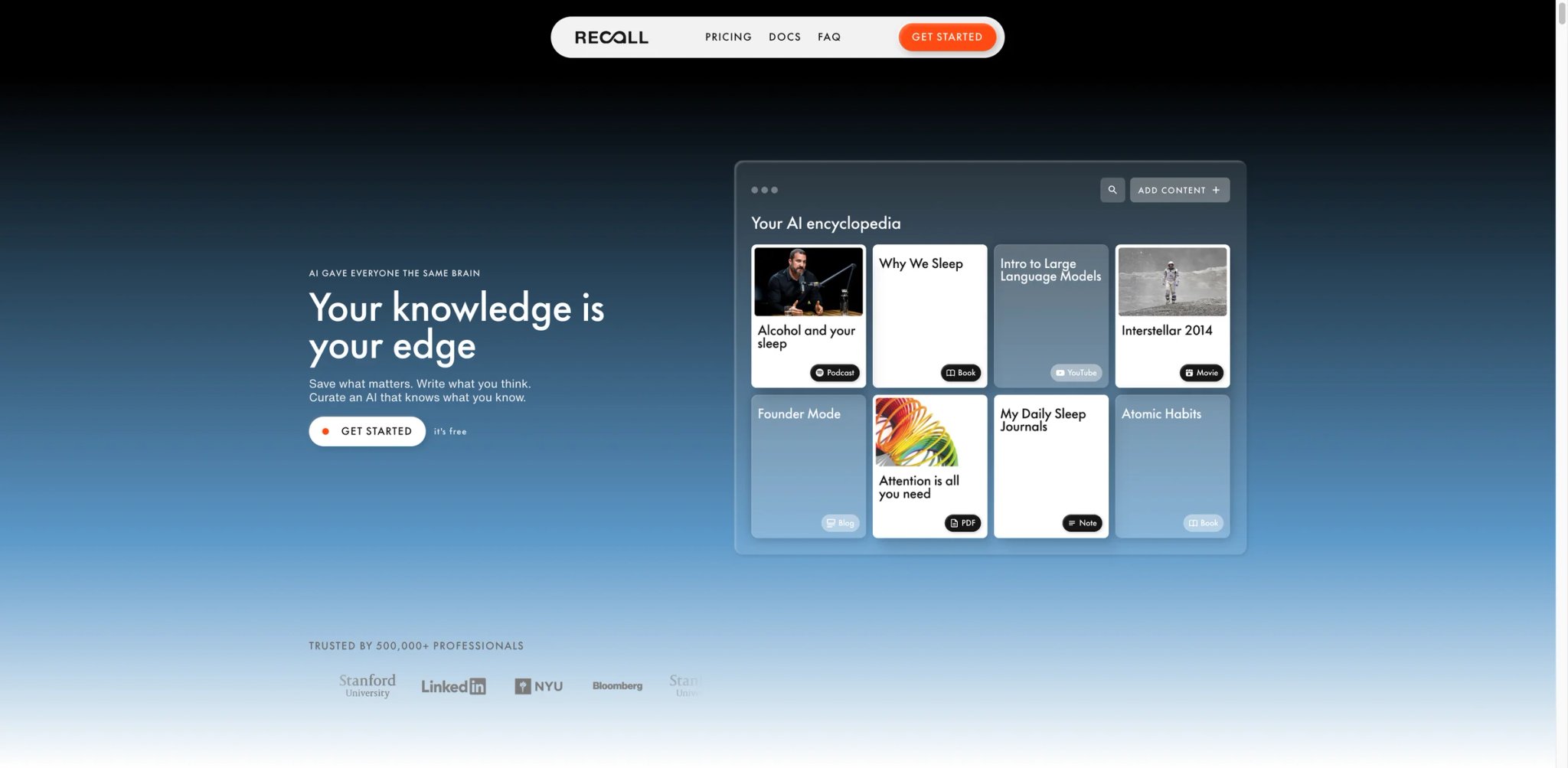
Recall positions itself as an "augmented browsing" knowledge-base tool rather than a pure summarizer — every article, PDF, or video you process gets summarized and auto-linked to related past captures, surfacing connections you'd otherwise lose. For researchers building longitudinal understanding of a topic across dozens of sources, this linking layer is the real product; the summarization is the delivery mechanism.
Key Features
- Knowledge-base linking across sources — New summaries automatically surface related content from your library, not just the current article. This saves you from re-reading or re-searching past work to rebuild context.
- Strong privacy stance with local-first processing — Recall's privacy page is more explicit than most competitors about what stays client-side and what goes to servers. Matters for sensitive corporate or legal research.
- URL, PDF, and video coverage — One input slot for all major long-form content, not a workflow switch between three tools.
Pricing & Plans
| Plan | Price | Includes |
|---|---|---|
| Free | $0 | 10 AI cards/month, unlimited saves and connected notes, API and MCP access |
| Plus | $10/mo billed yearly | Chat with your knowledge or the internet, AI summaries with Listen Mode, knowledge graph, bulk imports |
| Max | $38/mo billed yearly | Frontier AI models, bulk AI actions, multi-PDF uploads, maximum AI usage |
Free tier is genuinely usable for light daily use. Paid pricing requires checkout flow or support contact to confirm current rates.
Pros & Cons
Pros: Knowledge-base linking is genuinely unique in the summarizer category. Strongest privacy stance among consumer summarizers. Format breadth covers the three most common inputs.
Cons: Recall's pricing is now publicly listed, but the jump from Free to paid matters because the free plan is capped at 10 AI cards per month. Smaller user base than broader tools — fewer G2 reviews to cross-check output quality claims. Learning curve slightly higher than pure "paste URL, get summary" tools.
Who It's For
Recall fits researchers, analysts, and knowledge workers building a personal library of long-form content over time. Also useful for consultants who revisit topics across client engagements. Not the right fit for one-off summaries where library linking adds no value, or for teams needing transparent enterprise pricing before evaluating.
Get started with Recall
NotebookLM
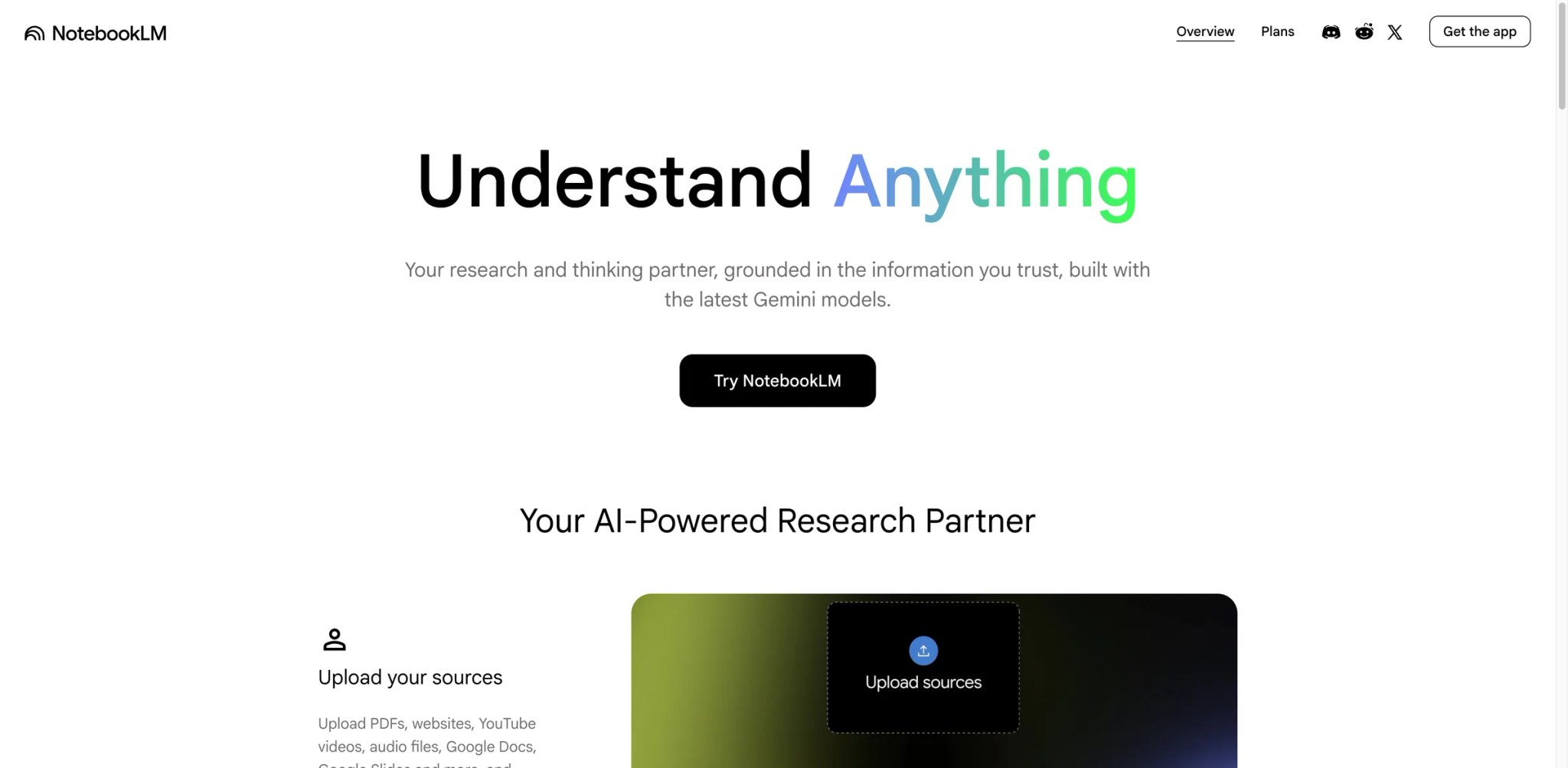
NotebookLM is Google's research-workflow offering — upload up to 50 sources (URLs, PDFs, Google Docs, YouTube), and the AI answers questions or generates summaries with line-level source citations back to specific passages. For research, academic work, or any context where "where did this claim come from" matters, the citation accuracy is a tier above tools that generate plausible-sounding summaries without traceability.
Key Features
- Line-level source citations — Every sentence in a generated summary or answer links to the specific passage in the source. Click a citation to see the exact paragraph — no other tool in this list matches this precision.
- Up to 50 sources per notebook — Cross-document synthesis across a full research project, not single-article summaries. Useful for literature reviews, competitive research, and course preparation.
- Audio Overview (podcast-style) — Generate a two-host AI podcast summarizing your sources. Quirky but genuinely useful for long-commute review or accessibility contexts.
Pricing & Plans
| Plan | Price | Includes |
|---|---|---|
| Free | $0 | Core features with reasonable daily limits |
| Google AI Pro | Subscription | Higher limits, priority processing |
| Workspace Business | Per-seat | Enterprise privacy and admin controls |
Free tier is the most generous among research-focused summarizers — up to 50 sources per notebook with full feature access. Paid tiers unlock higher query volumes.
Pros & Cons
Pros: Line-level citation accuracy is category-leading. Cross-document synthesis across 50 sources is unique. Free tier is meaningful for daily research use.
Cons: Google ecosystem dependency — tied to your Google account, with privacy implications for sensitive topics. Google now offers NotebookLM mobile apps for iOS and Android, though the product still feels strongest in the browser for heavier research workflows. Occasional lag processing very large PDFs or low-quality YouTube transcripts.
Who It's For
NotebookLM is the default pick for researchers, students, and journalists whose work requires verifiable source-to-claim traceability. Also strong for solo consultants processing client documents. Not the right fit for users avoiding Google's ecosystem, or for quick one-off summaries where the full notebook workflow is overkill.
Get started with NotebookLM
NoteGPT
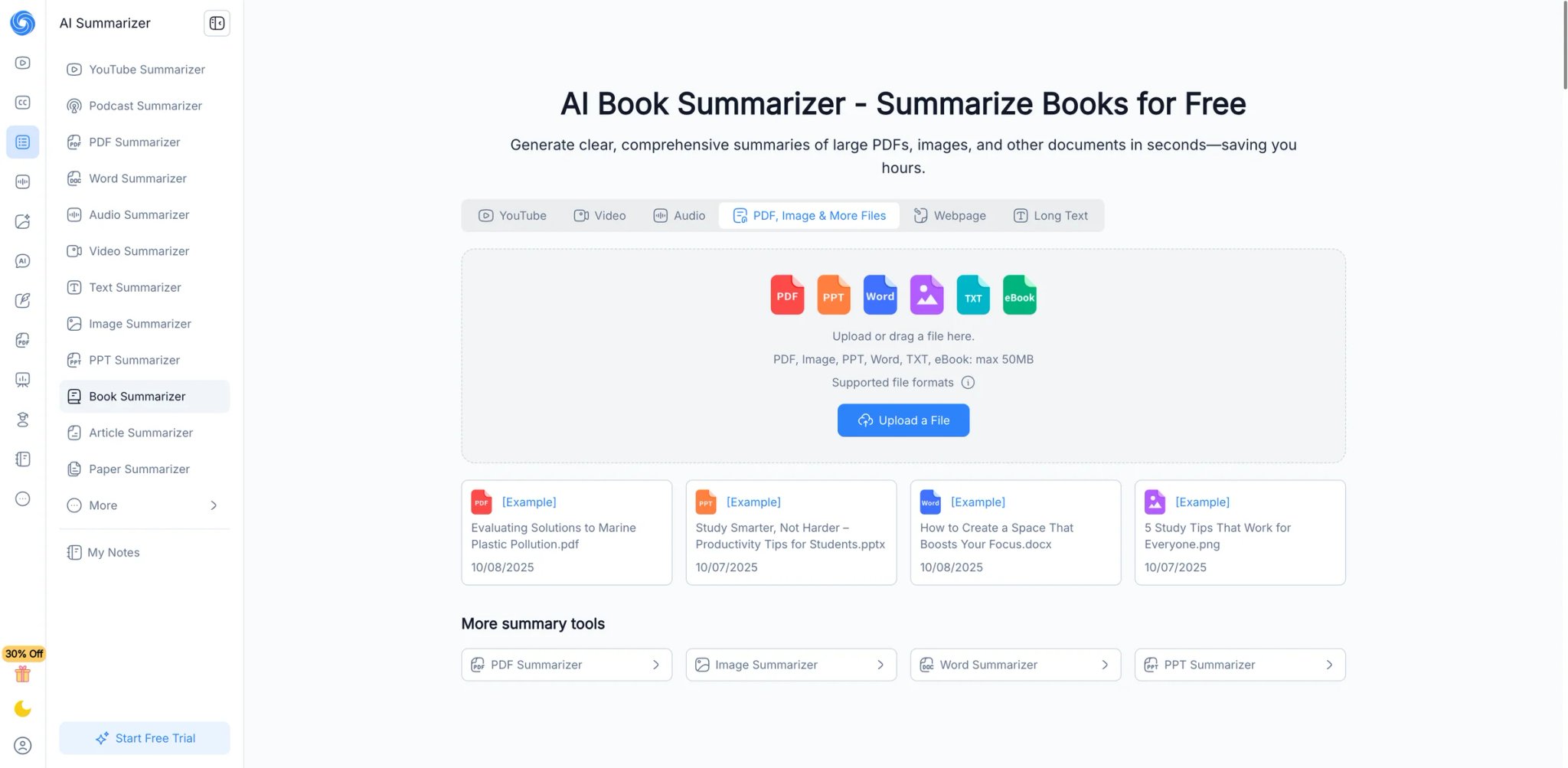
NoteGPT covers the widest range of inputs in this category — URLs, PDFs, YouTube videos, documents — with a single consistent interface. The $9.99/month tier is positioned squarely between "free teaser" and "research-grade paid," making it the easiest upgrade path for knowledge workers who hit free-tier limits but don't need NotebookLM-grade citation rigor.
Key Features
- URL + PDF + YouTube + documents in one interface — No tool switching for different content types. The workflow consistency is the core advantage.
- Mind-map generation for long content — Convert articles or videos into mind maps that show hierarchical structure, not just linear bullet summaries.
- Chrome extension for in-page summaries — Summarize the article you're reading without leaving the tab. Matches how most knowledge workers actually consume content.
Pricing & Plans
| Plan | Price | Includes |
|---|---|---|
| Free | $0 | Limited daily summaries |
| Pro | $9/mo billed yearly ($9.99 monthly) | 1,000 Basic Quotas/month, 100 Premium Credits/month, commercial use |
| Unlimited | $19.92/mo billed yearly ($29 monthly) | Unlimited Basic Quotas, 2,800 Premium Credits/month, broader processing limits |
| Max | $69/mo billed yearly ($99 monthly) | Unlimited Basic Quotas, 10,000 Premium Credits/month, highest processing limits |
$9.99/mo is the cheapest serious paid tier in this guide with format coverage this broad. Free tier is limited enough that active users upgrade quickly.
Pros & Cons
Pros: Broadest format coverage at a consumer-friendly price. Mind-map output is genuinely useful for structured thinking. Chrome extension workflow matches real browsing habits.
Cons: Public reviews are polarized — some praise output quality, others report inconsistency across content types. Citation traceability is moderate, not line-level like NotebookLM. Free tier limits kick in quickly for active use.
Who It's For
NoteGPT fits knowledge workers, students, and content creators who regularly process mixed content (articles + PDFs + YouTube videos) and want one subscription covering all of it. Not the right fit if you need line-level citation accuracy (NotebookLM wins), or if you only process one content type and broader coverage is wasted.
Get started with NoteGPT
QuillBot Summarizer
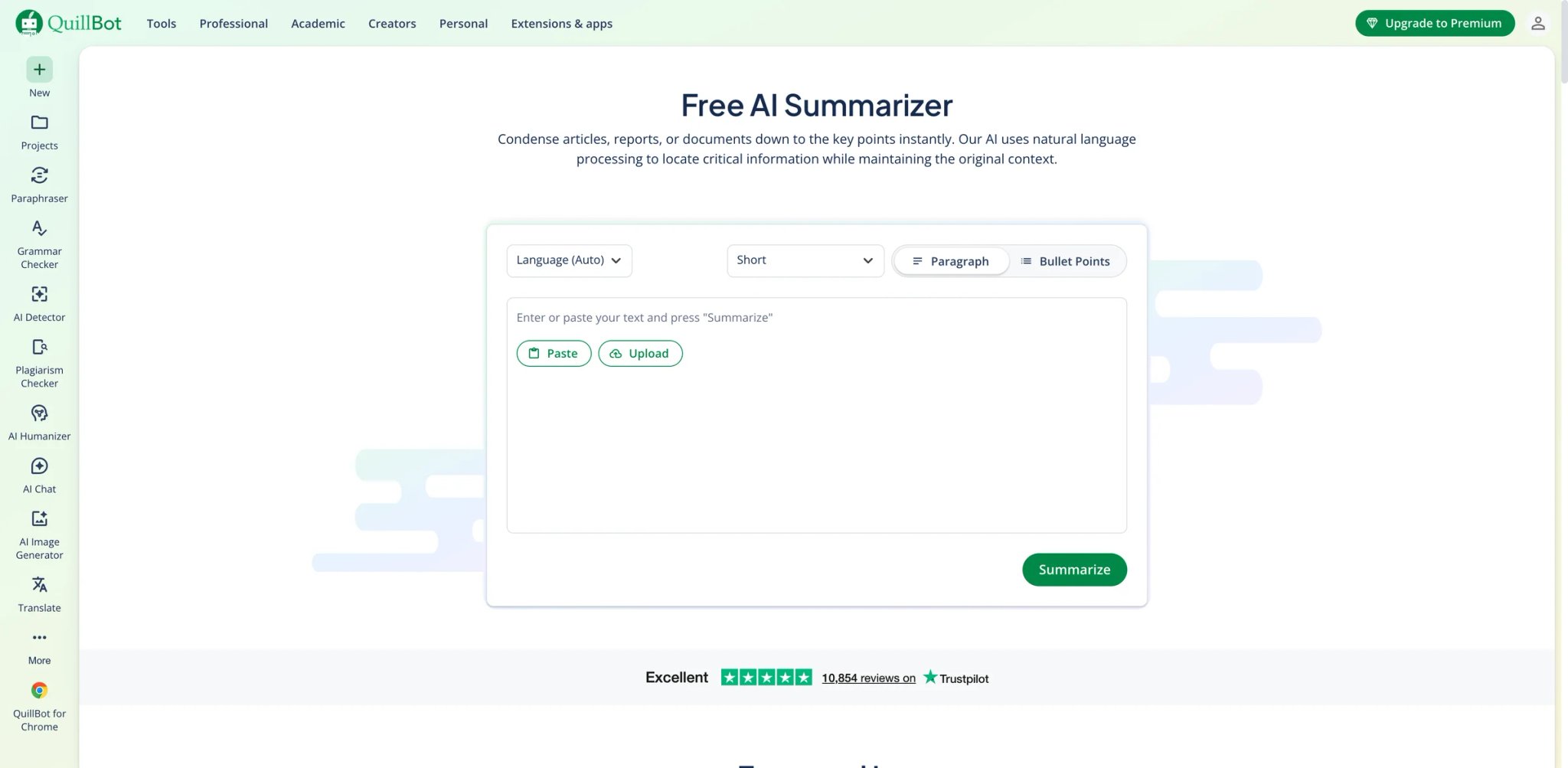
QuillBot is better known as a paraphrasing tool, but its summarizer has quietly become one of the most-used in the category — largely because the UX is genuinely polished, the free tier allows meaningful evaluation, and the output sits at acceptable quality for most knowledge-work needs. The trade-off is narrower workflow depth than NotebookLM or NoteGPT: QuillBot excels at summarizing pasted text, PDFs, and Word documents, but it is not built as a research notebook with source-linked citations or native YouTube workflows.
Key Features
- Two summary modes — Key sentences (extract from source) versus paragraph mode (rewrite into coherent prose). Different use cases; most tools only offer one.
- Summary length slider — Adjust output length with a granular slider rather than picking between fixed "short/medium/long." Matches actual workflow needs.
- Integrated paraphrasing and grammar checking — Useful for writers summarizing research before incorporating into their own work.
Pricing & Plans
| Plan | Price | Includes |
|---|---|---|
| Free | $0 | Summarizing up to 1,200 words |
| Premium | $8.33/mo billed yearly | Summarizing up to 6,000 words, custom summaries, and the full QuillBot suite |
Free tier is the most generous among polished-UX summarizers — 1,200 characters per summary is enough for most article-length content. Premium unlocks the full QuillBot suite including paraphrasing.
Pros & Cons
Pros: Most polished UX in this list. Generous free tier with meaningful character limits. Integrated paraphrasing valuable for writers rewriting summaries.
Cons: No native YouTube support, and citation traceability remains basic compared with research-first tools like NotebookLM. Premium at $8.33/mo billed annually is reasonable for the integrated writing suite but costs more than pure summarizers once you only use the summary feature. Output feels more "text-processing" than "research-grade" — misses the citation rigor NotebookLM offers.
Who It's For
QuillBot fits writers, students, and content creators who primarily work with text and URLs and benefit from integrated paraphrasing alongside summarization. Not the right fit for PDF-heavy research workflows (Scholarcy or Adobe Acrobat AI win there), or for users needing citation traceability.
Get started with QuillBot Summarizer
Glasp
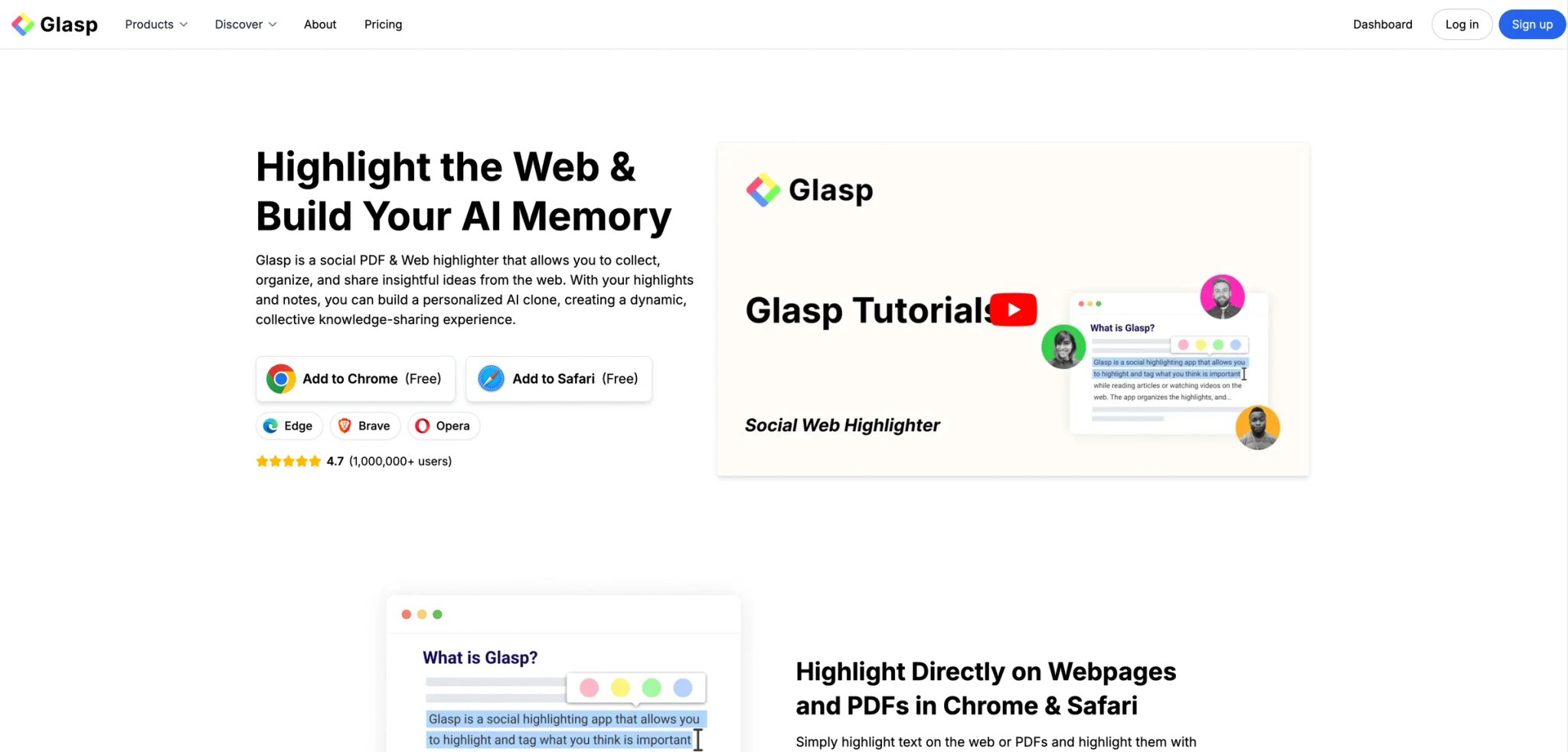
Glasp combines two workflows that most tools separate: highlighting passages as you read, and AI-summarizing after. For users who already highlight-as-they-read (whether in a browser, PDF, or Kindle), the AI layer sits on top of that existing habit rather than replacing it. The community layer (browse others' highlights on the same article) is a secondary feature that some users value and others ignore.
Key Features
- Highlight + AI summary combined workflow — Highlight as you read; AI summary incorporates your highlights as the structural backbone. Preserves the parts you flagged as important rather than AI-picking different priorities.
- PDF and web article support — Works across browser and PDFs with consistent highlighting + summary workflow.
- Community layer (opt-in) — See highlights others have made on the same article. Useful for contentious topics where crowd-annotation reveals debate points.
Pricing & Plans
| Plan | Price | Includes |
|---|---|---|
| Free | $0 | Unlimited public highlights, 3 basic YouTube summaries/day, 30 PDF uploads, 20 PDF chat messages/month |
| Pro | $10/mo | 1,000 advanced YouTube summaries/month, 100 PDF uploads, 500 PDF chat messages/month |
| Unlimited | $25/mo | Highest usage limits across summaries, PDF chat, and audio transcription |
Free tier is usable for daily reading; Pro is meaningful for heavy users who want unlimited summaries.
Pros & Cons
Pros: Highlight + summary workflow is genuinely unique. $10/mo Pro is priced for individual upgrade. Community layer adds value for topics with public debate.
Cons: Value depends on whether you actually highlight as you read — if you don't, the core differentiator disappears. Community feature quality varies wildly by article popularity. Output quality is good but not category-leading on citation accuracy.
Who It's For
Glasp fits readers who highlight as they go — students, researchers, journalists — and want AI summaries that incorporate their annotations. Also good for team knowledge sharing where others' highlights add value. Not the right fit for users who don't highlight, or for contexts where crowd annotations could leak sensitive research interests.
Get started with Glasp
Wordtune Summarizer
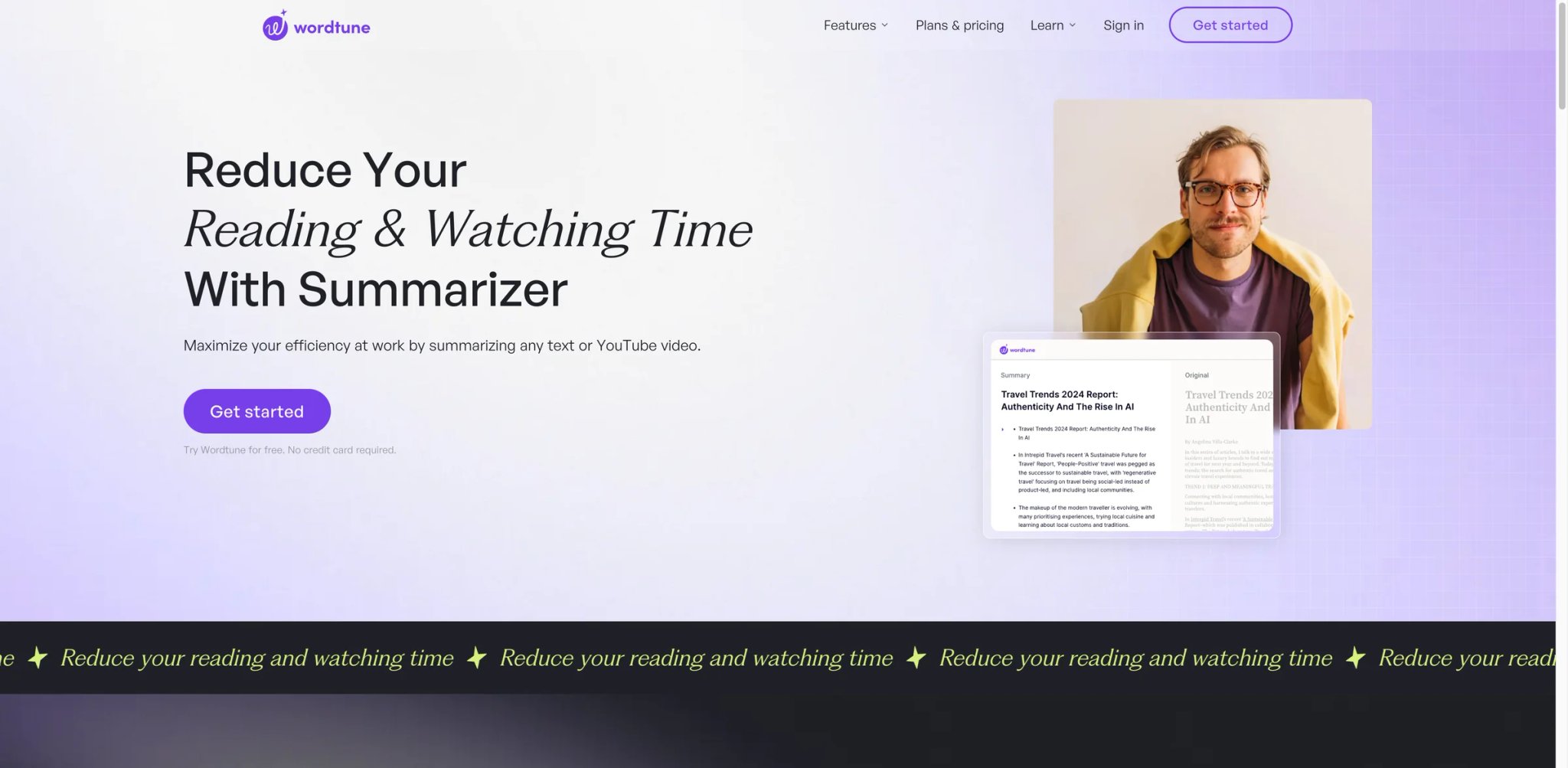
Wordtune's Summarizer is the fastest onboarding experience in this list — paste a URL or drop a document, get a structured summary in under 10 seconds, without picking between modes or adjusting parameters. At $4.89/mo on annual billing, it's also one of the cheapest polished options. The trade-off is depth: fast and clean, but without the structural richness of NotebookLM or the format breadth of NoteGPT.
Key Features
- Sub-10-second summary generation — Fastest output in this list for typical article-length content. Useful for rapid triage across many sources.
- Multiple summary formats — Bullet points, structured notes, or TL;DR — pick per summary rather than per account.
- Chrome extension with in-page summaries — Summarize the current tab without leaving it. Matches browsing-first consumption.
Pricing & Plans
| Plan | Price | Includes |
|---|---|---|
| Basic | $0 | 10 rewrites/day, 3 AI summaries/month, unlimited spelling and grammar checks |
| Advanced | $4.89/mo billed annually | 30 rewrites/day, 15 AI summaries/month, AI recommendations, grammar and spelling |
| Unlimited | $6.99/mo billed annually | Unlimited rewrites and AI summaries, vocabulary/clarity/fluency improvements, premium support |
Annual billing at $4.89/mo is called out clearly — monthly-only runs roughly double. Free tier hits AI quota limits quickly on active use.
Pros & Cons
Pros: Fastest output generation. Cheapest polished paid tier in this list. Multiple summary format options.
Cons: AI summary quota on free tier is visibly restrictive. Format coverage is broader than it first appears — Wordtune supports websites, documents, PDFs, and YouTube summaries — but citation traceability is still basic. Paraphrasing feature is a bonus but not a primary-use differentiator.
Who It's For
Wordtune fits writers and knowledge workers who want fast summary output on article and document input, at a low price point. Also strong for users who already use Wordtune's paraphrasing tool. Not the right fit for YouTube-heavy workflows, or for research requiring citation traceability.
Get started with Wordtune Summarizer
Mapify
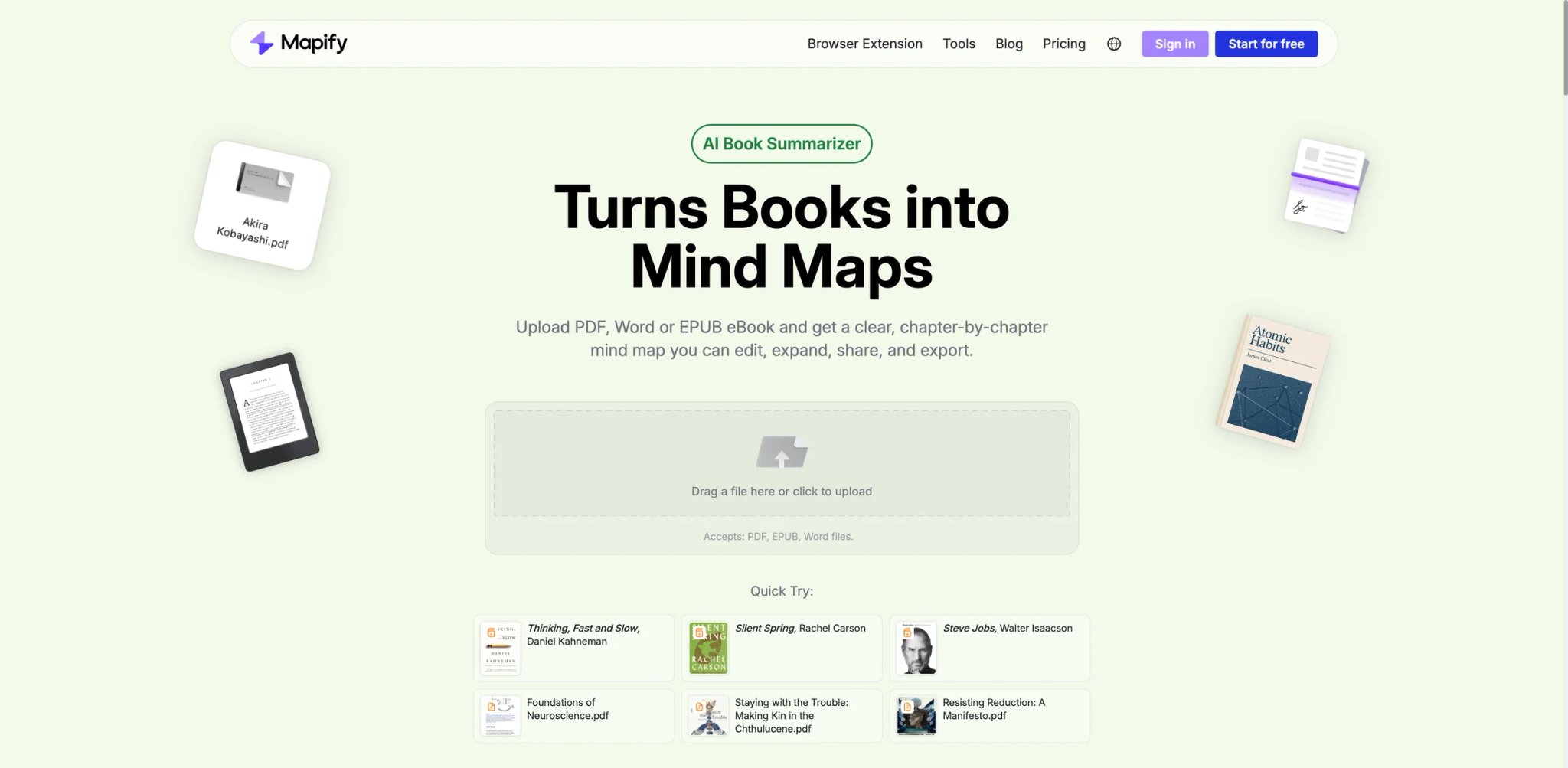
Mapify's core bet: linear bullet summaries lose structural information that mind maps preserve. For topics with deep hierarchical relationships (scientific papers, strategy documents, complex product launches), mind-map output reveals connections that a flat bullet list obscures. For simple news articles or product reviews, it's overkill.
Key Features
- Mind-map-first summary output — Default output is a branching map showing hierarchy and relationships, not a linear bullet list. Toggle to flat summary when needed.
- URL, PDF, YouTube, and document coverage — Broad format support like NoteGPT, with mind-map-native output.
- Cross-platform (Web, Chrome extension, desktop, mobile apps) — Broadest platform coverage in this list.
Pricing & Plans
| Plan | Price | Includes |
|---|---|---|
| Free | $0 | 30 one-time AI credits, 5 PDFs/docs to mind maps, 5 YouTube videos to mind maps |
| Basic | $5.99/mo billed yearly | 1,000 AI credits/month, PDFs/documents and YouTube summaries, export and presentation tools |
| Pro | $11.99/mo billed yearly | 2,000 AI credits/month, audio/image inputs, Deep Research, AI chat |
| Unlimited | $17.99/mo billed yearly | Unlimited AI credits and priority access |
Free tier is usable for occasional structural summaries. Pro pricing varies by billing period.
Pros & Cons
Pros: Mind-map output is genuinely differentiated for hierarchical content. Broadest platform coverage — Web, extensions, and native apps. Free tier includes core map generation.
Cons: Public feedback is thinner than top competitors — fewer independent data points on output quality. Mind-map format is not universally useful — flat summaries are faster to scan for simple articles. Pro pricing transparency is moderate.
Who It's For
Mapify fits users processing structurally complex content — scientific papers, strategy decks, multi-part product docs — where hierarchy matters. Also good for visual learners who process mind maps faster than prose. Not the right fit for quick triage of simple news articles, or for users needing citation rigor.
Get started with Mapify
Briefy
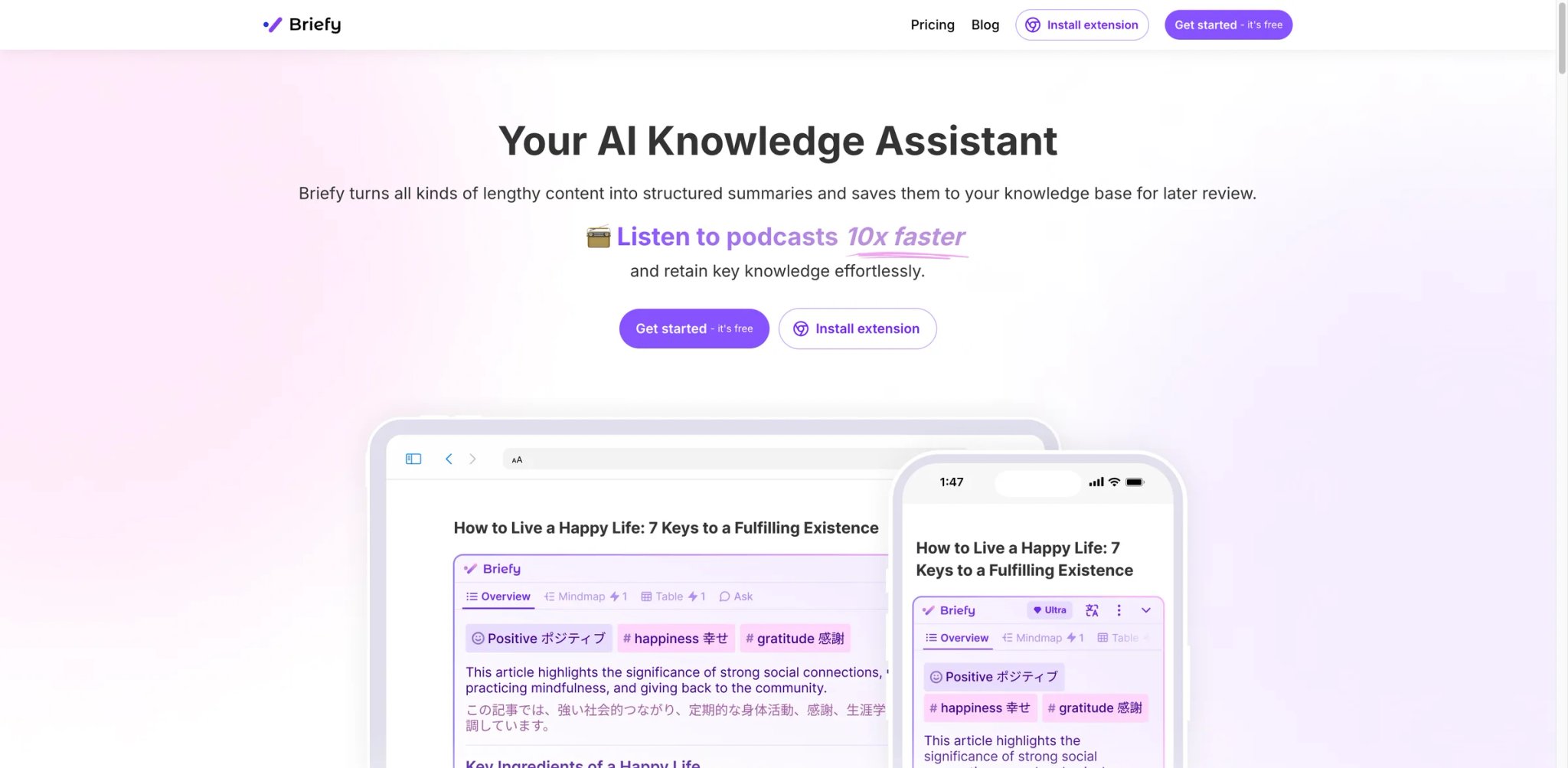
Briefy's angle is output variety — the same source can be rendered in multiple views, including Overview, Mindmap, Table, and Timeline, so you can switch formats without re-running the summary, letting you pick the right format without re-running the tool. For users who aren't sure which summary format fits their current need, this multi-view output saves cycles.
Key Features
- Multi-view output from one summary — TL;DR + bullets + quotes + brief generated together. Pick per use case without re-running.
- URL, PDF, and YouTube coverage — Covers the three most common long-form content types.
- Chrome extension with in-page workflow — Summarize without leaving the article tab.
Pricing & Plans
| Plan | Price | Includes |
|---|---|---|
| Free | $0 | Limited summaries |
| Premium | $7.49/mo billed annually | 700 credits/month, all core views, chat with content |
| Ultra | $13.99/mo billed annually | 1,500 credits/month, higher limits, document/media summarization, and knowledge-base features |
$7.49/mo on annual billing is a meaningful price advantage vs most broader-format competitors.
Pros & Cons
Pros: Multi-view output saves re-running for different formats. Format coverage hits the three most common inputs. Annual pricing at $7.49/mo is competitive.
Cons: Public user feedback sample is still thin — fewer independent data points than NotebookLM or NoteGPT. Output quality is solid but not category-leading on edge cases (legal documents, technical whitepapers). Pro tier requires annual billing for the advertised rate.
Who It's For
Briefy fits users who experiment with different summary formats depending on the task — briefs for email, quotes for citation, bullets for quick review. Not the right fit if you only use one summary format (narrower single-format tools are cheaper), or if you need the largest independent review volume.
Get started with Briefy
Adobe Acrobat AI Assistant
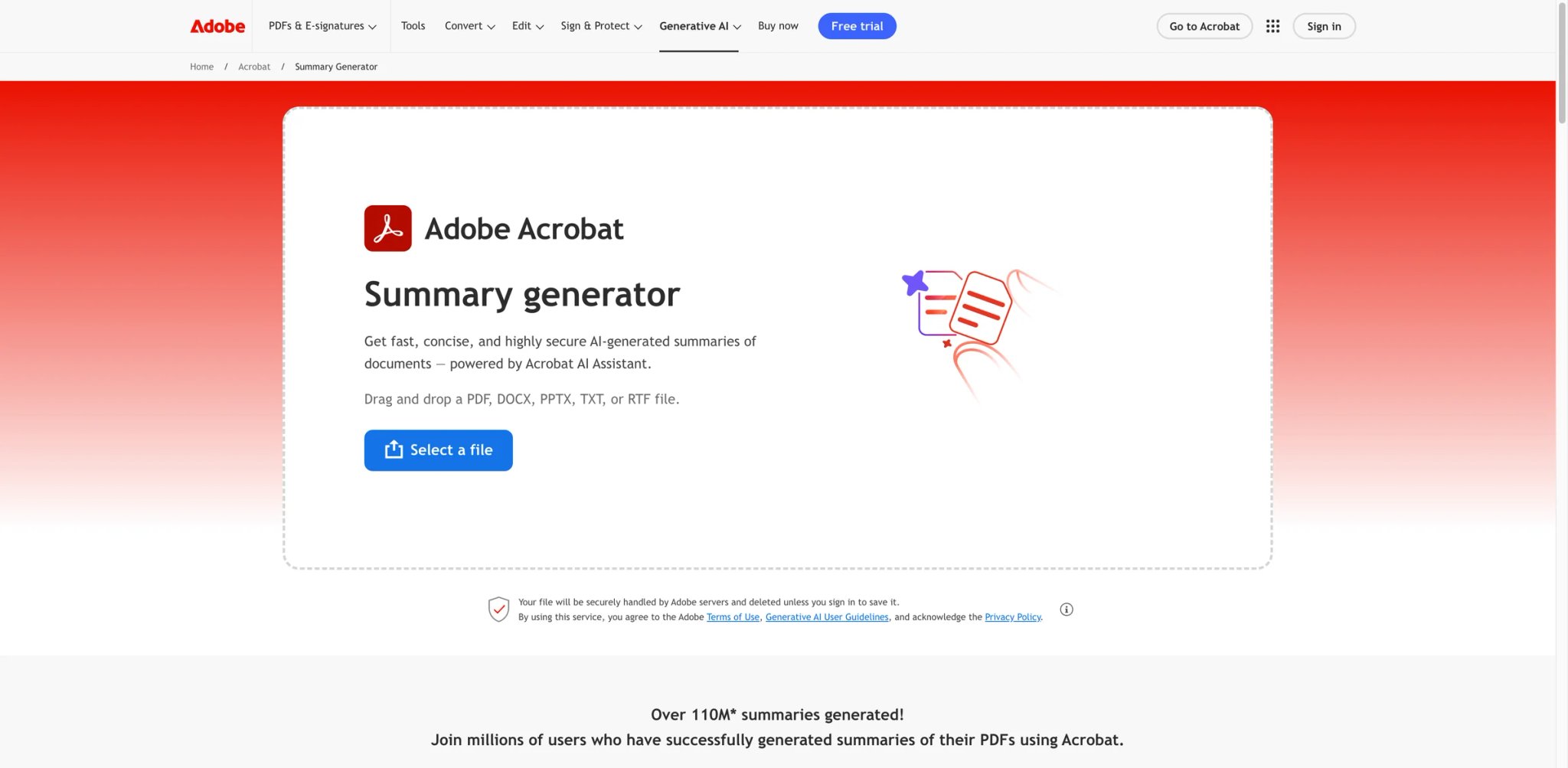
Adobe Acrobat AI Assistant is the best choice if PDFs are 80%+ of your summarization workload — it lives inside the Acrobat app millions of professionals already use daily, processes PDFs without upload-to-third-party privacy friction, and integrates with document workflows (signatures, annotations) that pure summarizers miss. The trade-off is cost: Adobe now packages its latest AI workflow through Acrobat Studio, so the current decision point is the full Acrobat subscription tier rather than a standalone $4.99 add-on.
Key Features
- Native Acrobat integration — Summaries generated inside the Acrobat app, not a separate browser tab. No upload, no privacy hand-off, no re-downloading.
- PDF-specific citation accuracy — Claims link back to specific pages and paragraphs, similar to NotebookLM but inside the PDF reader itself.
- Works with existing Acrobat workflow — Summarize, annotate, redact, sign, and share without switching tools.
Pricing & Plans
| Plan | Price | Includes |
|---|---|---|
| Acrobat Studio | $24.99/mo billed annually | Acrobat AI Assistant, PDF Spaces, and Adobe Express Premium |
| Acrobat Pro | $19.99/mo billed annually | Full Acrobat editing workflow without the bundled Studio extras |
| Enterprise | Custom | Volume licensing, admin controls |
Current Adobe pricing is clearer than older add-on messaging: Acrobat Studio starts at $24.99/month billed annually and includes Acrobat AI Assistant, while Acrobat Pro remains a separate lower-cost Acrobat tier without the full Studio bundle.
Pros & Cons
Pros: Native Acrobat integration avoids PDF upload privacy friction. Citation accuracy is strong for PDF-specific use. Useful for users already paying for Acrobat.
Cons: Total cost is higher than pure summarizers — Acrobat Studio at $24.99/mo billed annually is meaningfully above $5–15/mo competitors. No native URL or YouTube support — PDF only. Users who don't need Acrobat's broader editing suite pay for features they won't use.
Who It's For
Adobe Acrobat AI Assistant is the default pick for legal, finance, and consulting professionals who already pay for Acrobat and summarize PDFs as daily workflow. Also strong for enterprise users with Acrobat site licenses. Not the right fit for users who only want summarization (Acrobat Studio at $24.99/mo annual is expensive for that narrow use), or for URL/YouTube-heavy workflows.
Get started with Adobe Acrobat AI Assistant
TLDR This
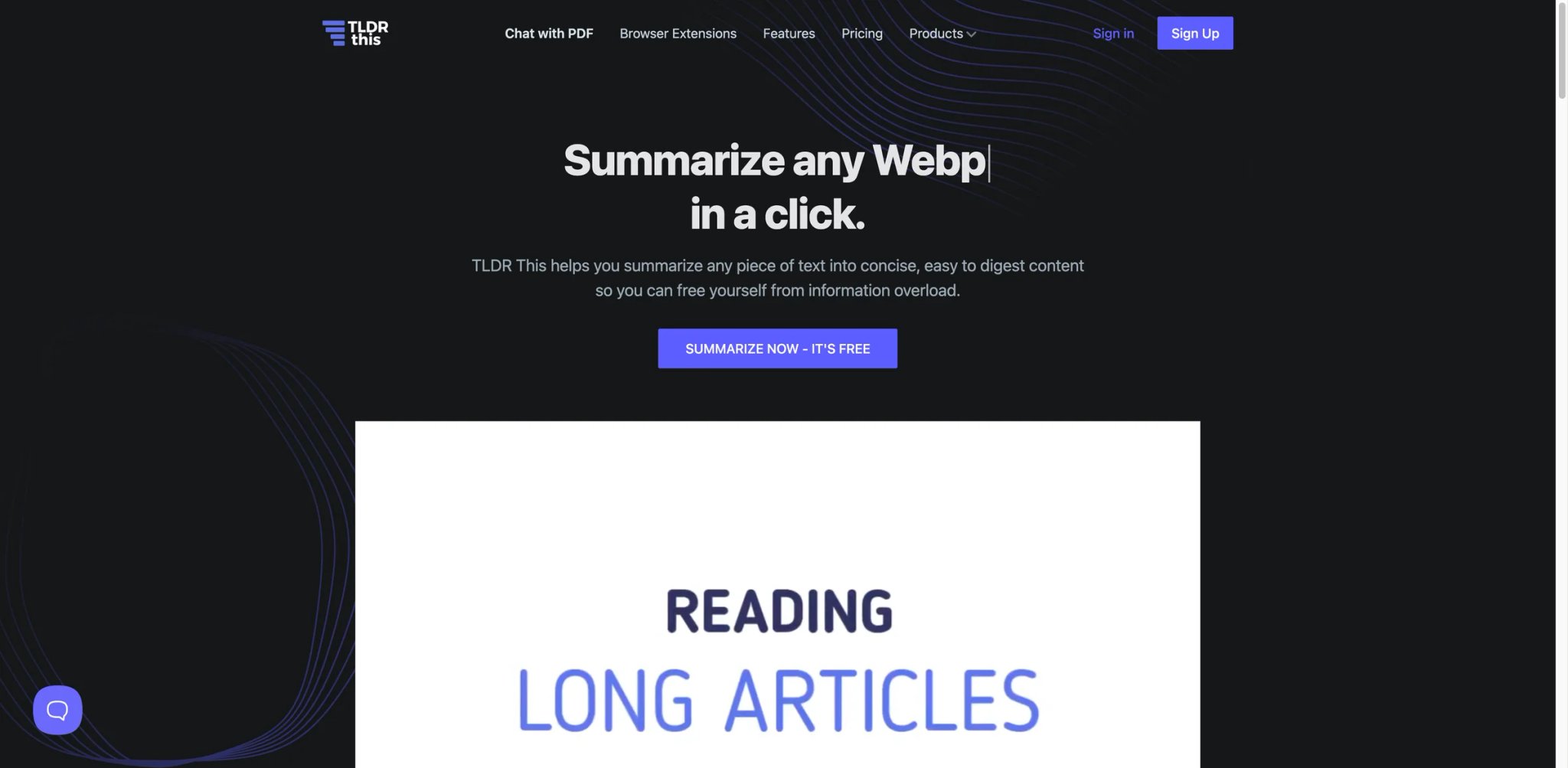
TLDR This is the simplest tool in this list — paste a URL or article text, get a summary. No account, no library, no advanced features. For users who want the lightest possible summary layer without committing to a subscription or learning a new workflow, the simplicity is the product.
Key Features
- No-account quick summary — Paste URL or text, get summary without signing up. Rare in this category where most tools gate free access behind signup.
- Chrome extension for in-page summaries — Summarize the current tab without leaving it.
- Multiple summary lengths — Pick short, medium, or long per summary.
Pricing & Plans
| Plan | Price | Includes |
|---|---|---|
| Free | $0 | Core summary features |
| Starter | $4/mo | 100 advanced AI summaries/month, 100 paraphrases/month |
| Professional | $8.25/mo | 500 advanced AI summaries/month, 500 paraphrases/month |
| Business | $16.60/mo | Unlimited advanced AI summaries/month and up to 1,000 paraphrases/month |
Pricing transparency is stronger than this category's average: TLDR This publicly lists Free, Starter ($4/mo), Professional ($8.25/mo), Business ($16.60/mo), plus a pay-as-you-go option.
Pros & Cons
Pros: Simplest onboarding in this list — no account required. Works for casual one-off summaries without commitment. Chrome extension matches browsing habits.
Cons: Shallow depth — no citation, no knowledge-base linking, no mind maps. Paid-tier pricing not publicly disclosed, making upgrade decisions harder. Output is competent but not category-leading.
Who It's For
TLDR This fits casual users who want one-off summaries without signing up or committing to a workflow. Also useful as a "first test" tool before upgrading to something deeper. Not the right fit for heavy research or professional use (deeper tools serve those better), or for users needing pricing transparency.
Get started with TLDR This
Smallpdf AI PDF Summarizer
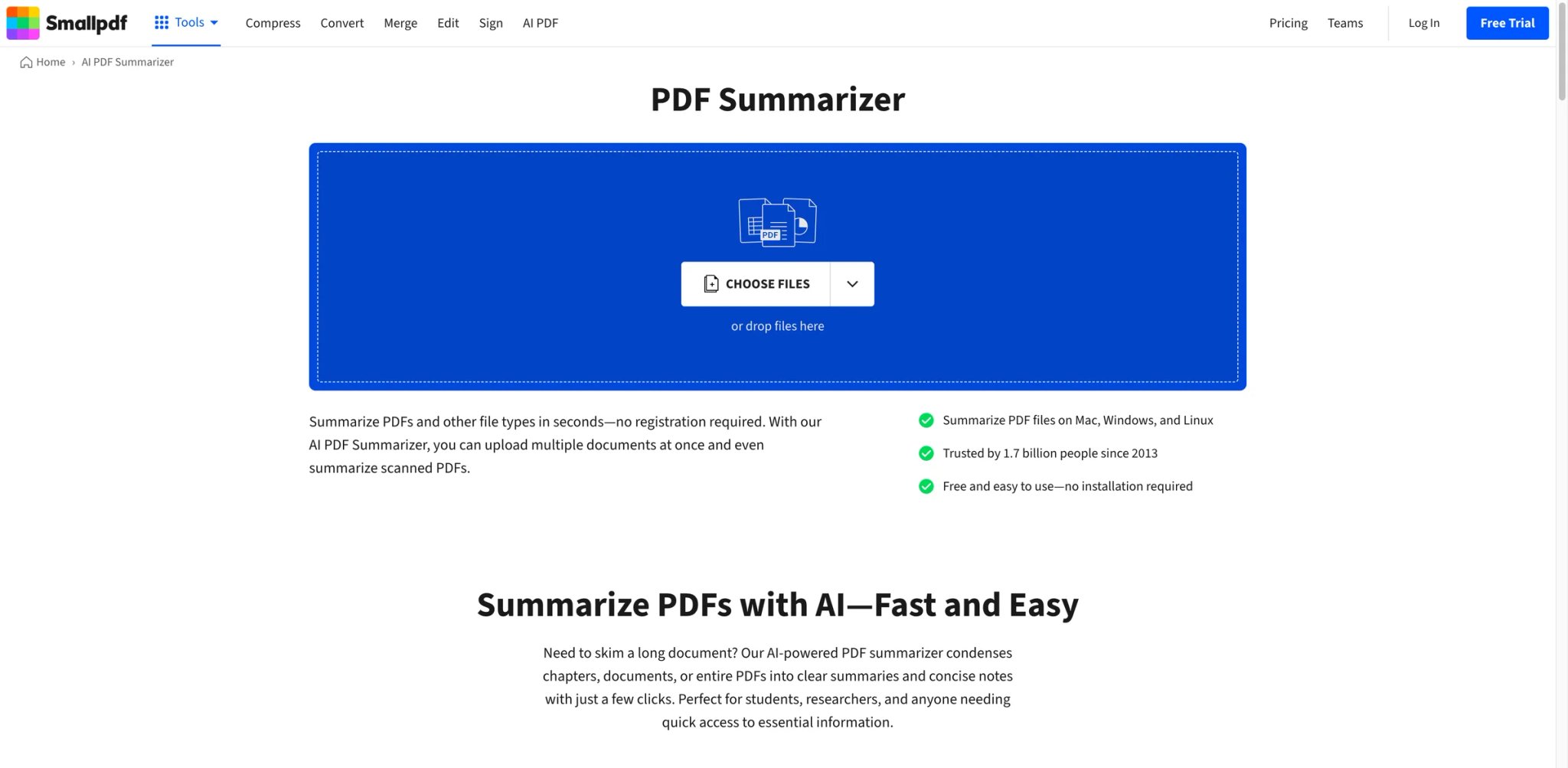
Smallpdf's AI Summarizer is part of a broader PDF toolkit — compression, conversion, OCR, e-signature — with summarization sitting alongside. For users already using Smallpdf for other PDF workflow needs, adding AI summaries is zero-friction. For pure summarization use, it's narrower than competitors.
Key Features
- Part of Smallpdf's broader PDF toolkit — Summarize alongside compress, convert, OCR, and sign. No workflow switching for PDF tasks.
- PDF-native processing — Designed for PDF input rather than treating PDF as a bolt-on to URL-first workflows.
- Integration with cloud storage — Dropbox, Google Drive, OneDrive import for PDFs stored in the cloud.
Pricing & Plans
| Plan | Price | Includes |
|---|---|---|
| Free | $0 | Limited document count with features |
| Pro | From $9/mo billed yearly | Unlimited access to Smallpdf tools, including unlimited AI tool usage |
| Team | From $7/user/mo billed yearly | Team billing, member management, and unlimited AI tool usage |
| Business | Custom | Flexible payment options and dedicated support |
Smallpdf's pricing is published broadly but AI-specific tier details are less transparent. Most users reach AI features through the Pro tier.
Pros & Cons
Pros: Part of a broader PDF toolkit that many users already use. PDF-native processing avoids URL-centric tool friction. Cloud storage integration matches real workflow.
Cons: Not primarily a summarizer — AI feature is one of many tools in the suite. Output quality is solid but less deep than purpose-built summarizers. AI-specific pricing transparency is moderate.
Who It's For
Smallpdf fits users already in the Smallpdf ecosystem for other PDF workflow needs (signing, converting, compressing). Not the right fit for dedicated summarization use cases (NotebookLM, NoteGPT, Adobe Acrobat AI are deeper), or for URL/YouTube-heavy workflows.
Get started with Smallpdf AI PDF Summarizer
Jotform AI Summarizer
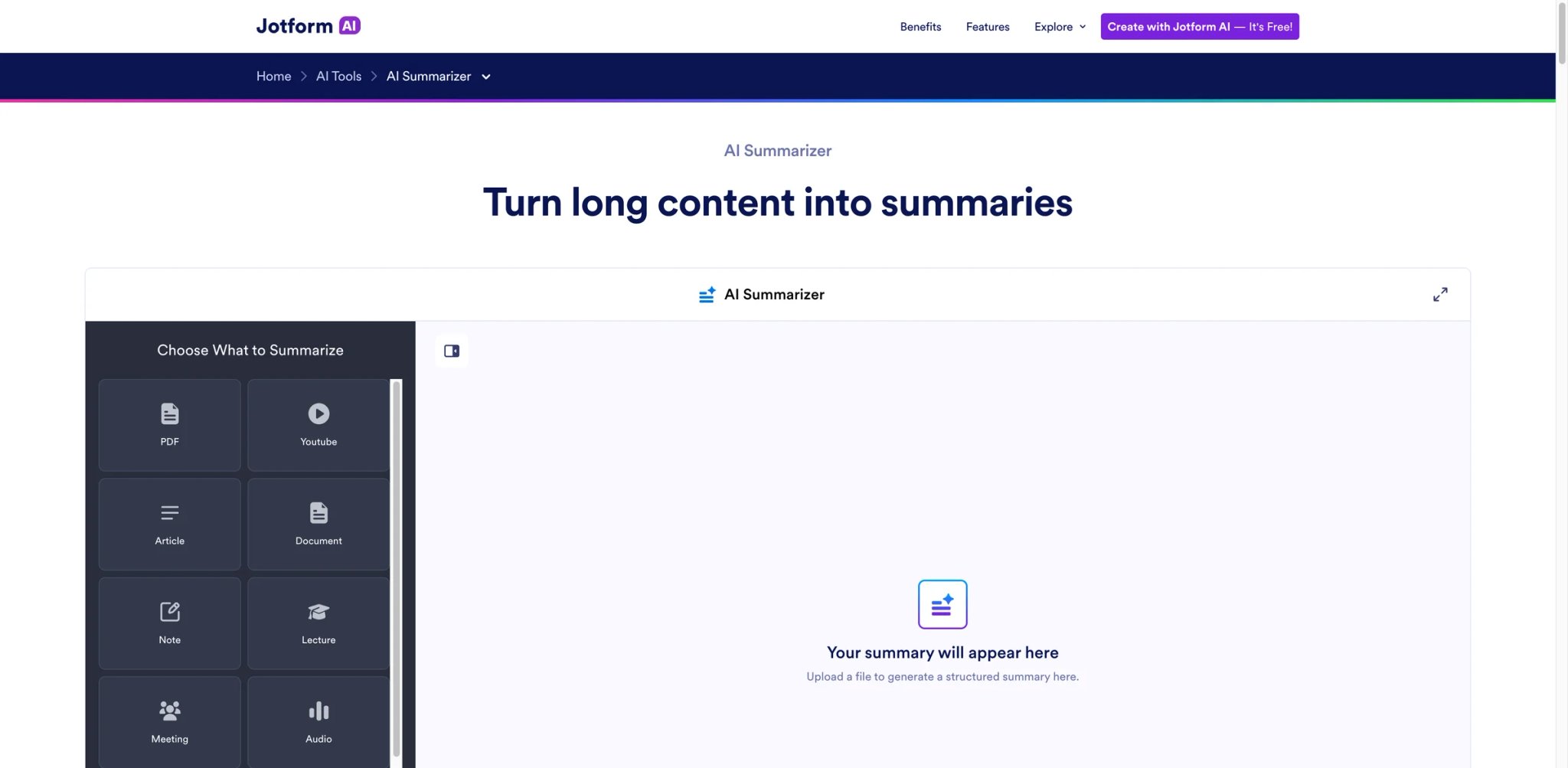
Jotform's AI Summarizer is a lightweight general-purpose tool inside the broader Jotform platform (best known for form building). It handles URLs and file uploads equally well, with a clean simple interface. For Jotform users wanting a summarization feature without adding another subscription, it's functional; for dedicated summarization use, it's narrower than specialists.
Key Features
- Simultaneous URL and file input — Paste a link or upload a file through the same flow. No mode switching.
- Part of broader Jotform platform — Forms, automations, PDFs, and now AI utilities in one ecosystem.
- No-signup quick access for basic use — Core summary features work without account creation.
Pricing & Plans
| Plan | Price | Includes |
|---|---|---|
| Free | $0 | Core summary with limits |
| AI Assistant Plan | $3/mo ($36 billed annually) | Core AI tools, including Summarizer 2.0 |
| All-in-One Plan | $4.80/mo ($58 billed annually) | Everything in AI Assistant plus broader Jotform feature access |
Jotform's broader pricing is published but AI-specific usage limits aren't fully broken out publicly.
Pros & Cons
Pros: Simple interface without learning curve. Simultaneous URL + file input. Part of a broader platform for users already on Jotform.
Cons: Not primarily a summarizer — AI utility is a side feature in the forms-first platform. Output quality is basic compared to purpose-built tools. Pricing transparency at AI-specific level is weak.
Who It's For
Jotform AI Summarizer fits casual users wanting a simple summary utility without committing to a subscription, and existing Jotform users adding summarization to their stack. Not the right fit for heavy research, professional use, or users needing format breadth beyond URL + file.
Get started with Jotform AI Summarizer
UPDF AI
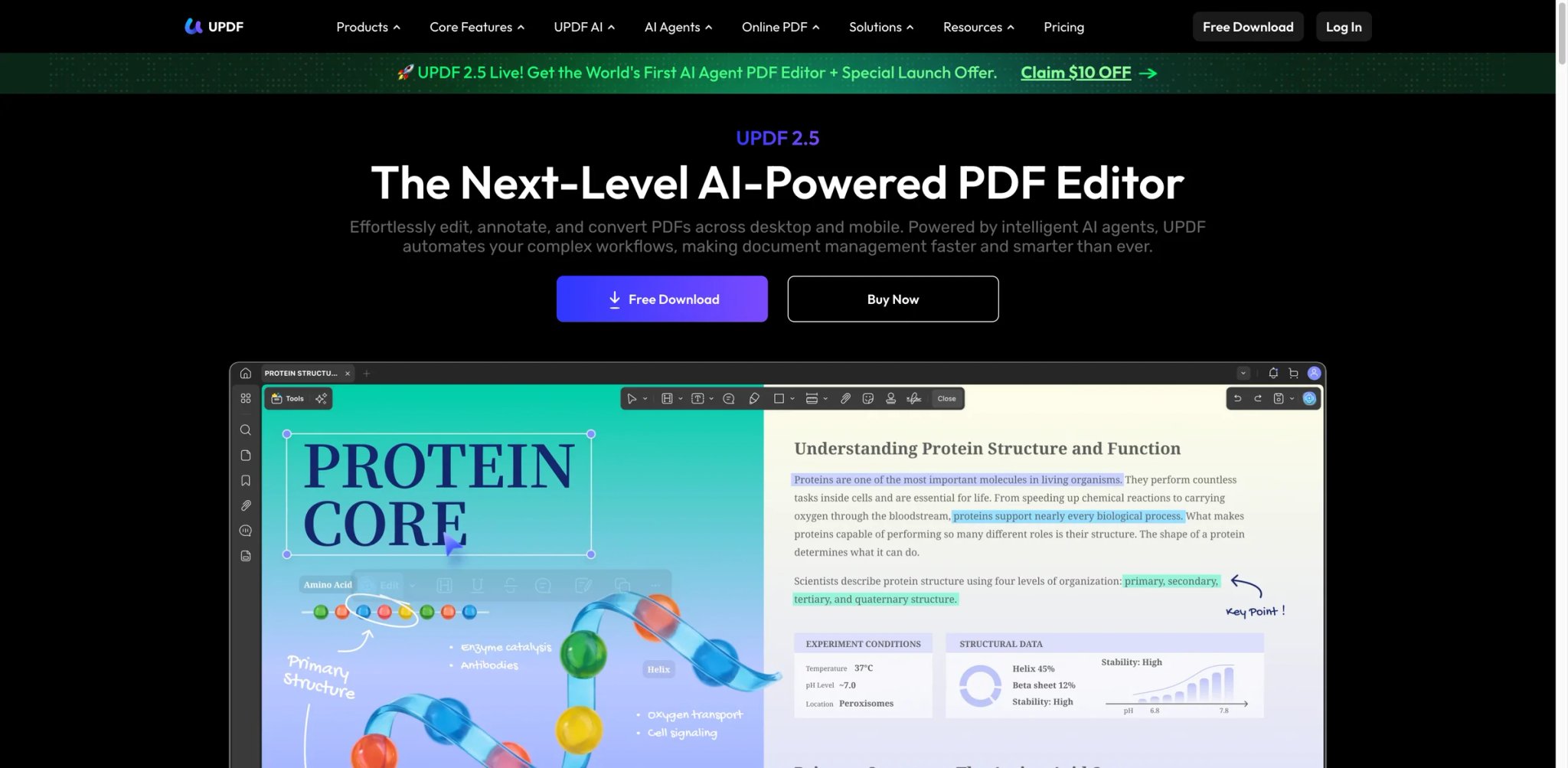
UPDF AI extends UPDF's cross-platform PDF editor with AI summarization, explanation, and mind maps. The distinguishing angle is cross-device parity: Web, desktop (Mac/Windows), and mobile (iOS/Android) all handle the same PDFs with the same AI features. For professionals who switch between phone, tablet, and laptop through a workday, consistency matters.
Key Features
- Cross-device PDF + AI parity — Web, Mac, Windows, iOS, Android all handle AI summarization of the same PDFs. Most competitors are web-first or desktop-first.
- Summary + explanation + mind maps — Three output formats from one tool, covering different comprehension needs.
- Part of a full PDF editor — Summaries alongside editing, annotation, and organization.
Pricing & Plans
| Plan | Price | Includes |
|---|---|---|
| Free | $0 | Core UPDF with limited AI usage |
| AI Assistant | 7-day free trial, then $69/year | GPT-5-powered PDF summary, chat with PDF, mind maps, and cross-device AI access |
Pricing page focuses on UPDF Pro pricing overall; AI-specific details are less prominent.
Pros & Cons
Pros: Best cross-device coverage among PDF summarizers. Three AI output formats (summary/explanation/mind map) in one tool. Part of a functional PDF editor.
Cons: PDF-only — no URL or YouTube support. AI-tier pricing transparency is moderate. Smaller user base than Adobe Acrobat AI Assistant or Smallpdf — fewer independent reviews.
Who It's For
UPDF AI fits professionals who work across multiple devices (phone + laptop + tablet) and want PDF AI features consistently on all. Also good for users wanting multiple AI output formats from one tool. Not the right fit for URL/YouTube workflows, or for users already paying for Adobe Acrobat.
Get started with UPDF AI
Best AI Article Summarizers by Use Case
For Research Requiring Source Citations
If you're doing academic research, journalism, or any work where "where did this claim come from" must be traceable, NotebookLM is the default pick — line-level citations back to source passages. Recall is the stronger choice if you need knowledge-base linking across long-term research libraries alongside citation accuracy. Adobe Acrobat AI Assistant also provides strong PDF-specific citations inside Acrobat.
For Cross-Format Processing (URL + PDF + YouTube)
If your weekly reading includes a mix of articles, PDFs, and YouTube videos, NoteGPT Pro at $9/mo billed yearly covers all three in one subscription with consistent UX. Mapify is the stronger choice if you want mind-map structural output instead of linear summaries. Both save the "switch tools by input type" friction.
For PDF-Heavy Workflows
If 80%+ of what you summarize is PDFs (legal, finance, consulting work), Adobe Acrobat AI Assistant lives inside the Acrobat you already use, avoiding upload-to-third-party friction. UPDF AI is the alternative if you want cross-device PDF AI without the full Acrobat subscription. For broader knowledge-worker AI needs, see our AI productivity tools roundup.
For Writers Integrating Summaries Into Their Own Work
If you summarize as a step in producing your own writing (research for articles, content syntheses), QuillBot Summarizer combines summary + paraphrasing + grammar checking in one flow. Wordtune Summarizer is the faster alternative when speed matters more than the full writing suite.
For Quick One-Off Summaries Without Commitment
If you need occasional summaries without subscribing or learning a workflow, TLDR This works without signup. Jotform AI Summarizer is the alternative if you also want file upload alongside URL input.
For Readers Who Highlight Before Summarizing
If your reading habit includes highlighting passages as you go (browser or PDF), Glasp uses your highlights as the structural backbone of AI summaries rather than ignoring them. No other tool integrates this workflow.
How to Choose the Right AI Article Summarizer
1. Start with your input format mix. If 90% of what you summarize is URLs, browser-first tools like TLDR This, Wordtune, or QuillBot work. If 90% is PDFs, Adobe Acrobat AI, UPDF AI, or Smallpdf fit better. Mixed usage points to NoteGPT, Mapify, or Briefy.
2. Decide whether citation traceability matters. For research, journalism, or compliance work, citation accuracy is non-negotiable — NotebookLM or Adobe Acrobat AI clear this bar. For casual knowledge-work summaries, most tools are fine.
3. Evaluate free tiers against your actual volume. A free tier that gives you 3 summaries is a demo, not an evaluation. NotebookLM, QuillBot, Glasp, and Mapify offer meaningful free tiers. Others (Wordtune's AI quota) restrict quickly.
4. Check the total cost, not just the headline price. Adobe Acrobat AI Assistant now lives inside Acrobat Studio at $24.99/mo billed annually — a full Acrobat subscription rather than a cheap add-on. Wordtune's $4.89/mo requires annual billing; monthly-only runs roughly double. Calculate total annual cost before committing.
5. Test output accuracy on your specific content type. AI summary quality varies meaningfully by content — a tool strong on journalism articles may misquote technical whitepapers. Test each shortlisted candidate with your actual content before subscribing. Our AI research tools category covers adjacent tools if pure summarization isn't enough.
6. Match the output format to your downstream use. Bullet summaries work for quick triage. Mind maps fit structural understanding. Brief-style prose fits email-ready summaries. Pick a tool whose default output matches what you'll do with it.
Frequently Asked Questions
What is the best free AI article summarizer?
NotebookLM offers the most generous free tier for research-grade use — up to 50 sources per notebook with full feature access. QuillBot Summarizer's free tier allows 1,200 characters per summary, which covers most article-length content. TLDR This works without signup for quick one-off summaries. Mapify and Glasp also offer usable free tiers for daily light use. Tools like Wordtune Summarizer have free tiers but hit AI quota limits quickly.
How accurate are AI-generated article summaries?
Accuracy varies significantly by tool and content type. NotebookLM and Adobe Acrobat AI Assistant produce line-level-citable summaries for most academic and professional content. QuillBot, Recall, and NoteGPT produce accurate summaries for standard articles but show occasional drift on technical or legal content. For high-stakes work (research, journalism, compliance), tools with citation traceability should be preferred over those that generate plausible-sounding summaries without source attribution. All AI summarizers can miss caveats, nuance, or minority viewpoints — human review of critical claims is still necessary.
Can AI summarizers handle YouTube videos?
Several tools in this list handle YouTube natively: NotebookLM, NoteGPT, Mapify, and Briefy can process YouTube URLs and generate summaries based on auto-generated transcripts. Accuracy depends heavily on the YouTube video's transcript quality — videos with accurate auto-captions produce strong summaries, while videos with poor audio or missing transcripts can produce garbled output. For video-heavy workflows, test with your actual videos before committing.
Do AI summarizers work with PDFs?
Most tools in this list handle PDFs. Adobe Acrobat AI Assistant is the most accurate for PDF-specific use (including legal, financial, and technical documents). Smallpdf AI PDF Summarizer and UPDF AI are strong PDF-native alternatives. NotebookLM and NoteGPT also handle PDFs well as part of broader format coverage. Tools like QuillBot and Wordtune handle PDFs but with less PDF-specific polish.
How much should an AI article summarizer cost?
Free tiers from NotebookLM, QuillBot, Glasp, Mapify, and TLDR This are genuinely usable for light to moderate daily use. Paid tiers range from $4.89/mo billed annually (Wordtune Advanced) to $24.99/mo billed annually (Acrobat Studio). Many self-serve buyers still land in the $5–15/mo range. Most self-paying users land between $5–15/mo. Acrobat Studio now bundles Adobe's AI features at $24.99/month billed annually, so compare the full Acrobat subscription cost rather than relying on older add-on pricing references. Enterprise Workspace Business and Acrobat Enterprise run higher per-seat but add admin and privacy controls.
What's the difference between AI summarizers and chatbots like ChatGPT?
Dedicated AI summarizers offer workflow-specific features that chatbots lack: URL auto-extraction, PDF upload without manual copy-paste, YouTube transcript processing, multi-document synthesis, and structured output formats (bullets/mind maps/brief views). ChatGPT can summarize if you paste in text, but it lacks the workflow automation, format breadth, and citation traceability that purpose-built summarizers provide. For one-off text summaries, ChatGPT works; for regular summarization across mixed content types, dedicated tools save meaningful friction.
Are AI summaries reliable enough to replace reading the source?
No — and this is the category's most common misuse. AI summaries are reliable for deciding whether a source is worth reading thoroughly, for capturing high-level claims, and for producing quick briefs on non-critical content. They are not reliable for high-stakes decisions (legal opinions, medical information, financial analysis) without source verification. The honest workflow: use AI summaries to triage across 20 articles, then read 2-3 thoroughly. Tools with citation traceability (NotebookLM, Adobe Acrobat AI) let you verify specific claims without re-reading full sources.
Get ToolWorthy Weekly
New AI tools, practical guides, and selected AI signals in one weekly brief.
Related Posts
- 10 Best Notion Alternatives 2026 - Local-First Notes, Wikis, and Workspaces
Compare 10 Notion alternatives for 2026, from Obsidian and Anytype to Coda, AppFlowy, AFFiNE, Capacities, Craft, Tana, Fibery, and Outline.
- 13 Best AI Tools for Students 2026 — Cheating Risk, Real Pricing
Worried your AI tool counts as cheating? Compare 13 AI tools for students by study task, pricing, billing risks and academic-integrity boundaries.
For AI tool founders
Built a tool that belongs in this decision set?
Request an editorial evaluation for possible inclusion in ToolWorthy.
Submit your tool for reviewPaid submission does not guarantee a ranking, recommendation, inclusion, or editorial outcome.