
15 Best Obsidian Alternatives 2026 — Tested for Sync, AI & Databases
Leaving Obsidian over the Sync bill, plugin trust, or missing native AI? 15 alternatives — Logseq, Notion, Anytype and more — tested May 2026 with real pricing.

On this page
On May 12, 2026, Obsidian shipped a refreshed community plugin and theme directory with a new developer backend — and at the same time it kept pushing Bases, its database core plugin, toward something Notion-shaped. Eight months before that it had quietly made itself free for commercial use. Each of those moves made Obsidian more capable. Each of them also sharpened the same question one r/ObsidianMD user put bluntly this spring: "this combo is making me want to look for another option." Obsidian is still one of the best places to think in Markdown. The friction was never the writing — it was the sync bill, the plugin you have to trust, the mobile app that loads while your thought escapes, and the dawning sense that you spend more time tuning the vault than filling it.
This guide groups 15 alternatives by the reason you'd actually leave: drop-in local-Markdown replacements, paradigm shifts toward databases or AI, and lightweight escapes for people who just want to write. Pricing and limits were checked against live pages in May 2026. Where a tool's public page hides its real number behind a checkout, that's flagged — not smoothed over.
| Tool | Best For |
|---|---|
| Logseq | Open-source local Markdown without the closed-core worry |
| Anytype | Encrypted, object-based vault with built-in sync |
| Notion | Teams that need real databases and collaboration |
| Capacities | Structured PKM without folder decisions |
| Tana | Outliners who want supertags and AI views |
| Reflect | Minimal networked notes with native AI |
| Craft | Beautiful documents and sharing over graph PKM |
| Joplin | Auditable open-source sync, self-hosted or cloud |
| AppFlowy | Open-source Notion-style workspace with AI |
| SiYuan | Privacy-first block knowledge base, self-host friendly |
| Mem | AI-first capture that organizes itself |
| Evernote | Web clipping, OCR, and cross-device classic capture |
| Apple Notes | Frictionless Apple-ecosystem mobile capture |
| Google Keep | Ultra-light lists, reminders, and voice notes |
| Bear | Elegant Apple-only Markdown at a low sync price |
Why People Are Leaving Obsidian in 2026
These seven reasons map to seven kinds of switcher. Most people leaving Obsidian are reacting to one of them — not to the editor itself, which almost everyone still respects.
1. Sync still means a bill or a DIY rig. Obsidian Sync starts at $4/month (billed annually), and the free workarounds keep generating support threads. When one r/ObsidianMD user asked whether Sync was worth it in 2026, the recurring complaint was friction: "duplicating content, not syncing fast enough." iCloud spawns numbered duplicate files; Google Drive has, in users' words, "randomly deleted entire files."
The deeper issue is that this is structural, not a bug Obsidian will patch. A local-first model deliberately leaves cross-device durability as your problem to solve, so you either pay for first-party Sync or you become the sysadmin of a Git repo or a third-party file-sync that was never designed for thousands of tiny Markdown files with frequent conflicts. People don't leave because $4 is expensive; they leave because the unpredictability — a vault that's correct on the laptop and three days stale on the phone — costs more than the subscription ever would.
2. The plugin trust and maintenance tax — and a freshly reorganized ecosystem. Obsidian's power is its 2,000+ community plugins; its exposure is the same thing. The May 12, 2026 community plugin and theme directory refresh was meant to improve discovery, but it landed in the middle of an ongoing trust debate: "once you have a plugin installed, it has access" to the whole vault, and "the trust of plugin developers is very limited."
There is still no reliable per-permission sandbox — Obsidian's own help says community plugins inherit Obsidian's access level — but the May 12, 2026 Community launch did add automated scans, scorecards, and continued manual review. The real risk is not that the official directory has no review at all; it is that an installed plugin can still run with broad access once the user enables it. For a solo hobbyist that's a calculated risk. For anyone whose vault touches client data, NDAs, or anything a security team would ask about, it's frequently a hard stop, and the directory refresh didn't change the underlying model. The maintenance tax compounds it: plugins break across Obsidian releases, and a workflow assembled from eight community plugins is eight independent points of failure you, not a vendor, are on the hook to keep running.
3. Mobile quick capture loses the thought. The desktop app is widely called fantastic. The mobile app is, in one frequently-upvoted phrasing from r/ObsidianMD in December 2025, where you "wait for Obsidian to load" before you can write the thing you opened it to write. "Desktop is fantastic but its mobile app is hopelessly abysmal" — r/ObsidianMD, June 2025.
For a tool whose entire value is capturing ideas before they evaporate, cold-start latency is not a cosmetic complaint — it's a failure at the core job. The common ending to these threads is telling: people don't downgrade to a worse thinking tool, they keep Obsidian on the desktop and route capture to Apple Notes or a quick-capture app, then never reconcile the two. That split is the real exit: once the fastest place to write a thought is no longer Obsidian, the vault slowly stops being where thinking happens.
4. Bases isn't a Notion-grade database yet. This is the live 2026 argument. Bases is being promoted as the answer to "Obsidian should have databases," but switchers report the gap in practice: comparing Bases vs Datacore for time tracking in May 2026, one user concluded the combination was "making me want to look for another option," and others note that adopting it means reformatting "over 500 notes."
The trap is the migration cost runs both ways. If you wait for Bases to mature, you're betting unpaid time on a roadmap. If you commit to it now, you reformat hundreds of notes into a schema that may change under you. Meanwhile the thing people actually want — relations, rollups, filtered views that hold up at scale — already exists, fully formed, in tools built database-first. "Wait for the core plugin" is a real, ongoing cost, not a footnote, and it's why switchers in the database camp tend to move decisively rather than hedge.
5. The setup curve eats the writing. A recurring beginner arc: switch to Obsidian to "connect ideas," then spend weeks on the system instead of the notes. A widely shared Medium piece literally titles the advice "stop overthinking Obsidian" and tells newcomers to "avoid the endless setup tweaking" (September 2025).
Obsidian's blank-canvas freedom is the feature and the trap. There is no opinionated default — you choose the folder scheme, the linking convention, the plugin stack, the daily-note template — and every one of those is a small unanswered question that turns into an afternoon of tweaking. For people whose actual goal was "write more and connect ideas," the meta-work isn't paying rent. They don't want infinite flexibility; they want a tool that already made the boring decisions and lets them start on page one.
6. No native AI inside the notes. Obsidian has no first-party AI; everything is a community plugin wired to your own API key. As one r/ObsidianMD user put it in April 2026, for some workflows "a single Markdown file with AI beats a deep Obsidian vault without any AI."
This is a deliberate product stance, not an oversight Obsidian intends to reverse soon — which makes it a clean decision criterion rather than a "wait and see." If you want the notebook itself to summarize, surface related notes, auto-tag, or answer questions across the vault, the Obsidian path is: pick a plugin, trust its developer (see reason 2), supply and pay for your own model API, and maintain the wiring. A growing slice of switchers would rather the AI be a first-party, supported part of the product — the way modern AI note-taking software now ships it — and they're choosing tools where it is.
7. Closed source and no native encryption. Obsidian's apps aren't open source, and there's still no built-in local encryption. The sharpest version of this is a much-discussed Hacker News thread arguing the lack of native local encryption is "absurd" for a notes tool in this era (July 2025).
These are two distinct objections that often travel together. Closed source means you can't audit what the app does with your vault or guarantee it outlives the company. No native encryption means a Markdown vault synced through a third party sits in plaintext at rest unless you bolt on your own scheme. Neither is a dealbreaker for everyone — but for privacy-first users, open-source purists, and anyone with a compliance posture to defend, the combination is enough to start shopping, and no amount of editor quality offsets it.
Top 15 Obsidian Alternatives Compared
The anchor row is Obsidian itself. Everything below is scored 8.0–8.8 on fit-for-switcher, not on abstract greatness.
| Tool | Pricing Shape | Predictable Cost? | Data Model | Migration Effort | Score |
|---|---|---|---|---|---|
| Obsidian (anchor) | Free app; Sync $4/mo (annual) | 🟡 Free core, sync add-on | Local Markdown + plugins | — | — |
| Logseq | Free open-source; sync pricing unclear | 🟢 Free, self-managed | Local Markdown/Org blocks | 🟢 Low (keeps Markdown) | 8.6 |
| Notion | Free; Plus $10 / Business $20 per member | 🔴 Per-seat scales with team | Cloud blocks + databases | 🟡 Medium (export/reformat) | 8.5 |
| Anytype | Free 100 MB; Plus $4 / Pro $8 / Ultra $16 mo | 🟢 Generous free, flat paid | Local-first encrypted objects | 🟡 Medium (object remap) | 8.4 |
| Capacities | Free core; Pro + Believer tiers | 🟡 Free usable, Pro flat | Object-based PKM | 🟡 Medium (no Markdown vault) | 8.3 |
| Tana | Free; Plus $8–10/mo; Pro $14–18/mo | 🟢 Flat per-user tiers | Outliner + Supertags | 🟡 Medium (outliner remap) | 8.3 |
| Joplin | Free OSS; Cloud €2.99–7.99/mo | 🟢 Cheap, self-host option | Markdown notes + notebooks | 🟢 Low (Markdown import) | 8.2 |
| Craft | Free; Plus $4.8/mo per person | 🟢 Flat, cheap | Native documents | 🟡 Medium (doc-centric) | 8.2 |
| AppFlowy | Free; Pro $10–12.50/user/mo; AI MAX +$8 | 🟢 Free self-host, flat AI | Open-source blocks + DB | 🟡 Medium (Notion-style) | 8.2 |
| SiYuan | Local free incl. commercial; $148 lifetime sync | 🟢 Free local, one-time sync | Local block knowledge base | 🟡 Medium (block import) | 8.1 |
| Reflect | No public price exposed (verify) | 🟡 Single flat plan, no free | Networked notes + AI | 🟡 Medium (no local vault) | 8.0 |
| Mem | Free 25 notes/mo; Pro $12/mo | 🟡 Free is thin, flat Pro | AI-organized notes | 🟡 Medium (import + retrain) | 8.0 |
| Evernote | Free; Starter/Advanced (prices via checkout) | 🔴 Paid tiers climb fast | Cloud notebooks | 🟢 Low (Markdown import) | 8.0 |
| Bear | Free local; Pro $2.99/mo | 🟢 Cheapest paid sync | Markdown notes + tags | 🟢 Low (Markdown import) | 8.1 |
| Apple Notes | Free; iCloud+ from $0.99/mo | 🟢 Effectively free | iCloud notes | 🟢 Low (copy/import) | 8.0 |
| Google Keep | Free with Google account | 🟢 Free | Cloud cards | 🟢 Low (manual) | 8.0 |
Detailed Reviews
Logseq
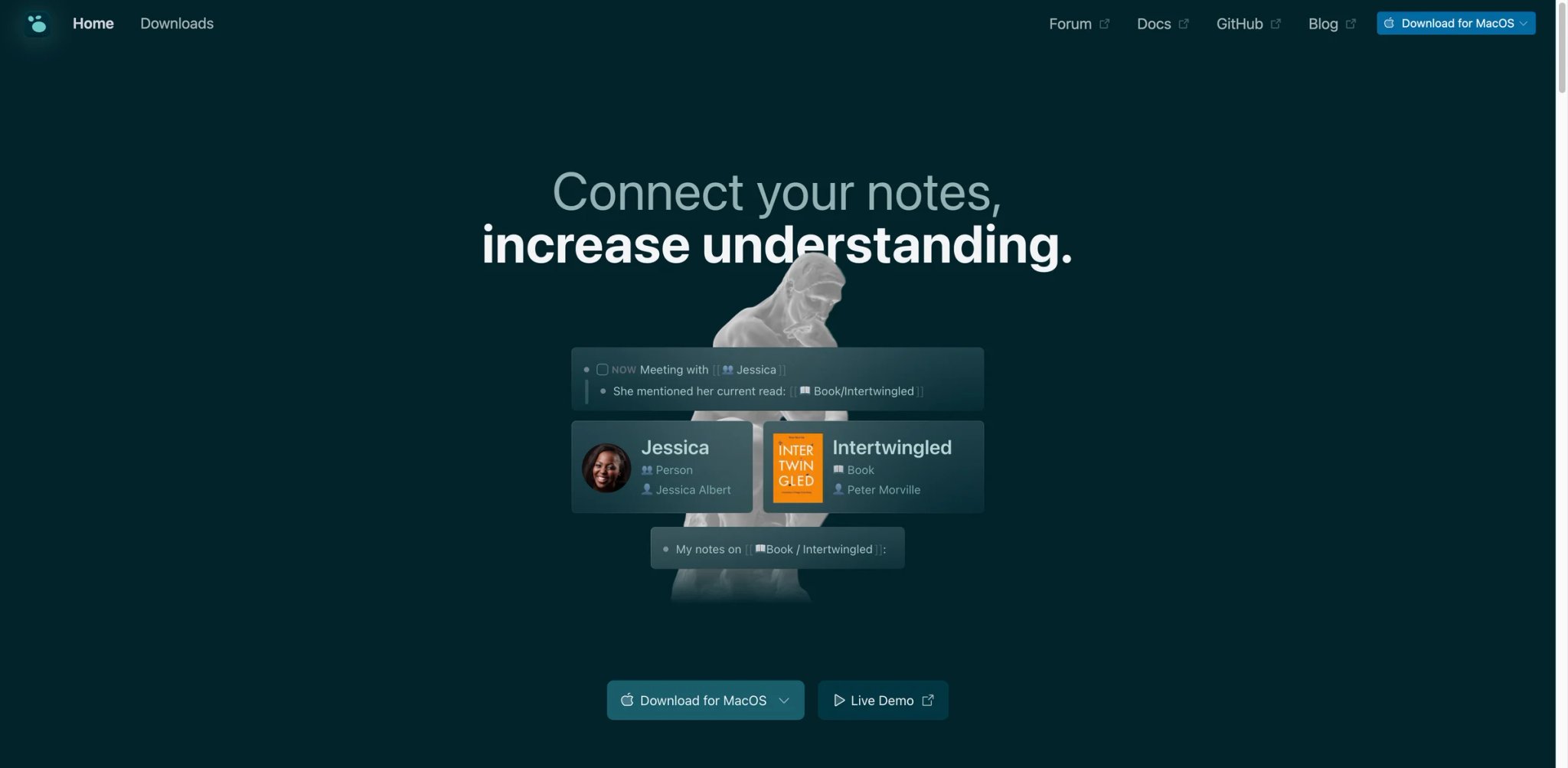
If your real objection to Obsidian is "I don't want a closed core sitting on top of my notes," Logseq is the closest like-for-like answer: it reads and writes plain Markdown (or Org) files on your disk, with no proprietary database in the middle. The difference from Obsidian is the unit of thought — Logseq is an outliner first, so every bullet is a block you can reference, query, and roll up, which lands much closer to Roam-style networked thinking than Obsidian's file-first model.
What Logseq solves vs Obsidian:
- Block-level linking and queries are native, not a Dataview plugin you install, configure, and keep alive across releases.
- The daily journal is the default capture surface, so the "where does this note go" decision — the engine of Obsidian's setup curve — largely disappears.
- Files stay yours in a folder you control, in Markdown or Org, so there is no lock-in and no export step if you ever leave again.
The open-source bet: the app itself is open source, which directly answers the closed-source and audit complaints that push privacy-minded users out of Obsidian — you can read the code, self-manage sync, and never depend on a single vendor's runway. That's a structural answer to reason 7, not a feature toggle.
Pricing vs Obsidian: Logseq's local app is free, full stop, with no per-seat fee and no Sync-equivalent paywall for the core experience — so it removes Obsidian's $4/mo Sync line entirely if you bring your own Git or file-sync. Official paid sync pricing was not clearly exposed on current public pages, so treat any quoted figure as unverified until you see it in the app.
Limitations: The outliner model is the whole personality — if you think in long-form prose rather than bullets, Logseq fights you on every paragraph. Mobile is functional but not its strength, so it does not fix Obsidian's capture-latency complaint. And the tabular, relational database views Notion switchers want are not what it's built for.
Best for: Obsidian users leaving over closed source, plugin trust, or sync cost who still want local Markdown and think in outlines. Not the right fit if your migration is really about wanting a polished mobile capture app or a Notion-grade relational database. Get started with Logseq
Anytype
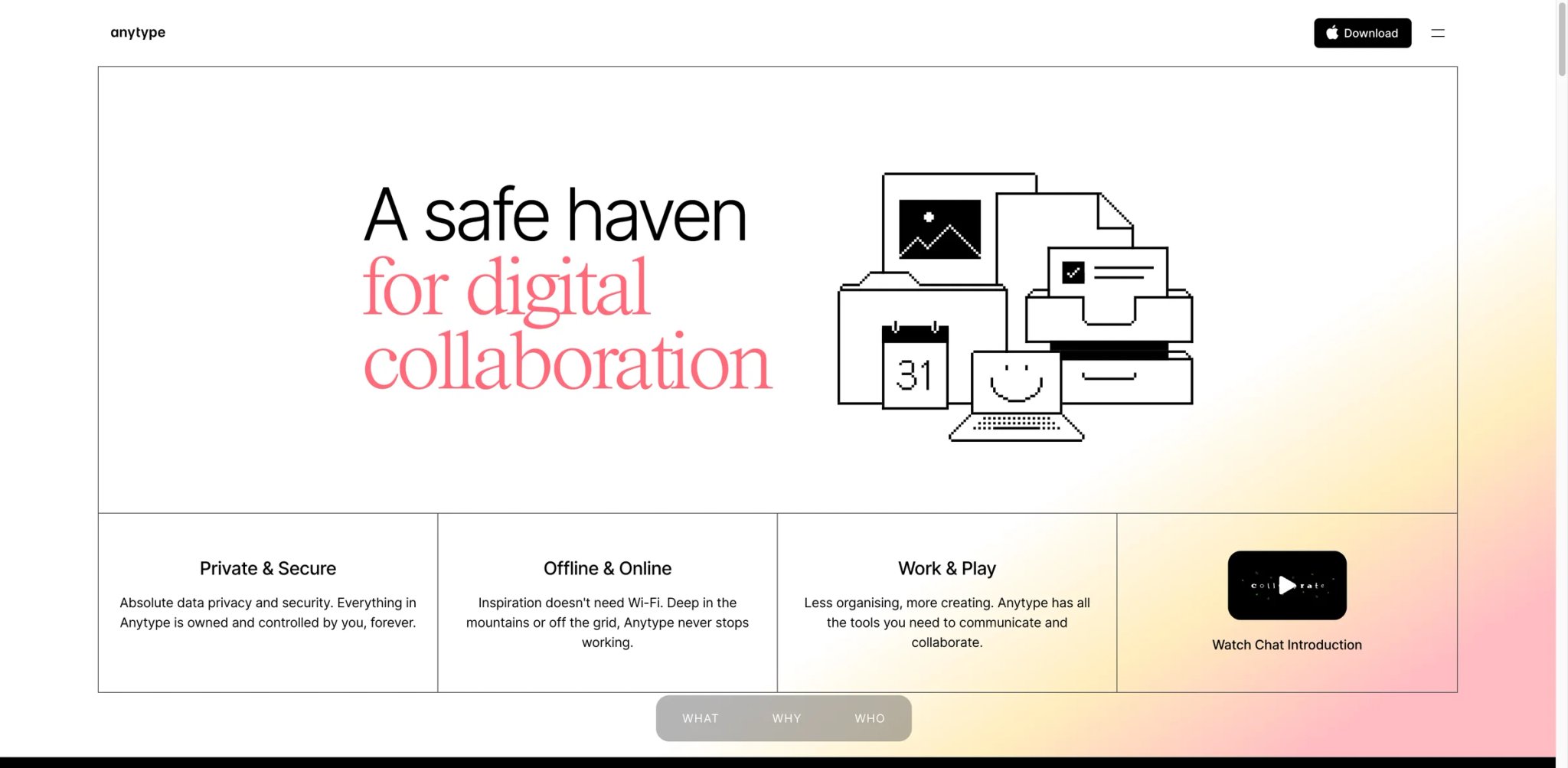
Anytype was built around a thesis Obsidian explicitly rejects: that your knowledge tool should be local-first and encrypted and sync without you operating the plumbing. It started as a "no-backend, end-to-end encrypted" alternative to cloud note apps, and that origin shows in every design decision — your data lives on your devices, syncs peer-to-peer or through encrypted relays, and is structured as typed objects rather than loose files.
What Anytype solves vs Obsidian: It collapses three Obsidian pain points at once — the sync bill, the no-native-encryption complaint, and the "everything is a flat file" model. People, books, projects, and tasks are first-class objects with their own types and relations, so you get database-like structure without bolting Bases onto Markdown, and that structure travels with the encrypted sync instead of being a paid add-on.
Pricing vs Obsidian: The free tier includes 100 MB of remote storage, 10 shared channels, and unlimited private channels. Paid plans are Plus ($4/month, 1 GB remote storage), Pro ($8/month, 10 GB), and Ultra ($16/month, 100 GB), with Business using the same plans per seat. Against Obsidian's free-app-plus-$4-Sync shape, Anytype folds encrypted sync into the product itself rather than selling it as a separate line item. Membership pricing should be verified at signup, as the public page leans on tiered storage rather than one headline number — treat any third-party figure as unconfirmed.
Limitations: The object model is a genuine paradigm shift — there is no Markdown vault to fall back to, so migration means remapping notes into types, not copying files, and that work is front-loaded. The ecosystem is smaller than Obsidian's plugin universe, and the power-user query tooling is less mature than Dataview for people who lived in it.
Best for: Switchers whose top reasons are encryption, local-first ownership, and not paying separately for sync. Not the right fit if you need a large third-party plugin ecosystem or insist on keeping raw Markdown files on disk. Get started with Anytype

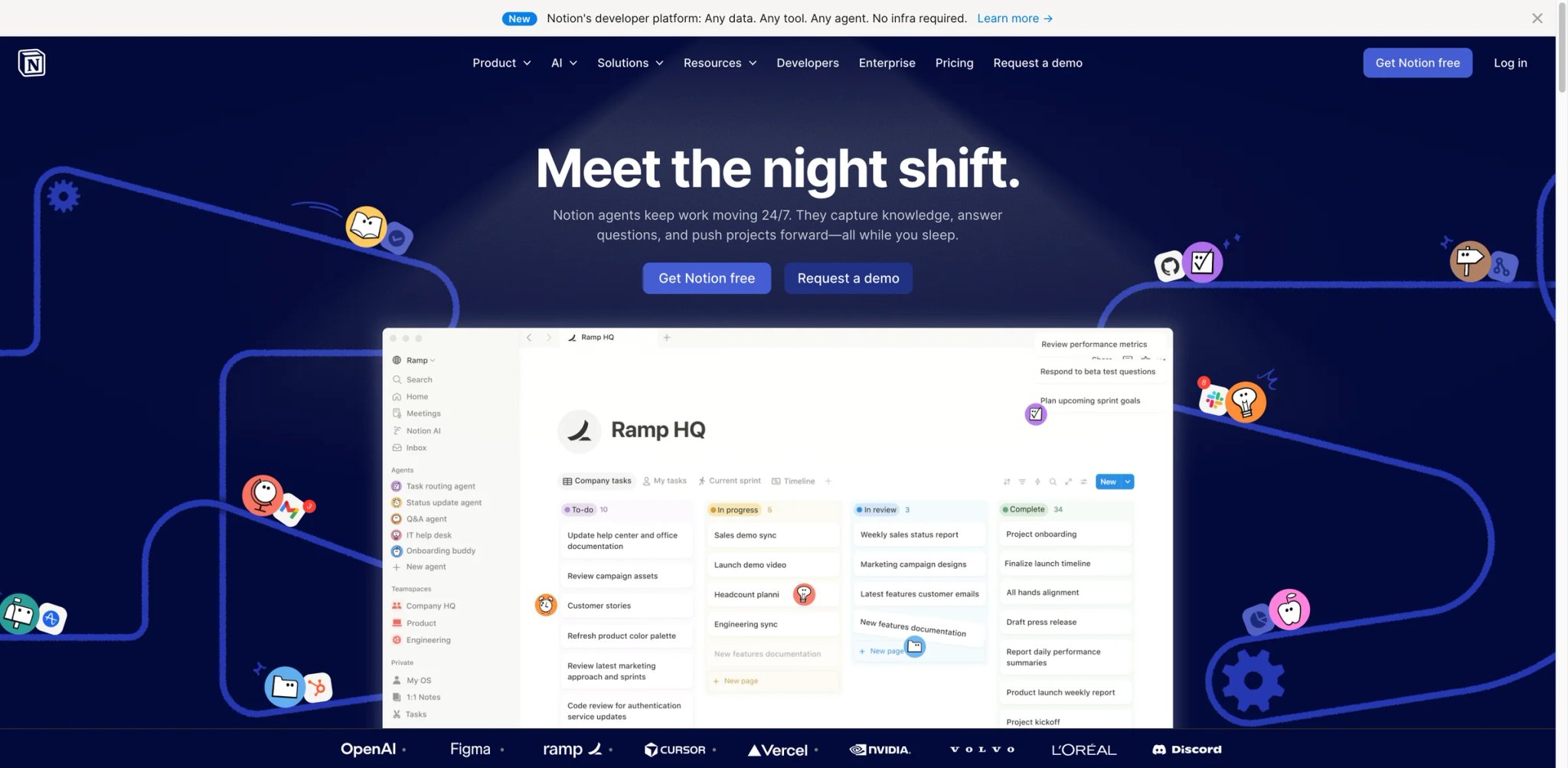
Before the features, the honest caveat: Notion is the opposite of Obsidian on almost every axis switchers care about — cloud-first, not local; closed and SaaS, not file-on-disk; collaborative by default, not solo-vault. People who leave Obsidian for Notion are usually not the privacy crowd; they're the ones who concluded the database and the team were the point, and the local Markdown religion was the obstacle.
What Notion solves vs Obsidian: Real relational databases with views, rollups, and filters that Bases is still chasing. Genuine multiplayer — comments, shared spaces, permissions — instead of single-vault sync. An opinionated, batteries-included structure that ends the setup-curve spiral because the boring decisions are already made for you.
The lock-in math: the trade is explicit, and worth doing on paper before you move. You gain databases and collaboration; you give up local files and portable Markdown, and exporting later is a reformatting job, not a folder copy. Per-seat pricing means a five-person team isn't five times one user's cost in your head — it's five times on the invoice, every month, forever. Decide whether you can live inside that wall, at that recurring number, before you move 500 notes into it.
Pricing vs Obsidian: Free for individuals; Plus and Business tiers add collaboration. Business unlocks the main Notion AI workspace features such as Notion Agent, AI Meeting Notes, and Enterprise Search beta, but Custom Agents and Workers use separate Notion Credits after their free trial windows, so Business is not unlimited AI for every agent workflow. Per-seat pricing means cost scales with the team — the opposite of Obsidian's flat free-plus-cheap-Sync shape — which is exactly why solo users feel the squeeze and growing teams feel it more.
Limitations: No true local-first or offline-durable model; closed source; AI is gated behind the higher tier rather than included. The same collaboration that wins teams over makes it heavy and overbuilt for a one-person Zettelkasten, and offline reliability is weaker than a file-on-disk tool.
Best for: Switchers leaving because Bases isn't database-grade and they need collaboration now. Not the right fit if local files, open source, or a predictable flat solo bill were the reasons you were unhappy in the first place. Get started with Notion
Capacities
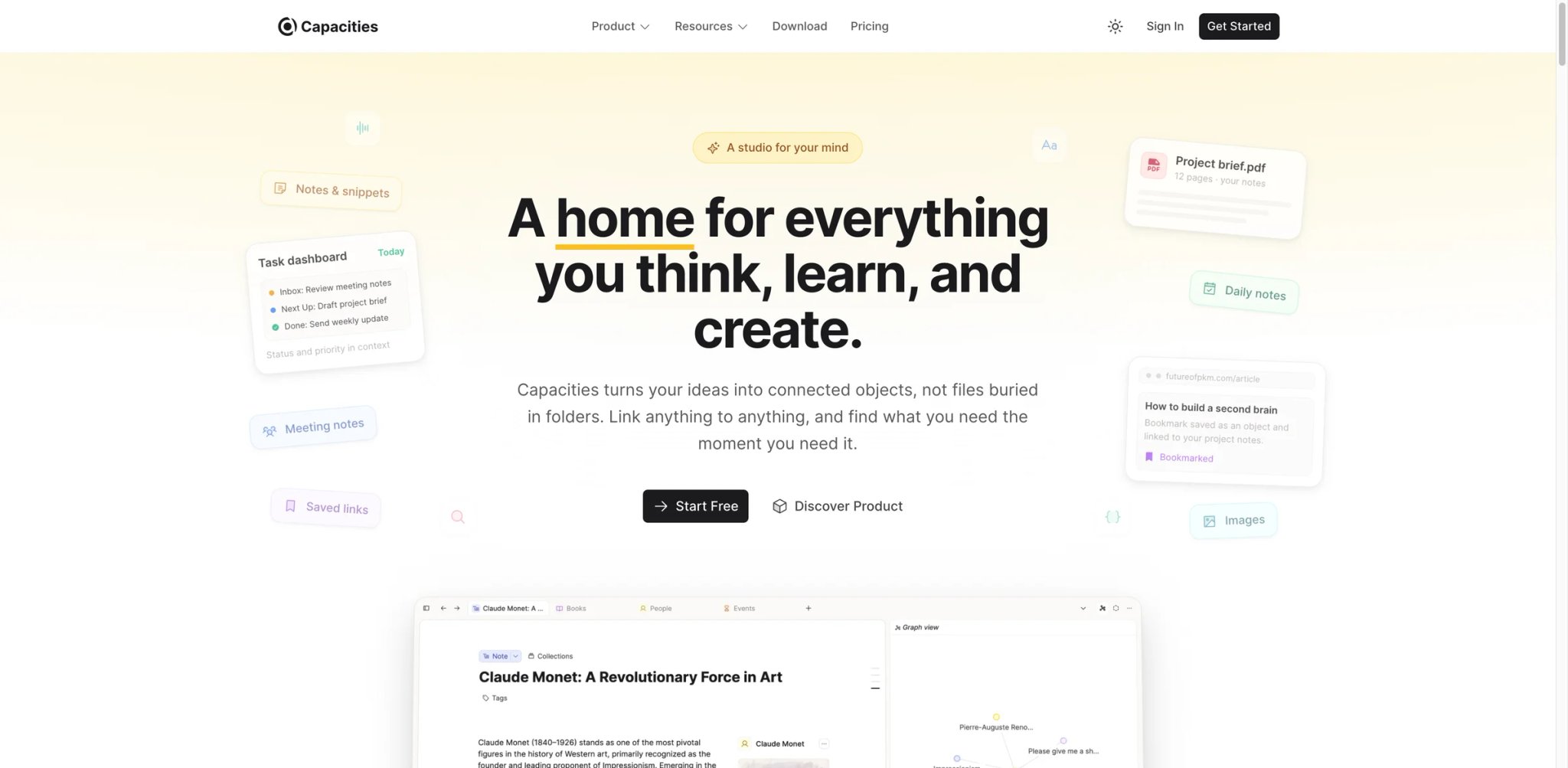
Capacities is best understood by spec: it is an object-based PKM where every note belongs to a type — a Person, a Book, a Meeting, a Project — and types carry their own properties and views. There are no folders to design and no "where does this file go" decision, because the object model answers it for you. That single constraint is the entire pitch, and it targets the Obsidian setup-curve complaint head-on.
What Capacities solves vs Obsidian: It removes the two biggest meta-work sinks Obsidian creates — folder/PARA architecture and Dataview-style query plumbing. Structure is built in: link a book to a person to a project and the backlinks and collections assemble themselves, with no template engineering. It also bakes in light AI assistance, so the native-AI gap is partly closed without choosing and trusting a plugin.
Pricing vs Obsidian: The core product is free and genuinely usable, not a crippled teaser; Pro and Believer tiers add capacity and support. Exact public price should be verified at checkout — the page leans on tier names more than one clean number, so don't anchor on a third-party figure. Against Obsidian, you trade a Sync add-on for an account model where sync is simply part of the product.
Limitations: There is no Markdown vault on disk, so this is a migration, not a sync swap, and the export story is weaker than a folder of files. Heavy power users may find the query layer less expressive than Dataview, and the opinionated object model is exactly wrong for the people who liked assembling their own system.
Best for: Switchers whose pain is the setup curve and folder paralysis, who want structure handed to them rather than designed. Not the right fit if you need local files, maximum query flexibility, or a true offline-first vault. Get started with Capacities
Tana
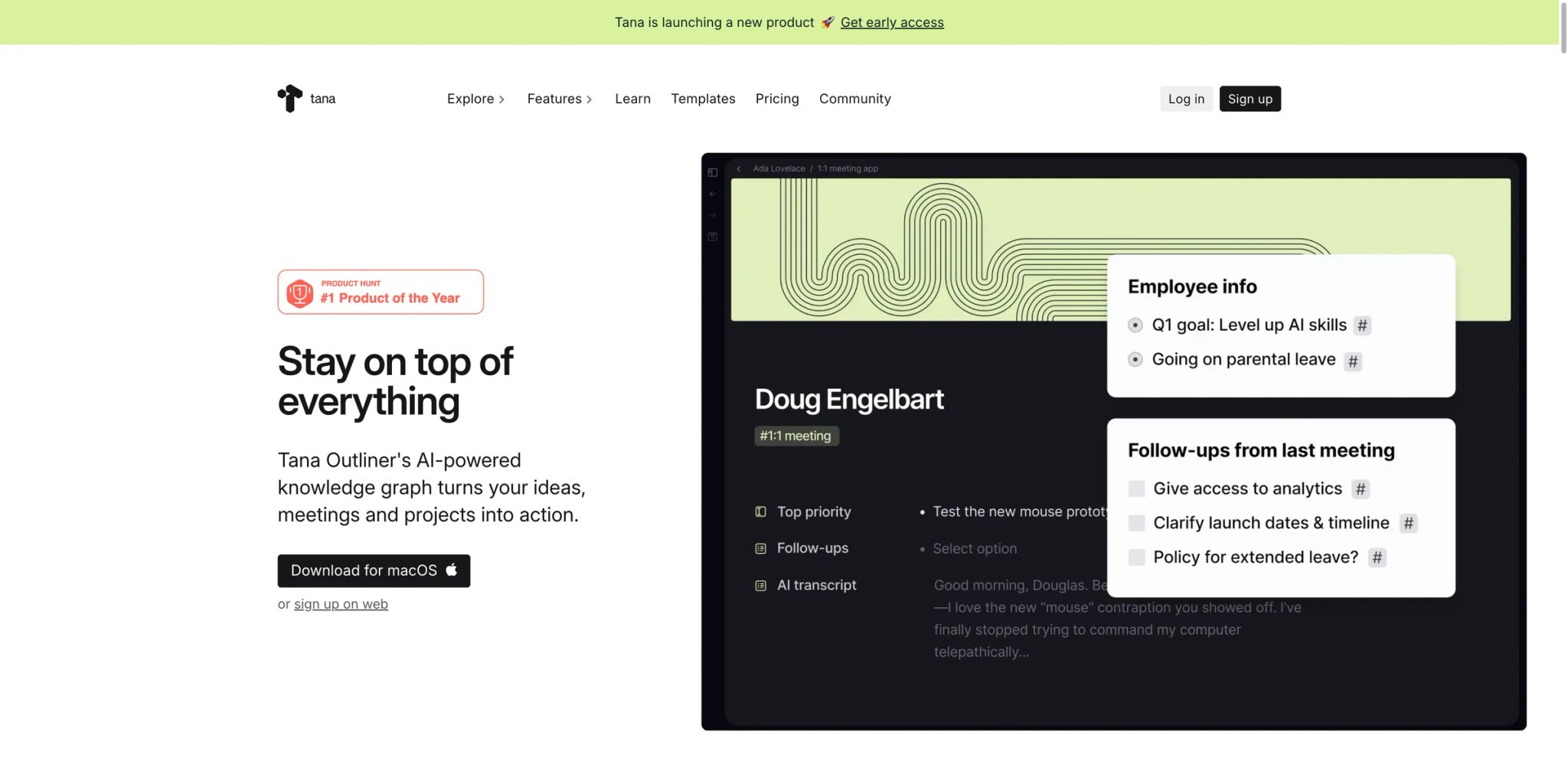
Tana asks a question Obsidian never quite answers: what if your outline was the database? Start typing a bullet, attach a Supertag, and that node instantly gains fields and shows up in any view that queries the tag — a meeting becomes a row, an action item becomes a task in an AI task manager-style view, a person becomes an entity, all from the same outliner you were already writing in. It's the most ambitious reframing on this list, and it's aimed squarely at people who wanted Bases but didn't want to leave the speed of an outliner to get it.
What Tana solves vs Obsidian: Structured notes and database-like views without Markdown files or a separate database tool — Supertags collapse the gap that drives the Bases complaint, because the structure is created at the moment of writing rather than reformatted afterward. Native AI ("AI nodes") is built in, addressing the no-native-AI reason directly rather than via a community plugin and your own API key.
Pricing vs Obsidian: A free tier exists; Plus is $10/month or $8/month billed annually, and Pro is $18/month or $14/month billed annually. Tana Free includes 500 AI credits per month, Plus 2,000, and Pro 5,000. These are flat per-user numbers — predictable in a way Notion's per-seat scaling isn't — and the AI is included rather than billed separately to a model provider as in the Obsidian plugin route.
Limitations: Everything is the outliner-plus-Supertag model; there is no plain Markdown vault and no offline file ownership, so it doesn't answer the local-first or open-source objections at all. The conceptual ramp is real — Supertags are powerful but not obvious on day one — so it trades Obsidian's setup curve for a different, steeper learning curve up front.
Best for: Outliner thinkers who wanted Bases-grade structure and native AI in one tool and will invest a few days learning Supertags. Not the right fit if local Markdown ownership or a zero-learning-curve start were your reasons for leaving. Get started with Tana
Reflect

One plan, one price, one idea: Reflect is a deliberately minimal networked-notes app with a native AI assistant and end-to-end encrypted sync, built for fast capture and recall rather than vault architecture. There are no plugins to vet and no folder system to design — which is precisely the point for people exhausted by Obsidian's maintenance tax and setup curve at the same time.
What Reflect solves vs Obsidian: Native AI is in the product, not a plugin wired to your API key, so the no-native-AI reason is answered directly and with support. Sync is encrypted and included, removing both the Sync bill and the no-encryption complaint in one move. Capture is fast and frictionless across devices, which speaks to the slow-mobile-capture pain that sends people back to Apple Notes.
Pricing vs Obsidian: No stable official public price was extracted; third-party listings commonly cite about $10/month billed annually with a trial, and there is no free tier. Treat the figure as unverified until you see it at checkout. Against Obsidian's free-plus-$4-Sync, Reflect is a single all-in subscription — simpler to reason about, but strictly more expensive and with no free escape hatch.
Limitations: No local Markdown vault, no large plugin ecosystem, and a single paid plan with no free option means you can't dip a toe in without paying. It is intentionally narrow — minimalism is the feature and the constraint, and power users will hit its ceiling faster than they'd hit Obsidian's.
Best for: Switchers who want native AI and encrypted sync with zero maintenance and will pay one flat fee for that simplicity. Not the right fit if you need free, local files, open source, or deep extensibility. Get started with Reflect
Craft
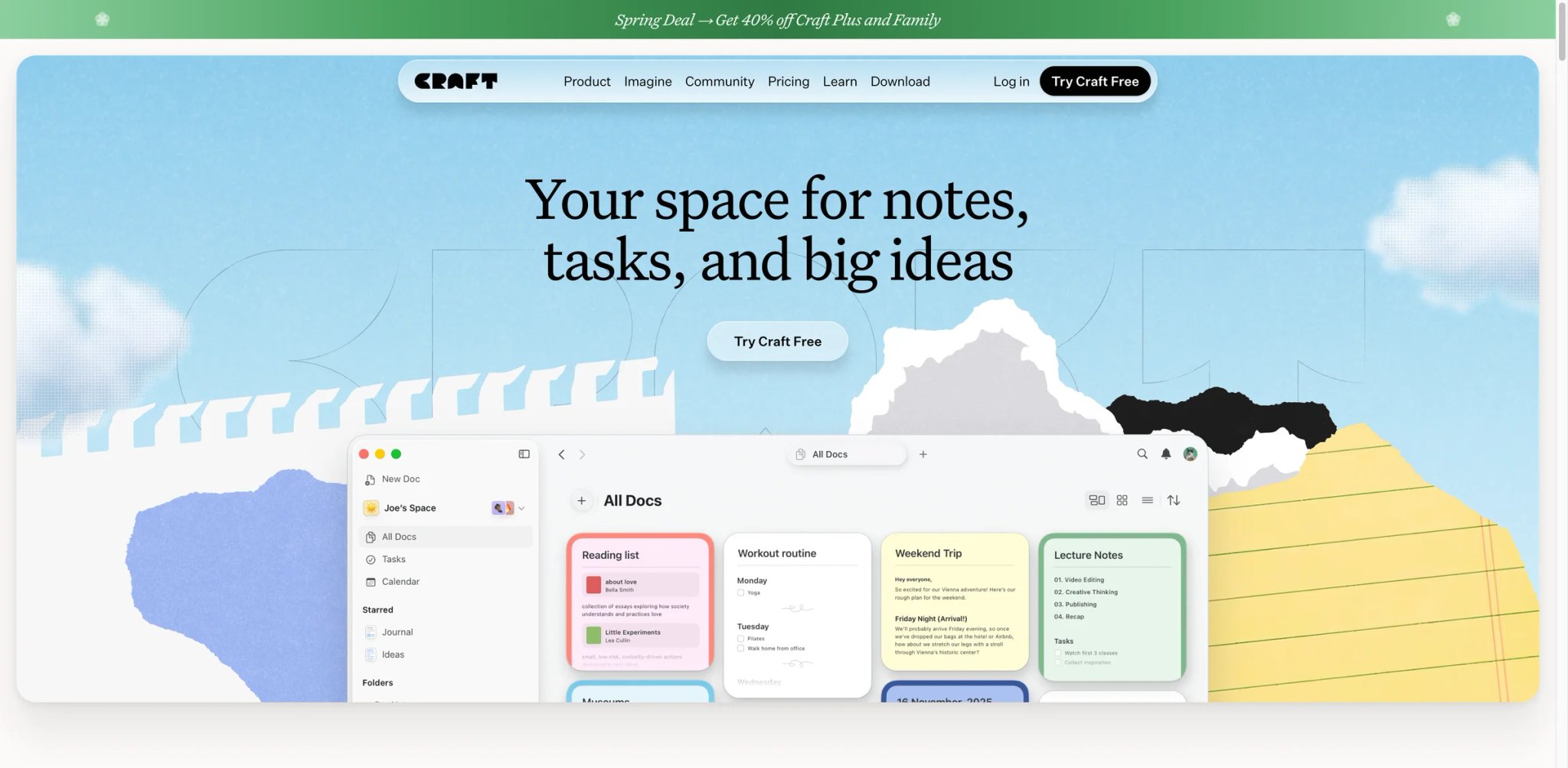
Craft is the answer to a quieter complaint than the others: Obsidian is a great place to think but an awkward place to produce something you'd hand to another human. Where Obsidian optimizes the graph, Craft optimizes the document — nested blocks, beautiful typography, and sharing that produces a page you're not embarrassed to send to a client or a team.
What Craft solves vs Obsidian: Output quality and shareability instead of graph depth — the same notes, but presentable. Mobile and tablet apps are genuinely fast and native-feeling, which directly addresses the capture-latency complaint that splits people's workflows in two. Sync is built into the account, so there's no separate Sync purchase to reason about or cancel later.
Pricing vs Obsidian: A free tier is available; Plus is $4.8/month per person on the official pricing page, with family, team, and business tiers above it. That's flat and cheap — close to Obsidian-plus-Sync economics — but with sync and a far better mobile app included rather than added on, which changes what you actually get for the money.
Limitations: It is document-centric, not a Zettelkasten — backlinking and graph thinking are weaker than Obsidian or Logseq, so the networked-thought crowd will feel the loss. It's also closed source, so the open-source and encryption switchers aren't its audience at all.
Best for: Switchers whose real frustration is ugly, friction-heavy output and the weak mobile app, and who present their notes to others. Not the right fit if dense linked-thought or open source were your reasons for leaving. Get started with Craft
Joplin
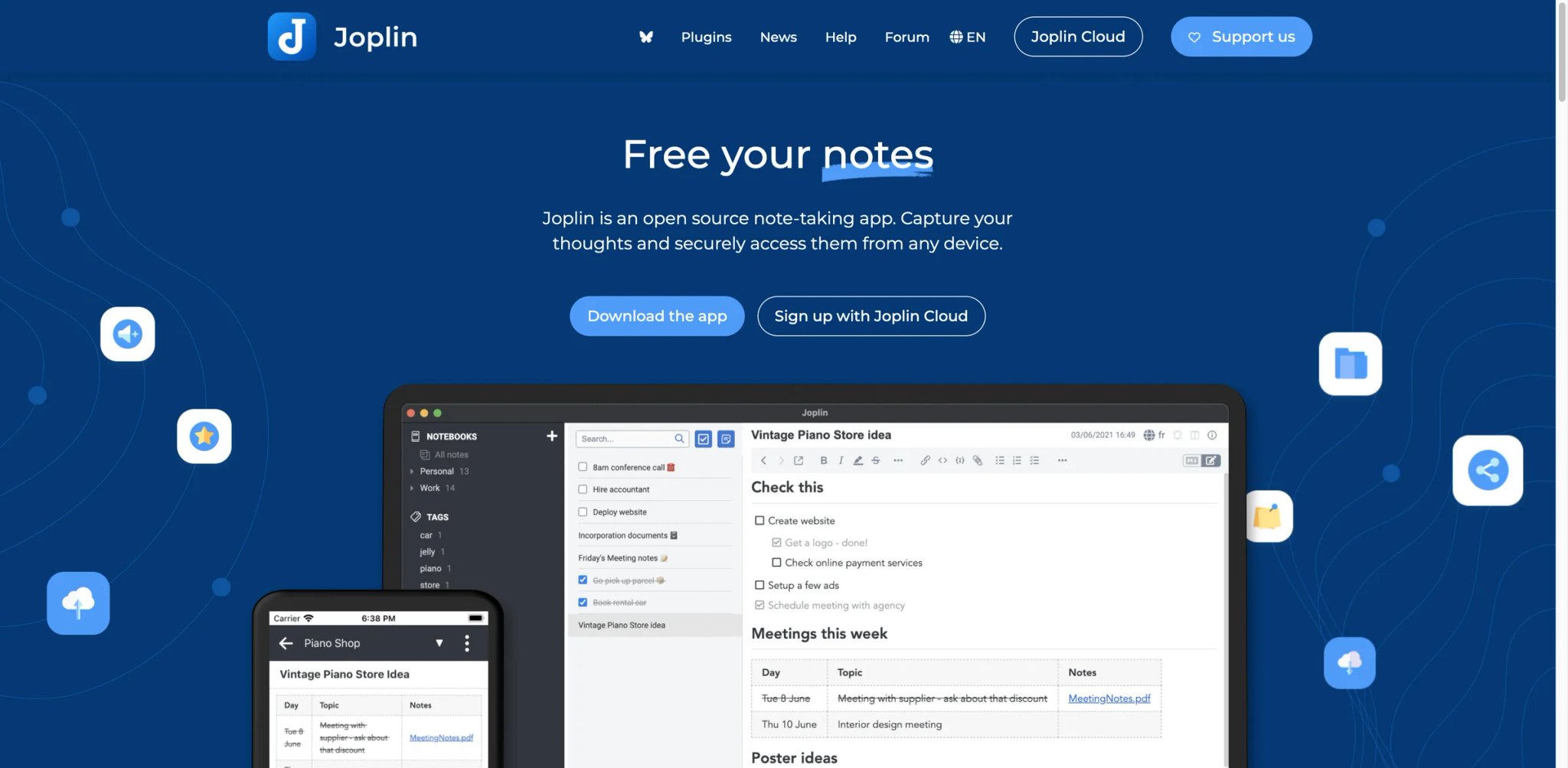
Joplin grew out of the same instinct that draws people to Obsidian — own your notes, keep them in Markdown — but it answers the sync and audit questions differently: the apps are open source, sync is something you can self-host or buy transparently, and end-to-end encryption is built in rather than absent. It's less graph-native than Obsidian and proud of it; the bet is on transparency over polish.
What Joplin solves vs Obsidian: Open-source apps you can audit, native E2E encryption, and a choice between self-hosted sync (your server, free) or a clearly-priced cloud — directly answering the closed-source, no-encryption, and sync-cost reasons in a single move rather than three.
Self-host vs Joplin Cloud: the decision is the product's whole shape, so make it deliberately. Run it on your own WebDAV or Nextcloud and your recurring cost is zero, at the price of operating the sync target yourself. Take Joplin Cloud and you pay a small predictable fee for someone else to operate it, with the encryption and the source code still inspectable either way. The point is that both paths keep the data and the code auditable — which is exactly what Obsidian's model can't promise.
Pricing vs Obsidian: The apps are free and open source; Joplin Cloud Basic/Pro/Teams are paid, with Pro around 5.99€/month or 4.79€/month billed annually. Against Obsidian's $4/mo Sync, Joplin's self-host path is genuinely free and its cloud path is comparably cheap — and unlike Obsidian, the encryption isn't an asterisk you have to add yourself.
Limitations: The interface is utilitarian, not beautiful, and it shows next to Craft or Bear. Backlinking and graph features exist but lag Obsidian and Logseq, and the plugin ecosystem is smaller — though that smaller surface is part of why the trust and maintenance burden is smaller too.
Best for: Switchers leaving over closed source, missing encryption, or sync cost who will trade visual polish for auditability and control. Not the right fit if graph-first thinking or a slick, presentable UI were the draw. Get started with Joplin
AppFlowy
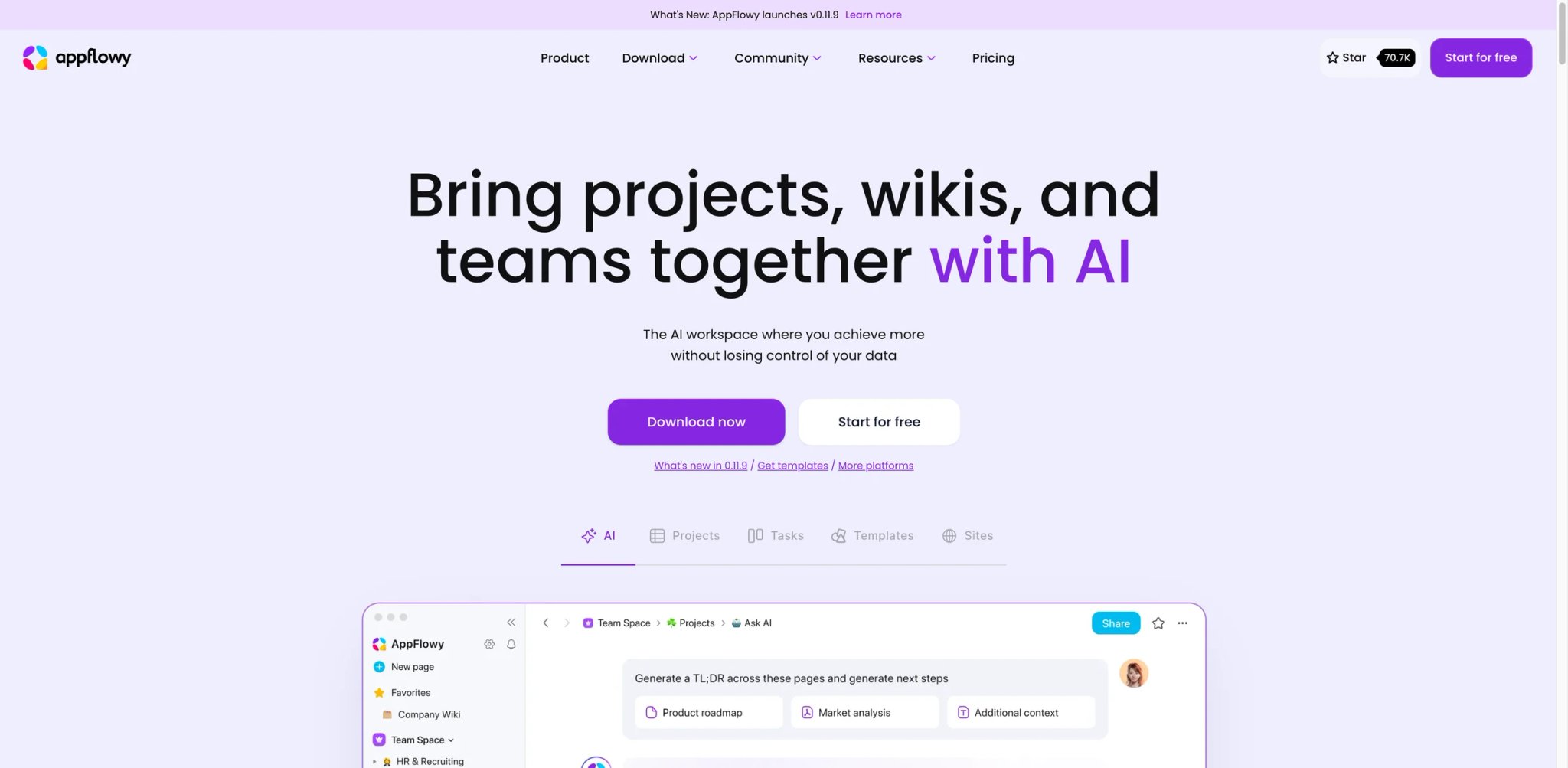
Here is the controversy AppFlowy leans into: it is an open-source clone of the very thing many Obsidian refugees fled to and then resented — Notion — but rebuilt so you can self-host it and read its source. It's for people who want Notion's databases and collaboration without Notion's closed cloud and per-seat lock-in, which sounds contradictory until you use it.
What AppFlowy solves vs Obsidian: Notion-style blocks and databases (the thing Bases is still chasing) plus open source and self-hosting (the thing Notion can't offer). Native AI is built in rather than a community plugin, closing the AI gap without the trust question. For switchers torn between "I need a real database" and "I refuse to be locked into a closed cloud," it's the rare tool that doesn't make you pick one and abandon the other.
Pricing vs Obsidian: AppFlowy Cloud has a Free plan (1 collaborative workspace, up to 2 members, 5 GB storage, 10 AI responses, 2 AI images). Cloud Pro is $12.50/user/month or $10/user/month billed annually, while AppFlowy AI MAX is a separate $8/user/month add-on for unlimited AI responses, unlimited file uploads, and 50 AI images per month; self-hosting remains an option. Self-hosting drives recurring cost toward zero because you operate it, and the AI tier is a flat predictable number rather than Obsidian's bring-your-own-API-key arrangement where the bill is whatever the model provider charges that month.
Limitations: It's younger and less battle-tested than Notion or Obsidian, so expect rougher edges; self-hosting is real operational work, not a checkbox; and the plugin/extension universe is nowhere near Obsidian's scale. The database experience, while strong, is still maturing release to release.
Best for: Switchers who need databases and collaboration but won't accept a closed cloud or per-seat lock-in, and who can tolerate self-hosting. Not the right fit if you want zero-ops simplicity or a huge plugin ecosystem on day one. Get started with AppFlowy
SiYuan
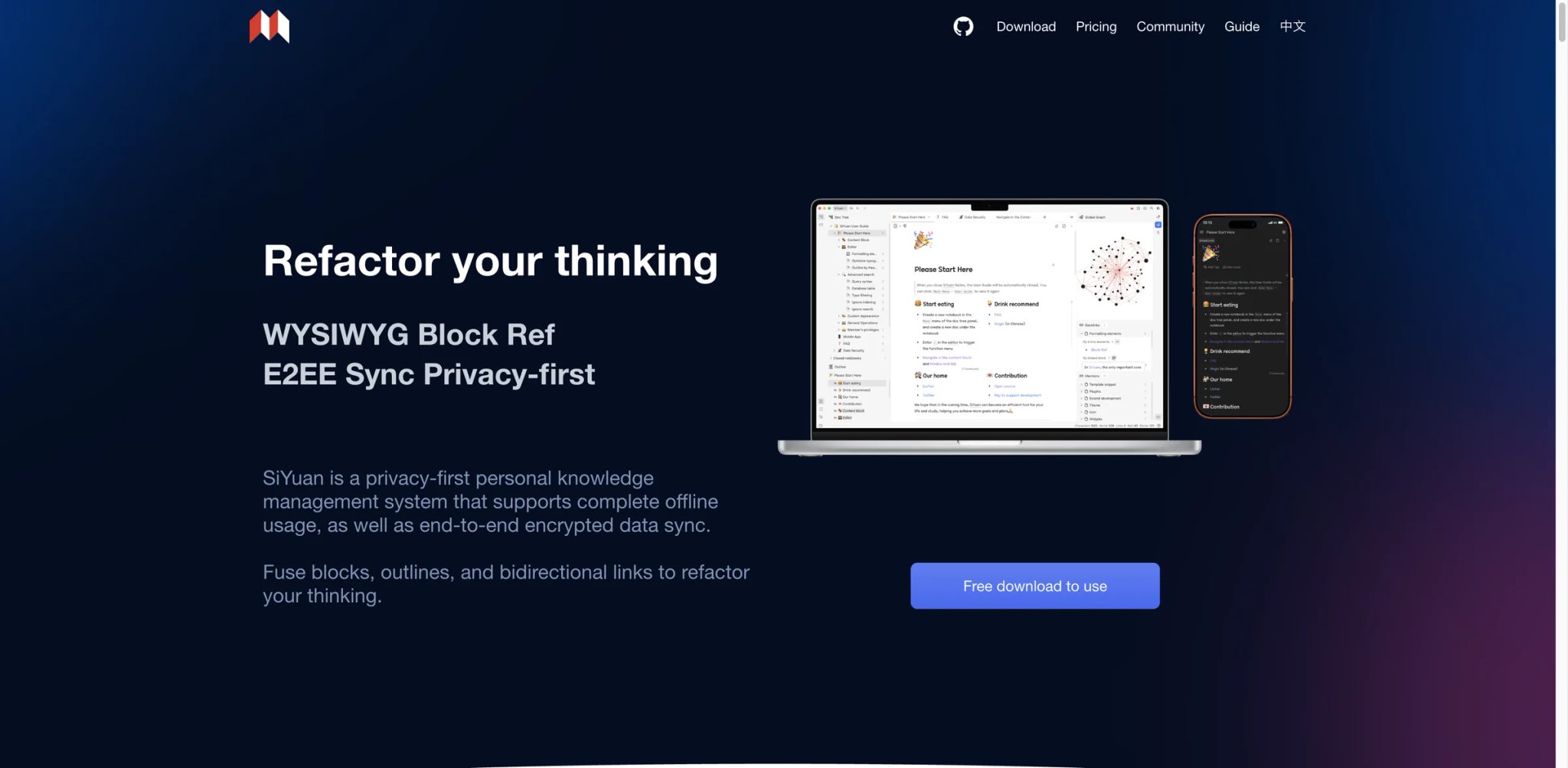
By spec, SiYuan is the most Obsidian-adjacent privacy answer here: a local-first block knowledge base where notes are blocks, blocks are queryable (including via SQL), and the architecture is built to be self-hosting-friendly. It's structured like a database without leaving your machine, and most local features — including commercial use — are free.
What SiYuan solves vs Obsidian: Block-level structure and queries are native, not a plugin, which speaks to both the Bases-isn't-ready and maintenance-tax complaints in one design choice. The query model (including SQL) gives power users the relational views Dataview approximates, but built into the core rather than bolted on.
Privacy posture: the design is local-first by default with end-to-end encrypted sync as an option, so the closed-source-and-no-encryption objection largely dissolves — your knowledge base runs on your hardware, your sync is encrypted, and you are not trusting a closed vendor with plaintext at rest. That's a direct answer to reason 7 rather than a partial one.
Pricing vs Obsidian: Most local features are free, even for commercial use. Official pricing currently lists a $148 lifetime subscription with 8 GB of official cloud space, cloud sync/backup, cloud inbox, and member privileges; refunds are not supported after payment, so use the trial first. Against Obsidian, SiYuan's local product is free, but official sync is a one-time membership decision rather than a cheap monthly add-on.
Limitations: Documentation and community skew toward early adopters and can feel less polished in English, so onboarding is bumpier than a Western SaaS. Mobile is improving but not a strength, and the block model has its own learning curve compared to Obsidian's plain files.
Best for: Privacy-first switchers who want database-like blocks and self-hosting without leaving local-first, and who don't mind a rougher English experience. Not the right fit if you want a large English plugin community or a best-in-class mobile capture app. Get started with SiYuan
Honorable Mentions
These five show up constantly in Obsidian migration threads but sit slightly off-category — they solve a narrower slice of the reasons above rather than being full PKM replacements, which is exactly why they're worth knowing about when only one reason actually drove you out.
Mem is the AI-first option: it leans on automatic organization instead of a vault you architect, which appeals directly to people exhausted by the setup curve and the missing native AI at once. The free plan is thin — 25 notes, 25 chat messages, and 25 PDF pages understood per month — and Mem Pro is listed at $12/month on the official pricing page (Teams is custom); verify the billing toggle at checkout if a different figure appears. Best for switchers whose only real complaint was "I just want it to organize itself."
Evernote remains the classic capture, OCR, and web-clipping workhorse with reliable cross-device sync that predates this entire category. Public plan names are Free, Starter, Advanced, and Enterprise (Free: 50 notes, 1 notebook, 1 device, 1 GB; Starter: 1,000 notes, 20 notebooks, 3 devices, 5 GB; Advanced: unlimited) — live regional prices require checkout, but the paid tiers climb fast, which is its main caution against the cheaper Markdown options here. Best for people leaving Obsidian over clipping and mobile capture, not over graph depth or ownership.
Apple Notes is the frictionless Apple-ecosystem fallback: free with an Apple ID and 5 GB iCloud (iCloud+ from $0.99/month for 50 GB), with fast capture, scanning, and effectively zero-config sync. It's the literal place many r/ObsidianMD users say they "went back to" when mobile latency broke their workflow. Best when your only real grievance was slow mobile capture and you live on Apple devices.
Google Keep is the ultra-light option for lists, reminders, voice notes, and quick shared notes — free with a Google account and instant on any device. It is not a knowledge graph and doesn't pretend to be one, which is the point. Best for switchers who realized, honestly, that they wanted fast capture and not a second brain at all.
Bear is elegant Apple-only Markdown with tags and a famously low sync price: free local access, Pro at $2.99/month or $29.99/year. It keeps Markdown portability while fixing the mobile and sync friction at the cheapest paid point on this entire list. Best for Apple users who liked Markdown but not Obsidian's mobile app or Sync bill, and who don't need the graph.
Migrating from Obsidian — A Practical Guide
Data and Account Migration
The good news Obsidian gives you on the way out is the same thing that made it appealing: your notes are plain Markdown files in a folder, not trapped in a proprietary database. Tools that import Markdown — Logseq, Joplin, Bear, Evernote, SiYuan — make the move close to lossless for note bodies, which is why the "Low" migration ratings cluster around them.
[[wikilinks]] and embedded attachments don't always survive a raw import — links may break and images may detach — so budget time to run a converter or fix references, and test a representative sample before moving everything. Bases and Dataview content: anything that depended on Bases tables or Dataview/Datacore queries does not migrate, full stop. Those are Obsidian-specific computed views, not stored data, and they must be rebuilt in the target's native database or query model — this is the real, often-underestimated cost of moving to Notion, AppFlowy, or Tana. Sync teardown: cancel Obsidian Sync explicitly, but only after you confirm the new tool's sync works correctly for a full week across every device. Don't cancel on day one and discover a sync gap with no fallback. Your local vault is the backup of last resort; keep a zipped, dated copy until the migration is verified end to end.Learning Curve by Alternative
- Near-zero: Apple Notes, Google Keep, Bear, Evernote, Craft — open it and write; the model is obvious in minutes.
- Medium: Logseq, Joplin, Notion, Reflect, Mem — a new model (outliner, notebooks, or database) but learnable in a day of real use.
- High: Anytype, Capacities, Tana, AppFlowy, SiYuan — genuine paradigm shifts (objects, Supertags, self-hosting) that pay off later but cost real ramp-up first; don't evaluate these in an afternoon.
Pricing Brackets vs Obsidian (Free app + Sync $4/mo annual)
- Cheaper or effectively free (no sync surcharge): Bear ($2.99/mo), Apple Notes (iCloud from $0.99/mo), Google Keep (free).
- Free OSS / self-host path: Logseq, Joplin (self-hosted), SiYuan (local), AppFlowy (self-hosted) — zero recurring cost if you're willing to operate the sync yourself.
- Roughly the same all-in: Craft ($4.8/mo), Joplin Cloud (~5–6€/mo), Tana Plus ($8/mo) — same order of magnitude as Obsidian + Sync, with sync included.
- More expensive or checkout-dependent: Notion Business ($20/member/mo, Custom Agents billed via Notion Credits), Reflect (no consistent public price — verify at checkout), Mem Pro ($12/mo), Evernote Starter/Advanced (regional prices require checkout) — you're paying for AI, collaboration, capture infrastructure, or legacy clipping, not for note-taking itself.
The bracket math is the part that actually changes month to month, so do it against your real device count and team size before you commit — a tool that's "cheaper" solo can be the most expensive one the moment a second seat appears.
Best Obsidian Alternatives by Use Case
If Your Reason Is "I want painless sync without building my own rig"
You want sync to be a non-event, not a project you maintain. Apple Notes and Bear make it invisible on Apple devices for near-nothing; Craft does the same cross-platform at a flat $4.8/month; Joplin Cloud gives you transparent paid sync if you want the mechanism auditable rather than magic.
If Your Reason Is "I want open-source, local-first control"
This is the purist exit, and it's the cleanest one to rule in or out. Logseq keeps your Markdown and opens its code; Joplin adds native encryption and a self-host sync option; SiYuan gives block structure that stays on your machine; AppFlowy brings databases without a closed cloud.
If Your Reason Is "Mobile capture is too slow"
You're losing thoughts to a loading screen, which is a failure at the core job. Apple Notes, Bear, and Google Keep capture instantly; Craft is the fast option if you also want structure rather than a flat note.
If Your Reason Is "I need real databases and collaboration"
Bases isn't there yet for you, and waiting has a cost. Notion is the mature answer; AppFlowy is the open-source one; Tana gives database views without leaving an outliner.
If Your Reason Is "I'm tired of the plugin maintenance tax"
You want it to just work without a plugin audit and a break every release — the low-maintenance end of AI productivity tools. Notion, Craft, and Capacities are batteries-included; Joplin keeps the surface small and inspectable.
If Your Reason Is "I want native AI inside my notes"
Not a community plugin and your own API key with its own bill. Mem and Reflect are AI-native; Tana and Notion build AI into structured workflows rather than bolting it on.
If Your Reason Is "I want structure without designing folders"
The setup curve broke you and you want decisions already made. Capacities and Tana hand you the structure; Anytype does it with an encrypted object model if privacy is also on the list.
If Your Reason Is "I want an Obsidian-like graph, but block-based"
You liked the linking; you wanted blocks instead of files. Logseq and SiYuan are the closest fits, and both keep things local.
How to Choose the Right Obsidian Alternative
- Name the one reason and test the free tier against it. Don't shop on features — shop on the specific reason you opened this page (sync bill, plugin trust, mobile, databases, AI, open source). Install the two tools that target that reason and put a real week of notes in them, not toy data, because the friction you care about only shows up under real use.
- Verify the pricing model and what's actually free. Several tools here flagged
verify_pricingfor a reason — Logseq sync, Capacities, Reflect, SiYuan, Mem, and Anytype memberships hide the real number behind a checkout or tier names. Confirm the figure and whether your must-have feature sits above or below the free line before you commit, not after you've migrated. - Confirm your non-negotiable constraint and rule out hard. If it's open source or local-first, that excludes Notion, Craft, Reflect, and Mem outright — don't waste a trial on them. If it's native encryption, that points to Anytype, Joplin, or SiYuan. Eliminate before you compare; it halves the shortlist instantly.
- Migrate a copy, then run two weeks in parallel. Keep a zipped backup of the Obsidian vault, import into the finalist, and use both for two weeks before cancelling Obsidian Sync. The second-week verdict — once the novelty wears off and the real friction surfaces — is the one to trust, not the first-day excitement.
Frequently Asked Questions
What is the best free alternative to Obsidian?
What is the best open-source Obsidian alternative?
Is Notion better than Obsidian in 2026?
What's the cheapest Obsidian alternative with comparable quality?
Should I wait for Obsidian Bases to mature, or move now?
Is Obsidian still free for commercial work in 2026?
What is the best Obsidian alternative for mobile notes?
Which Obsidian alternative is best for teams or enterprise?
How do I migrate my Obsidian notes without losing links?
Get ToolWorthy Weekly
New AI tools, practical guides, and selected AI signals in one weekly brief.
Related Posts
- 10 Best Notion Alternatives 2026 - Local-First Notes, Wikis, and Workspaces
Compare 10 Notion alternatives for 2026, from Obsidian and Anytype to Coda, AppFlowy, AFFiNE, Capacities, Craft, Tana, Fibery, and Outline.
For AI tool founders
Built a tool that belongs in this decision set?
Request an editorial evaluation for possible inclusion in ToolWorthy.
Submit your tool for reviewPaid submission does not guarantee a ranking, recommendation, inclusion, or editorial outcome.